
GPT Image 2 High-Fidelity Image Generation and Text Rendering for Marketing & Products
Create more realistic, more usable image content with GPT-Image-2. Generate marketing visuals, product images, poster-style creatives, and text-rich graphics with strong detail, realism, and prompt control. GPT-Image-2 capabilities are expected to launch on DesignKit soon.
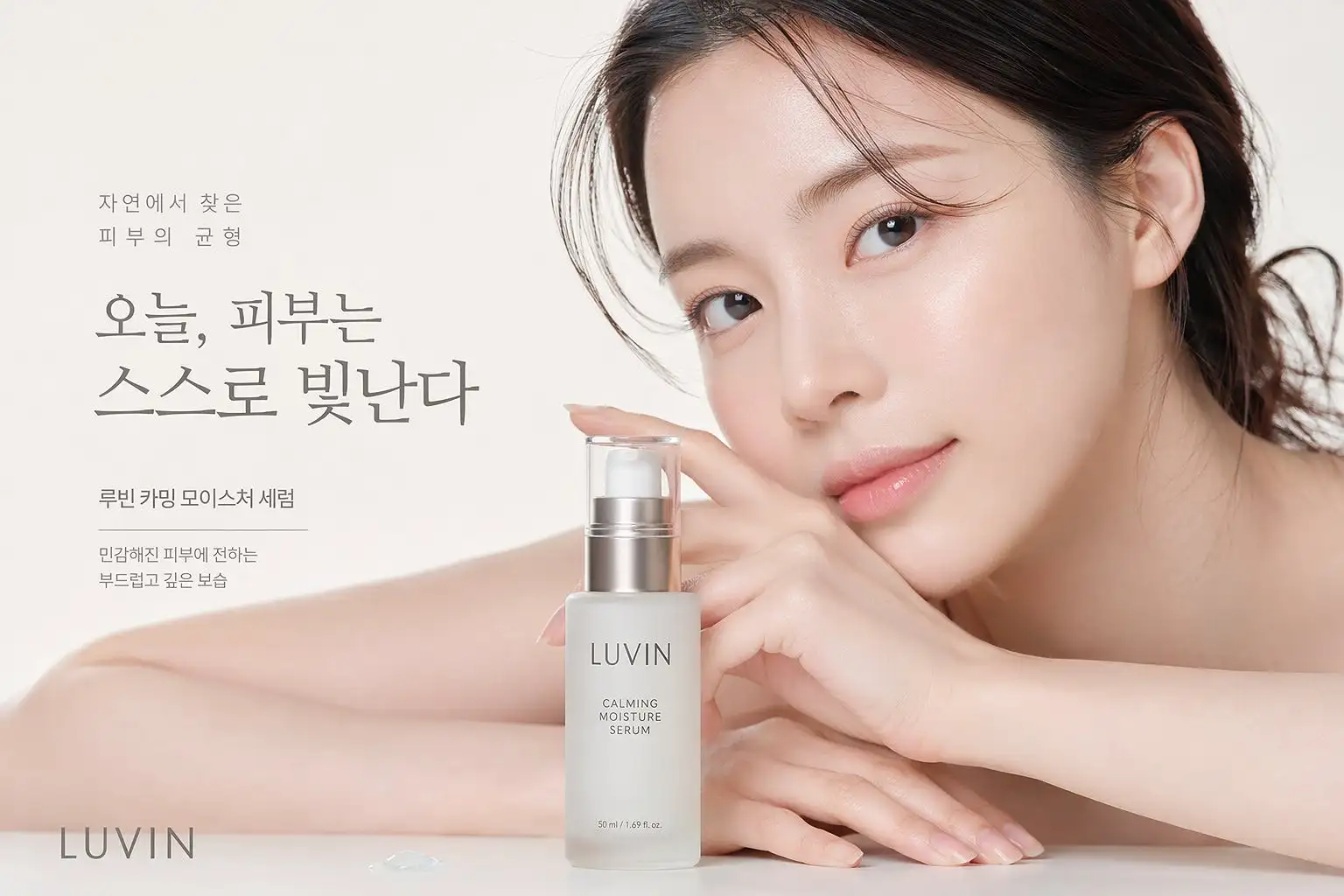
GPT Image 2 Feature Overview
| Feature | Details |
|---|---|
| Text-to-Image | Generate images directly from natural language prompts |
| Photorealistic Output | Better suited for realistic people, products, materials, and scenes |
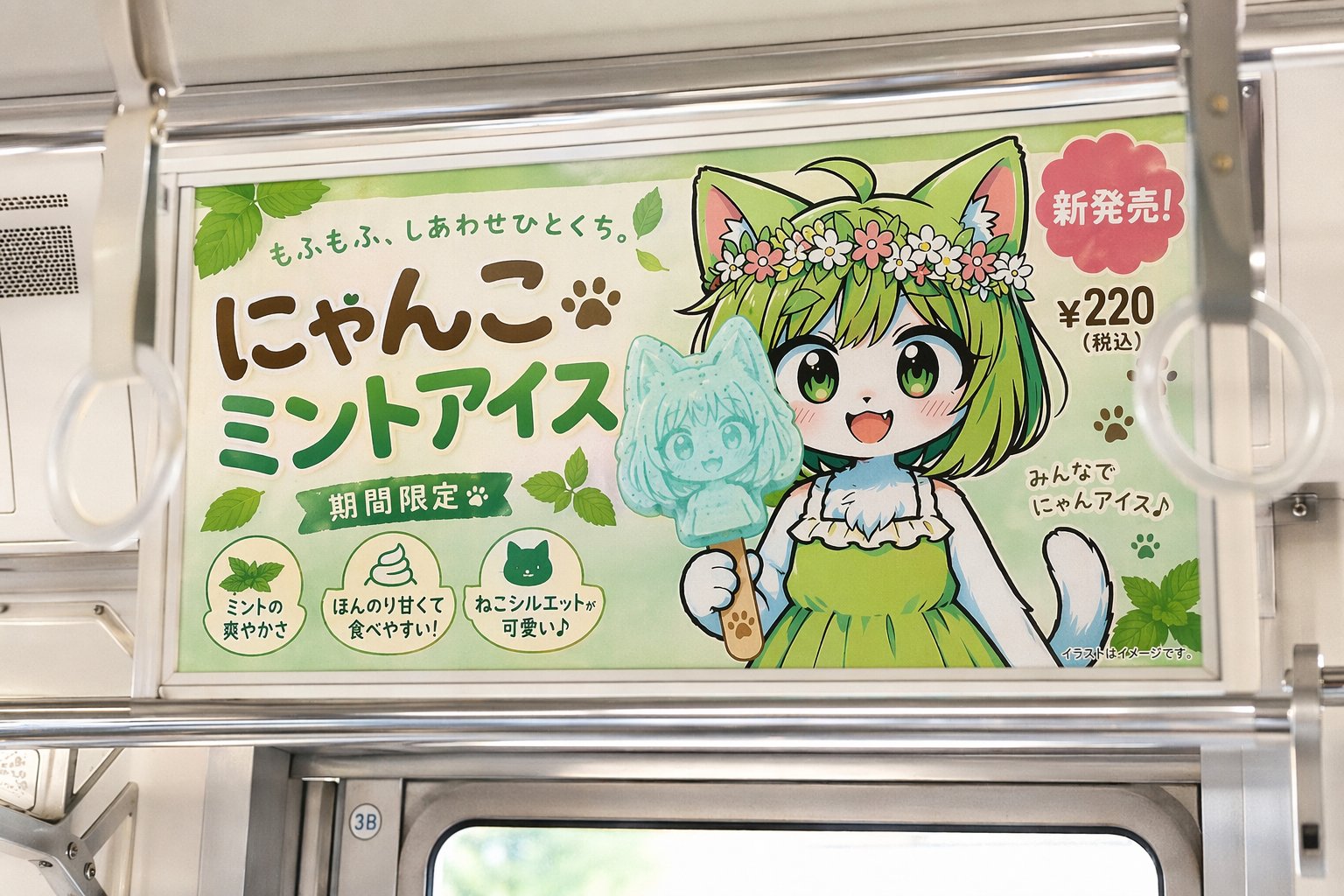
| Text Rendering | More useful for posters, ads, UI visuals, and branded graphics |
| Complex Scene Understanding | Handles more detailed and structured image requests |
| Commercial Readiness | Better aligned with marketing, brand, ecommerce, and content workflows |
GPT Image 2 VS. Nano Banana 2
| Feature | GPT-Image-2 | Nano Banana 2 |
|---|---|---|
| Best For | High-fidelity commercial image generation | Fast image editing and iterative visual creation |
| Core Strength | Photorealism, text rendering, and complex prompt handling | Speed, editing flexibility, and strong prompt-based transformations |
| Text in Images | Better suited for posters, ads, and text-heavy graphics | Improved text rendering, but still stronger in edit-driven workflows |
| Editing | More generation-focused | More editing-focused |
| Best Use Cases | Marketing visuals, product images, branded creatives, posters | Image edits, style changes, object swaps, background updates, creative variations |
How To Use GPT Image 2
Describe the image clearly
Start with the subject, setting, style, lighting, composition, and whether the image should include text.
Choose the intended use
Define whether the image is for an ad, product page, social post, poster, interface visual, or brand campaign. A clearer use case usually leads to a more usable result.
Generate and refine
Create the first version, then improve details such as text content, object placement, styling, background elements, and overall layout until the image fits your goal.
Who It’s For



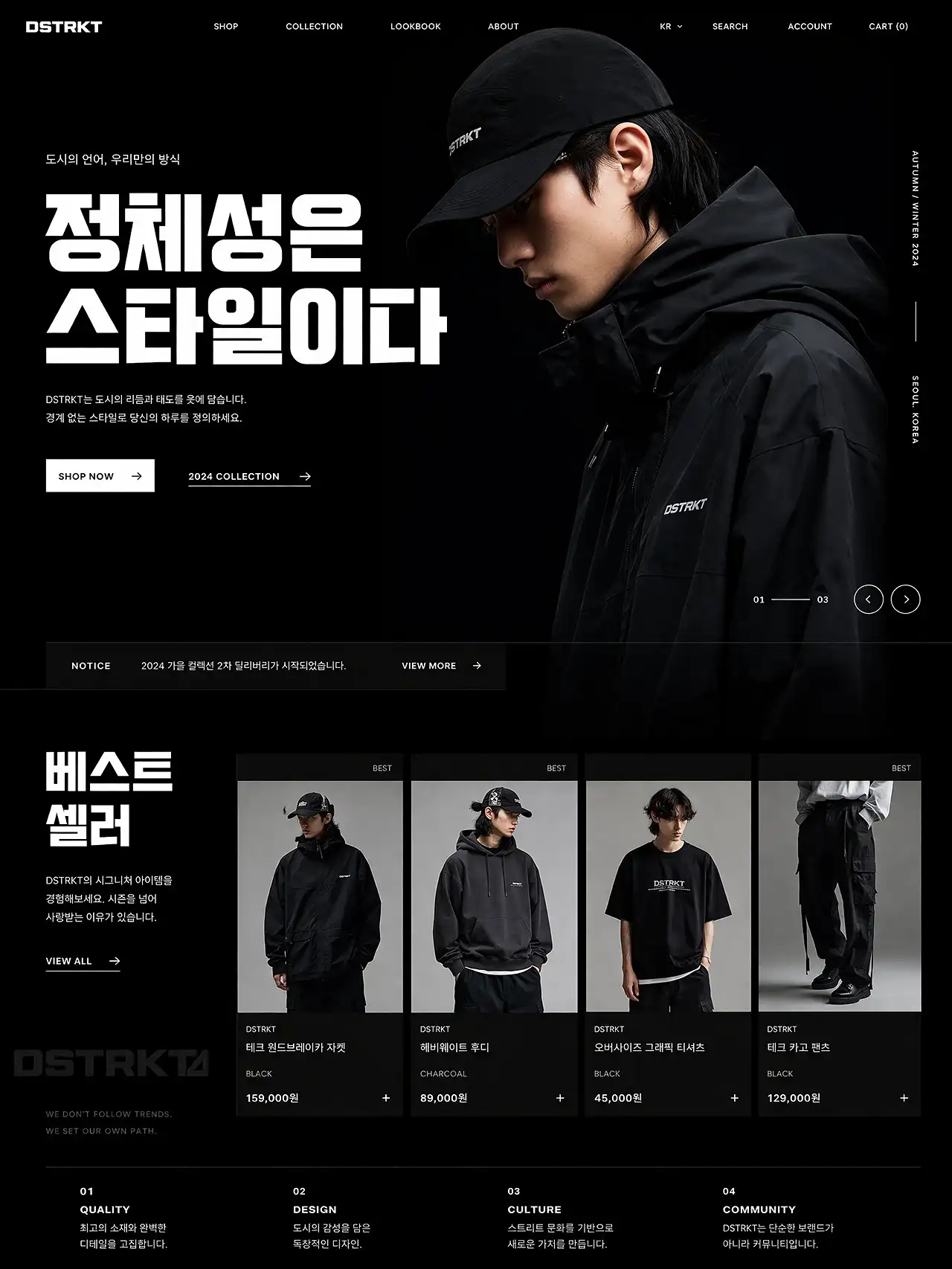
More realistic image output
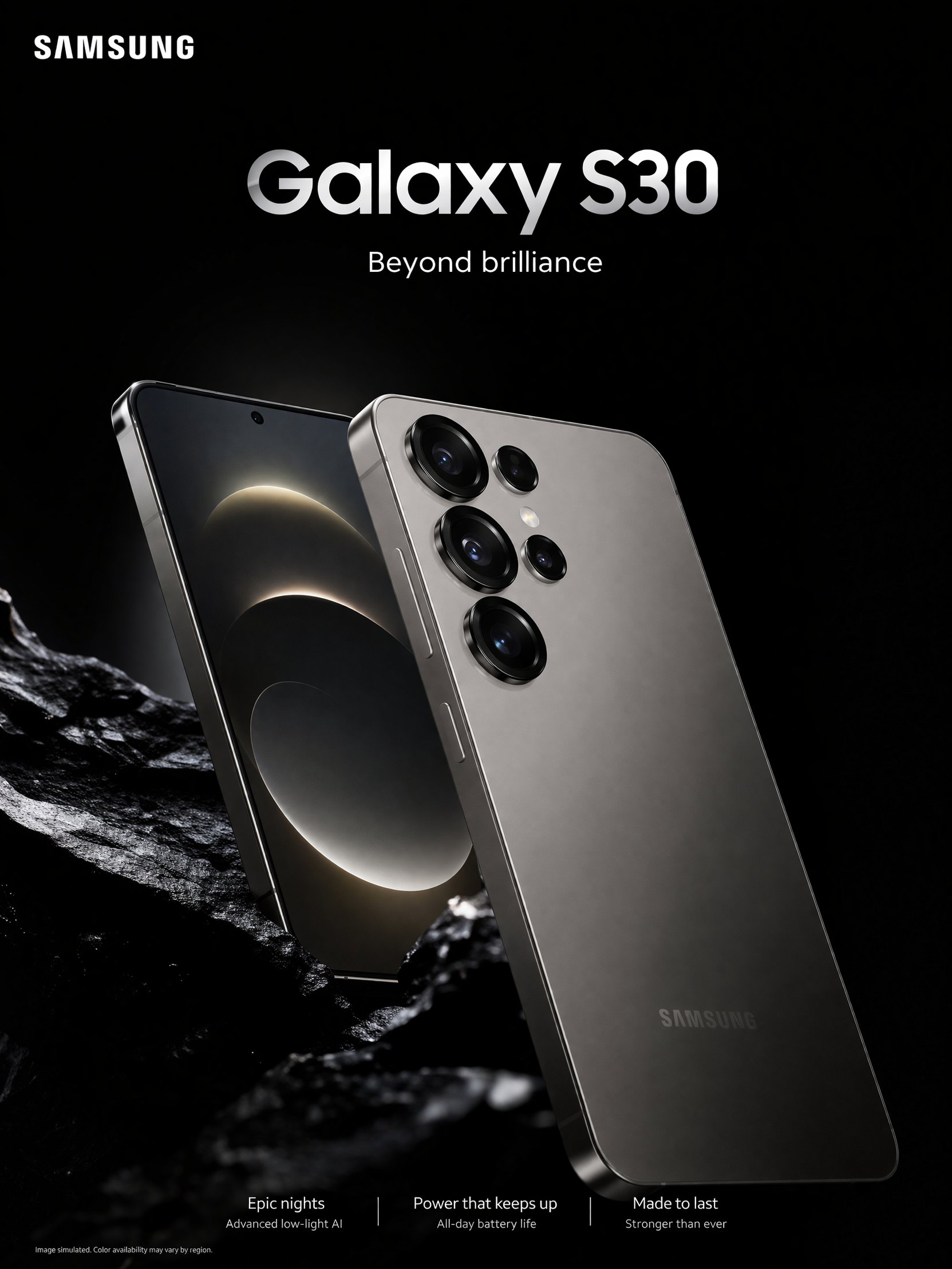
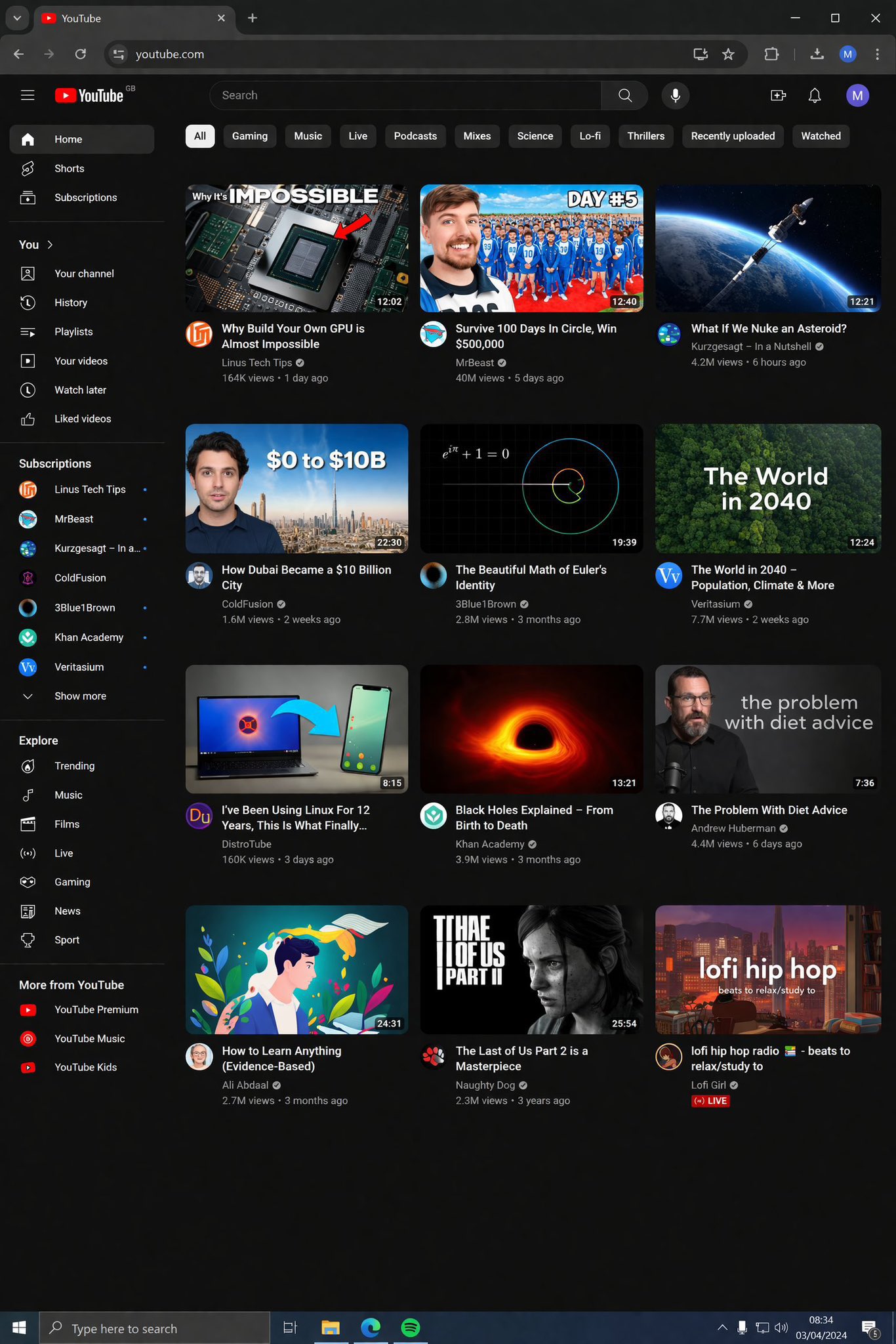
GPT-Image-2 is well suited for visuals that need believable lighting, stronger material detail, and a more natural photographic feel. It works especially well for marketing images, branded visuals, product scenes, and other content where realism matters.
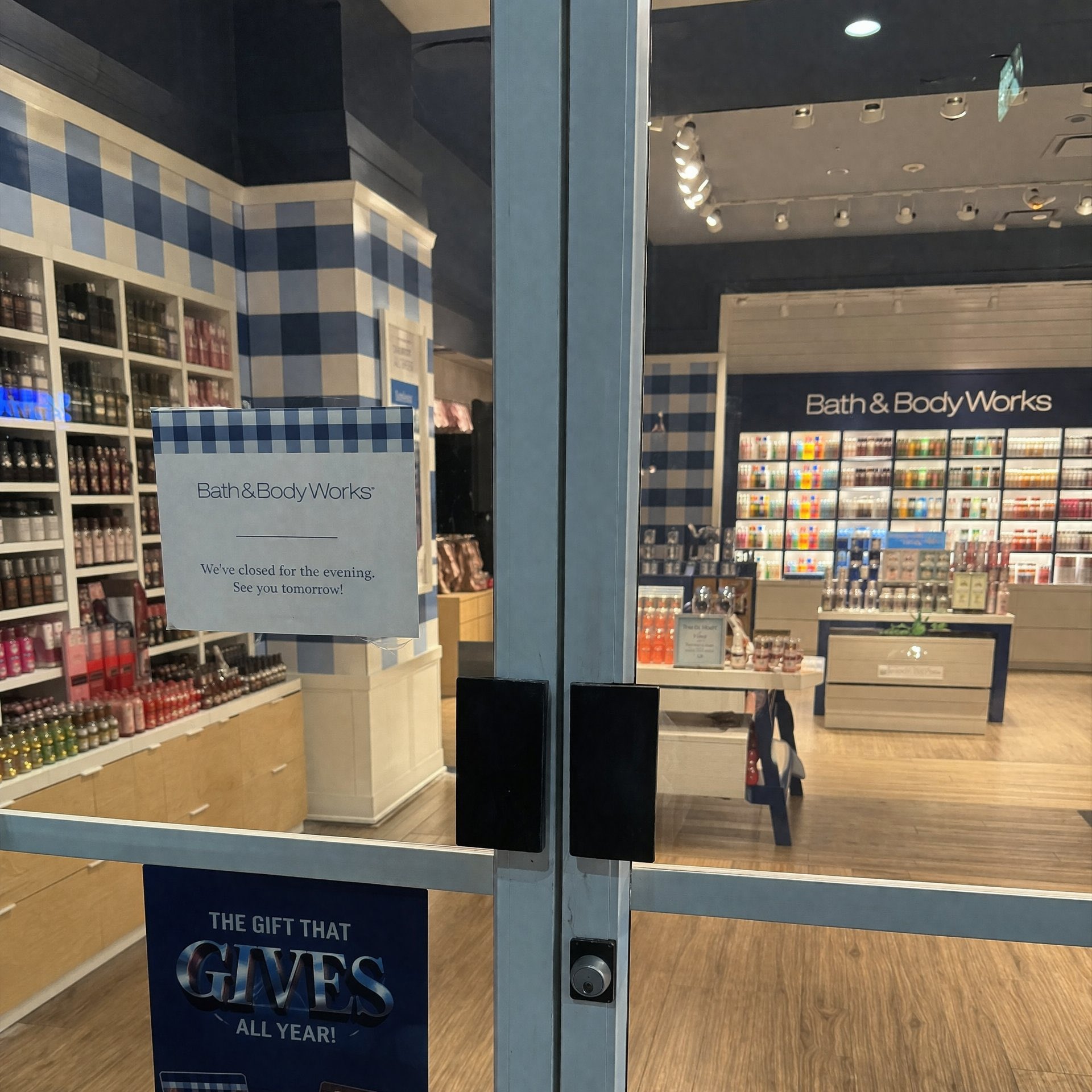
Clearer text inside images
For posters, ad creatives, product graphics, interface mockups, and other layouts that include words inside the image, GPT-Image-2 is much more useful than a typical image model. It is better suited for readable text and visuals where typography needs to feel like part of the design.
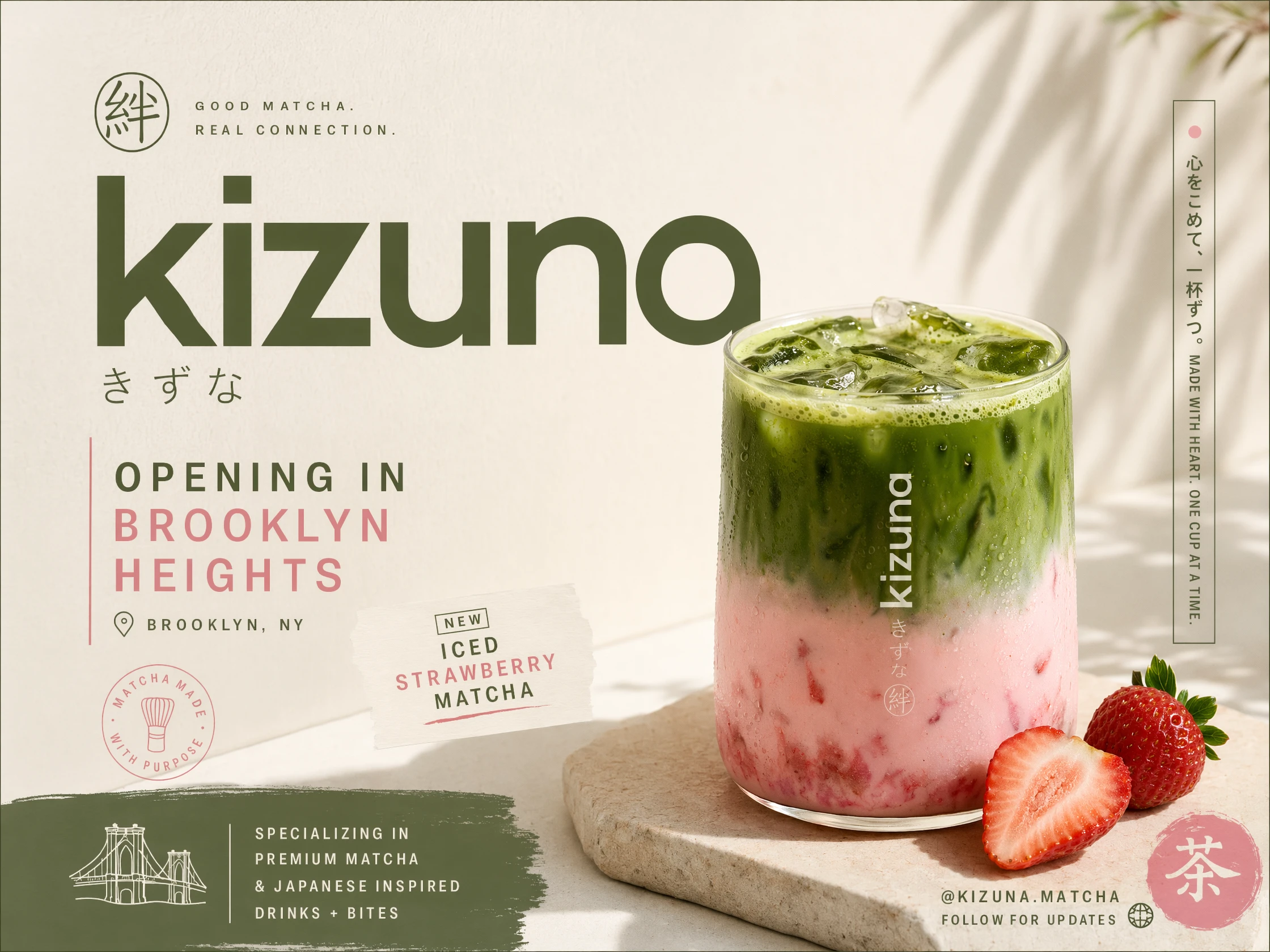
Better handling of complex prompts
GPT-Image-2 is more effective when the image request includes multiple elements, a specific scene, or detailed instructions. That makes it a stronger fit for teams that need more than a simple style image and want outputs that align more closely with the original brief.
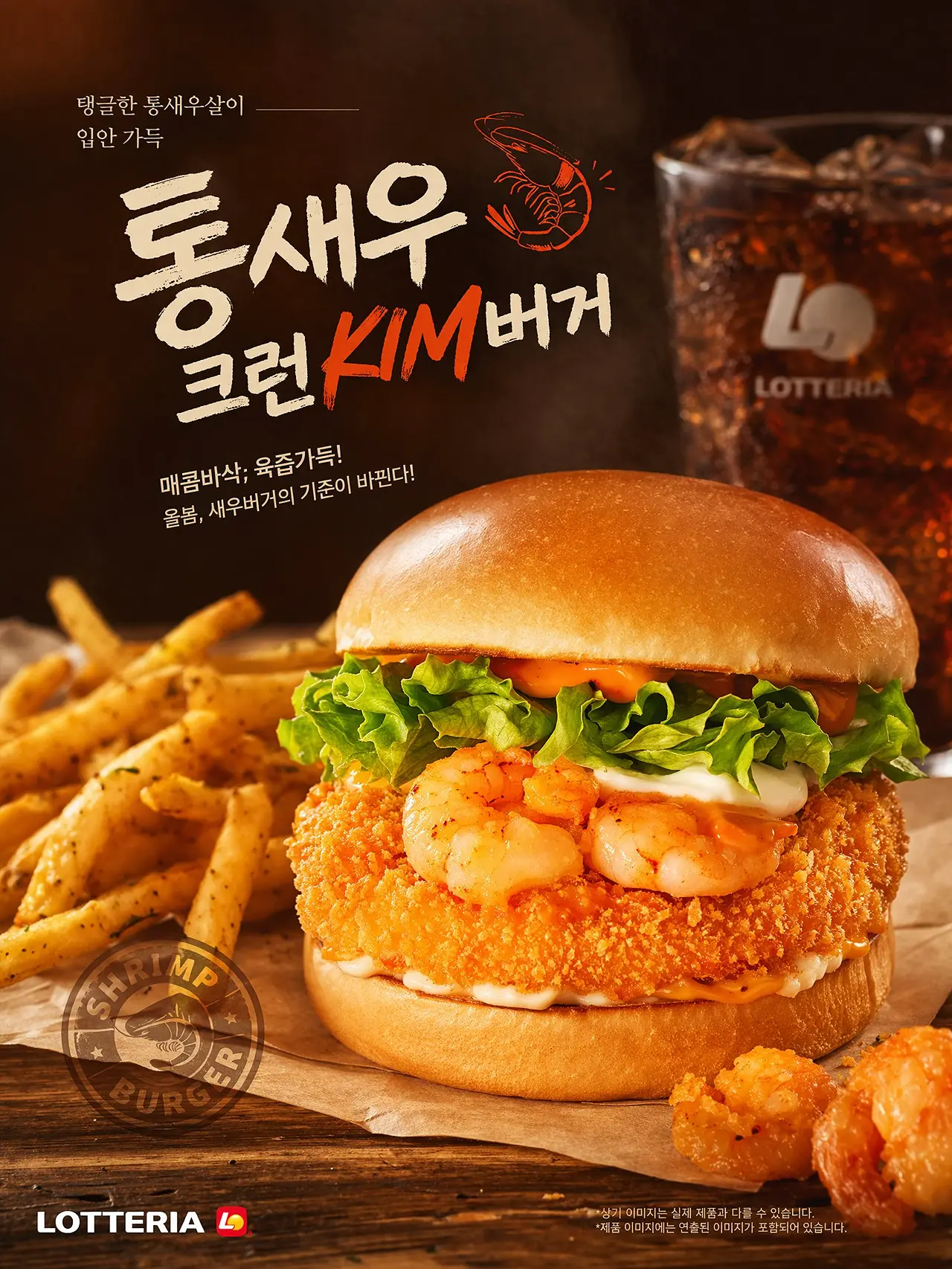
Built for commercial content workflows
This is not just a model for generating visually interesting images. It is more relevant for teams creating content that needs to be published, tested, reused, or adapted across campaigns. That includes ads, landing page graphics, social creatives, product content, and branded visuals.
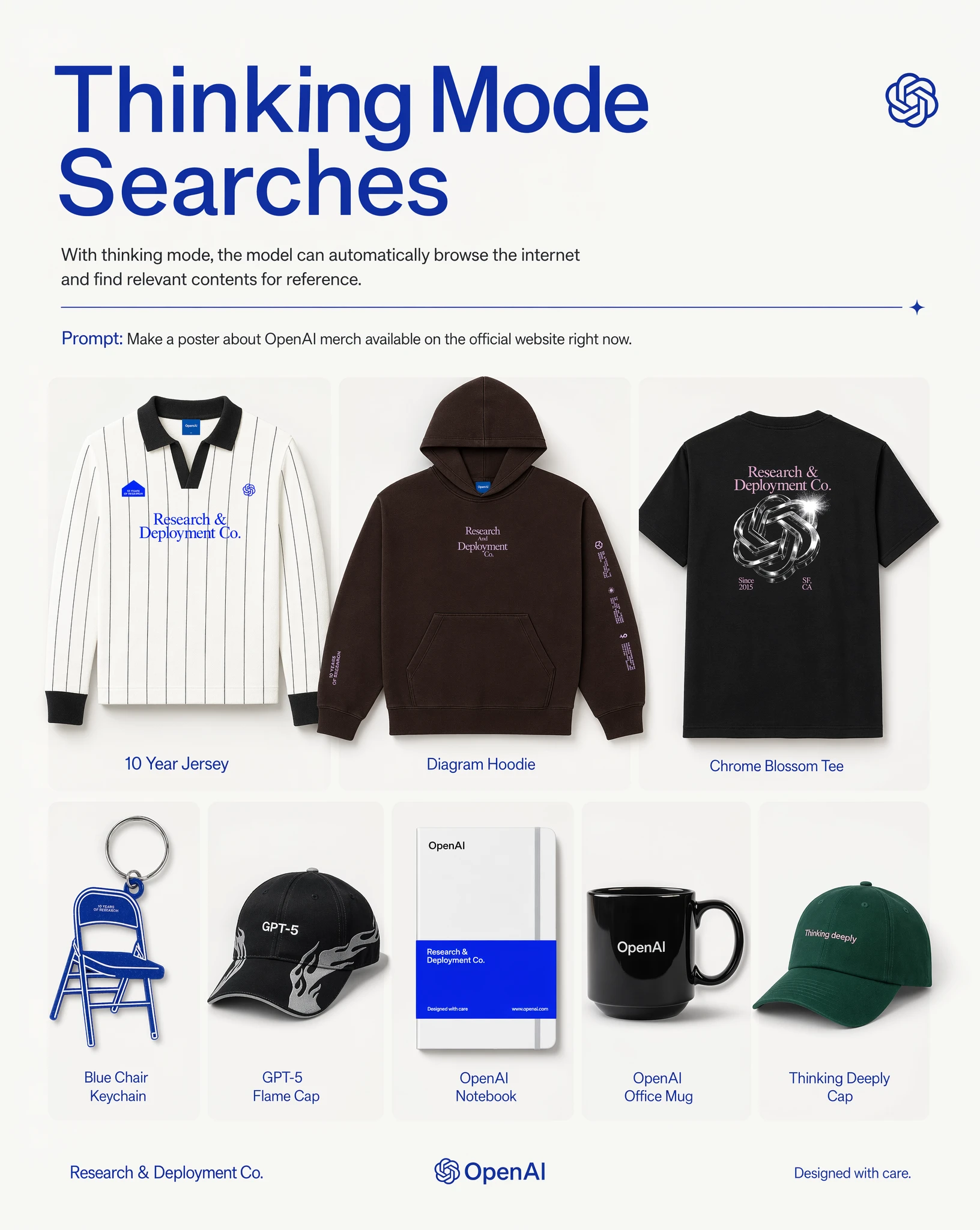
Faster path from idea to usable asset
Instead of stopping at concept-level visuals, GPT-Image-2 is better positioned to help teams move toward assets that feel closer to production-ready. That makes it useful for rapid ideation, creative testing, and high-frequency visual output.
Use Cases
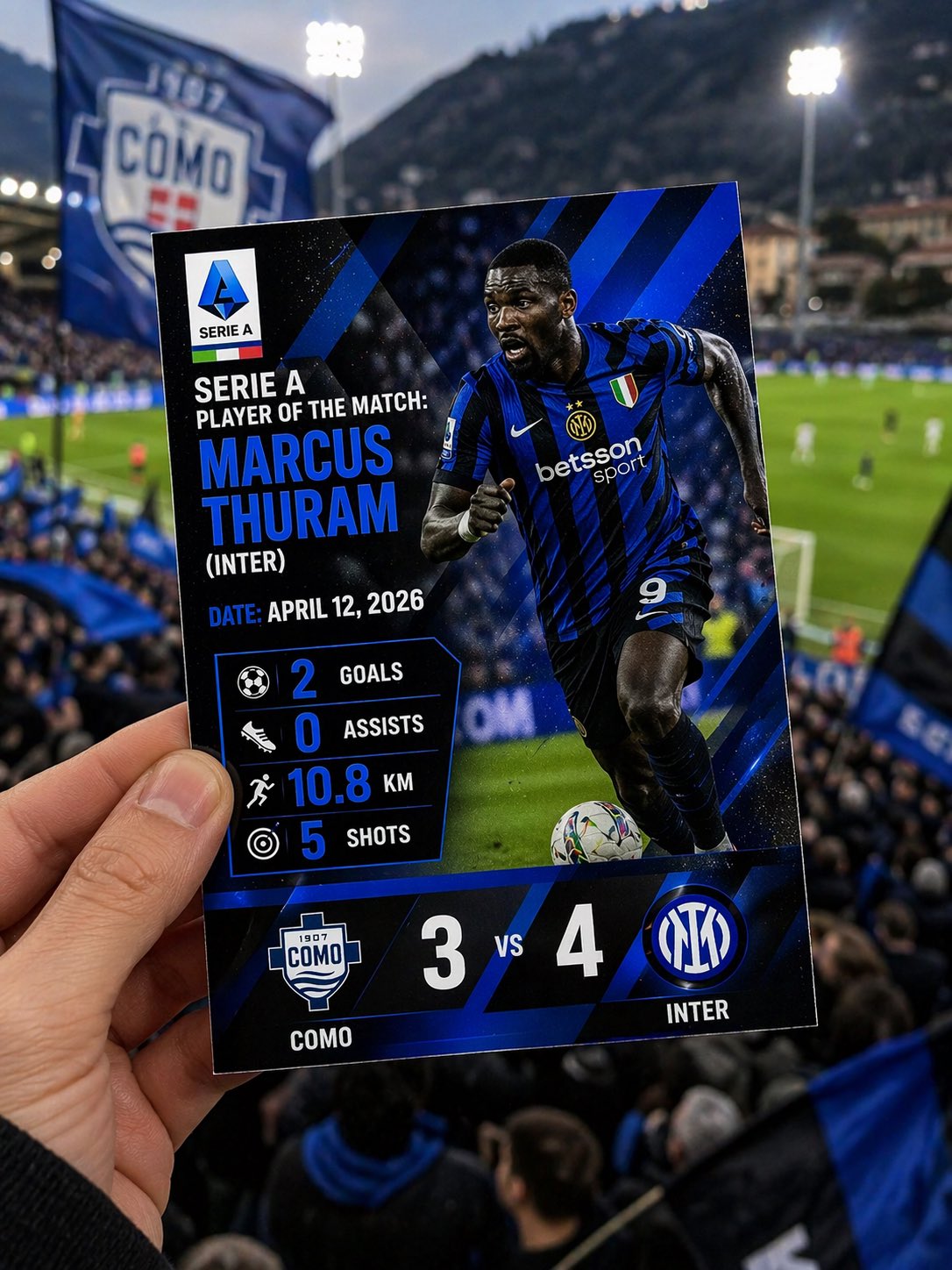
Marketing creatives
Generate ad visuals, campaign graphics, and promotional images with stronger realism and more usable composition.
Frequently Asked Questions
What can GPT-Image-2 be used for?
What makes GPT-Image-2 different from a typical image model?
Its main strengths are photorealistic output, stronger text rendering inside images, and better performance on more detailed or structured prompts.
Is GPT-Image-2 good for text-heavy visuals?
Yes. It is especially promising for use cases where text needs to appear clearly inside the image, such as posters, ads, interface graphics, and branded content.
Is it suitable for commercial use cases?
Yes. GPT-Image-2 is especially relevant for marketing, ecommerce, branding, and content production workflows where image quality and usability matter.
Do I need complex prompts to use it well?
No. A clear description of the subject, scene, purpose, and style is usually enough to get started. From there, the image can be refined step by step.


