
Bulk Watermark Remover for Clean, High-Converting Images
Upload your images and AI detects and removes watermarks in bulk while preserving details. Built for European and American e-commerce sellers and online users cleaning product photos. Get professional results in minutes with one click.
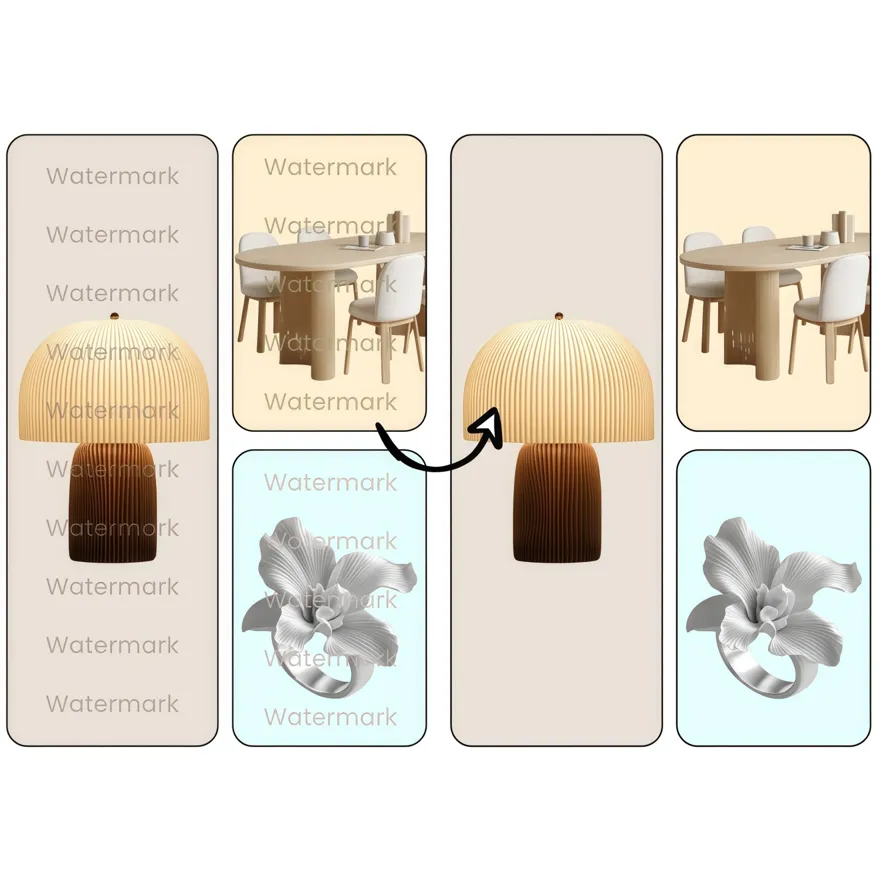
No image ready? Try one of these samples:




How to Remove Watermarks from Images in Bulk (Fast)
Upload Your Watermarked Images
Click Upload Image and select one or multiple photos that include a watermark, logo, or text. You can drag and drop for a faster start—Designkit queues your files instantly so you can remove watermarks in bulk without any setup.
Let Designkit Remove Watermarks
After upload, Designkit automatically detects the watermark area and starts cleaning it for you. In seconds, you’ll see a preview of the watermark removed while keeping product details sharp—ideal for e-commerce listing images and catalog photos.
Download High‑Res Results
Click Download to save your cleaned images in high resolution, ready for Amazon, Shopify, or your store. If you’re processing a batch, download everything at once and move straight to publishing—no extra editing required.
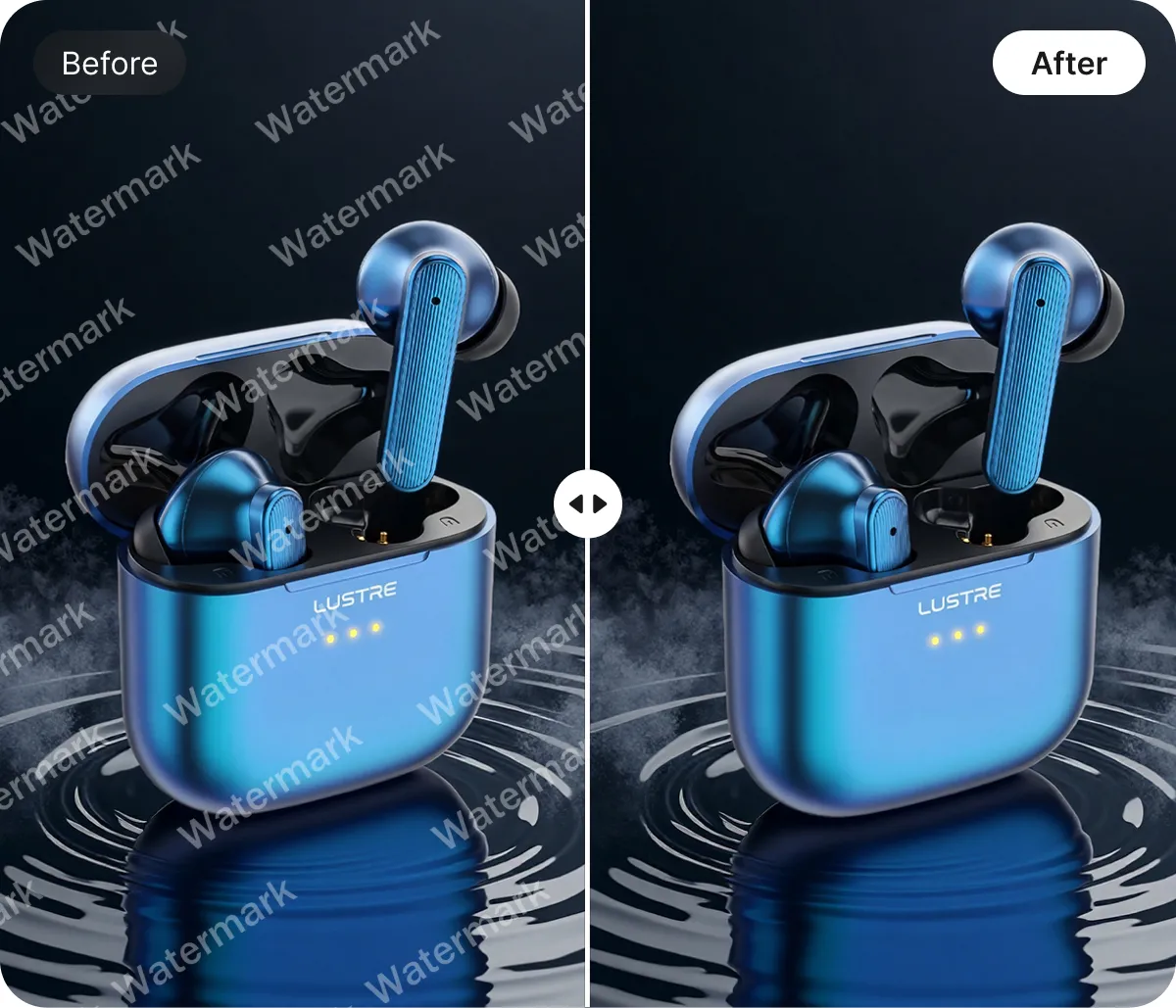
AI Auto-Detection Engine for Bulk Watermark Remover
Upload your images and the AI automatically detects watermarks, logos, text overlays, and stamps—then removes them instantly. Unlike manual masking that can take hours, this automation delivers precise, consistent cleanups and can cut editing time by up to 70% for product photos and marketing visuals.

Detail-Preserving Reconstruction with Bulk Watermark Remover
Engineered for high-end e-commerce, this Bulk Watermark Remover utilizes advanced pixel-reconstruction technology to fill gaps while maintaining original textures and lighting. Process files 5x faster than traditional cloning methods while ensuring your product's sharpness remains intact for high-resolution retina displays and large-scale marketing assets.

Smart Selection Controls with Bulk Watermark Remover
For complex scenarios where stamps overlap intricate textures, our Bulk Watermark Remover offers surgical precision through an intuitive refinement overlay. This hybrid manual-AI system allows you to save an average of 4 hours per project by providing total control over multi-location watermarks that standard automated tools often miss.
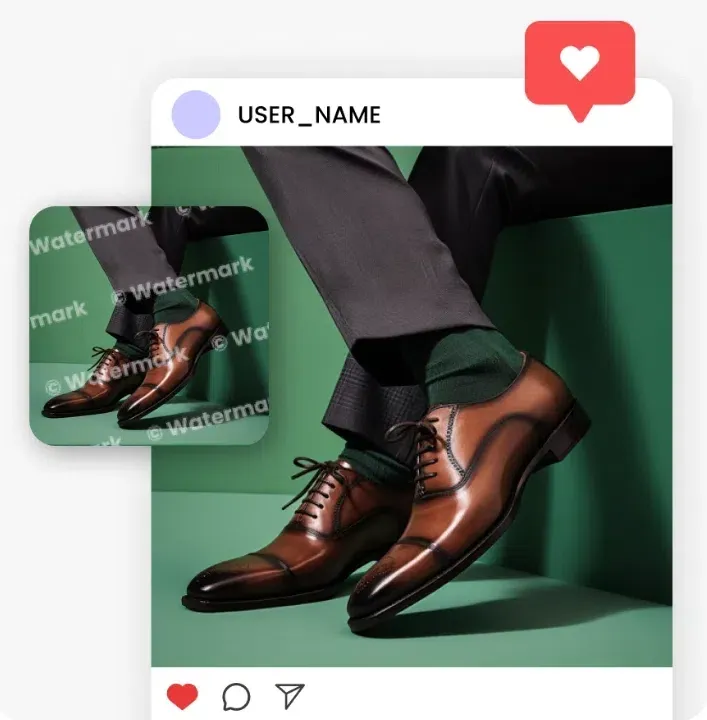
Browser-Based Workflow with Bulk Watermark Remover
No downloads, no plugins, no learning curve—just open your browser, upload, remove, and download in high resolution. Unlike desktop editors that slow teams down with installs and exports, you can finish a batch in minutes from any device, keeping your product pages and socials moving fast.
Unlock Endless Versatility with Our Bulk Watermark Remover

Bulk Watermark Remover for Amazon and eBay Sellers
Navigating strict marketplace image requirements shouldn't be a bottleneck for your business. Use our Bulk Watermark Remover to instantly strip away distracting logos or supplier stamps that violate platform policies. By automating this cleanup, you ensure your listings stay compliant and professional, significantly increasing your chances of winning the Buy Box without reshooting your entire inventory.
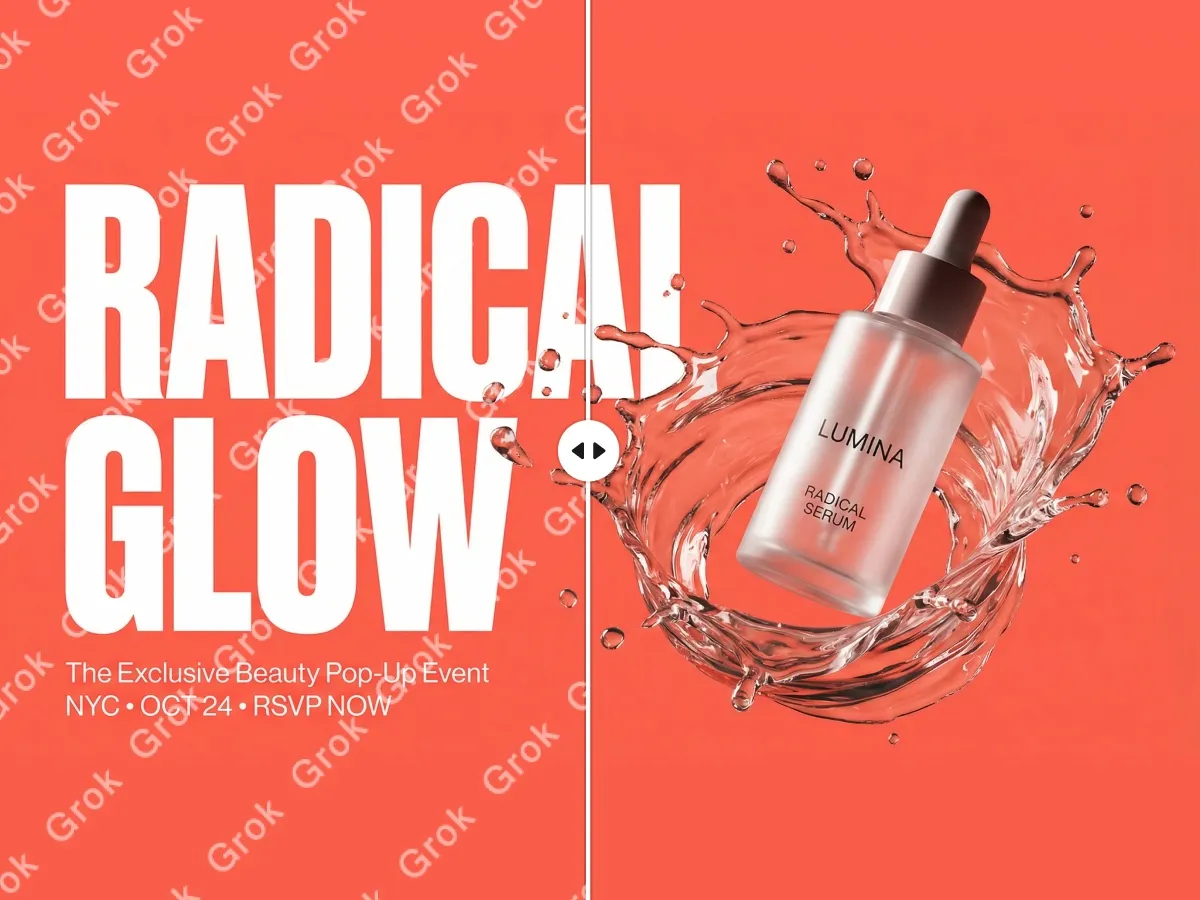

Key Advantages of Bulk Watermark Remover

Instant Batch Watermark Removal
You upload multiple images and AI automatically detects and removes logos, stamps, and text overlays. You finish clean product photos in minutes instead of manual clone-and-mask work.

High-Volume Batch Image Processing
Upload hundreds of files at once and let our cloud-based engine scrub every logo and stamp simultaneously. This automated workflow eliminates the need for one-by-one editing, allowing you to prepare entire product catalogs 10x faster.

Lossless Original Photo Quality
The intelligent AI algorithm removes overlays while strictly preserving the underlying sharpness, lighting, and color profiles. Your images stay professional and high-resolution, ensuring they are perfectly optimized for retina displays and high-conversion product pages.
Unlock More Creative Possibilities

Remove Text From Images

Bulk Background Generator

Bulk Image Background Remover

Bulk Image Enhancer
FAQ About Bulk Watermark Remover
How does the AI-powered Bulk Watermark Remover work without manual input?
Can I use the Bulk Watermark Remover for my Amazon or eBay product photos?
Yes, you can. Many e-commerce platforms have strict "white background" or "no logo" policies for primary product images. Our tool is specifically designed for sellers to clean up supplier photos or old inventory shots. By removing distracting watermarks in bulk, you can ensure your entire catalog meets marketplace compliance standards and provides a distraction-free shopping experience for your customers.
Will using the Bulk Watermark Remover reduce the original resolution of my images?
No, it will not. Unlike many online compressors, our algorithm is designed to be lossless. It specifically targets the watermark area for pixel reconstruction while leaving the rest of the image data untouched. This ensures that your textures, lighting, and sharpness remain intact, keeping your photos high-resolution and ready for retina displays, large-scale social media ads, or professional print materials.
Is there a limit to how many images I can process at once?
Designkit allows you to upload and process multiple images simultaneously to streamline your workflow. While free tier users may have a specific daily limit, our Pro tiers support high-volume batch processing for hundreds of images at a time. This is ideal for agencies or large-scale e-commerce businesses that need to refresh their entire visual database without the bottleneck of one-by-one editing.
Is the Bulk Watermark Remover free to use, and what is included?
We offer a free version that allows you to test the AI's precision on your images. You can upload, remove watermarks, and preview the results immediately at no cost. For high-resolution downloads and access to the full bulk processing suite without daily quotas, we offer affordable subscription plans. This allows you to scale your image editing capabilities as your business and catalog size grow.
Are my uploaded images secure and private during the removal process?
Your privacy is our priority. All images processed through our online tool are encrypted during transmission and are automatically deleted from our servers after your session ends. We do not use your private images to train our public AI models, and we never share your data with third parties. You can clean your proprietary product photos with full confidence that your intellectual property remains secure.
Remove Watermarks from Hundreds of Images Fast
No downloads needed—use it right in your browser. Upload multiple images and let AI automatically detect and remove watermarks, logos, text overlays, and stamps while preserving sharp details and original quality. For tricky areas, refine selections in seconds and download clean, high-resolution results fast.


