
Extend Any Photo Beyond Its Original Frame
Expand images with AI to create natural space around the subject. Fill tight crops, adjust composition, and adapt one image for different formats without reshooting or cropping important details.
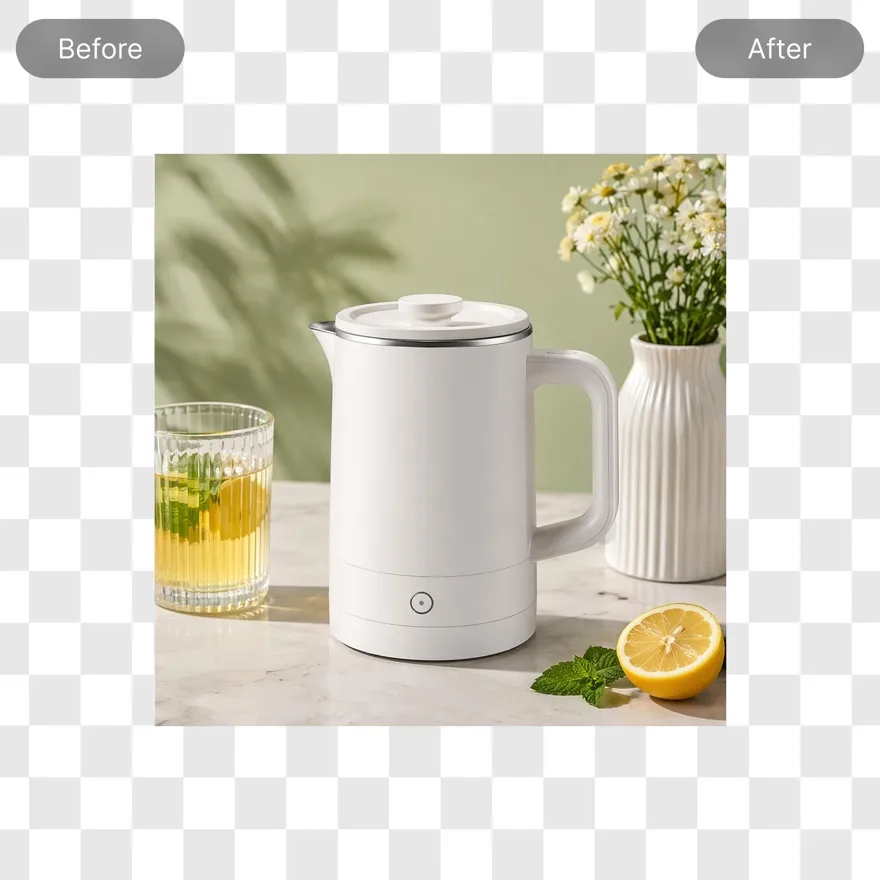
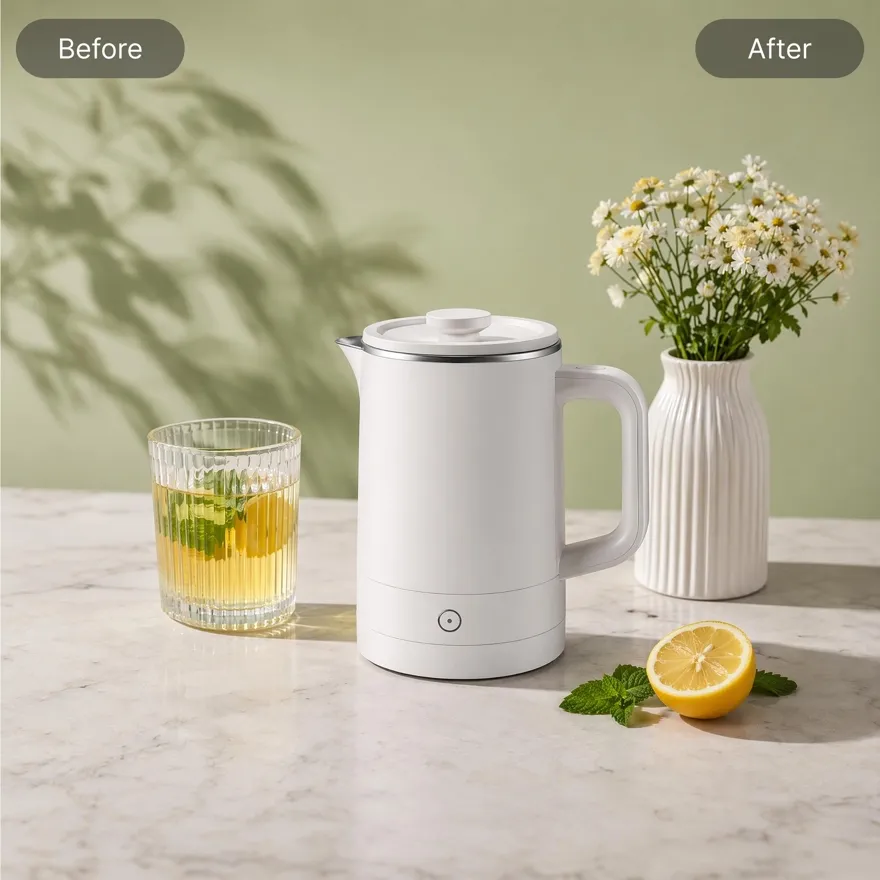
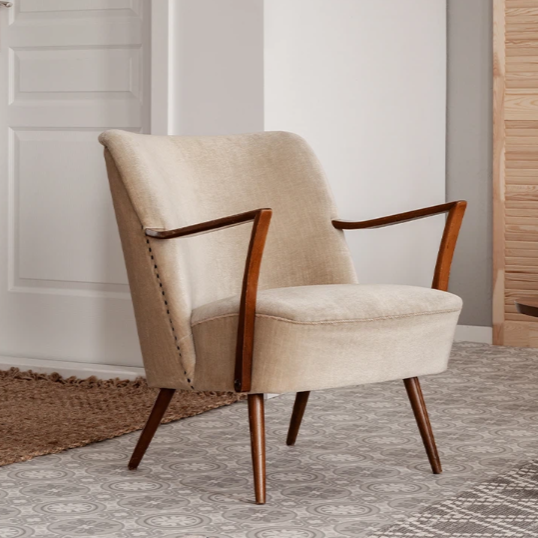
No image ready? Try one of these samples:



How to Extend an Image in 3 Steps with Designkit
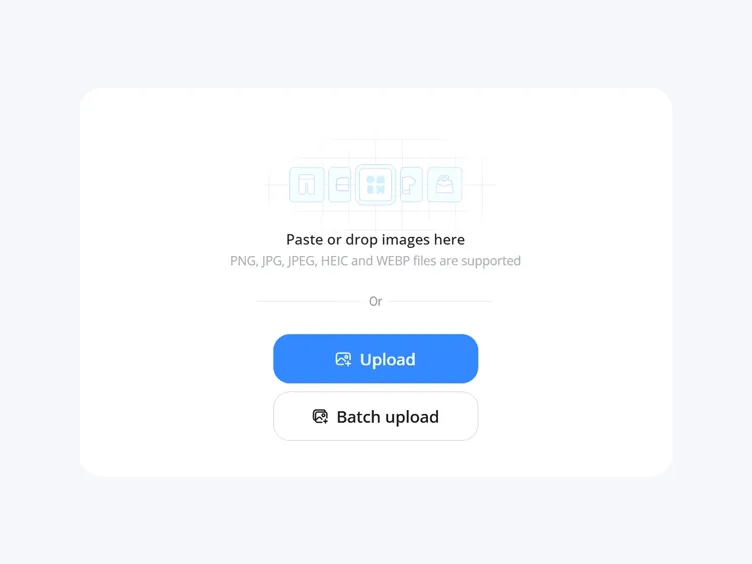
Upload Your Image
Upload photos from your device. Works with product images, social media visuals, ads, and everyday photos.
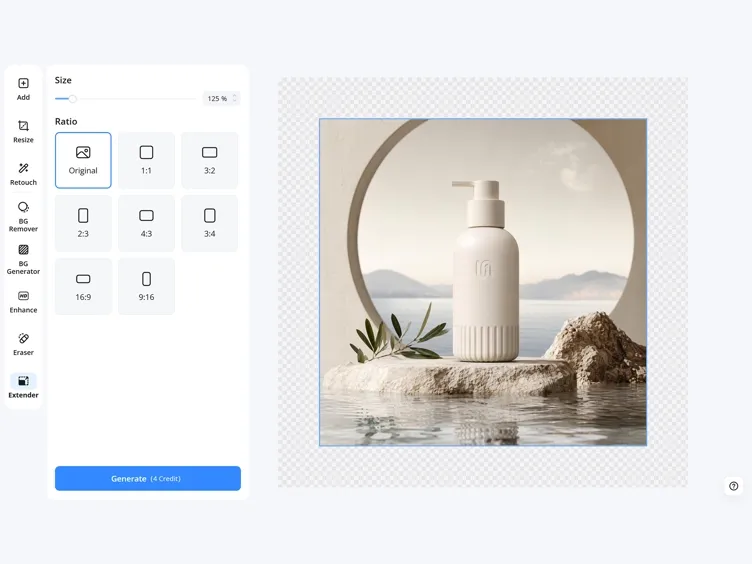
Choose Extension Area
Select a preset format or manually expand the canvas in any direction. Adjust how much of the original image remains visible.
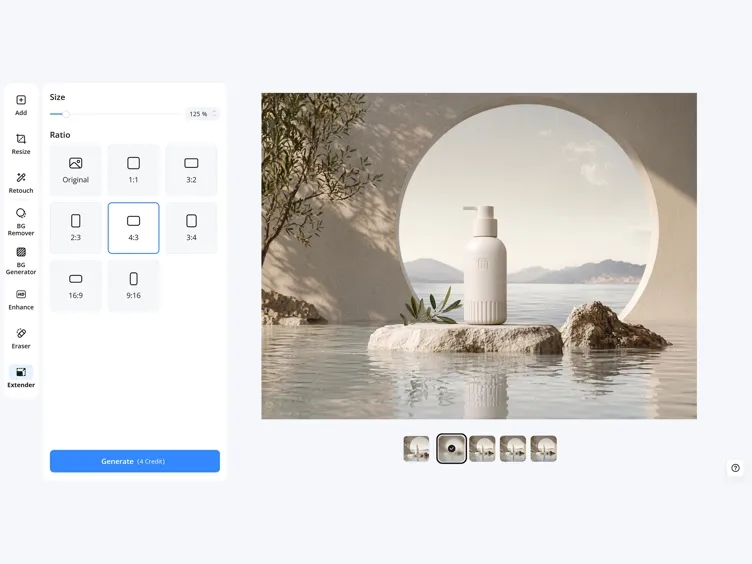
Generate and Download
AI fills the extended areas based on the original image. You can regenerate results and download the version that fits your use case.
What Makes Image Extension Actually Useful in Real Workflows
Reframe to 7 Preset Sizes, Portrait to Wide and Back
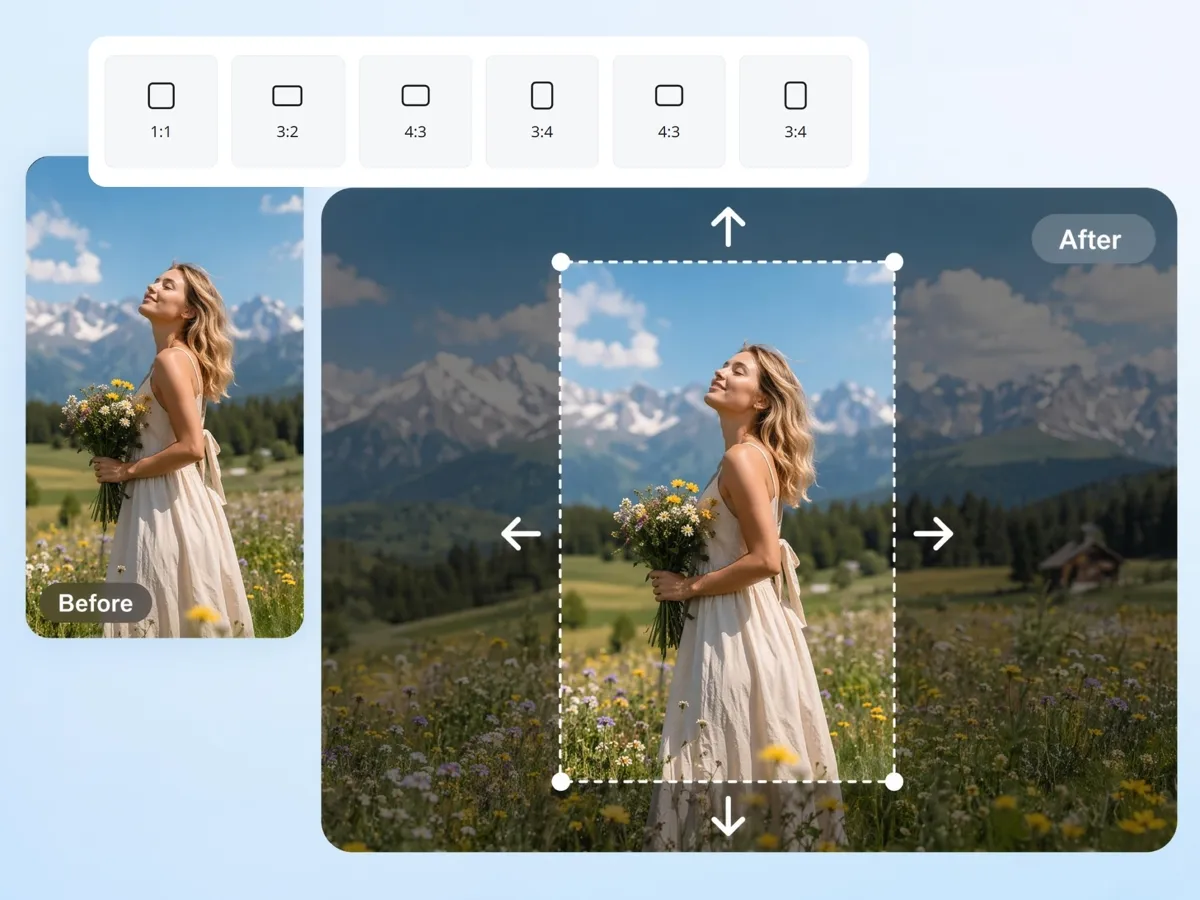
Switch one image between vertical, square, and wide layouts for social, ecommerce, and ads. The canvas expands instead of cropping, so the subject and balance stay intact across 16:9, 1:1, and 9:16.

Turn Portraits Into Wide Banners, or the Reverse
Easily expand images for more creative designs, such as thumbnails, banners, stories, and reels. Designkit keeps the main subject centered while expanding the background naturally for every platform's needs.
Fill Out a Tight Crop with a Natural Edge
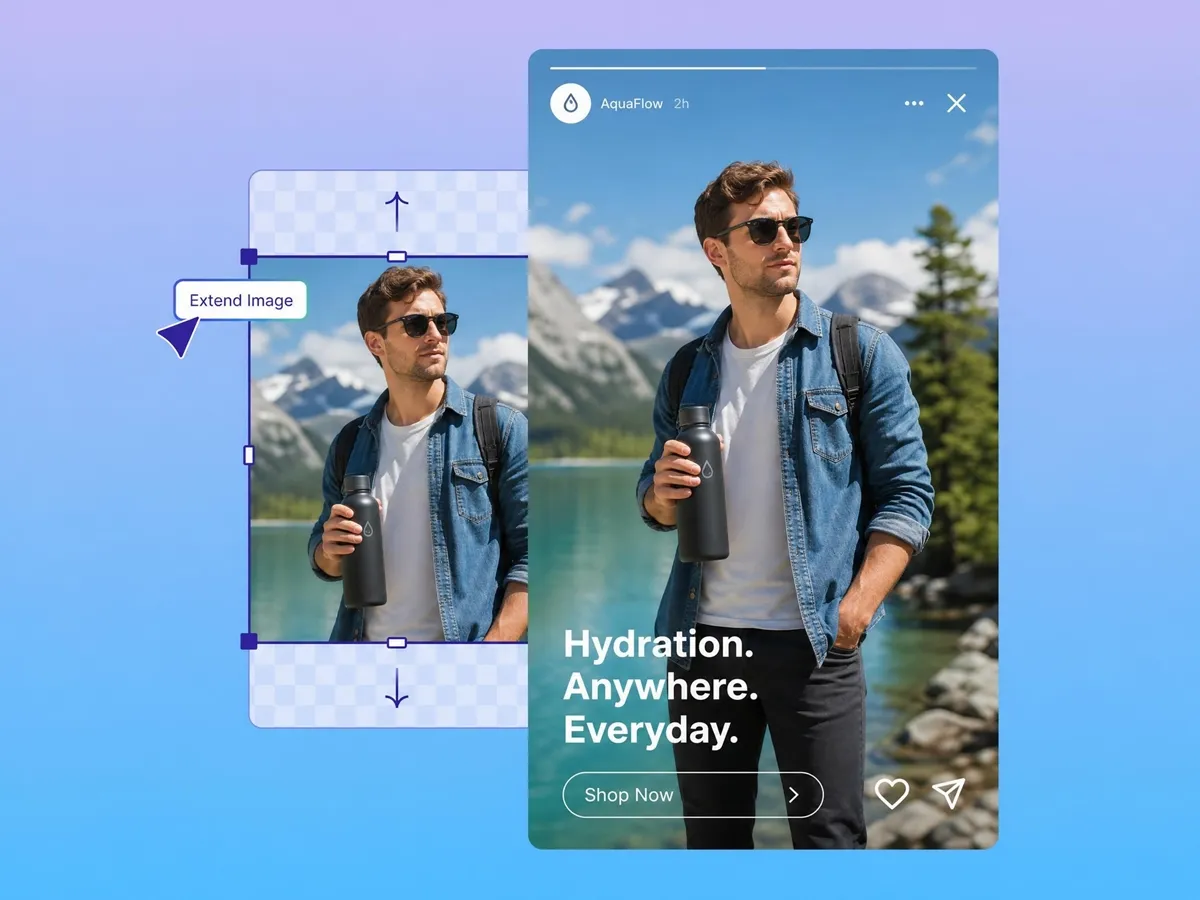
When a shot is framed too tightly for a format, the missing space makes it unusable. The AI image extender creates consistent scenes that match the surroundings, so the frame fills out and looks complete rather than cut off.
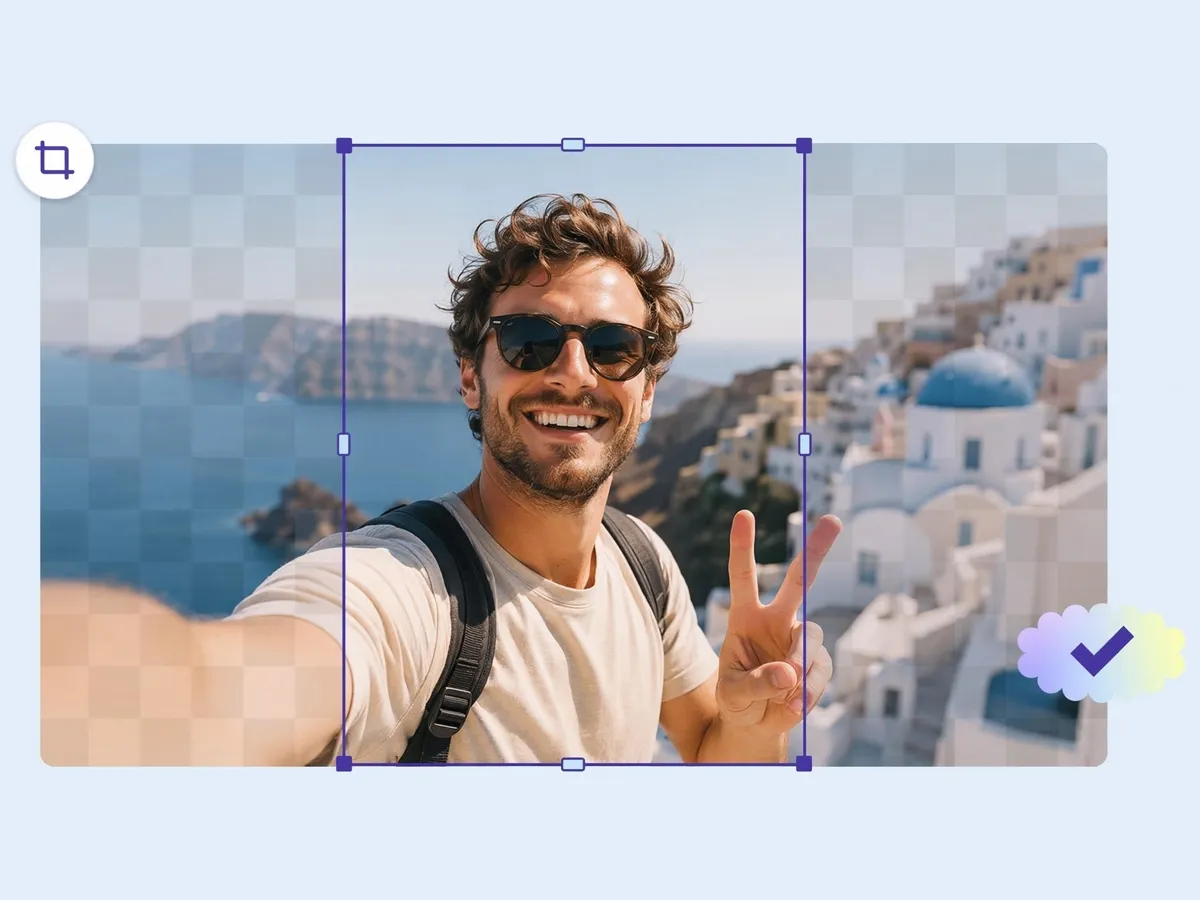
Control How Much of the Original Image Remains
You decide the balance. Drag the original within the canvas and set how much of it stays visible while the background extends around it, keeping the focal point where you want it.
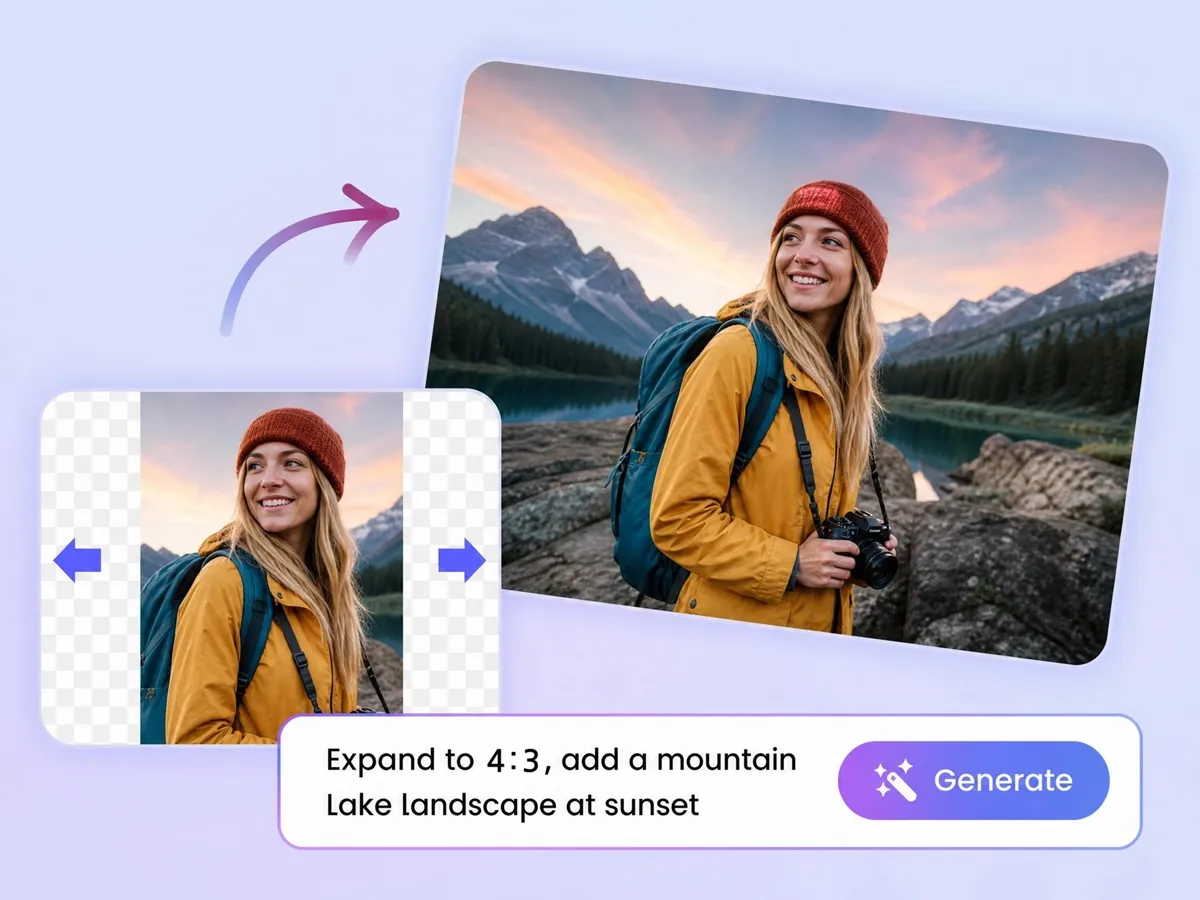
Fill New Space With a Prompt or a Matching Background
Describe what should appear in the new area, like "extend the sky with soft clouds" or "continue the wooden table," and generate a background to match. Leave it blank to extend the existing background instead.
Where Image Extension Is Used
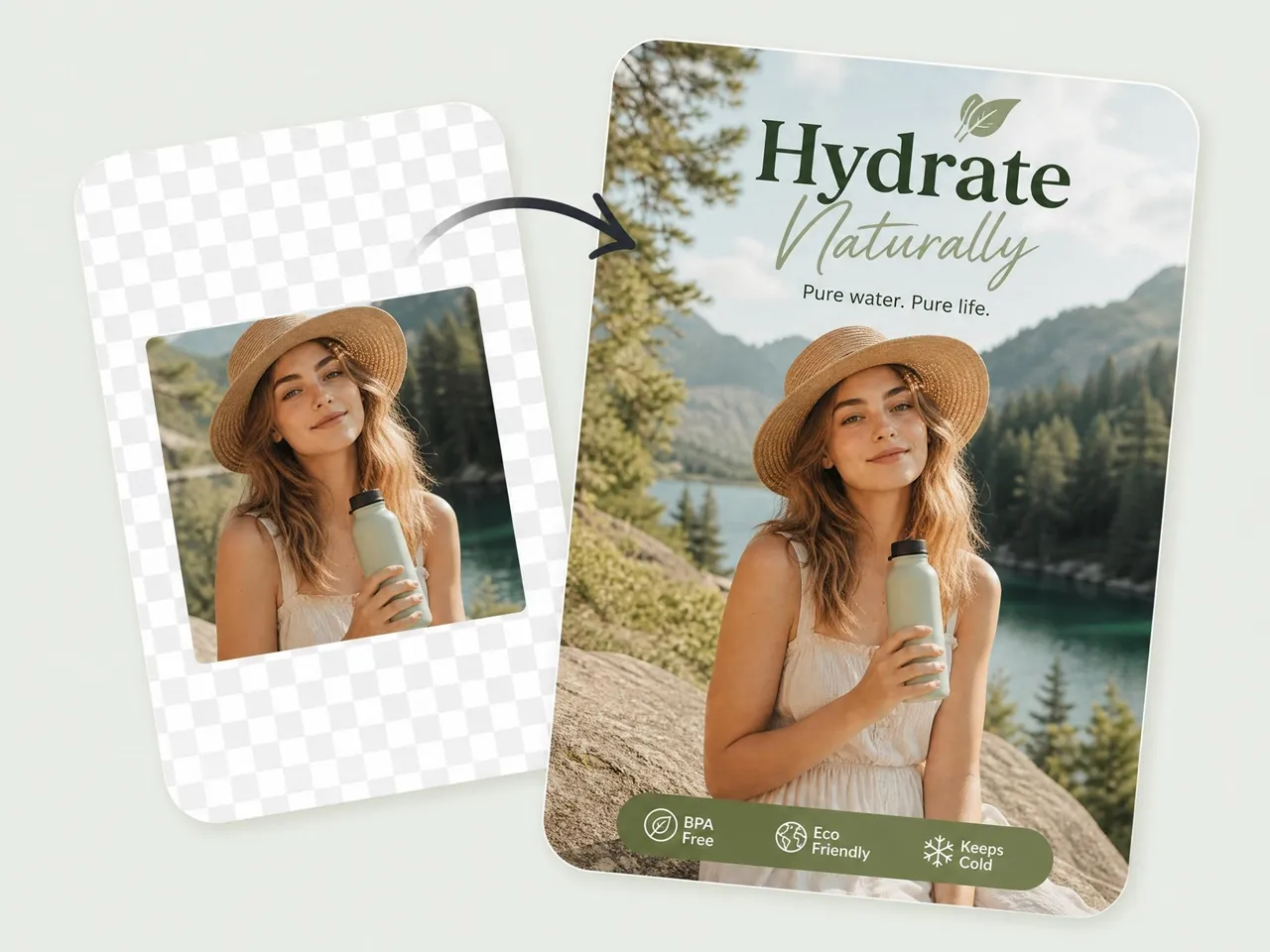
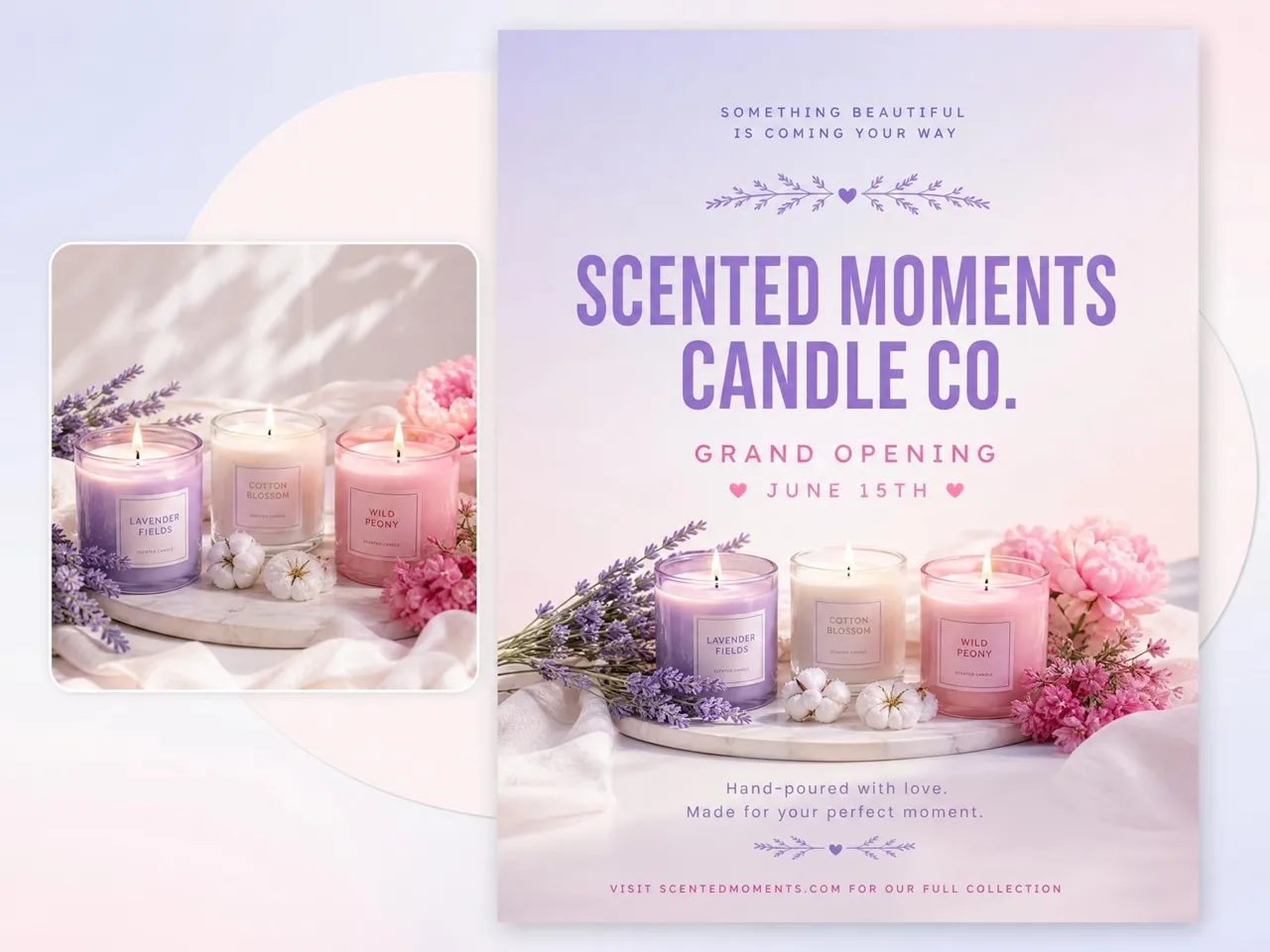
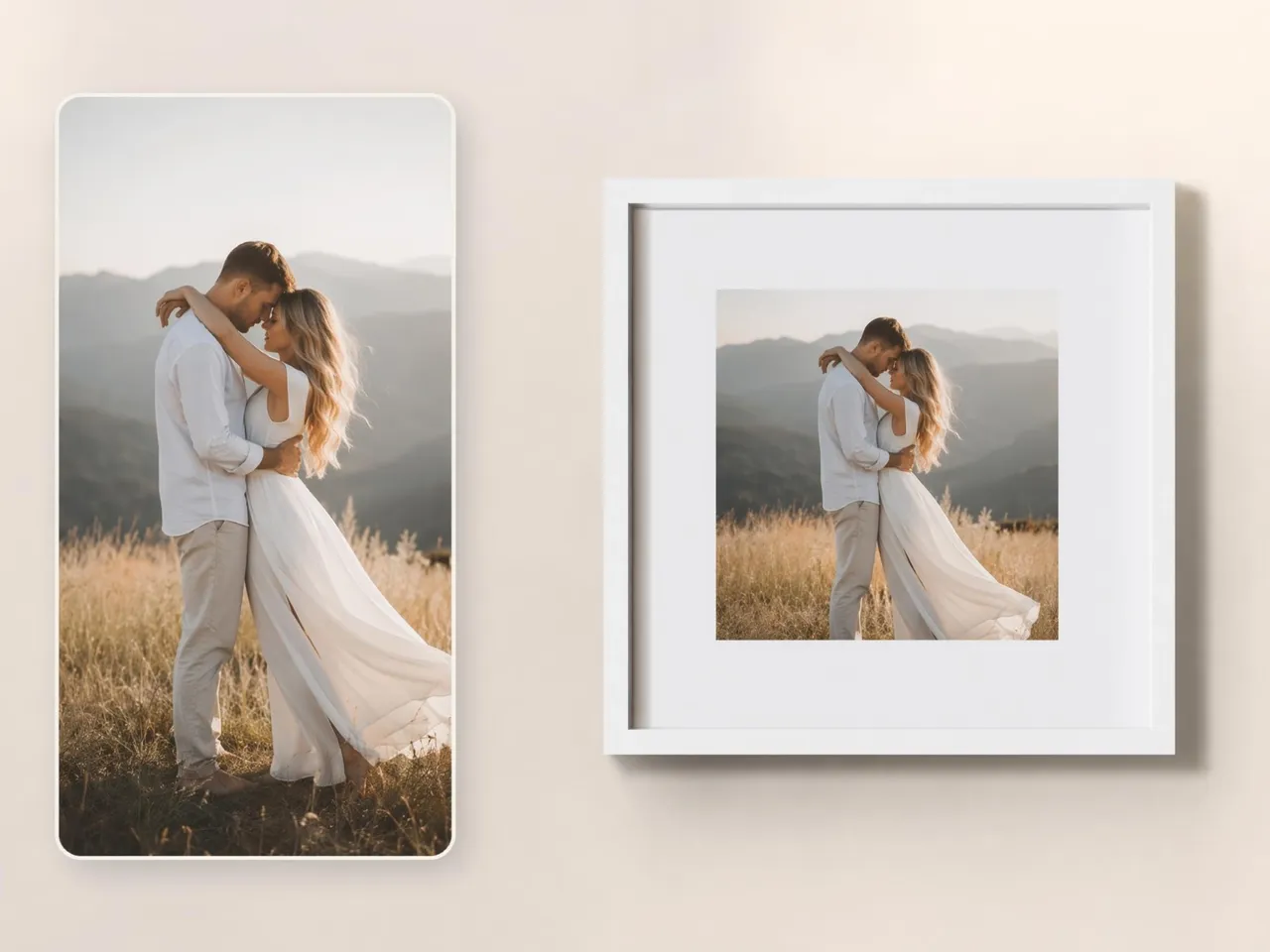
Turn One Shot Into Portrait, Square, and Wide
Every platform uses different image sizes, making content reuse difficult. Designkit's AI image extender tool expands photos for Instagram posts, TikTok covers, Pinterest pins, YouTube thumbnails, and other social formats without cutting out important details.
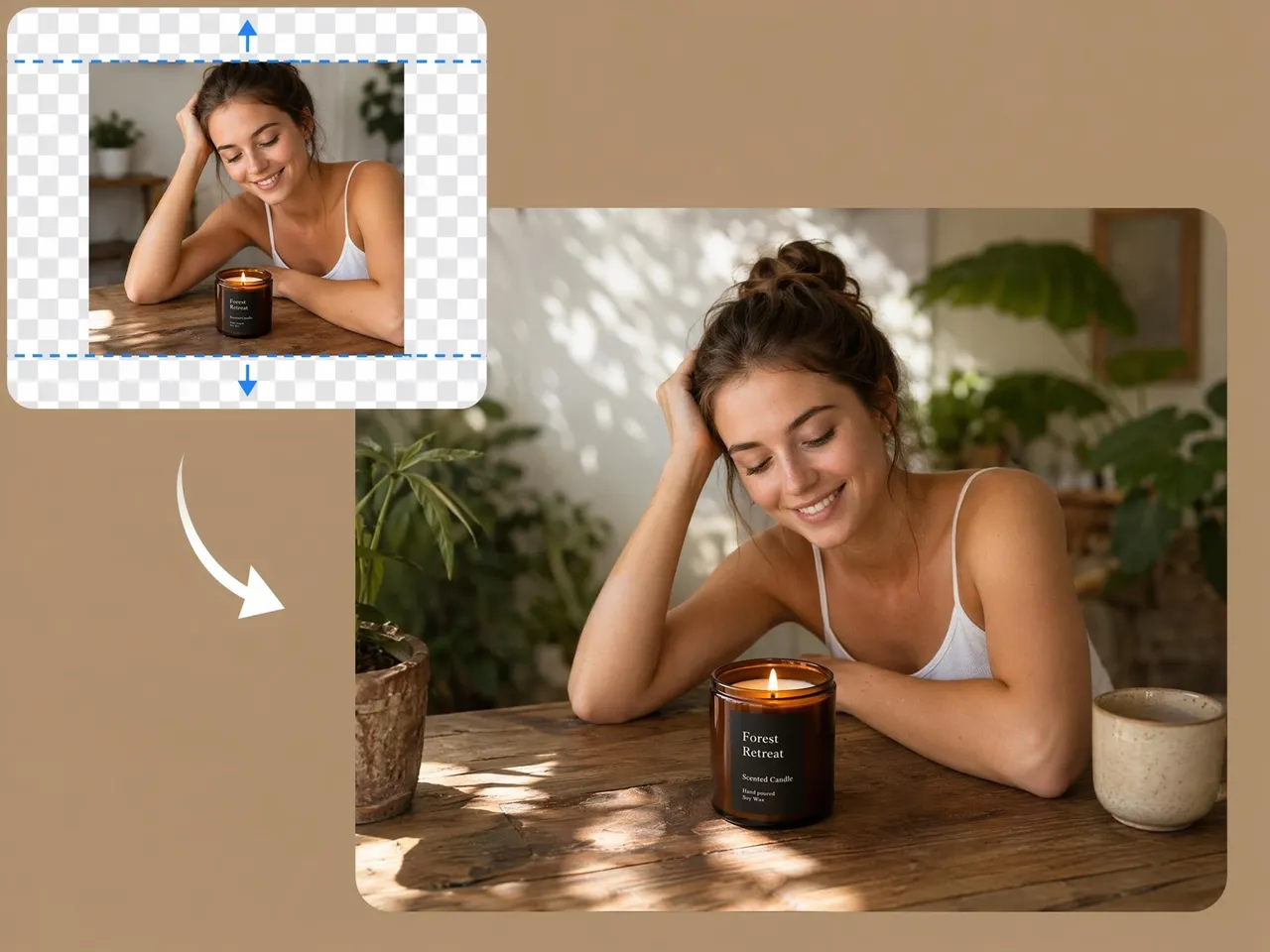
Practical Reasons for Using Designkit AI Image Extension

Expands Images Instead of Stretching Them
A normal resize stretches pixels and blurs the photo. New content is generated around the original instead, so the image gets bigger while staying sharp, with no visible seam where the new space begins.
Keeps Visual Continuity
A missing edge makes a photo unusable in modern formats. The extended area is generated to look like part of the original shot, matching its lighting and texture, not a blank margin around it.

Works in Any Direction
Add space on one side or several at once, vertically and horizontally, so you can hit the exact composition and aspect ratio a channel needs.

Supports Prompt or Automatic Mode
Describe what belongs in the new space for a specific look, or skip the prompt and let the existing background continue on its own.

Works with Your Files, Watermark-Free
Upload a JPG, PNG, or HEIC and the extended image exports without a watermark, ready to publish.

No Extra Editing Tools Required
No moving between tools. Extend the image, clean it up, and set the final dimensions in one workflow, which keeps a batch of visuals moving.
Frequently Asked Questions
What is an image extender?
Is the AI image extender free to use?
Yes, you can start for free and images export without a watermark. It runs in the browser, so you can extend a photo without installing anything.
Can I recover details that were cropped out of the original photo?
Not exactly. If parts were cut and saved out before, those exact pixels can't be brought back. What happens instead is new content is generated to match the surrounding scene, which fills the missing space with a natural-looking extension.
Will extending an image reduce its quality?
No. Extending an image adds new AI-generated content around the original photo rather than stretching existing pixels. Designkit maintains image clarity and resolution while creating seamless extensions that look natural and professional.
Can I turn a vertical photo into a wide one, or a square into 9:16?
Yes, different platforms require different image dimensions. Designkit can expand photos to fit popular formats such as landscape, portrait, square, 16:9, and 9:16, helping you adapt one image for multiple channels without heavy editing.
Can I guide the new background with a prompt?
Yes. Adding a prompt gives you more control over how new areas are generated. Designkit can create backgrounds that match your description, helping you extend images with scenery, textures, colors, or visual elements that fit your needs.
Is image extension the same as resizing, or the same as generative fill?
No. Resizing changes the dimensions and can stretch or compress what's already there. Generative fill adds or replaces objects inside the image. Image extension expands the canvas and creates new content around the edges of the existing photo.
What image formats can I upload?
Common formats like JPG, PNG, and HEIC work as is, including screenshots and phone photos. There's no need to convert the file before uploading.
Can I extend an image in any direction, vertically and horizontally?
Yes. You can add space on the top, bottom, left, right, or several sides at once. Both vertical and horizontal extensions are supported, so you can build the exact composition and aspect ratio you need.
Extend Images for Any Layout or Platform
Upload a photo and give it the space it needs in seconds. Fill out a tight crop or reframe for any platform, free and no reshoots.

Real Experiences from Ecommerce Sellers and Content Creators
See how sellers and creators uncrop tight shots and adapt one image across every channel.
My Product Photos Finally Fit Every Marketplace
I was constantly running into sizing issues with product photos. Sometimes the image was cropped too tightly, and I either had to reshoot it or leave a bunch of empty space around it. Now I can extend the background in seconds and make everything fit Amazon, Etsy, and Shopify without starting over. It saved me a surprising amount of time.
Building Ad Creatives Got So Much Easier
A lot of the product photos clients sent me had no extra space for text, captions, or motion graphics. That really limited what I could do with the edit. Being able to extend the image naturally gives me a lot more flexibility, and the final ads just look more professional.
I Stopped Paying for Simple Edits
I used to send simple image edits to freelancers because I didn't know an easy way to do them myself. Between the cost and waiting for revisions, it became frustrating. Now I can expand backgrounds and resize product images in a couple of clicks. For a small business, that's a big win.
Space for Captions on Every Post
My photos never had room for text, so I was always cramming captions over the subject. Now I extend the shot to open up clean space around it, drop the copy in, and the post looks intentional instead of crowded.
Presentation Design Got Less Stressful
I put together a lot of presentations, and finding images that actually fit the slide layout was always a headache. Instead of searching for replacements, I can just extend the image and keep the original look. It saves time and makes the whole deck feel more consistent.
It Saved a Last-Minute Client Project
I had a client request large-format marketing materials right before a deadline, but the images they provided were way too narrow. I thought I'd have to redesign everything. Extending the backgrounds solved the problem in minutes, and honestly, you couldn't tell the images had been edited.