
Free Watermark Adder Online for Fast, Professional Images
Upload your image, add a text or logo watermark, and download instantly. Built for e-commerce sellers and online creators. Protect your visuals in minutes with one click.
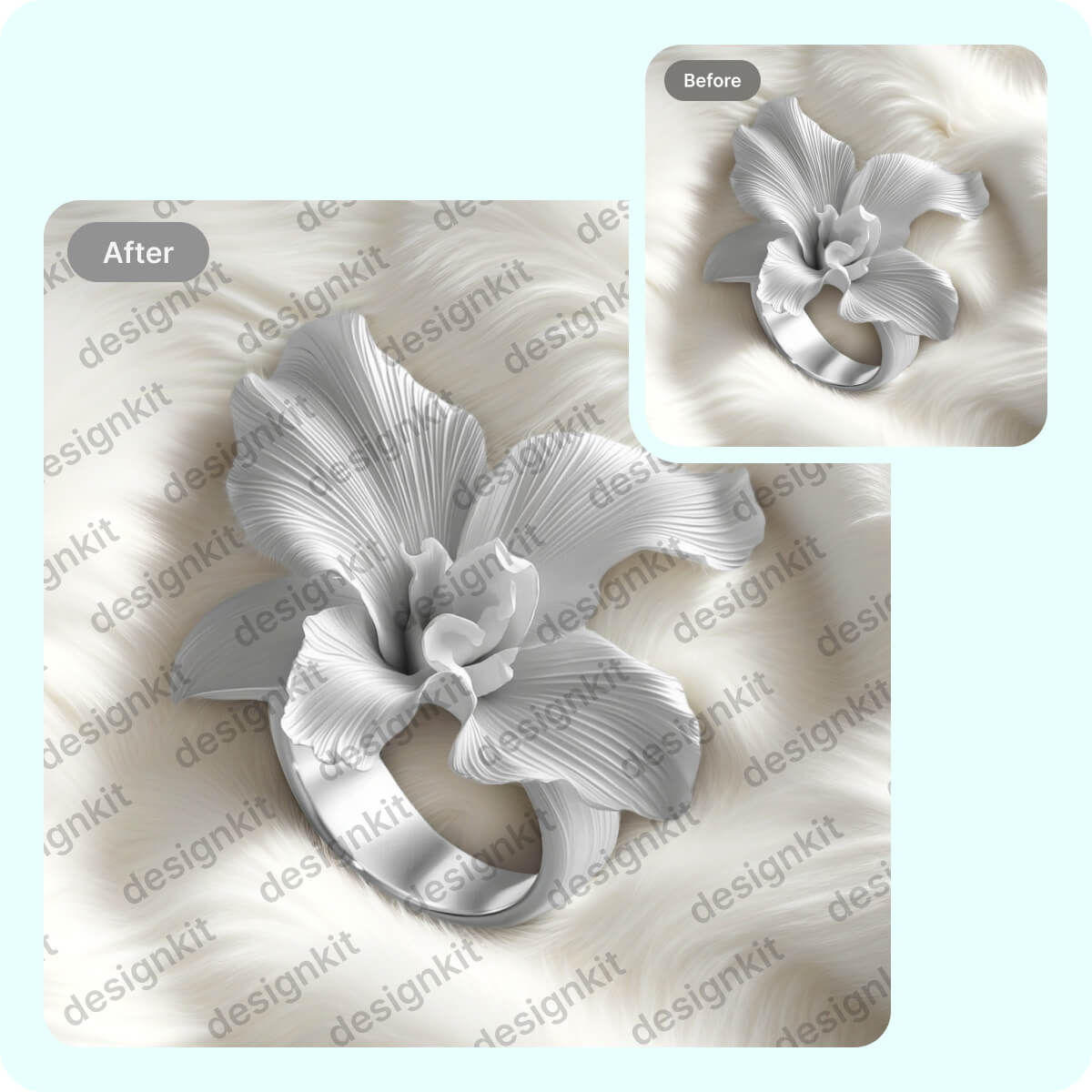
How to add text or logo watermarks to your images online
Upload Your Image
Click Upload and select a JPG, JPEG, PNG, or WebP. from your phone or computer—your photo opens in the web editor automatically within seconds. You don’t need any design skills, and you can swap images anytime to watermark multiple product photos fast.
Add Text or Logo
Choose Text to type your watermark or Logo to upload your brand mark, then drag it onto the image and adjust size and opacity. You see a live preview instantly, making it simple to add text or logo watermarks to your images online in under a minute.
Download Your Watermarked Image
Click Download to export your watermarked image right away in high quality. Your file saves in seconds and is ready to use for Amazon, Etsy, Shopify, or social posts—then just upload the next image to repeat the process even faster.

Real-Time Watermark Overlay for Watermark Adder Online
Watermark Adder Online uses a real-time overlay workflow to add text watermarks or logo watermarks in seconds—no Photoshop layers or repetitive exporting. You simply drag, scale, and preview before you download, helping you save up to 80% of watermarking time when processing batches.
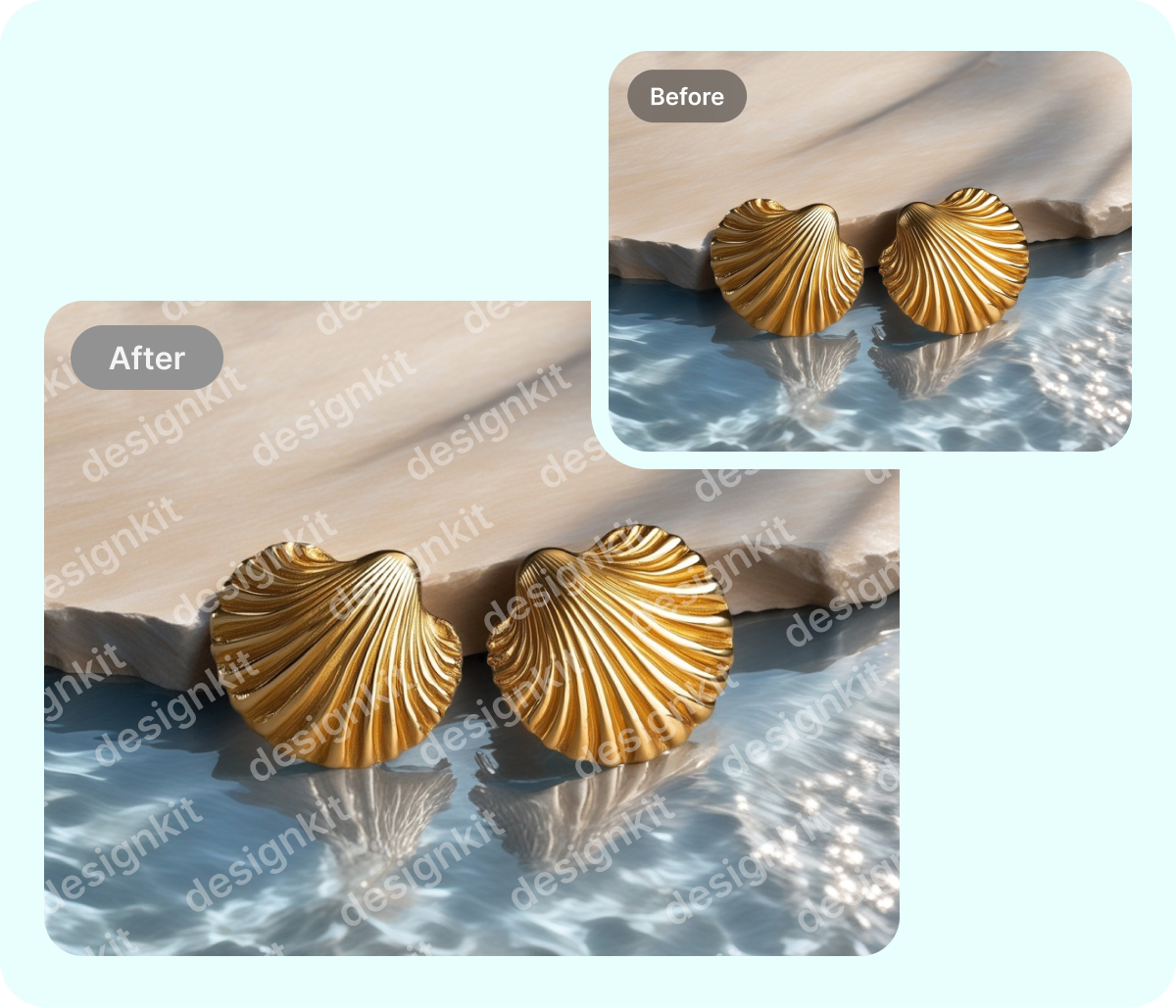
Consistent Opacity and Placement with Watermark Adder Online
Manual copy‑paste watermarking often looks uneven and is easier to crop. Watermark Adder Online gives you consistent positioning, opacity, and sizing controls so each product photo matches your branding and helps deter unauthorized reuse. Create a repeatable, professional look in under 30 seconds.

Transparent Watermark Controls in Watermark Adder Online
Heavy stamps can distract from your product images. With Watermark Adder Online, you adjust transparency (opacity) for subtle, professional branding and see instant previews before downloading. Add a text or logo watermark online and produce consistent results up to 5x faster than manual editing.
Watermark Adder Online for Flexible Branding and Quick Edits

Watermark Adder Online for Amazon Product Image Branding
When you sell on Amazon, consistent branding helps shoppers recognize your store, but manually re-editing every SKU wastes time. With Watermark Adder Online, you add text watermarks like your brand name, URL, or “official store” tag in the same position across images. You stay compliant, reduce theft, and publish faster.


Key Advantages of Designkit's Watermark Adder Online

Highly Custom Watermark Controls
You control watermark size, opacity, rotation, spacing, and placement after AI suggests a readable position on your photo. You keep branding consistent for Amazon, Etsy, and Shopify while avoiding overlays that distract shoppers—add your watermark now.

Consistent Batch Watermarking Workflow
You reuse the same watermark settings across multiple images, with automated alignment helping maintain consistent placement from photo to photo. You update seasonal campaigns or new SKU galleries quickly instead of repeating edits one file at a time.

Creative Element Watermark Overlays
You add design elements as watermarks—icons, shapes, stickers, or badges—then place and resize them directly on your image. You create more distinctive branding than plain text watermarks and highlight promos like “New” or “Sale”—try it now.
Discover More Powerful Features in Designkit
FAQ About Watermark Adder Online
How do I add a watermark in Designkit?
Can I use element graphics as a watermark?
Yes. Besides text and logos, you can add design elements—like icons, shapes, stickers, or badges—and use them as a watermark overlay. This is useful when you want something more noticeable than a small logo, such as a “Sale” badge or a branded icon. You can resize and reposition elements to fit different product images consistently.
Is Watermark Adder Online good for e-commerce listings?
Yes. It’s designed for sellers who need fast, consistent branding across many product photos—especially for marketplaces like Amazon, Etsy, and Shopify. You can keep watermarks readable without covering key product details, and reuse the same settings across multiple images to maintain a consistent storefront look. This saves time when updating seasonal campaigns or new SKU galleries.
Can I batch watermark multiple images at once?
Yes. You can reuse the same watermark settings across multiple images, and automated alignment helps keep placement consistent from photo to photo. This is helpful when you’re preparing a whole catalog, updating hero images, or launching a new collection. Batch-style consistency reduces repetitive file-by-file adjustments and speeds up your workflow.
Is Designkit’s Watermark Adder Online free?
Yes—Designkit has a free version, and it also includes gifted AI credits for you to try AI-powered features. What’s available can differ by plan (for example, export options or usage limits), so the best way to confirm the latest details is to review Designkit’s pricing page. If you watermark product photos often, starting free lets you test the workflow first.
Designkit: Automate Your Product Visuals with E-Commerce AI
Our Free Watermark Adder Online lets you bulk-apply professional logos or signatures across your entire collection, ensuring your brand gets the credit it deserves while deterring unauthorized use on global marketplaces.


