
AI Image to Video Generator: Bring Your Pictures to Life
Upload a photo, product image, artwork, or illustration and turn it into a smooth video with AI motion. Designkit helps you add camera movement, scene action, transitions, and ready-to-share video formats for social media, ads, and creative projects.
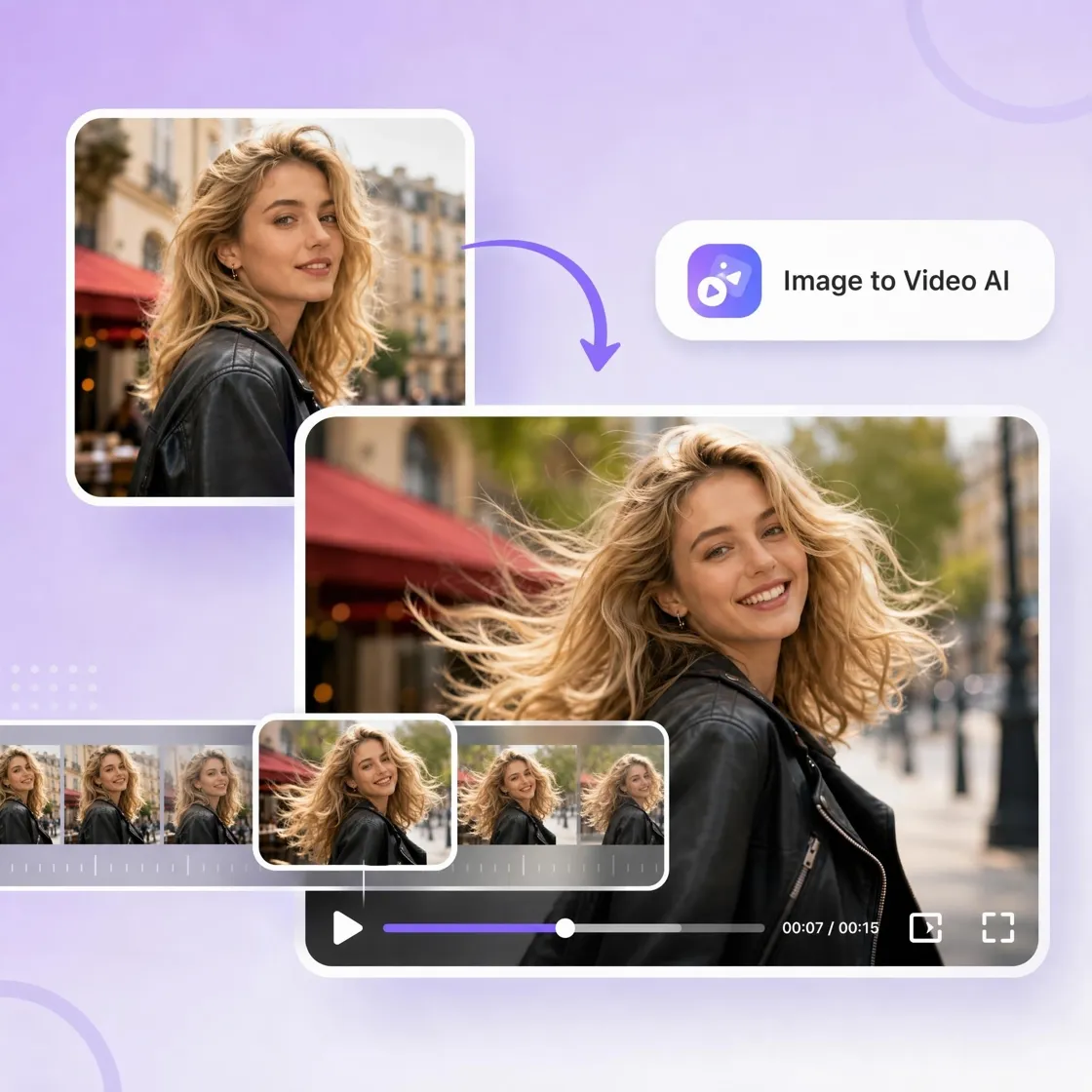
How to Turn an Image Into a Video in 3 Steps
Upload Your Image
Add a photo, product image, portrait, illustration, artwork, or visual asset. Designkit prepares it for AI video generation.
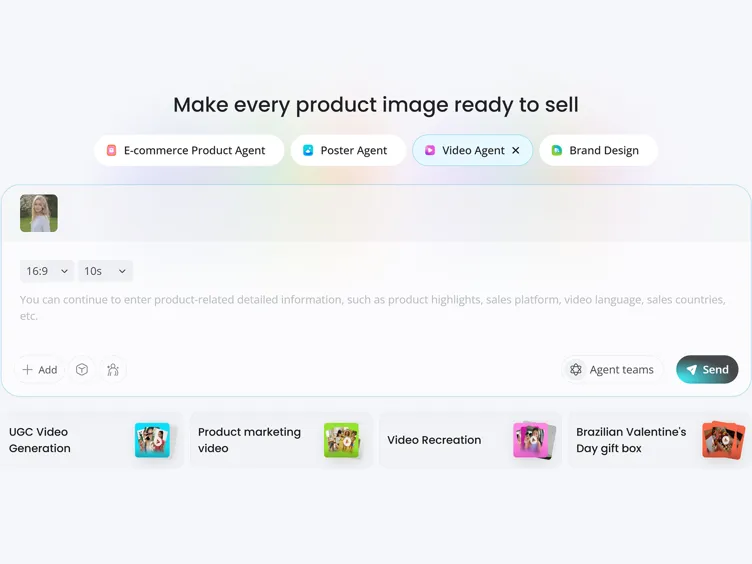
Describe the Motion
Use a simple prompt to control subject movement, camera motion, pacing, and style. Add zoom, pan, tilt, tracking shots, or scene action to guide the result.
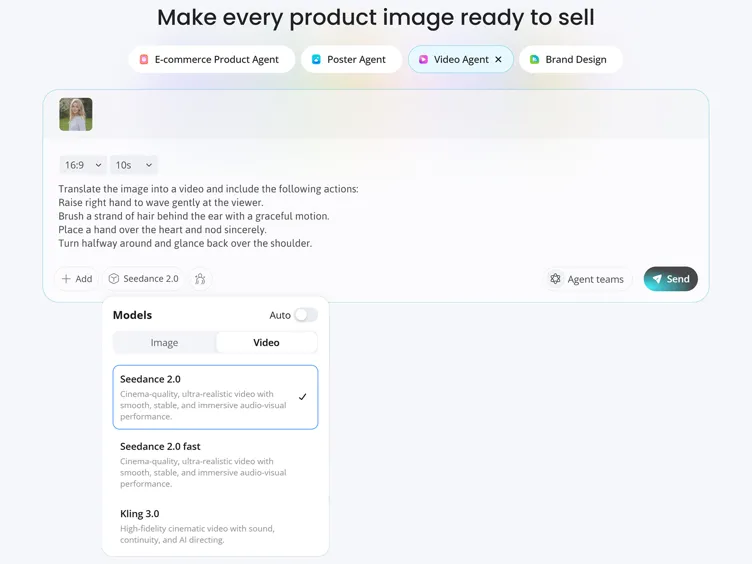
Preview and Export
Review the generated video, refine the motion if needed, and export a polished clip for TikTok, Instagram, YouTube, ads, websites, or presentations.
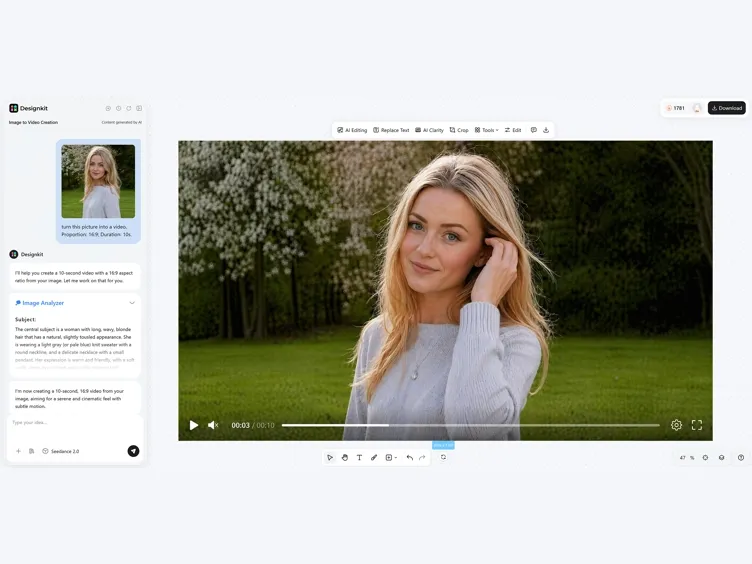
What You Can Create With Designkit Image to Video Generator
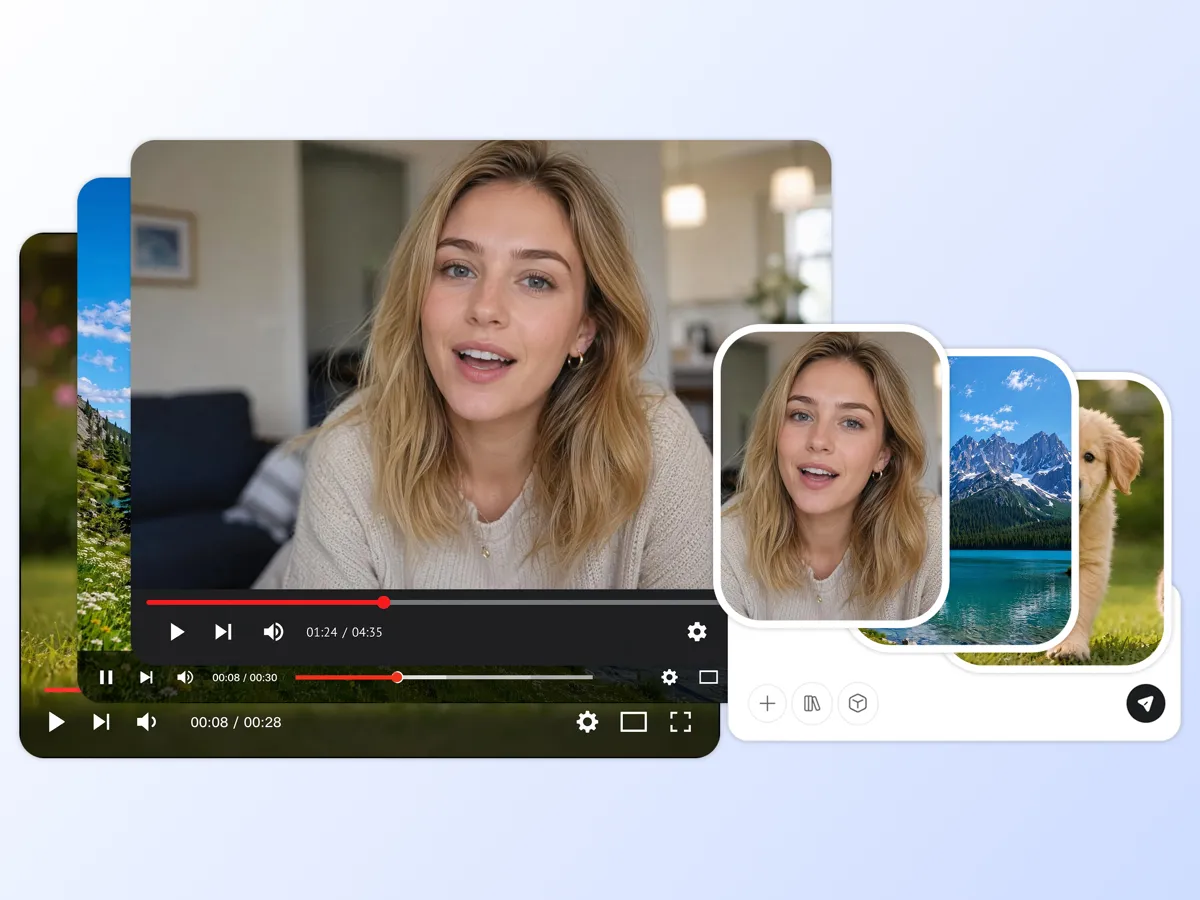
Convert Any Image Into a Cinematic Video
Designkit turns images into short videos with smooth motion, depth, and camera movement. Use existing visuals to create content without filming new footage.
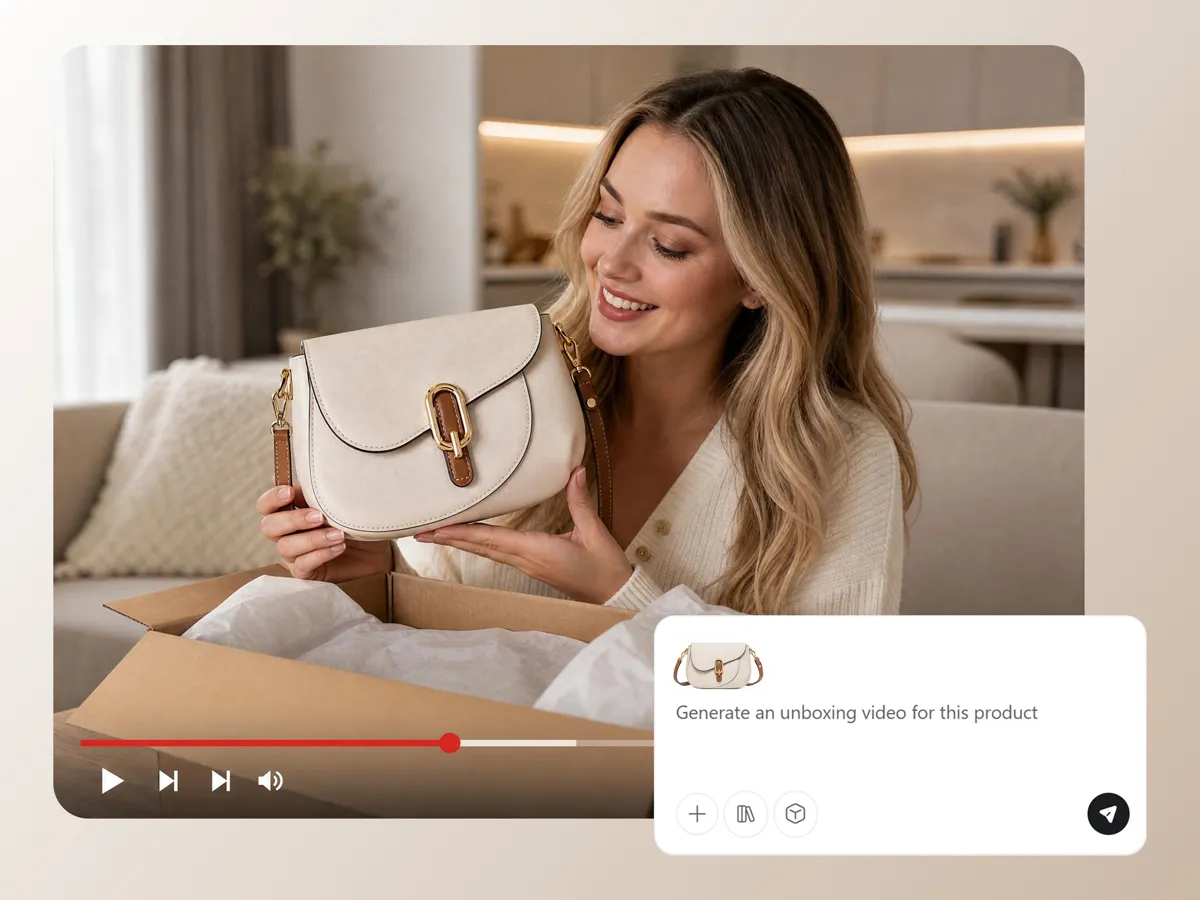
Animate Product Images for Ads
Turn product photos into video ads with motion, framing, and visual focus. Create more engaging content for social campaigns, product listings, and product launches.
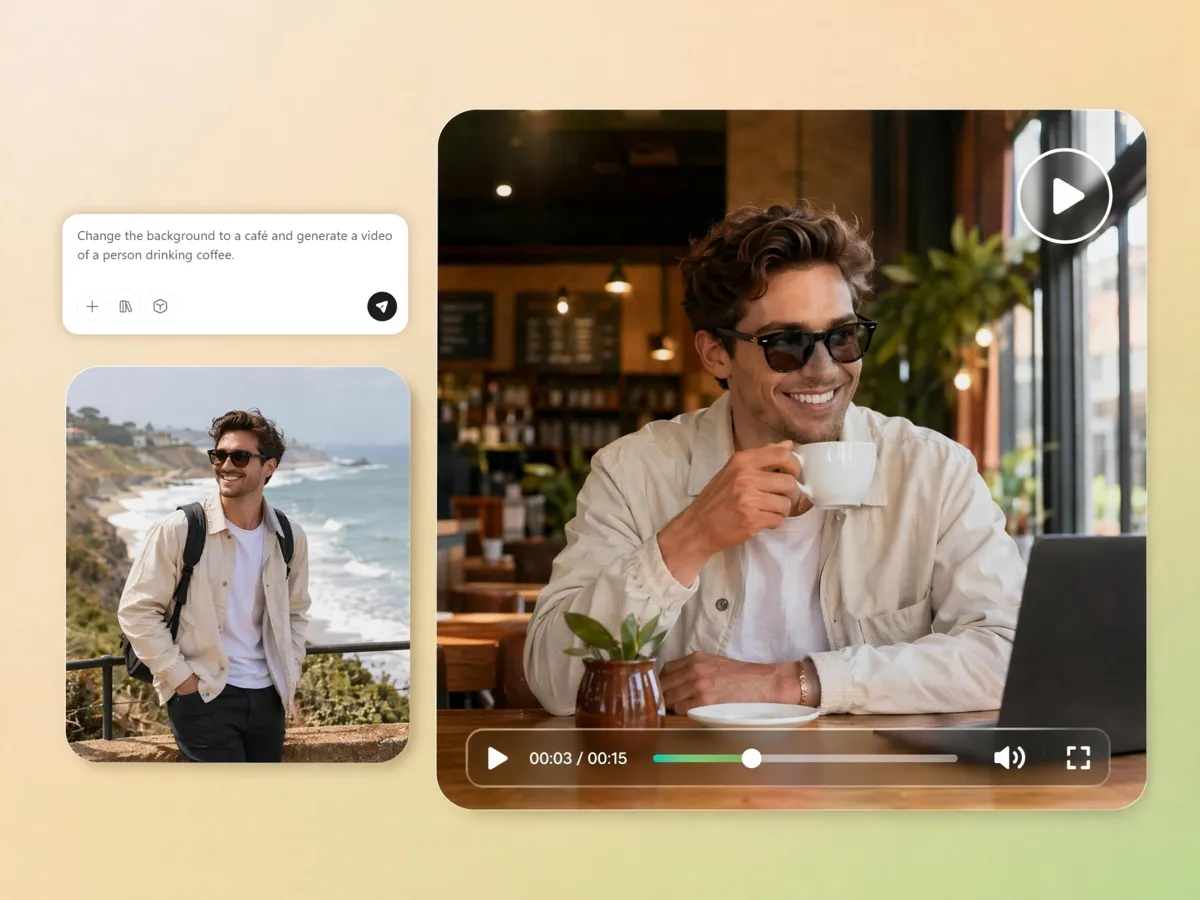
Control Motion With Text Prompts
Guide the animation with simple motion prompts. Describe subject movement, camera direction, scene changes, pacing, and style to create the look you want.
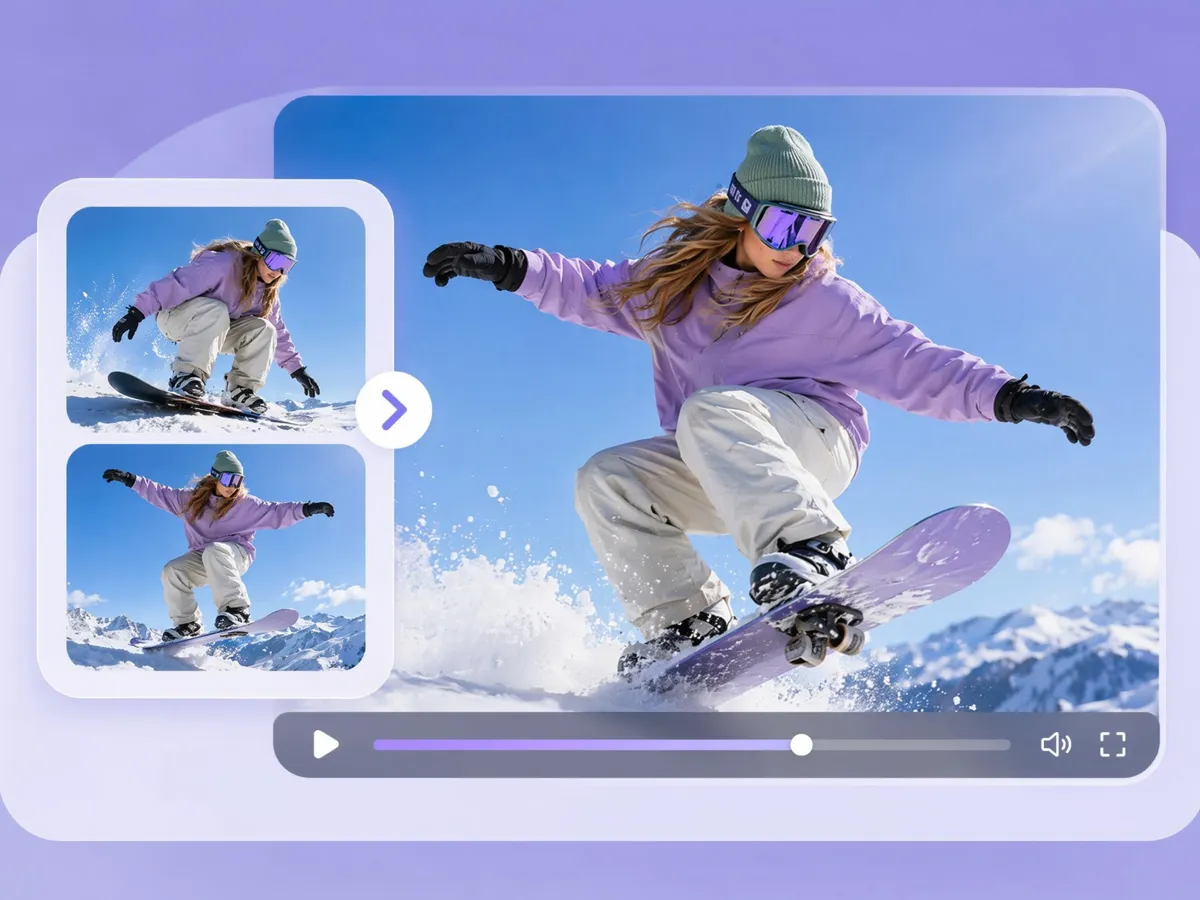
Create Video Stories From Multiple Images
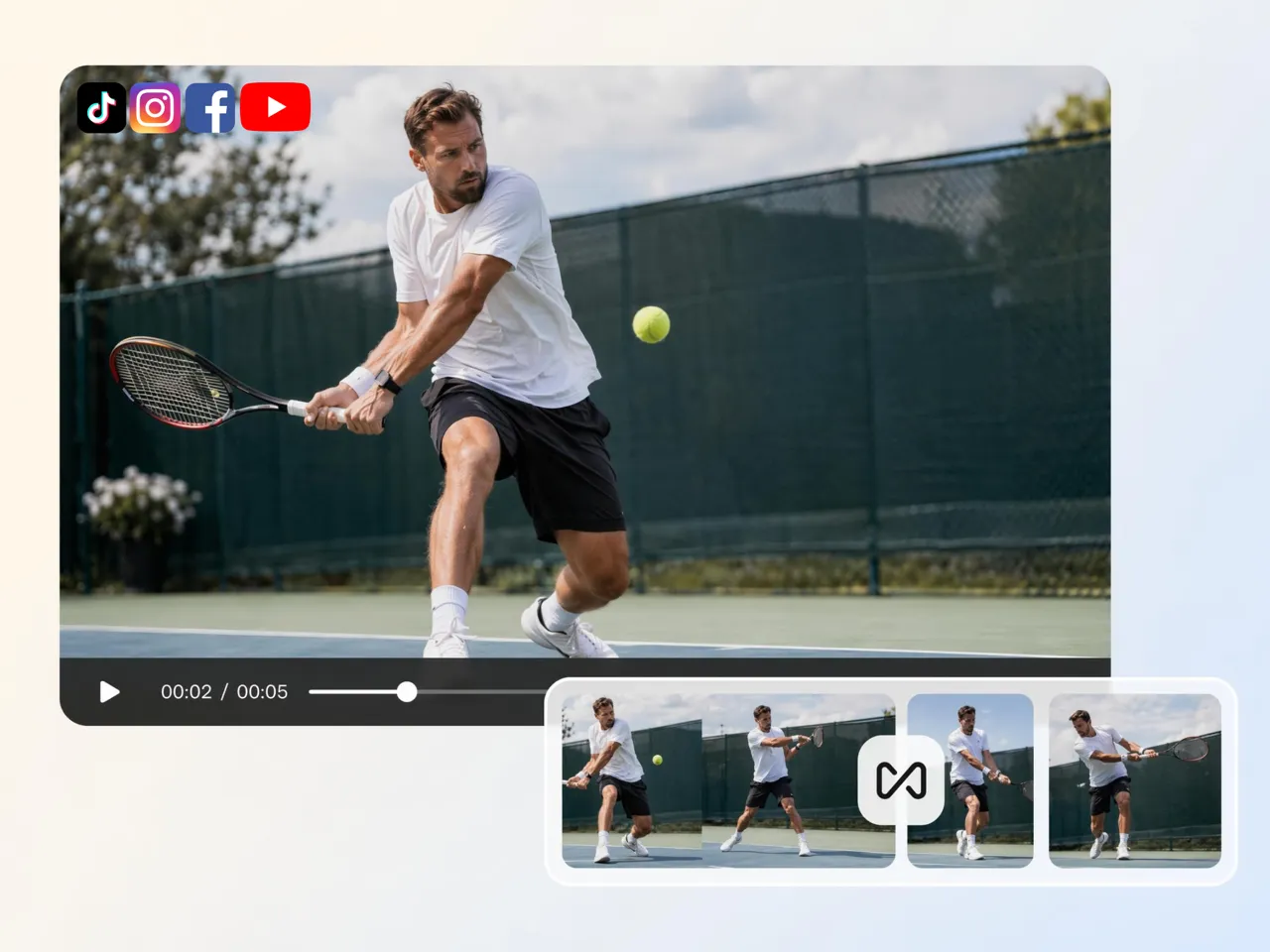
Upload several images and connect them into one video sequence with transitions. Use it for product showcases, travel stories, educational content, presentations, or visual storytelling.
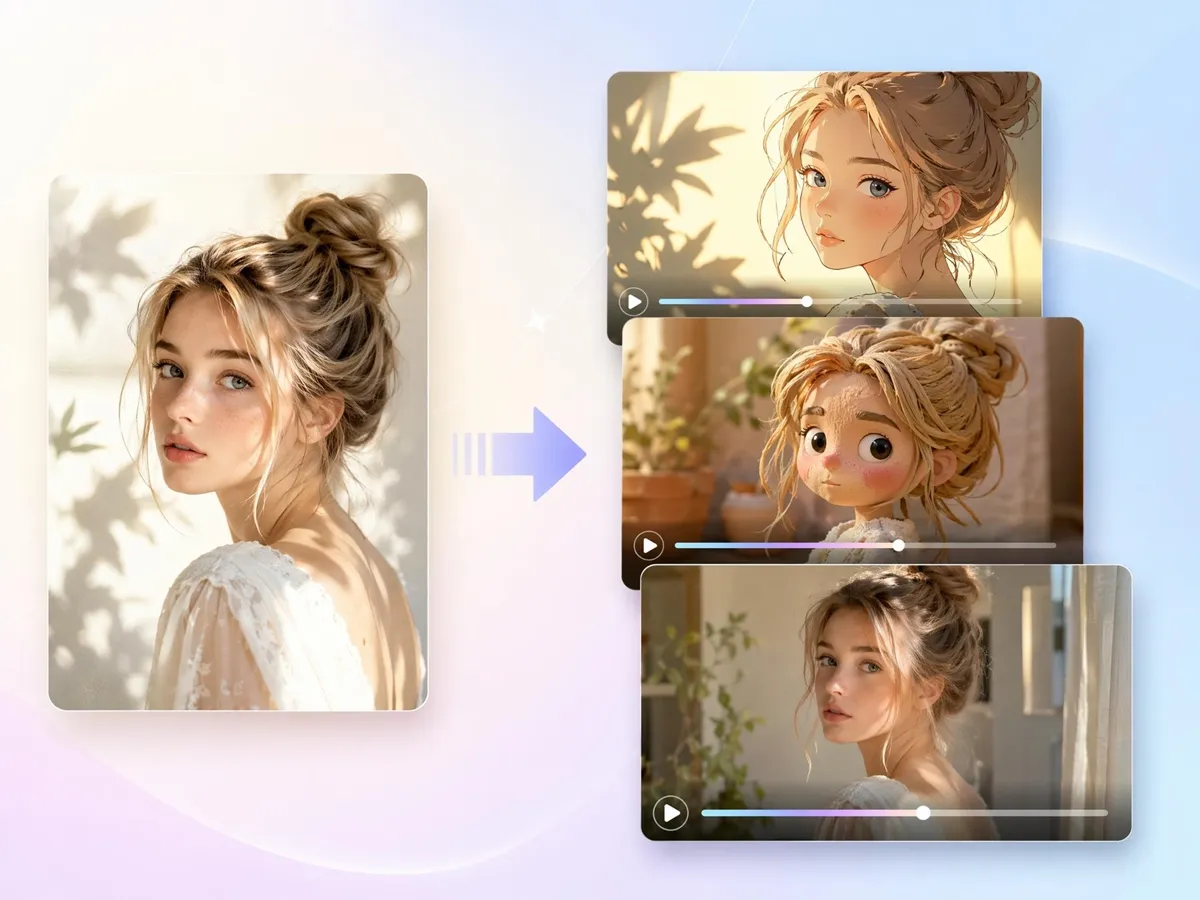
Generate Multiple Video Styles From One Image
Create different versions from the same image, including social videos, ad creatives, cinematic clips, animation-style videos, and presentation visuals.
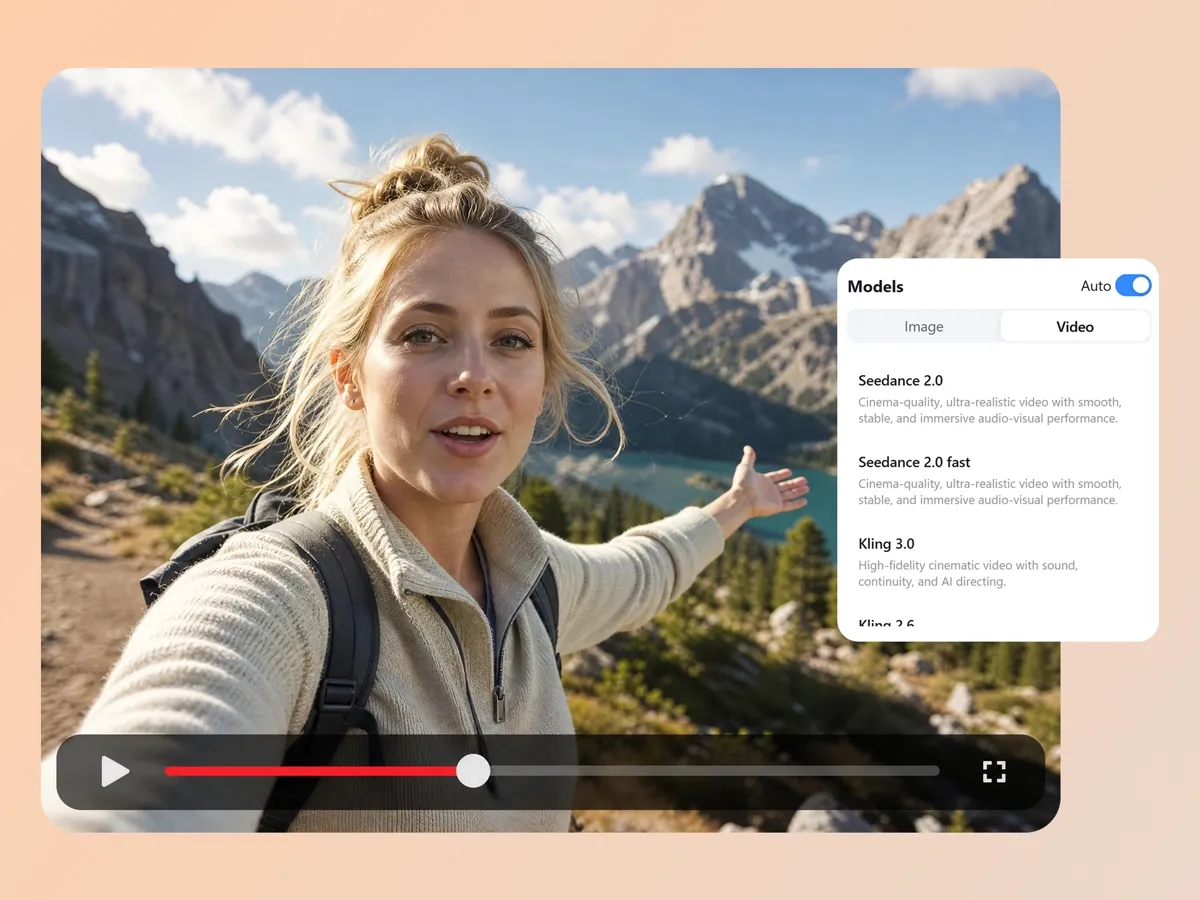
Choose the Right AI Video Model for Each Project
Choose from models tuned for realism, motion quality, creativity, or speed, including Seedance 2.0, Veo 3.1, and Kling 3.0. You match the model to the project instead of settling for one default.
Built for Creators, Sellers, Educators, Artists, and Marketing Teams
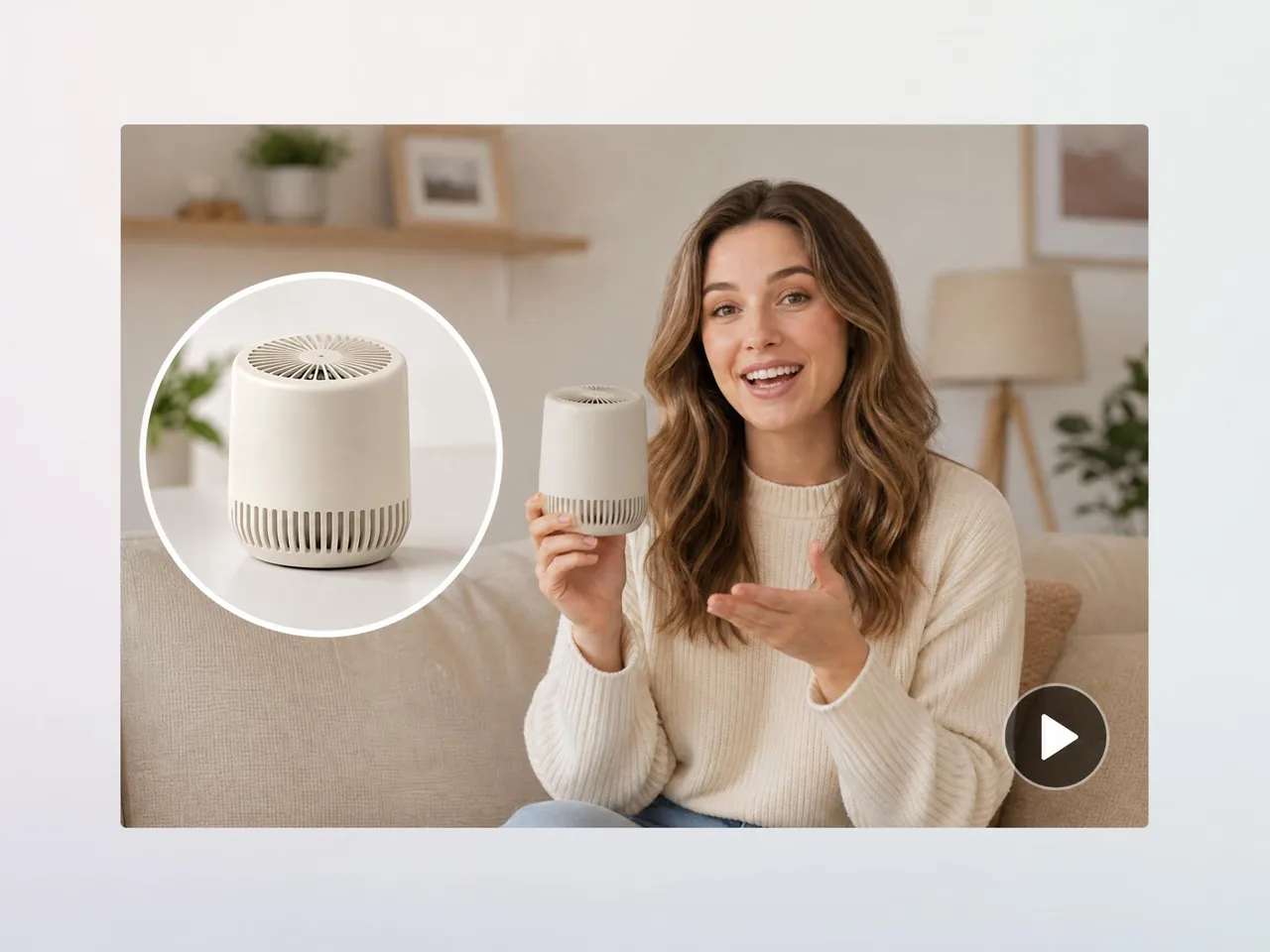
Turn Product Photos Into Video Ads
Static product photos often get ignored in crowded feeds. Designkit turns product images into short videos with motion, camera movement, and product-focused framing, helping sellers create more engaging ads for social media, marketplaces, and product pages.


Why Use Designkit to Convert Images to Videos

Create Videos Without Filming
Designkit helps you turn existing photos, product images, artwork, and visual assets into videos, so you can create more content without arranging a shoot or recording new footage.

Control Motion With Simple Prompts
You do not need timelines, keyframes, or editing software. Describe the movement you want, such as zoom, pan, tilt, subject motion, or scene changes, and Designkit generates the video.

Reuse Existing Visual Assets
Product photos, campaign images, illustrations, and old visual materials can become new video content. This helps teams get more value from assets they already have.

Create for Multiple Platforms
Generate image-based videos for social media, ads, websites, presentations, and product pages. Use one image to create different video styles for different channels.

Generate Multiple Versions Faster
Designkit can create different motion styles, formats, and creative directions from the same image, making it easier to test content ideas without starting from scratch.

Make Static Content More Engaging
Motion helps images hold attention in fast-moving feeds. Designkit adds movement, depth, and pacing so your visuals feel more suitable for video-first platforms.
Frequently Asked Questions
What is an AI image to video generator?
How do I turn an image into a video?
Upload your image to Designkit, describe the motion you want, and generate the video. You can guide the result with prompts such as slow zoom, camera pan, subject movement, tracking shot, or cinematic lighting.
Do the AI-generated videos look natural, or does the motion look stiff?
The motion looks natural. Designkit applies advanced motion generation for smooth camera movement, realistic depth, and natural transitions, so clips feel cinematic rather than rigid.
What images can I use in the image to video generator?
You can use product photos, portraits, artwork, illustrations, landscapes, marketing images, educational visuals, and other high-quality image assets. Clear images with a strong main subject usually produce better results.
Can I control the type of animation applied to my image?
Yes. You describe camera motion, scene action, and pacing with simple prompts, and Designkit applies them. You can set zoom, pan, tilt, and shot style for the look you want.
Can I turn multiple images into one video?
Yes. Designkit can help connect multiple images into a single video sequence with transitions. This is useful for product showcases, travel stories, real estate listings, educational videos, and presentations.
Can I generate different videos from the same image?
Yes. You can create multiple versions from one image by changing the prompt, motion style, aspect ratio, or AI model. This helps you test different creative directions without creating new source assets.
What is the difference between image to video and text to video?
Image to video starts with an existing visual and adds motion to it. Text to video creates a new scene from a written prompt. Use image to video when you already have a photo, product image, artwork, or visual asset you want to animate.
Create Videos From Your Images
Turn photos, product images, artwork, and illustrations into videos with AI motion, camera movement, and transitions. Start with one image and create a ready-to-share video in minutes.



What Creators Say About Designkit Image to Video Generator
See how creators, sellers, educators, and teams use Designkit to create videos from images.
Product Photos Became Easier to Use in Ads
We had many product photos but not enough video content for campaigns. Designkit helped us turn those images into short product videos with smooth motion and better framing. It made our existing assets much more useful for social ads.
Travel Photos Turned Into Short Videos
I had a large library of travel photos, but static posts were starting to feel repetitive. With Designkit, I turned them into short videos with camera movement and natural scene motion. It gave my content more variety without needing new footage.
Artwork Felt More Presentation-Ready
Designkit helped me add subtle motion to illustrations and concept art. The videos made my portfolio pieces feel more immersive, which was useful for social sharing and client presentations.
Property Photos Became Listing Videos
Creating a video for every property used to be expensive. With Designkit, I can turn listing photos into simple walkthrough-style videos. It helps buyers understand the space better before booking a viewing.
Historical Images Became Better Storytelling Assets
My videos often use old photos and archive images. Designkit helped me add motion and depth to those visuals, so the final videos feel less static and easier to watch.
Album Artwork Became Music Visuals
I used to upload songs with only static cover art. Designkit helped me turn album artwork into moving visuals, which made my music uploads feel more complete and polished.