
Free Online Image Text Editor — Edit Text in Any Image Instantly
Edit text on any image directly in your browser — add, replace, or remove text on photos with AI-powered font matching and seamless background cleanup. The fast, free photo text editor built for marketers, sellers, and creators.
No image? Try one of these:
How to Edit Text in an Image Online for Free
Upload Your Image
Upload your image to Designkit's online image text editor. Supports PNG, JPG, WebP, and all major formats.
Edit or Add Text on Your Image
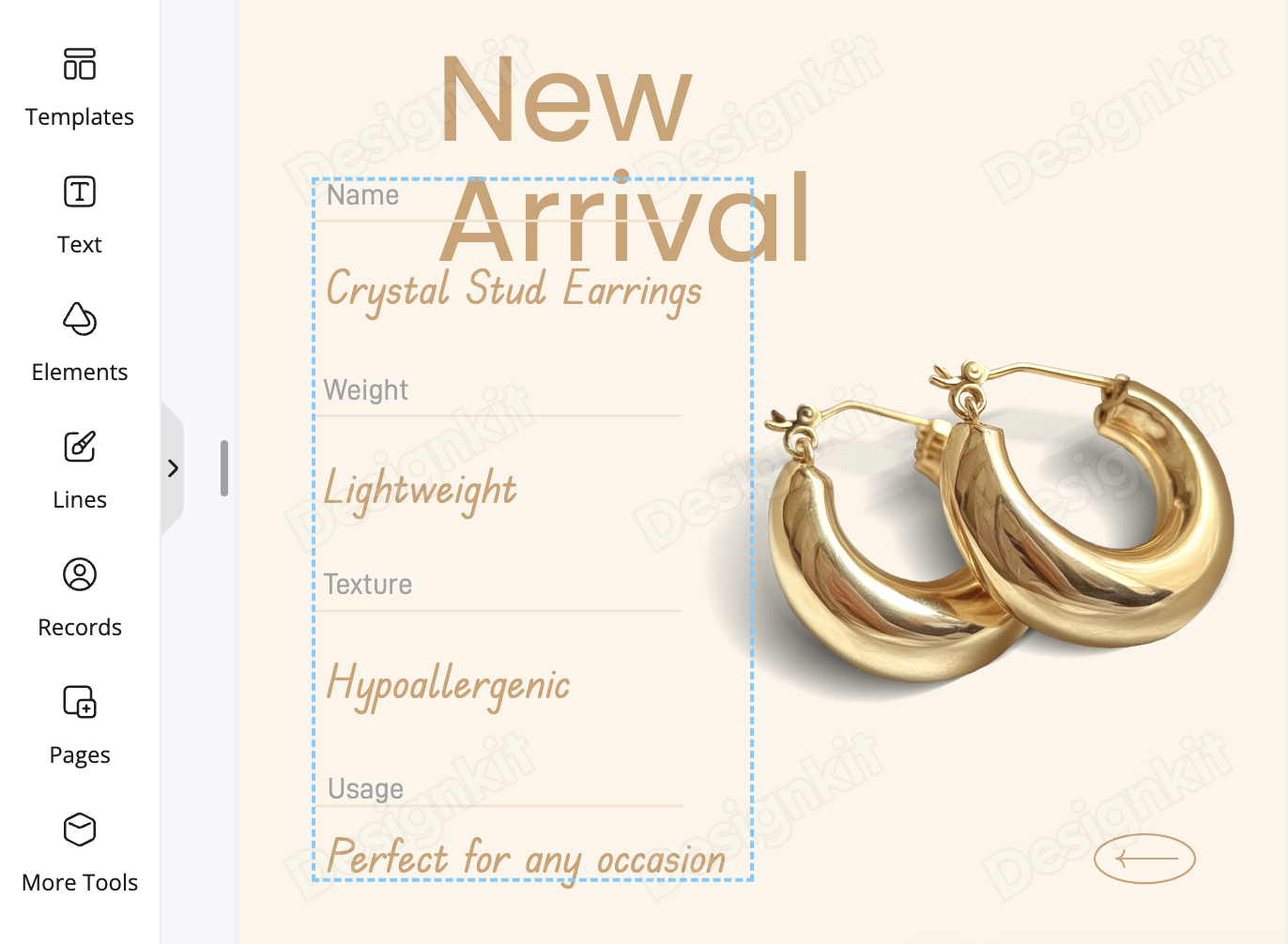
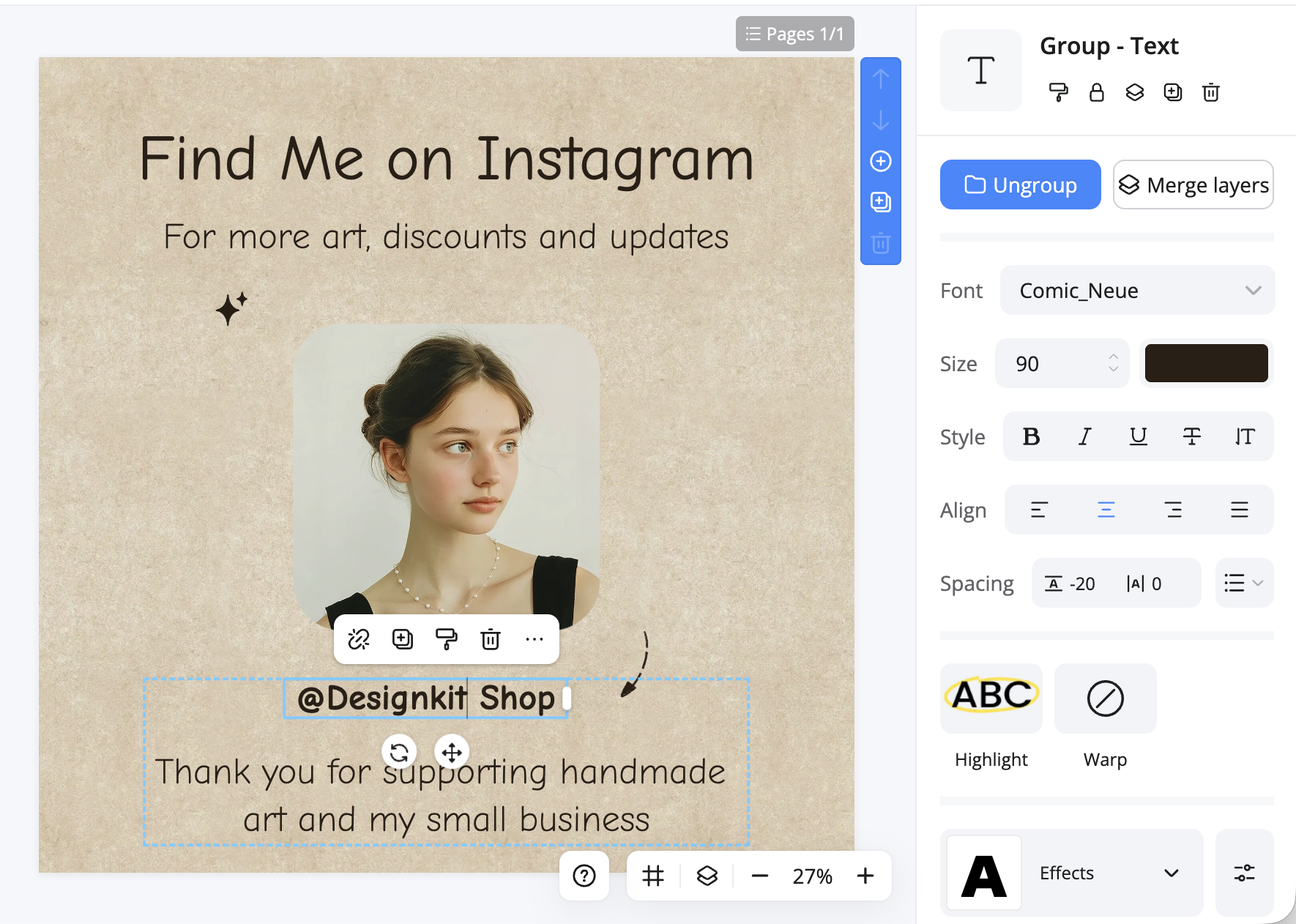
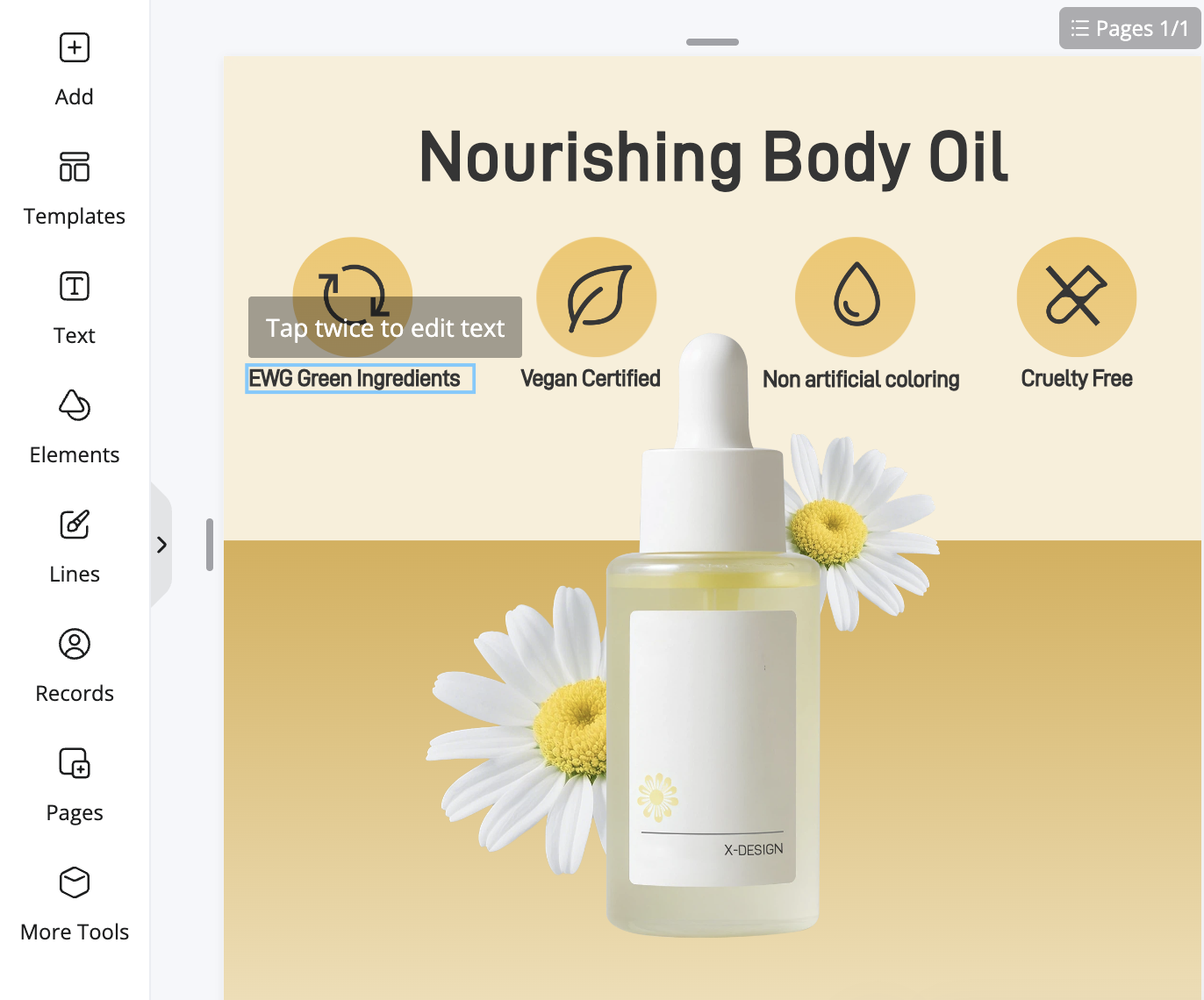
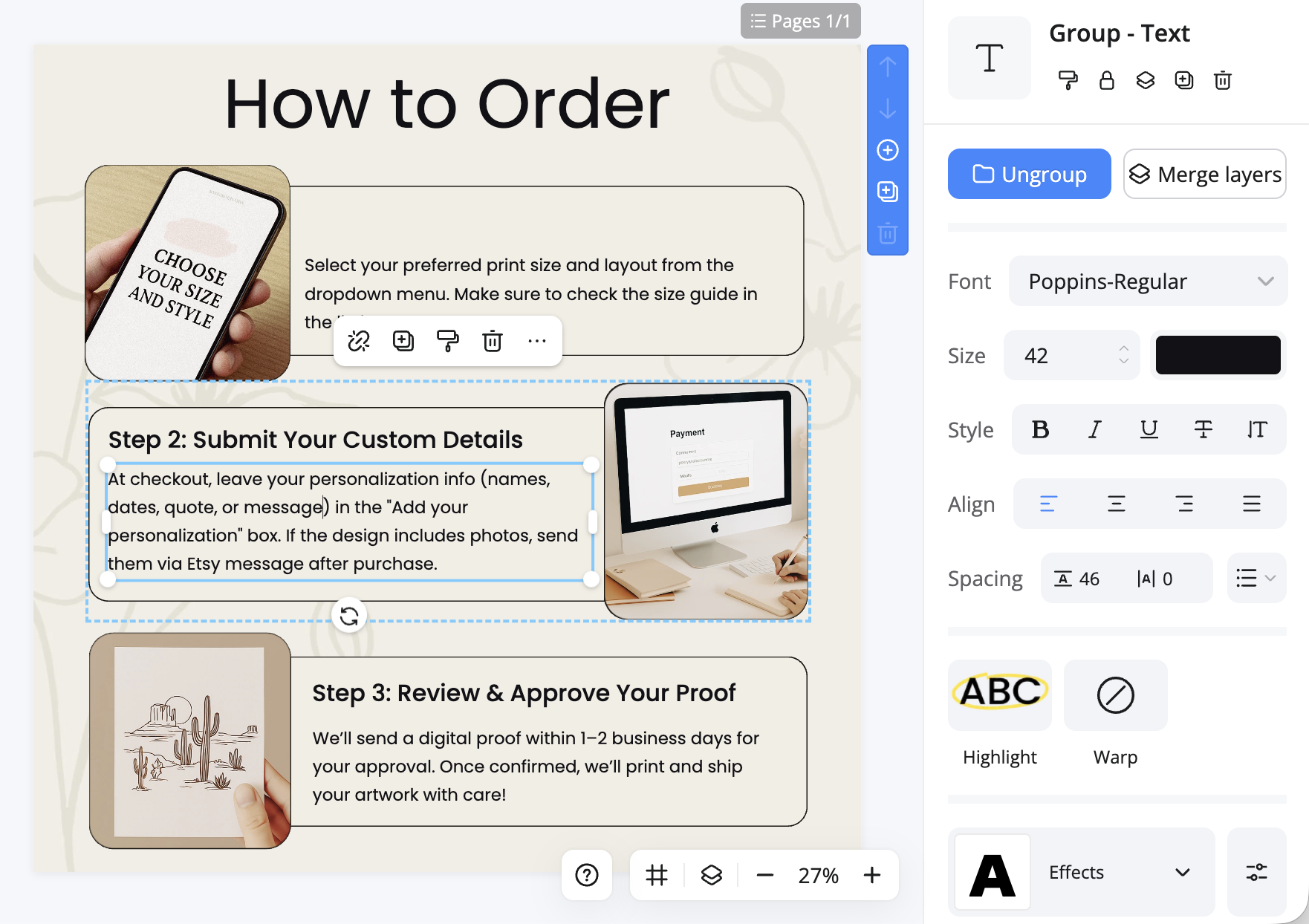
Click any existing text to edit it instantly, or add new text from the left panel. Choose from hundreds of fonts, adjust sizes, colors, spacing, and apply text effects. Our AI can also auto-remove unwanted text and reconstruct the background seamlessly.
Download Your Edited Image
Download your final image in high resolution — ready to use on your store, social media, or marketing materials.
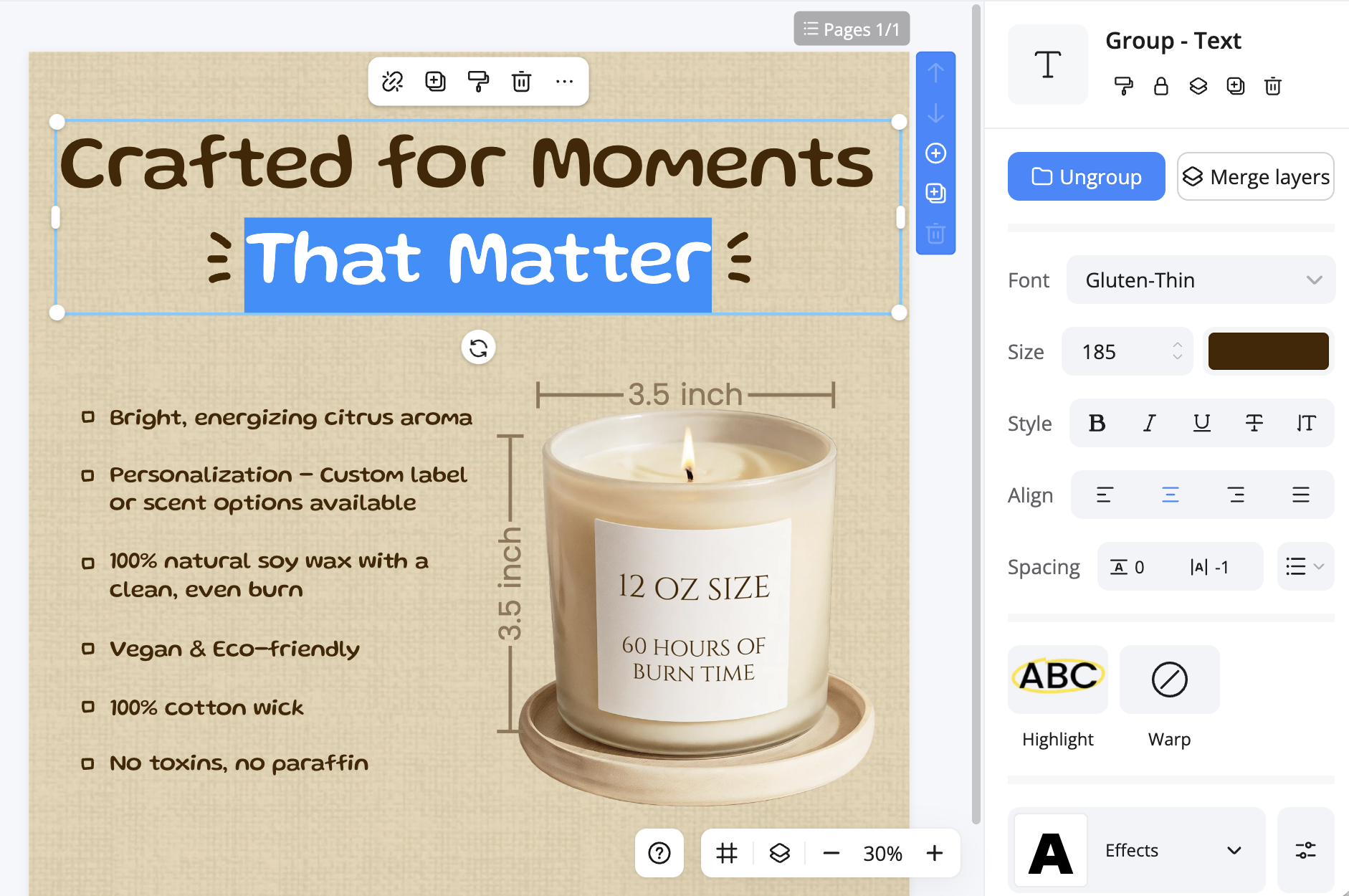
Fast & Precise Text Editing on Images
Make quick text changes on any image with Designkit's streamlined text editor online. Whether you need to fix a typo, update a price tag, or replace a headline, our editor lets you get it done in seconds. Perfect for busy sellers and marketers who need to move fast without switching between tools.
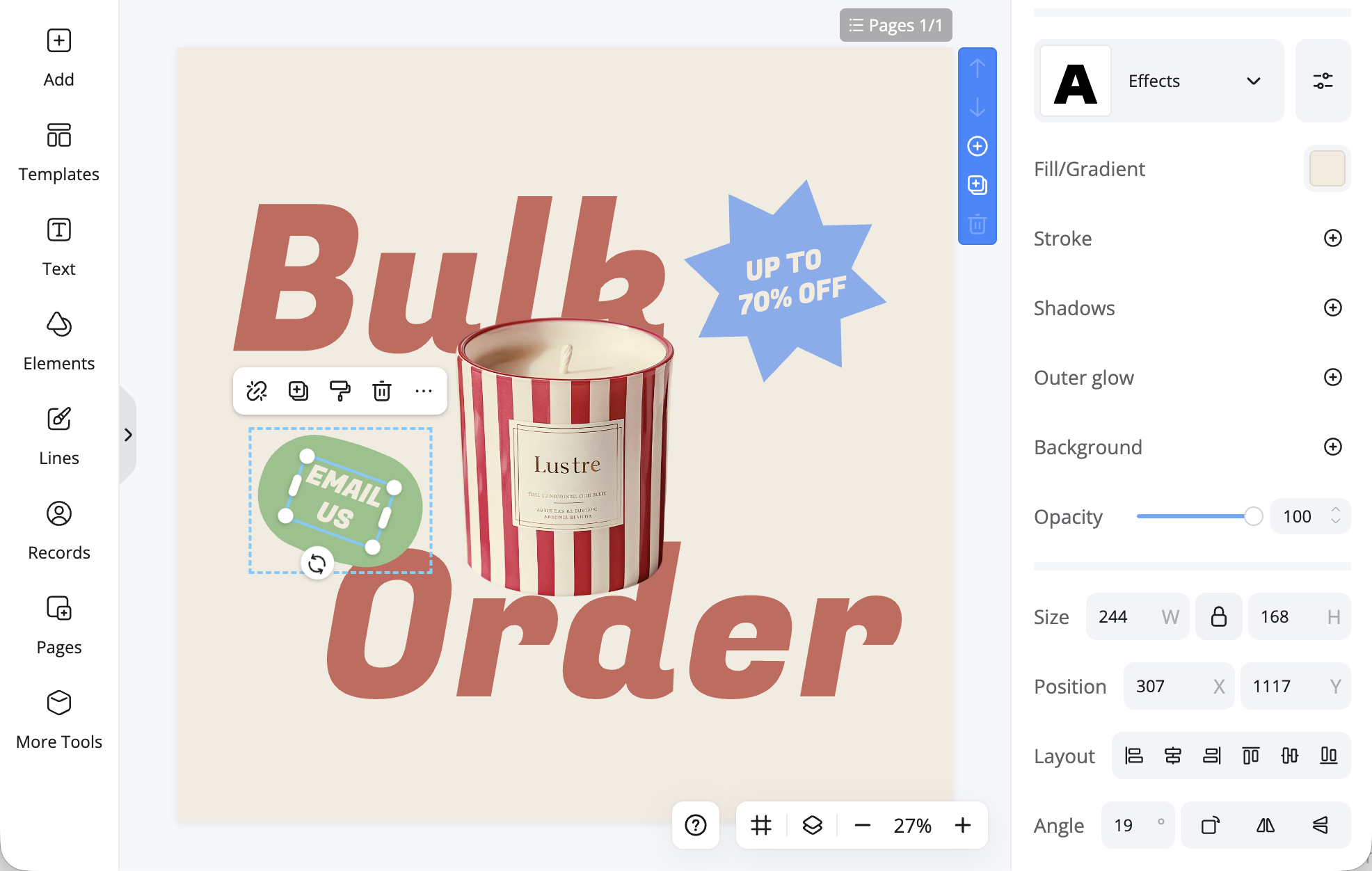
AI-Powered Text Removal & Background Reconstruction
Need to remove text from an image? Designkit's AI erases unwanted text — watermarks, outdated labels, or old captions — and intelligently fills the background to match surrounding colors, textures, and patterns. The result looks natural and clean, as if the text was never there.
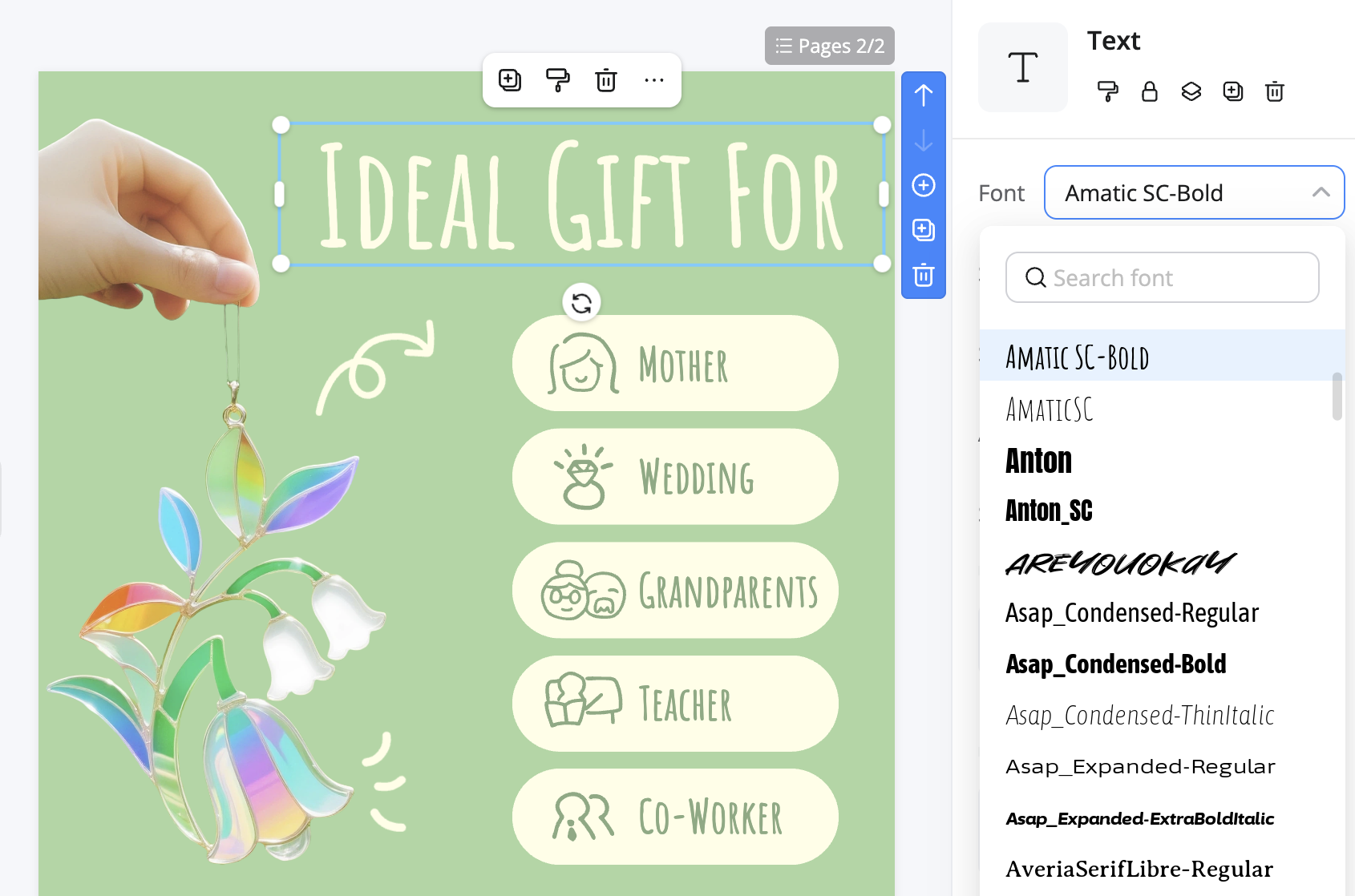
Smart Font Styling for Every Project
Choose from a wide library of fonts and customize colors, spacing, alignment, and effects. Whether you're designing a product banner, social media post, or promotional flyer, this photo text editor gives you full control over how your text looks. Match your brand style or experiment with bold new designs — all inside your browser.
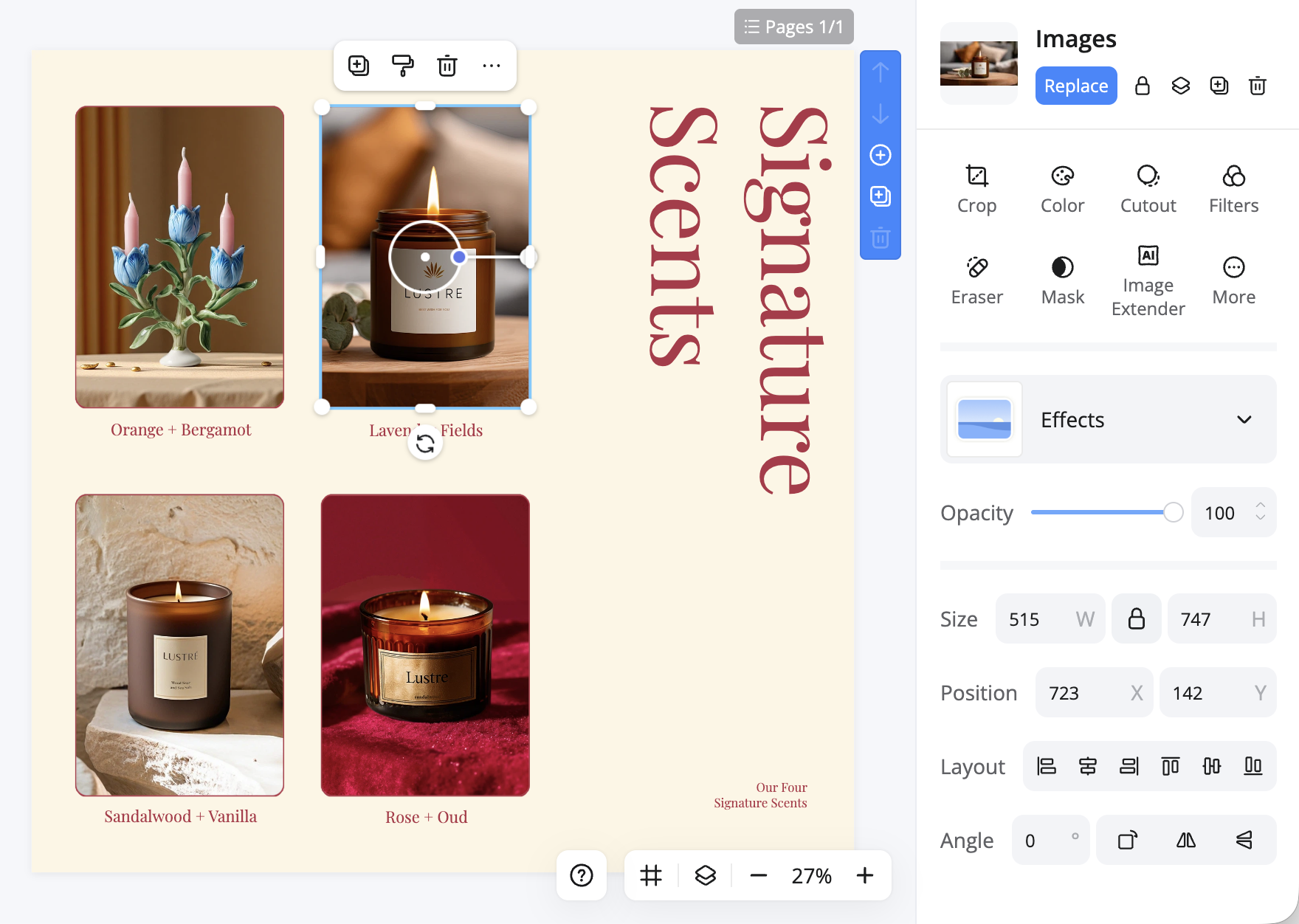
Full Creative Control Beyond Text
Designkit is more than an image text editor. Change image colors, add or remove backgrounds, and apply AI enhancements — all within one editor. No software download required. Open your browser, upload your image, and access a complete suite of photo editing tools.
Edit Text in Images for Any Use Case
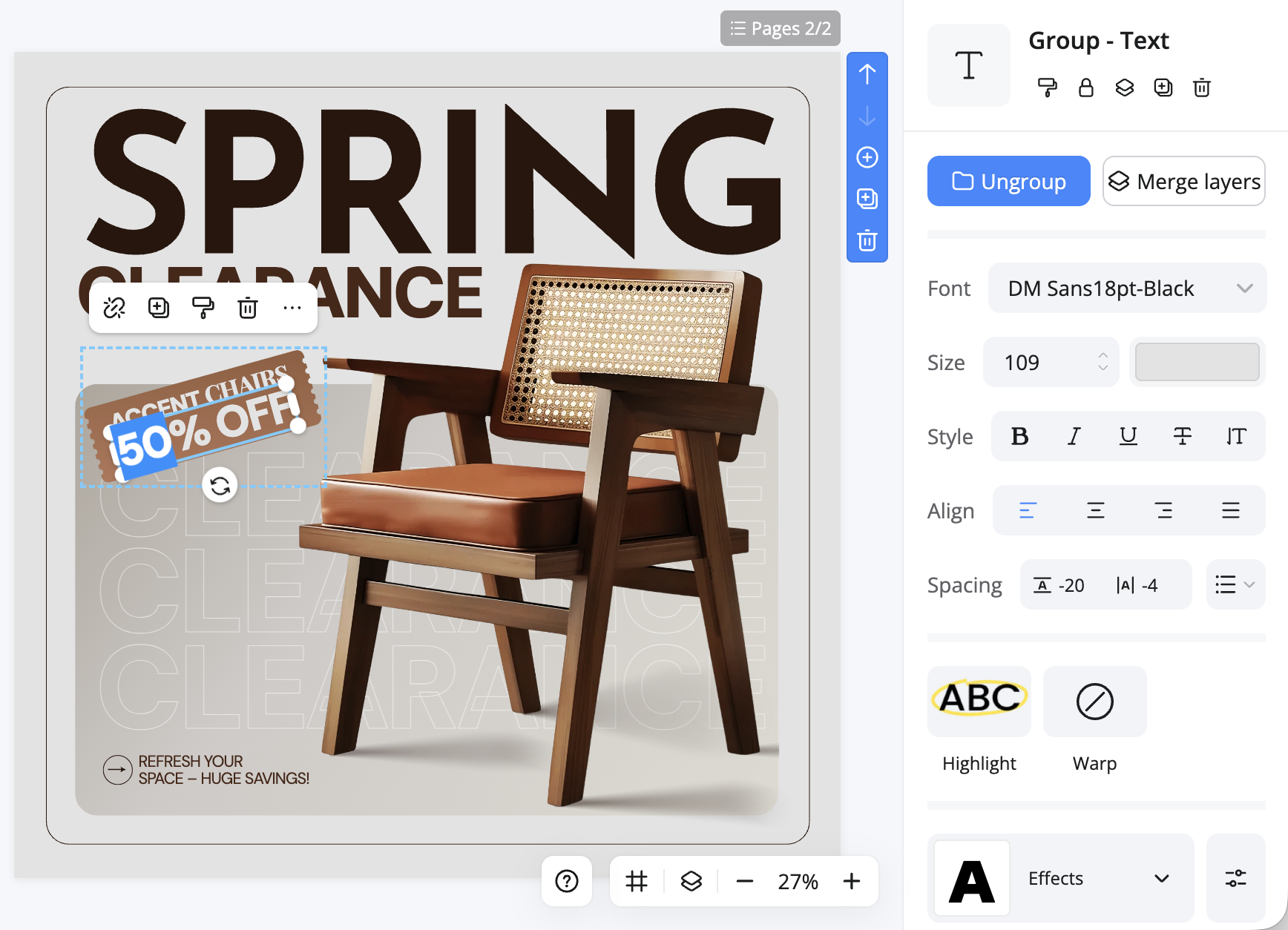
Add Sale Texts
Creating a sale banner? Use our text editor to add sale tags, taglines, or initials in clean or bold styles. Perfect for fast logo mockups or DIY branding, with support for high-resolution exports and transparent backgrounds.
Why Choose Designkit as Your Image Text Editor?

AI-Powered Editing
Smart text detection, auto-removal, and background fill powered by AI.

Diverse Text Styles
Hundreds of fonts, animated text, and text effects to make every image stand out.

100% Browser-Based
No download, no signup wall. Works on desktop and mobile.
Frequently Asked Questions About Image Text Editing
What is an image text editor and how does it work?
Can I edit text in an image without losing quality?
Yes. Designkit preserves the original image resolution when you edit text. You can also use our built-in image enhancer to upscale your result to HD or 4K after editing.
How do I remove text from an image?
Upload your image to Designkit, select the object remover tool, and highlight the text you want to remove. The AI erases the text and fills the background automatically — no design skills needed.
Is Designkit's image text editor really free?
Yes. You can edit text in images online for free with Designkit. Upload your image, make your edits, and download the result — no account required for basic features.
What image formats are supported?
Designkit supports all major image formats including JPG, JPEG, PNG, WebP, BMP, and more.
Edit Text in Any Image — Free and Online
Stop wasting time recreating images from scratch. Designkit's AI image text editor lets you add, edit, and replace text on any photo in seconds — right from your browser.
Edit Text in Any Image — Free and Online
Stop wasting time recreating images from scratch. Designkit's AI image text editor lets you add, edit, and replace text on any photo in seconds — right from your browser.
