
AI Image Editor: All-in-One Online Photo Editing Suite
One browser based image editor for sellers: remove backgrounds, erase objects, enhance quality, resize, and extend your canvas. Upload, edit, and export a publish ready result in seconds. No installs and no Photoshop skills required.
AI Photo Editing: Edit and Beautify Your Photos with AI

AI Photo Editor Online
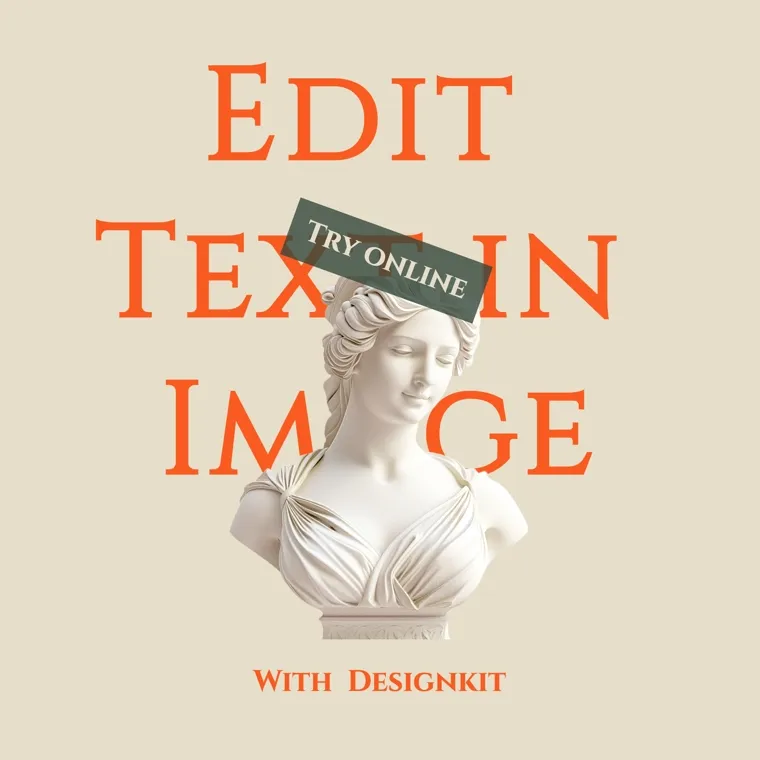
Image Text Editor Online

AI Product Photo Editor Online

AI Beauty Photo Editor Online

AI Jewelry Photo Editor Online

AI Shopify Photo Editor Online

AI Retouch Photo Online
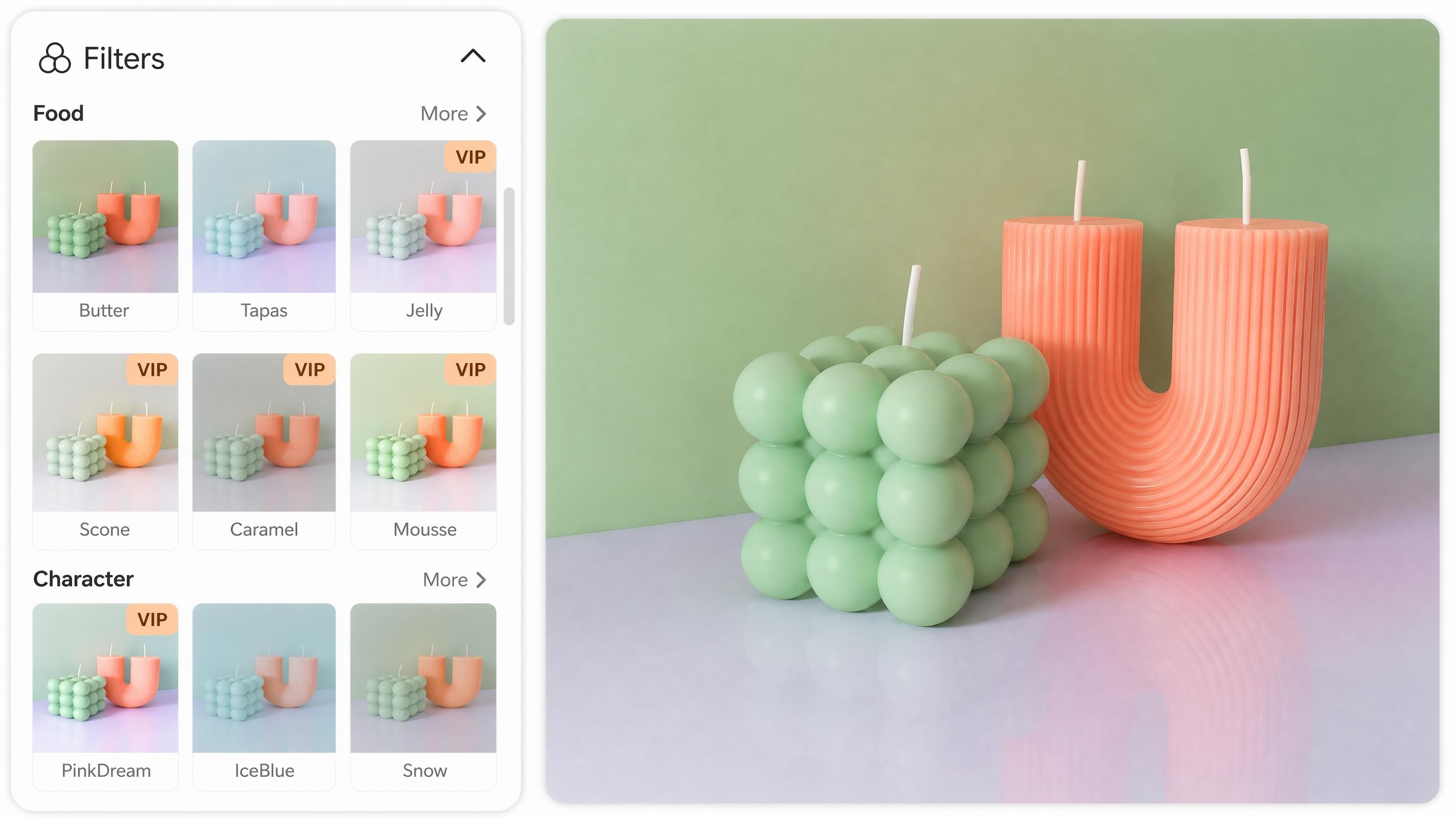
Online Photo Filter
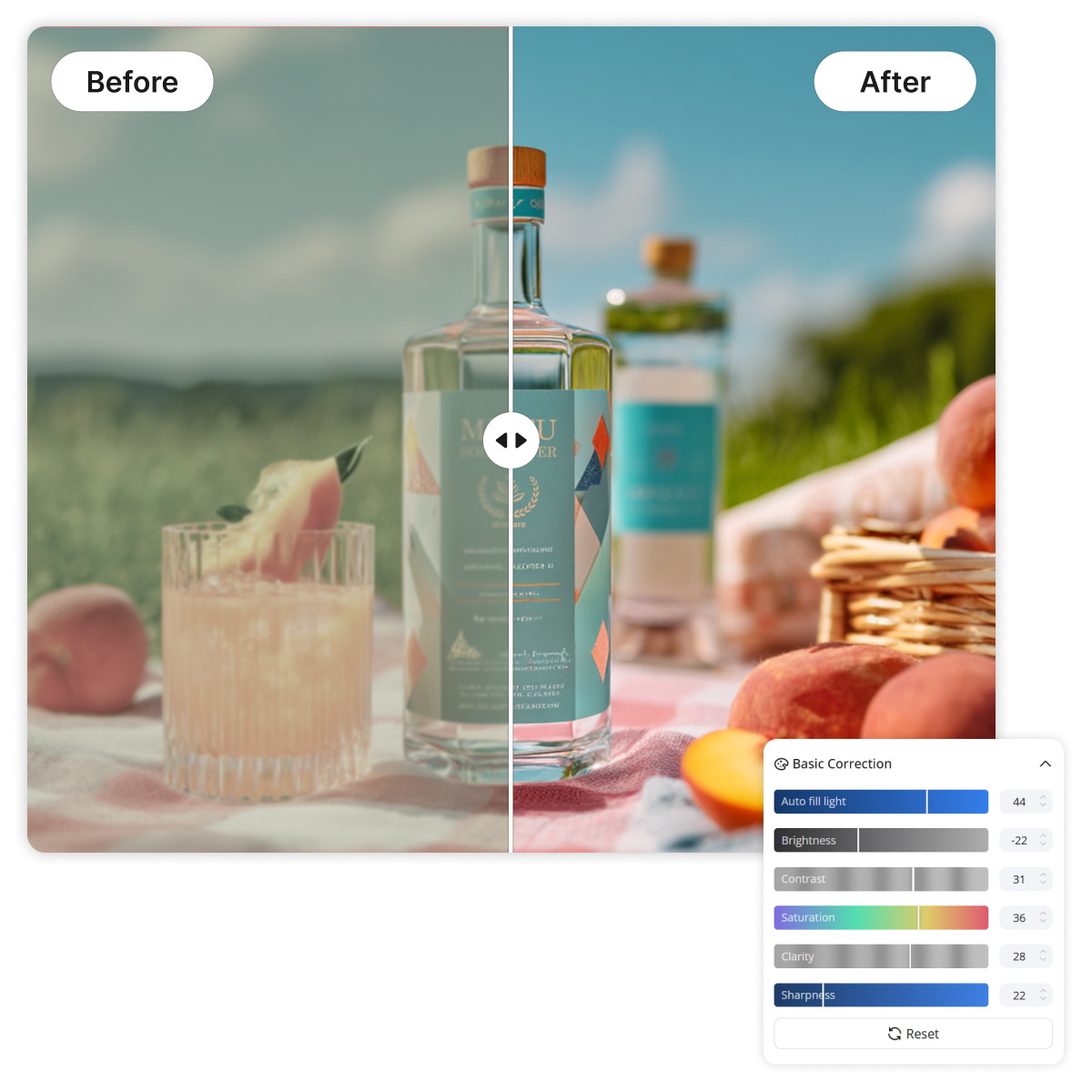
Change Image Color Online

Blur Photo Online
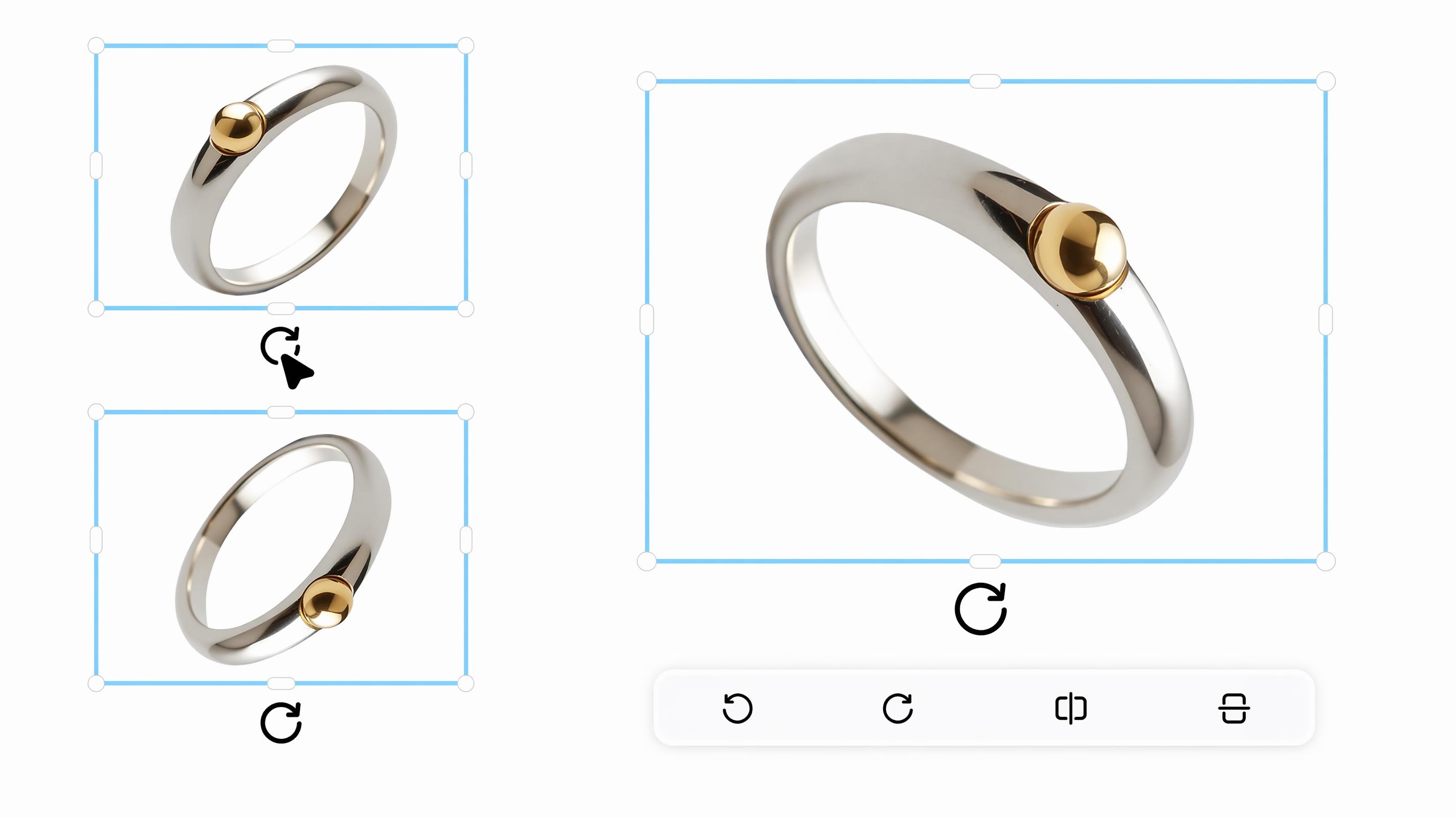
Rotate Image Online
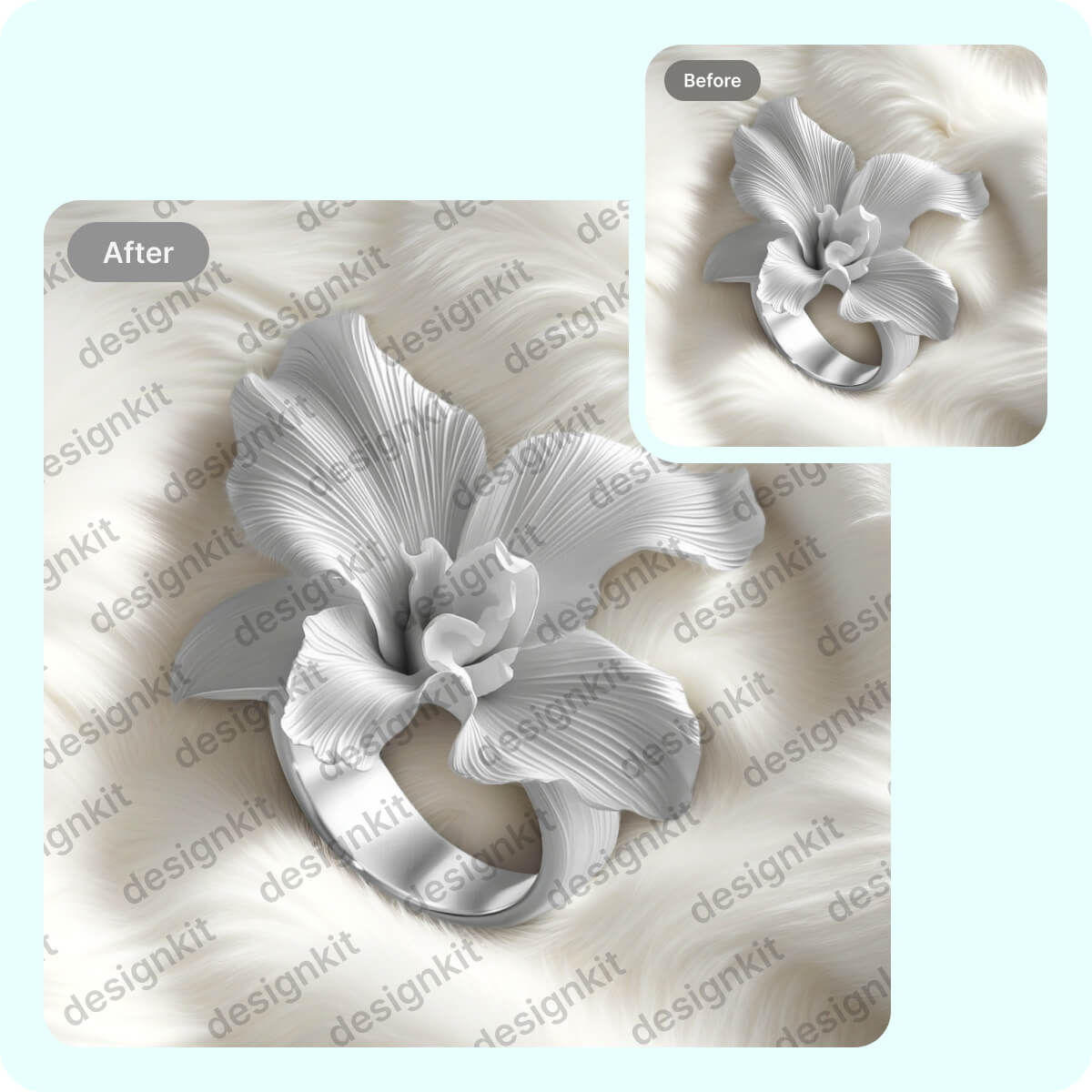
Watermark Adder Online
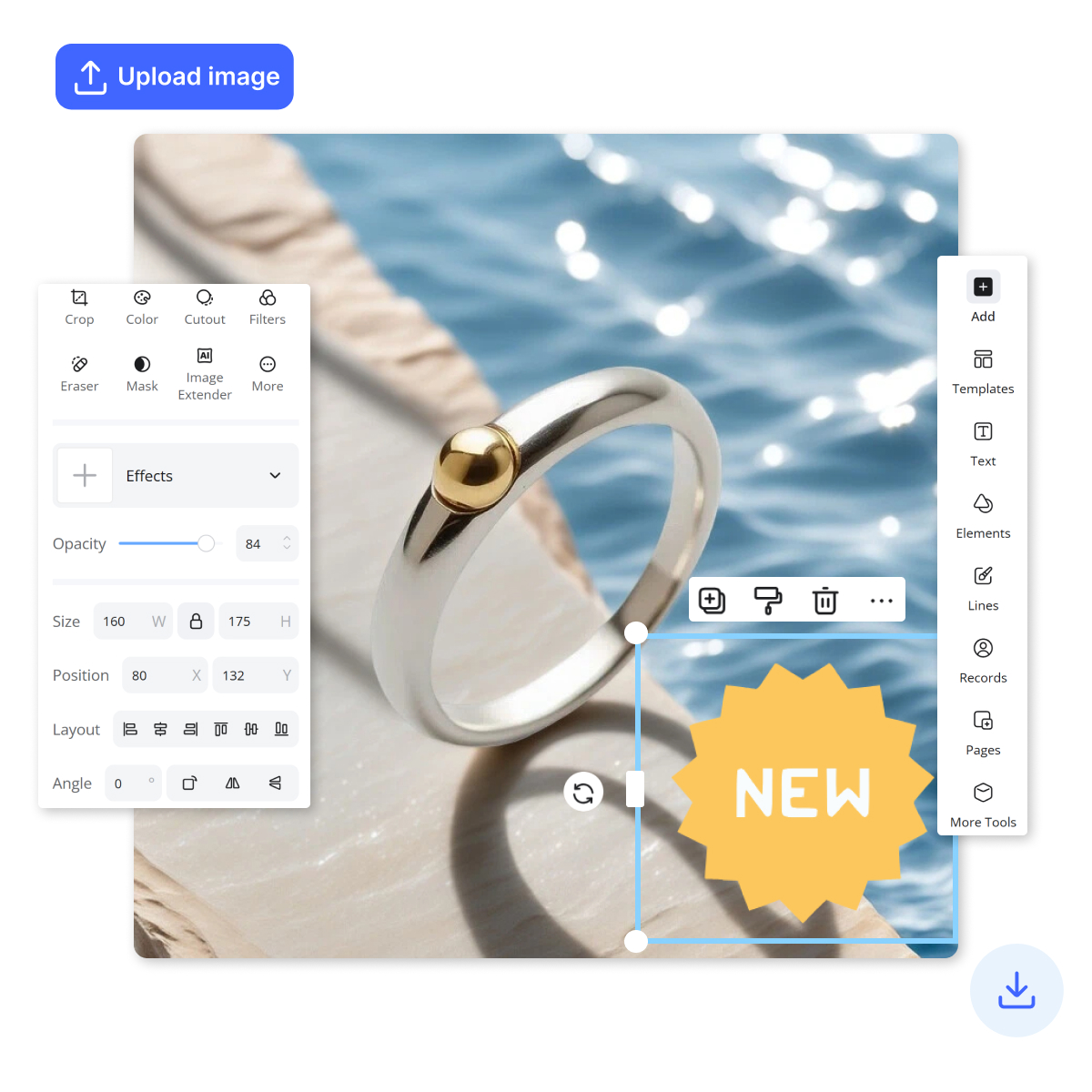
Add Stickers to Photos Online
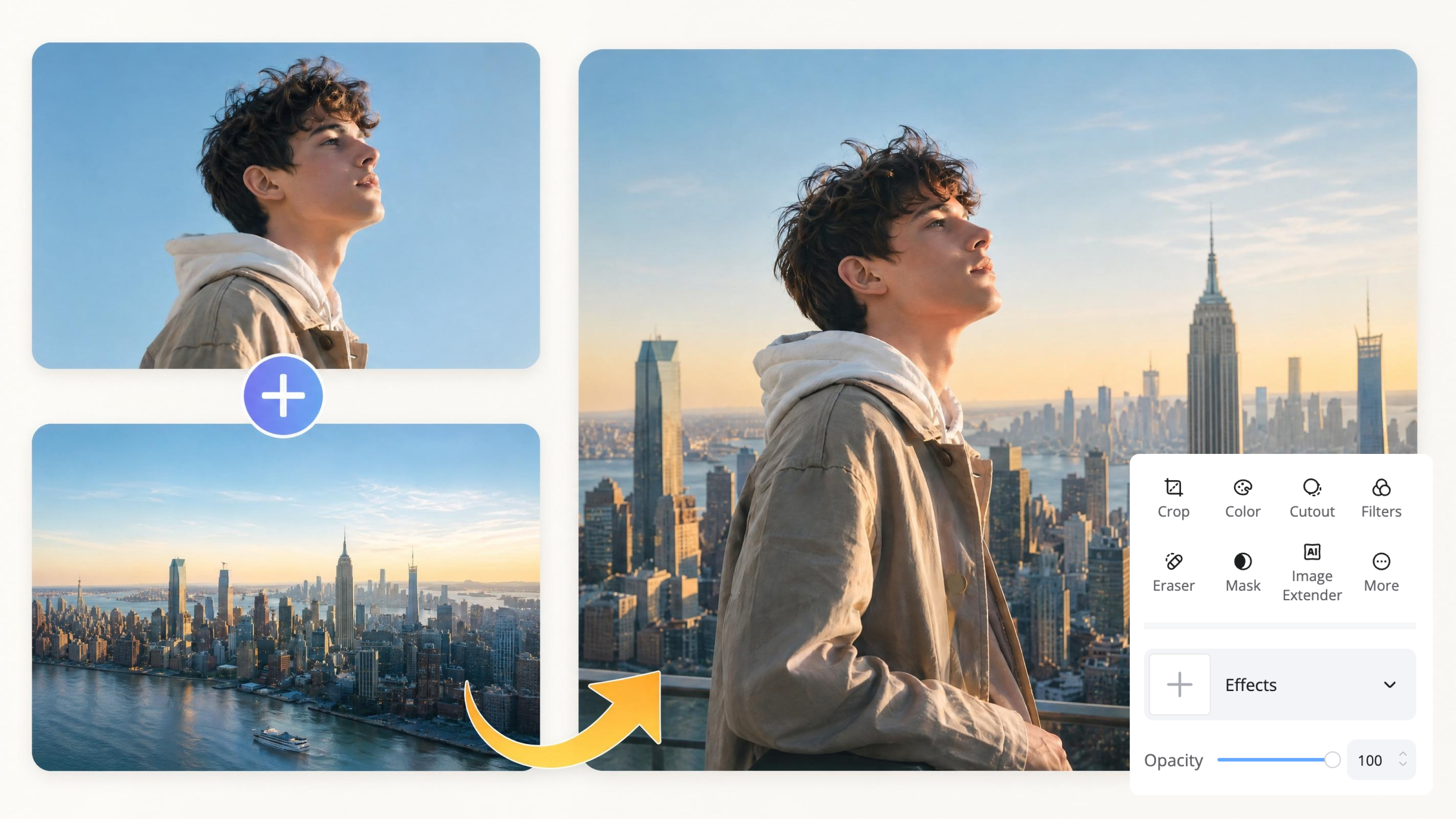
Image Overlay Online

Image Combiner Online

Photo Stitcher Online
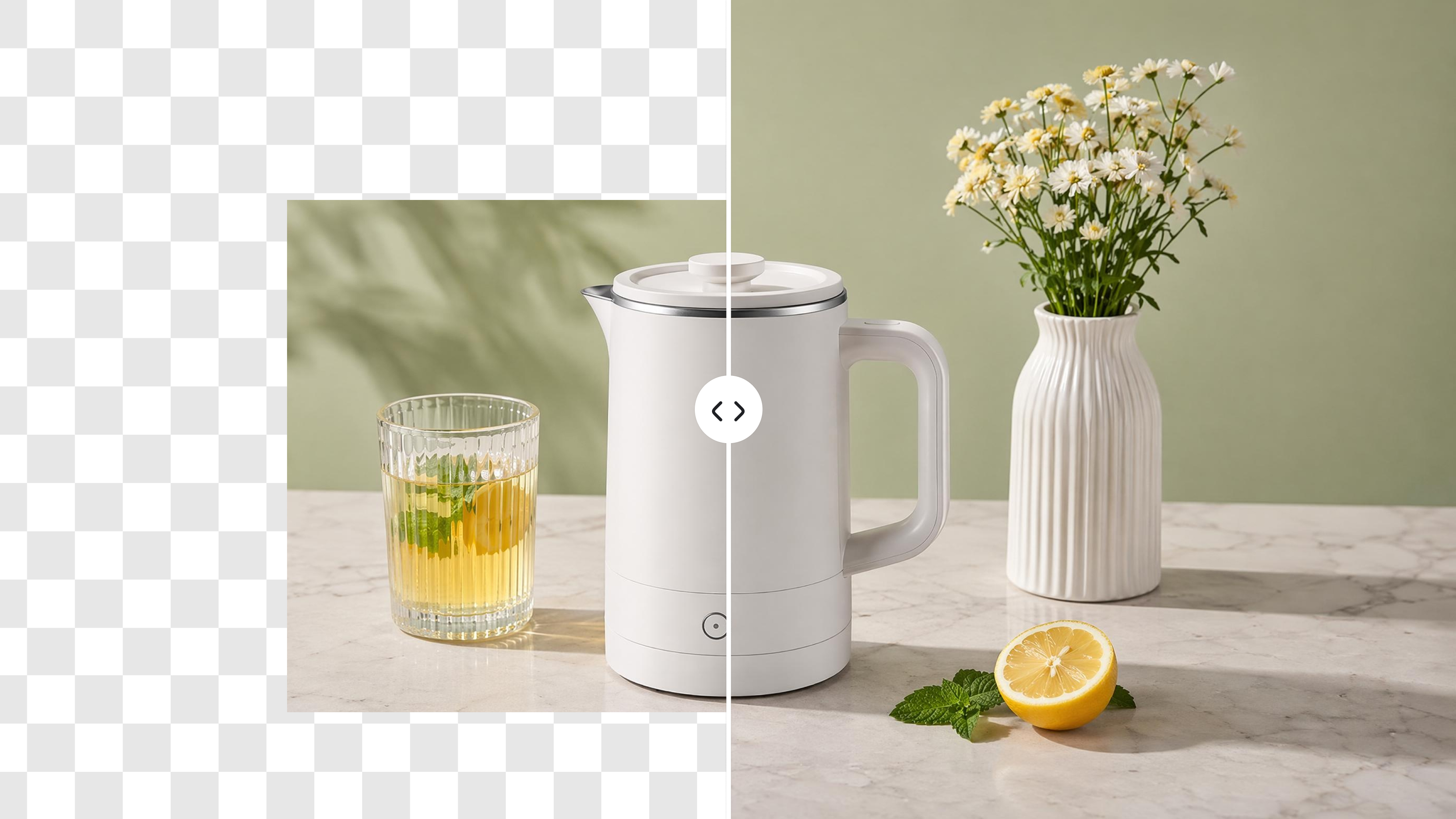
AI Image Extender Online
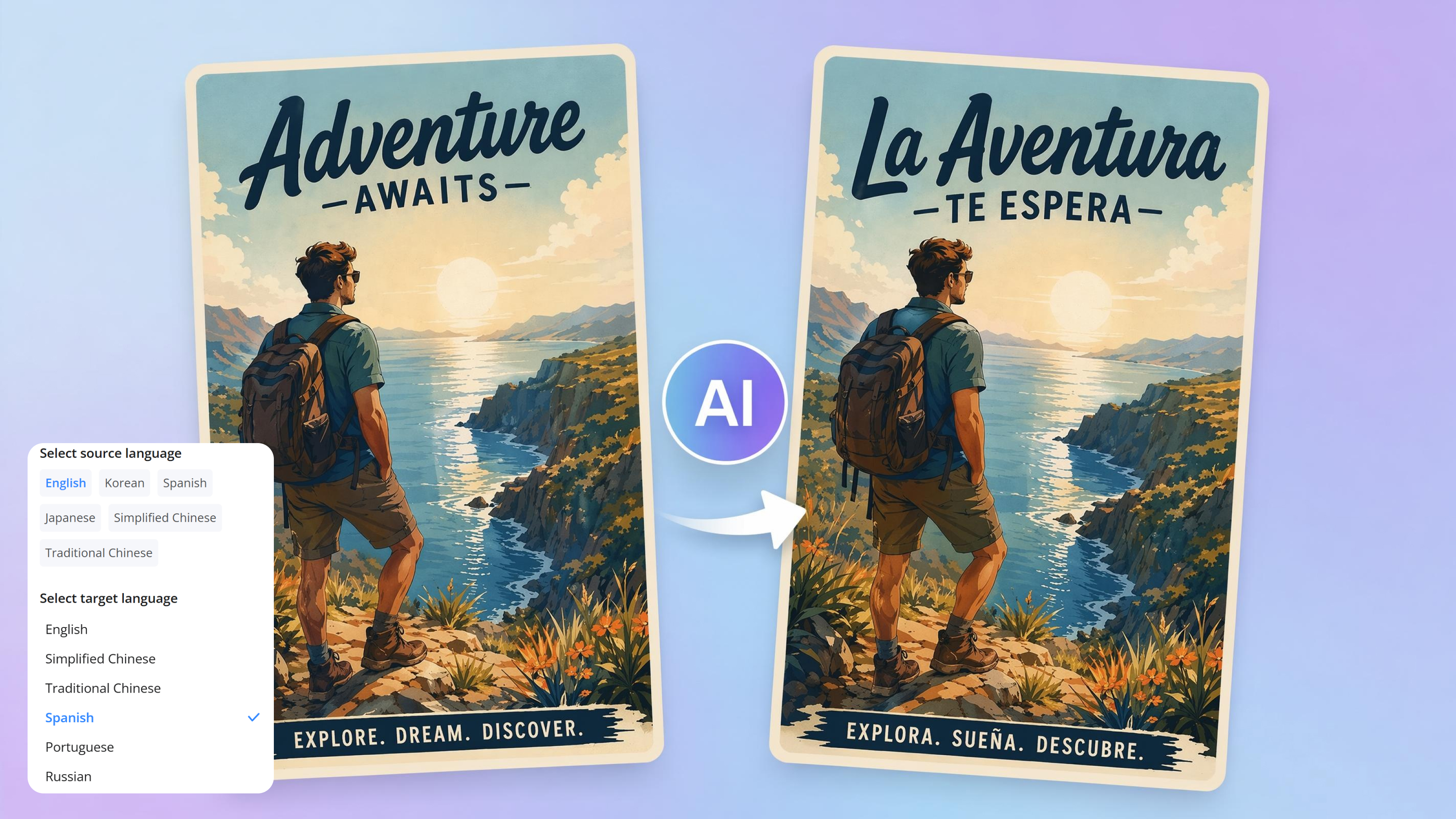
Image Translator Online
Background Tools: Remove or Replace Any Image Background

Background Remover Online
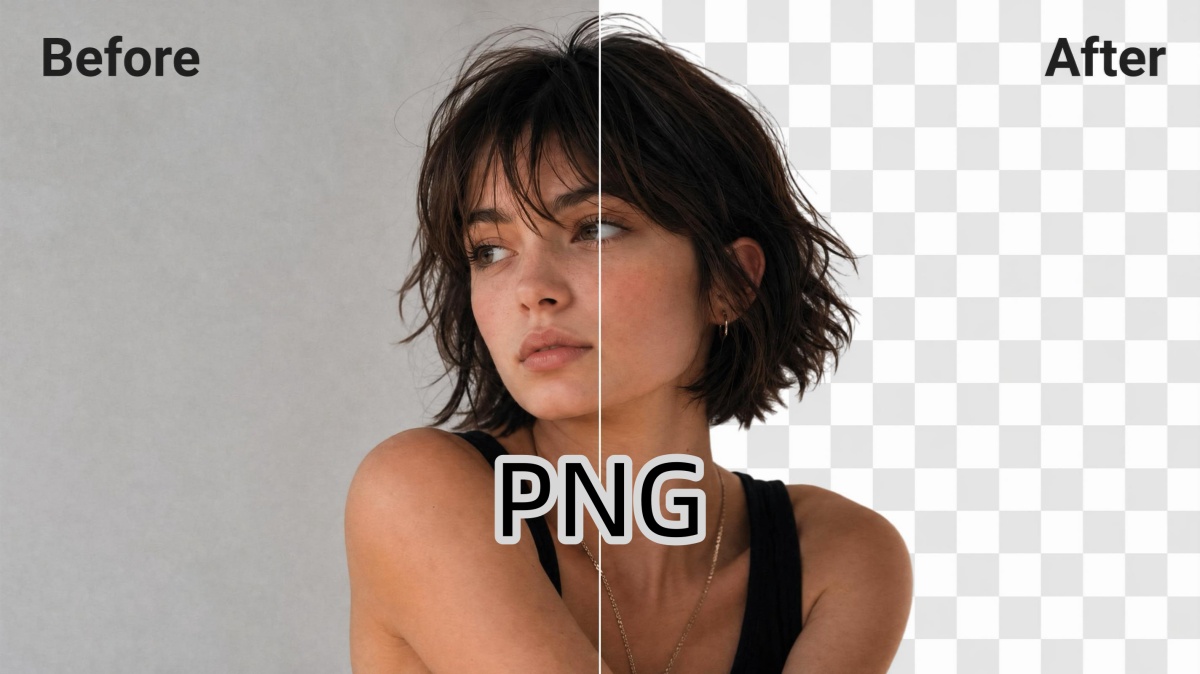
PNG Background Remover Online
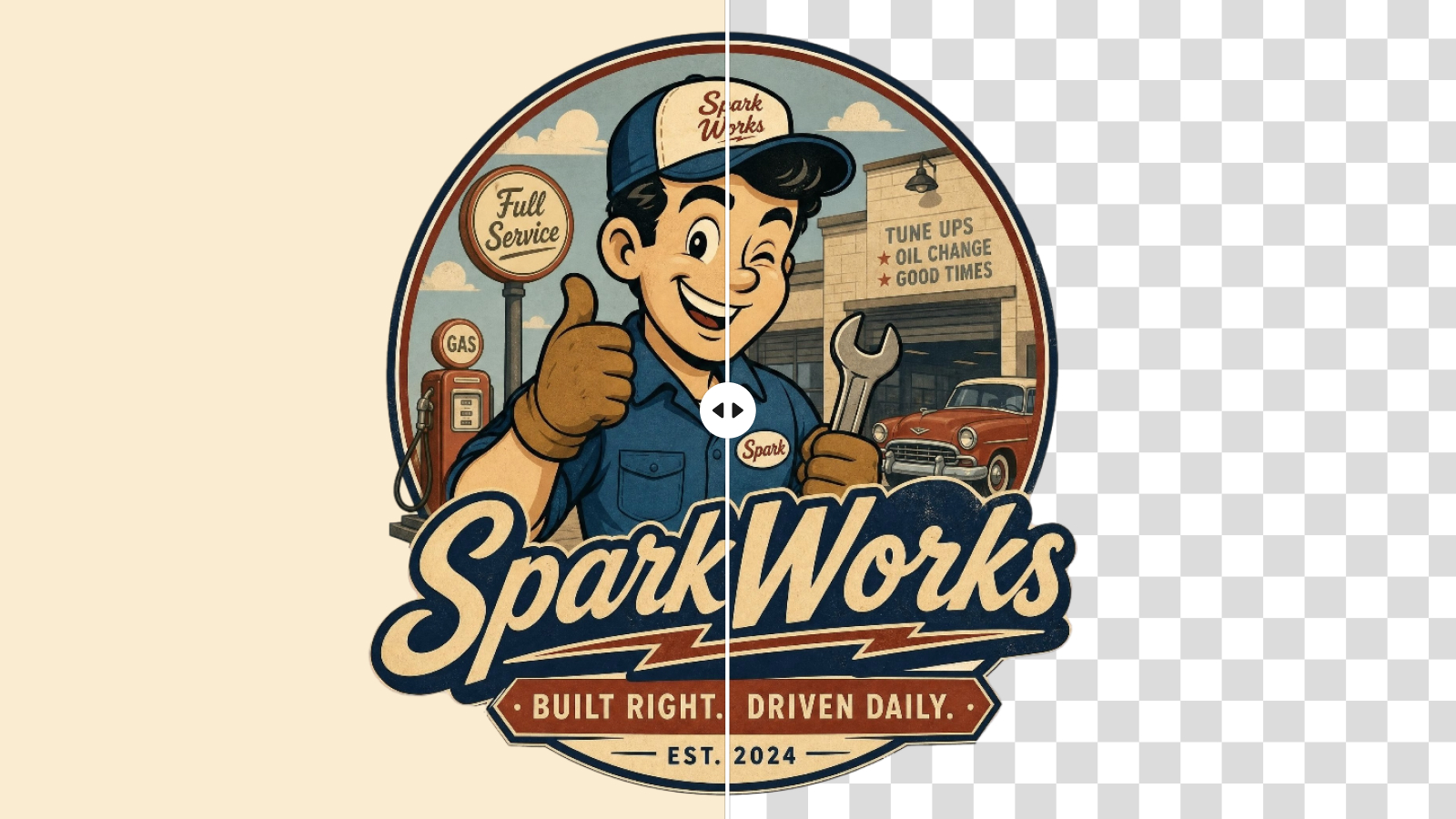
Logo Background Remover Online
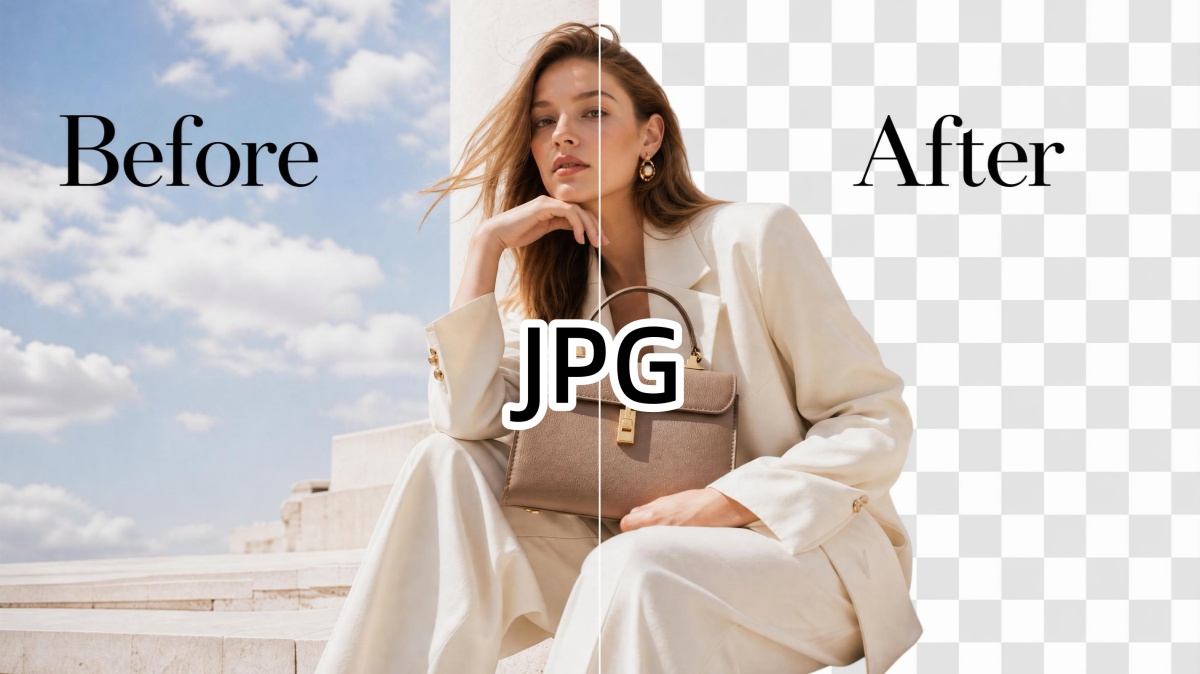
JPG Background Remover Online

Black Background Remover Online
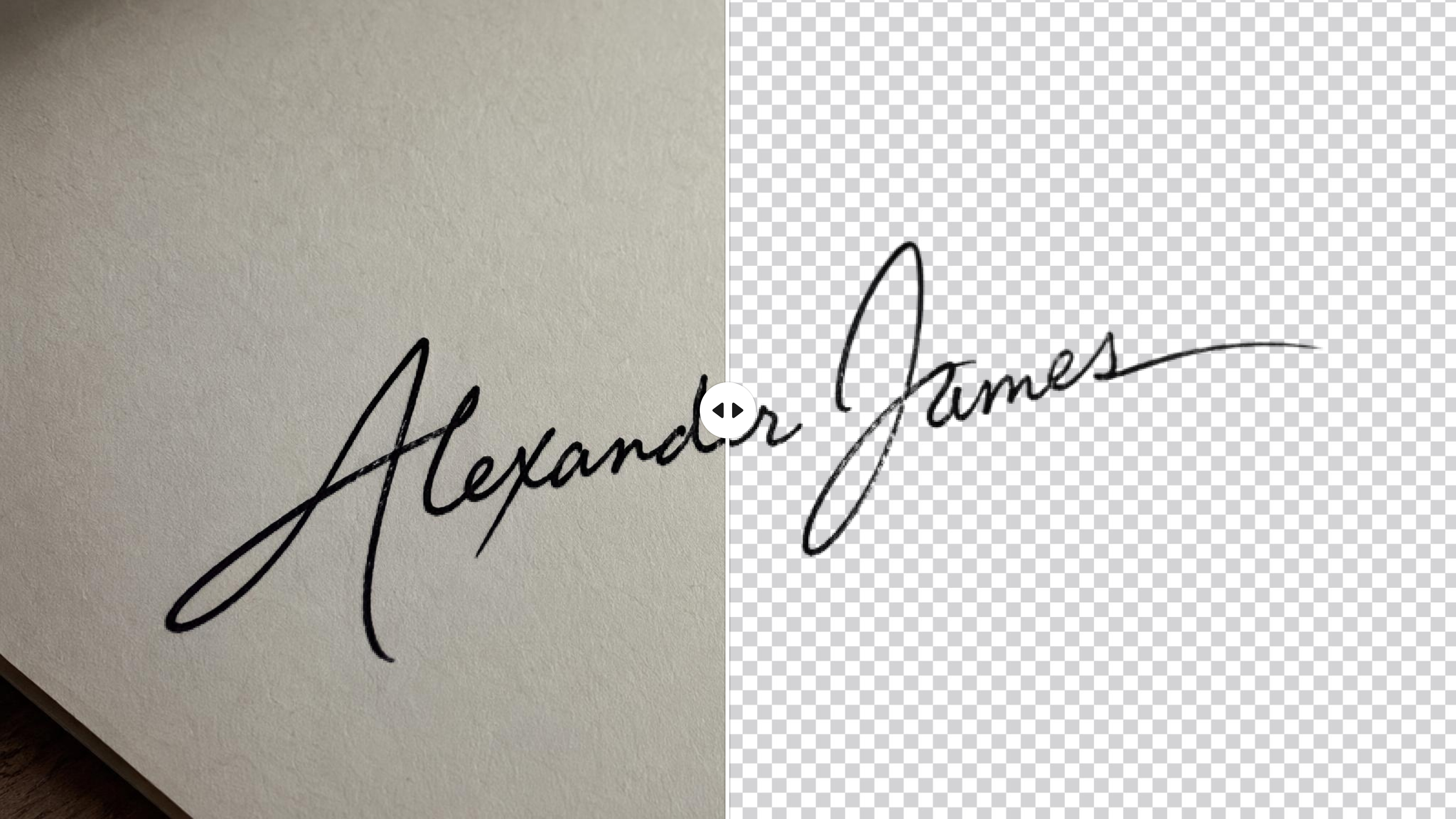
Signature Background Remover
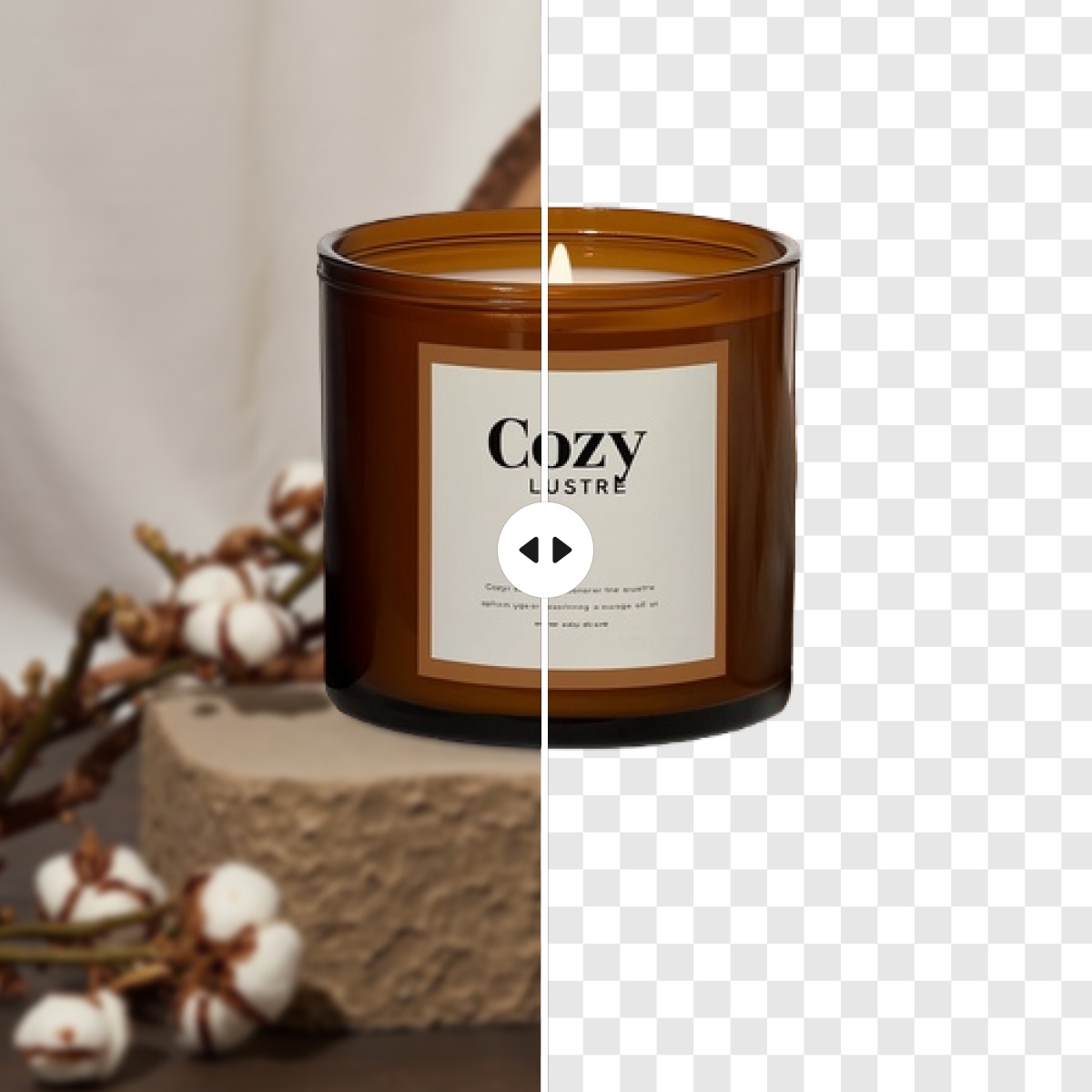
Transparent Background Maker
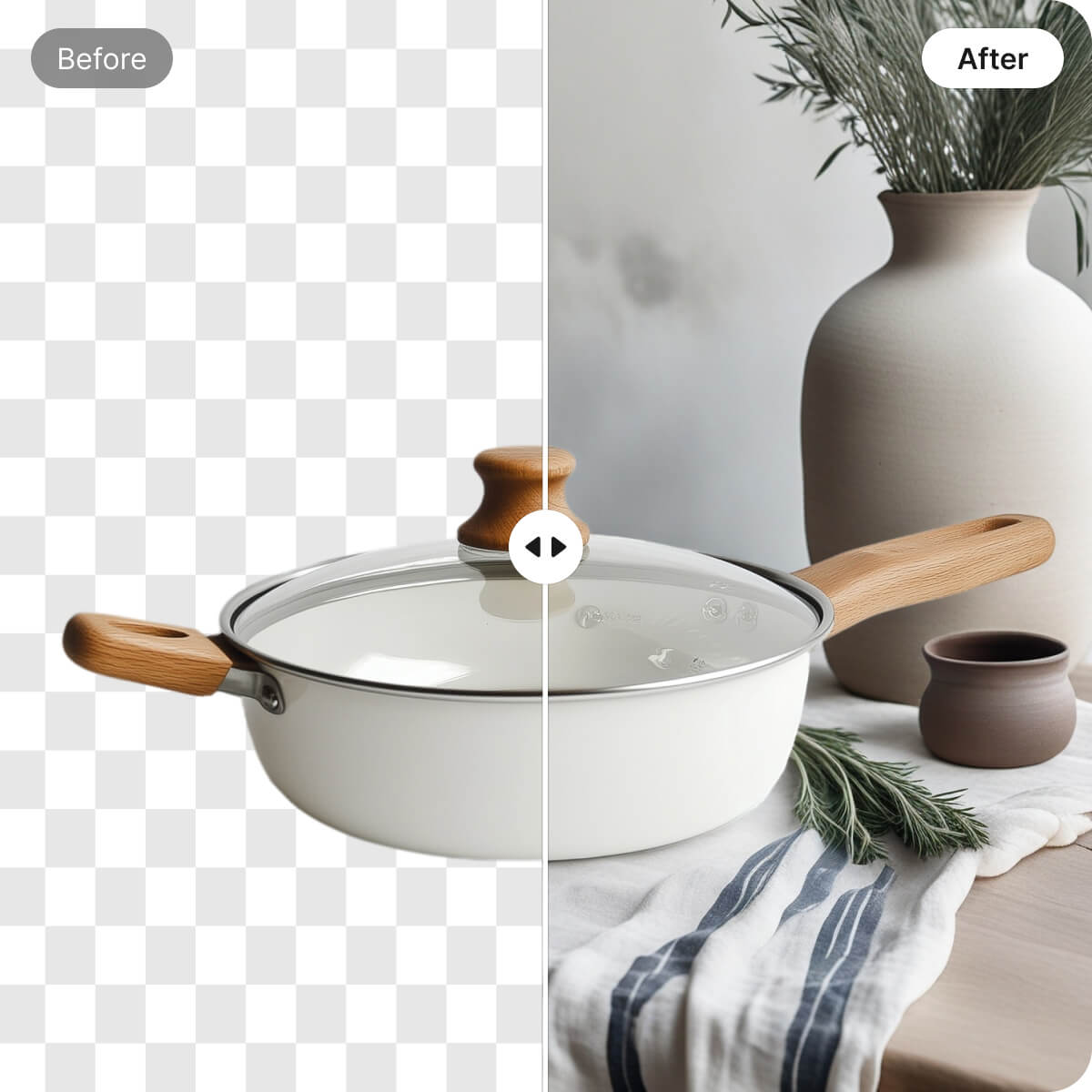
Change Image Backgrounds Online
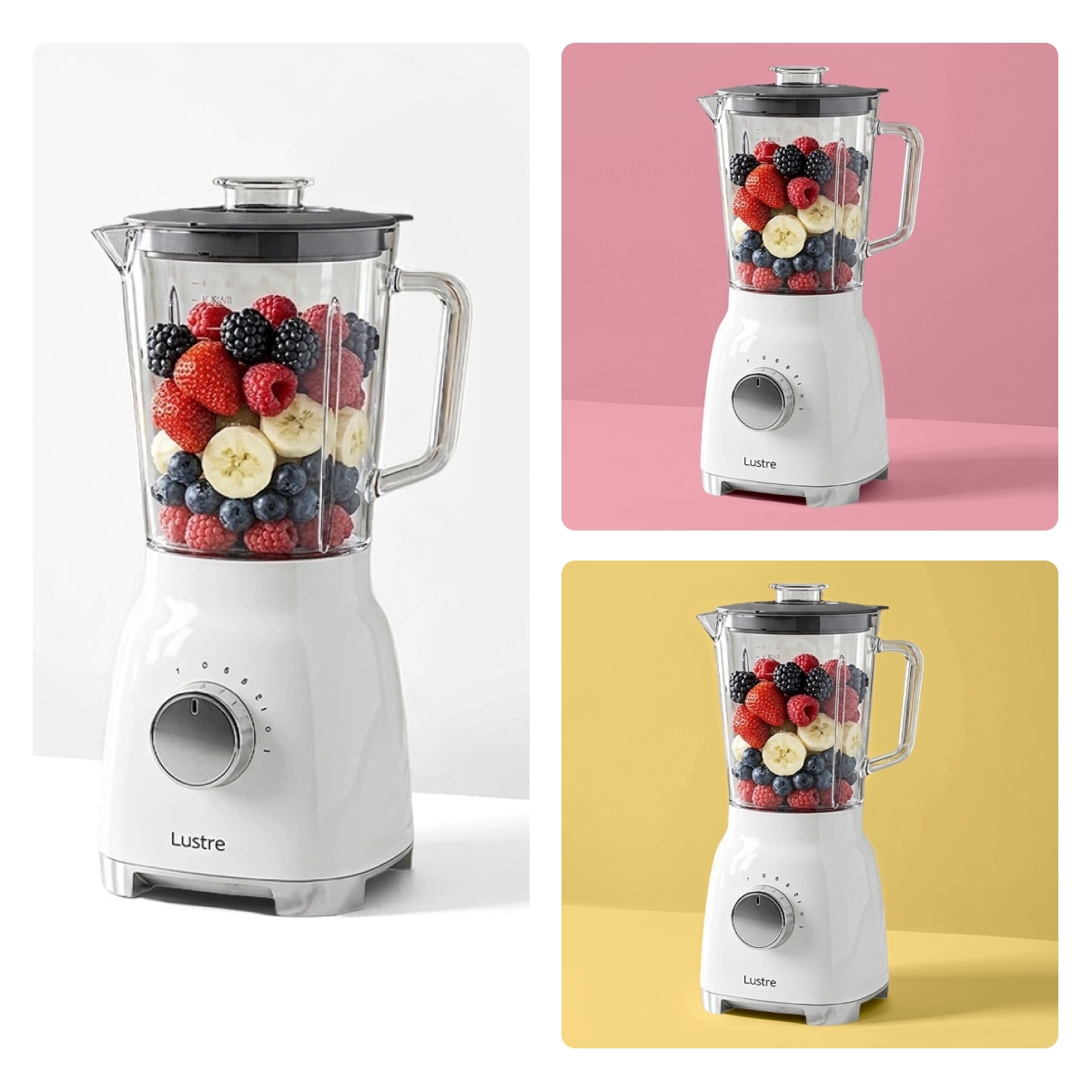
Change Background Color
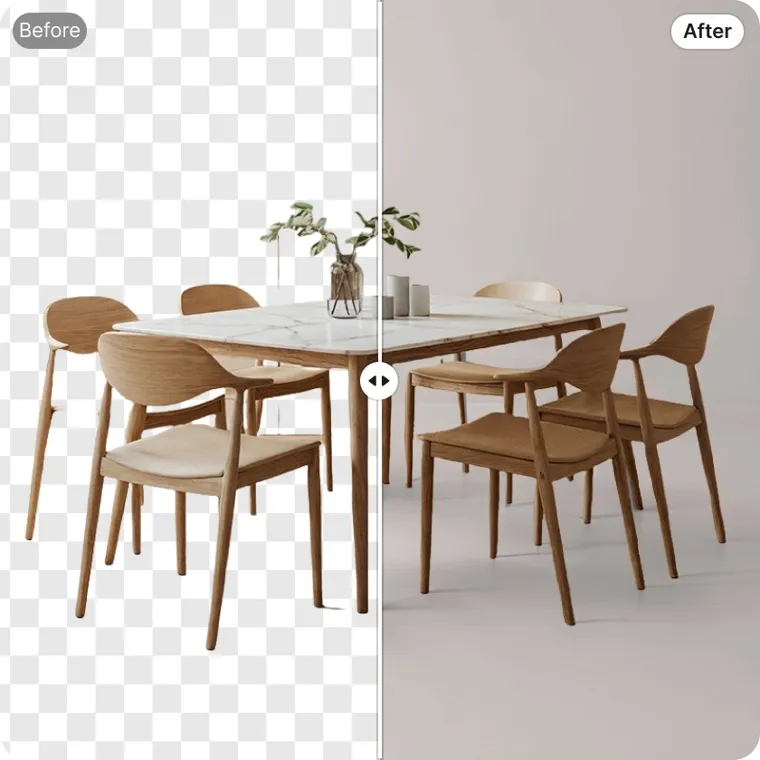
AI Background Generator
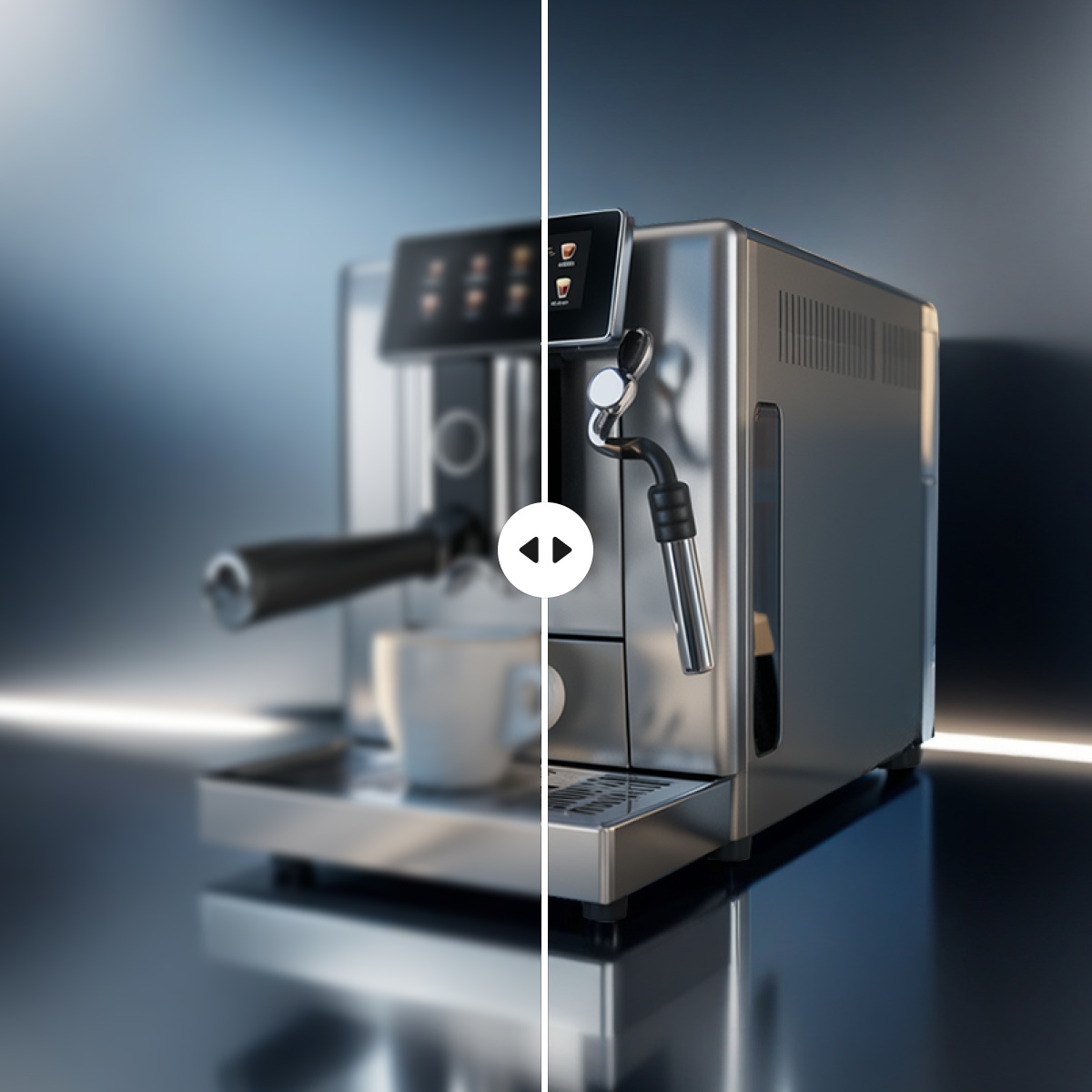
Product Background HD
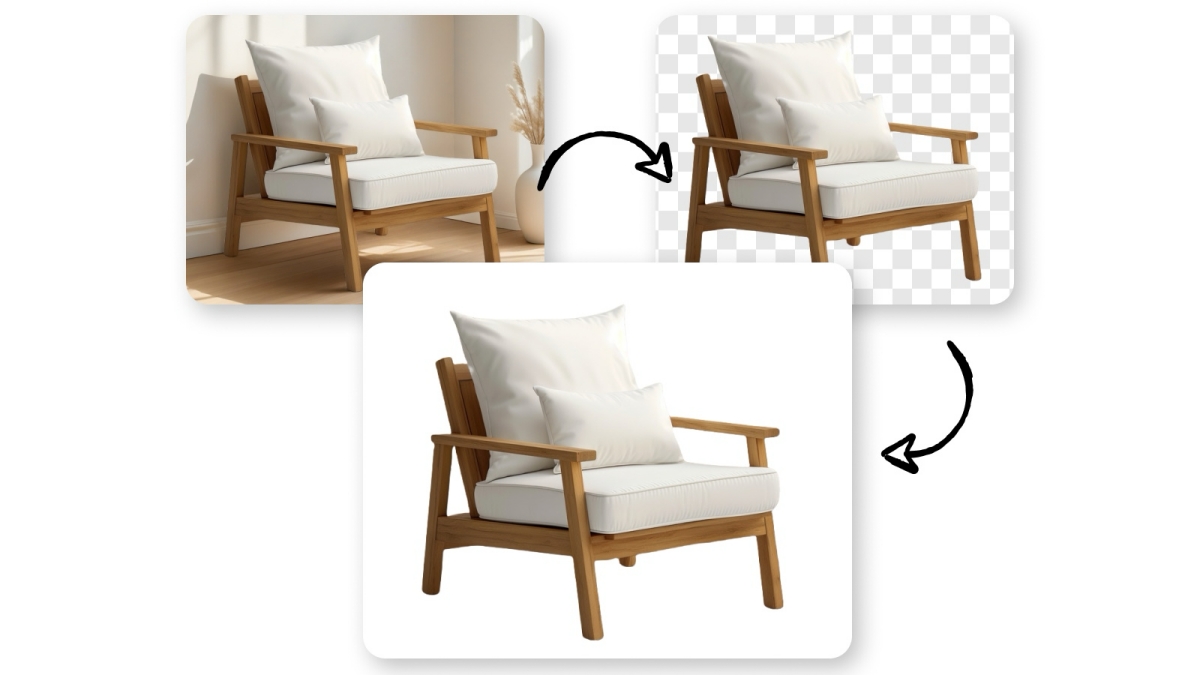
Add a White Background to Photos
Smart Erase: Erase Unwanted Objects from Photos

AI Object Remover

Remove People From Photo Online

AI Shadow Remover Online

Emoji Remover from Photo

Remove Text From Images Online
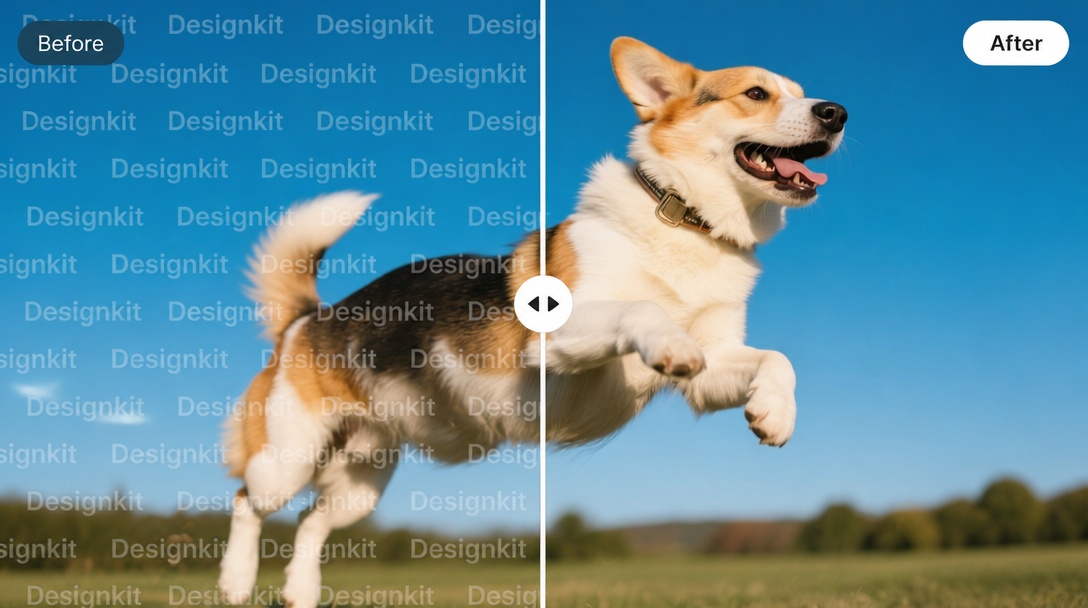
Watermark Remover Online
Image Enhancers: Make Blurry Photos Clear and Sharp
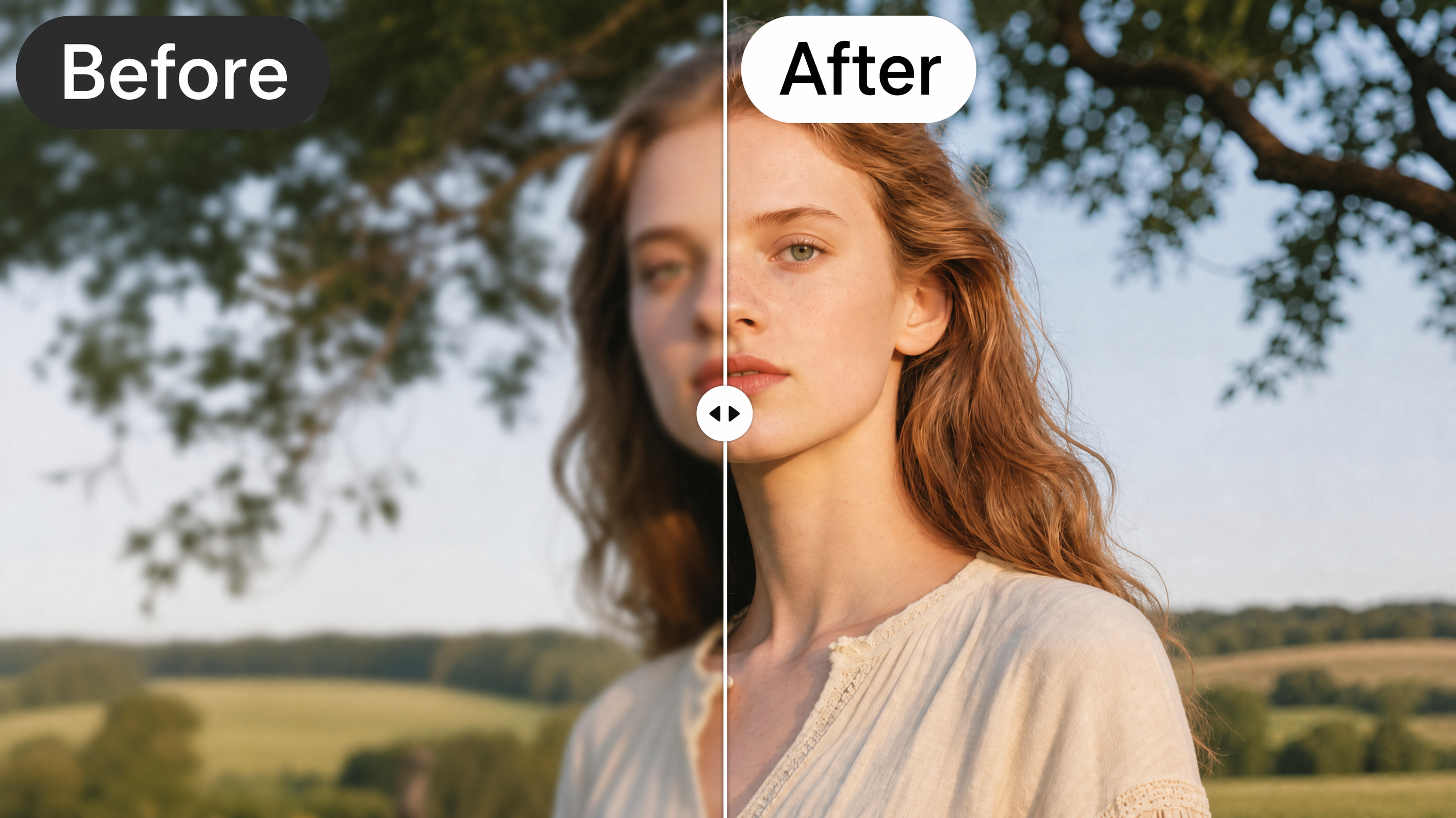
Image Enhancer Online
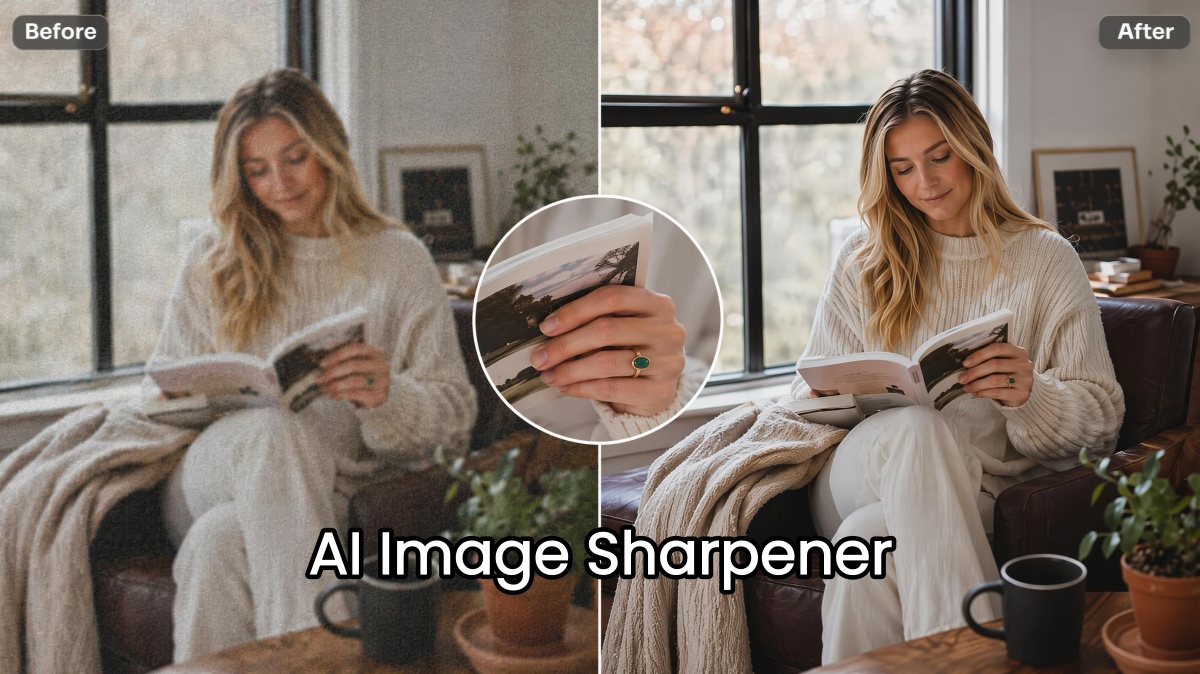
AI Image Sharpener Online
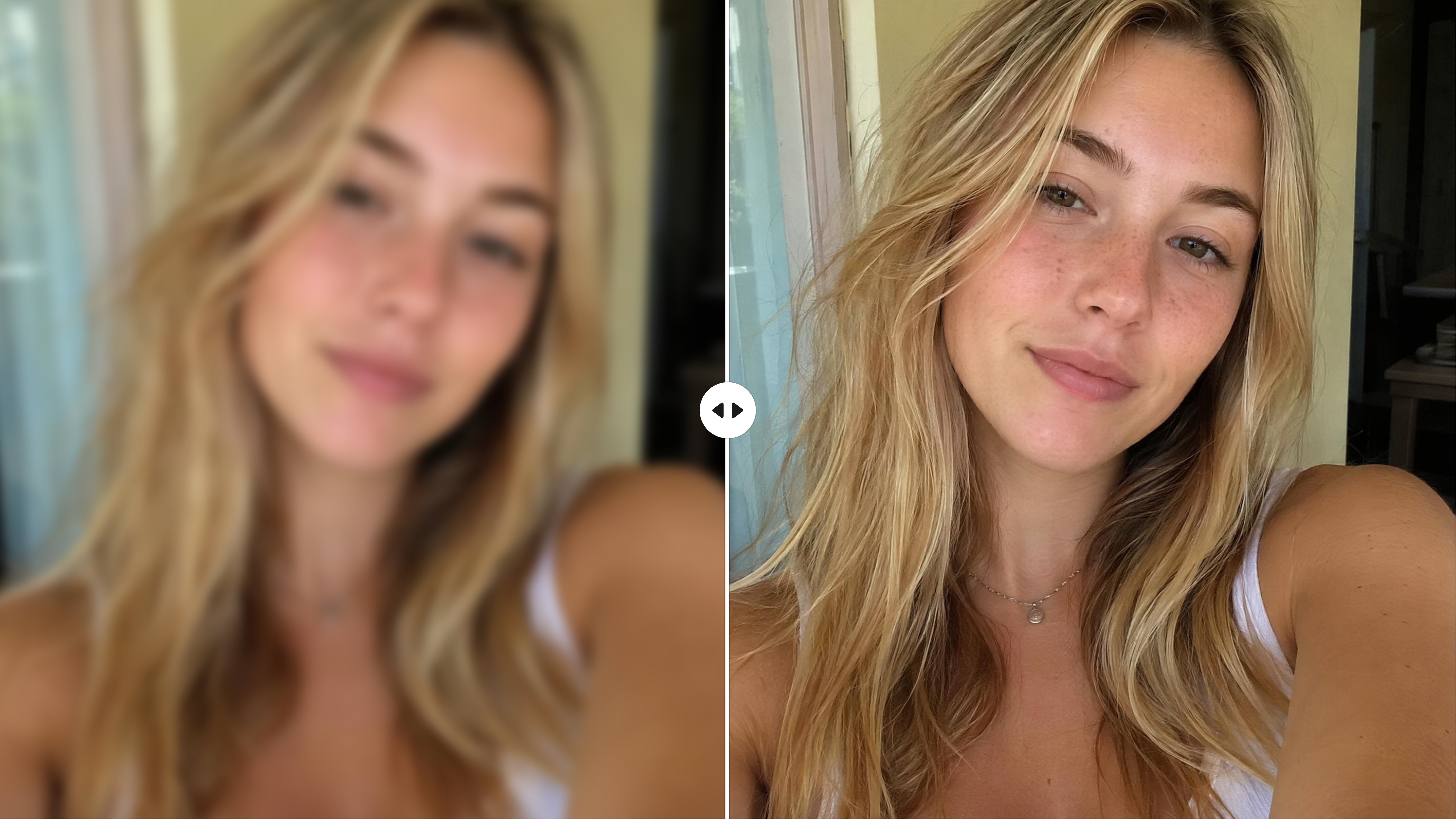
AI Face Enhancer Online
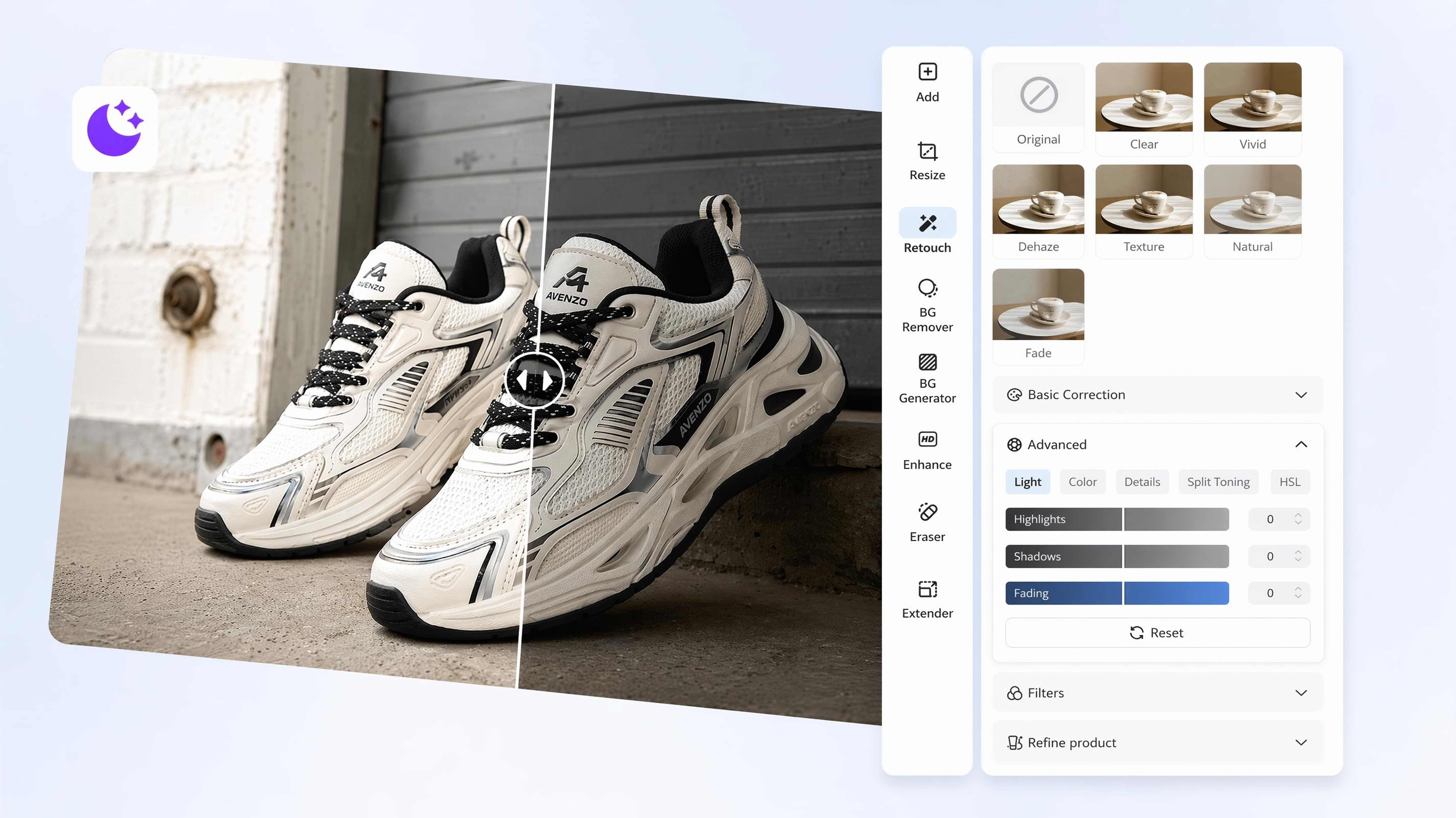
AI Image Brightener Online
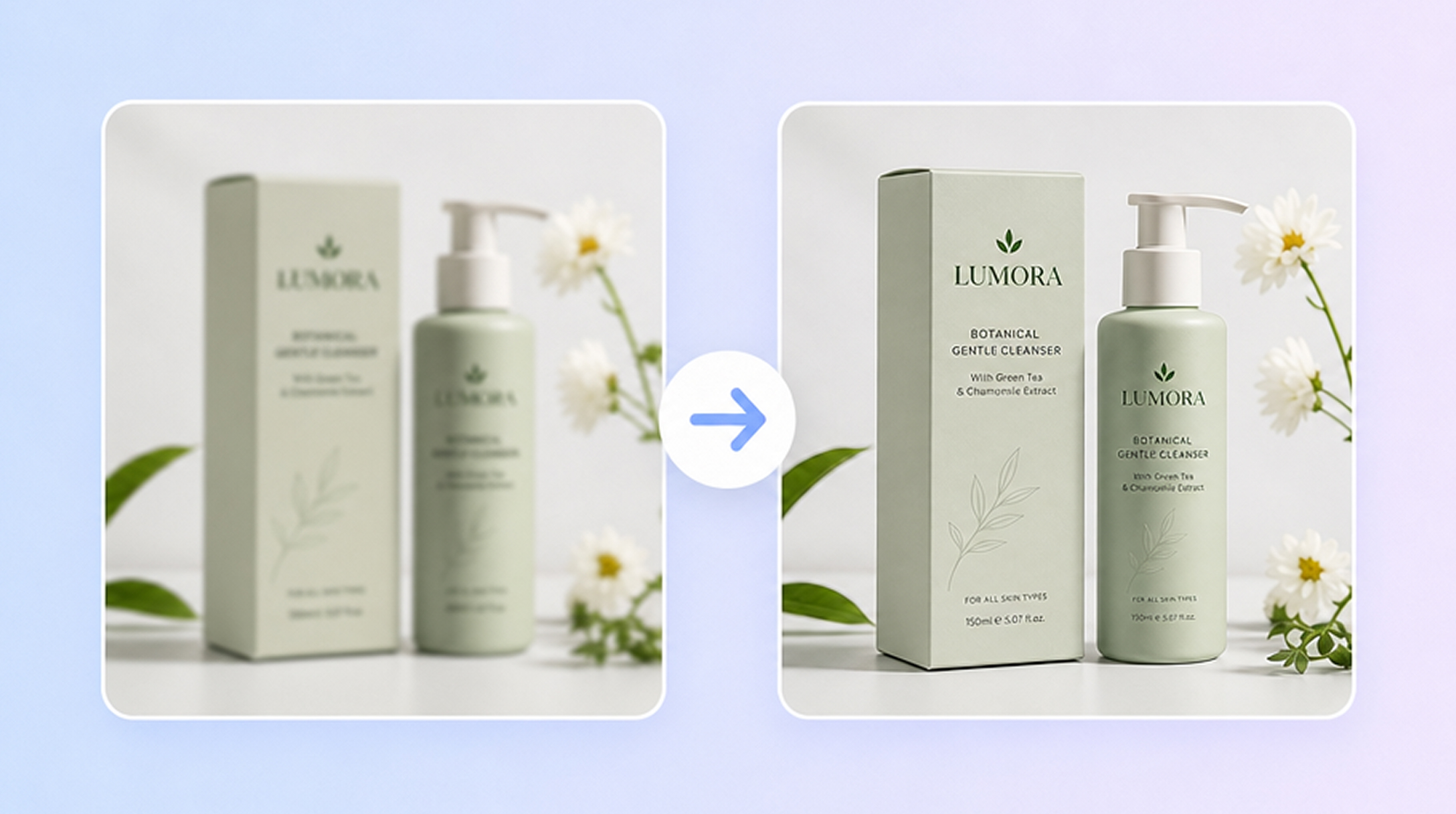
Unblur Image Online
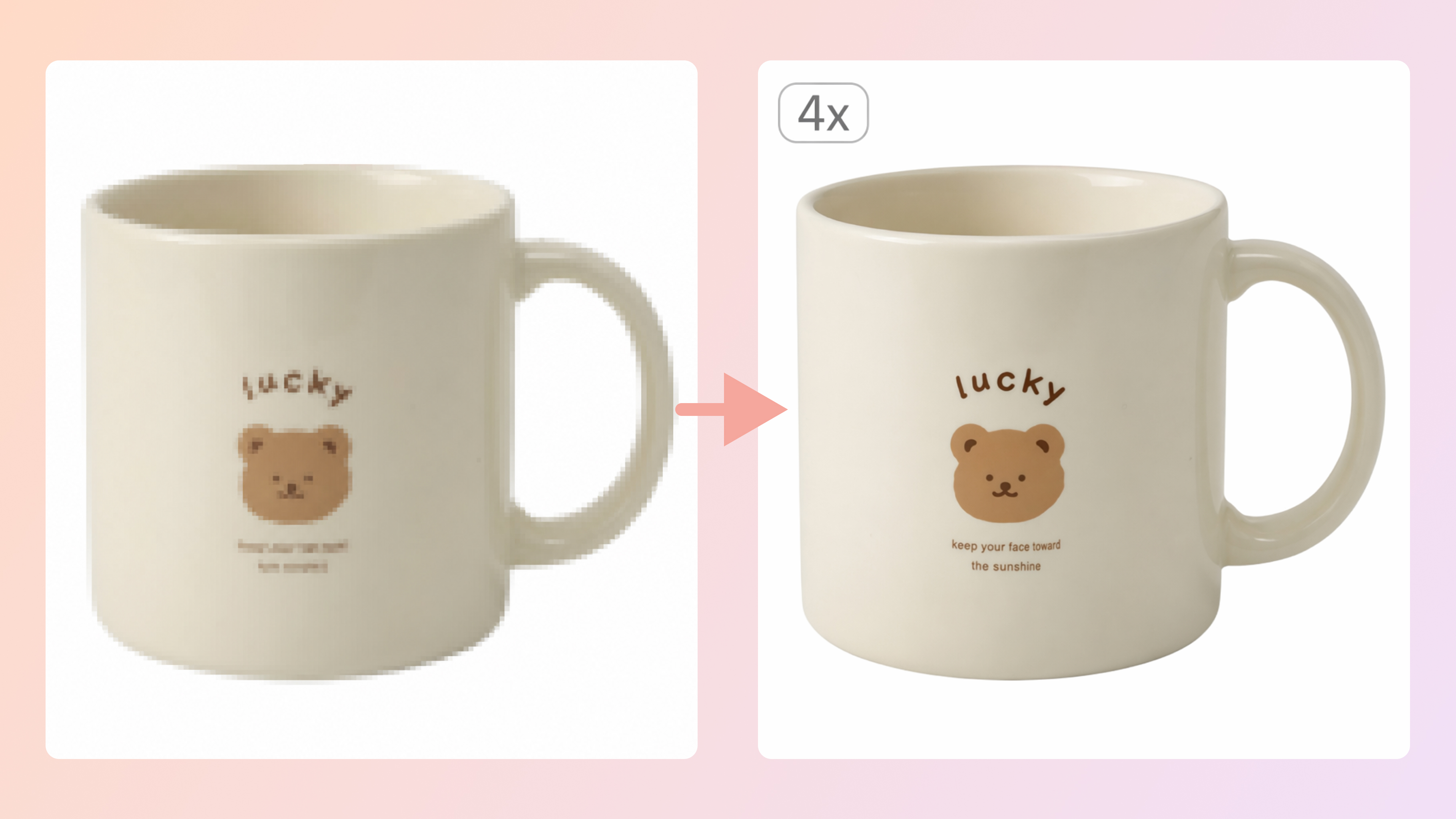
Image Enlarger Online
Resize and Compress: Resize Images and Shrink File Size
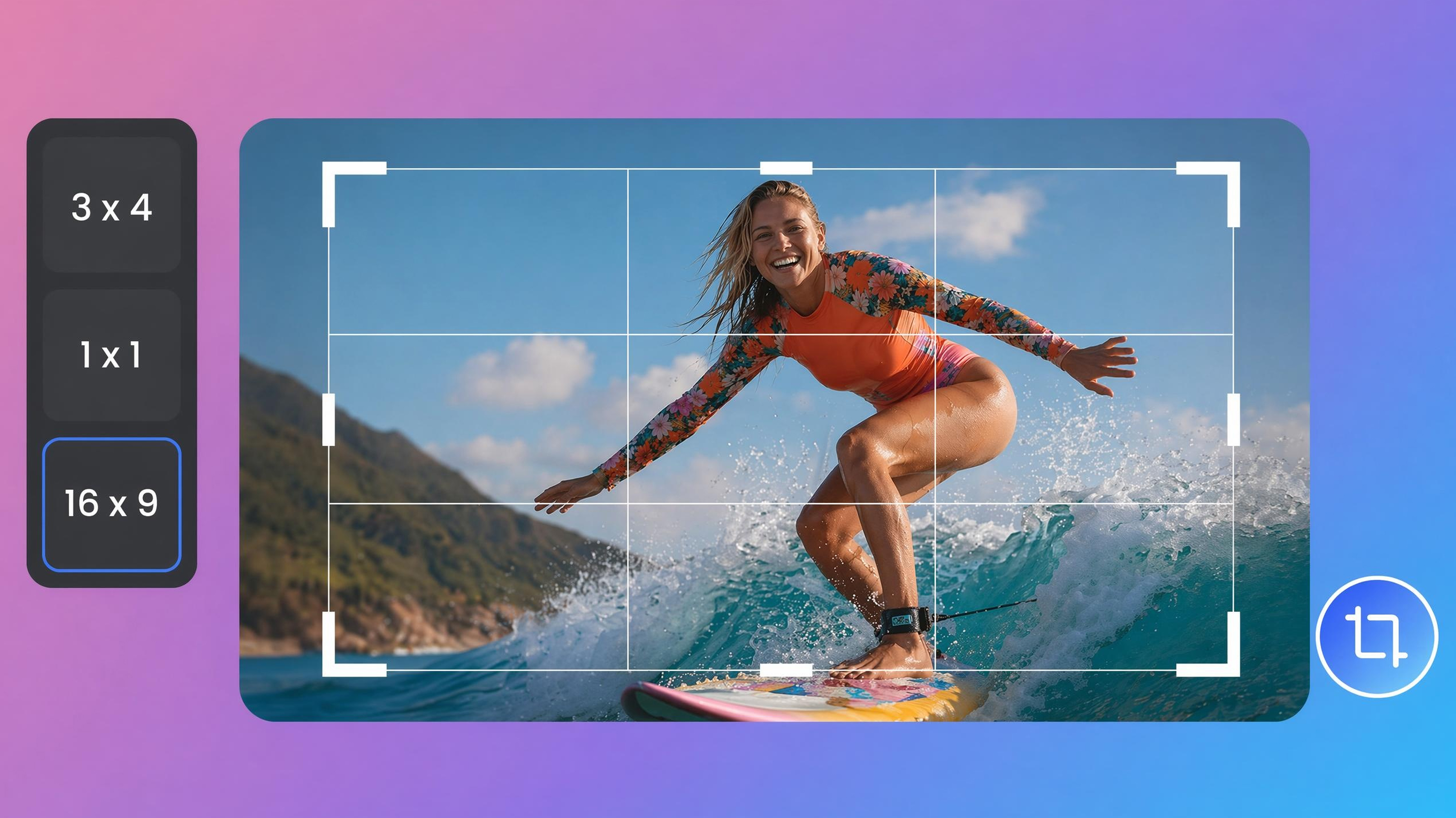
Image Cropper Online
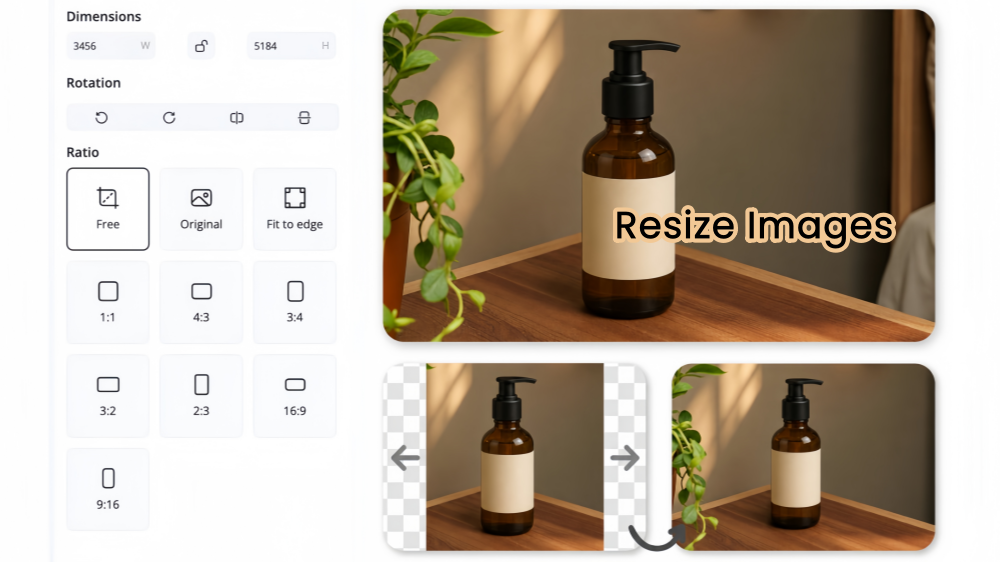
Image Resizer Online
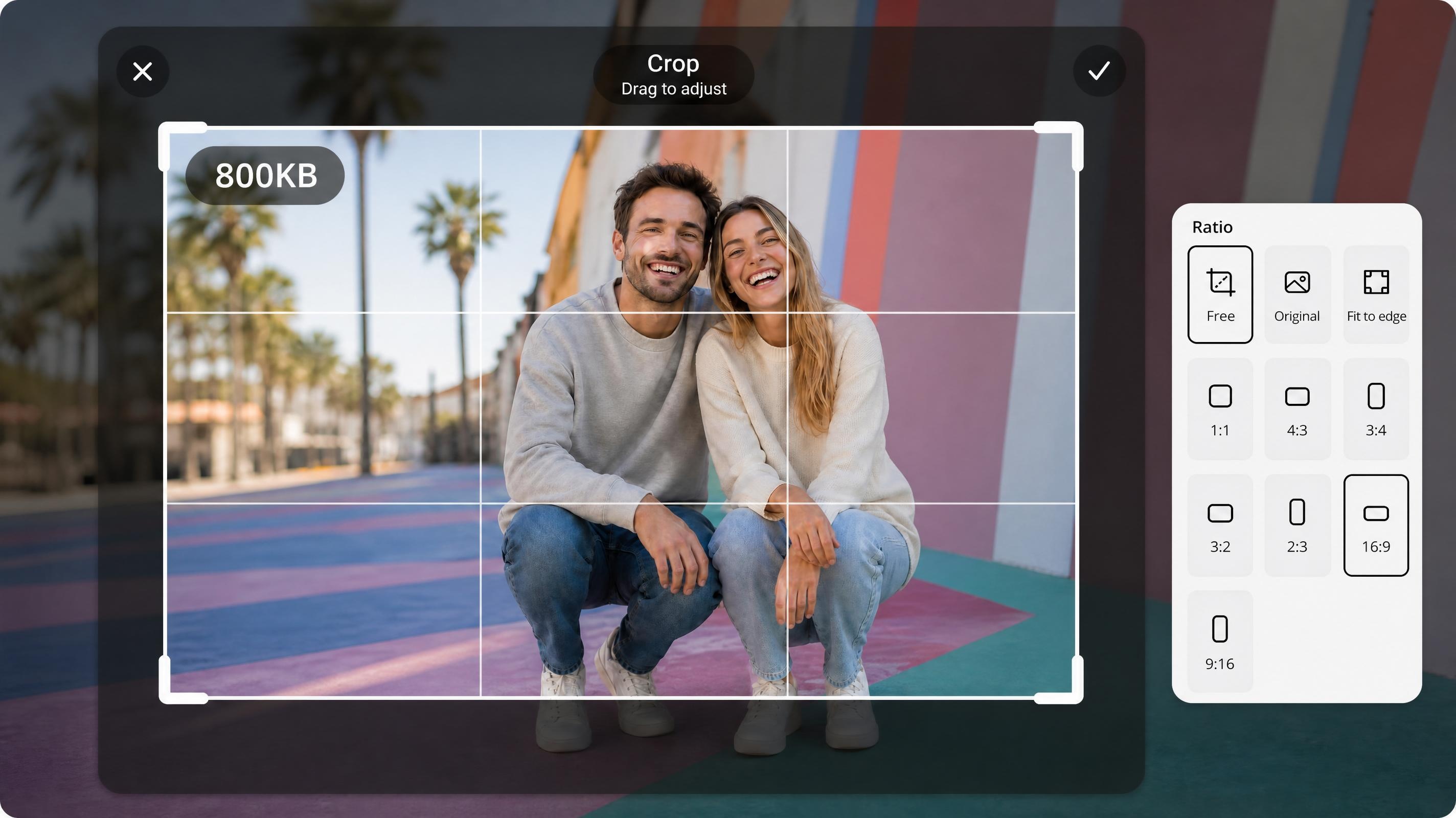
JPEG Resizer Online
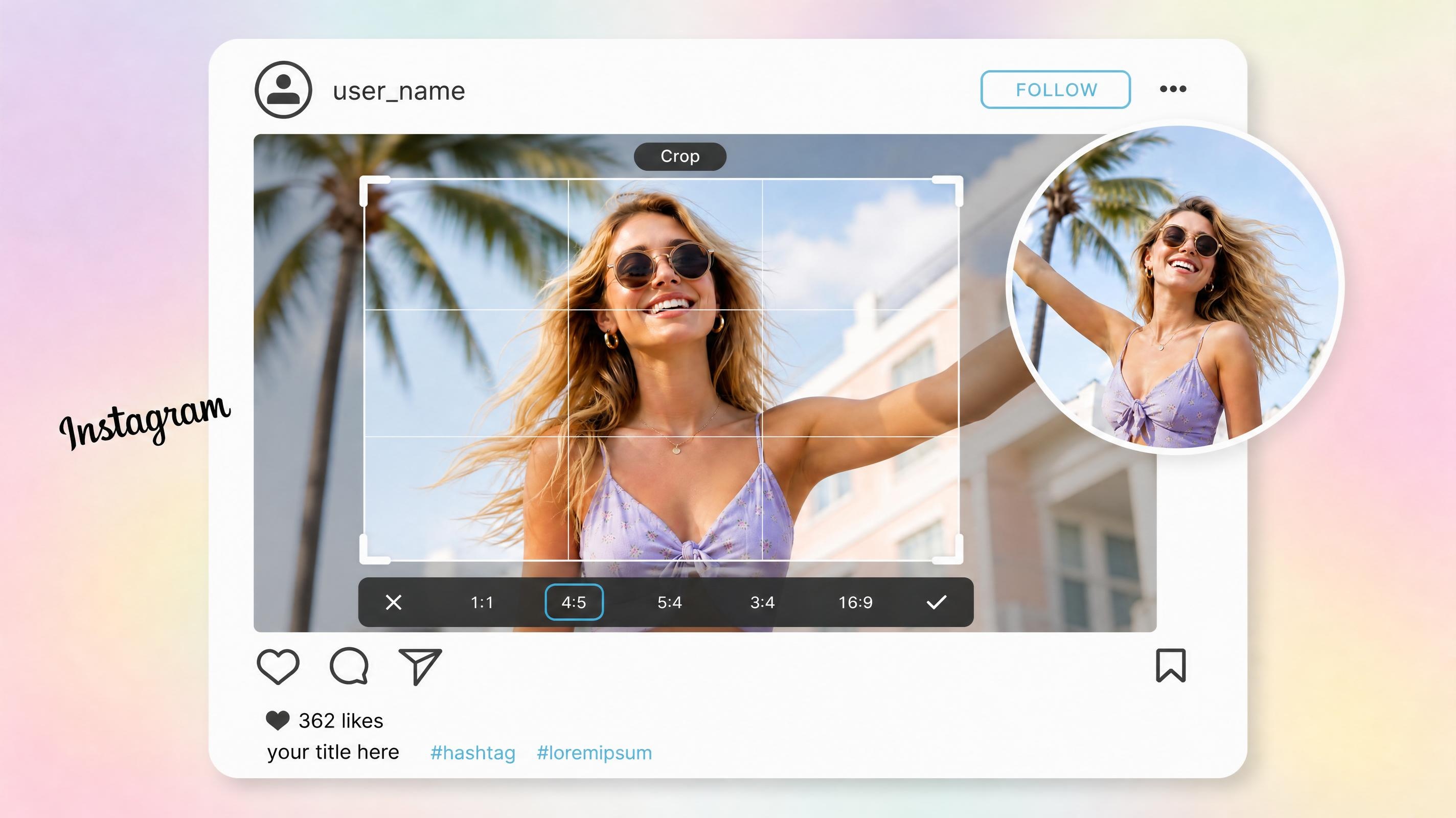
Instagram Image Resizer Online
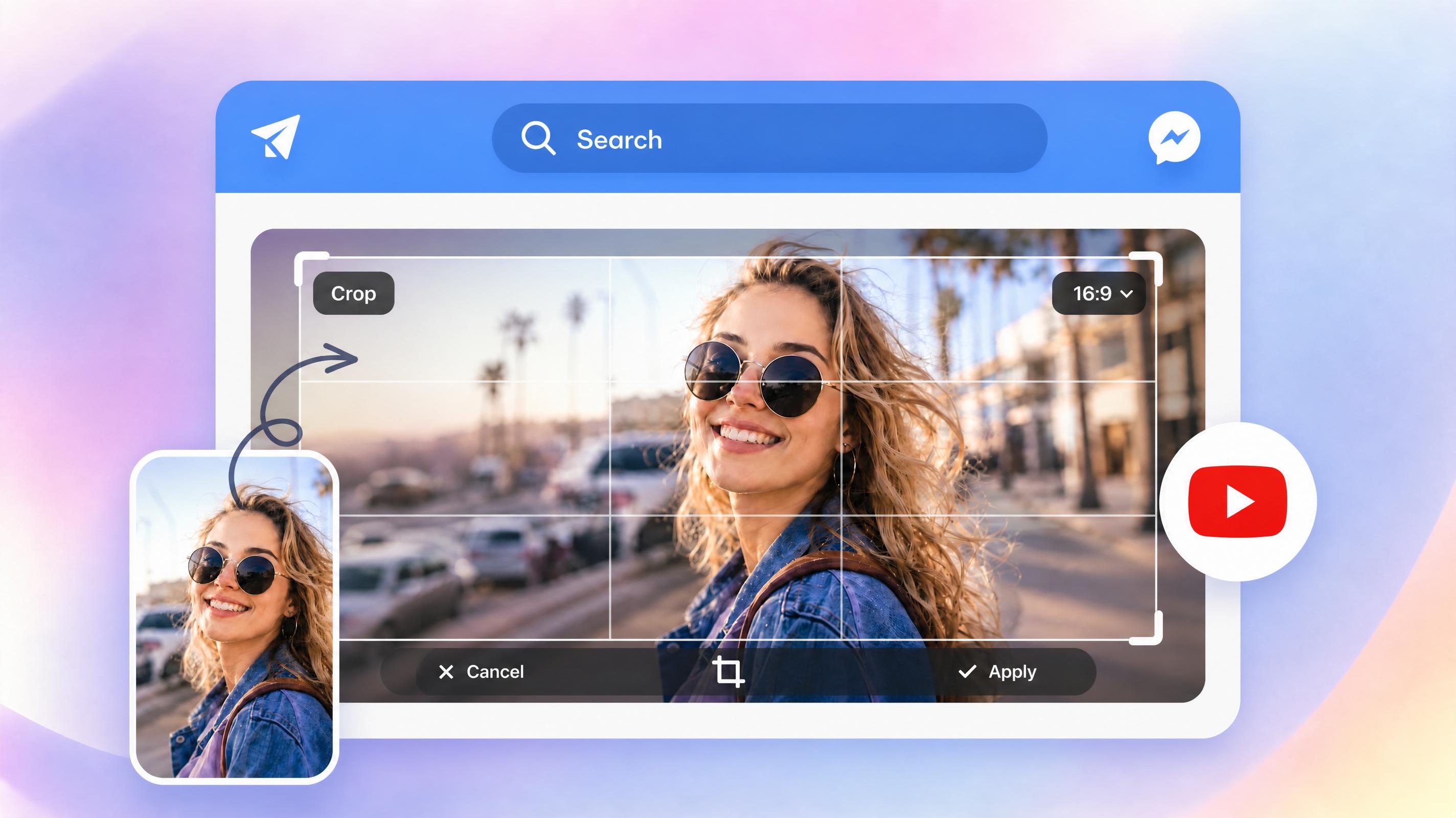
YouTube Thumbnail Resizer Online
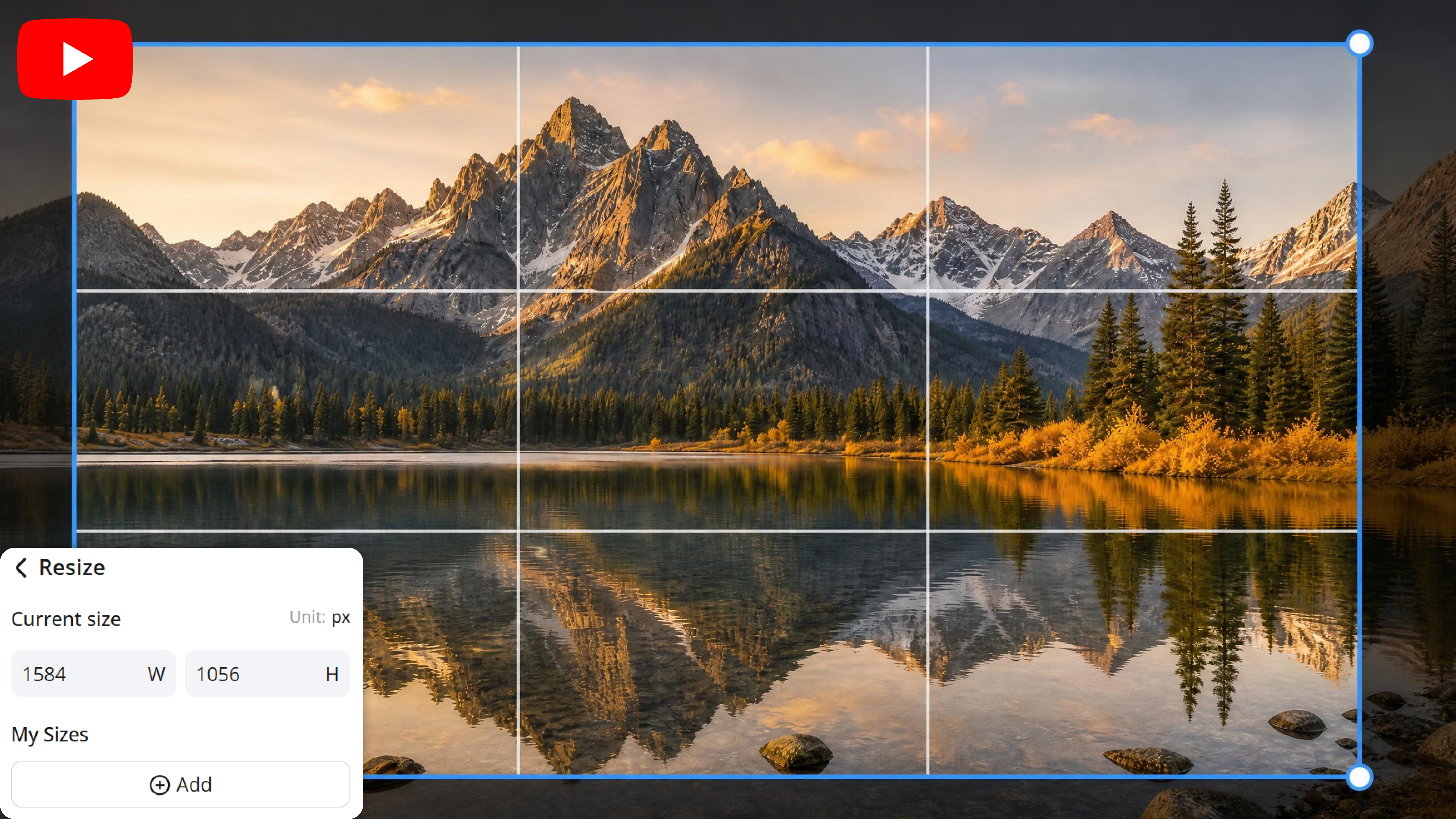
YouTube Banner Resizer Online
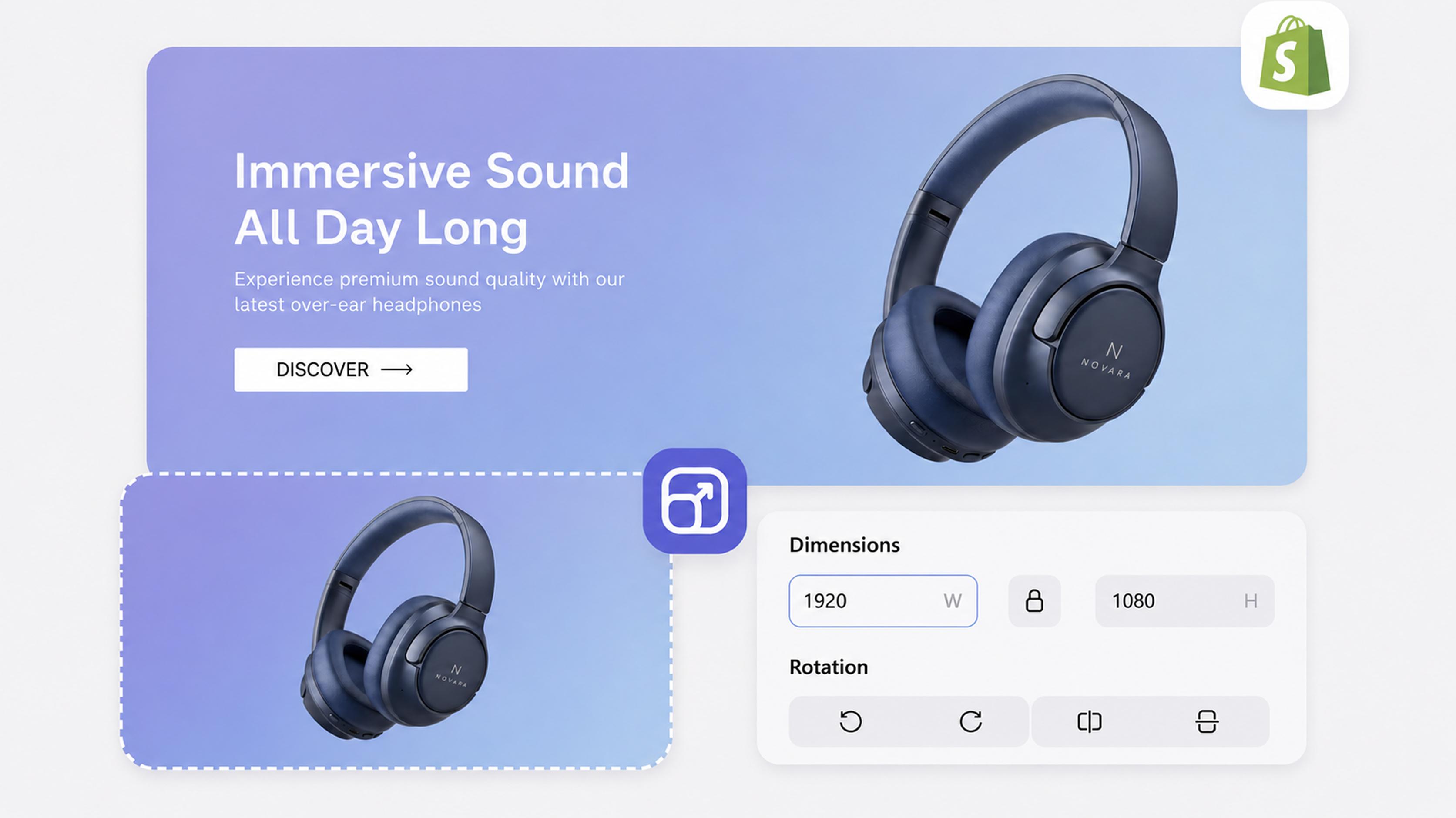
Shopify Image Resizer Online
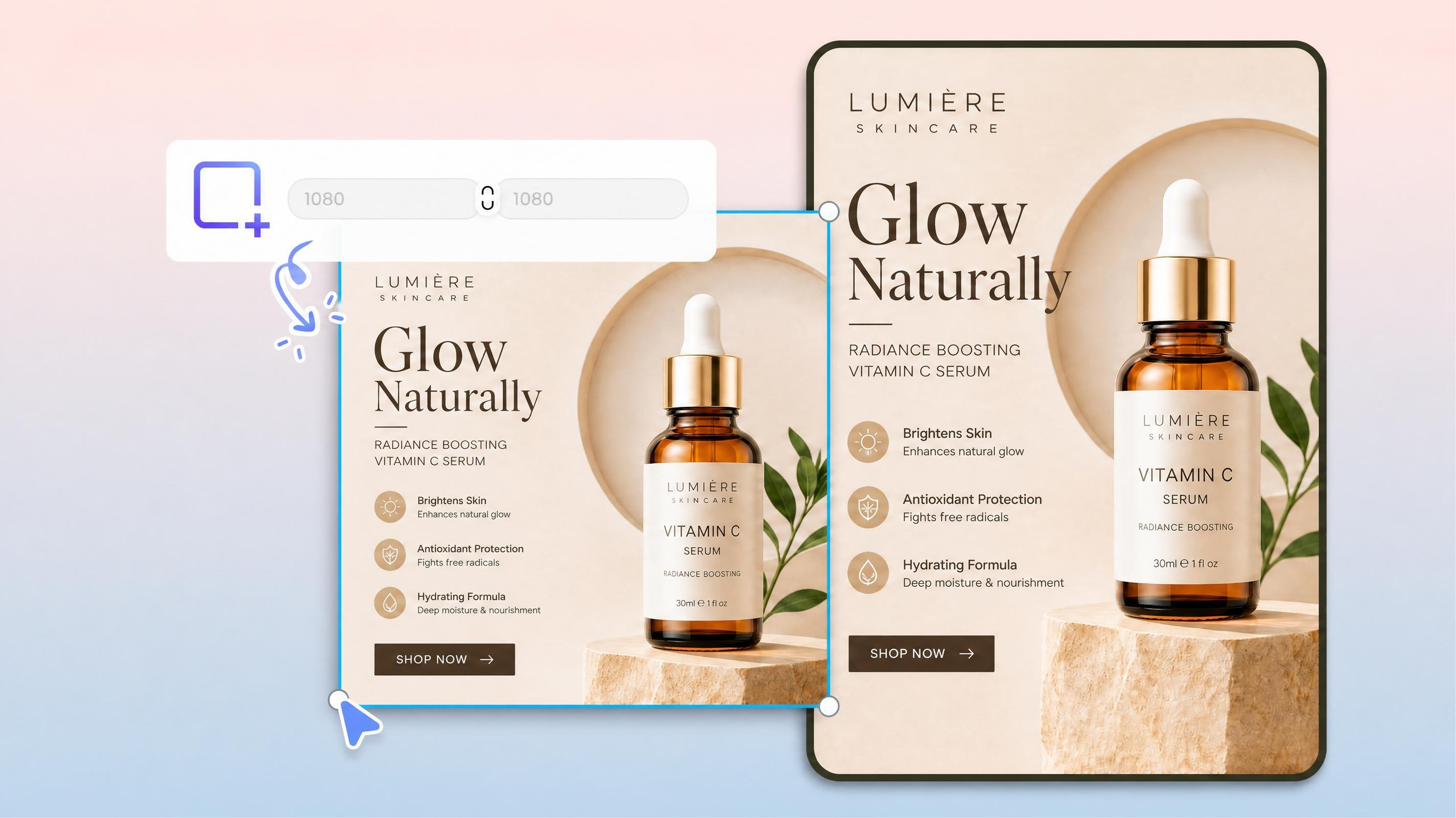
Resize Photo for Printing Online

Image Compressor Online
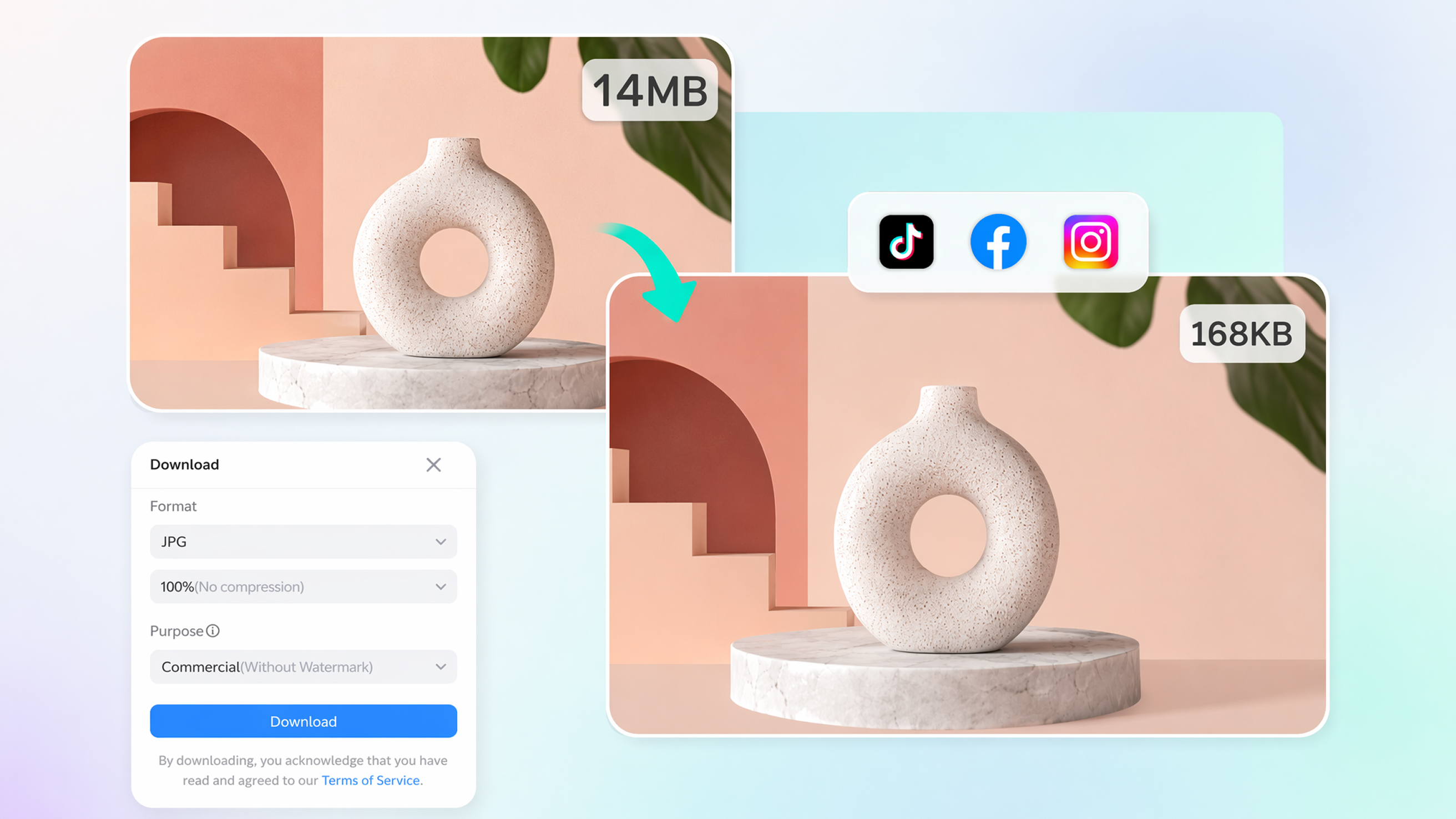
MB to KB Converter Online
A Complete Image Editing Workflow in One Place
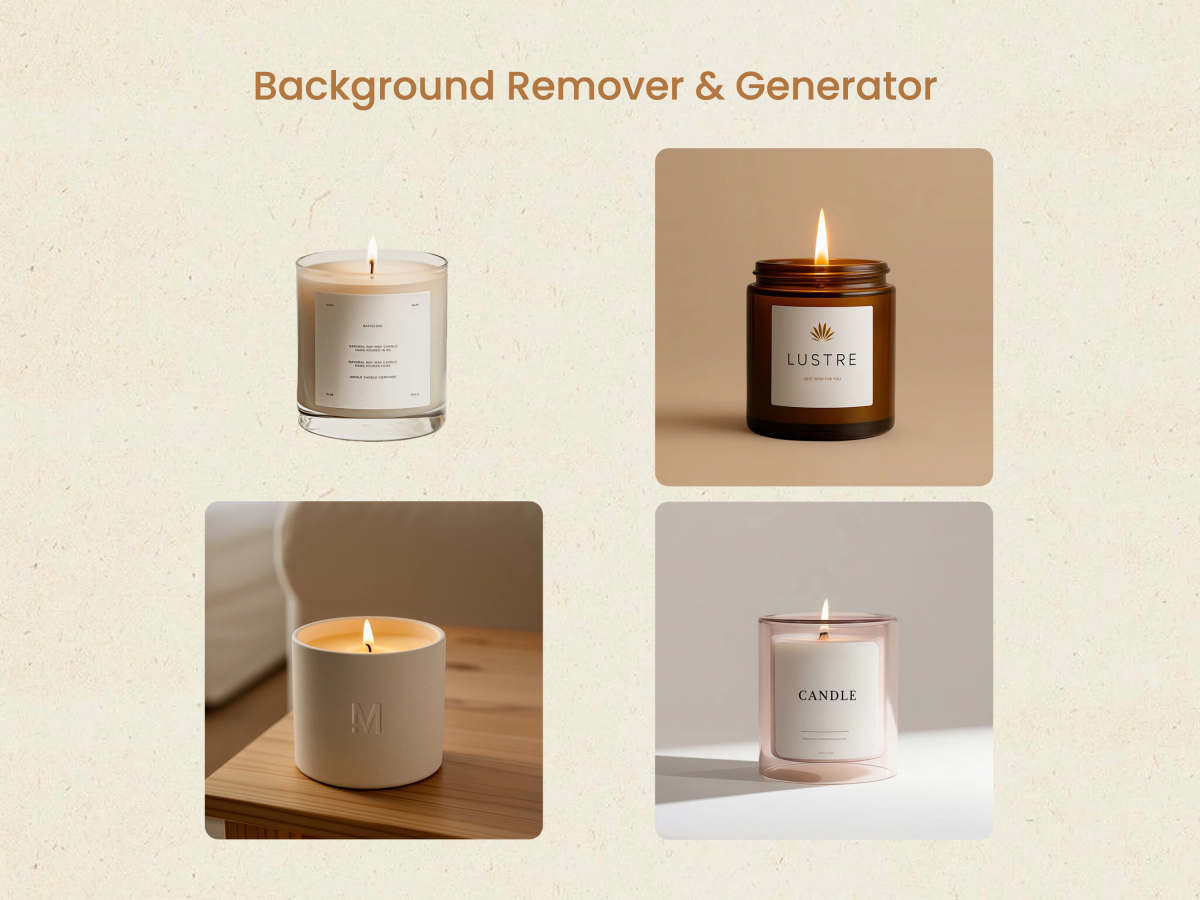
Background Remover & Background Generator — Replace Any Scene Instantly
Remove any background in one click, then replace it with studio presets, AI-generated scenes, or your own custom backdrop. Go from raw product photo to marketplace-ready hero image without ever opening a separate tool.
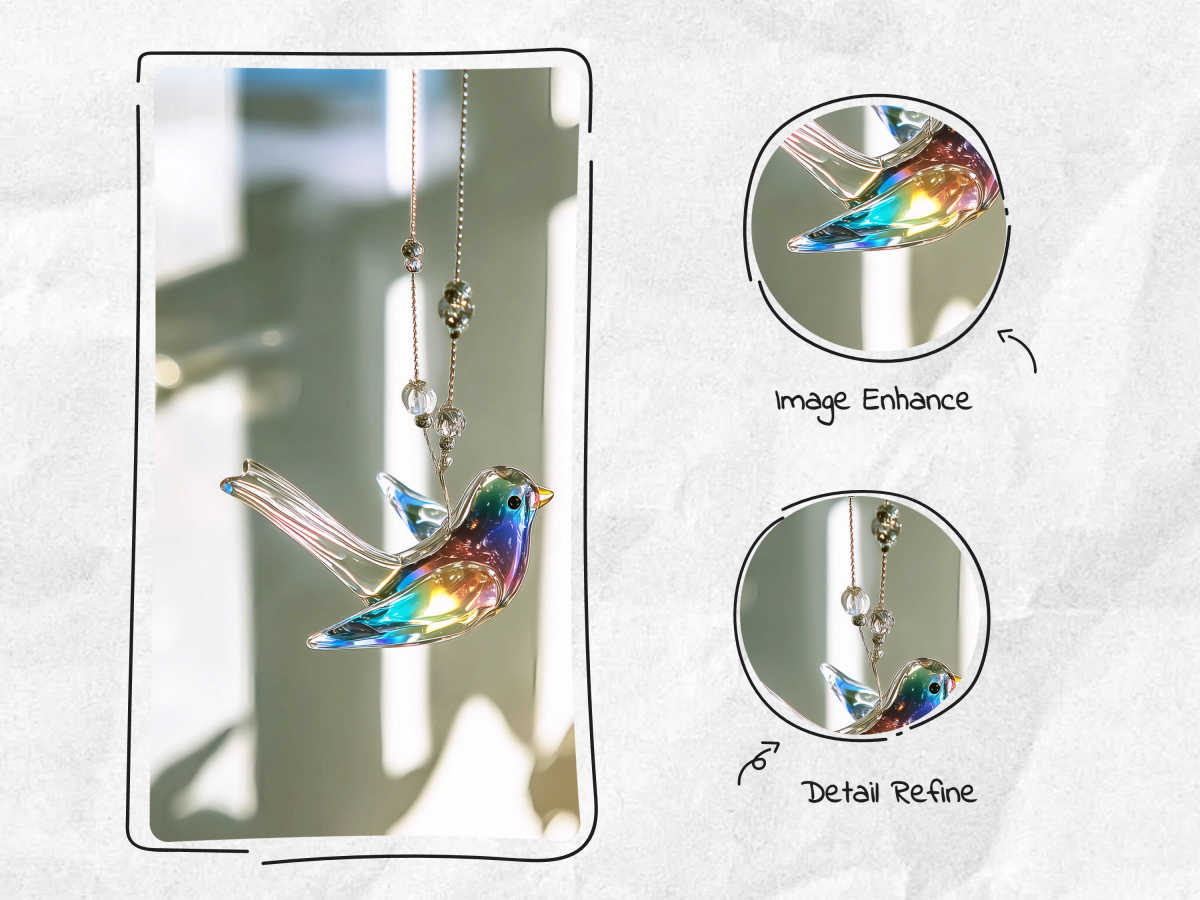
Image Enhance, Photo Retouch & Detail Refine — Pixel-Perfect in Seconds
Upscale images to HD, correct lighting and color, apply split toning, adjust details, and run scene-aware enhancement — all from a single retouch panel. Fine-tune every pixel or let the AI handle corrections automatically.
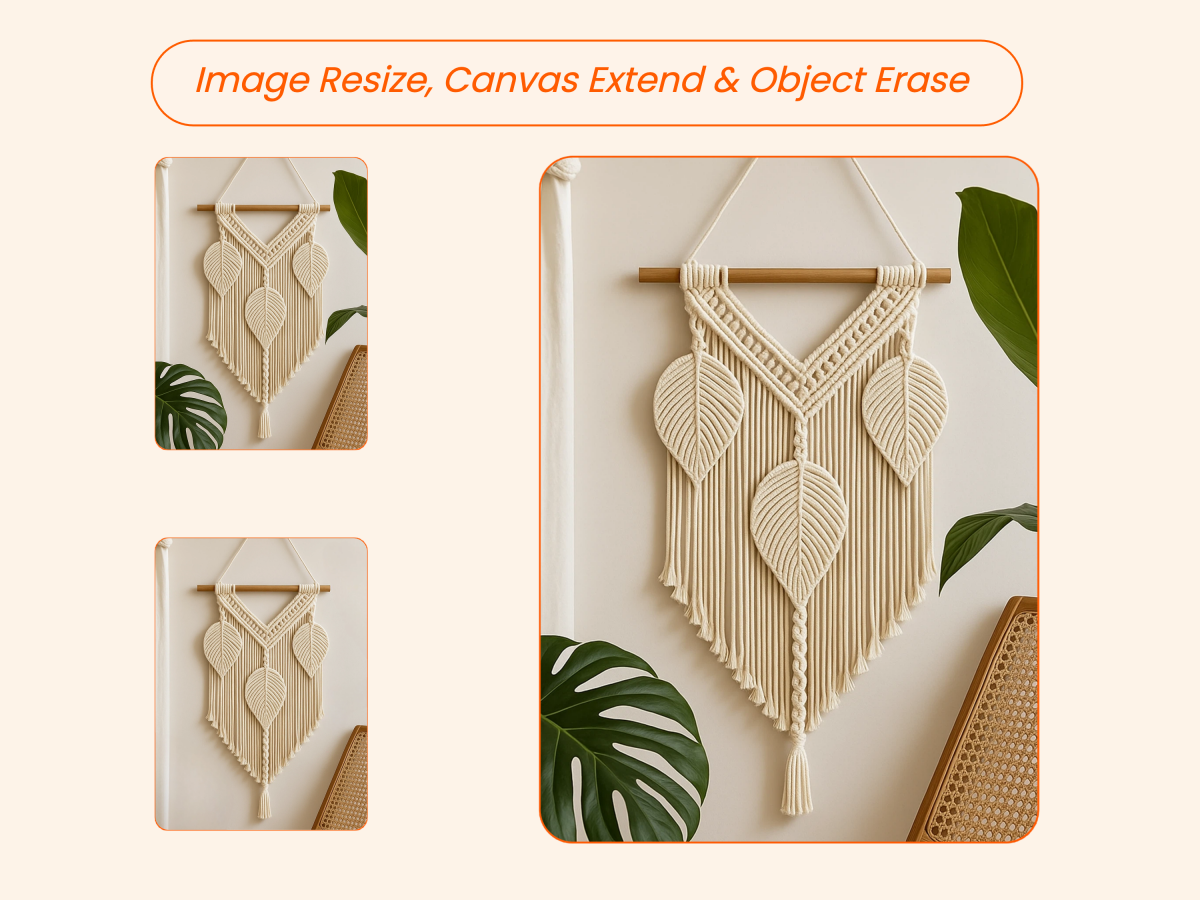
Image Resize, Canvas Extend & Object Erase — Fit Any Platform, Remove Any Distraction
Crop to exact marketplace dimensions, rotate, change aspect ratio, or extend the canvas with AI-powered outpainting. Need to remove an unwanted object? The eraser handles both auto-detection and manual selection — cleanly, without artifacts.
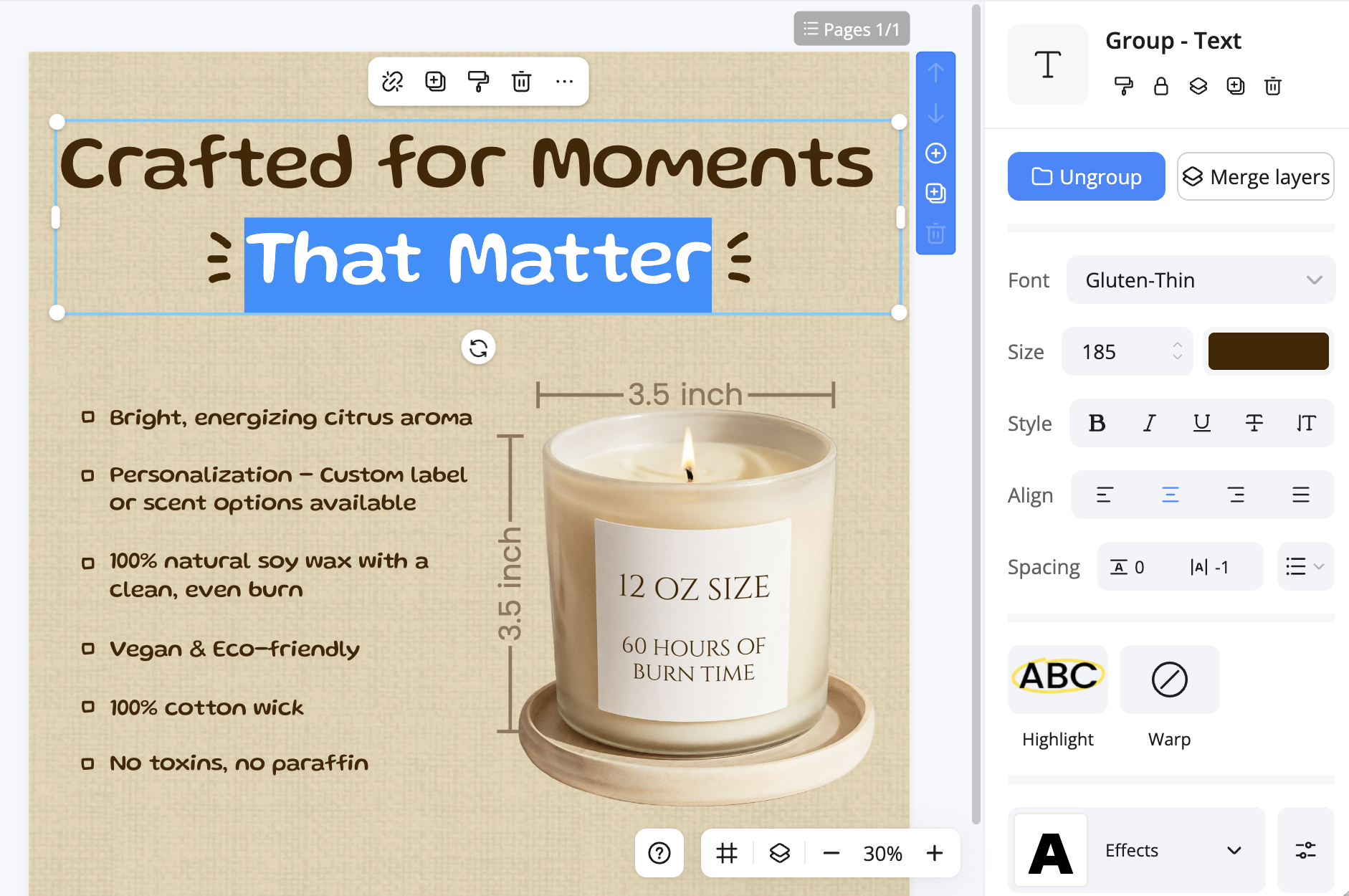
Add Text & Graphic Elements to Product Images — Annotate Without Leaving the Editor
Overlay promotional text, badges, size labels, or graphic elements directly onto your product images. Style everything in-editor — no need to export to Canva or Illustrator for simple listing annotations.
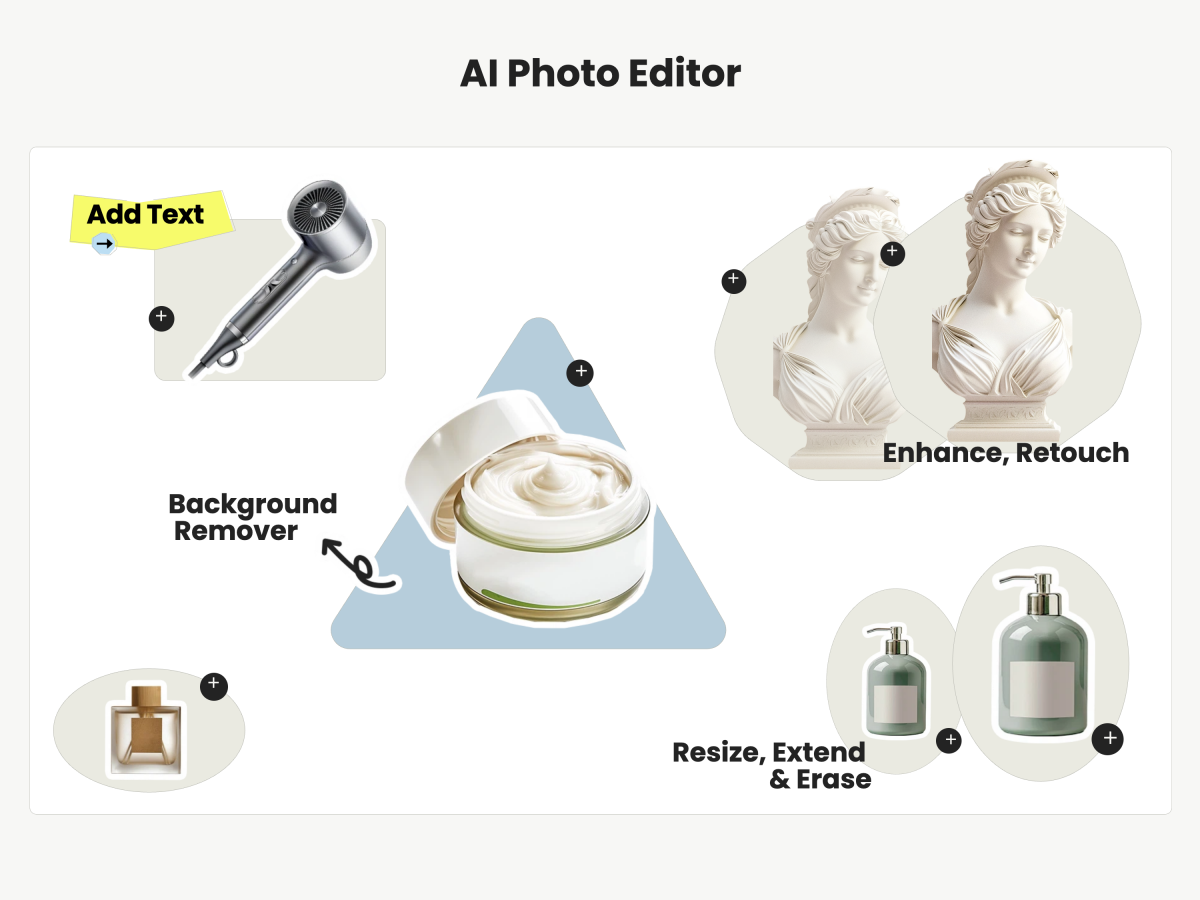
AI Photo Editor — One-Pass Intelligent Editing for Complex Workflows
For complex edits that combine multiple steps — background swap plus retouch plus resize — the AI Photo Editor chains actions intelligently and outputs a finished image in one pass.
Edit Any Image in 3 Steps
Upload Your Image
Drag and drop any product photo, lifestyle shot, or raw image into the online image editor. JPEG, PNG, and WebP are all supported — no file-size restrictions for standard uploads.
Pick the Tools You Need
Each editing function lives in its own panel: background, enhance, retouch, resize, erase, extend, text, elements. Use one tool or chain several together — the editor preserves your edit history so you can adjust non-destructively at any stage.
Export & Publish
Download your finished image in the resolution and format your platform requires. The image editor supports custom dimension presets for Amazon, Shopify, Etsy, Instagram, and more — one click to export, ready to upload.
Find the Right AI Features for Every Creative Task
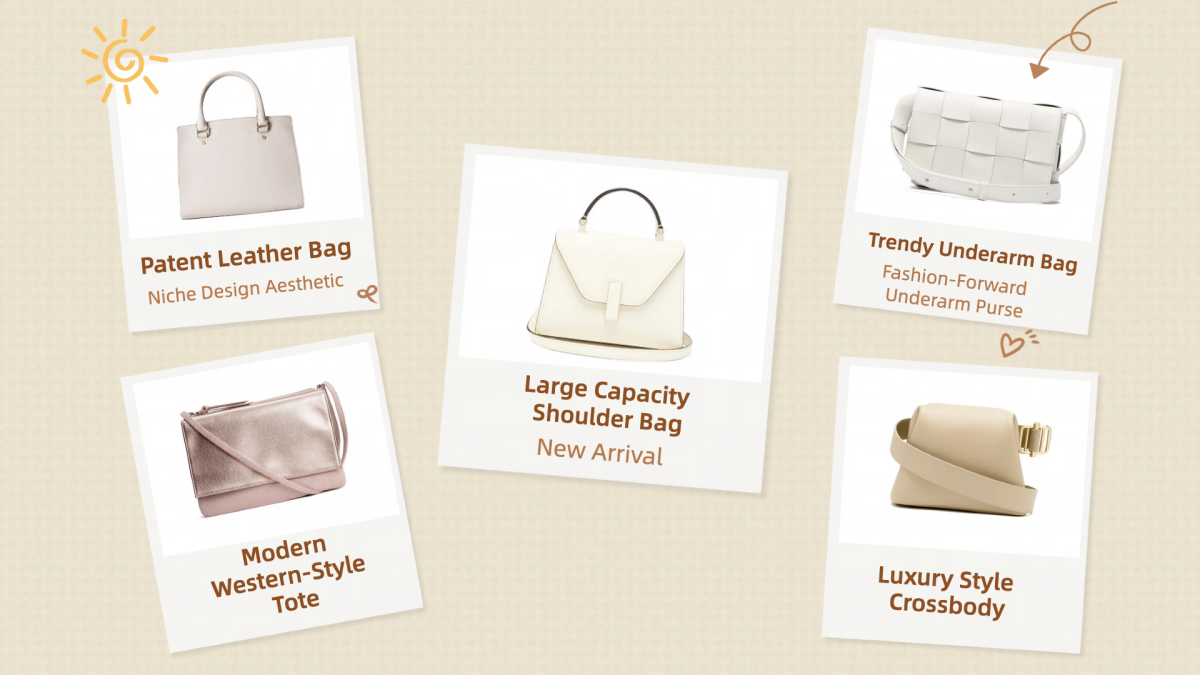
Free Bulk Image Editor Online
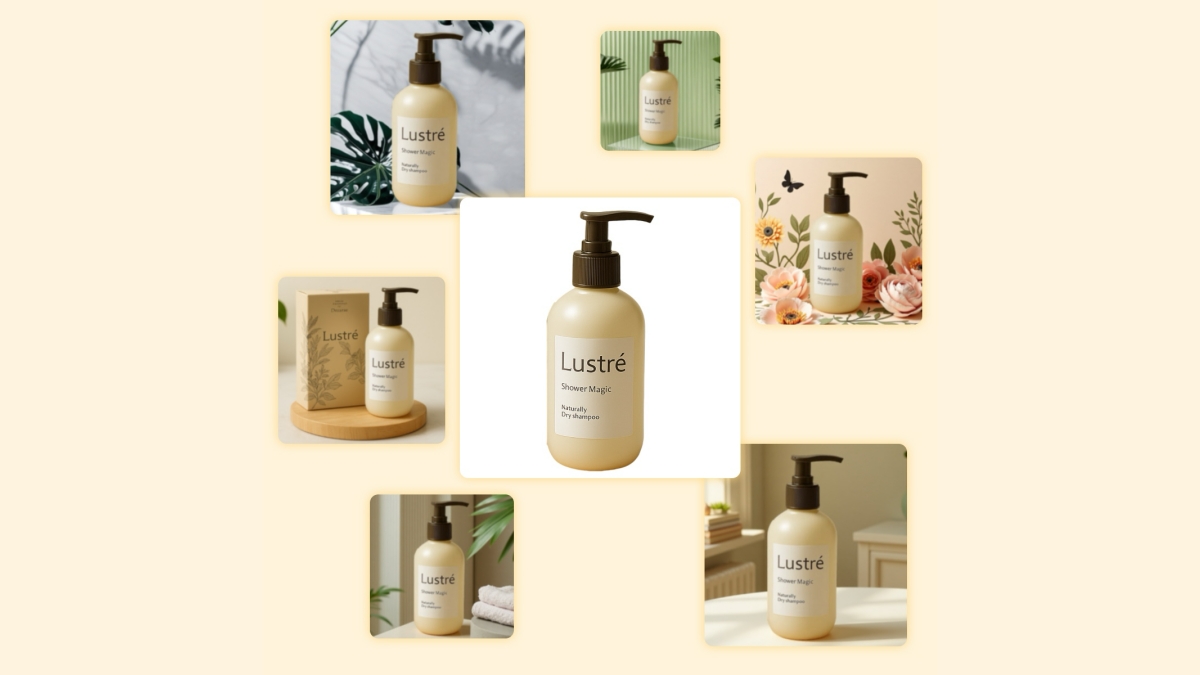
AI Product Visual Creation
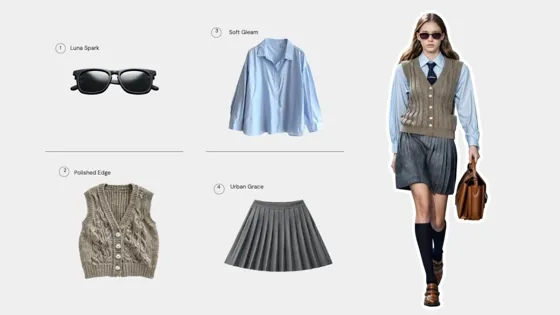
AI Fashion Model | Virtual Try-On
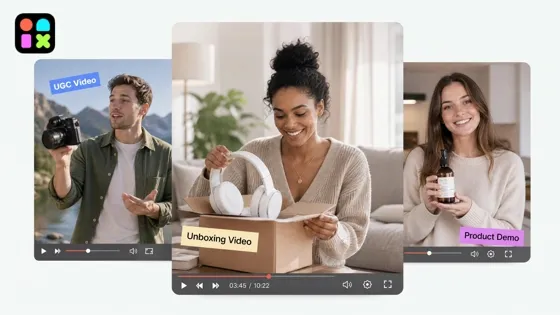
AI Video Generation Tools
Frequently Asked Questions
Is Designkit image editor really free?
Can I edit images in bulk?
Yes. Most tools in Designkit — including background remover, enhance, and resize — support batch processing, so you can apply the same edit across an entire product catalog in one operation. This is especially useful for sellers onboarding new collections or migrating between marketplaces.
What image formats and sizes are supported?
The editor accepts JPEG, PNG, and WebP inputs with no hard file-size cap on standard uploads. Output supports the same formats plus custom resolution up to 4K. You can set exact pixel dimensions or choose from platform-specific presets (Amazon, Shopify, Etsy, Instagram, etc.).
Can I use this for ecommerce product images?
Yes. This image editor is designed for ecommerce use cases, helping you create optimized product images, marketing visuals, and listing assets quickly and efficiently.
Is this editor suitable for users without professional design skills?
Absolutely. The goal of our AI image editor is to bridge the gap between complex software and ease of use. The agent automates technical tasks like color correction and perspective adjustment, so you can focus on the creative direction.
Edit Images Faster with One AI Platform
Simplify ecommerce image work with one AI editor. Create, edit, and optimize product visuals in minutes without switching tools or slowing your team down.
