
Add Stickers to Photos: Elevate Your Visual Story with One Click
Upload your photo and drop in stickers instantly with one click. Built for e-commerce sellers and online creators. Create polished, eye-catching images in minutes.
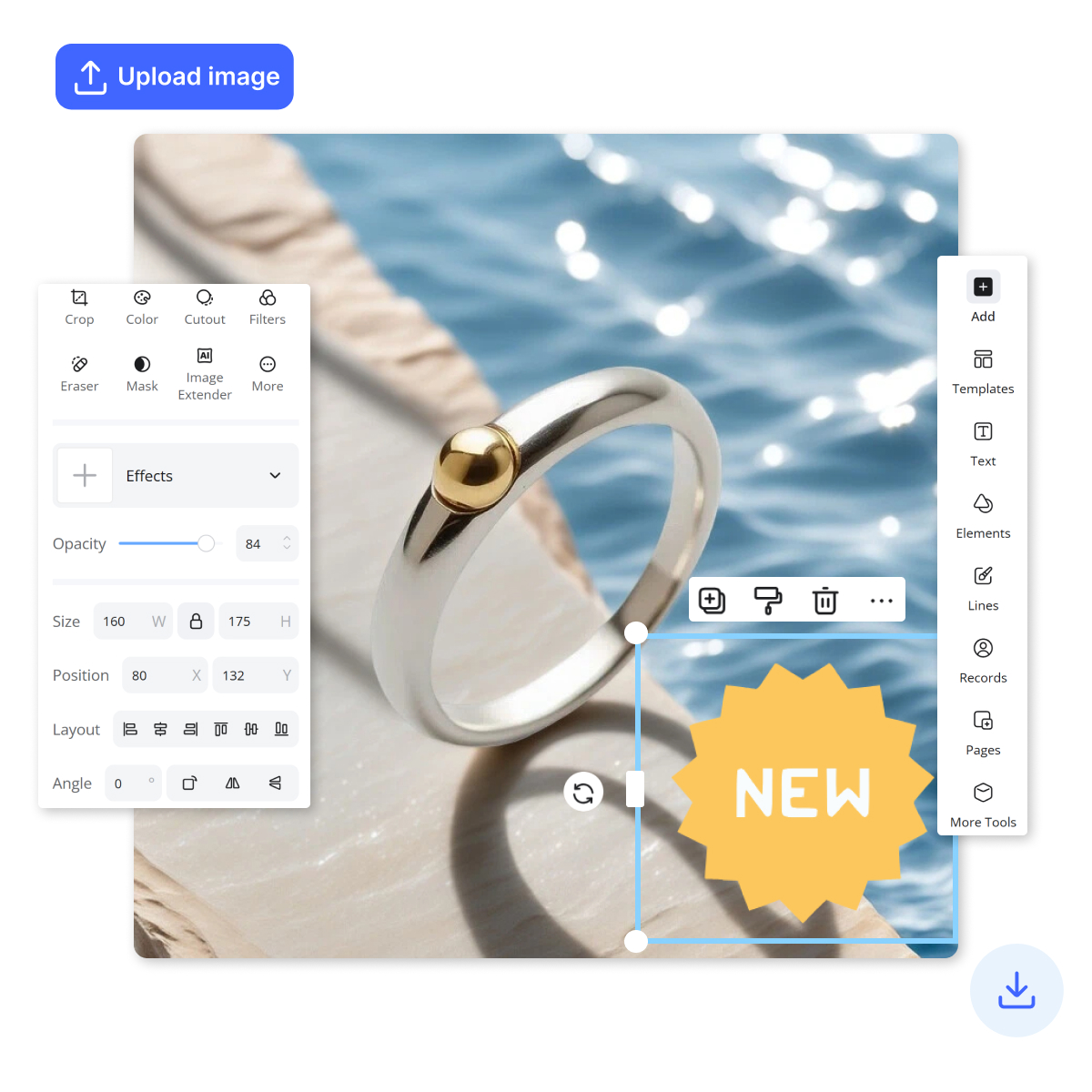
How to Add Stickers to Photos Online in Seconds
Upload Your Photo
Click Upload or drag and drop your image into the editor to start adding stickers to photos online. Your photo loads instantly in your browser, so you can begin editing right away—no downloads, no setup, and it takes just seconds.
Select and Customize Stickers
Open the sticker library, pick your favorite sticker, then click to place it on your photo. You can resize, rotate, and adjust position in one smooth move, so your design looks clean and professional—perfect for product pics, stories, and quick promos.
Download and Share Image
Hit Preview to check your final look, then click Download to save the sticker photo in seconds. Your image is ready to share on social media, send to friends, or upload to your store listing immediately—fast, simple, and polished.
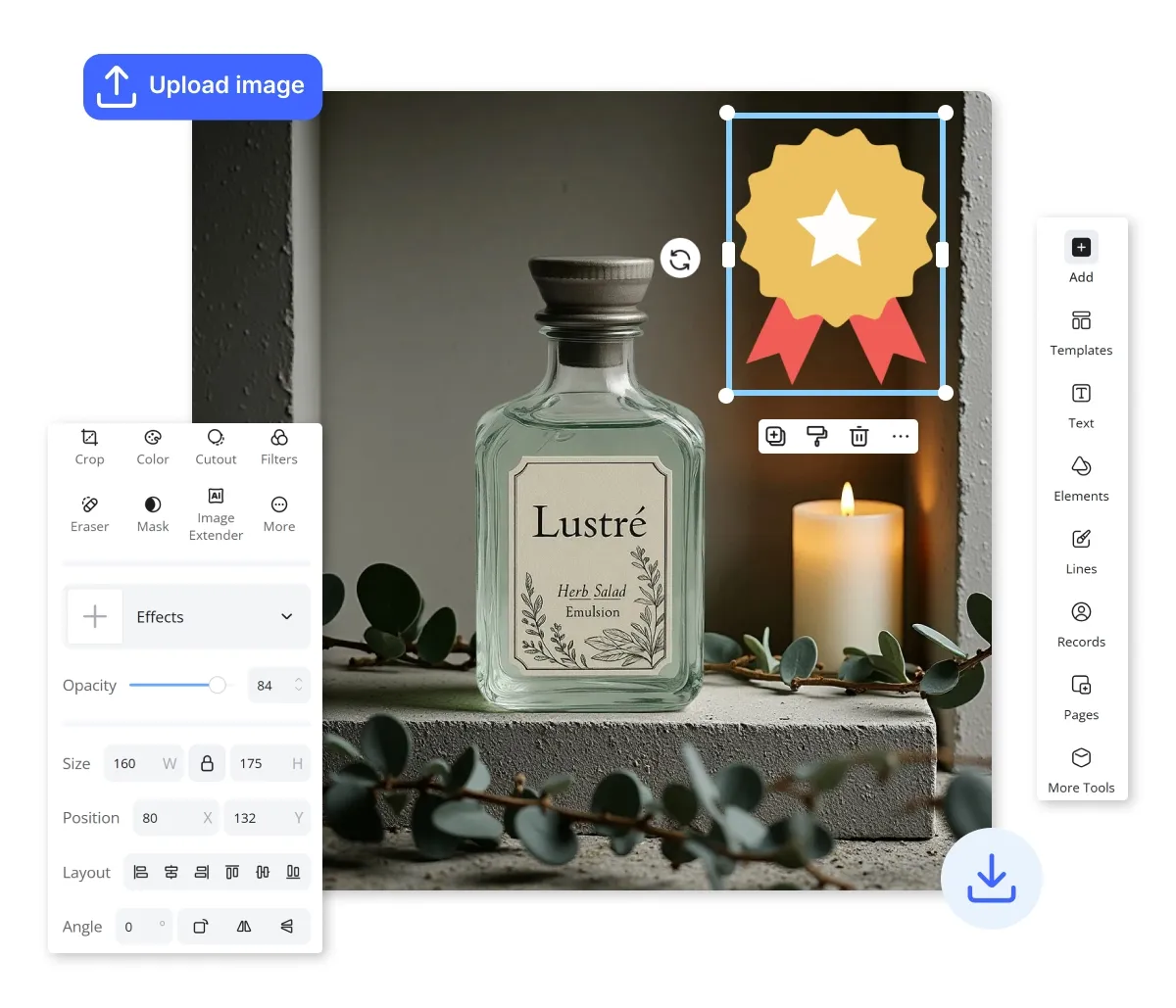
Transform Your Vision: Effortlessly Add Stickers to Photos Online
Add Stickers to Photos Online using a rich library of shapes, arrows, lines, signs, hearts, stars, and brushes. Resize, rotate, and position stickers with smooth, responsive controls for clean results. Create expressive photo stickers in seconds—no design skills needed.
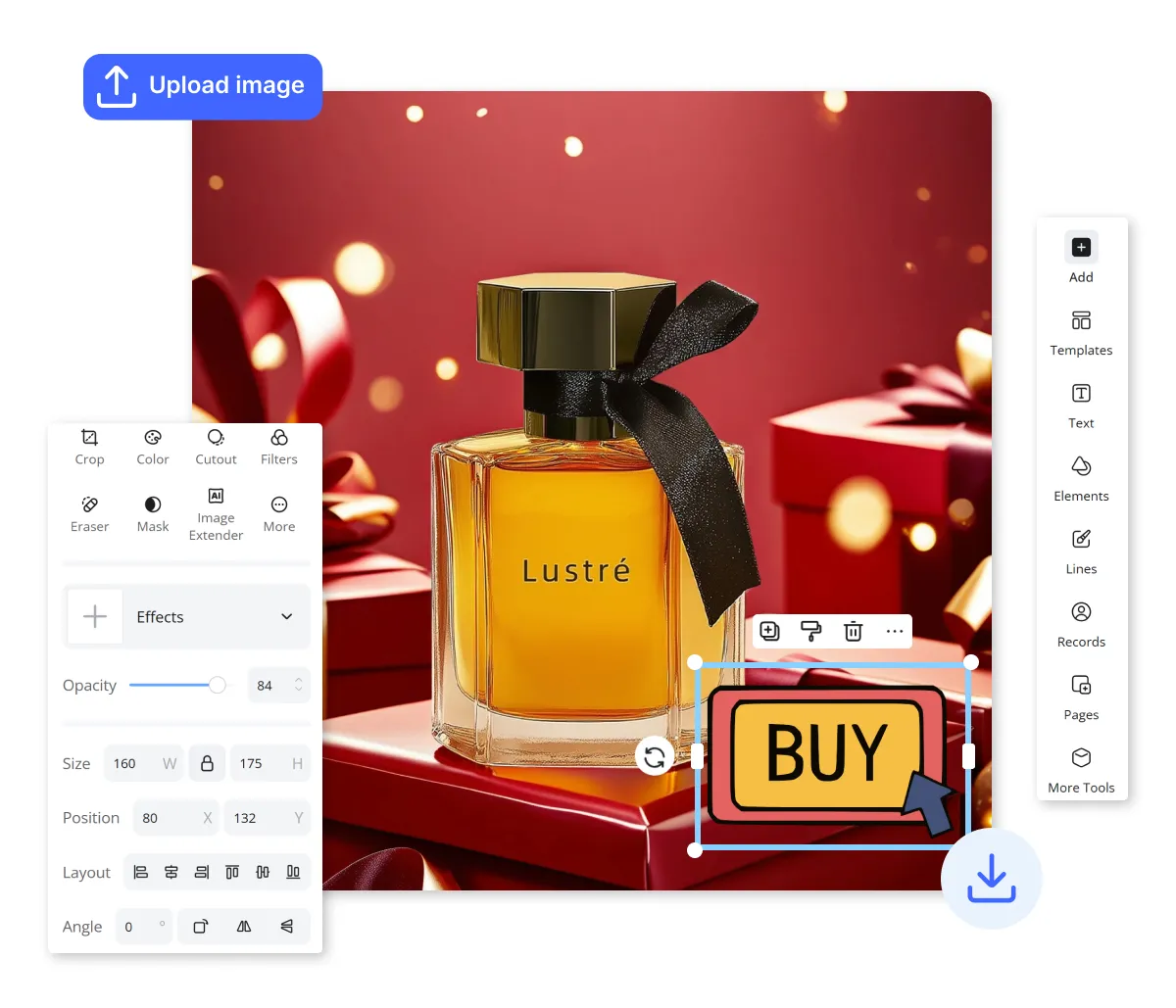
Add Stickers to Photos Online with Smart Layering
When you add stickers to photos online, you can stack multiple elements and utilize AI-powered placement suggestions for a flawless look. This smart adjustment tool eliminates manual guesswork by automatically optimizing sticker sizing to fit your photo’s specific dimensions.
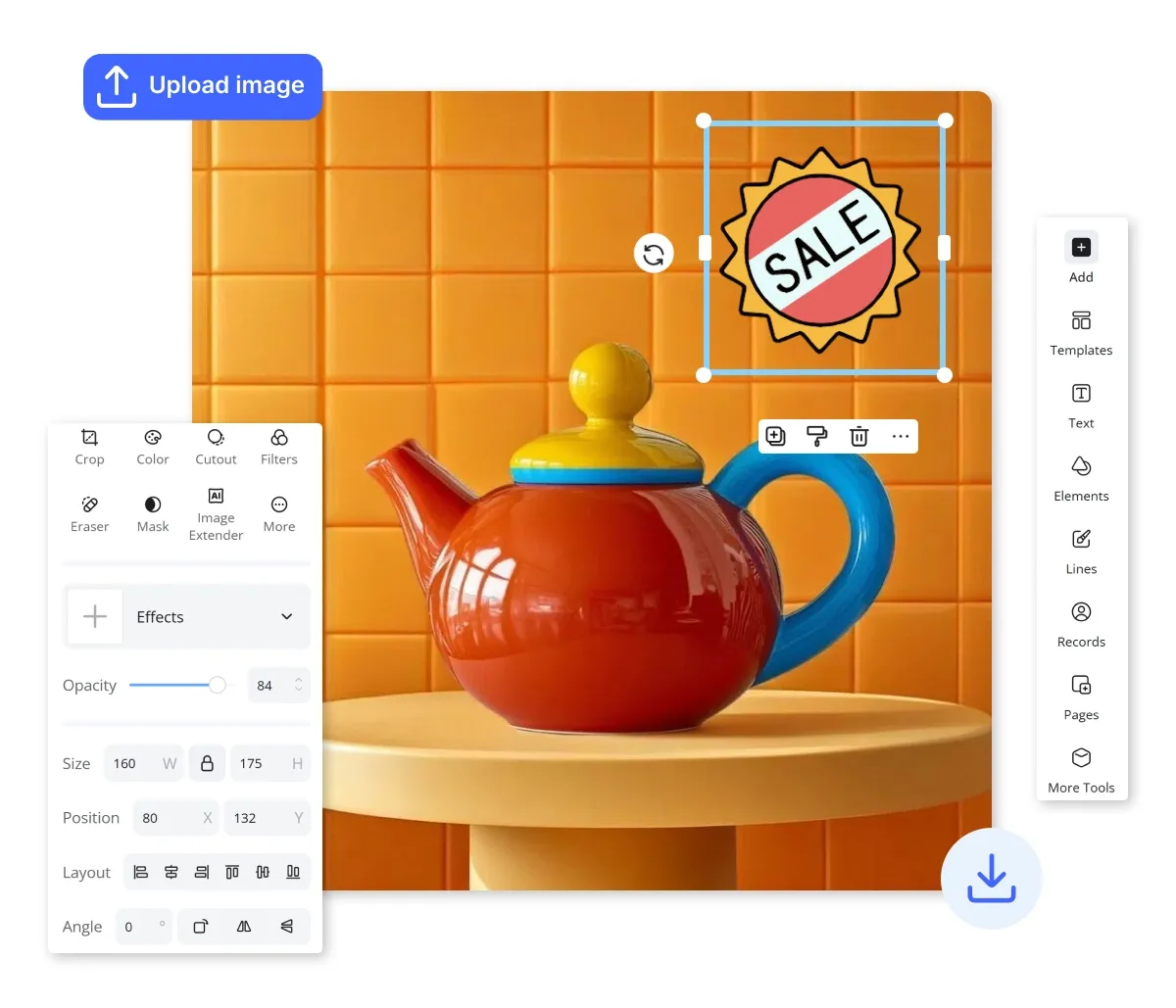
Pro-Level Results for Everyone to Add Stickers to Photos Online
You don't need technical expertise to create stunning, trendy visuals in seconds. Our user-friendly interface makes it easy to add stickers to photos online, offering pre-designed packs tailored to every theme. From resizing logos to rotating custom graphics, the process is streamlined for quick, high-quality results on any device.
Unlimited Creative Freedom When You Add Stickers to Photos Online
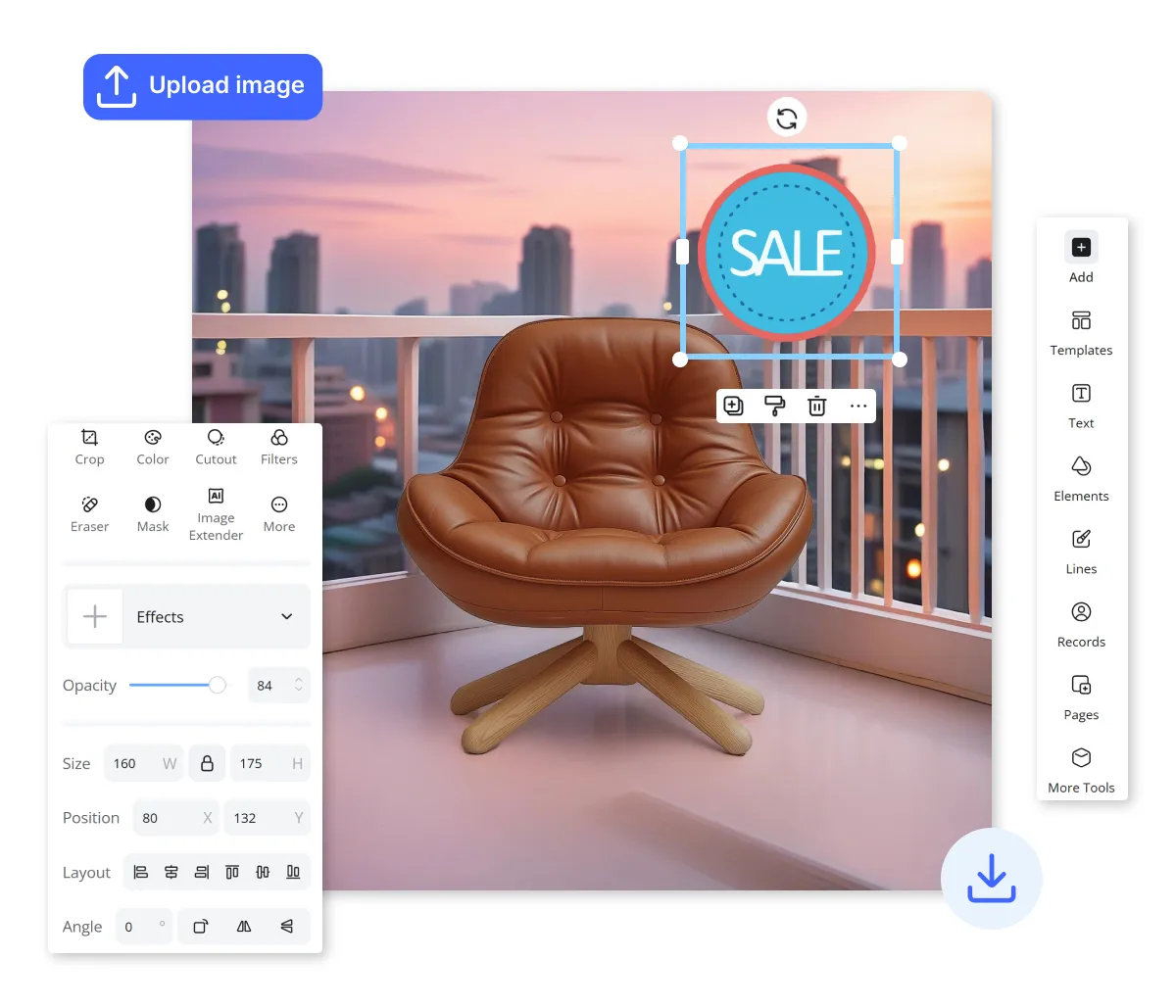
Stay ahead of trends with regular library updates and the ability to create custom stickers from your own images. When you add stickers to photos online through our platform, you gain the flexibility to combine diverse elements into one-of-a-kind designs, ready for universal sharing across all social media platforms.
Add Stickers to Photos Online for Every Project
Add Stickers to Photos Online for Seasonal Retail Promotions
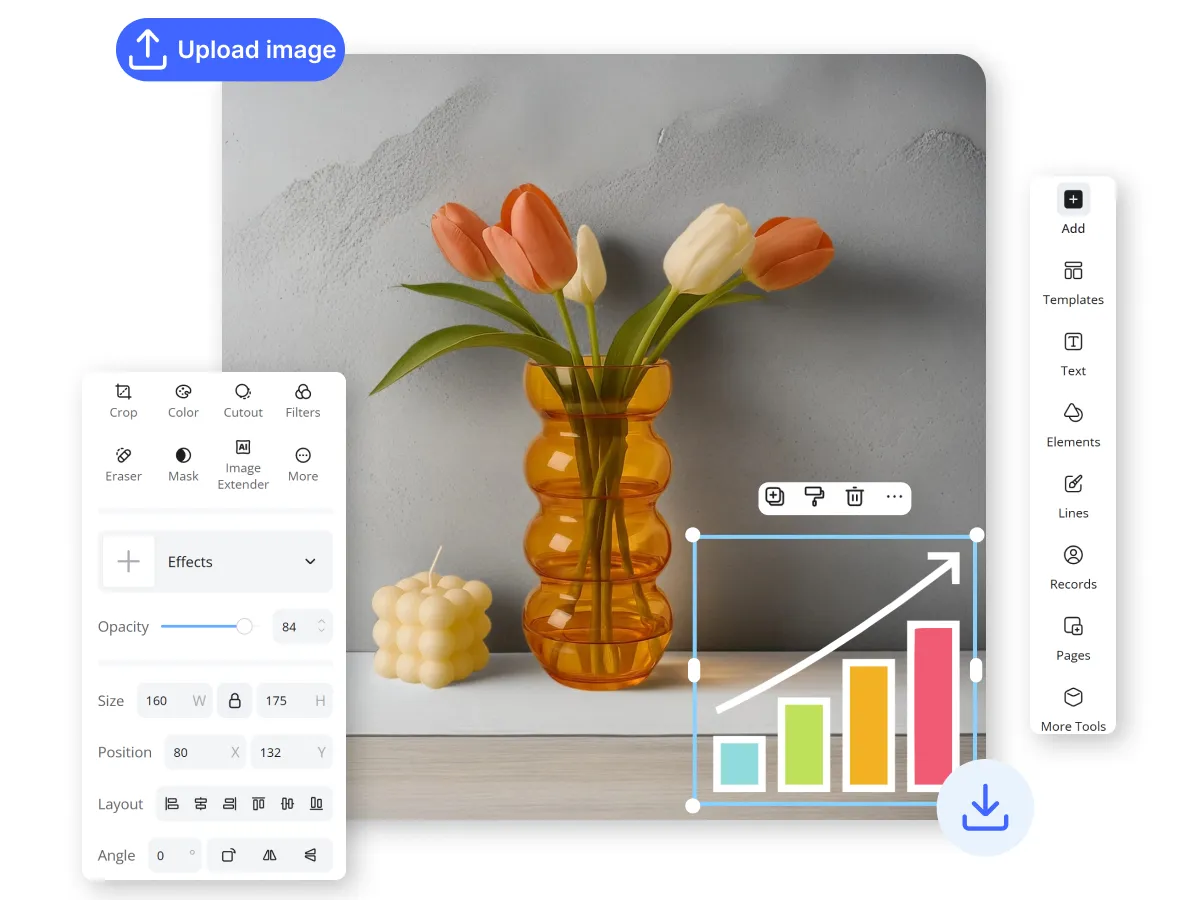
Capturing new product photography for every holiday is expensive and time-consuming. You can instantly refresh your catalog by applying trendy sale badges, "New Arrival" signs, or seasonal icons to your existing high-resolution shots. This allows you to maintain a sense of urgency and relevance in your European or American storefronts without the overhead of additional photoshoots.
Create Unique Visuals with Designkit’s Tools to Add Stickers to Photos Online

Unlimited Visual Customization
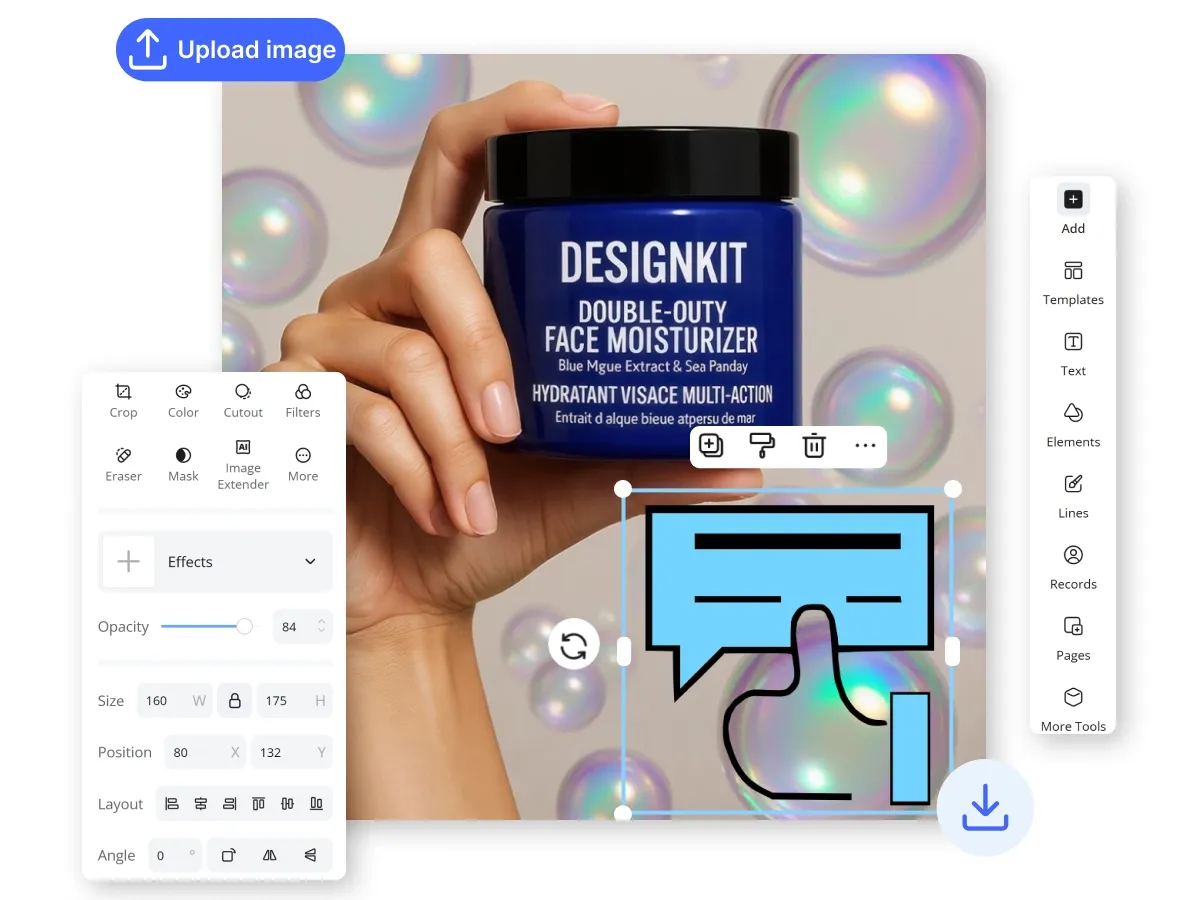
Designkit offers an expansive library of trendy emoji stickers you can apply without any creative limits. You’ll easily personalize images for any occasion using unique visual elements.

Precise Graphic Alignment
Our intuitive interface lets you instantly position, rotate, and resize graphics across all your mobile and desktop devices. You avoid frustrating manual adjustments, ensuring your brand assets always look perfectly professional.

Instant Pro Editing
The platform delivers lag-free performance to ensure you can decorate multiple pictures without any technical interruptions. You save valuable time by finalizing high-quality social content and professional designs in just seconds.
Discover More Powerful Features in Designkit
FAQ About How to Add Stickers to Photos Online
How do I add stickers to photos online using Designkit?
Can I add stickers to photos online for my e-commerce product listings?
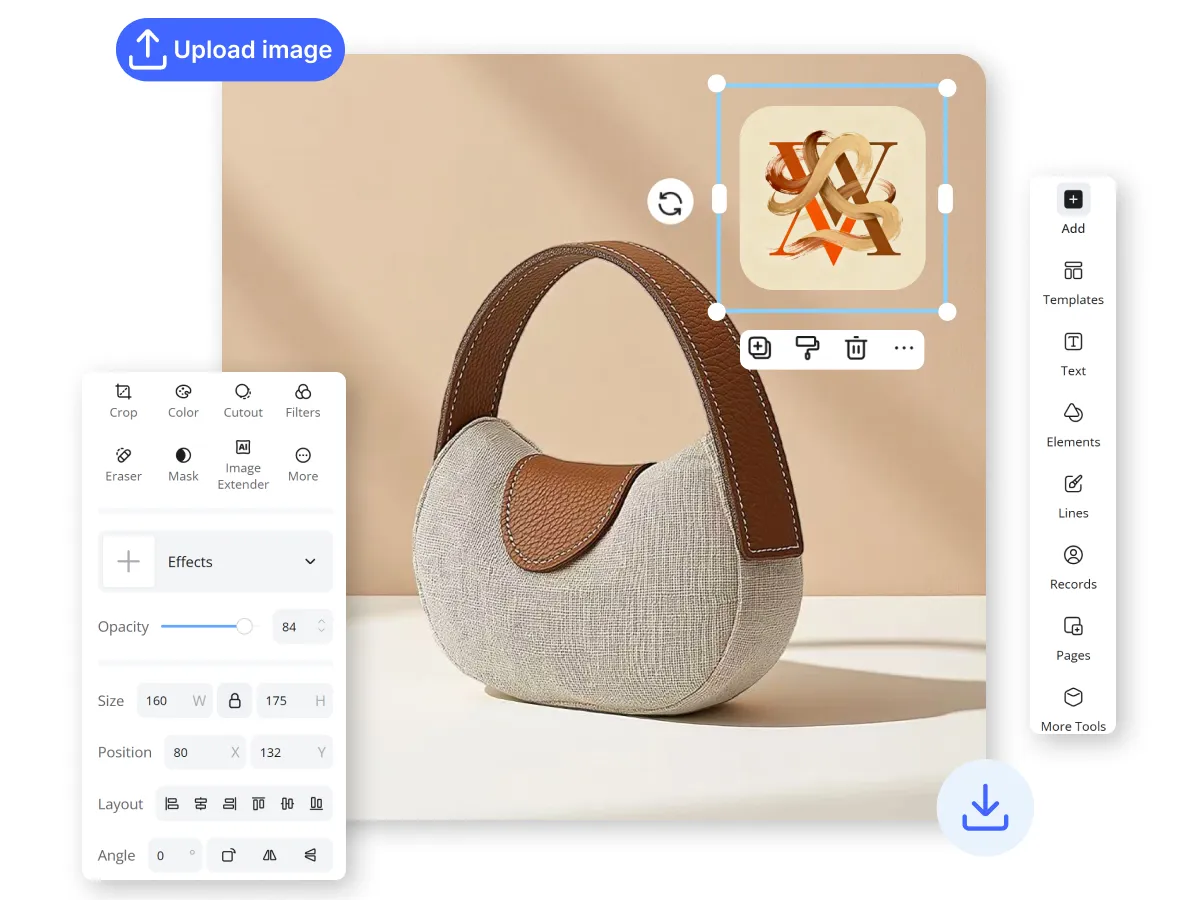
Yes, you can. Designkit is ideal for European and American e-commerce sellers who need to add "Sale" badges, "Free Shipping" icons, or seasonal decorations to product images. Adding these visual cues helps grab attention on crowded marketplaces and communicates key selling points quickly. You can even upload your own brand logo as a custom sticker to maintain a consistent professional identity.
Is it free to add stickers to photos online with Designkit?
Designkit offers a generous free tier that allows you to access a wide variety of sticker packs and essential editing tools. You can start decorating your images immediately without any upfront costs.
Can I create my own custom stickers from my own images?
Absolutely. Beyond our pre-designed library, Designkit allows you to upload your own PNG or JPEG files to use as stickers. This is perfect for adding personalized watermarks, unique brand mascots, or specific promotional graphics to your photos. Once uploaded, these custom elements can be adjusted, layered, and positioned just like any other sticker in our collection for maximum creative flexibility.
Does the tool work on mobile devices and tablets?
Yes, Designkit is fully optimized for cross-platform use. You can add stickers to photos online using your smartphone, tablet, or desktop computer without experiencing any lag. Our lightning-fast performance ensures that your creative workflow remains seamless whether you are editing a quick social media post on the go or designing a complex marketing banner at your desk.
Designkit: Automate Your Product Visuals with E-Commerce AI
Guide your customer’s eye exactly where it needs to go. Use high-impact arrows to highlight key product features. Designkit’s smart placement ensures every graphic feels like an integrated part of your professional ad creative.


