
AI Clothes Color Changer for E-commerce
Turn one clothing photo into multiple color variants for your store. Keep fabric texture, lighting, and fit unchanged while preparing cleaner SKU images for Shopify, Amazon, and seasonal campaigns.
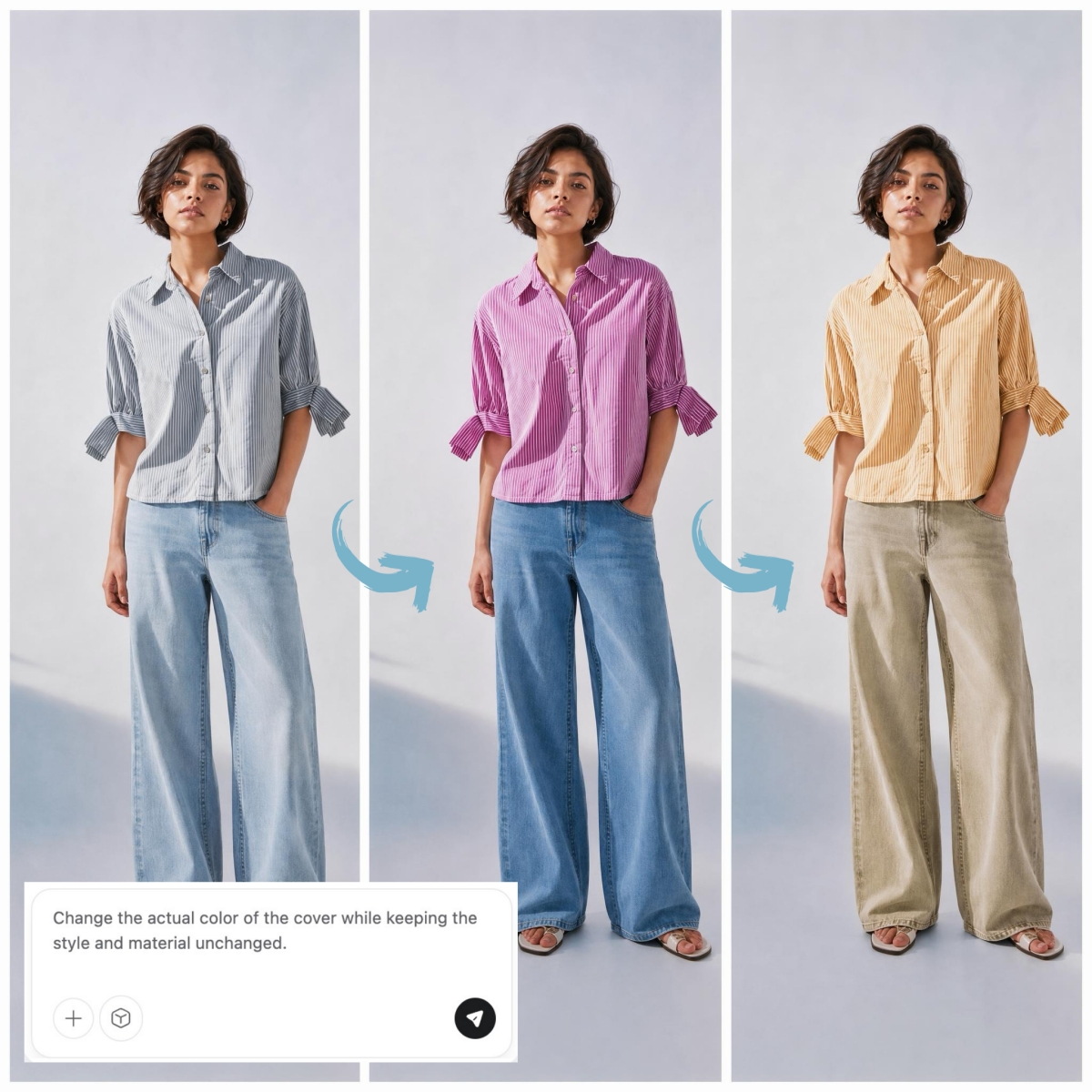
How to Change Clothing Color in 3 Easy Steps
Upload Your Master Asset
Upload a high-res photo of your product in any color. Our AI supports PNG, JPG, and more, locking in every fine detail from fabric grain to metallic sheen.
Pick Your Exact Palette
Select from curated presets or enter a custom HEX code to match your physical production samples. The AI intelligently maps the new color onto the object, respecting original shadows and highlights.
Export Your Global Catalog
Review the color accuracy and click 'Download.' Your high-definition assets are ready for Shopify, Amazon, or social media ads instantly.

Expand Product Variants Without Extra Photoshoots
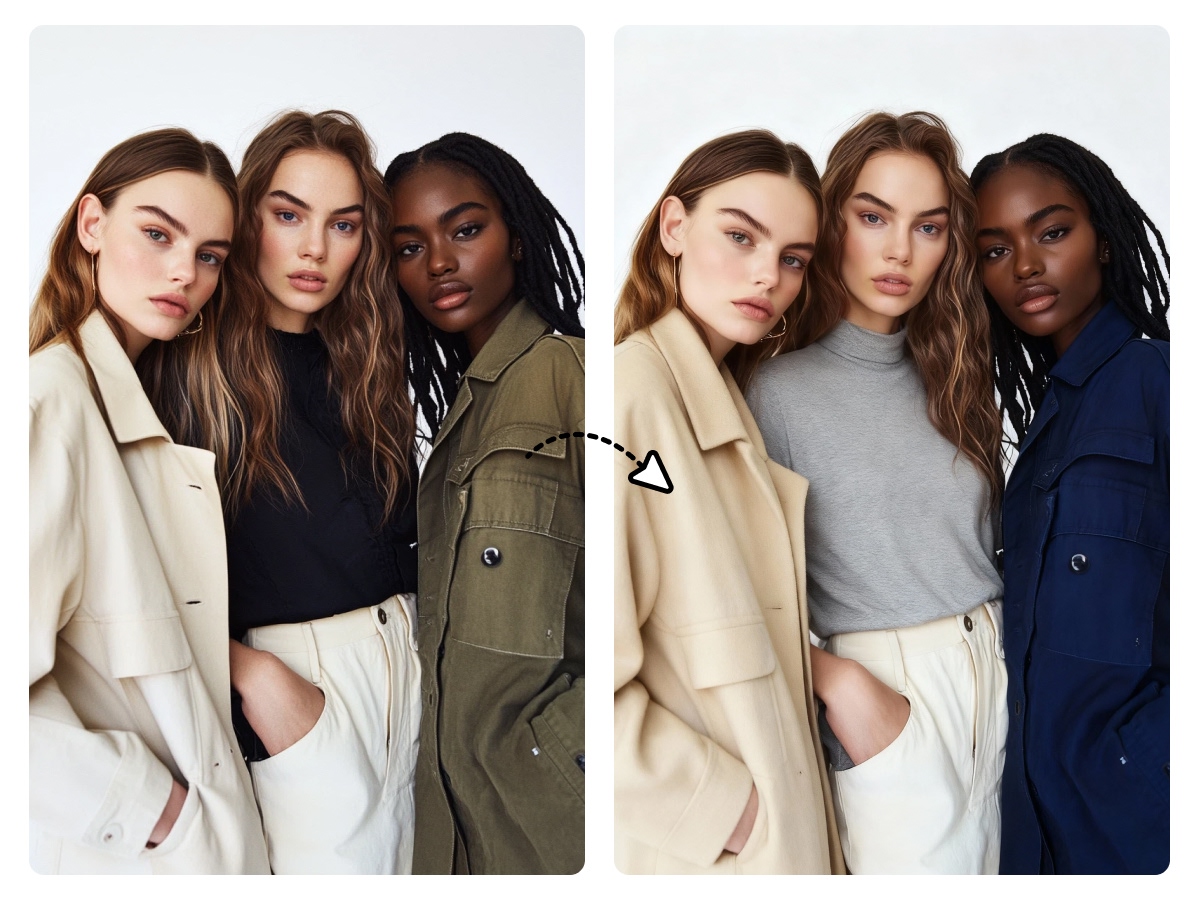
Upload one product image and generate every color variant your catalog needs. No extra samples, no studio time. E-commerce sellers can add new SKUs and show customers every available shade from a single master photo.
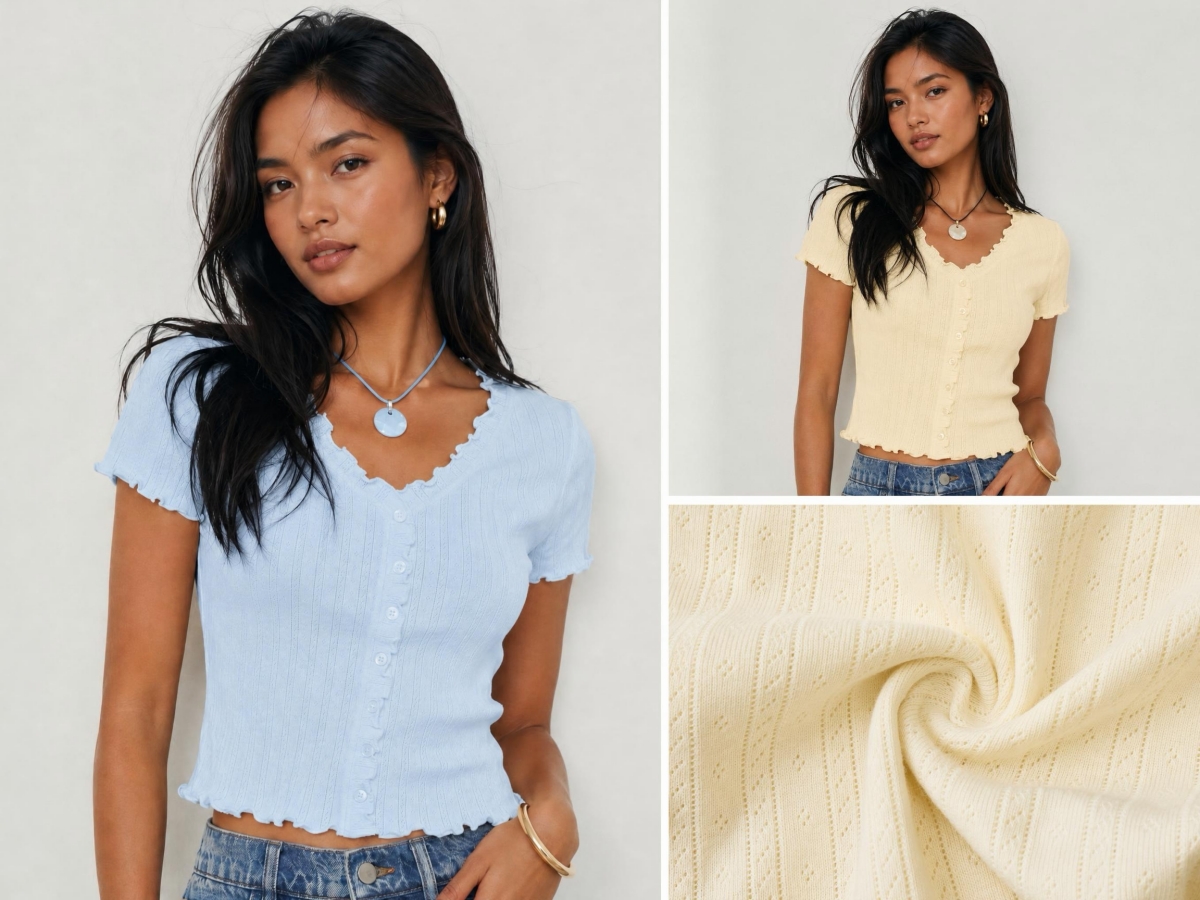
Preserve Realistic Fabric Texture and Details
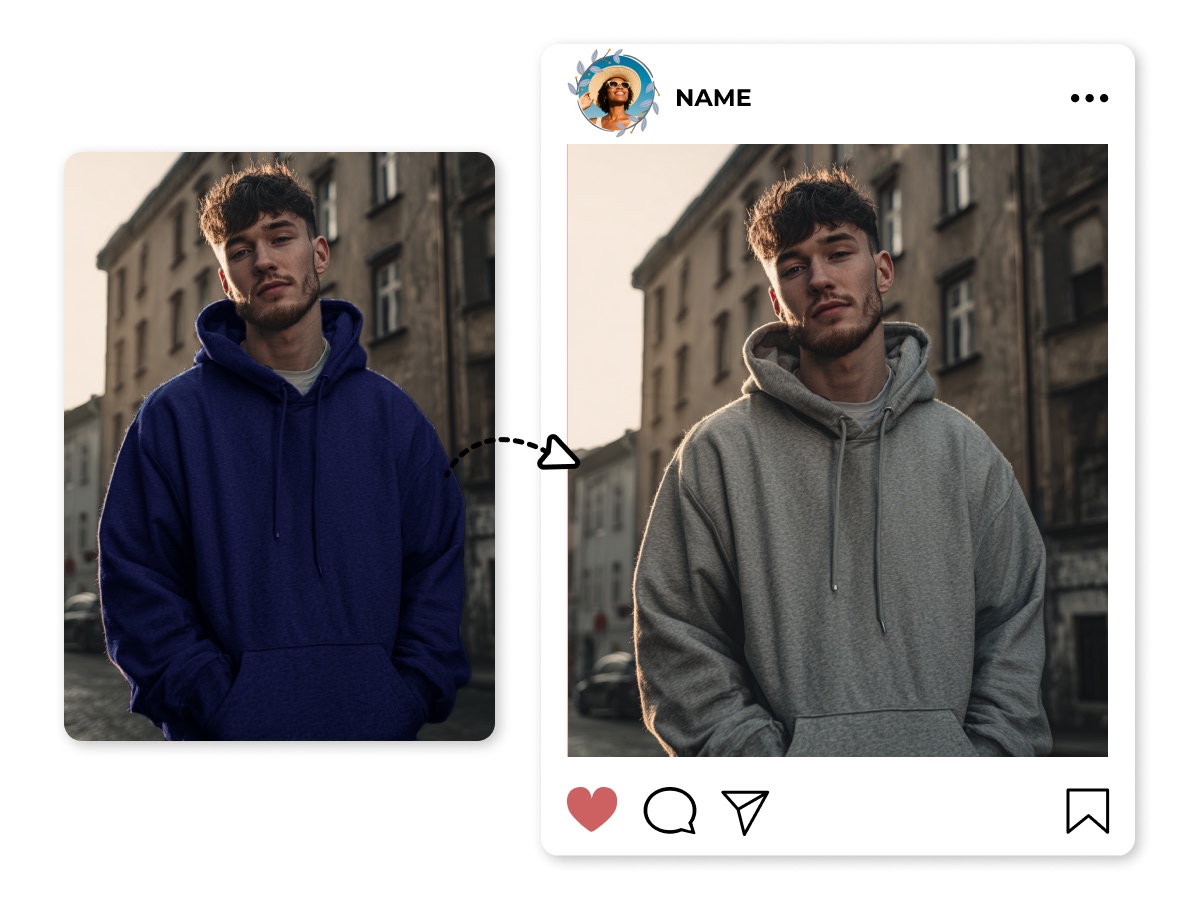
The tool detects garments and recolors them while keeping folds, stitching, shadows, and fabric grain in place. Each variant looks like it was shot on the same day, not patched together from different sessions.
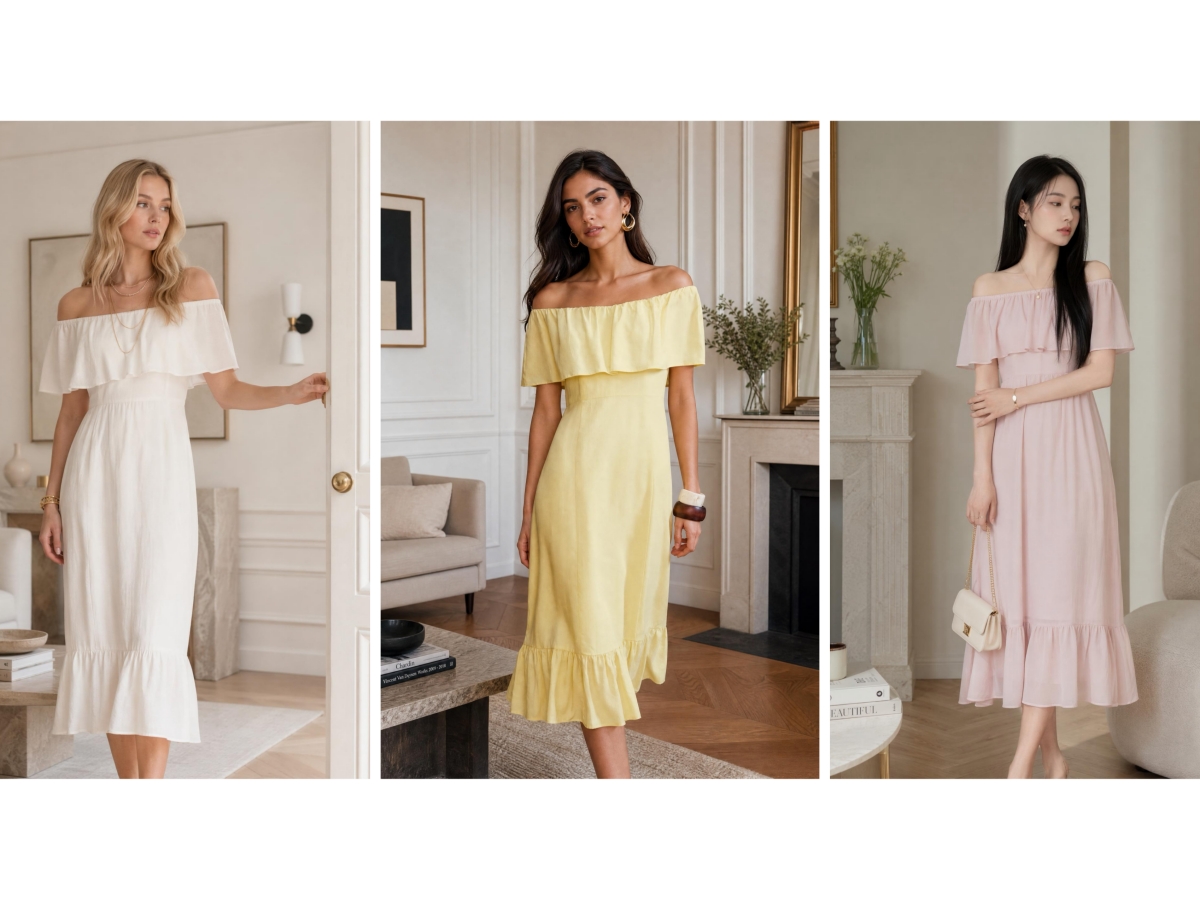
Match Brand Colors and Seasonal Trends
Set colors from preset palettes or enter your brand HEX codes directly. Every product image stays on-brand across seasonal drops and promotions, so buyers see consistent color across the full catalog.
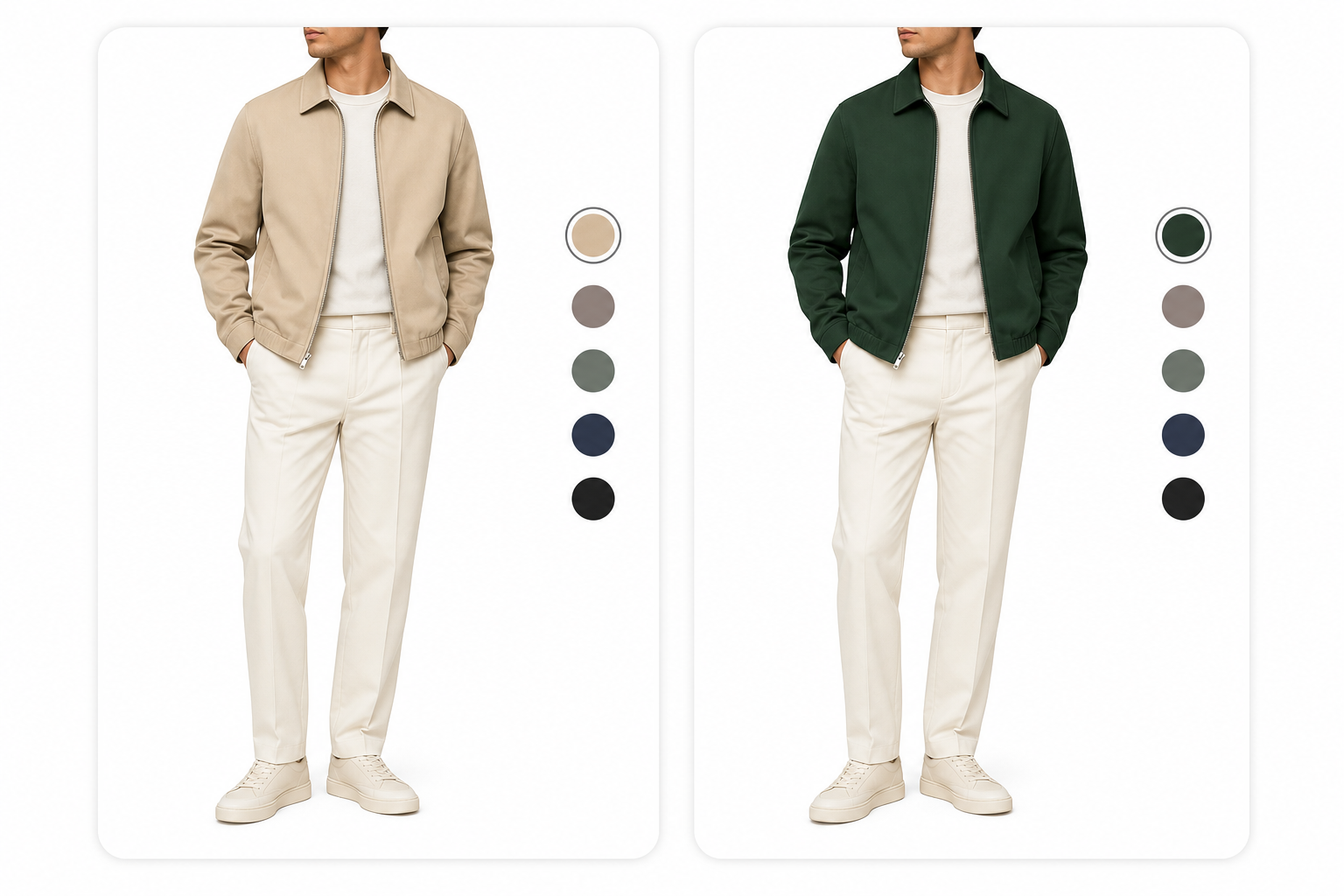
Recolor the Garment, Leave Everything Else
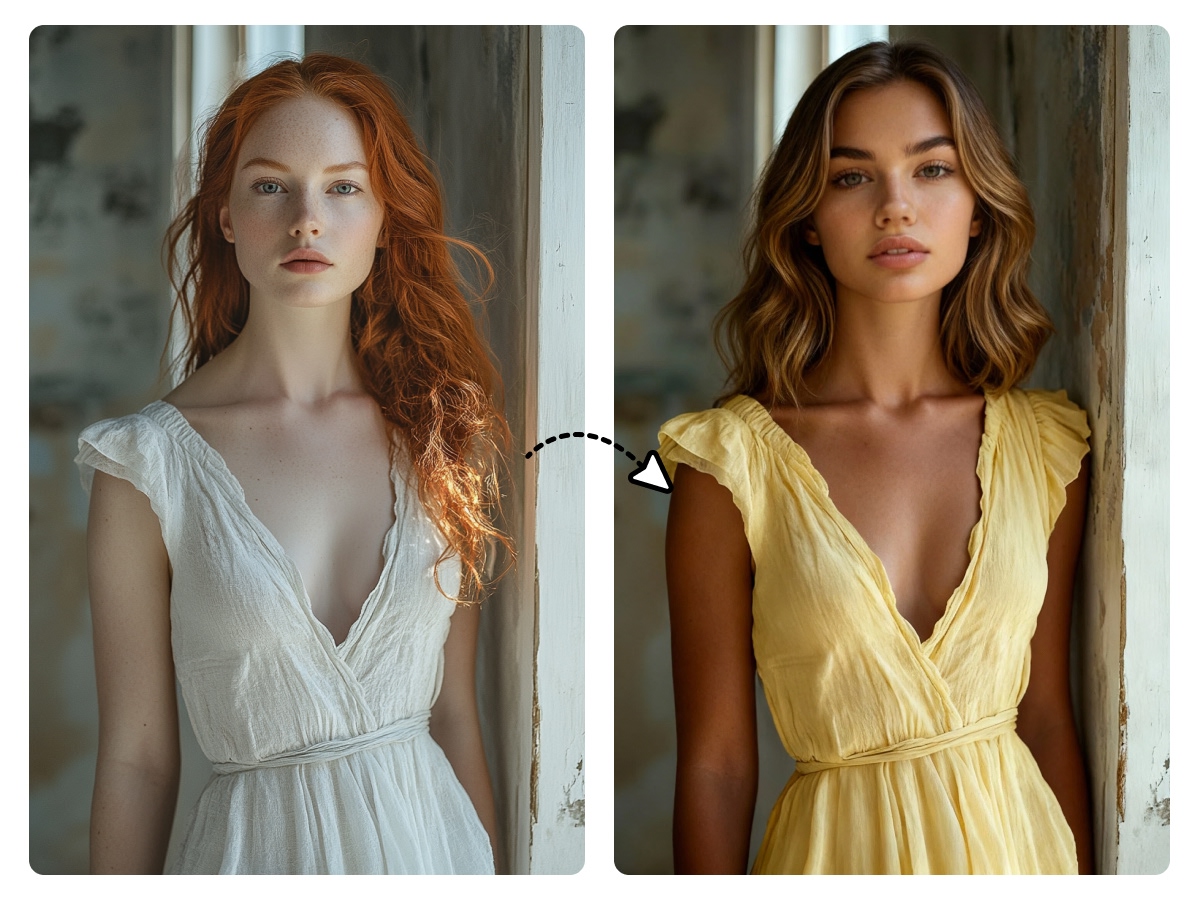
The tool isolates the garment and leaves the background, model, and props as they are. You get a clean color swap on the clothing without retouching the rest of the shot, which saves time when your product images already have the right setup.
Maximize Your Fashion Catalog: Strategic Usage for AI Color Swapping
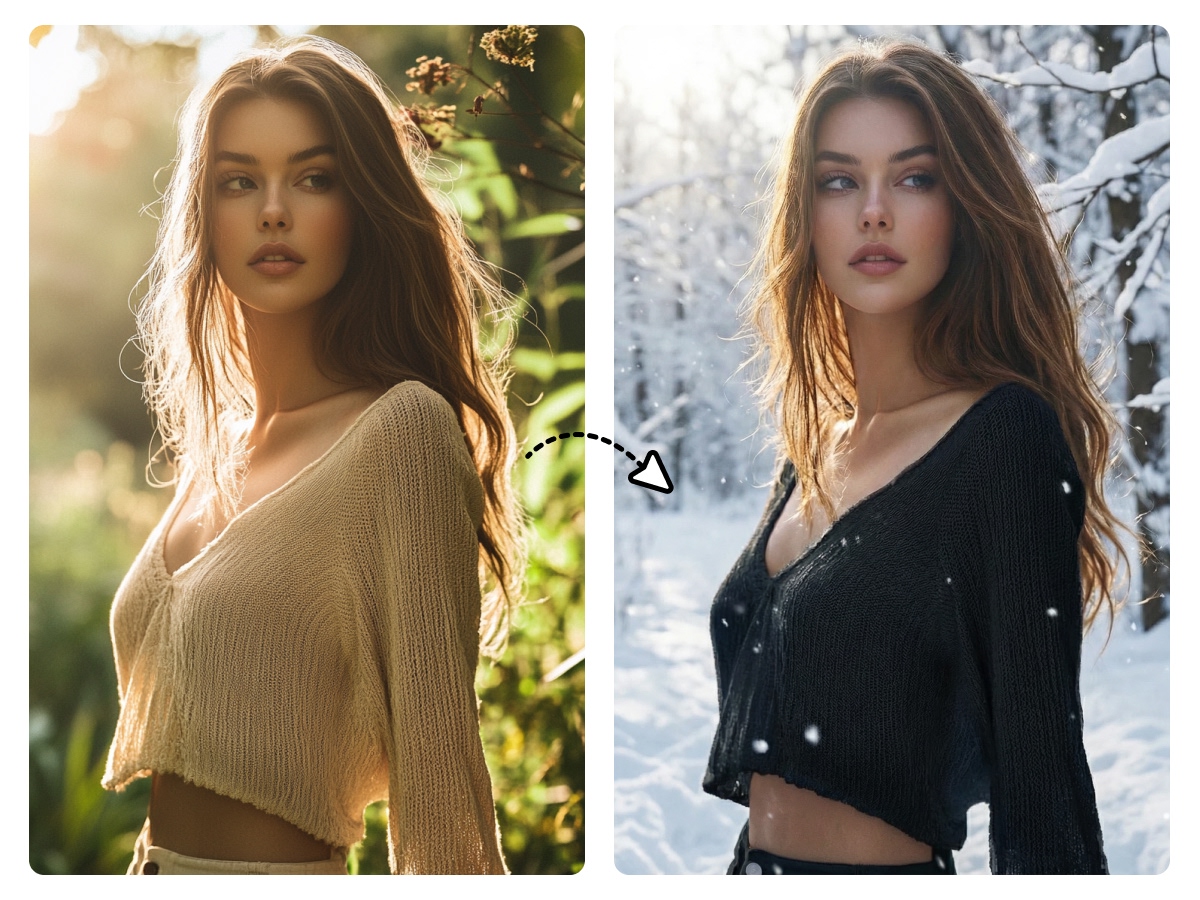
Show every color of your best-seller from one photo
A top seller in twelve colors means twelve separate shoots, or one master image and a clothing color changer. Each variant keeps the same frame, lighting, and $1600 \times 1600$ px clarity, so listings on Amazon and Shopify support full zoom without looking like they came from different sessions.
Frequently Asked Questions
How do I change clothing colors online?
Can I use recolored clothing photos on Amazon or Shopify?
Yes. The exported images can be used for product listings, variant galleries, ads, and store pages. For Amazon main images, make sure the final image still follows Amazon’s background and product framing rules.
Will the AI change the fabric texture or garment shape?
No. The recoloring process keeps visible details such as stitching, folds, shadows, buttons, and fabric grain. The garment silhouette and fit stay aligned with the original photo.
Can I create multiple color variants from one product photo?
Yes. One master image can be turned into several apparel color options, which helps sellers prepare SKU images without arranging a separate shoot for every color.
Do I need design skills to use a clothes color changer?
No. The workflow is made for sellers, marketers, and store teams. Upload the image, pick a color, preview the result, and download the finished product photo.
What kinds of clothing photos work best?
Clear front-facing or three-quarter product photos work best, especially when the garment is well lit and not heavily blocked by hands, bags, or props. Basic phone photos can work if the fabric and clothing edges are visible.


