
Bulk Image Background Remover online for Fast Listings
Designkit uses advanced AI to process up to 30 photos simultaneously with a single click. Built for e-commerce efficiency, it creates clean, high-converting product shots in seconds. Scale your design productivity and reclaim hours of manual editing time today.

No image? Try one of these:
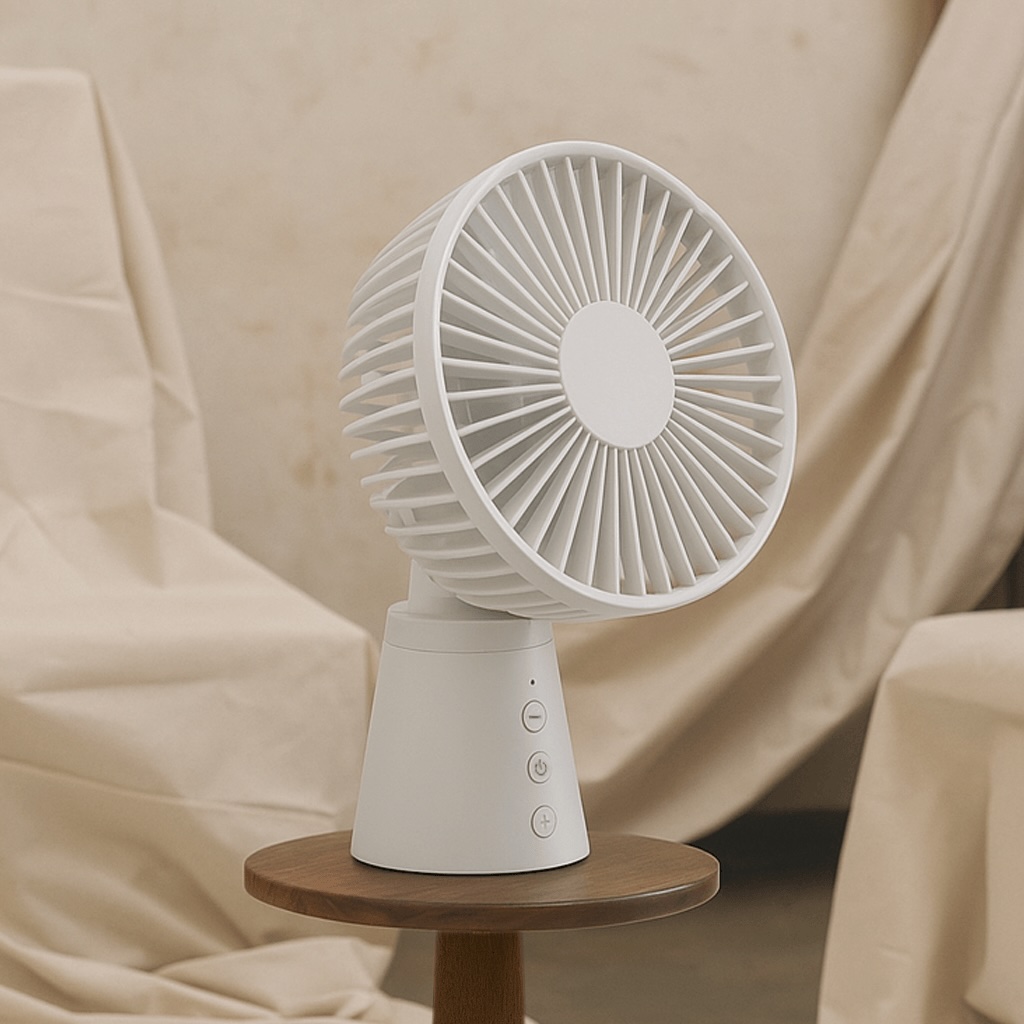

How to Use a Bulk Image Background Remover online In Seconds
Upload Your Images
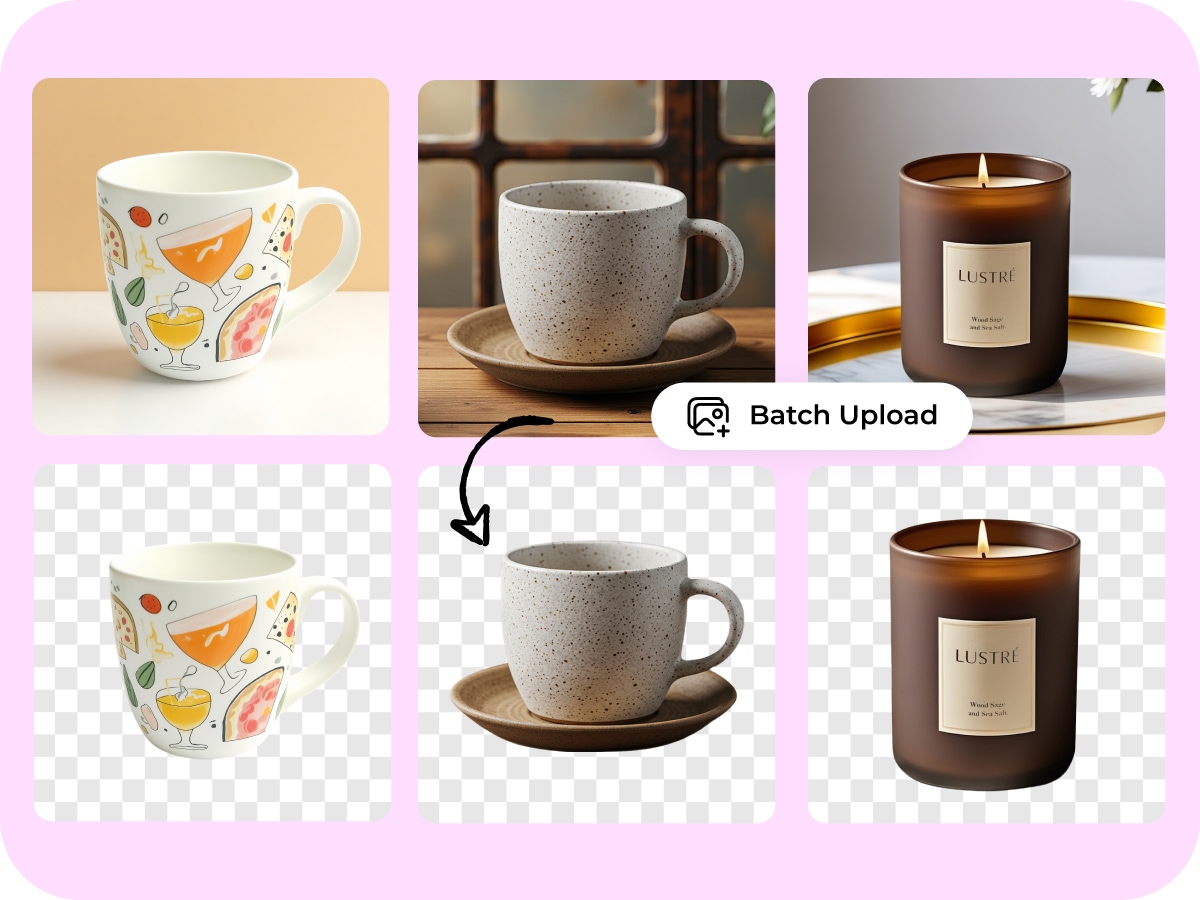
Click Batch Upload or simply drag and drop your photos into the Bulk Image Background Remover online. You can upload up to 30 images at once in JPG, JPEG, PNG, WEBP, or HEIC, so you start faster without resizing or converting files.
Let Designkit Remove Backgrounds
Just wait—your backgrounds are erased automatically by Designkit with no manual selection. In seconds, you’ll see clean cutouts ready for product listings, ads, or catalogs, making batch background removal quick even if you’re a beginner.
Download Your Results
Click Download to save each image with a transparent background, or keep editing to add a new backdrop for your brand. Your files are ready to upload to your store right away, so you finish in under a minute and move on.
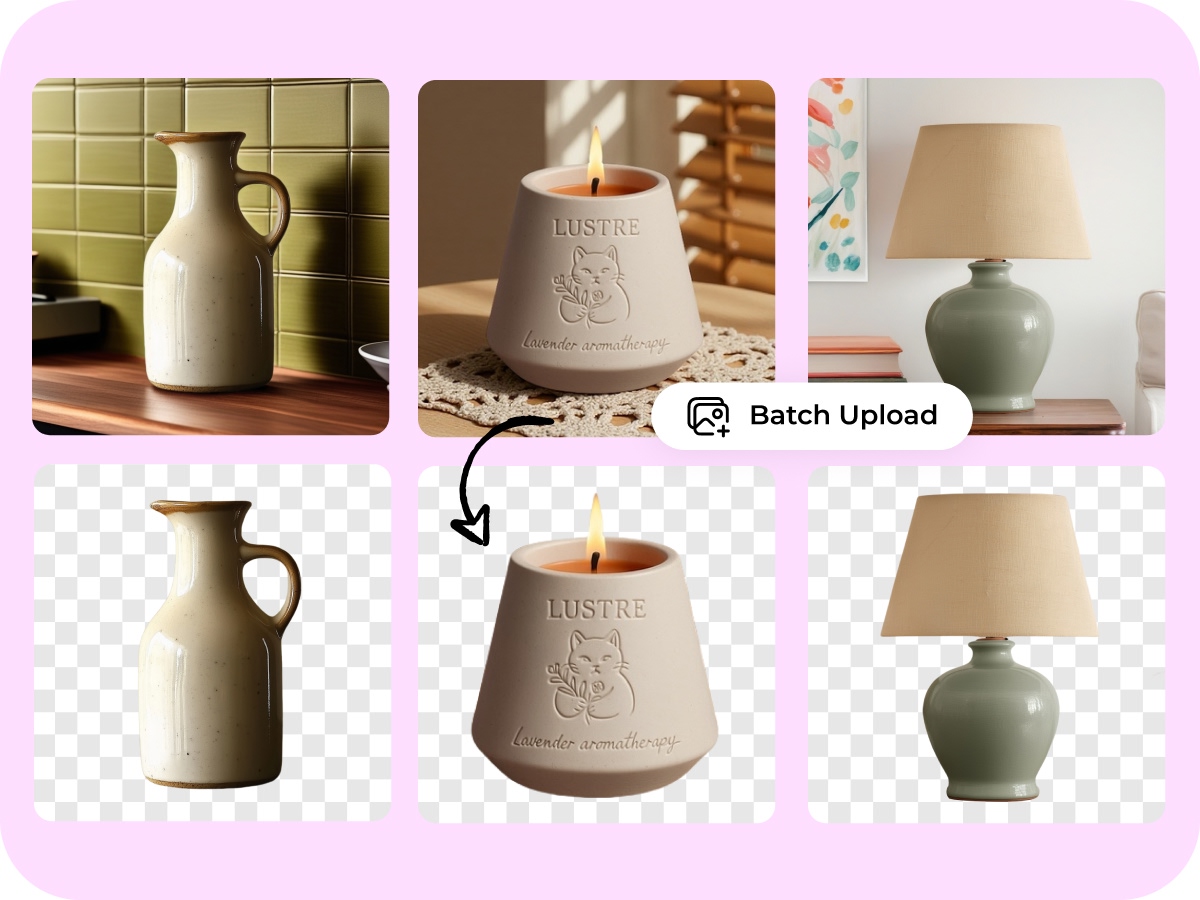
Multi-Threaded Batch Processing for Bulk Image Background Remover Online
Designkit’s proprietary parallel-loading architecture handles up to 30 high-resolution images simultaneously in a single session. Unlike standard editors that force one-by-one uploads, this high-capacity engine processes entire product lines in under 60 seconds. Increase your creative output by 10x while maintaining visual consistency across your entire catalog.
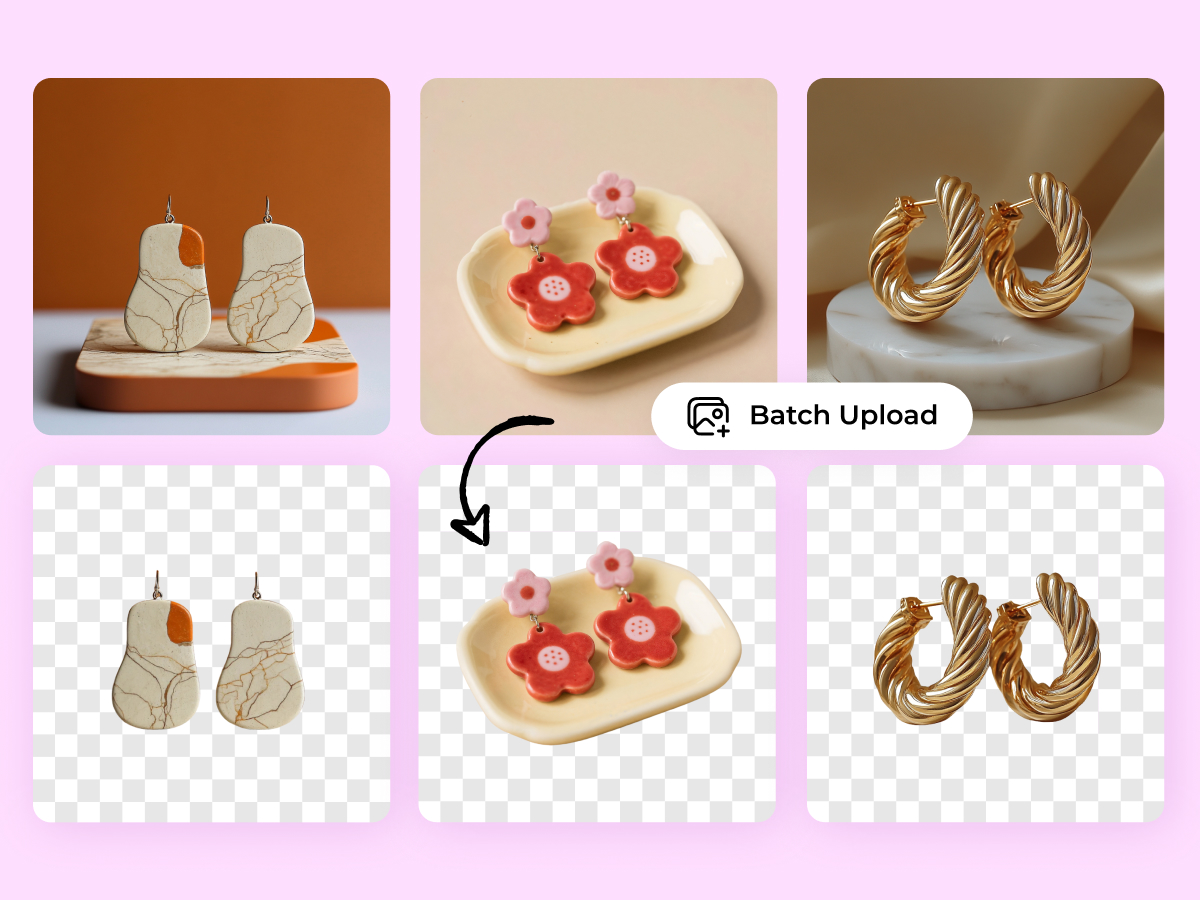
Neural Edge-Mapping for High-Volume Bulk Image Background Remover Online
Our advanced AI segmentation identifies complex subjects across massive datasets with surgical precision. By automating the extraction of intricate details—like clothing fibers or jewelry—Designkit eliminates the need for manual masking on every frame. Save an average of 4 hours per project and transition from manual labor to automated scale with one click.
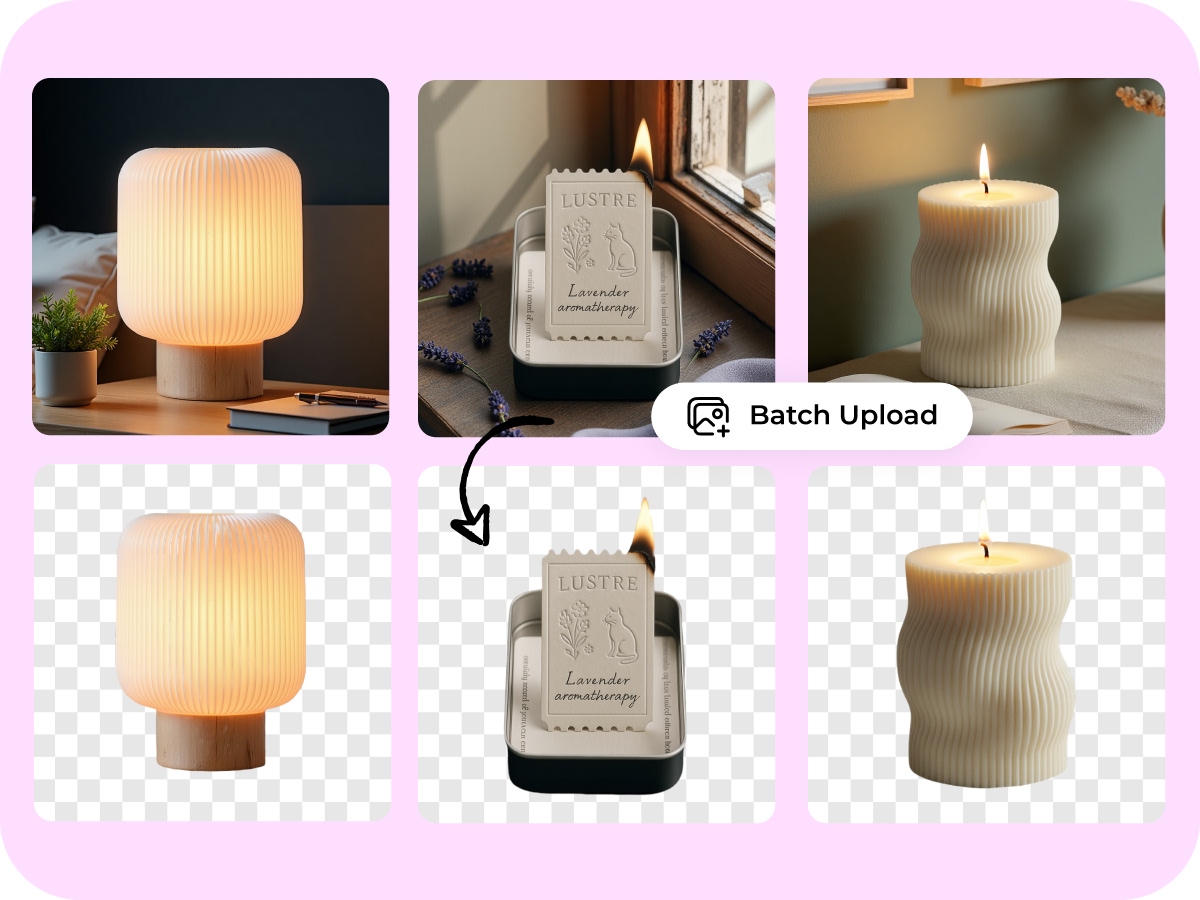
Instant Catalog Synchronization with Bulk Image Background Remover Online
Achieve a unified professional look across 30+ diverse images with a single Designkit command. Our smart algorithm applies consistent transparency and shadow parameters across your entire batch, ensuring every product shot looks like it was taken in the same studio session. This systemic approach cuts post-production costs by 70% compared to manual retouching.
One-Click Uniformity for Bulk Image Background Remover Online
Streamline your e-commerce workflow by transforming raw photo dumps into transparent, market-ready PNGs instantly. Designkit’s automated batch workflow reduces editing overhead by 80%, allowing you to update entire seasonal collections in minutes rather than days. It’s the professional-grade solution for high-volume sellers who prioritize speed without compromising quality.
Bulk Image Background Remover online for Every Industry
Bulk Image Background Remover online for Amazon listings
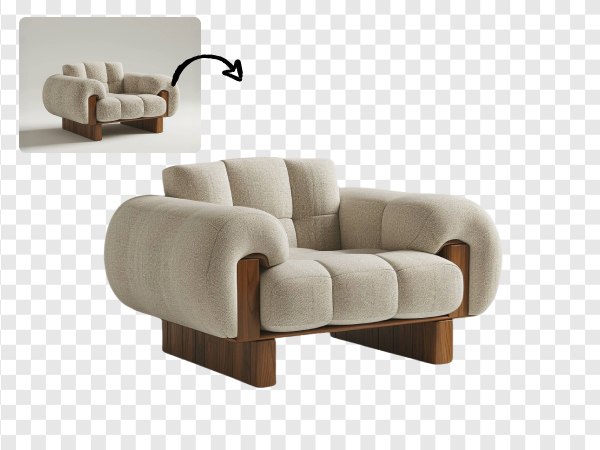
Designkit automatically strips away cluttered backgrounds from your entire product line, delivering the pure white backdrops required by Amazon and eBay. You can upload 30 shots at once, ensuring your storefront looks consistent, professional, and ready to convert hesitant shoppers into loyal customers instantly.
Key Advantages of Designkit’s Bulk Image Background Remover Online

Fast Simultaneous Batch Processing
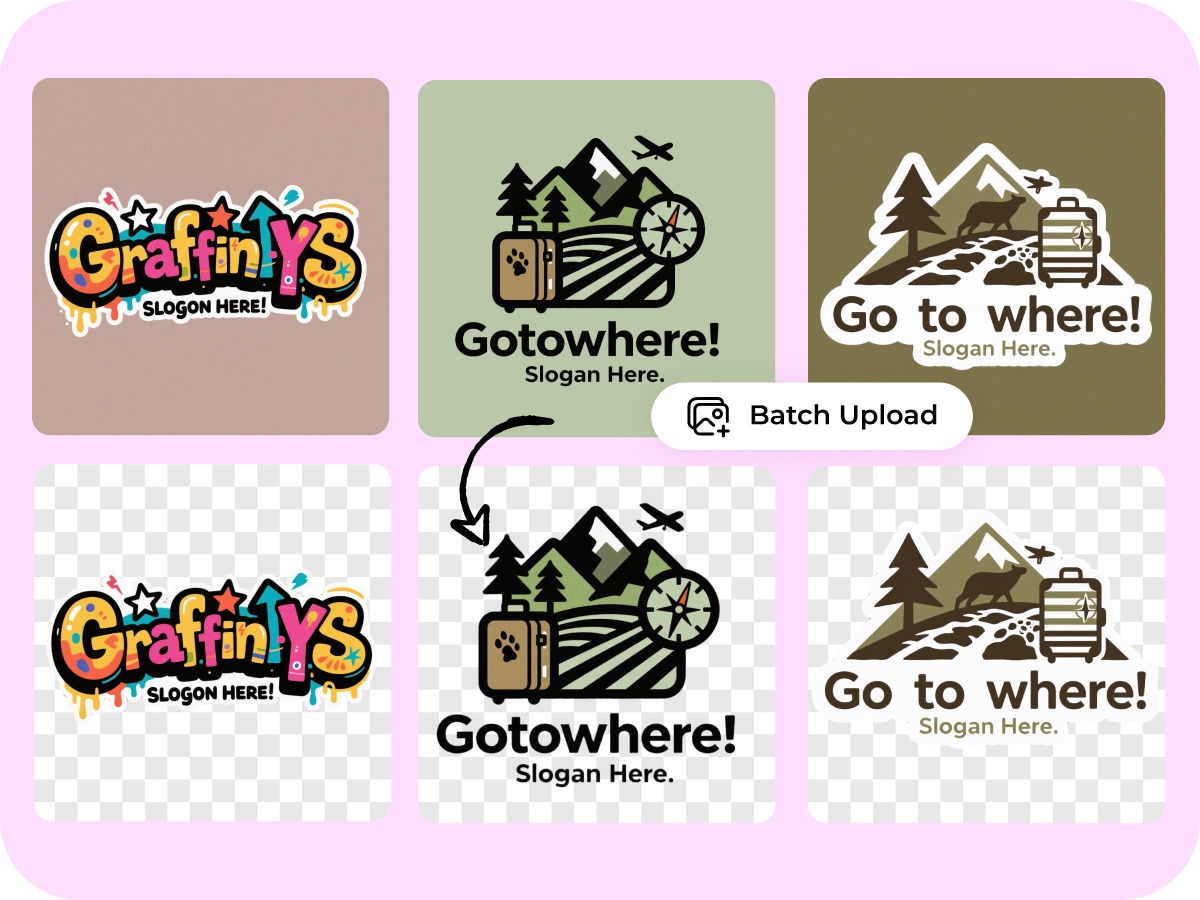
Designkit doesn’t make you wait for one image to finish before starting the next. Our system works on 30 images all at once in the background, so you can upload your entire product line and get them back in seconds. It saves you from the boring task of clicking "save" on every single file.
Smart AI Subject Recognition
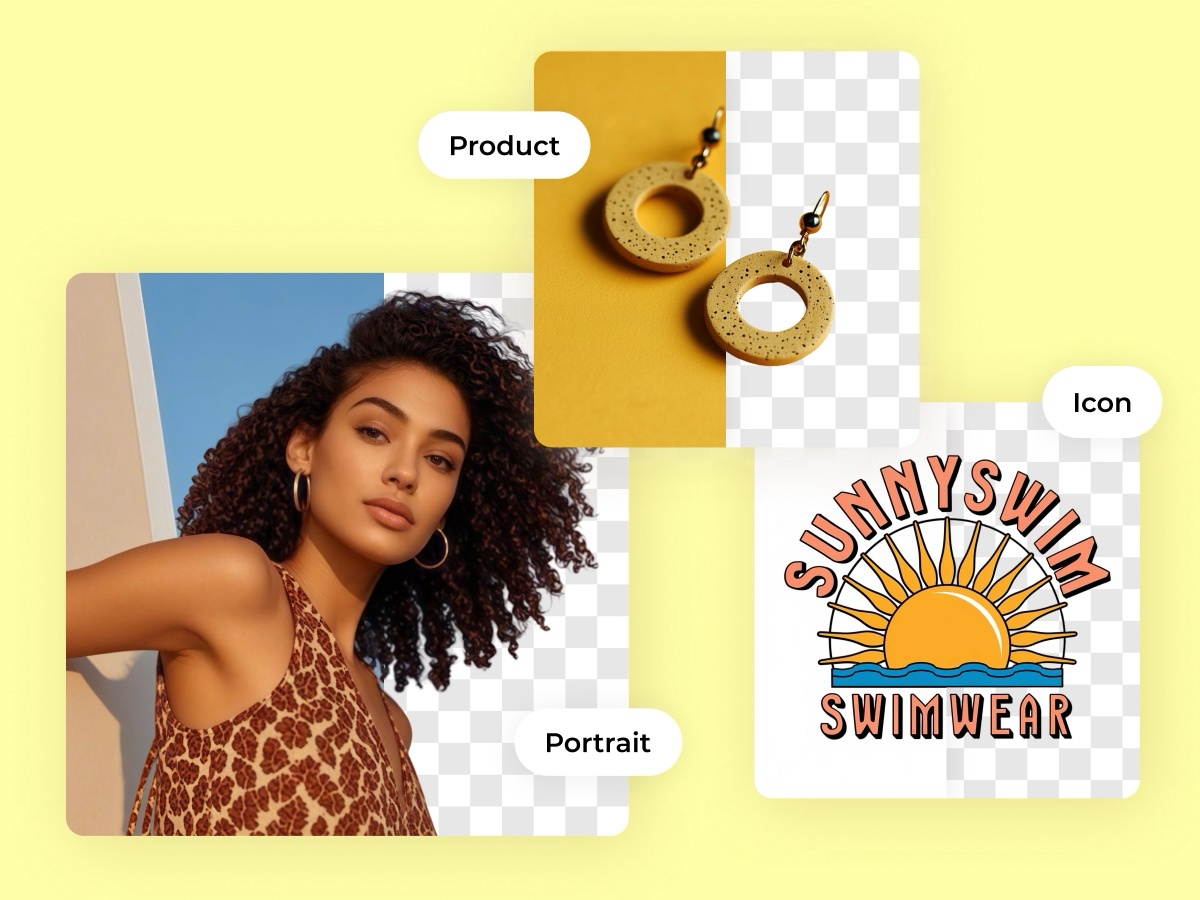
Our technology is trained to tell the difference between your product and a messy background, even with tricky edges like fuzzy sweaters or small jewelry. You get clean, sharp cutouts without those annoying "jagged edges" that usually happen with basic online tools. This means no more manual fixing after the computer is done.

High-Definition Quality Protection
Designkit is built to keep your photos looking sharp and professional, never blurry or pixelated. While other tools might shrink your files or lower the quality to save space, we protect the original clarity of your photos. Your products will look crisp and high-end on any phone or laptop screen.
Discover More Powerful Features in Designkit
FAQ About Bulk Image Background Remover online
How do I use Designkit as a bulk image background remover online?
Can I use this batch tool for my Amazon or eBay product listings?
Yes, absolutely. Designkit is specifically designed for e-commerce sellers who need to meet strict marketplace requirements. Our tool automatically creates the clean, white, or transparent backgrounds that Amazon and eBay demand. By processing your entire product line in one go, you ensure a consistent, professional look across your whole store, which helps build buyer trust and increase your sales.
Does Designkit support high-resolution photos or specific file formats?
Yes. Designkit supports common formats including JPG, PNG, and WebP. Unlike some basic tools that shrink your files, our bulk image background remover online maintains the high-definition quality of your original photos. This ensures your product details stay sharp and clear, which is essential for professional web displays and high-quality retina screens used by most modern shoppers.
Is there a limit to how many images I can process at once?
Currently, you can upload and process up to 30 images simultaneously in a single batch. This limit is set to ensure the highest processing speed and stability for your browser. If you have a larger catalog, you can simply start a new batch immediately after the first one finishes. This workflow allows you to clear hundreds of product backgrounds in just a few minutes.
Is Designkit free to use for removing backgrounds in bulk?
Yes, we offer a free tier so you can experience the speed and precision of our AI firsthand. You can upload your images and preview the results without any upfront cost. For high-volume professional users who need to download large batches of high-resolution assets daily, we offer affordable premium plans that provide even more flexibility and higher daily limits.
Are my uploaded images secure and private on Designkit?
Your privacy is our priority. Any images you upload to our bulk image background remover online are processed through secure, encrypted connections. We do not store your photos permanently; they are automatically deleted from our servers after a short period. We never share your data with third parties, so you can safely process your unreleased product designs with total peace of mind.
Can I remove backgrounds from 30 images at once?
Yes. Designkit’s bulk workflow lets you batch upload and process up to 30 images in one go. That’s useful when you’re updating a product line or preparing a seasonal collection. You get a consistent set of cutouts faster than doing manual selection, so you can move straight to resizing, adding new backgrounds, or publishing.
Bulk-Remove Backgrounds for 30 Images in Seconds
Join thousands of high-growth e-commerce sellers using Designkit to automate their visual workflow, ensuring every product shot meets marketplace standards with pixel-perfect precision and professional-grade consistency.


