
Bulk Background Generator Online for Professional Photos
Our AI instantly swaps dull backdrops for studio-quality scenes. Perfect for e-commerce sellers looking to scale. Create high-converting listings in seconds with one click.

No image? Try one of these:




How to Use a Bulk Background Generator Online in Seconds
Upload Your Product Images
Click Upload and select all the product photos you want to edit (you can add a whole folder at once). The Bulk Background Generator Online automatically loads your batch and prepares each image for quick background changes—no setup needed.
Select or Customize Background
Choose a ready-made background, clone a look you like, or click Customize to build a scene that matches your brand style. The AI applies your background choice across the batch instantly, and you can fine-tune any single image in seconds.
Download Your New Images
Click Download All to export your updated images in high quality, ready for listings, ads, or social posts. You’ll get consistent, realistic product visuals fast—so you can publish sooner and keep your store looking professional.

High-Velocity Batch Processing for Bulk Background Generator Online
Our proprietary High-Velocity engine allows you to process up to 500 images in a single session, eliminating the bottleneck of manual, one-by-one editing. Unlike traditional tools that lag under heavy loads, this mechanism handles massive datasets instantly, helping you reduce total production time by over 80%.
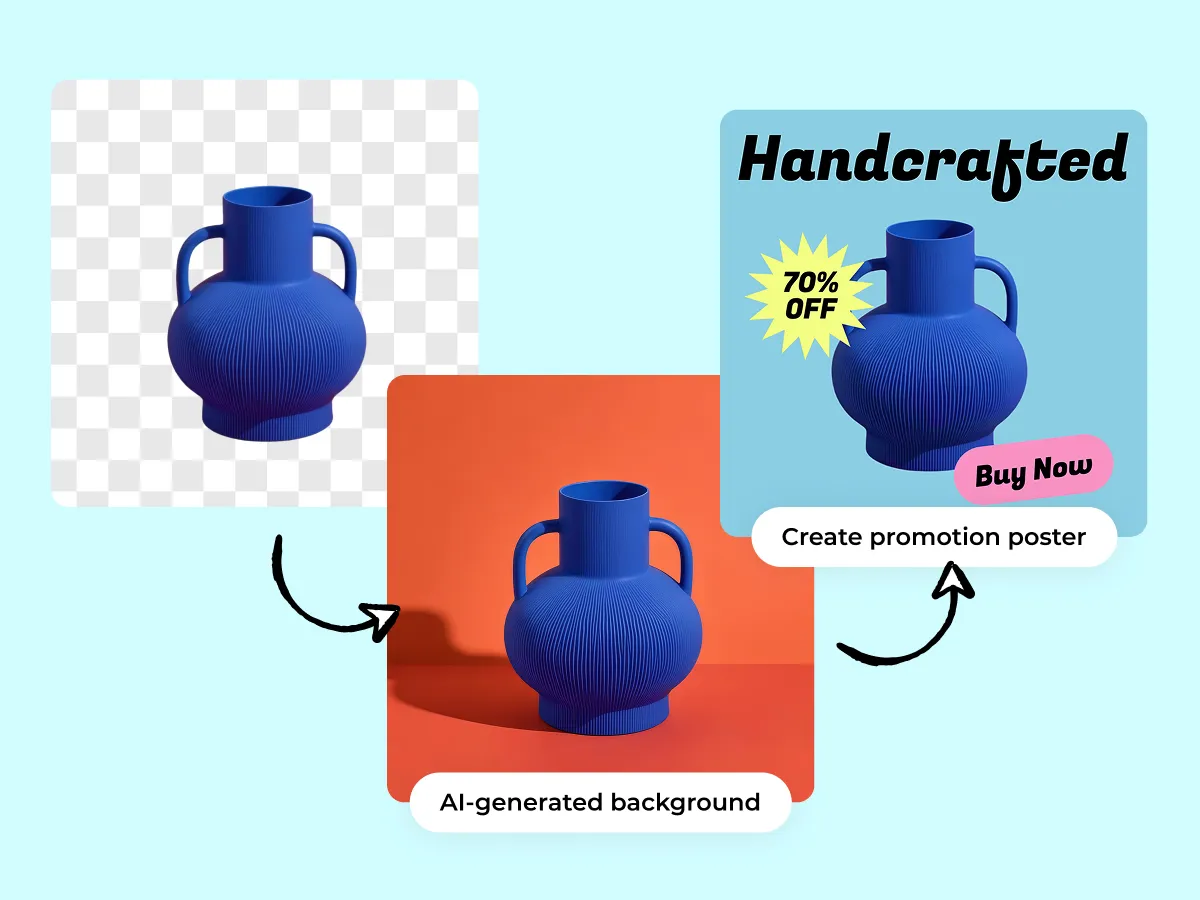
Smart Template Synchronization with Bulk Background Generator Online
Achieve perfect brand consistency across your entire catalog using our Smart Template Synchronization. Simply define your aesthetic parameters once—lighting, shadows, and margins—and the AI applies them to every file in the batch. This automated workflow ensures a professional, uniform look across thousands of product listings in minutes.
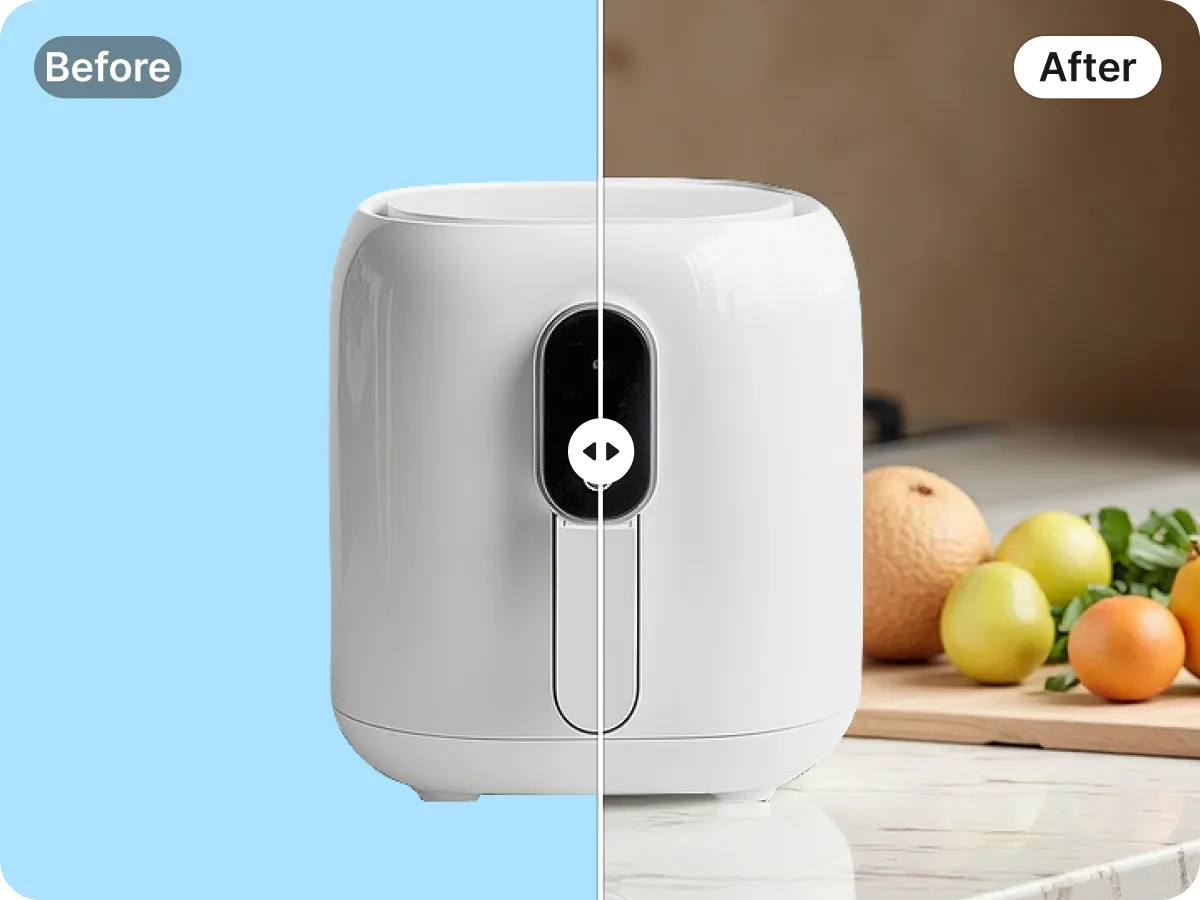
Multi-Threaded AI Rendering for Bulk Background Generator Online
Experience professional-grade speed with our Multi-Threaded AI Rendering that executes complex background removals and scene placements in parallel. This innovative architecture processes files 10x faster than manual methods, saving high-volume sellers an average of 15 hours per work week while maintaining razor-sharp, precise edge detection.
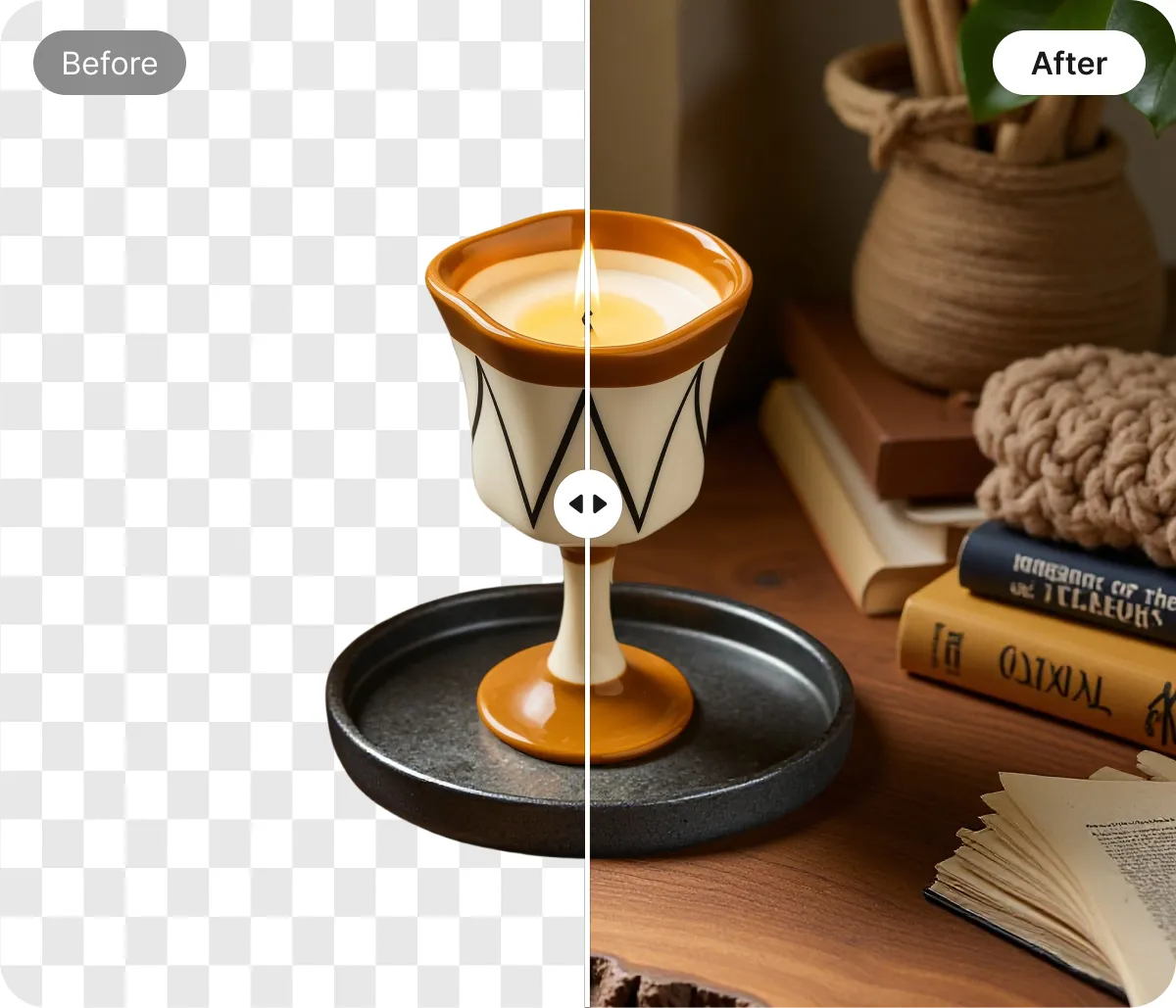
Automated Asset Export via Bulk Background Generator Online
Streamline your entire go-to-market pipeline with our Intelligent Export system. The tool automatically categorizes, renames, and formats your bulk-processed images for different platforms like Amazon, eBay, or Shopify. This specific automation eliminates repetitive administrative tasks, allowing you to launch new collections across multiple channels with one-click efficiency.
Omnichannel Visuals Made Easy with Bulk Background Generator Online
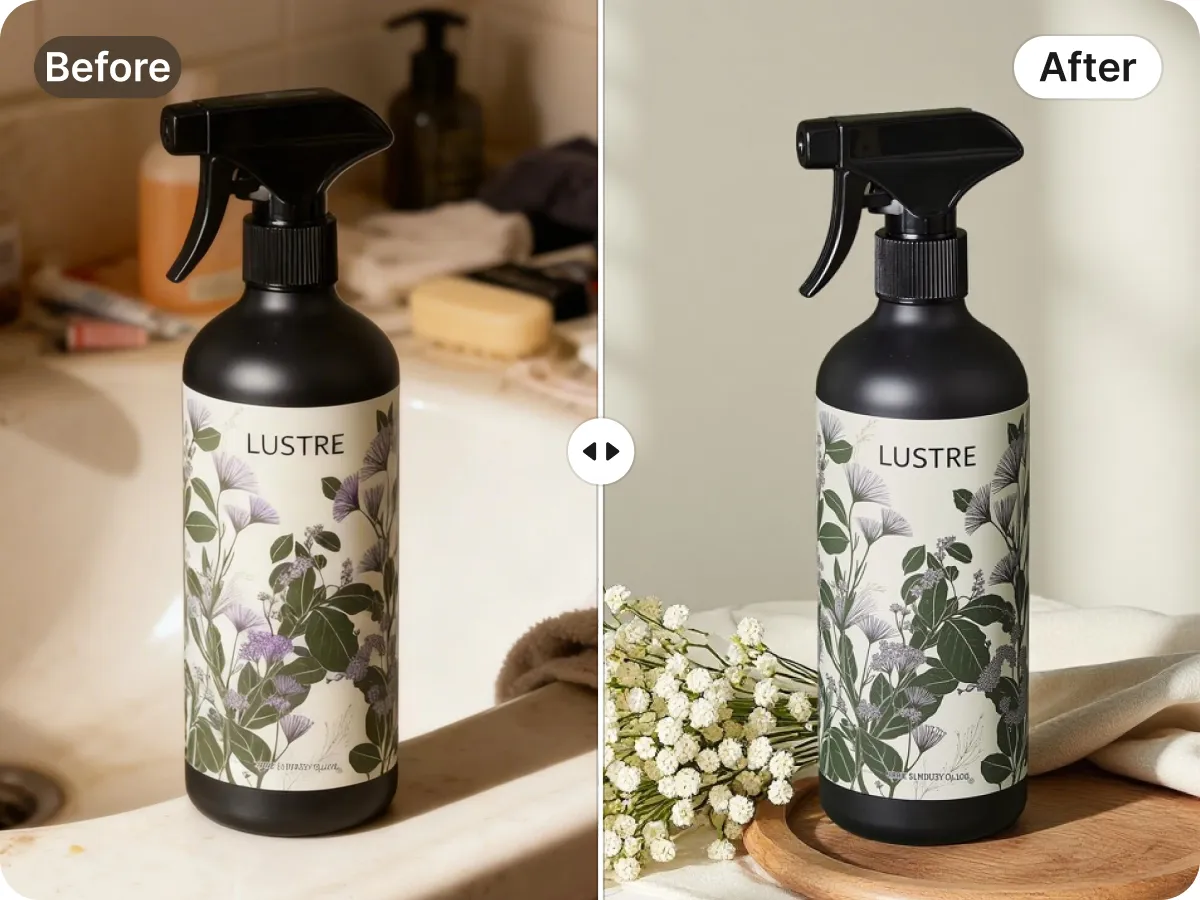
Bulk Background Generator Online for Amazon and Shopify Stores
Meeting strict marketplace requirements shouldn't be a manual chore. You can instantly batch-convert cluttered raw shots into clean, high-impact white background images that comply with Amazon and eBay standards. This ensures your storefront looks professional and trustworthy, helping you reduce bounce rates and increase add-to-cart actions across hundreds of SKUs simultaneously.
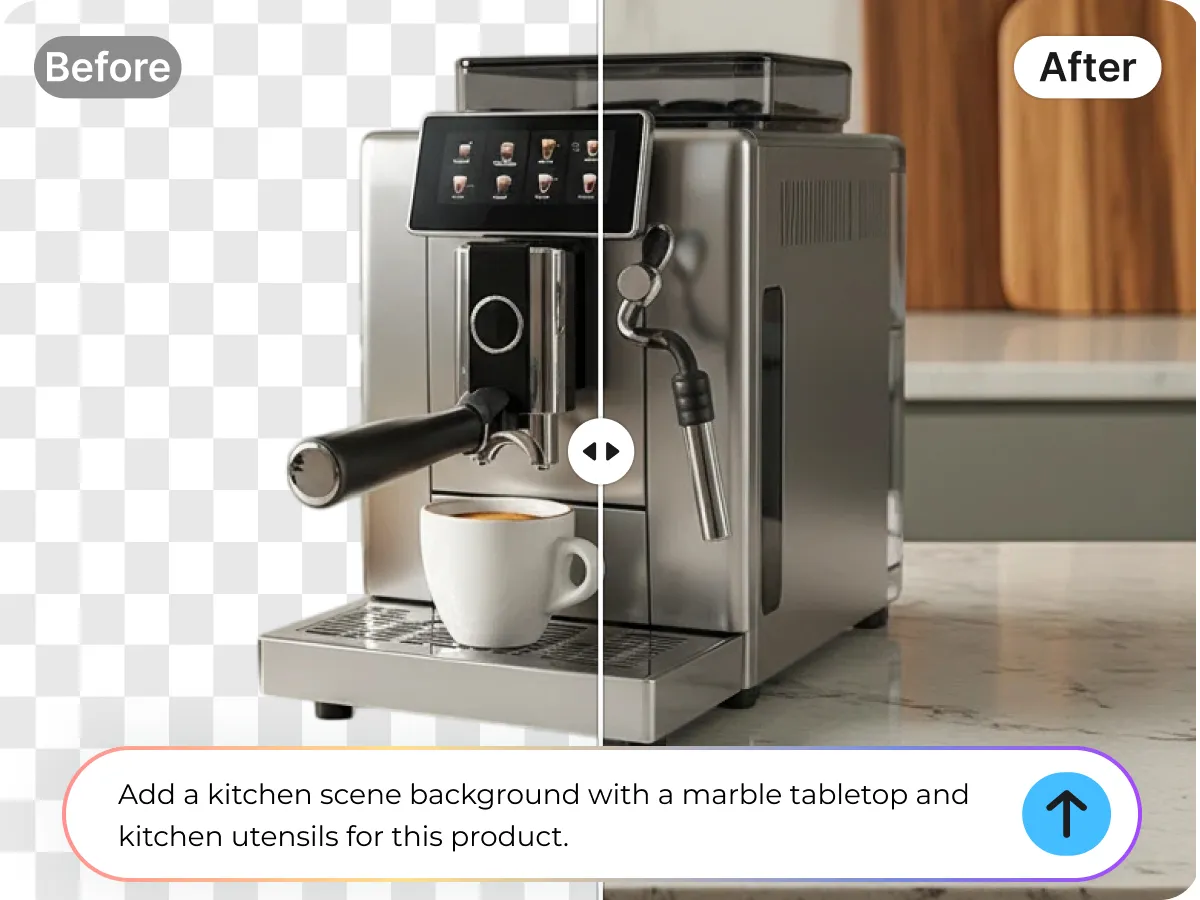
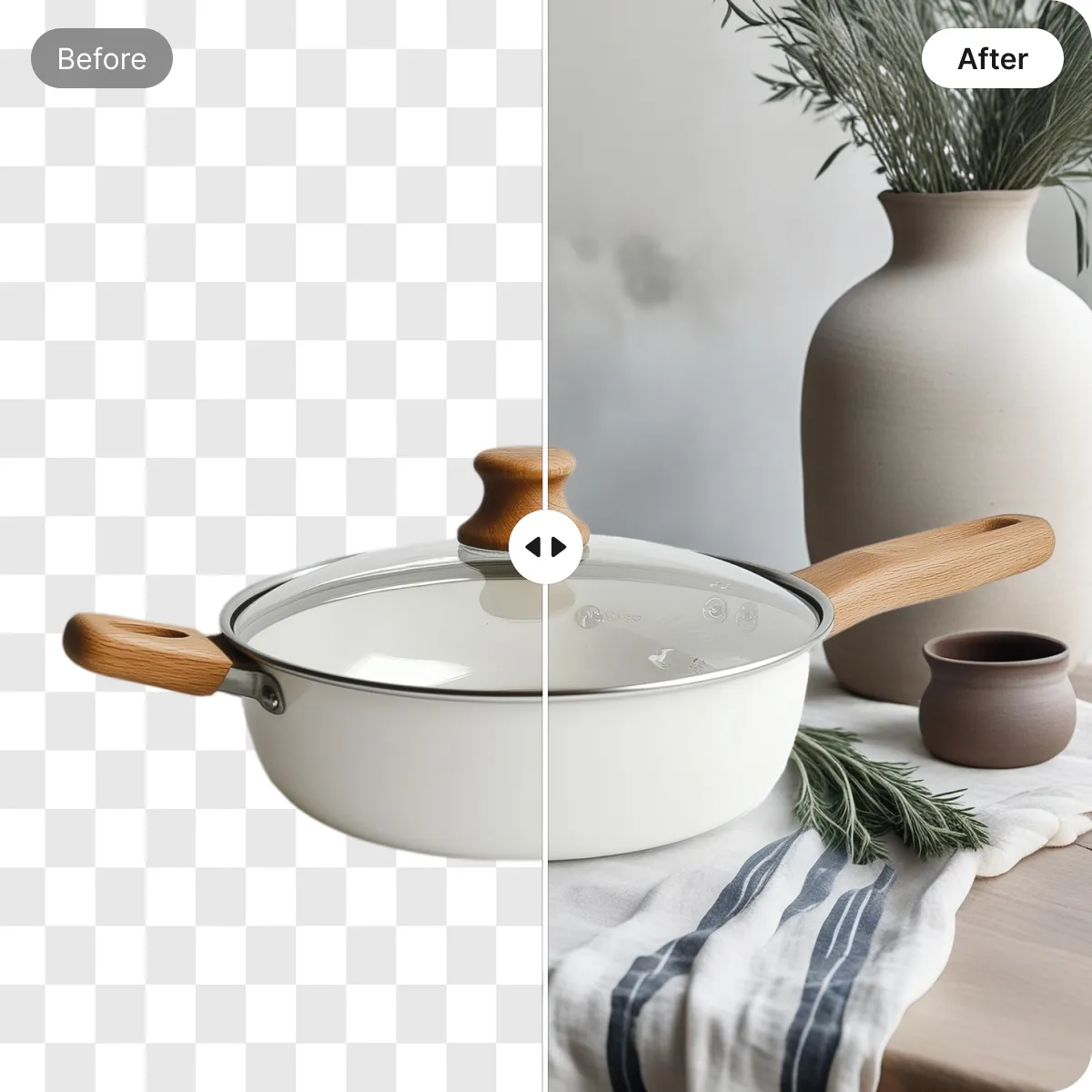
Key Advantages of Designkit’s Bulk Background Generator Online

Instant Consistent Catalog Backgrounds
Our AI-powered vision engine automatically detects complex product edges and removes messy backgrounds from hundreds of images simultaneously. You eliminate hours of manual masking, achieving pixel-perfect transparency for your entire inventory in one click.

Automated Marketplace Photo Formatting
The intelligent export tool resizes and optimizes your bulk-processed images to meet specific Amazon, Shopify, or Instagram requirements. You save significant administrative time by generating platform-ready assets that are compressed for speed and formatted for maximum engagement.

High-Resolution Ready Downloads
Export all edited images at once in crisp quality for Shopify, Amazon, and social campaigns. You publish faster and avoid rework from low-quality edits.
Discover More Powerful Features in Designkit
FAQ About Bulk Background Generator Online
How does the Bulk Background Generator Online work on Designkit?
Is Designkit’s Bulk Background Generator Online suitable for Amazon and Shopify sellers?
Yes, it is specifically designed for high-volume e-commerce sellers. You can instantly convert raw product shots into marketplace-compliant images with pure white backgrounds or consistent lifestyle scenes. By processing your entire catalog at once, you maintain a uniform brand aesthetic across your storefront, which is essential for building trust and increasing conversion rates on platforms like Amazon, Shopify, and eBay.
Can I process hundreds of images at once with the batch tool?
Absolutely. Designkit is built to handle high-capacity workloads. Unlike standard editors that limit you to one image at a time, our bulk feature allows you to upload and edit large batches of photos in a single session. This multi-threaded processing significantly reduces your production time, allowing you to move from raw files to polished, web-ready assets in a fraction of the time it would take manually.
Is there a free version of the Bulk Background Generator Online available?
Yes, Designkit offers a free tier that allows you to experience the power of our AI background removal. You can upload images and test the batch processing capabilities at no cost to see the quality of the results. For users with high-volume professional needs or those requiring high-resolution exports for large catalogs, we offer premium plans that provide increased limits and priority processing speeds.
What file formats are supported for bulk background removal and export?
Designkit supports all common image formats, including JPG, PNG, and WebP. When using the bulk tool, you can export your finished designs in high-resolution PNG with transparency or optimized JPG for faster web loading. Our system ensures that your metadata remains intact and provides options to rename files during the batch process, making it easier to organize your digital assets for different sales channels.
Is my data and product imagery secure when using Designkit?
Yes, your privacy and data security are our top priorities. All images uploaded to the Bulk Background Generator Online are processed over encrypted connections. We do not claim ownership of your content, and your files are only stored temporarily to facilitate the editing and download process. We implement strict security protocols to ensure that your proprietary product shots remain confidential and protected throughout the entire automation workflow.
Transform Your Entire Catalog into Studio-Quality Images in Seconds
Stop spending hours editing one-by-one. Use Designkit’s AI Bulk Background Generator Online to upload full batches, apply consistent brand-ready scenes, and download high-resolution product visuals—fast.


