
Cross-Platform Adaptation Skills
Adapt one visual for multiple platforms and formats in seconds.

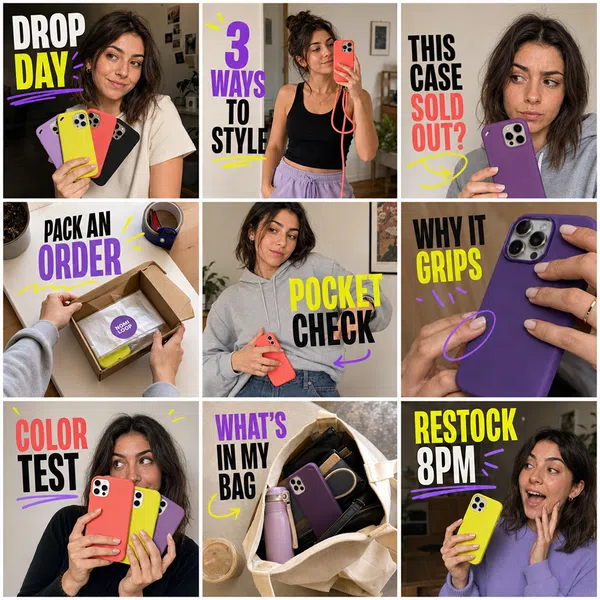
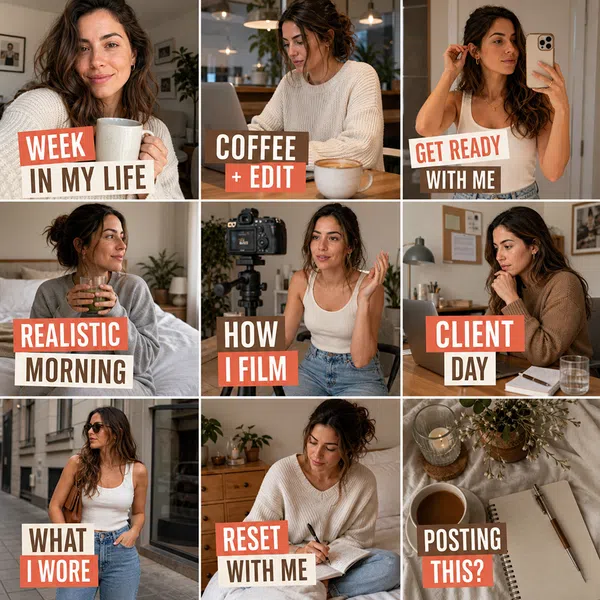
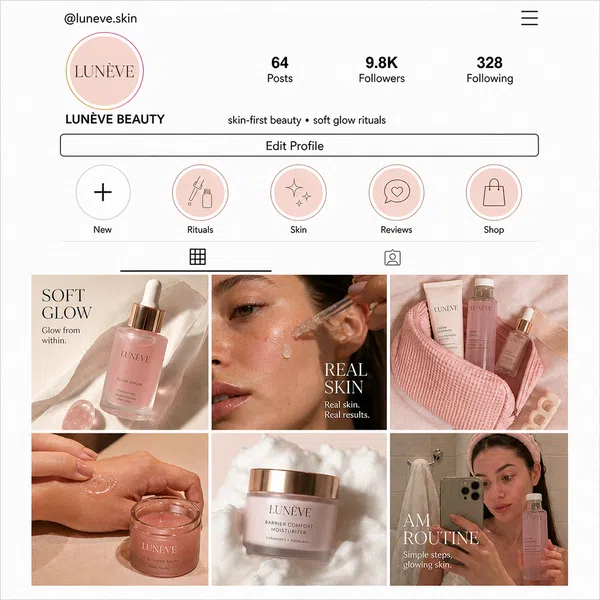

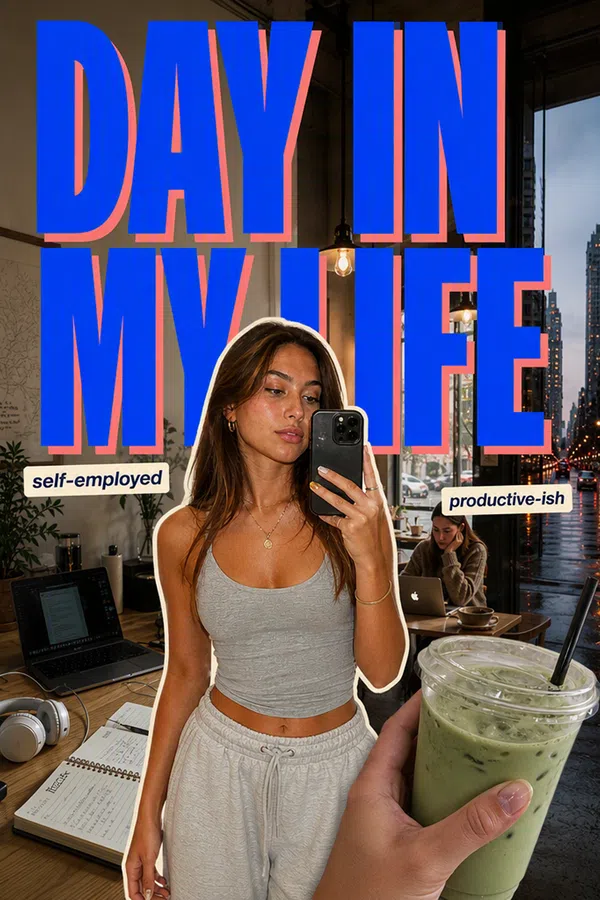
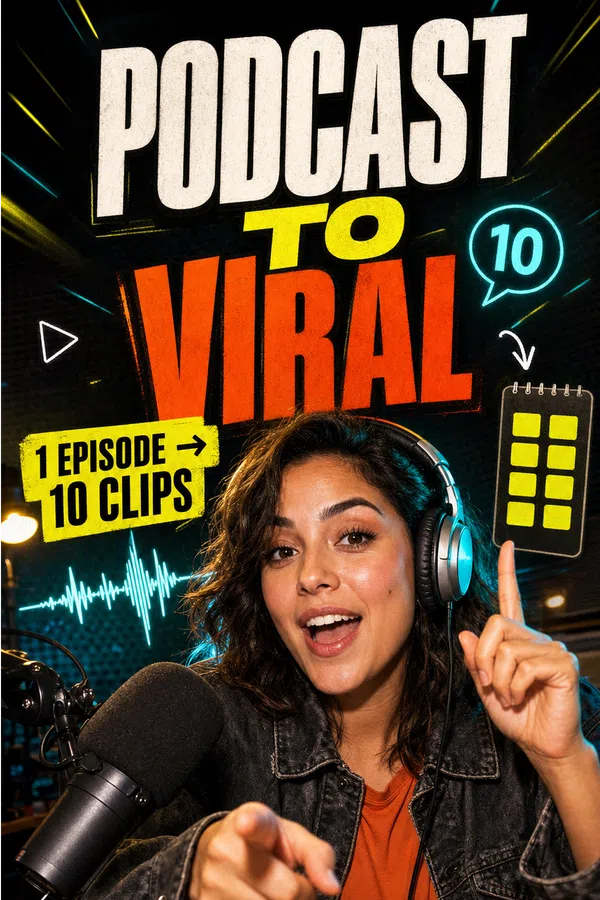
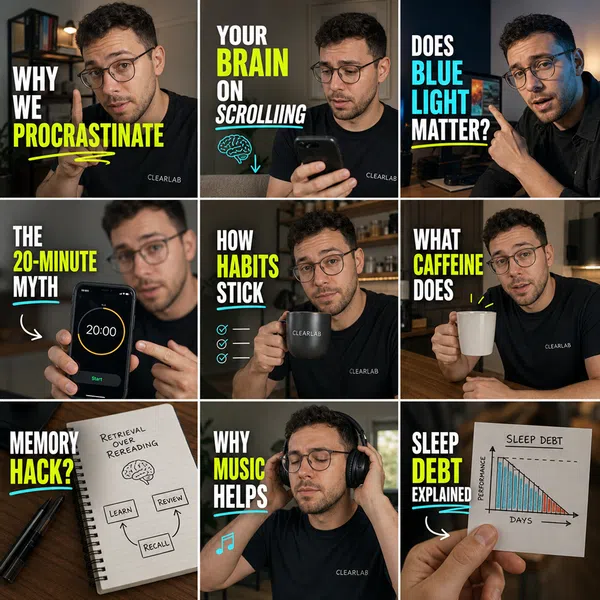

Adapt Your Visuals in 3 Simple Steps
Step 1
Upload Your Visual
Upload the image or design you want to adapt for different platforms.
Step 2
Choose Target Platforms
Select the platforms and output sizes you need, then add any specific requirements.
Step 3
Generate and Download
Generate optimized versions, review each layout, and download your platform-ready visuals.
High-Quality Results
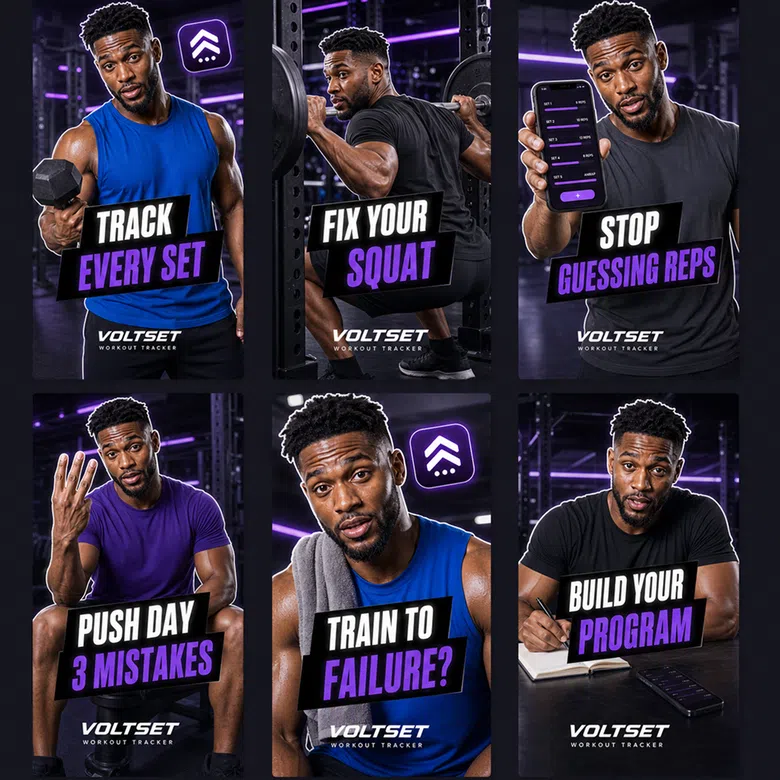
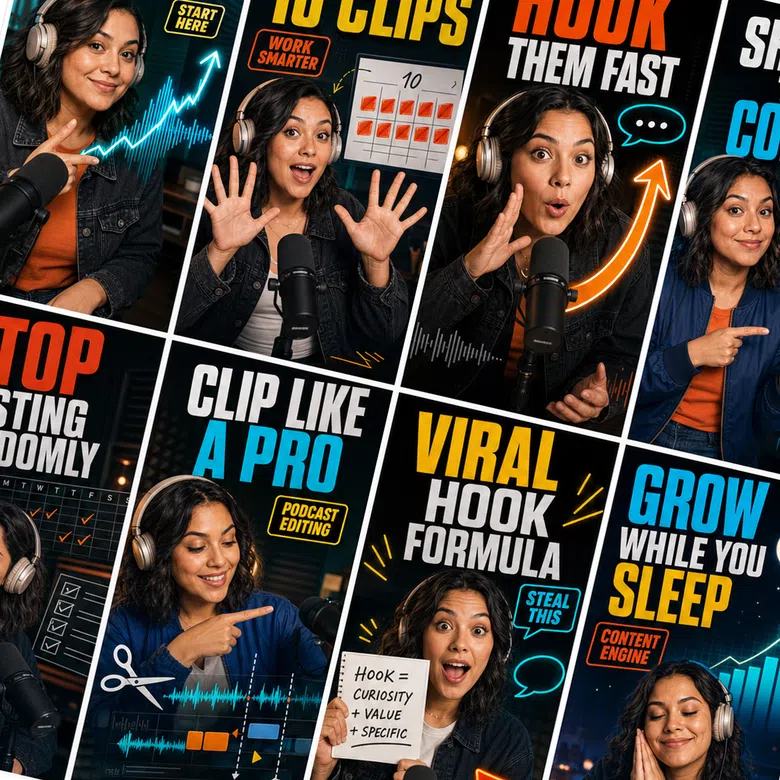
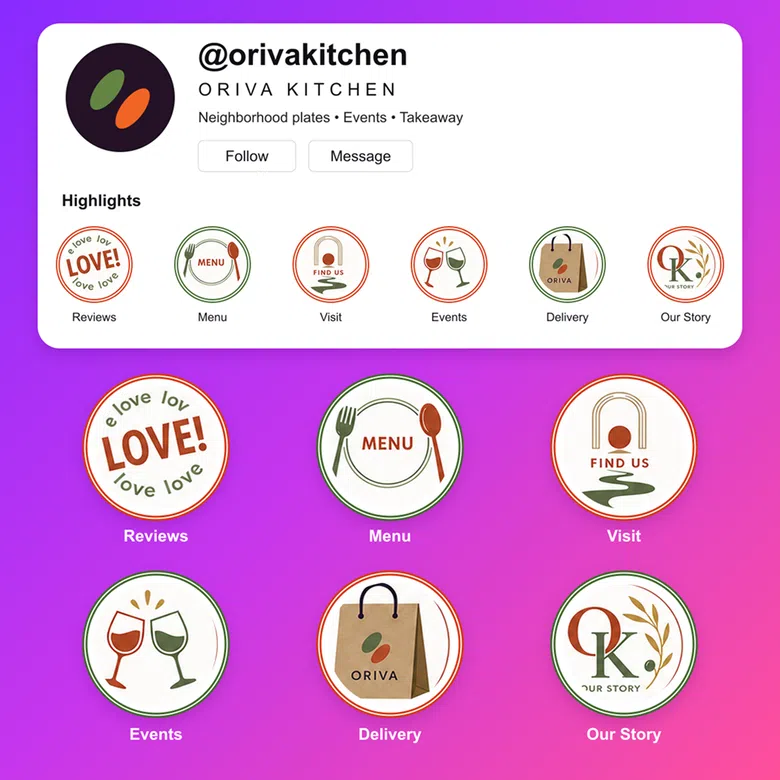
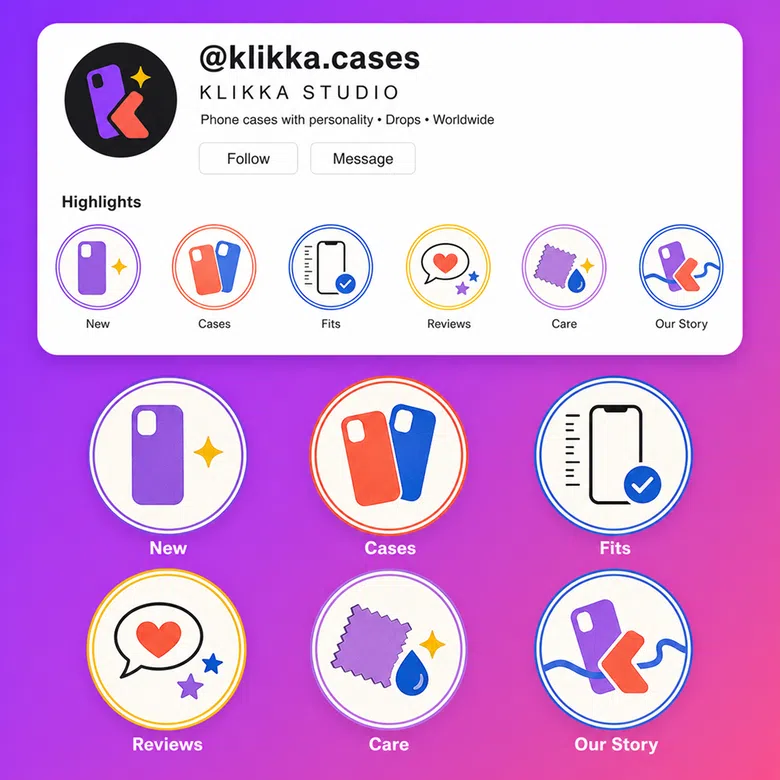
Create posters for promotions, events, holidays, and launches. This section reserves space for outcome examples across different use cases; real case images can be configured for this skill later.
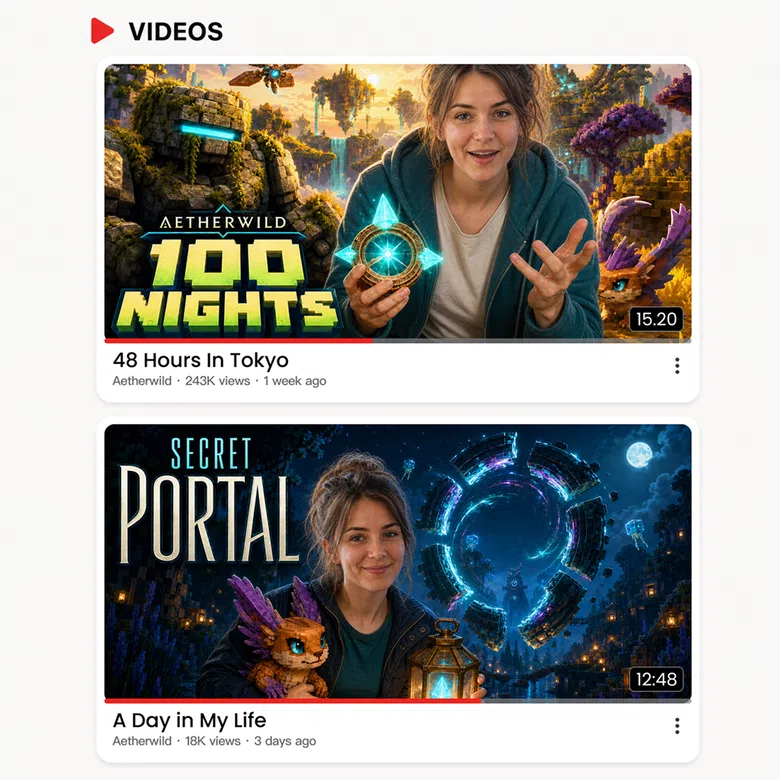
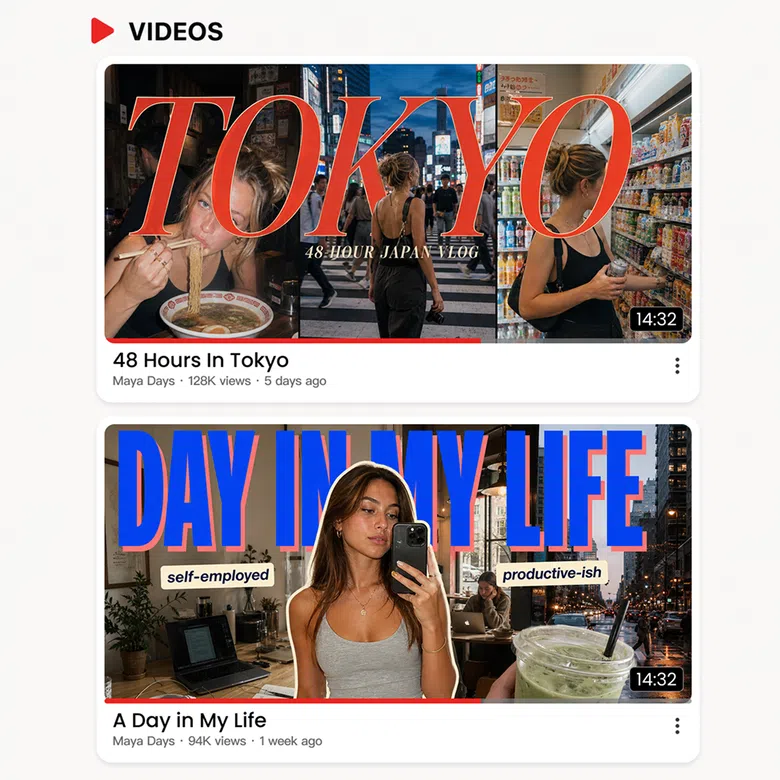


Explore More Skills
Continue exploring related Content Marketing capabilities and turn your current task into a complete workflow.


Frequently Asked Questions
Do I need design skills or prompt-writing experience?
Can I keep editing after generation?
Yes. Generated results can be previewed, edited, and refined until they meet your needs.
Are my materials safe?
Materials are used only to complete the current task and are handled according to the platform’s data and privacy policies.
