
Resize 30 Images at Once: Sharp, Consistent, Publish-Ready
Batch resize images for Amazon, Shopify, Instagram, ads, websites, and marketplaces while keeping every visual clean, consistent, and ready to publish.
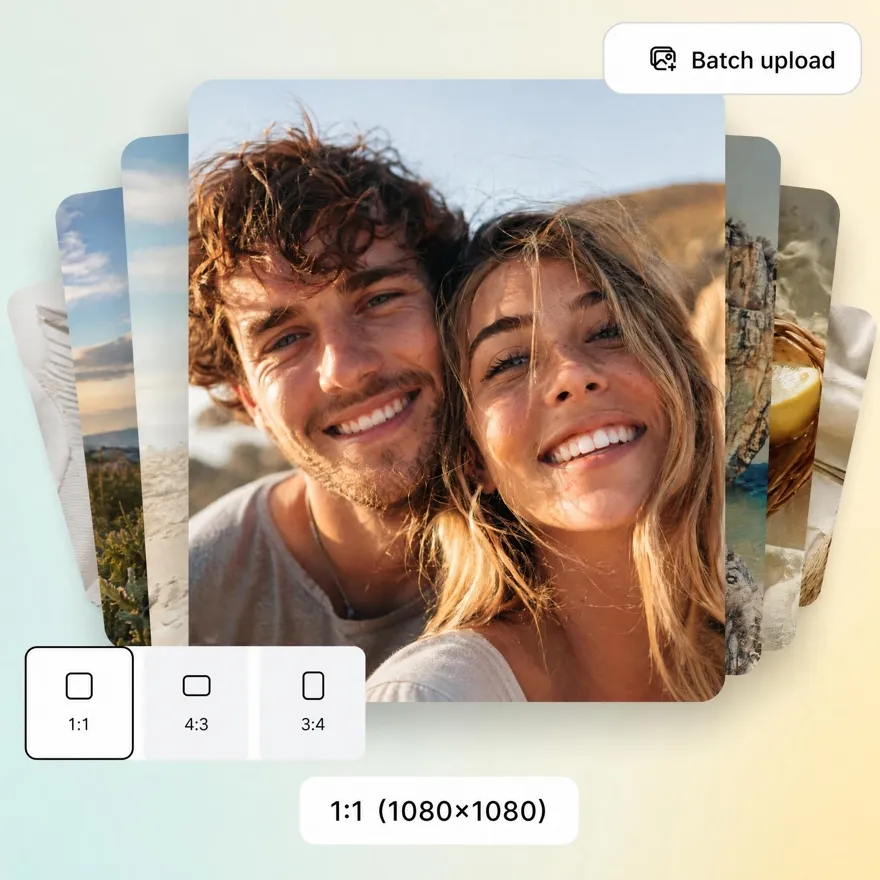
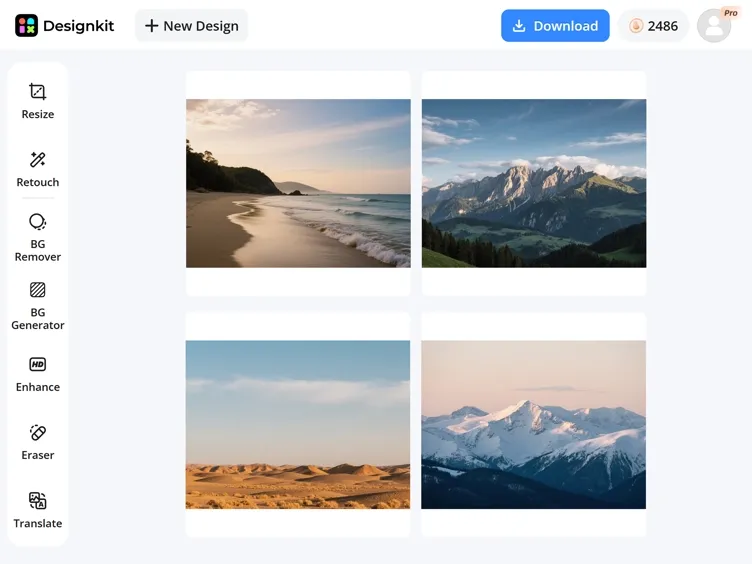
No image? Try one of these:



How to Bulk Resize Images with Designkit in 3 Simple Steps
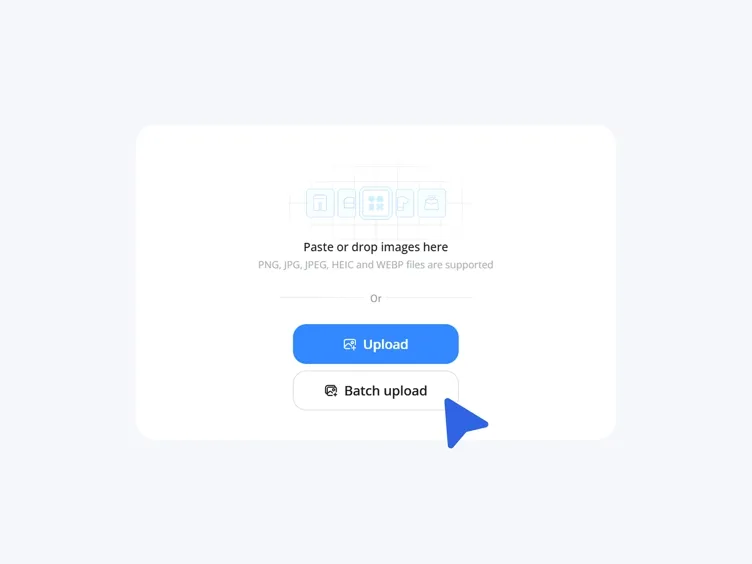
Upload Your Images
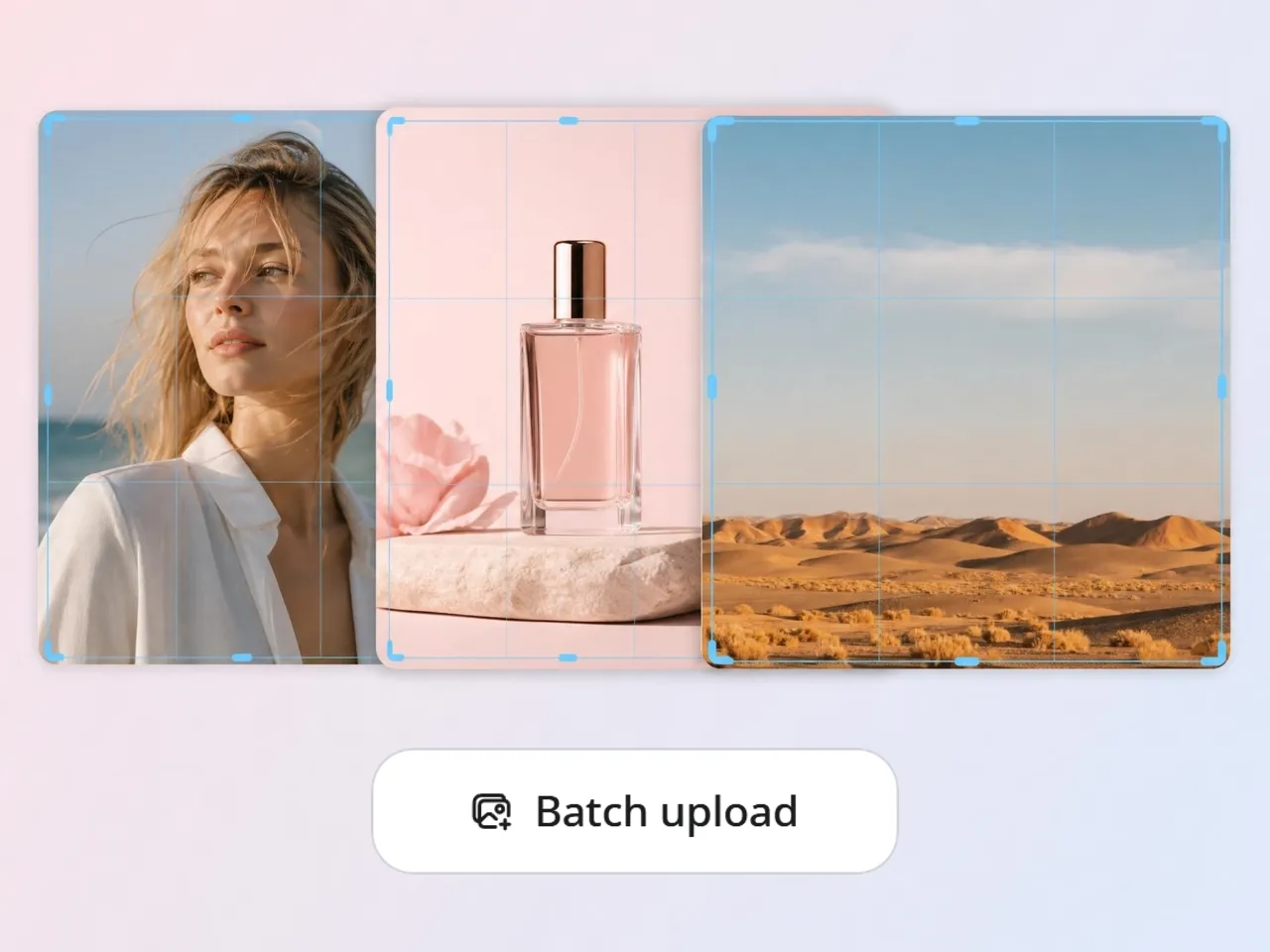
Open Designkit and upload your product, catalog, or social images in one go — up to 30 at a time, no editing skills needed.
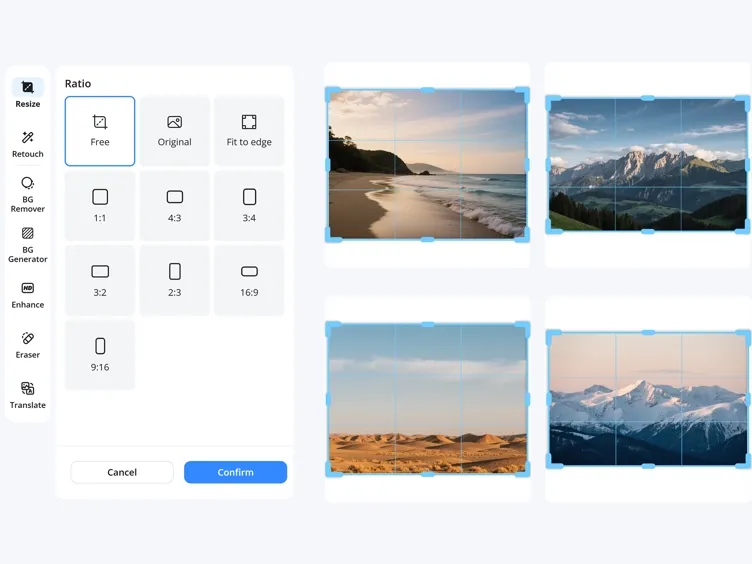
Pick a Platform Size or Set Your Own
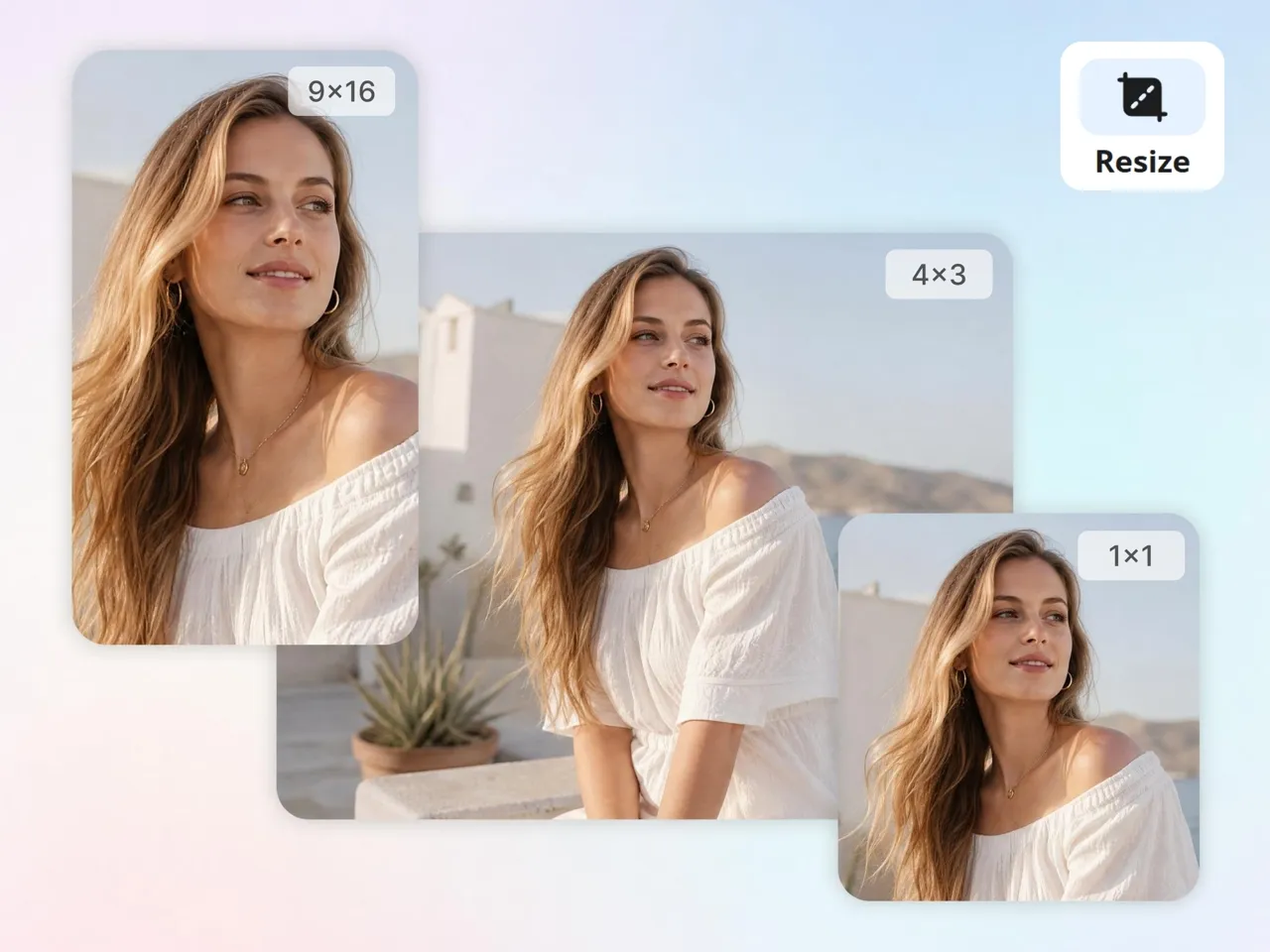
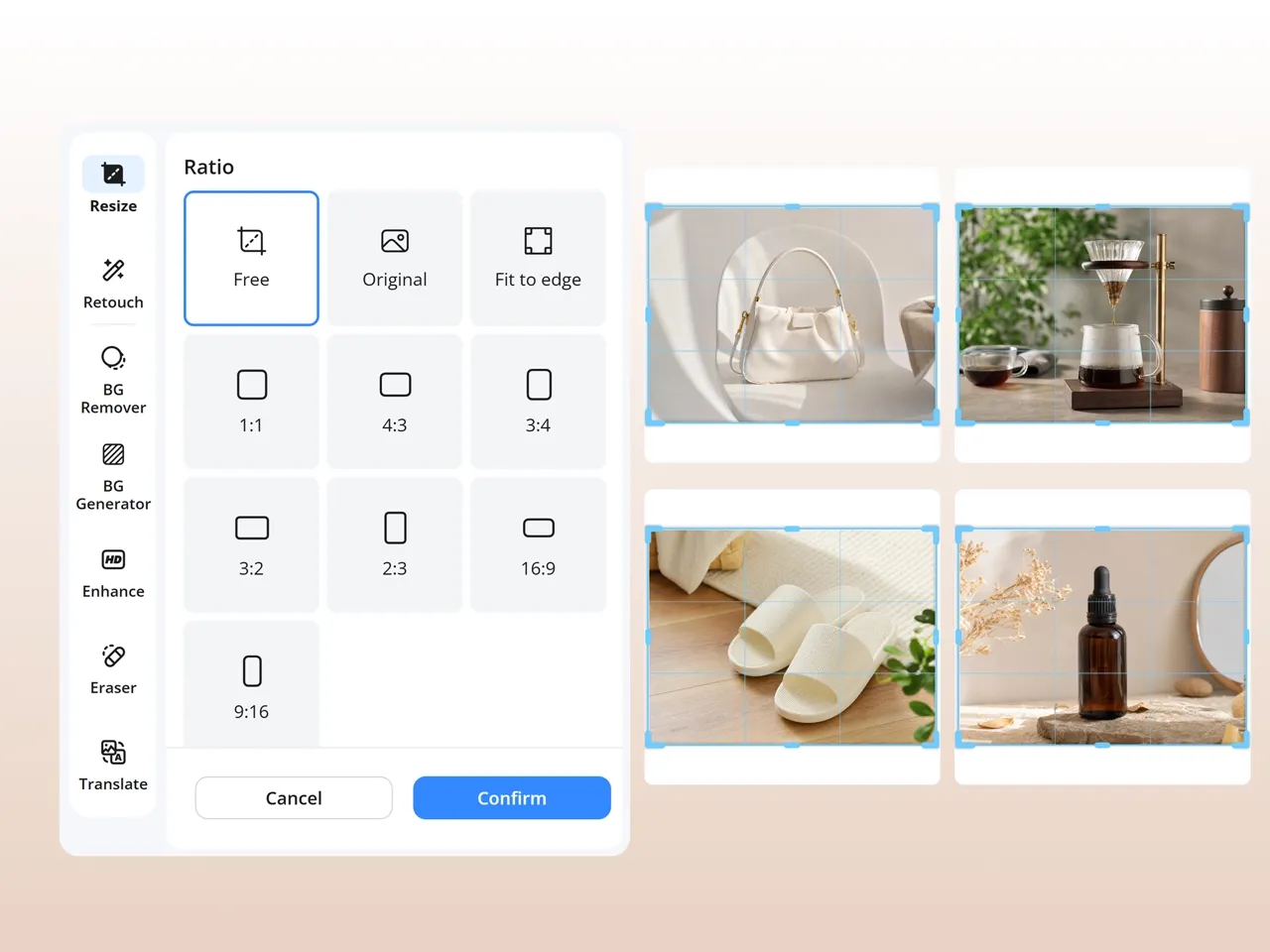
Choose a preset for Amazon, Shopify, Etsy, Instagram, or YouTube thumbnails, or enter custom dimensions. Designkit resizes the whole batch at once, keeping every image sharp and the subject framed.
Download Platform-Ready Resized Images
Review the resized versions side by side, fine-tune framing if needed, then download a publish-ready set for listings, ads, catalogs, or social.
What Makes Designkit an Ideal Batch Image Resizer online
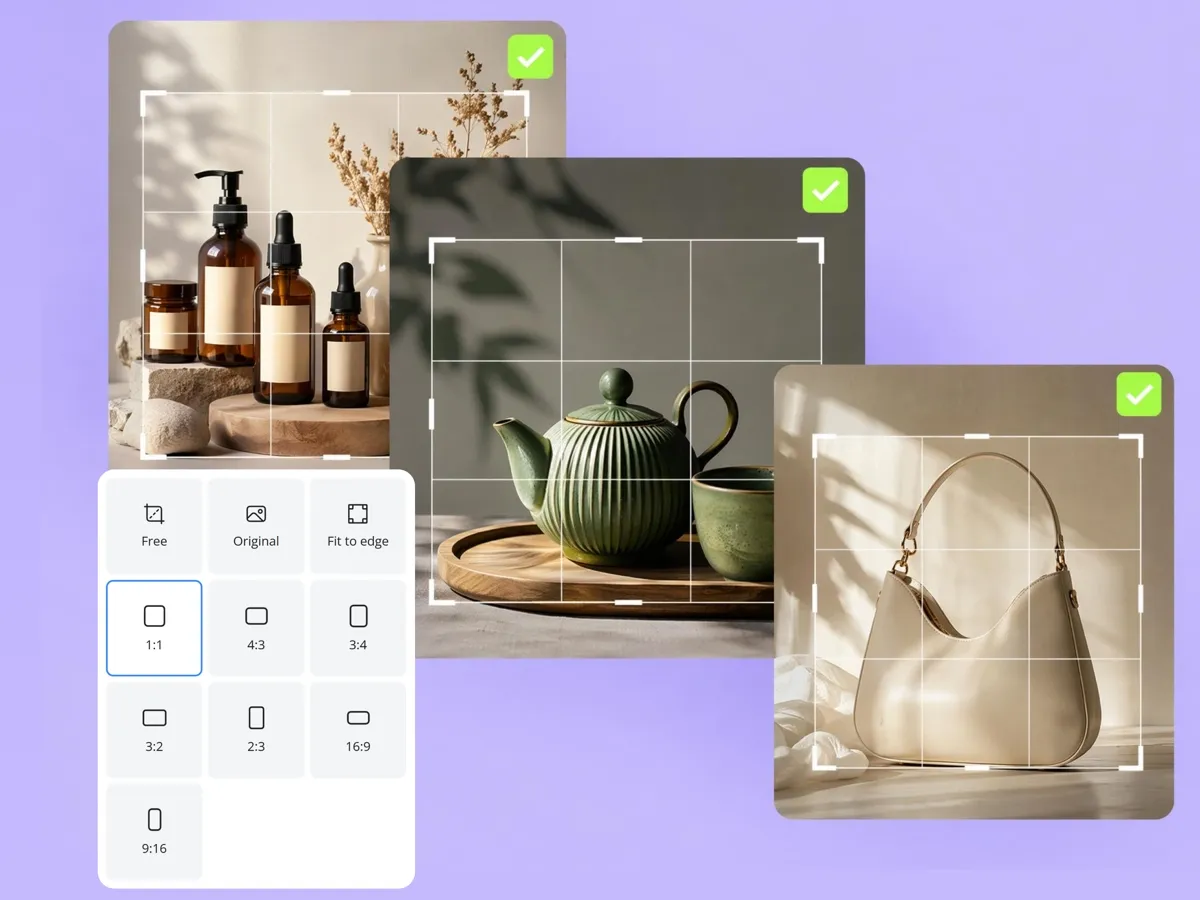
Resize a Whole Batch Without Losing Sharpness
Resizing dozens of images by hand is slow, and wrong dimensions get listings rejected. Designkit resizes up to 30 at once to platform-ready sizes while keeping each one sharp — so a full catalog is ready to publish in one pass instead of one file at a time
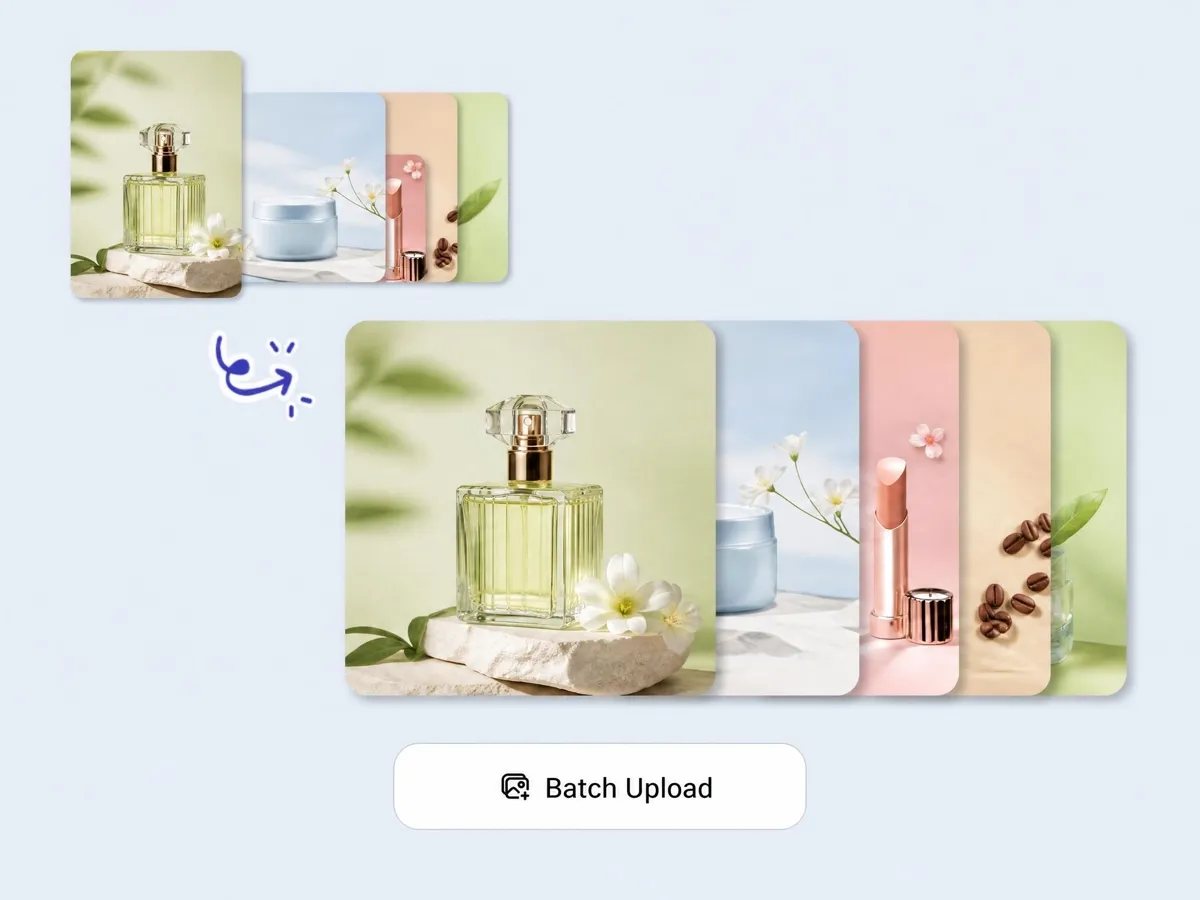
Keep Every Product Centered and Intact
Changing the aspect ratio is where products get cropped badly or thrown off-center. Designkit detects the main subject and keeps it centered and complete across the whole batch, so a resized set looks deliberate rather than mechanically cut.
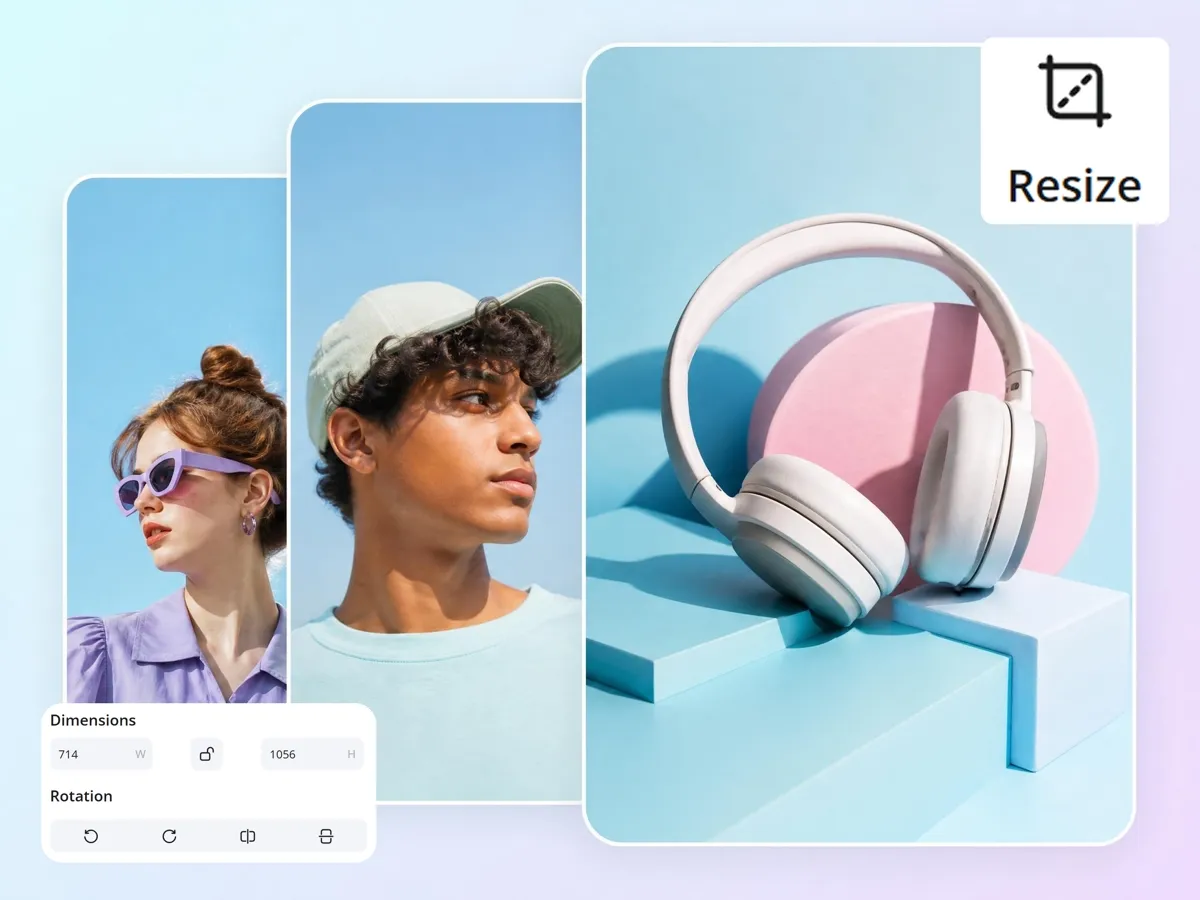
Standardize Mixed Supplier Photos into One Look
Supplier images arrive in every size and crop, making a catalog look patched together. Designkit brings them to uniform dimensions and consistent framing, so product pages read as one cohesive storefront

Export Platform Versions in One Workflow
Listings, ads, banners, and social media each need different dimensions — including the smaller sizes that have to stay clear on mobile. Designkit generates every platform version from one upload, so you prepare a full multi-channel set without switching tools.
Who Can Use Designkit for Bulk Image Resizing
Standardize Supplier Images Before Listings Go Live
Supplier photos come in mismatched sizes and crops that make a marketplace listing look thrown together. Designkit resizes and standardizes them in bulk so every listing meets spec and looks consistent — without correcting images one by one before publishing.

Why Teams Move Their Bulk Image Workflows to Designkit

Resize up to 30 Images at Once
Resizing images one by one slows down publishing and creates repetitive work. Designkit processes up to 30 images together, helping teams prepare consistent visuals faster for listings, ads, and campaigns.

Platform Presets for Amazon, Shopify, and Instagram
Different platforms require different image sizes and formats. Designkit includes ready-made presets for Amazon, Shopify, Instagram, and more, helping teams export correctly sized visuals without manual adjustments.

Reduces Dependency on Designers for Simple Production Tasks
Simple resizing requests often create unnecessary back-and-forth between teams. Designkit automates routine production tasks, helping sellers and marketers prepare platform-ready visuals without relying heavily on designers.
Frequently Asked Questions
What is a bulk image resizer and how does it work?
Why do ecommerce sellers need bulk image resizing tools?
Do I need design skills to use a bulk image resizer?
Can bulk image resizing affect image quality?
Can I resize multiple images at once for Amazon and Shopify?
Is bulk image resizing useful for large SKU catalogs?
Can I use bulk image resizer for social media content?
What makes Designkit different from other bulk image resizers?
Bulk Resize Product and Campaign Images without the Manual Work
No more resizing one by one. Get every image to the right size for every platform in one workflow.

User Experience with Designkit for Resizing Multiple Images at Once
Ecommerce sellers and creators use Designkit to resize product images faster while keeping visuals clean, consistent, and platform-ready.
Scaling 700+ SKUs with Faster Bulk Image Resizing
Resizing listing images for different Amazon categories used to eat hours every week. With Designkit, I resize them in batches while keeping products sharp and aligned, and it lets me standardize my whole catalog, so the product pages finally look clean and consistent.
Creating Store-Ready Product Images Without a Designer
As a small business owner, I needed product photos resized for banners, collections, and mobile layouts without hiring a designer. Designkit prepared store-ready sizes automatically and kept the product positioning consistent, so my storefront looks put-together without me touching an editor.
Saving Hours on Thumbnail Creation and Content Preparation
I make a lot of YouTube and TikTok product content, so thumbnail and image resizing became a repetitive time sink. With Designkit, I resize batches of visuals in minutes, and the content stays sharp across platforms. It gives me back a good chunk of every campaign prep day.
One Visual, Every Ad Placement
Our creatives needed resizing for a dozen ad placements, and doing it manually slowed every launch. Designkit turns one visual into all the sizes we need in a single pass, keeping framing consistent — so the team ships campaigns without the resizing bottleneck.