
Remove Text From Images Online for a Professional Finish
Upload your image and erase words with one click. Perfect for e-commerce sellers needing clean product shots in seconds. Save hours and get clear, polished photos fast.

How to Remove Text From Images Online in 3 Simple Steps
Upload Your Image File
Simply drag and drop your photo into the upload box or click to select a file from your device. Our smart text remover tool instantly supports all major formats like a JPG, JPEG, PNG, and WebP, ensuring you can start your project without any file conversions.
Select the Unwanted Text
Use the intuitive brush tool to gently mark the words or phrases you want to disappear from the image. You can easily adjust the brush size for pinpoint precision, allowing our AI to identify exactly which elements to remove while keeping the rest of your photo intact.
Download Your Clean Image
Click the erase button to let the AI automatically blend the background and remove the text with professional accuracy. Once you are satisfied with the polished, text-free version, just hit download to save your clean image to your computer or phone immediately.

AI-Powered Neural Inpainting to Remove Text From Images Online
Our advanced deep-learning algorithms analyze surrounding pixels to reconstruct complex backgrounds with 99.9% accuracy. Unlike manual cloning which takes hours, our neural network identifies and replaces text overlays instantly. This sophisticated technology allows you to remove text from images online while perfectly maintaining original textures and lighting.
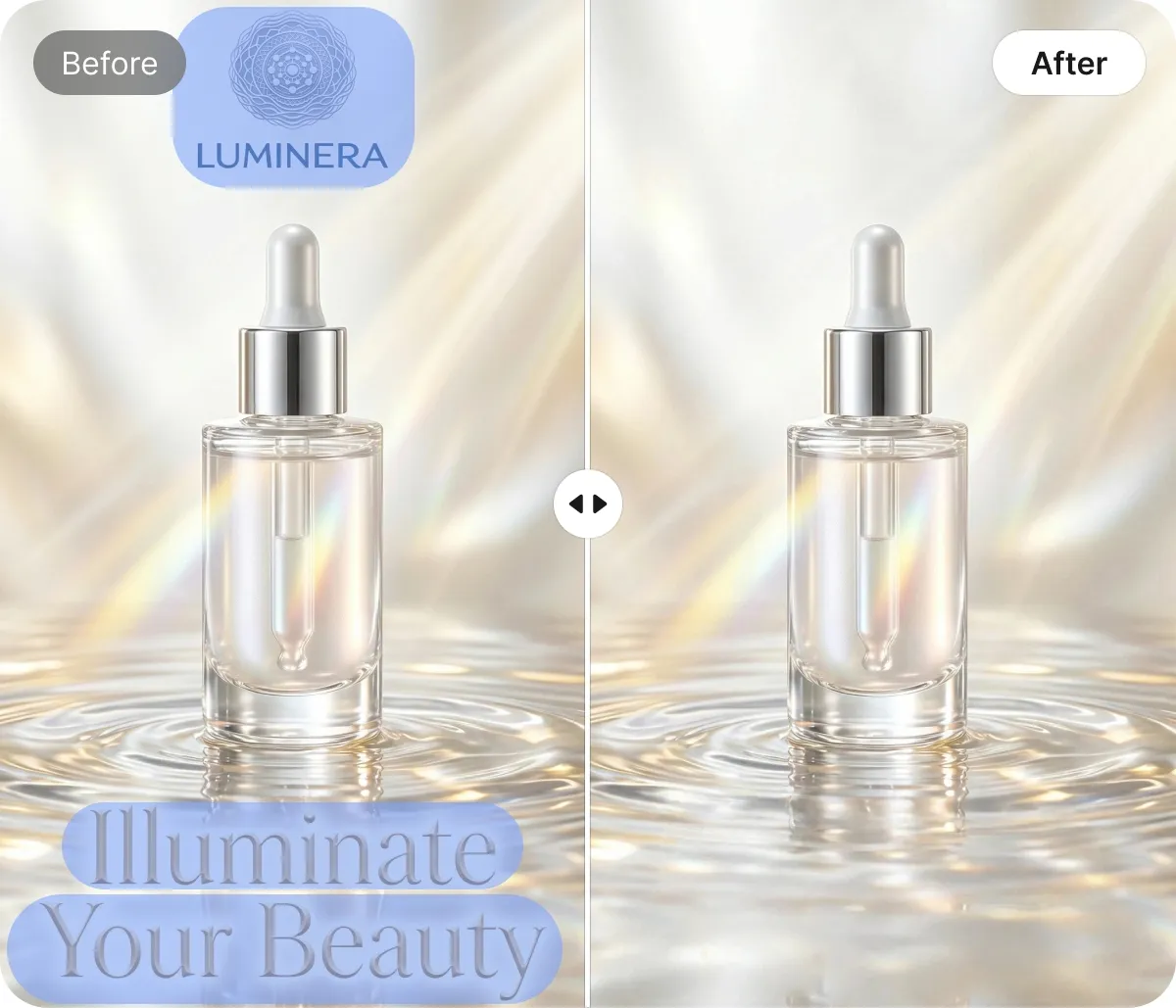
One-Click Semantic Detection for Remove Text From Images Online
Stop wasting time with tedious manual selection. Our semantic segmentation engine automatically identifies captions, watermarks, and date stamps across your entire library. By automating the identification process, you can remove text from images online 5x faster than traditional software, ensuring a professional, distraction-free finish in one click.
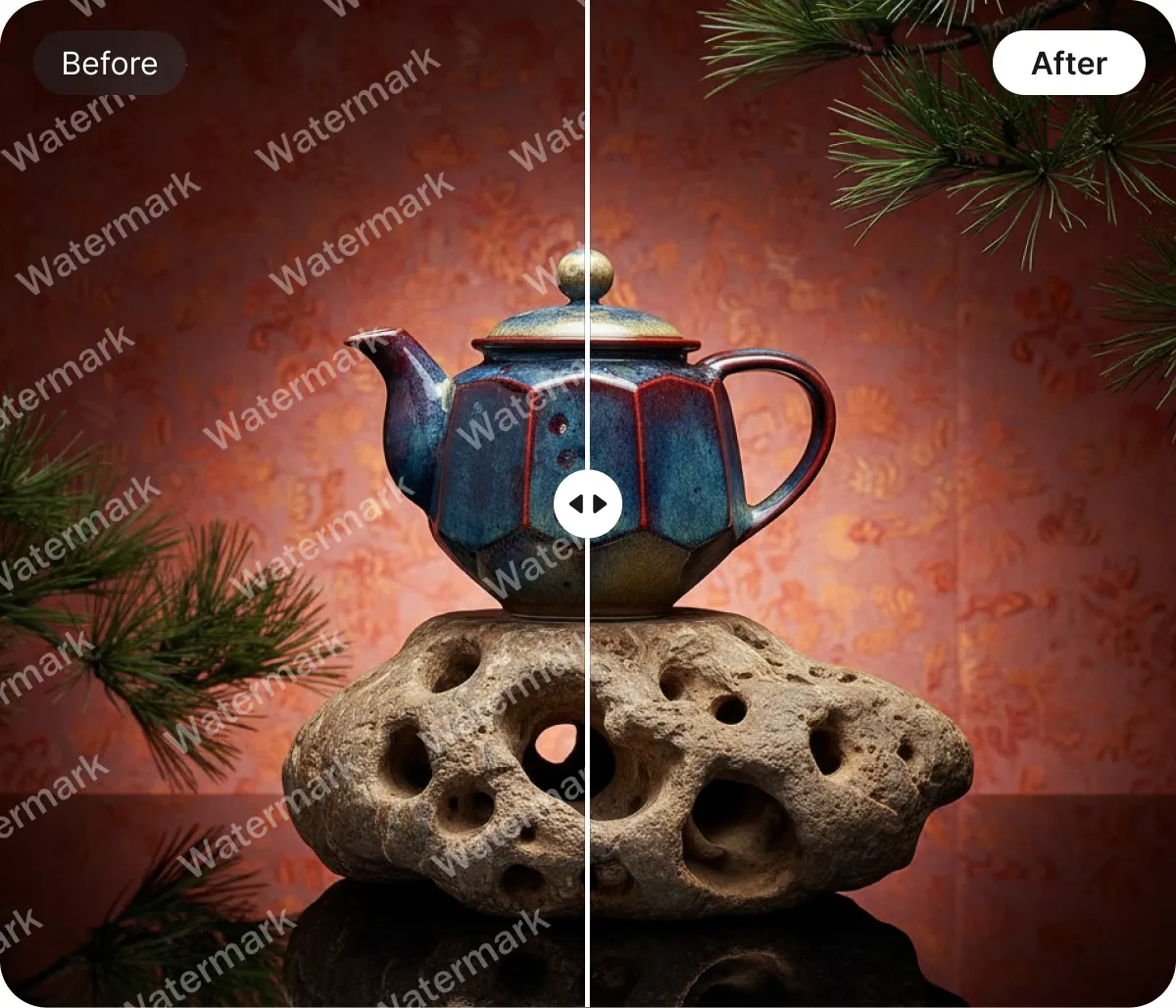
Precision Granular Control to Remove Text From Images Online
For complex graphics, our Advanced Brush Tool provides surgical precision that goes beyond standard automation. Use pixel-perfect draw or box tools to target specific areas, reducing manual retouching time by 70%. It’s the ultimate hybrid workflow to remove text from images online with total creative authority and professional-grade results.
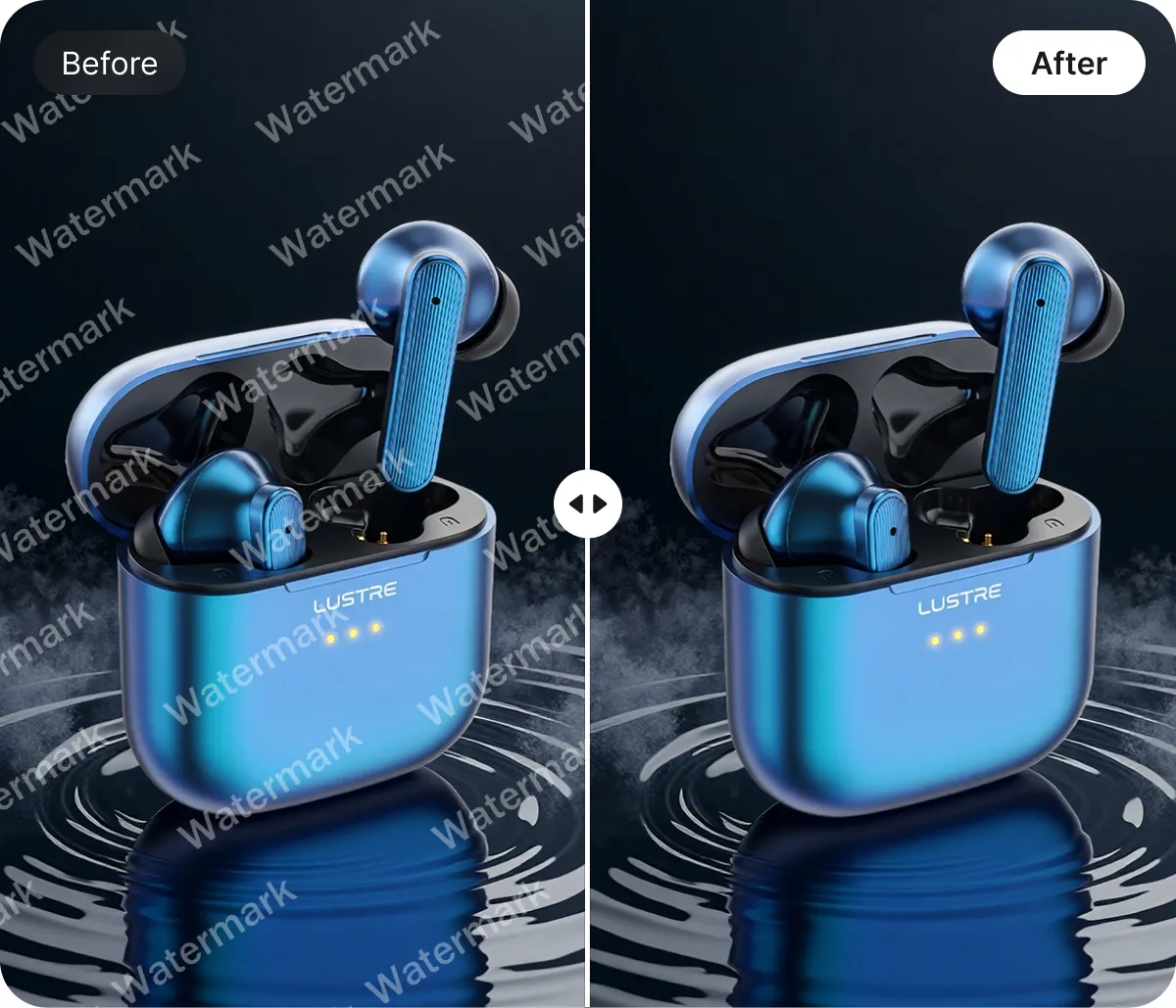
Scalable Cloud Processing to Remove Text From Images Online
Streamline your e-commerce workflow with a browser-based engine that requires zero installation or heavy hardware. Our cloud infrastructure allows you to remove text from images online while performing essential edits like resizing or background removal. Save an average of 4 hours per project by consolidating your entire design stack.
AI Tool to Remove Text From Images Online for Every Creative Need

Remove Text From Images Online to Refresh E-commerce Sale Tags
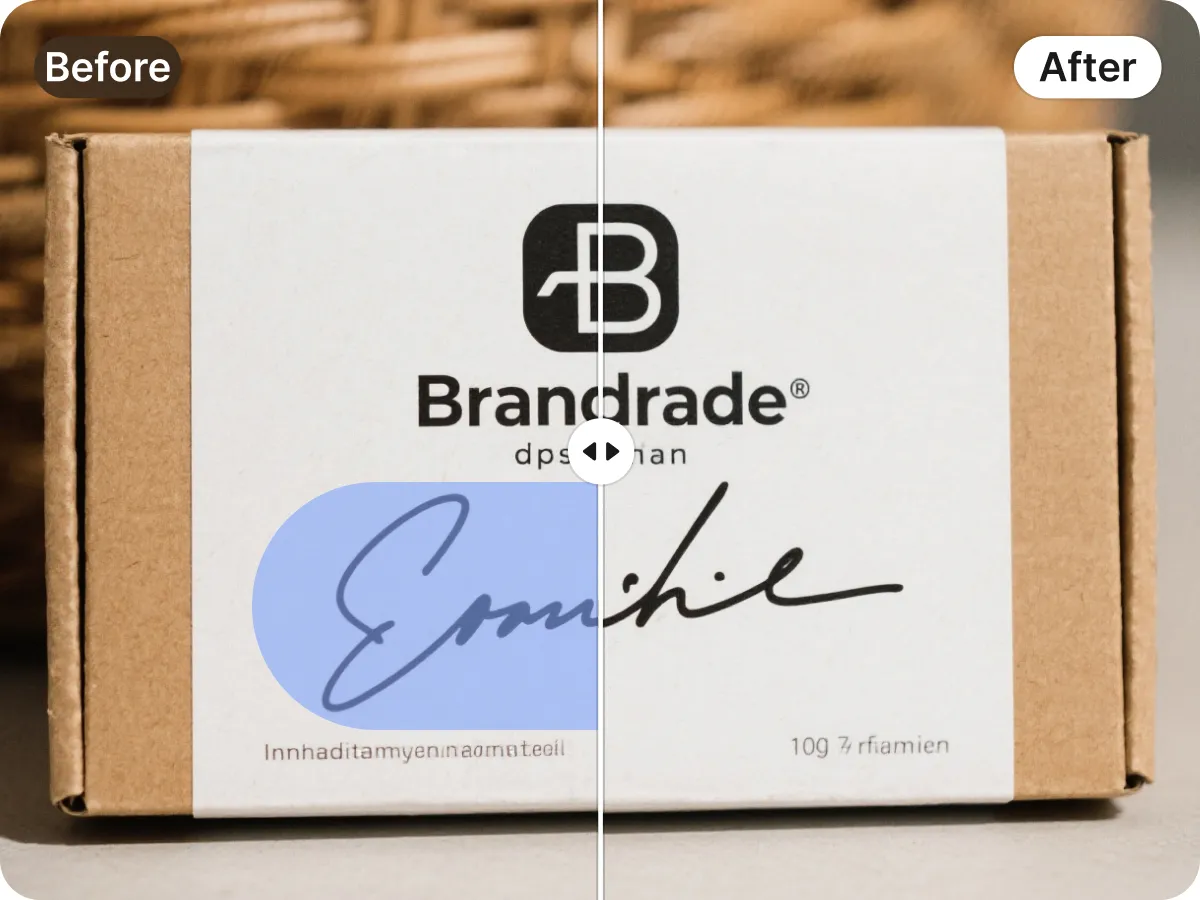
Don't let seasonal banners or expired "Limited Time Offer" stickers render your product photography obsolete. Our AI tool allows e-commerce sellers to remove sale text from photos effortlessly, enabling you to recycle high-quality assets for new marketing campaigns. By erasing outdated discount badges and event graphics, you maintain a timeless, professional storefront while significantly reducing the need for expensive, repetitive photo shoots.

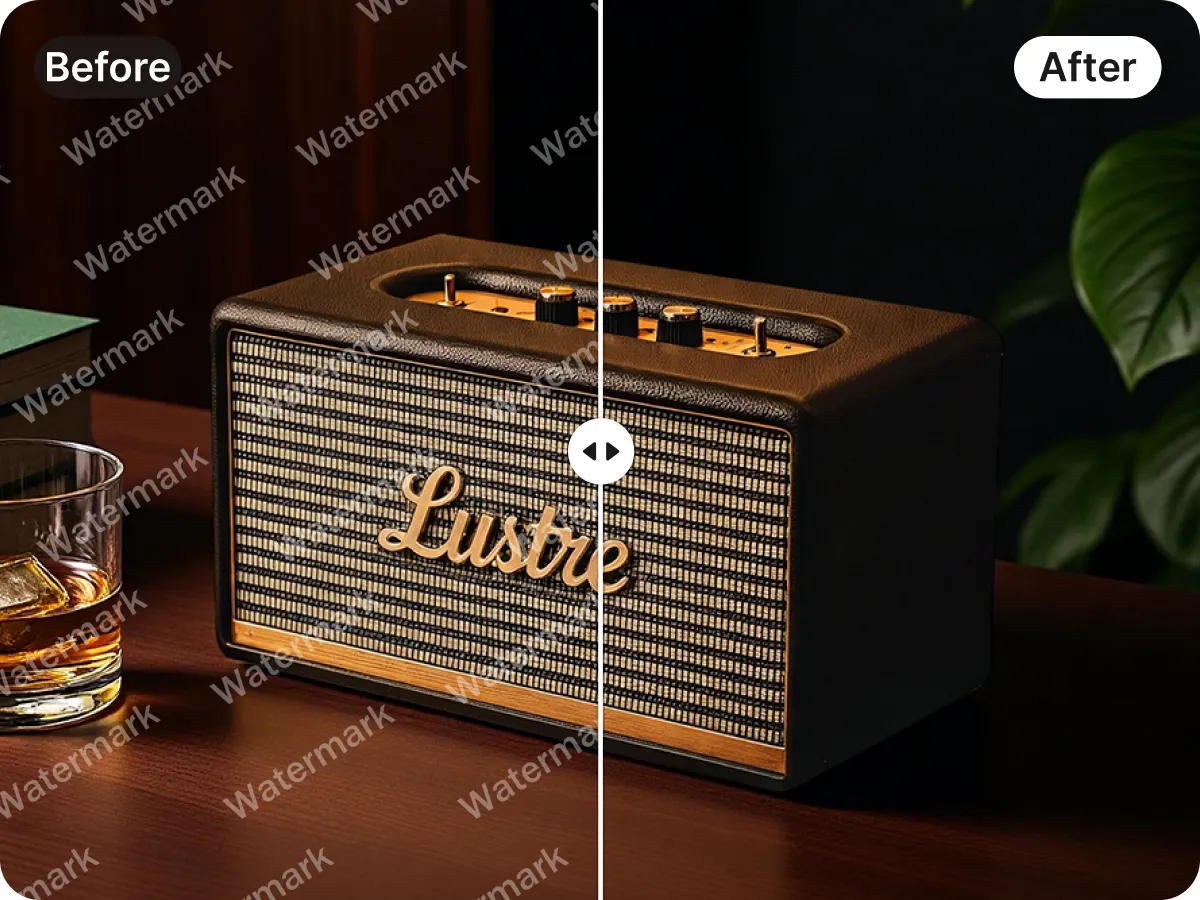
Key Advantages of Using Designkit to Remove Text From Images Online

Instant Free Image Clearing
Our high-speed AI engine allows you to upload and erase unwanted text from photos in just three clicks. You save significant budget by generating professional-grade visuals for your store without paying for expensive, complex editing software subscriptions.

Automated Visual Focus Enhancement
The smart AI automatically detects distracting words that pull attention away from your product or primary subject. By removing these visual interruptions, you ensure your customer's eyes stay fixed on what matters most to drive higher conversions.

Seamless Background Texture Repair
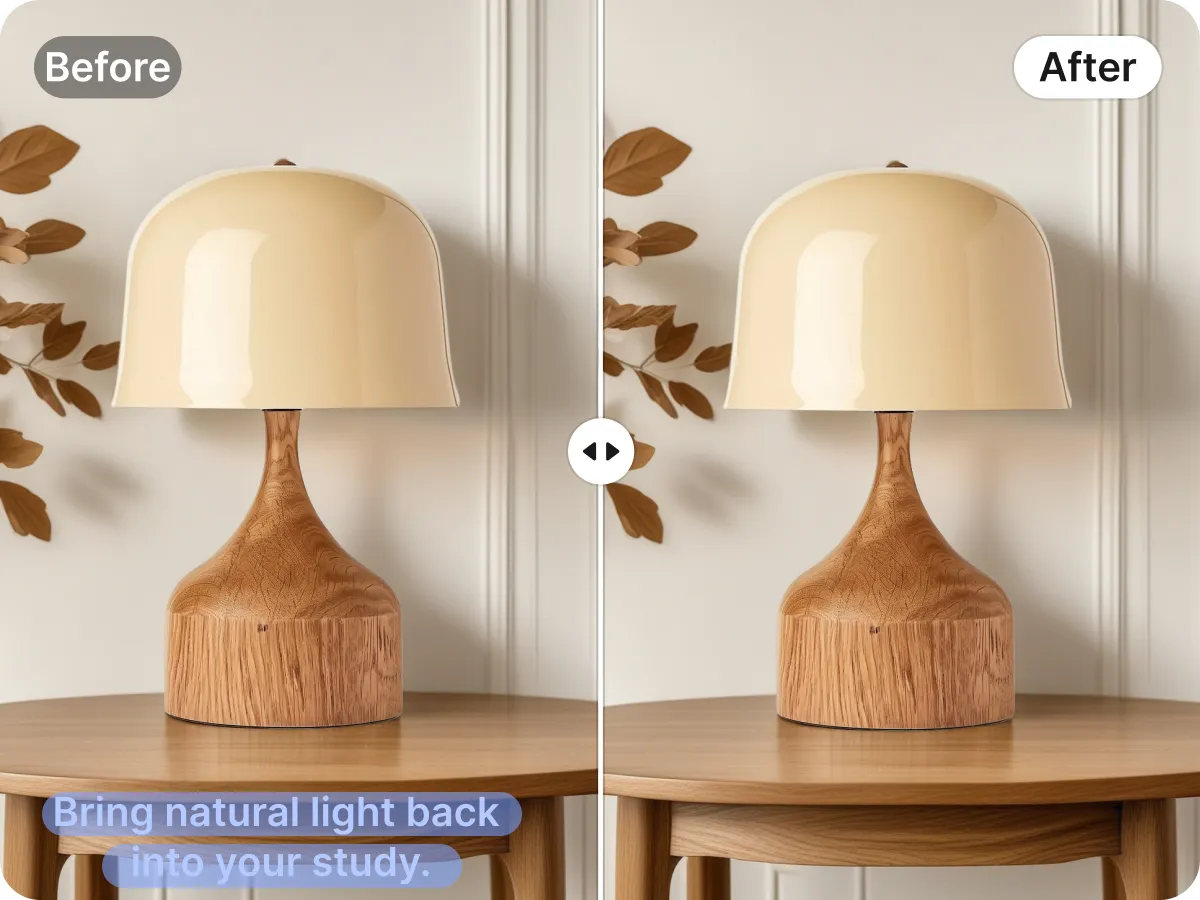
Simply highlight any text area and watch it vanish as our intelligent algorithm instantly regenerates the underlying background textures. You achieve natural, high-fidelity results without the need to master manual cloning tools or attend specialized graphic design training.
Discover More Powerful Features in Designkit
FAQ About How to Remove Text From Images Online
How does the AI technology work to remove text from images online?
Can I use Designkit to remove text from e-commerce product photos?
Yes. Designkit is specifically optimized for e-commerce sellers who need to refresh product listings. You can easily remove outdated "Black Friday" banners, expired discount stickers, or localized pricing tags from your JPEG and PNG files. This allows you to maintain a professional, clean storefront across different markets without the high costs of reshooting your entire inventory every time a promotion ends.
Is there a free version available to remove text from images online?
Yes, Designkit offers a free version that allows you to test the core features of our text removal tool. You can upload your images, use the selection brush to highlight unwanted text, and preview the results at no cost. For high-volume users or those requiring batch processing and ultra-high-resolution exports, we offer premium plans that provide additional speed and advanced editing capabilities to streamline your workflow.
What image file formats are supported for text removal?
Our online platform supports the most common image formats used by web professionals and e-commerce platforms, including JPG, JPEG, PNG, and WebP. Whether you are uploading a high-quality product shot or a quick social media screenshot, the tool maintains the original format's integrity. There is no software to download or install; you simply upload your file directly through your browser on Windows, Mac, or mobile devices.
Is my data secure when I upload photos to remove text online?
Absolutely. We prioritize your privacy and data security by using encrypted connections for all file uploads and downloads. Your images are processed on our secure servers and are automatically deleted after a short period—we do not store your private assets or use them to train our public models without your consent. This ensures that your proprietary product photos and sensitive documents remain entirely under your control.
Designkit: Automate Your Product Visuals with E-Commerce AI
Clear away language-specific text and distracting logos in seconds. Our AI agent doesn't just erase; it intelligently reconstructs the background texture, giving you a clean, professional canvas.


