
Amazon Professional Selling Plan vs Individual: How to Choose
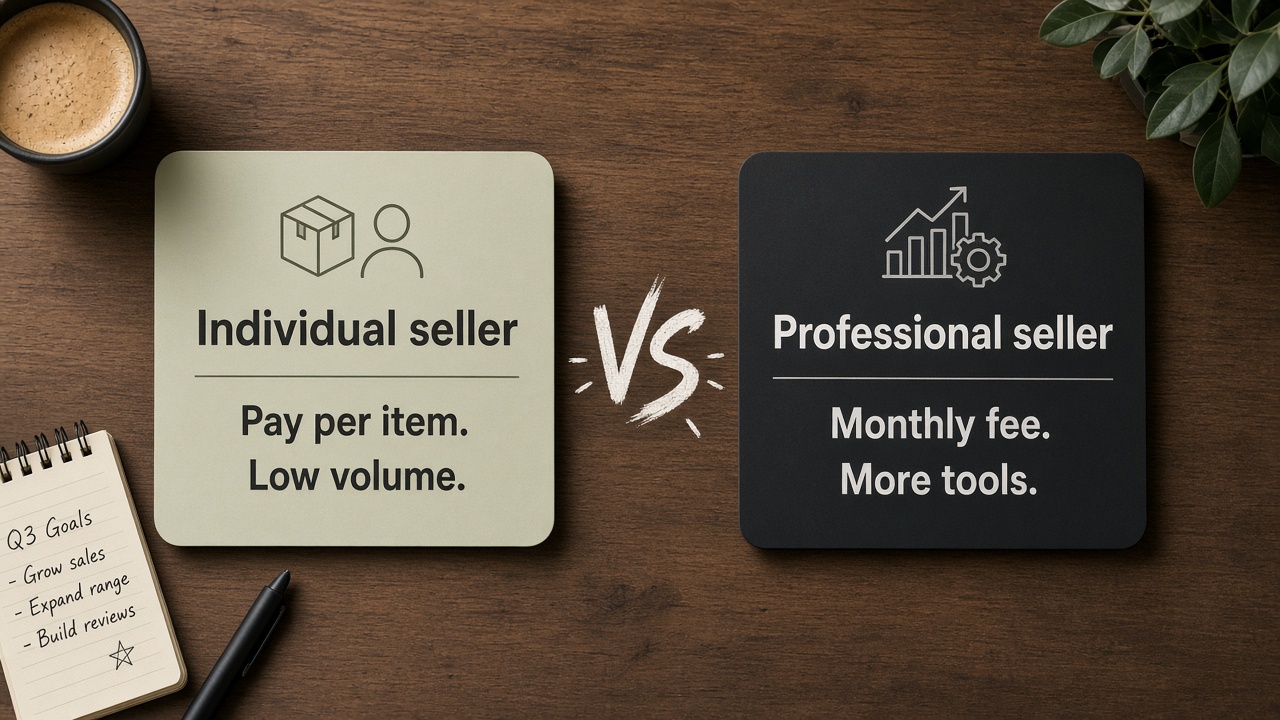
Individual charges per item with no monthly fee. Professional monthly plans unlock ads, bulk tools, and brand features. Compare fees and tools; you can switch later.

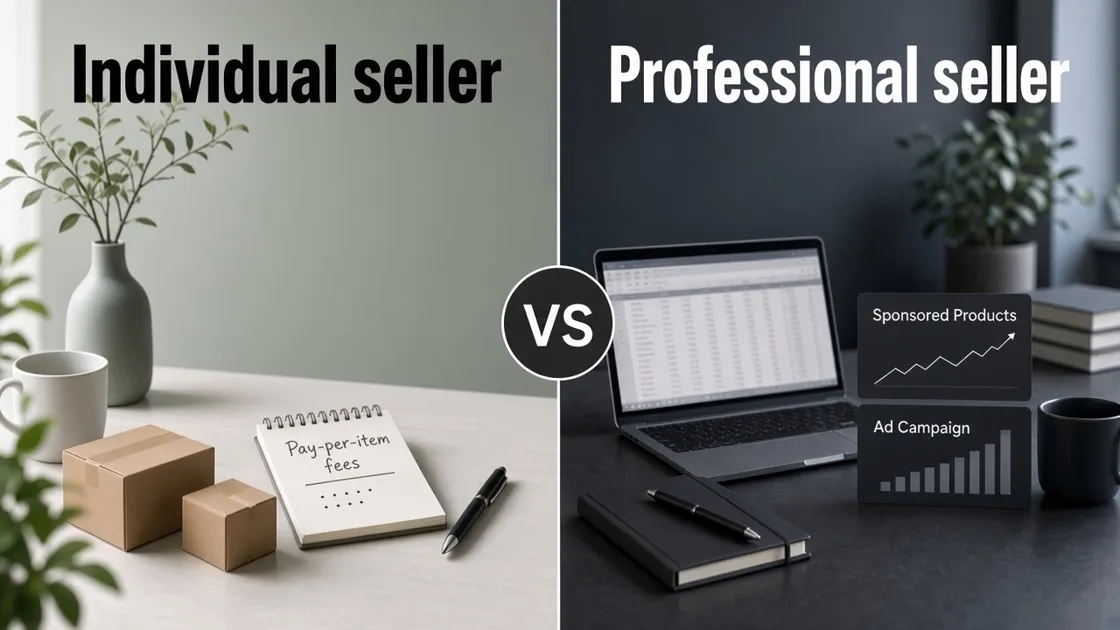
When you register to sell on Amazon, you choose an Individual or Professional selling plan. One charges per item with no monthly subscription. The other charges a flat monthly fee and unlocks more growth tools. The wrong pick will not delete your account, but it can leave you paying a subscription you do not use, or stuck without ads and brand tools when you need them.
The fee difference is easy to see. The harder part is whether you need the Professional tools yet. For the wider path after the account exists, see how to sell on Amazon .
What Each Selling Plan Costs
Start with money. Amazon’s current standard selling fees (US store, confirm on Amazon’s pricing page before you commit) look like this:
|
|
Individual | Professional |
|---|---|---|
| Selling plan fee | $0.99 per item sold | $39.99 per month |
| Monthly subscription | None | Yes, whether you sell or not |
| Referral fees | Yes, by category | Yes, by category |
| List one product at a time | Yes | Yes |
| FBA or merchant fulfilled | Yes | Yes |
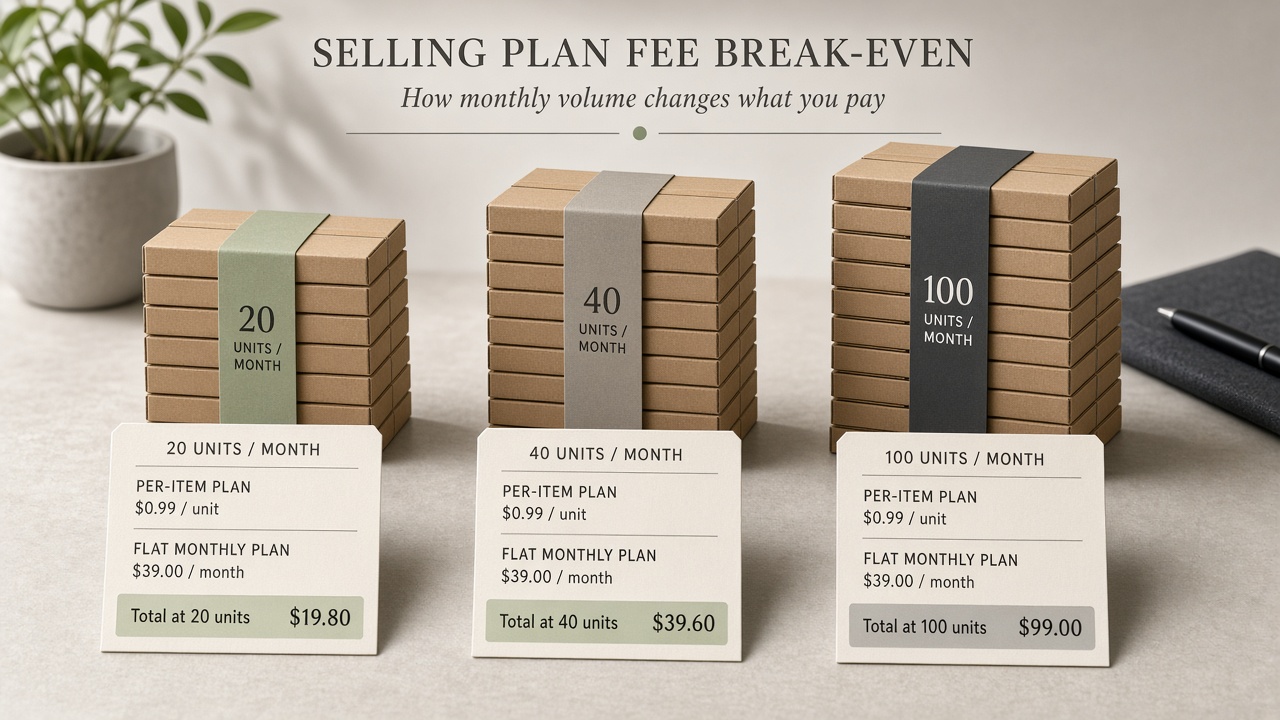
Rough break-even on the plan fee alone: $39.99 ÷ $0.99 ≈ 40 items per month. Under that volume, Individual often costs less in plan fees. Above it, Professional usually wins on plan fees before you count ads or bulk tools.
Plan-fee examples at today’s rates (referral and FBA fees sit on top either way):
- 20 items/month: Individual about $19.80 · Professional $39.99
- 40 items/month: Individual about $39.60 · Professional $39.99
- 100 items/month: Individual about $99.00 · Professional $39.99
Per-item fees vs monthly subscription
Individual works when sales are low or uneven. Quiet months cost $0 in plan fees. Professional works when you expect steady volume or need tools that Individual does not include. Referral fees and other marketplace charges still apply on both plans.
Selling plan is not the same as FBA
Your selling plan is not Fulfillment by Amazon. FBA storage and fulfillment fees are separate, and Amazon’s pricing page shows FBA and Fulfilled by Merchant on both plans. If you are still choosing fulfillment, read what Amazon FBA is and when beginners should use it . Fee math is only half the decision. The tools on each plan decide the rest.
Tools You Unlock on Professional
Amazon’s Professional selling plan is the fuller tool package. On the current pricing comparison, Professional unlocks items such as:
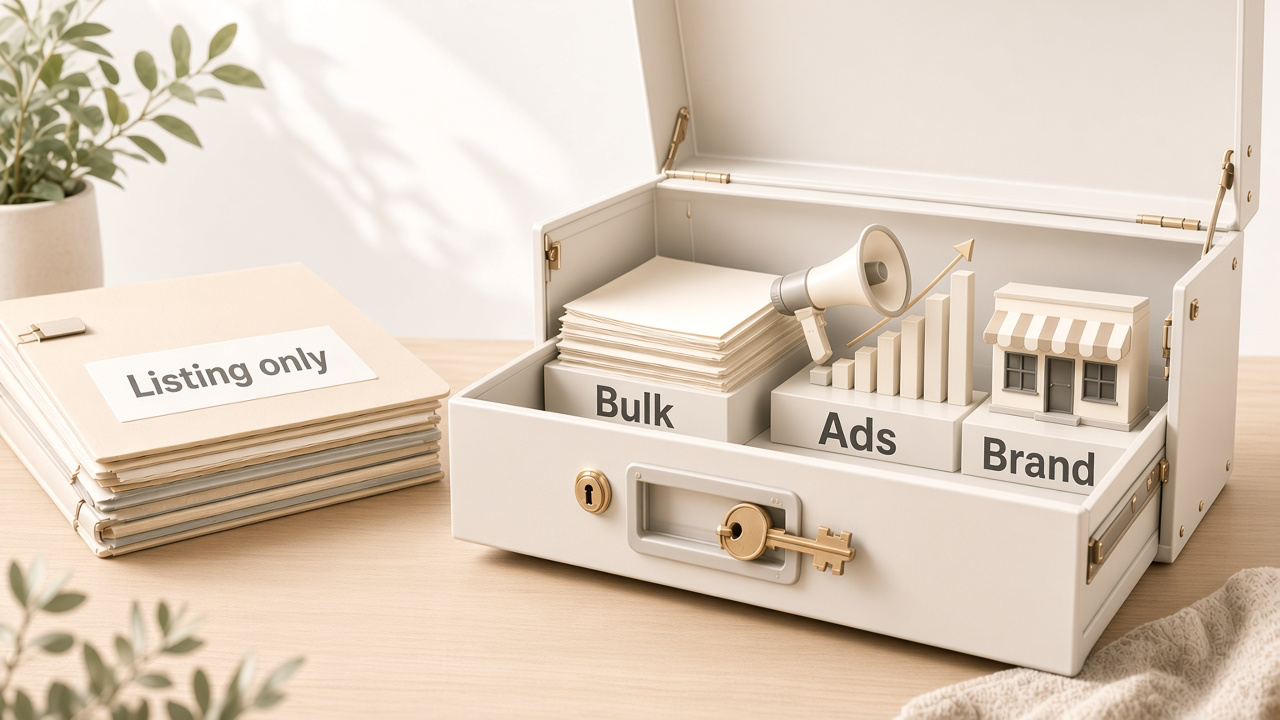
- Bulk operations to list, price, and manage inventory faster
- Amazon Ads (ads have their own spend)
- Brand-building tools such as enhanced product pages and a digital store once you enroll in Brand Registry
- Automate Pricing
- Selling B2B with Amazon Business
Exact menus change. Confirm what your Seller Central account shows after you pick a plan.
When Individual is still enough
Stay on Individual if your volume stays well under break-even, you are still testing demand, or you are not running ads yet. An Individual plan can be the cheaper way to learn without a monthly bill.
When Professional is the real requirement
Choose a Professional seller account when you already need ads or catalog tools, or you are building a brand on Amazon. Brand Registry sits on that path. For enrollment steps after you qualify, see Designkit’s guide on the Amazon Brand Registry application .
How to Choose in Practice
There is no single rule that fits every seller. Your budget and how soon you need ads often matter as much as unit count. The questions below are one practical way to check the choice for the next 30 to 90 days. Treat the answers as a reference, then weigh them against your own timeline and risk tolerance.
- Do you expect to sell near or above the rough break-even volume most months?
- Are Sponsored ads part of your near-term plan?
- Will you manage many SKUs where bulk tools would save real time?
- Is Brand Registry or a brand storefront already on your short list?
More “yes” answers usually point to Professional. More “no” answers leave Individual as a reasonable starting point. Mixed answers are normal: many sellers start Individual, watch a month of real orders, then upgrade when volume or a tool gap shows up.
Common patterns people use:
- Test first: Individual while you validate demand, then switch if fees or tools push you there.
- Tools first: Professional earlier if ads or brand tools are already on the calendar.
- Review on a date: Pick one plan now, set a 30- or 60-day reminder, and revisit with real sales data.
Picking a plan does not finish the listing. The first listing materials checklist covers what to gather next. If your product photos still need a cleaner main image and supporting frames, Designkit’s Amazon Listing Images can help before inventory depends on that page.
Switch Plans When Your Volume Changes
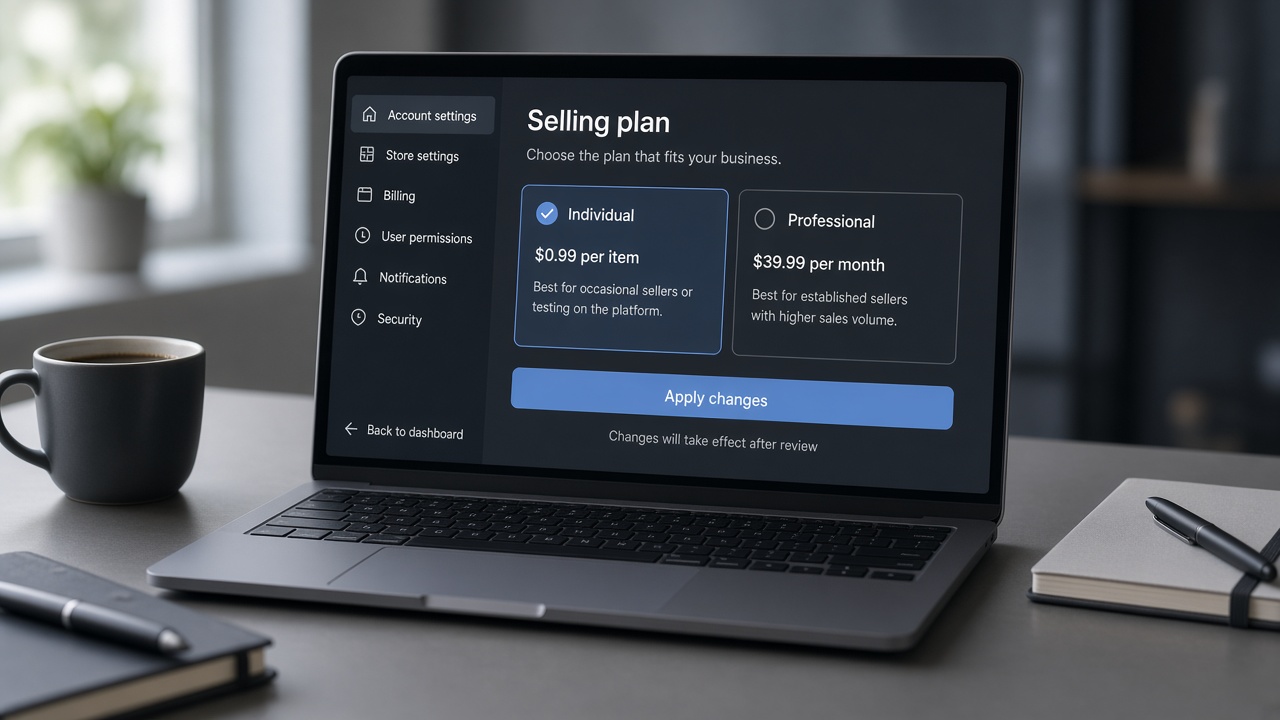
You can change plans after registration. In Seller Central, open Account Info, find Selling on Amazon under your services, then switch to Individual or Professional and apply the change. Labels move. Follow the live screens and Amazon Help if the menu looks different.
Upgrade notes
When you move to Professional, the subscription usually starts right away. New tool links often appear quickly. Some billing features can take up to a couple of days. Recheck ads and bulk menus after the switch.
Downgrade notes
If you cannot switch back to Individual, you may still be enrolled in services that require Professional. Leave those services first, then try again. Listings typically stay. Promotions and tools that need Professional may stop being available on Individual.
Conclusion
Individual keeps fixed cost low with a per-item fee. Professional adds a monthly fee and unlocks ads, bulk tools, and brand features. Stay Individual while volume stays low and those tools can wait. Move to Professional when you cross the fee break-even or need tools only Professional includes. You can switch later, so pick for the next quarter, not forever.
Frequently Asked Questions
Can I use FBA on an Individual selling plan?
Do I need a business or LLC for the Professional plan?
Professional is a selling plan, not a legal-entity requirement. Many sellers register as individuals. Follow the business type and tax questions Amazon shows during signup for your country. This is not legal advice.
Will my listings disappear if I switch plans?
Amazon’s guidance is that product listings stay when you switch between Individual and Professional. Some promotions and tools may not be available on Individual after you downgrade.
Is there a fee to switch between Individual and Professional?
Amazon states there is no extra fee just for switching. Your ongoing plan fees change: per-item on Individual versus the Professional monthly subscription. Review billing timing before you apply the change.
Can I switch plans more than once?
Yes. Amazon says you can switch as needed. Changes take effect immediately and can affect billing and active services. If a downgrade is blocked, check for Professional-only enrollments first.
You May Also Like
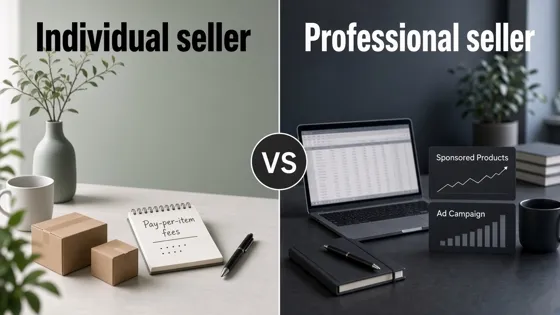
Amazon Individual vs Professional Selling Plan
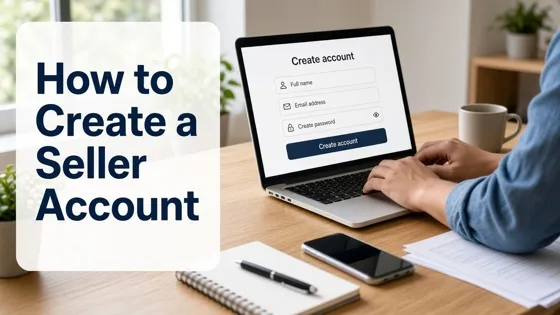
How to Create an Amazon Seller Account: Requirements and Steps
Amazon Product Video Requirements: Specs & Upload
Amazon Brand Registry Requirements: Trademark, Account & Cost

Amazon Global Selling: How to Open Multiple Marketplaces

How to Make an Event on Facebook: Complete Setup Guide (2026)

Amazon Sponsored Brands: What They Are and When to Use Them

Amazon Sponsored Products: How to Launch Your First Campaign

Amazon Vine Program for Sellers: Get Early Product Reviews

Amazon A+ Content Dimensions: Module Image Sizes

Print-On-Demand Designs: Create, Prepare, and Preview Your Work

Amazon A+ Content: What It Is and What to Build First

Is Print on Demand Profitable in 2026? Products and Niches

Amazon Brand Registry Application: How to Submit and Pass Review

How to Ship to Amazon FBA: Your First Shipment

What Is Amazon FBA? Should Beginners Use It in 2026

How to Get Ungated on Amazon: Restricted Category Approval Steps

Amazon Backend Keywords: Title, Bullets & Search Terms

What Is A/B Testing? A Practical Guide to Running Better Experiments

Best Time to Post on Instagram in 2026: Data & Tips

How to Get Verified on Instagram: Complete Guide

TikTok Monetization in 2026: Requirements & Ways to Earn

Instagram Desktop Posting Guide: Upload Posts, Stories & Reels

YouTube Shorts Monetization Requirements & Rules 2026

How Much Does YouTube Pay Per View? 1K, 100K & 1M Views

How to Make Money on Snapchat: 7 Ways to Earn

How to Get More Followers on Instagram in 2026

Best Time to Post on TikTok in 2026 for More Views

How to Repost on Instagram in 2026: A Simple Guide

Multichannel Marketing Guide: Strategy, Tools & Examples

How to Create Digital Products That Sell in 2026

Cyber Monday Marketing Ideas & Strategies (2026 Guide)

Black Friday Marketing Ideas for Ecommerce Brands (2026)

Instagram Marketing Guide: Strategies, Tips & AI Tools in 2026

Influencer Marketing Guide: Strategy, Campaigns & Creator Tips

15 Best Things to Sell on Etsy in 2026 (Listing Tips Included)

WooCommerce vs Shopify 2026: Pricing, Features & Which Is Better

How to Sell on Facebook Marketplace: Beginner Guide (2026)

How to Use Pinterest for Business: Strategy, Tips & Growth Guide

How to Sell on Etsy in 2026: Setup, Listings & Growth Tips

What Is a Target Audience? Types, Examples & How to Find Yours

TikTok Marketing Guide 2026: Strategies, Ideas & AI Tools

Vibe Marketing Explained: Strategy, Examples & AI Tools

How to Sell on Depop: Beginner Guide to Getting Your First Sale

Online Advertising Guide: Types, Costs & Examples (2026)

Facebook Advertising Guide: Costs, Strategy & Tools 2026

What Are E-commerce Ads? Examples, Strategy & Tools (2026)

Where to Sell Handmade Items Online (2026): Etsy, Amazon, or Shopify?

Shopify vs Amazon (2026): Brand Store or Marketplace FBA?

Amazon Handmade vs Etsy (2026): Which Is Better for Makers?

Etsy vs eBay (2026): Handmade, Vintage, or Secondhand?

Selling on Amazon vs eBay (2026): Fees, Profit & Where to Sell

What Is Brand Awareness? Examples, Strategies & Tools 2026

10 Best Online Selling Platforms (2026): Pick by What You Sell

Shopify vs Etsy (2026): Which Is Better for Handmade Sellers?

YouTube Automation Step-by-Step AI Guide for Beginners

What Is Brand Identity? Examples, Elements & Strategy

AI Marketing Agent: How It Works, Benefits & E-Commerce Examples

What Is Personalized Advertising? Examples & How It Works

How to Build a Shopify Store That Actually Converts Visitors

Amazon Marketing Guide 2026: Strategies, Tips & Tools

Local Advertising: Strategies, Examples & Tools (2026)

What Is Branded Content? Examples, Strategy & Tools 2026

What Is Performance Marketing? Strategies & Examples 2026

Inbound Marketing: Strategies, Examples & Tools (2026)
Finish Images Before You List
Once your selling plan is set, shoppers still judge the offer by photos first. Designkit turns product shots into Amazon-ready main and secondary images so your listing is ready when inventory goes live.
