
How to Get Ungated on Amazon for Restricted Categories
Stuck behind an Amazon approval request? Learn how to get ungated with clean documents reviewers can verify, then finish your listing after access is granted.

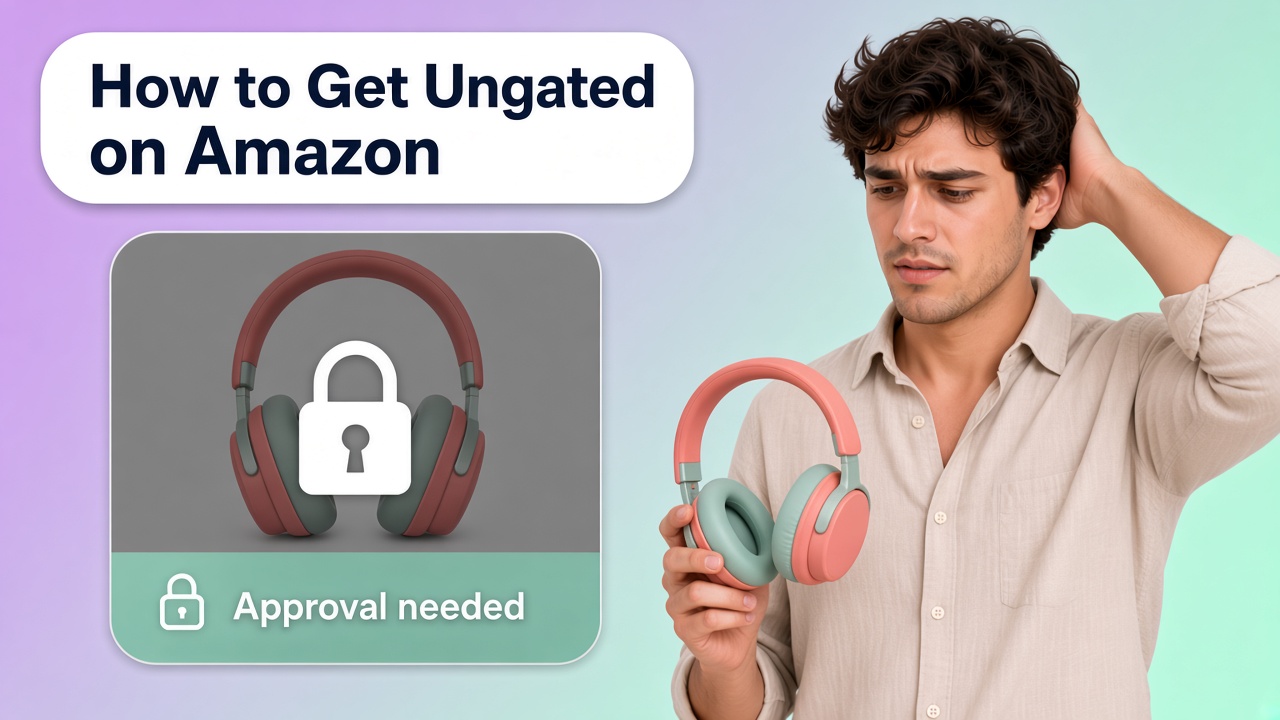
You found a product worth selling, then Seller Central stopped you with an approval request. That wall is real. Amazon ungating means you prove you can sell in a restricted brand or category before Amazon lets the offer go live. This guide walks you through how to get ungated on Amazon with documents a reviewer can check, so you do not lean on risky shortcuts.
What Gated and Restricted Mean
Amazon gated categories and amazon restricted categories are places where Amazon asks for extra approval before you can create or take over an offer. Sometimes the limit covers a whole product type. Sometimes it covers only one brand inside an otherwise open category.
Some products run into this extra check more often than others. Goods people eat or put on their skin, products made for children, and items where a fake is hard to judge from a listing photo are more likely to be restricted. If yours sits in one of those groups, read the approval request Amazon shows you and prepare the documents it names before you buy a large batch. That is a tendency, not a closed list. An ordinary product can still be gated by brand, and plenty of items in those groups stay open.
Amazon uses these gates to cut down counterfeits, safety issues, and policy problems. For you, the practical point is simple: you are not done listing until approval says you may sell.
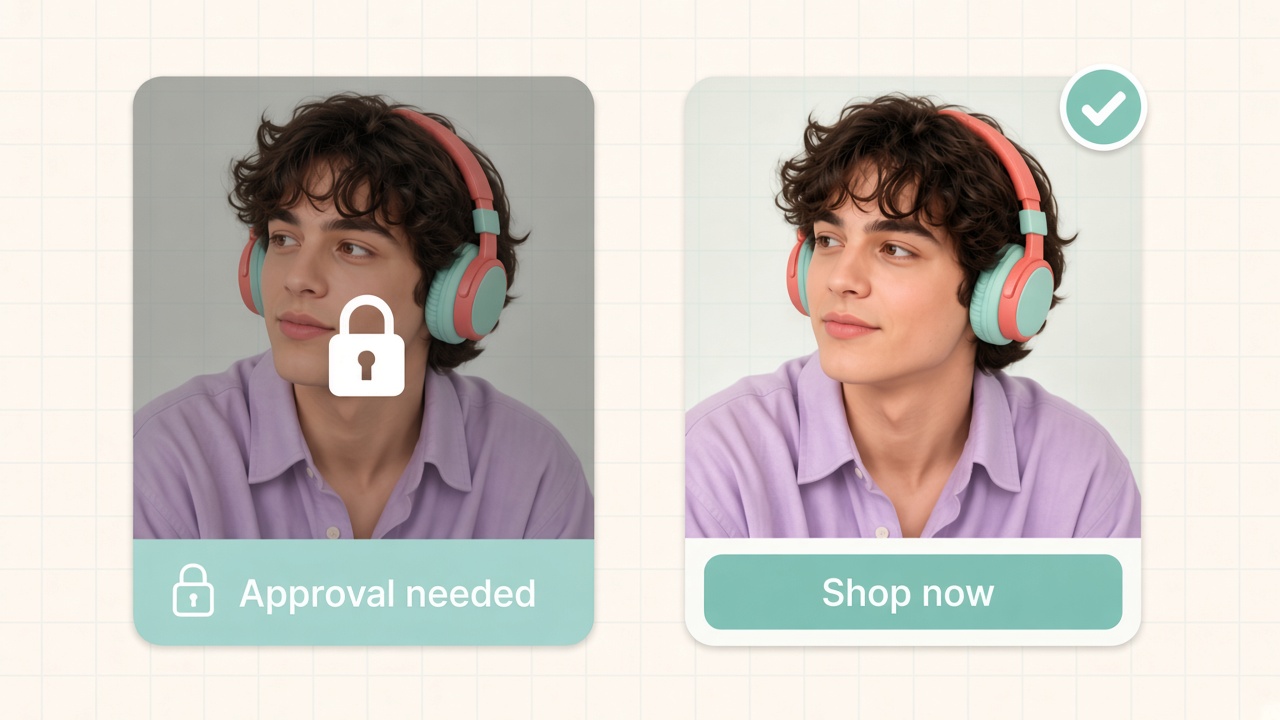
How to Tell If You Need Approval
The clearest signal shows up in Seller Central when you try to list or sell a product and see an approval or application prompt. You may also find restricted product types listed under selling applications or account health pages.
Check this before you buy a large batch of inventory. If the product or category shows a gate, pause purchasing until you know which documents Amazon wants. Waiting until stock sits in your warehouse turns ungating into a cash problem.
Build an Approval Packet Reviewers Can Trust
Most ungating requests ask you to prove the goods are authentic and that you stand behind them. Build one clean packet for each request:
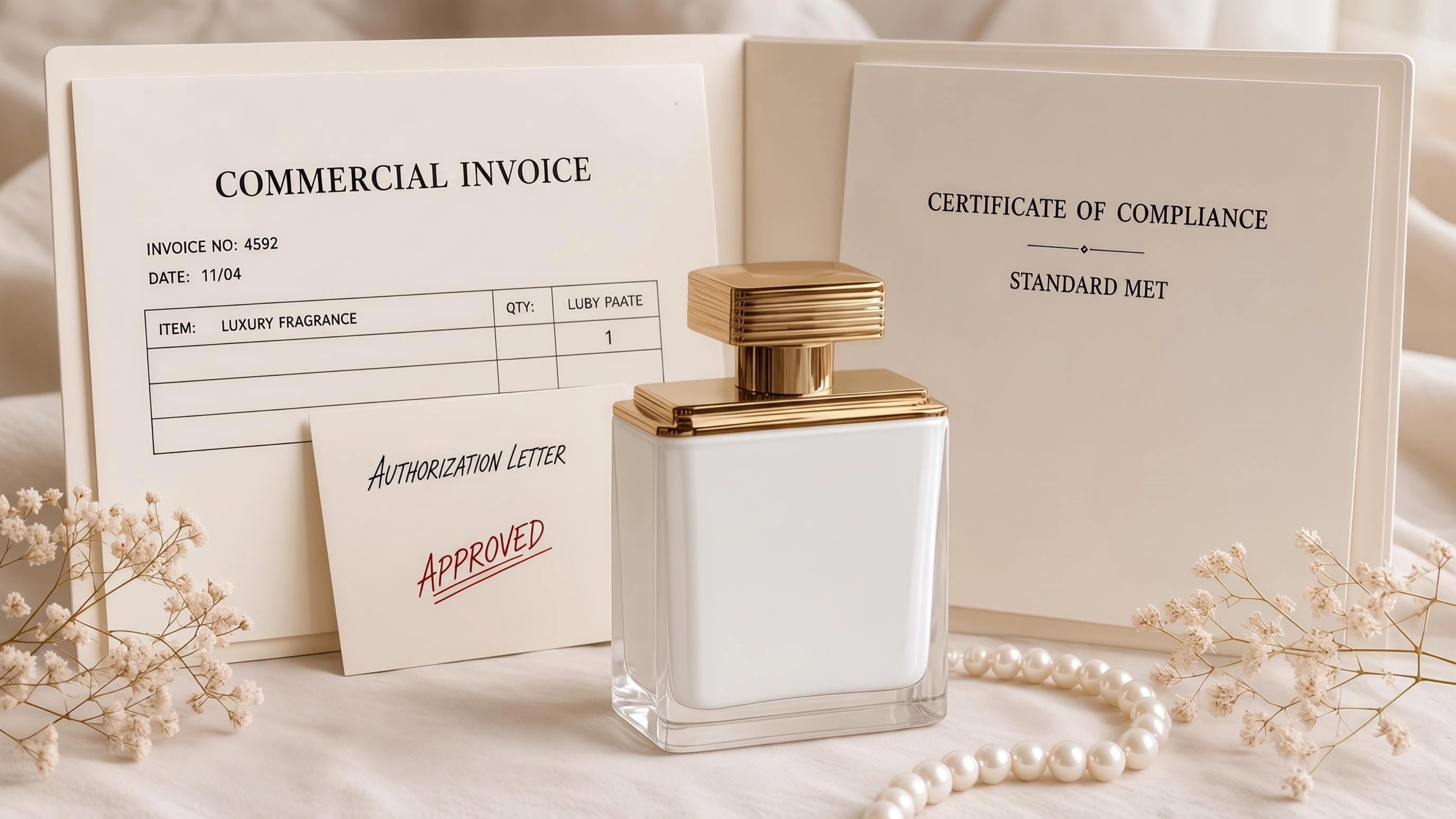
- A commercial invoice that shows a real supplier, your legal business name as the buyer, clear dates, quantities, and product descriptions that match what you will sell
- A brand authorization letter when Amazon or the brand asks for one, on letterhead, with contact details a reviewer can check
- Clear photos of the product and packaging, including labels and any safety markings the category expects
- Lab tests, certificates, or other compliance files when the application checklist names them
Quality beats volume. One sharp invoice that matches your seller account is stronger than a pile of cropped screenshots. Keep file names and your product codes consistent so a second submission still looks like the same story.
Submit, Wait, and Fix Rejections
Submit through the application path Amazon shows for that brand or category. Processing time is not fixed. It changes with queue load and how clear your documents are. While you wait, avoid opening parallel applications that tell conflicting supplier stories.
If Amazon rejects you, read the reason carefully and fix that issue first. Common problems include blurry scans, buyer names that do not match your account, invoices that look edited, quantities that are too low for the request, or papers that describe a different item than the one you want to sell. Replace weak files, then resubmit once. Sending the same packet again and again rarely helps.
Finish the Listing After Approval
Approval unlocks the offer. It does not finish the listing. Fill required attributes, confirm who ships the order, and upload a clear image set so the product can compete when it goes live.
If the category gate is open and you still need listing visuals, Designkit’s Amazon Listing Images tool can help you create a white main image plus supporting detail and lifestyle frames from your product photos. Use it after access is granted, not as a stand-in for invoices or authorization letters.
Conclusion
Ungating is the approval step. Read the live request, build a packet a reviewer can verify, and fix the exact reason if Amazon sends it back. Approval then opens the offer, but it does not finish the listing. After access is granted, complete the product details, fulfillment setup, and image set, so shoppers can understand what they are buying. Once the proof is accepted, publish a complete listing.
Frequently Asked Questions
Is every Amazon category gated?
What invoice details usually matter?
Reviewers usually need a readable supplier name, your legal business name as buyer, dates, quantities, and product descriptions that match what you will sell. Blurry scans and mismatched names are common rejection triggers.
Can I get ungated without invoices?
Some paths ask for other documentation, but invoices remain the most common proof for wholesale-style requests. Do not rely on unofficial “no invoice” tips that conflict with Amazon’s request list.
How long does amazon ungating take?
Timing varies by category, season, and document quality. When the gate is hard, plan inventory purchases after approval, not before.
You May Also Like

Amazon A+ Content Dimensions: Module Image Sizes

Print-On-Demand Designs: Create, Prepare, and Preview Your Work

Amazon A+ Content: What It Is and What to Build First

Is Print on Demand Profitable in 2026? Products and Niches

Amazon Brand Registry Application: How to Submit and Pass Review

How to Ship to Amazon FBA: Your First Shipment

What Is Amazon FBA? Should Beginners Use It in 2026

How to Get Ungated on Amazon: Restricted Category Approval Steps

Amazon Backend Keywords: Title, Bullets & Search Terms

What Is A/B Testing? A Practical Guide to Running Better Experiments

Best Time to Post on Instagram in 2026: Data & Tips

How to Get Verified on Instagram: Complete Guide

TikTok Monetization in 2026: Requirements & Ways to Earn

Instagram Desktop Posting Guide: Upload Posts, Stories & Reels

YouTube Shorts Monetization Requirements & Rules 2026

How Much Does YouTube Pay Per View? 1K, 100K & 1M Views

How to Make Money on Snapchat: 7 Ways to Earn

How to Get More Followers on Instagram in 2026

Best Time to Post on TikTok in 2026 for More Views

How to Repost on Instagram in 2026: A Simple Guide

Multichannel Marketing Guide: Strategy, Tools & Examples

How to Create Digital Products That Sell in 2026

Cyber Monday Marketing Ideas & Strategies (2026 Guide)

Black Friday Marketing Ideas for Ecommerce Brands (2026)

Instagram Marketing Guide: Strategies, Tips & AI Tools in 2026

Influencer Marketing Guide: Strategy, Campaigns & Creator Tips

15 Best Things to Sell on Etsy in 2026 (Listing Tips Included)

WooCommerce vs Shopify 2026: Pricing, Features & Which Is Better

How to Sell on Facebook Marketplace: Beginner Guide (2026)

How to Use Pinterest for Business: Strategy, Tips & Growth Guide

How to Sell on Etsy in 2026: Setup, Listings & Growth Tips

What Is a Target Audience? Types, Examples & How to Find Yours

TikTok Marketing Guide 2026: Strategies, Ideas & AI Tools

Vibe Marketing Explained: Strategy, Examples & AI Tools

How to Sell on Depop: Beginner Guide to Getting Your First Sale

Online Advertising Guide: Types, Costs & Examples (2026)

Facebook Advertising Guide: Costs, Strategy & Tools 2026

What Are E-commerce Ads? Examples, Strategy & Tools (2026)

Where to Sell Handmade Items Online (2026): Etsy, Amazon, or Shopify?

Shopify vs Amazon (2026): Brand Store or Marketplace FBA?

Amazon Handmade vs Etsy (2026): Which Is Better for Makers?

Etsy vs eBay (2026): Handmade, Vintage, or Secondhand?

Selling on Amazon vs eBay (2026): Fees, Profit & Where to Sell

What Is Brand Awareness? Examples, Strategies & Tools 2026

10 Best Online Selling Platforms (2026): Pick by What You Sell

Shopify vs Etsy (2026): Which Is Better for Handmade Sellers?

YouTube Automation Step-by-Step AI Guide for Beginners

What Is Brand Identity? Examples, Elements & Strategy

AI Marketing Agent: How It Works, Benefits & E-Commerce Examples

What Is Personalized Advertising? Examples & How It Works

How to Build a Shopify Store That Actually Converts Visitors

Amazon Marketing Guide 2026: Strategies, Tips & Tools

Local Advertising: Strategies, Examples & Tools (2026)

What Is Branded Content? Examples, Strategy & Tools 2026

What Is Performance Marketing? Strategies & Examples 2026

Inbound Marketing: Strategies, Examples & Tools (2026)
Finish Images After You Get Approved
Access granted? Turn your product photos into a white main image and supporting slots in Designkit.
