
What Is A/B Testing? A Practical Guide to Running Better Experiments
Compare two versions of a page, ad, or creative against one goal, then use the result to improve what you ship next.

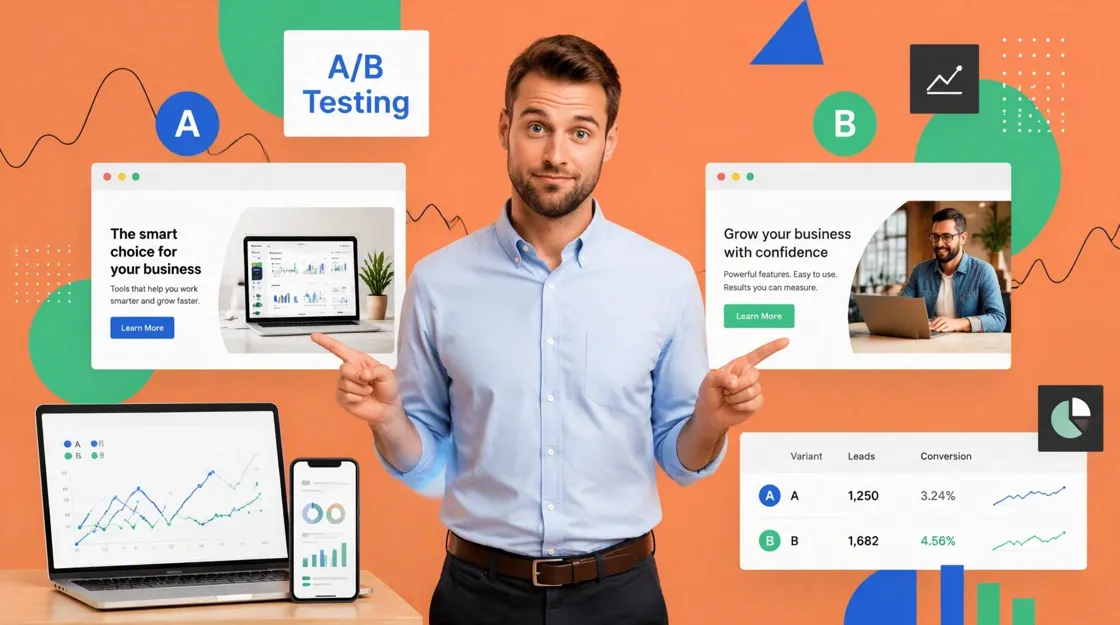
A/B testing, also called split testing, compares two versions of the same experience to see which performs better against a defined goal. Version A is the control. Version B includes one specific change. Users are randomly split between them, and the metric you picked before launch decides the winner. This guide covers what you can test, how to run experiments step by step, how to read results, and how to prepare stronger visual variations for your next test.
Key Takeaways
-
A/B testing compares two versions of the same experience against a defined goal.
-
Strong tests start with a clear hypothesis and one variable you can actually measure.
-
Start wherever the problem is visible: a landing page that gets traffic but no sign-ups, or an email that nobody opens.
-
A result only counts if the sample was large enough and the test ran long enough to trust.
-
Even a losing variant can reveal useful patterns for the next experiment.
A/B Testing Explained With a Simple Example
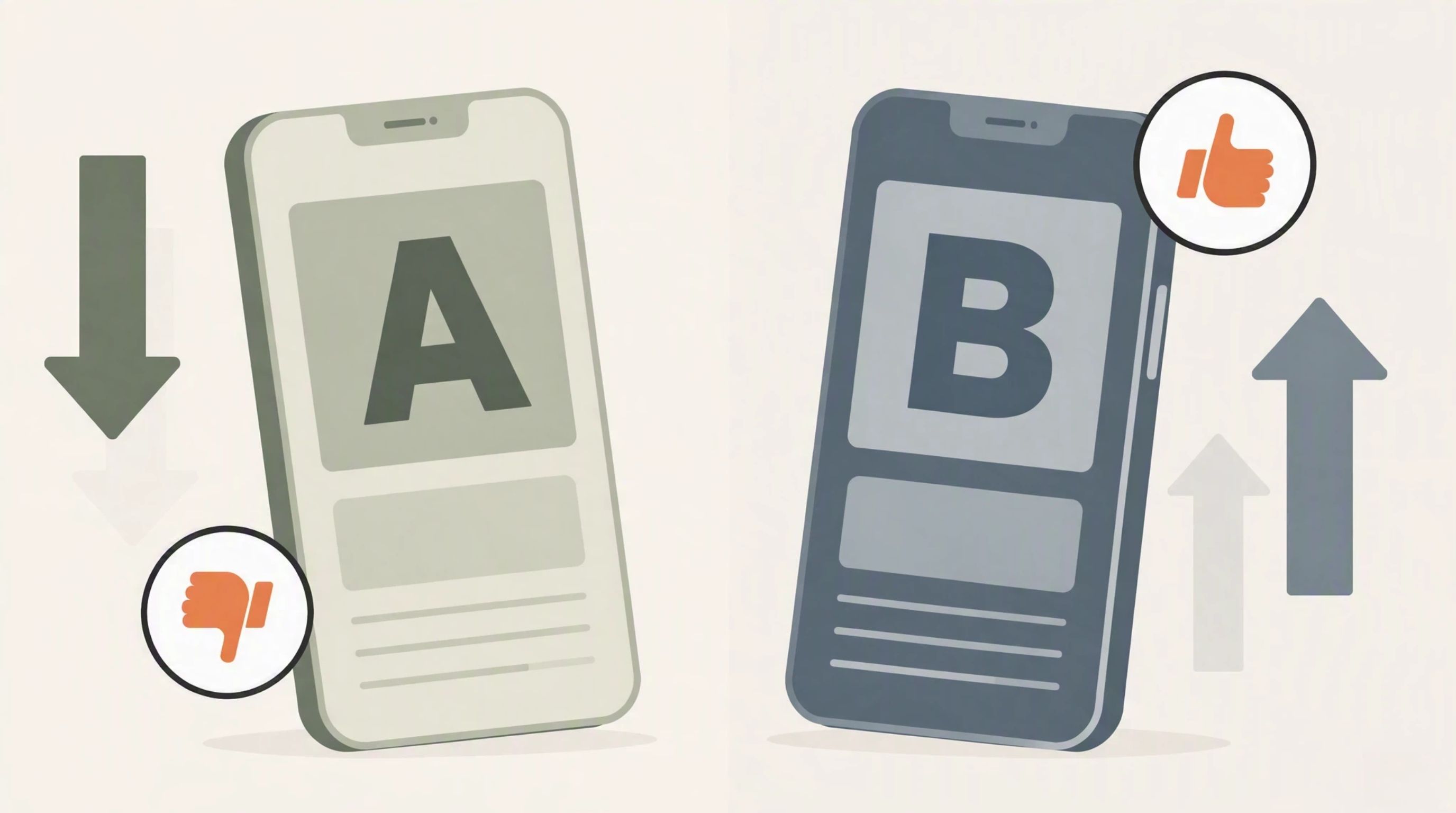
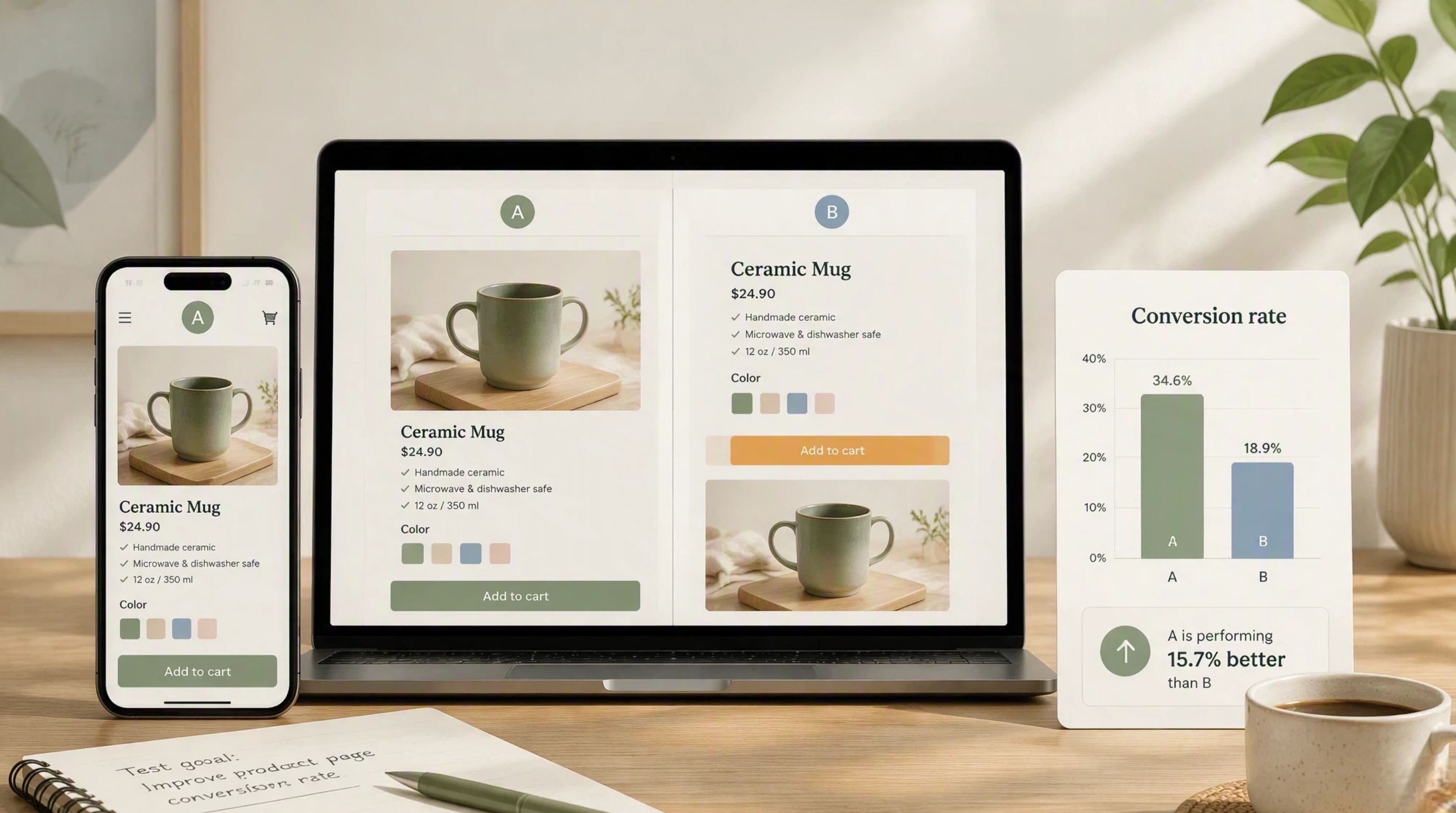
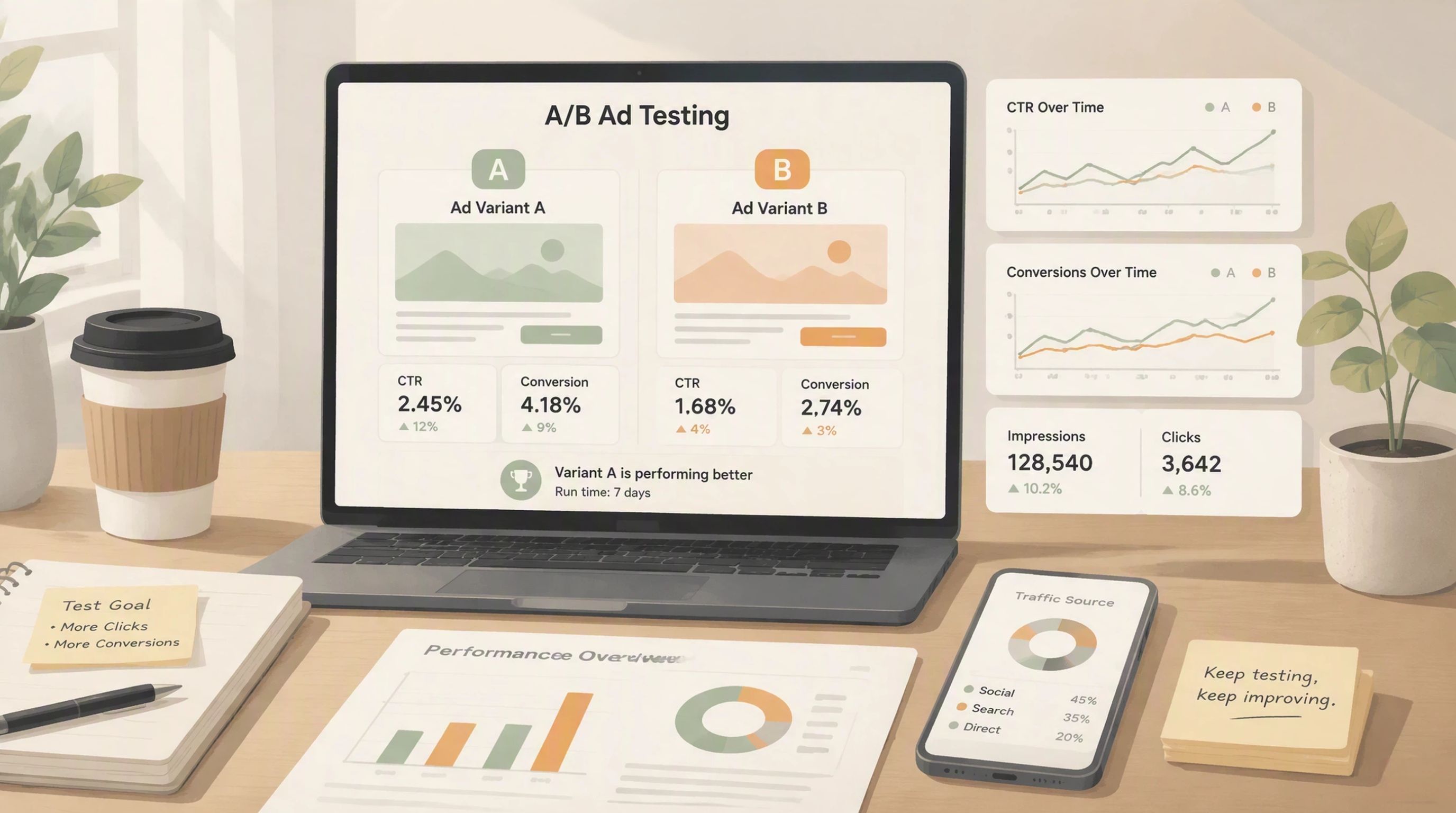
Suppose an e-commerce store wants to improve add-to-cart rate on a product page. The team keeps the current product image as Version A and tests a lifestyle image as Version B. Visitors are randomly split between the two versions, and the team compares add-to-cart rates to see whether the new visual performs better.
The image is the only major change. That makes the result easier to read and shows how a simple A/B test turns a creative idea into a measurable experiment.
Why A/B Testing Is Better Than Guessing
Marketing teams often disagree about which creative will work best. A/B testing replaces opinion with observed user behavior. Run both versions under similar conditions and you can see what actually moves the number, not what sounded best in the meeting.

The point is not just to find the version with the higher percentage. You also need a clear hypothesis and a metric you decided on before launch. That is why A/B testing fits naturally into broader performance marketing work.
What Can You A/B Test?
You can A/B test almost any element that shapes how people interact with your marketing. The strongest tests change one variable tied to a measurable goal. Most A/B testing tools handle traffic splitting and basic reporting so your team can focus on the hypothesis and the decision.
Content and Messaging
Try a new headline on a landing page and see if sign-ups move. Or test an email subject line before you send the full campaign. A small wording change can show whether customers respond better to a clearer benefit or a different tone. This is especially useful when optimizing online advertising campaigns.
Visual Elements
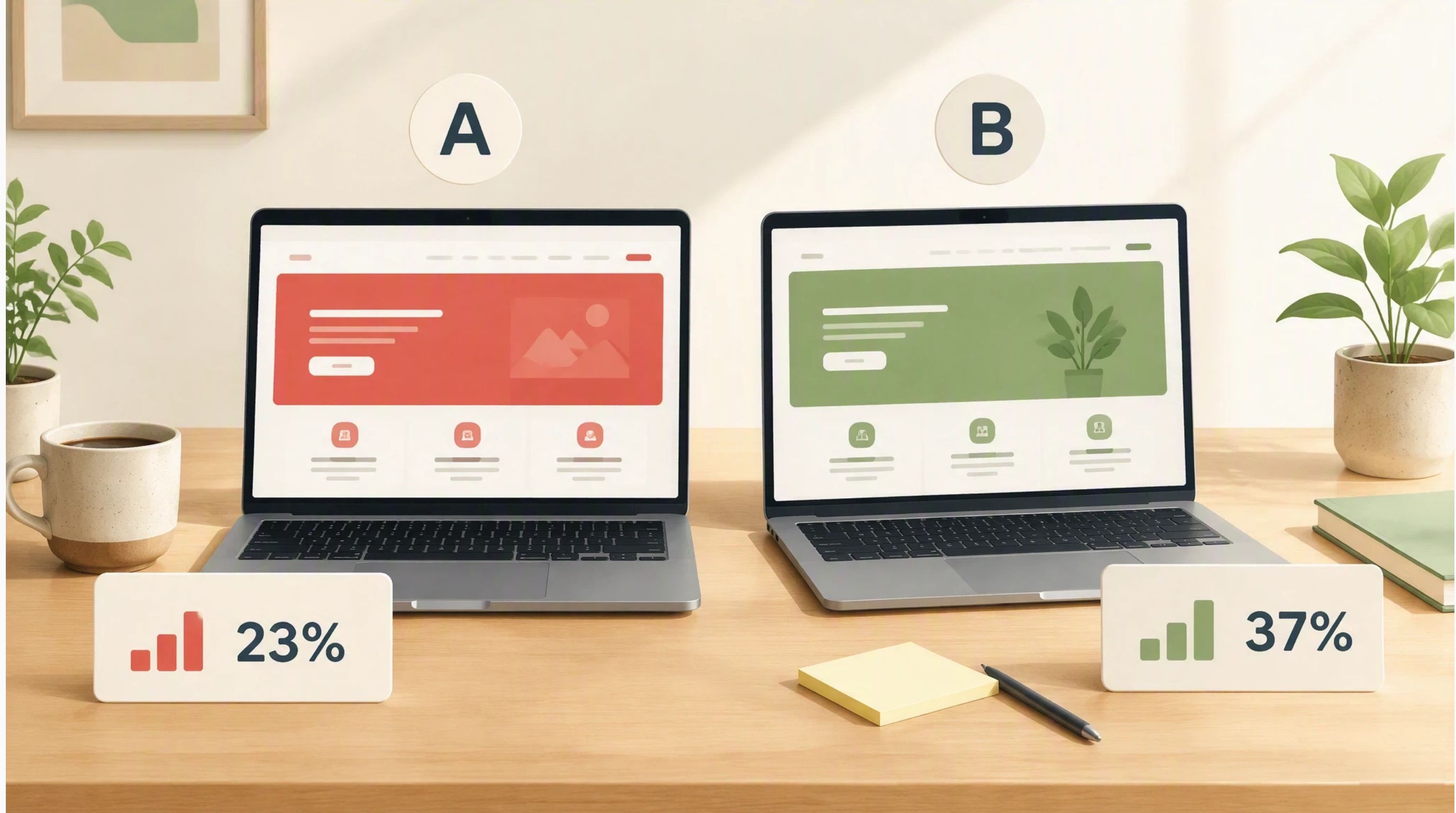
Images and layout often change how long people stay on a page or whether they click through. You might compare a product-only image with a lifestyle version to see which one earns the click.
User Experience
Test a change that makes the next step easier. Shortening a signup form is a common starting point when you already see drop-off on that page.
Marketing Campaigns
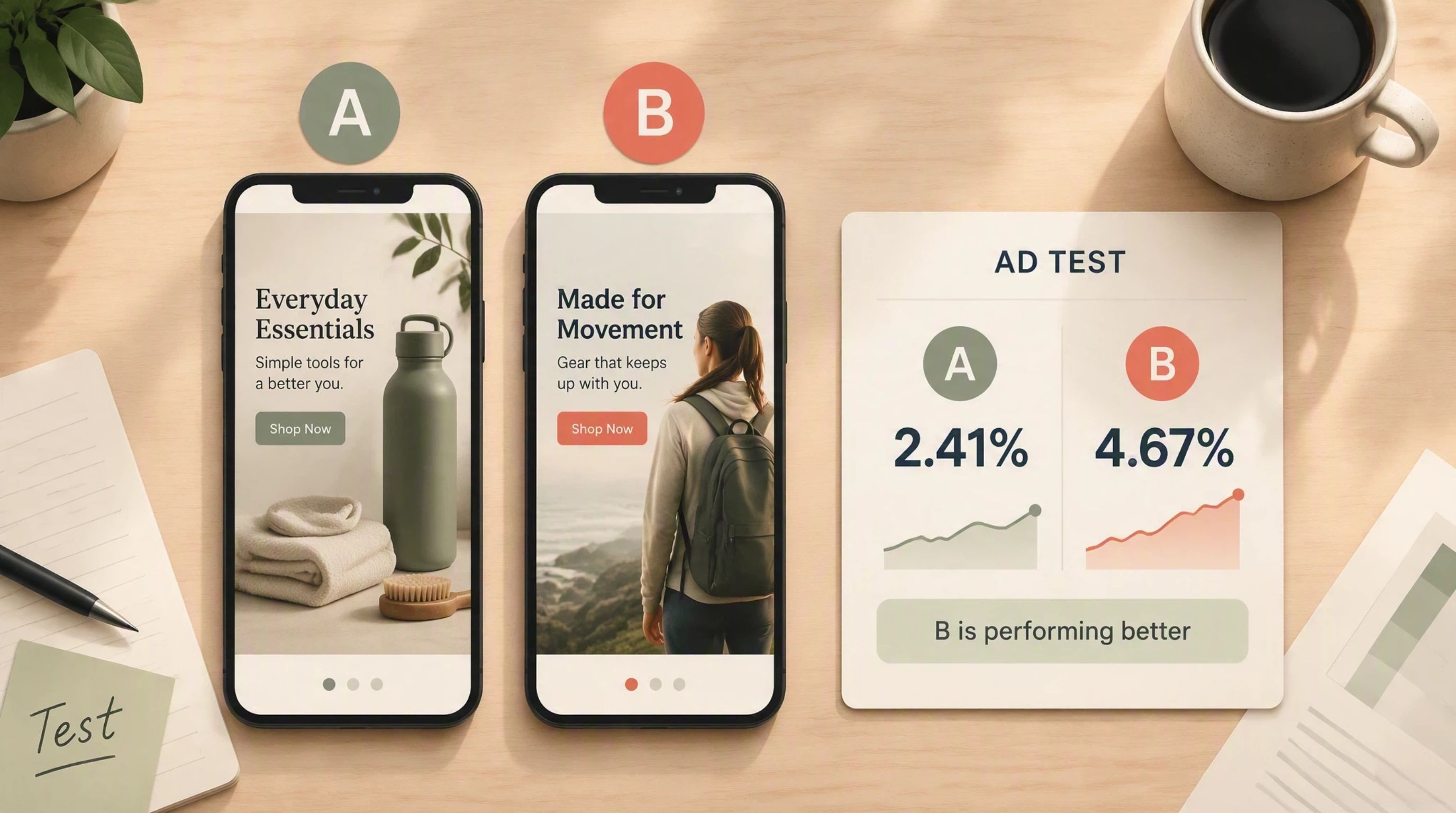
Campaign-level tests keep the audience and budget the same while you swap the creative. An e-commerce brand might run two ad images for its ecommerce ads and compare return on ad spend.
Types of A/B Testing and When to Use Them
Not every experiment uses the same setup. The type you choose depends on what you are changing and how much traffic the page gets.
Classic A/B Testing
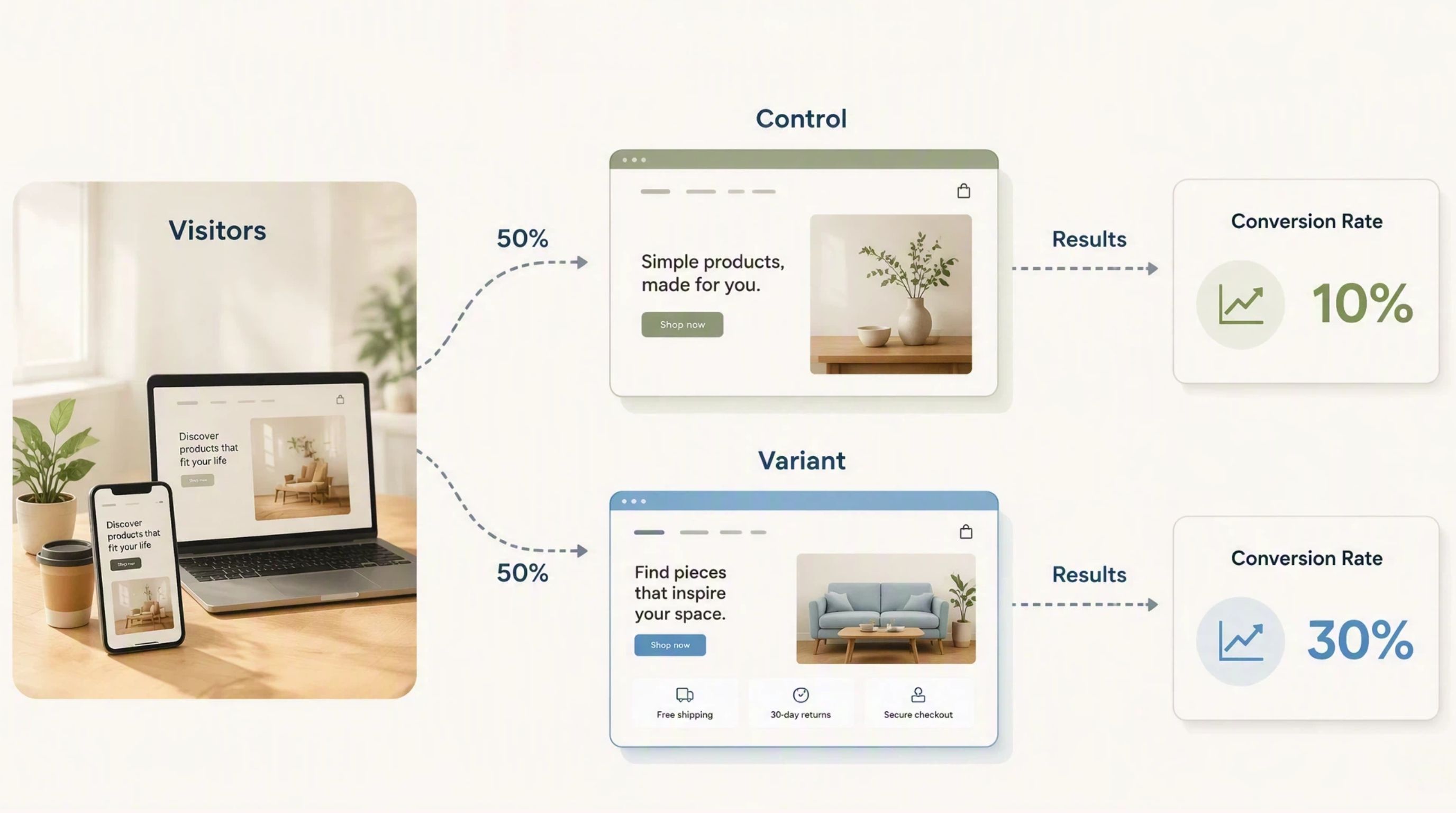
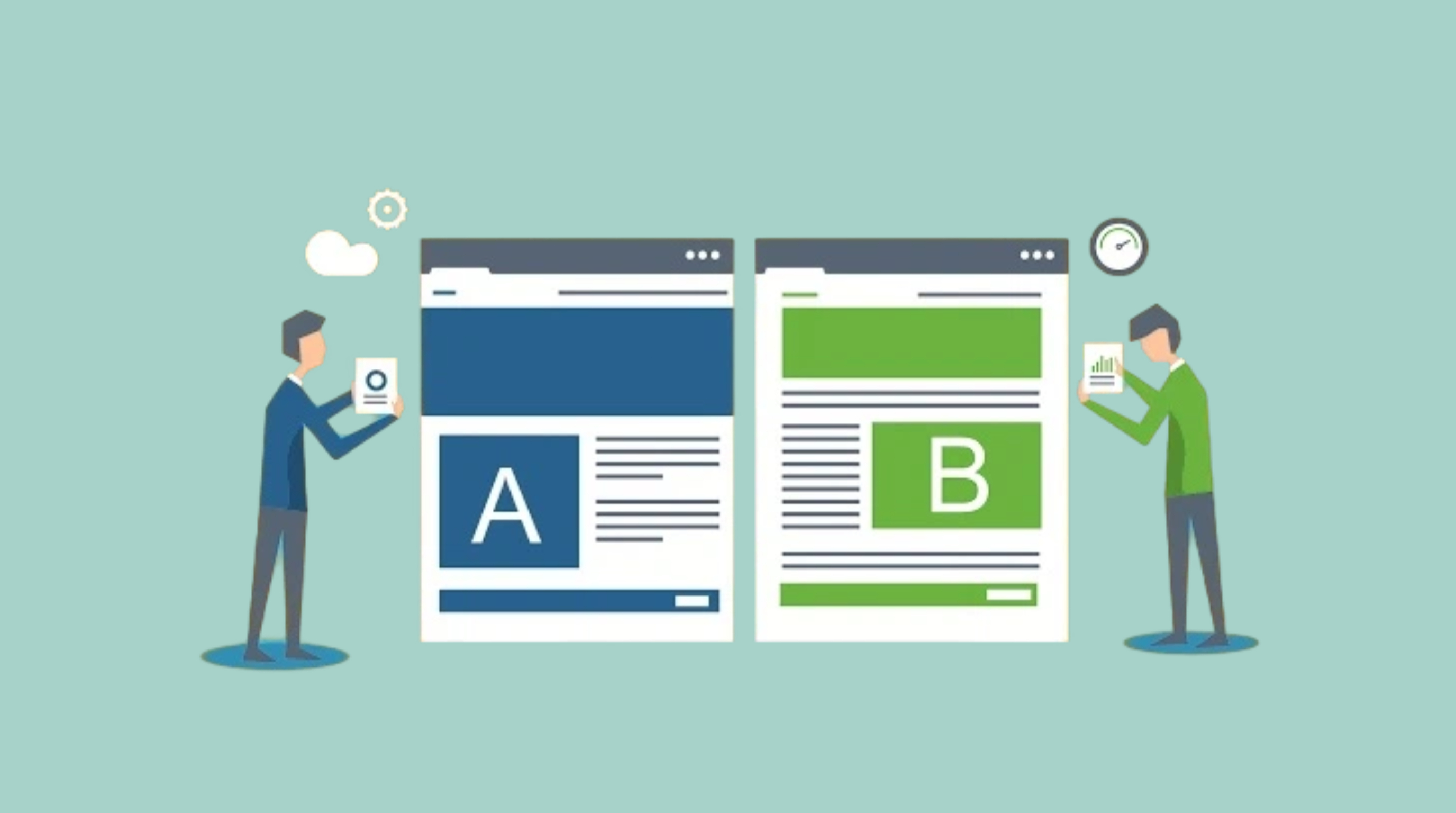
Classic A/B testing compares two versions of the same experience. Version A is the control. Version B includes one defined change. This is the most common format because it keeps interpretation simple.
A/B/n Testing
A/B/n testing compares the control against multiple variants at once. It is useful when you want to test several creative directions in parallel, but it requires more traffic because each variant gets a smaller share of visitors.
Multivariate Testing
Multivariate testing changes several elements within the same experiment, such as headline and CTA together. It can reveal interaction effects, but it needs much more traffic and is harder to interpret than a standard A/B test.
Split URL Testing
Split URL testing sends traffic to two different URLs instead of changing elements on one page. Teams use this when the variation needs its own page structure or a backend change that on-page edits cannot handle.
Server-Side vs. Client-Side Testing
Client-side testing applies changes in the browser, which makes it fast to launch for marketing and UX teams. Server-side testing applies changes before the page is served, which suits product teams that need the variant wired into app logic or backend code.
How to Do A/B Testing Step by Step
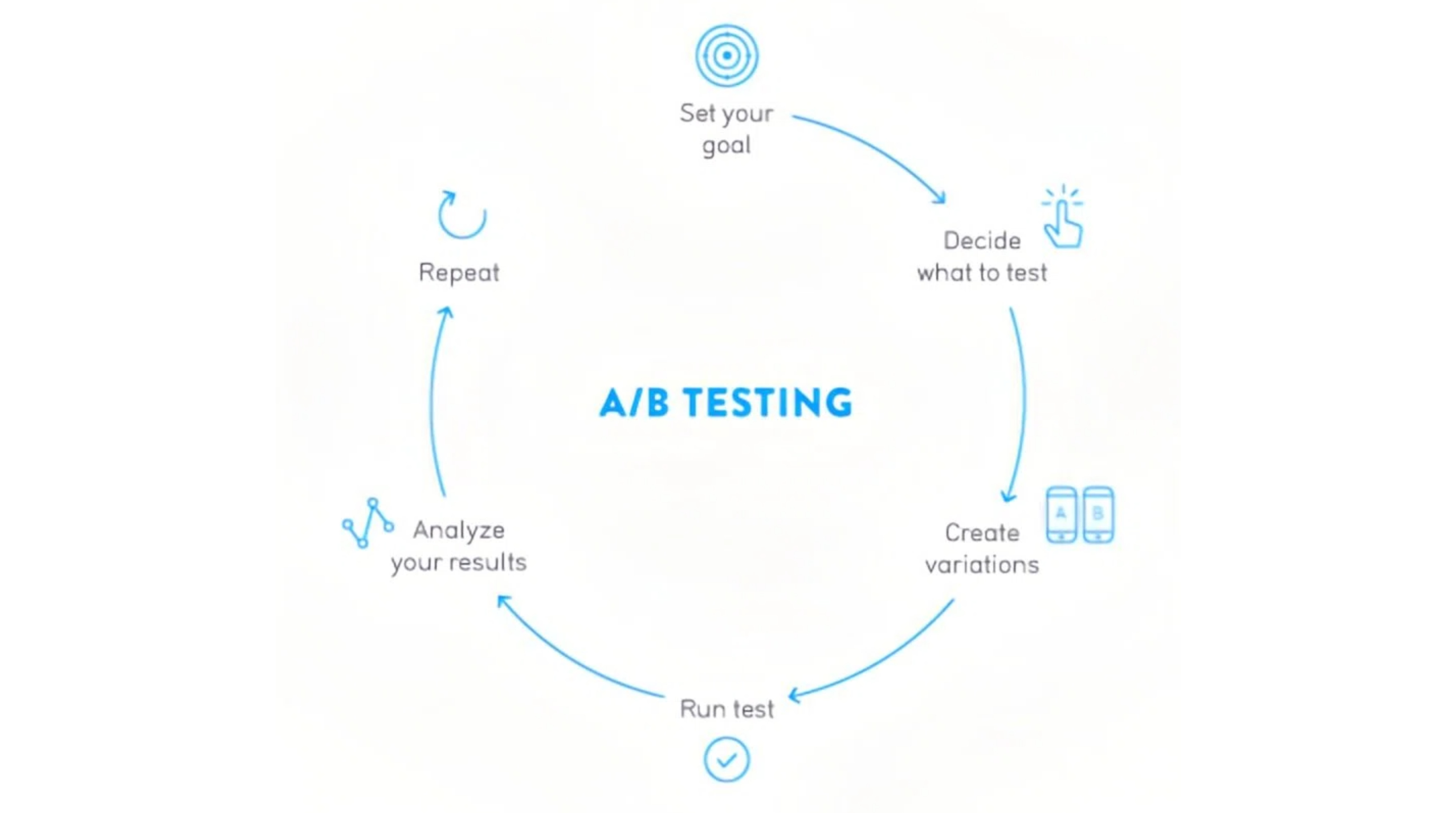
Most teams follow the same sequence every time. They name the problem, make one prediction, test one change, then decide.
Step 1: Identify the Problem
Start with something you already know is underperforming. Your landing page may get traffic but almost no sign-ups. Checkout may lose people at the same step every week. Name that gap before you change any copy or creative.
Step 2: Form a Hypothesis
Turn the gap into a prediction you can prove or disprove. "A lifestyle hero image will lift add-to-cart rate because shoppers can picture the product in use" is enough. You need to know what you plan to change and what number should move if you are right.
Step 3: Choose One Variable
Change one element per test. Update the headline and the image at the same time and you will not know which one moved the result. Keep the rest of the page or email the same so the comparison stays clean.
Step 4: Define Your Success Metric
Pick the number that decides the winner before you launch. If purchases are the goal, conversion rate makes the call. You can watch other numbers for context, but do not let a secondary metric overrule the main one.
Step 5: Set Up Traffic Splitting and Randomization
Send visitors to the control and variant at random, usually 50/50. That keeps the two groups comparable and stops a weekday traffic spike or a new ad push from skewing the read.

Step 6: Launch the Test
Push both versions live in the tool or channel that will run the experiment. Before you walk away, check that tracking works and that the only difference between versions is the change you planned to test.
Step 7: Monitor and Interpret Results
Let the test run until the sample is large enough to trust. An early lead for Version B is not a win. Check significance first, then see if the pattern holds on mobile as well as desktop.
A higher conversion rate alone does not always mean you should ship the variant. If the lift is tiny or only showed up during a promo week, keep the control and dig into why before you roll anything out site-wide.
Step 8: Decide and Document Learnings
Ship the winner if the data is clear. If not, keep the control or run another round. Write down what you tested and what you learned so the next experiment starts from that record, not from a blank page.
A/B Testing Examples Across Marketing and E-Commerce
These examples show how teams apply A/B testing across common marketing scenarios.
E-Commerce Product Page
A skincare brand tests two hero images on a product detail page while keeping price and copy the same. The goal is add-to-cart rate. If the lifestyle image wins, the team can extend that visual style to related products.
Landing Page CTA
A SaaS company tests "Start Free Trial" against "See It in Action" on a landing page. The primary metric is sign-up rate. Even a small lift can matter when paid traffic volume is high.
Email Subject Line
A retailer sends two subject lines to similar audience segments: one focused on urgency, one focused on product benefit. Open rate and click rate reveal which message angle resonates more with that campaign.
Paid Social Ad Creative
A fashion brand tests two ad creatives with the same copy and audience targeting. One uses a studio product shot; the other uses an on-model image. Click-through rate and cost per purchase show which creative earns budget more efficiently.
How to Create Visual Variations for A/B Testing With Designkit
Visual assets are one of the most common variables in marketing experiments. Designkit helps teams prepare controlled creative variations before those assets enter a test, so the comparison stays focused on the visual change rather than unrelated edits.
Step 1: Upload Your Asset and Describe the Change
Upload the image you plan to test, then describe the variation in plain language. "Show this bottle in a kitchen setting" is enough to get a testable alternative.
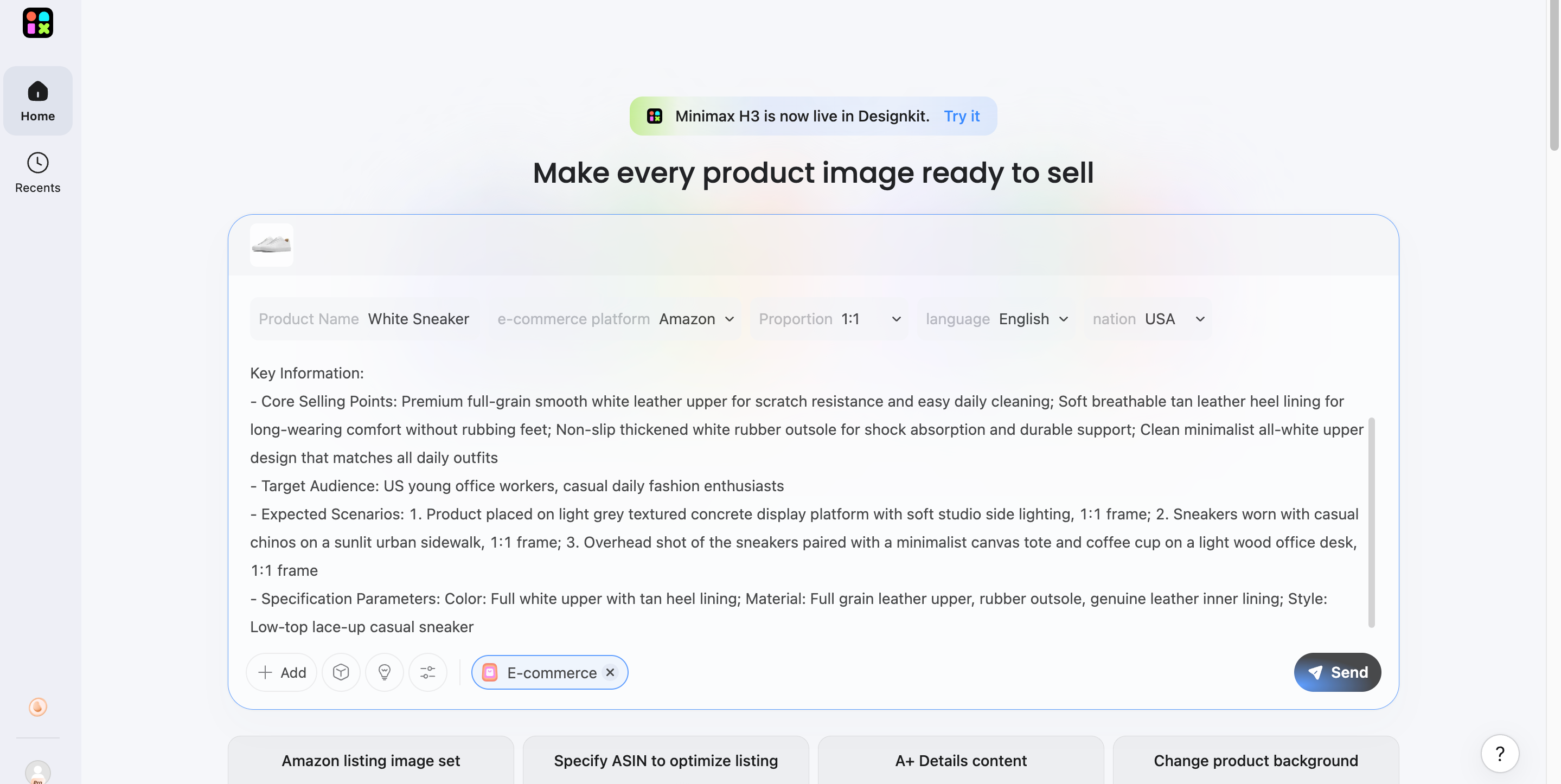
Step 2: Generate Visual Variants
Generate multiple visual options from the same source asset. That gives you a real alternative to test while keeping the product and branding consistent.
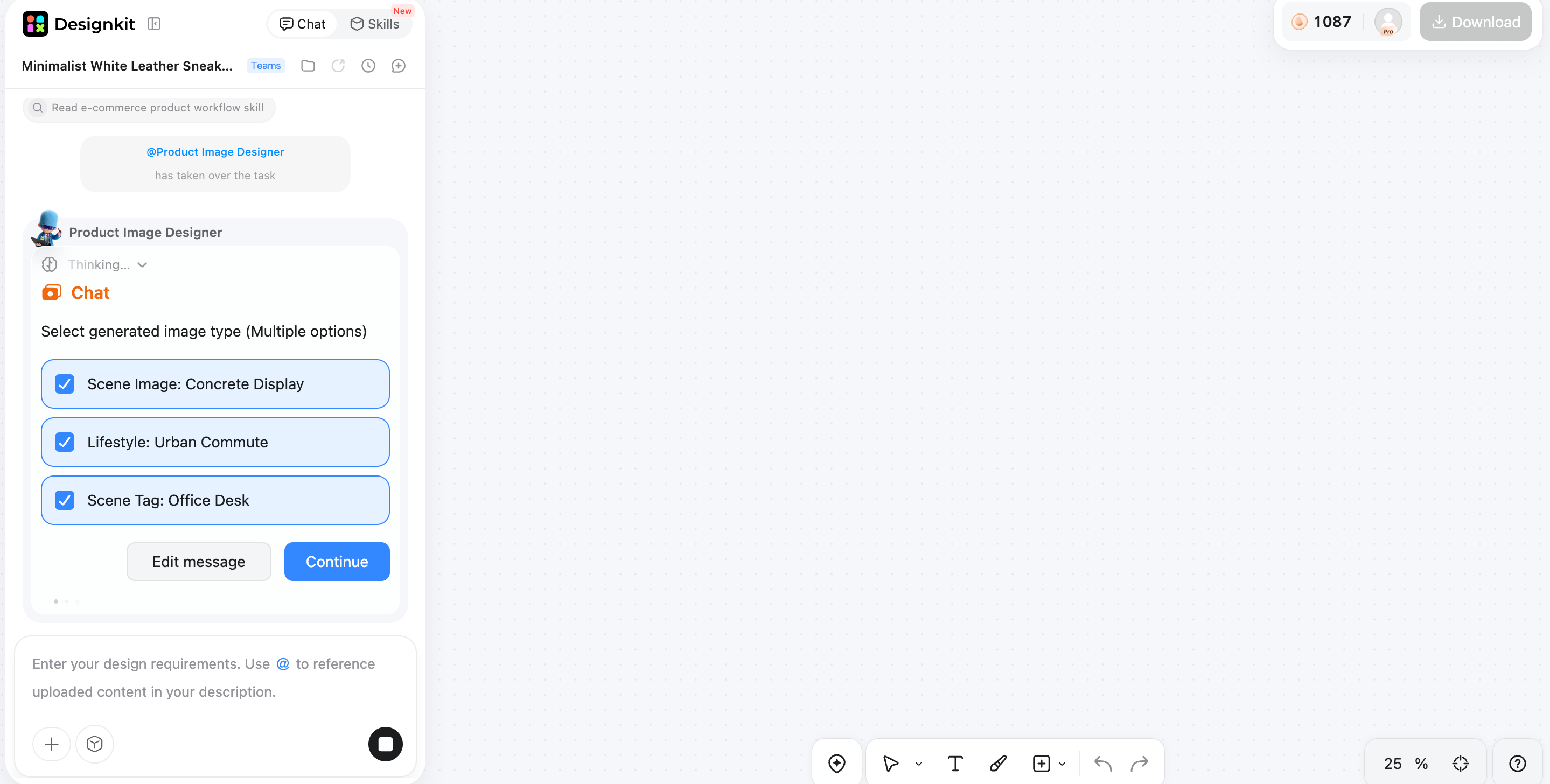
Step 3: Preview, Download, and Prepare for Testing
Pick the strongest variant and download it. Load it into the channel where you will run the test, with one visual as the control and one as the variant.
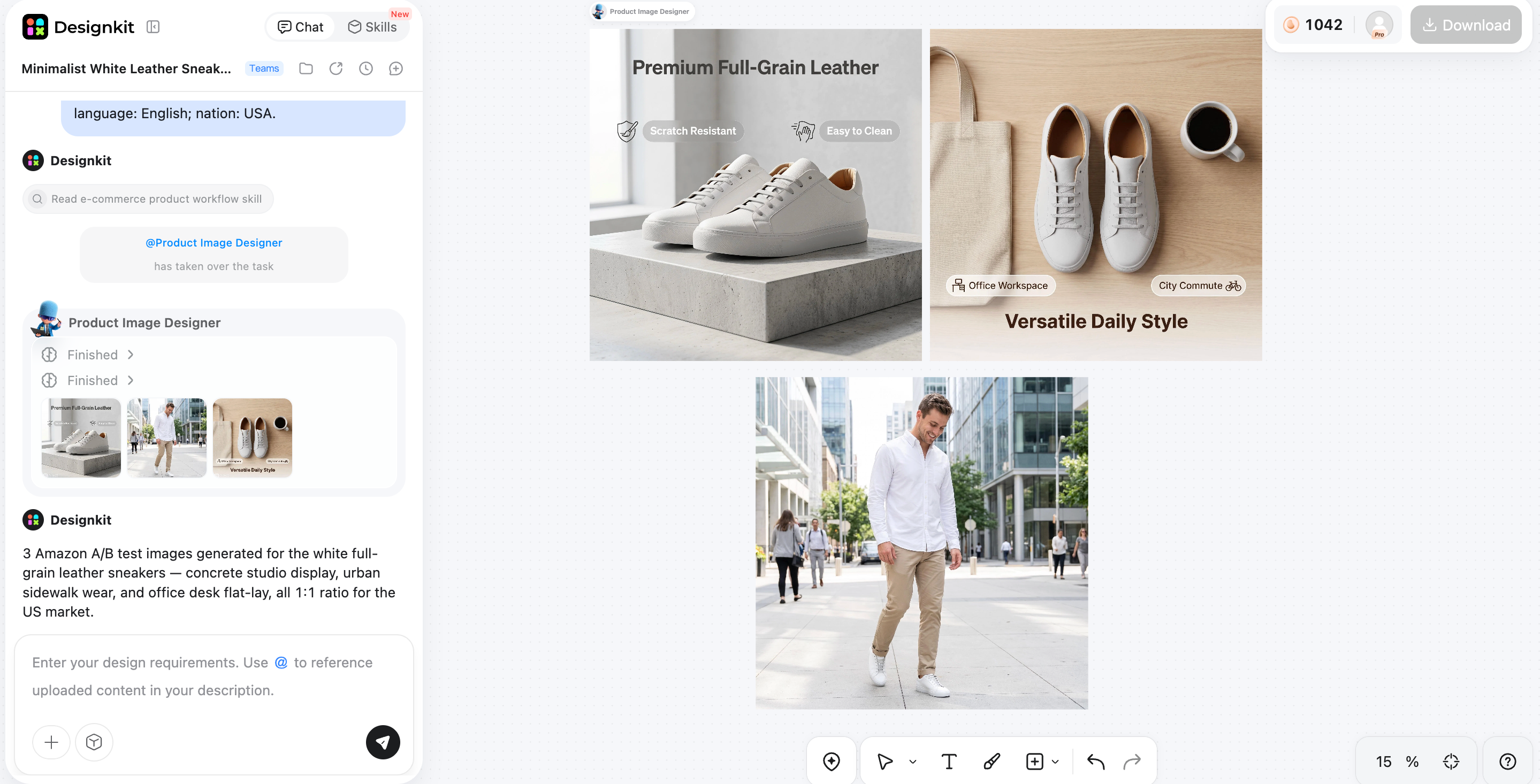
What Visual Assets You Can Prepare for A/B Tests With Designkit
Designkit works well when you need a second creative before an experiment starts. A team testing product page images might use it to swap the background while keeping the product shot the same.
The key is to change one defined creative element while keeping the core product and message stable. That makes the test result easier to interpret and easier to scale if the variant wins.
Common A/B Testing Mistakes to Avoid
Even a well-planned test can fail if the setup or decision process is weak. Watch for these common issues.
Testing Too Many Variables at Once
Changing multiple elements in one test makes it hard to know what caused the result. Stick to one meaningful variable unless you are running a deliberate multivariate test with enough traffic to support it.
Using the Wrong Success Metric
A test should optimize for the outcome that matters to the business. Click-through rate may rise while conversion rate falls. Define the primary metric before launch and use secondary metrics only for context.
Calling a Winner Too Early
Early results often look stronger than they really are. Ending a test after a few hours or a small traffic spike increases the risk of a false positive.
Running Tests With Too Little Traffic
Low traffic means each variant gets too few conversions to produce a reliable result. If volume is limited, pick a higher-traffic page or let the test run longer.
Ignoring Seasonality and External Factors
A holiday sale or sudden traffic spike can skew results. Compare versions during a normal week and note any campaign running at the same time.
Not Documenting Results
Teams lose value when they do not record what was tested, why it was tested, and what happened next. A simple experiment log helps you avoid repeating failed ideas and build a stronger testing program over time.
Conclusion
A/B testing gives marketing and e-commerce teams a practical way to compare ideas and improve performance with evidence. Name the problem first. Change one variable. Pick your metric before launch, then let the test run long enough to trust.
Visual assets are often the fastest lever to test because they affect attention immediately. Designkit can help you prepare a variant creative before it goes live, while your testing platform handles delivery and measurement.
Frequently Asked Questions
What is A/B testing in simple terms?
What is the difference between A/B testing and multivariate testing?
A/B testing changes one element at a time, such as a headline or image. Multivariate testing changes several elements within the same experiment. A/B tests are easier to interpret and need less traffic. Multivariate tests can reveal interaction effects, but they require much larger sample sizes.
What should I A/B test first?
Start with a high-impact page tied to a clear business goal. A landing page headline or hero image is a common first test when you have enough traffic to get data in a reasonable time frame.
How long should an A/B test run?
Run the test long enough to reach a reliable sample size and cover normal traffic patterns. Many marketing tests run at least one full business cycle, often one to two weeks, but the right duration depends on traffic volume and conversion rate. Do not stop early just because one version looks ahead.
How much traffic do I need for A/B testing?
There is no single number for every test. You need enough visitors and conversions in each variant to compare results with confidence. Low-traffic pages may need longer run times or simpler tests. If traffic is very limited, focus on pages where a small lift would still matter.
What is a good A/B test result?
A good result is statistically meaningful and useful in practice. The winning variant shows a clear lift on your primary metric, the sample size is large enough to trust, and the improvement is big enough to justify implementation. A flat or losing result can still be valuable if it helps you avoid a bad change.
Can small businesses use online A/B testing?
Yes. Small businesses can run A/B tests on landing pages, product images, and email subject lines using the tools they already have. The main constraint is traffic. Smaller sites should test one variable at a time and run tests long enough to collect meaningful data.
Can AI tools help create A/B test variations?
Yes. AI tools can help teams generate visual variations faster, such as an alternate product image or ad creative. That makes it easier to prepare controlled variants before a test starts. The experiment itself still needs a clear hypothesis, one main variable, and proper measurement through your website, email, or ad platform.
You May Also Like
Amazon Individual vs Professional Selling Plan
Amazon Brand Registry Requirements: Trademark, Account & Cost

How to Create an Amazon Seller Account: Requirements and Steps
Amazon Product Video Requirements: Specs & Upload

Amazon Global Selling: How to Open Multiple Marketplaces

Amazon Vine Program for Sellers: Get Early Product Reviews

Amazon Sponsored Products: How to Launch Your First Campaign

Amazon Sponsored Brands: What They Are and When to Use Them

Is Print on Demand Profitable in 2026? Products and Niches

Print-On-Demand Designs: Create, Prepare, and Preview Your Work

Local Business Marketing: Ideas, Priorities and Ways to Get Local Customers

Social Media Audit: How to Review Performance and Find What Works

How to Build a Personal Brand: A Strategic Guide
How to Create a YouTube Channel for Your Business in 2026
Social Media Content Planner: Plan & Schedule Posts

Amazon A+ Content Dimensions: Module Image Sizes

Amazon A+ Content: What It Is and What to Build First

Amazon Brand Registry Application: How to Submit and Pass Review

How to Ship to Amazon FBA: Your First Shipment

What Is Amazon FBA? Should Beginners Use It in 2026

How to Get Ungated on Amazon: Restricted Category Approval Steps

Amazon Backend Keywords: Title, Bullets & Search Terms

What Is A/B Testing? A Practical Guide to Running Better Experiments

Best Time to Post on Instagram in 2026: Data & Tips

How to Get Verified on Instagram: Complete Guide

TikTok Monetization in 2026: Requirements & Ways to Earn

YouTube Shorts Monetization Requirements & Rules 2026

How to Make an Event on Facebook: Complete Setup Guide (2026)

Instagram Desktop Posting Guide: Upload Posts, Stories & Reels

How Much Does YouTube Pay Per View? 1K, 100K & 1M Views

How to Make Money on Snapchat: 7 Ways to Earn

How to Get More Followers on Instagram in 2026

Best Time to Post on TikTok in 2026 for More Views

How to Repost on Instagram in 2026: A Simple Guide

How to Create Digital Products That Sell in 2026

Cyber Monday Marketing Ideas & Strategies (2026 Guide)

Black Friday Marketing Ideas for Ecommerce Brands (2026)

Instagram Marketing Guide: Strategies, Tips & AI Tools in 2026

Influencer Marketing Guide: Strategy, Campaigns & Creator Tips

How to Sell on Facebook Marketplace: Beginner Guide (2026)

How to Use Pinterest for Business: Strategy, Tips & Growth Guide

How to Sell on Etsy in 2026: Setup, Listings & Growth Tips

WooCommerce vs Shopify 2026: Pricing, Features & Which Is Better

What Is a Target Audience? Types, Examples & How to Find Yours

Multichannel Marketing Guide: Strategy, Tools & Examples

TikTok Marketing Guide 2026: Strategies, Ideas & AI Tools

Vibe Marketing Explained: Strategy, Examples & AI Tools

15 Best Things to Sell on Etsy in 2026 (Listing Tips Included)

How to Sell on Depop: Beginner Guide to Getting Your First Sale

Where to Sell Handmade Items Online (2026): Etsy, Amazon, or Shopify?

Shopify vs Amazon (2026): Brand Store or Marketplace FBA?

Amazon Handmade vs Etsy (2026): Which Is Better for Makers?

Online Advertising Guide: Types, Costs & Examples (2026)

Facebook Advertising Guide: Costs, Strategy & Tools 2026

Etsy vs eBay (2026): Handmade, Vintage, or Secondhand?

Selling on Amazon vs eBay (2026): Fees, Profit & Where to Sell

10 Best Online Selling Platforms (2026): Pick by What You Sell

Shopify vs Etsy (2026): Which Is Better for Handmade Sellers?

What Are E-commerce Ads? Examples, Strategy & Tools (2026)

What Is Brand Awareness? Examples, Strategies & Tools 2026

What Is Brand Identity? Examples, Elements & Strategy
YouTube Automation Step-by-Step AI Guide for Beginners

AI Marketing Agent: How It Works, Benefits & E-Commerce Examples

What Is Personalized Advertising? Examples & How It Works

How to Build a Shopify Store That Actually Converts Visitors

Amazon Marketing Guide 2026: Strategies, Tips & Tools

Local Advertising: Strategies, Examples & Tools (2026)

What Is Branded Content? Examples, Strategy & Tools 2026

What Is Performance Marketing? Strategies & Examples 2026

Inbound Marketing: Strategies, Examples & Tools (2026)
Test, Learn, and Improve Your Marketing
Stop guessing which creative ideas will work. Create different visual variations, test what resonates with your audience, and use real performance data to improve your marketing campaigns.


