
Amazon Brand Registry Requirements Before You Enroll
Brand Registry sits on top of selling. It unlocks brand tools after Amazon confirms you own the brand. Check the trademark, the mark on your product, then your account and cost before you enroll.

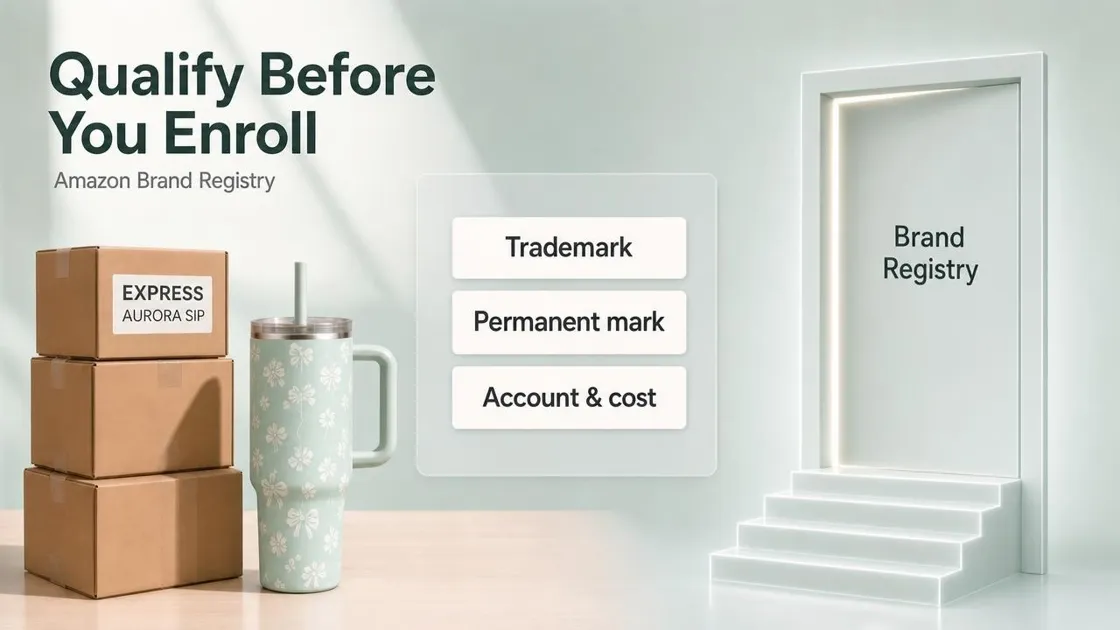
A lot of sellers treat Brand Registry like the next click after they start listing. It is not. You can sell on Amazon without Brand Registry. Getting in takes more. Most delays start when someone opens the form before the trademark, the product mark, or the selling account is ready. Use this page to check those Amazon Brand Registry requirements first.
What Brand Registry Is For
Amazon Brand Registry is how Amazon confirms you own a brand and then opens brand protection tools and brand-building features. It sits on top of selling. It is separate from opening a seller account or getting a category ungated.
After enrollment, you can usually unlock tools such as A+ Content and a Brand Store, plus stronger ways to report listing and IP problems. What you can use still depends on your marketplace, selling plan, and account health. Enrollment does not write your listing or build your Store for you.
Amazon’s enrollment rules focus on a few clear requirements. Start with the trademark.
The Trademark Amazon Will Check
Do you need a trademark to sell on Amazon? For a basic listing, usually no. For Brand Registry, you need an active registered trademark, or a pending application that Amazon accepts for your market.
The mark should come from a government IP office tied to a country with an Amazon store. Amazon accepts word marks, and design marks that include words or letters. A logo with no readable brand text is a weak fit for this path.
The brand name you enroll must match the trademark text. Spaces and symbols matter. Capitalization can differ. If your mark is a design mark, Amazon also expects a logo image that matches the trademark record, not a photo of the full certificate.
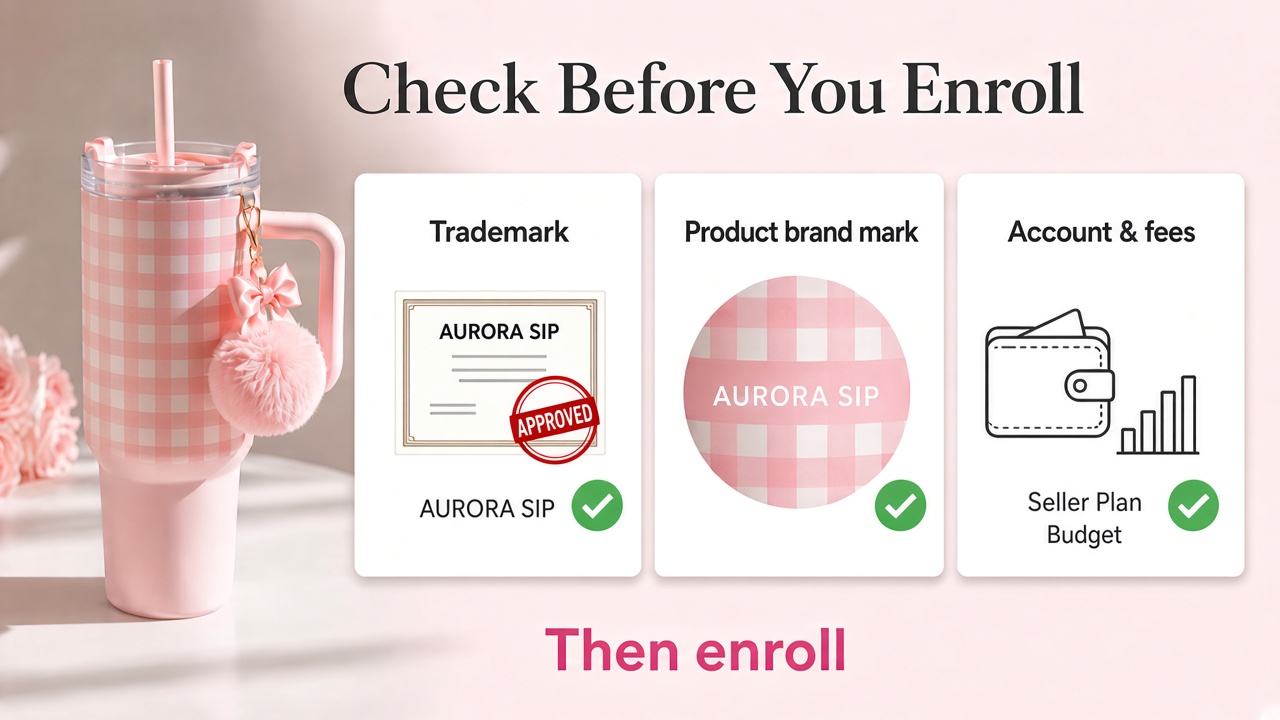
The trademark owner should submit the enrollment. A lawyer or teammate can be added as a Brand Registry user after the brand is approved.
Pending applications can qualify when the office and status fit Amazon’s live country rules. Do not treat every filed serial number as ready. Confirm pending enrollment is allowed for your market before you rely on it.
A clean trademark still is not enough. Amazon also needs to see that brand on a real product or package.
Brand Marks on the Real Product
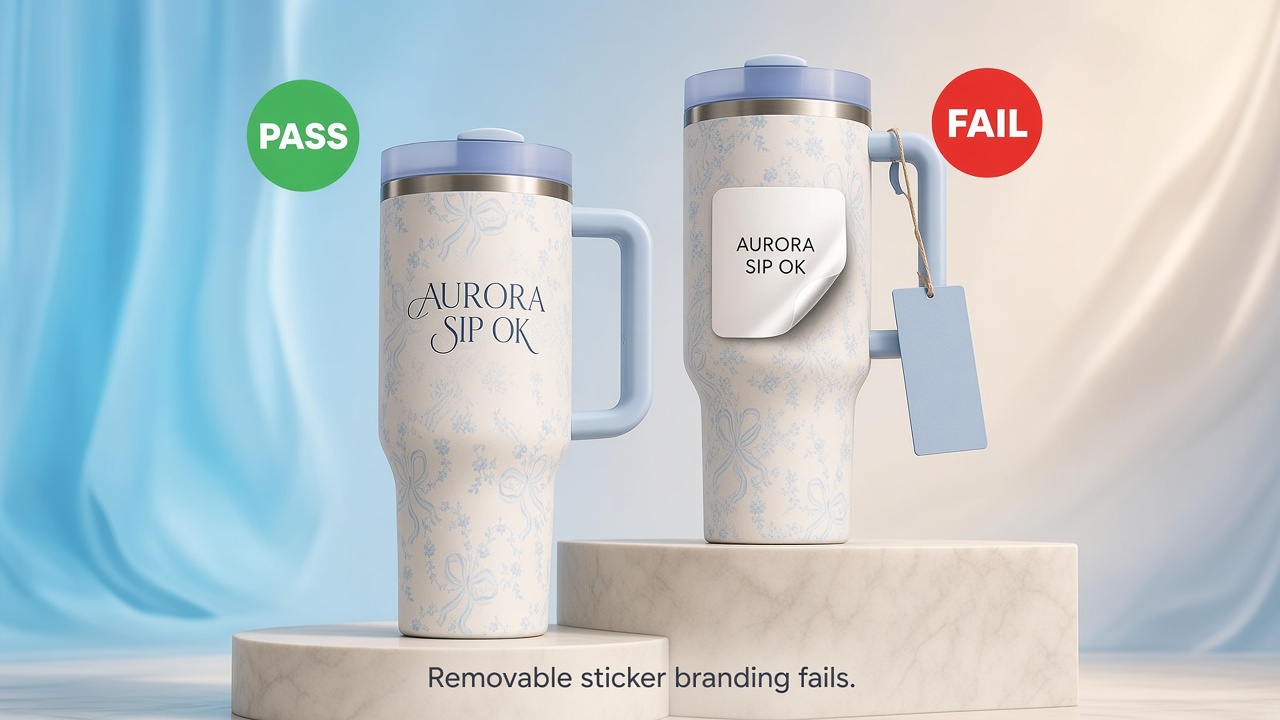
During enrollment, Amazon asks for a photo of your product or packaging where the brand name is permanently affixed. That mark should match the brand name on the application.
Marks applied in production usually pass, such as print, stitch, or engraving. Stickers, hang tags, and other removable labels usually fail. Stock photos and digital mockups also fail, because they do not prove the brand sits on the physical unit.
Quick check: if someone holds the item, can they read your brand name without peeling anything off? If not, fix packaging before you upload anything.
Account Type and What You Pay
Create your Brand Registry login with the same Seller Central or Vendor Central credentials you use to sell. That link connects brand tools to the account behind your ASINs.
Separate two decisions. One is whether you can connect Brand Registry to a selling account. The other is whether you can use the brand tools you want after approval. A Brand Store and many brand ad formats commonly expect a Professional plan. An Individual plan may let you sell, but it can leave you short of the toolkit that made enrollment worth the work. When a Store is on your roadmap, see Designkit’s guide on how to create an Amazon Storefront .
Amazon does not charge a separate Brand Registry enrollment fee. You still pay trademark filing costs, and normal Amazon selling fees. Free enrollment is not a free project if the trademark work is still unpaid.
Amazon also lets brands enroll even if they do not sell in the Amazon store yet. If you do sell, keep the selling account in good standing so brand tools can actually open after approval.
Checklist Before You Enroll
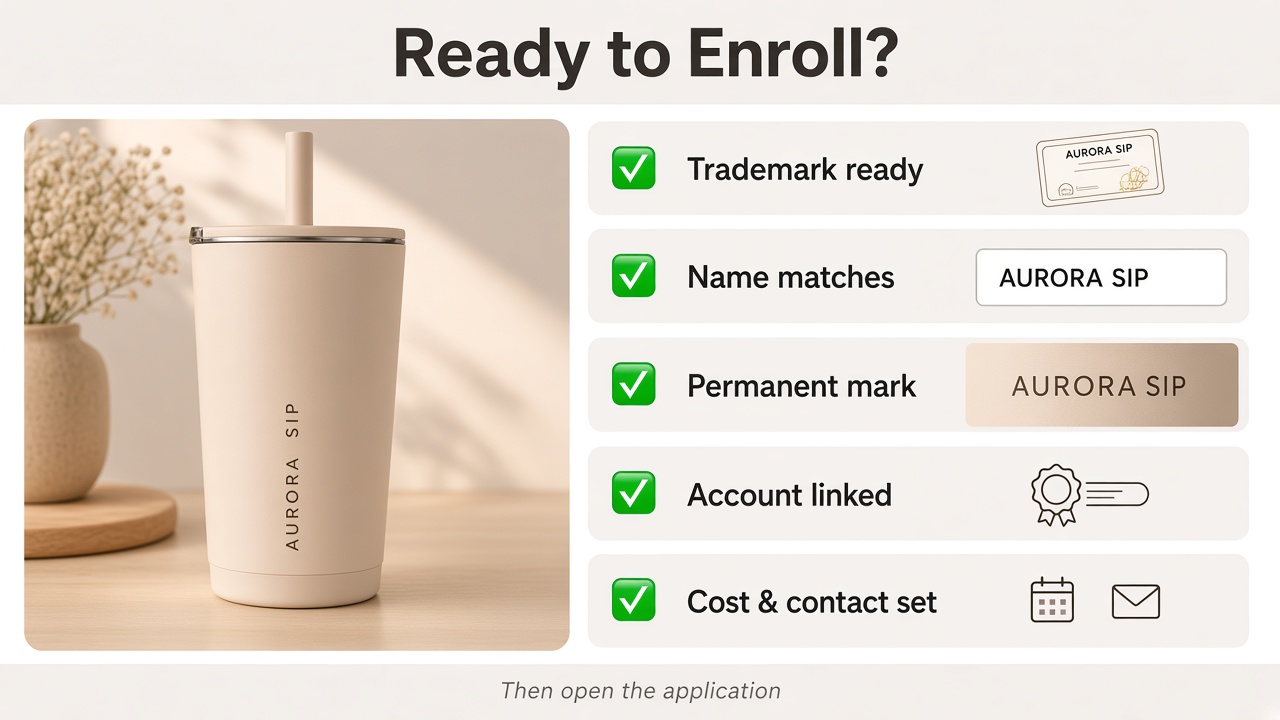
Work through each line. If one fails, fix that item before you open the enrollment form.
- Trademark is registered, or eligible pending, with an accepted IP office
- Mark type is a word mark, or a design mark with words or letters
- Brand name will match the trademark text exactly
- Design-mark logo file matches the trademark record, if you use a design mark
- Trademark owner is ready to submit
- Brand name is permanently affixed on a real product or package
- Product categories for the brand are ready to list
- Brand Registry login matches your Seller Central or Vendor Central account
- Selling plan matches the brand tools you plan to use
- Trademark costs are already in your budget
- Public contact on the trademark record will watch for Amazon’s verification email
If every line is true, use Designkit’s guide on how to submit your Amazon Brand Registry application for enrollment steps and verification. This article stops at eligibility.
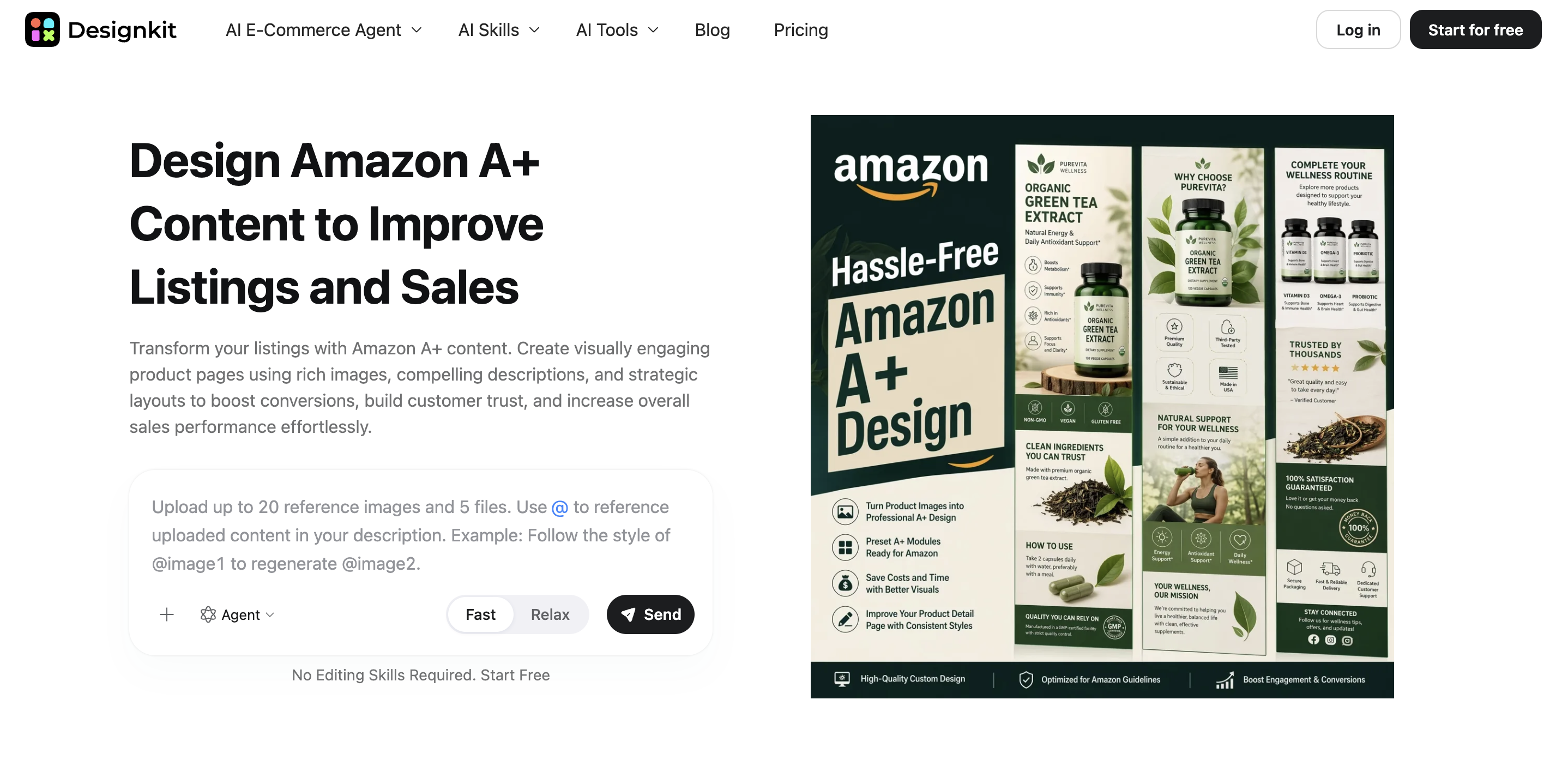
When Brand Registry is approved, the next useful page build is often A+ Content. Designkit can turn your product photos into A+ modules you publish after enrollment. Open Amazon A+ Content in Designkit when you are ready.
Conclusion
Amazon Brand Registry requirements come down to a qualifying trademark, a permanent brand mark on the real product, and an account setup that matches the tools you want. Get those right before you enroll. If the checklist fails, fix the missing item first.
Frequently Asked Questions
Can I enroll if I do not sell on Amazon yet?
How long does Brand Registry approval take?
It varies. With a clean trademark record and matching product photos, many brands finish in a few weeks. Pending trademarks and ownership mismatches usually take longer. Amazon’s verification email has to reach the public contact on the trademark record before enrollment can close.
Can a lawyer enroll Brand Registry for me?
The trademark owner should submit the enrollment. After approval, the owner can add a lawyer or teammate as a Brand Registry user. Make sure the trademark correspondent watches for Amazon’s verification email.
Does Brand Registry stop other sellers of my product?
No. Brand Registry helps with brand protection and listing accuracy tools. It does not by itself stop other sellers from offering authentic units they acquired legally.
Can I enroll more than one brand?
Yes. After your first brand is approved, you can enroll another from the Brand Registry home page. Use a separate trademark record for each brand so ownership files stay clean.
You May Also Like
Amazon Individual vs Professional Selling Plan
How to Create an Amazon Seller Account: Requirements and Steps
Amazon Product Video Requirements: Specs & Upload
Amazon Brand Registry Requirements: Trademark, Account & Cost

Amazon Global Selling: How to Open Multiple Marketplaces

How to Make an Event on Facebook: Complete Setup Guide (2026)

Amazon Sponsored Brands: What They Are and When to Use Them

Amazon Sponsored Products: How to Launch Your First Campaign

Amazon Vine Program for Sellers: Get Early Product Reviews

Amazon A+ Content Dimensions: Module Image Sizes

Print-On-Demand Designs: Create, Prepare, and Preview Your Work

Amazon A+ Content: What It Is and What to Build First

Is Print on Demand Profitable in 2026? Products and Niches

Amazon Brand Registry Application: How to Submit and Pass Review

How to Ship to Amazon FBA: Your First Shipment

What Is Amazon FBA? Should Beginners Use It in 2026

How to Get Ungated on Amazon: Restricted Category Approval Steps

Amazon Backend Keywords: Title, Bullets & Search Terms

What Is A/B Testing? A Practical Guide to Running Better Experiments

Best Time to Post on Instagram in 2026: Data & Tips

How to Get Verified on Instagram: Complete Guide

TikTok Monetization in 2026: Requirements & Ways to Earn

Instagram Desktop Posting Guide: Upload Posts, Stories & Reels

YouTube Shorts Monetization Requirements & Rules 2026

How Much Does YouTube Pay Per View? 1K, 100K & 1M Views

How to Make Money on Snapchat: 7 Ways to Earn

How to Get More Followers on Instagram in 2026

Best Time to Post on TikTok in 2026 for More Views

How to Repost on Instagram in 2026: A Simple Guide

Multichannel Marketing Guide: Strategy, Tools & Examples

How to Create Digital Products That Sell in 2026

Cyber Monday Marketing Ideas & Strategies (2026 Guide)

Black Friday Marketing Ideas for Ecommerce Brands (2026)

Instagram Marketing Guide: Strategies, Tips & AI Tools in 2026

Influencer Marketing Guide: Strategy, Campaigns & Creator Tips

15 Best Things to Sell on Etsy in 2026 (Listing Tips Included)

WooCommerce vs Shopify 2026: Pricing, Features & Which Is Better

How to Sell on Facebook Marketplace: Beginner Guide (2026)

How to Use Pinterest for Business: Strategy, Tips & Growth Guide

How to Sell on Etsy in 2026: Setup, Listings & Growth Tips

What Is a Target Audience? Types, Examples & How to Find Yours

TikTok Marketing Guide 2026: Strategies, Ideas & AI Tools

Vibe Marketing Explained: Strategy, Examples & AI Tools

How to Sell on Depop: Beginner Guide to Getting Your First Sale

Online Advertising Guide: Types, Costs & Examples (2026)

Facebook Advertising Guide: Costs, Strategy & Tools 2026

What Are E-commerce Ads? Examples, Strategy & Tools (2026)

Where to Sell Handmade Items Online (2026): Etsy, Amazon, or Shopify?

Shopify vs Amazon (2026): Brand Store or Marketplace FBA?

Amazon Handmade vs Etsy (2026): Which Is Better for Makers?

Etsy vs eBay (2026): Handmade, Vintage, or Secondhand?

Selling on Amazon vs eBay (2026): Fees, Profit & Where to Sell

What Is Brand Awareness? Examples, Strategies & Tools 2026

10 Best Online Selling Platforms (2026): Pick by What You Sell

Shopify vs Etsy (2026): Which Is Better for Handmade Sellers?

YouTube Automation Step-by-Step AI Guide for Beginners

What Is Brand Identity? Examples, Elements & Strategy

AI Marketing Agent: How It Works, Benefits & E-Commerce Examples

What Is Personalized Advertising? Examples & How It Works

How to Build a Shopify Store That Actually Converts Visitors

Amazon Marketing Guide 2026: Strategies, Tips & Tools

Local Advertising: Strategies, Examples & Tools (2026)

What Is Branded Content? Examples, Strategy & Tools 2026

What Is Performance Marketing? Strategies & Examples 2026

Inbound Marketing: Strategies, Examples & Tools (2026)
Build Brand Pages After Approval
Once Brand Registry clears, shoppers still need clear modules on the product page. Designkit turns your photos into A+ layouts you can place after enrollment.
