
Amazon Product Video Requirements for Listing Pages
Sellers stall on listing video when account access and file rules are unclear. Match Amazon’s product video requirements, keep the product clear, then upload in Seller Central.

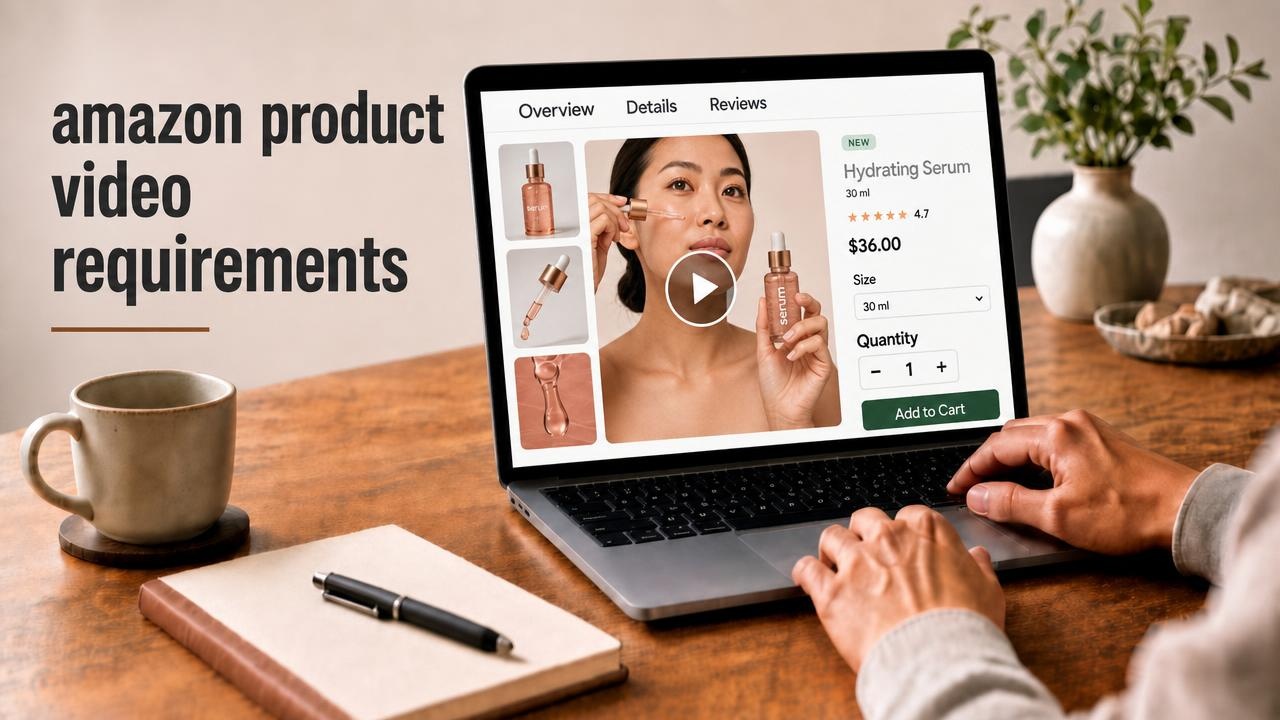
Sellers often stall on listing video for two reasons: they are not sure the account can upload yet, and they are not sure which file rules apply. Amazon’s product video requirements for the product detail page decide both. Confirm the upload fields in Seller Central before you export. This article walks you through Amazon product listing video requirements so you can prepare and upload with fewer surprises.
Who Can Add Video to an Amazon Listing
Amazon lets eligible sellers put video on the product detail page. Those clips are often called shoppable videos. In plain terms, they can sit in the media area next to your main images. They may also appear lower on the page or in search after Amazon approves the file.
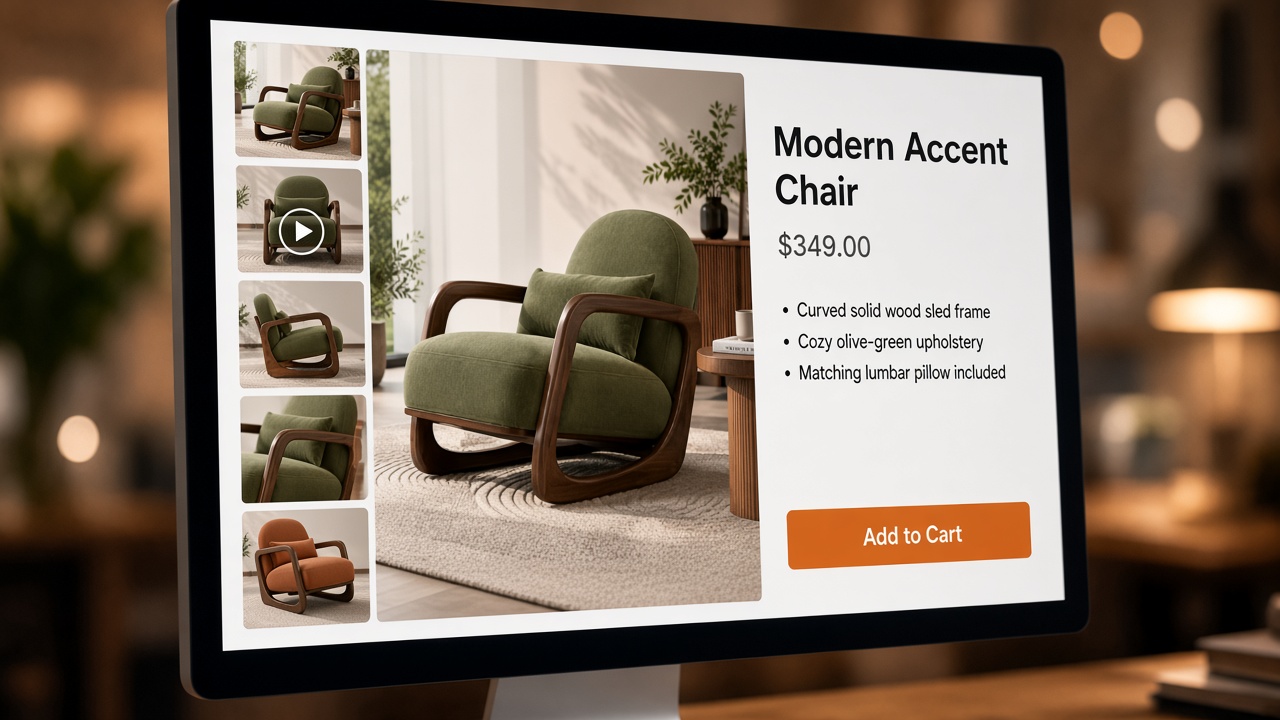
Amazon’s public guidance says Brand Registry is not required. You need a Professional selling plan, at least three months of selling history, and live product listings. If Upload and Manage Videos is missing, fix those basics first, then check again. Amazon’s public materials also say you can add up to four shoppable videos per ASIN. Recheck the live limit in your account.
This article stays on product detail page listing video. Sponsored ads use different creative rules. Premium A+ can place video lower in the description for eligible brands, which is a separate path covered in Amazon A+ Content .
Before you invest in the clip, make sure the listing photos are clear. Shoppers usually look at the gallery before they press play. Use the Amazon listing images guide if the photo set is still thin. For a short walkthrough of building clearer product photos in Designkit, see this Designkit tutorial on YouTube.
Amazon Product Video Specs to Meet
Use this table for amazon listing video requirements on the detail page. Amazon can update upload fields, so match what Seller Central shows on the day you export.
| Rule | What Amazon publishes for shoppable listing video |
|---|---|
| File format | .mp4 or .mov |
| Resolution | Up to 1080p; use the highest quality you can |
| File size | Maximum 5 GB |
| Length | Between 1 and 12 minutes |
| Thumbnail | Auto-generated, or a custom still such as .jpg or .png |
| Main media area | Amazon’s guidance: fewer than six images on the product for the video to sit beside the main gallery |
Export a clear landscape file when you can, and keep the product sharp in frame. Weak compression is a common reason clips look soft after upload. Stay inside the 1 to 12 minute window. Show what the product is in the first few seconds, then show how it works. A long sales pitch rarely helps on a detail page.
After the file meets those rules, check the content. Amazon also reviews what the video shows. The clip should help a shopper understand the ASIN on that page. Reviewers usually push back on off-Amazon links or QR codes, price or shipping promises baked into the video, claims you cannot support, and assets you do not have rights to use. Keep the product central. Unboxing and how-to clips should match the real pack. A clear demo usually beats a loud promo. If you use on-screen text, make it readable with sound off on a phone.
How to Upload Video in Seller Central
Menu names change, so follow the steps your account shows today. Amazon documents Upload and Manage Videos as the main route, and a Videos tab inside Image Manager as another way to reach similar fields.
- In Seller Central, open Catalog, then Upload and Manage Videos.
- Choose Upload video and add an .mp4 or .mov file.
- Add a title, the ASIN you want, video type, brand association, and language. If the form lets you include variations, use that when the same clip fits child ASINs.
- Keep the auto thumbnail or replace it with a clearer still.
- Submit and wait for review.
From Image Manager, open Catalog, Upload images, select the product, then use the Videos tab and fill the same kind of fields.
Approved videos typically appear within about three days. Peak seasons can take longer. Watch the status in Upload and Manage Videos.
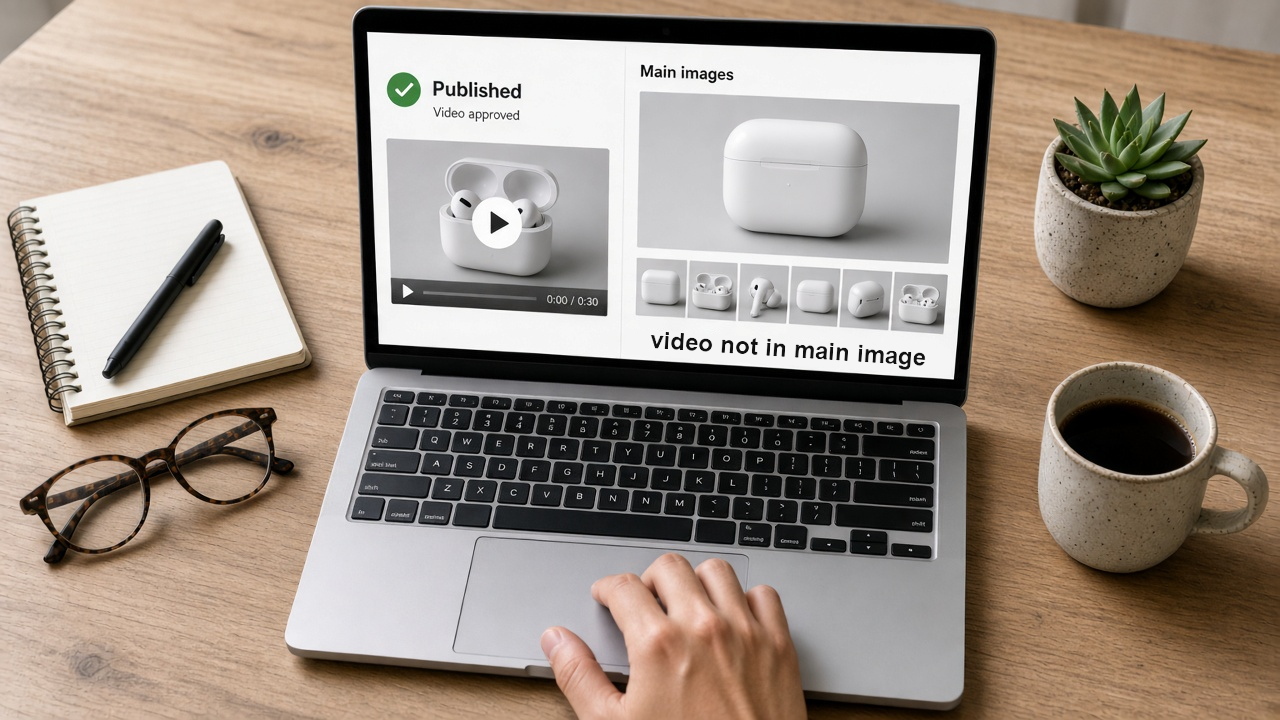
If status is Rejected, open Manage and fix the stated reason. If status is Published but the clip is missing from the main media area, check whether the listing has six or more images. Amazon’s public display rule ties that placement to fewer than six images. The newest approved video usually gets priority in display order.
When You Still Need a Demo Clip
Rules and upload steps only help after you have a product-focused file. If you already have listing photos and still need a demo, Designkit’s Product Video Generator can turn those photos into a landscape clip for the listing. Review the product carefully, export, then submit the file in Seller Central with the matching ASIN. Amazon still reviews the upload. For a general image-to-video workflow outside Amazon’s listing rules, see how to generate a product video from an image .
Create a Product Video with AI
Before You Hit Submit
Listing video is available when your account qualifies and the file matches Amazon’s published rules. Check access, match the amazon product video requirements in Seller Central, keep the demo honest to the ASIN, then upload and watch the status. Ad creatives and A+ modules follow different rules, so do not mix those briefs into this upload.
Frequently Asked Questions
Do I need Brand Registry to add a product video?
How many videos can I add to one ASIN?
Amazon’s public materials say you can add up to four shoppable videos per ASIN. Recheck the live limit in Seller Central.
How long does Amazon take to review a listing video?
Approved videos typically appear within about three days. Peak seasons can take longer. Watch the status in Upload and Manage Videos.
Why was my Amazon product video rejected?
Check the rejection reason in Upload and Manage Videos, fix that issue, then resubmit. Common causes: wrong file rules, weak product focus, unsupported claims, or links/QR codes Amazon does not allow.
Are listing video specs the same as Sponsored Brands video ads?
They are not. Ad placements follow different creative rules. This guide is for product detail page listing video only.
You May Also Like
Amazon Individual vs Professional Selling Plan
How to Create an Amazon Seller Account: Requirements and Steps
Amazon Product Video Requirements: Specs & Upload
Amazon Brand Registry Requirements: Trademark, Account & Cost
Amazon Global Selling: How to Open Multiple Marketplaces

How to Make an Event on Facebook: Complete Setup Guide (2026)

Amazon Sponsored Brands: What They Are and When to Use Them

Amazon Sponsored Products: How to Launch Your First Campaign

Amazon Vine Program for Sellers: Get Early Product Reviews

Amazon A+ Content Dimensions: Module Image Sizes

Print-On-Demand Designs: Create, Prepare, and Preview Your Work

Amazon A+ Content: What It Is and What to Build First

Is Print on Demand Profitable in 2026? Products and Niches

Amazon Brand Registry Application: How to Submit and Pass Review

How to Ship to Amazon FBA: Your First Shipment

What Is Amazon FBA? Should Beginners Use It in 2026

How to Get Ungated on Amazon: Restricted Category Approval Steps

Amazon Backend Keywords: Title, Bullets & Search Terms

What Is A/B Testing? A Practical Guide to Running Better Experiments

Best Time to Post on Instagram in 2026: Data & Tips

How to Get Verified on Instagram: Complete Guide

TikTok Monetization in 2026: Requirements & Ways to Earn

Instagram Desktop Posting Guide: Upload Posts, Stories & Reels

YouTube Shorts Monetization Requirements & Rules 2026

How Much Does YouTube Pay Per View? 1K, 100K & 1M Views

How to Make Money on Snapchat: 7 Ways to Earn

How to Get More Followers on Instagram in 2026

Best Time to Post on TikTok in 2026 for More Views

How to Repost on Instagram in 2026: A Simple Guide

Multichannel Marketing Guide: Strategy, Tools & Examples

How to Create Digital Products That Sell in 2026

Cyber Monday Marketing Ideas & Strategies (2026 Guide)

Black Friday Marketing Ideas for Ecommerce Brands (2026)

Instagram Marketing Guide: Strategies, Tips & AI Tools in 2026

Influencer Marketing Guide: Strategy, Campaigns & Creator Tips

15 Best Things to Sell on Etsy in 2026 (Listing Tips Included)

WooCommerce vs Shopify 2026: Pricing, Features & Which Is Better

How to Sell on Facebook Marketplace: Beginner Guide (2026)

How to Use Pinterest for Business: Strategy, Tips & Growth Guide

How to Sell on Etsy in 2026: Setup, Listings & Growth Tips

What Is a Target Audience? Types, Examples & How to Find Yours

TikTok Marketing Guide 2026: Strategies, Ideas & AI Tools

Vibe Marketing Explained: Strategy, Examples & AI Tools

How to Sell on Depop: Beginner Guide to Getting Your First Sale

Online Advertising Guide: Types, Costs & Examples (2026)

Facebook Advertising Guide: Costs, Strategy & Tools 2026

What Are E-commerce Ads? Examples, Strategy & Tools (2026)

Where to Sell Handmade Items Online (2026): Etsy, Amazon, or Shopify?

Shopify vs Amazon (2026): Brand Store or Marketplace FBA?

Amazon Handmade vs Etsy (2026): Which Is Better for Makers?

Etsy vs eBay (2026): Handmade, Vintage, or Secondhand?

Selling on Amazon vs eBay (2026): Fees, Profit & Where to Sell

What Is Brand Awareness? Examples, Strategies & Tools 2026

10 Best Online Selling Platforms (2026): Pick by What You Sell

Shopify vs Etsy (2026): Which Is Better for Handmade Sellers?

YouTube Automation Step-by-Step AI Guide for Beginners

What Is Brand Identity? Examples, Elements & Strategy

AI Marketing Agent: How It Works, Benefits & E-Commerce Examples

What Is Personalized Advertising? Examples & How It Works

How to Build a Shopify Store That Actually Converts Visitors

Amazon Marketing Guide 2026: Strategies, Tips & Tools

Local Advertising: Strategies, Examples & Tools (2026)

What Is Branded Content? Examples, Strategy & Tools 2026

What Is Performance Marketing? Strategies & Examples 2026

Inbound Marketing: Strategies, Examples & Tools (2026)
Create Your Listing Demo
Specs and upload steps are covered. Next, build a product-focused landscape clip from your photos in Designkit and submit it with the matching ASIN.
