
Amazon A+ Content Dimensions and Module Image Specs
A+ image size depends on the module you choose. Use this guide for Basic, Premium, and Brand Story planning sizes, plus which photo belongs in each slot.

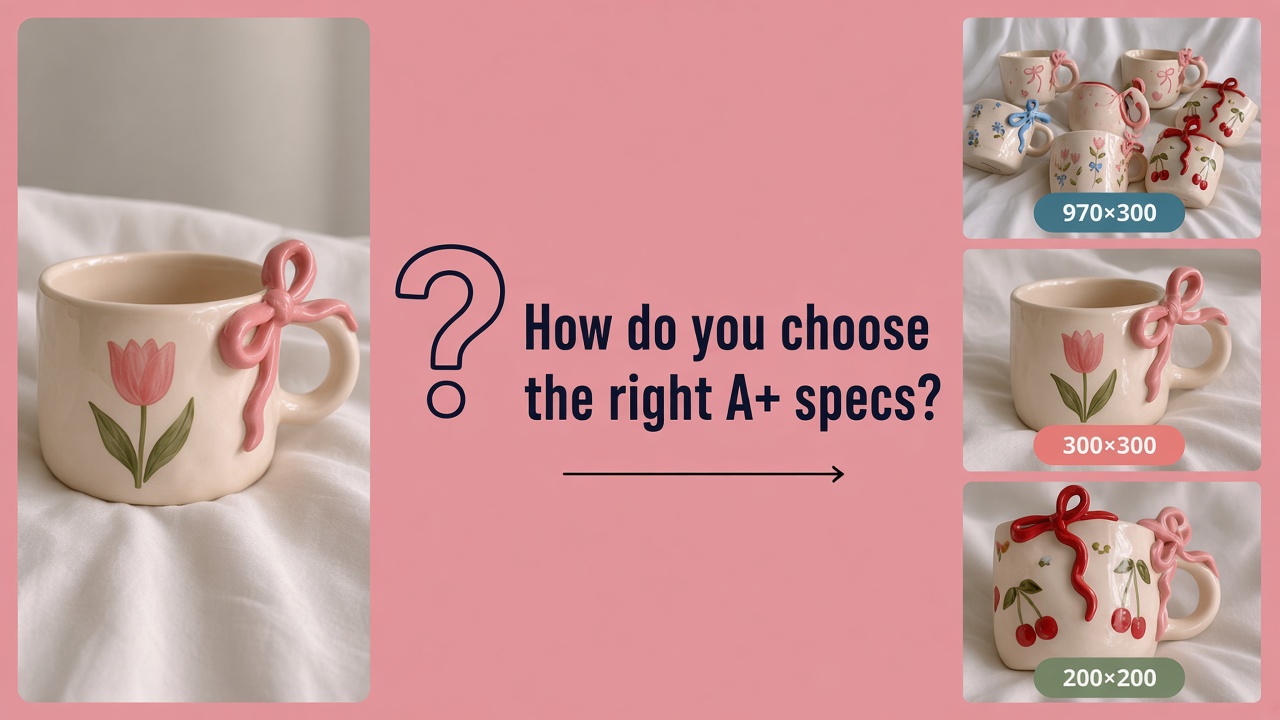
Amazon A+ content dimensions depend on the module, not on one universal canvas. A listing square will not fit a wide Basic header the same way, and some Premium modules use a different size for mobile. This guide covers planning sizes for common Basic A+ (standard modules), Premium, and Brand Story layouts, plus which image type each slot usually needs.
Pixel figures below are planning references. Amazon can update module fields, so match the size required by the module you choose before you export. If you have not chosen your modules yet, read our guide on what to build first in Basic A+ , then return here for the size chart.
A+ Sizes Are Not Listing Image Specs
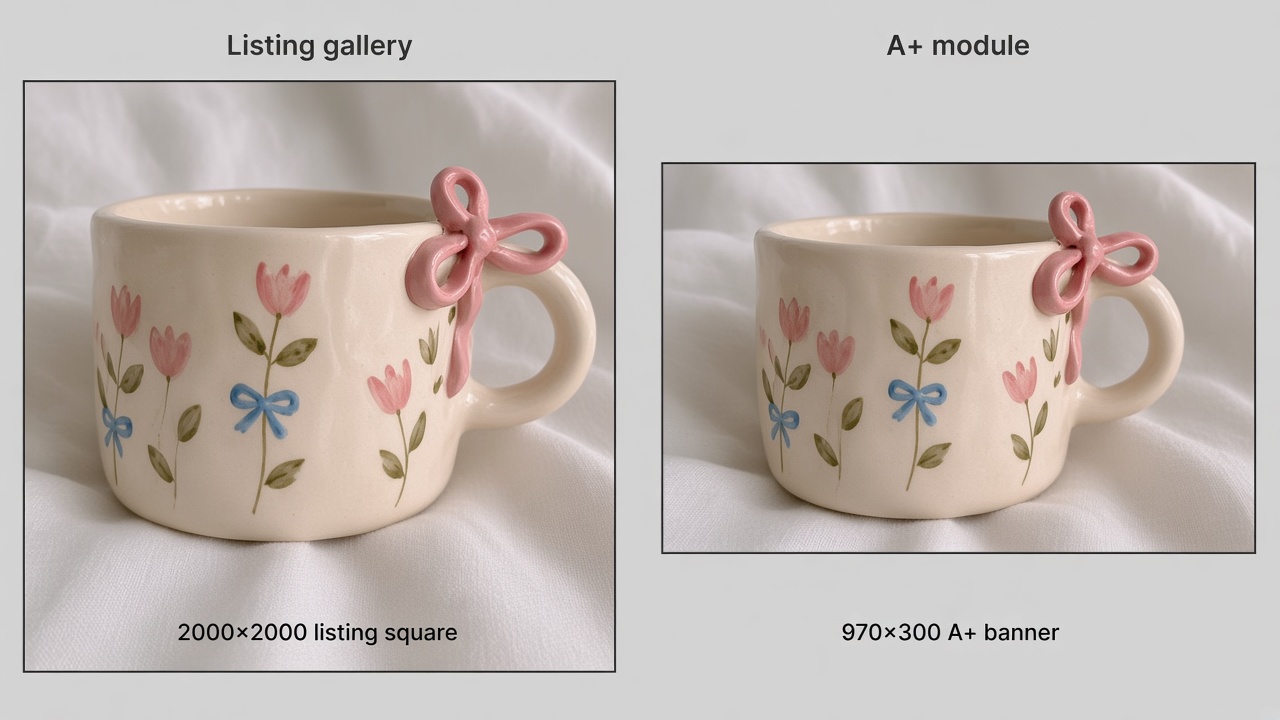
The top-of-page gallery and A+ Content use different frames. Listing gallery images are often large squares for search and zoom. A+ sits lower on the page as the richer layout under the product description, built from modules with their own canvases.
| Surface | Typical canvas | Job |
|---|---|---|
| Listing main / gallery | Often large square (about 2000×2000 planning) | Search thumbnail, zoom, quick proof |
| Basic A+ modules | Wide banners and smaller tiles | Product story under the description |
| Premium A+ modules | Wider desktop frames; some need mobile | Full-width and interactive layouts |
| Brand Story | Portrait focus image | “From the brand” strip |
Stretching a listing square into a 970-wide banner is what creates blurry type and empty edges. Wrong aspect ratio can also make an upload fail or get cropped on phones, where fine text and thin logos break first.
For still images across modules, Amazon’s A+ module guides list these shared upload rules: JPG, PNG, or BMP (no animated GIFs), RGB color, at least 72 dpi, and no more than 2 MB per file. Keep text baked into the image large enough to read after mobile crop. Put long claims or warranty-style wording in Amazon’s text fields when the module has them. When you upload, fill Image Keywords (short alt-style notes for each image) instead of leaving that field blank.
Basic A+ Module Image Size Chart
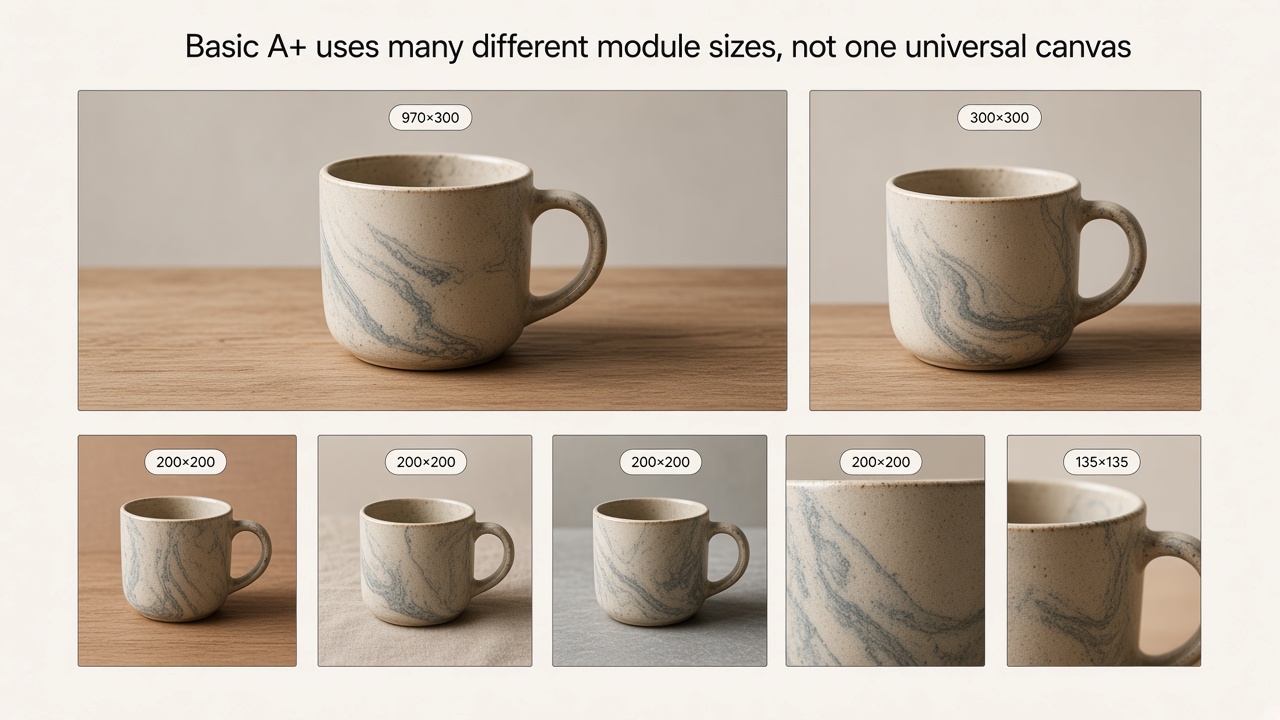
Basic A+ is where most brands start. You combine a small set of Amazon A+ content modules into one layout (commonly up to five Basic modules per ASIN). Amazon A+ content image sizes inside Basic are not one number: a wide banner and a four-tile row use different canvases.
A useful top-level shorthand for Basic is a wide banner around 970×300 . Individual modules still differ. Sizes below follow Amazon’s standard module template guide.
Wide banner and single-image modules
| Basic module (common name) | Planning image size | Suggested image type |
|---|---|---|
| Image with text overlay / wide banner | 970×300 | Clean lifestyle or product strip; leave safe margins for overlay |
| Image beside text (left or right) | 300×300 | Single clear product or detail shot |
| Single image and sidebar | 300×400 (main) and 350×175 (sidebar) | Main product shot plus a supporting strip |
Multi-image and comparison modules
| Basic module (common name) | Planning image size | Suggested image type |
|---|---|---|
| Three images and text | 300×300 each | Three related benefits or angles |
| Four images and text | 200×200 each | Feature tiles or pack shots |
| Four images / text quadrant | 135×135 each | Simple icons or very small product marks |
| Four image highlights | 400×400 | One stronger highlight image when that module is used |
| Comparison chart | 150×300 each (optional per column) | Matching product thumbs for each ASIN or variant |
Basic modules usually take one image per slot . That image is scaled for mobile, so keep the product and any essential graphic toward the center. Do not rely on tiny corner badges. Comparison and tech-spec modules often lean on table text, with the 150×300 thumbs only when you want a visual column.
Premium A+ and Brand Story Specs
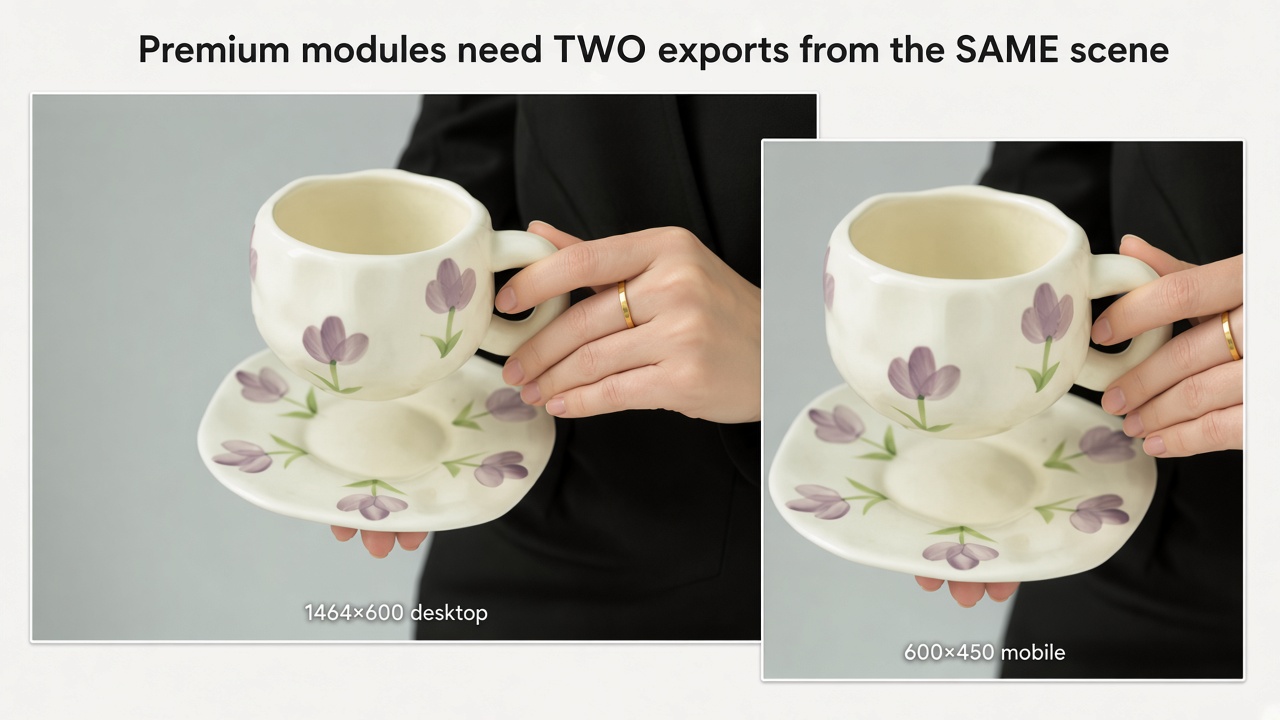
Amazon Premium A+ content uses wider modules and, on some full-width layouts, a second mobile canvas. That is where desktop and phone sizes diverge most often.
Desktop and mobile planning sizes
Amazon lists these Premium sizes as minimums . A common pair for full-width modules is 1464×600 for desktop and 600×450 for mobile. Smaller Premium modules usually reuse the desktop image on phones instead of asking for a second file.
| Premium module (common name) | Desktop (minimum) | Mobile (minimum) |
|---|---|---|
| Full-width image | 1464×600 | 600×450 |
| Navigation carousel | 1464×600 | 600×450 |
| Hotspots | 1464×600 | 600×450 |
| Comparison table (large) | 488×700 | 600×450 when required |
| Single image with text | 800×600 | Reuses desktop |
| Dual images with text | 650×350 | Reuses desktop |
| Four images and text | 300×225 | Reuses desktop |
Brand Story focus image size
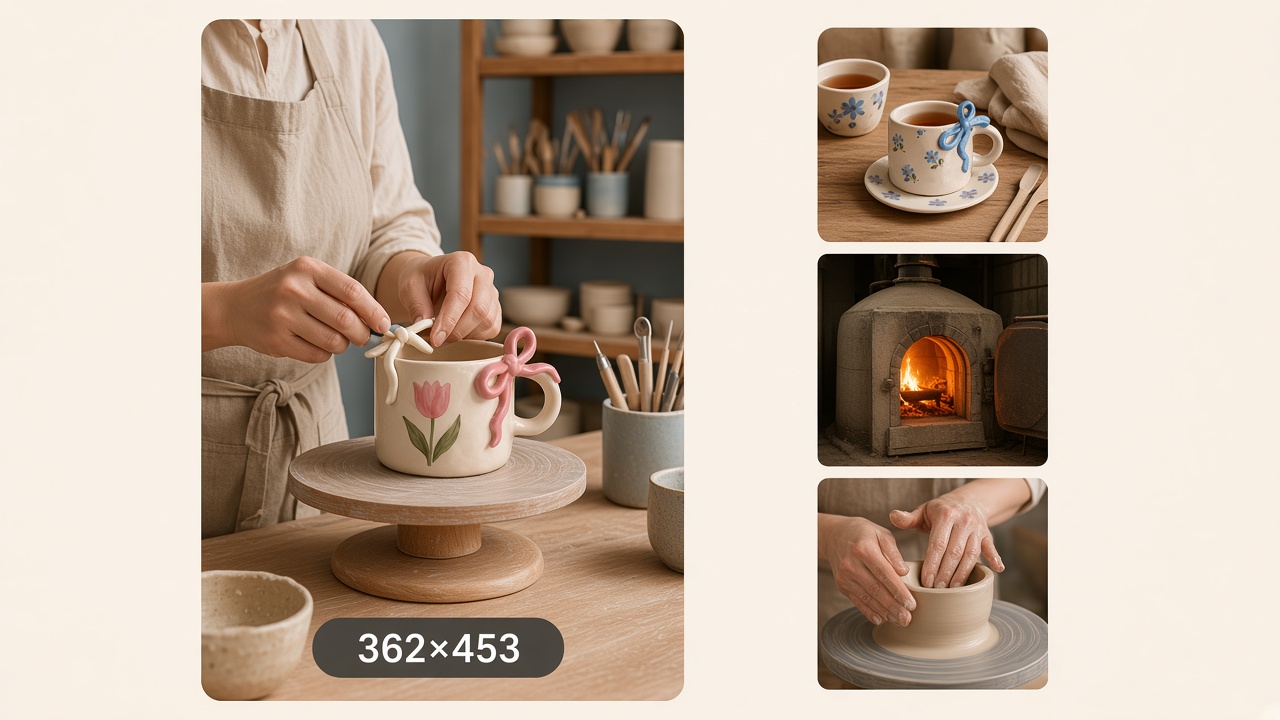
Brand Story uses a portrait focus image in the “From the brand” area. A widely used planning size is about 362×453 (industry reference; confirm the field on the module you open). Supporting Brand Story frames can differ by template. This slot is for brand story art, so keep product close-ups for the A+ modules above.
Which Images Each Module Needs
Once the sizes are clear, you still need the right photo for each slot. Use this checklist when you assemble a Basic A+ set.
Asset checklist by module job
| Module job | Images to prepare | Avoid |
|---|---|---|
| Wide banner / brand promise | One strong hero or lifestyle frame matched to 970×300 | Reusing the white main image with no crop plan |
| Feature breakdown | Close-ups or callout tiles at the tile size you chose | Paragraphs of tiny baked text |
| Lifestyle context | In-use scene sized to the module, subject centered | Busy backgrounds that fight the product |
| Comparison chart | Matching 150×300 thumbs per ASIN or variant | Competitor logos or unverified “#1” claims |
| Four-image row | Simple icons or pack shots at 200×200 | Four unrelated photos with no shared style |
When your checklist is complete, you can open Designkit’s Amazon A+ Content tool to build module frames at the sizes above, then export files for Seller Central.
Mistakes that waste a reshoot
- Designing one “A+ size” for every module
- Skipping a mobile-safe crop when Premium asks for two sizes
- Repeating the same photo in every module with no new information
Export A+ Module Images with Designkit
Once you know which module sizes you need, Designkit can turn product photos into matching A+ frames in Workspace.
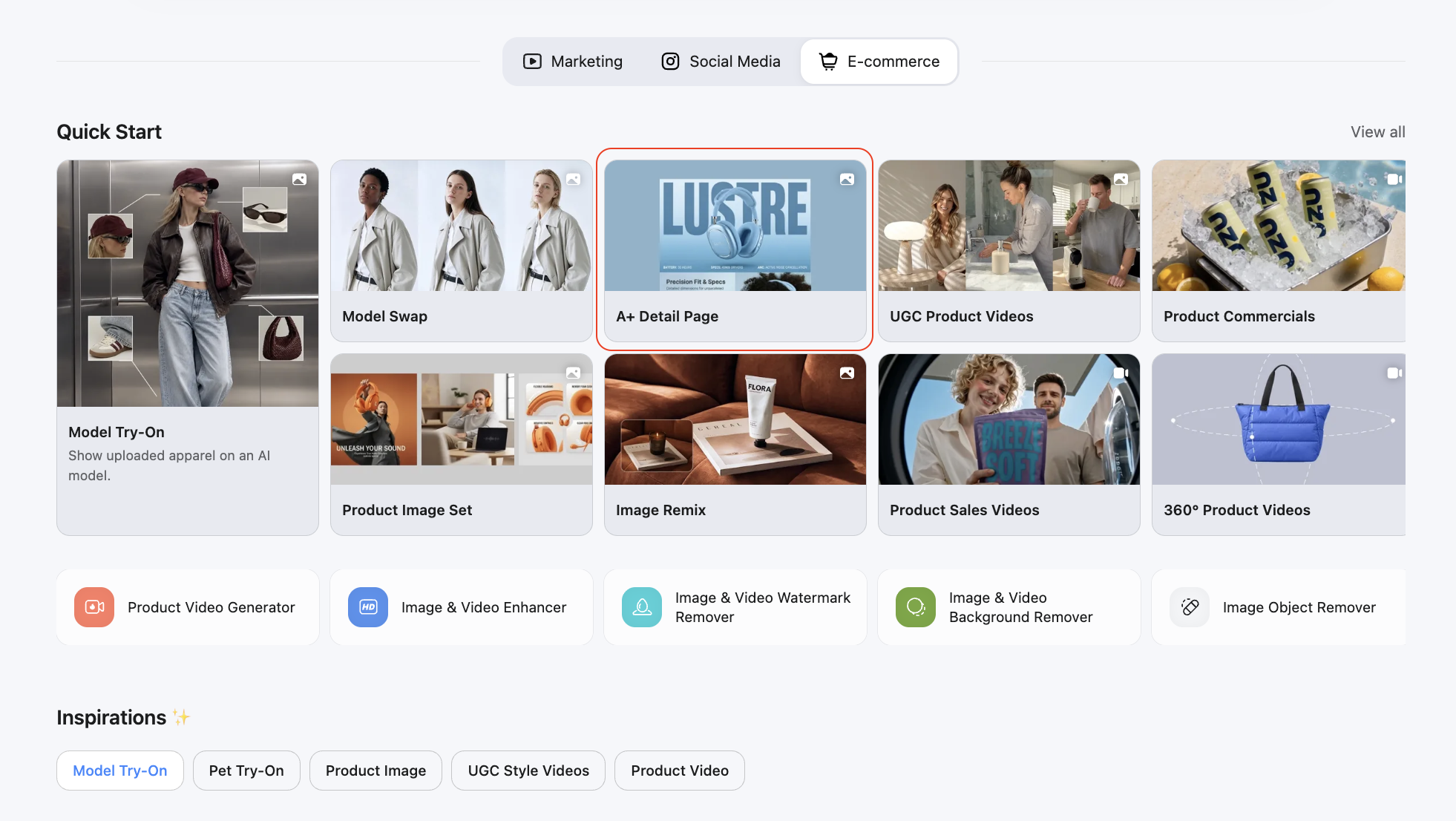
Step 1: Open Workspace
Open the Designkit Workspace and start an Amazon A+ visual project.
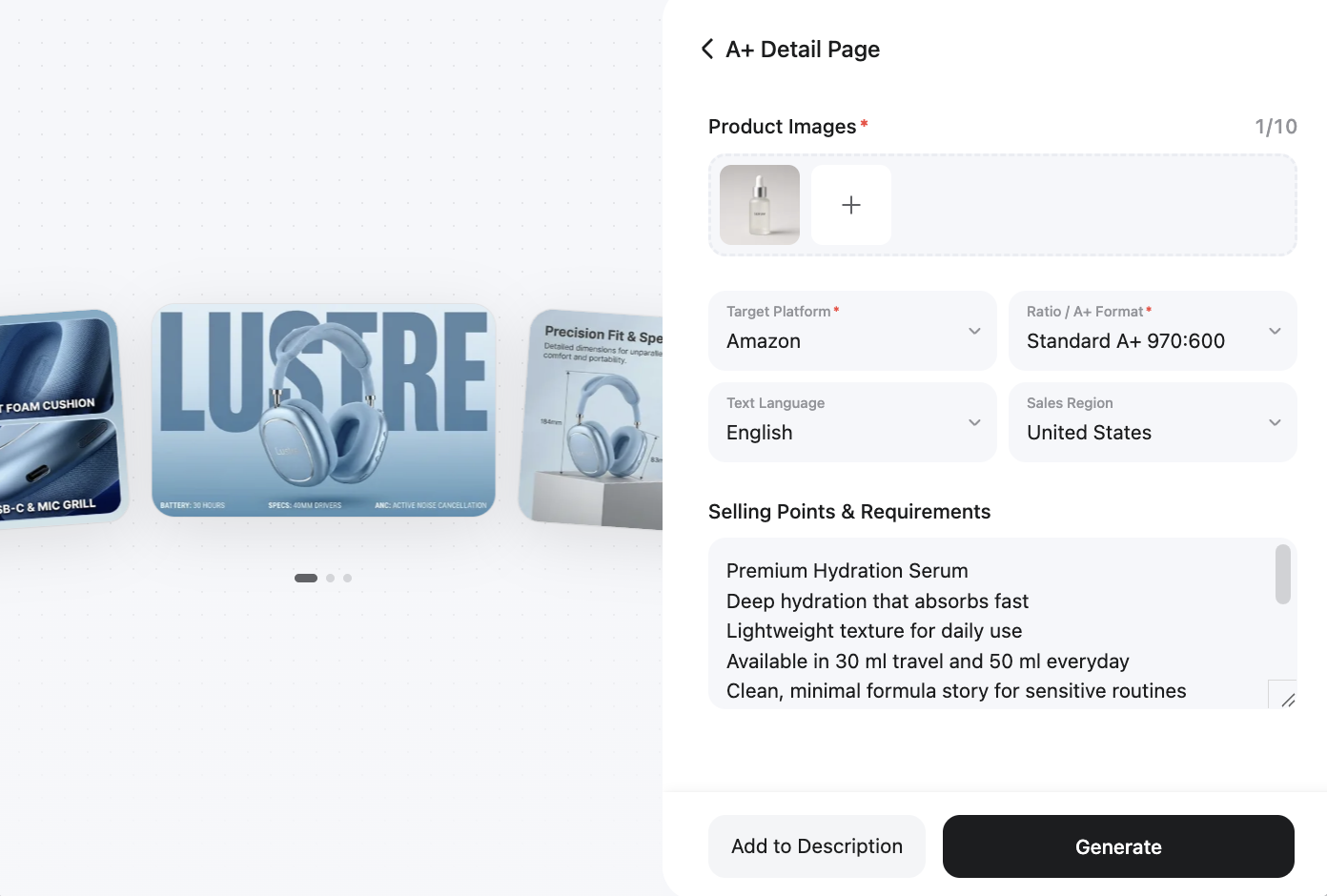
Step 2: Upload Photos and Details
Upload clear product photos. White-background shots or existing listing images both work as a base. Add key selling points, your target marketplace, and any other product details for the modules you plan to build.
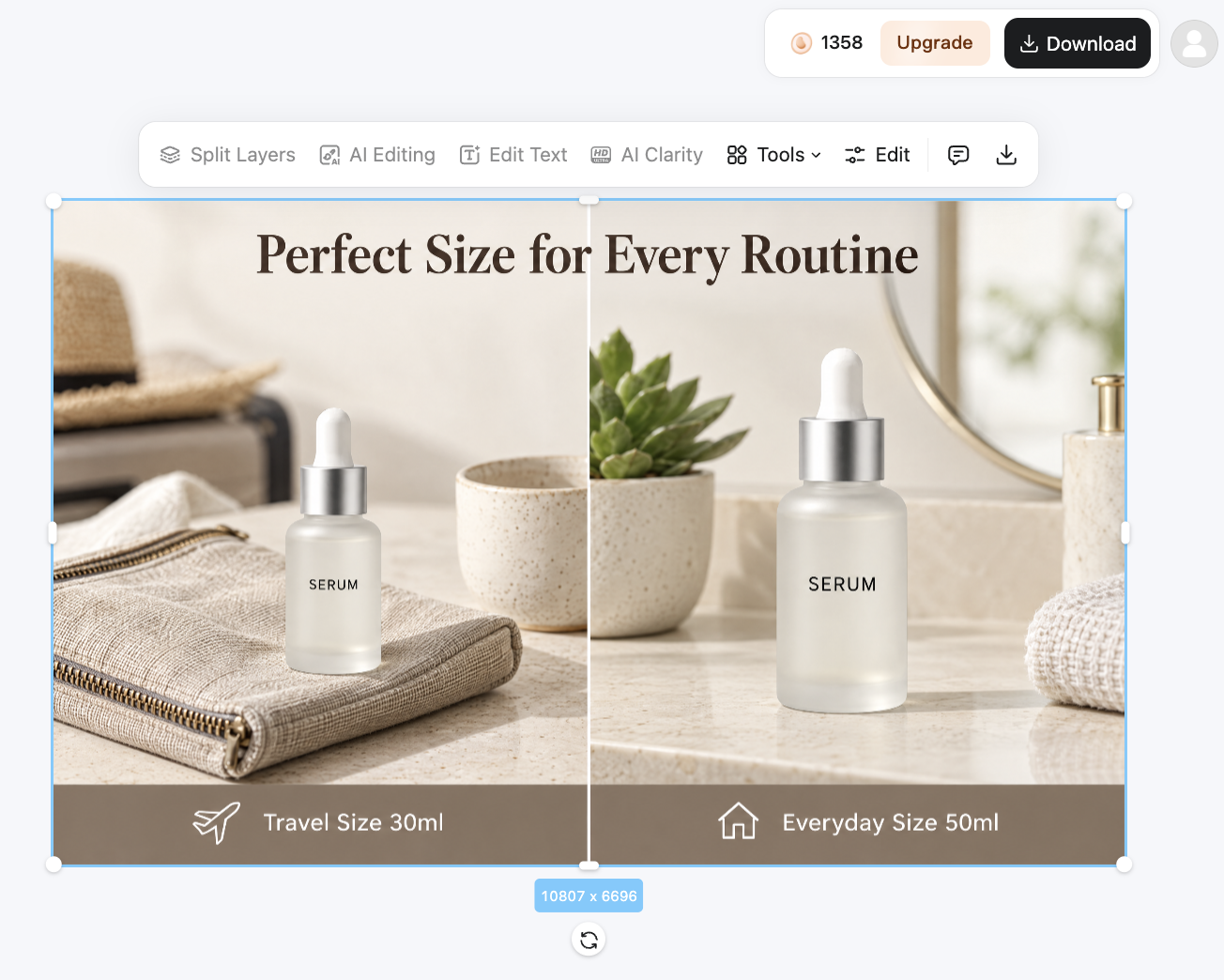
Step 3: Generate, review, and download
Generate module layouts sized for the slots you need. Review text and edges at each module's required pixel size, tweak if needed, and download the files. From there, you can upload them in Seller Central.
Conclusion
The core rule is simple: A+ size follows the module. A listing square and an A+ banner are different jobs, so one export setting will not cover both. Match each asset to the pixel size and the job of the slot, and most soft text, failed uploads, and wasted reshoots disappear before design even starts.
Frequently Asked Questions
What happens if I upload the wrong A+ image dimensions?
Are Amazon A+ content dimensions the same as listing image sizes?
No. Listing galleries often use large square frames. A+ modules use banners, tiles, and sometimes separate desktop and mobile sizes.
Does Basic A+ need a separate mobile image size?
Usually no. Basic modules typically use one image that is scaled for mobile. Some Premium full-width modules use a desktop minimum and a mobile minimum.
What file format and max file size should A+ module images use?
Plan for JPG, PNG, or BMP, RGB color, at least 72 dpi, and no more than 2 MB per still image. Animated GIFs are not supported. Confirm any limit shown for your module.
Can Amazon change these module sizes?
Yes. Treat published charts as planning references and match the size required by the module you are filling when you export.
You May Also Like

Amazon A+ Content Dimensions: Module Image Sizes

Print-On-Demand Designs: Create, Prepare, and Preview Your Work

Amazon A+ Content: What It Is and What to Build First

Is Print on Demand Profitable in 2026? Products and Niches

Amazon Brand Registry Application: How to Submit and Pass Review

How to Ship to Amazon FBA: Your First Shipment

What Is Amazon FBA? Should Beginners Use It in 2026

How to Get Ungated on Amazon: Restricted Category Approval Steps

Amazon Backend Keywords: Title, Bullets & Search Terms

What Is A/B Testing? A Practical Guide to Running Better Experiments

Best Time to Post on Instagram in 2026: Data & Tips

How to Get Verified on Instagram: Complete Guide

TikTok Monetization in 2026: Requirements & Ways to Earn

Instagram Desktop Posting Guide: Upload Posts, Stories & Reels

YouTube Shorts Monetization Requirements & Rules 2026

How Much Does YouTube Pay Per View? 1K, 100K & 1M Views

How to Make Money on Snapchat: 7 Ways to Earn

How to Get More Followers on Instagram in 2026

Best Time to Post on TikTok in 2026 for More Views

How to Repost on Instagram in 2026: A Simple Guide

Multichannel Marketing Guide: Strategy, Tools & Examples

How to Create Digital Products That Sell in 2026

Cyber Monday Marketing Ideas & Strategies (2026 Guide)

Black Friday Marketing Ideas for Ecommerce Brands (2026)

Instagram Marketing Guide: Strategies, Tips & AI Tools in 2026

Influencer Marketing Guide: Strategy, Campaigns & Creator Tips

15 Best Things to Sell on Etsy in 2026 (Listing Tips Included)

WooCommerce vs Shopify 2026: Pricing, Features & Which Is Better

How to Sell on Facebook Marketplace: Beginner Guide (2026)

How to Use Pinterest for Business: Strategy, Tips & Growth Guide

How to Sell on Etsy in 2026: Setup, Listings & Growth Tips

What Is a Target Audience? Types, Examples & How to Find Yours

TikTok Marketing Guide 2026: Strategies, Ideas & AI Tools

Vibe Marketing Explained: Strategy, Examples & AI Tools

How to Sell on Depop: Beginner Guide to Getting Your First Sale

Online Advertising Guide: Types, Costs & Examples (2026)

Facebook Advertising Guide: Costs, Strategy & Tools 2026

What Are E-commerce Ads? Examples, Strategy & Tools (2026)

Where to Sell Handmade Items Online (2026): Etsy, Amazon, or Shopify?

Shopify vs Amazon (2026): Brand Store or Marketplace FBA?

Amazon Handmade vs Etsy (2026): Which Is Better for Makers?

Etsy vs eBay (2026): Handmade, Vintage, or Secondhand?

Selling on Amazon vs eBay (2026): Fees, Profit & Where to Sell

What Is Brand Awareness? Examples, Strategies & Tools 2026

10 Best Online Selling Platforms (2026): Pick by What You Sell

Shopify vs Etsy (2026): Which Is Better for Handmade Sellers?

YouTube Automation Step-by-Step AI Guide for Beginners

What Is Brand Identity? Examples, Elements & Strategy

AI Marketing Agent: How It Works, Benefits & E-Commerce Examples

What Is Personalized Advertising? Examples & How It Works

How to Build a Shopify Store That Actually Converts Visitors

Amazon Marketing Guide 2026: Strategies, Tips & Tools

Local Advertising: Strategies, Examples & Tools (2026)

What Is Branded Content? Examples, Strategy & Tools 2026

What Is Performance Marketing? Strategies & Examples 2026

Inbound Marketing: Strategies, Examples & Tools (2026)
Build A+ Modules to Spec
You know which canvas each module needs. Open Designkit Workspace, turn product photos into A+ frames at each module's required pixel size, then upload them on Amazon.
