
Compare the Best 10 Platforms for Selling Online (2026)
One checklist for every seller type: declutter locally, resell fashion, launch handmade, or build a brand store.


If you're searching for the best platforms for selling online, you're usually asking where your products will sell fastest, and whether Amazon, Etsy, Shopify, or Facebook Marketplace is even the right starting point.
There's no single #1 marketplace for every seller. The better match depends on what you're selling, who your buyers are, and whether you're clearing unused items or building a business. This guide compares platforms by fees, reach, shipping, and growth potential so you can pick one primary channel, and know when a second channel is worth it.
Fee notes below reference official seller materials wherever possible. Marketplace pricing changes by country, category, and plan, always verify current rates before you list.
Quick Picks: Best Platform by What You're Selling
Need a recommendation in under a minute? Start here.
| Selling goal | Best platform | Why it stands out |
|---|---|---|
| Sell furniture locally | Facebook Marketplace | Local buyers and minimal shipping |
| Sell collectibles / model-number goods | eBay | Strong national demand and searchable listings |
| Sell handmade products | Etsy | Built-in audience looking for handmade goods |
| Sell clothes | Depop or Poshmark | Fashion-focused communities |
| Sell everyday household items | Mercari | Simple mobile selling experience |
| Build an ecommerce brand | Shopify | Full ownership of your store and customer data |
| Scale private-label products | Amazon | Massive customer base and fulfillment options |
| Sell through social content | TikTok Shop | Product discovery through short-form video |
| First-time declutter | Facebook Marketplace (+ eBay for shippable items) | Fastest path for beginners |
Rather than hunting for one platform that does everything, match the channel that already attracts buyers for your category.
How We Ranked These Platforms
Popularity alone doesn't tell you where your item will sell. We scored each option on five practical criteria:
- Buyer–product fit — Does the platform already attract shoppers looking for products like yours?
- Selling costs — Listing fees, commissions, subscriptions, and processing, not just the lowest sticker rate.
- Time to first sale — Can a beginner list in minutes, or is there a compliance wall?
- Shipping requirements — Local pickup vs nationwide parcels (furniture is not a phone case).
- Long-term growth — Built-in traffic today vs brand ownership tomorrow.
Marketplace vs your own store
| Marketplace examples | Own-store platform examples |
|---|---|
| Amazon, Etsy, eBay, Facebook Marketplace | Shopify, WooCommerce, BigCommerce |
Marketplaces bring buyers quickly but usually control the customer relationship. An independent storefront gives you branding and customer data, but you must generate traffic. Many growing brands eventually combine both.
Comparison at a Glance
| Platform | Best for | Traffic source | Typical fee structure* | Beginner friendly |
|---|---|---|---|---|
| Facebook Marketplace | Local selling | Local buyers | Often free for local sales; shipping may add fees | Very easy |
| eBay | Used & collectibles | Marketplace search | Final value % + per-order fee | Easy |
| Etsy | Handmade / vintage | Marketplace search | Listing + transaction % + processing | Easy |
| Amazon | Ecommerce scale | Marketplace demand | Referral % + selling plan (+ FBA if used) | Medium |
| Shopify | Brand building | Your marketing | Monthly subscription + processing | Medium |
| Mercari | Everyday products | Mobile marketplace | Region-dependent—verify in app | Easy |
| Poshmark | Fashion | Marketplace discovery | Flat fee under $15; % commission at $15+ | Easy |
| Depop | Vintage & streetwear | Social discovery | Country-specific transaction fees | Easy |
| TikTok Shop | Social commerce | Short-form video | Referral fees (verify Seller Center) | Medium |
| Craigslist / OfferUp / Nextdoor | Local free-leaning listings | Local classifieds | Often free; some posting fees apply | Easy |
*Fee structures vary by country, category, and plan. Confirm on each platform's official seller documentation before pricing.
Note: “Best websites to sell stuff for free” usually means low cash outlay—not zero total cost. Your time, packaging, no-shows, and optional ads still count.
4 Best Platforms for Selling Online as a Business
Once you're managing inventory, repeat customers, and growth, customer ownership, fulfillment, and advertising matter as much as raw traffic. These options fit ecommerce businesses and professional sellers.
1. Amazon
Best for: Private-label brands, wholesale, fast-moving consumer goods, businesses ready to scale.
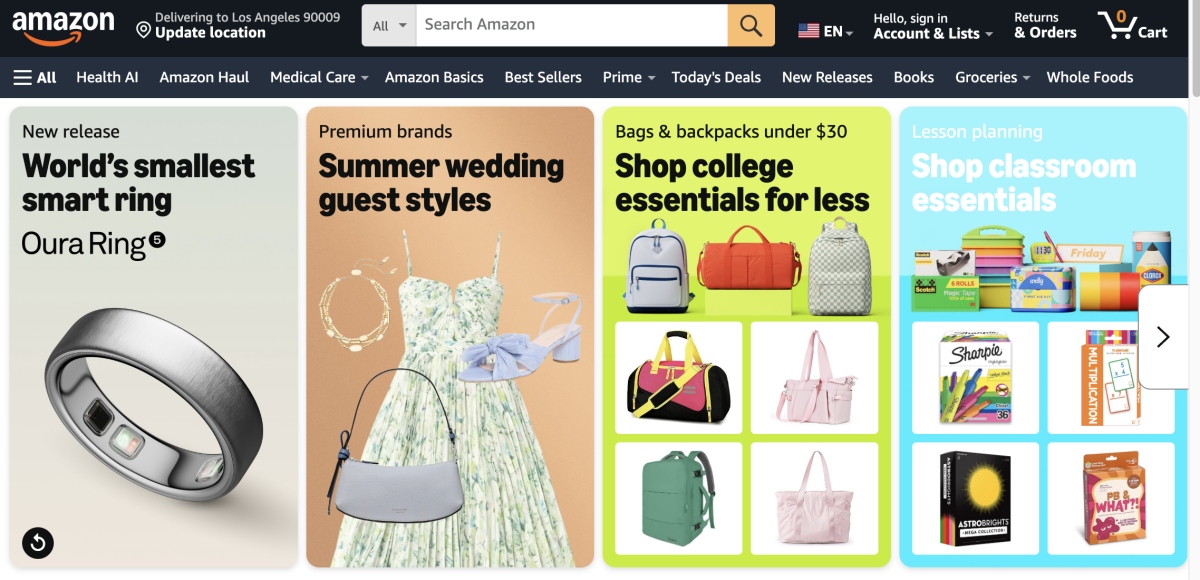
Pros: Massive demand; high purchase intent; FBA options; ads ecosystem; international paths.
Cons: Fierce competition; referral + fulfillment costs; limited customer ownership; strict account health.
Typical fees: Amazon Seller Central describes an Individual plan (per-item fee) and a Professional plan (commonly $39.99/month) plus category referral fees. FBA adds fulfillment and storage. See Amazon selling pricing.
Skip it if: You have a handful of one-offs, primarily handmade goods, thin margins, or you're not ready for returns and compliance.
Expert tip: Keyword-rich titles, complete bullets, and strong image stacks matter because shoppers compare listings side by side.
2. Etsy
Best for: Handmade products, personalized gifts, vintage, craft supplies, creative small businesses, often the best place to sell handmade items for starters.
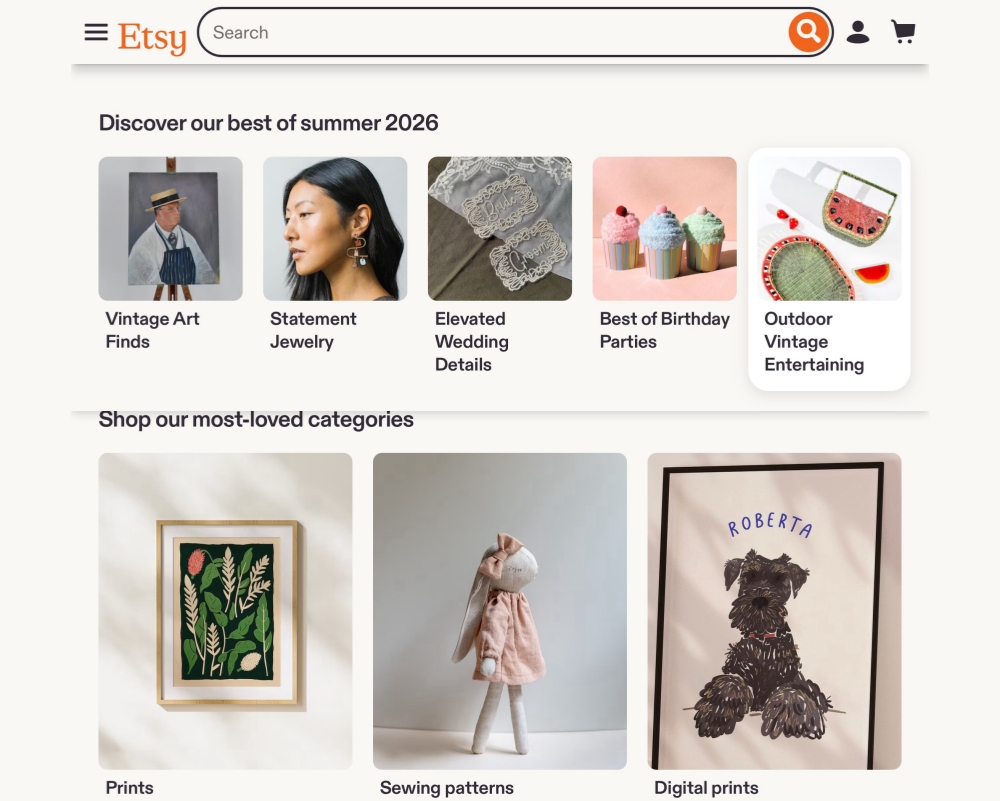
Pros: Intentional handmade audience; easy setup; built-in traffic; trusted checkout.
Cons: Listing + transaction fees; limited branding; crowded search; platform policy shifts.
Typical fees: Per Etsy's Fees & Payments Policy, sellers commonly pay a $0.20 listing fee and a 6.5% transaction fee on item price + shipping + gift wrap. U.S. Etsy Payments processing is listed in the Etsy Payments Policy as 3% + $0.25. Optional ads can add more.
Skip it if: You sell commodity mass goods, need full brand control, or want direct customer ownership as your main growth engine.
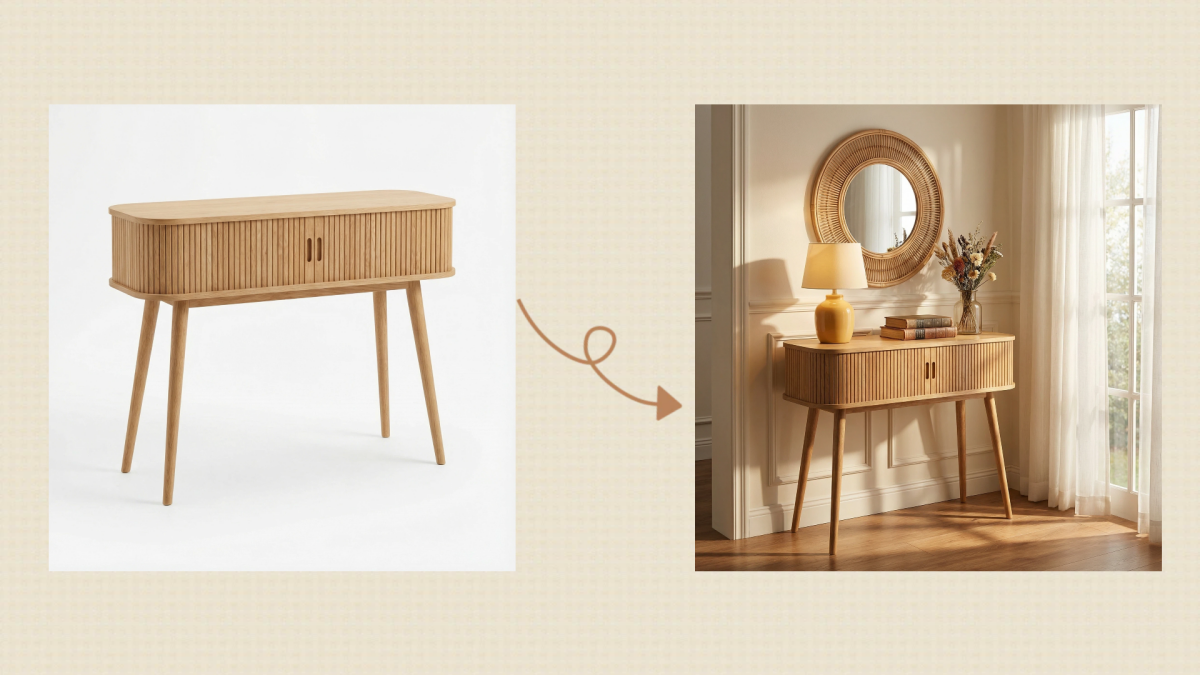
Expert tip: Lifestyle photos, personalization options, and story-driven descriptions often outperform bare catalog shots.
3. Shopify
Best for: DTC brands, multi-channel hubs, businesses focused on retention.
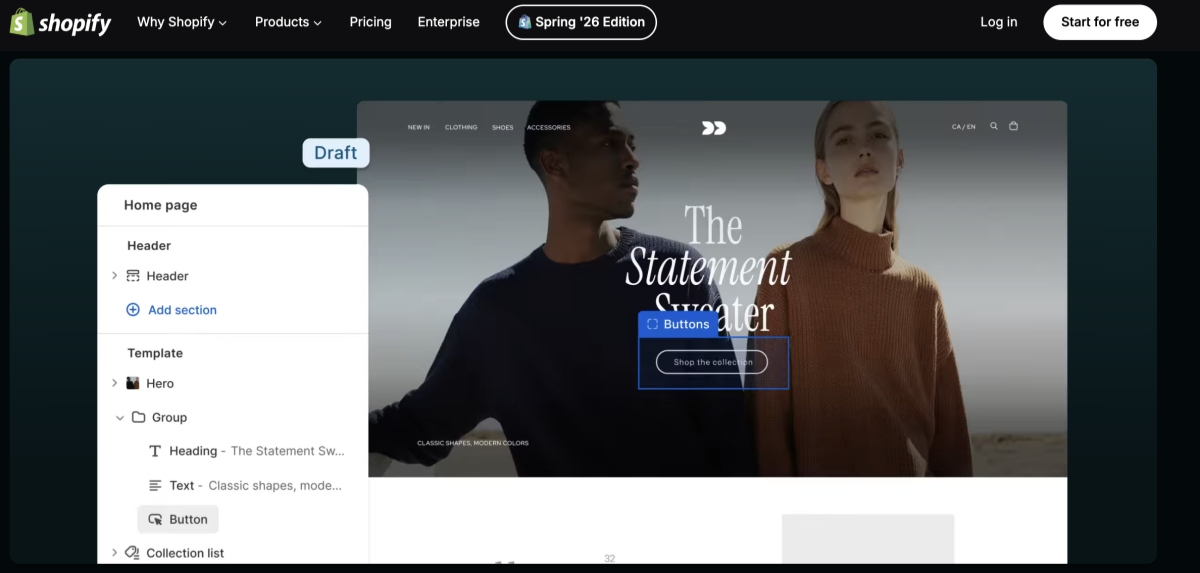
Shopify doesn't hand you built-in mall traffic. It gives you the storefront, branding, customer data, and marketing stack, valuable once you can bring visitors.
Pros: Brand control; owned CRM; apps/integrations; scalable checkout experience.
Cons: You must generate traffic; monthly subscription; longer setup than marketplace listings.
Typical fees: Per Shopify Pricing, Basic is commonly shown around $39/month billed monthly (lower when billed annually), with Shopify Payments online standard card rates around 2.9% + $0.30 on Basic in the U.S. Apps and themes can add cost.
Skip it if: You have no marketing path, only a few test products, and need immediate marketplace discovery first.
Expert tip: Many brands run Shopify as the home base while using Amazon or Etsy for acquisition.
4. TikTok Shop
Best for: Creators and brands in beauty, fashion, gadgets, and impulse-friendly products that demo well on camera.
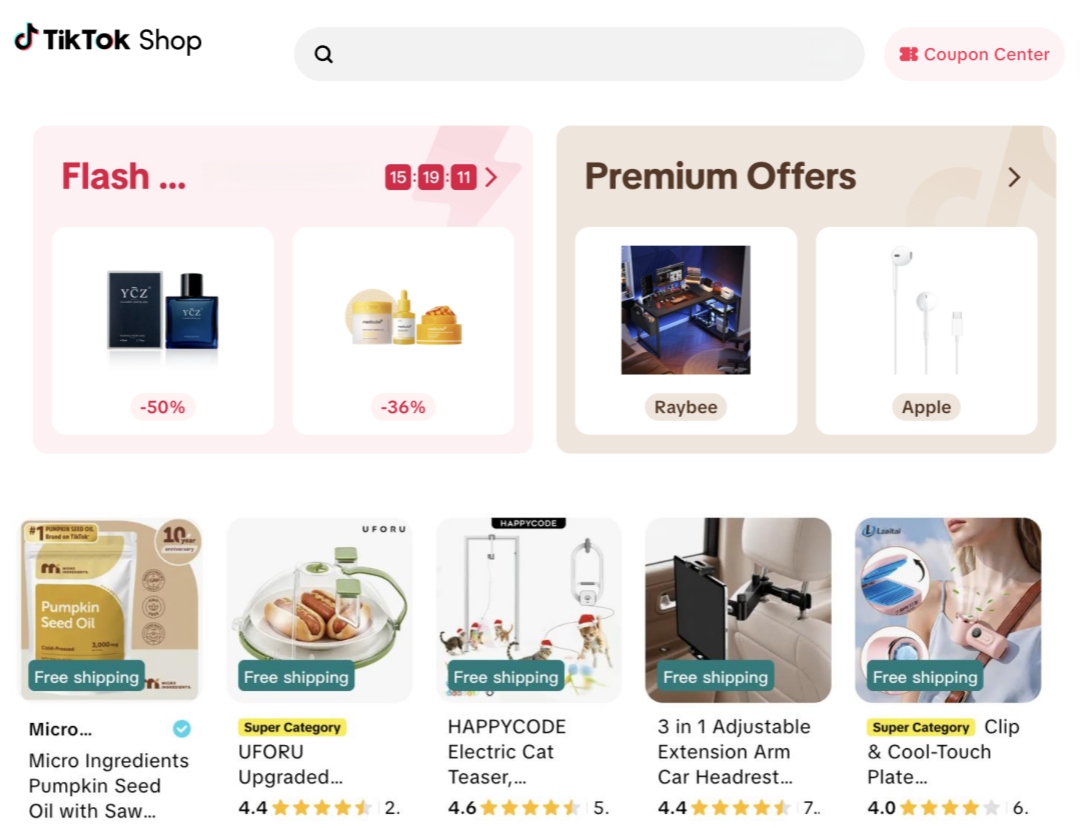
Pros: Viral discovery; fast mobile purchase path; strong for demos.
Cons: Continuous content required; policies evolve; not every category fits.
Typical fees: Referral fees vary by region and program, confirm in TikTok Shop Seller Center before launch.
Skip it if: Your product needs a long consideration cycle, you won't post consistently, or your buyers aren't on TikTok.
Quick head-to-head comparisons
Shopify vs Etsy
| Shopify | Etsy |
|---|---|
| Own online store | Marketplace |
| Full branding + customer data | Limited ownership |
| Monthly subscription | Listing + transaction fees |
| Marketing required | Built-in traffic |
| Better for long-term brands | Better for getting started |
Many handmade businesses start on Etsy, then add Shopify as sales and brand needs grow.
Amazon vs Shopify
| Amazon | Shopify |
|---|---|
| Built-in customers | Bring your own traffic |
| Marketplace rules | Full store ownership |
| Referral fees | Subscription + processing |
| Easier acquisition | Better retention tooling |
Established brands often use Amazon to acquire customers and Shopify to keep them.
Facebook Marketplace vs eBay
| Facebook Marketplace | eBay |
|---|---|
| Local buyers | National / international buyers |
| Usually no shipping | Shipping expected |
| Furniture & appliances | Electronics & collectibles |
| Fast local sales | Better niche search demand |
Choose Marketplace when shipping destroys margin; choose eBay when model-number search demand is national. Experienced resellers often use both.
6 Best Websites to Sell Stuff (Declutter & Resale)
If your goal is clearing unused items not launching a company, these channels help you sell faster while avoiding unnecessary shipping costs.
1. Facebook Marketplace
Best for: Furniture, appliances, baby gear, exercise equipment, bulky items that are expensive to ship.
Millions of people already use Facebook daily, which makes Marketplace one of the easiest places to sell locally. Instead of paying heavy commissions or shipping a sofa across the country, you can often complete the deal with a nearby buyer.
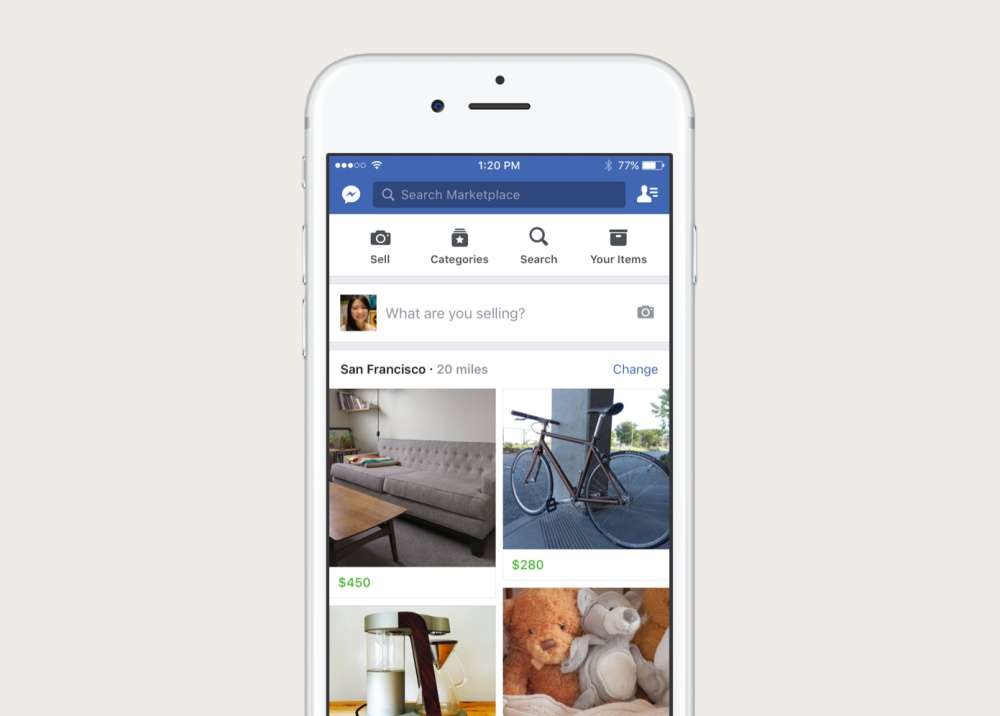
Pros: Often free for local listings; huge local audience; fast to post; no monthly subscription.
Cons: Aggressive negotiation; no-shows; weaker in-person protections; demand varies by region.
Typical fees: Per Meta Marketplace help patterns, local sales are generally free. Shipped orders can include selling fees depending on checkout options and country—verify in Marketplace settings before you choose shipping.
Skip it if: You need nationwide collectors, strong seller protection, or you're building a branded ecommerce store.
First listing tip: Use a bright cover photo, exact dimensions, brand/model when relevant, honest defect notes, and a clear pickup area. Pricing slightly under comparable local listings usually gets more messages than anchoring at the highest ask.
2. eBay
Best for: Electronics, collectibles, vintage, cameras, trading cards, car parts, refurbished and brand-name goods.
If buyers will search by brand or model number, eBay is often one of the strongest nationwide options.
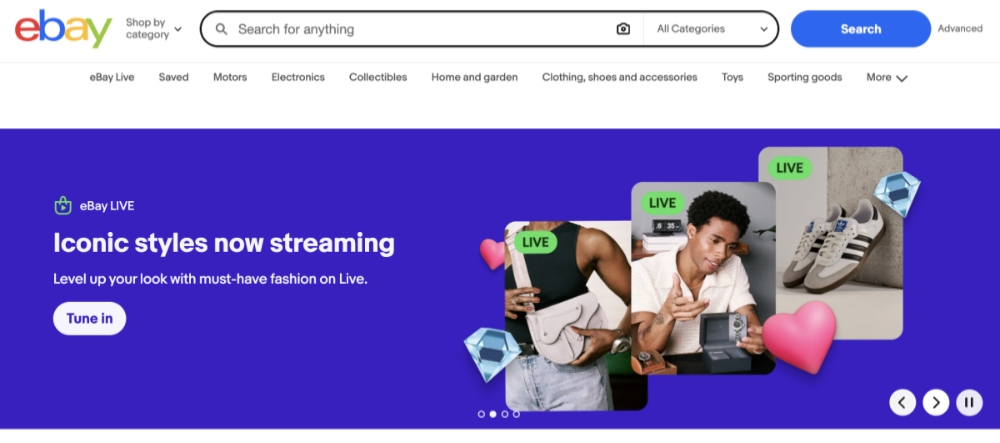
Pros: Massive audience; auction or fixed price; strong search; excellent sold-comp pricing history.
Cons: Higher fees than local platforms; returns; competition; you handle shipping logistics.
Typical fees: For many U.S. categories, eBay's seller fee model is commonly summarized as a final value fee around 13.6% of the total sale amount (up to a high threshold) plus a small per-order fee (often $0.30–$0.40). Free monthly insertion allowances may apply before extra listing fees. Confirm live rates in eBay selling fees help.
Skip it if: Shipping costs erase margin, or a bulky item will sell faster locally.
First listing tip: Put the full product name in the title, photograph every side, and price from completed listings—not hopeful active asks.
3. Mercari
Best for: Household products, small electronics, toys, kitchen items, beauty, everyday consumer goods.
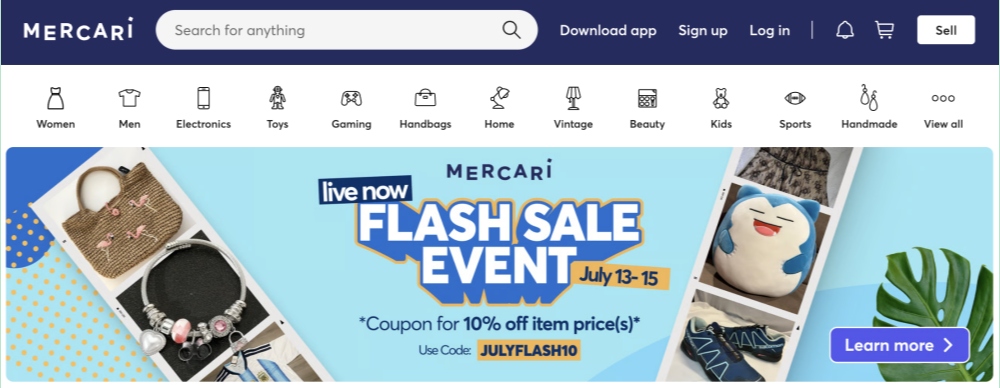
Pros: Easy mobile app; fast listing; simple shipping for beginners.
Cons: Smaller than Amazon/eBay; limited international reach; fees vary by market.
Typical fees: Mercari updates seller fees by region and payment method, check the in-app Seller Help schedule before you list.
Skip it if: You're moving furniture, building a handmade brand, selling luxury collectibles, or running high-volume ecommerce ops.
First listing tip: Prefer accurate natural-light photos over heavy filters. Honesty reduces returns.
4. Poshmark
Best for: Women's and men's fashion, shoes, handbags, activewear, luxury accessories.
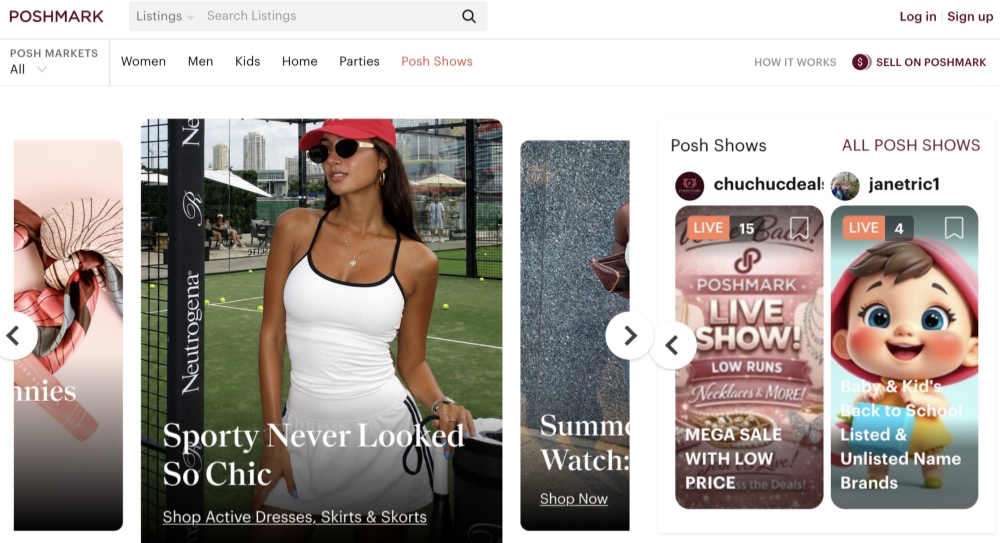
Pros: Fashion-native buyers; simplified shipping labels for many sellers; strong resale community.
Cons: Higher commissions; social engagement takes time; weak fit outside fashion.
Typical fees: Poshmark's published pattern is widely documented as a $2.95 fee on sales under $15 and about 20% commission on sales $15 and up. Confirm on Poshmark's official fee policy before pricing.
Skip it if: You sell furniture, electronics, household goods, or non-fashion handmade crafts.
First listing tip: Include measurements, fabric notes, multi-angle shots, and close-ups of wear.
5. Depop
Best for: Vintage clothing, streetwear, sneakers, handmade accessories, Gen-Z fashion.
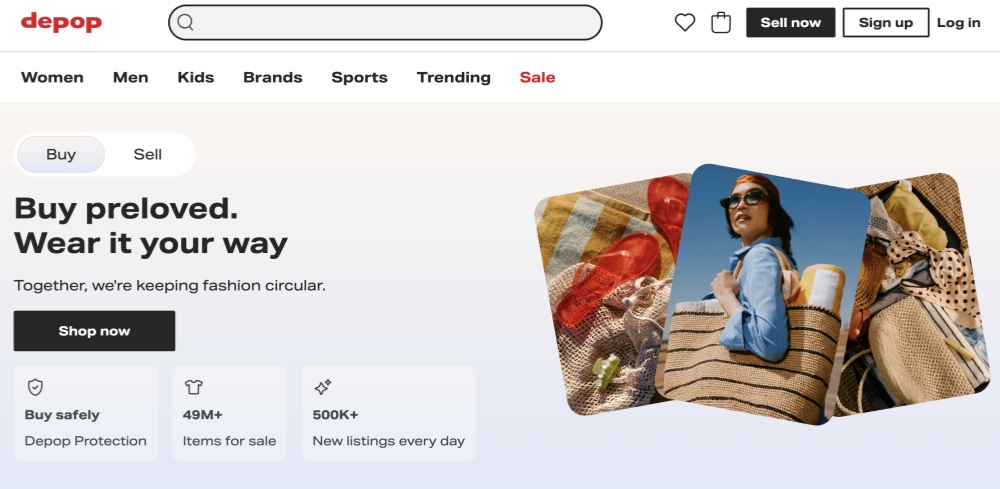
Pros: Young fashion audience; visual discovery; strong for unique style.
Cons: Smaller than general marketplaces; trends move fast; photography quality is non-negotiable.
Typical fees: Transaction fees differ by country, verify Depop Seller Help for your market.
Skip it if: You sell appliances, electronics, furniture, or generic household products.
First listing tip: Lifestyle/on-body shots usually outperform wrinkled floor piles.
6. Craigslist, OfferUp or Nextdoor
Best for: Free-leaning local listings, furniture, yard-sale goods, appliances.
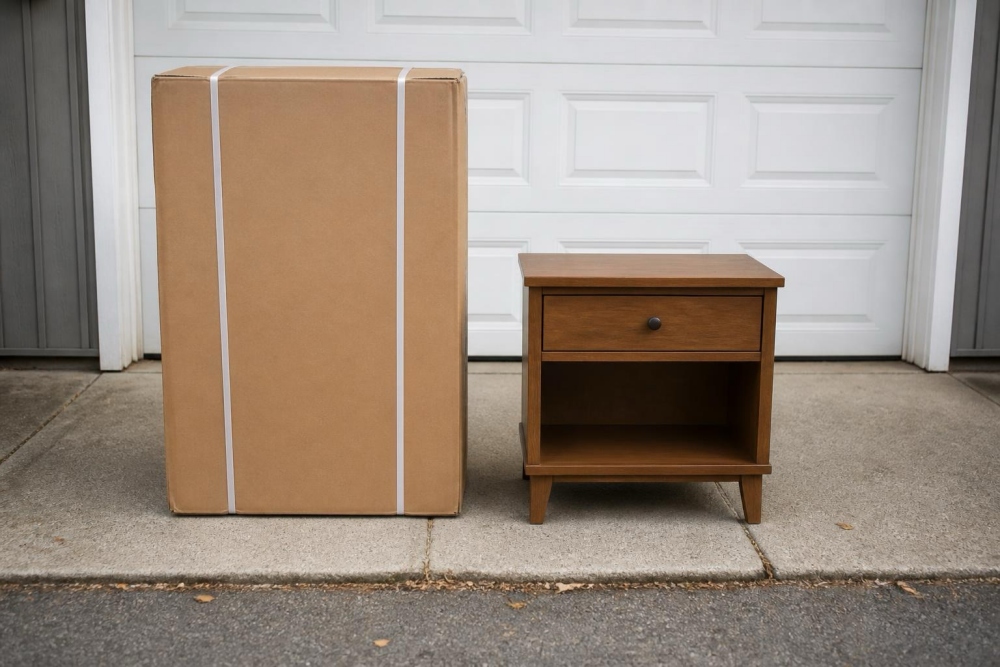
Pros: Little or no listing cost; fast local handoffs; no shipping.
Cons: Higher scam/no-show risk; limited protections; often smaller reach than Facebook Marketplace.
Safety checklist for local meetups:
- Meet in daylight in a public place.
- Bring another person for higher-value handoffs.
- Prefer secure, traceable payment methods.
- Never share unnecessary personal information.
- Avoid off-platform payment “overpayment” stories.
How to Choose Your Platform
A 3-step selection framework
Step 1. Decide how you want to sell
| Goal | Best starting point |
|---|---|
| Declutter your home | Facebook Marketplace |
| Resell used products | eBay |
| Sell handmade goods | Etsy |
| Build a brand | Shopify |
| Scale private-label products | Amazon |

Step 2. Consider shipping
- Local markets: furniture, large appliances, exercise equipment, bulky décor, large baby gear.
- National markets: electronics, fashion, collectibles, handmade goods, most consumer products.
If shipping is a large share of price, local usually wins.
Step 3. Decide whether you need traffic or ownership
| If you need… | Choose… |
|---|---|
| Immediate buyers | Marketplace |
| Brand ownership / repeat customers | Shopify |
| Fast product testing | Marketplace |
| Long-term growth | Marketplace + Shopify |
Decision tree
-
What are you selling?
- Furniture or bulky items → Facebook Marketplace
- Electronics or collectibles → eBay
- Handmade products → Etsy
- Clothing or sneakers → Depop / Poshmark
- Consumer / private-label products → Amazon
- Building your own brand → Shopify
If products fit multiple paths, start with one primary platform and expand after demand is real.
Can you sell on multiple platforms?
Yes. Common hybrids include Shopify + Amazon, Shopify + Etsy, eBay + Facebook Marketplace, and Shopify + TikTok Shop. Each channel plays a different role (acquisition vs retention vs local liquidation). The hard part is inventory sync, master one channel before you multihome.
First-week action plan for beginners
- Day 1: Choose one platform that matches your products.
- Day 2: Study recently sold comps: pricing, photos, titles, descriptions.
- Day 3: Publish 5–10 listings with clear titles, honest condition notes, and multiple photos.
- Day 4: Reply to messages quickly.
- Day 5: Review views, saves, messages, and sales. Views without purchases usually signal price or photo issues.
- Week 2: Only then consider a second marketplace.
Listing Photos That Convert Across Platforms
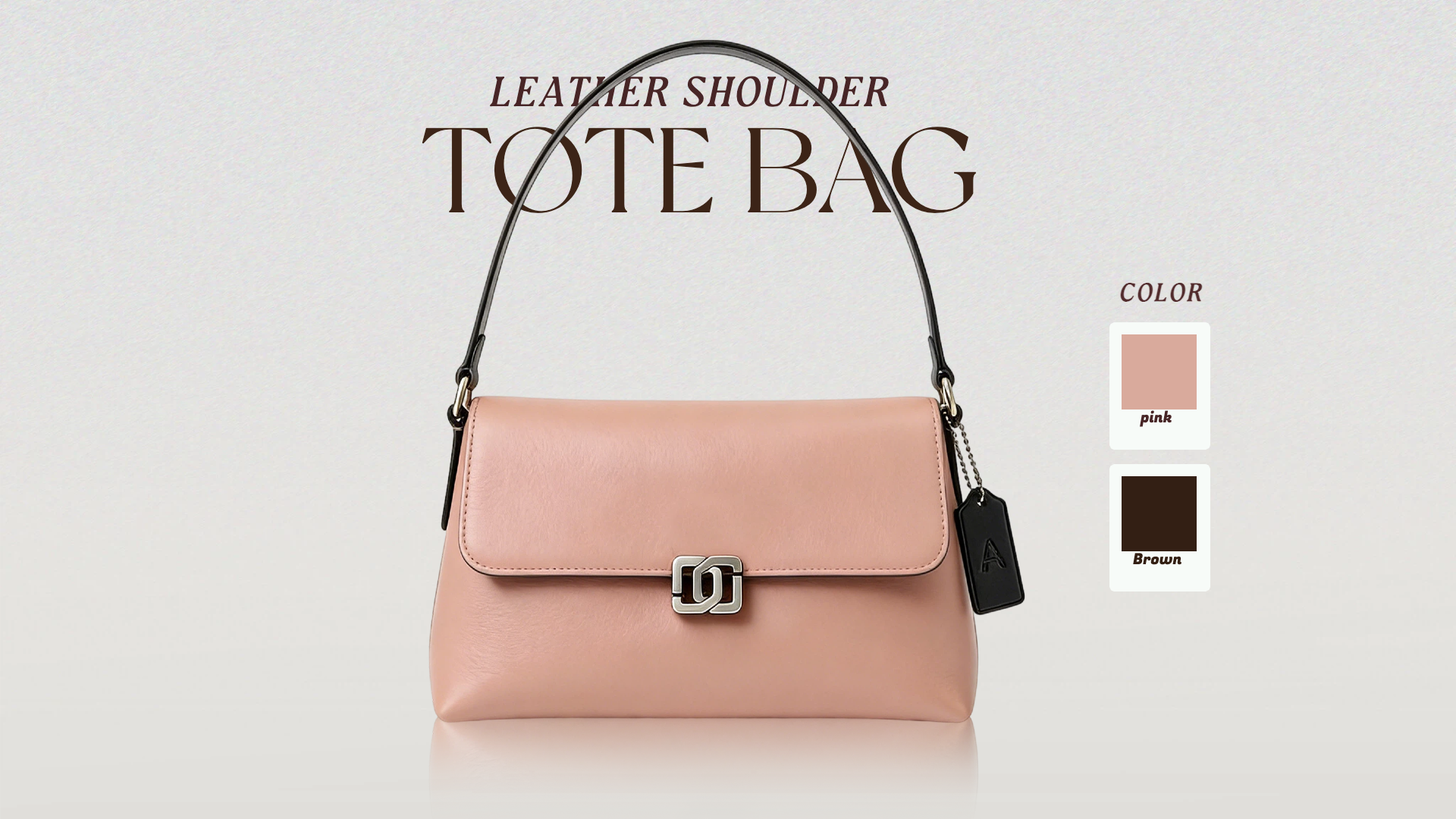
Across marketplaces, the thumbnail is usually what earns the click, especially when shoppers compare near-identical used or handmade listings side by side. Regardless of whether you sell on Facebook Marketplace, Etsy, eBay, or Shopify, build one reusable shot list:
- A clean hero image
- Multiple viewing angles
- Close-up detail shots
- Photos of any defects (for used items)
- Size or scale references
- Packaging or included accessories
- A lifestyle / in-use scene when it helps buyers imagine the product
Create marketplace-ready visuals faster with Designkit
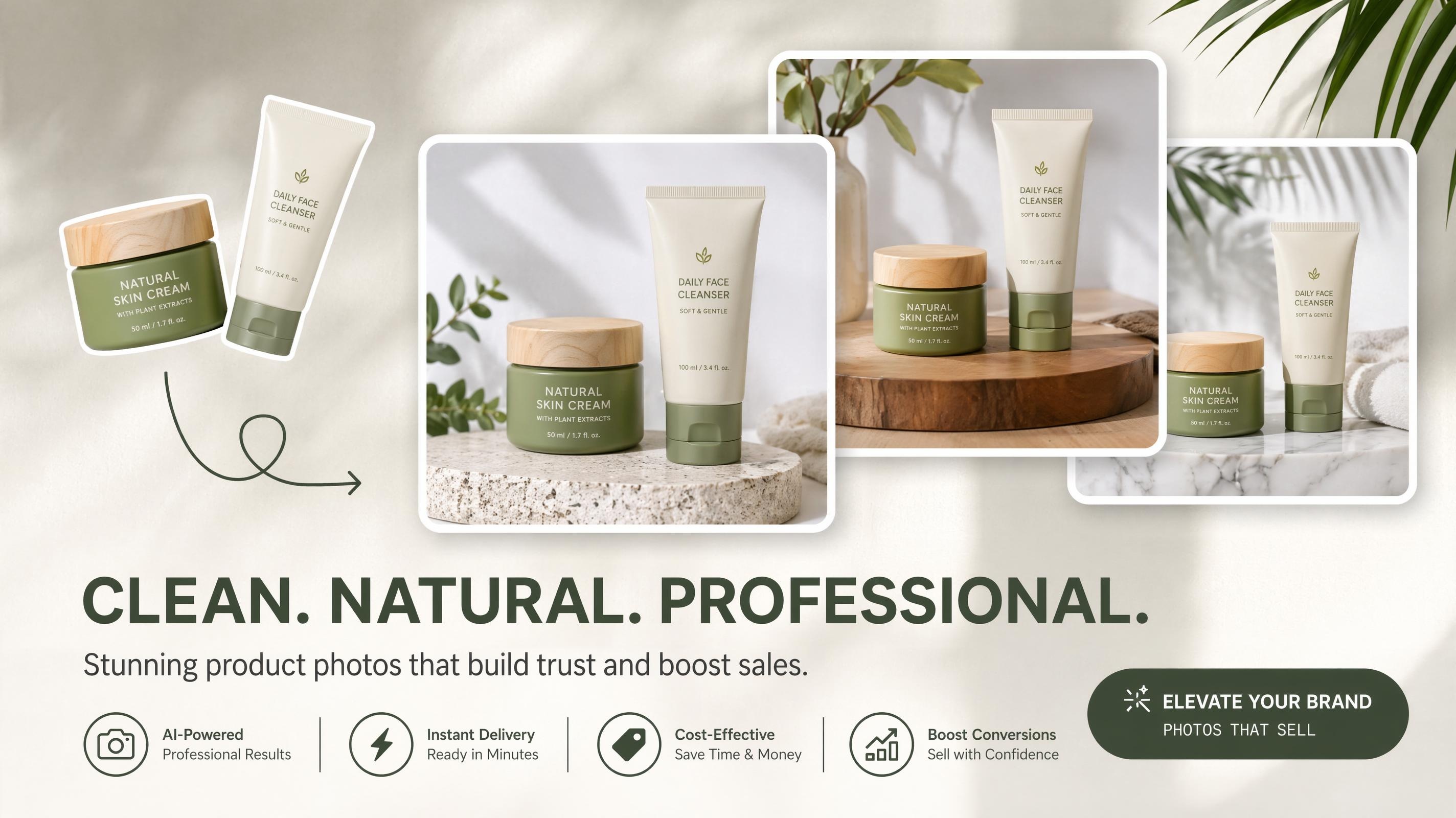
If re-shooting every lifestyle scene for every channel becomes the bottleneck, Designkit can generate additional product scenes from a clear base photo, so you can keep listings accurate while covering more angles and placements.
- Upload a sharp product photo (plain background preferred for consistent cutouts).
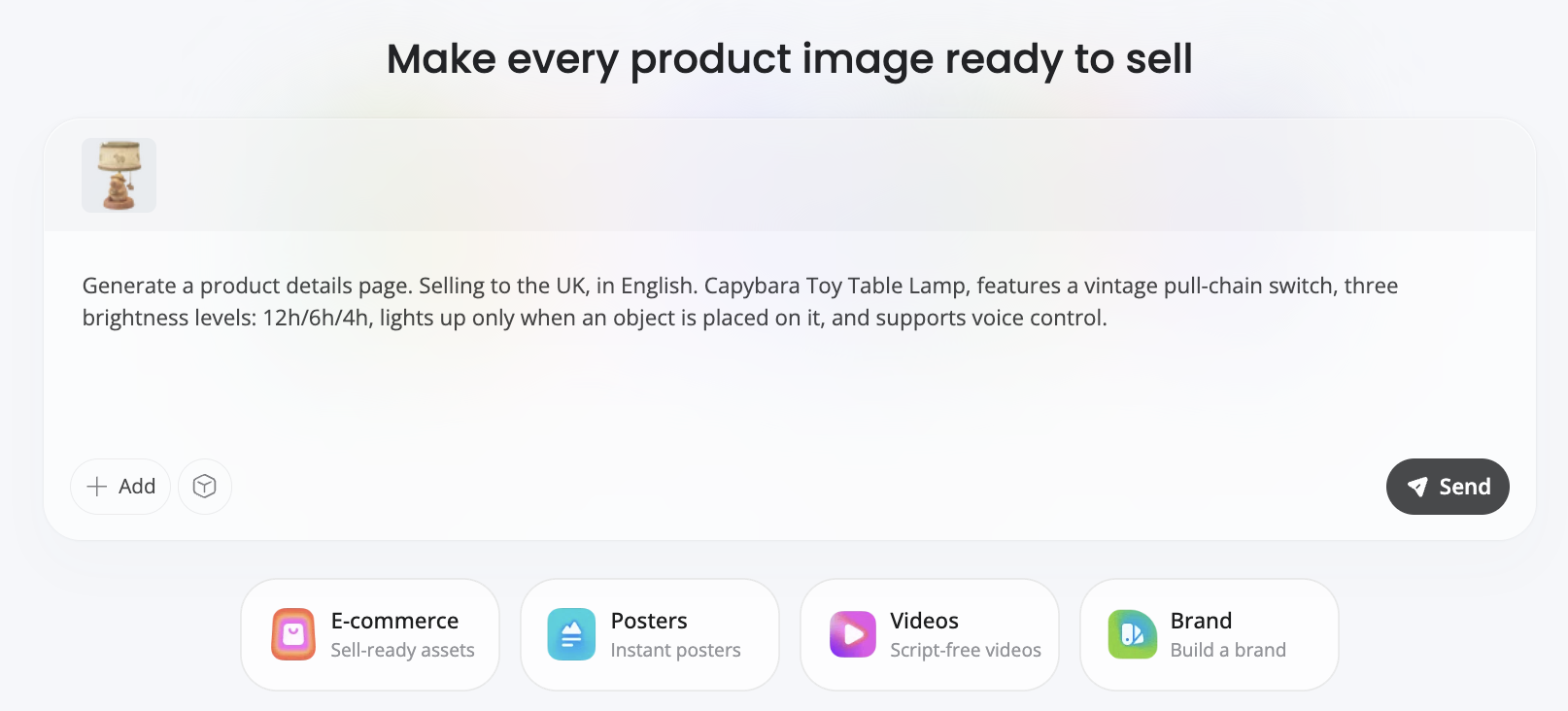
- Generate lifestyle images or channel-ready scenes that match your category.
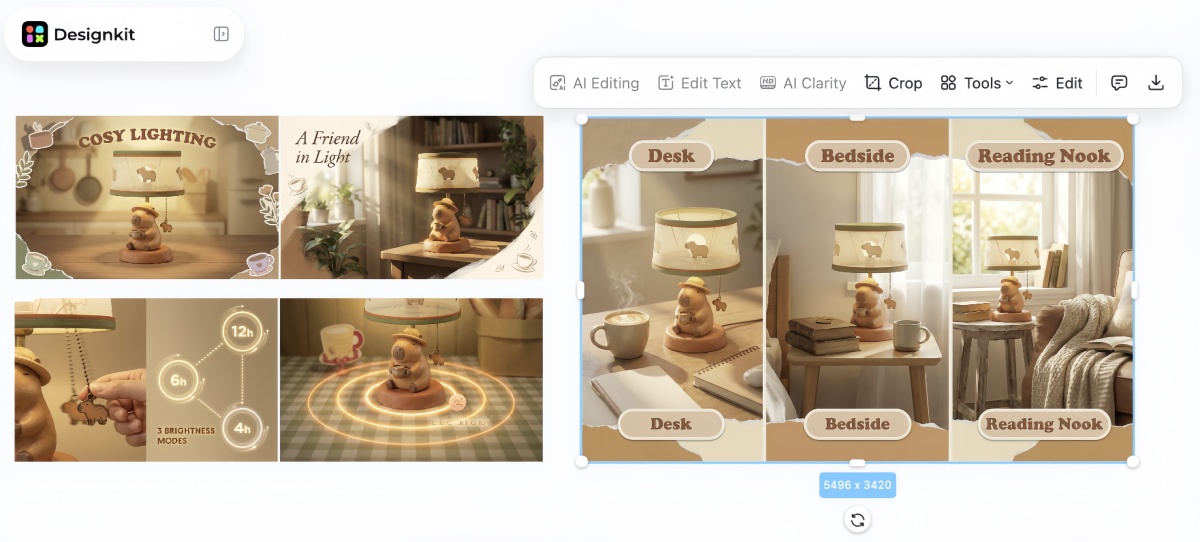
- Export crops for marketplace grids and social sizes.
- Reuse the same asset set across Etsy, eBay, Shopify, and ads without reshooting every variation.

Designkit helps with visual production only. It doesn't choose your marketplace, set fees, or replace honest condition disclosure. Never use AI scenes to hide damage or misrepresent materials.
Common Mistakes (and When to Skip a Platform)
- Choosing the cheapest platform over the right audience. Low fees don't help if buyers aren't searching there.
- Listing everywhere on day one. Cross-listing raises complexity; beginners should master one channel first.
- Ignoring shipping math. A dining table can thrive on Marketplace and fail on eBay freight economics.
- Using low-quality photos. Dark or single-angle images lose clicks across every marketplace.
- Pricing from original retail. Price from sold comps, not what you paid years ago.
| Platform | Consider another option if… |
|---|---|
| Amazon | You're selling only a few products. |
| Etsy | Your products aren't handmade, vintage, or craft-related. |
| Shopify | You have no traffic source yet. |
| Facebook Marketplace | You need nationwide exposure. |
| eBay | Shipping costs exceed product value. |
| TikTok Shop | You don't create video content. |
| Depop | You're selling non-fashion products. |
| Poshmark | You're selling electronics or furniture. |
Final Thoughts
The best platforms for selling online aren't crowned by popularity, they're chosen by fit. A marketplace that works for handmade jewelry may be wrong for furniture or private-label bulk goods.
Rather than listing everywhere on day one, pick one primary channel, build a repeatable process, and expand only after you understand what drives results. Competitive pricing, accurate descriptions, fast replies, and high-quality photography usually matter more over time than any single platform logo.
Before you switch marketplaces, make sure listings aren't the real bottleneck: clearer photos and honest details often move the needle faster than a platform hop.
Frequently Asked Questions
What is the best platform for selling online?
What are the best websites to sell stuff for free?
Facebook Marketplace, Craigslist, OfferUp, and Nextdoor are popular options for local selling with little or no upfront cost. "Free" usually refers to listing fees, so you may still pay for shipping, packaging, or optional selling features.
Is Facebook Marketplace better than eBay?
It depends on what you're selling. Facebook Marketplace is usually the better option for bulky items that are expensive to ship, while eBay is better for products with nationwide demand, such as electronics, collectibles, and branded goods. Many sellers use both platforms for different types of inventory.
What is the best website to sell used items?
Match the platform to the product. Facebook Marketplace is a good choice for furniture and large household items, eBay works well for electronics and collectibles, Poshmark and Depop are designed for clothing, and Mercari is well suited to everyday household goods.
What is the best place to sell handmade items?
Etsy remains one of the most popular marketplaces for handmade and vintage products because shoppers visit the platform specifically to find unique items. As sales grow, many makers add a Shopify store to build their brand and develop long-term customer relationships.
Should beginners start with Amazon?
Not necessarily. Amazon offers access to a large customer base, but it also requires sellers to manage stricter policies, stronger competition, and more complex operations. Many beginners find it easier to build experience on Facebook Marketplace, Etsy, or eBay before expanding to Amazon.
Can I sell on multiple marketplaces?
Yes. Selling on multiple platforms can help you reach more buyers and reduce your reliance on a single sales channel. As your business grows, keeping inventory synchronized becomes essential to avoid overselling.
Is Shopify better than Amazon?
Shopify and Amazon serve different purposes. Amazon gives you access to an existing marketplace, while Shopify gives you your own online store and full control over your brand and customer relationships. Many businesses use Amazon to reach new customers and Shopify to encourage repeat purchases.
Which marketplace is best for small businesses?
The best choice depends on your products. Etsy works well for handmade goods, eBay is a strong option for specialty and secondhand products, Amazon supports businesses ready to scale, and Shopify is well suited to brands focused on long-term growth.
How important are product photos?
Product photos often determine whether shoppers click on your listing in the first place. Clear, accurate images from multiple angles help buyers evaluate products and build trust. Improving your photos can have a bigger impact on sales than switching to a different marketplace.
How do I choose the right platform?
Start by thinking about what you're selling, whether you'll sell locally or ship orders, and whether you want built-in marketplace traffic or your own online store. Those three decisions will usually narrow your options to the platforms that best fit your business.
You May Also Like
10 High-Converting Lifestyle Product Images for Amazon Listings

Amazon Listing Images Guide 2026: 7-Slot Strategy & Requirements
Shopify Product Photography Guide with Tips & Setup

How to Build a Shopify Store That Actually Converts Visitors
Etsy Thumbnail Optimization: Keep Your Product Fully Visible
Optimize Etsy Images for Mobile: Listing Photos That Convert
How to Add Video to eBay Listing: Step-by-Step Seller Guide

11 Must-Have Tools for Amazon Product Photography in 2026
Make Every Listing Thumbnail Work Harder
Reuse strong product photos across Marketplace, Etsy, eBay, and your own store, without a studio shoot for every scene. If you need more marketplace-ready images without reshooting every lifestyle angle, try Designkit to generate accurate variations from your existing product photos.


