
Amazon Listing Images Generator: Create a Full Amazon Listing Image Set from One Upload
Upload one product photo and build an Amazon-ready image stack—pure white main image, feature callouts, and lifestyle scenes sized for Seller Central.
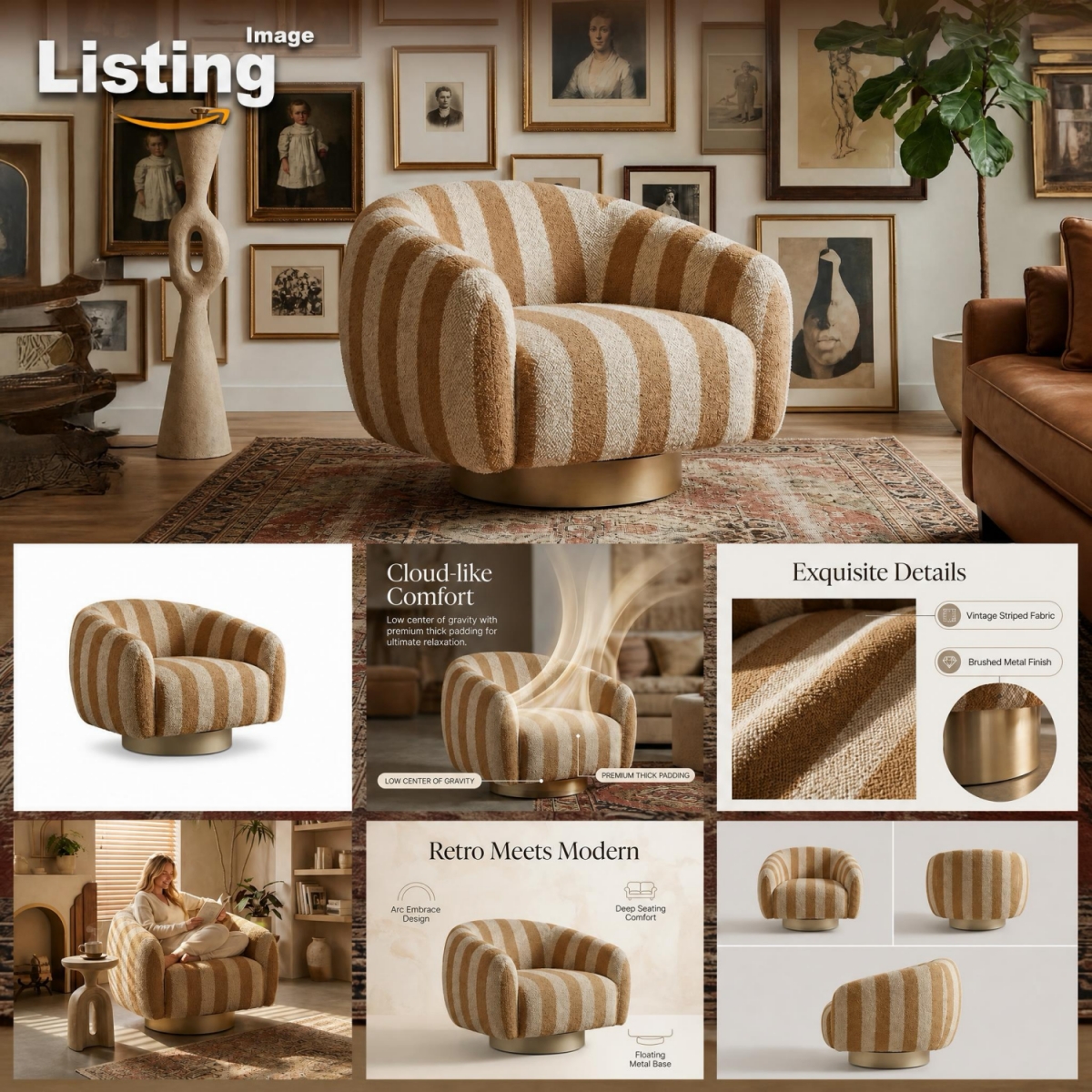
How to Generate Amazon Listing Images in 3 Steps
Upload Your Product Photo
Drop in your product shot—phone photos work. Clean multi-angle or white-background shots help, but they’re not required. High-res files keep the final images sharp for Amazon zoom (1600×1600 px or higher).
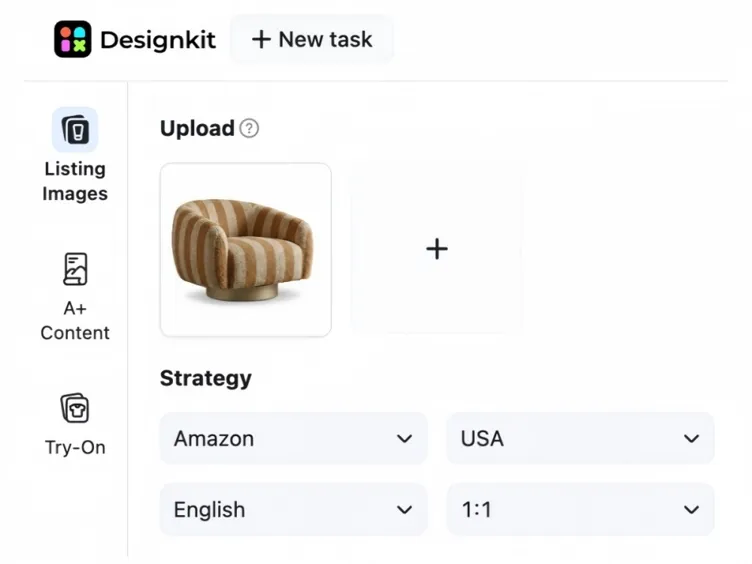
Set Amazon Style & Selling Points
Choose main image, infographic, or lifestyle. AI drafts benefit callouts from your product info so you can tweak USP text instead of designing from scratch, then apply Amazon-ready white-background and layout rules.
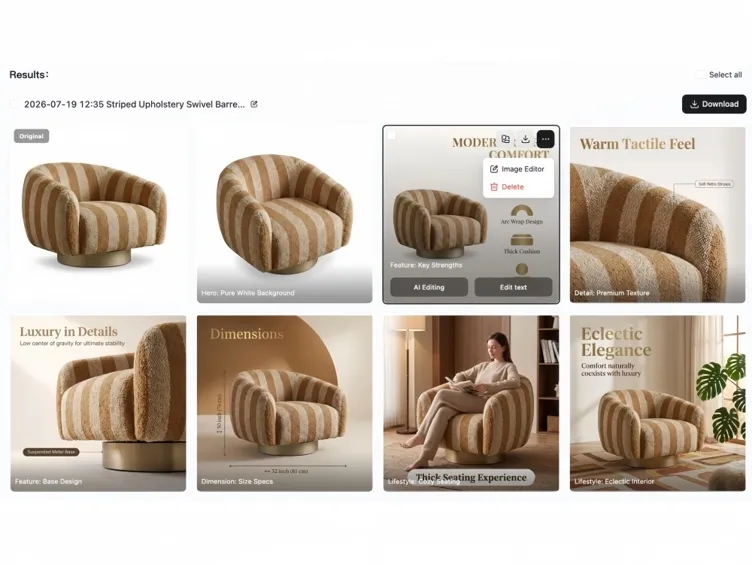
Preview, Edit & Export
Review your listing stack (up to a 7-image set), adjust copy or crops, then download JPEG/PNG files pre-sized and compressed for Seller Central, ready to upload without manual resizing.
AI Prompt Templates for Every Amazon Listing Style
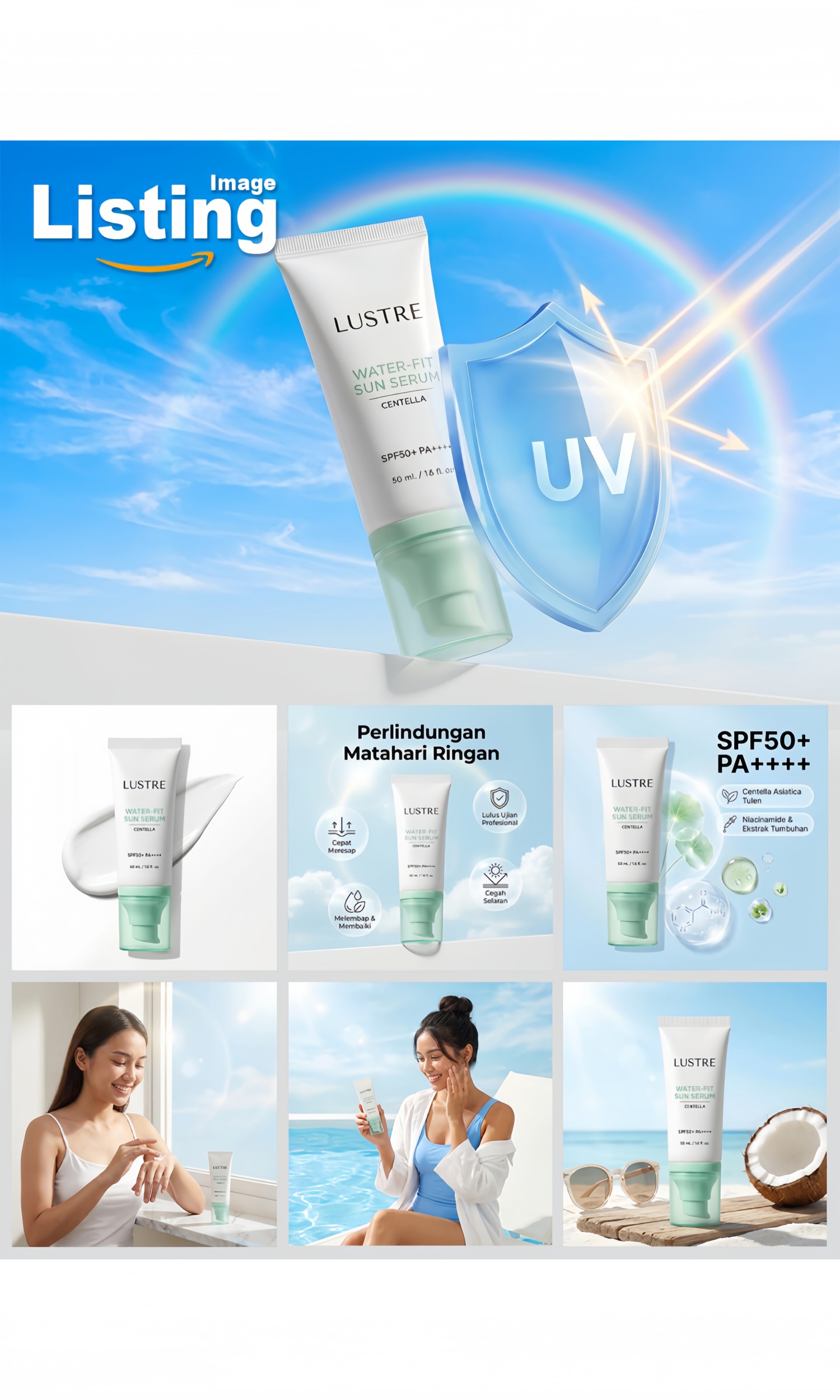
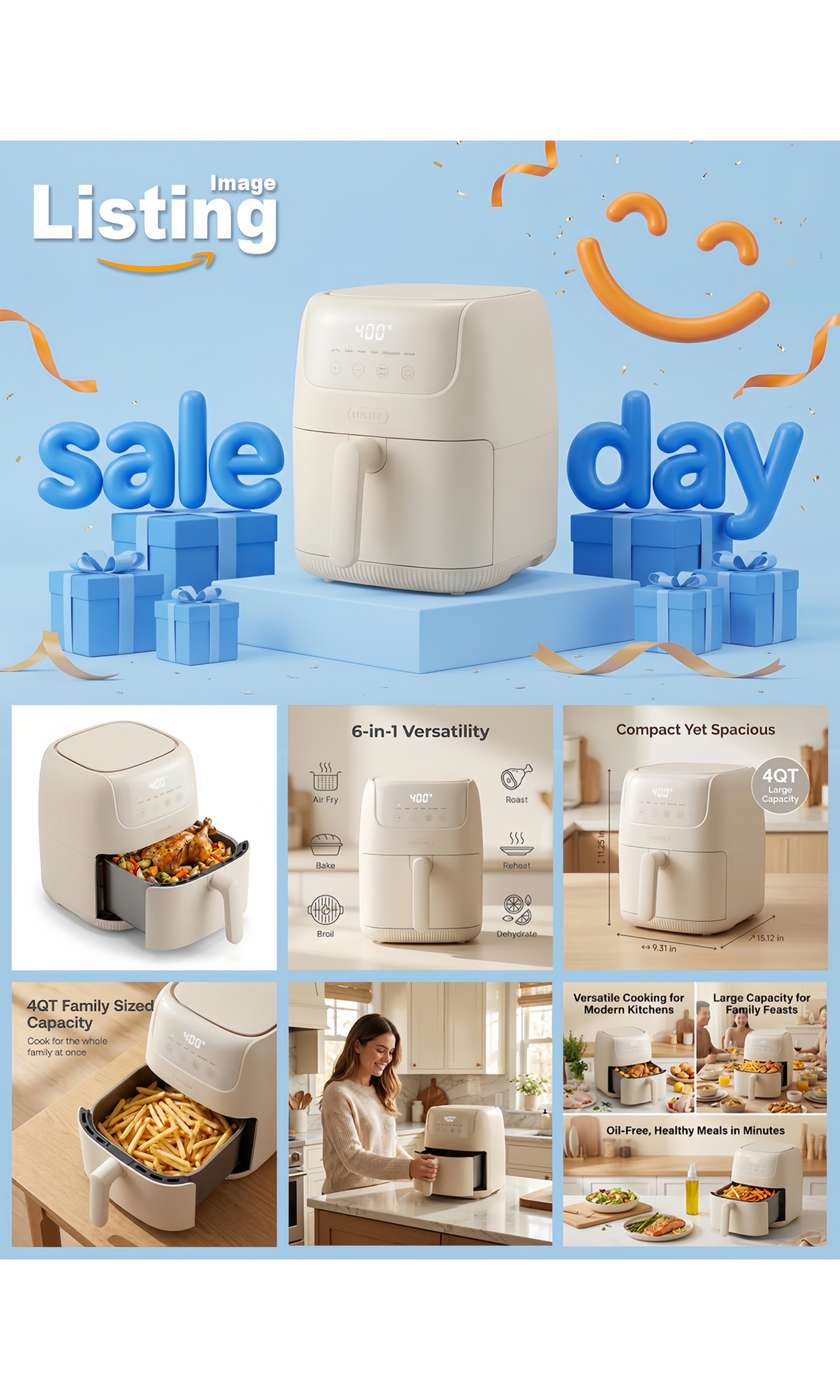
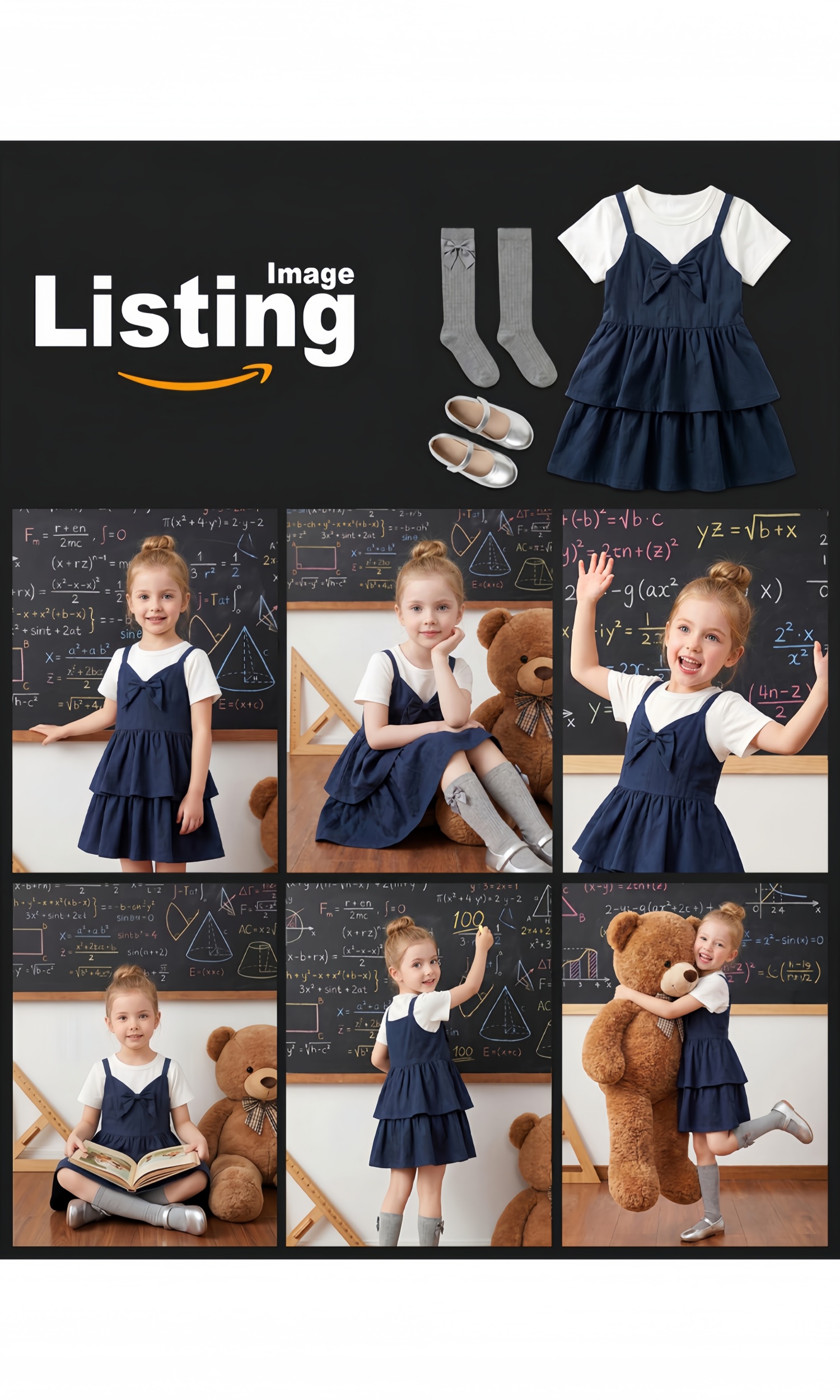
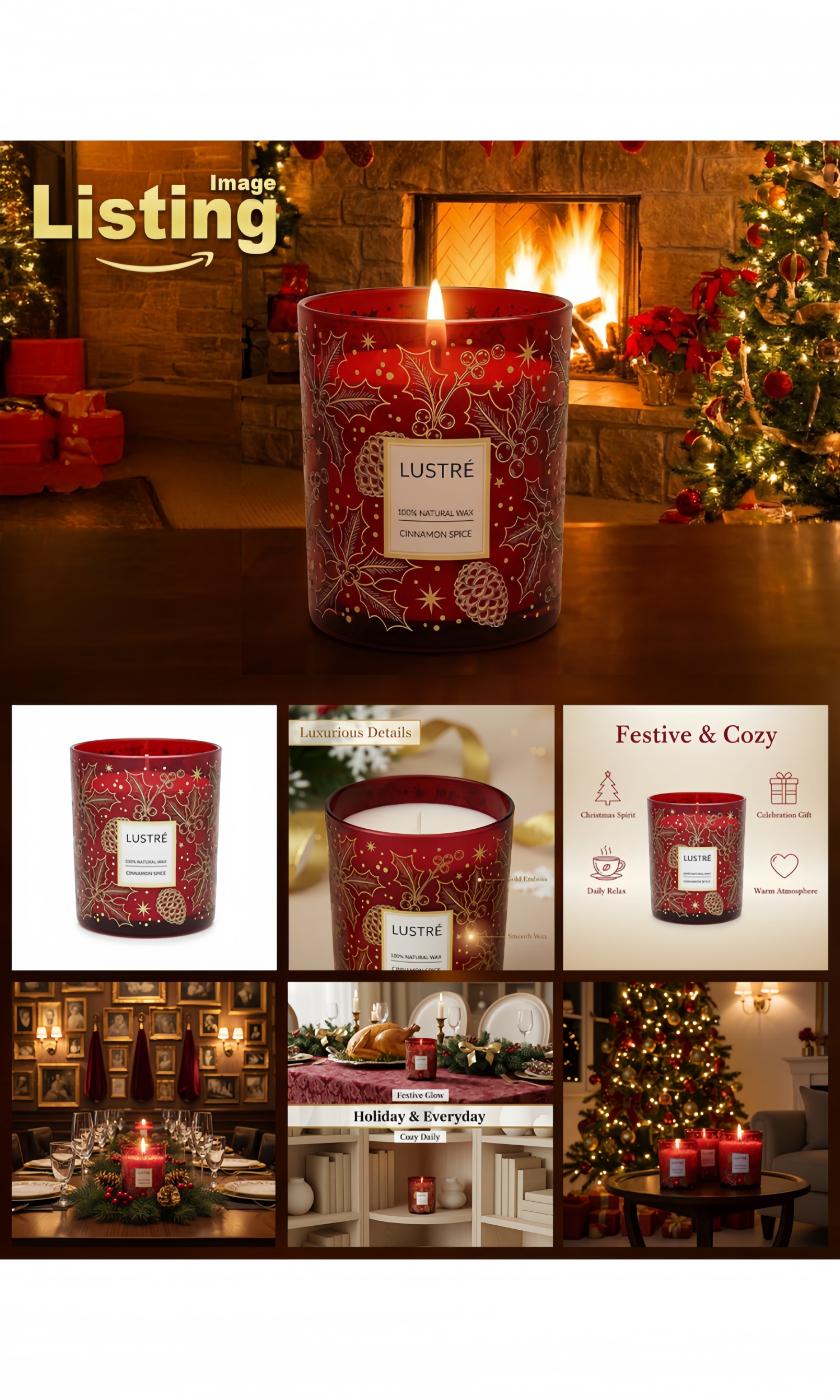
Build a Full Listing Stack from One Photo
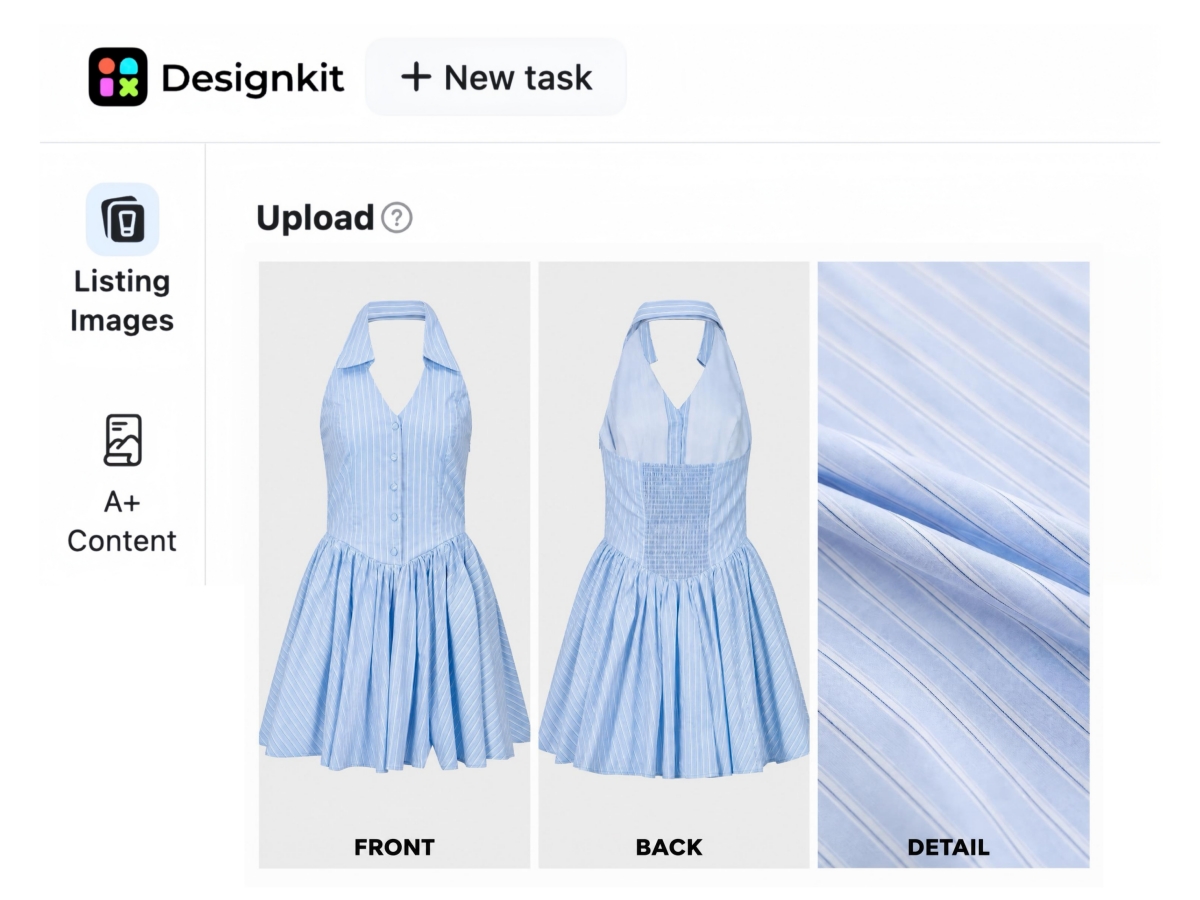
Upload Up to 3 Product Photos per Amazon ASIN
Add up to three packshots per ASIN: front, angle, or detail, so Amazon listing images keep true shape, color, and packaging across Slot 1, secondary feature frames, and lifestyle slides in Seller Central.
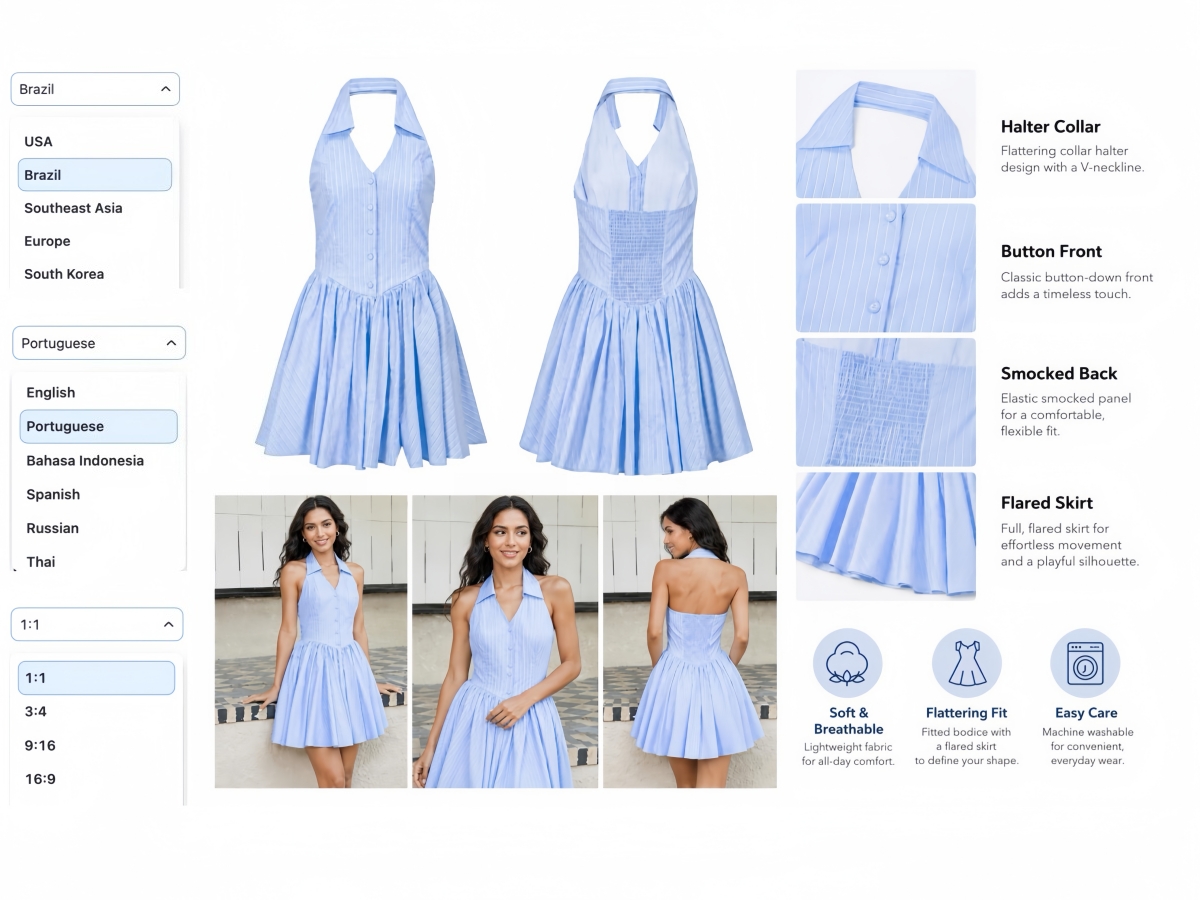
Set Amazon Marketplace, Language, and 1:1 Listing Format
Pick your Amazon marketplace, language, and 1:1 square format before you generate. Outputs match how shoppers see listing images in Amazon search and on the PDP, no post-export crop for Seller Central.
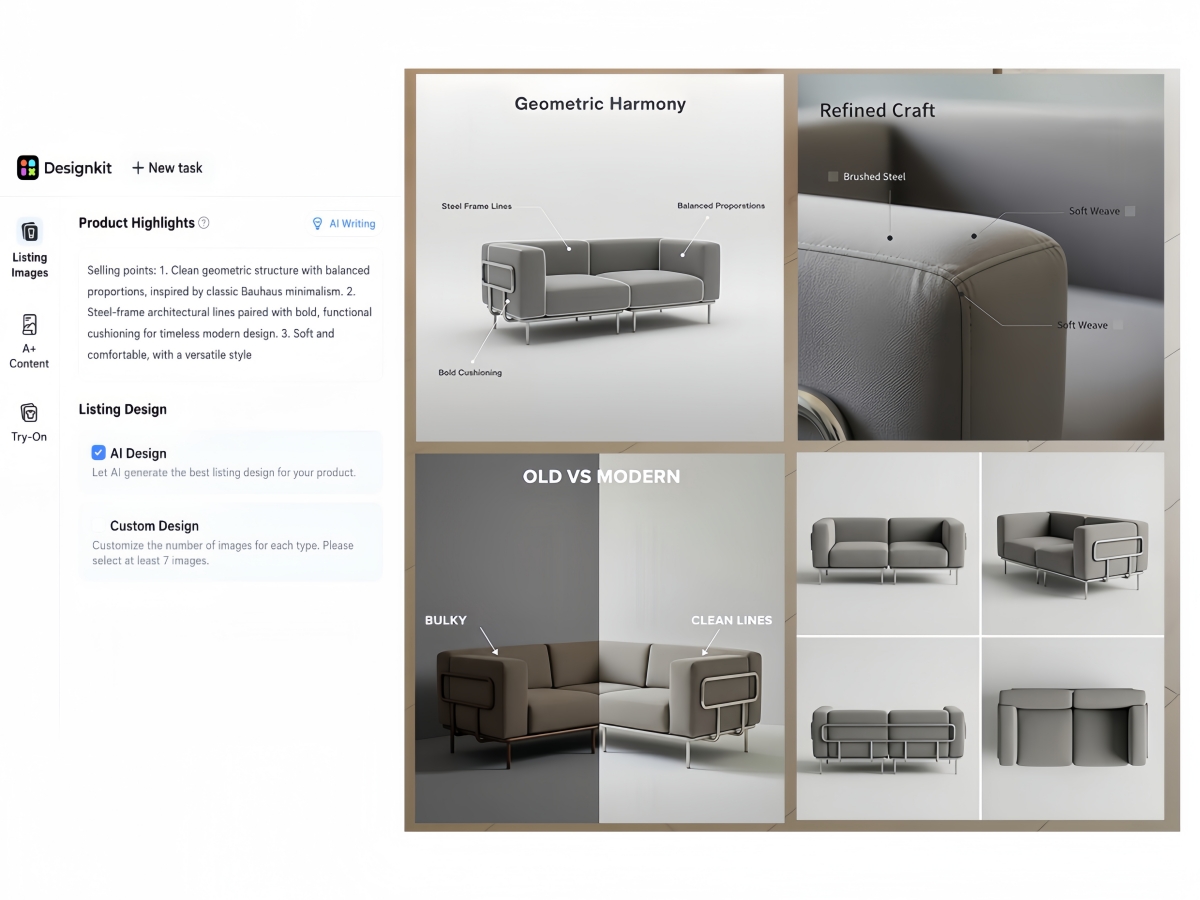
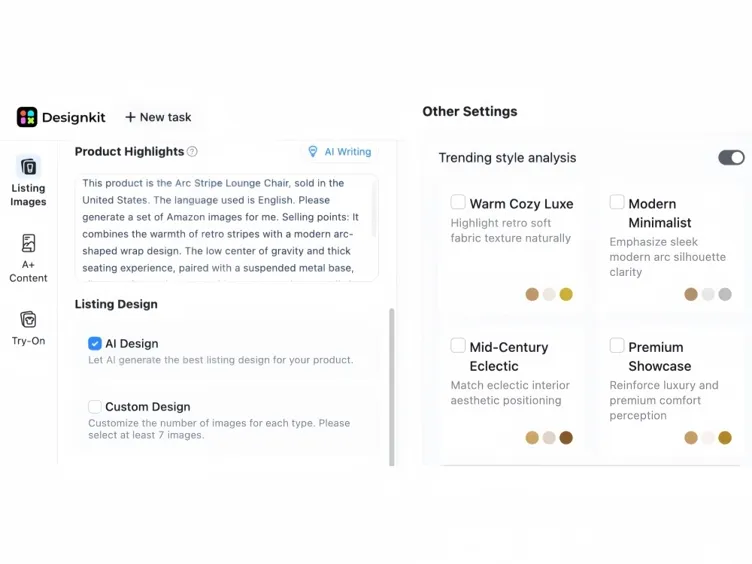
AI Writing Drafts Amazon Product Highlights From Your Brief
Enter product name, highlights, target audience, and use cases. AI Writing turns that brief into Amazon-ready callouts for secondary listing images, so feature slides speak to A9 shoppers, not generic store copy.
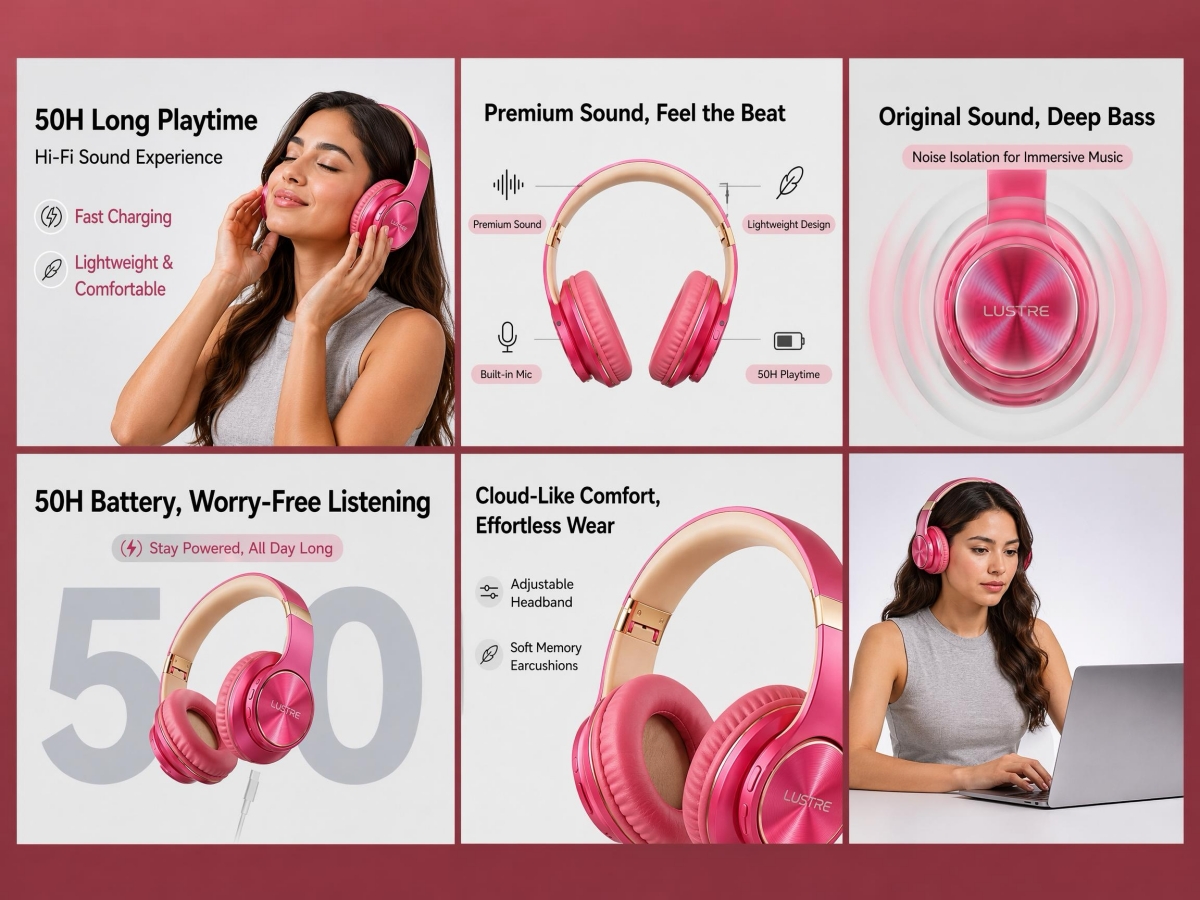
AI Design Builds a Full Amazon Listing Image Stack
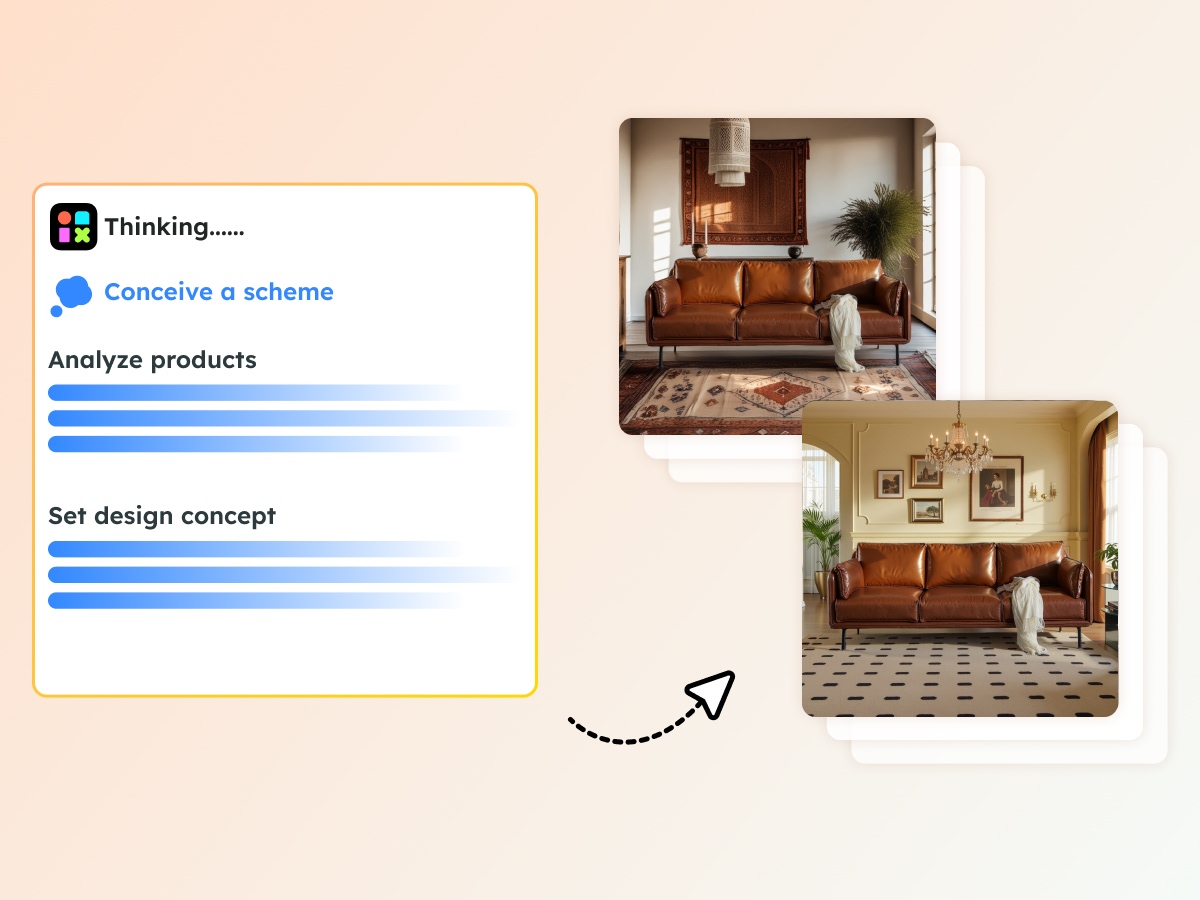
Choose AI Design and generate a coherent Amazon listing set: main image, benefit infographics, and lifestyle frames, tuned for the PDP gallery. Skip hand-picking every slot when you need a Seller Central–ready stack fast.
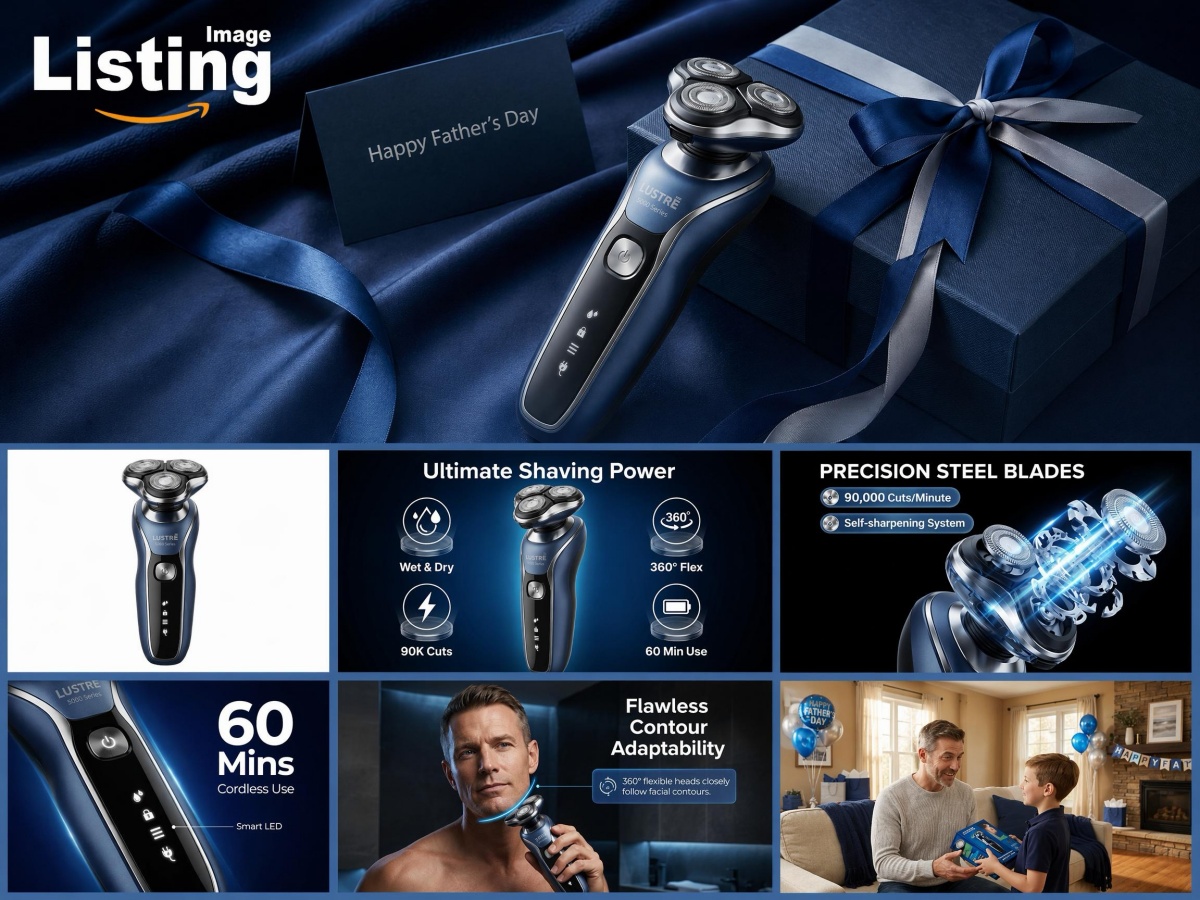
Custom Design: Set Image Counts by Type, At Least 7 for Amazon
Use Custom Design to choose how many Amazon listing images you need per type, with a minimum of seven. Balance pure-white main, feature callouts, and lifestyle slots to fill the Amazon image gallery your ASIN needs.
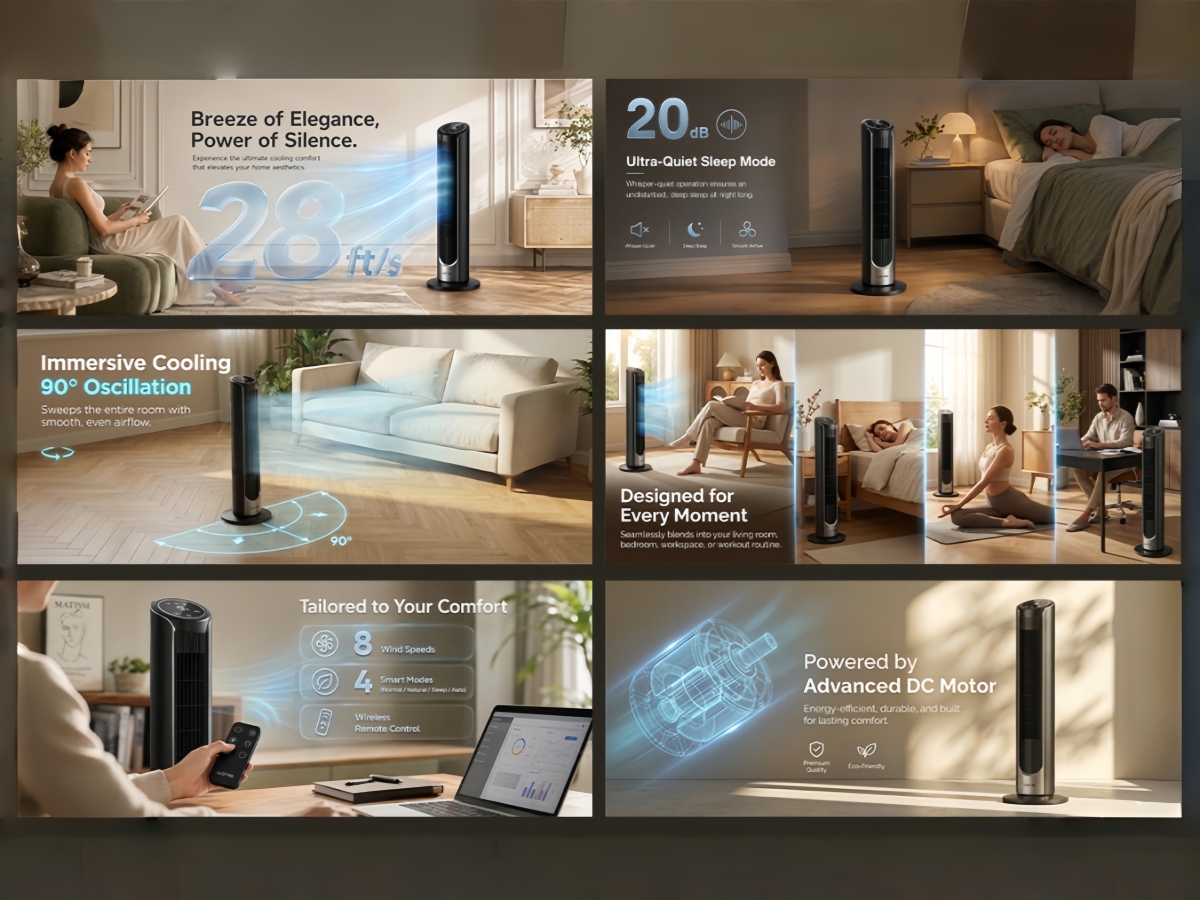
Run Amazon Trending Styles and Generate Listing Copy Together
Turn on trending style analysis for Amazon listing creative, then generate listing copy in the same pass. Keep titles and bullets aligned with the main and secondary images you upload to Seller Central.
Who Uses Designkit for Amazon Listing Images
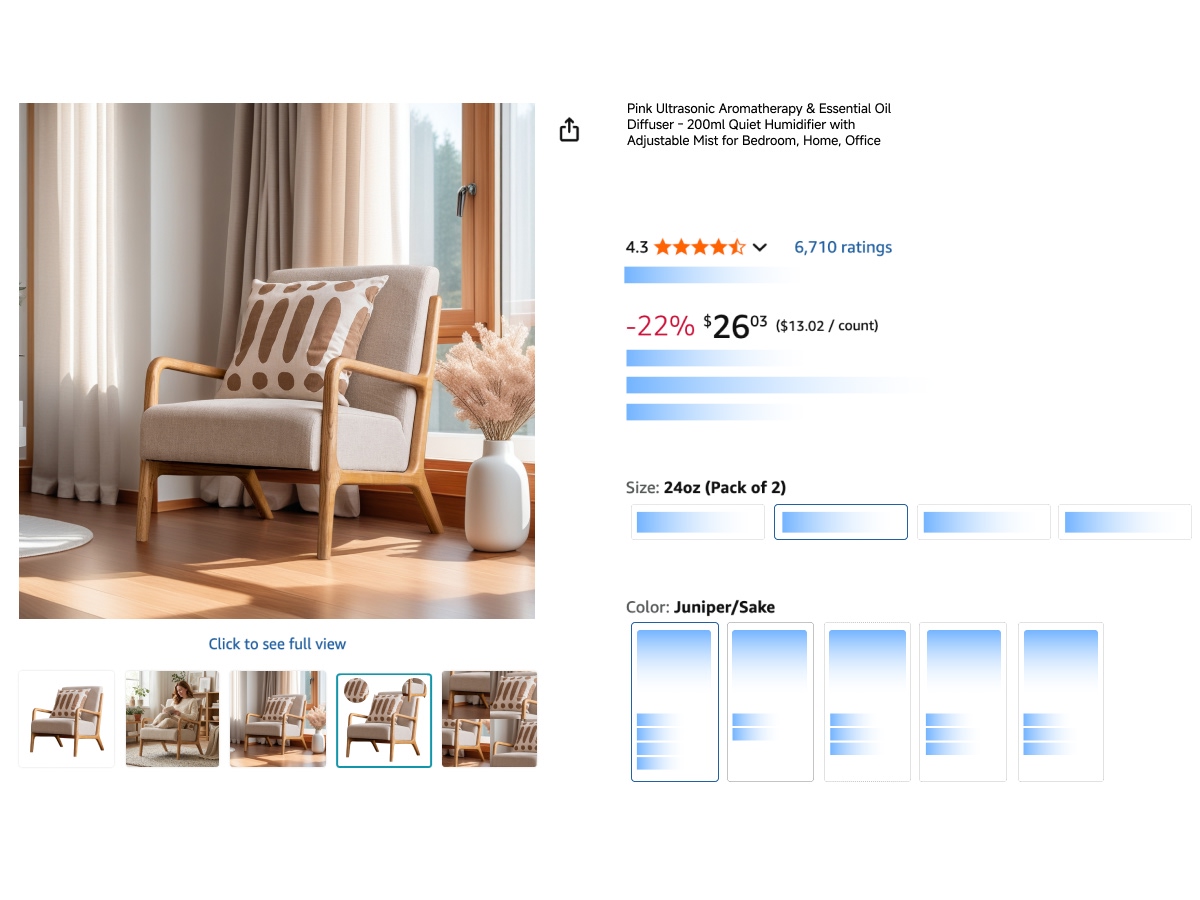
Stop Main-Image Rejections Before Your Amazon Listing Goes Live
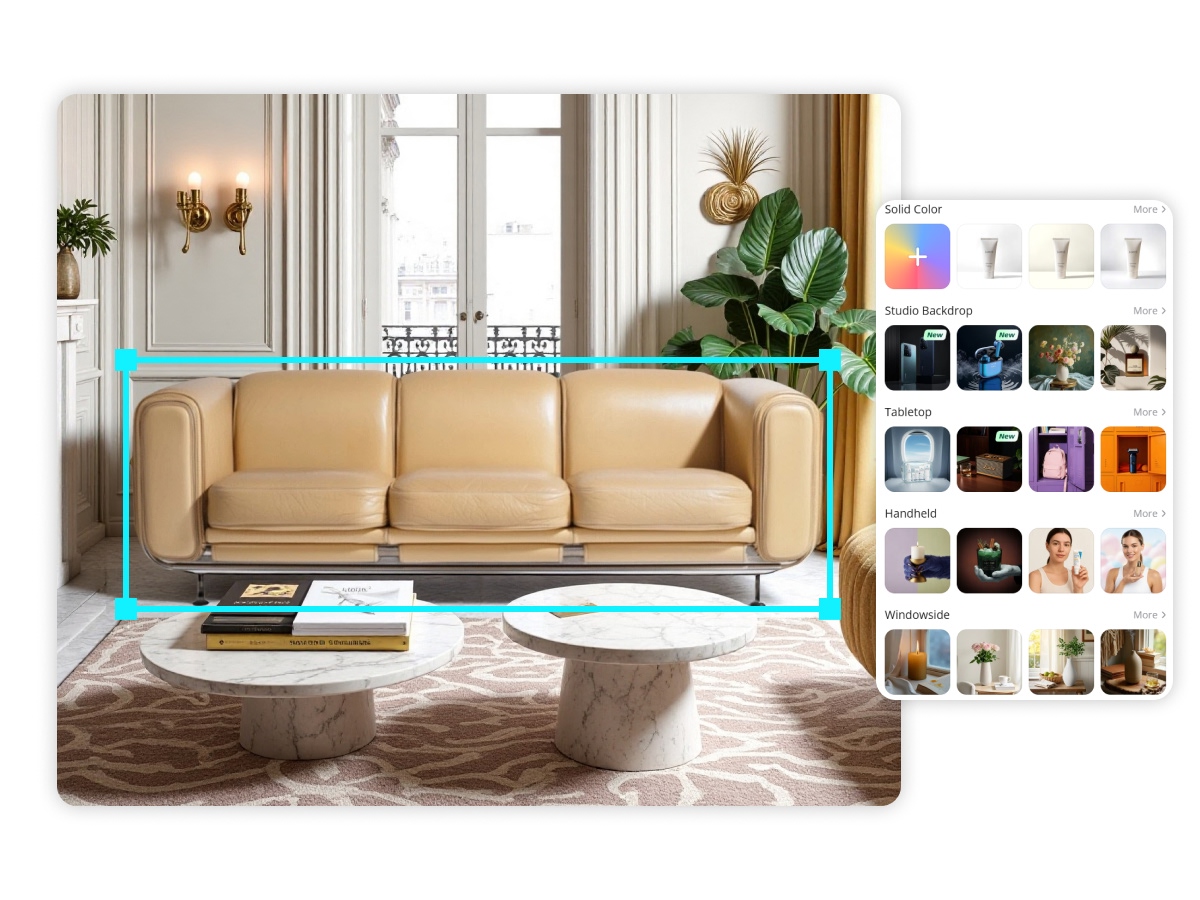
Off-white backgrounds and cluttered frames get Slot 1 suppressed. Upload one product photo and generate a pure white main image (RGB 255), framed and sized for Amazon zoom—Seller Central–ready without Photoshop.
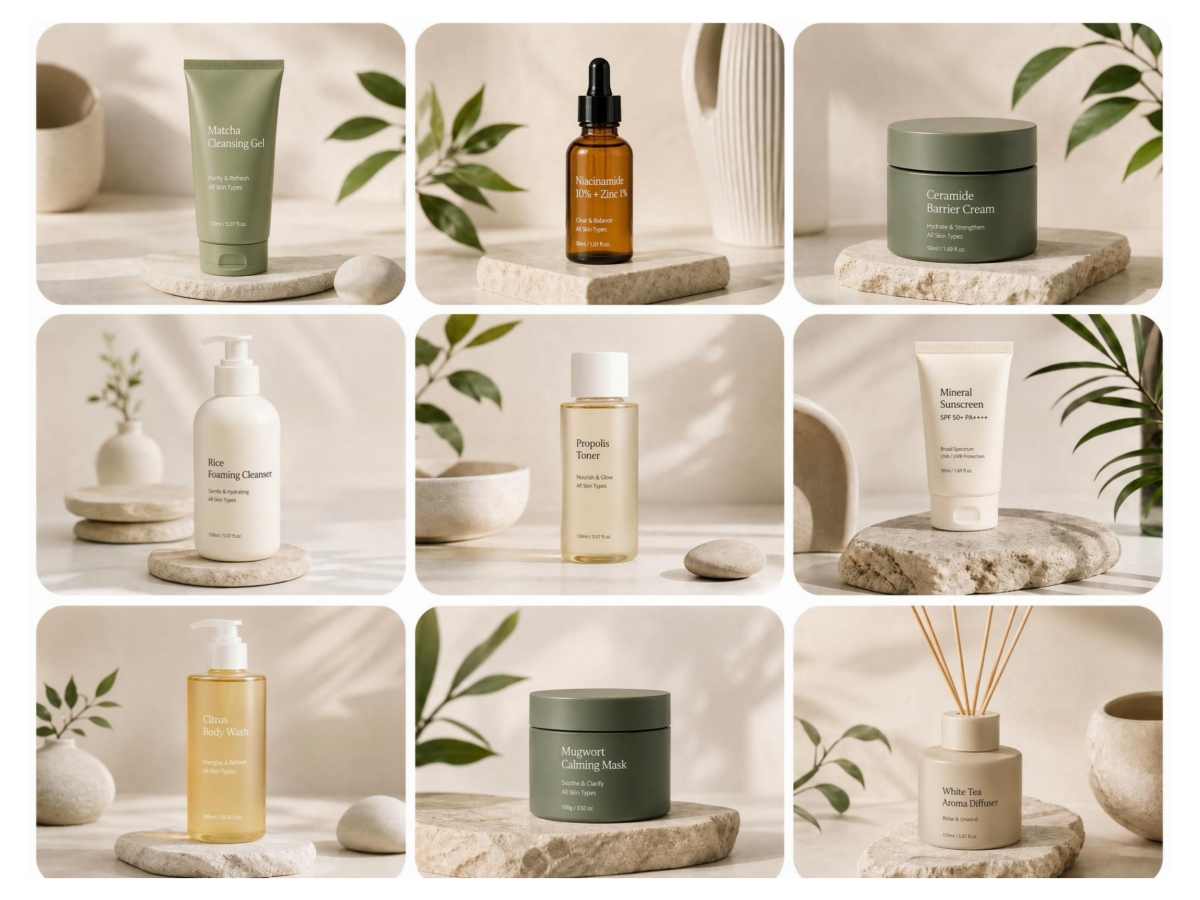
Amazon Listing Images Generator

Seller Central Specs Built In
Assets scale to 1600px+ so Amazon zoom works, no manual export presets for every SKU.
True-to-Life Product Detail
Shape, color, and texture stay faithful to your original shot, so listing images look real and cut “not as described” confusion.

Batch Stacks Across SKUs
Process whole collections with matched lighting and backgrounds in one run, built for catalogs with dozens of ASINs.
Unlock More Creative Possibilities
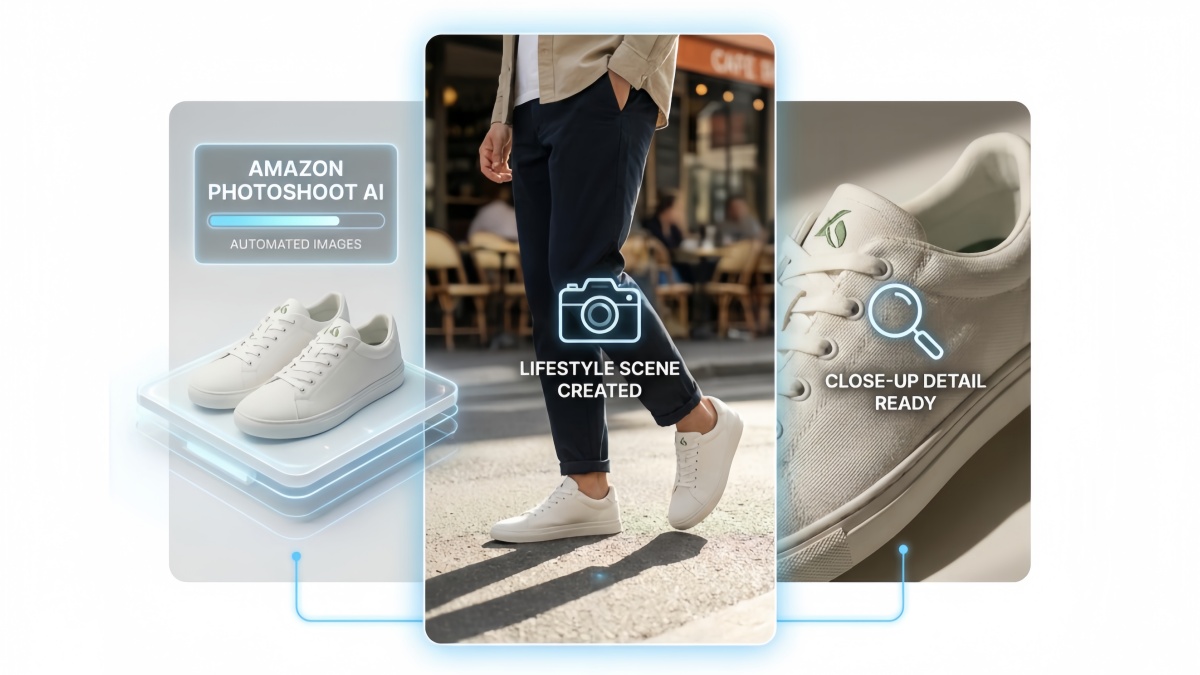
Amazon Photoshoot AI
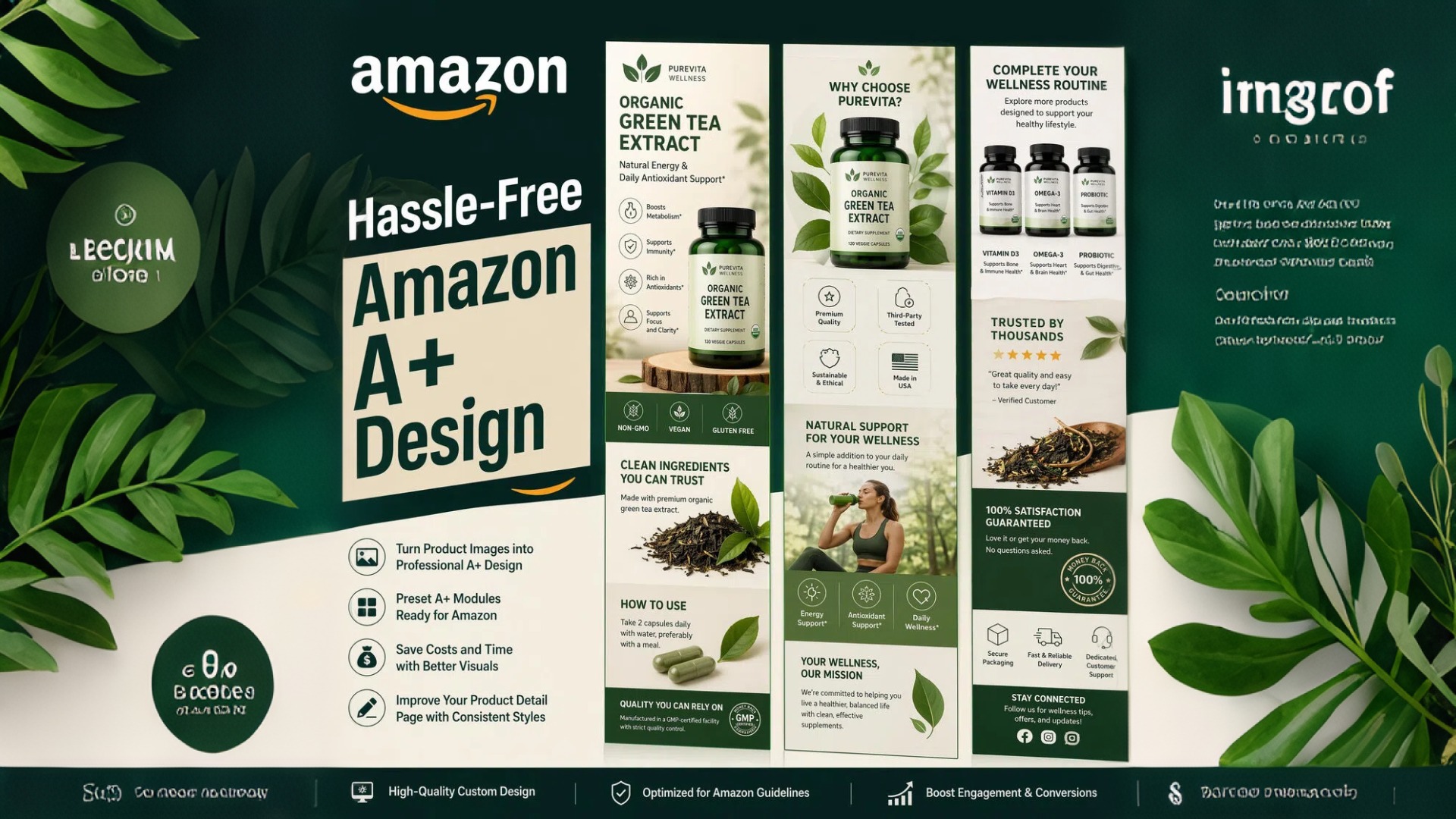
Amazon A+ Content Design
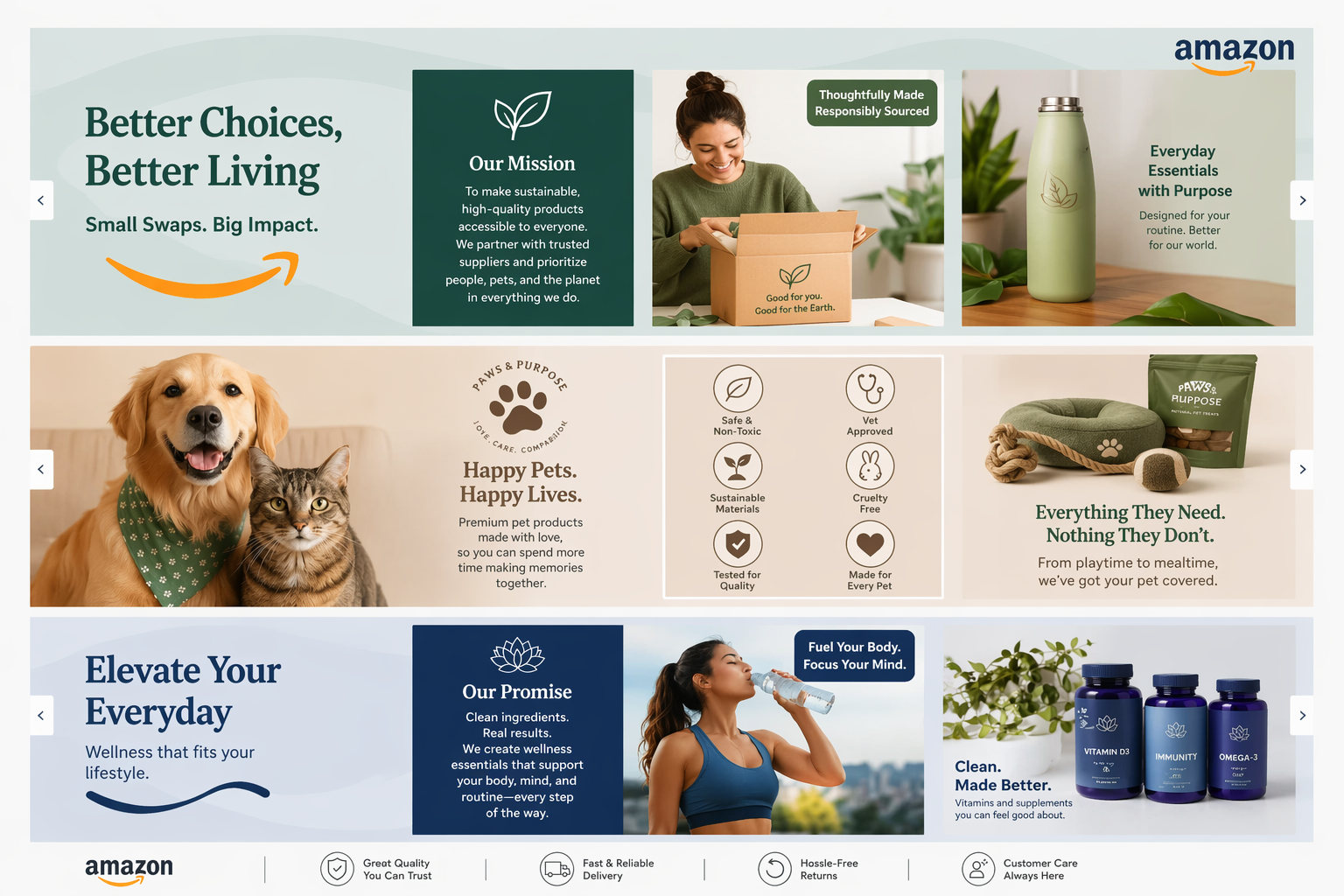
Amazon Brand Story AI Generator

Amazon Premium A+ Content Generator
Frequently Asked Questions
Do AI-generated Amazon listing images look real?
What photos do I need to generate Amazon listing images?
One clear product photo is enough to start; multi-angle or simple white-background shots help. Phone photos are fine if the product is sharp and fully visible.
What image sizes and formats can I export?
Exports are sized for Amazon listing use—typically 1600×1600 px or larger for zoom—plus JPEG/PNG downloads ready for Seller Central. You can build a full image stack, including a 7-image set workflow.
Does Amazon allow AI-generated listing images?
Amazon requires accurate product representation and strict main-image rules (pure white background, product focus, no prohibited overlays). AI is a production method; your images still need to meet those policies and show the real product.
Will this help my main image pass Amazon checks?
It targets RGB 255 pure white backgrounds and compliant framing for Slot 1, which lowers suppression risk from cluttered or off-white backgrounds. Always spot-check against current Amazon image rules for your category.
Can it handle shiny, glass, or detailed textures?
Edge handling is built for jewelry, glass, and detailed apparel so you avoid harsh cutouts and halo fringes on the main image.
Can I make infographic secondary images without design skills?
Yes. Use Amazon-oriented layouts (including common 1:1 styles) and edit AI-suggested callouts—no separate design tool required.
How is this different from a basic background remover?
A remover only cuts the background. Here you generate a listing stack: compliant main image, benefit/infographic frames, and lifestyle scenes sized for Amazon upload.
Generate Listing Images for Amazon with Designkit
Generate your Amazon listing image stack free and download Seller Central–ready files in minutes.



What Sellers Say About Amazon Listing Images
Finally Got Past Main-Image Suppression
I kept getting knocked back on Slot 1 because the background wasn’t truly white. I uploaded a phone photo, generated a pure white main image, and the listing stayed up. Took way less back-and-forth than my last Photoshop round.
Our Whole Catalog Finally Looks Like One Brand
We had fifty-plus SKUs and every secondary image felt different. Batching Amazon listing images here kept lighting and callouts consistent. Seasonal swaps used to wait on the agency; now we refresh a line in an afternoon.
PPC Stopped Dying on Weak Secondary Images
Clicks were fine, but people bounced when the gallery didn’t explain the product. We rebuilt the benefit slides from the same packshots and clients stopped blaming the campaign first. The stack is just clearer in those first few slots.
Launched on Amazon Without Booking a Studio
We only had factory shots from Shopify. I needed a white main image plus a couple lifestyle frames and didn’t want another photoshoot. One upload got me Seller Central–ready files—enough to go live and see if the ASIN could sell.