
How to Create an Amazon Storefront: Complete Guide 2026
Learn how to create an Amazon Storefront: check eligibility, set up your Brand Store, organize collections, and design branded pages that help shoppers discover more of your products.

An Amazon Storefront is a dedicated space on Amazon that eligible brands can use to showcase products, curate collections, and create a branded shopping experience. Sellers don't just get product listings; they get a Storefront where they can display their brand and direct shoppers to related products. This guide explains how to create an Amazon Storefront, covering eligibility requirements, setup steps, and design strategies effectively to make it easier for shoppers to discover and explore your products.
What is an Amazon Storefront?
An Amazon Storefront is a customizable, branded shopping destination that allows eligible brands to showcase a range of products in one place. If you're a registered brand, you are able to set up an Amazon Brand Store to showcase your products, organize them into collections, and build your reputation. This is not the same as storefronts for influencers or affiliates. It helps shoppers find related products in a more structured and branded shopping experience.
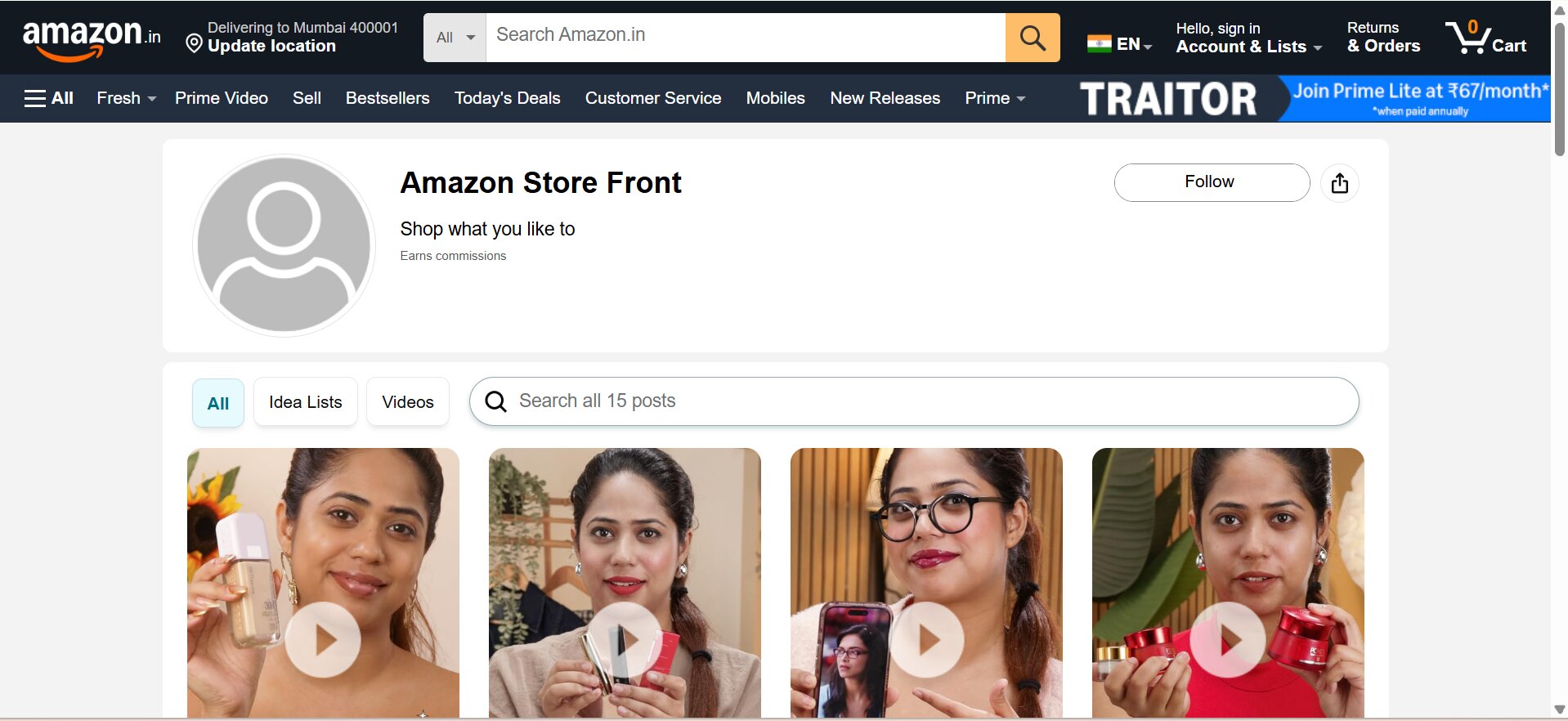
What is an Amazon Brand Store?
An Amazon Brand Store gives your brand a dedicated destination instead of limiting shoppers to an individual product detail page. A product listing is designed primarily to explain and sell one product, while a store can connect multiple products through categories, collections, brand messaging, and navigation. This makes the store useful when you have several products that belong to the same brand or product family.
Why create an Amazon brand store?
A store can make it easier for shoppers to discover related products and understand what your brand offers. You can organize products by type, use, need, or theme and create additional pages that explain your brand or product range. Amazon also recommends using subpages to provide more information about your brand and suggests having at least three subpages as part of a Store structure.
Amazon Storefront vs Amazon product listing
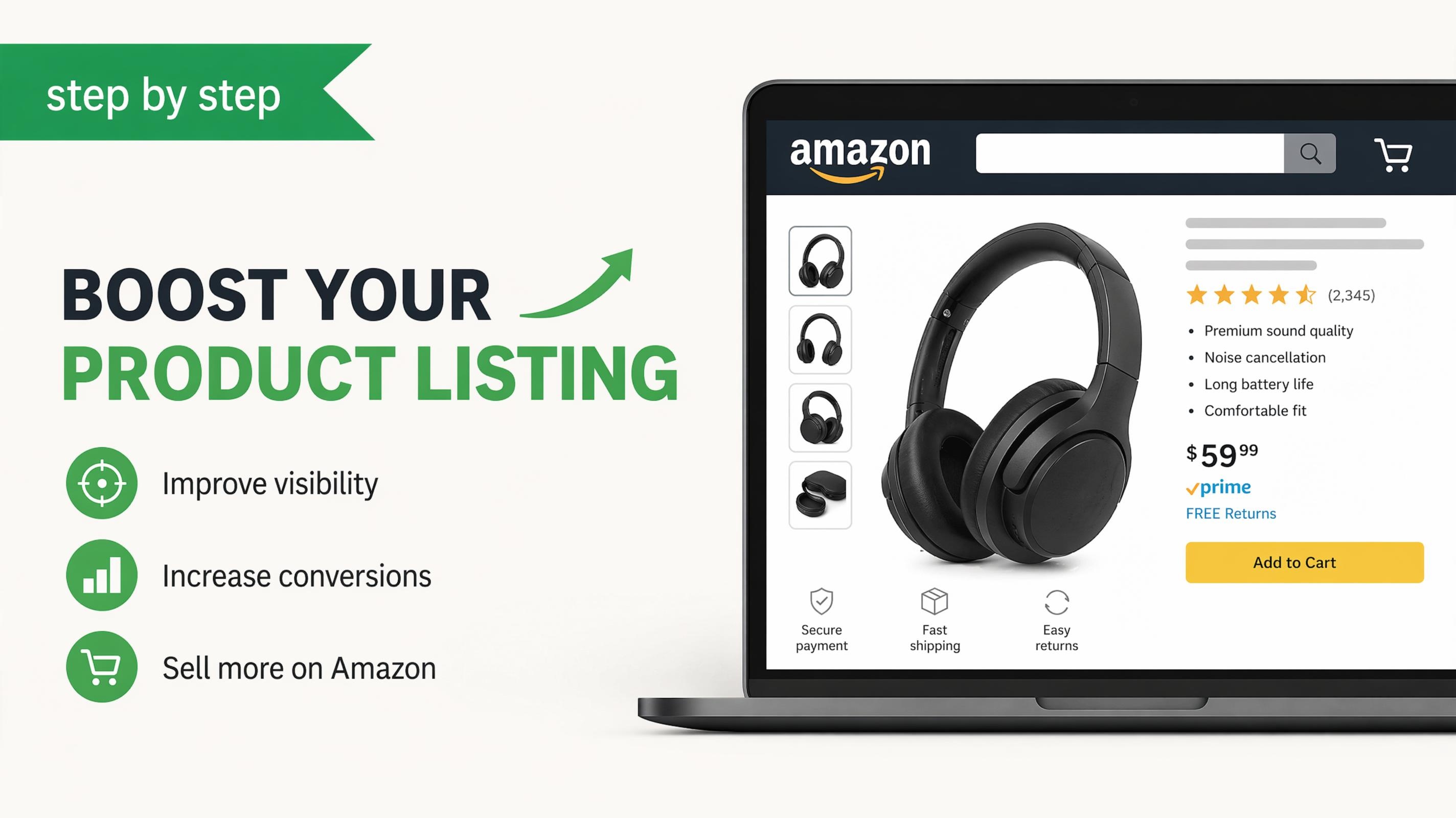
An Amazon Storefront is a unique destination for your brand to showcase multiple products, curate collections and share your brand personality. In contrast, an Amazon product listing focuses on a single product, providing shoppers with specific details such as features, images, pricing, and purchasing information.
|
Amazon Storefront |
Amazon Product Listing |
|---|---|
|
Dedicated brand destination |
Individual product page |
|
Showcases multiple products |
Focuses on one product |
|
Customizable branded layout |
Standard Amazon layout |
|
Supports product categories and collections |
Focuses on product information |
Amazon Storefront requirements and eligibility
Before you learn how to set up an Amazon Storefront, confirm that your business is eligible. Amazon's current guidance states that stores are available to sellers enrolled in Amazon Brand Registry, vendors, and certain agencies representing vendors. Sellers must be selling products on Amazon, while Brand Registry enrollment is required for sellers creating a store.
Amazon Brand Registry requirements
For sellers, Amazon Brand Registry is an important step before creating a store. Amazon states that Brand Registry enrollment requires an active registered trademark for the brand and the ability to verify yourself as the trademark rights owner. You then use an Amazon account associated with your seller or vendor relationship to access Brand Registry.
Who can create an Amazon Storefront?
Not every Amazon seller gets access to a store. You must be a seller or vendor, be enrolled in Brand Registry if applicable, and meet Amazon's current requirements to be eligible. If you are a seller, make sure your brand is enrolled and that your products are actively sold on Amazon before beginning the Store creation process.
What you need before creating a Storefront
Prepare your brand logo, visual identity, product listings, product images, lifestyle imagery, category structure, product collections, and marketing copy before you begin. It also helps to decide what shoppers should see first, which products deserve priority, and how your pages should connect. Preparing these elements in advance makes the store-building process faster and reduces the need for repeated revisions.
How to create an Amazon Storefront step-by-step
To create an Amazon Storefront, you'll need to prepare your brand, enter the store-building interface, add your products and navigation, and submit the finished Store for review. The exact interface might differ, so look for the labels and options currently shown in your Amazon account.
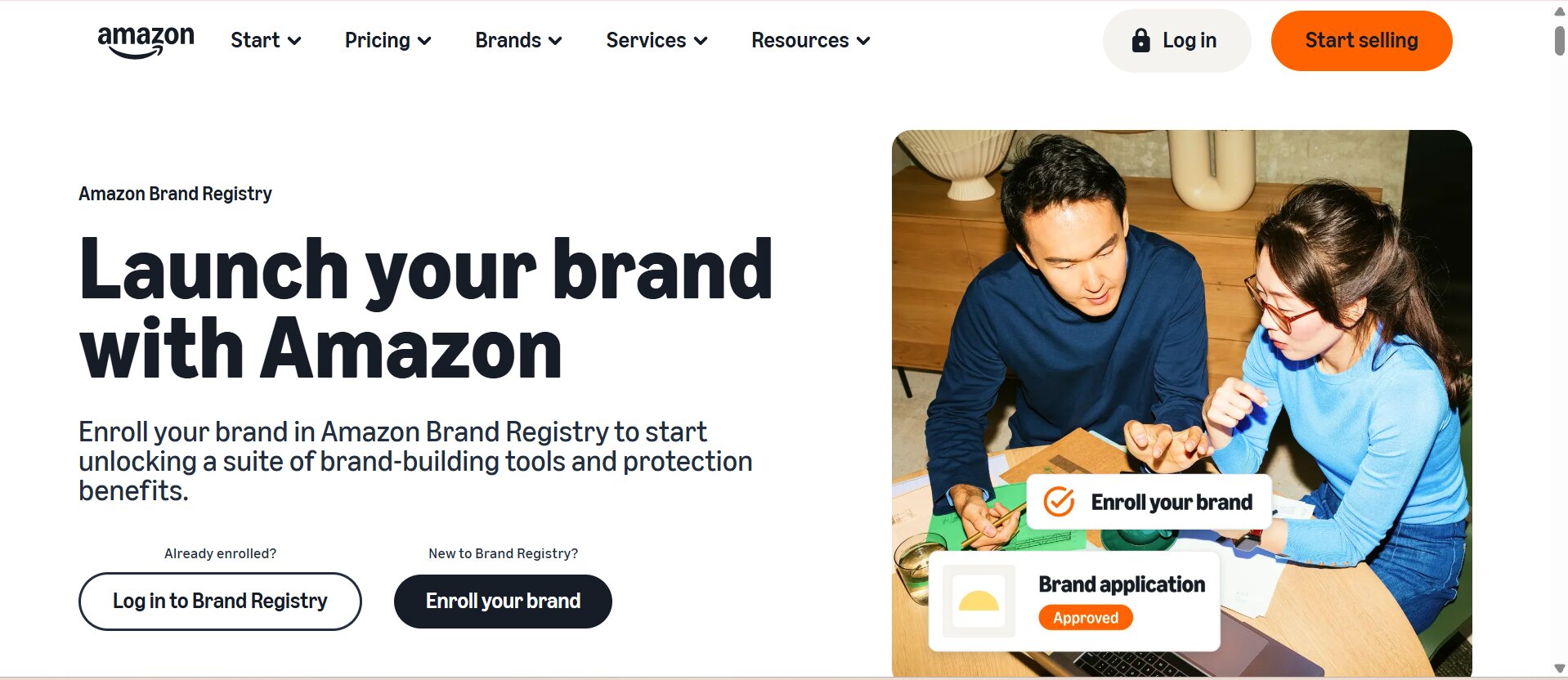
Step 1: Enroll your brand in Amazon Brand Registry
Register your eligible brand with Amazon Brand Registry and supply the necessary trademark and ownership information for verification. Once your brand has been approved and your products are listed on Amazon, you are ready to take the next step and create your store.
Step 2: Open Amazon Stores and choose a template
Open the Amazon Stores creation area and start a new Store for your brand. Select a template that suits your product range and provides a clear, simple structure for shoppers to browse.
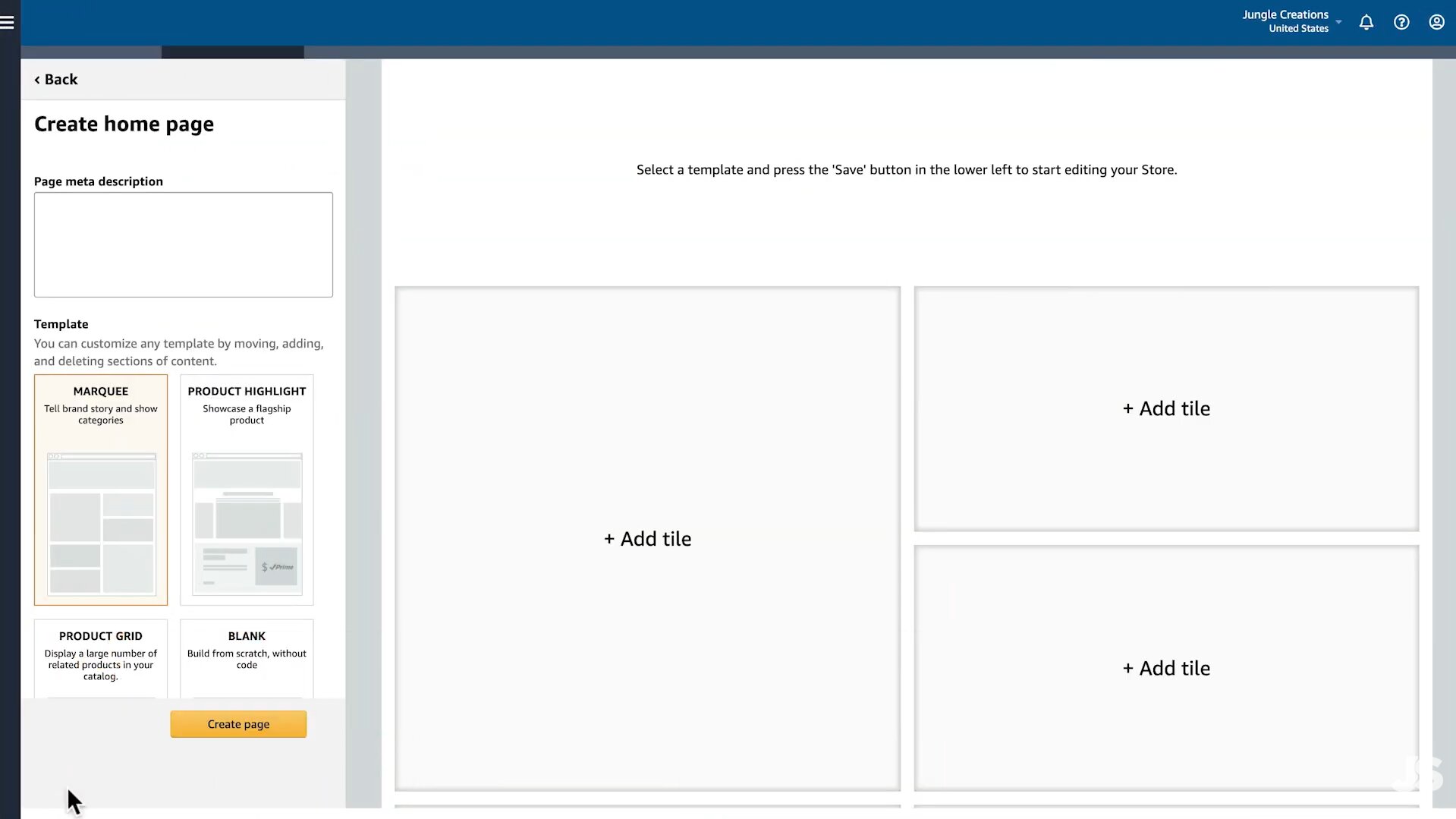
Step 3: Add your brand, products, and navigation
Add your brand logo, messaging, products, and supporting visuals, then organize them into clear categories or subpages. Use simple navigation to help shoppers quickly find relevant products and collections.
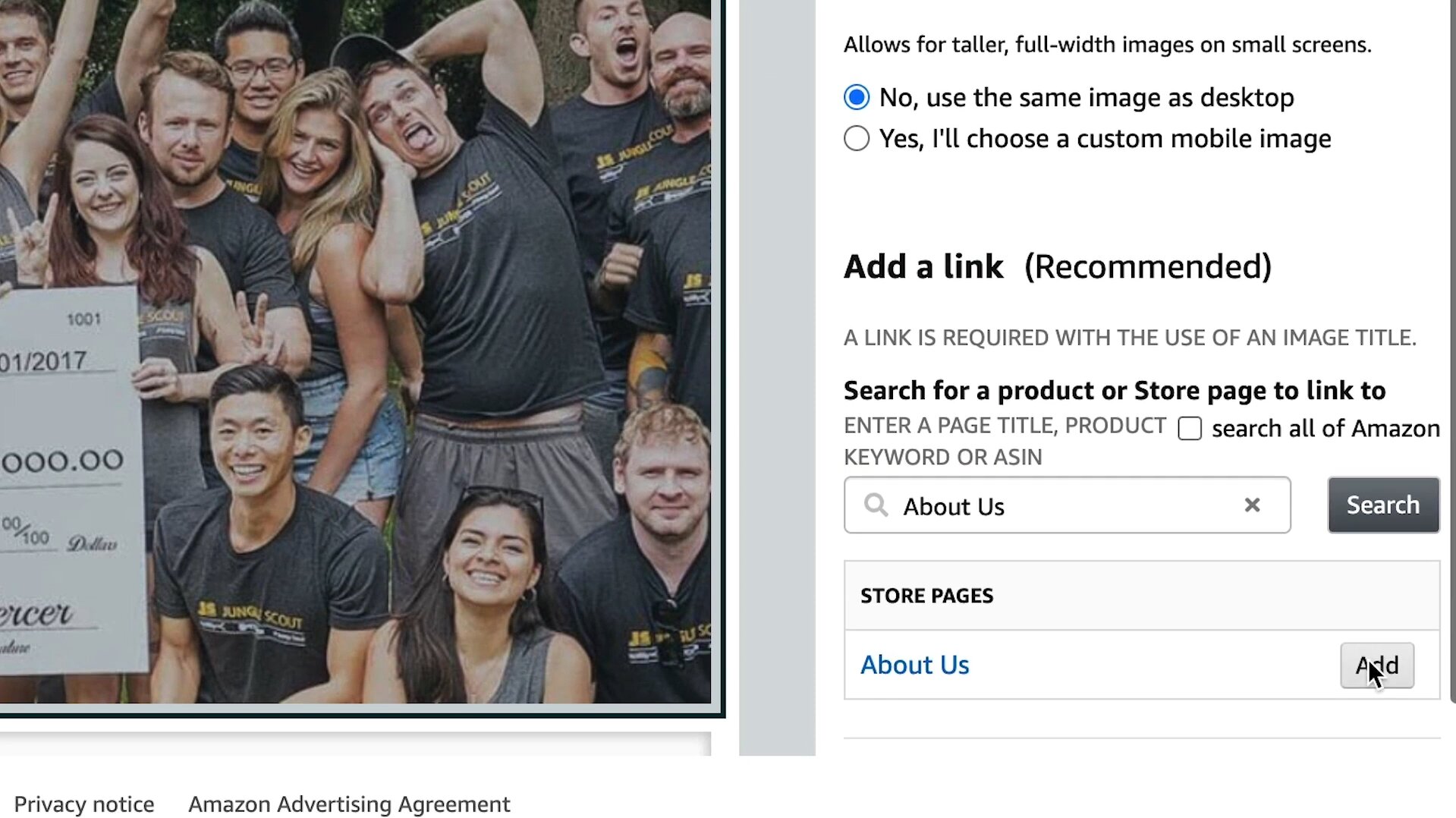
Step 4: Preview, submit, and publish your Storefront
Preview each Store page and check that your images, product links, text, navigation, and general layout are correct. Once your Store is approved, submit it to Amazon for review and publish it.
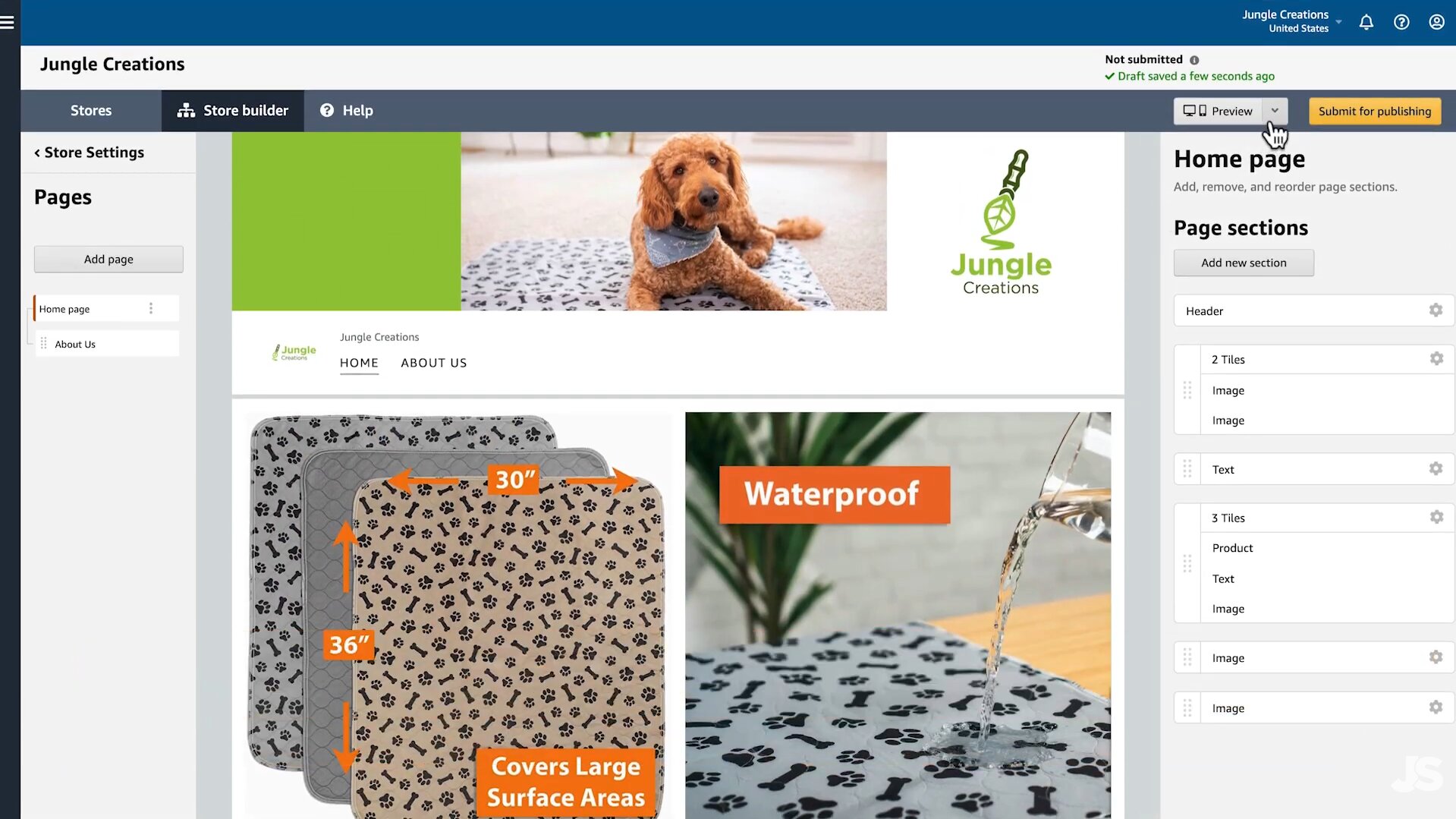
How to design an Amazon store that converts
A good store is not just a bunch of pictures of products. It should take shoppers on a journey from brand introduction, to product discovery and ultimately to the products most relevant to their needs. Employ clear hierarchy, consistent branding, useful category labels, and imagery that explains the product, not decorates the page.
Build clear categories and navigation
Group products the way people actually shop. Organizational themes can be product type, use case, audience, problem, collection, or campaign. Don't create too many categories, as too much navigation can make a store harder to understand. Clear paths into your most important collections should also be on your home page.
Use high-quality product and lifestyle images
Product visuals need to tell shoppers what they need to hear. Fast. For product photography, opt for clean imagery to help with clarity, and lifestyle shots, where context helps explain how the product fits into everyday use. Make sure the lighting, composition, type, and brand treatments are consistent throughout the store so that the different pages feel like they belong to the same brand experience.
Create compelling banners and promotional sections
Have a clear message and keep hero banners free of copy. A new product banner may call attention to a collection and drive shoppers to it, while a seasonal banner may communicate a campaign or promotion. Make each creative communicate one core message and one clear call to action to shop.
Optimize your Storefront for mobile shoppers
Amazon stores are available across desktop, mobile, and app experiences, so review how your content works on smaller screens. Keep text readable, make important information easy to scan, and avoid layouts that depend on tiny details.
How to promote and measure your Amazon Storefront
Making a Store is just the start. You also have to give shoppers reasons to come and see it. Sponsored Brands can drive shoppers to your Store URL, and external channels such as social media, email, influencer campaigns, and your own website can introduce customers to your Amazon brand destination. Amazon also provides store-related reporting to help brands understand visits, sales, and shopper engagement.
Drive traffic to your Amazon Storefront
Use Sponsored Brands to direct shoppers to your Amazon Storefront and highlight your brand or product collection. You can also share your Store URL through your website, social media, email campaigns, and other external marketing channels to reach existing and potential customers.
Track storefront performance
Track Store metrics like Store visits, page views, traffic sources, sales, and other engagement data to learn how shoppers are using your Store. Use these tips to find popular pages and products, optimize underperforming sections, and adjust your marketing strategy.
Avoid common Amazon Storefront mistakes
Avoid cluttered layouts, unclear navigation, low-quality images, outdated promotions, and product links that lead to irrelevant pages. Keep your Store organized, visually consistent, and regularly updated so shoppers can easily find products and move from browsing to purchasing.
Once your Storefront structure and promotion strategy are in place, the next step is to strengthen the visual content that shoppers see. Professional product images, lifestyle scenes, banners, and promotional creatives can help present your brand more consistently. Designkit can simplify this creative workflow by helping you produce and adapt Amazon Storefront visuals faster.
Create Amazon Storefront visuals faster with Designkit
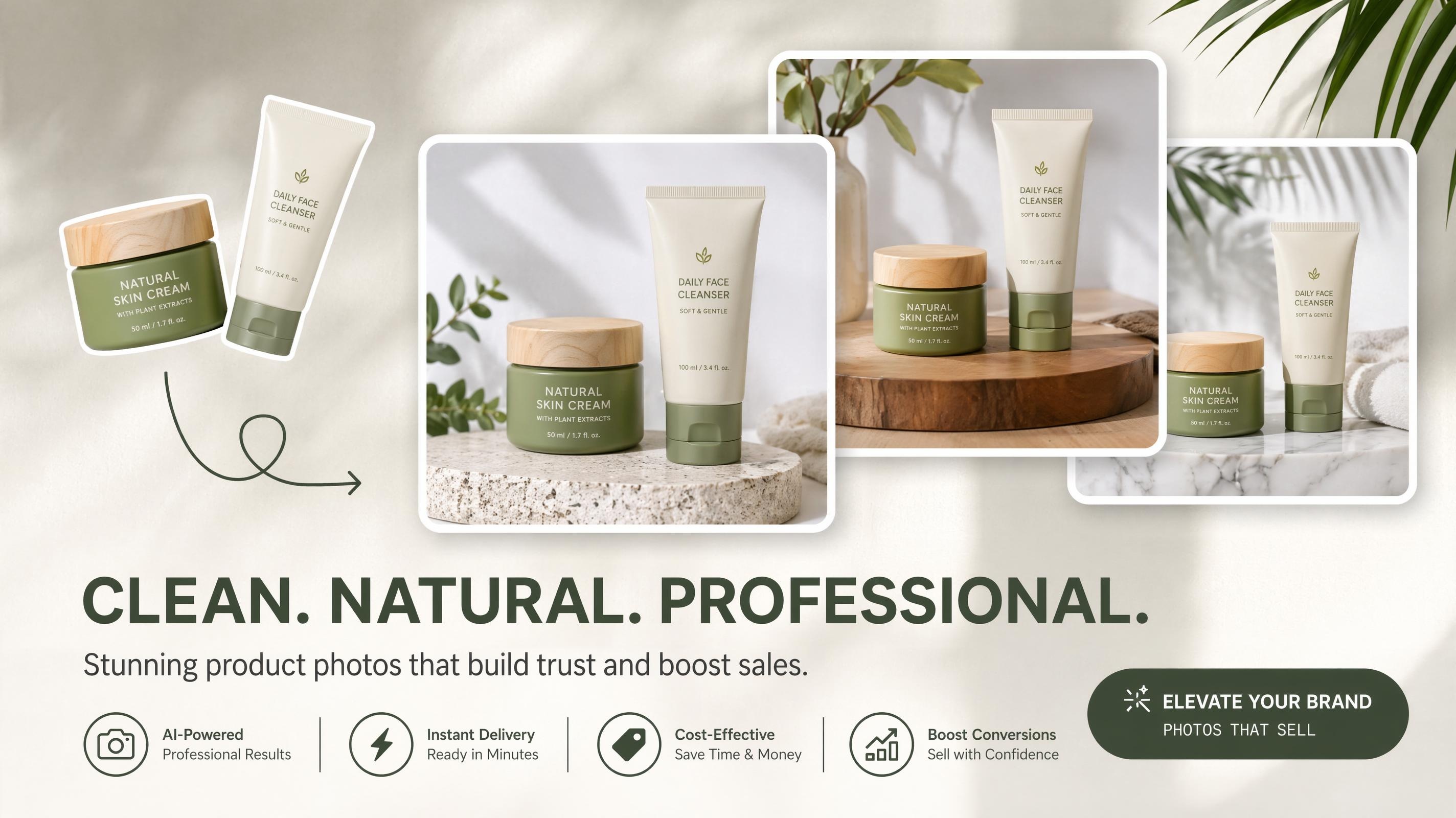
More than one product photo is needed for Professional Storefront content. You may need hero visuals, lifestyle shots, product images, promotional graphics, and different variations for different campaigns. Designkit can help you transform your product information and marketing goals into coordinated creative assets. Its AI product listing generator helps create structured product visuals, and its AI product photography generator helps develop polished product and lifestyle scenes. This workflow can encompass product inputs, visual concepts, layouts, copy, and scalable creative variations, rather than treating image generation as a standalone task.
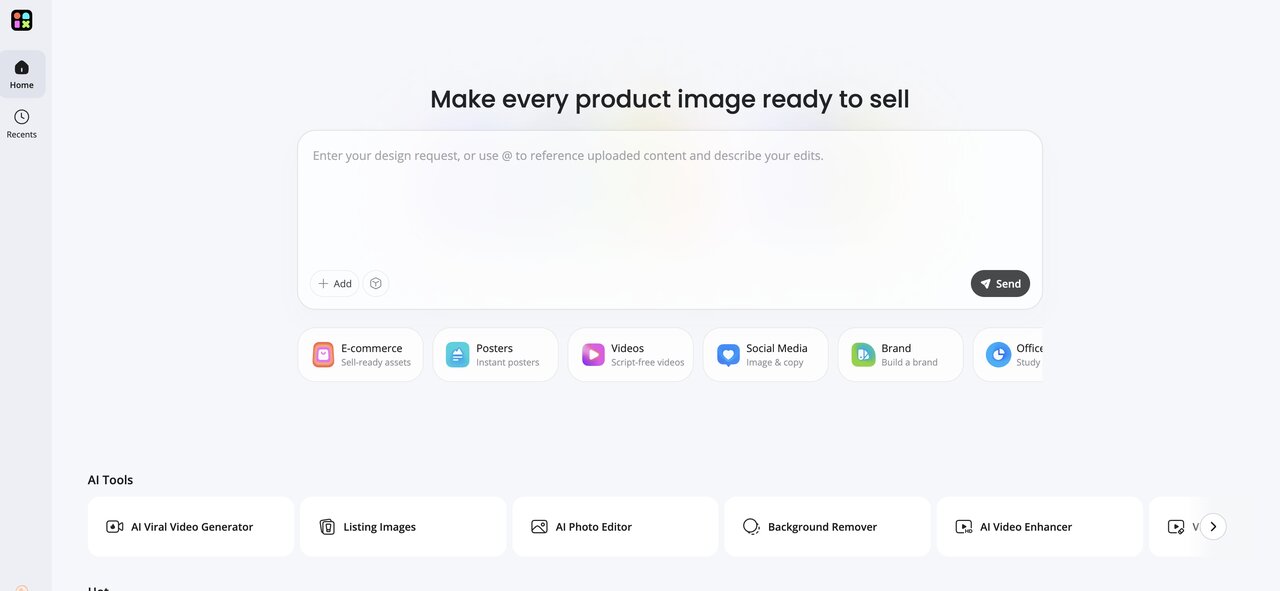
How to create Amazon Storefront assets with Designkit
Step 1: Upload your product images
Start with your existing product photography or catalog images. Your input should clearly show the product and its important details. Designkit can use product images as the foundation for creating additional e-commerce visuals, including product and lifestyle imagery.
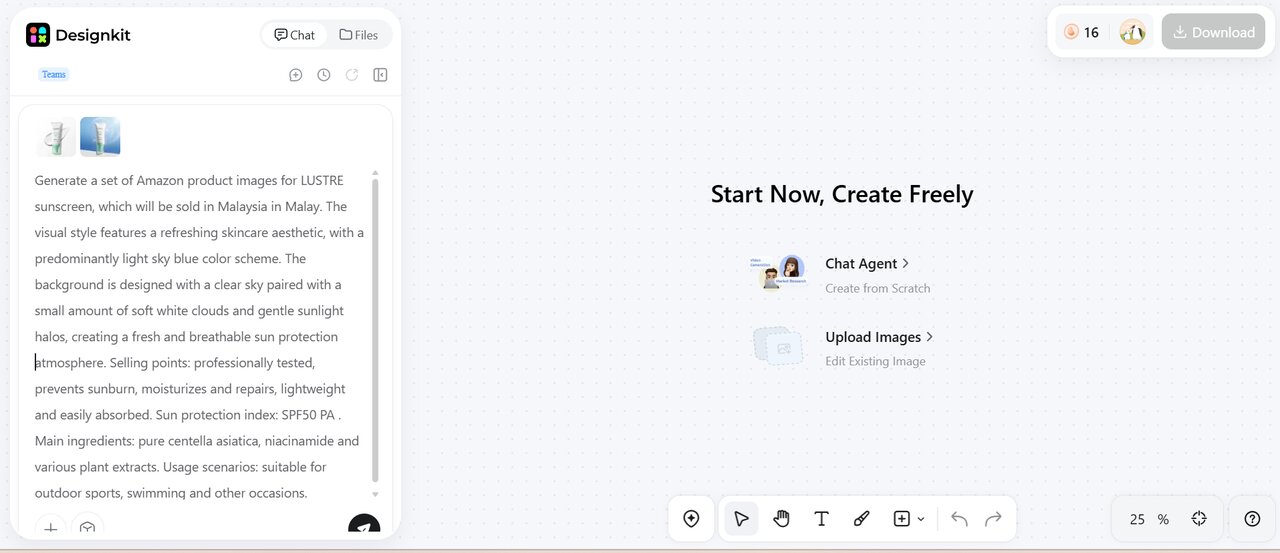
Step 2: Let AI draft your Amazon Storefront visuals
In Designkit, tell us about your product, key selling points, and the visual direction you're going for. The AI is able to generate coordinated concepts like main product images, feature visuals, and lifestyle scenes for your Amazon Storefront.
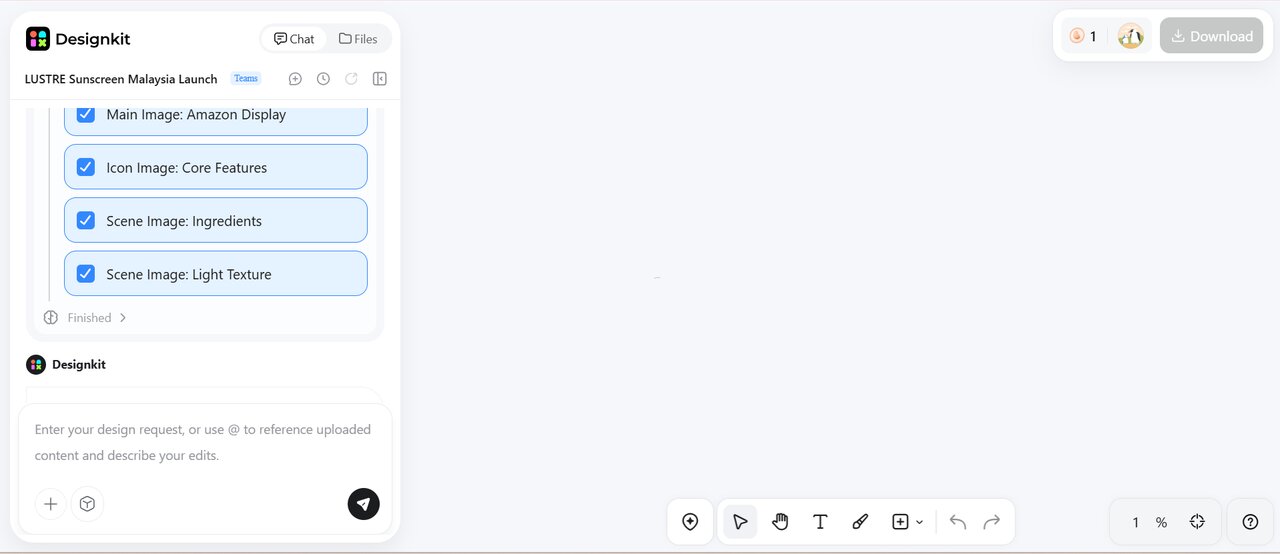
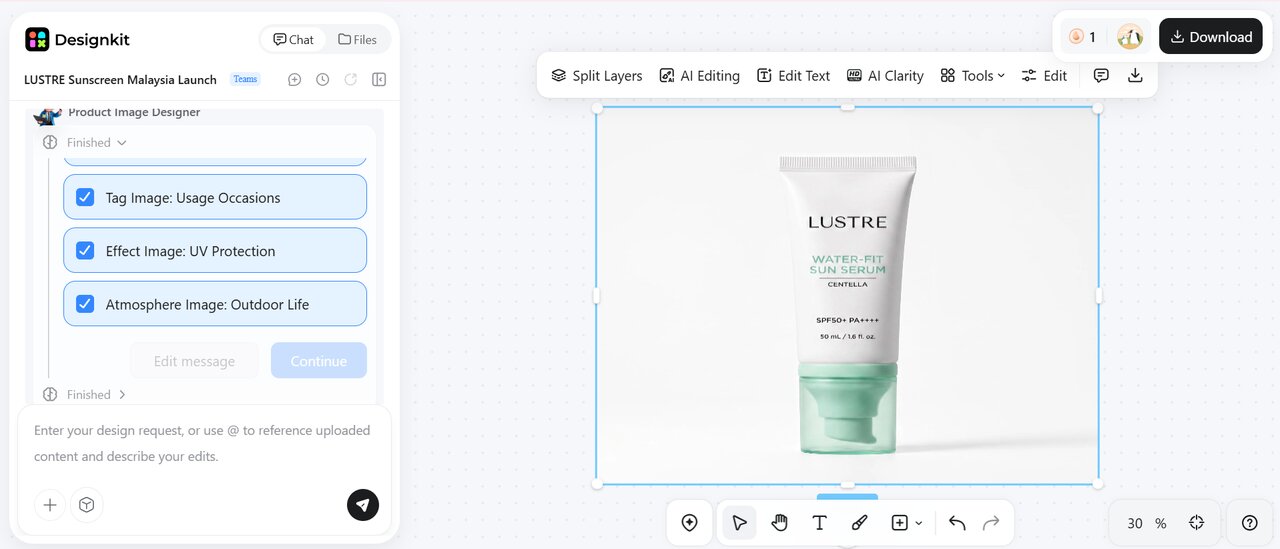
Step 3: Review and download the finished creative
Review the finished creative to make sure the design, product details, and general look are as you expected. When everything looks okay, click Download to save the final image for use on the platform of your choice.
Create My Amazon Storefront Assets
Designkit features for Amazon Storefronts
-
AI product image generator: Create polished product visuals, lifestyle scenes, and alternative product images for your Amazon Storefront.
-
AI background generator & remover: Create suitable backgrounds or remove distracting backgrounds from product photos with the Designkit AI background generator.
-
AI image editor & enhancer: Edit, refine, sharpen, and improve Storefront images with Designkit AI photo editor.
-
AI object remover: Remove unwanted objects and distractions from product or lifestyle images to keep Storefront visuals clean and focused.
Final thoughts
Getting an Amazon Storefront is easy, but a successful Store depends on your actions after you gain access. Learn how to create an Amazon Storefront with these eligibility and Brand Registry requirements. Organize products around customer needs, build intuitive navigation, use strong product and lifestyle imagery, and keep promotional content focused. You should check the Store regularly to make sure that your products, campaigns, and brand message are up to date. Designkit can help you with the creative side, turning your existing product assets into coordinated e-commerce visuals and variations, so you can spend less time manually preparing Storefront content.
Frequently Asked Questions
How to create an Amazon Storefront?
How long does it take for Amazon to approve a Storefront?
After you submit your Amazon Store, Amazon reviews it to make sure it meets its content and design requirements. Review times can vary, so check your Seller Central or Stores dashboard for the current status.
What are the Amazon Storefront requirements?
For sellers, Amazon requires enrollment in Amazon Brand Registry. Amazon says Brand Registry enrollment requires an active registered trademark and verification of trademark ownership. You also need products actively sold on Amazon.
Can I customize the design of my Amazon Storefront?
Yes. Amazon Stores lets eligible brands customize their Store with different templates, layouts, images, text, product collections, and navigation. You can organize the store to match your brand identity and make it easier for shoppers to browse your products.
Who can create an Amazon Storefront?
Amazon Stores are available to sellers enrolled in Brand Registry, vendors, and certain agencies representing vendors. Amazon also states that businesses must be selling products on Amazon to create a store.
Can you create an Amazon Storefront without a Brand Registry?
If you are a seller, Amazon currently requires Brand Registry enrollment to create a Store. Vendors do not need to enroll in Brand Registry according to Amazon's current store policy.
How can Designkit help create Amazon Storefront visuals?
Designkit can help you turn existing product images and marketing requirements into e-commerce visuals, including product imagery, lifestyle scenes, edited assets, and creative variations. Its AI-powered workflow can help you move from product input and creative direction to refined, publish-ready assets faster.
You May Also Like
T-Shirt Design Size Guide: Placement, Dimensions, & DPI
How to Sell on Poshmark: A Complete Beginner's Guide
Zeely Reviews 2026: Features, Pricing, Pros, Cons & Alternatives
Create TikTok Ads From One Photo: An AI Product Launch Kit
Depop vs Poshmark: Which Is Better for Selling in 2026?
How to Create an Amazon Storefront: 4-Step Guide for New Sellers

How to Sell Books on Amazon in 2026: Beginner Guide

How to Sell on Amazon in 2026: A Complete Seller Guide
AI Product Photography: 7 Best Tools for Ecommerce in 2026
What Is a Hero Image? Definition, Examples & Design Tips

Pippit AI Review 2026: Features, Pricing, Pros & Cons
Back to School Ad: 7 Creative Ideas for Better Campaign Results
Top 7 Back-to-School Sales Ideas to Boost Retail Sales (2026)
How to Create a Complete World Cup Product Listing Image Set

How to Create Amazon Summer Sale Posters and Banners with AI
Amazon Summer Sale 2026: Listing Design Trends & Product Image Ideas
Ecommerce Video Ads: 7 Strategies That Drive Higher Conversions
How to Photograph Shoes for Your Ecommerce Store in 2026
Product Photography Ideas: Creative Tips & Techniques for Better Shots
Product Photography Pricing 2026: Full Cost Guide by Type
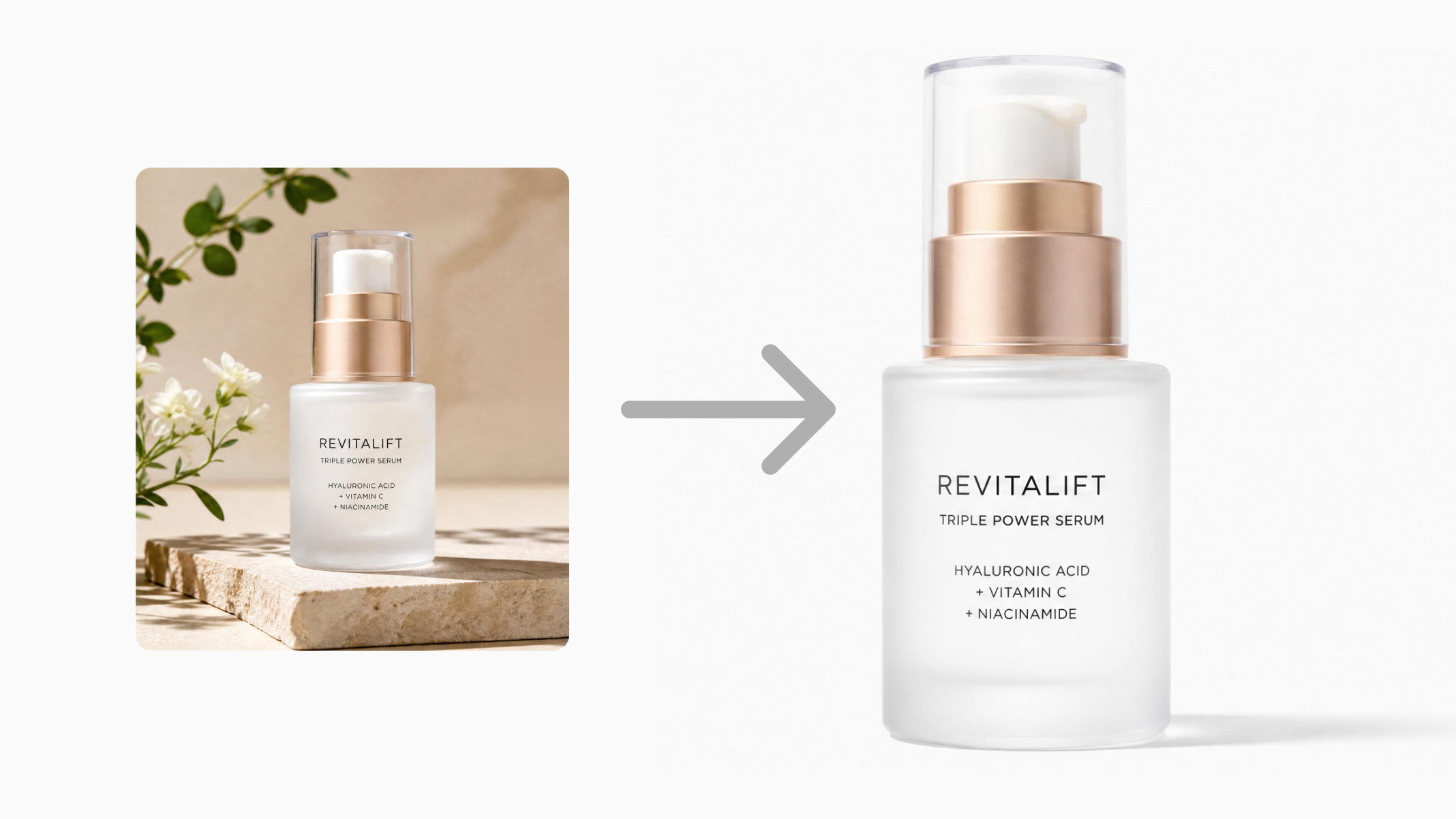
White Background Product Photography Guide & Tips 2026
Product Photography Starter Package: Gear Checklist 2026
Shopify Product Photography Guide with Tips & Setup
Amazon Main Image Requirements: Size, Guidelines & Tips
Shopify Image Size 2026: Complete Guide and Tips for Better Product Display
Studio Product Photography vs AI Product Photography in 2026

7 Product Photography Mistakes That Hurt Ecommerce Sales
Change Outfit Colors Online for Outfit Preview with AI Clothes Color Changer
How to Create Amazon Infographics: Boost Sales with Compelling Visuals
How to Create Outdoor Product Scenes Without a Photoshoot Using AI
Optimize Etsy Images for Mobile: Listing Photos That Convert
Amazon 7-Image Listing Strategy: Boost Sales by Optimizing Every Image
Etsy Thumbnail Optimization: Keep Your Product Fully Visible
The Etsy Thumbnail Formula That Drives More Clicks and Sales
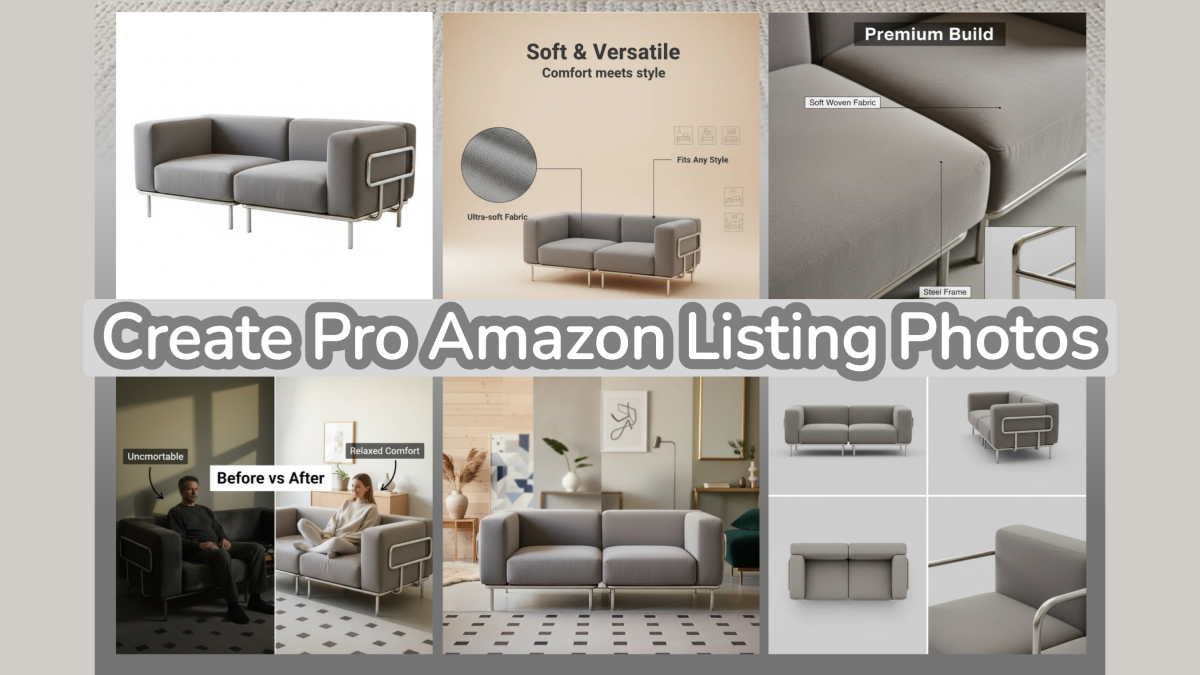
How to Create Pro Amazon Listing Photos Without a Studio
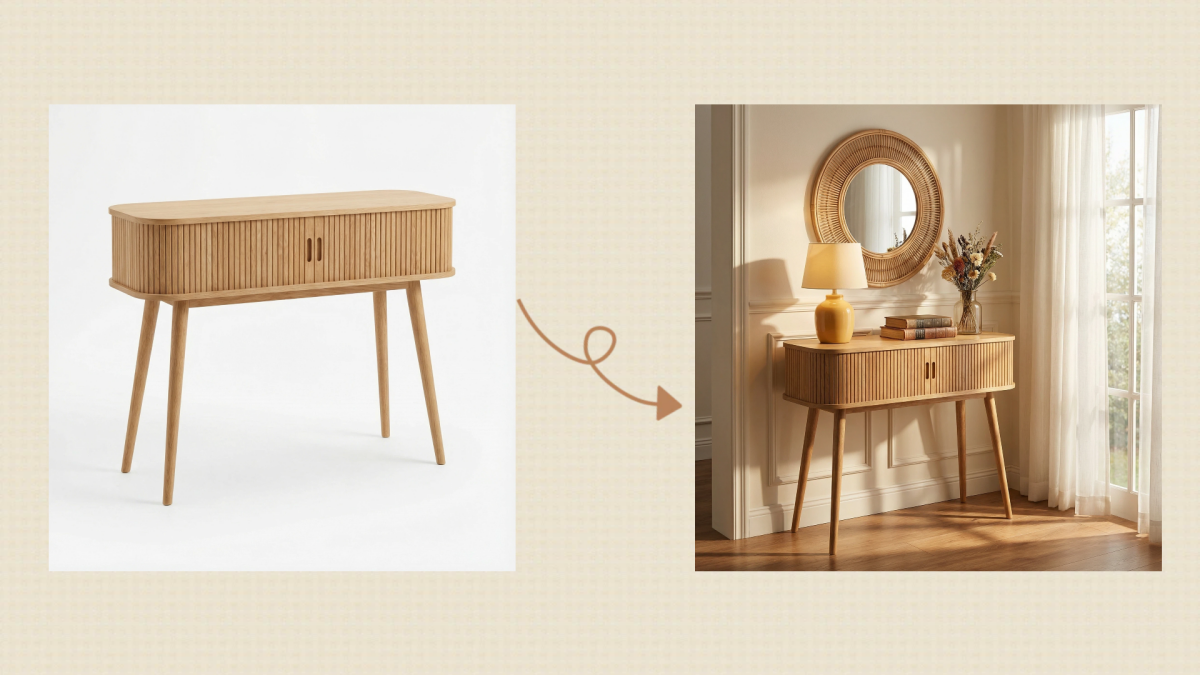
10 High-Converting Lifestyle Product Images for Amazon Listings
How to Automate Your E-commerce Visuals with OpenClaw Workflow
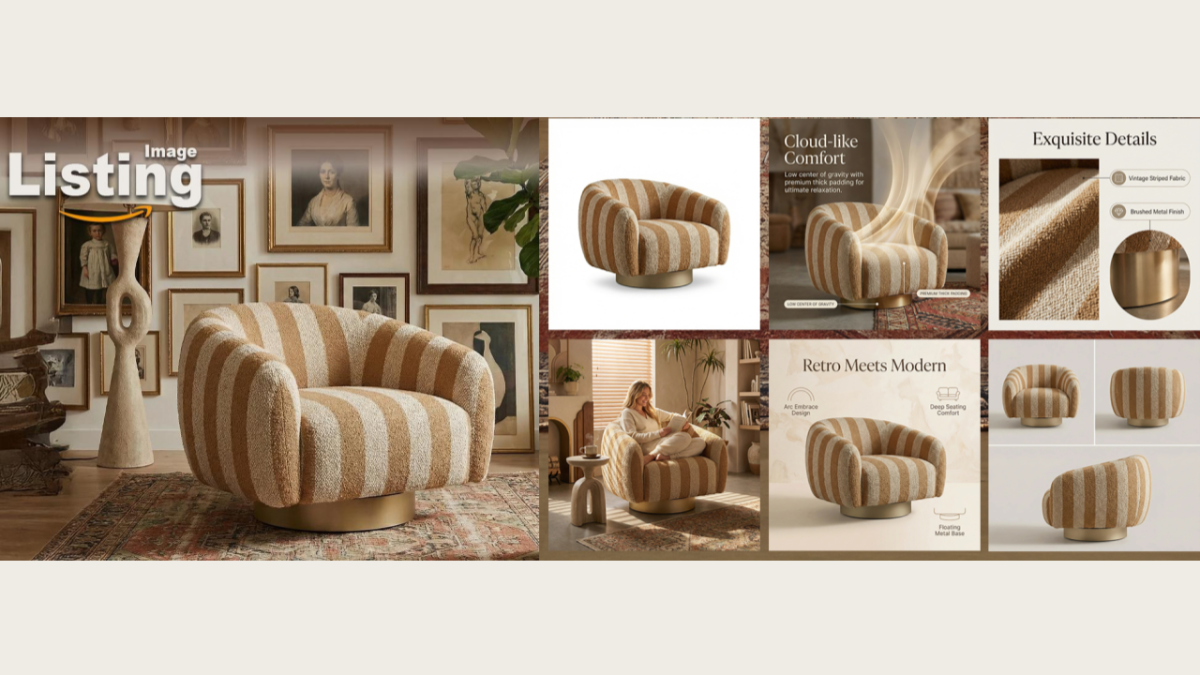
Top 5 AI Tools to Generate Amazon Product Listing Images in 2026
How to Turn One Photo into 10 Etsy Listing Images Fast: Batch Workflow
Etsy Listing Photo Size Guide (2026): Mobile, Desktop & Shop View Specs
Turn White Background Images into Lifestyle Amazon Listings
Fix Etsy Image Cropping: Optimize Listing Photos for Every Device
Amazon Listing Images: Essential Shot List & Optimization Guide

How to Create Lifestyle Product Images Without a Studio
Lifestyle Product Photography Trends 2026: Authentic Looks at Scale
How to Master Lifestyle Product Photography in 2026
Amazon Listing Images Guide 2026: 7-Slot Strategy & Requirements
360 Product Photography Guide 2026: Setup, Shoot and Workflow
Beginner's Guide to Generate Product Photos from Different Angles
AI Product Photography: Create Ecommerce Images Without a Photoshoot

How to Create Realistic AI Product Photos: Step-by-Step Pro Guide
Keep AI Product Images Consistent Across SKUs: Lighting, Color, Background
How to Scale E-commerce with a Product Image Generator
How to Use AI for Spring Product Photography: 2026 Amazon Guide
How to Create a Budget Home Product Photography Setup with AI
How to Achieve Professional Product Photography Standards in 2026

How to Take Product Photos with Phone: Pro Guide for Amazon & AI
Best AI Product Image Generator 2026: Top Tools for Amazon Sales
Amazon Photography Service vs. AI Generator: Best Choice for Sales
What Is Product Photography? Angles, Lighting & Editing Guide
Amazon Spring Sale 2026: Create High-Converting Listing Images (Guide)
AI Agents Transform Amazon Product Photography in 2026
Amazon Photoshoot in 2026: Do You Still Need a Studio?
11 Must-Have Tools for Amazon Product Photography in 2026
2026 Amazon Image Trends Shaping Seller Success and Conversions
Amazon Product Photography Requirements & Best Practices 2026
Create Better Amazon Storefront Visuals With AI
Create professional Amazon Storefront banners, product images, lifestyle visuals, and promotional creatives faster with Designkit's AI-powered tools.


