

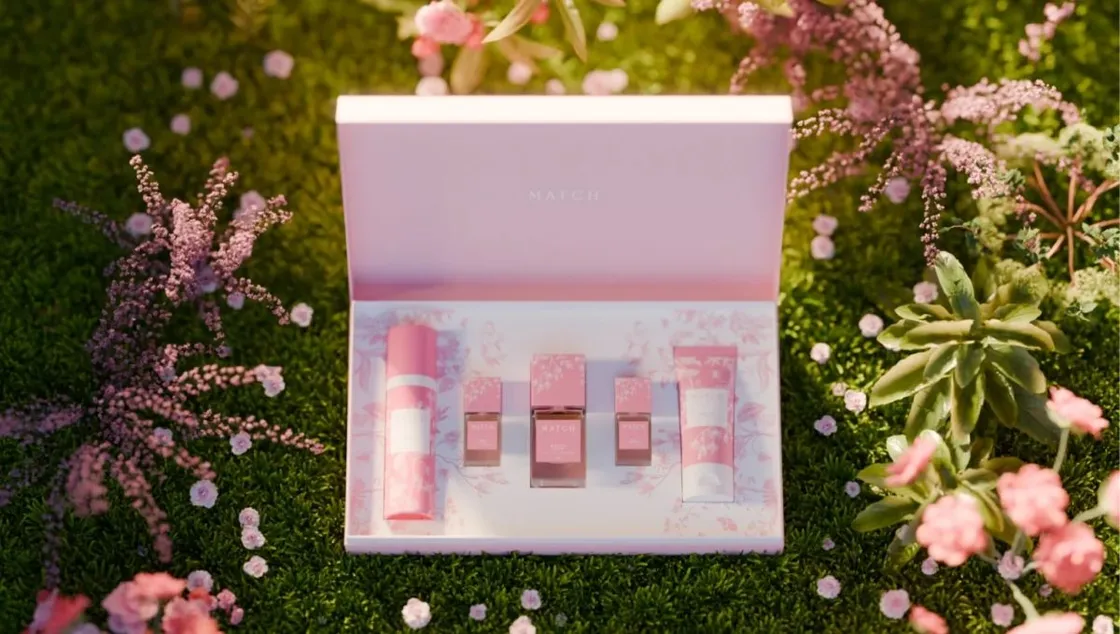
Spring is the ideal time to help your Amazon listings flourish. Engaging images can convert mere window shoppers to actual customers, and with great tactics, your items can get noticed even in a very competitive environment. Spring product photography is much more than using bright colors, you should aim at producing pictures that are story-based, lifestyle is the key, and a higher emotional connection with the audience is the result.
In 2026, with tools like Designkit, it's possible to enhance your Amazon lifestyle images and Amazon fashion listing images through AI product photography, which will support you in producing amazing visuals that increase both clicks and sales. This guide will inspire your seasonal imagery and show practical ideas to bring your listings to life.
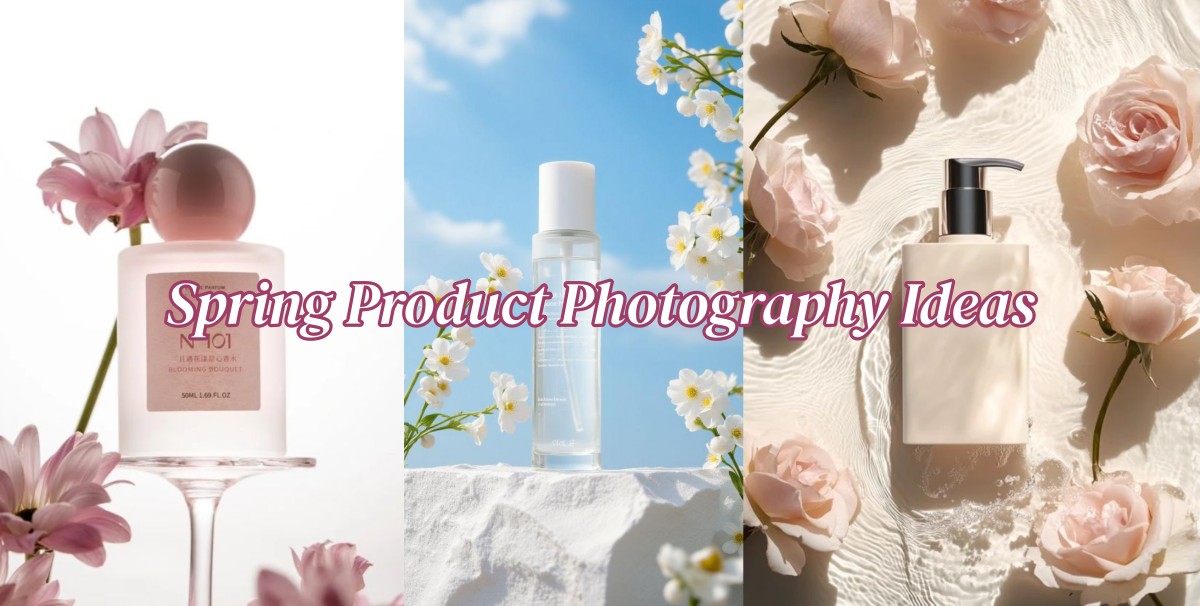
Part 1. Why Spring Product Photography Ideas Matter More on Amazon
Here’s why spring product photography ideas matter more on Amazon:
1. Seasonal Buying Psychology in Spring
Spring is a time for renewal, restoration, and change. Shoppers are naturally influenced by this mood. For beauty, fashion, and wellness items, the first thing that impacts the purchase is product imagery. Bright colors, floral shades, and spring-related scenes in the visuals act as stimuli for impulse purchases and can even affect the ratio of clicks to views more than price or reviews. Besides that, Mother's Day and other spring-related festivities raise the number of visitors to a great extent.
2. Amazon is a Visual Competition Platform
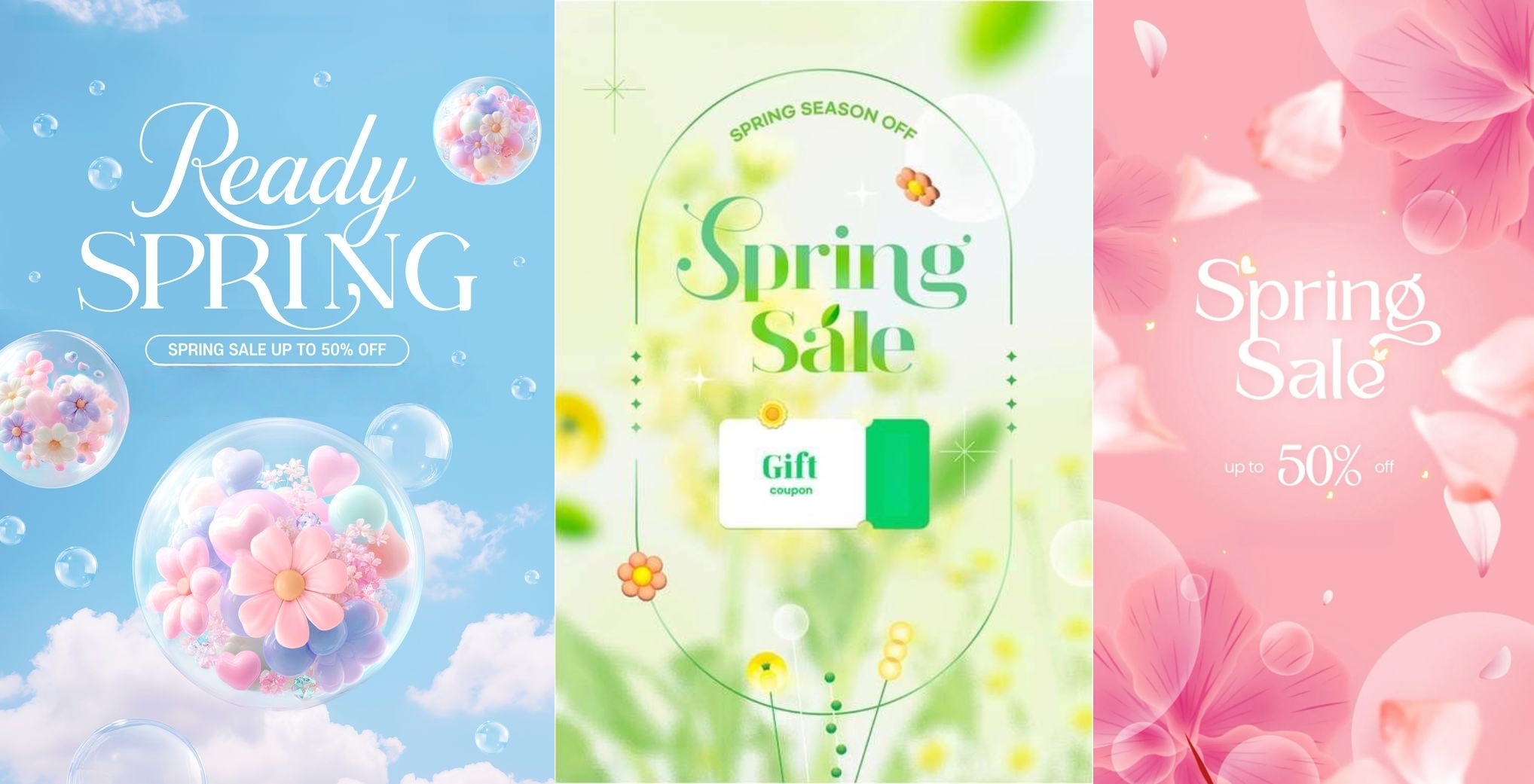
More than a mere marketplace, Amazon is a visually competitive platform. Search result pages are packed, paid ads are vying for user attention, and consumers are quickly scrolling through listings. Spring images that are well-crafted will help a listing get noticed, bring in more clicks, and increase visibility. Besides just selling more right away, a higher CTR will help you get a better organic ranking.

Key takeaway: Investing in creative spring product photography ideas isn’t just aesthetic; it’s a direct driver for Amazon conversion optimization.
Part 2. 6 Spring Product Photography Ideas: Increase CTR on Amazon
1. Floral & soft pastel aesthetics
Best for: Skincare, Makeup, Accessories
- Visual direction: Soft floral backgrounds, gentle natural lighting, pastel color palettes, and clean, uncluttered compositions
- Why it works: Pastel tones and floral elements symbolize freshness, new beginnings, and classy style, aligning well with spring themes
- Tips for Amazon sellers: Don't overcrowd your shot with too many props. A flower or a pastel piece of cloth can introduce a seasonal feel without stealing attention
- Conversion logic: Viewers are drawn to these images because they evoke feelings, and emotionally charged products tend to make a stronger impression than others in the search results
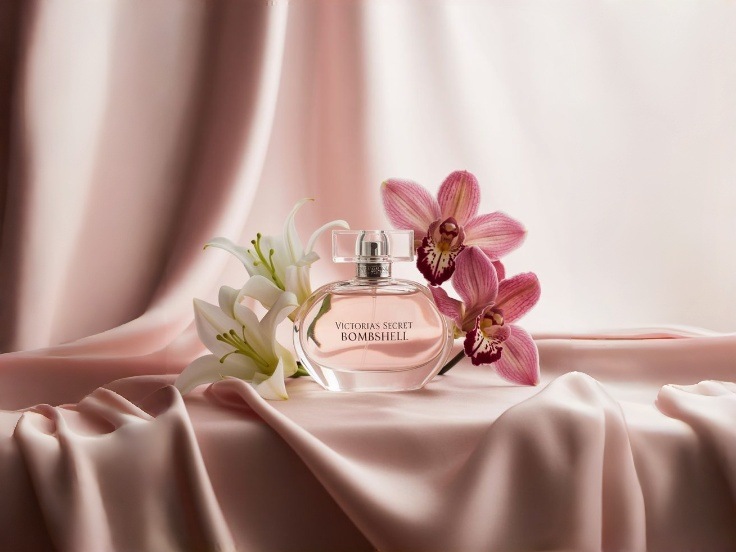
2. Natural light & clean minimalism
Best for: Wellness products, Organic items, Fashion basics
- Visual direction: Bright window sunlight, neutral linen textures, green accents, and minimalistic setups
- Why it works: Images that are simple and natural achieve honesty as well as trust; customers feel the product is tangible and user-friendly
- Tips for Amazon sellers: Try to put your product close to the source of natural light; that way, the shadows will be softer. Minimalism gives your listing a neat, modern look.
- Conversion logic: As soon as potential customers see the item, they recognize what it is and what it offers, leading to a better click-through and more trust in a buying decision
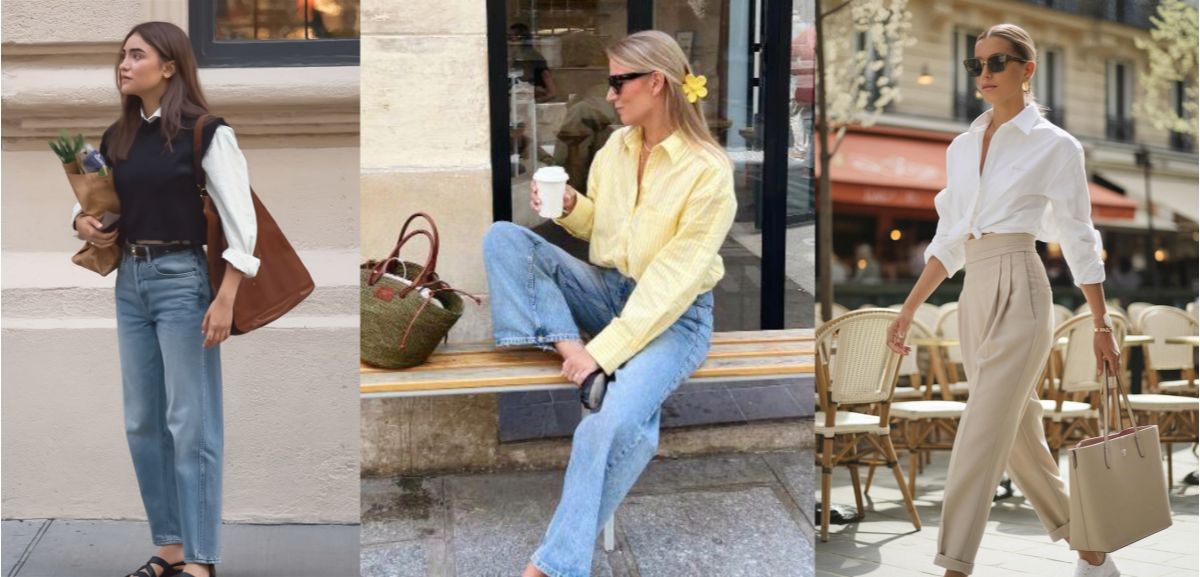
3. Active lifestyle & outdoor energy
Best for: Athleisure, Fitness gear, Spring apparel
- Visual direction: Outdoor morning scenes, movement-driven shots, context-based usage (running, stretching, casual spring activities)
- Why it works: When consumers see lifestyle pictures, it can get them picturing themselves using the products which lead to desired creation
- Tips for Amazon sellers: If you want to make your pictures vivid, show the product in motion, like a person running, jumping, or playing, rather than just standing still.
- Conversion logic: Mental possession can be facilitated with the help of lifestyle images from Amazon, resulting in increased interaction and higher conversion rates.
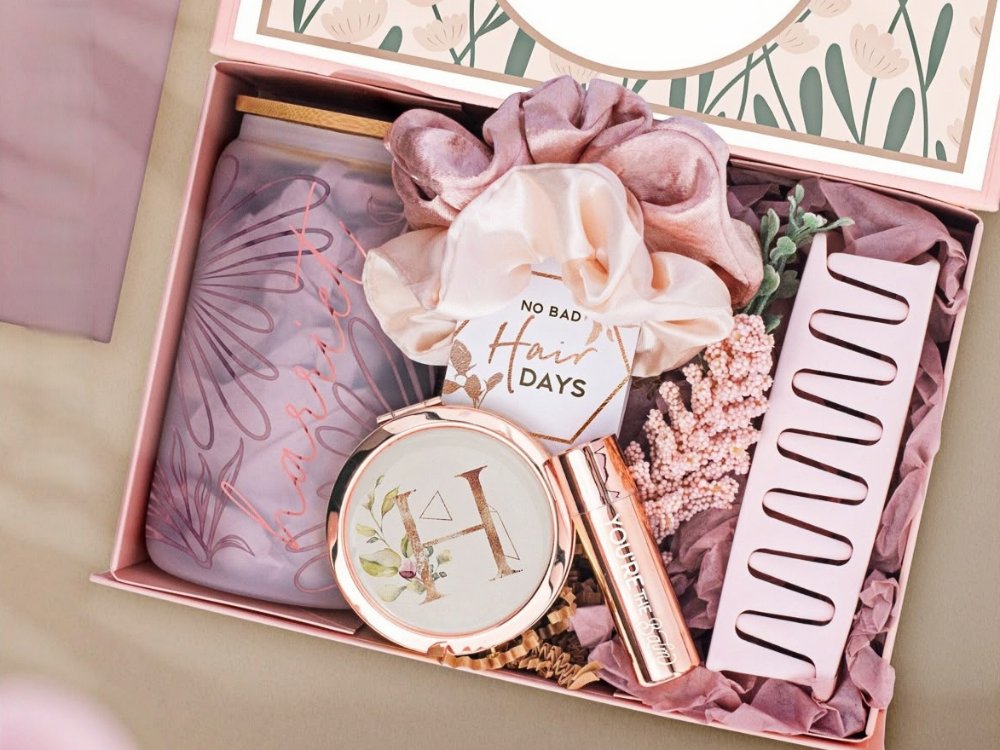
4. Seasonal gift-giving & Mother's Day images
Best for: Beauty gift sets, Jewelry, Self-care products
- Visual direction: Show packing as if the gift is ready, use warm pastel palette colors, display how the gift looks when held or shown, include details of ribbon or wrapping
- Why it works: Seasonal packaging visuals and gift-ready images suggest a thoughtful buying decision and the urgency of the gift-purchasing situation
- Tips for Amazon sellers: Show products as a gift with props, soft colors express spring gifting mood very well
- Conversion logic: Season visuals attract attention and enhance desire as they make product listings look fresh, relevant, and more emotionally pleasing
With AI tools, it becomes a breeze to execute your spring product photography concepts. One excellent choice is Designkit Amazon Photography Generator, which can change even a single sentence into a complete set of product images that comply with Amazon's requirements. These include main images, lifestyle scenes, and detail shots. You don't have to plan expensive studio shoots or hire models anymore thanks to this AI E-Commerce Agent of Designkit.
Part 3. How to Execute These Spring Photography Ideas Using AI
Turn your spring product photography ideas into a listing that sells without shooting expensive photos or using complex setups. Through AI product photography and ecommerce image generators, you can easily create professional seasonal Amazon lifestyle images with your existing product assets. Here is a workflow that will help you with spring visuals:
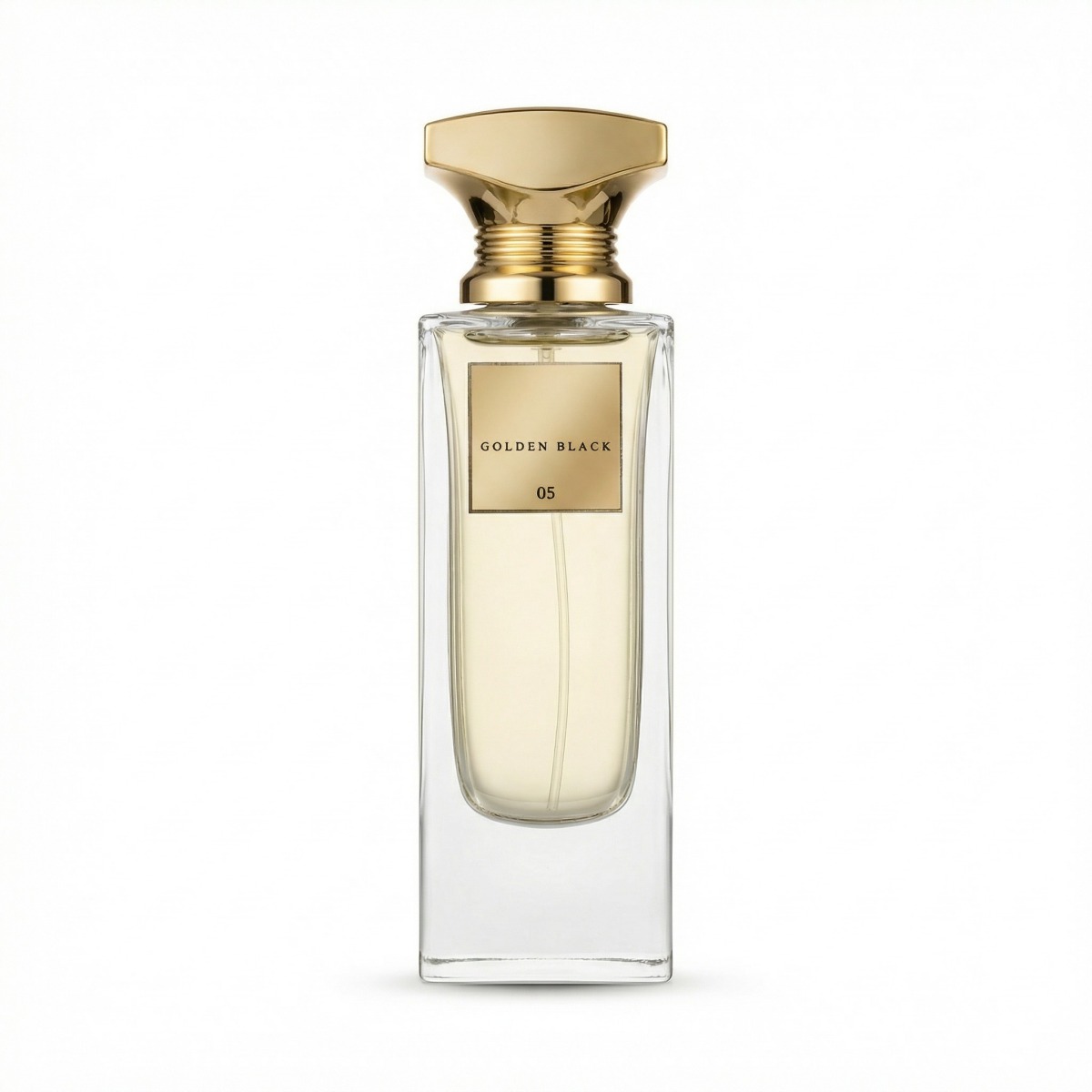
Step 1 — Start with a White Background Product Image
Amazon sellers usually have main images that are white background compliant and these are great to start from. No need for new shots; simply use your existing product images as a base.
- For example: Serum bottle, lipstick, or fashion accessory on a clean white background
- Why it works: White-background images are the most compatible for AI tools when adding new backgrounds, props, and effects
- Pro tips:
- Make sure the product is bright and well-defined, so AI processing will reveal details
- Reorient or crop images so the product is centered and sized correctly
Step 2 — Generate Spring Lifestyle Scenes with AI
AI can convert a simple product photo to a seasonal, immersive visual in a second. For example, sellers using Designkit can:
- Take out or change the original background
- Generate spring scenes like garden, pastel colors, or outdoor settings
- Use lighting to simulate sunlight or a soft window for realism
- Add shadows, depth, and subtle reflections that will give the image a professional look
- Changing various aesthetics within minutes instead of days
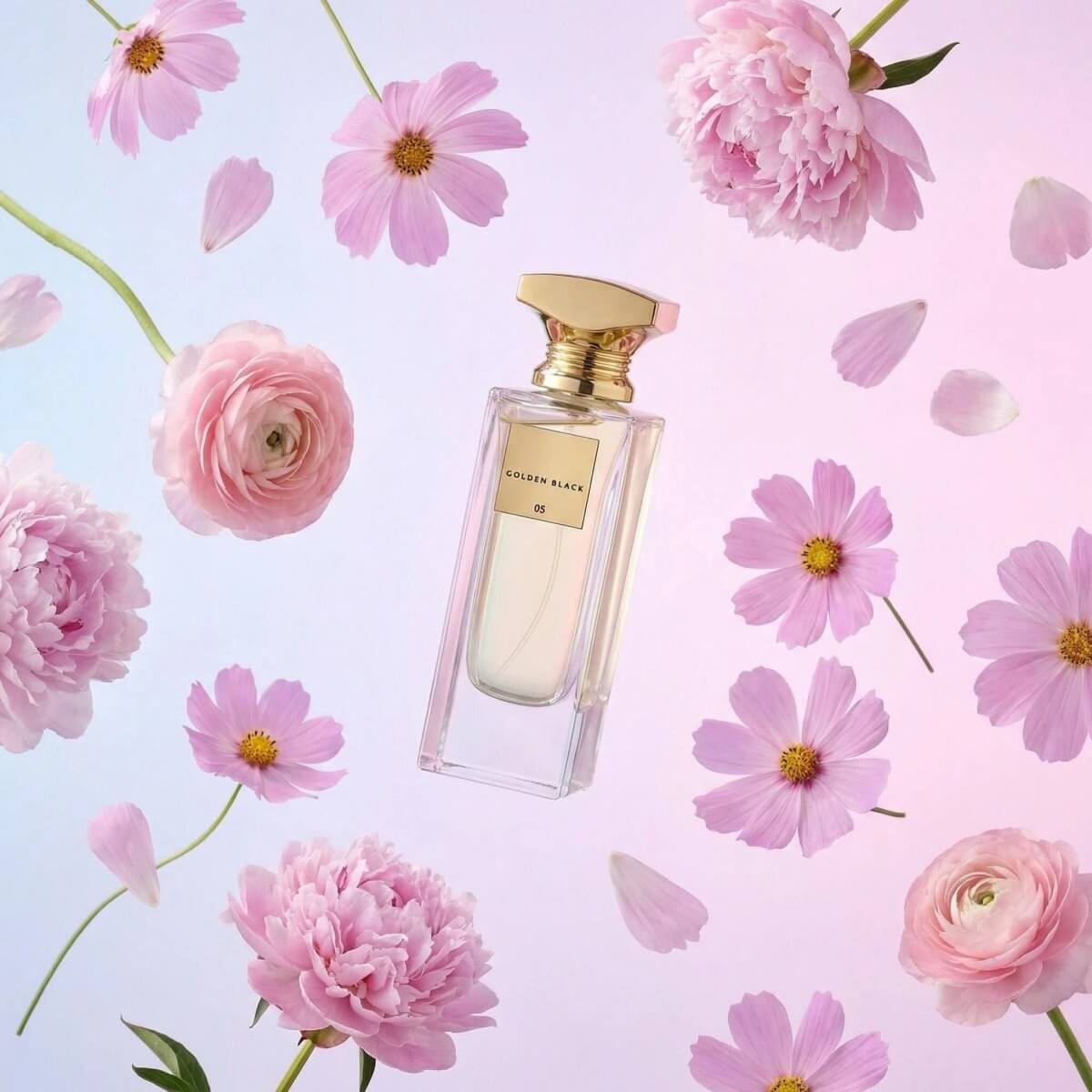
Why you should care: Using this method, you can get seasonal Amazon lifestyle images that will appeal to seasonal buyers and will essentially help your listings stand out in visually overcrowded search results.
Step 3 — Add Conversion-Focused Listing Graphics
Having made your spring lifestyle scene, you should get it conversion-ready next. Organize your main actions with bullets:
- Point out primary benefits: Employ bold callouts to highlight your product's major advantages and features.
- Develop comparison slides: Present feature comparisons side by side to assist buyers in understanding the reasons your product is superior.
- Incorporate mobile-friendly overlays: Add text, icons, or labels that are perfect for small screens to make sure key details are always there.
- Make sure visuals go with A+ content: Create imagery that harmonizes with Amazon A+ templates so that product story can be told in a more engaging way.

Seasonal look is a good way to catch attention, but well-structured message is what finally leads to conversion. Therefore, by mixing attractive images with a clear presentation of product advantages, you not only bring visitors to your listings but also help them make a purchase decision.
For sellers looking to enhance Amazon listings quickly, Designkit’s Amazon Listing Images Generator makes it easy to create professional, conversion-focused visuals.
Step 4 — Scale the Spring Visual System Across SKUs
AI simplifies the process of turning seasonal photography into a variety of product visuals without constantly doing manual photoshoots. Quickly, sellers can devise a well-branded, consistent visual system. Some of the key things to do are:
- Produce sets of images in bulk: Create different versions of spring-themed visuals for all of your SKUs simultaneously.
- Keep brand consistency: Make sure colors, lighting, and style elements look the same throughout your product line.
- Modify seasonal backgrounds: Swap floral, pastel, or outdoor scenes quite easily to match different product variations or promotions.
- Update visuals very fast: Change listings for special campaigns, sales, or seasonal events without doing more photoshoots.
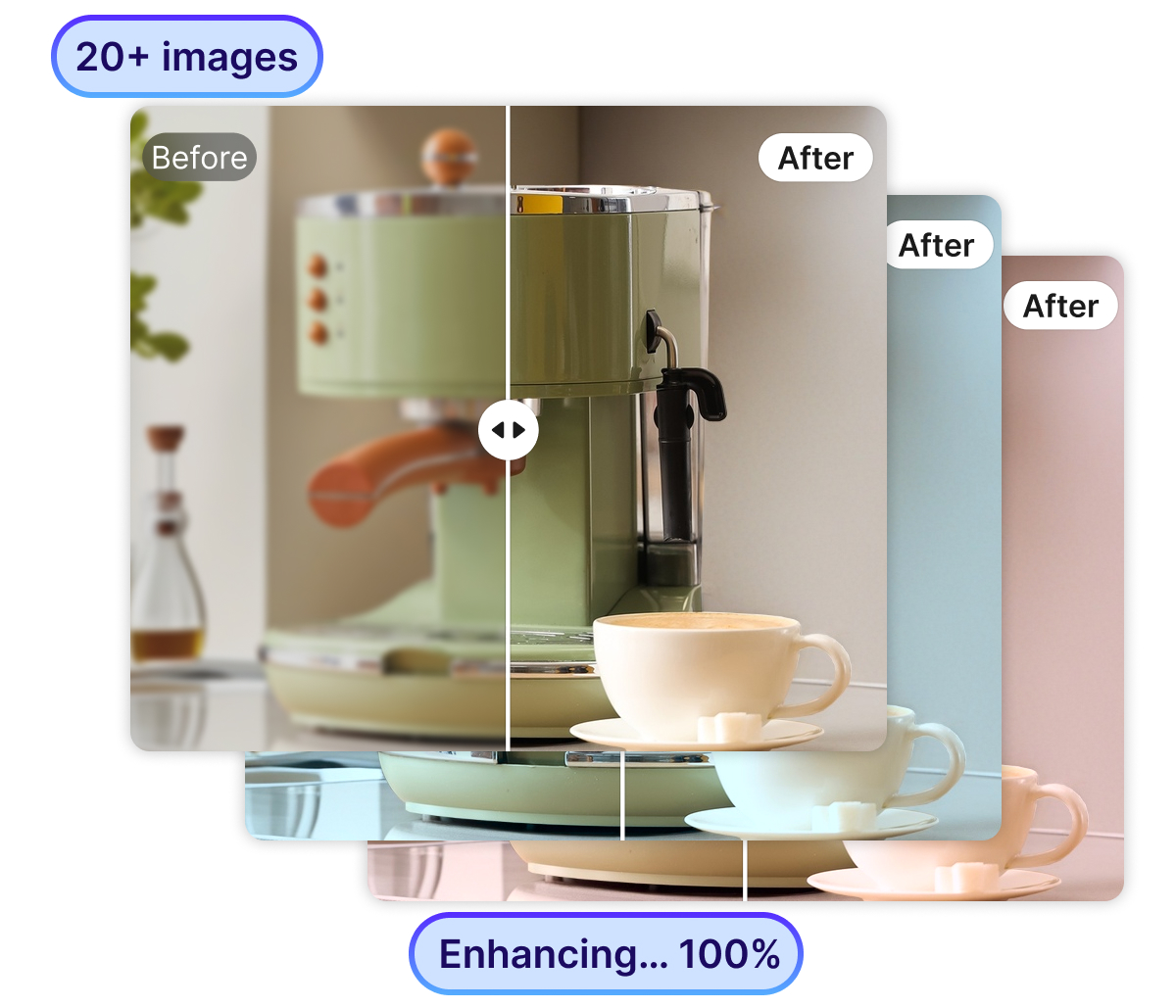
With AI, spring product photography becomes a repeatable, scalable system, allowing sellers to keep Amazon listings fresh, visually compelling, and optimized for higher CTR and conversions. With Designkit’s Product Photography Generator, you can easily turn your spring product photography ideas into reality. Even basic mobile photos can be given a professional look, as the AI E-Commerce Agent will not only remove backgrounds but also improve lighting and make scene mixing more realistic.
Conclusion
Spring is an ideal time to give your Amazon listings a makeover by including visually appealing product images. Sellers can simulate white-background product shots and then convert them into beautiful, seasonal, outdoor lifestyle images using AI product photography and after tools such as Designkit that will help attract customers and enhance CTR.
These ideas for spring product photography featuring pastel colors and outdoor scenes will visually differentiate your listings from others while keeping the same brand image for all the SKUs. Besides the time and cost savings, AI-powered seasonal image workflows can be replicated and scaled, therefore, making sure that your products remain attractive and able to generate conversions even in the year 2026.
Frequently Asked Questions
Q1: Can I use AI-generated images to sell products on Amazon?
Q2: How do I get AI-generated images to be convincing?
The first step is to take clear and detailed product pictures with a white background. Afterward, you can employ AI solutions such as Designkit to help you recreate the effect of daylight, shadows and distance.
Q3: Is it okay to use product images made by AI for beauty and fashion?
Yes. Visuals play a major role in the marketing of beauty and fashion items, that is why these categories are well-suited for AI-led modifications or updates. Take Designkit for example, a tool that helps sellers to generate lifestyle images for Amazon to display their products in different settings like skincare routines, outfits, or accessories, etc. without the need for costly photo shoots.
You May Also Like

7 Best AI Virtual Makeup Try-On Tools for Realistic Results in 2026

AI Virtual Makeup Try-On: Boost Beauty E-Commerce Sales in 2026

Free Online Glasses Try-On Tools: See Yourself in Glasses Instantly

Top Virtual Ring Try-On Tools for Engagement and Wedding Rings in 2026

How to Try Shoes On Virtually: A Step-by-Step Guide

Best Virtual Shoe Try-On Tools for Ecommerce: 2026 Guide

How to Try On Wigs and Bangs Virtually to Find Your Perfect Style

How to Photograph Shoes for Your Ecommerce Store in 2026

Create Model Outfit Photos Instantly With AI Outfit Generator

Best AI Virtual Try-On Clothes Tools for Any Body Type

Product Photography Ideas: Creative Tips & Techniques for Better Shots

Product Photography Pricing 2026: Full Cost Guide by Type

How to Try On Clothes Online with AI for Better Fit & Style

Virtual Nose Ring Try On Online Before Your Piercing

White Background Product Photography Guide & Tips 2026

Product Photography Starter Package: Gear Checklist 2026

How to Try Makeup Online with AI and Virtual Makeup Try-On Apps (2026)

How to Use Virtual Earring Try-On for a Flattering Look in 2026

How to Try On Engagement Rings Online with AI in 2026

Scale Your Jewelry Brand with Virtual Jewelry Try-On Solutions

How to Try Hairstyles on Your Face Online (Step-by-Step Guide)

Best Virtual Hairstyle Try-On Tools Online for Realistic Previews 2026

How to Use a Free AI Hairstyle Generator to Find Your Perfect Look

Virtual Hair Color Try-On Guide for Every Skin Tone (2026)

Virtual Wedding Dress Try-On Online for Brides in 2026

How to Choose the Right Sunglasses for Your Face Shape Online

How Accurate Is Virtual Glasses Try-On? AI vs AR Compared

Best Virtual Try-On Glasses Apps in 2026 (Free & Paid Tools)

How AI Virtual Try-On Is Transforming Eyewear Ecommerce

5 Best Virtual Try-On Glasses Tools for Ecommerce and Consumers 2026

How to Try On Glasses Online with AI in 2026 (Easy Guide)

How to Create Jewelry Photos with AI Models That Drive Sales in 2026

Shopify Product Photography Guide with Tips & Setup

AI-Generated Fashion Models: Technology, Brand Adoption & Trends

How to Batch Generate 100+ AI Clothing Model Photos Fast

7 Best AI Fashion Model Generators for Ecommerce in 2026

Amazon Main Image Requirements: Size, Guidelines & Tips

Shopify Image Size 2026: Complete Guide and Tips for Better Product Display

Studio Product Photography vs AI Product Photography in 2026

7 Product Photography Mistakes That Hurt Ecommerce Sales

AI Clothing Model Photos for E-Commerce: Platform Rules & Best Practices

How AI Virtual Try-On Helps Fashion Brands Boost Sales & Reduce Returns

AI Fashion Models vs Real Models: Which Is Better for Brands?

Best Free AI Fashion Model Generators for Real Product Photos

Virtual Outfit Try-On Guide: Plan Outfits Before You Buy

What Is an AI Clothing Model Generator? Full Guide for Sellers

Change Outfit Colors Online for Outfit Preview with AI Clothes Color Changer

Virtual Try-On Technology in 2026: How It Works & Key Trends

How to Create Amazon Infographics: Boost Sales with Compelling Visuals

10 Best Virtual Try-On Apps & Tools for Online Shopping in 2026

How to Create AI Fashion Models: Complete Step-by-Step Guide

How to Use AI Fashion Models for E-Commerce Product Photos: A Complete 2026 Guide

How to Virtually Try On Clothes Online: A Complete Guide

How to Create Outdoor Product Scenes Without a Photoshoot Using AI

Optimize Etsy Images for Mobile: Listing Photos That Convert

Amazon 7-Image Listing Strategy: Boost Sales by Optimizing Every Image

Etsy Thumbnail Optimization: Keep Your Product Fully Visible

The Etsy Thumbnail Formula That Drives More Clicks and Sales

How to Create Pro Amazon Listing Photos Without a Studio

10 High-Converting Lifestyle Product Images for Amazon Listings

How to Automate Your E-commerce Visuals with OpenClaw Workflow

Top 5 AI Tools to Generate Amazon Product Listing Images in 2026

How to Turn One Photo into 10 Etsy Listing Images Fast: Batch Workflow

Etsy Listing Photo Size Guide (2026): Mobile, Desktop & Shop View Specs

Turn White Background Images into Lifestyle Amazon Listings

Fix Etsy Image Cropping: Optimize Listing Photos for Every Device

Amazon Listing Images: Essential Shot List & Optimization Guide

How to Create Lifestyle Product Images Without a Studio

Lifestyle Product Photography Trends 2026: Authentic Looks at Scale

How to Master Lifestyle Product Photography in 2026

Amazon Listing Images Guide 2026: 7-Slot Strategy & Requirements

360 Product Photography Guide 2026: Setup, Shoot and Workflow

Beginner's Guide to Generate Product Photos from Different Angles

AI Product Photography: Create Ecommerce Images Without a Photoshoot

How to Create Realistic AI Product Photos: Step-by-Step Pro Guide

Keep AI Product Images Consistent Across SKUs: Lighting, Color, Background

How to Scale E-commerce with a Product Image Generator

How to Use AI for Spring Product Photography: 2026 Amazon Guide

How to Create a Budget Home Product Photography Setup with AI

How to Achieve Professional Product Photography Standards in 2026

How to Take Product Photos with Phone: Pro Guide for Amazon & AI

Best AI Product Image Generator 2026: Top Tools for Amazon Sales

Amazon Photography Service vs. AI Generator: Best Choice for Sales

What Is Product Photography? Angles, Lighting & Editing Guide

Amazon Spring Sale 2026: Create High-Converting Listing Images (Guide)

AI Agents Transform Amazon Product Photography in 2026

Amazon Photoshoot in 2026: Do You Still Need a Studio?

11 Must-Have Tools for Amazon Product Photography in 2026

2026 Amazon Image Trends Shaping Seller Success and Conversions

Amazon Product Photography Requirements & Best Practices 2026
Make every product image ready to sell
Designkit is an all-in-one AI platform for ecommerce visuals. Create product photos, AI videos, virtual try-ons, and Amazon listing images in seconds. Generate HD backgrounds, batch edit photos, and scale your brand with studio-quality content.
