
Best AI Product Photography Tools for Ecommerce Brands in 2026
Create studio-quality product images with AI. Generate realistic backgrounds, lighting, lifestyle scenes, and ecommerce-ready visuals without traditional photography costs.


High-quality product images can significantly improve online sales, but traditional product photography often requires expensive equipment, studio setups, and professional editing. Today, AI product photography makes it possible to create realistic product images with AI-generated backgrounds, lighting, and shadows in just a few clicks.
This guide compares the 7 best AI product photography tools, highlights their features, pricing, strengths, and limitations, and helps you choose the right platform for ecommerce, marketplaces, social media, and marketing
Quick picks
-
Best for clean listing and white-background photos: Photoroom
-
Best for customizable lifestyle scenes: Flair AI
-
Best for quick themed product backgrounds: Pebblely
-
Best for ecommerce visuals and marketing creatives: Designkit
What is AI product photography?
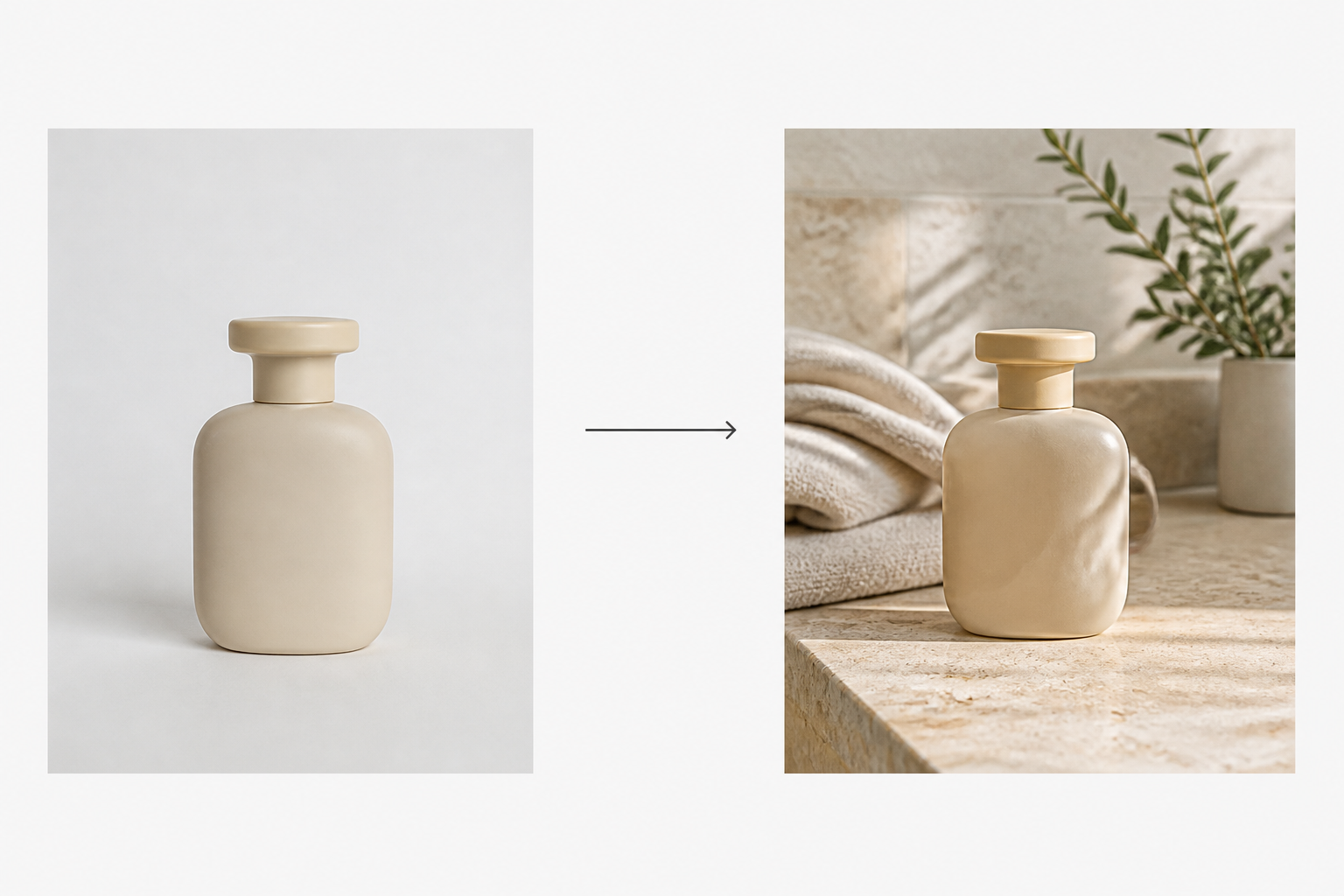
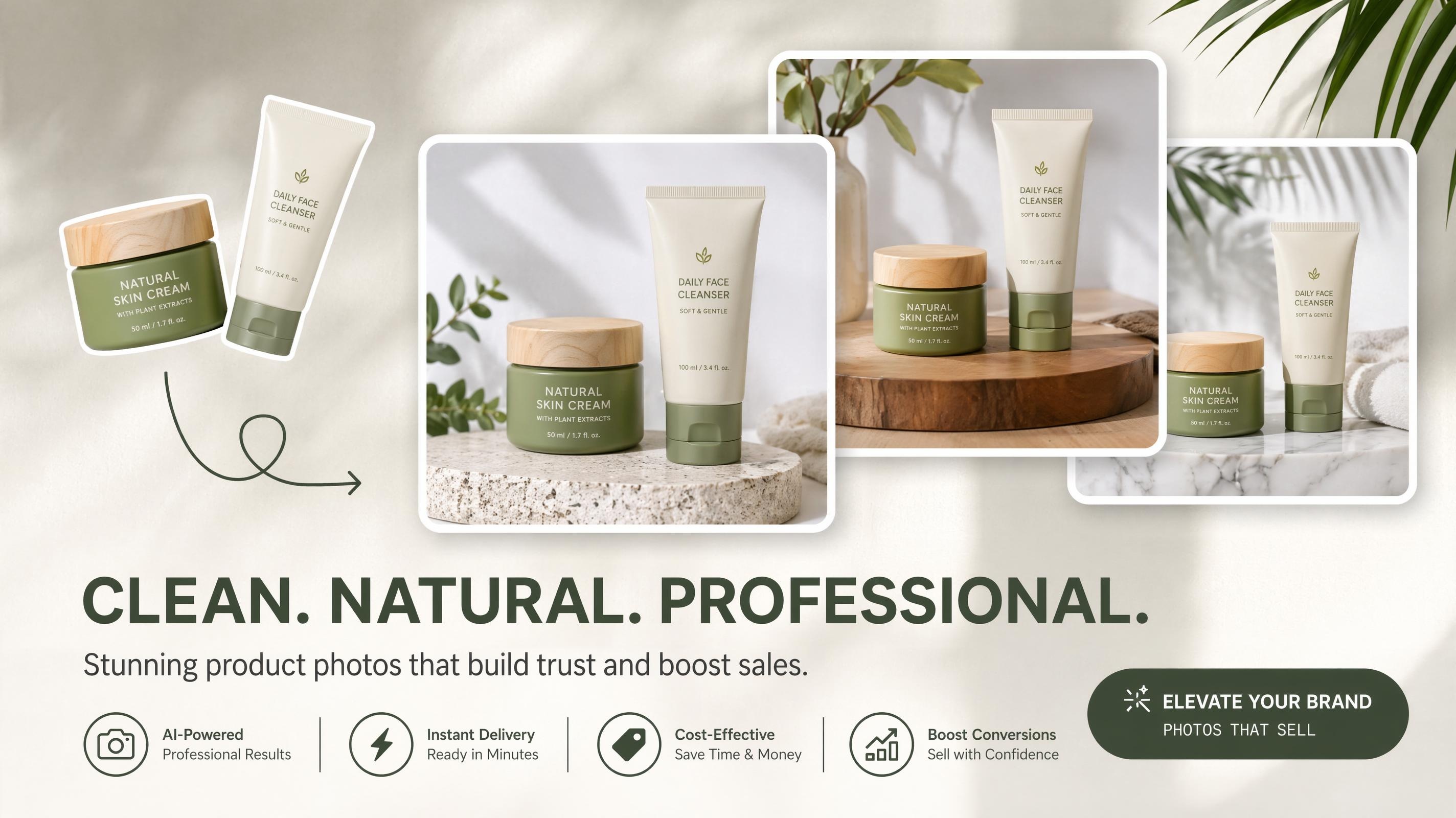
AI product photography uses artificial intelligence to transform ordinary product images into professional-quality visuals. Instead of relying on a physical studio, AI automatically removes backgrounds, adjusts lighting, creates realistic environments, and generates multiple image variations suitable for ecommerce and advertising.
How AI product photography works
AI product photography follows a simple workflow that requires little editing experience. Upload a product image, and the AI automatically removes or replaces the background, enhances lighting, adds realistic shadows, and creates new scenes. Within minutes, you can generate multiple professional-quality images ready for ecommerce, advertising, or social media.
Benefits of AI product photography
AI product photography helps businesses create professional product images faster and at a lower cost. It reduces the need for expensive studio setups, speeds up content creation, maintains consistent product catalogs, generates multiple marketing variations, and makes it easier to scale image production for growing ecommerce businesses.
Who should use AI product photography?
AI product photography is ideal for ecommerce brands, Amazon and Shopify sellers, small businesses, marketing teams, and social media sellers. It enables anyone to create high-quality product visuals without professional photography skills, making it easier to produce consistent images for online stores, advertising, and promotional campaigns.
7 Best AI product photography tools in 2026
The following tools were selected based on image quality, ease of use, customization options, pricing transparency, and ecommerce-focused features. Each platform offers a unique approach to creating professional product images.
1. Photoroom
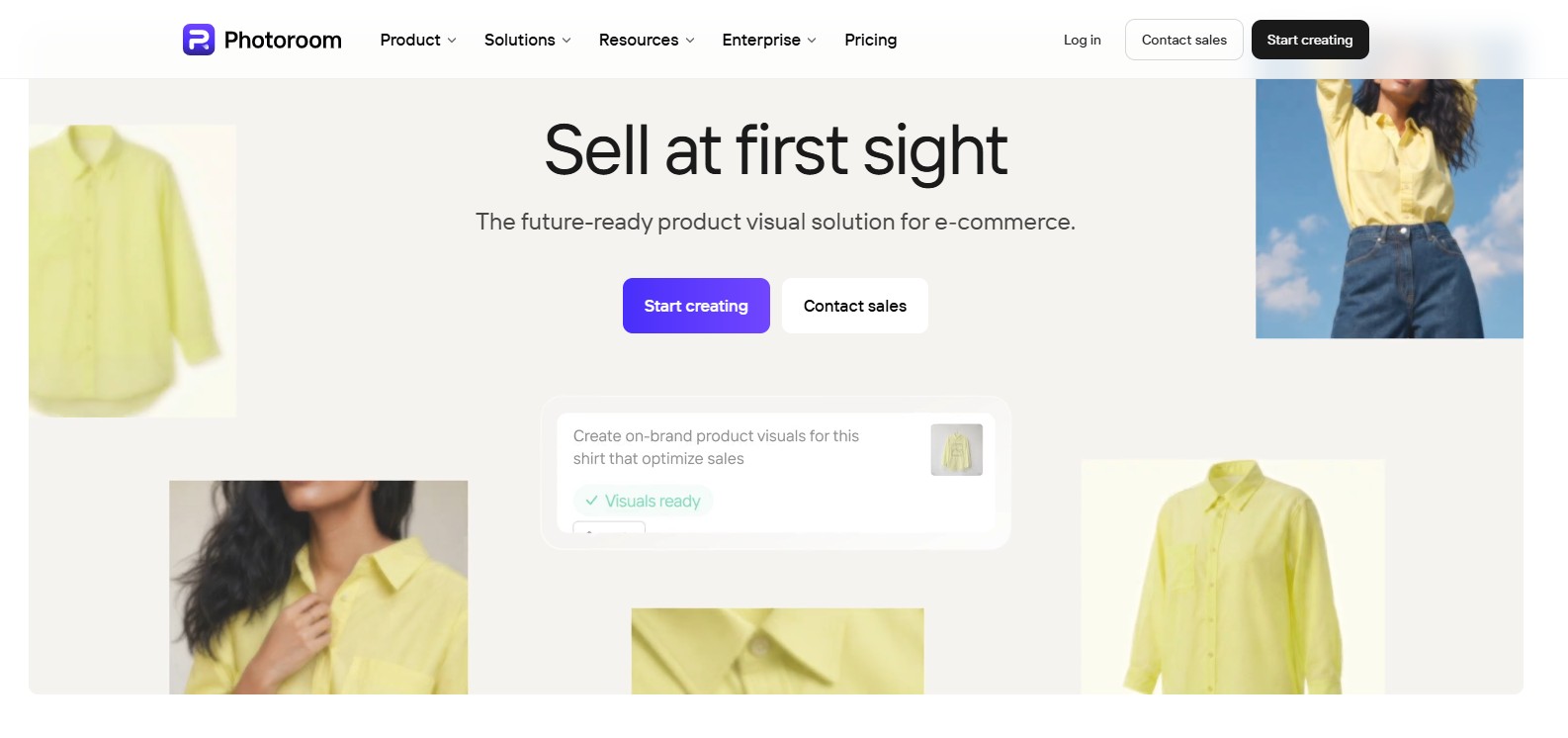
Photoroom is a popular AI-powered photo editor that helps businesses create professional product images with minimal effort. Its automatic background removal, AI backgrounds, and batch editing features make it a practical choice for ecommerce sellers who need clean, marketplace-ready visuals quickly.
Key features
-
AI background removal: Automatically removes distracting backgrounds while preserving clean product edges for professional-looking images.
-
AI backgrounds: Generate realistic studio or lifestyle backgrounds that match your product and brand style.
-
Batch editing: Edit multiple product photos simultaneously to save time when managing large catalogs.
-
Magic Retouch: Remove unwanted objects or imperfections from product images with AI-powered editing tools.
-
High-resolution exports: Download sharp, ecommerce-ready images suitable for websites, marketplaces, and marketing materials.
Pricing
-
Pro Plan - $7.50/month (billed yearly): Up to 8,000 AI credits, 1,000 exports/month, unlimited core tools, AI Backgrounds, and AI Fashion Models.
-
Max Plan - $20.99/month (billed yearly): Up to 25,000 AI credits, 3,000 exports/month, everything in Pro, plus Video Generator and Shopify integration.
-
Ultra Plan - $82.50/month (billed yearly): Up to 75,000 AI credits, 10,000 exports/month, everything in Max, plus 4K video/image resolution.
-
Enterprise Plan - Custom Pricing: Tailored credits and exports, plus Adjustable AI Shadows, Visual QA tools, SLA/SSO, and dedicated support.
Pros & cons
|
Pros |
Cons |
|---|---|
|
Excellent background removal |
Advanced AI features require Pro |
|
Fast batch editing |
Limited scene customization |
|
Easy for beginners |
Some exports include watermark on free plan |
Best for
Amazon, Etsy, and Shopify sellers who need clean product listing images.
2. Flair AI
Flair AI helps brands create customized product photography using AI-generated scenes and collaborative editing tools. Its flexible workspace allows users to build marketing visuals with greater creative control than standard background replacement tools.

Key features
-
AI scene builder: Arrange products, props, and backgrounds to create realistic branded product photography.
-
Prompt-based generation: Generate new product scenes using text prompts that match your creative vision.
-
Brand asset management: Store logos, colors, and reusable design elements for consistent brand identity.
-
Collaboration tools: Allow multiple team members to edit, review, and manage creative projects together.
-
Marketing templates: Start with professionally designed layouts for advertisements and promotional campaigns.
Pricing
-
Free Plan - $0 / forever: 1 custom model, 5 generated images, 1 video generation, and instant/ad generation costing 4x the quota.
-
Pro Plan - $8/month: Includes 2 video generations, faster rendering speed, image upscales, and image variations.
-
Pro+ Plan - $26/month: Up to 8 Standard or 2 Fast Custom Models, 80 generated images, 3 video generations, first priority rendering, upscales, variations, and a company commercial license
Pros & cons
|
Pros |
Cons |
|---|---|
|
Highly customizable product scenes |
Learning curve for beginners |
|
Excellent collaboration features |
Premium features require subscription |
|
Great for branded campaigns |
Slower for bulk editing |
Best for
Marketing teams, agencies, and brands creating custom advertising campaigns.
3. Pebblely
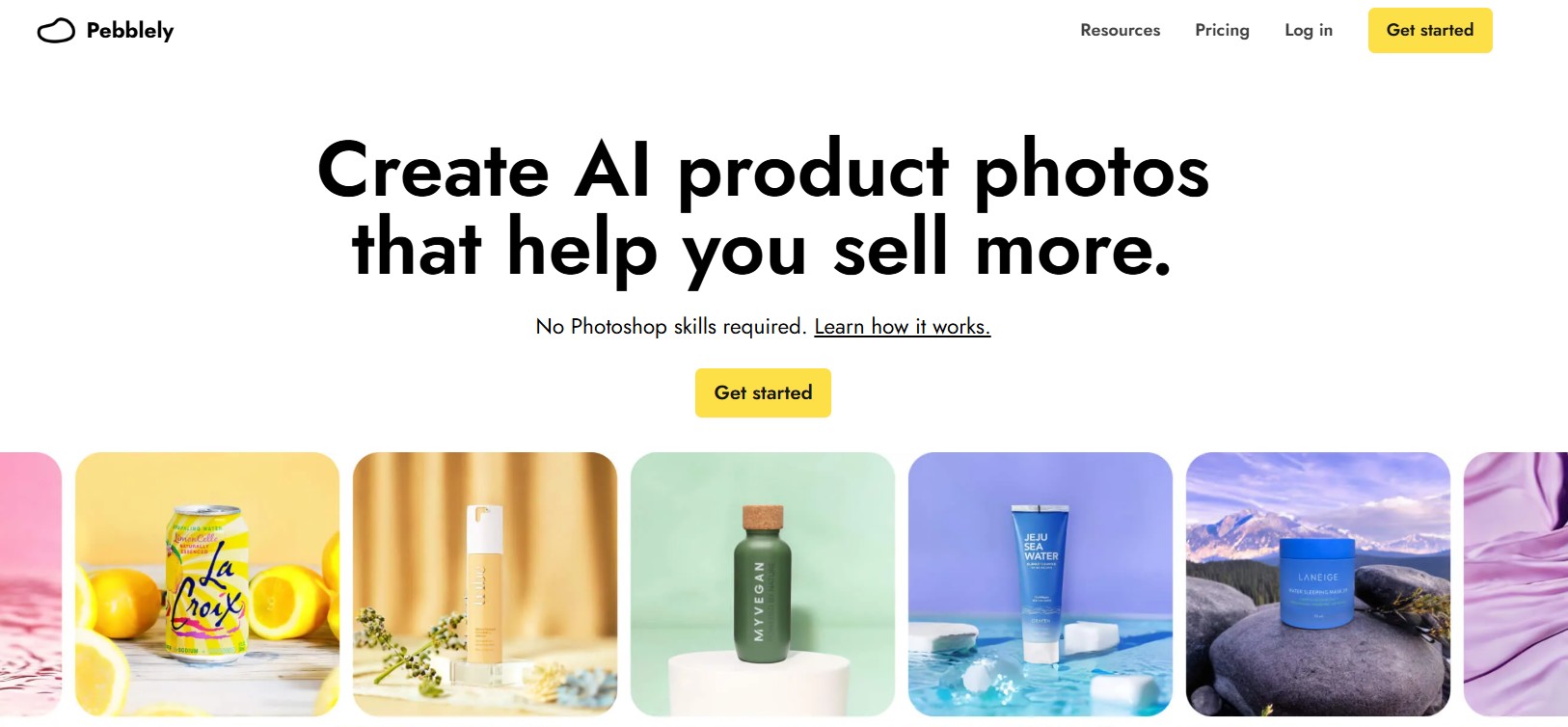
Pebblely is an AI product photography tool designed to generate attractive lifestyle images within seconds. Its large collection of templates and automatic background generation helps ecommerce businesses create engaging visuals without professional photography experience.
Key features
-
AI lifestyle backgrounds: Place products into attractive, realistic environments that suit different industries and seasons.
-
Template library: Choose from hundreds of ready-made scenes designed for ecommerce and marketing campaigns.
-
Bulk image generation: Create multiple product visuals simultaneously to speed up catalog production.
-
Brand customization: Match generated backgrounds with your brand colors and overall visual identity.
-
Multi-platform exports: Download optimized images for ecommerce websites, social media, and online marketplaces.
Pricing
-
Lite Plan - US$9/month: 30 images per month, 40+ background themes, and custom prompts.
-
Basic Plan - US$19/month: 200 images per month, 40+ background themes, custom prompts, and bulk generation.
-
Pro Plan (Best Value) - US$39/month: 500 images per month, 40+ background themes, custom prompts, and bulk generation.
Pros & cons
|
Pros |
Cons |
|---|---|
|
Extremely fast image generation |
Limited advanced editing |
|
Large collection of templates |
Less control over compositions |
|
Beginner-friendly interface |
Premium features require paid plan |
Best for
Small ecommerce businesses that create lifestyle product photography quickly.
4. Claid
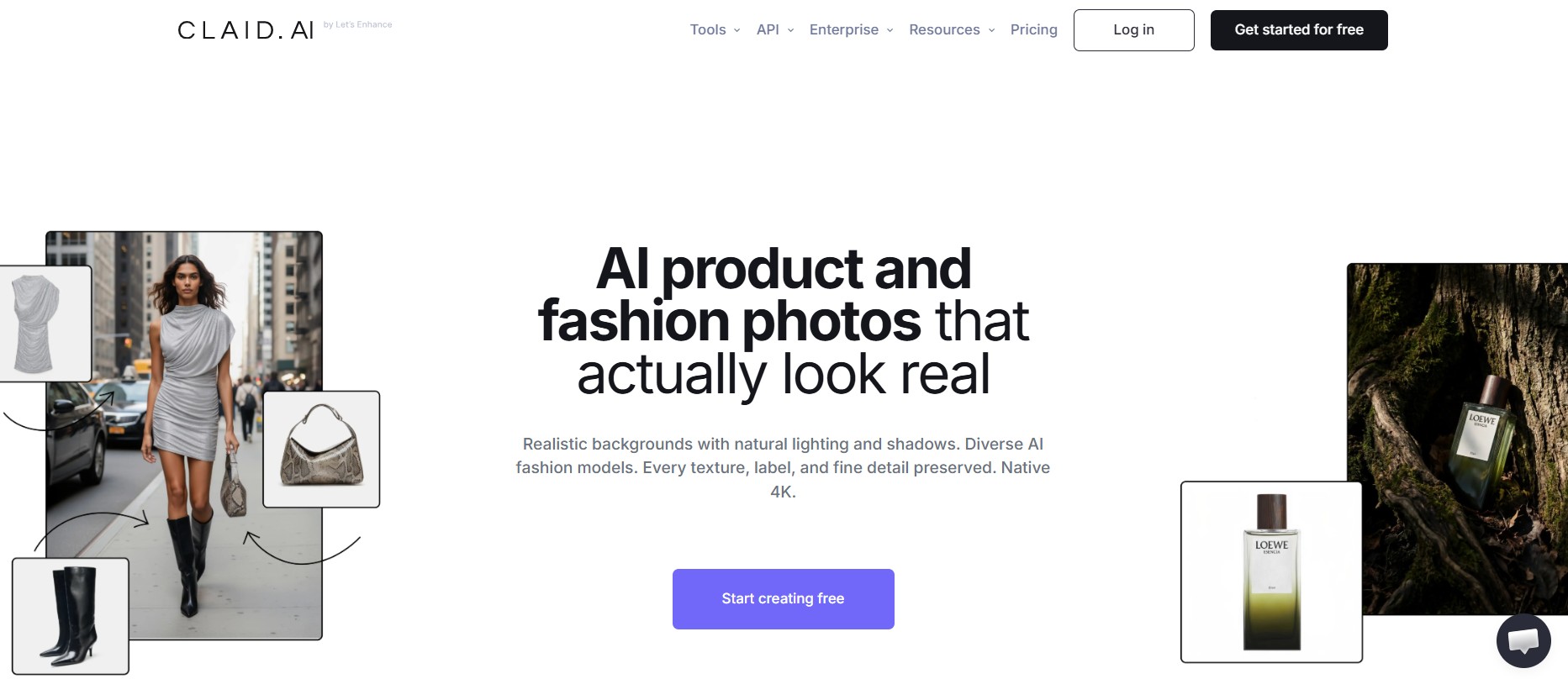
Claid is built for ecommerce businesses that want to improve product image quality at scale. Its AI enhances, standardizes, and optimizes product photos while supporting bulk editing and workflow automation for large online catalogs.
Key features
-
AI image enhancement: Improve image clarity, colors, and overall quality while preserving important product details.
-
Background replacement: Replace distracting backgrounds with clean, professional studio-style environments automatically.
-
Catalog standardization: Maintain a consistent appearance across hundreds or thousands of product images.
-
Bulk processing: Edit large batches of product photos quickly using automated AI workflows.
-
API integration: Connect directly with ecommerce systems to automate image optimization processes.
Pricing
-
Free Trial - $0/month: 50 credits for any operation, access to all standard tools, and 50 API credits to explore the Claid API.
-
Essentials Plan - $9/month: 500 credits for any operation, access to a powerful image editing toolset, and standard resolution up to 2K.
-
Pro Plan (Most Popular) - $35/month: 2,000 credits for any operation, full access to premium tools (including 2K/4K generation), 3x history preservation, and higher upload limits up to 64 MP.
Pros & cons
|
Pros |
Cons |
|---|---|
|
Excellent for large catalogs |
No public pricing |
|
Powerful workflow automation |
Better suited for businesses |
|
High-quality AI enhancement |
Limited creative scene generation |
Best for
Large ecommerce businesses that manage extensive product catalogs.
5. Designkit
Designkit is an AI-powered design platform that helps businesses create professional ecommerce product images and marketing visuals. Its combination of AI-generated backgrounds, lighting enhancements, and creative editing tools makes it one of the best AI business photo generators for brands that want consistent, studio-quality visuals without traditional photography.

Key features
-
AI background generation: Create realistic studio setups or lifestyle scenes that make products more visually appealing.
-
Product image enhancement: Improve brightness, highlights, and overall lighting to achieve a professional product presentation.
-
Shadow refinement: Add natural-looking shadows that enhance depth and create more realistic product images.
-
Multiple scene variations: Generate several background options from one product image for different campaigns and platforms.
-
High-resolution downloads: Export high-quality images suitable for ecommerce stores, advertisements, and social media.
Pricing
-
Free Tier: 5 free credits every week with no signup required.
-
Starter Package: $3.99 for 50 credits ($0.08/credit) - credits never expire and feature instant delivery.
-
Pro Package (Best Value): $12.99 for 200 credits ($0.06/credit) - credits never expire, feature instant delivery, and save 19%.
-
Business Package: $31.99 for 600 credits ($0.05/credit) - credits never expire, feature instant delivery, and save 33%.
Pros & cons
|
Pros |
Cons |
|---|---|
|
Beginner-friendly workflow |
Some features require credits |
|
Creates marketing and ecommerce visuals |
Output quality depends on source image |
|
High-quality AI-generated backgrounds |
|
Best for
Businesses that need ecommerce product photos and promotional marketing assets from one platform.
How to create product images with Designkit
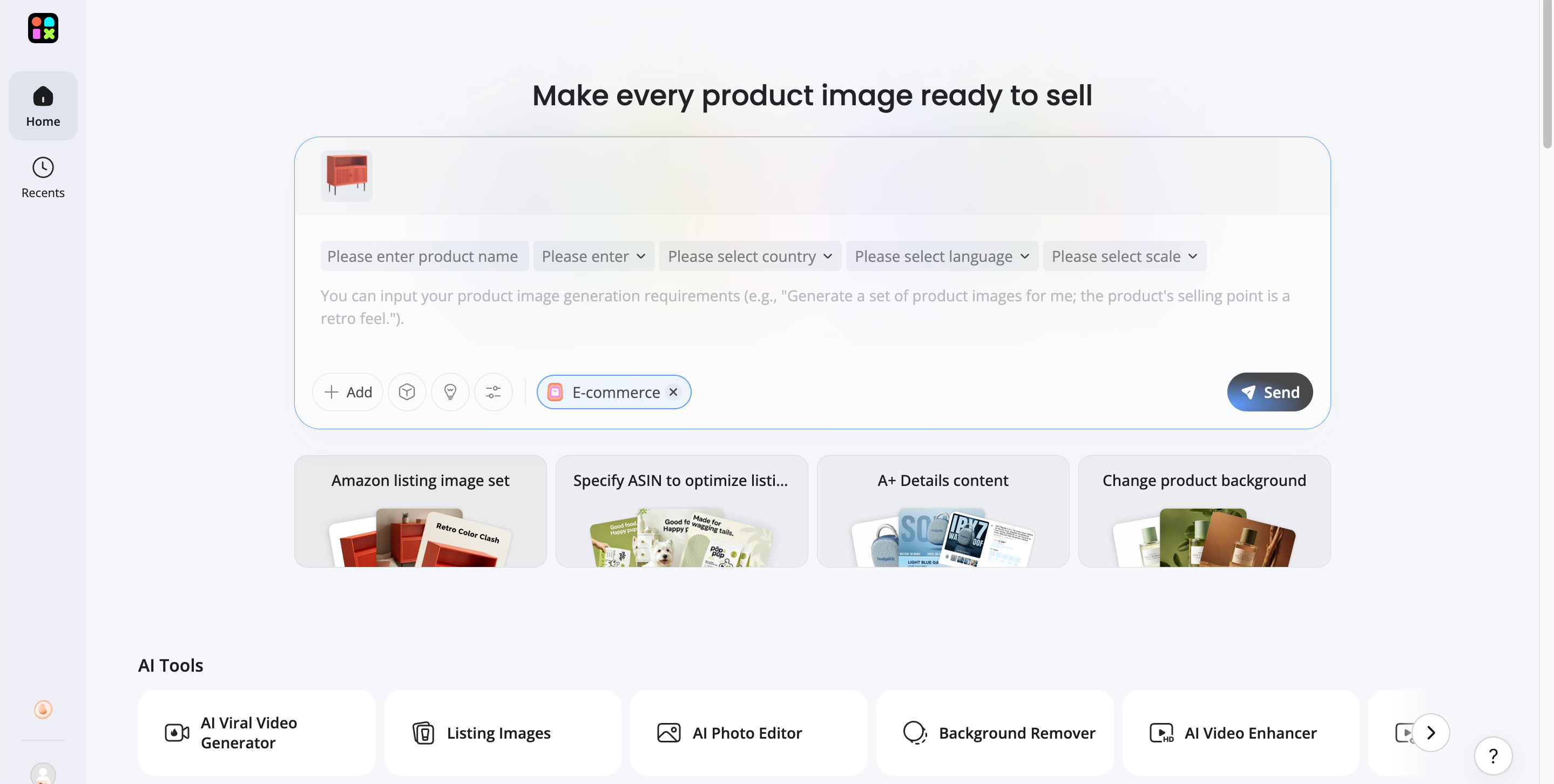
Step 1: Upload your product image
Upload a clear image of your product. A clean photo with a simple background helps the AI identify the subject more accurately.
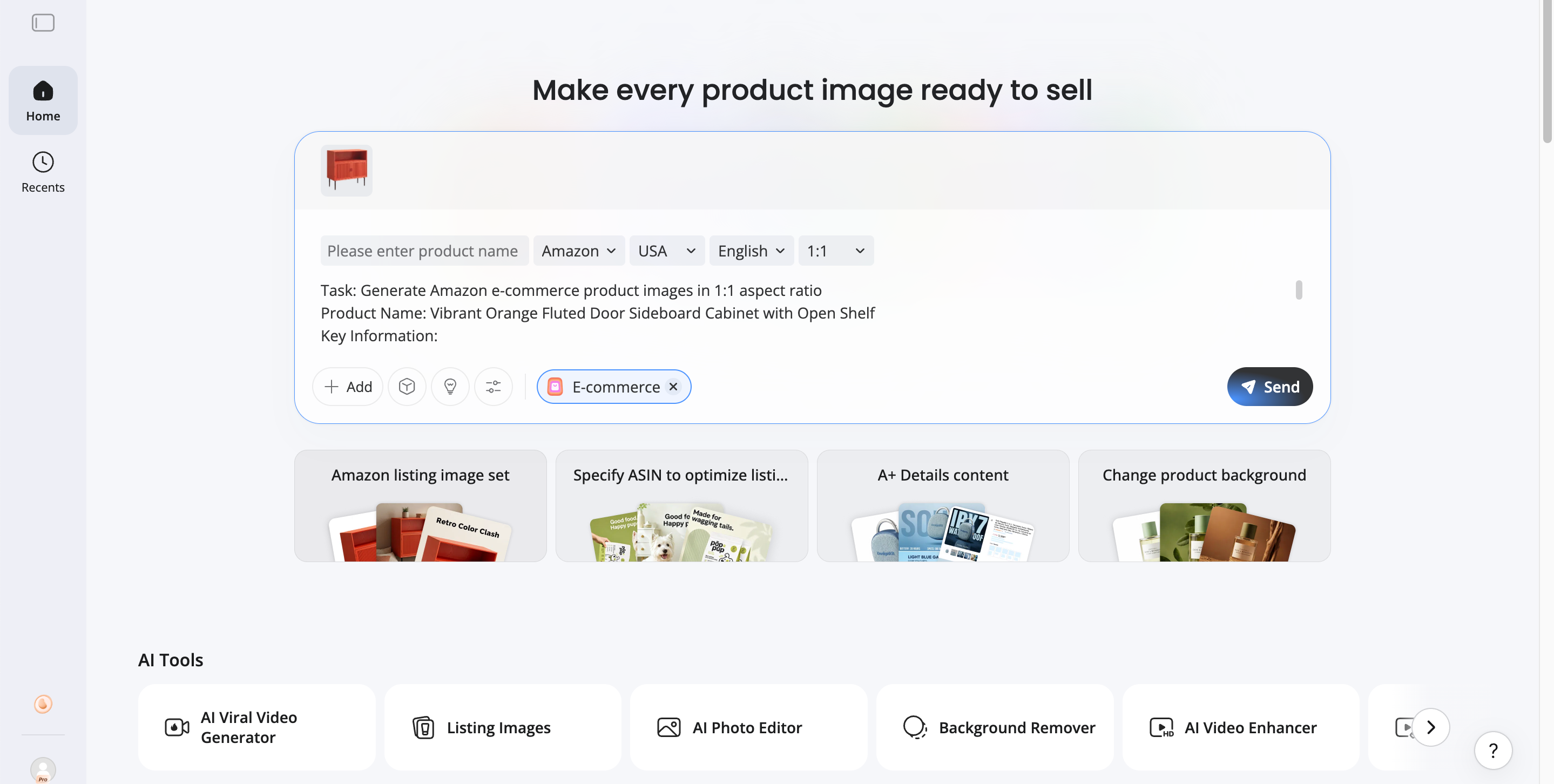
Step 2: Generate product images
Write your product details and selling points. If you have no idea how to write, let Designkit automatically write marketing descriptions based on your product. Choose the e-commerce platform where you're selling your products with the target country and language. Designkit will generate platform-compliant product photography in seconds, no skills and studio needed.
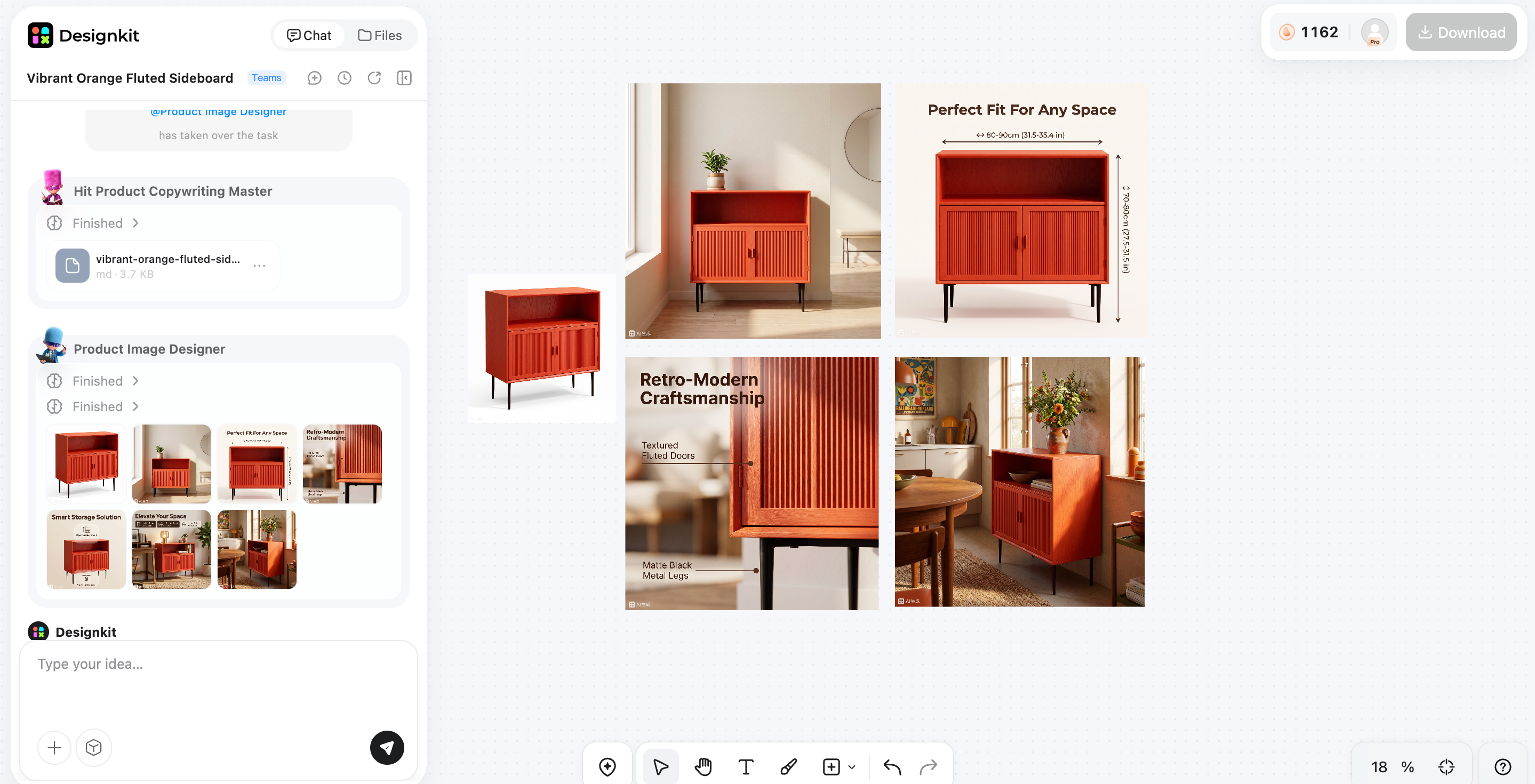
Step 3: Preview and download
Review the generated images, choose your favorite variations, and export high-resolution files for ecommerce stores, advertisements, or social media.
6. Pixora
Pixora helps online sellers create professional product photography using AI-powered backgrounds and lighting enhancements. Its straightforward workflow allows businesses to generate polished ecommerce images quickly without requiring advanced editing skills.

Key features
-
AI background generation: Create realistic backgrounds that improve product presentation across different selling platforms.
-
Lighting enhancement: Automatically adjust brightness and lighting to produce cleaner, more professional-looking product photos.
-
Scene customization: Generate multiple background styles that fit different marketing campaigns and product categories.
-
High-resolution exports: Download detailed images suitable for ecommerce stores, advertising, and print materials.
-
Simple AI workflow: Generate polished product visuals in just a few steps with minimal editing.
Pricing
-
Free Plan - $0/month: Includes 100 generation credits, access to free presets, and commercial usage rights.
-
Pro Plan - $9.90/month: Includes 2,000 monthly auto-renewing credits, access to Pro presets, and commercial usage rights.
Pros & cons
|
Pros |
Cons |
|---|---|
|
Easy for beginners |
Pricing varies by plan |
|
Good image quality |
Smaller template library |
|
Fast AI generation |
Limited advanced editing |
Best for
Small businesses and online sellers looking for simple AI product photography.
7. Photta
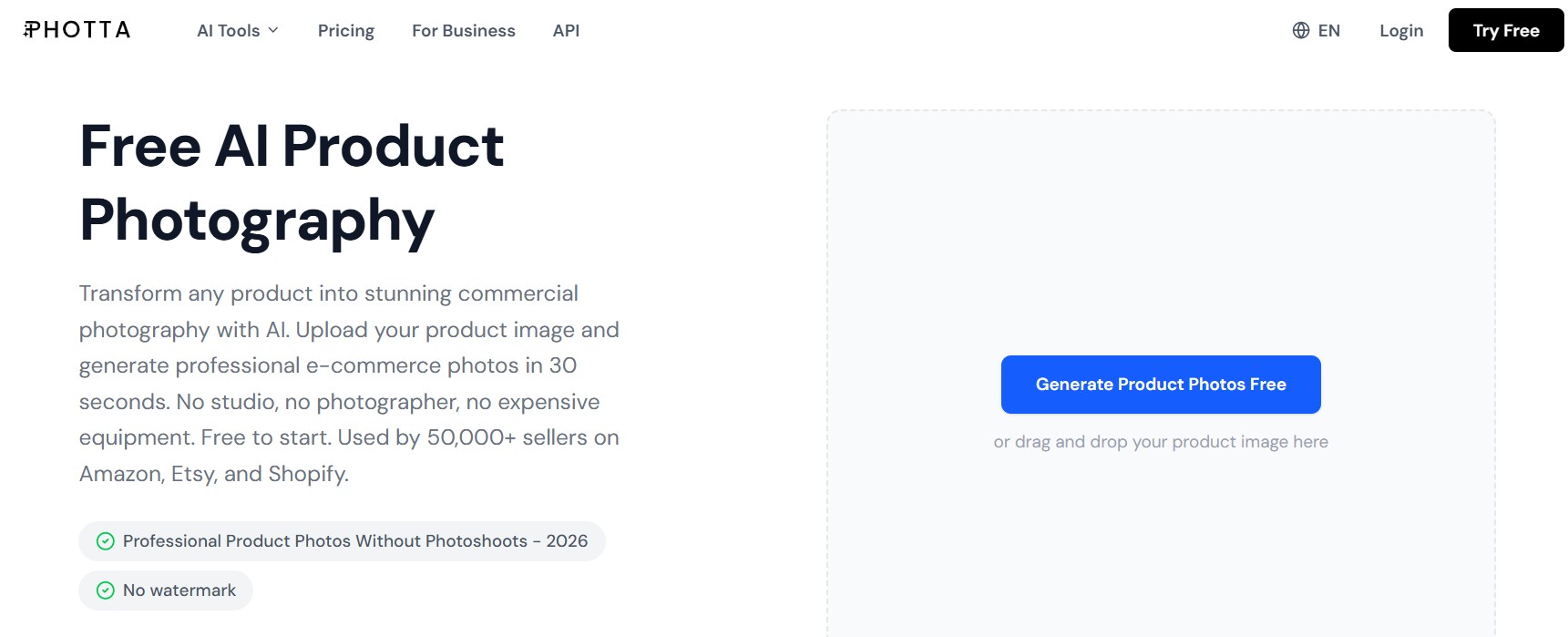
Photta is an AI product photography platform that creates studio-quality product images with customizable backgrounds and lighting. It helps ecommerce brands generate professional visuals for online stores, advertising, and social media without expensive photography equipment.
Key features
-
AI scene generation: Create studio-quality and lifestyle product images using AI-generated backgrounds and environments.
-
Background customization: Choose from multiple visual styles that match different products and branding requirements.
-
Lighting optimization: Automatically enhances lighting and shadows for more realistic and attractive product photos.
-
Multiple image variations: Generate several creative versions from one product image to support different campaigns.
-
High-resolution downloads: Export sharp, ecommerce-ready visuals for websites, marketplaces, and promotional content.
Pricing
-
Free Trial - $0: Includes 20 free credits upon sign-up with no credit card required.
-
Hobby Plan - $14/month: Includes 150 monthly credits (~30 photos/mo), 5 free retries, 1 mannequin/pose per shoot, and 5-second 480p video generation.
-
Seller Plan - $29/month: Includes 500 monthly credits (~100 photos/mo), 10 free retries, 1 mannequin/2 poses per shoot, access to Pro mannequins, and 5–7 second 720p video generation.
-
Brand Plan (Most Popular) - $79/month: Includes 1,500 monthly credits (~300 photos/mo), 25 free retries, 2 mannequins/3 poses per shoot, batch generation up to 5 images, and 10-second Full HD video generation.
-
Studio Plan - $249/month: Includes 5,000 monthly credits (~1,000 photos/mo), 60 free retries, 4 mannequins/4 poses per shoot, batch generation up to 15 images, and 12-second Full HD video generation.
Pros & cons
|
Pros |
Cons |
|---|---|
|
Produces realistic product scenes |
Free version has limitations |
|
Easy-to-use interface |
Smaller ecosystem than competitors |
|
Good variety of AI styles |
Premium features require subscription |
Best for
Brands and ecommerce sellers frequently create product photos for websites, marketplaces, and marketing campaigns.
How to choose the best AI product photography tool
With so many AI product photography tools available, the right choice depends on your workflow, budget, and business goals. Compare tools based on image quality, customization, ease of use, and pricing to ensure they meet your ecommerce needs both now and as your catalog grows.
Image quality and realism
The best AI tool for product images should produce natural-looking lighting, shadows, reflections, and textures while preserving accurate product colors. High-quality output helps build customer trust and reduces the need for manual editing.
AI backgrounds and customization
Look for tools that offer studio backgrounds, lifestyle scenes, seasonal themes, and custom prompts. Flexible background options make it easier to create consistent branding across product listings, advertisements, and social media campaigns.
Ease of use and workflow
A simple interface can significantly speed up content creation. Choose AI photography tools that automate repetitive tasks while still giving you enough control to fine-tune backgrounds, lighting, and image composition.
Batch processing and ecommerce support
If you manage a large product catalog, batch editing and bulk image generation are essential. Some platforms also offer integrations or export formats optimized for Amazon, Shopify, Etsy, and other ecommerce marketplaces.
Pricing and commercial licensing
Compare free plans, subscription costs, export limits, and commercial usage rights before committing to a platform. The best AI product photo generator should offer the features you need while providing good value for your business.
Traditional product photography vs AI product photography
While traditional photography remains valuable for premium campaigns, AI product photography offers a faster and more affordable solution for everyday ecommerce content.
|
Traditional photography |
AI product photography |
|---|---|
|
Requires studio equipment |
Works online with AI |
|
Professional photographer |
Beginner-friendly |
|
Higher production costs |
More affordable |
|
Hours or days per shoot |
Minutes per image |
|
Manual editing required |
AI automates editing |
|
Limited backgrounds |
Unlimited AI-generated scenes |
|
Ideal for premium campaigns |
Ideal for ecommerce and marketing |
Common mistakes to avoid when using AI product photography
Even the best AI for product shots cannot compensate for poor inputs or unrealistic editing choices. Avoid these common mistakes to create professional, trustworthy product images.
Starting with low-quality product images
AI performs best when the original image is sharp, well-lit, and clearly shows the product. Blurry or poorly exposed photos often lead to less accurate backgrounds and lower-quality results.
Choosing unrealistic backgrounds
Select backgrounds that complement your product instead of distracting from it. A realistic environment improves credibility and helps shoppers imagine the product in real-world use.
Over-editing product colors and details
Avoid making products appear dramatically different from the actual item. Maintaining accurate colors, textures, and proportions helps reduce customer disappointment and product returns.
Ignoring ecommerce platform requirements
Each marketplace has its own image guidelines. Check requirements for dimensions, background color, resolution, and file size before uploading your AI-generated product photos.
Final thoughts
AI product photography has transformed how businesses create professional product images by reducing costs, saving time, and simplifying the creative process. Whether you need clean marketplace listings, branded lifestyle scenes, or marketing visuals, today's AI tools offer solutions for businesses of every size.
Compare features, pricing, customization options, and output quality before choosing a platform. If you need an easy way to create ecommerce-ready product images and marketing assets, Designkit offers a practical solution for generating polished visuals with minimal effort.
Frequently Asked Questions
What is AI product photography?
Which is the best AI product photography tool?
The best tool depends on your needs. Designkit is a good choice for ecommerce and marketing visuals, Photoroom is known for clean marketplace images, and Flair AI offers greater creative control for lifestyle product photography.
Can AI generate professional product photos?
Yes. Modern AI tools can generate high-quality product images with realistic lighting, backgrounds, and shadows that are suitable for ecommerce stores, online marketplaces, advertisements, and social media.
Is AI product photography suitable for ecommerce?
Yes. AI product photography helps ecommerce businesses create consistent product images quickly, reduce photography costs, and produce professional visuals for product listings and marketing campaigns.
What is the best AI tool for product images?
Several tools perform well, including Designkit, Photoroom, Flair AI, Pebblely, Claid, Pixora, and Photta. The best option depends on your budget, workflow, and the features you need.
Can AI create product backgrounds automatically?
Yes. Most AI product photography tools can automatically remove existing backgrounds and generate realistic studio or lifestyle scenes that complement your products.
Are AI-generated product images allowed on Amazon and Shopify?
Yes, as long as they comply with each platform's image guidelines. Product photos should accurately represent the item and meet the required size, resolution, and background standards.
How much does AI product photography cost?
Many AI product photography tools offer free plans or trials, while paid subscriptions typically start at around $10 to $20 per month. Some platforms also provide custom pricing for businesses with larger requirements.
You May Also Like

What Is a Hero Image? Definition, Examples & Design Tips
Pippit AI Review 2026: Features, Pricing, Pros & Cons
Back to School Ad: 7 Creative Ideas for Better Campaign Results

Top 7 Back-to-School Sales Ideas to Boost Retail Sales (2026)

How to Create a Complete World Cup Product Listing Image Set

How to Create Amazon Summer Sale Posters and Banners with AI
Amazon Summer Sale 2026: Listing Design Trends & Product Image Ideas
Ecommerce Video Ads: 7 Strategies That Drive Higher Conversions
How to Photograph Shoes for Your Ecommerce Store in 2026

Product Photography Ideas: Creative Tips & Techniques for Better Shots
Product Photography Pricing 2026: Full Cost Guide by Type
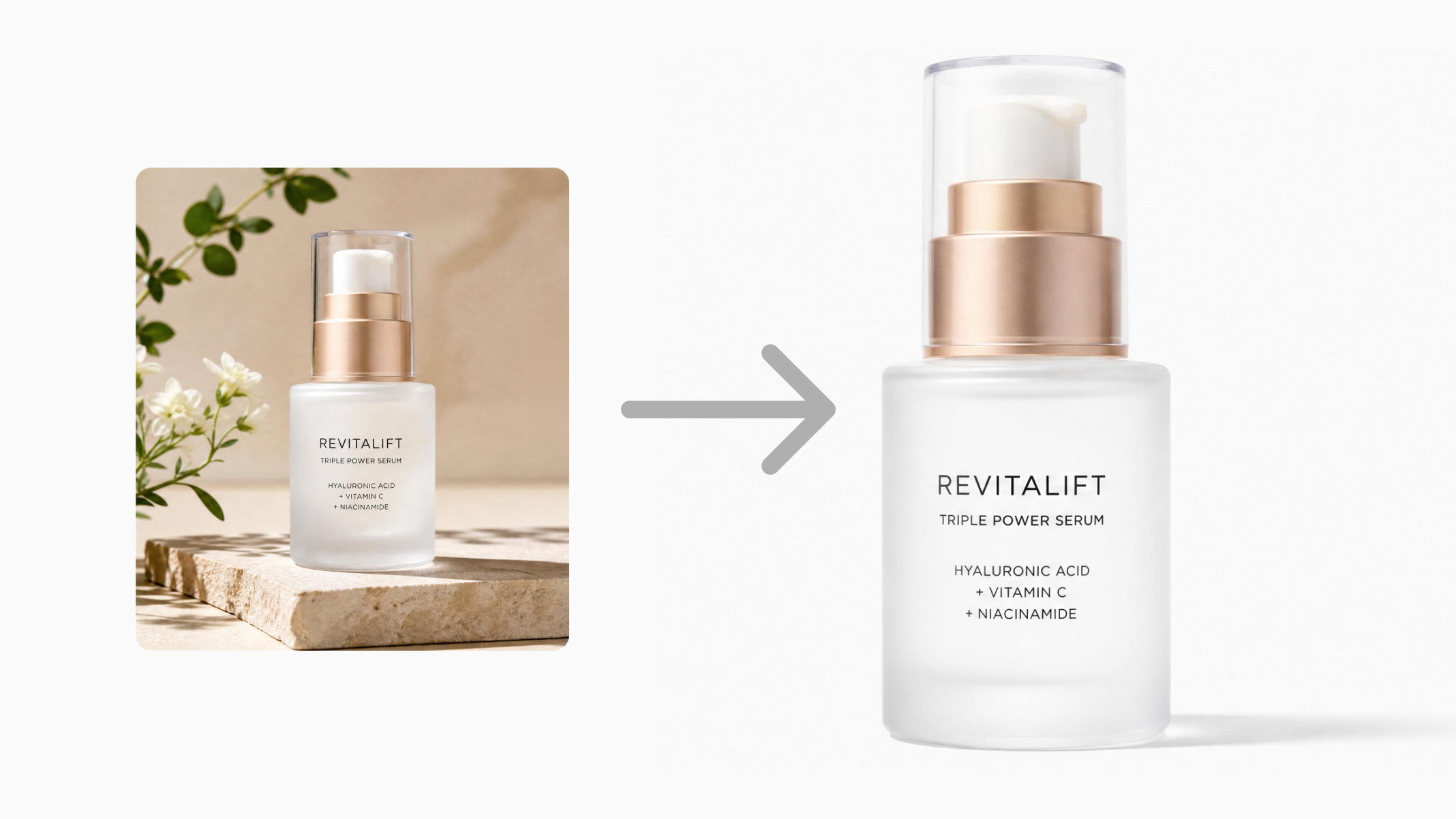
White Background Product Photography Guide & Tips 2026
Product Photography Starter Package: Gear Checklist 2026
Shopify Product Photography Guide with Tips & Setup
Amazon Main Image Requirements: Size, Guidelines & Tips

Shopify Image Size 2026: Complete Guide and Tips for Better Product Display

Studio Product Photography vs AI Product Photography in 2026

7 Product Photography Mistakes That Hurt Ecommerce Sales
Change Outfit Colors Online for Outfit Preview with AI Clothes Color Changer

How to Create Amazon Infographics: Boost Sales with Compelling Visuals

How to Create Outdoor Product Scenes Without a Photoshoot Using AI

Optimize Etsy Images for Mobile: Listing Photos That Convert

Amazon 7-Image Listing Strategy: Boost Sales by Optimizing Every Image
Etsy Thumbnail Optimization: Keep Your Product Fully Visible
The Etsy Thumbnail Formula That Drives More Clicks and Sales
How to Create Pro Amazon Listing Photos Without a Studio
10 High-Converting Lifestyle Product Images for Amazon Listings

How to Automate Your E-commerce Visuals with OpenClaw Workflow

Top 5 AI Tools to Generate Amazon Product Listing Images in 2026
How to Turn One Photo into 10 Etsy Listing Images Fast: Batch Workflow
Etsy Listing Photo Size Guide (2026): Mobile, Desktop & Shop View Specs
Turn White Background Images into Lifestyle Amazon Listings

Fix Etsy Image Cropping: Optimize Listing Photos for Every Device
Amazon Listing Images: Essential Shot List & Optimization Guide

How to Create Lifestyle Product Images Without a Studio
Lifestyle Product Photography Trends 2026: Authentic Looks at Scale
How to Master Lifestyle Product Photography in 2026

Amazon Listing Images Guide 2026: 7-Slot Strategy & Requirements
360 Product Photography Guide 2026: Setup, Shoot and Workflow
Beginner's Guide to Generate Product Photos from Different Angles
AI Product Photography: Create Ecommerce Images Without a Photoshoot

How to Create Realistic AI Product Photos: Step-by-Step Pro Guide
Keep AI Product Images Consistent Across SKUs: Lighting, Color, Background

How to Scale E-commerce with a Product Image Generator
How to Use AI for Spring Product Photography: 2026 Amazon Guide
How to Create a Budget Home Product Photography Setup with AI
How to Achieve Professional Product Photography Standards in 2026

How to Take Product Photos with Phone: Pro Guide for Amazon & AI

Best AI Product Image Generator 2026: Top Tools for Amazon Sales
Amazon Photography Service vs. AI Generator: Best Choice for Sales
What Is Product Photography? Angles, Lighting & Editing Guide
Amazon Spring Sale 2026: Create High-Converting Listing Images (Guide)

AI Agents Transform Amazon Product Photography in 2026
Amazon Photoshoot in 2026: Do You Still Need a Studio?
11 Must-Have Tools for Amazon Product Photography in 2026
2026 Amazon Image Trends Shaping Seller Success and Conversions
Amazon Product Photography Requirements & Best Practices 2026
Create Studio-Quality Product Photos
Turn simple product photos into ecommerce-ready visuals. Generate realistic scenes, edit images, and create marketing assets faster with AI.
