
Best AI Ad Generators in 2026: Compared
Compare the best AI ad generators in 2026 for creating images, videos, social ads, product creatives, and ad copy. Explore top tools, compare their strengths, and find the right solution for your advertising workflow.

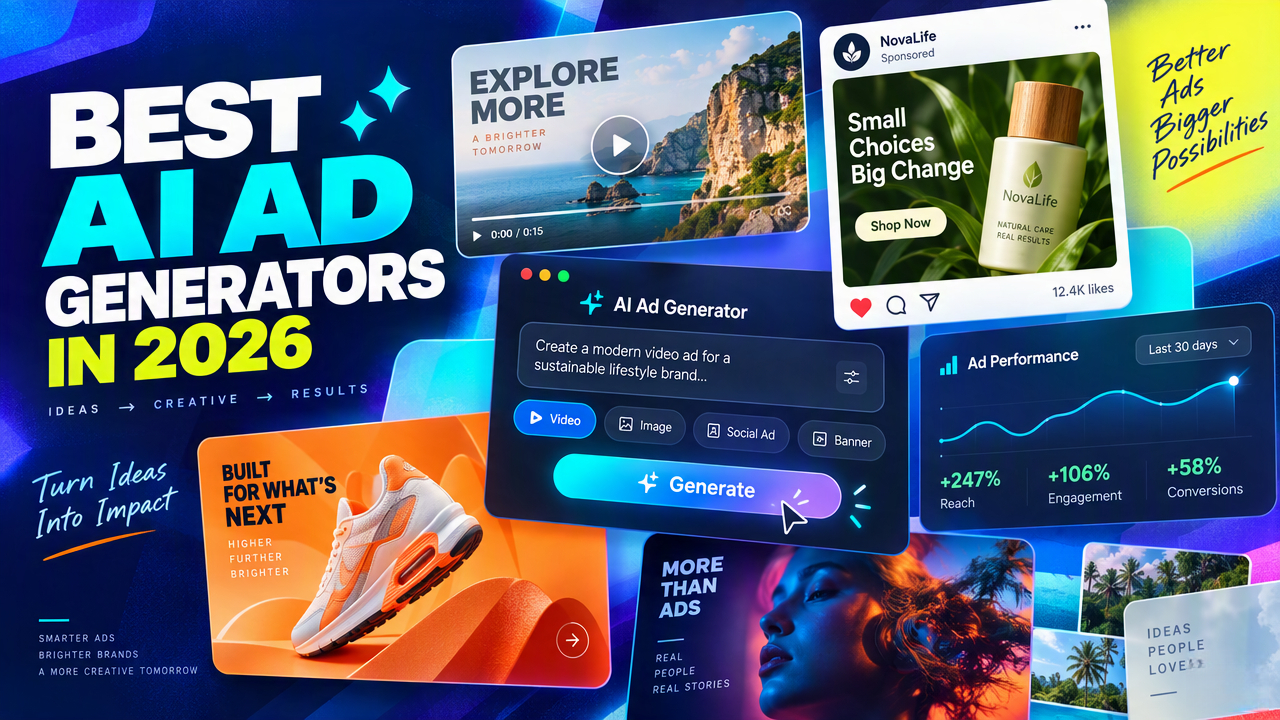
AI ad generators are changing how businesses produce advertising creatives, from product visuals and social ads to video campaigns and promotional copy. With so many tools available, choosing the right one can be difficult.
This guide compares AI ad tools by what they help you ship. Some focus on static variants, others on short video or product shots, so you can match a tool to your advertising goals.
Best AI Ad Generators at a Glance
Standalone AI ad generators differ in what they automate: full creatives, copy, social content, testing, or ecommerce product visuals. The table below compares them by use case, strength, and formats.
|
Tool |
Best For |
Main Strength |
Ad Formats |
|---|---|---|---|
|
AdCreative.ai |
Overall ad creative generation |
AI-powered ad creatives and variations |
Image + creative variations |
|
Pencil |
AI creative testing |
Generates and tests creative variations |
Image + video |
|
Creatopy |
Automated ad production |
Automated ad design and production |
Display + social |
|
Canva |
Beginners |
Templates, AI design, and editing |
Image + social + video |
|
Predis.ai |
Social media ads |
AI-powered social content and ad creation |
Image + video |
|
Jasper |
AI ad copy |
Marketing copy and campaign messaging |
Text + campaign assets |
|
Simplified |
All-in-one workflows |
AI design, copy, and content production |
Image + video |
|
Designkit |
E-commerce product ads |
Product-focused advertising creatives |
Product + social creatives |
For ecommerce sellers, product images often need to become multiple ad formats. A workflow focused on ecommerce ads can keep photography, messaging, and channel sizes connected.
Platform-Native AI Advertising Tools
Meta Advantage+ Creative and Google Ads AI tools work differently from the standalone products above. They sit inside the ad platforms and help with campaign setup, creative optimization, or delivery, rather than replacing a standalone creative workflow.
|
Platform |
Best For |
Main Strength |
Ad Formats / Applications |
|---|---|---|---|
|
Meta Advantage+ Creative |
Meta campaigns |
AI-assisted creative optimization and variations |
Meta ad formats |
|
Google Ads AI tools |
Google campaigns |
AI-assisted campaign creation and optimization |
Search, display, video, and other Google Ads formats |
How to use these categories: Choose a standalone generator when you need to produce the creative. Choose platform-native AI when you mainly need campaign setup or optimization inside Meta or Google. Many teams use both: build assets first, then let the platform AI manage delivery.
8 Best Standalone AI Ad Generators in 2026
Choosing the right tool depends on the type of advertising you need, your creative workflow, and how much control you want over the final output. The eight options below cover different use cases, from ad creative testing and social content to e-commerce product advertising.
1. AdCreative.ai: Best AI Ad Generator Overall
Best for: High-volume advertising creatives
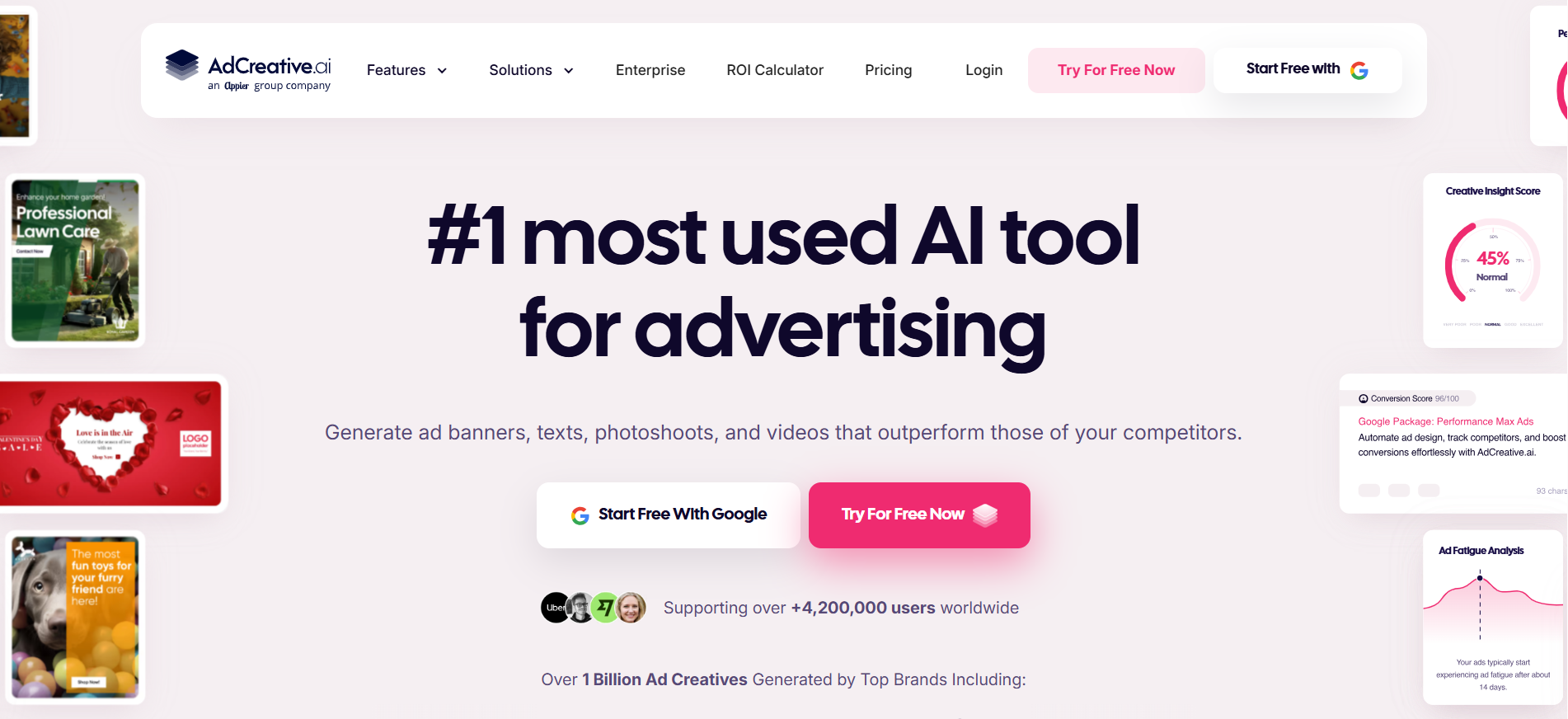
AdCreative.ai focuses on generating advertising creatives and variations for businesses that need to produce multiple concepts. It is particularly useful for teams testing different visual approaches across campaigns.
Key features
-
AI-generated advertising creatives
-
Multiple creative variations
-
Performance-focused workflows
-
Brand customization
-
Support for common ad formats
Pros
-
Strong focus on advertising
-
Useful for creative testing
-
Designed for high-volume workflows
Cons
-
Less suitable for general-purpose design
-
Advanced usage may require a paid plan
Who should use it: Businesses and marketing teams that regularly need multiple ad concepts.
2. Pencil: Best for AI Creative Testing
Best for: Generating and testing creative variations
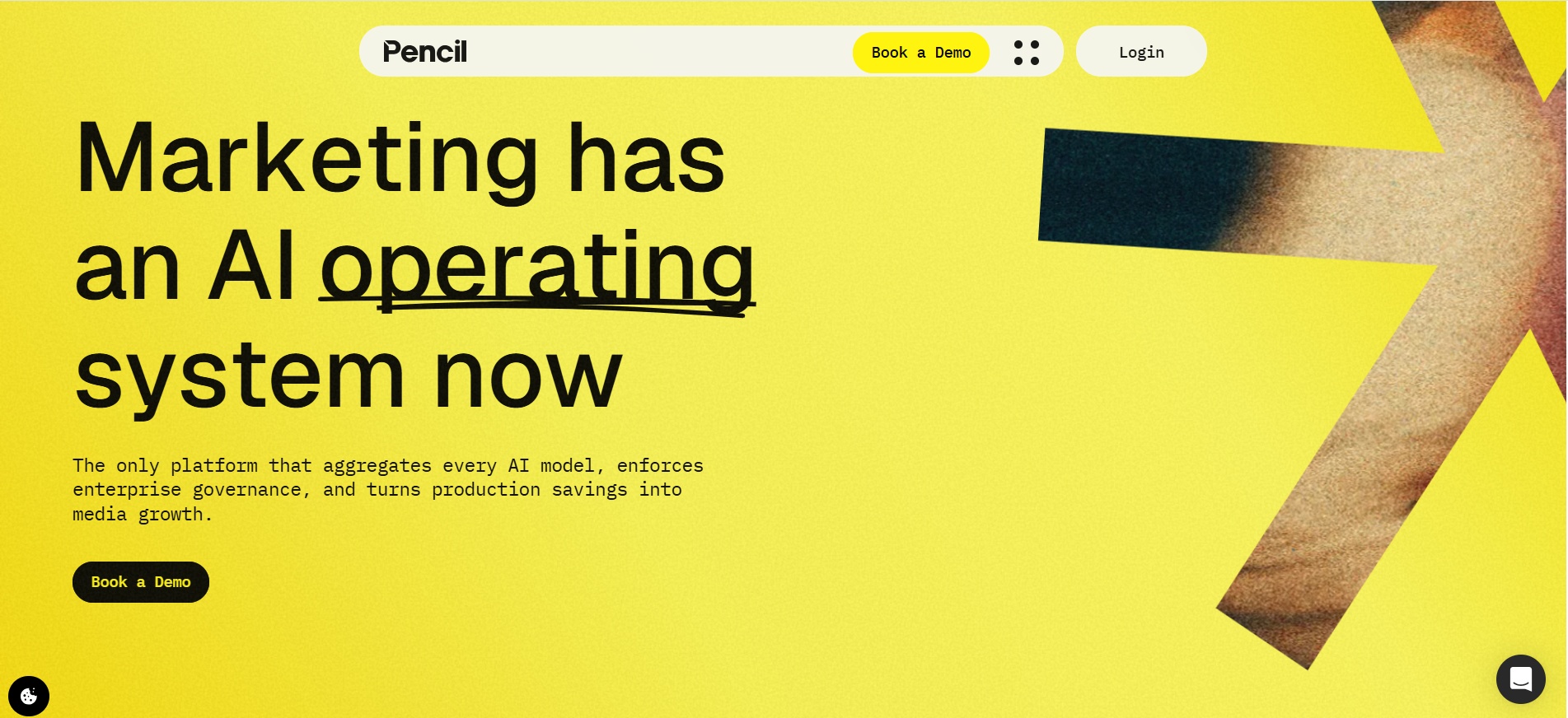
Pencil is built around advertising experimentation, helping teams generate and evaluate different creative concepts. Its focus on iteration makes it useful when campaign performance depends on testing multiple versions.
Key features
-
AI creative generation
-
Creative iteration
-
Testing workflows
-
Image and video support
-
Brand controls
Pros
-
Strong creative-testing focus
-
Supports multiple formats
-
Useful for performance-driven campaigns
Cons
-
May be more advanced than beginners need
-
Value depends on creative testing volume
Who should use it: Advertising teams that prioritize testing and optimization.
3. Creatopy: Best for Automated Ad Production
Best for: Automated ad design at scale
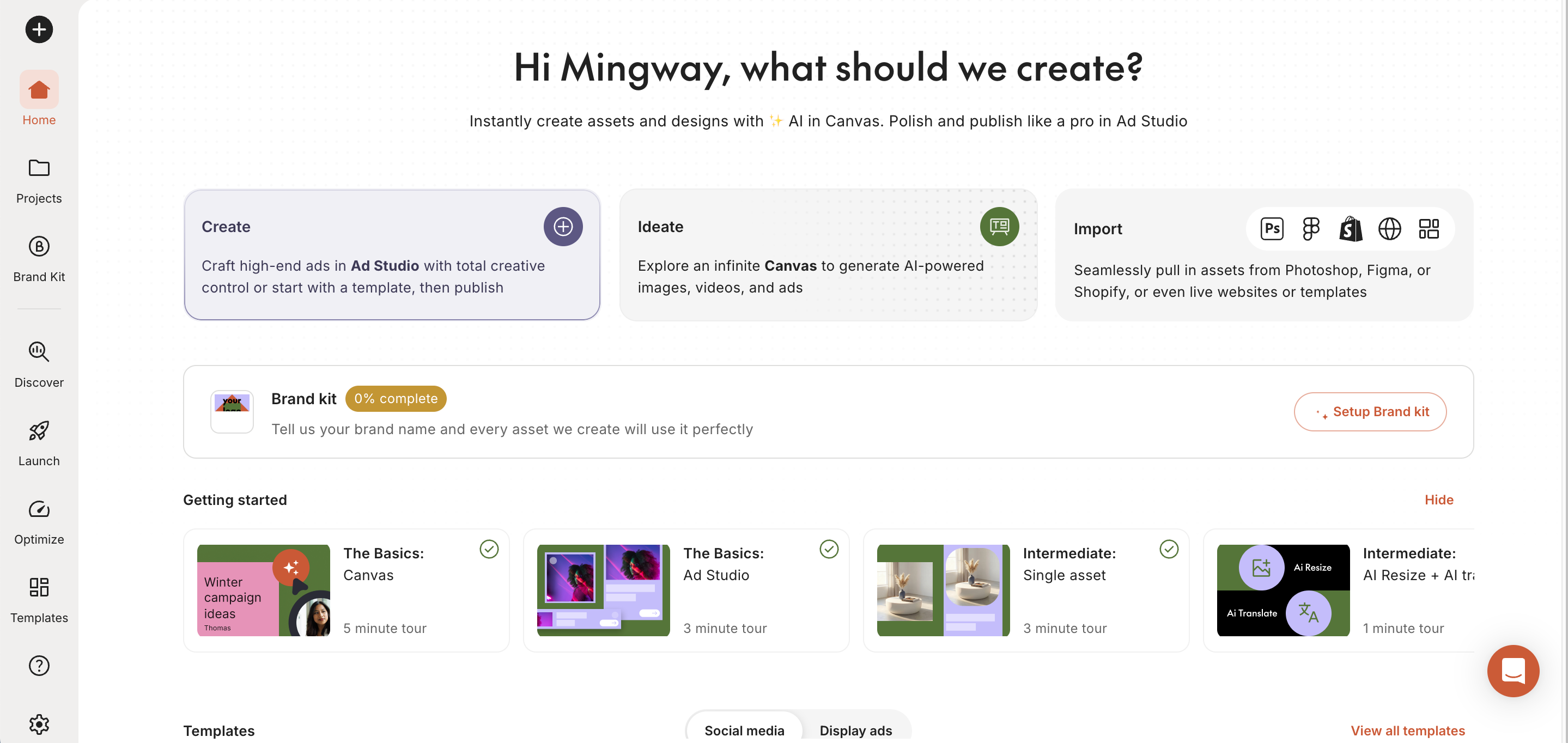
Creatopy focuses on streamlining ad production through templates, automation, and creative variations. It can be useful for businesses that need to produce consistent display and social advertising assets without designing each version manually.
Key features
-
Automated creative production
-
Templates and variations
-
Display ad formats
-
Social advertising formats
-
Brand controls
Pros
-
Useful for producing ads at scale
-
Supports reusable templates
-
Helps maintain visual consistency
Cons
-
Interface may take time to learn
-
Some features may require paid access
Who should use it: Teams producing large volumes of display or social ads.
4. Canva: Best AI Ad Tool for Beginners
Best for: Beginners and small teams
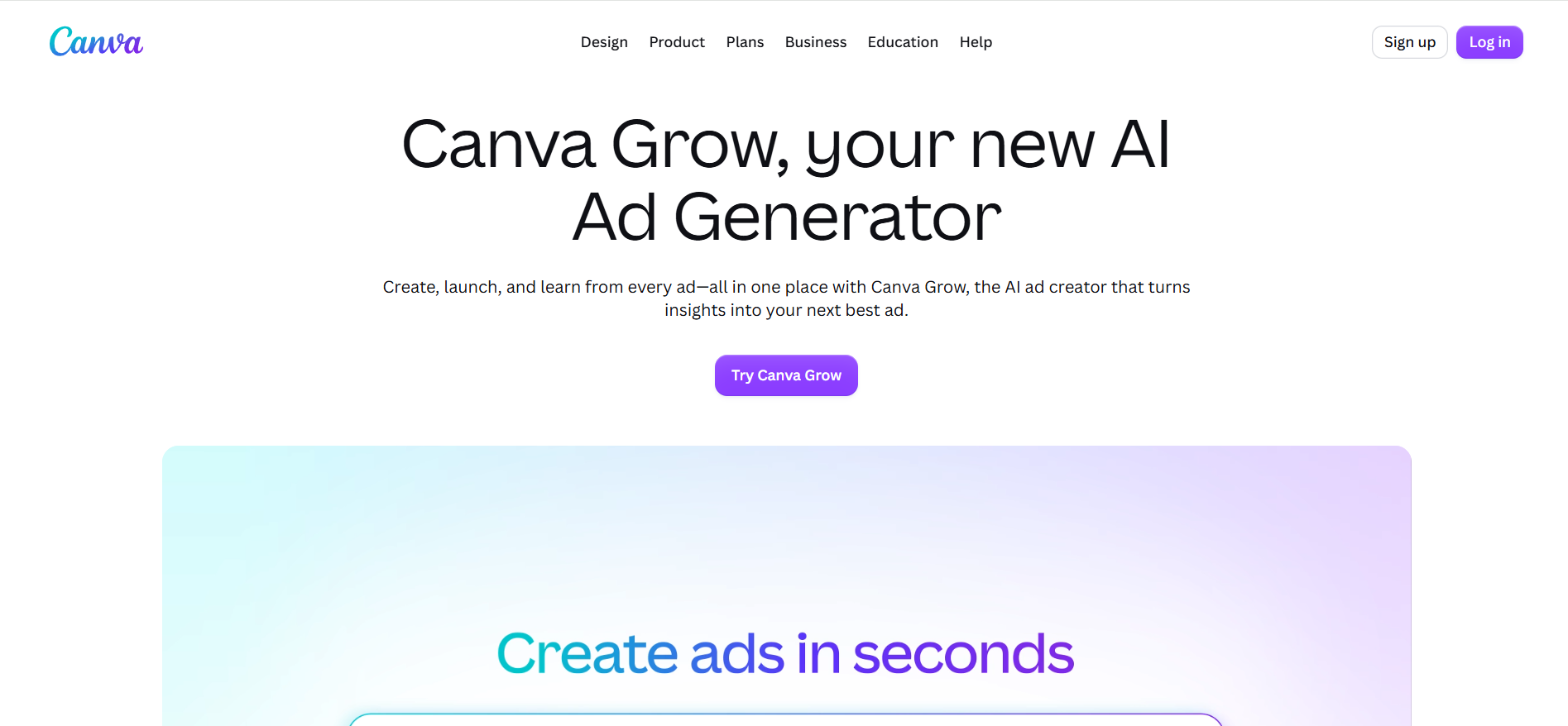
Canva combines AI-assisted design with templates and familiar editing tools. It is a practical choice for users who want to produce social graphics, promotional visuals, and simple video ads without specialized design experience.
Key features
-
AI-assisted design
-
Large template library
-
Image and video creation
-
Social advertising formats
-
Manual editing controls
Pros
-
Beginner-friendly interface
-
Broad range of templates
-
Useful beyond advertising
Cons
-
Some AI features require paid access
-
Less specialized for performance advertising
Who should use it: Beginners, small businesses, and marketers handling their own creative production.
5. Predis.ai: Best for Social Media Ads
Best for: Social-focused advertising
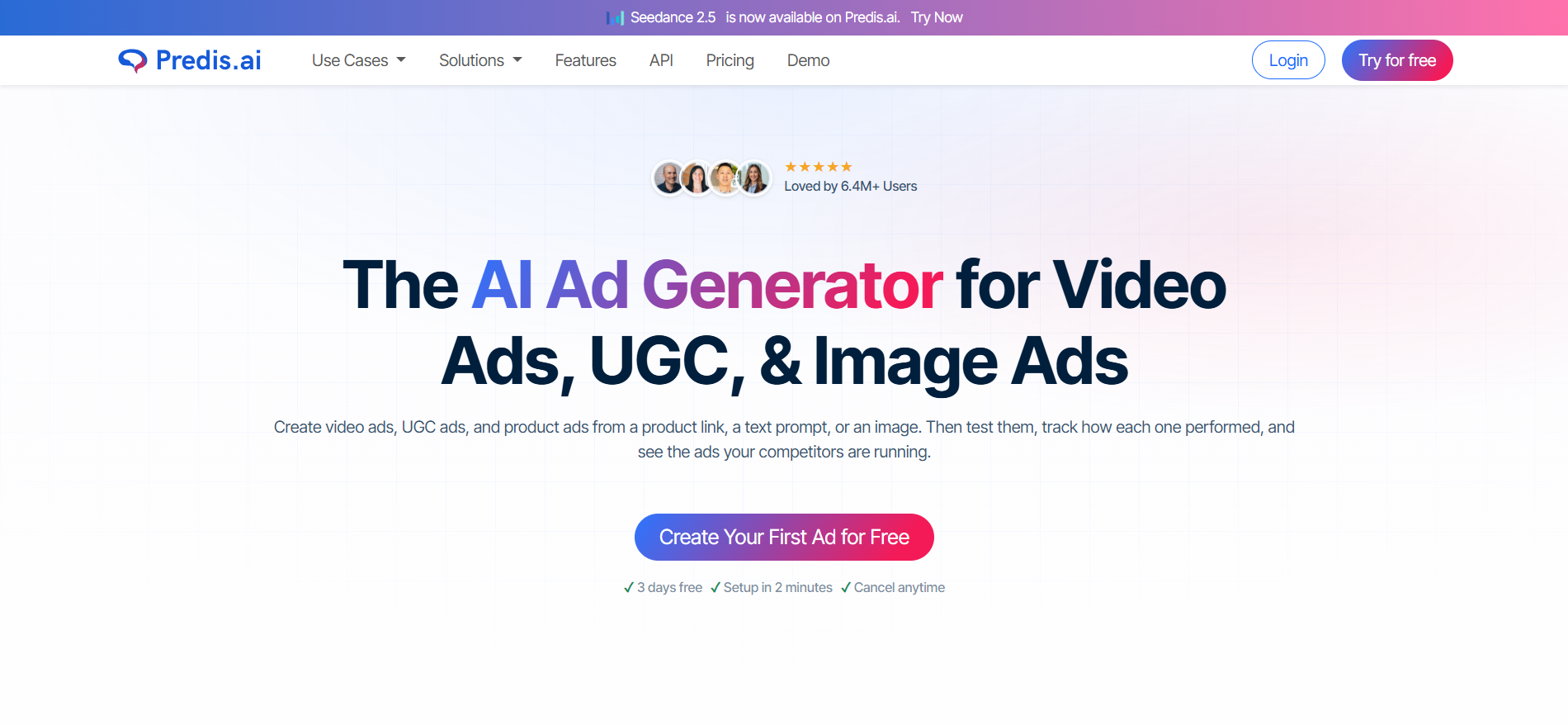
Predis.ai combines AI-generated visuals, copy, and social content workflows. It can help marketers turn campaign ideas into platform-ready content while producing variations for different social advertising needs.
Key features
-
Social content generation
-
AI visuals
-
Ad copy generation
-
Image and video formats
-
Content variations
Pros
-
Strong social media focus
-
Combines visual and text generation
-
Useful for producing content variations
Cons
-
Less suited to specialized advertising workflows
-
Generated content may need manual editing
Who should use it: Social media marketers and small teams producing frequent social campaigns.
6. Jasper: Best for AI Ad Copy
Best for: Copy-focused advertising workflows
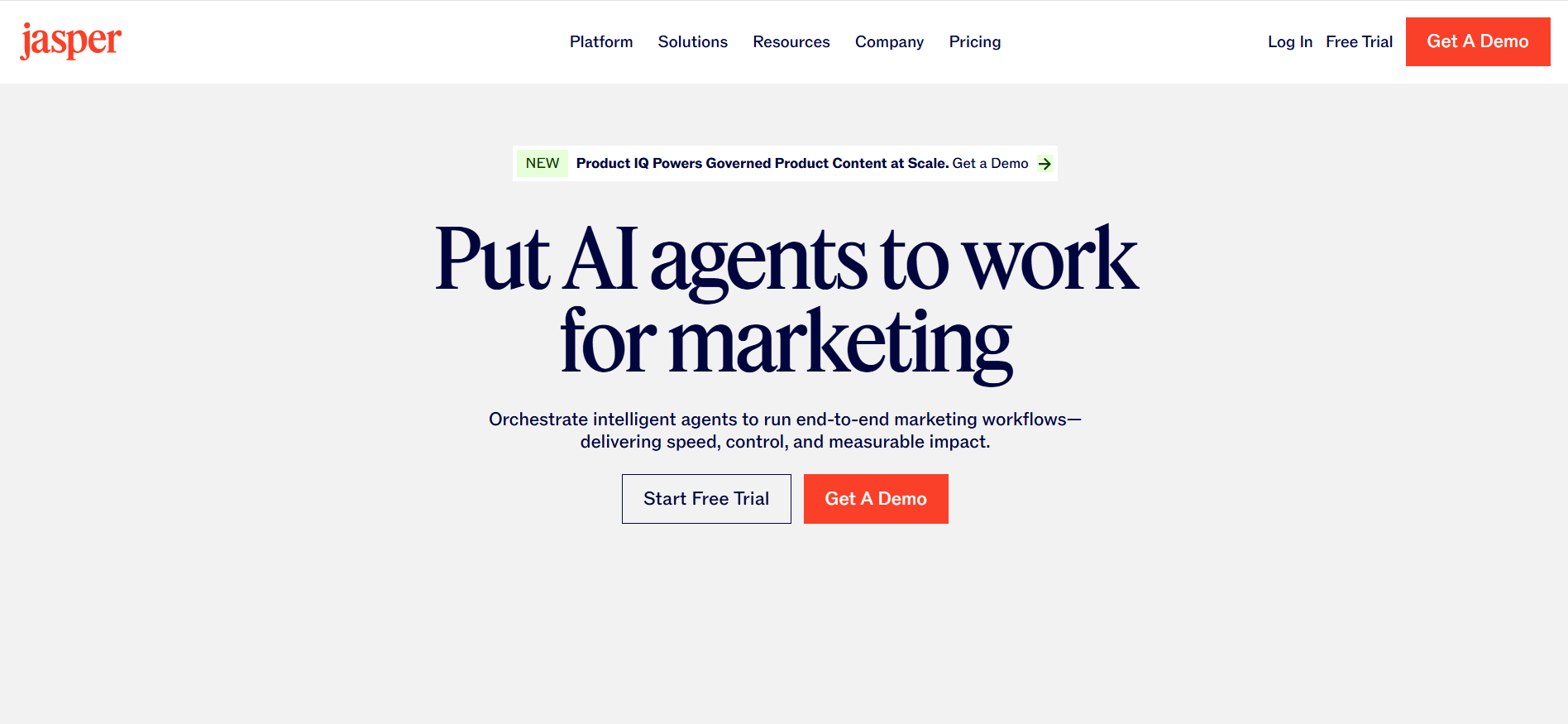
Jasper is primarily useful when the messaging behind an advertisement is the main priority. It can help develop campaign copy, promotional messaging, and variations while keeping content aligned with a defined brand voice.
Key features
-
Ad copy generation
-
Marketing content
-
Campaign messaging
-
Brand voice controls
-
Creative collaboration
Pros
-
Strong copywriting capabilities
-
Useful for campaign messaging
-
Supports brand-focused content
Cons
-
More focused on copy than visual generation
-
Visual production may require another tool
Who should use it: Marketing teams that need AI support for advertising copy and campaign messaging.
7. Simplified: Best All-in-One AI Advertising Workflow
Best for: Teams combining design, copy, and content
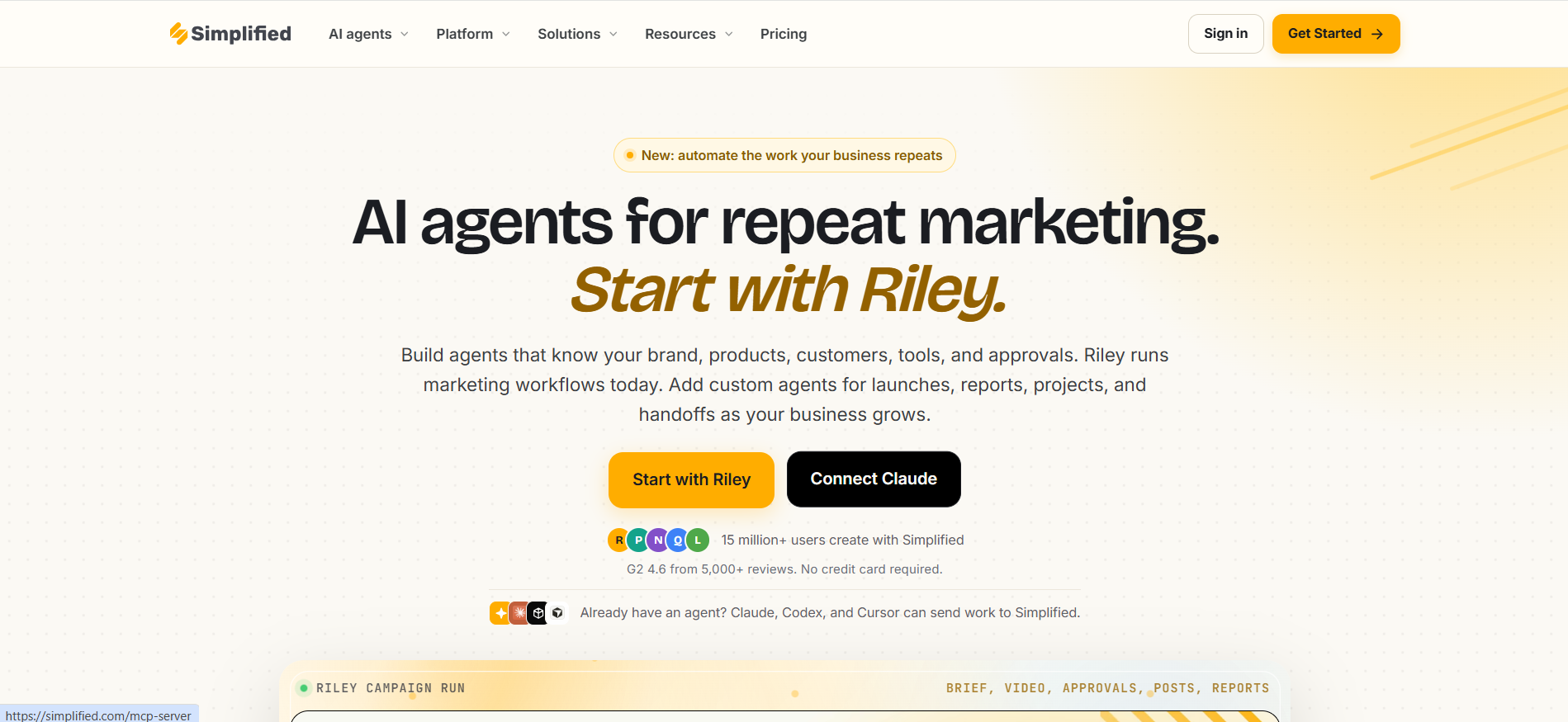
Simplified brings design, copywriting, image, and video capabilities into one workflow. Its broader feature set makes it useful for teams that want to handle different advertising content needs from a single platform.
Key features
-
AI-assisted design
-
AI copywriting
-
Image and video content
-
Social advertising assets
-
Editing and collaboration
Pros
-
Combines multiple creative functions
-
Supports different content formats
-
Useful for social campaigns
Cons
-
Broad feature set can feel overwhelming
-
Advanced capabilities may depend on the plan
Who should use it: Small teams looking for an all-in-one creative workflow.
8. Designkit: Best for E-Commerce Product Ad Creatives
Best for: E-commerce businesses turning product assets into advertising creatives
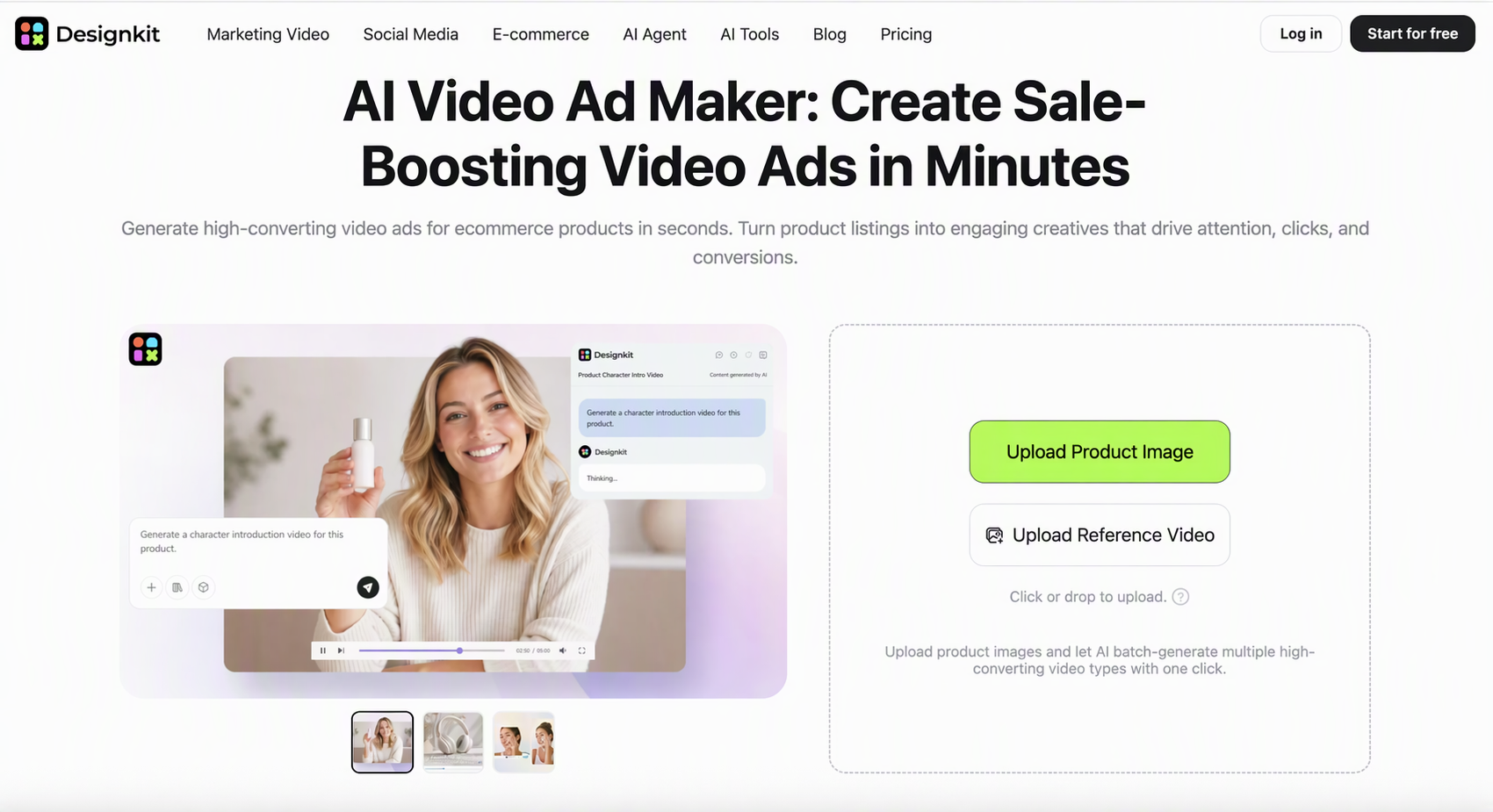
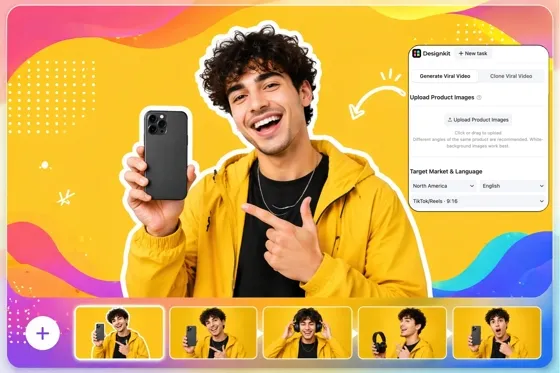
Designkit is most relevant when an ad campaign starts with existing product photos, product information, or selling points. Its product visual AI can support product-centered visual production for e-commerce and promotional campaigns, rather than focusing only on generic ad templates.
Businesses can also use AI video ads to turn product assets into promotional video content for different marketing channels. For campaigns that rely heavily on product imagery, product photo editing can help refine existing visuals before they are used in ads.
Key features
-
Product-focused creative generation
-
Product image enhancement
-
Advertising visual variations
-
Social and e-commerce formats
-
Editing and customization
Pros
-
Strong focus on product advertising
-
Works with existing product assets
-
Useful for e-commerce creative workflows
Cons
-
More specialized for product-based businesses
-
Less relevant for copy-only campaigns
Who should use it: E-commerce sellers, product marketers, and businesses that need advertising creatives built around their products.
3 Steps to Create AI Ads With Designkit
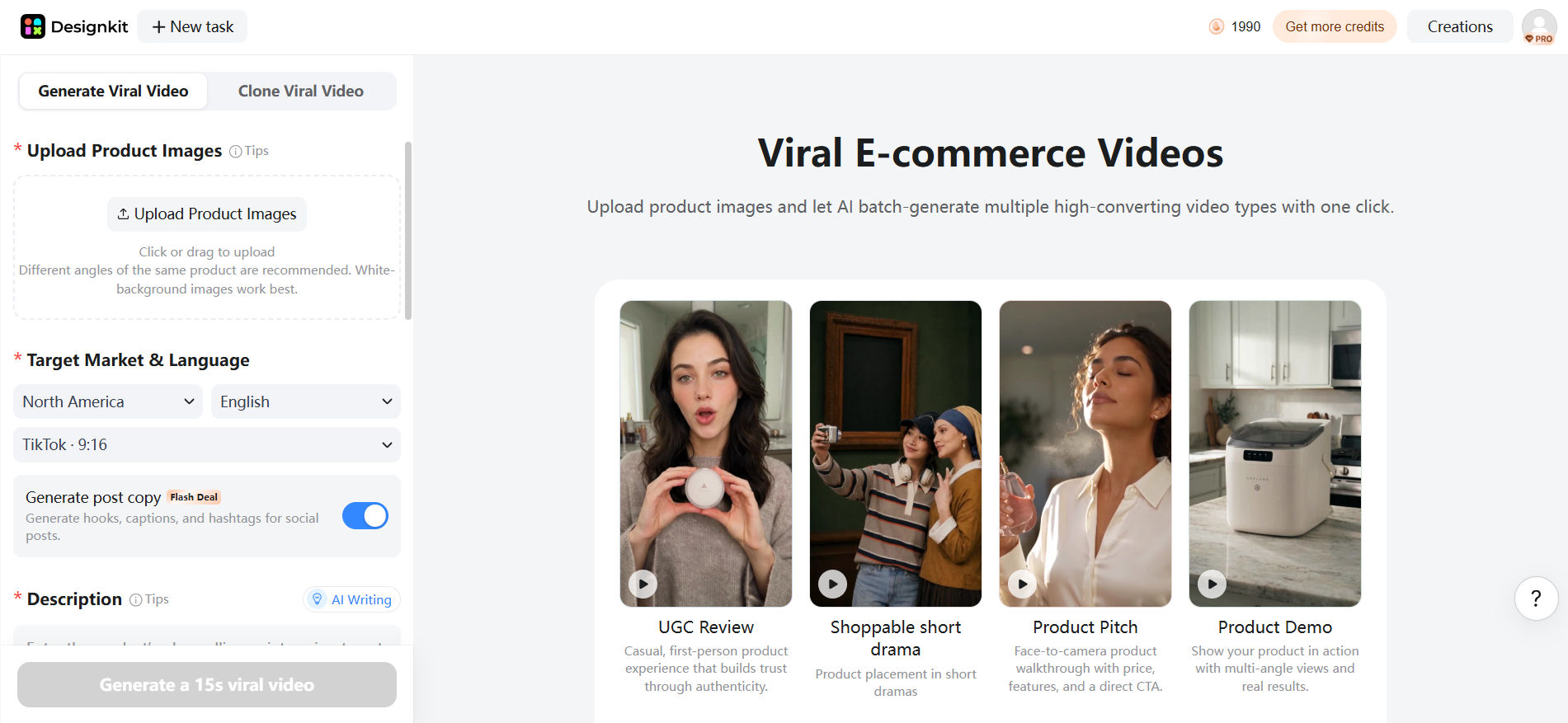
Step 1: Add Product Assets
Upload your product photos and provide the information needed to understand the product, audience, and advertising objective.
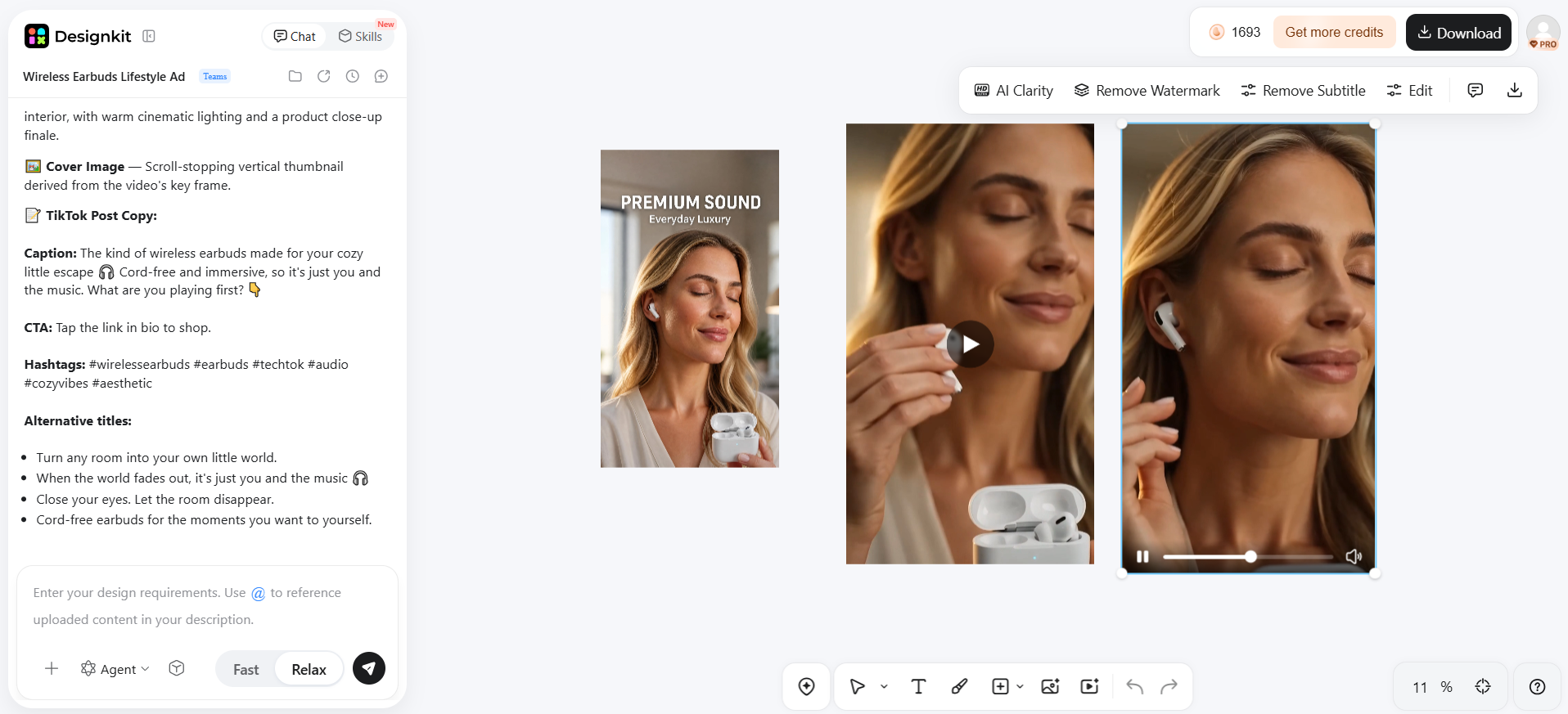
Step 2: Develop and Refine the Creative
Use the available creative tools to build a polished advertising visual, then refine the product presentation, layout, messaging, and other visual elements.
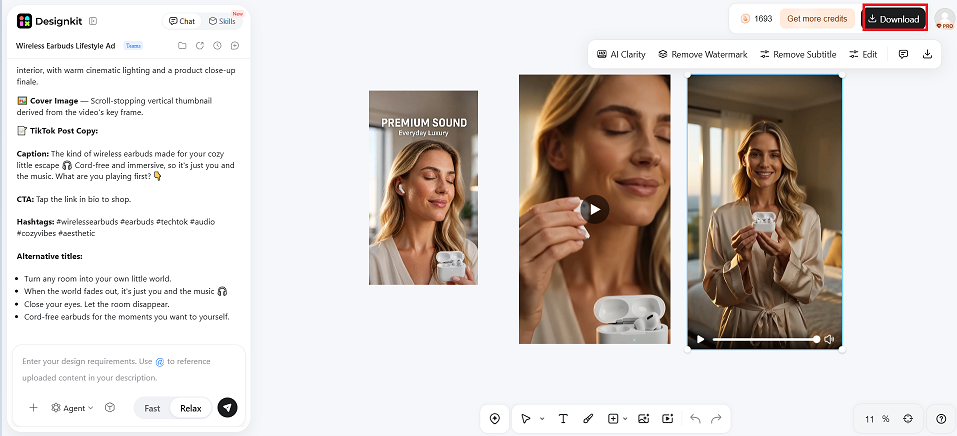
Step 3: Create Channel-Ready Variations
Adapt the finished creative into suitable formats and variations for the advertising channels you plan to use. Review each version against the platform's current creative requirements before publishing.
Platform-Native AI Advertising Tools
These options use AI directly within major advertising platforms. Unlike standalone AI ad generators, they are designed primarily to help advertisers create, adjust, and optimize campaigns within a specific ecosystem.
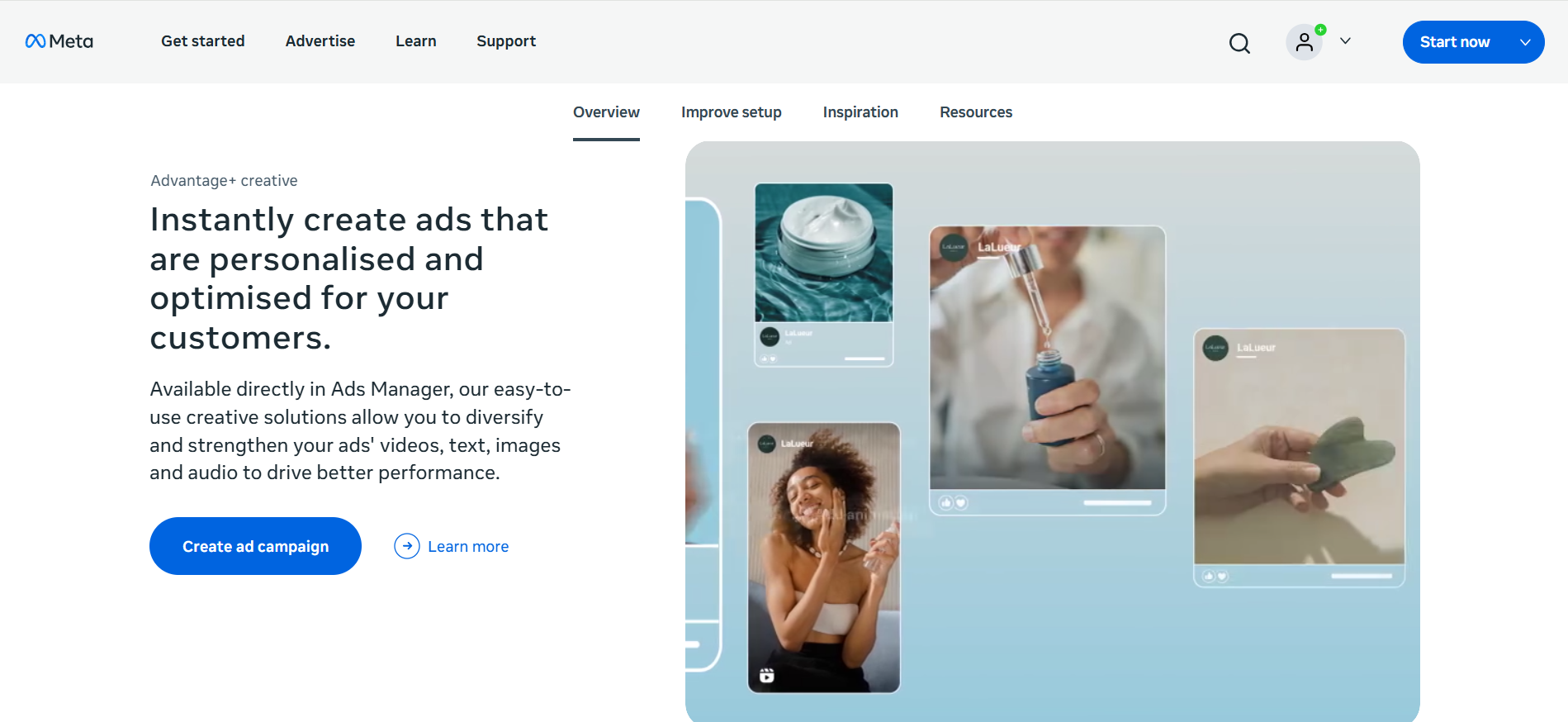
Meta Advantage+ Creative: Best for Meta Advertising
Best for: Facebook and Instagram advertising
Meta Advantage+ Creative uses AI to generate creative variations, make automatic enhancements, and optimize how ads are delivered across Meta placements. For businesses producing multiple visuals, an AI video ad maker can complement this workflow by providing additional promotional assets. Meta's tools are most valuable for advertisers already running campaigns across Facebook and Instagram.
Key features
-
AI-powered creative variations
-
Automated creative enhancements
-
Placement optimization
-
Campaign performance optimization
Pros
-
Built into Meta's advertising ecosystem
-
Useful for testing creative variations
-
Helps automate campaign optimization
Cons
-
Mainly useful for Meta campaigns
-
Less flexible than standalone creative tools
Who should use it: Businesses already running Facebook and Instagram ads that want AI-assisted creative optimization.
Google Ads AI Tools: Best for Google Advertising
Best for: Google Ads campaigns
Google's AI capabilities assist with campaign creation, ad assets, targeting, bidding, and optimization within Google Ads. Advertisers can use an AI image generator to develop visual concepts separately, while Google's native tools handle campaign-level optimization. This makes Google Ads AI different from an independent advertising generator because it is built around the Google Ads ecosystem.
Key features
-
AI-assisted campaign creation
-
Ad asset generation
-
Automated targeting
-
Smart bidding and optimization
Pros
-
Integrated directly into Google Ads
-
Connects AI with campaign performance
-
Reduces manual optimization
Cons
-
Primarily designed for Google advertising
-
Not a standalone creative-generation platform
Who should use it: Advertisers who already use Google Ads and want AI assistance with campaign creation and optimization.
Which AI Ad Generator Should You Choose?
The right choice depends on your advertising goals, creative volume, and the level of control you need. Instead of choosing the best AI advertising generator based on features alone, consider whether you need creative testing, social content, ad copy, or product-focused assets.
If You Need High-Volume Ad Creatives
Choose tools built for producing multiple concepts and variations quickly. AdCreative.ai and Pencil are strong options for teams running frequent campaigns and testing different creative approaches. If you need to produce ads at scale, focus on variation capabilities, brand controls, and workflow efficiency.
If You Need Social Media Ads
Prioritize tools that support social formats, quick customization, and multiple content variations. Canva and Predis.ai are practical choices when Facebook, Instagram, or other social platforms are central to your advertising strategy. Look for easy editing and flexible templates so creatives can be adapted for different campaigns.
If You Need AI Ad Copy
If messaging is more important than visual production, choose a copy-focused platform such as Jasper. It can help develop headlines, descriptions, promotional messaging, and campaign variations. This approach works well when you already have a design workflow but need faster ways to produce and refine advertising copy.
If You Sell Products Online
Product-based businesses should prioritize tools that can turn existing product images and information into promotional creatives. Designkit can support this workflow through product visual AI, helping businesses develop product-focused visuals for different marketing needs.
If You Are a Beginner
Beginners should look for simple editors, ready-made templates, intuitive AI features, and flexible customization. Canva is a practical starting point for users who want to produce ads without advanced design skills. For product sellers, AI photo editing for ecommerce can also simplify the process of preparing product visuals for campaigns.
What to Look for in the Best AI Ad Generator
Choosing the best AI ad generator means comparing features against your actual campaign needs. Focus on creative formats, brand control, variations, editing, exports, pricing, and scalability rather than choosing a tool simply because it offers more AI features.

Creative Format Support
Choose an AI advertising tool that supports the formats you need, including static images, video ads, social creatives, and product ads. Multiple aspect ratios are also important when adapting the same campaign for different advertising platforms.
Product and Brand Controls
Look for tools that keep products, logos, colors, messaging, and other brand elements consistent. Strong controls are especially important for e-commerce ads, where inaccurate product details or altered packaging can weaken customer trust.
Creative Variation
The best AI tool for creating ads should make it easy to generate different hooks, layouts, visuals, and messages. Multiple variations help advertisers test creative ideas and identify which combinations perform better with their target audience.
Editing and Customization
AI generation should not be the end of the process. Choose a platform that lets you edit text, images, backgrounds, layouts, and other elements. For product campaigns, product photo editing can also help refine source visuals before they are used in advertising.
Export and Platform Compatibility
Check whether the tool supports the dimensions, aspect ratios, resolutions, and file formats required by your advertising channels. Easy exporting reduces extra editing and helps ensure creatives are ready for platforms such as Meta, Google, or social media.
Cost and Scalability
Compare subscription costs, credits, generation limits, commercial-use terms, and available free plans. If you need a free plan, check whether the free tier provides enough generations for your campaign volume.
Common AI Ad Generator Mistakes to Avoid
Using AI Output Without Reviewing Product Accuracy
Always review AI-generated advertisements before launching paid campaigns. AI can sometimes change product colors, proportions, packaging, logos, text, or other details, which may make the final ad misleading or inconsistent with the actual product.
Creating Ads Without Understanding the Target Audience
AI can produce attractive visuals, but appearance alone does not guarantee results. Define your audience, offer, pain points, and campaign objective first so the generated creative communicates a relevant message to the people you want to reach.
Producing Too Few Creative Variations
Avoid relying on a single AI-generated advertisement. Produce several versions with different hooks, visuals, layouts, headlines, or calls to action. Testing multiple concepts gives you more useful performance data and helps identify stronger creative directions.
Ignoring Brand Consistency
AI-generated creatives should still match your brand identity. Check colors, fonts, logos, product presentation, tone, and messaging before publishing. Consistent advertising helps audiences recognize your business across campaigns and platforms.
Focusing Only on AI Generation Instead of Marketing Goals
Fast generation does not automatically produce effective advertising. Every creative should support a clear goal, such as awareness, traffic, conversions, product discovery, or retargeting, with the message and visual treatment aligned to that objective.
Conclusion
There is no single best AI ad generator for every business. The right choice depends on your advertising format, campaign objective, budget, creative workflow, and required level of customization.
AdCreative.ai and Pencil may suit teams focused on creative generation and testing, while Canva and Predis.ai can work well for social-focused workflows. Jasper is more relevant to copy-heavy campaigns, and Designkit is particularly useful for e-commerce teams turning existing product assets into advertising creatives.
For Meta- or Google-specific campaigns, platform-native AI features may be more appropriate than standalone generators because they operate directly within those advertising ecosystems.
Frequently Asked Questions
Can AI turn a product photo into an advertisement?
Can AI create multiple versions of the same ad?
Yes. AI can generate variations with different visuals, layouts, hooks, messages, and formats, making it easier to test multiple concepts. Designkit supports this approach with tools for AI video ads, allowing product-based businesses to develop different promotional creatives from their existing assets.
What information should I provide to an AI ad generator?
Tell the tool what you're selling, who it's for, and the one offer the ad should push. Clear product photos help more than a long prompt. For e-commerce campaigns, Designkit's product listing generator can help organize product information that can support broader promotional content.
How can I keep AI-generated ads consistent with my brand?
Use consistent colors, fonts, logos, messaging, product imagery, and visual styles across every creative. Review each generated asset before publishing to catch inconsistencies. Designkit's AI image editing tools can help refine product visuals while keeping the overall creative aligned with your brand identity.
Can AI ad tools create ads in different sizes and formats?
Yes. Many AI advertising tools can adapt creatives for different aspect ratios, placements, and content types, including social posts, vertical videos, and product ads. Before generating, check which platforms you plan to use and select the appropriate format so the final creative fits the intended placement.
What should I check before publishing an AI-generated ad?
Check product accuracy, spelling, logos, colors, pricing, claims, image quality, and platform requirements before publishing. Make sure the creative represents the actual product and matches your brand. For product campaigns, reviewing the final visual or video is especially important before using it in paid advertising.
You May Also Like
Best AI Product Video Ad Generators for Ecommerce in 2026
Create TikTok Ads From One Photo: An AI Product Launch Kit
Ecommerce Video Ads: 7 Strategies That Drive Higher Conversions

Local Advertising: Strategies, Examples & Tools (2026)

Online Advertising Guide: Types, Costs & Examples (2026)

What Is Personalized Advertising? Examples & How It Works
Create Better Ads With AI
Choose the right AI ad workflow for your goals, from product visuals and social creatives to campaign variations. Turn your existing assets into polished, channel-ready advertising content with Designkit.


