
Professional Product Photography: What Makes It "Pro" + Retouching Standards Checklist


Online shoppers decide in seconds whether a product is worth their money. Moreover, clear, consistent pictures build trust fast and reduce doubts about quality or color. Many sellers still struggle to define what “good enough” really means. That is where professional product photography standards become very helpful for daily work.
In short, clear and bright photos show shoppers exactly what they will receive after ordering. Therefore, this guide will help you understand the basic rules for making every item look great. We will also show you how to maintain high standards for your entire product line.
Part 1. What Counts as “Professional” Product Photography?
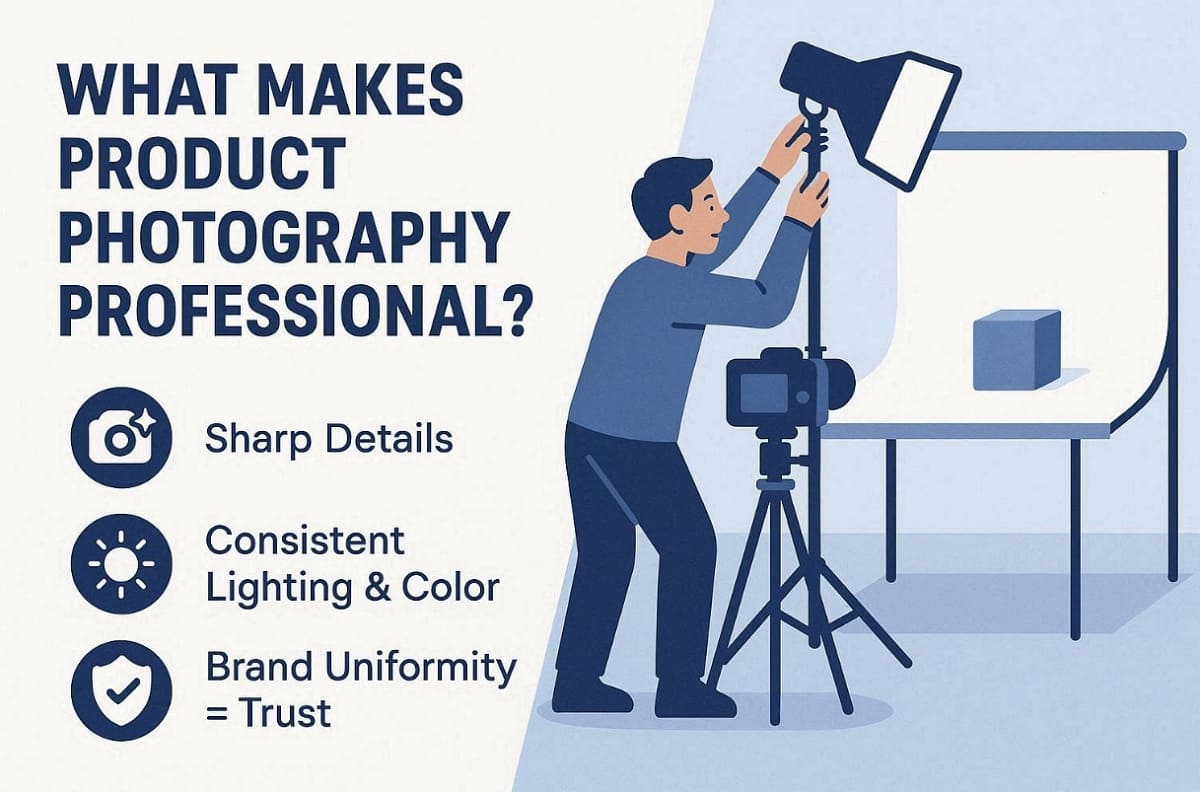
Professional work in product photography follows clear rules, not just “nice-looking” pictures. According to Canva, consistent lighting and accurate color are essential for professional product photography quality. Below are the visible signals and essential rules that define a professional result:
Three Visible Signals of a Pro Image
1. Image Sharpness: Every small detail must be perfectly clear to show the actual product’s quality.
2. Visual Uniformity: All photos in your shop must match to create a solid brand.
3. High Credibility: Good lighting makes the item look real and wins the buyer's trust.
Two Non-Negotiables for Ecommerce
1. Honest Representation: You must show the real color and material to avoid unhappy returns.
2. Platform Compliance: Every image should follow the recommended guidelines of your chosen online marketplace.
Scope & Use Cases
1. Main Images: Clean white backgrounds are required for your primary product listing shots.
2. Lifestyle Scenes: Use active settings to show the product being used in real life.
3. Technical Graphics: Add size charts and close-up shots to explain all the product features.

Part 2. Professional Product Photography Standards
High technical standards are the only way to create truly professional product photos. So, let us explore the measurable ways to maintain quality for your shop:
Lighting Control & Material Rendering
Different materials require specific light behaviors to look premium. Instead of a flat look, use these setups to define shape and texture:
|
Standard |
What to Check |
Risk If Ignored |
|
Specular Highlights |
Highlights are controlled and do not cover logos |
The product looks cheap or overly edited |
|
Material Setup |
Lighting matches surface type (metal, glass, fabric) |
Texture looks fake or unclear |
|
Edge Definition |
Clear subject separation without harsh outlines |
Edge blending issues or artificial glow |
Pro-Tip on Highlights: It is also advisable to keep specular highlights small. Thus, position them away from logos to ensure your brand name remains easy to read.
Color Accuracy
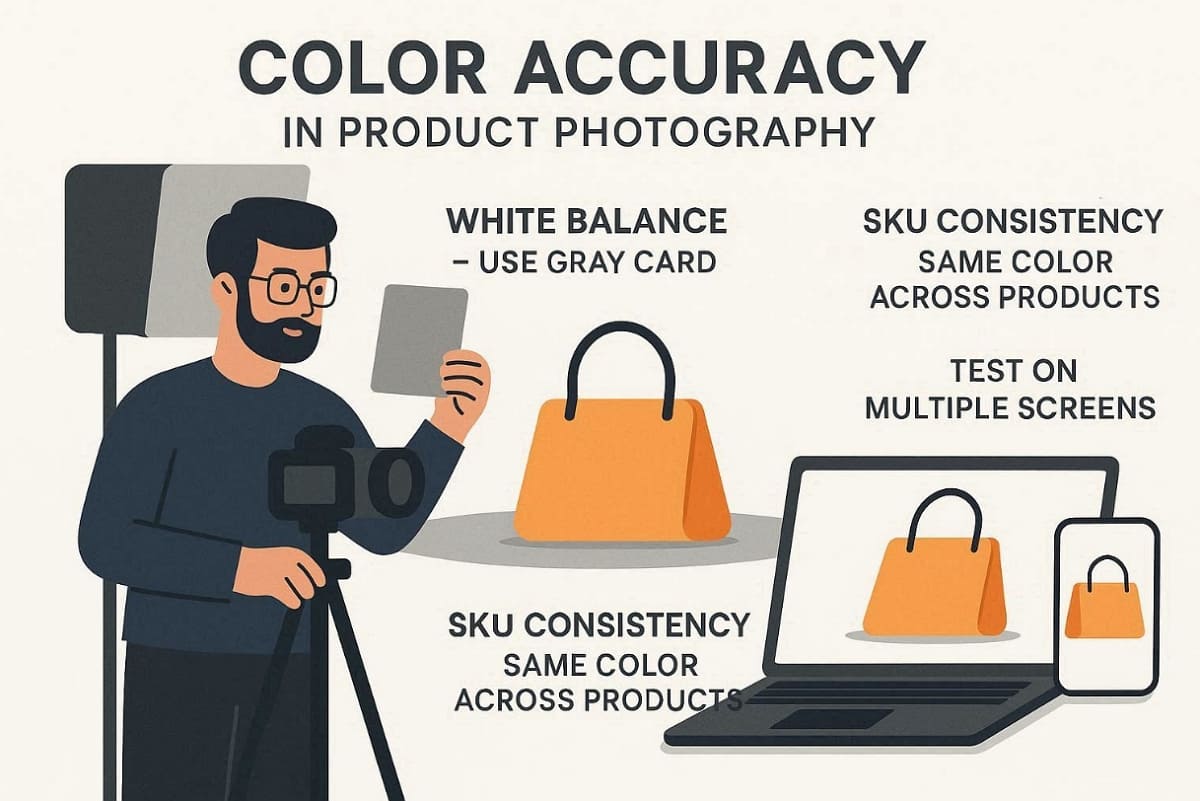
1. White Balance: Shoot a gray card first to lock a neutral reference before creative lighting begins.
2. SKU Consistency: Maintain the same color language across your entire current product line.
3. Display Variance: Test images on different screens to minimize major color shifts for buyers.
Perspective & Proportion Consistency
1. Lens Selection: Use 50mm to 85mm lenses to avoid wide-angle distortion on small products.
2. Camera Level: Keep the sensor parallel to surfaces with perfectly level horizons every time.
3. Realism Standards: Always show the correct scale when adding dimension graphics to images.
Sharpness & Noise Standards
1. Focus Points: Main selling details like logos and textures must remain perfectly sharp always.
2. Post-Sharpening: Avoid adding too much digital detail that creates ugly white halo artifacts.
3. Shadow Noise: Use more physical light rather than lifting exposure in your editing software.
Part 3. Professional Product Photos Retouching Checklist
Great product image photography starts with capture, but product photos finish in retouching. One Zenfolio’s Product Photography Guide recommends retouching to correct color and standardize image quality across catalogs. Use this checklist to ensure all your professional product photos meet high standards:
Foundational Cleanup
This stage is about removing distractions without changing the actual product identity, such as:
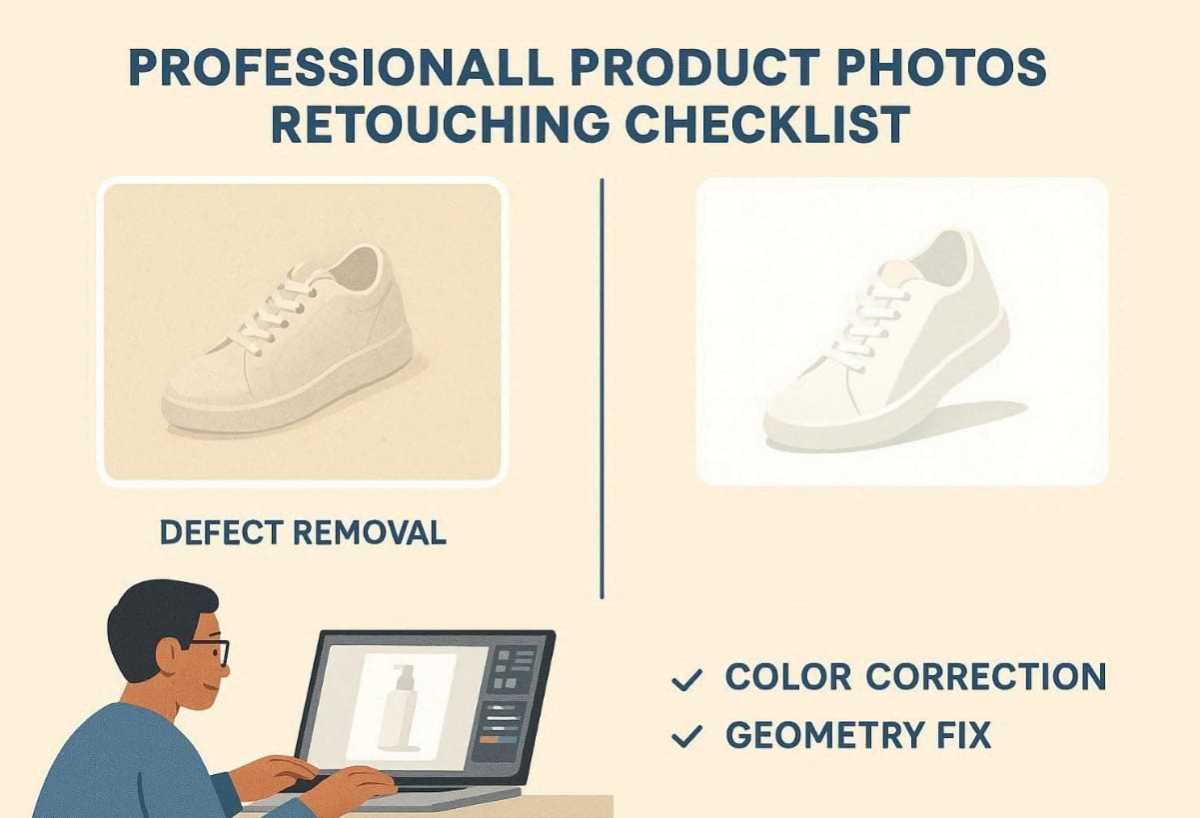
1. Defect Removal: Eliminate dust and scratches while keeping the product's natural texture.
2. Color Correction: Fix white balance and hue first to remove any "dirty" yellow or blue tints.
3. Geometry Fix: Use transform or lens correction tools to straighten edges and correct lens distortion.
Visual Enhancement
To ensure consistent visual quality across your catalog, apply the following enhancement standards so each image remains clean, realistic, and professionally polished.
|
Standard Item |
Targeted Action |
Expected Quality |
|
White Background |
Pure white RGB 255 |
Retain sharp edges without any "melting" look |
|
Shadow Quality |
Directional consistency |
Match the softness and density across all images |
|
Texture Detail |
Sharpness enhancement |
Only boost visible details that help the customer |
Platform Compliance Checks
Failing to follow marketplace rules can lead to your products being delisted or hidden.
Important Compliance Note: Always check the latest official Amazon or Shopify rules. Standards for fill ratio and text usage change frequently and require manual review.
1. File Specifications: Verify that your resolution and format meet the minimum requirements to enable Amazon's image zoom functionality.
2. Fill Ratio: The product should occupy about 85% or more of the total image frame space.
3. Prohibited Items: You should remove all watermarks or props that are not part of the sale.
4. Final Review: Perform a final check to ensure the image is ready for immediate live upload.
Part 4. Product Image Photography Automation: From One Perfect Image to Batch Consistency
Scaling your brand requires moving from single shots to high-volume product image photography. Smart tools like Designkit and its AI Image Generator can help maintain total consistency. The following sections explain how to overcome manual bottlenecks and automate your workflow:

Where Traditional Shooting & Retouching Bottlenecks
Manual workflows often struggle to keep quality consistent when SKU counts increase, leading to stylistic differences, production delays, and repeated revision cycles.
1. Editor Variability: Different retouchers often have unique styles, which causes a "taste drift."
2. Backlog Surges: Large product launches often create massive delays in your listing time.
3. Revision Costs: Inconsistent shadows or colors lead to expensive and slow loops of corrections.
A Practical Standardized Workflow: Human + AI

A professional hybrid workflow combines human quality control with the speed and efficiency of automation:
|
Phase |
Task |
Method |
Time Saved |
|
Template |
Define background, shadow, and color rules |
Document once per category |
Saves up to 80% setup time |
|
Production |
Resize, basic cleanup, batch export |
AI automation |
4h → 20min |
|
Creative |
Complex materials and lighting decisions |
Human photographer |
Used selectively |
|
QA |
Checklist from Part 3 compliance |
Team checklist review |
Fixes 90% of rejections |
|
Audit |
Weekly 5% template match check |
Master template comparison |
Detects drift early |
Using Designkit for Productivity
Specialized tools help teams maintain high standards while increasing the total daily output speed:
Batch-Generate Consistent Draft Images
The AI Product Photography Generator or AI Image Generator of Designkit can help your business, such as:
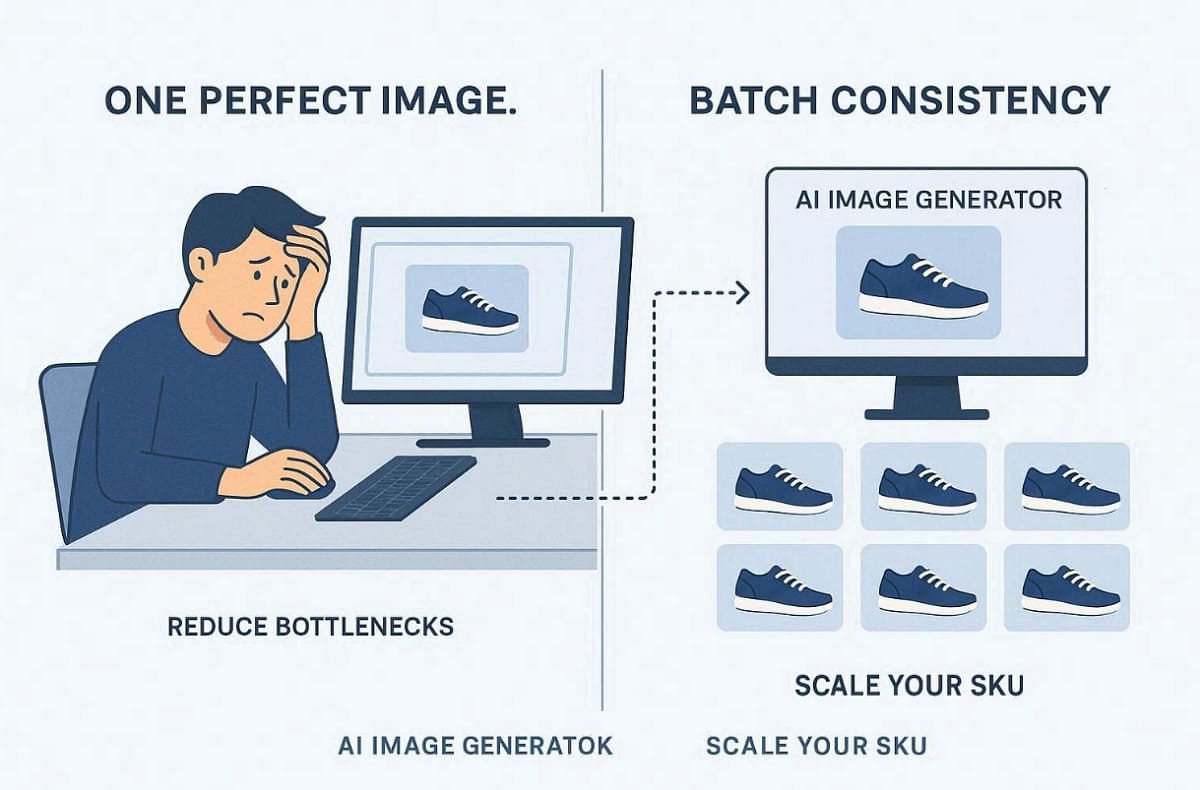
1. Produce many different lighting-consistent draft variations for your entire product catalog very quickly.
2. Align all your backgrounds and shadows with a predefined brand direction and style.
3. Generate multiple product angles to help your team during the early review stages.
4. Teams then apply the retouching checklist to ensure every image meets professional standards.
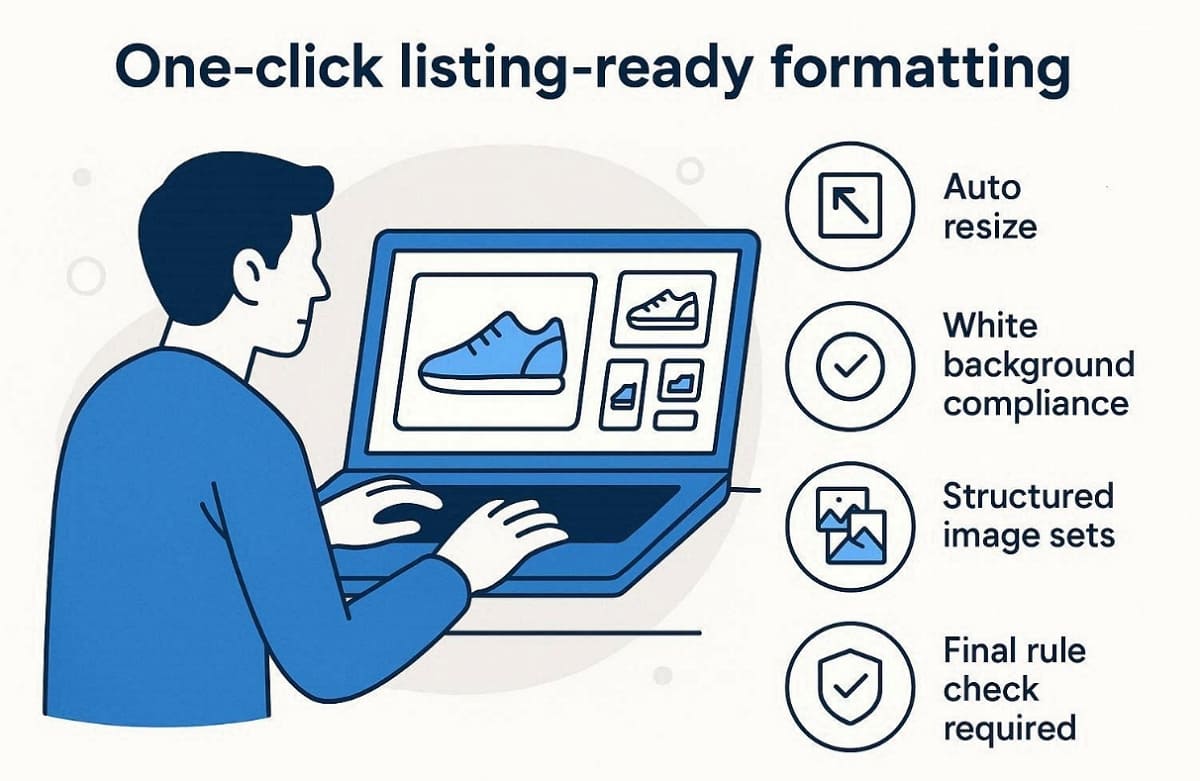
One-Click Listing-Ready Formatting
The Amazon Listing Images Generator or AI Product Listing Images Generator of Designkit can offer the following benefits:
1. Resize all your images to meet specific platform dimension requirements for every listing.
2. Adjust white backgrounds to meet near-pure compliance standards for all major online marketplaces.
3. Prepare structured listing image sets to ensure a fast and professional product launch.
4. Final verification against official marketplace rules remains essential for every single product image.
Where It Fits / Where It Does Not
Understanding when to use automation helps you protect your brand's overall visual integrity.
Best For
1. Large Catalogs: Large SKU catalogs that require a very consistent style across many different categories.
2. Fast Launches: It has frequent launches and must have very rapid production cycles to satisfy the tight marketing due dates.
3. Unified Identity: Brands that are looking to have a cohesive image across all their online platforms.
Use Extra Caution For
1. Strict Regulations: Categories with tight regulatory visual standards that need a deep human quality review.
2. Technical Realism: Medical or technical items requiring strict realism to avoid any misleading product claims.
Conclusion
In summary, professional product photography is less about creativity and more about repeatable technical discipline. Consistent lighting, accurate color, and believable retouching build shopper trust. Moreover, a clear QA checklist turns subjective “good enough” into measurable standards for every SKU. Smart automation tools like Designkit help you grow your business much faster now. So, follow these proven steps to build trust and increase your total online sales.
Professional Product Photography FAQs
What drives the cost of professional product photography?
Why don’t my photos look professional?
Your images might lack quality due to poor lighting that creates very flat shadows. Inconsistent colors across your catalog often make the brand look messy and quite cheap. Many times, incorrect camera angles and cluttered backgrounds distract buyers from your main product details.
What are Amazon’s key white background requirements and common listing flags?
The main listing photo must feature a pure white background RGB 255, 85%+ with no extra props. Besides, your product should occupy at least 85% of the total image frame area. Including any watermarks or promotional text will surely get your listing flagged or removed.
DIY vs. Outsourcing vs. AI-Assisted Workflows: How Should You Choose?
Choose DIY if you have a very small budget and low SKU counts under 50 with basic smartphone capabilities. Similarly, outsourcing works best for luxury goods or 100-500 SKUs that require very specific and manual artistic. AI-assisted workflows are ideal for 500+ SKUs or growing brands that need to scale their production quickly.
You May Also Like

T-Shirt Design Size Guide: Placement, Dimensions, & DPI

How to Sell on Poshmark: A Complete Beginner's Guide

Zeely Reviews 2026: Features, Pricing, Pros, Cons & Alternatives

Create TikTok Ads From One Photo: An AI Product Launch Kit

Depop vs Poshmark: Which Is Better for Selling in 2026?

How to Create an Amazon Storefront: 4-Step Guide for New Sellers

How to Sell Books on Amazon in 2026: Beginner Guide

How to Sell on Amazon in 2026: A Complete Seller Guide

AI Product Photography: 7 Best Tools for Ecommerce in 2026

What Is a Hero Image? Definition, Examples & Design Tips

Pippit AI Review 2026: Features, Pricing, Pros & Cons

Back to School Ad: 7 Creative Ideas for Better Campaign Results

Top 7 Back-to-School Sales Ideas to Boost Retail Sales (2026)

How to Create a Complete World Cup Product Listing Image Set

How to Create Amazon Summer Sale Posters and Banners with AI

Amazon Summer Sale 2026: Listing Design Trends & Product Image Ideas

Ecommerce Video Ads: 7 Strategies That Drive Higher Conversions

How to Photograph Shoes for Your Ecommerce Store in 2026

Product Photography Ideas: Creative Tips & Techniques for Better Shots

Product Photography Pricing 2026: Full Cost Guide by Type

White Background Product Photography Guide & Tips 2026

Product Photography Starter Package: Gear Checklist 2026

Shopify Product Photography Guide with Tips & Setup

Amazon Main Image Requirements: Size, Guidelines & Tips

Shopify Image Size 2026: Complete Guide and Tips for Better Product Display

Studio Product Photography vs AI Product Photography in 2026

7 Product Photography Mistakes That Hurt Ecommerce Sales

Change Outfit Colors Online for Outfit Preview with AI Clothes Color Changer

How to Create Amazon Infographics: Boost Sales with Compelling Visuals

How to Create Outdoor Product Scenes Without a Photoshoot Using AI

Optimize Etsy Images for Mobile: Listing Photos That Convert

Amazon 7-Image Listing Strategy: Boost Sales by Optimizing Every Image

Etsy Thumbnail Optimization: Keep Your Product Fully Visible

The Etsy Thumbnail Formula That Drives More Clicks and Sales

How to Create Pro Amazon Listing Photos Without a Studio

10 High-Converting Lifestyle Product Images for Amazon Listings

How to Automate Your E-commerce Visuals with OpenClaw Workflow

Top 5 AI Tools to Generate Amazon Product Listing Images in 2026

How to Turn One Photo into 10 Etsy Listing Images Fast: Batch Workflow

Etsy Listing Photo Size Guide (2026): Mobile, Desktop & Shop View Specs

Turn White Background Images into Lifestyle Amazon Listings

Fix Etsy Image Cropping: Optimize Listing Photos for Every Device

Amazon Listing Images: Essential Shot List & Optimization Guide

How to Create Lifestyle Product Images Without a Studio

Lifestyle Product Photography Trends 2026: Authentic Looks at Scale

How to Master Lifestyle Product Photography in 2026

Amazon Listing Images Guide 2026: 7-Slot Strategy & Requirements

360 Product Photography Guide 2026: Setup, Shoot and Workflow

Beginner's Guide to Generate Product Photos from Different Angles

AI Product Photography: Create Ecommerce Images Without a Photoshoot

How to Create Realistic AI Product Photos: Step-by-Step Pro Guide

Keep AI Product Images Consistent Across SKUs: Lighting, Color, Background

How to Scale E-commerce with a Product Image Generator

How to Use AI for Spring Product Photography: 2026 Amazon Guide

How to Create a Budget Home Product Photography Setup with AI

How to Achieve Professional Product Photography Standards in 2026

How to Take Product Photos with Phone: Pro Guide for Amazon & AI

Best AI Product Image Generator 2026: Top Tools for Amazon Sales

Amazon Photography Service vs. AI Generator: Best Choice for Sales

What Is Product Photography? Angles, Lighting & Editing Guide

Amazon Spring Sale 2026: Create High-Converting Listing Images (Guide)

AI Agents Transform Amazon Product Photography in 2026

Amazon Photoshoot in 2026: Do You Still Need a Studio?

11 Must-Have Tools for Amazon Product Photography in 2026

2026 Amazon Image Trends Shaping Seller Success and Conversions

Amazon Product Photography Requirements & Best Practices 2026
Make every product image ready to sell
Designkit is an all-in-one AI platform for ecommerce visuals. Create product photos, AI videos, virtual try-ons, and Amazon listing images in seconds. Generate HD backgrounds, batch edit photos, and scale your brand with studio-quality content.


