
Amazon Photoshoot in 2026: Why an E-Commerce Design AI Agent Is Replacing Traditional Studios

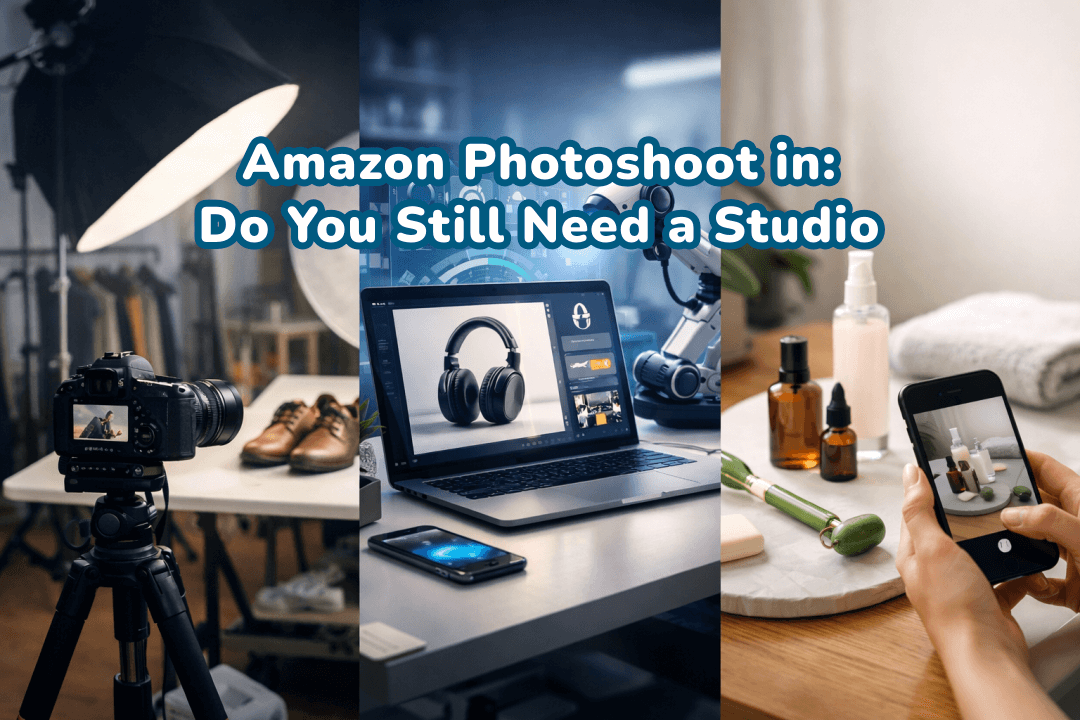
Studio rentals, photographers, models, retouching, reshoots, and working with Amazon product photography used to imply sky-high charges and endless days. But AI-generated product imagery in 2026 is disrupting these traditions to the core.
The key question is no longer: “Are studio photos better?” It’s: “Is a studio still the most rational workflow for my business model?”
This article will guide you in making a decision on whether traditional studios remain a profitable option, how the image requirements of Amazon affect your decision, and how AI-based tools like Designkit help sellers create main images, lifestyle scenes, and detail shots that comply, without having to go to a studio.
Let's explore further in this Amazon photoshoot studio guide!

Part 1. Amazon Photoshoot: Do You Still Need a Studio?
Studio photography was the preferred method of serious Amazon sellers for a long time. However, by 2026, the scenario has changed drastically. AI-generated images, the improved smartphone cameras, and the stringent Amazon image compliance rules have totally transformed the seller's attitude towards an Amazon photoshoot.
The 30-second decision guide
(Product Complexity × SKU Volume × Speed-to-Market Pressure)
When planning a photoshoot for Amazon, your choice should depend on three practical variables:
- Product difficulty (lighting, texture, reflections, fit)
- Number of SKUs (one product vs. a full catalog)
- Speed-to-Market Pressure (weeks vs. days)
Here's how to decide quickly:
1) Variable 1: Product Complexity
Ask yourself:
-
Does your product contain reflective metal?
-
Is it transparent (glass, acrylic, liquid packaging)?
-
Does it require accurate fabric texture?
-
Does color precision directly influence purchase decisions?
-
Does it need on-model presentation?
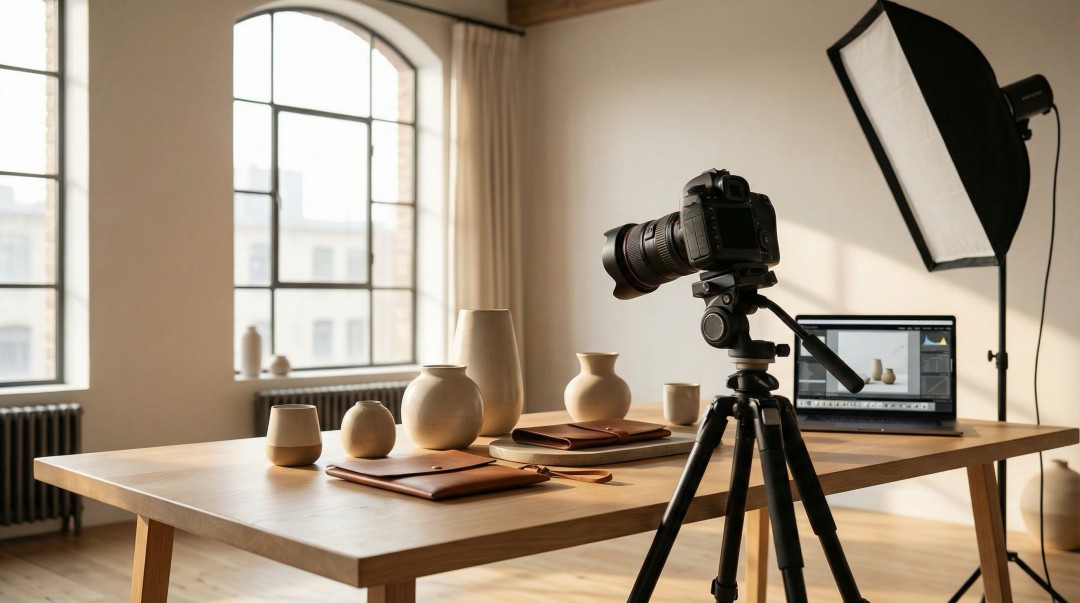
The more visually complex the product, the more technical lighting control becomes essential. Reflective surfaces require light diffusion and controlled angles. Transparent products require background separation to prevent color contamination. Apparel requires professional styling to avoid distortion.
If accuracy directly impacts perceived quality, studios still have an advantage.
2) Variable 2: SKU Volume
Many sellers in 2026 launch:
-
10–50 SKUs per quarter
-
Seasonal updates
-
Multi-color variations
-
International marketplace listings
A Practical Decision Rule
| If you only have
|
|
A studio or outsourcing may still work
|
| If you have
|
|
Then AI-based solutions are objectively more scalable
|
Studio-based workflows scale linearly — each SKU requires new photography. AI-based workflows scale exponentially — templates, lighting logic, and styling rules can be reused.
If your catalog is expanding rapidly, scalability becomes more important than perfection.
3) Variable 3: Speed-to-Market Pressure
In competitive categories, time delays affect:
-
Keyword ranking
-
Sponsored ad performance
-
Early review velocity
A 3-week image delay can mean losing market positioning. If you operate in fast-moving niches, turnaround time matters.
Part 2. Studio vs Home Setup vs AI Agent: A Realistic Comparison
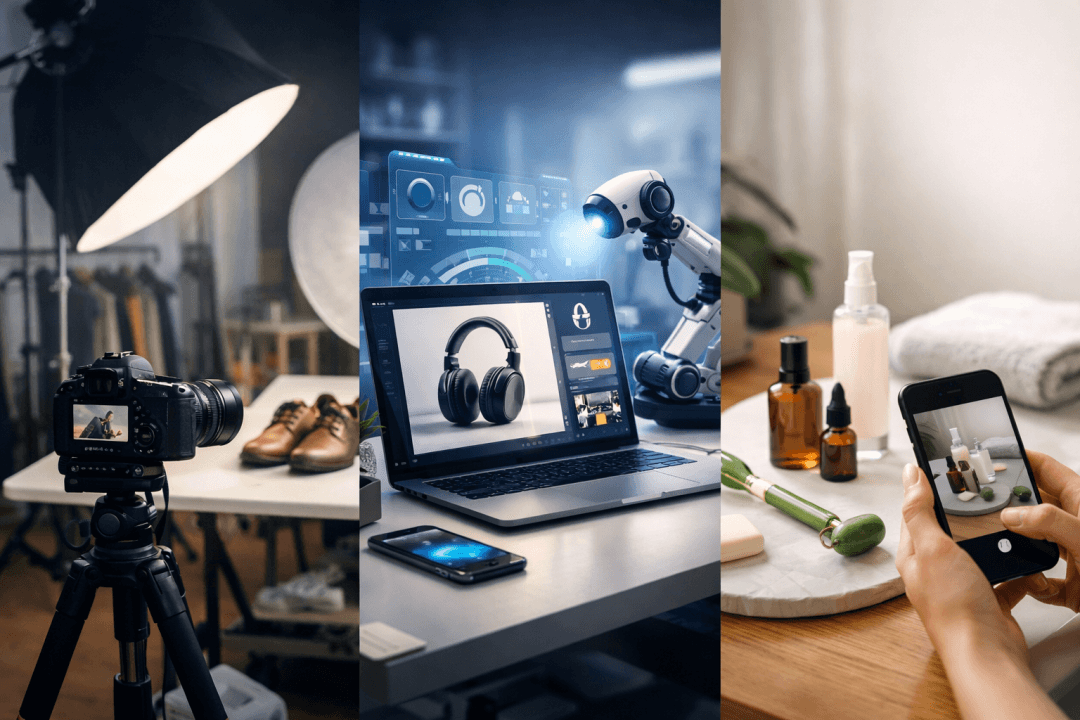
When planning an Amazon product photoshoot, there is no universal solution that fits all. Here is a simple comparison for you to decide wisely.
Comparison table: studio vs home setup vs AI Agent
|
Approach |
Cost |
Quality |
Speed |
Revision Flexibility
|
Equipment / Skill |
Best-fit categories |
Typical pitfalls |
|
Studio |
High |
High |
Slow |
Limited
|
Professional cameras, lighting, stylists |
High-gloss, transparent, apparel on-model |
Expensive, scheduling delays, overkill for simple products |
|
Home setup (phone) |
Low |
Medium |
Moderate |
Manual
|
Smartphone, lightbox, minimal lighting |
Matte products, small SKUs, simple items |
Lighting inconsistency, muddy whites, lower zoom quality |
|
AI Agent / AI service |
Medium |
High |
Fast |
Instant
|
Minimal in-house skill; portfolio management |
Multiple SKUs, tight deadlines, lifestyle or multi-market images |
Miscommunication, revisions required, extra cost if QA not strict |
1) When a Professional Studio Still Makes Sense
Studio photography remains justified when:
-
Selling luxury or high-ticket items
-
Working with highly reflective jewelry
-
Capturing complex glass or liquid products
-
Producing on-model fashion campaigns
-
Requiring extreme macro detail
Studios offer:
-
Color-calibrated workflows
-
Controlled multi-point lighting
-
Polarizing filters
-
Advanced retouching expertise
However, this precision comes at a cost — both financial and operational.
2) When a Home Setup Is Sufficient
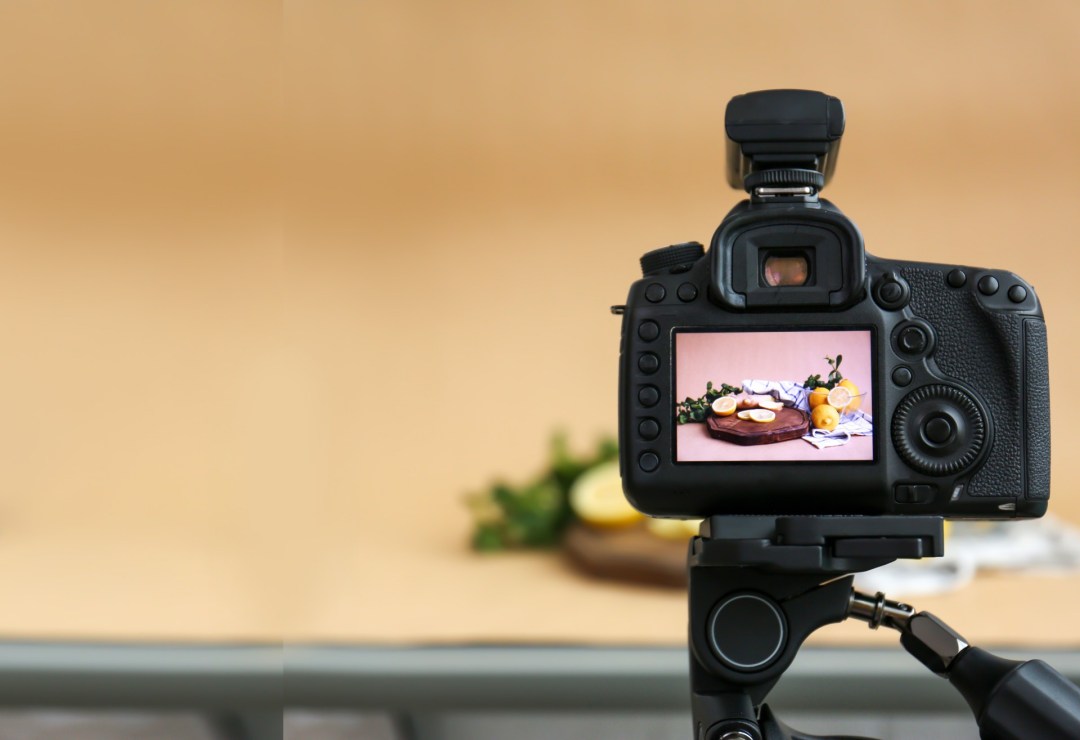
A controlled home setup works best when:
-
Products are matte and non-reflective
-
Shapes are simple and geometric
-
Only white-background main images are required
-
You are testing product viability
Typical examples:
-
Silicone kitchen tools
-
Fabric organizers
-
Plastic storage containers
-
Basic consumer accessories
Minimum requirements:
-
Diffused lighting
-
Stable tripod
-
White backdrop
-
Resolution ≥ 1000px
Common risks include inconsistent white balance and uneven background tone, both of which can lead to listing suppression.
Home setups are cost-efficient but not ideal for scaling across large catalogs.
3) When Outsourcing or AI Is the Strategic Choice
If your primary constraint is time or SKU volume, consider alternatives.
Outsourcing provides professional results but still requires:
-
Detailed briefs
-
Multiple revision cycles
-
Shipping samples
-
1–3 week turnaround
AI-powered workflows remove physical constraints. Instead of: Ship → Shoot → Edit → Revise → Export. You can: Upload → Generate → Adjust → Export. For sellers managing multiple SKUs, this significantly reduces production cycles.
Selecting the right method is a matter of knowing the visual issues of your product and the requirements for compliance.
Part 3. How an E-Commerce Design AI Agent Changes the Workflow
A full Amazon product photoshoot was once synonymous with multiple angles, retouching, and long studio sessions. Today, Designkit and similar tools allow you to create a complete, Amazon-ready image set from a single strong image, dramatically cutting down on time and effort while maintaining your visual consistency.

3.1 What “1 Photo → Full Amazon Image Set” Really Means
Here's the concept: you upload one quality hero image, and an AI will create a complete Amazon product photography package, such as the main images, supporting detail shots, lifestyle visuals, and consistent styling.
This is most effective for:
- Simple, matte products that have a very clear silhouette
- Items that are well-lit and have very few reflections
- Single SKUs where the product shape and texture are very easy to replicate
Designkit is a smart AI-powered e-commerce product design agent that completely changes a product picture into a full set of images that are ready to be uploaded to Amazon. It is an excellent solution for sellers who would like to have Amazon product photography, but they don't want to pay the price of a studio, have a lot of different angles, or do complex editing. You can use AI to transform mobile photos into product images.
Before you upload: how to capture the "one photo" that won't limit you later
To get the best AI-generated results, your single photo must be flawless:
- Sharp focus with no motion blur
- High resolution to support zoom and detail shots
- Clean separation from background (pure white or neutral backdrop)
- Neutral color and accurate lighting
3.2 How Designkit Replaces the Product Photoshoot Workflow
Designkit functions as a complete E-Commerce Design AI Agent.
Here’s how it transforms one image into a full listing-ready set.
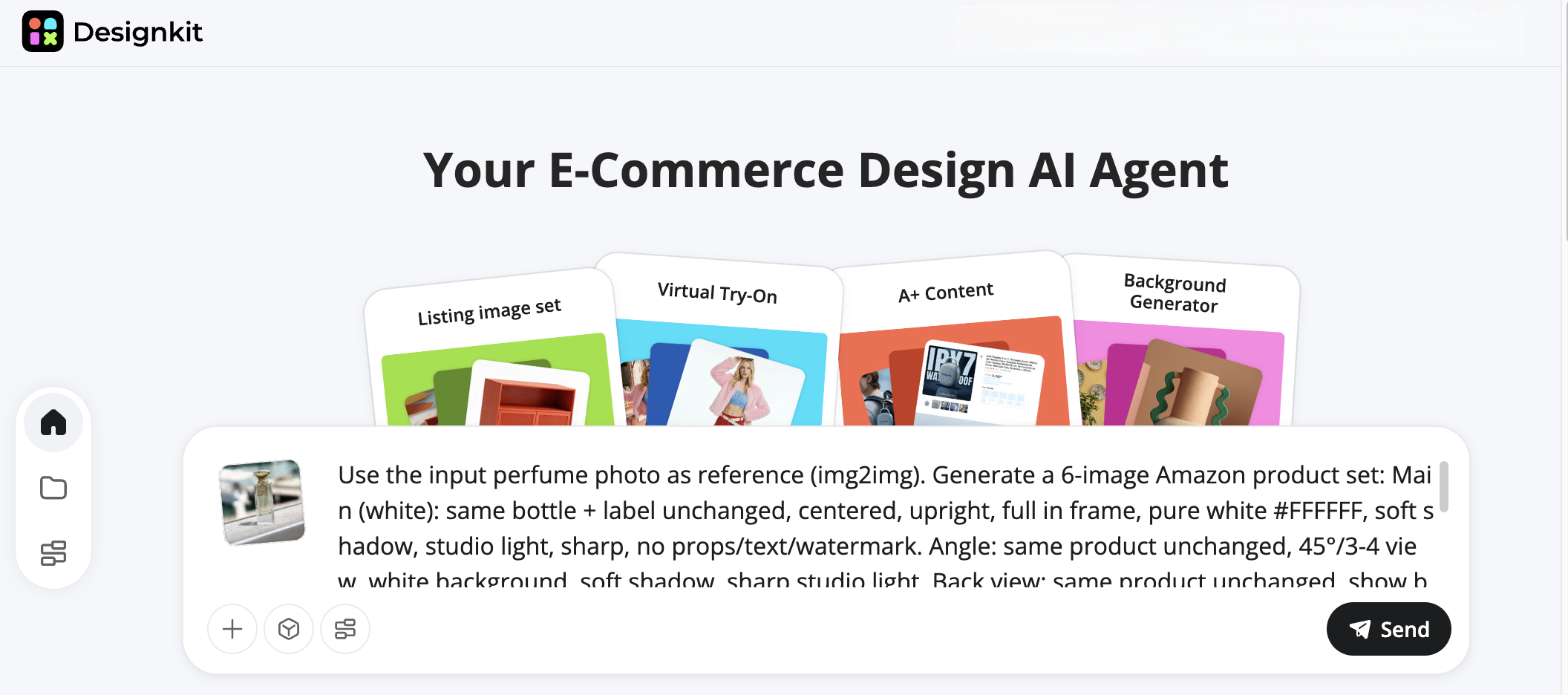
Step 1: Upload One Strong Product Image
No multi-angle studio shoot required. Just one clean, high-resolution image. Then enter the prompt.
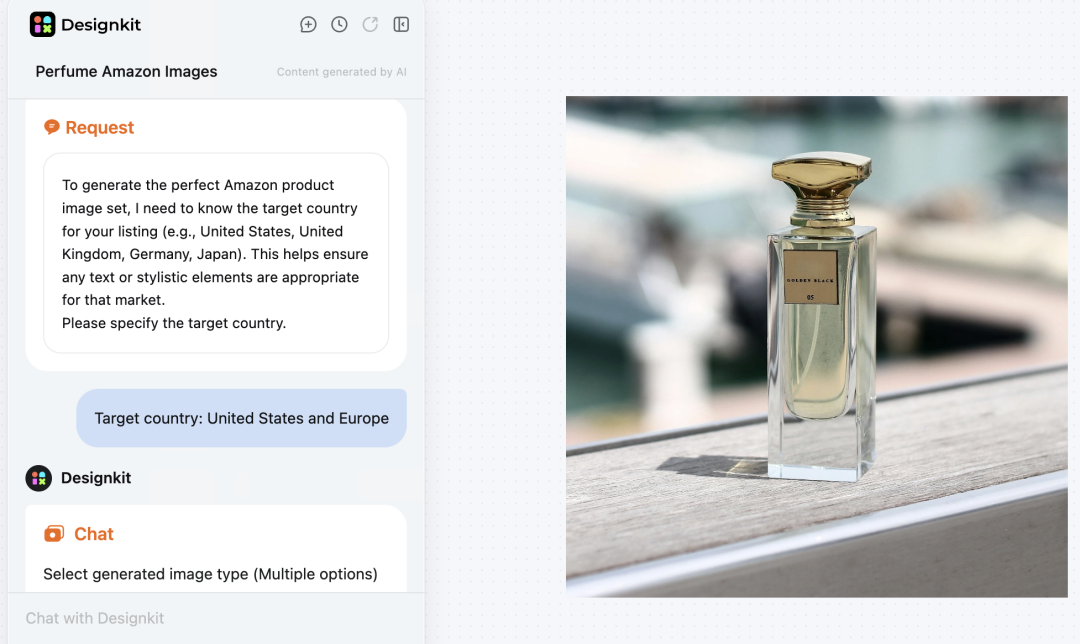
Step 2: AI Scene & Lighting Optimization
The agent will send you additional information requiring confirmation based on your needs to better generate product images.
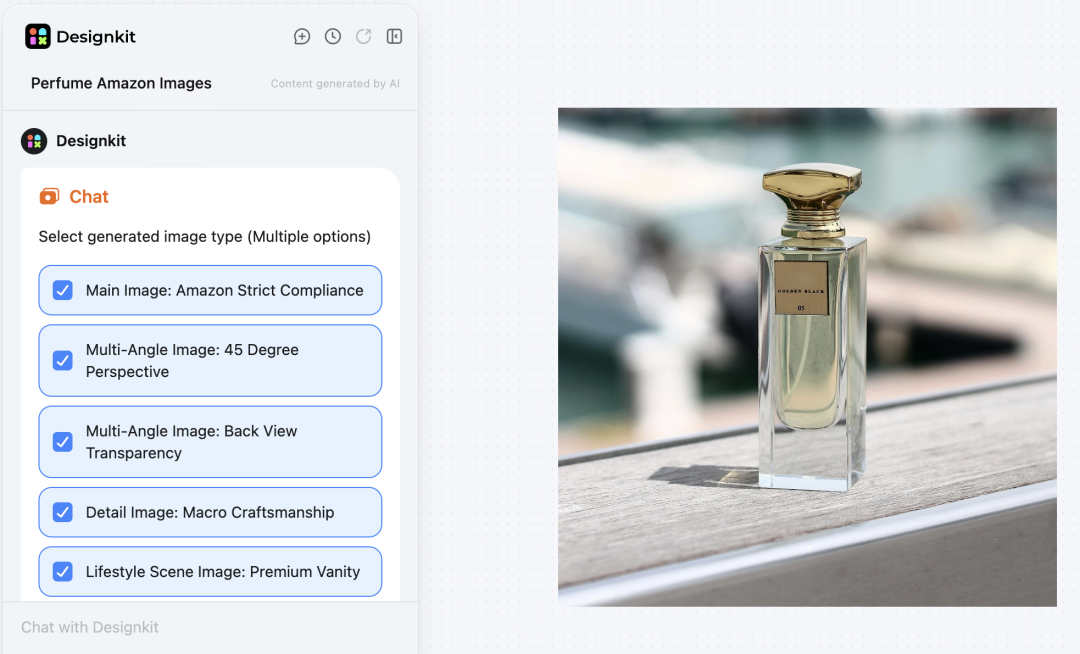
Step 3: Choose Amazon Image types
From one upload, you can create:
-
Main image
-
Lifestyle shots
-
Close-up detail visuals
-
Size comparison graphics
-
Feature infographics
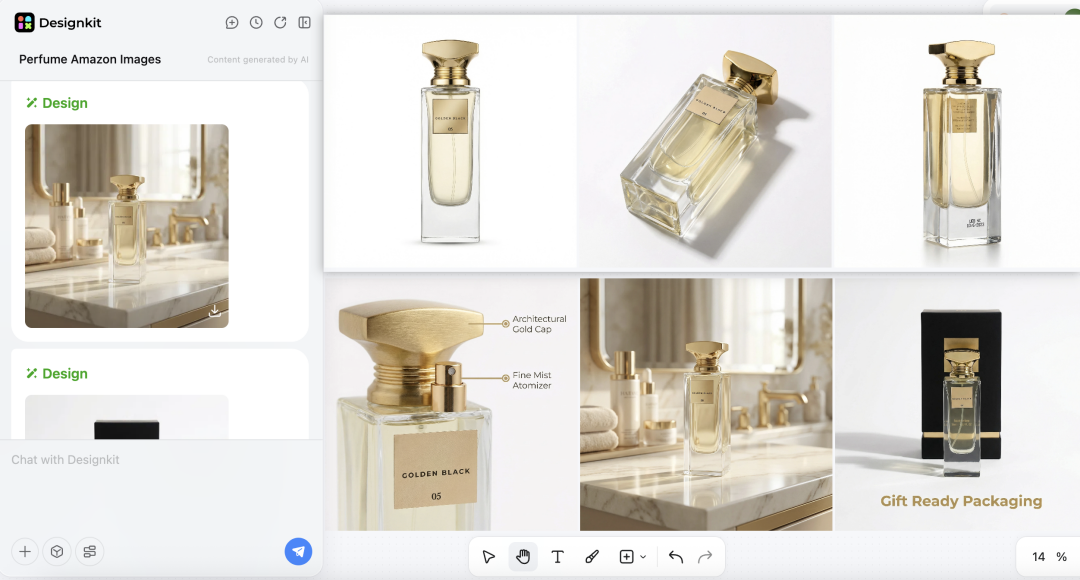
Step 4: Generate a Full Amazon Image Set
This tool generates high-quality Amazon-ready images. Fine-tune them with background, text, and object editing tools—perfect for Amazon product photography.
3.3 Why Designkit Is More Than an AI Tool
Many AI image tools exist, but they are generic. Designkit is purpose-built for ecommerce sellers. It acts as a strategic E-Commerce Design AI Agent, not just a visual generator. It understands:
-
Marketplace compliance rules
-
SKU-based naming conventions
-
Lighting consistency logic
-
Batch image generation
-
Template-based brand styling
That specialization is what makes the difference.

Part 4. The Non-Negotiables: Amazon Image Compliance
One can create a visually stunning product photoshoot for Amazon and still be declined. Generally, the issue is not a creative one; it's a matter of compliance.
4.1 Minimum compliance checklist for main image + secondary images
First and foremost, selling on Amazon requires that the seller follows Amazon's technical and visual standards when doing an Amazon product photoshoot. Non-compliant images could lead to suppression of listings, delays, or reshoots at additional costs.
Here is a combined guide based on the official Amazon product image policy.
1) Main image requirements:
- The product should take up approximately 85% of the image.
- No placeholders, text, logos, borders, watermarks, or unrelated props allowed.
- High resolution images, at least 1000px on the longest side (2000px+ recommended for zoom), with a focus on details.
- Do not crop the product; in case of multiple pieces, show them in the correct proportion.
2) Secondary image requirements:
- Can include lifestyle shots, close-ups, infographics, size comparisons, or additional angles.
- Must remain truthful and accurately represent the product.
- Maintain consistent lighting, framing, and color across all images.
- Avoid misleading visuals, overcrowded layouts, or exaggerated props.
3) Pre-publish checklist:
- The main image background is pure white.
- Product fills the frame and is fully visible.
- Resolution supports zoom (1000px+).
- Edges are clean, colors are accurate, and there are no overlays or unauthorized props.
- Secondary images are truthful, high-quality, and consistent across all visuals.
Following this checklist ensures your product photography for Amazon is compliant, avoids costly rework, and keeps your listings live and visible to customers.
Amazon Product Photoshoot Questions Sellers Actually Ask
Can I use AI-generated images instead of a studio photoshoot?
How do I make sure my images follow Amazon's main image rules?
Designkit complies with Amazon's requirements for background, aspect ratio, framing, and color consistency effortlessly and automatically. The images you create are not only upload-ready but also save you from rejections and listing postponements.
Can I scale images for multiple SKUs quickly?
Yes! Designkit can help you produce images in batches over a range of SKUs while maintaining uniform light, shadow, and style, thus making it highly functional for big catalogs or worldwide marketplaces.
Can I scale images across multiple marketplaces?
Yes. Designkit supports scaling visuals across SKUs and marketplaces while maintaining visual consistency.
Is AI product photography cheaper than a studio?
In most cases, yes — especially for multiple SKUs.
You May Also Like

Best AI Ad Generators in 2026: Tools for Creating Better Ads

T-Shirt Design Size Guide: Placement, Dimensions, & DPI

How to Sell on Poshmark: A Complete Beginner's Guide

Zeely Reviews 2026: Features, Pricing, Pros, Cons & Alternatives

Create TikTok Ads From One Photo: An AI Product Launch Kit

Depop vs Poshmark: Which Is Better for Selling in 2026?

How to Create an Amazon Storefront: 4-Step Guide for New Sellers

How to Sell Books on Amazon in 2026: Beginner Guide

How to Sell on Amazon in 2026: A Complete Seller Guide

AI Product Photography: 7 Best Tools for Ecommerce in 2026

What Is a Hero Image? Definition, Examples & Design Tips

Pippit AI Review 2026: Features, Pricing, Pros & Cons

Back to School Ad: 7 Creative Ideas for Better Campaign Results

Top 7 Back-to-School Sales Ideas to Boost Retail Sales (2026)

How to Create a Complete World Cup Product Listing Image Set

How to Create Amazon Summer Sale Posters and Banners with AI

Amazon Summer Sale 2026: Listing Design Trends & Product Image Ideas

Ecommerce Video Ads: 7 Strategies That Drive Higher Conversions

How to Photograph Shoes for Your Ecommerce Store in 2026

Product Photography Ideas: Creative Tips & Techniques for Better Shots

Product Photography Pricing 2026: Full Cost Guide by Type

White Background Product Photography Guide & Tips 2026

Product Photography Starter Package: Gear Checklist 2026

Shopify Product Photography Guide with Tips & Setup

Amazon Main Image Requirements: Size, Guidelines & Tips

Shopify Image Size 2026: Complete Guide and Tips for Better Product Display

Studio Product Photography vs AI Product Photography in 2026

7 Product Photography Mistakes That Hurt Ecommerce Sales

Change Outfit Colors Online for Outfit Preview with AI Clothes Color Changer

How to Create Amazon Infographics: Boost Sales with Compelling Visuals

How to Create Outdoor Product Scenes Without a Photoshoot Using AI

Optimize Etsy Images for Mobile: Listing Photos That Convert

Amazon 7-Image Listing Strategy: Boost Sales by Optimizing Every Image

Etsy Thumbnail Optimization: Keep Your Product Fully Visible

The Etsy Thumbnail Formula That Drives More Clicks and Sales

How to Create Pro Amazon Listing Photos Without a Studio

10 High-Converting Lifestyle Product Images for Amazon Listings

How to Automate Your E-commerce Visuals with OpenClaw Workflow

Top 5 AI Tools to Generate Amazon Product Listing Images in 2026

How to Turn One Photo into 10 Etsy Listing Images Fast: Batch Workflow

Etsy Listing Photo Size Guide (2026): Mobile, Desktop & Shop View Specs

Turn White Background Images into Lifestyle Amazon Listings

Fix Etsy Image Cropping: Optimize Listing Photos for Every Device

Amazon Listing Images: Essential Shot List & Optimization Guide

How to Create Lifestyle Product Images Without a Studio

Lifestyle Product Photography Trends 2026: Authentic Looks at Scale

How to Master Lifestyle Product Photography in 2026

Amazon Listing Images Guide 2026: 7-Slot Strategy & Requirements

360 Product Photography Guide 2026: Setup, Shoot and Workflow

Beginner's Guide to Generate Product Photos from Different Angles

AI Product Photography: Create Ecommerce Images Without a Photoshoot

How to Create Realistic AI Product Photos: Step-by-Step Pro Guide

Keep AI Product Images Consistent Across SKUs: Lighting, Color, Background

How to Scale E-commerce with a Product Image Generator

How to Use AI for Spring Product Photography: 2026 Amazon Guide

How to Create a Budget Home Product Photography Setup with AI

How to Achieve Professional Product Photography Standards in 2026

How to Take Product Photos with Phone: Pro Guide for Amazon & AI
6 Best AI Product Image Generators in 2026

Amazon Photography Service vs. AI Generator: Best Choice for Sales

What Is Product Photography? Angles, Lighting & Editing Guide

Amazon Spring Sale 2026: Create High-Converting Listing Images (Guide)

AI Agents Transform Amazon Product Photography in 2026

Amazon Photoshoot in 2026: Do You Still Need a Studio?

11 Must-Have Tools for Amazon Product Photography in 2026

2026 Amazon Image Trends Shaping Seller Success and Conversions

Amazon Product Photography Requirements & Best Practices 2026
Make every product image ready to sell
Designkit is an all-in-one AI platform for ecommerce visuals. Create product photos, AI videos, virtual try-ons, and Amazon listing images in seconds. Generate HD backgrounds, batch edit photos, and scale your brand with studio-quality content.


