
Top 11 Amazon Product Photography Tools (2026)
Amazon Product Photography Software to Speed Up Listings: Shoot, Edit, and Export Listing Images Faster

In 2026, selling on Amazon will be quicker, and at the same time, even more competitive than it has ever been. A strong and attractive set of images is now an indispensable factor, which can influence the number of clicks, conversions, and even the approval of the listing. Unfortunately, the necessity to organize photoshoots, edit images, cut out backgrounds, resize images according to Amazon's stringent requirements, and export the right formats may easily extend your product launch schedule.
This is precisely why utilizing the suitable product photography tools for Amazon listings may be a game changer. This article provides you with a list of the best Amazon product photography tools that will make your working process easier, safer, and more helpful in creating professional, high-converting listing images, whether you decide to use traditional editing software or an AI tool like Designkit to generate studio-free, Amazon-ready image sets in minutes.
Part 1. Top 11 Amazon product photography tools (shoot, light, edit, export)
|
Tools |
Best use case |
Batch support |
Compliance export |
Best for |
Price range |
|
Rawshot AI |
Full AI product photoshoots |
Yes |
Yes |
AI product & lifestyle shoot |
Mid‑high |
|
Photoroom |
Background removal & compliance edits |
Yes |
Yes |
Fast Amazon photo edits |
Low–mid |
| Canva
|
Design + simple edit
|
Yes
|
Conditional
|
Infographics & lifestyle graphics
|
Free–mid
|
|
Iconasys Shutter Stream |
Shoot + 360 capture |
Yes |
Yes |
In‑house controlled studio shoots |
Mid |
|
Adobe Lightroom |
Advanced photo editing |
Limited |
Yes |
Pro editing & color control |
Subscription |
|
ZeroEdit |
Quick background removal & shadowing |
No/limited |
Yes |
Fast edit & shadow effects |
Low |
|
ProductScope AI |
AI photoshoot & backdrop generation |
Yes |
Yes |
Prompt‑based AI shots |
Low–mid |
|
Designkit
|
AI-generated product images & Background removal
|
Yes
|
Yes | Product Image Generation and Editing
|
Low |
|
Slazzer |
Automated background removal |
Yes |
Yes |
Bulk white background editing |
Mid |
|
Photopea |
Free Photoshop‑like editing |
No |
Yes (manual) |
Free alternative to Photoshop |
Free |
|
GIMP |
Open‑source advanced editing |
Limited |
Yes (manual) |
Budget pro editing |
Free |
How we tested these Amazon product photography tools
If you are running an Amazon FBA business, in-house operation, agency, or a small brand responsible for your own listings, then this guide has been made with you in mind. Rather than evaluating different tools one by one, we used them throughout the whole process of product photography for Amazon to see how they work in a real situation:
Shoot → Light → Edit → Optimize → Export
You won’t just get a random list. You’ll get a practical shortlist with clear comparisons so you can decide which tools fit your budget, catalog size, and workflow.

Our evaluation criteria
To make this guide as helpful as possible, we have given scores to each tool according to the factors that affect sellers:
- Speed per SKU: How fast can you produce a full set of listing images?
- Image consistency: Is the tool able to keep framing, lighting, and style of images uniform when working with different products?
- Learning curve: Is it easy for a non-designer to work with it effectively?
- Batch processing: Is it possible to generate or edit images in bulk?
- Amazon-ready export: Do the background removal, aspect ratios, and file specifications conform to Amazon requirements?
- Total cost of ownership: Include software fees, studio costs, editing time, and expenses for scaling.
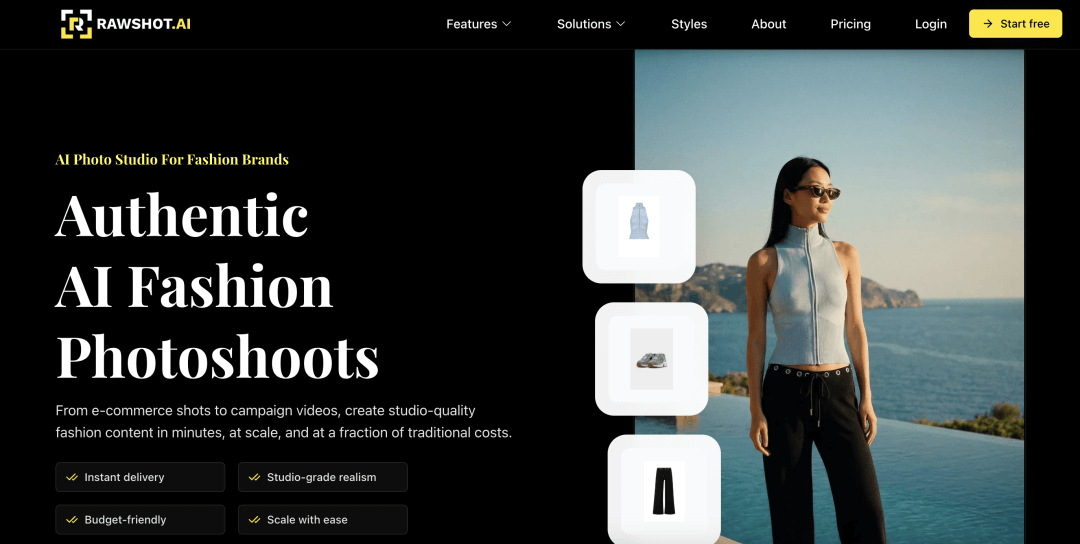
1. Rawshot AI
- Best for: Full AI Amazon product photography and lifestyle shoots
- Key features: Studio-quality product + lifestyle shots, realistic models, customizable scenes, Amazon-ready export; typically works by taking your product image(s) and generating new scenes/variants (for example, different environments, props, or angles) to speed up creative production for listing images and ads; outputs can be resized/formatted for common ecommerce requirements
- Pros: Fast end-to-end workflow; no physical studio needed; useful for rapidly testing multiple lifestyle concepts before investing in a real shoot
- Cons: Mid-to-high cost; quality may vary by product type; fine details (logos, small text, complex patterns, transparent items) can require manual checking; AI outputs may not always match exact real-world color/texture without careful source images and review
- Price range: Subscription or usage-based (commonly tied to feature tier and/or image credits)
- When to choose: You want fully automated Amazon photoshoot creation; you need lifestyle-style images quickly, especially for early-stage listings or frequent creative refreshes
- When NOT to choose: If you prefer manual control; if strict “exact representation” is required for your category/brand standards and you can’t spend time reviewing and correcting AI results
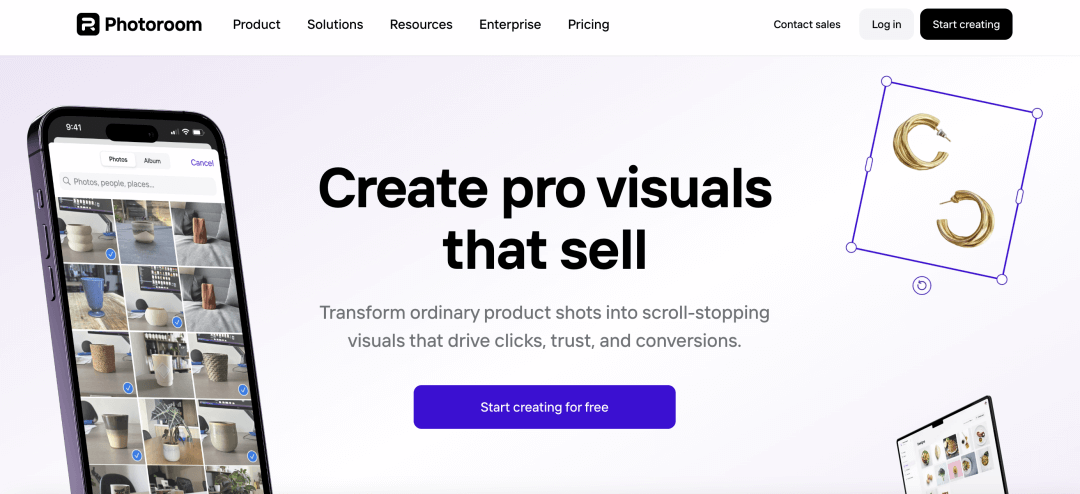
2. Photoroom
- Best for: Quick background removal and clean Amazon-ready edits
- Key features: AI background removal, lighting adjustments, batch processing, compliant export; includes tools for whitening/cleaning backgrounds, simple shadow generation, resizing/cropping, and template-based layouts for consistent output across SKUs
- Pros: Easy batch workflow, consistent white backgrounds; low learning curve for non-designers; good for turning existing product photos into clean main images efficiently
- Cons: Limited creative AI beyond backgrounds at lower tiers; complex edges (hair, fur, glass, reflective metal, fine mesh) may need touch-ups; not a full replacement for advanced retouching/compositing tools
- Price range: Low–mid subscription
- When to choose: Handling many SKUs needing fast product photography for Amazon; you mainly need background cleanup + minor lighting polish and want consistent, repeatable results
- When NOT to choose: If full photoshoot generation is required; if you need high-end retouching, precise masking on difficult materials, or strict color-managed workflows
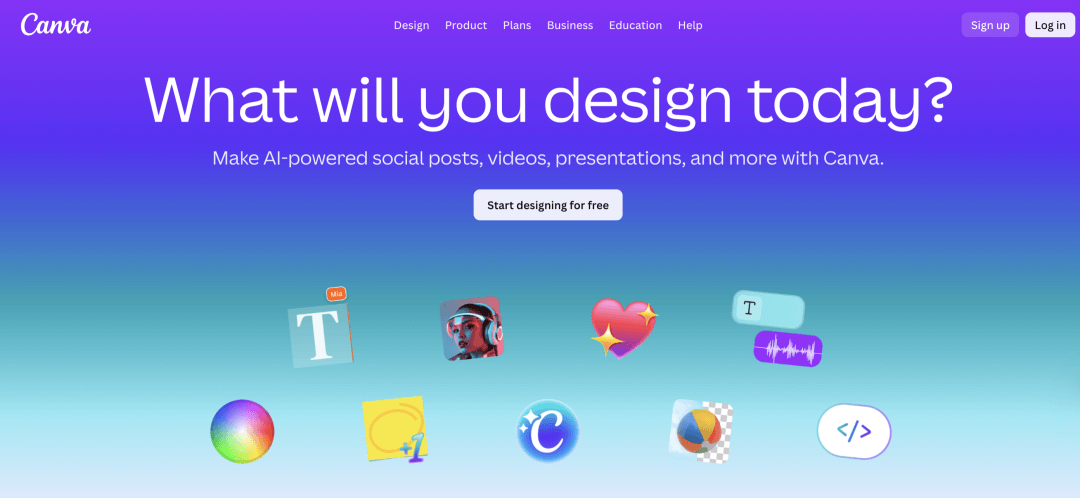
3. Canva
- Best for: Graphics, infographics, and design elements
- Key features: Background remover, layouts, text overlays (secondary images); templates for infographics, feature callouts, comparison charts, brand kits, and quick resizing for different placements (listing images, A+ content, ads)
- Pros: Accessible for non-designers; fast creation of branded secondary images; good for standardizing a visual style through templates across a team
- Cons: Not tailored exclusively for main image compliance; photo editing and masking are less precise than pro tools; requires careful review so main images remain compliant (e.g., avoiding added text/badges in main image)
- Price range: Free–mid subscription
- When to choose: Creating lifestyle images,infographics, or A+ content; you need quick design production for secondary images and brand storytelling elements
- When NOT to choose: Strict main image compliance editing; if you need high-precision cutouts, advanced retouching, or color-accurate photo workflows
4. Iconasys Shutter Stream
- Best for: Controlled in-house photography + capture workflow
- Key features: Camera control, automated 360 image capture, batch editing, background removal; designed for tethered shooting and high-repeatability setups (camera + lighting + turntable) so teams can capture consistent angles and outputs for catalogs
- Pros: Great for physical product shoots and lighting control; reliable realism because images come from real photography; helpful for standardizing output across teams/locations when the setup is consistent
- Cons: Hardware required; steeper setup; results depend on your studio workflow (lighting, camera, operator skill); less useful if you don’t plan to photograph products in-house
- Price range: One-time purchase and hardware
- When to choose: Shooting products physically with integrated capture/editing; you need consistent angles (including 360 spins) and want a repeatable, production-line workflow for ecommerce
- When NOT to choose: Purely AI-driven workflow preferred; if you lack space/budget/time to build and maintain a controlled shooting station
5. Adobe Lightroom
- Best for: Professional editing and color/lighting control
- Key features: Advanced tone adjustments, color correction, export presets for Amazon compliance; strong RAW processing, batch syncing of edits, and library/catalog tools to organize large volumes of images
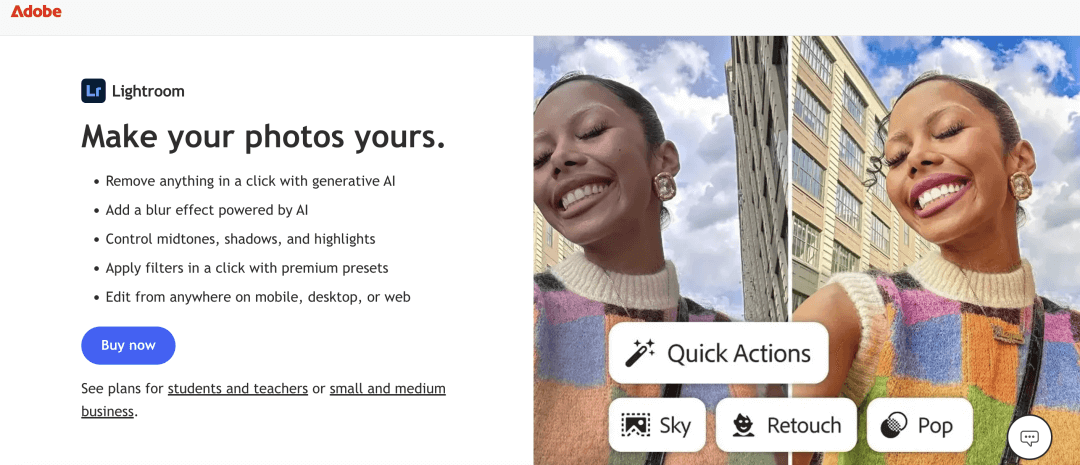
- Pros: Industry-standard adjustments and catalog management; excellent for consistent exposure/white balance across a set; efficient batch export with presets (useful when you have multiple SKUs and recurring requirements)
- Cons: Subscription cost and learning curve; background removal exists but may not be as specialized/fast as dedicated cutout tools for complex products; heavy compositing typically requires Photoshop or another editor
- Price range: Creative Cloud subscription
- When to choose: Professional photographers editing Amazon listings; you shoot RAW or need accurate color/lighting consistency and controlled exports
- When NOT to choose: If AI automation or background removal is needed as the primary workflow; if you want a simple “one-click” pipeline for large-scale background removal without manual editing
6. ZeroEdit
- Best for: Rapid background removal and shadow addition
- Key
features: AI removal, pure white background placement,
quick edits; focuses on fast preparation of compliant-looking product
images (clean background + basic shadow) with minimal steps
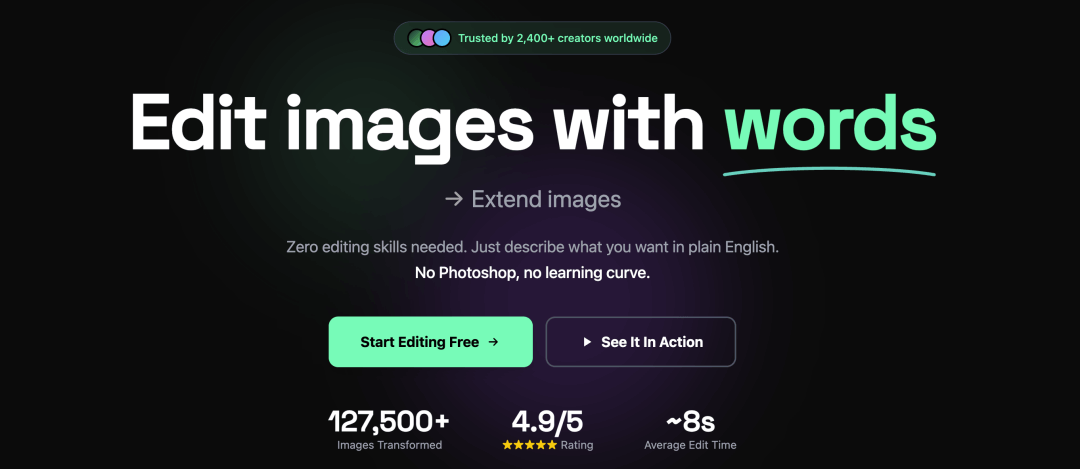
- Pros: Extremely fast results; helpful for quick turnaround when you already have usable product photos and just need background/shadow polishing
- Cons: Limited advanced editing tools; may struggle with very complex edges or transparent products; less control over fine retouching compared with full editors
- Price range: Low subscription
- When to choose: Fast image prep for Amazon compliance; you need quick white-background outputs and simple, natural shadows for depth
- When NOT to choose: If batch processing is critical; if you need robust workflows for thousands of images and consistent profile-based exports, or detailed retouching/color correction
7. ProductScope AI
- Best for: AI product photoshoot with custom backdrops
- Key features: Prompt-based background generation,Amazon-ready exports; can help create multiple concept scenes quickly (for example, seasonal or themed backgrounds) for secondary images and ad creatives, with basic export formatting for ecommerce use
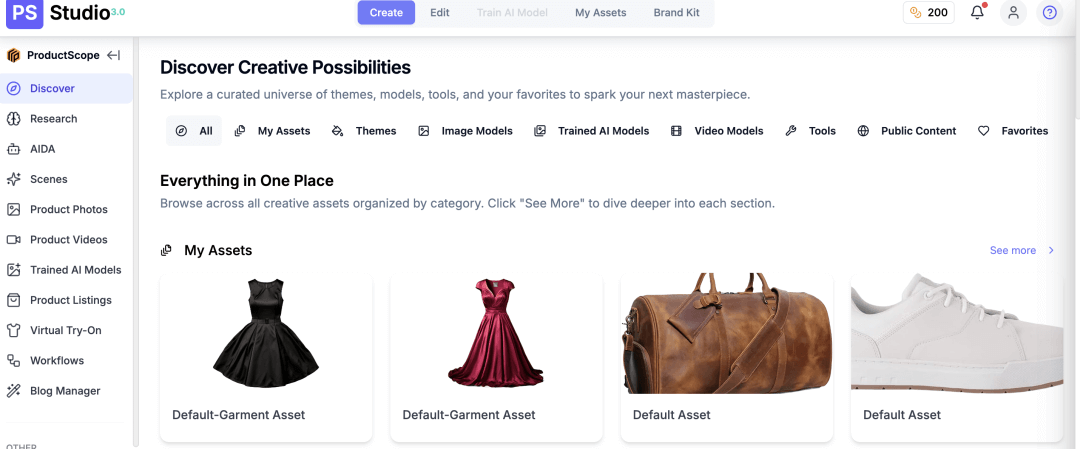
- Pros: Flexible AI backdrops and scene control; useful for rapid experimentation and creative iteration without booking locations/props
- Cons: Browser-based workflow may be limiting; AI scenes may introduce artifacts (odd shadows, inconsistent reflections, warped logos) and usually require review; results can vary based on input photo quality and prompt specificity
- Price range: Low–mid subscription
- When to choose: Creative custom scenes without studio; you want to generate lifestyle-style variations quickly to test which visuals convert better
- When NOT to choose: Full batch automation needed; if your use case demands guaranteed realism and exact representation (or your products have many fine details/complex materials)
8. Designkit
- Best for: AI-generated product images and fast lifestyle/infographic assets for Amazon listings (especially secondary images and A+)
- Key features: AI product image generation for lifestyle/background variations based on existing product photos; AI background removal and background replacement; AI outpainting/expand-canvas to adapt images to different aspect ratios and layout needs; template-based design tools to turn AI images into Amazon-ready secondary visuals (feature callouts, comparisons, simple infographics). (Exact AI features and availability may vary by region/version per the official site.)
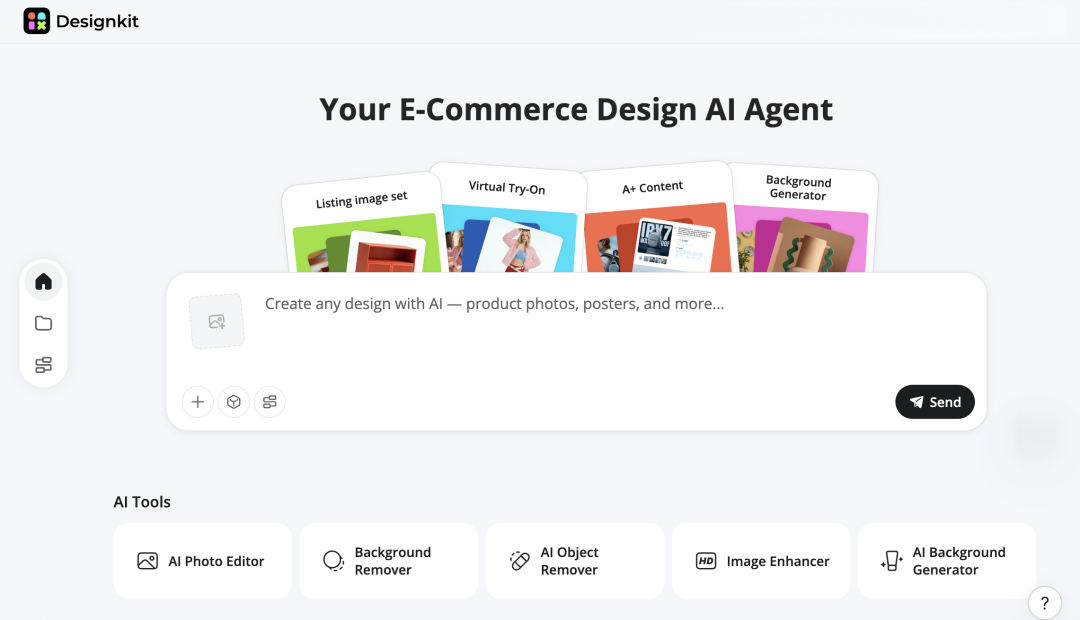
- Pros: Helps you create multiple scene variations quickly without reshoots; outpainting is useful for fitting Amazon image ratios and consistent layouts across SKUs; combines AI creation with templates, lowering the design barrier for ecommerce teams
- Cons: AI outputs can be inconsistent in fine details (e.g., reflective metal, glass, transparent parts, complex edges), so manual review is important; not a replacement for high-end retouching, precise compositing, or color-managed workflows
- Price range: Free / subscription (check official pricing)
- When to choose: You need many lifestyle/scene variations fast; you want AI expand-canvas to repurpose shots into multiple formats; you prefer a template-driven workflow to produce consistent listing visuals at scale
- When NOT to choose: You need advanced, precision retouching and controlled color consistency beyond what a lightweight AI design tool typically offers
9. Slazzer
- Best for: Automated background removal at scale
- Key features: AI extraction, bulk processing, API integrations; supports high-volume workflows through bulk upload and developer integration so background removal can be built into a catalog pipeline
- Pros: Excellent for white background compliance; efficient for large teams and catalogs; API options are useful for automation in DAM/PIM/ecommerce systems
- Cons: Focused mainly on background removal, not full editing; you may still need separate tools for color correction, dust/scratch cleanup, shadows, and layout/design
- Price range: Mid subscription
- When to choose: Large catalogs needing pure white backgrounds; you want consistent cutouts at scale and/or need an API-based workflow
- When NOT to choose: Artistic or advanced retouching; if you need a single tool to handle full post-production, creative layouts, and lifestyle scene generation
10. Photopea
- Best for: Free Photoshop-like editing in browser
- Key features: Layer editing, masking, manual background removal; supports common layer-based workflows (selections, adjustment layers, blending, basic retouching) and can be useful when you need manual precision without installing software
- Pros: Free, powerful tool without installation; good for occasional edits, emergency fixes, or teams that need a lightweight browser option
- Cons: Manual workflow; no AI automation; efficiency depends on the editor’s skill and browser performance; not ideal for high-volume repetitive processing
- Price range: Free
- When to choose: Budget tool with advanced control; you need layers and manual masking for a limited number of images or specific fixes
- When NOT to choose: Fast AI batch tools needed; if you need automated background removal at scale, standardized templates, or pipeline integrations
11. GIMP
- Best for: Open-source advanced editing
- Key features: Layers, scripts, manual retouching,batch actions with plugins; supports customization and automation via scripting/plugins for teams willing to invest time in setup
- Pros: Completely free and customizable; capable of advanced retouching and compositing with the right workflow; can be a long-term option for cost-sensitive teams
- Cons: Manual, steeper learning curve; fewer built-in ecommerce-focused shortcuts; some batch and automation features require configuration and familiarity with plugins/scripts
- Price range: Free
- When to choose: No-cost advanced editing; you want a free editor for detailed manual control and optional batch processing once configured
- When NOT to choose: Fast automated workflows; if you need easy one-click AI background removal, quick team onboarding, or standardized “Amazon-ready” exports without extra setup
Part 2. Recommended stacks and workflow
|
Seller stage |
Budget |
Focus |
Time per SKU |
Outputs |
Workflow highlights |
When to use |
When NOT to use |
|
Beginner / Small-scale |
Low |
Basic shoot + simple edits |
60–90 min |
1 main image + 3–6 secondary images |
Prep → Shoot → Basic edits → Amazon-compliant export |
Limited SKUs, starting on Amazon |
Large catalogs, high-volume listings |
|
Intermediate / Small brand |
Medium |
Controlled lighting, cutouts, shadows, templates |
45–75 min |
1 main image + 6 secondary images + optional lifestyle overlays |
Prep → Shoot → Basic edits → Cutouts/Shadows → Template → Export → QA |
Growing catalog, needs consistent visuals |
Very large SKUs without batch automation |
|
Advanced / High-volume |
Medium–High |
Full workflow with batching & automation |
30–60 min |
1 main image + 6 secondary images + AI-generated secondary creatives |
Prep → Shoot → Basic edits → Cutouts/Shadows → Template & batch export → Final QA |
Large catalogs, multiple marketplaces, frequent updates |
One-off products, small-scale listings |
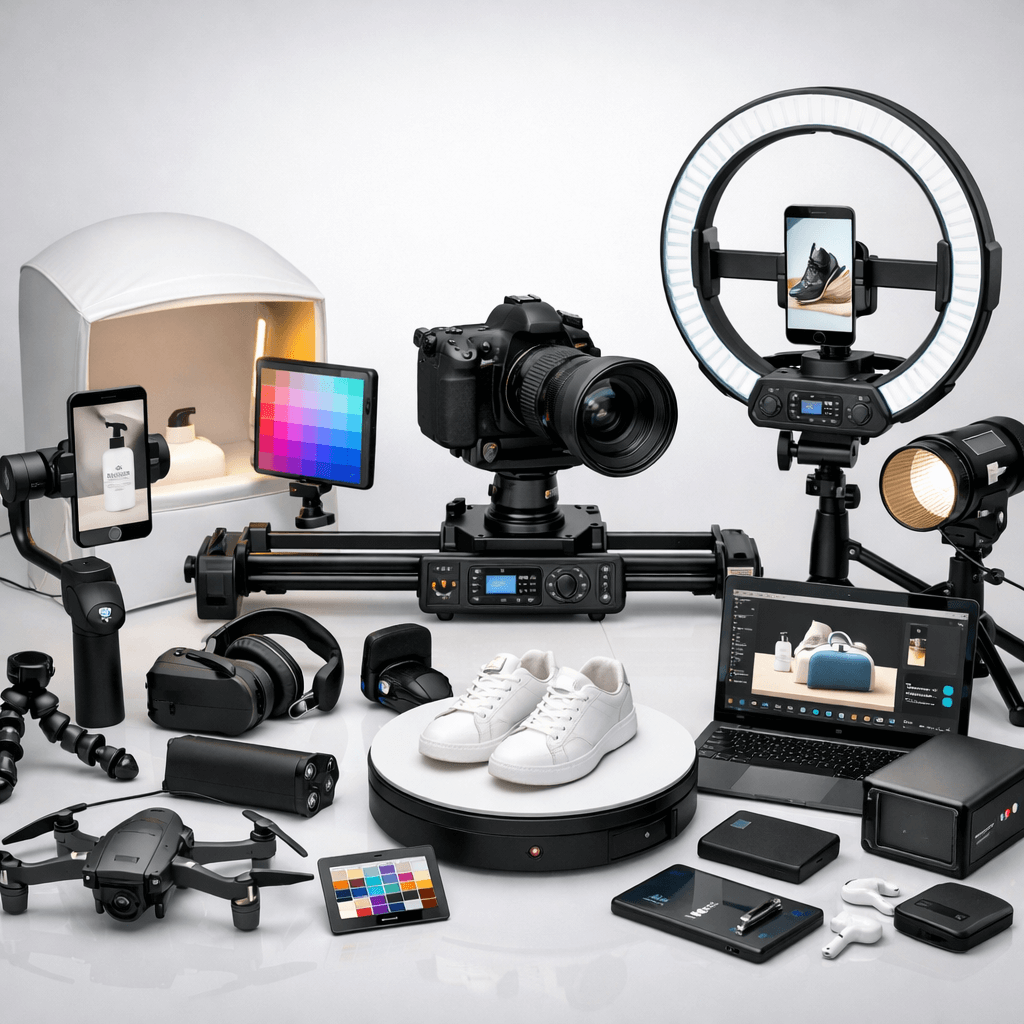
Shoot (capture), make it a repeatable Amazon photoshoot
The main goal is to get the product images that can be used consistently over time with the right framing, angles, and giving the customer full visibility of the product. The result should be production that can be easily re-done for different SKUs.
Light (lighting & backdrop), bright whites and controlled shadows
One should provide a photo session with an evenly illuminated, soft light and a perfectly white background for the creation of extremely professional, distraction-free images. Shadows and reflections need to be managed for a polished, Amazon-ready appearance.
Edit (retouch & design), color, cutouts, infographics
One can do a lot by digitally enhancing an image: for example, adjusting the color, changing the background, or even adding the ones with infographic or lifestyle overlays. What your modifications should do is increase the clarity and understanding of the product by customers without being deceptive.
Export & batch (Amazon-ready output), speed + compliance at scale
Save the final photos of the highest quality along with the suitable file format. Follow productive workflows to keep the harmony and at the same time to be certain that all images agree with Amazon's criteria for the listings rapidly.
Where Designkit fits
Designkit helps to streamline the template and batch export stages and can generate fully compliant main images, realistic lifestyle scenes, and detailed product shots in a matter of minutes. Its AI can automatically create secondary images, apply consistent lighting, and remove backgrounds, as well as optimize colors and enforce Amazon image rules for all SKUs.
This not only cuts down on manual editing but also ensures consistency, supports multi-marketplace compliance, and makes large-scale product photoshoots a breeze.
Part 3. Amazon listing image requirements (2026)
If your Amazon product pictures don't adhere to the Amazon official guidelines, your pictures may be taken down, or your listing can even be suppressed from the search feature. So, before you book an Amazon photoshoot or create AI generated visuals, you must determine what complies in the marketplace of United States. For more detailed information on Amazon Product Photography Requirements & Best Practices, please check this guide.
Technical requirements (must-pass rules)
First, your pictures must fulfill Amazon's technical upload standards :
- File formats: JPEG (jpg/jpeg recommended), TIFF, PNG, or non-animated GIF
- Image size: the longest side should have at least 500 px and the maximum 10, 000 px
- Clear, sharp, non-pixelated (no jagged edges)
- Correct file naming format (product identifier + variant code + extension, separated by periods)
In case these are not fulfilled, the picture cannot be uploaded at all.
Main image requirements (strictest rules)
For the main image (the one shown in search results), Amazon applies stricter rules:
- Pure white background (RGB 255, 255, 255)
- Product must fill at least 85% of the frame
- Entire product visible (no cropped edges)
- Show only one unit and only what’s included in the purchase
- No text, badges, borders, watermarks, color blocks, or graphic overlays
- No props or accessories not included
- No duplicate views (for example, front and back shown together)
- No Amazon logos, Prime badges, “Best Seller,” or similar claims
Secondary image requirements:
- Can include lifestyle shots, close-ups, infographics, size comparisons, or additional angles.
- Must remain truthful and accurately represent the product.
- Maintain consistent lighting, framing, and color across all images.
- Avoid misleading visuals, overcrowded layouts, or exaggerated props.
Fix-fast: common rejection reasons and quick solutions
- Background isn't pure white → Pick RGB 255, 255, 255 and get rid of shading or gradient overlays.
- The product doesn't occupy 85% of the shot → Cut in closer while keeping the whole product visible.
- Text, logos, or badges on main image → All graphics and claims should be on secondary images, hence removed from the main one.
- Extra props or accessories included → Take out those items that are not part of the purchase.
- Image is blurry or low resolution → Provide a clearer, high-resolution (2000+ px recommended for zoom) picture.
- Multiple units displayed incorrectly → Only show the quantity that the listing refers to.
- Unnecessary packaging shown → Pack only if it is a very important feature of the product.
- Mannequin parts are visible → Product-only images or approved model shots should be used in compliance instead.
Conclusion
A strong Amazon product photography is not only about excellent visuals, but also about creating a reusable workflow that smoothly transitions from shoot to edit to export without waiting or rejection. Standardizing your lighting, templates, batch processing, and compliance checks allows you to do less time per SKU and at the same time increase consistency and conversion rates.
If that whole process is what you want to be faster, AI-driven tools like Designkit might be of help in template creation, batch exports, multi-size image sets, and variant consistency across your catalog. The outcome: listing images of a brand that is compliant and on brand, made at a faster pace, thus, you have the ability to launch, test, and scale with a good level of assurance.
Frequently Asked Questions
Can I use AI images for Amazon product photography?
What's the best way to get compliant images quickly?
Keep the background not only pure white but also properly lit and of high resolution (500 – 10,000 px). Tools like Designkit have templates and batch export features that make it easy to keep the same look across different SKUs, which also means that the chances of getting rejected are less.
How can I minimize rejections and maintain quality?
Adhere to Amazon's main image requirements: the correct aspect ratio, not having text or logos, a realistic representation of the product, and the right amount of the product shown. AI-driven tools such as Designkit can help you perform these tasks automatically, give you a consistent look, and even help you have a big product photoshoot done quickly.
You May Also Like

Best AI Ad Generators in 2026: Tools for Creating Better Ads

T-Shirt Design Size Guide: Placement, Dimensions, & DPI

How to Sell on Poshmark: A Complete Beginner's Guide

Zeely Reviews 2026: Features, Pricing, Pros, Cons & Alternatives

Create TikTok Ads From One Photo: An AI Product Launch Kit

Depop vs Poshmark: Which Is Better for Selling in 2026?

How to Create an Amazon Storefront: 4-Step Guide for New Sellers

How to Sell Books on Amazon in 2026: Beginner Guide

How to Sell on Amazon in 2026: A Complete Seller Guide

AI Product Photography: 7 Best Tools for Ecommerce in 2026

What Is a Hero Image? Definition, Examples & Design Tips

Pippit AI Review 2026: Features, Pricing, Pros & Cons

Back to School Ad: 7 Creative Ideas for Better Campaign Results

Top 7 Back-to-School Sales Ideas to Boost Retail Sales (2026)

How to Create a Complete World Cup Product Listing Image Set

How to Create Amazon Summer Sale Posters and Banners with AI

Amazon Summer Sale 2026: Listing Design Trends & Product Image Ideas

Ecommerce Video Ads: 7 Strategies That Drive Higher Conversions

How to Photograph Shoes for Your Ecommerce Store in 2026

Product Photography Ideas: Creative Tips & Techniques for Better Shots

Product Photography Pricing 2026: Full Cost Guide by Type

White Background Product Photography Guide & Tips 2026

Product Photography Starter Package: Gear Checklist 2026

Shopify Product Photography Guide with Tips & Setup

Amazon Main Image Requirements: Size, Guidelines & Tips

Shopify Image Size 2026: Complete Guide and Tips for Better Product Display

Studio Product Photography vs AI Product Photography in 2026

7 Product Photography Mistakes That Hurt Ecommerce Sales

Change Outfit Colors Online for Outfit Preview with AI Clothes Color Changer

How to Create Amazon Infographics: Boost Sales with Compelling Visuals

How to Create Outdoor Product Scenes Without a Photoshoot Using AI

Optimize Etsy Images for Mobile: Listing Photos That Convert

Amazon 7-Image Listing Strategy: Boost Sales by Optimizing Every Image

Etsy Thumbnail Optimization: Keep Your Product Fully Visible

The Etsy Thumbnail Formula That Drives More Clicks and Sales

How to Create Pro Amazon Listing Photos Without a Studio

10 High-Converting Lifestyle Product Images for Amazon Listings

How to Automate Your E-commerce Visuals with OpenClaw Workflow

Top 5 AI Tools to Generate Amazon Product Listing Images in 2026

How to Turn One Photo into 10 Etsy Listing Images Fast: Batch Workflow

Etsy Listing Photo Size Guide (2026): Mobile, Desktop & Shop View Specs

Turn White Background Images into Lifestyle Amazon Listings

Fix Etsy Image Cropping: Optimize Listing Photos for Every Device

Amazon Listing Images: Essential Shot List & Optimization Guide

How to Create Lifestyle Product Images Without a Studio

Lifestyle Product Photography Trends 2026: Authentic Looks at Scale

How to Master Lifestyle Product Photography in 2026

Amazon Listing Images Guide 2026: 7-Slot Strategy & Requirements

360 Product Photography Guide 2026: Setup, Shoot and Workflow

Beginner's Guide to Generate Product Photos from Different Angles

AI Product Photography: Create Ecommerce Images Without a Photoshoot

How to Create Realistic AI Product Photos: Step-by-Step Pro Guide

Keep AI Product Images Consistent Across SKUs: Lighting, Color, Background

How to Scale E-commerce with a Product Image Generator

How to Use AI for Spring Product Photography: 2026 Amazon Guide

How to Create a Budget Home Product Photography Setup with AI

How to Achieve Professional Product Photography Standards in 2026

How to Take Product Photos with Phone: Pro Guide for Amazon & AI

6 Best AI Product Image Generators in 2026

Amazon Photography Service vs. AI Generator: Best Choice for Sales

What Is Product Photography? Angles, Lighting & Editing Guide

Amazon Spring Sale 2026: Create High-Converting Listing Images (Guide)

AI Agents Transform Amazon Product Photography in 2026

Amazon Photoshoot in 2026: Do You Still Need a Studio?

11 Must-Have Tools for Amazon Product Photography in 2026

2026 Amazon Image Trends Shaping Seller Success and Conversions

Amazon Product Photography Requirements & Best Practices 2026
Make every product image ready to sell
Designkit is an all-in-one AI platform for ecommerce visuals. Create product photos, AI videos, virtual try-ons, and Amazon listing images in seconds. Generate HD backgrounds, batch edit photos, and scale your brand with studio-quality content.


