
From Product Photo to TikTok Ads: Building a Launch Kit With AI
See how one fictional candle became five TikTok ad variations, then follow the review that narrowed them to two test candidates and a publishing kit.

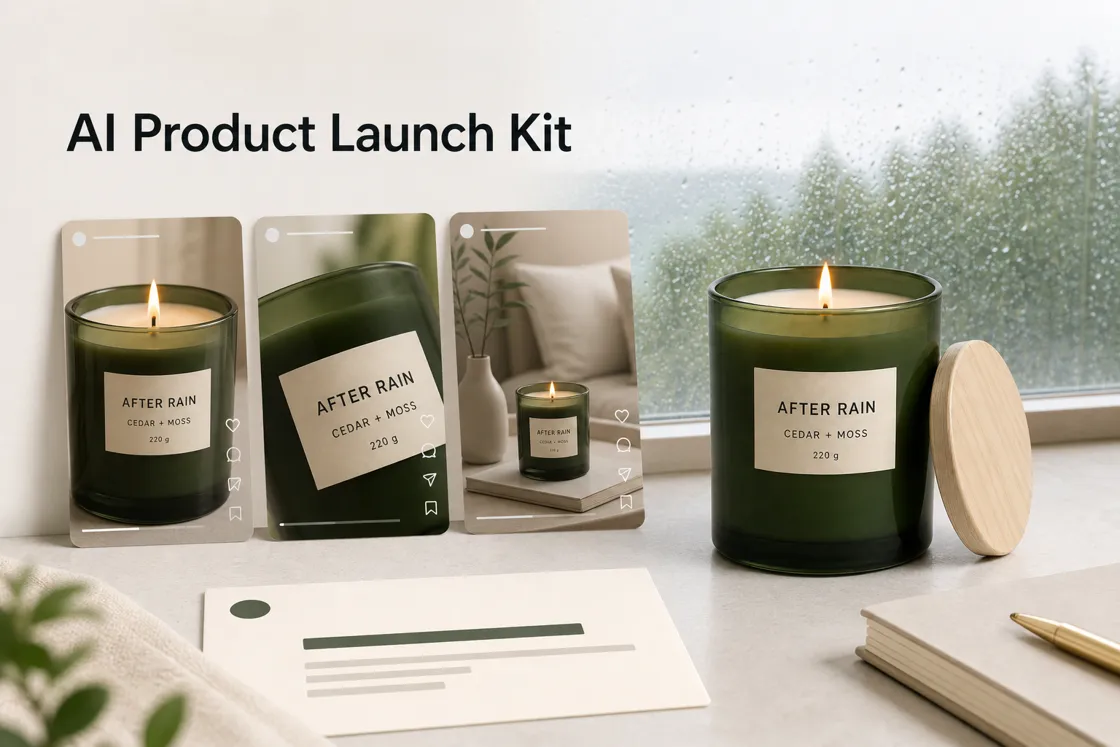
One product photo gave us five 15-second TikTok videos. Once they were lined up, it was also clear that we should not use all five.
For this experiment, we created a fictional candle called After Rain and asked Designkit Workspace to develop a small TikTok launch kit around it. The kit would need more than one finished video. We wanted distinct ad variations, a clear shortlist, a cover, and publishing copy that could be reviewed before posting.
We did not end up with a finished campaign, but we did have enough material to make the next creative decision much easier.
Starting With a Product That Did Not Exist
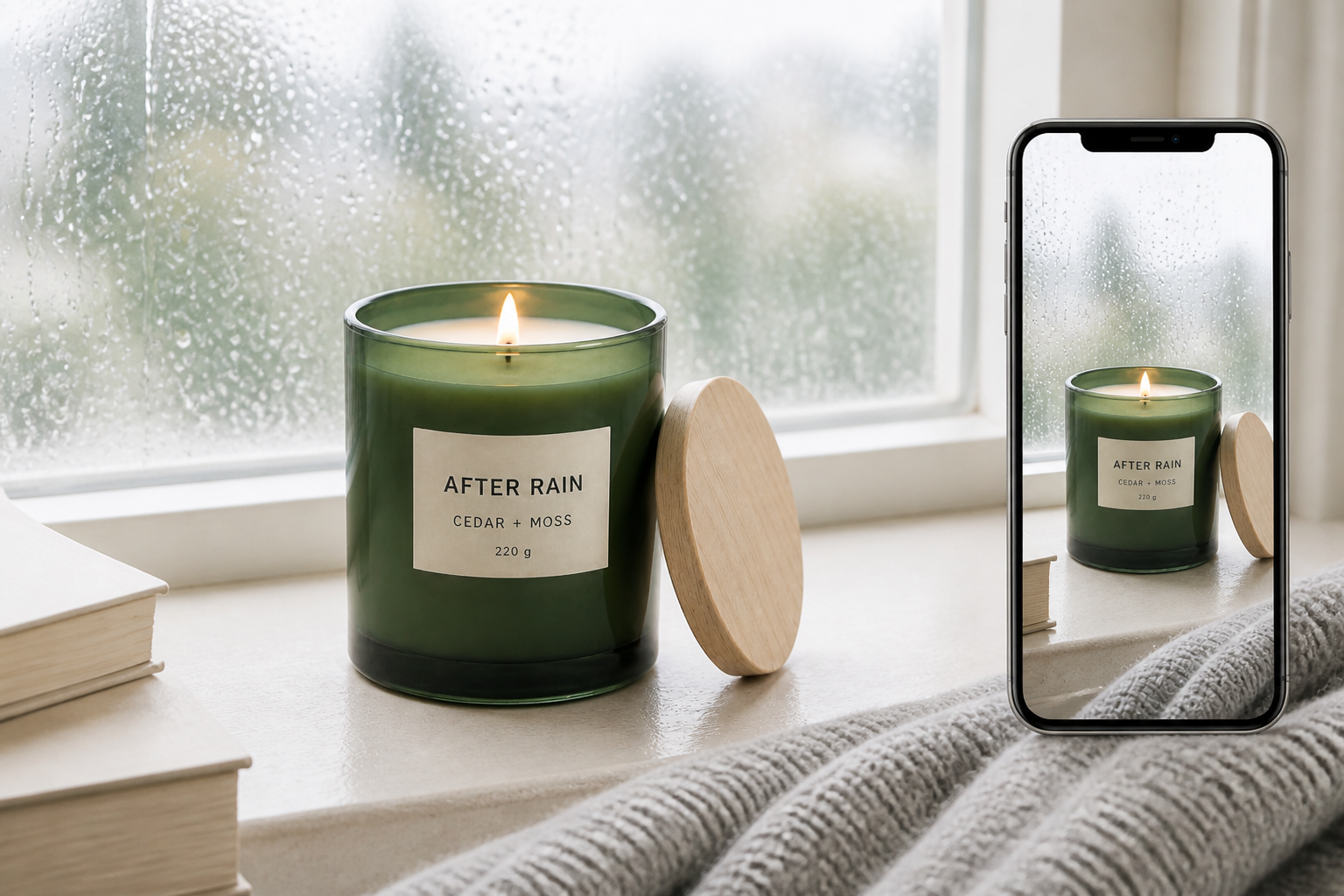
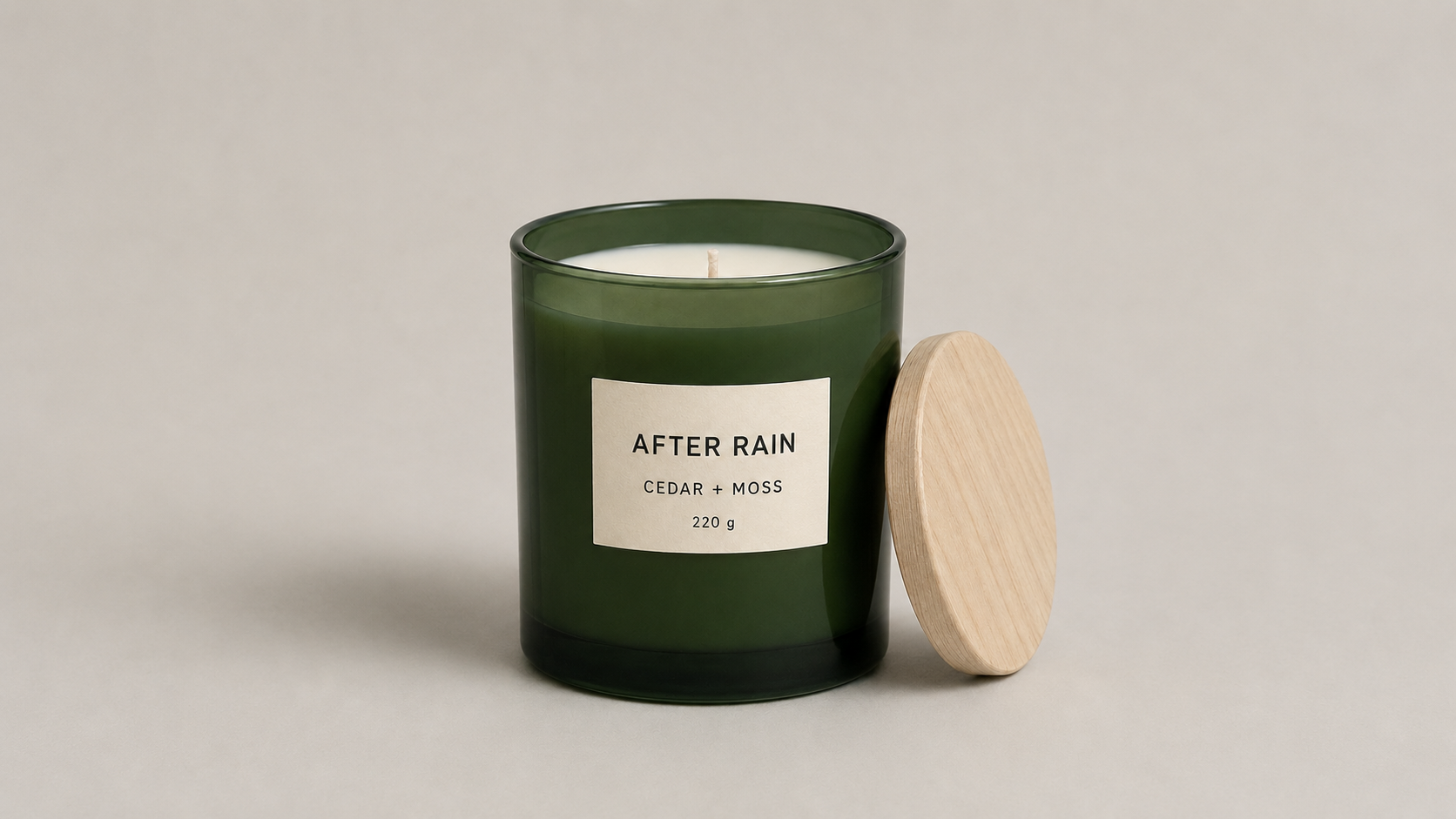
After Rain began as a single product image: a dark green candle jar with a cream label and a pale wooden lid. The fictional scent was Cedar + Moss, and the label listed a weight of 220g.
The image was already clean and front-facing, which gave every later stage a stable product reference. For a real product, an AI product photography generator can clean up the background or place the item in a more controlled setting before the video brief is written.
We asked for five English-language videos for TikTok. Each one would be 15 seconds and use a 9:16 frame. The product needed to appear within the first two seconds, while the rainy evening setting, packaging, and restrained visual style stayed consistent.
We also ruled out people, hands, avatars, discounts, extra logos, heavy text, neon lighting, and exaggerated smoke. That left the product, setting, pacing, and sound to carry each idea.
The workflow came down to five steps: upload one clear product photo, add a short brief with the product name and verified details, set the hard constraints, generate several ad directions, then shortlist before creating the cover and publishing copy.
From One Brief to Five Scripts
The task did not move straight from image to video. Inside Designkit Workspace, a Script Master handled the first stage and wrote five separate concepts. A Video Creation Expert then took over to generate the videos from those scripts.
That handoff changed the nature of the test. We were not simply asking for five random outputs. Each version started with a stated hook, pace, narrative angle, and planned product reveal.
|
Version |
Opening idea |
Role of the candle |
Planned reveal |
|---|---|---|---|
|
Mood-Led |
Rain on a dark window |
A change in mood |
0:02 |
|
Product-First |
The jar fills the frame |
A premium object |
0:00 |
|
Evening Routine |
A quiet still-life at home |
Part of an evening ritual |
0:01 |
|
Scent-Led |
Rain and greenery through glass |
A sensory experience |
0:01–0:02 |
|
Direct-Pitch |
Product shot with voiceover |
A clear product benefit |
0:00 |
The scripts also repeated a strict product anchor. The green jar, cream label, wooden lid, wax color, and proportions were meant to remain recognizable across all five versions.
This was useful, but the scripts still needed a quick fact check. One introduced an “unbleached cotton wick,” even though we had never supplied that detail. Descriptions such as “premium” and “luxurious” were creative framing rather than verified product facts. Because After Rain was fictional, those additions caused no commercial problem, but they showed where the same process would need tighter review for a real product.
![Script M aster output and cross-version summary]](https://x-design-release.stariicloud.com/seo/designkit-global/3fzuudt8szf58byx.png "Script M aster output and cross-version summary]")
What the Five Videos Looked Like
All five concepts came back as 15-second vertical videos. They shared the same candle and rainy evening world, but their openings were noticeably different. The output followed the same one-image-to-five-video structure available in Designkit’s AI Viral Video Generator.
The Mood-Led version began at the window, with the candle entering as part of the atmosphere. Product-First did the opposite: the jar appeared clearly from the first frame, followed by label, lid, and wax details. Evening Routine placed the candle beside a book and mug, giving it a more natural place in a TikTok feed.
Scent-Led stayed close to rain and greenery for longer, while Direct-Pitch used quicker cuts, a voiceover, and a final AFTER RAIN title card.
![Embed all five After Rain videos]](https://x-design-release.stariicloud.com/seo/designkit-global/21ny8qx0c67osord.png "Embed all five After Rain videos]")
At first glance, the five versions looked coherent. The same green jar, label, lid, dark interior, and wet-window imagery appeared throughout. The set felt as though it belonged to one product rather than five unrelated generations.
The differences were strongest at the beginning. Once the candle was lit, several videos moved toward a similar sequence of flame details and a final product shot.
Did the Videos Follow the Scripts?
Mostly, although not with equal precision.
The broad creative choices survived the handoff. Product-First and Direct-Pitch showed the candle immediately. Evening Routine used the domestic setting promised in its script. Mood-Led and Scent-Led both gave more space to the rainy atmosphere.
The generated videos simplified some of the shot-by-shot direction. Movements described in detail became slower pans or close-ups. The five endings also became more alike than the scripts suggested: ignition, a burning wick, then a composed hero shot.
|
Version |
What survived |
What weakened |
|---|---|---|
|
Mood-Led |
Rainy atmosphere and slow pacing |
The product became clear later than intended |
|
Product-First |
Immediate product visibility and detail shots |
It felt more like a showcase than a TikTok hook |
|
Evening Routine |
A believable home context and sequential flow |
The product was small in the opening scene |
|
Scent-Led |
Green, rain-soaked sensory imagery |
It overlapped heavily with Mood-Led |
|
Direct-Pitch |
Fast product reveal, voiceover, and firmer structure |
The visual call to action remained light |
This comparison was more useful than asking which video looked the most polished. It showed which parts of a creative brief were likely to remain distinct after generation: the opening frame, pace, setting, and how quickly the product appeared.
Choosing What Was Worth Testing
We shortlisted two videos for different jobs.
Evening Routine was the strongest organic option. The book, mug, rainy window, and candle created a small scene before asking the product to do any selling. It looked closer to a quiet lifestyle post someone might pause on while scrolling.
Direct-Pitch was the clearer paid option. It placed the product first, moved more quickly, and ended with the brand name on scr een. The structure was easier to understand without relying on a long buildup.
Product-First and Mood-Led stayed as backups rather than entering the first test. Scent-Led was the easiest cut. It was attractive on its own, but it did not add enough distance from Mood-Led to justify testing both in the first batch.
That was the value of generating five versions at once. The goal was not to publish all five. It was to see the choices side by side and decide which differences were meaningful.
Completing the Launch Kit
Once Direct-Pitch was selected, the task moved to two publishing specialists. One wrote a title, caption, and hashtags; the other created a vertical cover.
The first copy draft was concise:
Title: For quiet, rainy evenings
Caption: After Rain is a 220g candle in Cedar + Moss, made for quiet, rainy evenings at home.
Hashtags: #CandleTok #ScentedCandle #HomeFragrance #RainyEvening #AIProductVideo #TikTokAds
It was accurate to the supplied concept, but the title and caption repeated the same idea. It also read as though After Rain were a real product. For an article built around an experiment, we wanted the final copy to be explicit about that.
Our edited version was:
Title: Cedar, moss, and a rainy window
Caption: Rain at the window, cedar and moss in the room. After Rain is a fictional 220g candle concept created for our one-photo-to-TikTok experiment.
Hashtags: #CandleTok #ScentedCandle #HomeFragrance #RainyEvening #AIProductVideo #TikTokAds
The generated cover raised a different issue. It preserved the candle clearly, but placed it against a new beige studio background. The image looked clean on its own. It did not look like the cover of the dark, rain-lit video we had selected.
We kept it as a draft rather than the final choice. A frame from Direct-Pitch would make the connection between cover and video much clearer.
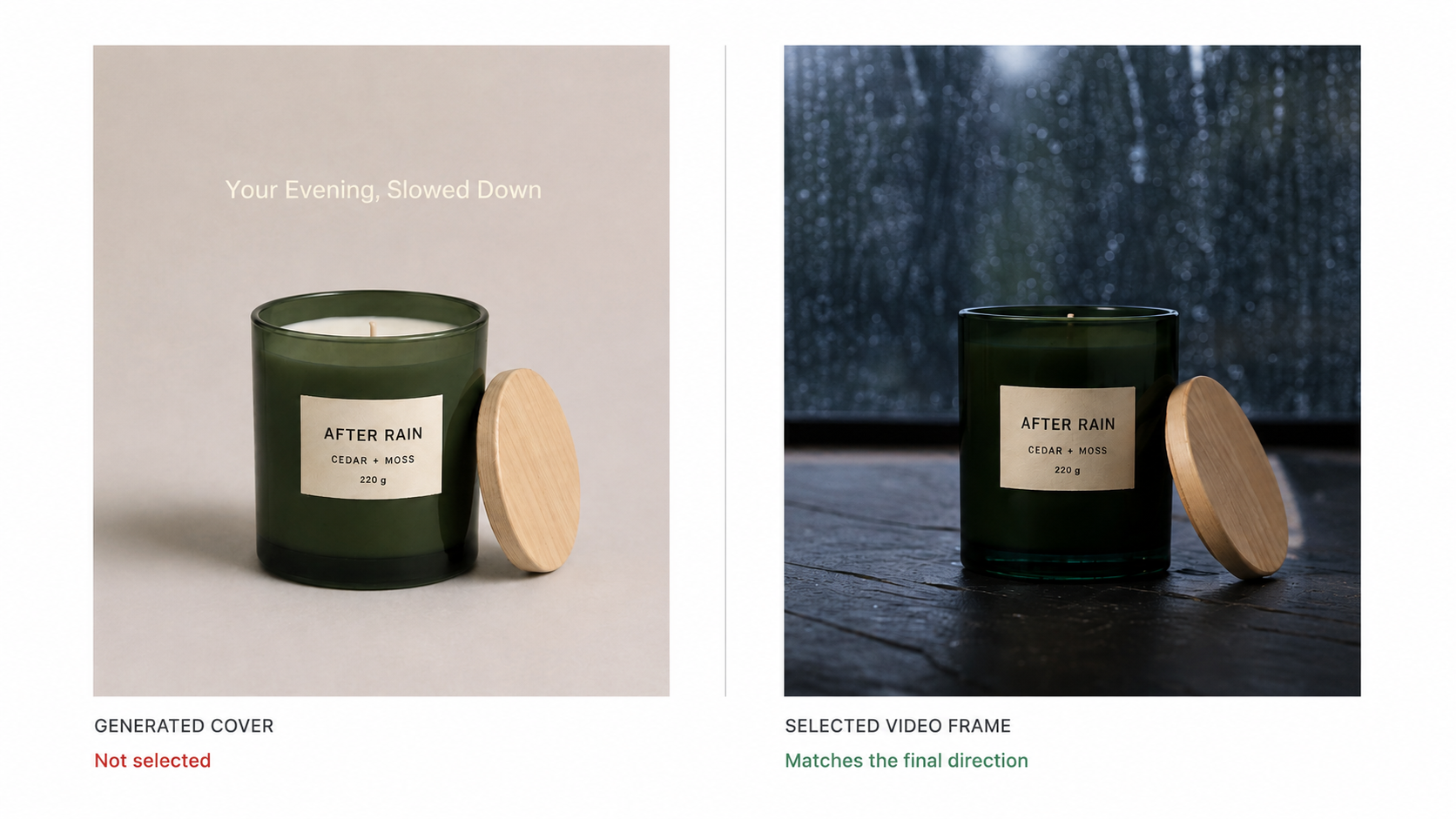
This was the most revealing handoff in the workflow. Each specialist completed the assigned task, but completion did no t automatically produce a coherent package. The cover still had to be judged against the selected video, and the copy still had to be checked against the purpose of the experiment.
What Worked and What Needed Review
The Workspace made the process easy to follow. The original request remained in one place while the script, video, copy, and cover stages appeared on the same canvas. That made it possible to trace a finished video back to its script and continue into publishing material without losing the earlier decisions.
The product also remained recognizable across most of the generated footage. That gave the five variations a shared visual base, even when their settings and pacing changed.
The weaker points appeared between stages. Distinct scripts could still converge on similar shots. A script could introduce an unsupported detail. A cover could be visually strong yet disconnected from the chosen video. None of these problems required starting over, but each required someone to notice it.
The result was a two-video first test, not five equally approved ads. The other outputs still helped by showing which ideas overlapped and which directions were worth holding for later.
Where This Workflow Makes Sense
This approach is most useful when a team has a product but has not settled on how to present it. Instead of committing to the first workable concept, the team can watch several possible ads and see which one makes the product easiest to understand. The selected version then becomes a concrete reference for the next round, giving the team something specific to improve before spending more on production.
The limits matter. One photo cannot verify product details that were never supplied, and a generated video cannot tell you whether its claims are approved. It also cannot decide whether two attractive variations are different enough to test. Those decisions still sit outside the generation step.
Final Thoughts
We began with one fictional candle image and ended with five TikTok ad variations, two clear candidates, publishing copy, and a cover draft. That was enough to make a launch test feel concrete.
The most useful part was not the number of files produced. It was being able to compare creative directions before investing more time in one of them. The videos showed which hooks remained distinct, the shortlist gave each selected version a role, and the weaker cover exposed a gap that could be fixed before publishing.
For a real product, the same workflow would need stricter checks around claims, packaging, and visual accuracy. As a way to explore the first round of ideas, however, one product photo was enough to get the conversation out of a document and onto the screen.
Frequently Asked Questions
Can one product photo create several TikTok ads?
Will all five ad variations look different?
Not necessarily. Our five scripts described distinct directions, but some finished videos shared similar flame close-ups and final product shots. Reviewing the videos side by side helps identify which variations are different enough to test.
Which creative directions were worth testing first?
Evening Routine was the strongest organic option because it placed the product in a believable home setting. Direct-Pitch was the stronger paid option because it showed the product immediately and used a more direct structure.
Can the generated videos be posted immediately?
They should be reviewed first. Check product details, packaging, claims, text, visual continuity, and the relationship between the video, cover, and caption. In this test, both the publishing copy and generated cover benefited from human edits.
What should a small TikTok launch kit include?
A practical starting kit can include several video variations, a shortlist with a role for each selected video, one cover, a title, a caption, and relevant hashtags. It does not need to contain every asset for a full campaign.
Can the same workflow be used for a real product?
Yes. A real product photo can replace the fictional candle used here. Supply verified product information with the image, then review every generated scene and claim before publishing or running the video as an ad.
You May Also Like
T-Shirt Design Size Guide: Placement, Dimensions, & DPI

How to Sell on Poshmark: A Complete Beginner's Guide
Zeely Reviews 2026: Features, Pricing, Pros, Cons & Alternatives
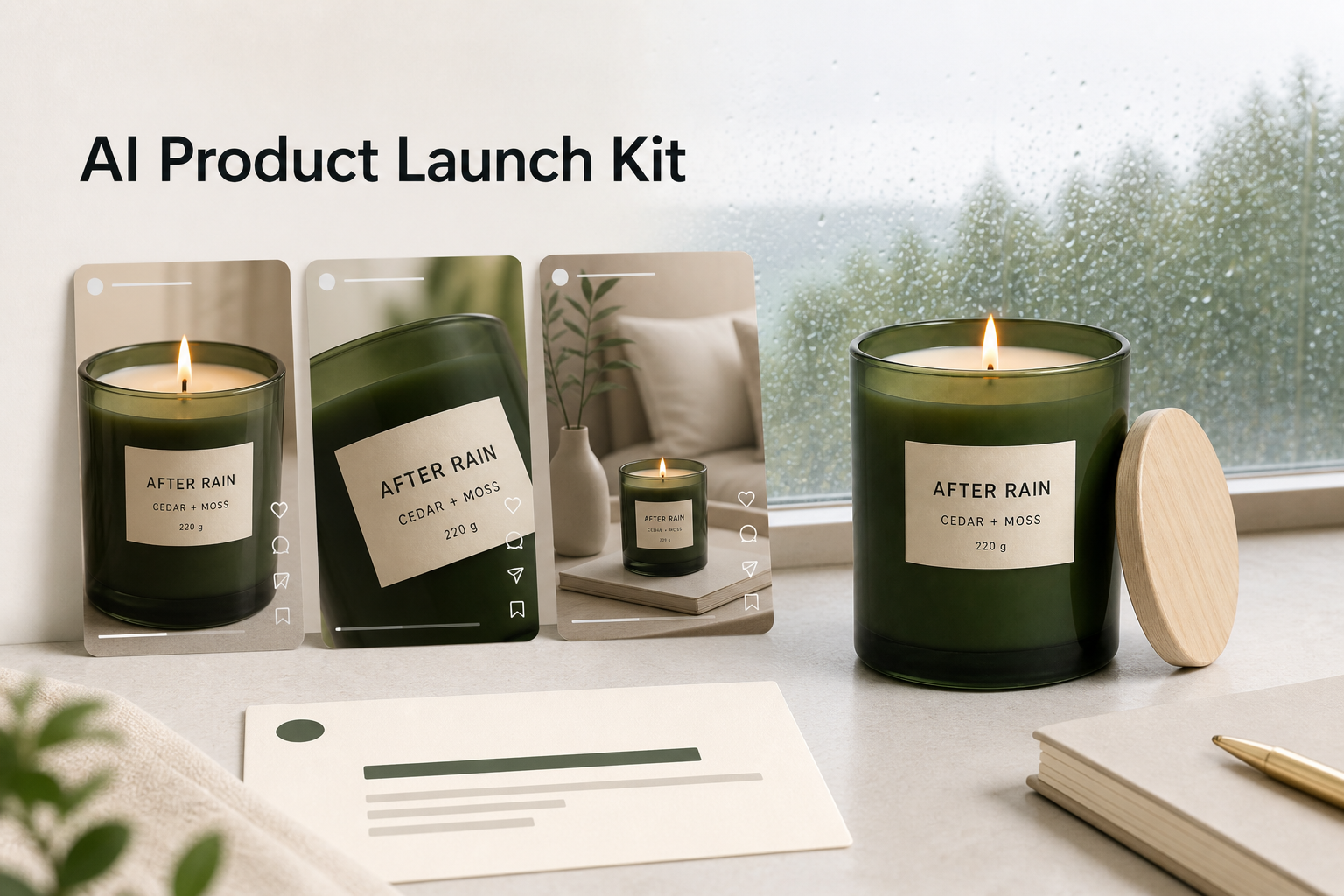
Create TikTok Ads From One Photo: An AI Product Launch Kit
Depop vs Poshmark: Which Is Better for Selling in 2026?
How to Create an Amazon Storefront: 4-Step Guide for New Sellers

How to Sell Books on Amazon in 2026: Beginner Guide

How to Sell on Amazon in 2026: A Complete Seller Guide
AI Product Photography: 7 Best Tools for Ecommerce in 2026

What Is a Hero Image? Definition, Examples & Design Tips
Pippit AI Review 2026: Features, Pricing, Pros & Cons
Back to School Ad: 7 Creative Ideas for Better Campaign Results
Top 7 Back-to-School Sales Ideas to Boost Retail Sales (2026)
How to Create a Complete World Cup Product Listing Image Set

How to Create Amazon Summer Sale Posters and Banners with AI
Amazon Summer Sale 2026: Listing Design Trends & Product Image Ideas
Ecommerce Video Ads: 7 Strategies That Drive Higher Conversions
How to Photograph Shoes for Your Ecommerce Store in 2026
Product Photography Ideas: Creative Tips & Techniques for Better Shots
Product Photography Pricing 2026: Full Cost Guide by Type
White Background Product Photography Guide & Tips 2026
Product Photography Starter Package: Gear Checklist 2026
Shopify Product Photography Guide with Tips & Setup
Amazon Main Image Requirements: Size, Guidelines & Tips
Shopify Image Size 2026: Complete Guide and Tips for Better Product Display
Studio Product Photography vs AI Product Photography in 2026
7 Product Photography Mistakes That Hurt Ecommerce Sales
Change Outfit Colors Online for Outfit Preview with AI Clothes Color Changer
How to Create Amazon Infographics: Boost Sales with Compelling Visuals
How to Create Outdoor Product Scenes Without a Photoshoot Using AI

Optimize Etsy Images for Mobile: Listing Photos That Convert
Amazon 7-Image Listing Strategy: Boost Sales by Optimizing Every Image
Etsy Thumbnail Optimization: Keep Your Product Fully Visible
The Etsy Thumbnail Formula That Drives More Clicks and Sales
How to Create Pro Amazon Listing Photos Without a Studio
10 High-Converting Lifestyle Product Images for Amazon Listings

How to Automate Your E-commerce Visuals with OpenClaw Workflow
Top 5 AI Tools to Generate Amazon Product Listing Images in 2026
How to Turn One Photo into 10 Etsy Listing Images Fast: Batch Workflow
Etsy Listing Photo Size Guide (2026): Mobile, Desktop & Shop View Specs
Turn White Background Images into Lifestyle Amazon Listings

Fix Etsy Image Cropping: Optimize Listing Photos for Every Device
Amazon Listing Images: Essential Shot List & Optimization Guide
How to Create Lifestyle Product Images Without a Studio
Lifestyle Product Photography Trends 2026: Authentic Looks at Scale
How to Master Lifestyle Product Photography in 2026
Amazon Listing Images Guide 2026: 7-Slot Strategy & Requirements
360 Product Photography Guide 2026: Setup, Shoot and Workflow
Beginner's Guide to Generate Product Photos from Different Angles
AI Product Photography: Create Ecommerce Images Without a Photoshoot

How to Create Realistic AI Product Photos: Step-by-Step Pro Guide
Keep AI Product Images Consistent Across SKUs: Lighting, Color, Background
How to Scale E-commerce with a Product Image Generator
How to Use AI for Spring Product Photography: 2026 Amazon Guide
How to Create a Budget Home Product Photography Setup with AI
How to Achieve Professional Product Photography Standards in 2026
How to Take Product Photos with Phone: Pro Guide for Amazon & AI

Best AI Product Image Generator 2026: Top Tools for Amazon Sales
Amazon Photography Service vs. AI Generator: Best Choice for Sales
What Is Product Photography? Angles, Lighting & Editing Guide
Amazon Spring Sale 2026: Create High-Converting Listing Images (Guide)
AI Agents Transform Amazon Product Photography in 2026
Amazon Photoshoot in 2026: Do You Still Need a Studio?
11 Must-Have Tools for Amazon Product Photography in 2026
2026 Amazon Image Trends Shaping Seller Success and Conversions
Amazon Product Photography Requirements & Best Practices 2026
Compare TikTok Ad Ideas Before You Commit
Start with one clear product photo and a grounded brief. Compare several video directions, then complete the strongest with a cover and publishing copy.


