
Predis.ai Reviews 2026: Features, Pricing, Pros, Cons & Real Insights
Predis.ai can speed up social posts and ad concepts, but the right fit depends on output control, pricing, and your workflow. See what it does well—and where Designkit gives you more room to build polished visuals.

TL;DR:
Predis.ai is useful for quick social and ad concepts, but templates, pricing, and output control may limit some teams. Compare its workflow with your needs, then use Designkit when you want flexible product visuals for ecommerce and campaigns.
Producing a steady stream of social posts and ad creatives eats up hours every week, so an AI tool that promises to do it for you is tempting. The catch most users report is the same two things: the copy needs re-editing before it sounds like a real brand, and credits disappear faster than the plan page suggests. This Predis.ai review covers what the post and ad generators produce, what each plan gives you in credits and what that means in real posts, videos and ad images, and what G2 and Trustpilot reviewers say after months of use. It also shows where the tool stops (LinkedIn is a good example) and ends with a clear subscribe-or-skip call.
What You Can Do With Predis
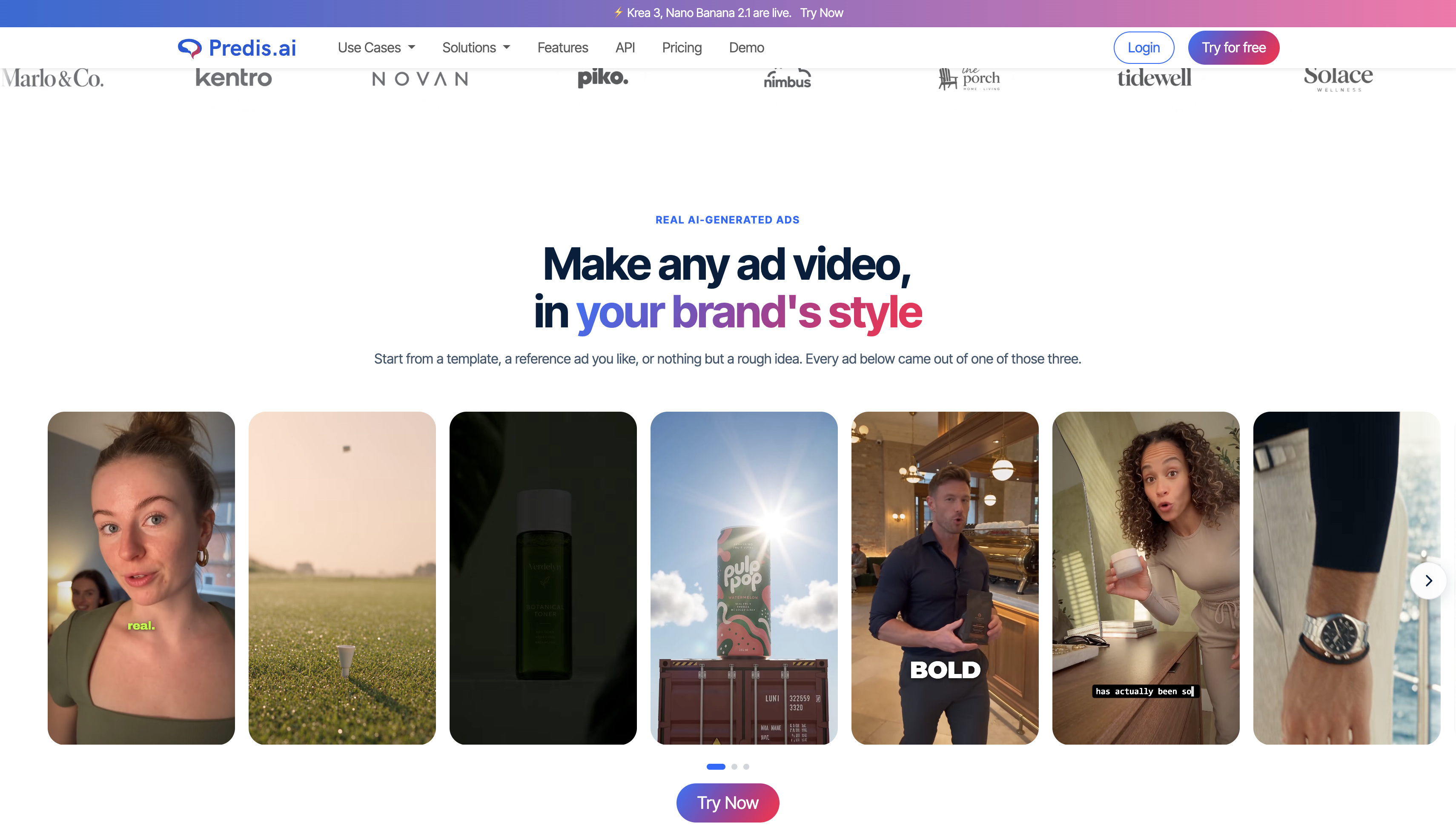
Predis is an AI content-creation platform built to turn a text prompt or a set of product details into social media creatives. You describe the post, pick a format, and the tool returns visuals, a caption and hashtags you can edit, schedule or download.
Who Is the Platform Designed For?
Three groups get the most out of it. Social media marketers use it to fill a content calendar without starting from a blank canvas every Monday. Small businesses use it because they rarely have a designer on staff, and a store link or product list can feed the posts. Agencies like the multi-brand structure, since one login can hold several client accounts with separate colors, logos and tone settings.
Main Types of Content You Can Create
Output falls into three buckets: organic posts (single images and carousels), short videos such as Reels and Shorts, and the captions and hashtags that go with them. The social media post generator inside Predis handles all three from one brief, then resizes the result for each channel, so a square Instagram image and a vertical story come from the same idea.
Features of Predis for Social Media and Ads
Most tools in this category promise speed. What matters is how each feature behaves once you use it for a week, so each one below covers how it works, where it helps and what to watch.
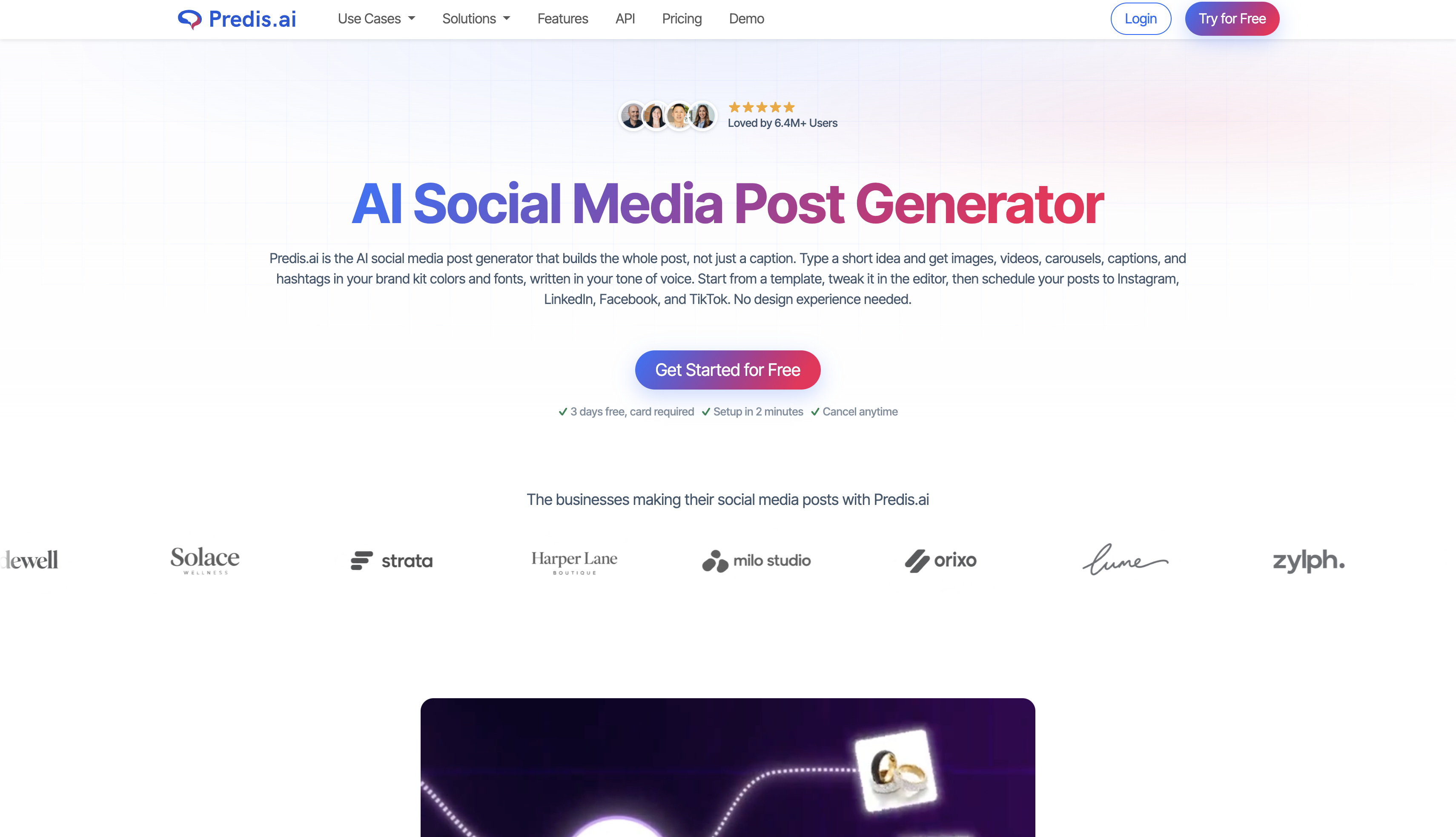
A Predis AI Social Media Post Generator That Starts With Your Brief
You enter a topic (or let the tool surprise you), choose image, video or carousel, set the aspect ratio and ask for several variants. In practice, this works well for weekly publishing when you already know your message. The watch-out is sameness: captions tend to follow familiar patterns, so plan to rewrite the opening line and the call to action.
Turn One Idea Into Video, Reel and Carousel Content
The same brief can become a short video or a multi-slide carousel. Carousels suit step-by-step or educational posts, and reviewers tend to rate them higher than other formats. Video is where credits go fastest, and editing control is lighter than in a dedicated editor. If video is your main format, test a few clips during the trial before you commit to a plan.
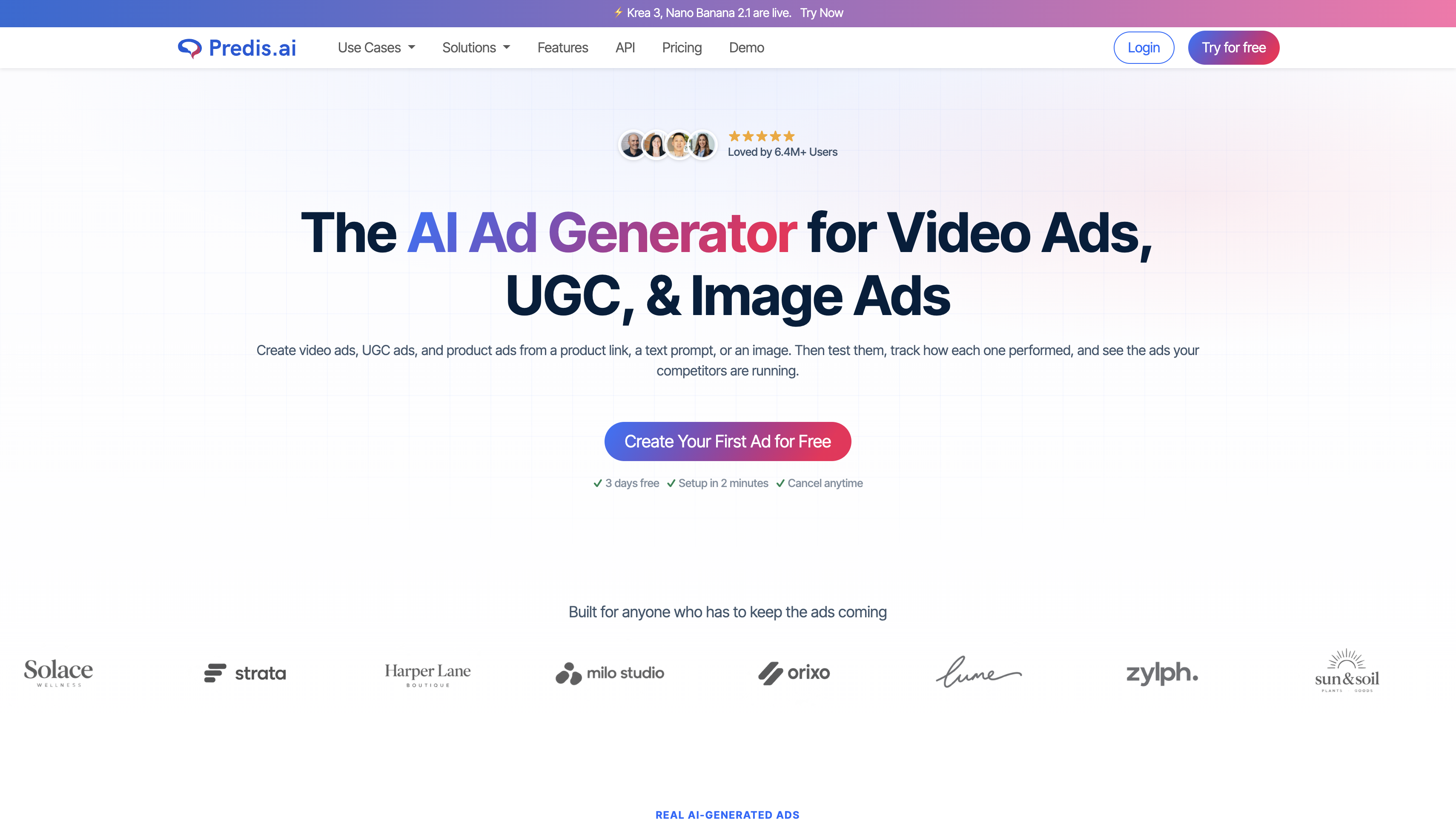
Predis.ai Ad Generator: Ad Creatives vs. Organic Posts
Organic posts aim to build an audience, so they can be educational, playful or conversational. Ad creatives have one job: make a specific offer clear fast. The ad generator leans on promotional visuals, short headlines and a defined call to action, which makes message clarity and product accuracy the things to check. A creative that looks good but misstates the offer wastes spend. For campaigns built around motion, check how many credits each video variation uses before you scale.
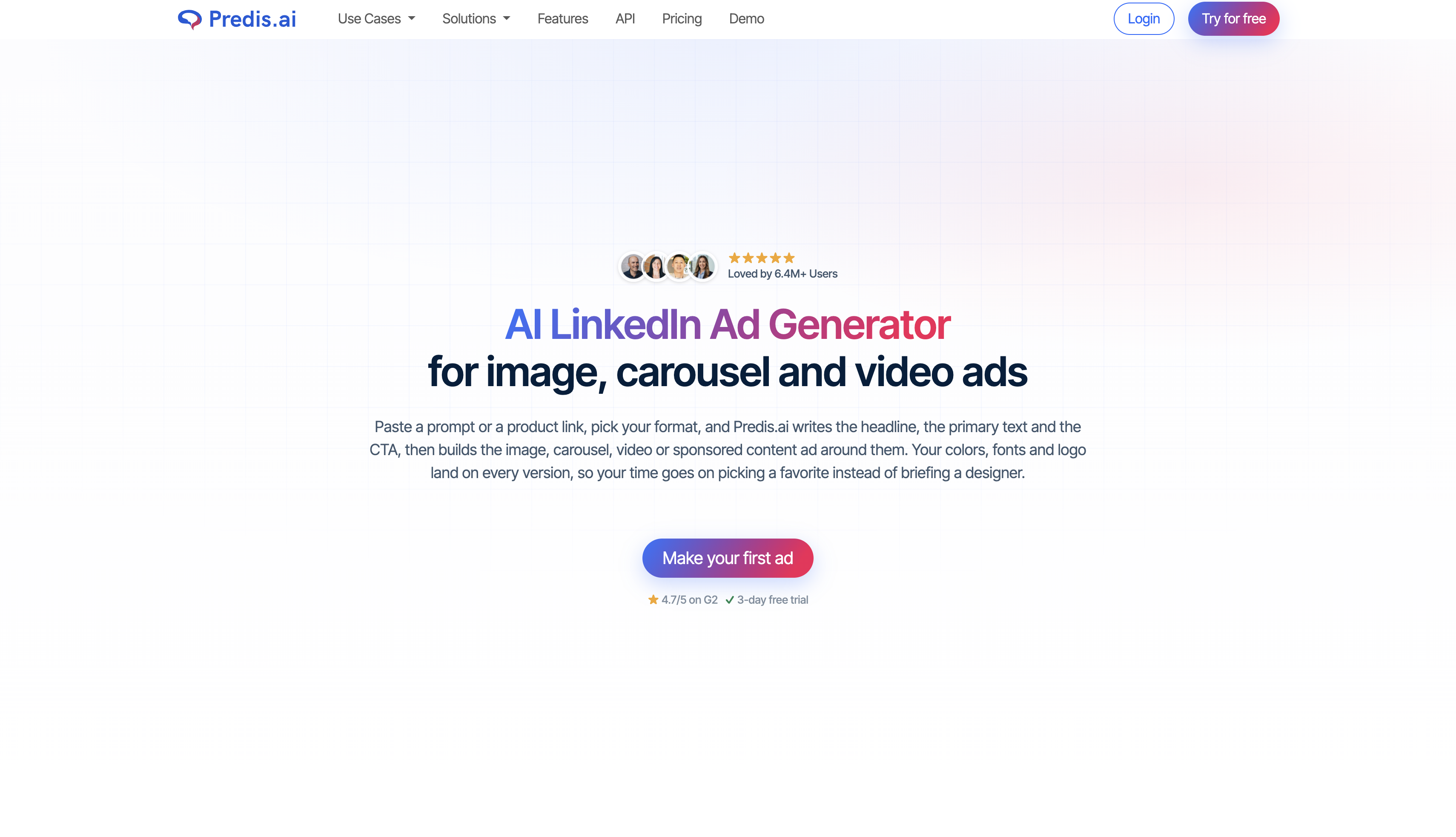
Predis AI LinkedIn Ads
The platform supports LinkedIn-ready posts and ad creatives, including copy that you can adjust for a business tone. What it does not do is run the campaign. Audience targeting, bidding, budgets and conversion reporting stay inside LinkedIn's own ad tools. Treat the output as raw creative, and check image dimensions against LinkedIn's current size requirements before you upload.
Brand Settings, Scheduling and Competitor Analysis
Brand settings store your logo, colors, fonts and tone of voice so each batch looks consistent. Scheduling pushes posts to connected accounts, though auto-posting only arrives on higher plans. Competitor analysis tracks public pages and shows engagement patterns. It works for inspiration, but it is not a paid-media research tool.
|
Feature area |
What it helps produce or manage |
Best use |
What to evaluate |
|---|---|---|---|
|
Social posts |
Visuals, captions and hashtags |
Regular organic publishing |
Brand voice and editing effort |
|
Ad creatives |
Promotional visuals and copy |
Campaign concepts and offers |
Message clarity and product accuracy |
|
Short-form video |
Reels and other short formats |
Video-led social content |
Credit consumption and editing control |
|
Carousels |
Multi-slide visual content |
Educational or step-by-step posts |
Narrative flow and layout consistency |
|
Scheduling |
Planned posts across supported accounts |
Recurring content calendars |
Platform coverage and publishing reliability |
|
Competitor analysis |
Public competitor content and engagement |
Content inspiration and topic research |
Depth of insight and platform coverage |
Predis Pricing and Reviews: What to Check Before Subscribing
Predis.ai Pricing and Credit Limits
Pricing is credit-based, so the sticker price tells you little until you know what you will generate. Annual billing lowers the monthly rate by 15% to 50%, depending on the plan.
|
Plan |
Monthly billing |
Annual billing (per month) |
Billed yearly |
Credits per month |
Brands |
Channels and posting |
|---|---|---|---|---|---|---|
|
Core |
$32 |
$19 |
$230 |
1,300 |
1 |
10 channels, no auto-posting |
|
Rise |
$79 |
$40 |
$474 |
3,200 |
Up to 4 |
20 channels, auto-posting |
|
Enterprise+ |
$249 |
$212 |
$2,540 |
10,000 |
Unlimited |
60 channels, auto-posting |
The tiers also differ in competitor runs (60, 130 and 600 a month) and generation speed (standard, fast and faster). Add-ons fill the gaps: an extra brand costs $5 a month on Core and Rise, extra social channels run $5 for one channel on Core, $25 for 40 on Rise and $99 for 400 on Enterprise+, and an extra credits pack costs $29 a month on any plan. Regenerating a draft spends credits again, which is where plans usually run short.
What Credits Actually Buy
The plan cards estimate what each allowance covers: about 325 images or 33 videos on Core, 800 images or 80 videos on Rise, and 2,500 images or 250 videos on Enterprise+. Those figures assume the lightest outputs. Heavier formats cost far more per piece:
|
Output |
Credit cost |
Roughly how many per plan (Core / Rise / Enterprise+) |
|---|---|---|
|
Ad creative image |
15 credits each |
About 86 / 213 / 666 |
|
Faceless short video |
5 credits per 10 seconds |
A 30-second clip costs about 15 credits |
|
Standard or UGC-style video |
200 credits per 8 seconds |
About 6 / 16 / 50 |
Here is a worked example. A team posting five image creatives a week plus two short videos a month uses about 22 images (330 credits) and two 8-second videos (400 credits), roughly 730 credits in total. Core's 1,300 credits covers that. If you regenerate every image once, you add another 330, which lands near 1,060 and leaves little room for video retries. At that point, Rise is the safer pick.
What the 3-Day Trial Can Tell You
The trial requires a card, so set a reminder before it ends. Use the short window to test these seven things:
-
Generate five posts from the same brief and count how many need heavy caption rewrites. This shows your real editing load.
-
Track credits used per output and compare them with the table above, since rates change.
-
Make one video and check both the credit cost and how much you can edit.
-
Generate a LinkedIn-style post and an ad creative, then judge whether the tone fits a B2B audience.
-
Load your real brand kit (logo, colors, voice) and see how closely outputs follow it.
-
Schedule or export one post to your actual account to test publishing reliability.
-
Check what happens to your plan and credits if you cancel on day 3.
What Predis.ai Reviews Say About Everyday Use
Review platforms agree on the broad picture: people like how fast the tool works, and the complaints cluster around billing and credits. Ratings below were checked on October 20, 2026, and they move over time.
Trustpilot
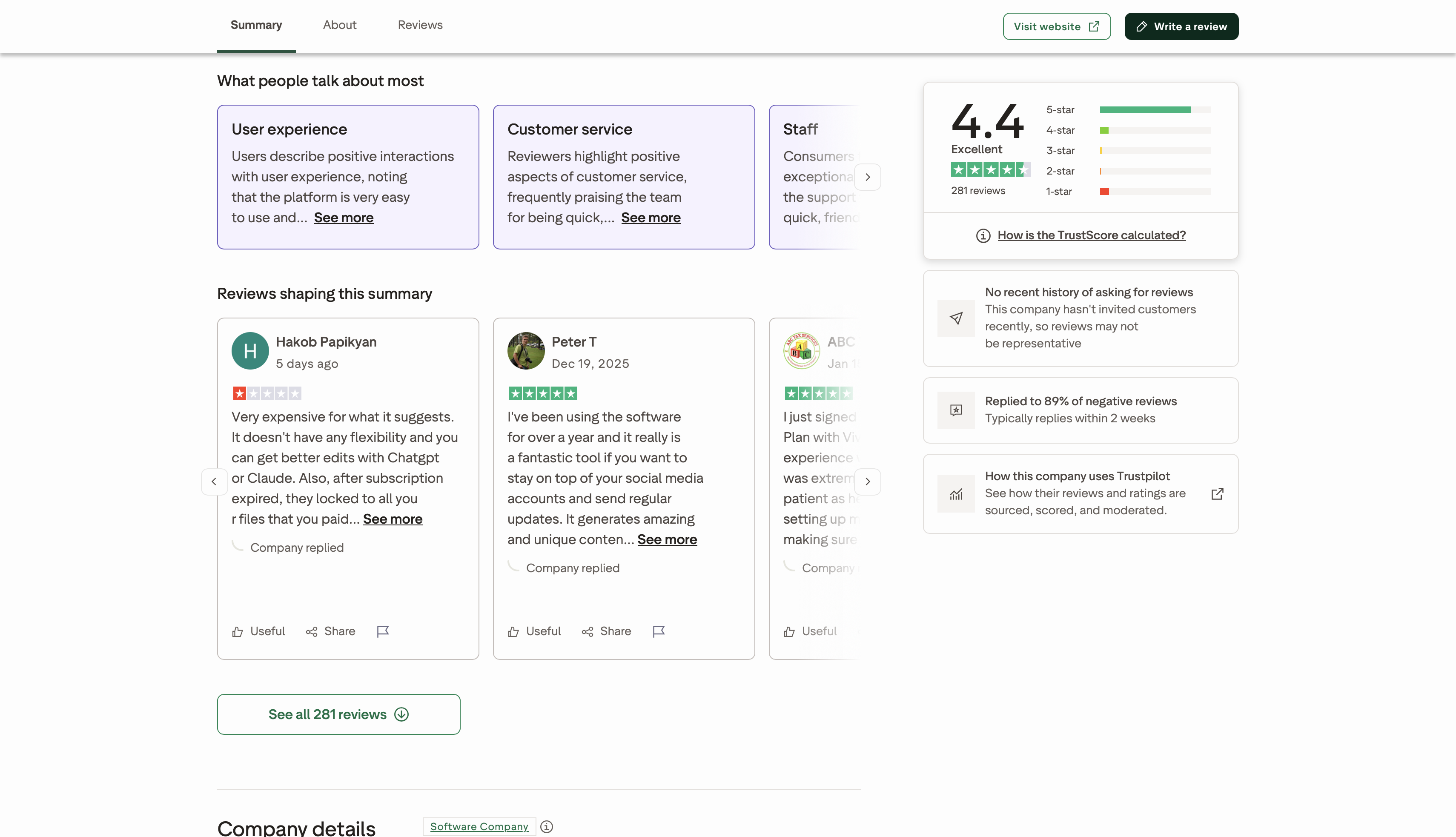
The Trustpilot page showed a 4.4 out of 5 TrustScore from 281 reviews on October 20, 2026, with about 82% of reviews at five stars and about 8% at one star.
-
Ease of use: Most reviewers call the platform intuitive and quick to learn, and several say it cuts the time they spend on content creation and scheduling. A smaller group finds it more complex than expected.
-
Content quality: Many praise the posts, images and videos. Critics say general-purpose AI assistants produce stronger images or edits, and one reviewer reported translation errors and trouble with custom templates.
-
Feature limitations: A steady minority mention missing features a business needs, a buggy interface, Instagram connection problems, and a wish for more auto-posting options.
-
Subscription experience: This draws the sharpest feedback. Reviewers describe being charged before a trial ended, a strict no-refund policy, content locking after a plan lapsed, and video generation using credits too fast.
-
Support: Consistently praised as responsive and friendly.
G2
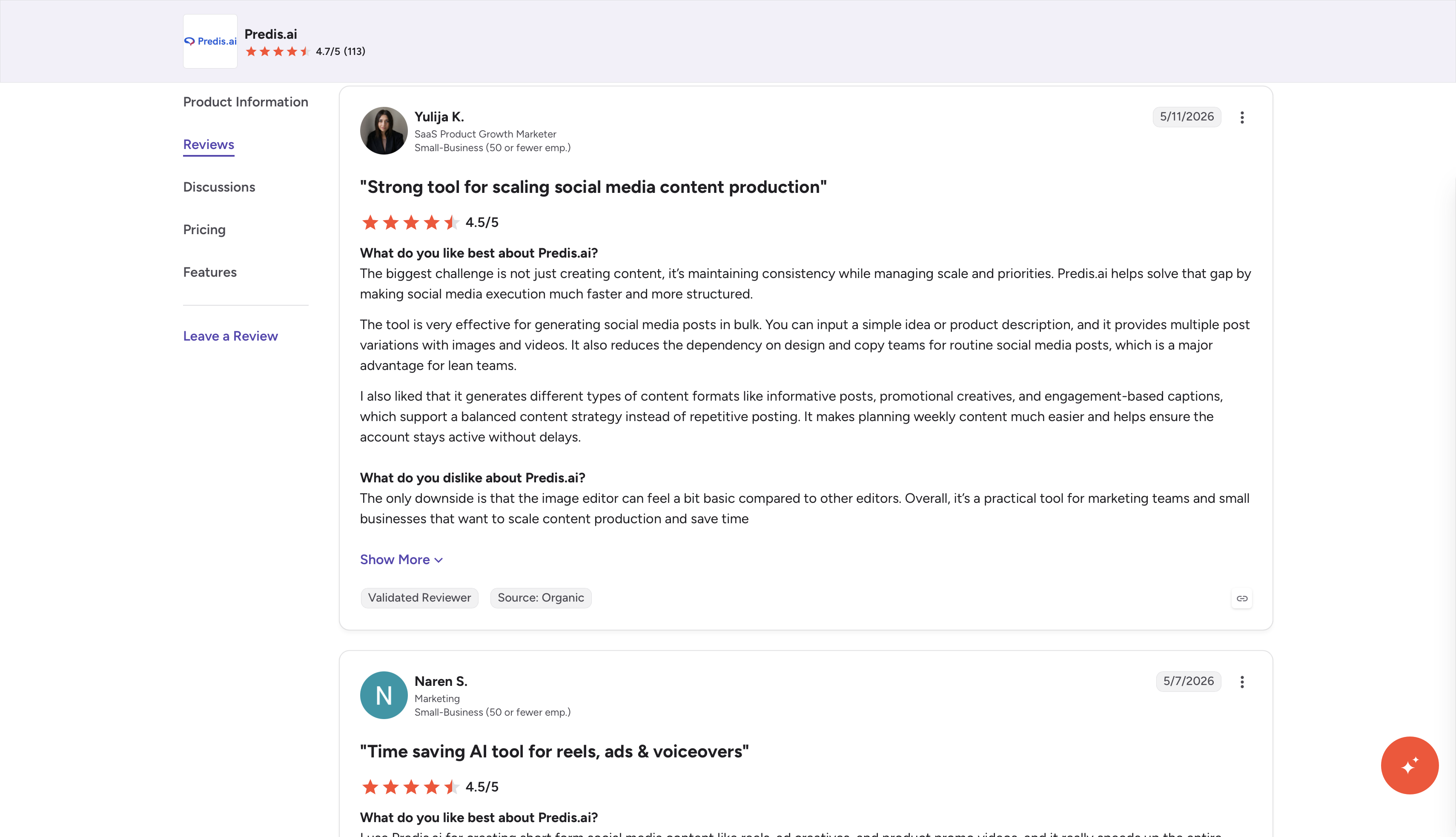
The G2 listing showed a 4.7 out of 5 rating from 113 reviews on October 20, 2026.
-
Ease of use: Reviewers lean positive, with speed, a simple interface for non-designers and time savings on bulk content as the usual highlights. Agencies point to handling several brands and campaigns from one dashboard.
-
Content quality: The verdict is more mixed. Users generally accept AI-generated drafts as a starting point, though video quality is the gap most often named.
-
Feature limitations: Light competitor analysis and credit limits come up most.
-
Subscription experience: Feedback is thinner than on Trustpilot. The listing shows the Core, Rise and Enterprise+ tiers, but reviewers talk about value and workflow more than billing disputes, so read the plan terms yourself before you pay.
Pros and Limitations That Affect Your Workflow
Strengths
-
Faster first drafts than writing and designing from scratch.
-
Multi-brand handling that keeps client accounts separate.
-
A wide format range, from single images to carousels and short video.
Limitations
-
Brand voice needs manual refinement, especially on calls to action.
-
Credits burn quickly on video and repeated regenerations.
-
Competitor insight stays light, and the free tier adds a watermark.
-
There is no full LinkedIn campaign management.
If your main goal is paid-media research, tools built for that purpose go deeper. Predis suits fast, lower-stakes content better than scaled ad testing.
Should You Subscribe to Predis or Skip It?
Subscribe if:
-
You publish social content weekly and need drafts faster than you can write them.
-
You manage several brands and want them in one place.
-
You are comfortable editing copy before it goes live.
-
Your mix leans toward image posts and ad images rather than lots of video.
Skip it if:
-
You need LinkedIn campaign management, targeting or conversion reporting.
-
You expect publish-ready copy with little editing.
-
You plan heavy video output on a small plan.
-
You need deep competitor or paid-media analysis.
The fit in one line: it is worth it for high-volume social drafting with an editing pass, and not for polished copy or full ad-platform management.

Create and Refine Social Media Visuals With Designkit
Readers weighing this tool are usually solving a wider problem: getting cohesive messages and visuals out the door. Designkit is an AI design agent built for ecommerce, and it follows the workflow a campaign actually takes: understand the product and the goal, generate layouts, write copy, produce multi-size creatives, then scale variations for each channel.
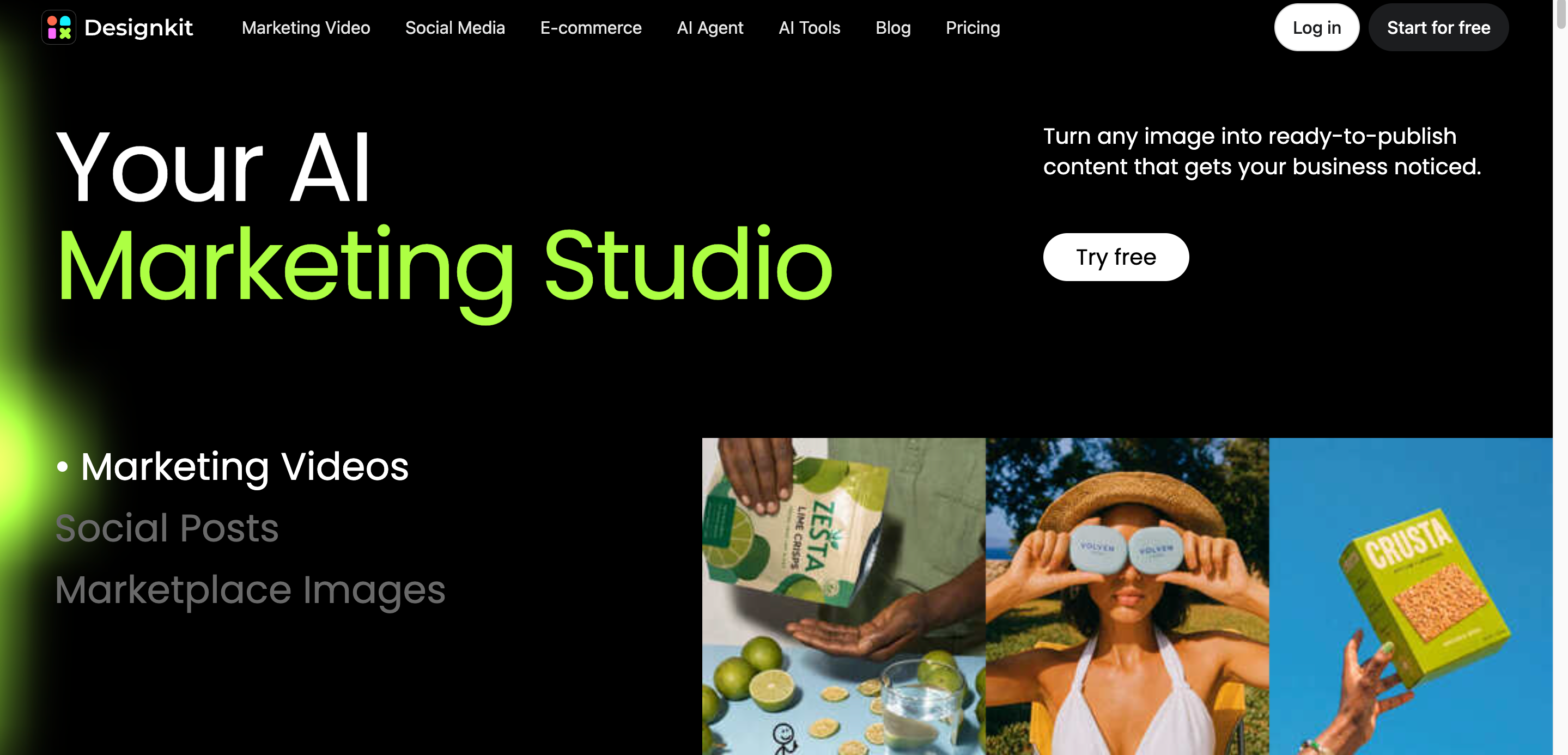
Mapped against the features above, the overlap looks like this. For social posts, an AI social media poster generator builds post visuals from a brief. For ad creatives and short videos, Designkit offers product video and video ad tools. Multi-size output covers the resizing step that placements demand. Scheduling and competitor tracking are not what it is built for, so you pair it with a scheduler if you need one.
How to Create Marketing Visuals With Designkit
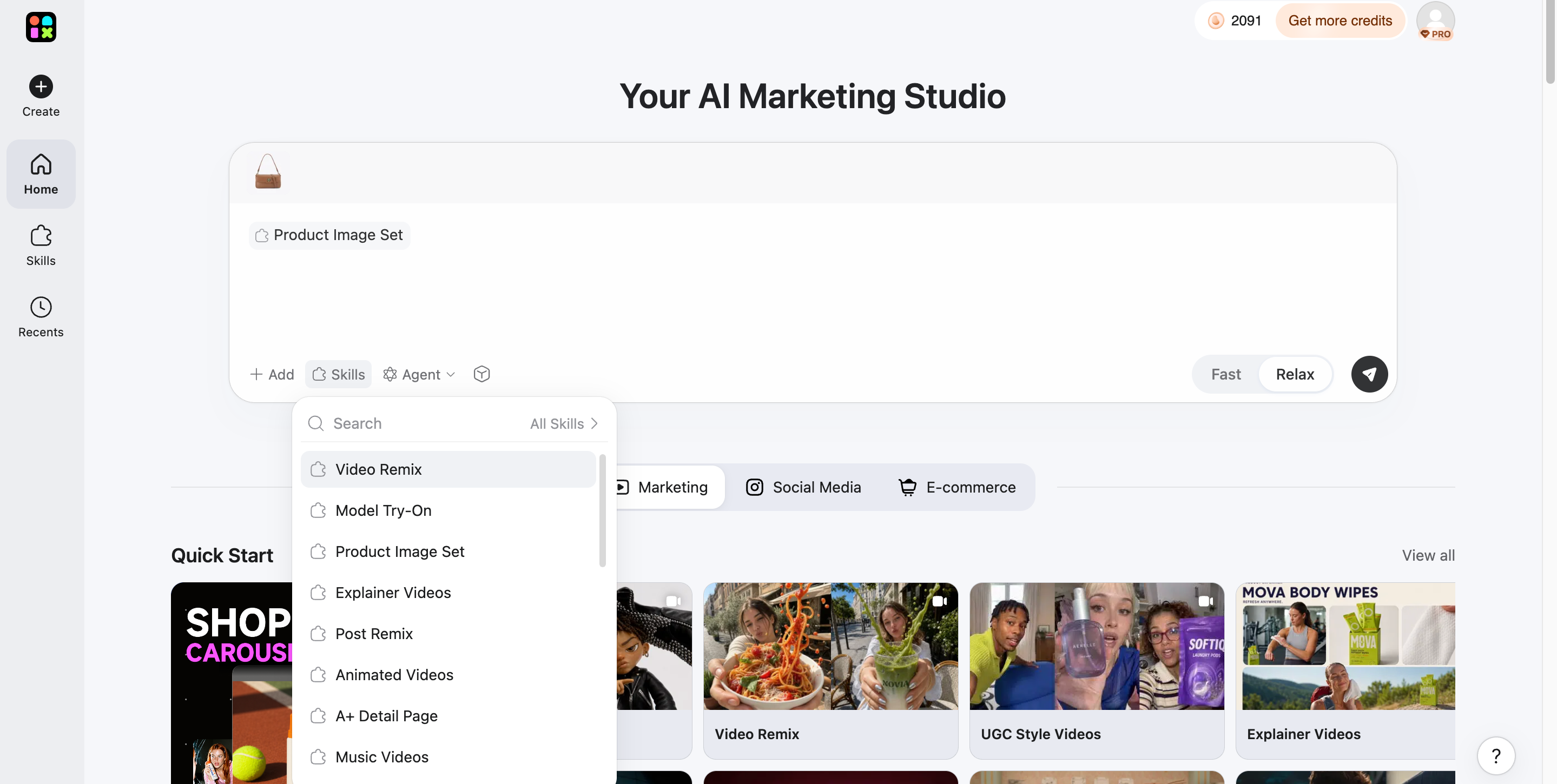
Step 1: Upload Your Product Images
Open the main dashboard and upload a clean product photo, such as a flat lay or a white-background shot. Designkit analyzes the image, isolates your item, and picks up key details like shape and branding. You end up with a clean, transparent base, so the visuals use your actual product.
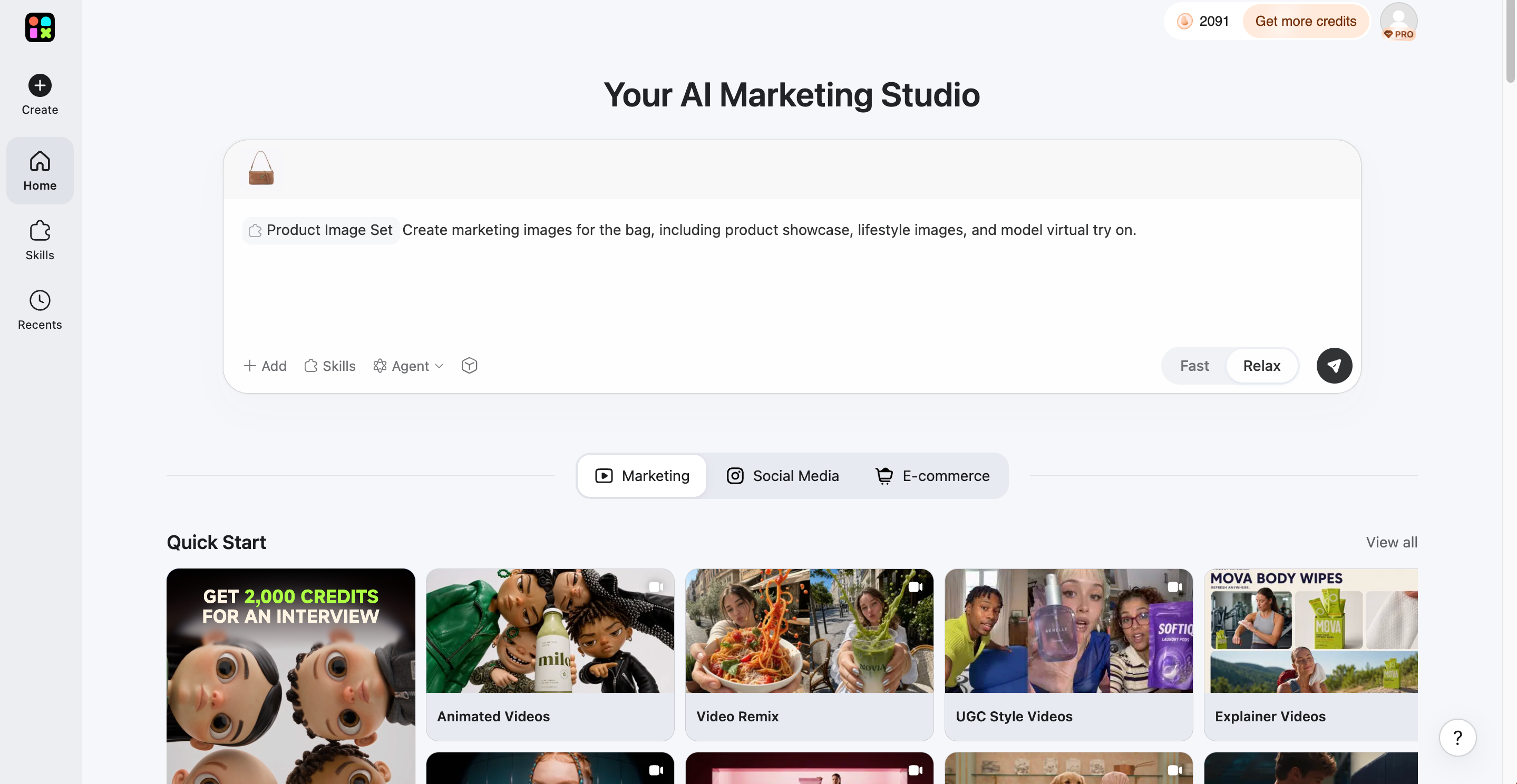
Step 2: Generate Your Marketing Assets
Decide what you need, such as lifestyle scenes or a marketing video. Type your campaign vibe and selling points into the prompt field, select your media type, and click Send. Designkit returns a batch of visuals with your product placed into each one.
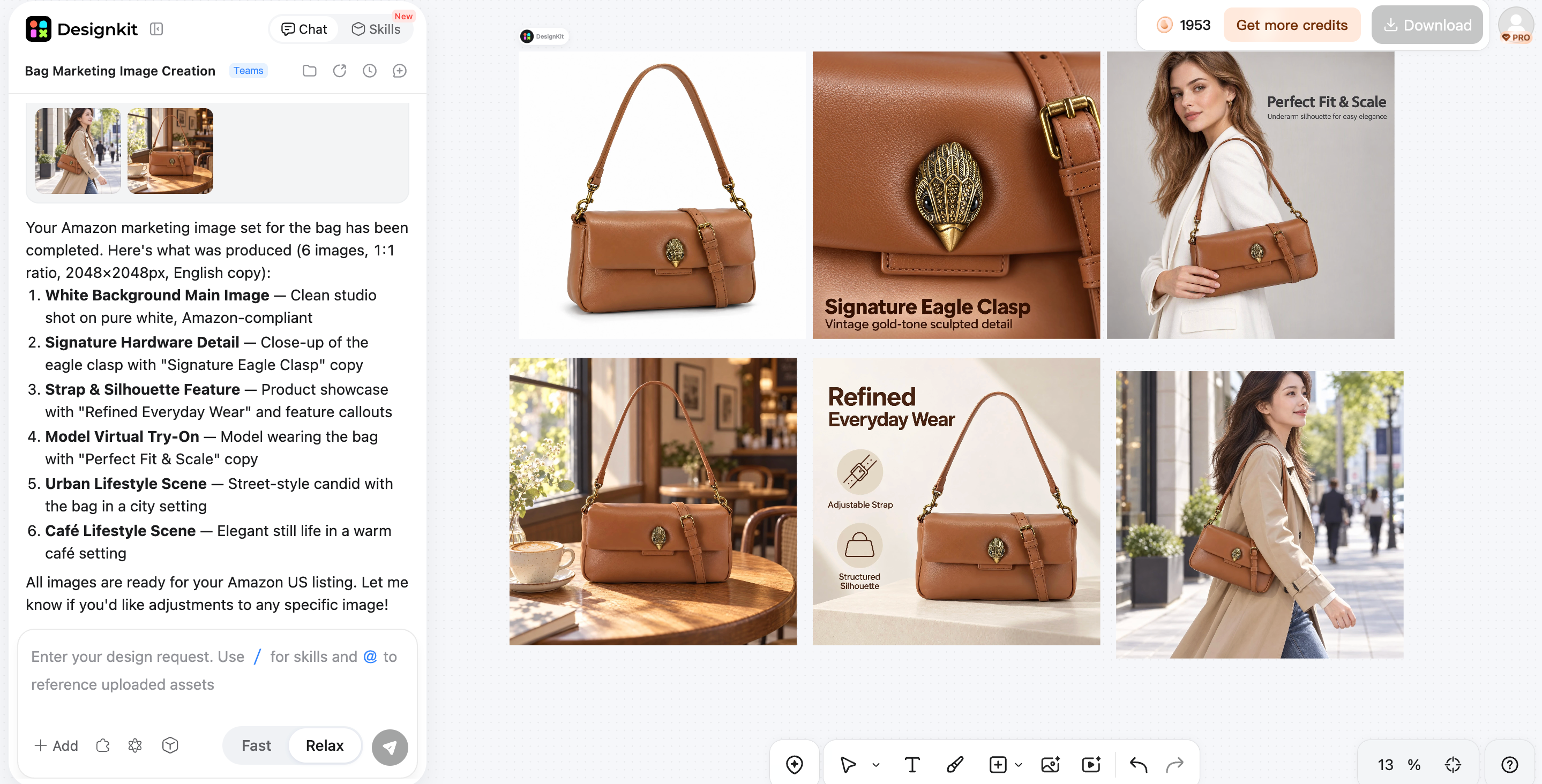
Step 3: Export for Every Sales Channel
Preview the results in the interface. When you are happy, select the layouts you need for each platform, then click the "Download" button at the top right. You get files sized for your store, marketplace and ad placements.
Predis.ai vs. Designkit: Which is Worth Your Workflow
The two tools solve different halves of the same job. Predis starts from a content idea and carries it through to scheduling, while Designkit starts from a product or visual and focuses on producing and refining the creative itself. The table below compares them on the points that decide a workflow: focus, starting input, how content moves from draft to publish, and the team each suits best.
|
Consideration |
Predis.ai |
Designkit |
|---|---|---|
|
Main focus |
Social content creation, publishing, and related workflows |
AI-powered visual creation and image refinement |
|
Starting point |
Content prompts, product details, or social content ideas |
Visual prompts or existing images, depending on the tool |
|
Content workflow |
Generation connected with social media management features |
Visual creation and refinement |
|
Best fit to evaluate |
Teams producing and scheduling social content regularly |
Teams focused on marketing visuals and ecommerce imagery |
If your priority is visuals that start from a real product photo, an AI image generator that works from your own images is the more direct route.
Final Thoughts
Whether Predis is right for you comes down to three checks: output quality, the editing time each post needs, and your publishing volume. Run the trial with real briefs, count the credits, and compare the result with the weekly time you want back. If you also need coordinated visuals and video built from your own product images, Designkit is a strong alternative to try alongside it, and its AI video generator is a good place to start for multi-size sets and consistent variations.
Frequently Asked Questions
What Is Predis Used For?
Can the Predis AI Social Media Post Generator Create Carousels?
Yes. You choose the carousel format when you set up a post, and the generator builds multi-slide content from your brief. Check slide text length and font consistency before publishing.
Does Predis Support LinkedIn Ads?
It creates LinkedIn-ready posts and ad creatives, but it does not manage campaigns, targeting or reporting. Designkit can help you produce visuals in the right LinkedIn image size for that placement, while the campaign itself runs in LinkedIn's tools.
How Much Does Predis Cost?
Plans start at $19 a month on annual Core billing or $32 month to month. Rise costs $40 a month billed yearly or $79 monthly, and Enterprise+ costs $212 a month billed yearly or $249 monthly. Credits, brands and channels increase with each tier.
Does Predis Offer a Free Trial?
Yes, there is a short trial that asks for a card, plus a limited free tier with a watermark. Set a reminder so you can cancel before billing starts.
Can You Edit Predis's AI-Generated Captions and Visuals?
You can, and you should. The built-in editor handles captions, hashtags and layout tweaks, and Designkit is useful when a visual needs deeper refinement from the original product image.
Is Predis Suitable for Ecommerce Businesses and Marketing Agencies?
Yes for both. Stores can connect product data, and agencies benefit from multi-brand plans. Ecommerce teams that need listing-ready images and multi-size ad sets can add Designkit, which is built for that workflow.
You May Also Like

Predis.ai Review 2026: Pricing, Features & Who It’s For

AdCreative.ai Review: Pricing, Pros, Cons & Alternatives

5 Best PicCopilot Alternatives for Sellers (2026)
Best AI Ad Generators in 2026: Tools for Creating Better Ads

T-Shirt Design Size Guide: Placement, Dimensions, & DPI

How to Sell on Poshmark: A Complete Beginner's Guide
Zeely Reviews 2026: Features, Pricing, Pros, Cons & Alternatives
Create TikTok Ads From One Photo: An AI Product Launch Kit
Depop vs Poshmark: Which Is Better for Selling in 2026?
How to Create an Amazon Storefront: 4-Step Guide for New Sellers

How to Sell Books on Amazon in 2026: Beginner Guide

How to Sell on Amazon in 2026: A Complete Seller Guide

AI Product Photography: 7 Best Tools for Ecommerce in 2026

What Is a Hero Image? Definition, Examples & Design Tips
Pippit AI Review 2026: Features, Pricing, Pros & Cons
Back to School Ad: 7 Creative Ideas for Better Campaign Results

Top 7 Back-to-School Sales Ideas to Boost Retail Sales (2026)

How to Create a Complete World Cup Product Listing Image Set

How to Create Amazon Summer Sale Posters and Banners with AI
Amazon Summer Sale 2026: Listing Design Trends & Product Image Ideas
Ecommerce Video Ads: 7 Strategies That Drive Higher Conversions
How to Photograph Shoes for Your Ecommerce Store in 2026

Product Photography Ideas: Creative Tips & Techniques for Better Shots

Product Photography Pricing 2026: Full Cost Guide by Type
White Background Product Photography Guide & Tips 2026
Product Photography Starter Package: Gear Checklist 2026
Shopify Product Photography Guide with Tips & Setup
Amazon Main Image Requirements: Size, Guidelines & Tips

Shopify Product Image Size: Dimensions, Ratios & Best Practices

Studio Product Photography vs AI Product Photography in 2026

7 Product Photography Mistakes That Hurt Ecommerce Sales
Change Outfit Colors Online for Outfit Preview with AI Clothes Color Changer
How to Create Amazon Infographics: Boost Sales with Compelling Visuals

How to Create Outdoor Product Scenes Without a Photoshoot Using AI
Optimize Etsy Images for Mobile: Listing Photos That Convert
Amazon 7-Image Listing Strategy: Boost Sales by Optimizing Every Image
Etsy Thumbnail Optimization: Keep Your Product Fully Visible
The Etsy Thumbnail Formula That Drives More Clicks and Sales
How to Create Pro Amazon Listing Photos Without a Studio

10 High-Converting Lifestyle Product Images for Amazon Listings
How to Automate Your E-commerce Visuals with OpenClaw Workflow

Top 5 AI Tools to Generate Amazon Product Listing Images in 2026

How to Turn One Photo into 10 Etsy Listing Images Fast: Batch Workflow
Etsy Listing Photo Size Guide (2026): Mobile, Desktop & Shop View Specs

Turn White Background Images into Lifestyle Amazon Listings

Fix Etsy Image Cropping: Optimize Listing Photos for Every Device
Amazon Listing Images: Essential Shot List & Optimization Guide

How to Create Lifestyle Product Images Without a Studio
Lifestyle Product Photography Trends 2026: Authentic Looks at Scale
How to Master Lifestyle Product Photography in 2026

Amazon Listing Images Guide 2026: 7-Slot Strategy & Requirements
360 Product Photography Guide 2026: Setup, Shoot and Workflow
Beginner's Guide to Generate Product Photos from Different Angles
AI Product Photography: Create Ecommerce Images Without a Photoshoot

How to Create Realistic AI Product Photos: Step-by-Step Pro Guide
Keep AI Product Images Consistent Across SKUs: Lighting, Color, Background

How to Scale E-commerce with a Product Image Generator

How to Use AI for Spring Product Photography: 2026 Amazon Guide

How to Create a Budget Home Product Photography Setup with AI

How to Achieve Professional Product Photography Standards in 2026

How to Take Product Photos with Phone: Pro Guide for Amazon & AI

6 Best AI Product Image Generators in 2026
Amazon Photography Service vs. AI Generator: Best Choice for Sales
What Is Product Photography? Angles, Lighting & Editing Guide
Amazon Spring Sale 2026: Create High-Converting Listing Images (Guide)

AI Agents Transform Amazon Product Photography in 2026
Amazon Photoshoot in 2026: Do You Still Need a Studio?
11 Must-Have Tools for Amazon Product Photography in 2026
2026 Amazon Image Trends Shaping Seller Success and Conversions
Amazon Product Photography Requirements & Best Practices 2026
Create More Flexible Ecommerce Visuals
Turn product ideas into polished images and campaign assets with Designkit. Start creating today.