
Create Amazon-Ready Product Photos with AI
Generate a complete Amazon product image set from one prompt. Get compliant main images, lifestyle scenes, and detail shots with no studio production.
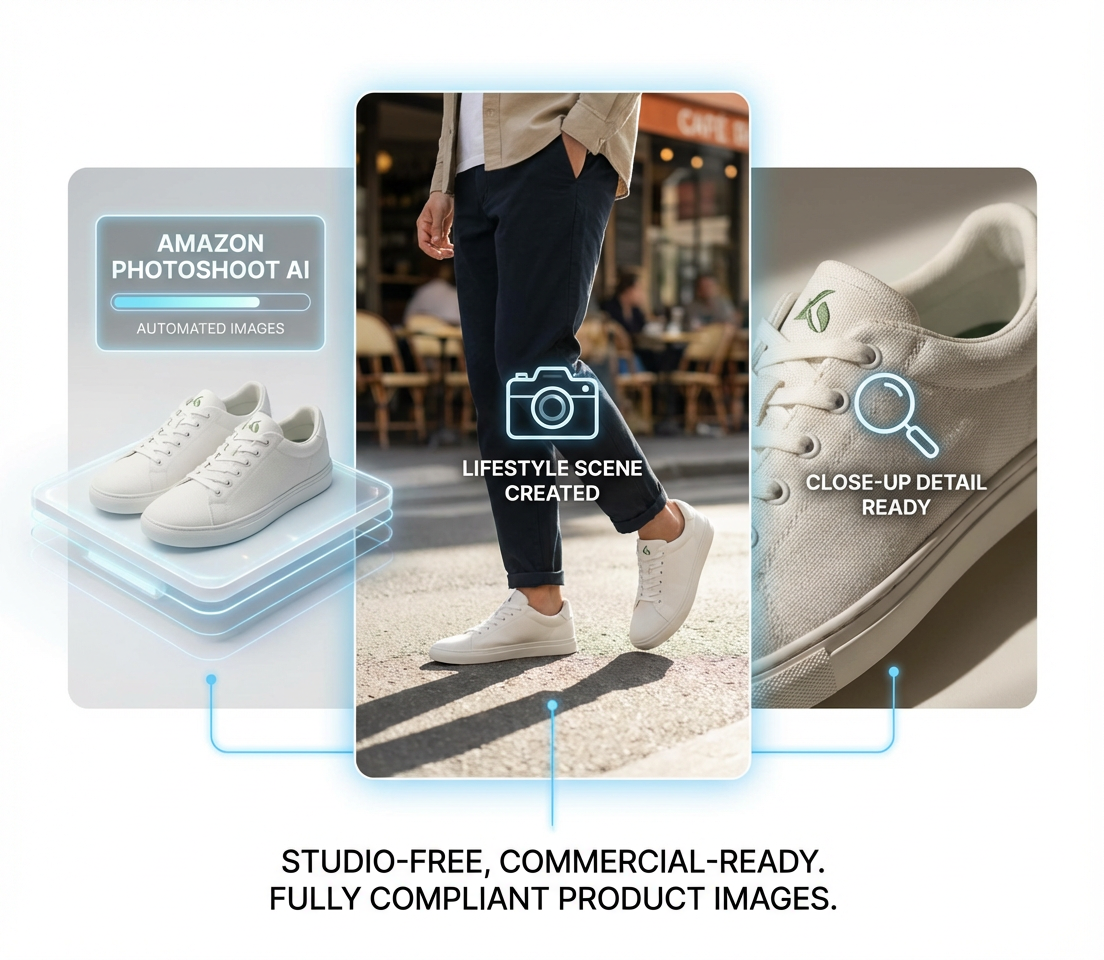
How to Create Amazon Product Images with Designkit
Upload Your Product and References
Upload your product photos or reference images. Designkit understands product structure, materials, and visual context automatically.
Describe the Images You Want
Tell the AI in one sentence what you want to create. The Designkit AI Agent plans image layout, scene composition, and Amazon compliance before generation.
Download Amazon-Ready Images
Get fully compliant Amazon product images instantly, including main images, lifestyle scenes, and detail visuals.
AI Capabilities for Amazon Product Photoshoots
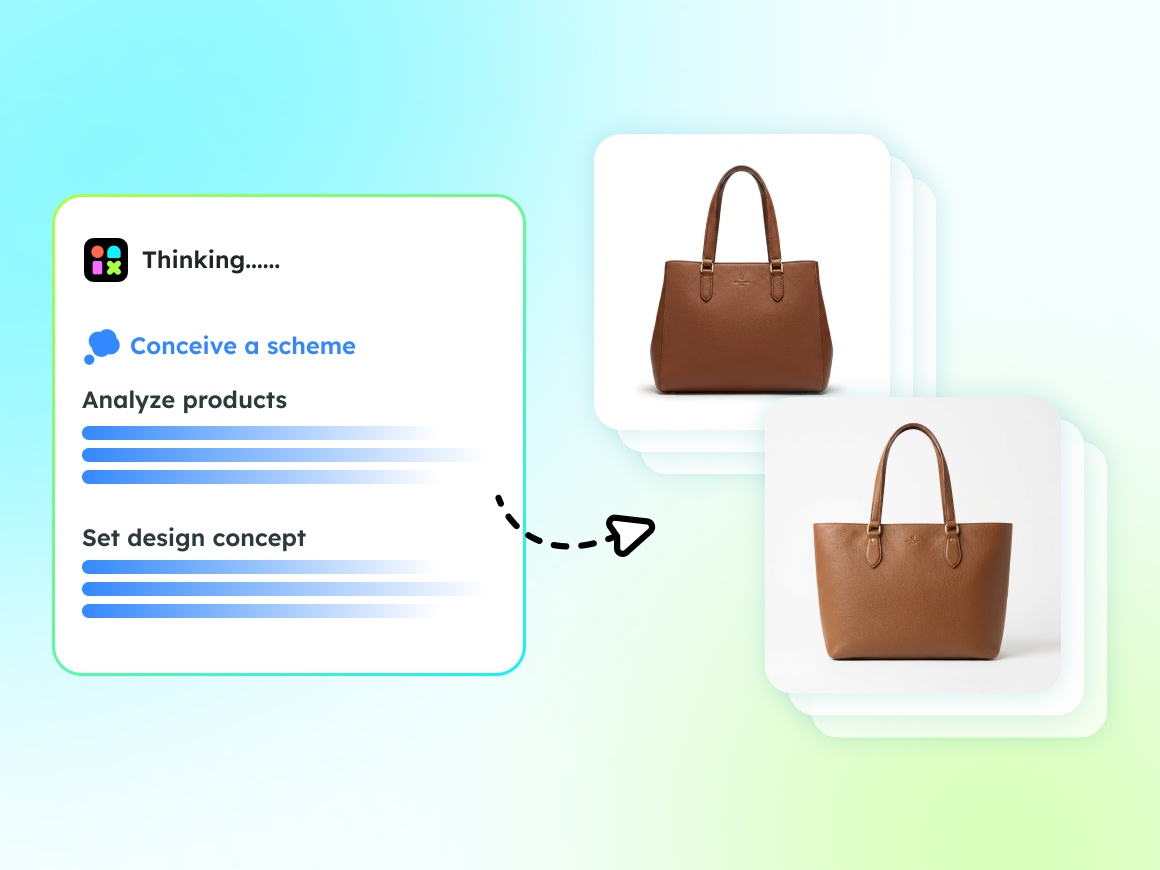
Amazon-Compliant Main Images
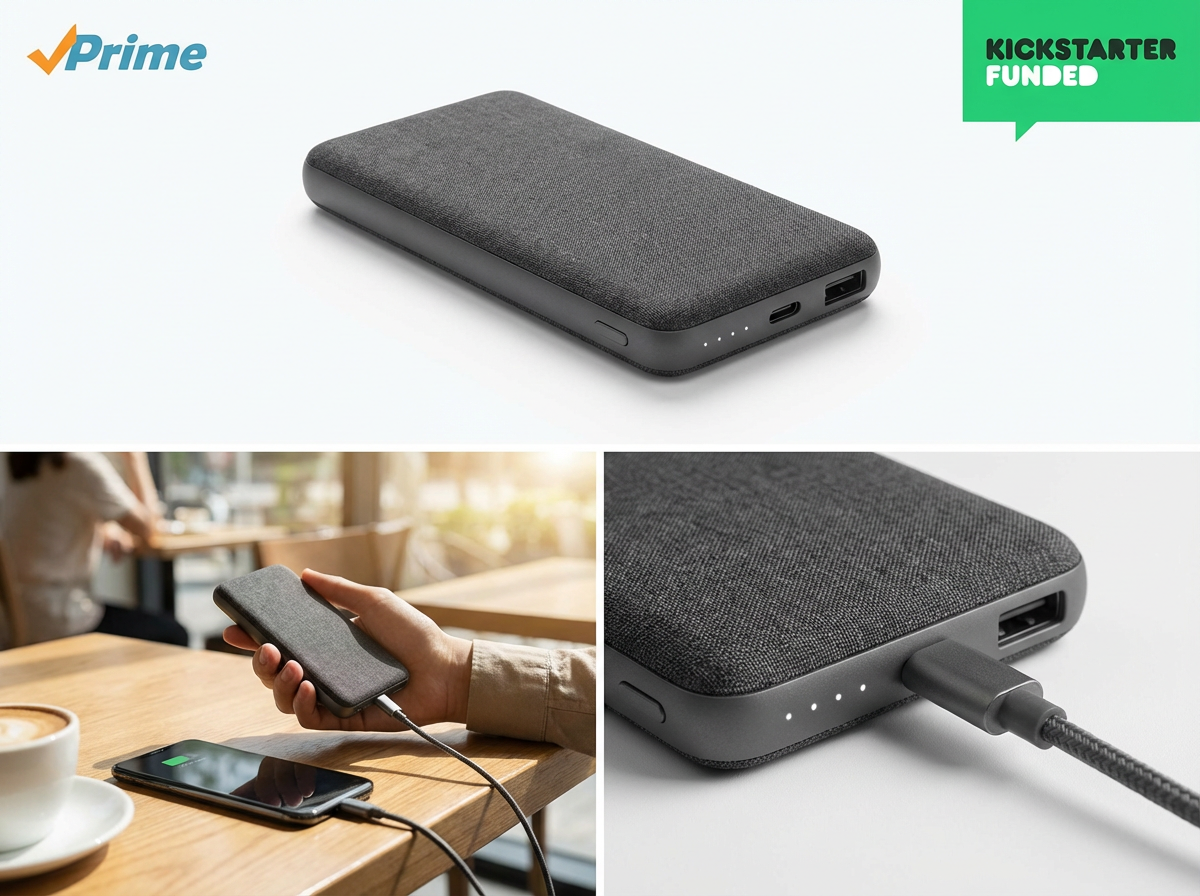
Amazon main image requirements call for a pure white background, correct aspect ratio, and product-first framing. Designkit generates Amazon-compliant main images from your upload, applying crop and background rules automatically so listings face fewer rejection risks.
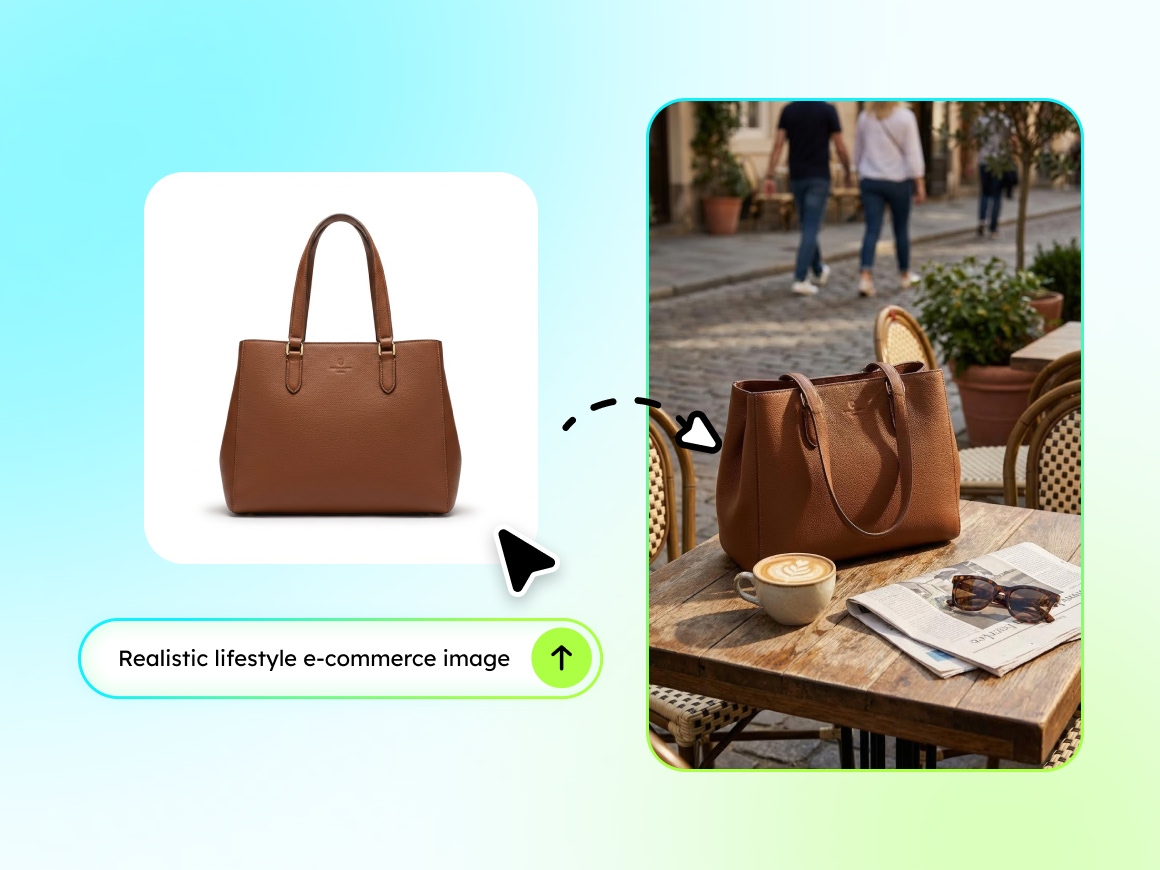
Lifestyle Product Images That Convert
Amazon lifestyle images convert better when shoppers see the product in use, not only on white. Designkit builds realistic in-use scenes from your product photo without hiring models or building sets, ready for secondary slots and A+ modules.
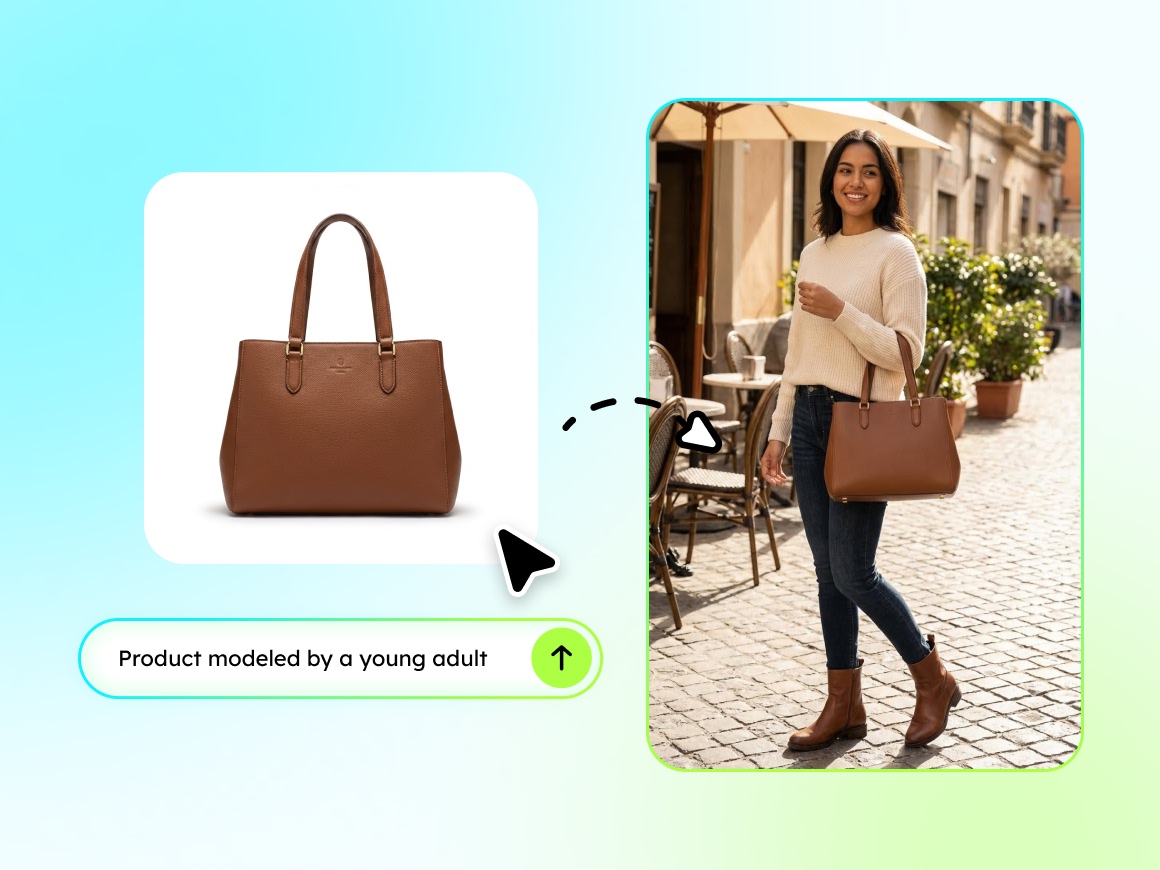
AI Models, No Photoshoot Required
US, EU, and JP shoppers respond to different model looks, poses, and styling. Designkit matches ethnicity, pose, and style to each marketplace from the same product file, so Amazon FBA product images can localize without separate casts or reshoots.
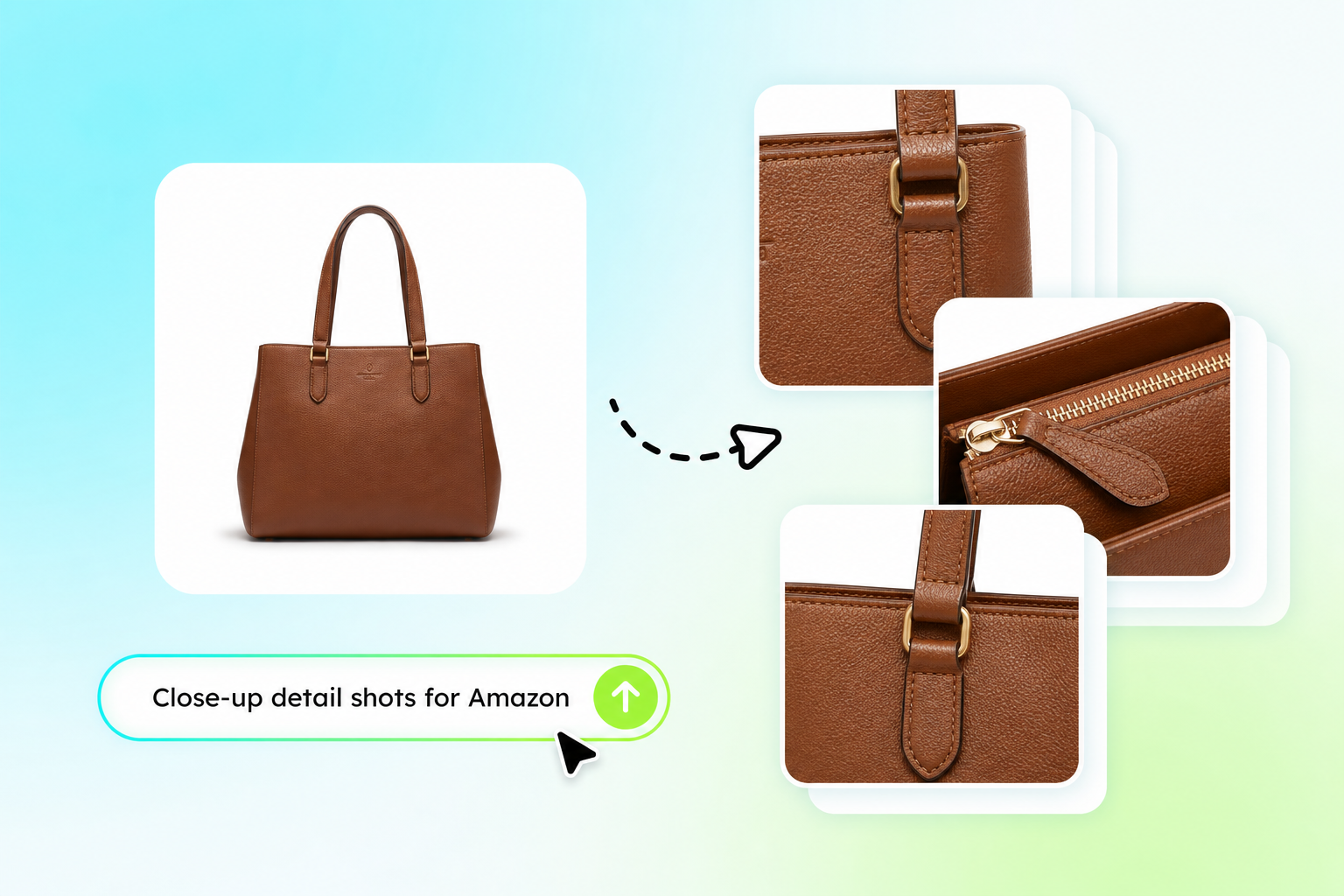
Produce Detail Shots for Secondary Listing Slots
Amazon listing images need more than a hero shot: close-ups, materials, and feature callouts fill the remaining slots. Designkit generates those detail visuals from the same upload used for main and lifestyle frames, completing the set in one pass.
Why AI Photoshoot Replaces the Studio

Reduce Photoshoot Costs
Generate polished product images with fewer studio, model, prop, and retouching expenses, especially when testing new listings or updating existing ones.

Launch Product Images Faster
Turn existing product photos into updated Amazon listing images without arranging another shoot, making launches and listing revisions easier to manage.

Adapt Images for Each Market
Adjust models, settings, and visual styles to fit different audiences or Amazon marketplaces while keeping the original product presentation clear.

Amazon Compliance
Control the background, product placement, framing, and image ratio to create cleaner visuals that better support Amazon image compliance.

Build a Complete Image Set
Generate Amazon product images for the full listing, from clear main visuals to supporting detail shots, within one connected AI product photography workflow.

Scale Across More SKUs
Apply a consistent image style across more SKUs, so growing FBA catalogs can expand without rebuilding the photoshoot process for each product.
Who Uses Designkit Amazon Photoshoot
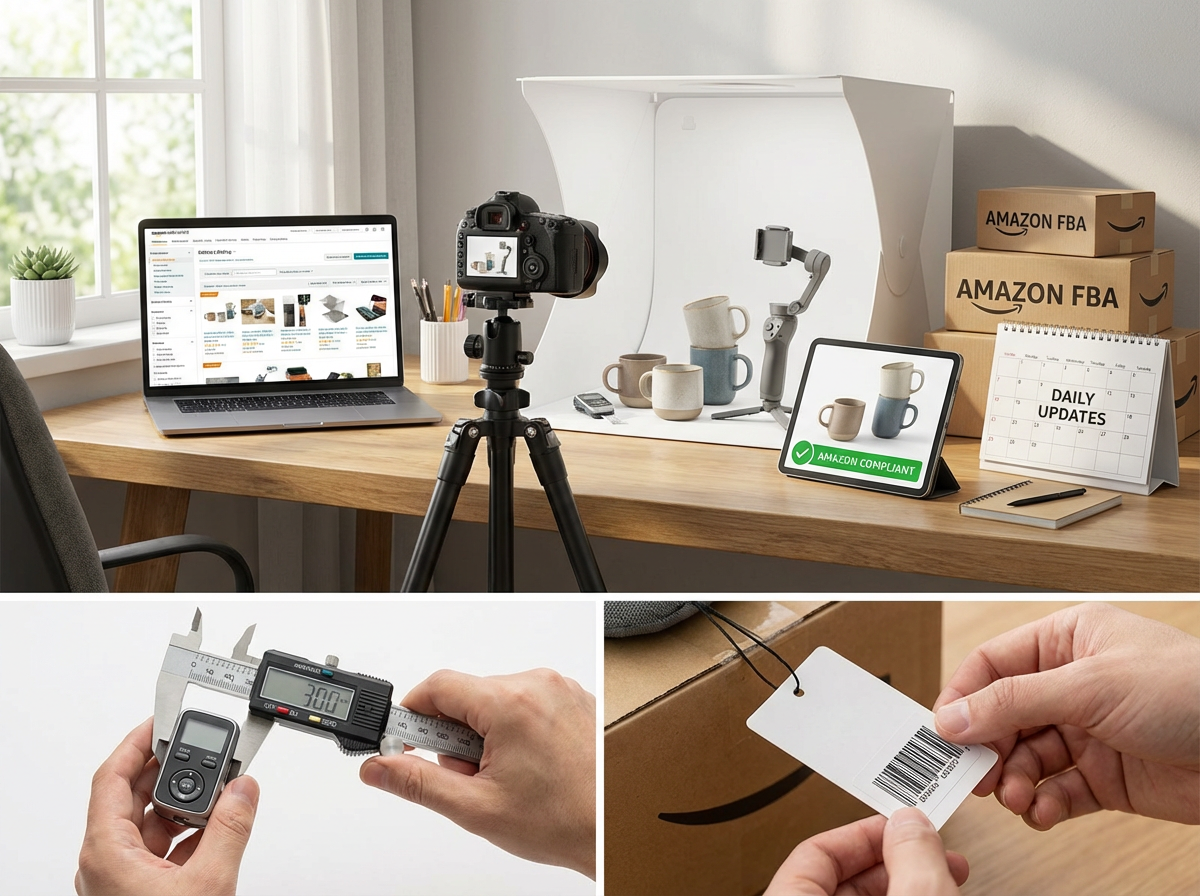
Fast, Compliant Product Images for Daily Listing Operations
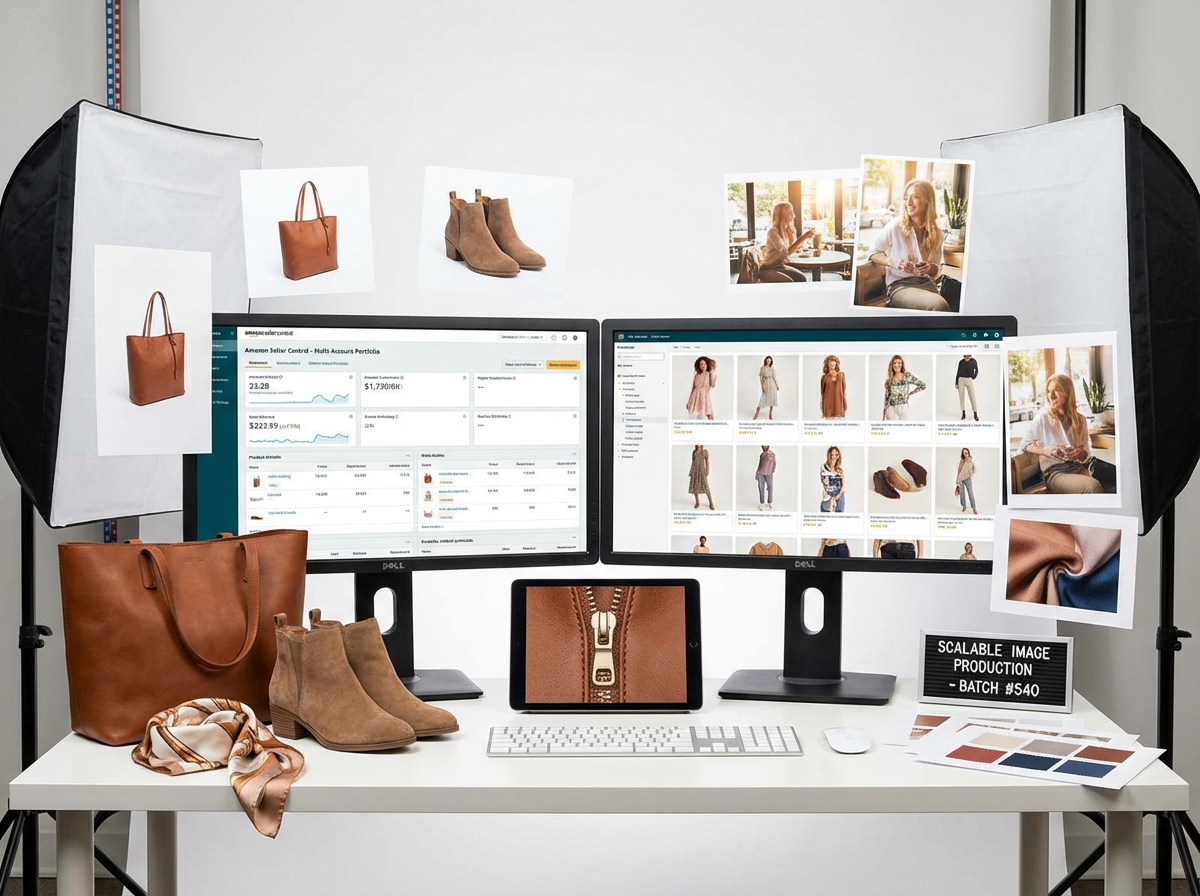
Amazon FBA sellers use Designkit to create main images, lifestyle scenes, and detail visuals that meet Amazon image requirements. The AI Agent helps sellers respond quickly to listing updates, policy changes, and promotional events without waiting for new photoshoots.
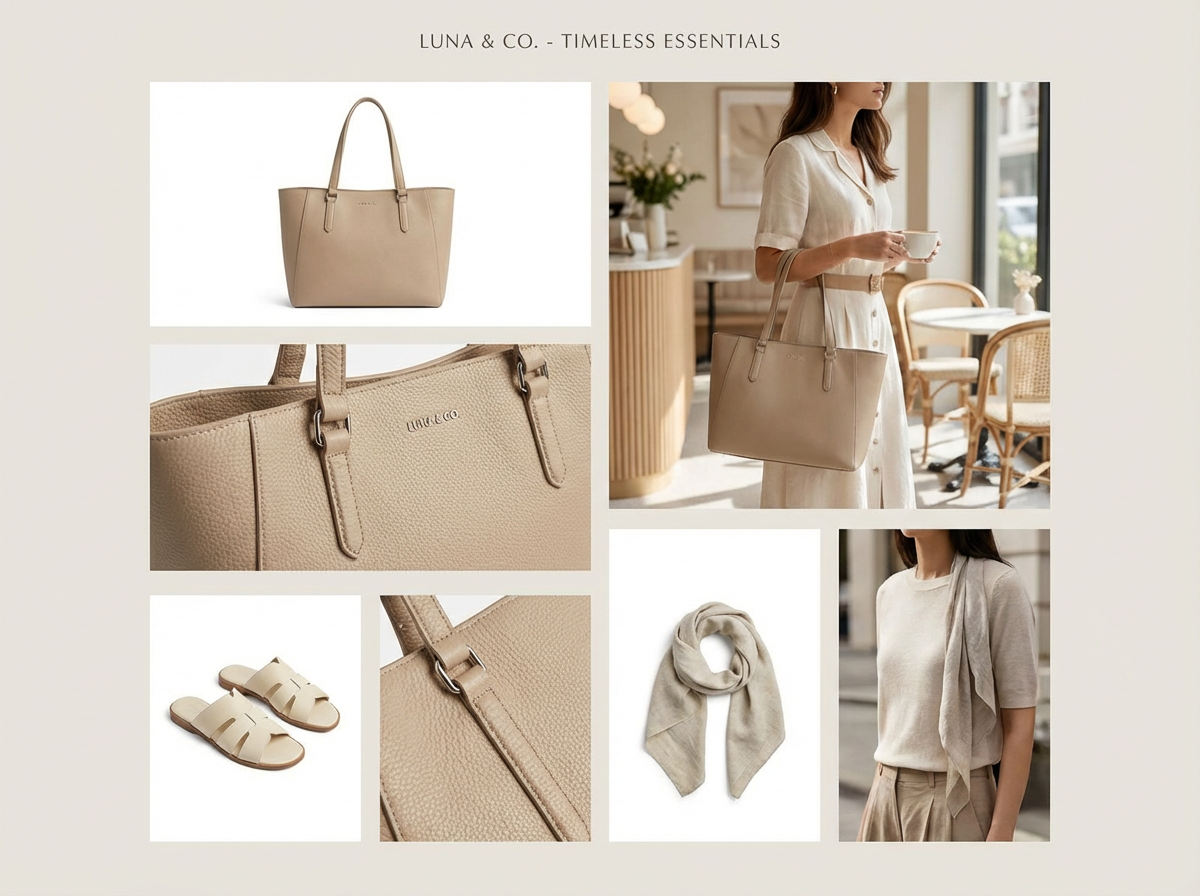
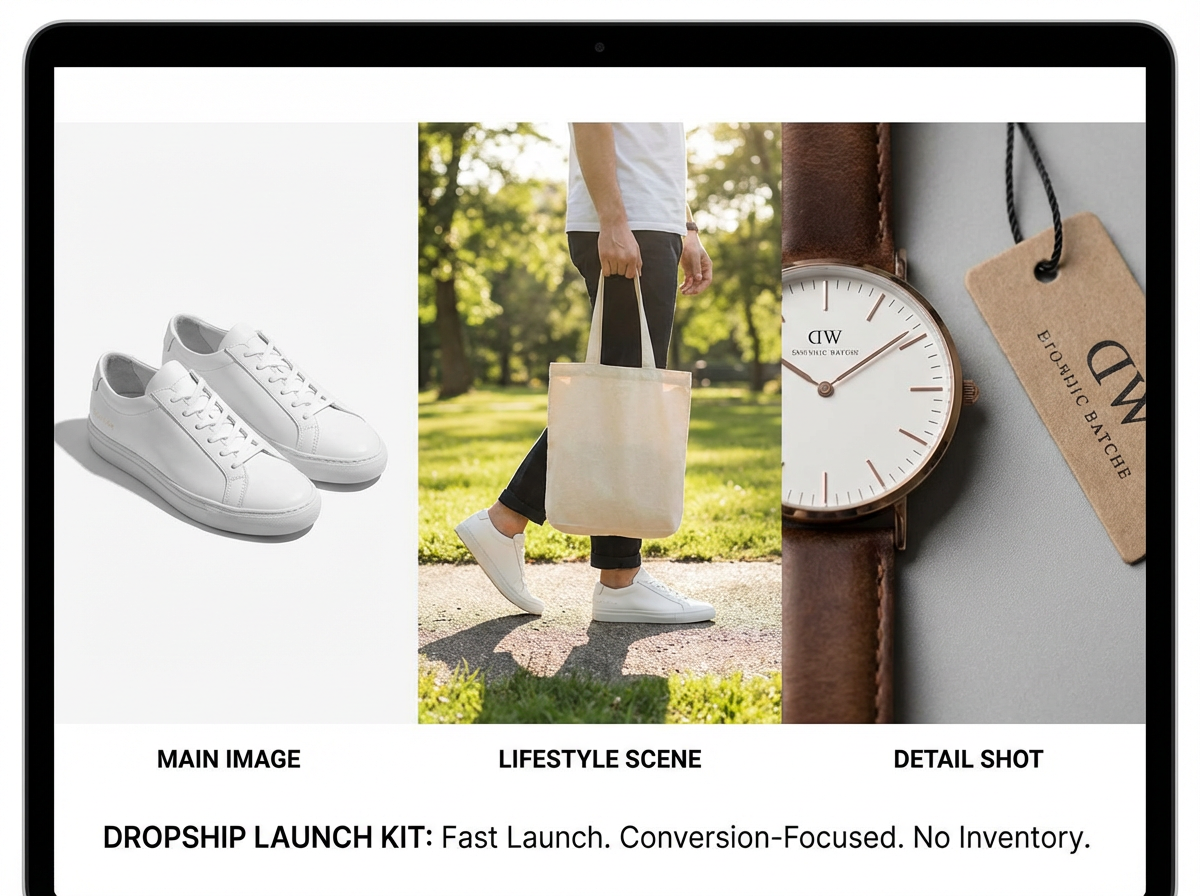
More Tools for Amazon Product Images
Frequently Asked Questions
How does Amazon photoshoot AI work?
Can I create Amazon product images without a studio?
Yes. Designkit supports a studio-free Amazon photoshoot, reducing the need for physical sets, models, and repeated product shoots.
How does Designkit support Amazon main image requirements?
Designkit helps create product-focused images with clean backgrounds and clear framing. Review each result against the latest rules for your category and marketplace before publishing.
Can I generate Amazon lifestyle images with AI?
Yes. You can place the product in relevant settings to create Amazon lifestyle images that show its appearance, scale, and intended use more clearly.
Can I create Amazon FBA product images for multiple SKUs?
Yes. Generate Amazon listing images for multiple products while keeping the lighting, composition, and overall presentation consistent across your catalog.
Does an AI Amazon photoshoot guarantee Amazon image compliance?
No tool can guarantee listing approval. Designkit helps prepare images around common Amazon image compliance rules, but sellers should check every image before uploading.
Will AI product photography change the appearance of my product?
Designkit keeps the uploaded product as the visual reference, but sellers should still review colors, proportions, packaging, and small details before using the images in an Amazon listing.
Ready to Create Your Amazon Photoshoot Without the Studio
Generate Amazon-compliant product images in minutes. No photographers. No models. No retouching.



What Amazon Sellers Say About Designkit
See how teams use Designkit to create and refine Amazon product images.
Product Details Stay True to the Original
Designkit gave us much better control over product accuracy than I expected from an AI workflow. The packaging shape, surface finish, and printed details stayed close to our source photo, so I spent less time correcting misleading visuals. I still review every output, but the Amazon product images now feel grounded in the actual item instead of looking like a generic AI concept.
More Room to Refine Creative Direction
Changing the creative direction is straightforward. I can rewrite one sentence, compare the new results, and narrow the concept before sending anything to our listing team. That makes Amazon photoshoot AI useful during early planning, when we are still deciding how the product should be presented. It gives us room to explore ideas rather than locking into the first version.
A Clear Workflow for Non-Designers
The workflow is easy to understand even for someone who does not use professional editing software. I upload the product reference, explain the visual direction in plain language, and review the generated options. I can prepare stronger Amazon listing images on my own, then involve a designer only when a listing needs more specialized final polish.
Better Use of Existing Product Photos
Designkit helps us get more value from the product photos we already have. A basic supplier image can become a useful starting point for a cleaner Amazon presentation, which is especially helpful before we have a full asset library. The result is not just a filter placed over the original. It creates a new composition while keeping the product reference central.
Clearer Feedback from Clients
For client work, I use Designkit to turn a rough brief into a visual direction that everyone can react to. Clients find it easier to comment on an image than on a written description, so approvals become more specific. The tool does not replace our judgment, but it gives our Amazon agency a clearer starting point and reduces unnecessary rounds caused by unclear expectations.