

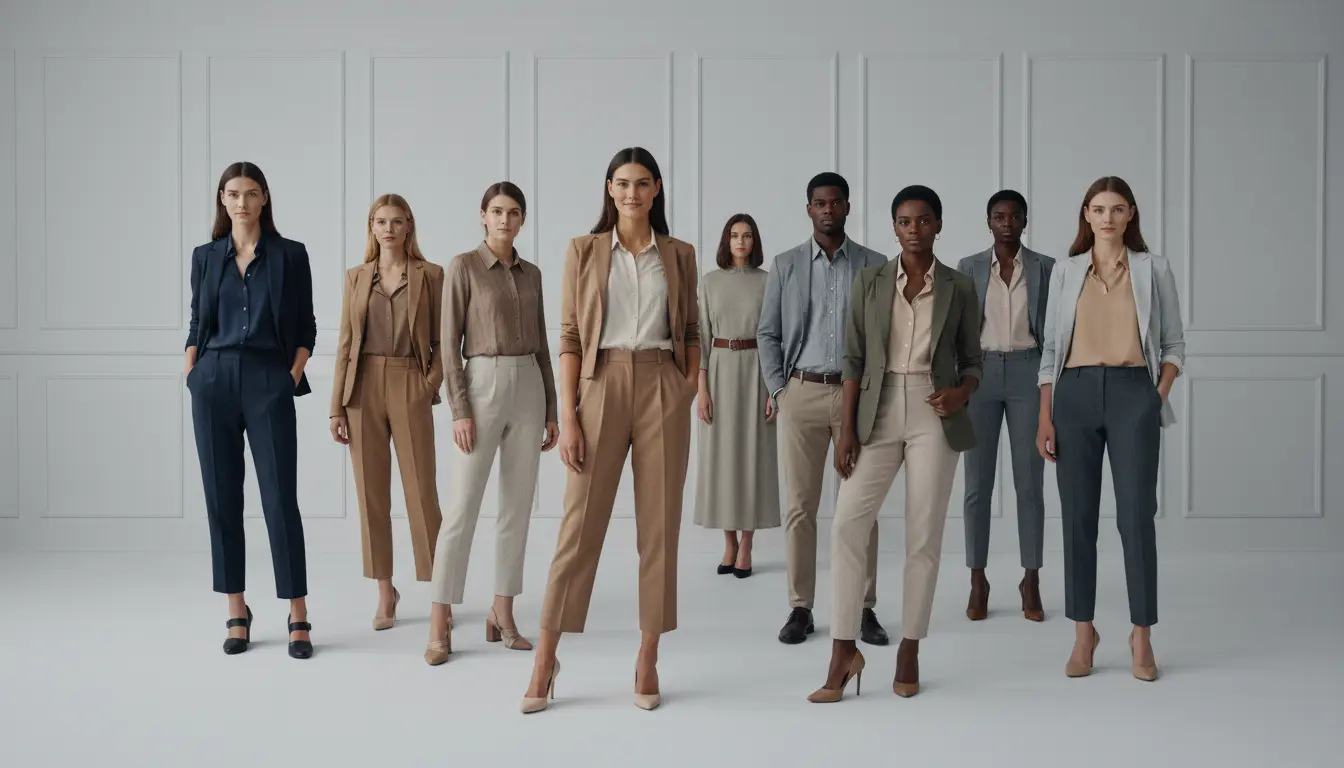
High-SKU fashion brands constantly struggle with one thing: every new fashion collection requires hundreds of images taken of models. Unfortunately, traditional photoshoots are not only slow and pricey but also pose a challenge when it comes to scaling the production. The coordination of models, studios, and editing is simply not able to keep up with the fast-paced e-commerce cycles. That's why an AI clothing model generator completely revolutionizes the game, allowing brands to create consistent and high-quality visuals within hours instead of weeks.
Besides that, tools such as Designkit make the whole process even more efficient by transforming a single clothing image into multiple styled model photos with just one click. So large-scale production becomes a much more manageable task. For this reason, in this guide, you will get a practical batch workflow by which you can generate 100+ AI Outfit model photos in a single day. Let's get started!
Part 1: Why Batch AI Clothing Model Generation Matters for High-SKU Brands
For high-SKU fashion brands, image production is not only a creative task, but it also represents a scaling bottleneck. A single product alone needs several photos of models to be used in product pages, advertisements, marketplace sites, as well as social channels. When you introduce 50, 100, or even 500 SKUs per season, going for traditional photoshoots becomes almost impossible. Over your head are piles of expenses from model hiring, studio rental, styling, and post-production; plus, the timeline drags for weeks. The worst part is that when visuals get delayed, product listing and revenue generation get delayed too.
This is the point where an AI clothing model generator is a must-have, not a choice. Rather than working on image creation as a one-per-one process, AI opens batch production, the conversion of a single garment image into multiple model photos on a large scale. The thing that took days per SKU is now done in minutes, which allows brands to keep up with fast inventory cycles and market demand.
The major benefit is not just the speed; it is the consistency and flexibility. An AI model for clothing allows standardization of lighting, poses, backdrops, and styling of hundreds of images without the variability one gets in traditional shoots. This is how a cohesive storefront experience is created, which is a must for conversion-driven ecommerce brands.
1.1: Why Traditional Product Photography Breaks at Scale
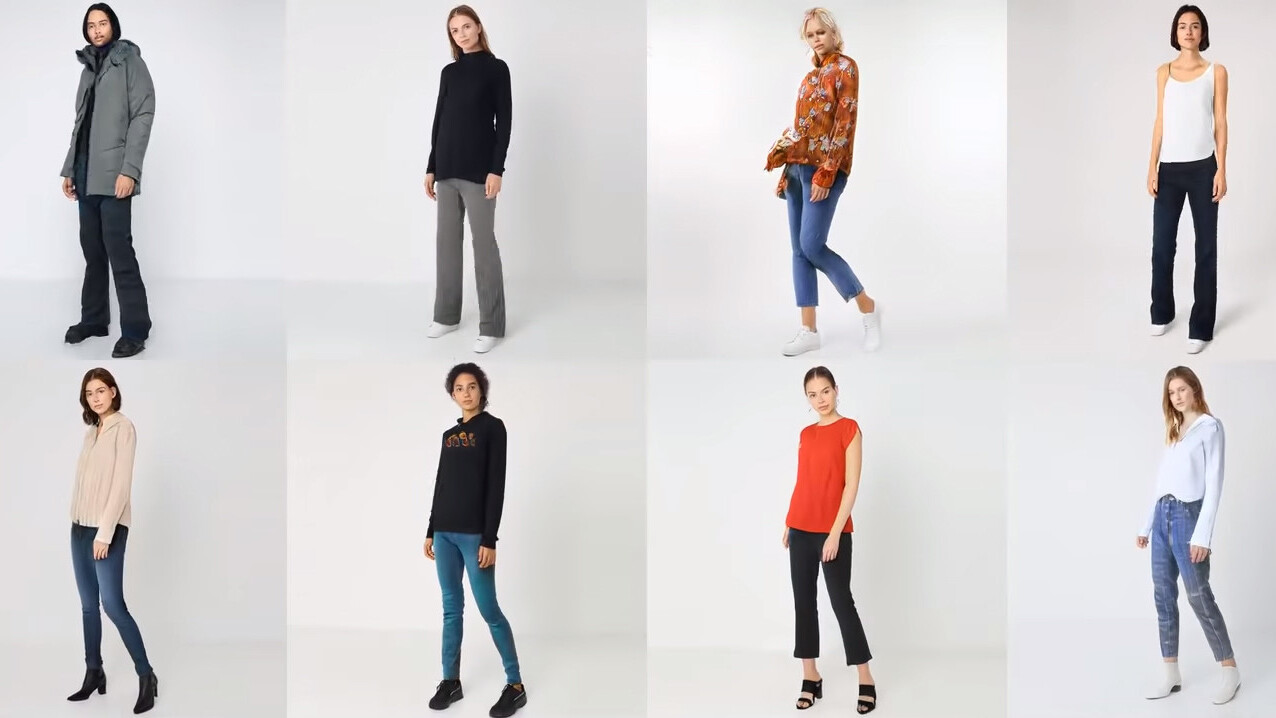
As the number of SKUs grows, traditional product photography becomes very inefficient. Each photo session needs careful planning for models, studios, photographers, and retouching, which is a major roadblock to fast fashion and cross-border sellers.
Besides, when the catalogs get bigger, just scheduling becomes one of the most difficult parts, and costs increase almost linearly with each added product. An AI model for clothing, on the other hand, really shows the depth to which these working methods, heavily dependent on time and resources, cannot be scaled up sufficiently to meet the demands of modern e-commerce.
1.2: How AI Clothing Model Generators Change the Production Model
An AI clothing model generator completely changes this slow, one-by-one way into a scalable, easy-to-repeat system. Instead of doing shoots for one product at a time, the brands can get model pictures that look the same at the touch of a button, using poses, scenes, and model variations as presets. For batch runs, the same templates are used for different SKUs, and parameters such as ethnicity, background, and framing are changed immediately.
This is the point where an AI fashion model generator is most useful, allowing one to process multiple SKUs, work turnaround several times faster, and the cost per image to go down significantly while the visual consistency across the whole catalog is preserved.
Part 2: How to Set Up and Run a Batch AI Clothing Model Workflow
After you decide to use AI powered production, the next move would be setting up a system capable of handling large-scale operations. Correct batch workflow implementation using an AI clothing model generator doesn't only refer to generating images, it involves arranging your input properly, specifying constant visual rules, and readying your product assets so they can be batch processed without any manual intervention each time.
To be specific, it involves sorting out your clothing images, creating uniform prompts or templates, and making early decisions on main variables like model type, poses, and scene styles. Then, the best AI fashion model generator executes these presets on different SKUs, which enables you to shift from single production to repeatable, large-scale manufacturing.
Let's see how to set the foundation for a system where 100+ product images can be generated in a controlled, predictable, and efficient way—without sacrificing visual consistency or quality.
2.1: Build a Repeatable AI Model Template for Your Clothing Line
When it comes to a scalable batch process, a key part is creating a reusable template system within your AI clothing model generator. You don't need to keep changing the settings for each SKU one by one if you have standard model configurations that mainly determine the key visual elements such as body shape, pose style, lighting setup, and background environment. That way, every product picture will have the same 'look and feel', which is very important when you want to have a visually appealing online store with a large range of products.
With a template-based method, you change image creation from an experimental, one-time, creative process into a planned, consistent method. Once you have your basic template, it can be used for hundreds of different clothing articles.
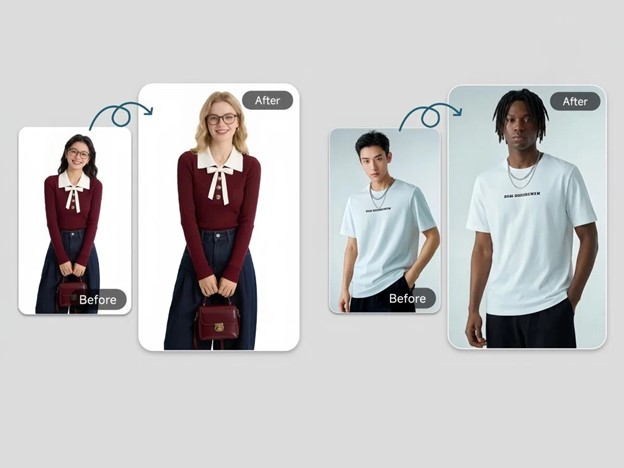
Designkit's AI Fashion Model Generator is one of the tools that simplify this task by converting just one image of clothing to several styled model photos at one time with one click. It also facilitates the use of reusable presets for model settings, scenes, and outputs; thus, it is very convenient to keep the consistency while scaling without having to manually set up each time.
Generate AI Clothing Model Photos Free
2.2: Standardize Your Product Image Inputs for Bulk Processing
Before executing a batch workflow with an AI model for clothing, your input structure must be very organized. Bulk production only functions efficiently when product images are consistent in format, file element, and quality. Begin with clear file naming conventions (e.g., SKU-style names like SKU001_front.jpg), so every garment is easy to track and map during processing.
Then, normalize image dimensions and framing. Ideally, all clothing shots should be kept aligned in scale, lighting, and background simplicity. This helps in minimizing the variation errors when the AI interprets the clothing resulting in higher accuracy of model outputs.
Lastly, organize your files into neat input folders by category, collection, or SKU range. This straightforward preparation step greatly enhances the processing speed and output quality when working with AI model for clothing, especially when generating large batches of ecommerce-ready visuals.
2.3: Run the Batch Generation Process Step by Step
- Upload product set in bulk: Import all clothing images with the SKU mapping so the AI fashion model generator will be able to recognize and process all of them in one batch.
- Select model template: Besides pose, lighting, and background, many fixed settings are also included in a reusable template. With the help of the AI clothing model generator tool, you will be able to keep outputs consistent using a template.
- Apply batch settings: Output quantity, aspect ratio, and variation rules should be among the batch settings you define. The logic of the prompt templates and parameter inheritance will be automatically applied across all SKUs.
- Generate and download: After running the batch process, you can create multiple outputs for one product, then check and export them in bulk for a fast, scalable workflow.
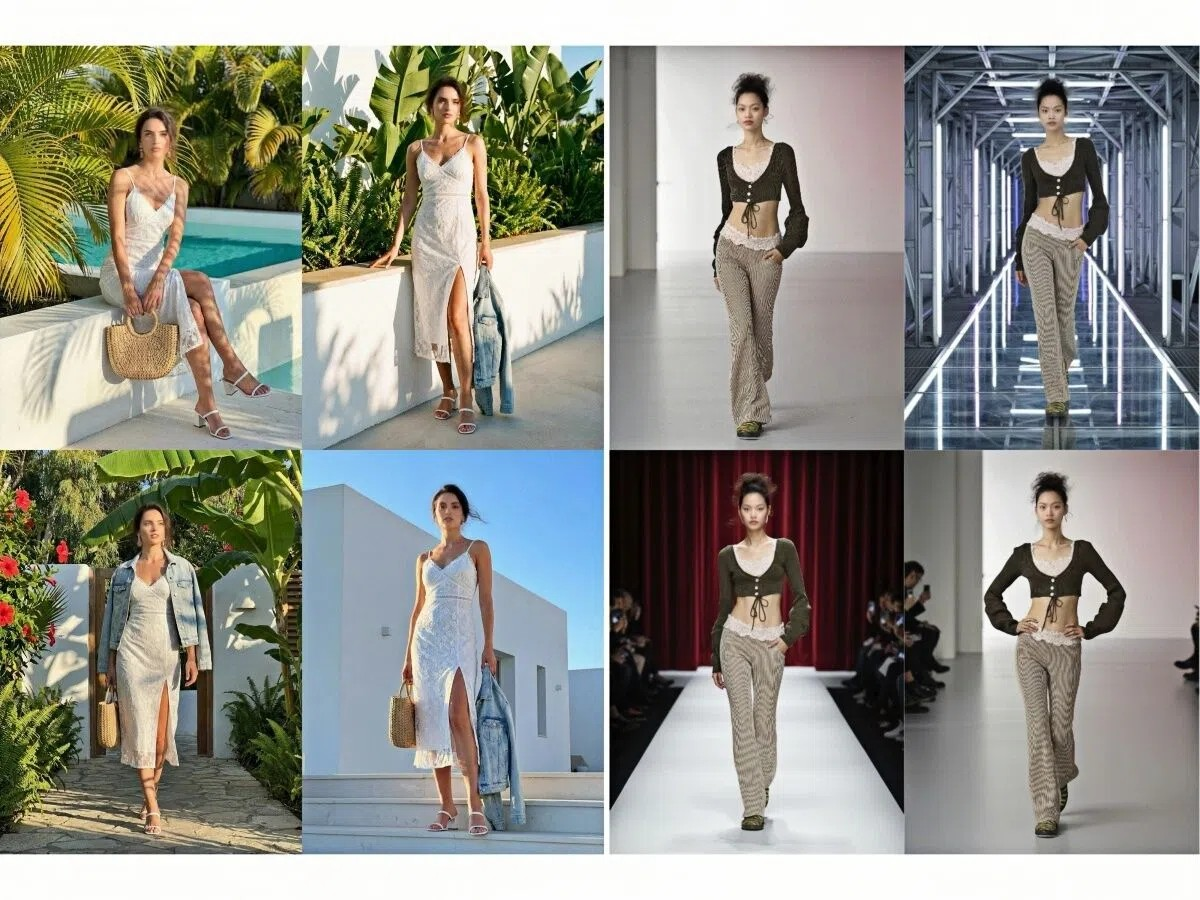
2.4: Create Variations from One Base Image for SKU Expansion
One of the greatest benefits that an AI model for clothing offers is the capability to produce a vast number of variations from just one base image. Instead of uploading product photos repeatedly, you can use one clothes image that is properly prepared to rapidly and effectively increase your SKU visuals.
In fact, using a single input, you can make color variants that are like different shades or tones of the same design, which means you don't have to do extra photoshoots to show the entire product line. This can be very helpful for the brands that are testing new color options or handling big catalogs that are being updated frequently. AI Clothes Color Changer serves the purpose!
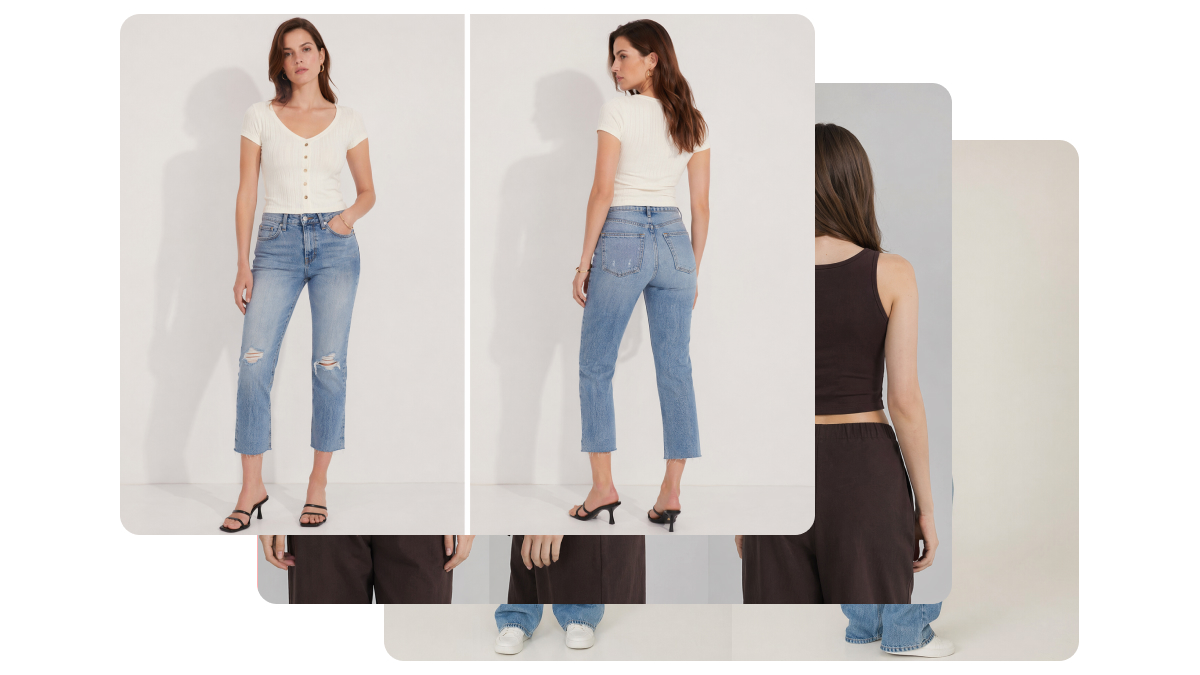
The variations can also be in the form of outfit or styling if you alter how the garment is displayed in the scene, which gives the freedom of making different combinations and fashion contexts without having to do another photoshoot. Furthermore, the single base image can also be utilized to create several poses and shots taken from different angles that give customers a richer visual experience and can potentially increase product page engagement.
Part 3: Quality Control for Batch AI Clothing Model Images
When working with an AI fashion model generator over multiple sessions, speed might be the cause of unintentional inconsistency between large image sets lighting, accuracy of garments, poses, or the realism of the scene. These slight variations start to stand out when hundreds of SKUs are placed together resulting in a direct impact on brand trust and conversion.
This part is about how to efficiently evaluate large batches of work, identify inconsistencies, and polish the outputs so that your final catalog is consistent, professional, and ecommerce ready.
3.1: How to Maintain Visual Consistency Across 100+ Generated Images
If you want to use an AI clothing model generator on a scale, consistency will be your main quality control challenge. You must be able to efficiently check lighting uniformity, model identity security, pose alignment, and overall branding coherence over large batches so that every product image can be considered a part of the same catalog.
Fast review loops are a better way to proceed than rerunning entire batches. This is how you can bulk scan outputs, identify only the inconsistent images, and selectively regenerate only those specific results. This will keep production speed high and avoid reprocessing good assets unnecessarily.
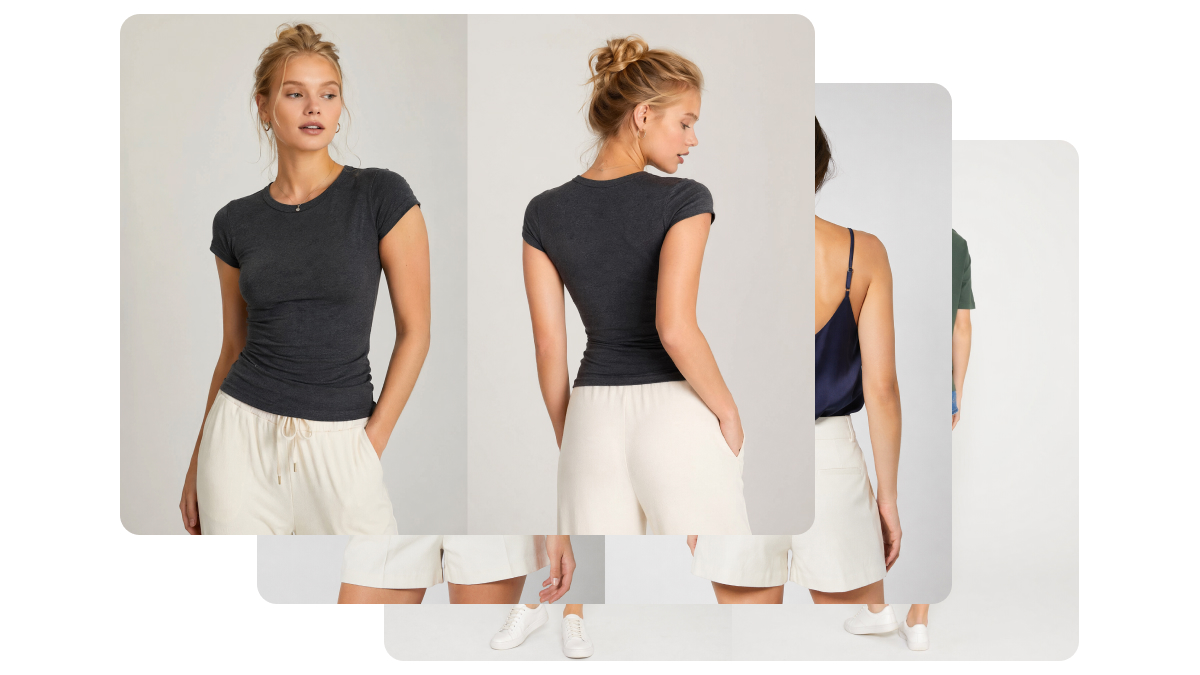
3.2: Ensuring Product Color Accuracy in AI-Generated Photos
Color drifting is a very typical problem when running an AI model for clothing in batch production. Even tiny changes in hue or saturation may inaccurately present the product, which will in turn result in customer disappointment and product returns. Usually, brands rely on calibrating the outputs by having the AI images compared to the physical samples or standard reference photos prior to final approval.
One of the greatest problems in batch production is ensuring color and visual consistency. Designkit's AI Clothes Changer offers a solution to this problem. It gives the brand the freedom to change or adjust the clothes in the model photos at any time, without affecting the fabric texture, lighting, and natural draping.
Conclusion
Converting to an AI clothing model generator workflow is far more than improving production speed; it entails a total overhaul of fashion content manufacturing at scale. By setting up clean inputs, creating reusable templates, conducting batch generation, and executing rigid quality control, brand animals can continuously generate high-volume, on-model visuals in a single streamlined system.
E-commerce teams will change their focus from doing manual, repetitive production cycles to having a completely transparent, scalable pipeline that helps the rapid expansion of the product catalog. This change will lead to fewer barriers in production and will allow brands to devote more attention to selling and scaling rather than handling content bottlenecks.
Frequently Asked Questions
How long does it take to batch generate 100 AI clothing model photos?
Are AI-generated clothing model photos realistic enough for product listings?
Yes, an AI fashion model generator produces visuals suitable for ecommerce listings, ads, and social media.
What product image quality do I need as input for AI generation?
Using an AI model for clothing works best with clean, well-lit flat-lay or mannequin shots. Images should be at least 1000px or higher.
Can I reuse AI-generated images across Amazon, Shopify, and social media?
Yes, the AI clothing model generator typically exports high-resolution images that can be resized or cropped for different platforms, making them reusable across ecommerce and marketing channels.
You May Also Like

How to Match Makeup by Undertone: Virtual Lipstick and Foundation Try-On

Wedding Dress Styles for Every Body Type: A Practical Guide for 2026

7 Best AI Virtual Makeup Try-On Tools for Realistic Results in 2026

AI Virtual Makeup Try-On: Boost Beauty E-Commerce Sales in 2026

Free Online Glasses Try-On Tools: See Yourself in Glasses Instantly

Top Virtual Ring Try-On Tools for Engagement and Wedding Rings in 2026

How to Try Shoes On Virtually: A Step-by-Step Guide

Best Virtual Shoe Try-On Tools for Ecommerce: 2026 Guide

How to Try On Wigs and Bangs Virtually to Find Your Perfect Style

Create Model Outfit Photos Instantly With AI Outfit Generator

Best AI Virtual Try-On Clothes Tools for Any Body Type

How to Try On Clothes Online with AI for Better Fit & Style

Virtual Nose Ring Try On Online Before Your Piercing

How to Try Makeup Online with AI and Virtual Makeup Try-On Apps (2026)

How to Use Virtual Earring Try-On for a Flattering Look in 2026

How to Try On Engagement Rings Online with AI in 2026

Scale Your Jewelry Brand with Virtual Jewelry Try-On Solutions

How to Try Hairstyles on Your Face Online (Step-by-Step Guide)

Best Virtual Hairstyle Try-On Tools Online for Realistic Previews 2026

How to Use a Free AI Hairstyle Generator to Find Your Perfect Look

Virtual Hair Color Try-On Guide for Every Skin Tone (2026)

Virtual Wedding Dress Try-On Online for Brides in 2026

How to Choose the Right Sunglasses for Your Face Shape Online

How Accurate Is Virtual Glasses Try-On? AI vs AR Compared

Best Virtual Try-On Glasses Apps in 2026 (Free & Paid Tools)

How AI Virtual Try-On Is Transforming Eyewear Ecommerce

5 Best Virtual Try-On Glasses Tools for Ecommerce and Consumers 2026

How to Try On Glasses Online with AI in 2026 (Easy Guide)

How to Create Jewelry Photos with AI Models That Drive Sales in 2026

AI-Generated Fashion Models: Technology, Brand Adoption & Trends

How to Batch Generate 100+ AI Clothing Model Photos Fast

7 Best AI Fashion Model Generators for Ecommerce in 2026

AI Clothing Model Photos for E-Commerce: Platform Rules & Best Practices

How AI Virtual Try-On Helps Fashion Brands Boost Sales & Reduce Returns

AI Fashion Models vs Real Models: Which Is Better for Brands?

Best Free AI Fashion Model Generators for Real Product Photos

Virtual Outfit Try-On Guide: Plan Outfits Before You Buy

What Is an AI Clothing Model Generator? Full Guide for Sellers

Virtual Try-On Technology in 2026: How It Works & Key Trends

10 Best Virtual Try-On Apps & Tools for Online Shopping in 2026

How to Create AI Fashion Models: Complete Step-by-Step Guide

How to Use AI Fashion Models for E-Commerce Product Photos: A Complete 2026 Guide

How to Virtually Try On Clothes Online: A Complete Guide
Generate Hundreds of AI Clothing Model Photos in Minutes
Stop spending weeks on expensive fashion photoshoots. With DesignKit’s AI Fashion Model Generator, you can transform product images into consistent, high-converting model photos at scale — perfect for high-SKU ecommerce brands.
