

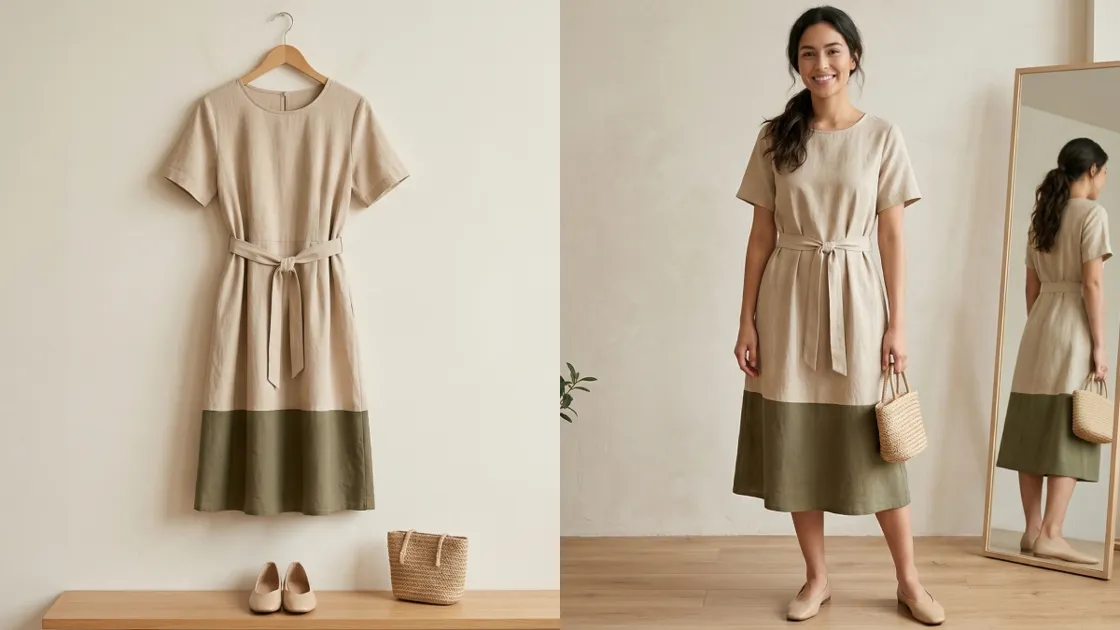
Online shopping has evolved rapidly, yet choosing outfits digitally still feels uncertain today. A modern virtual try-on experience now helps users preview clothing with impressive realism. These innovations reduce returns while improving buyer confidence across fashion ecommerce platforms globally.
Meanwhile, sellers and creators use AI virtual try-on to produce engaging visuals faster. Thus, this guide compares top platforms based on usability. We will also explore how these innovative systems reduce return rates and improve total customer satisfaction. Whether you are a casual shopper or a professional brand, these tools offer value.
Part 1. How AI Try-On Technology is Redefining Retail
The global fashion market currently struggles with incredibly high product return rates. Using a professional AI virtual try-on solution helps brands solve this expensive problem. Modern customers now expect highly accurate digital previews before they commit to any purchase.
This year marks a significant turning point for the realism of virtual fitting rooms. According to a Fortune Business Insights report, the global virtual fitting room market will reach over $8 billion in 2026. We evaluate these AI-powered virtual try-on tools based on speed and accuracy:
1.1. A Simple Breakdown of the Tech Behind the Mirror
Understanding the core mechanics of an AI virtual try-on helps you choose better. Most AI-powered virtual try-on tools use two primary methods for digital rendering. This technical breakdown explains the 2 main approaches currently dominating the modern fashion industry:
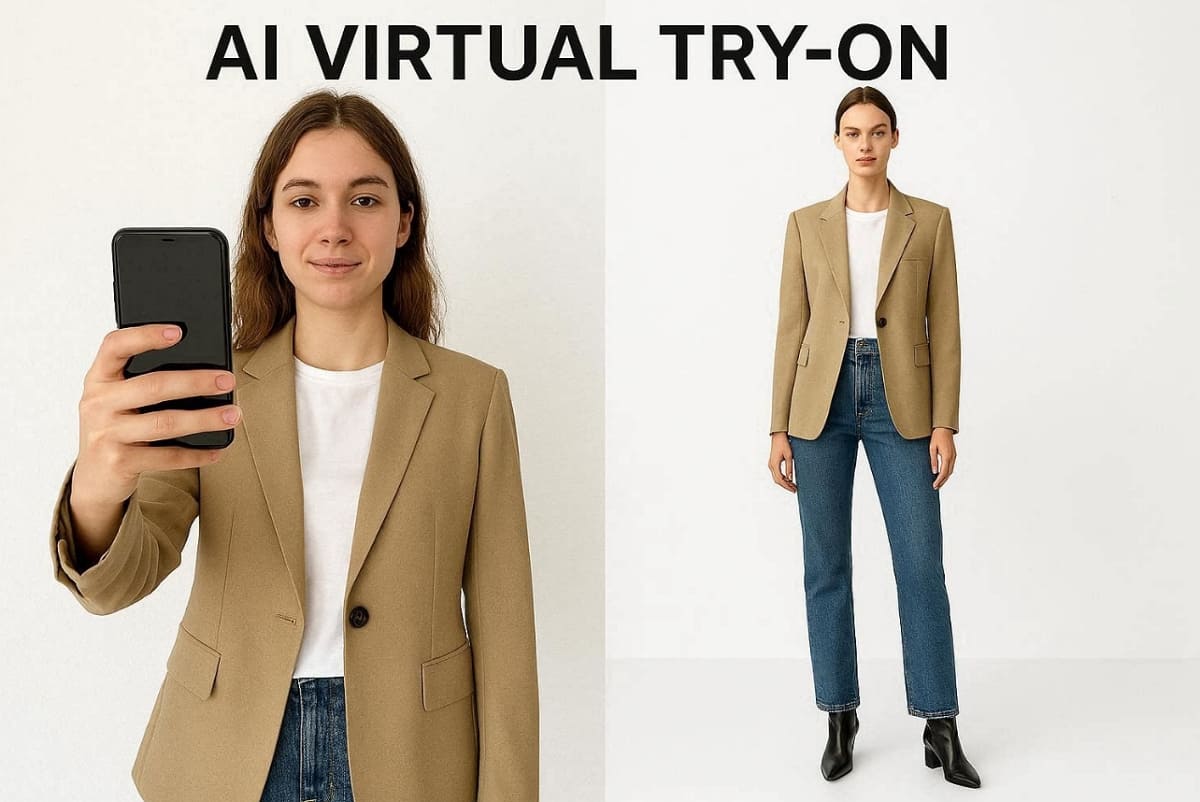
Approach 1. User-Centric Photo Uploads
In this method, the shopper must upload a real photo of their own body. The software then overlays digital clothing to show how a specific item fits them. This provides personal experience for shoppers who want to try on clothes online. However, it relies heavily on user image quality to produce a realistic and accurate result.
Approach 2. AI-Generated Model Visualization
This advanced method uses artificial intelligence to display garments without the need for a real person. Platforms like Designkit generate professional model images instantly without needing a user photo upload. This approach is especially useful for sellers who need to produce visuals at scale. It offers total control over lighting and background for your professional product listing images.
1.2. The 3 Profiles That Gain the Most from Virtual Fittings
Different users find unique benefits when they try on clothes online using automation. This section explores how various groups leverage a virtual try-on clothes online free service:
1. Online Shoppers: They reduce personal returns by seeing how different colors suit their style.
2. E-Commerce Sellers: Brands produce professional product visuals at scale without the expense of studio shoots.
3. Content Creators: Influencers generate fresh outfit content quickly to engage their followers on social platforms.
These diverse profiles highlight why digital fitting technology has become a vital retail standard. Thus, identifying your specific profile helps you select the most effective tool for your needs. Moreover, statistics from Upcounting show that 1 in 4 online clothing purchases gets returned by modern shoppers.
Part 2. Top 10 Virtual Try-On Solutions for Every Type of User
Selecting the right virtual try-on app depends on your specific lifestyle and goals. You should consider whether the platform supports diverse body types and specific clothing styles. The following reviews help you find the most effective tool for your fashion needs:
1. Google Virtual Try-On — Best for Everyday Shoppers
Best For: Shoppers who struggle to imagine how new clothes will look on their own unique body.
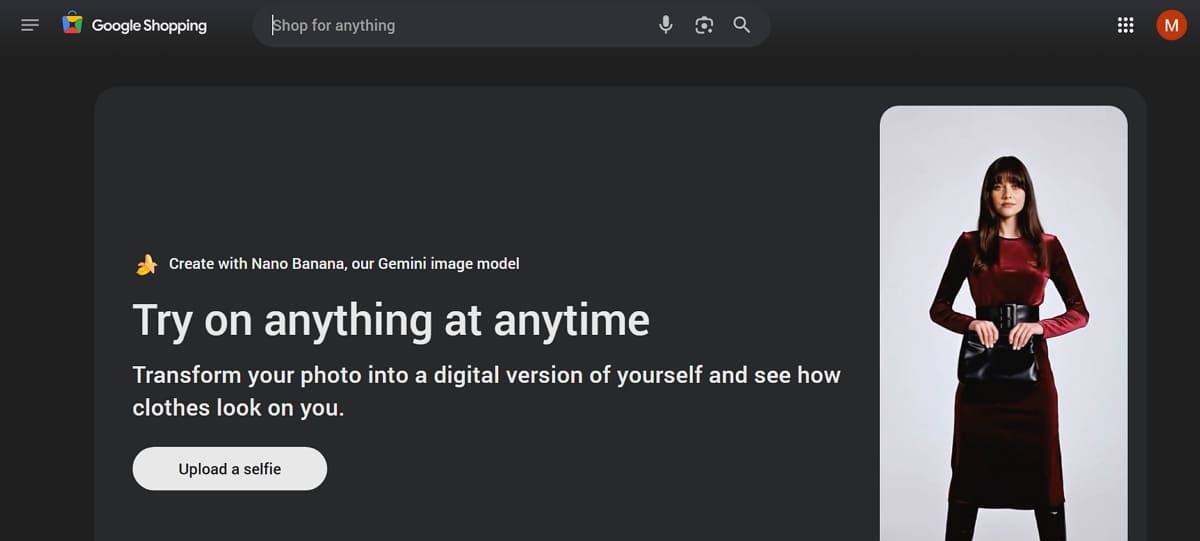
Google Virtual Try-On integrates into Search and Shopping for instant clothing previews. Tap "Try it on" to upload your photo or select diverse AI models. Moreover, Google custom image models then render how the fabric might fold and drape on the body. It is meant as a realistic style preview to try on clothes online and not a perfect fit simulator for users.
Key Features
1. Upload a single full-body image and see garments applied in just a few seconds.
2. Works directly in product listings across many major retailers without needing an extra application.
3. Supports a wide range of sizes and uses inclusive scales for various skin tones.
Pros & Cons
|
Pros |
Cons |
|---|---|
|
Shows realistic fabric drape and shadows. |
Does not guarantee exact physical comfort. |
|
Works inside search with no extra app. |
Not every item has try-on support. |
2. Amazon Virtual Try-On — Best for Amazon Shoppers
Best For: Frequent Amazon customers who prefer real-time camera overlays instead of uploading personal body photos.
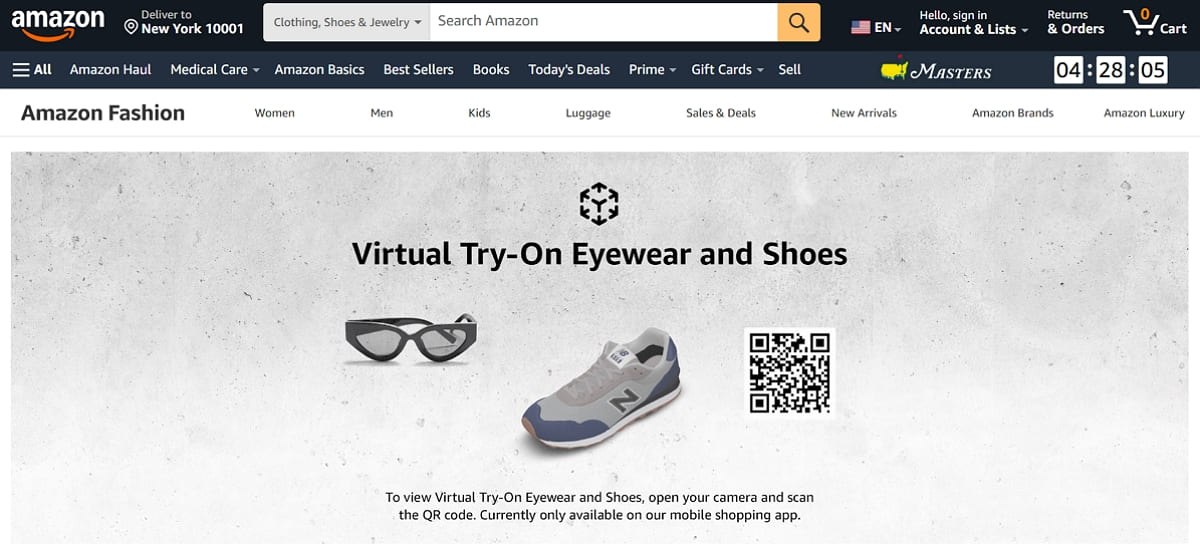
It is integrated into the Amazon Shopping app, primarily for mobile users. Tap “Virtual Try-On” to activate your camera and preview shoes or even sunglasses in real time. While using this AI try-on clothes platform, you can switch colors, capture photos, and share looks with the AI overlay that aligns accurately with your movements.
Key Features
1. Capture and save photos to share with friends for some quick and helpful feedback.
2. Swap colors or patterns within the same style without exiting your active AR session.
3. Visualize shoes by pointing your camera at your feet for a 3D aligned view.
Pros & Cons
|
Pros |
Cons |
|---|---|
|
Built into the shopping app you use. |
Less developed for complex full-body outfits. |
|
Real-time AR feels very natural and fun. |
Requires good lighting for the best results. |
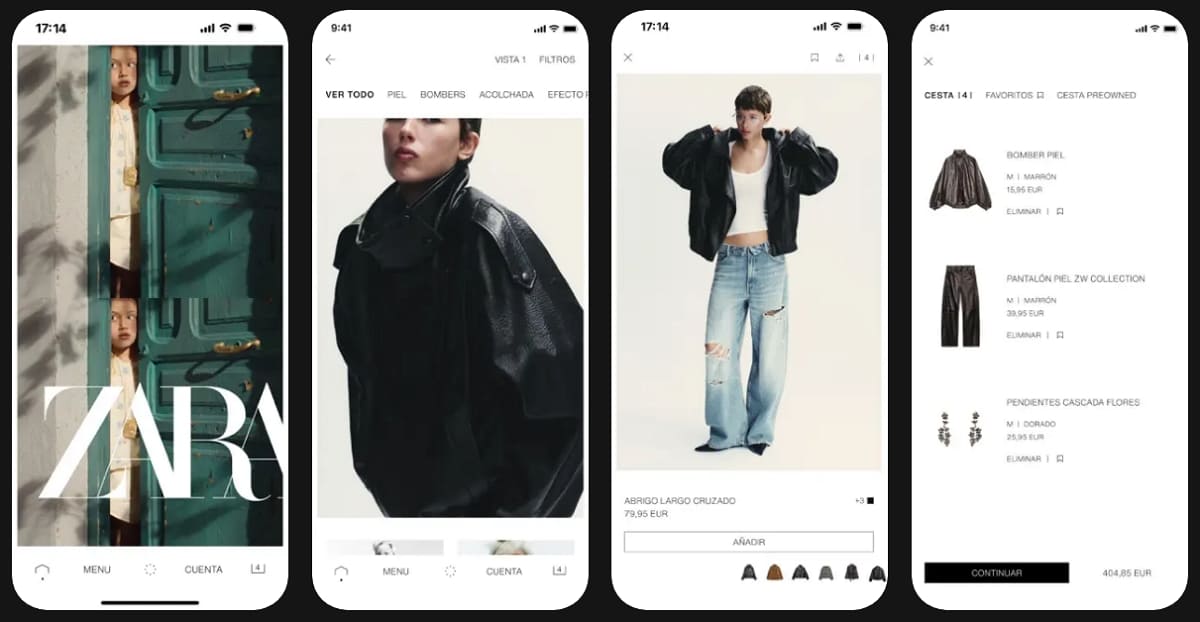
3. Zara AR — Best In-App Try-On for Brand Loyalists
Best For: Loyal Zara fans who want to visualize full outfits on a personalized moving avatar.
This feature provides an immersive fitting room experience within their official mobile shopping app. Users can create a digital twin upon uploading either a selfie or a body photo. In addition, the system generates an animated 3D avatar that reflects your unique physical proportions. Thus, it serves as a quality tool among the top virtual try-on apps.
Key Features
1. Purchase items directly from the try-on screen within the Zara mobile shopping app.
2. Build a complete look by combining multiple garments, like blazers and jeans, in one view.
3. You can even rotate your digital avatar to check the side and back of every outfit.
Pros & Cons
|
Pros |
Cons |
|---|---|
|
Helps visualize silhouettes better than flat images. |
Avatar generation takes several minutes to complete. |
|
Great for checking head-to-toe proportions. |
Requires uploading sensitive personal body photos. |
4. Designkit — Best Virtual Try-On Tool for E-Commerce Sellers
Best For: Online sellers who need to generate professional model images without hosting expensive photoshoots.
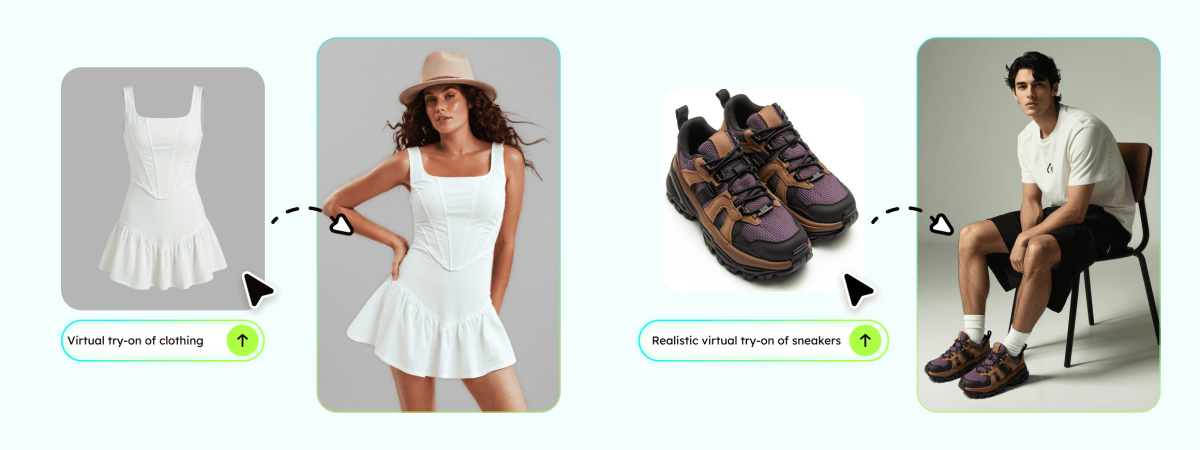
Designkit is a professional AI virtual try-on platform designed specifically for modern e-commerce brands. It allows you to produce high-quality visuals using advanced generative artificial intelligence technology. Sellers can create virtual try-on clothes online for free to test different market trends. This tool also removes the need for physical models and traditional photography studio rental fees.
It also supports bulk image generation, allowing brands to scale product visuals across large catalogs efficiently. Moreover, users can maintain consistent lighting, poses, and model styles to match brand identity across marketplaces. This ensures faster content production while improving overall listing quality and conversion potential.
Key Features
1. AI Product Photography Generator: Transform simple product shots into professional lifestyle images with realistic digital models.
2. Amazon Listing Images Generator: Create platform-compliant image sets that help boost your conversion rates significantly.
3. AI Image Generator: Produces custom model images wearing clothes in various poses and lighting conditions.
4. Virtual Try-On Simulation: Lets sellers visualize garments on AI-generated avatars for promotional or e-commerce content.
Pros & Cons
|
Pros |
Cons |
|---|---|
|
Generates marketplace-ready images in seconds. |
Requires high-resolution source images for best results. |
|
Supports bulk generation for large product catalogs. |
The free tier has daily limits on image generation. |
5. Fits.me — Best for Reducing Size-Related Returns
Best For: Retailers and shoppers who prioritize accurate sizing over flashy augmented reality visual effects.
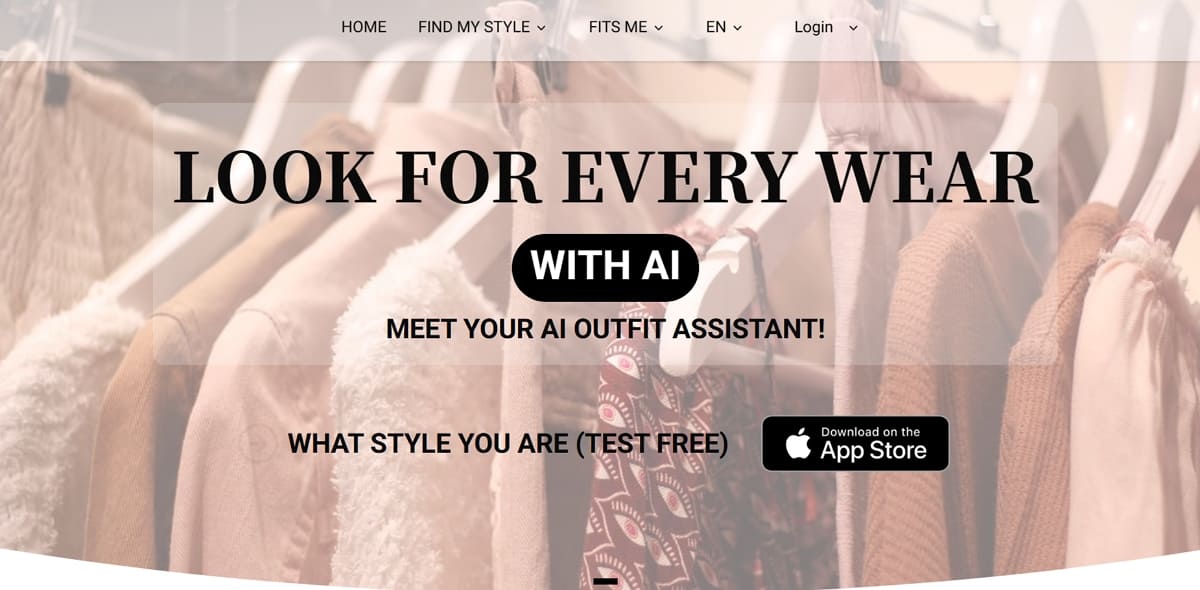
It focuses on fit predictions to help retailers reduce the cost of expensive size-related returns. This is one of the best AI-powered virtual try-on tools that provide a practical way to try on clothes online using pure data. Shoppers enter their specific measurements to receive a personalized size recommendation. The system then displays how a garment fits a mannequin with those exact proportions.
Key Features
1. Choose between slim or relaxed fit styles to match your personal fashion taste.
2. Retailers can embed this tool directly on their product pages for users.
3. You will be able to view photos of garments on a shape-shifting robot that matches your body.
Pros & Cons
|
Pros |
Cons |
|---|---|
|
Uses real garment data for higher accuracy. |
Availability depends on the specific retailer’s integration. |
|
Provides rich fit analytics for fashion brands. |
Require shoppers to know their exact body measurements. |
6. Vue.ai — Best for Enterprise Fashion Retailers
Best For: Large retailers needing AI virtual try on with personalization and analytics integration.
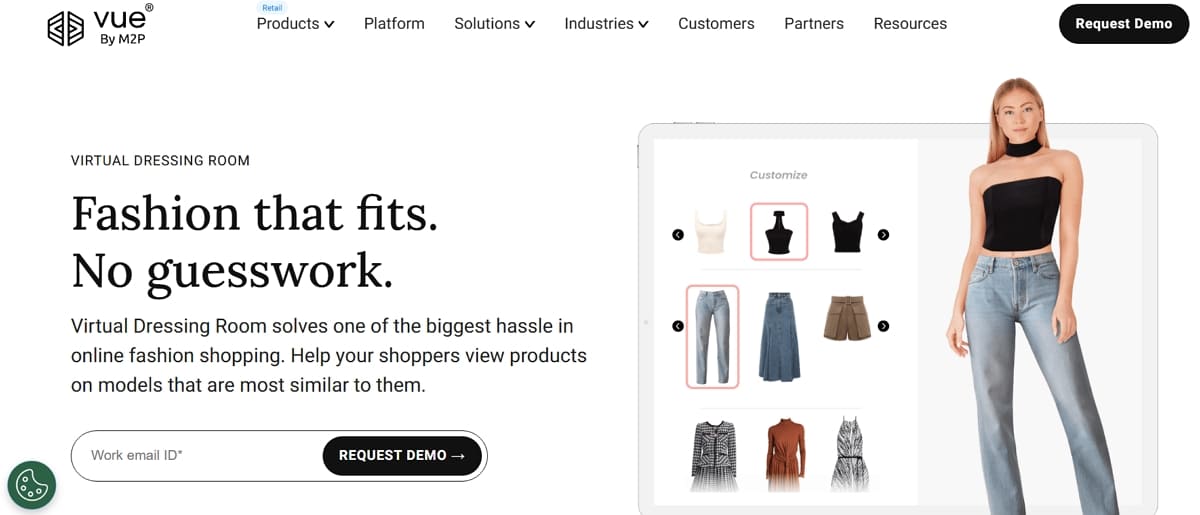
This platform also provides an enterprise-grade AI virtual try-on suite for global fashion marketplaces. Instead of a consumer app, this technology plugs into a retailer's existing website. Shoppers select lookalike models by body type to visualize full outfits and accessories. Moreover, this comprehensive platform helps enterprise brands increase their revenue and reduce total returns.
Key Features
1. Place catalog products onto diverse models to avoid expensive manual studio reshoots.
2. Build personalized outfit suggestions for every shopper based on their unique preferences.
3. Use detailed dashboards to see which models and outfits convert the most shoppers.
Pros & Cons
|
Pros |
Cons |
|---|---|
|
End-to-end suite including try on and analytics. |
Requires strong internal management for the best ROI. |
|
Offers rich control over styling and recommendation logic. |
More complex to implement than simple plugin tools. |
7. Fashmates — Best for Fashion Creators and Outfit Styling
Best For: Creative stylists and influencers who love building digital outfit collages and shoppable boards.
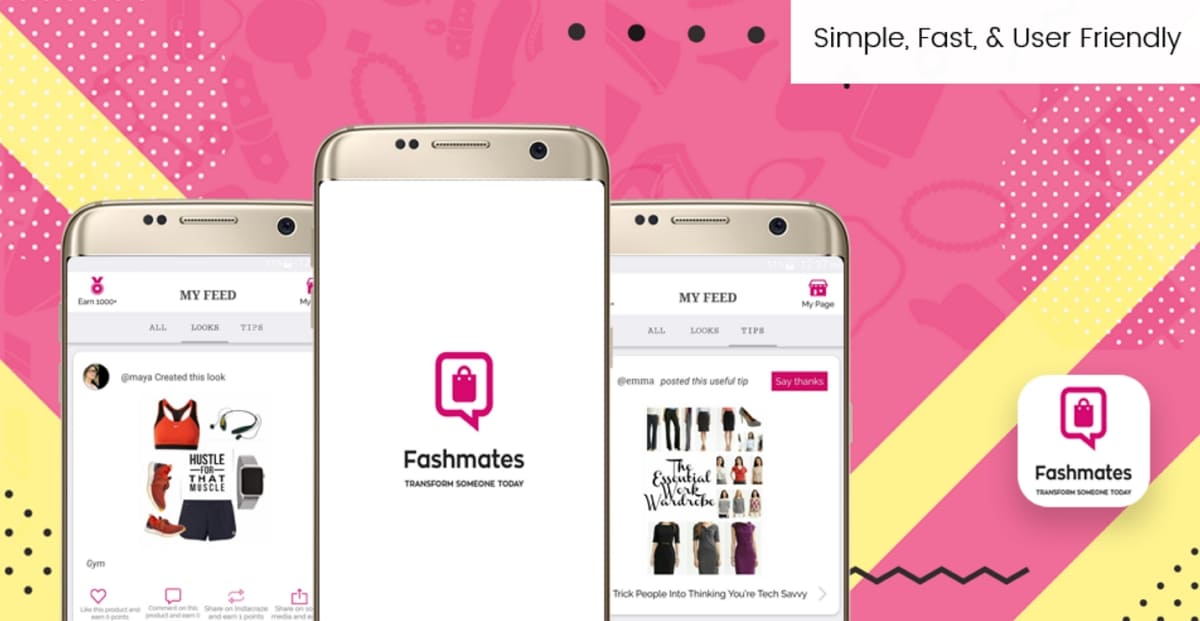
Fashmates is a community-driven platform where users create sets from 50+ million fashion products. You can try on clothes online by mixing items into editorial-style mood boards. It also combines a powerful style editor with social features like likes, comments, and challenges. Every look is shoppable, allowing creators to earn commissions when their followers make purchases.
Key Features
1. Build outfits and mood boards with a background remover and a variety of templates.
2. Engage with creators through likes, comments, and collaborative fashion discussions online.
3. Stylists earn affiliate commissions when their digital sets drive qualified clicks or sales.
Pros & Cons
|
Pros |
Cons |
|---|---|
|
Rich tools for building a professional editorial outfit set. |
Not a body-based augmented reality try-on tool. |
|
Free to use and very accessible for global users. |
Users seeking a true 3D fitting room need other apps. |
8. OpenArt — Best for AI-Generated Outfit Concepts
Best For: Designers and creators who want to generate quick outfit visuals from text prompts.
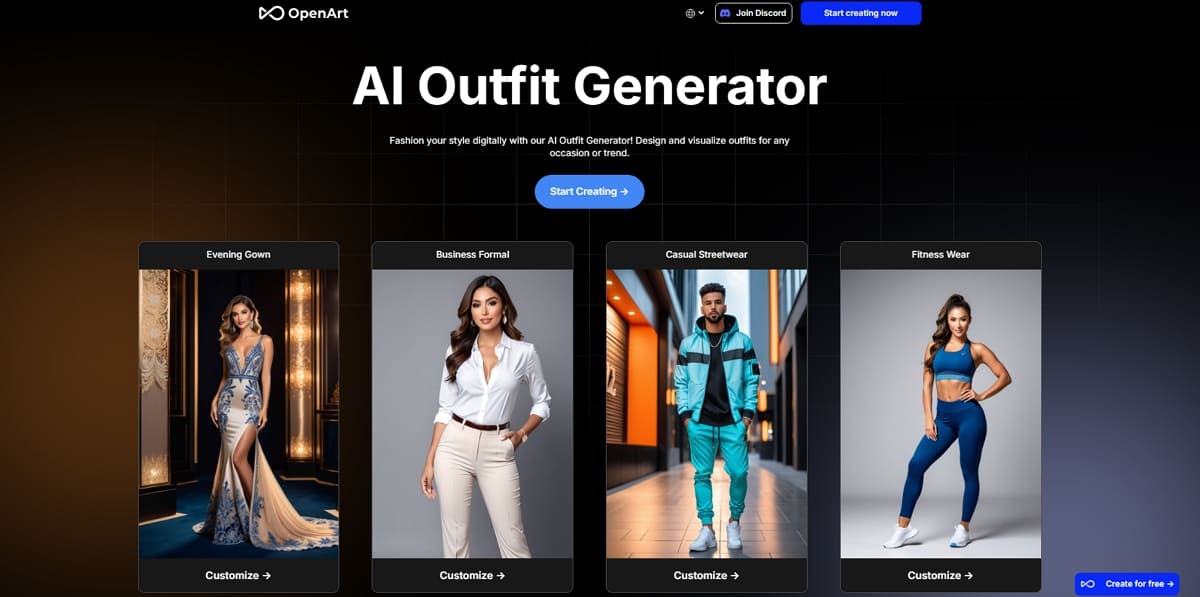
It is a generative platform that excels at creating speculative fashion sketches and concepts. You can use this AI try-on clothes tool to brainstorm styles from descriptions. Instead of a camera overlay, you type your ideas to receive high-quality images. This makes it a perfect companion for ideation, content creation, and visual planning today.
Key Features
1. Output illustration style designs for professional design decks or creative mood boards.
2. Access curated examples to learn how to phrase effective fashion and clothing prompts.
3. Create models in different poses to showcase your unique outfit ideas perfectly.
Pros & Cons
|
Pros |
Cons |
|---|---|
|
Works with many styles from streetwear to haute couture. |
Outputs are concepts and not guaranteed purchasable garments. |
|
Supports a wide range of creative styles, from casual fashion concepts to designer visuals. |
Less suited to shoppers wanting a quick Zara preview. |
9. Free AI Try-On Tools (VisualGPT AI Outfit Generator) — Best Budget Options for Shoppers
Best For: Budget-conscious users who want to see new styles on their own photo for free.
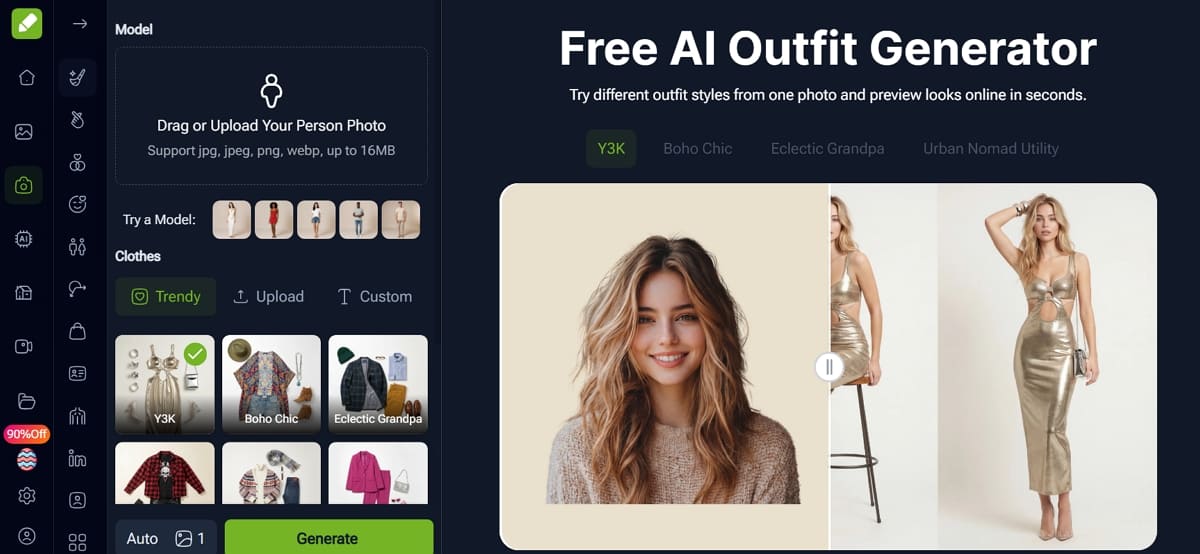
Free browser-based virtual try-on app tools like VisualGPT’s AI Outfit Generator let users upload photos and test outfits instantly. Such virtual try-on clothes online free platforms prioritize speed and simplicity over precision or advanced realism features. Users can even apply preset outfits or swap clothing items without needing technical skills or experience.
Key Features
1. Choose between personal photos or built-in models for privacy-friendly virtual try-on experimentation workflows.
2. While using such tools, the AI maps clothes onto your body while preserving your original pose.
3. Download generated images quickly for styling decisions or online shopping previews.
Pros & Cons
|
Pros |
Cons |
|---|---|
|
Completely free to use and requires no account sign-up. |
You are limited to the specific styles available in presets. |
|
Applies outfits realistically to your personal photo for styling. |
Users must upload personal photos to a third-party service. |
10. Snapchat and Instagram AR Try-On — Best for Social Commerce
Best For: Brands and creators who want to sell fashion products through interactive social content.
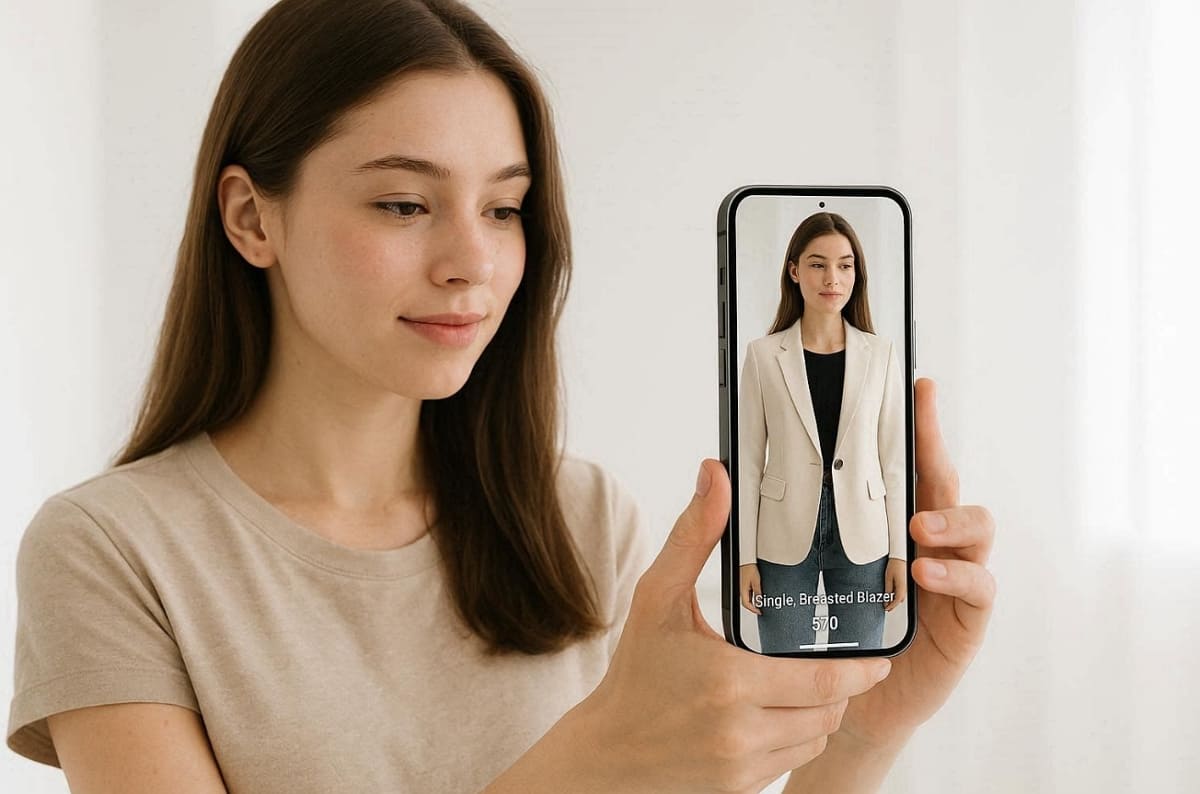
Snapchat and Instagram filters allow people to shop through their cameras using advanced AR technology. These virtual try-on lenses pull real product data like names and current prices. Moreover, users can preview makeup, eyewear, and apparel while recording fun videos for their followers. This experience blends entertainment with shopping, where younger audiences already spend most of their time.
Key Features
1. Users can tap product links directly from filters to visit product pages instantly.
2. Catalog integration enables multiple products within one filter for easy browsing and comparison.
3. Creators can share try-on videos or selfies to boost engagement and organic reach across audiences.
Pros & Cons
|
Pros |
Cons |
|---|---|
|
Supports integration with tools like Designkit to create consistent, high-quality model visuals for campaigns. |
Catalog setup adds technical complexity for some smaller brands. |
|
Streamlined commerce flows enable very fast mobile purchases. |
AR quality varies depending on your specific mobile device hardware. |
Part 3. Which AI Fitting Tool Fits Your Business or Lifestyle?
Finding the right virtual tools depends on your unique goals. Some users require fast mobile access, while others need professional HD studio images. The following decision framework helps you select the best virtual try-on solution:
3.1. Best Virtual Try-On Apps for Online Shoppers
Individual buyers should prioritize ease of use and immediate access when selecting an app. A great virtual try-on app should offer high accuracy without a complex setup. Moreover, shoppers typically look for a virtual try-on clothes online free experience for convenience. So, consider these essential factors before you choose your next digital fitting room platform:
Key Selection Criteria for Shoppers
1. Free Platform Access: Look for tools that offer many features without requiring a paid subscription.
2. No Login Required: Choose services that allow you to test clothes without creating a new account.
3. Platform Compatibility: Ensure the tool works smoothly on the shopping sites you visit most often.
4. Visual Accuracy Levels: Select an app that accurately represents how fabric drapes on your body type.
5. User Data Privacy: Verify how the service handles your personal photos and body measurement data safely.
Top Recommendations
|
Feature Needed |
Recommended Platform |
|---|---|
|
Fast Web Search |
Google Virtual Try On is excellent for quick browsing in your browser. |
|
In-App Shopping |
Amazon Virtual Try On offers the best experience for frequent mobile shoppers. |
|
Budget Friendly |
VisualGPT provides a great virtual try-on clothes online for casual users for free. |
3.2. Best Virtual Try-On Tools for E-Commerce Sellers and Brands
Professional sellers require high-volume image production to manage their growing digital product catalogs. A robust AI virtual try-on system must prioritize output quality and platform compliance. Modern AI-powered virtual try-on tools remove the need for expensive physical shoots.
According to The Interline, virtual try-on users convert 2X higher and add 52% more items to cart. Anyhow, use the given comparison to find a scalable solution for your specific e-commerce business.
Key Selection Criteria for Sellers
1. Bulk Image Generation: Select a platform that produces hundreds of professional visuals in minutes.
2. Platform Compliance Standards: Ensure images meet the strict requirements for Amazon and other marketplaces.
3. Diverse Model Selection: Use AI to display your clothing on models of various body types.
4. Custom Lighting Control: Adjust shadows and highlights to match your existing professional brand aesthetic.
5. Cost Efficiency Scale: Look for tools that significantly reduce your traditional fashion photography expenses.
Why Brands Choose Designkit
Designkit is built specifically for high-growth sellers and professional digital fashion brands. It serves as the go-to AI-powered virtual try-on tool for marketplaces. You can generate realistic model photos without managing a physical studio or human talent. This platform ensures your AI virtual try-on results remain consistent across all channels.
3.3. Best Try-On Tools for Content Creators
Digital creators need maximum flexibility and rapid speed to produce fresh fashion media content. The best try-on clothes online tools for influencers allow for creative experimentation. You should look for platforms that offer unique aesthetics and easy social media sharing. Thus, these recommendations help you maintain a high post frequency with very unique visuals.
Creative Priorities for Influencers
1. Speed of Generation: Choose tools that turn your creative ideas into visuals almost instantly.
2. Social Media Compatibility: Ensure the output format is perfect for Instagram Reels or TikTok.
3. Creative Style Variation: Look for apps that can generate a wide range of artistic fashion aesthetics.
4. Ease of Sharing: Prioritize tools with built-in features to export content to social platforms.
5. Mobile Editing Access: Select a try-on clothes online tool that works on your phone.
Top Recommendations for Creators
|
Creative Goal |
Recommended Platform |
|---|---|
|
High Engagement AR |
Snapchat and Instagram filters provide the best interactive AI try-on clothes. |
|
Editorial Mood Boards |
Fashmates allows you to build professional shoppable sets for your loyal followers. |
|
Concept Art Generation |
OpenArt is excellent for producing speculative and highly imaginative fashion outfit visuals. |
Apart from the above, Designkit also supports creators who need consistent high-resolution model images for lookbooks. It allows you to generate professional fashion content without hosting a real photoshoot. Creators can also use Designkit’s AI Outfit Generator to quickly build engaging looks without manual styling effort. Content creators can also leverage this AI try-on clothes tech to expand their reach.
Conclusion
To sum up, choosing the right virtual try-on solution depends on your specific goals and usage needs. Modern online shoppers now enjoy much better confidence while buying new outfits. Content creators also use these innovative tools to produce high-quality visuals. However, e-commerce brands require more professional scalability for their specific business needs. Among all options, Designkit stands out by delivering consistent professional images without photoshoots.
Frequently Asked Questions
Which virtual try-on app allows for free access and requires no login?
Can I use a virtual try-on clothes online free tool without photos?
Yes, most platforms allow you to select from a diverse gallery of built-in models. This is a great virtual try-on clothes online free option for privacy-conscious users. You can still see how garments drape realistically without uploading your own private images.
Which professional tool is the most effective solution for any active Amazon seller?
Among the top choices, Designkit offers a specialized Amazon Listing Images Generator to create quality product visuals. This AI virtual try-on platform ensures your images meet all strict marketplace requirements. Thus, sellers can produce professional model photos at scale without hosting any expensive studio shoots.
How accurate is AI virtual try-on for sizing and clothing fit predictions today
Most systems estimate fit using data models, but cannot guarantee perfect physical comfort outcomes. Accuracy improves when users input measurements since algorithms better match garments with body proportions. Still, they treat outputs as guidance rather than exact sizing replacements for final purchase decisions.
You May Also Like
How to Match Makeup by Undertone: Virtual Lipstick and Foundation Try-On
Wedding Dress Styles for Every Body Type: A Practical Guide for 2026
7 Best AI Virtual Makeup Try-On Tools for Realistic Results in 2026
AI Virtual Makeup Try-On: Boost Beauty E-Commerce Sales in 2026
Free Online Glasses Try-On Tools: See Yourself in Glasses Instantly
Top Virtual Ring Try-On Tools for Engagement and Wedding Rings in 2026
How to Try Shoes On Virtually: A Step-by-Step Guide
Best Virtual Shoe Try-On Tools for Ecommerce: 2026 Guide
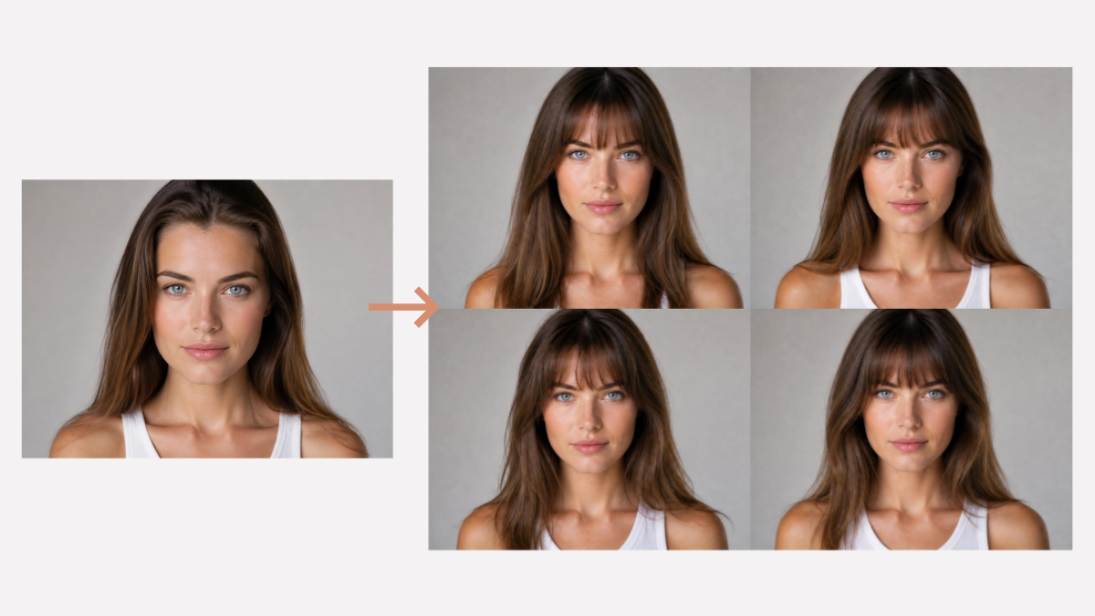
How to Try On Wigs and Bangs Virtually to Find Your Perfect Style
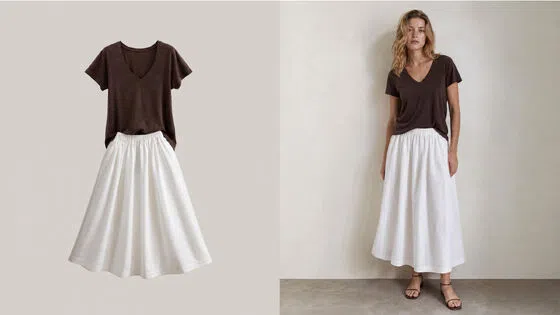
Create Model Outfit Photos Instantly With AI Outfit Generator
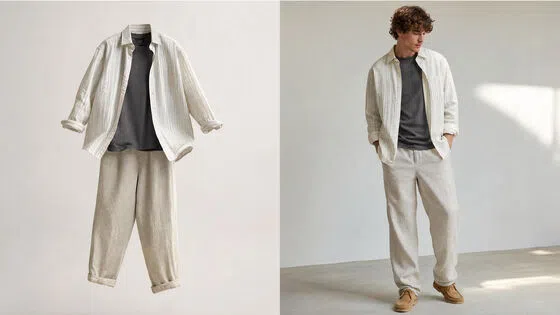
Best AI Virtual Try-On Clothes Tools for Any Body Type
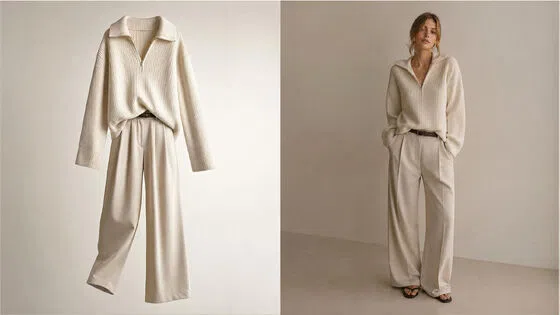
How to Try On Clothes Online with AI for Better Fit & Style
Virtual Nose Ring Try On Online Before Your Piercing
How to Try Makeup Online with AI and Virtual Makeup Try-On Apps (2026)
How to Use Virtual Earring Try-On for a Flattering Look in 2026

How to Try On Engagement Rings Online with AI in 2026
Scale Your Jewelry Brand with Virtual Jewelry Try-On Solutions
How to Try Hairstyles on Your Face Online (Step-by-Step Guide)
Best Virtual Hairstyle Try-On Tools Online for Realistic Previews 2026
How to Use a Free AI Hairstyle Generator to Find Your Perfect Look

Virtual Hair Color Try-On Guide for Every Skin Tone (2026)
Virtual Wedding Dress Try-On Online for Brides in 2026
How to Choose the Right Sunglasses for Your Face Shape Online
How Accurate Is Virtual Glasses Try-On? AI vs AR Compared
Best Virtual Try-On Glasses Apps in 2026 (Free & Paid Tools)
How AI Virtual Try-On Is Transforming Eyewear Ecommerce
5 Best Virtual Try-On Glasses Tools for Ecommerce and Consumers 2026
How to Try On Glasses Online with AI in 2026 (Easy Guide)

How to Create Jewelry Photos with AI Models That Drive Sales in 2026
AI-Generated Fashion Models: Technology, Brand Adoption & Trends
How to Batch Generate 100+ AI Clothing Model Photos Fast
7 Best AI Fashion Model Generators for Ecommerce in 2026
AI Clothing Model Photos for E-Commerce: Platform Rules & Best Practices
How AI Virtual Try-On Helps Fashion Brands Boost Sales & Reduce Returns
AI Fashion Models vs Real Models: Which Is Better for Brands?
Best Free AI Fashion Model Generators for Real Product Photos
Virtual Outfit Try-On Guide: Plan Outfits Before You Buy
What Is an AI Clothing Model Generator? Full Guide for Sellers
Virtual Try-On Technology in 2026: How It Works & Key Trends
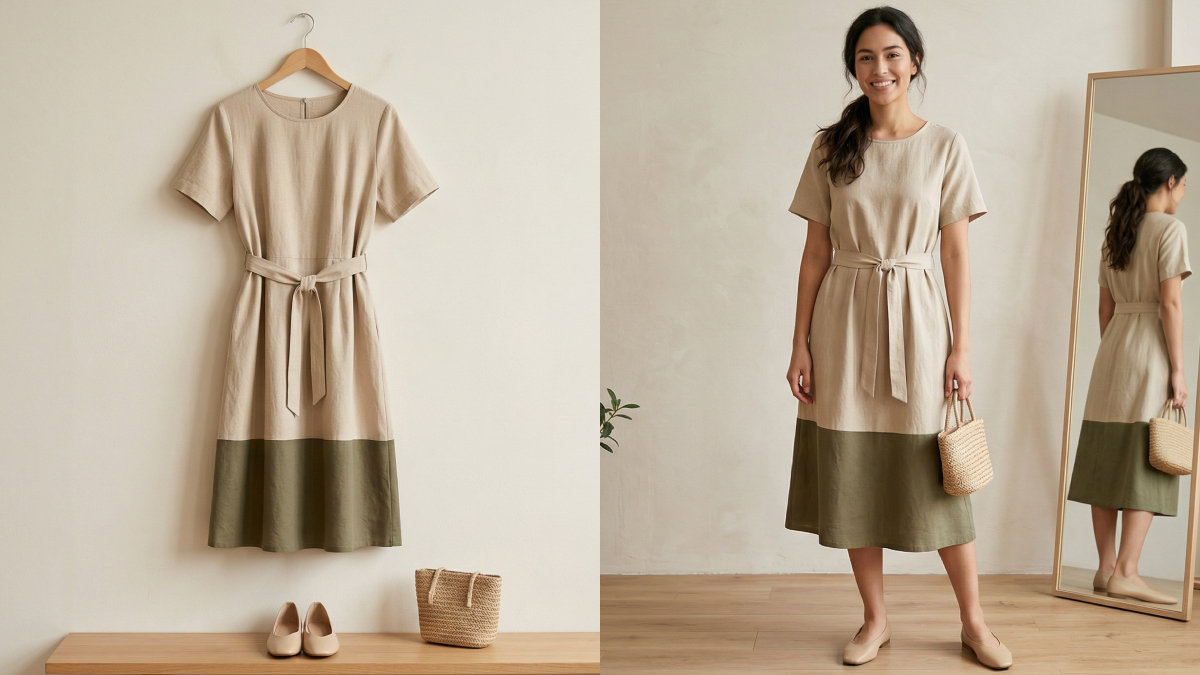
10 Best Virtual Try-On Apps & Tools for Online Shopping in 2026
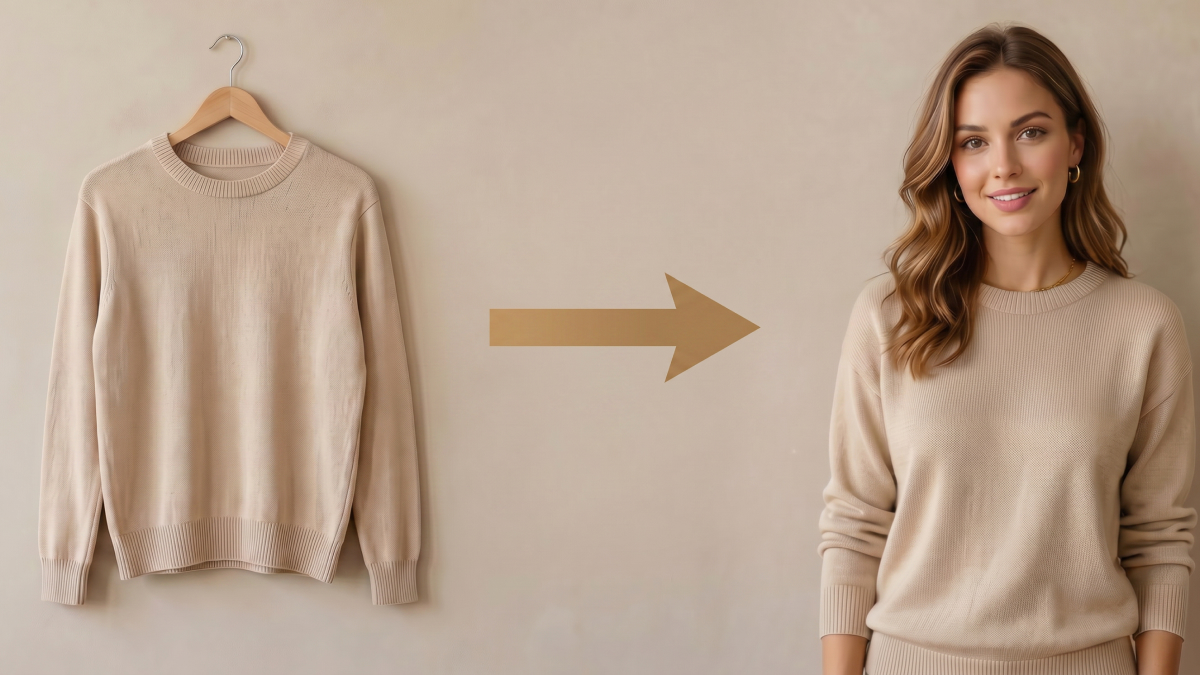
How to Create AI Fashion Models: Complete Step-by-Step Guide
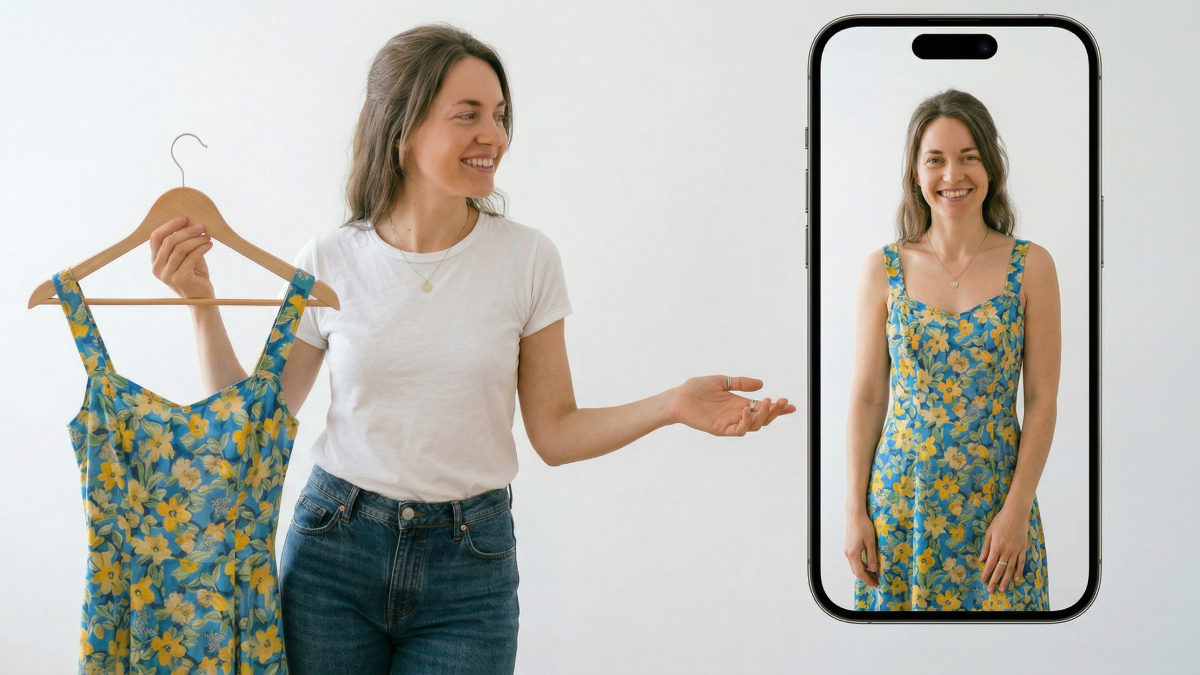
How to Use AI Fashion Models for E-Commerce Product Photos: A Complete 2026 Guide
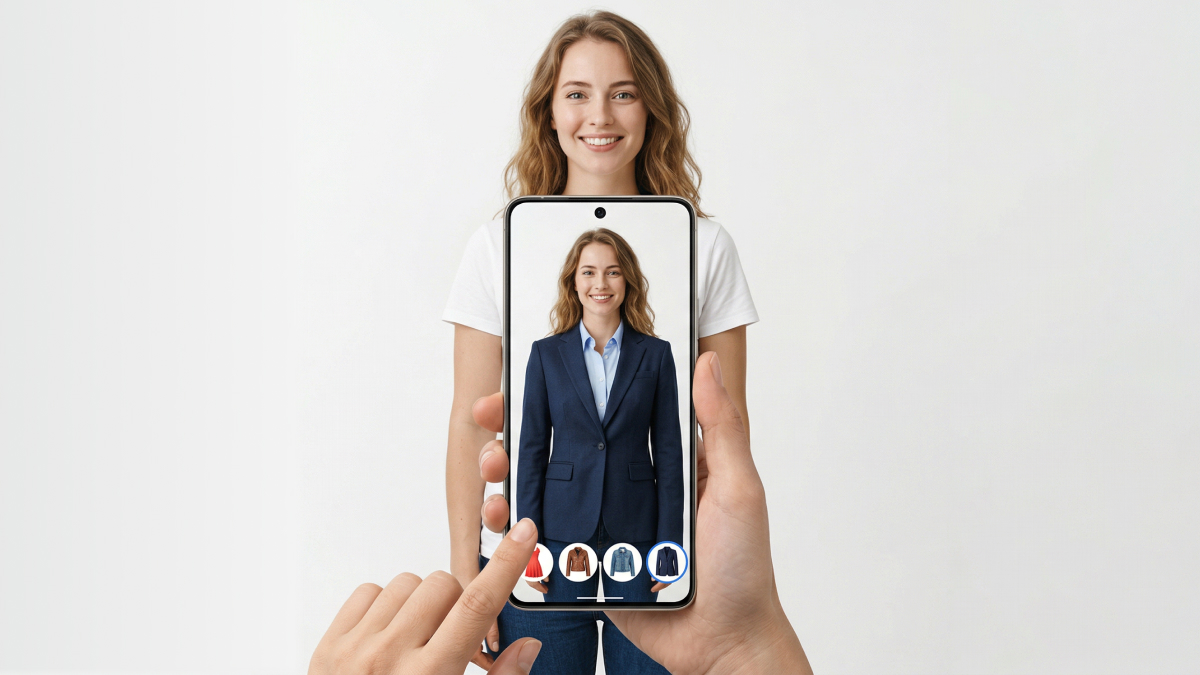
How to Virtually Try On Clothes Online: A Complete Guide
Make every product image ready to sell
Designkit is an all-in-one AI platform for ecommerce visuals. Create product photos, AI videos, virtual try-ons, and Amazon listing images in seconds. Generate HD backgrounds, batch edit photos, and scale your brand with studio-quality content.
