
Create Original Looks With AI Outfit Generator
Describe a look and generate a complete fashion image. Add a reference when useful.
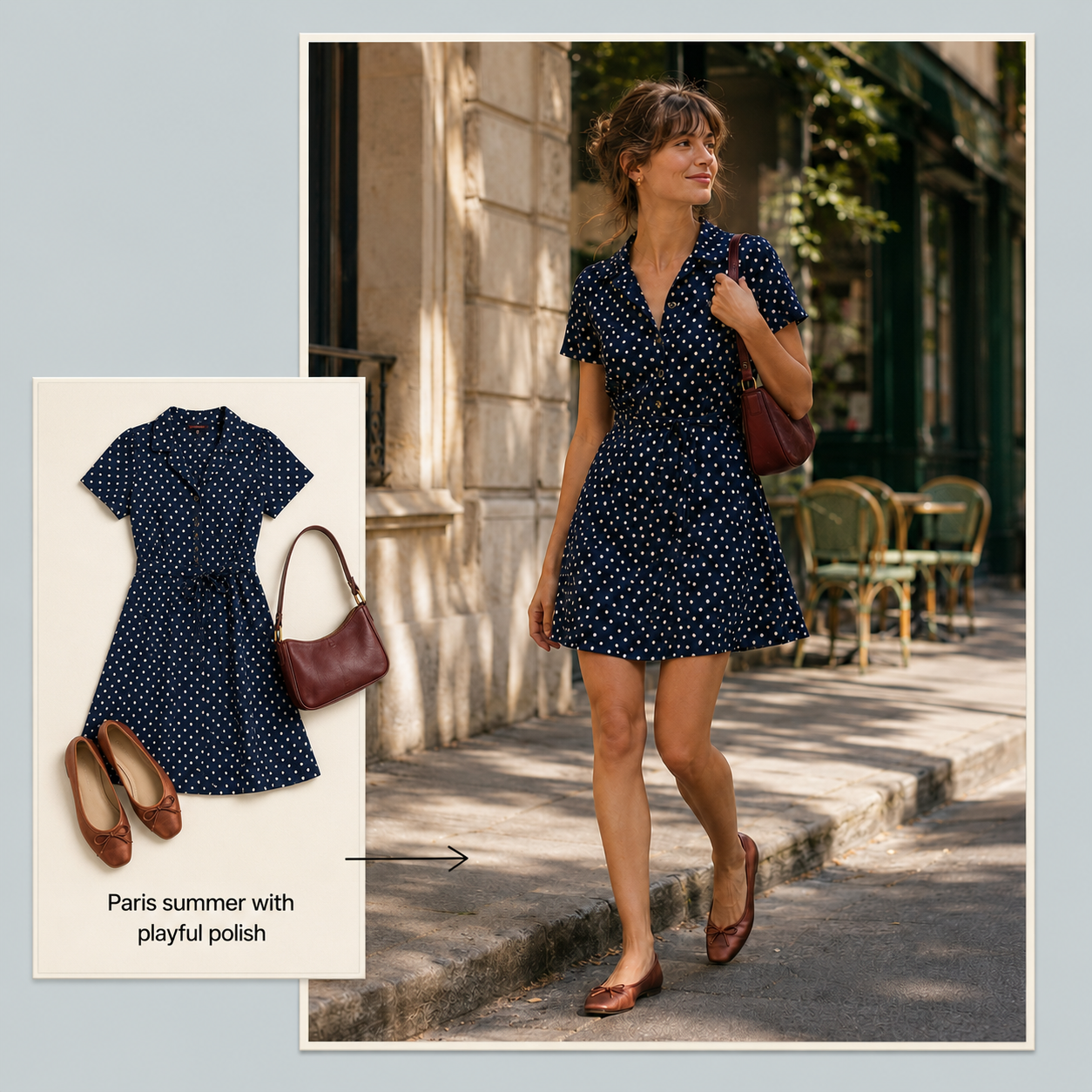
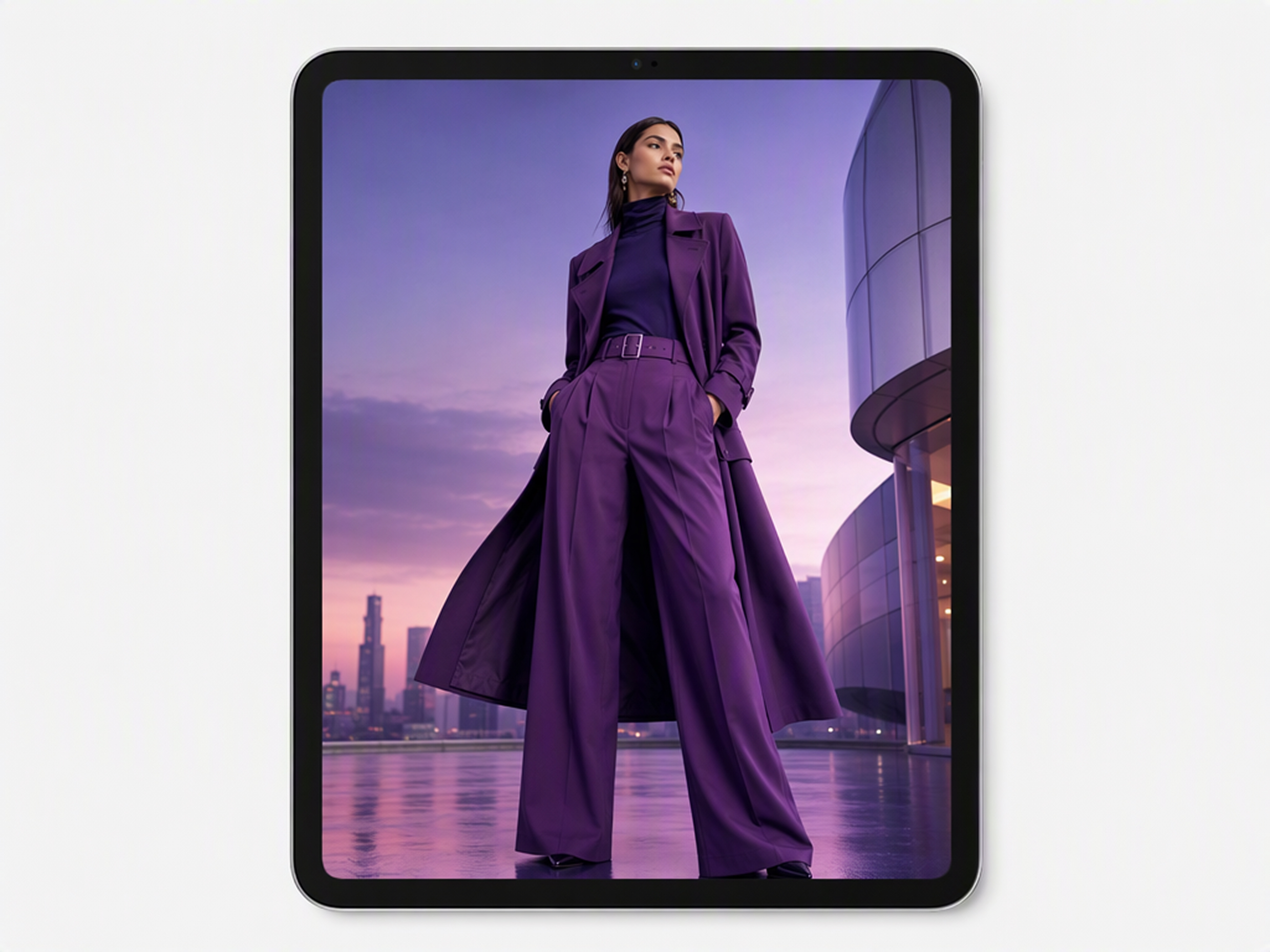
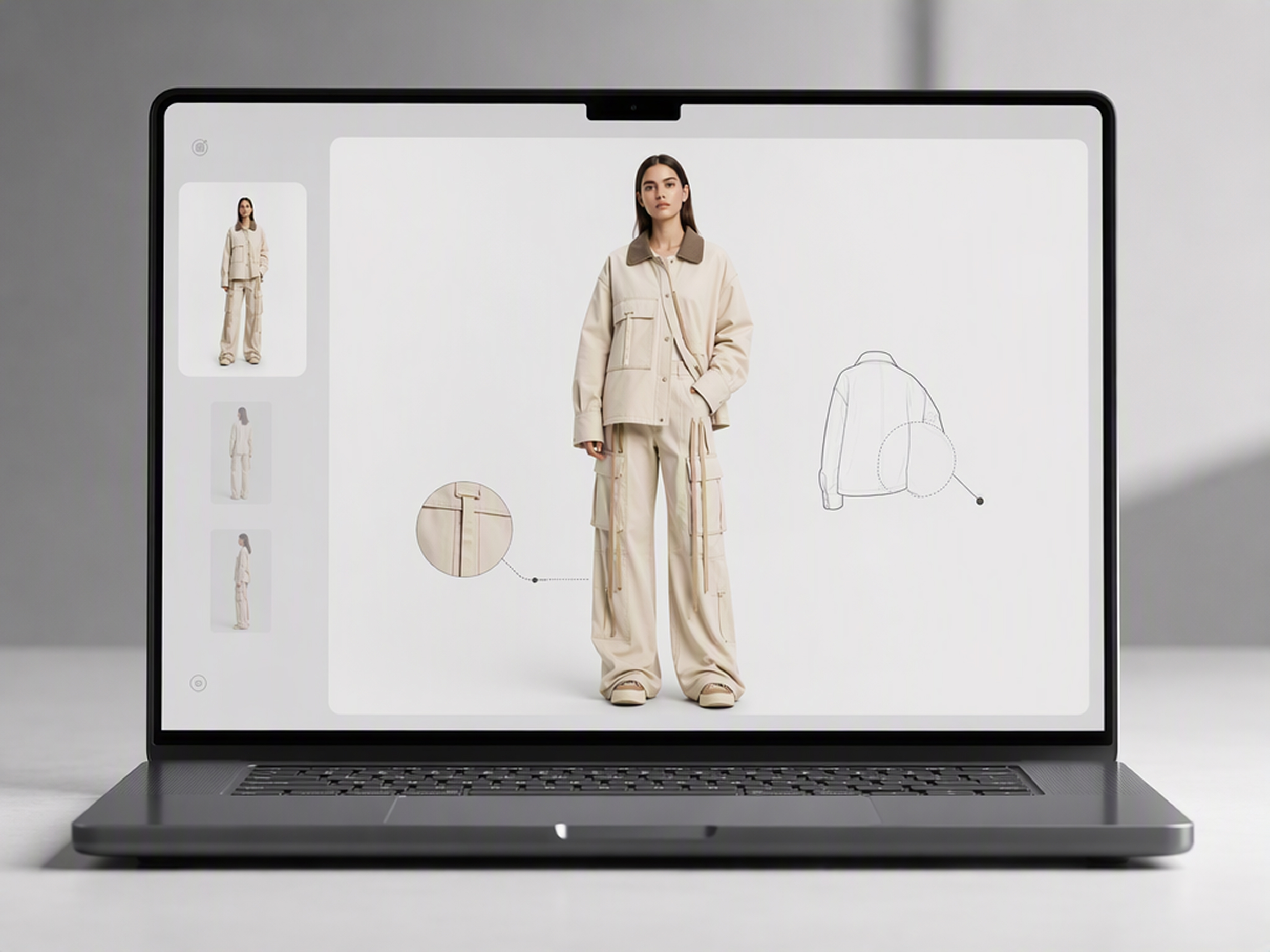
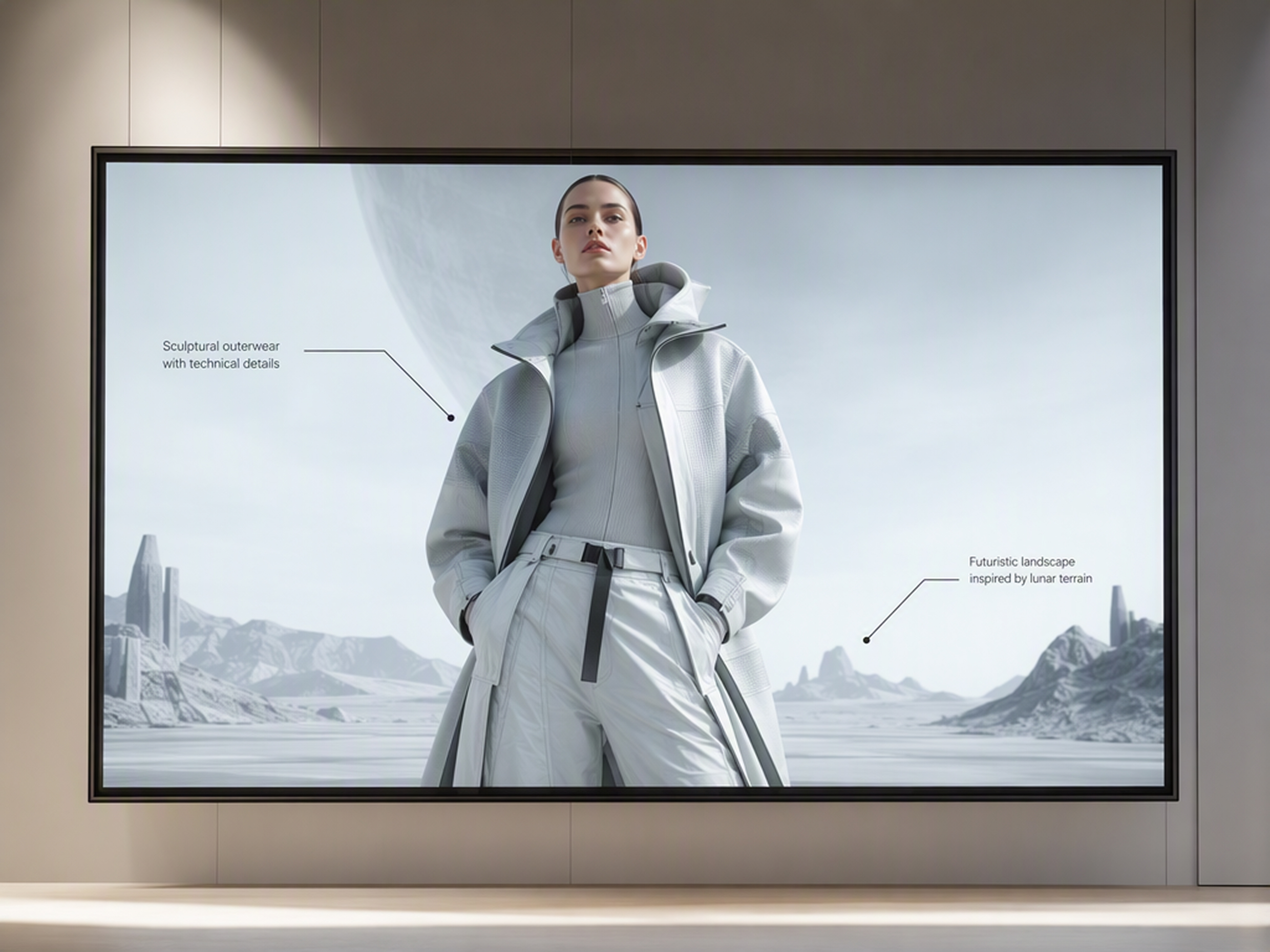
Create outfits for any style and setting
From everyday wear to seasonal looks and creative edits, generate polished outfit photos that fit the vibe you want.
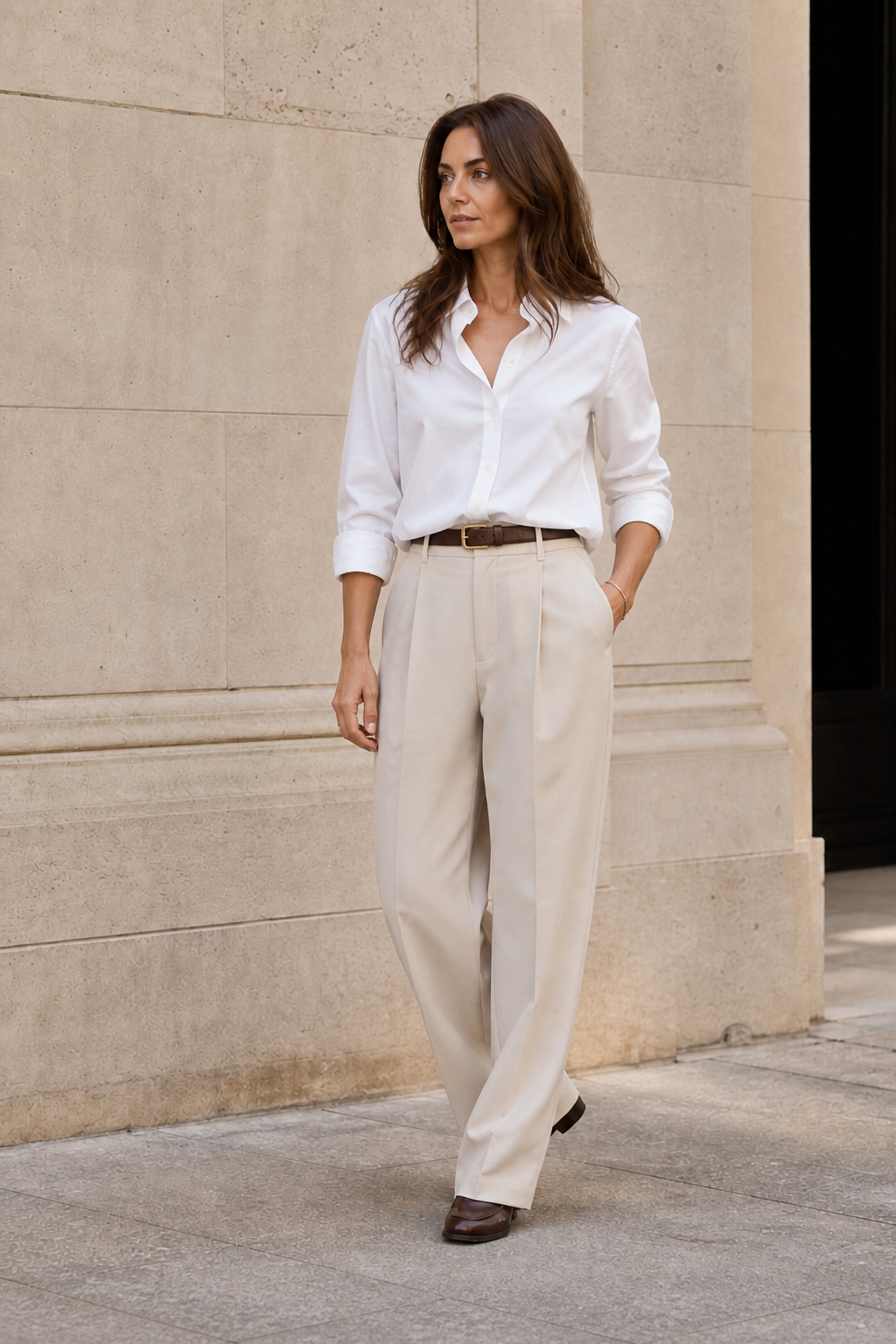
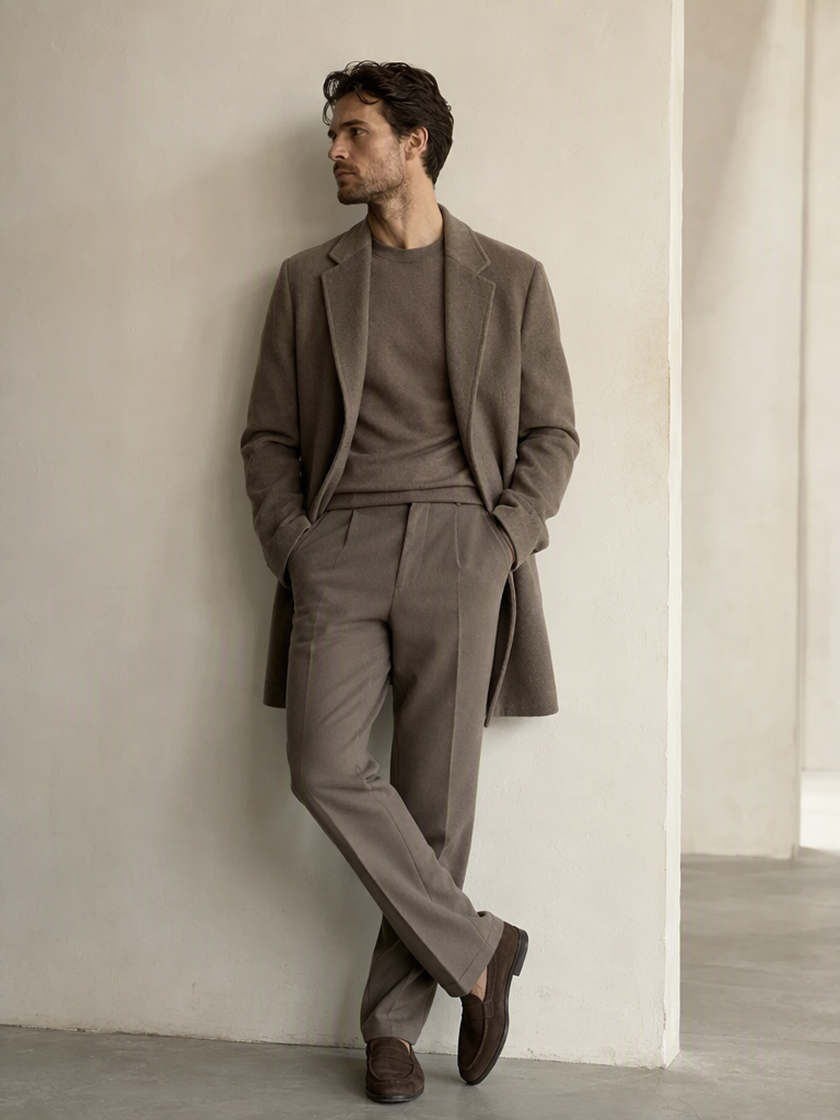
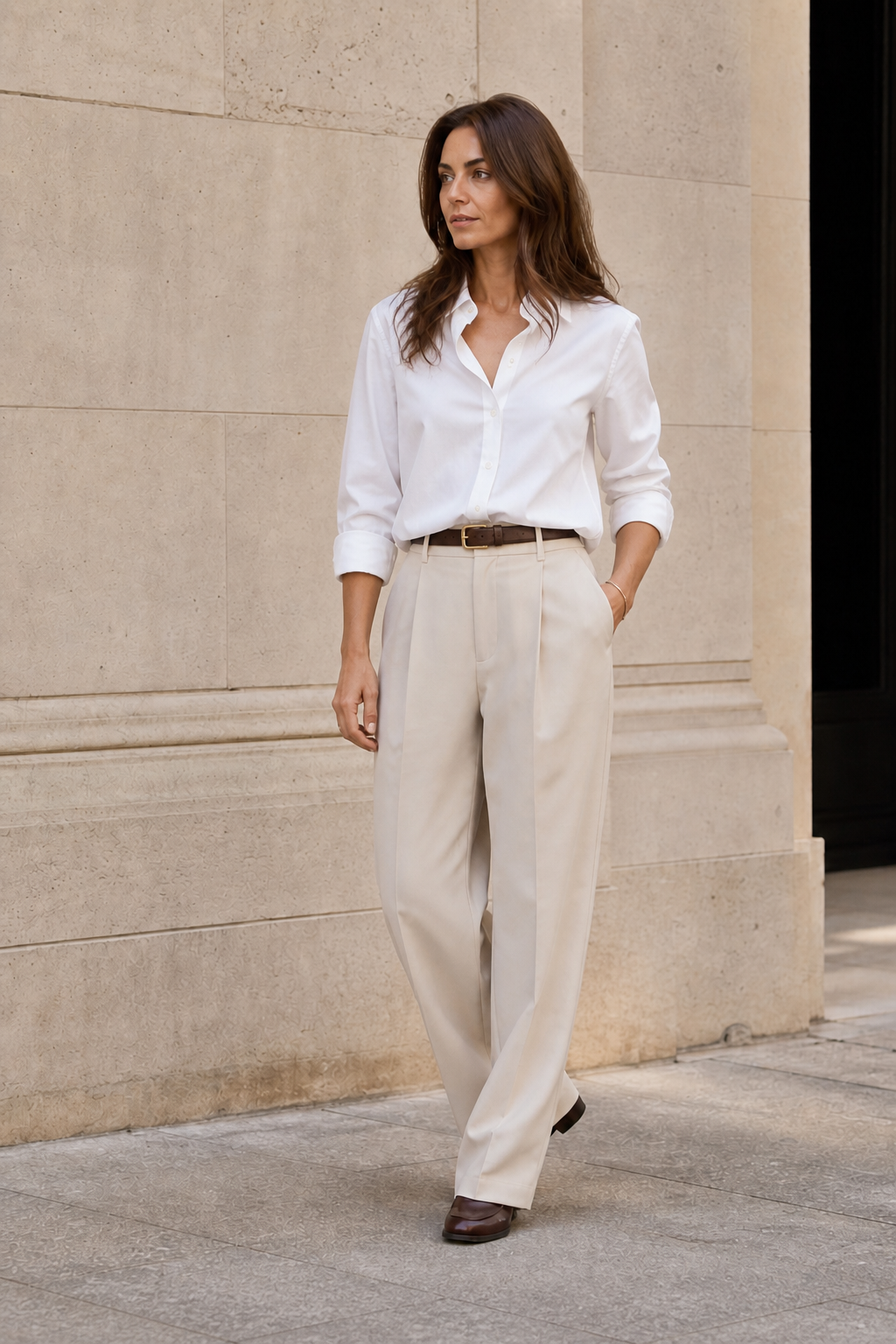 Everyday Looks
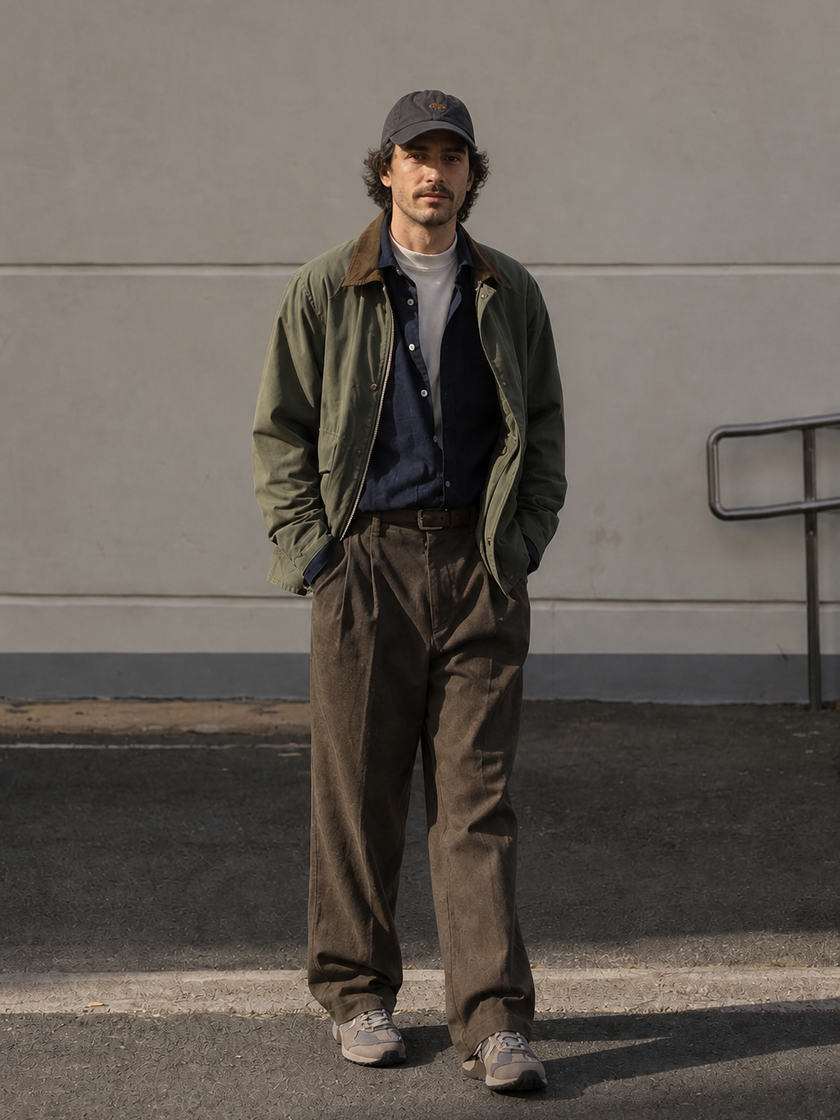
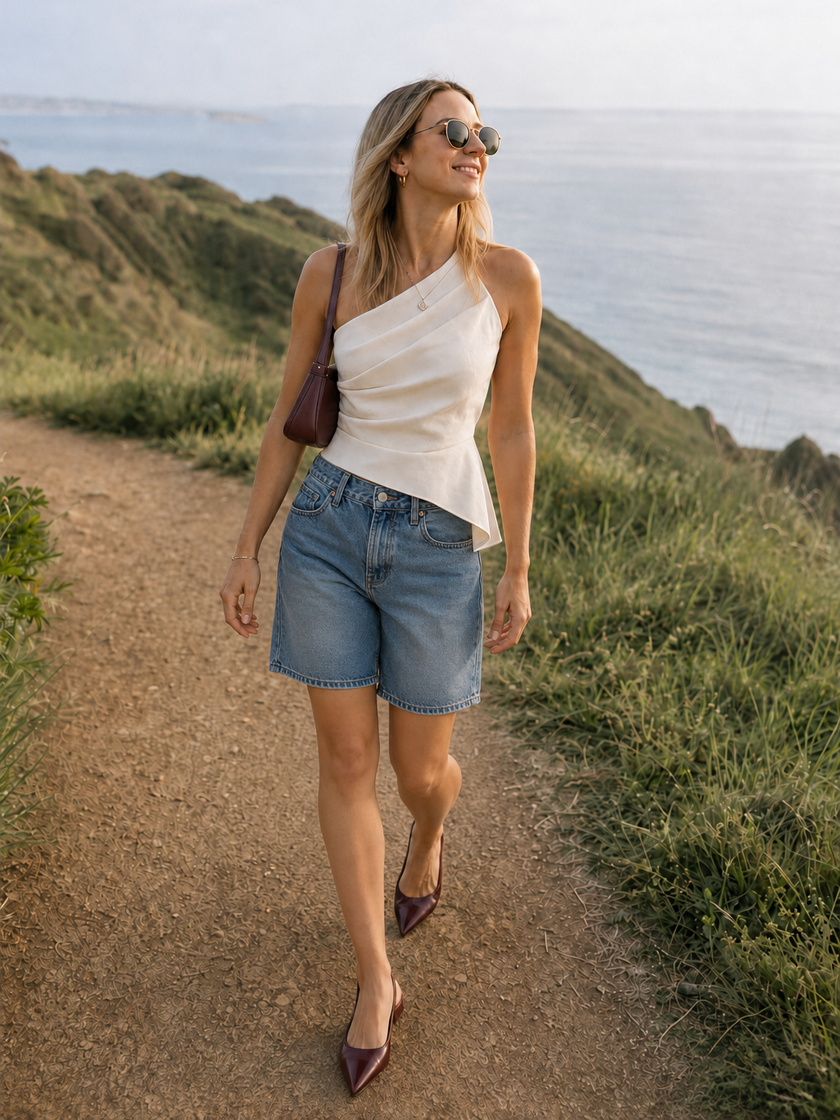 Seasonal Looks
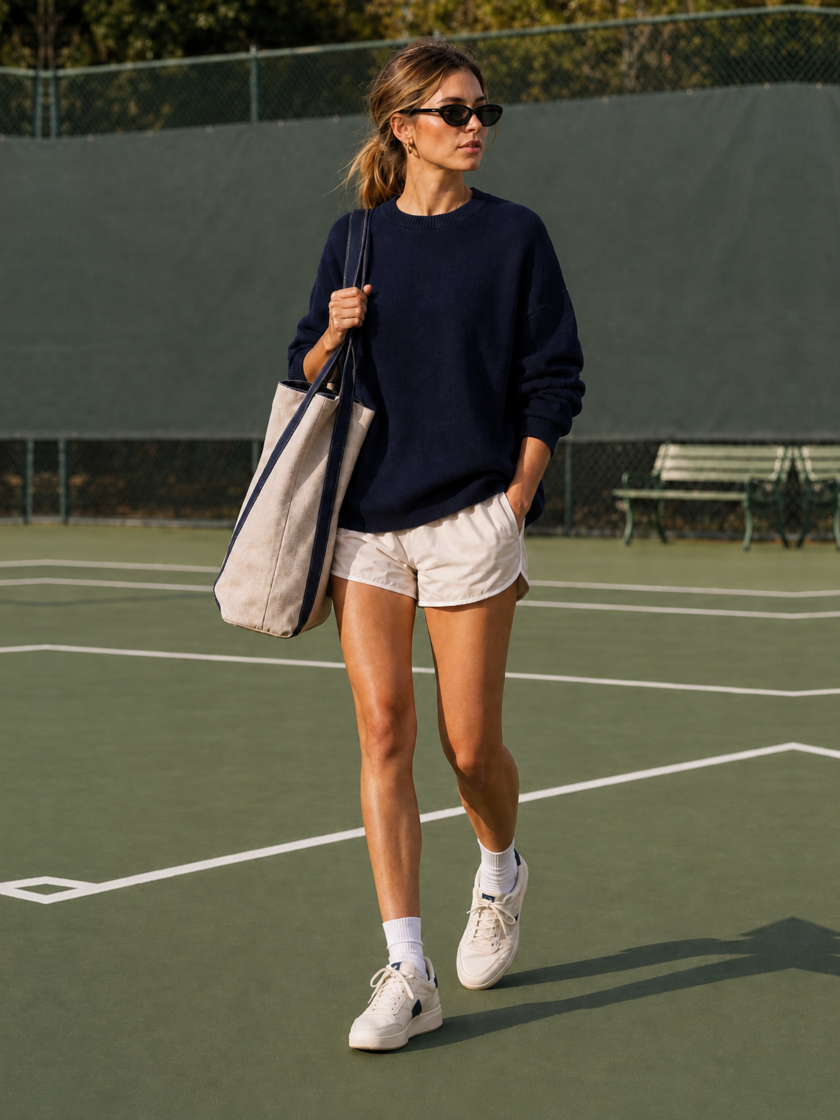
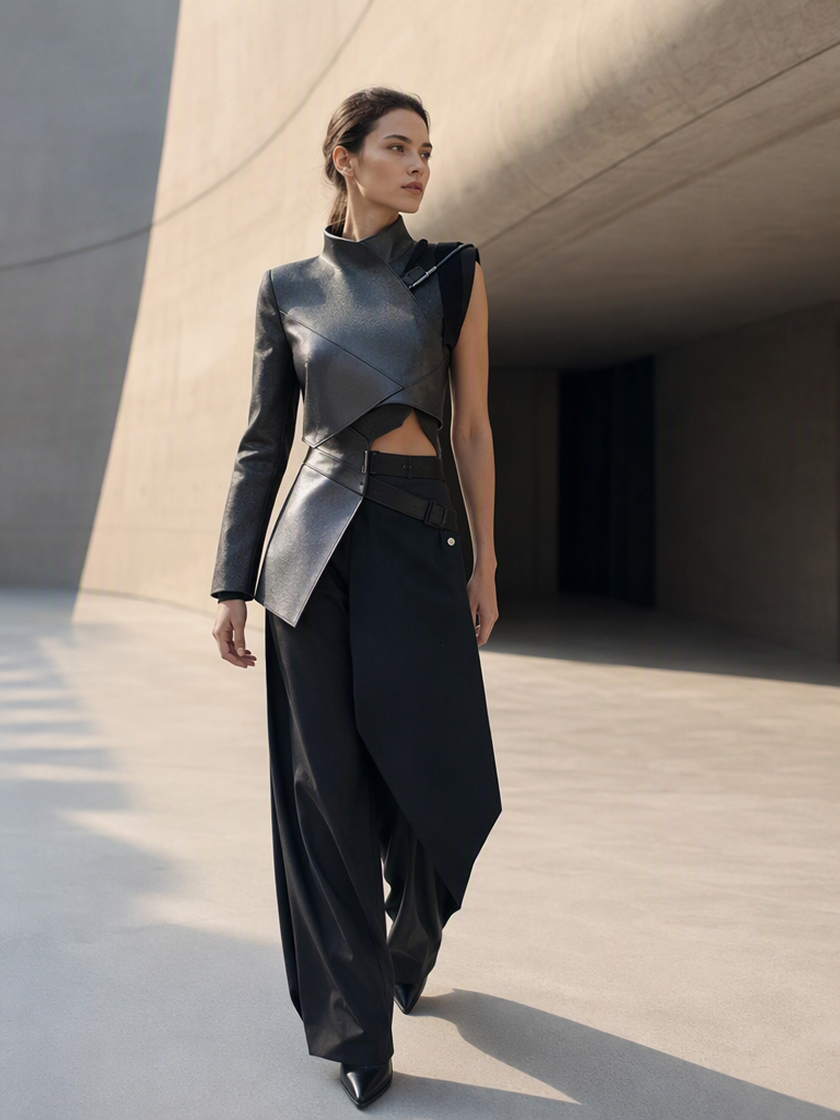 Creative Looks
How to Generate an Outfit With AI
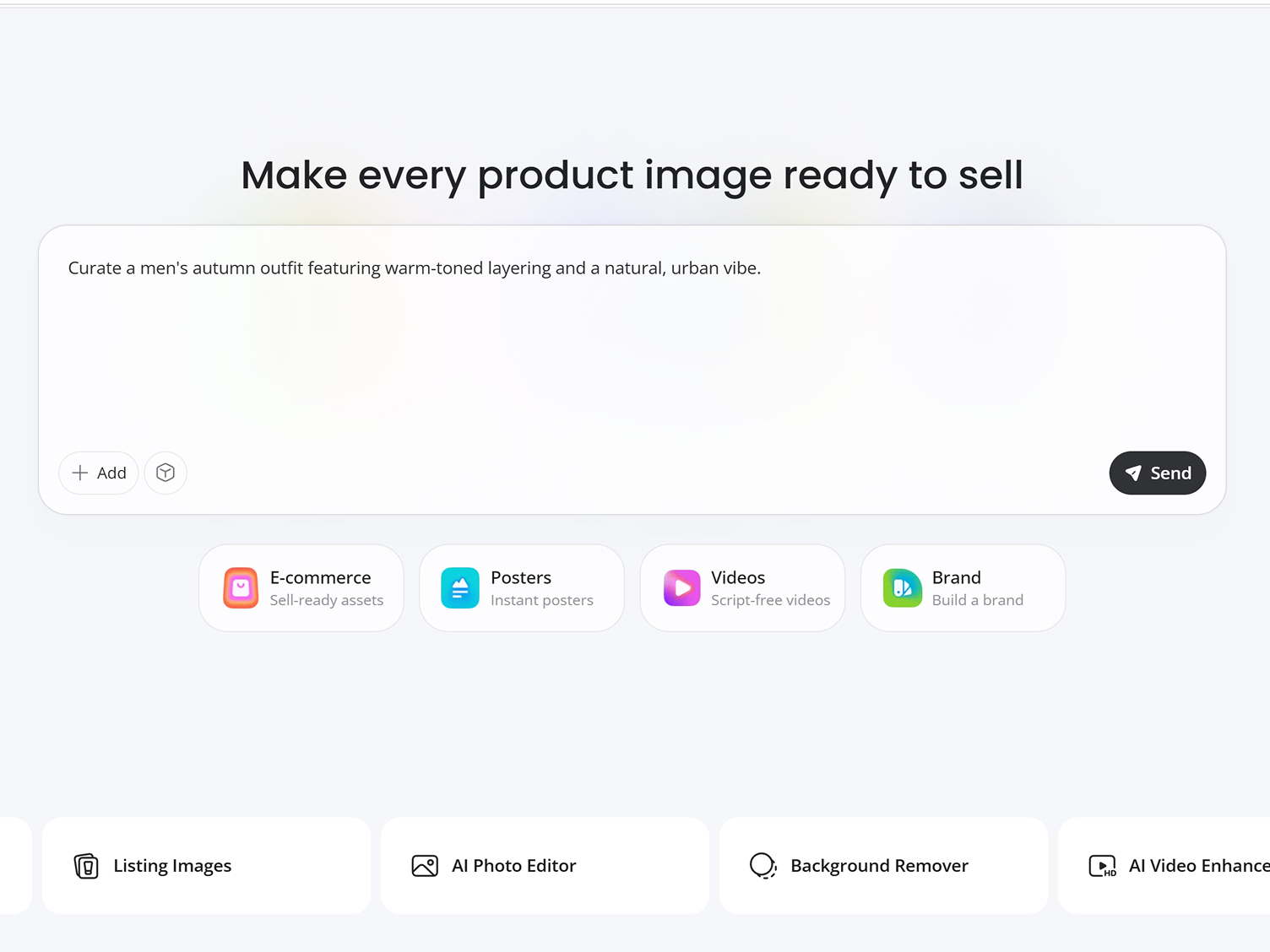
Describe Your Outfit
Enter a creative instruction for the complete look, including the style and overall fashion image you want AI to create.
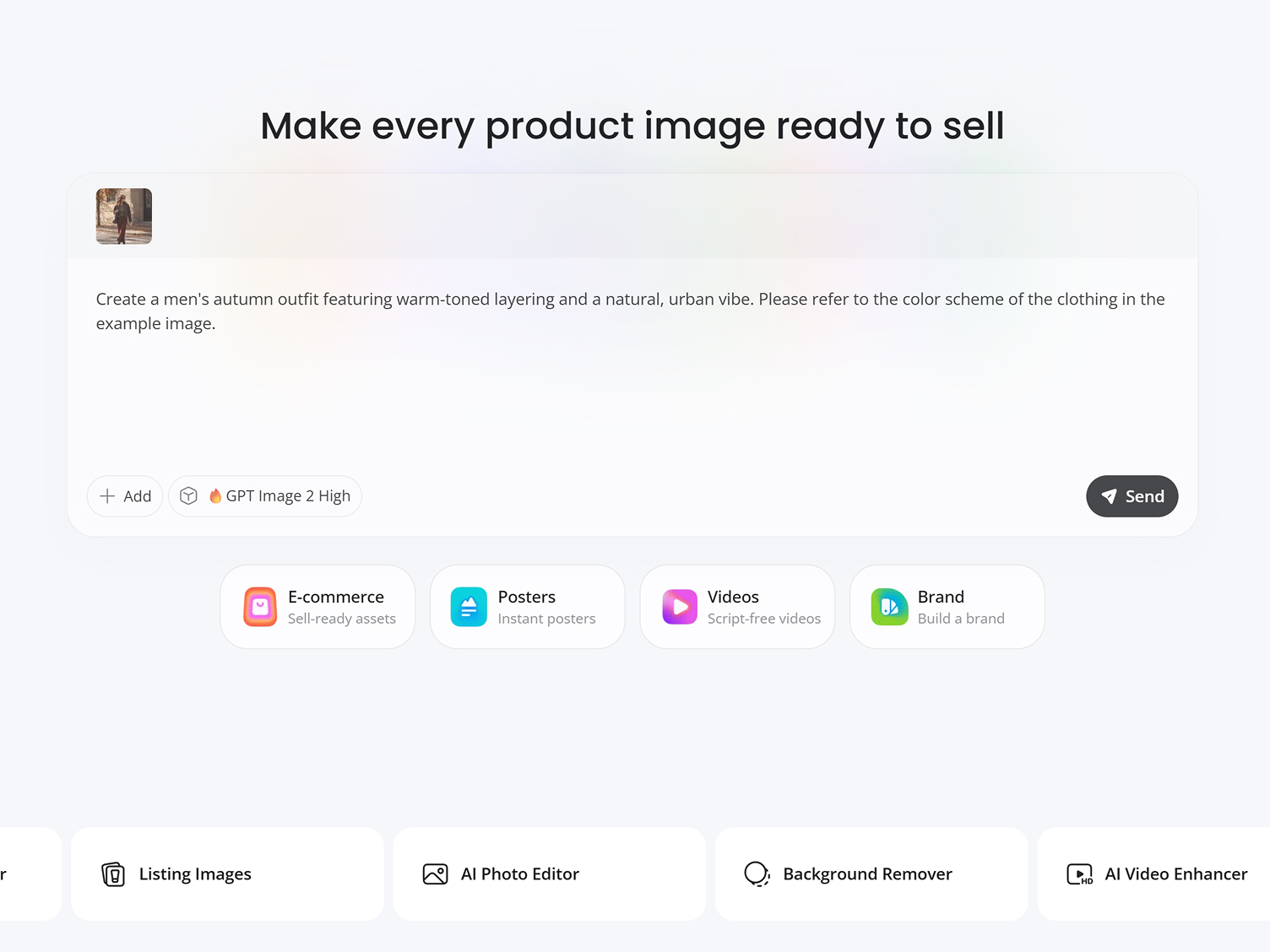
Add an Optional Reference
Attach a clothing or style image to guide the outfit's character. The reference provides inspiration rather than an exact garment target.
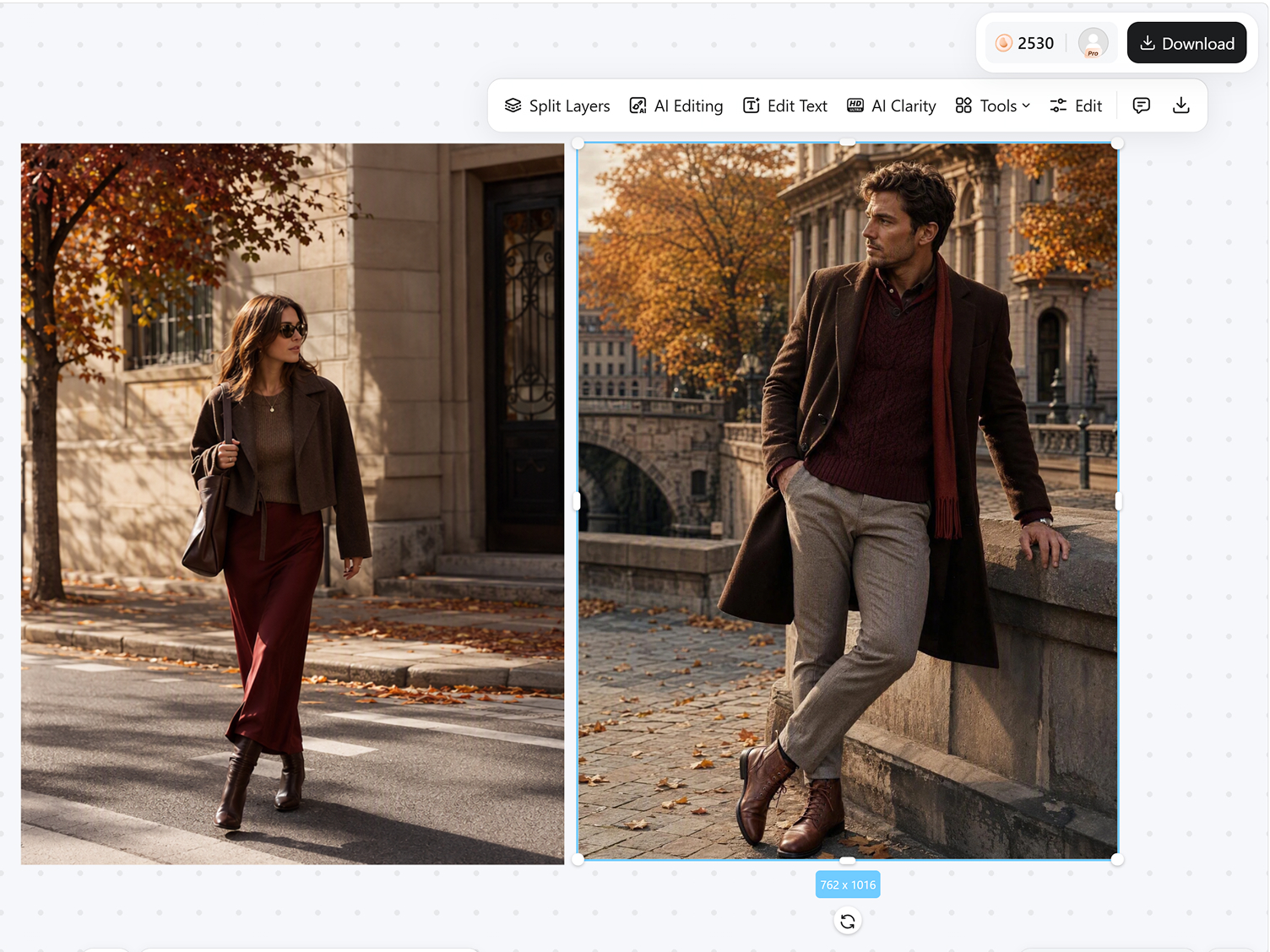
Generate Your Look
Review the result, request another interpretation or setting when needed, and download the version you prefer.
Shape a Complete Outfit from One Idea
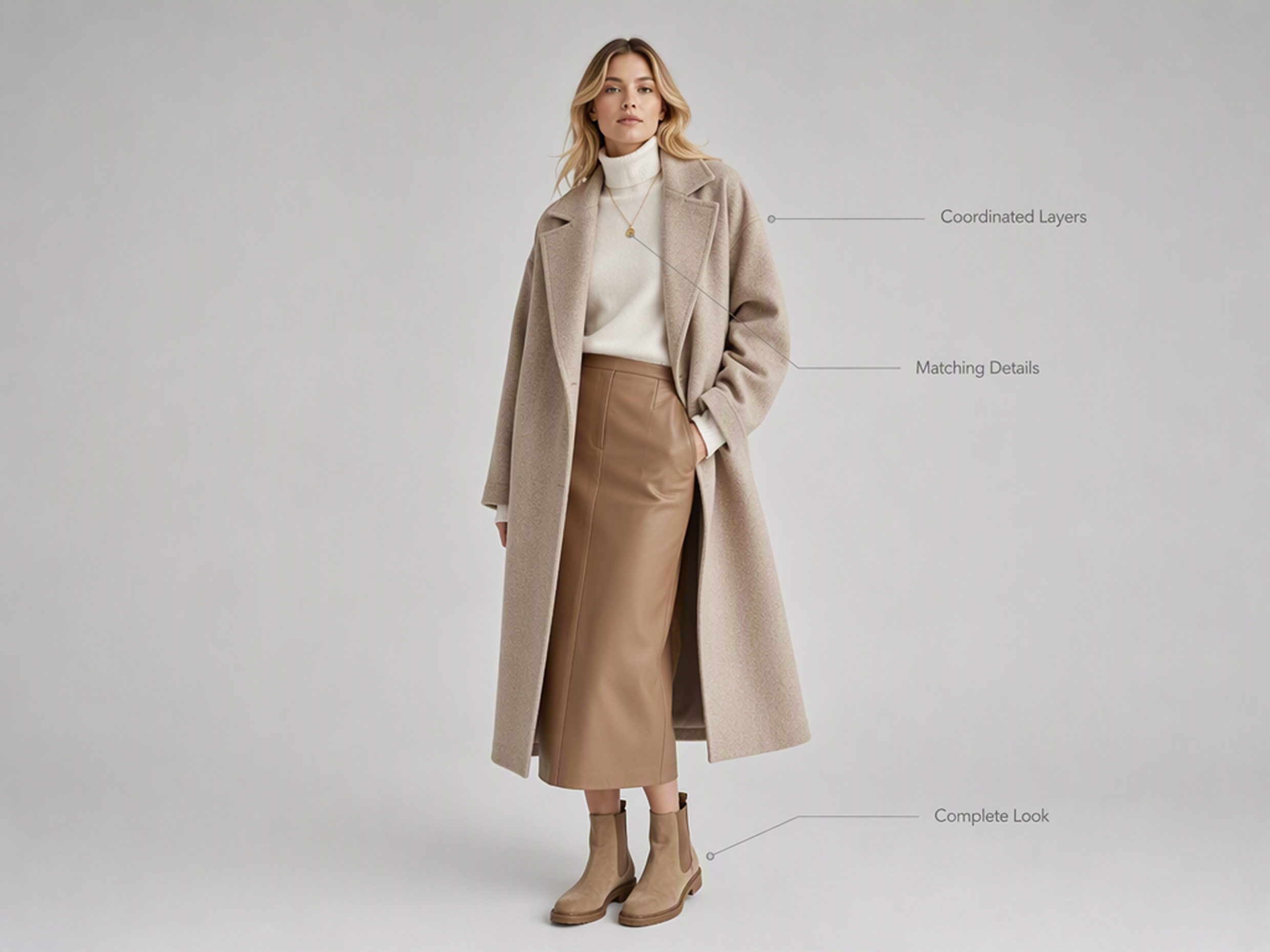
Generate a Complete Outfit Concept
Describe the overall fashion idea you want AI to develop. It coordinates the clothing, proportions, and styling details as one complete concept, so the result reads as a deliberately composed outfit rather than a collection of unrelated garments.
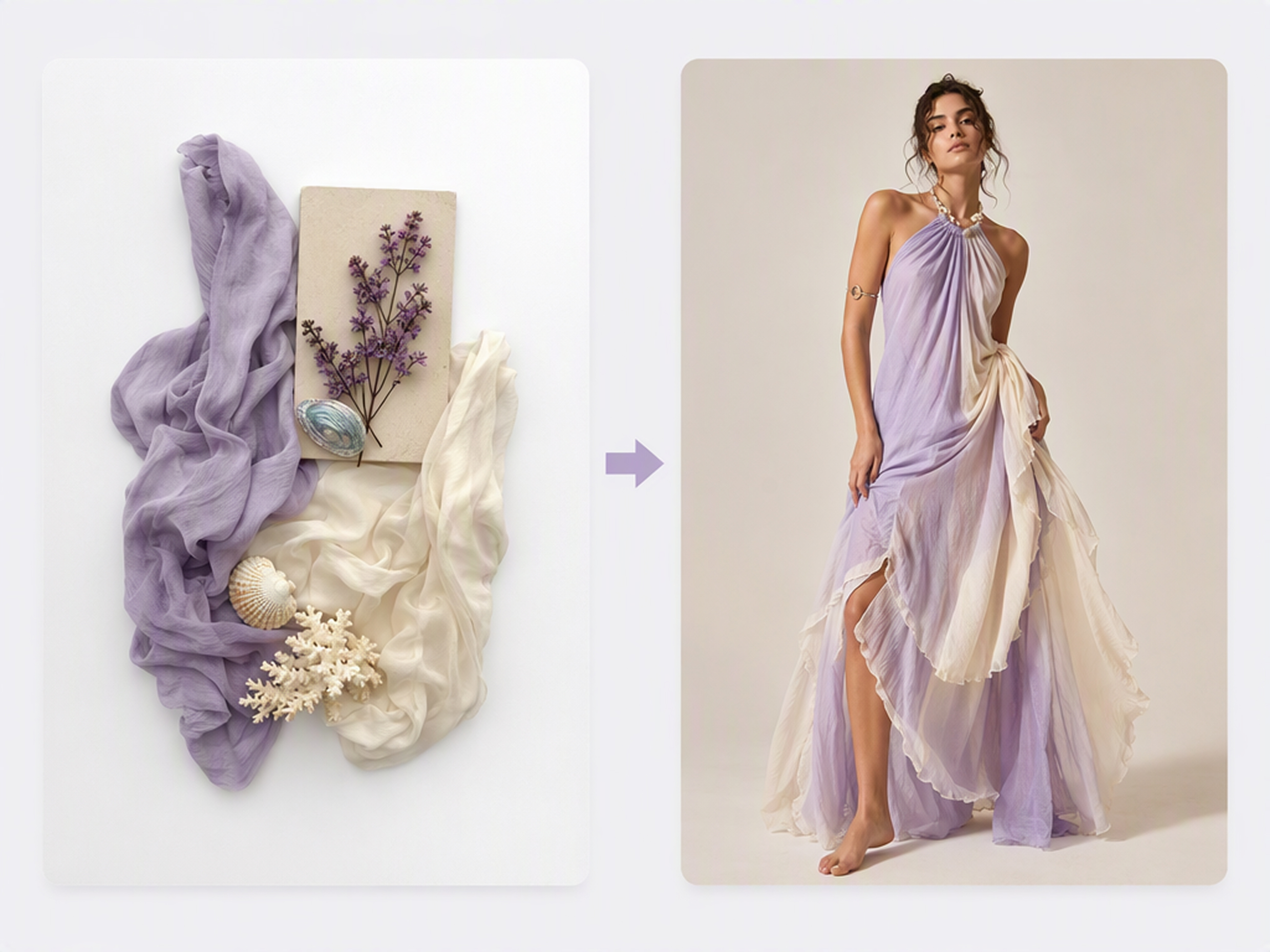
Guide the Look with an Optional Reference
Add a clothing or style image when your written idea needs more context. AI can carry its color relationships, material character, or styling mood into the new outfit while still creating an original fashion image instead of copying one exact garment.
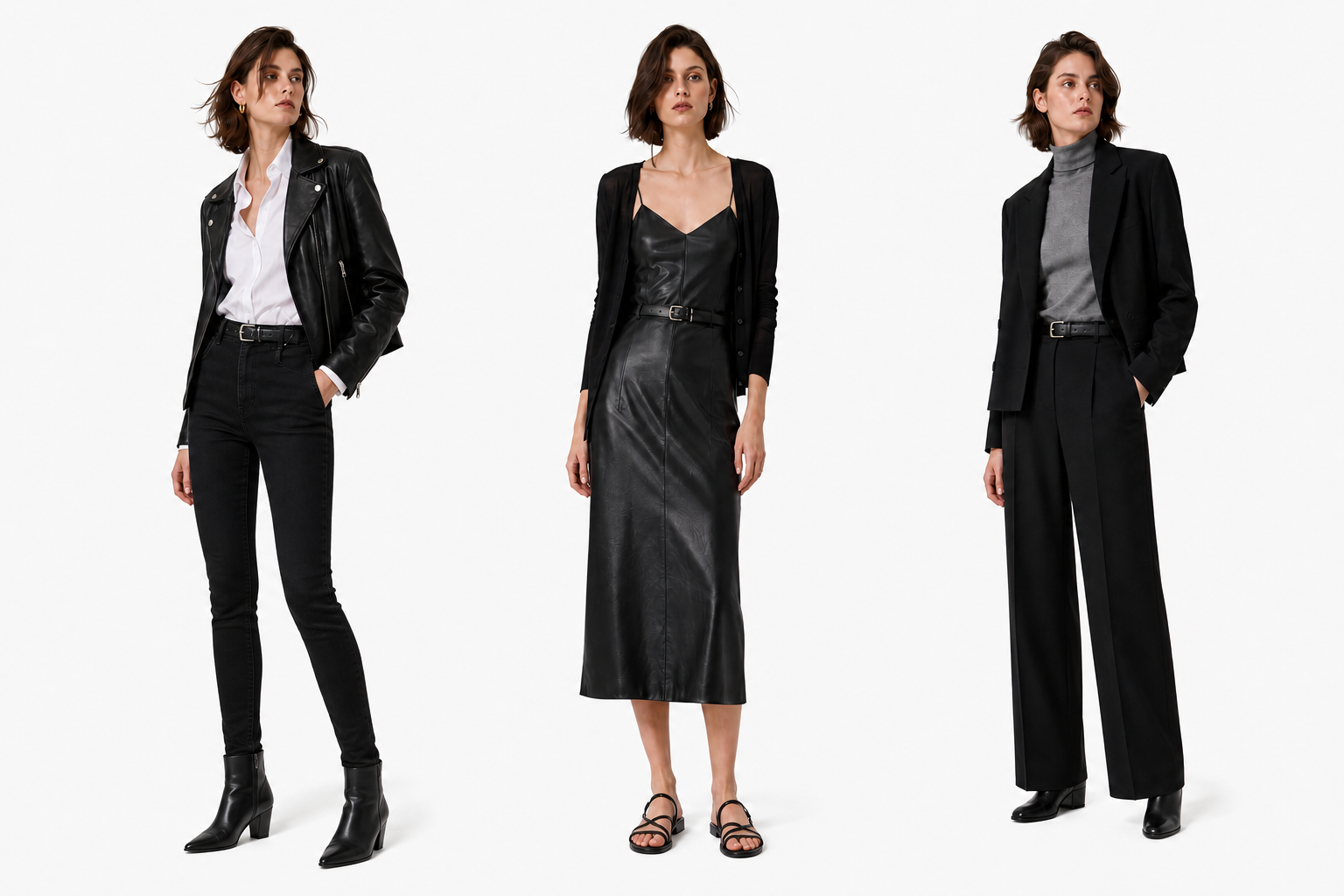
Create New Variations from the Same Idea
Keep the core styling idea and request another interpretation without rebuilding the brief. AI can shift the silhouette, seasonal treatment, or level of detail while preserving the concept that connects the versions as a related outfit series.
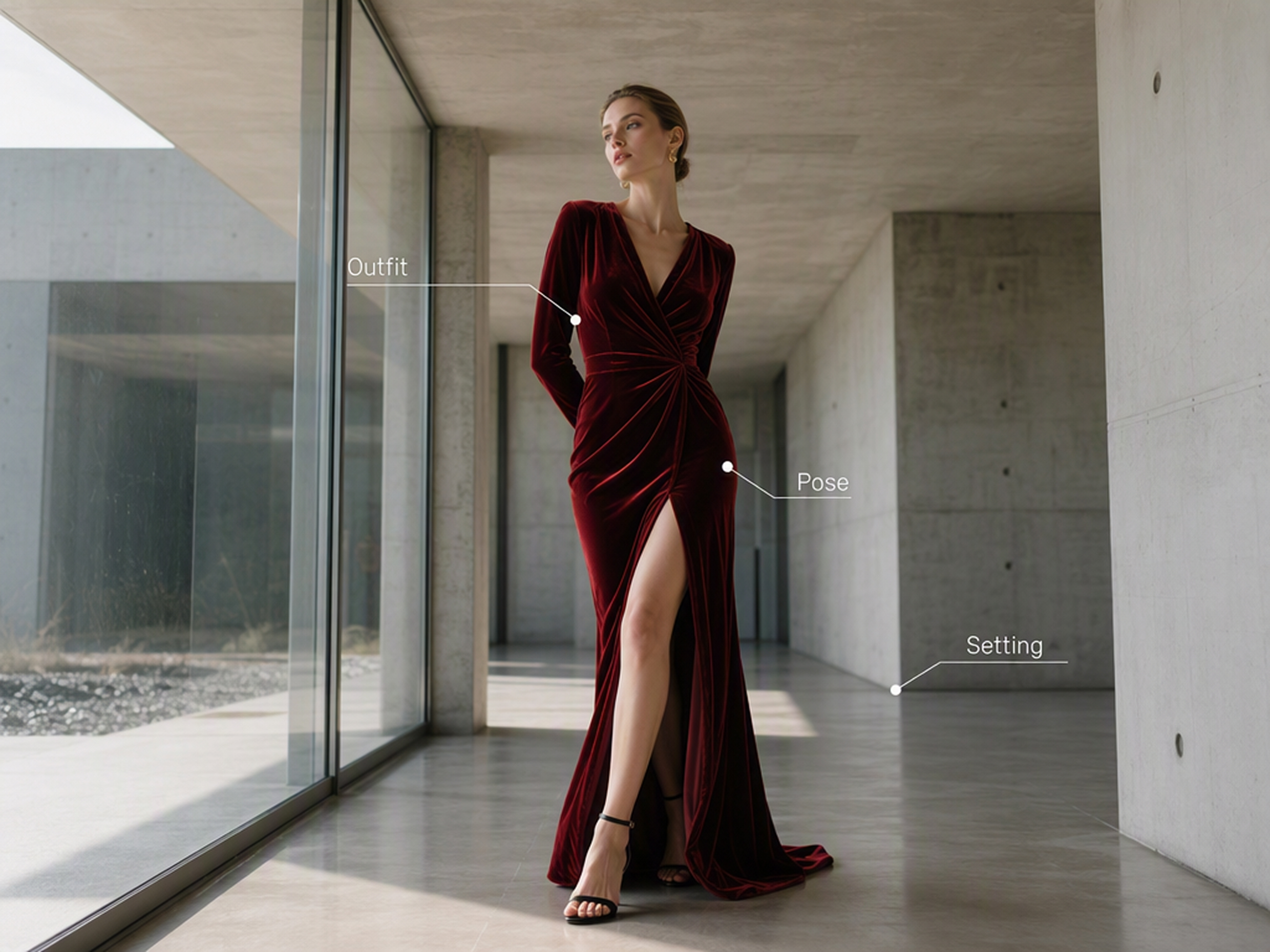
Shape the Full Fashion Image
Describe how the outfit should exist within the wider image, not just what the clothing should include. AI can compose the pose, setting, and atmosphere together so the final look feels integrated into a newly created fashion scene.
Outfit Ideas for Different Creative Goals
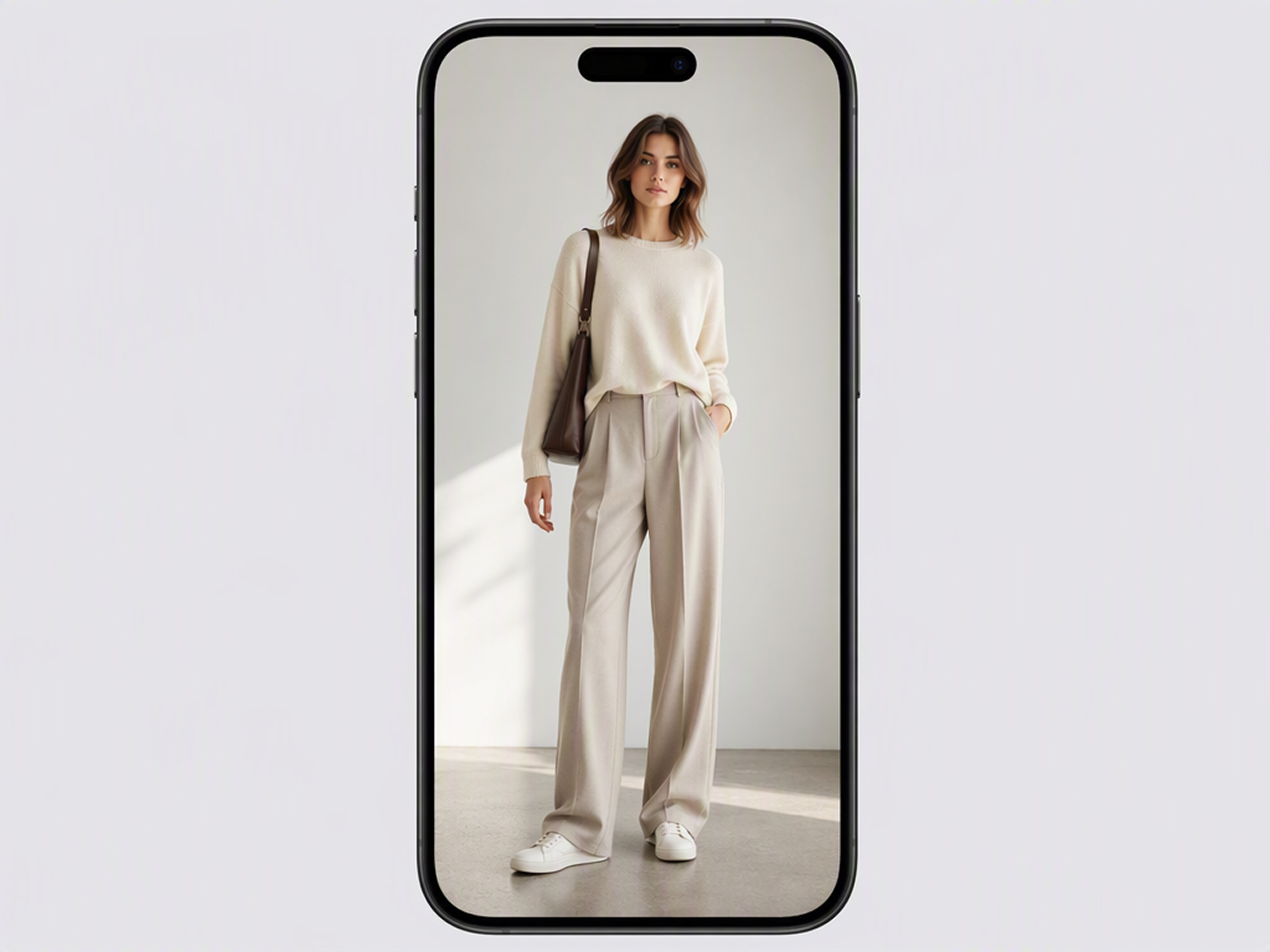
Plan a Look Before Recreating It
Generate a complete outfit around a mood or occasion when you want fresh styling ideas. The result gives you a visual concept to interpret with clothing you already own or use as a reference while planning a future look.
Why Choose Designkit for Outfit Generation

Generate an Image, Not an Outfit List
Wardrobe apps return item lists or fixed collages. Designkit generates a complete fashion image from the idea you describe.

Start with a Description, Not a Mood Board
Traditional mood boards require several references before the concept is clear. Designkit can create the first outfit image from text alone.

Continue Editing in the Same Workspace
Separate outfit generators leave later changes to another editor. Designkit keeps the result available for follow-up requests in the same workspace.
Explore More Tools

AI Clothes Changer for Photo Outfit Swaps

AI Fashion Model Generator Online for Clothing Photos & Fashion E-commerce
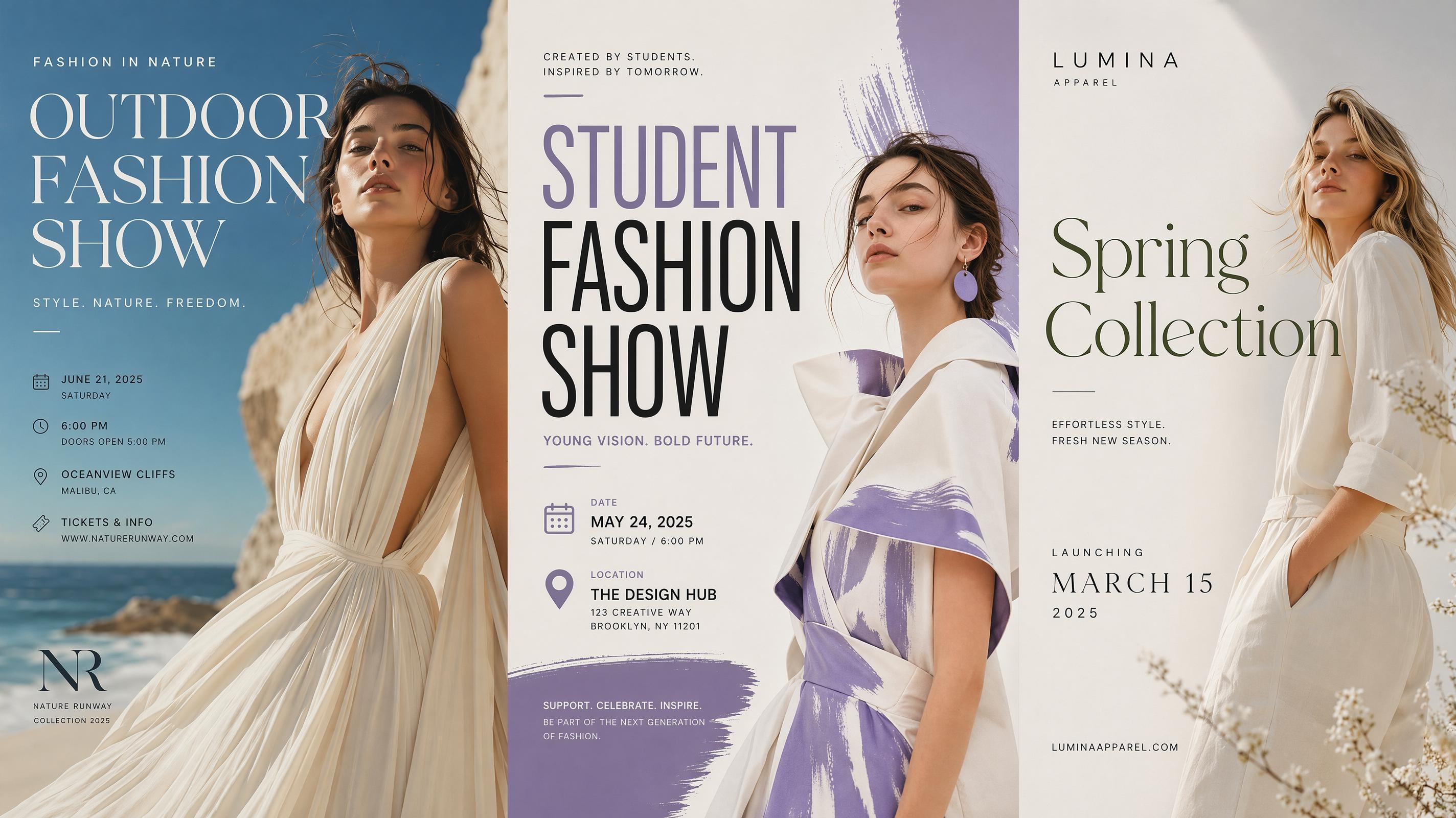
AI Fashion Poster Generator for Shows and Launches
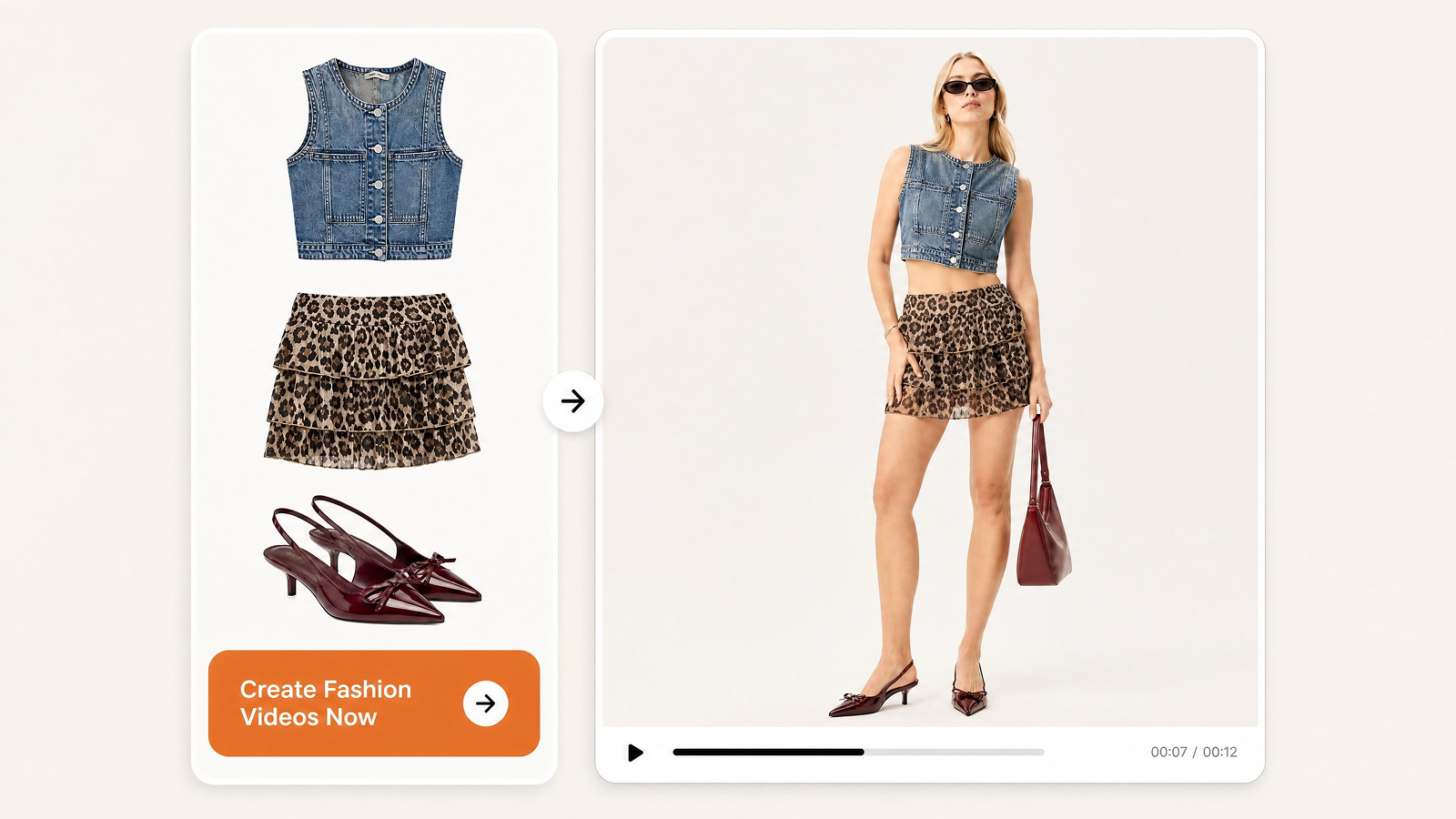
AI Fashion Video Generator for Social, Brands & Online Stores
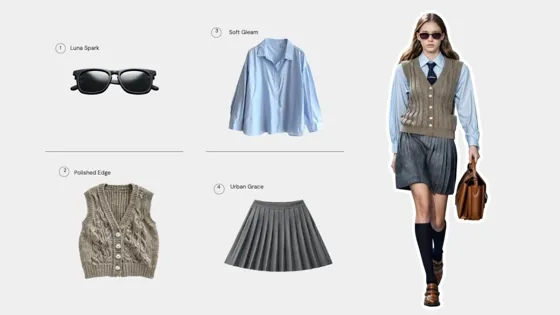
AI Virtual Try-On for Clothing, Shoes & Jewelry
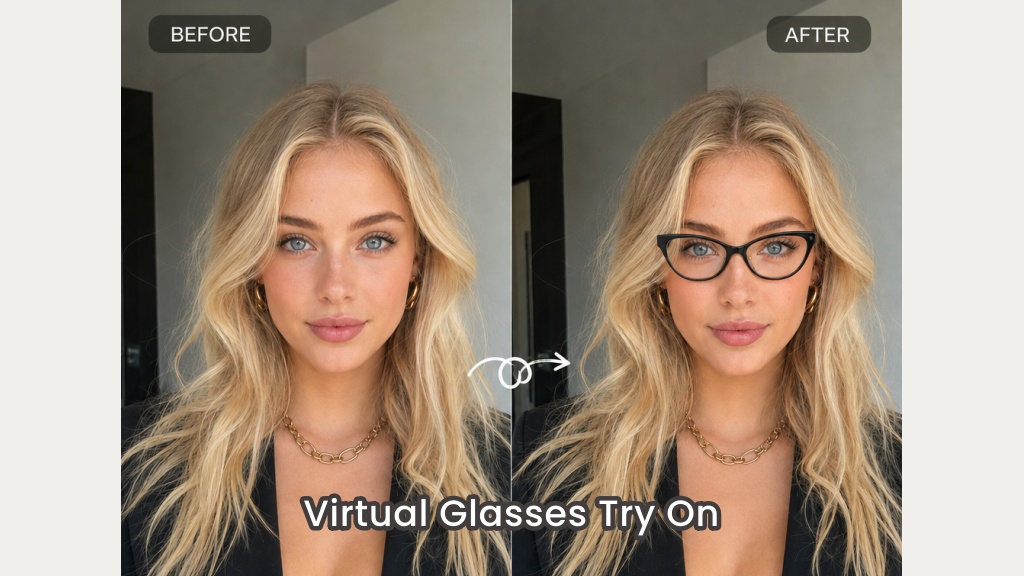
Virtual Glasses Try-On Online from Photo: Preview Any Eyewear with AI
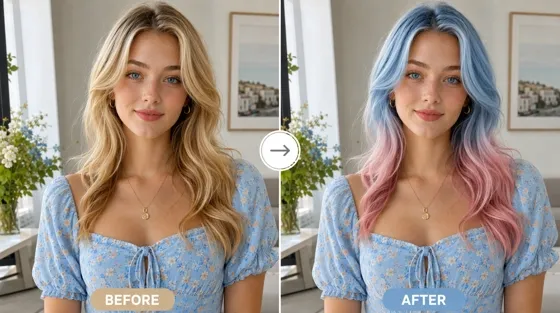
AI Hair Color Changer: Try Hair Colors on Your Photo
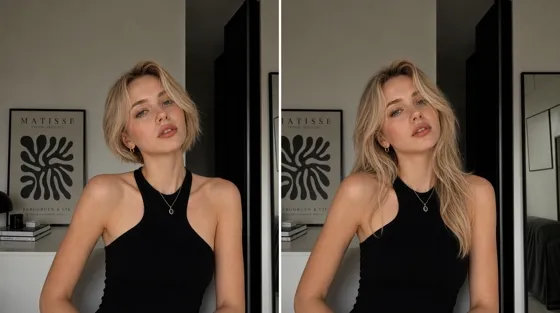
AI Hairstyle Changer: Try Hairstyles on Your Photo
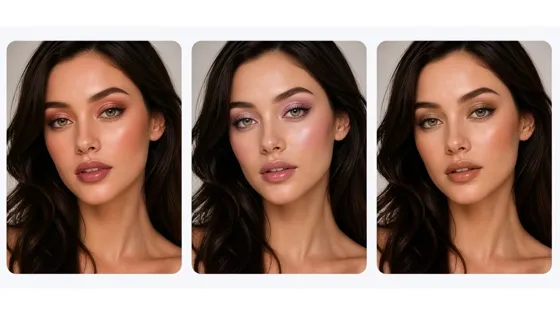
AI Virtual Makeup Try-On from a Photo Online
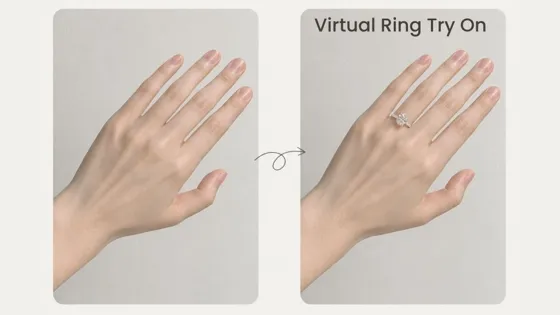
AI Virtual Ring Try-On from a Hand Photo Online
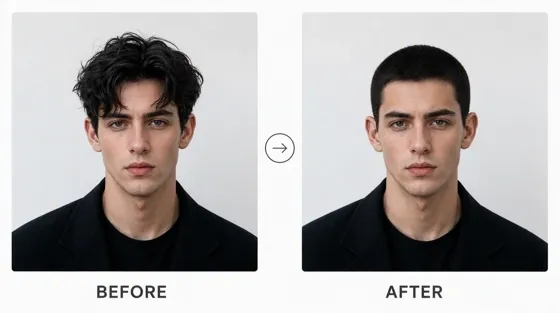
Buzz Cut Filter: Try a Buzz Cut on Your Photo
AI Tattoo Generator: Design Tattoos and Try Them On Free
Frequently Asked Questions
What is an AI outfit generator?
What can I use as a reference for an outfit?
You can start with a clothing image, fashion reference, or written idea. A person photo may also be included as creative context, but the generator can develop the wider styling and composition instead of preserving every part of that photo.
What should I include in an AI outfit generator prompt?
Treat the prompt as a creative instruction for the complete look. Describe the overall style and the kind of fashion image you want AI to create, then add only the details that materially shape the concept.
Can the AI reproduce an exact garment from a reference?
The Outfit Generator uses references to guide a new fashion concept, so it may reinterpret small details, prints, materials, or construction. Use the AI Clothes Changer when the main goal is to apply a specific clothing reference to an existing person photo.
How is this different from Clothes Changer or virtual try-on?
The Outfit Generator creates a new complete look from a creative instruction. Clothes Changer edits an existing person photo with a specific clothing reference while trying to retain the source image. Virtual try-on is generally intended as a shopping preview and should not be treated as an exact sizing prediction.
Can I use any fashion or clothing image as a reference?
Use images you own or have permission to use. Check the rights attached to photographs, clothing designs, logos, and other protected material before publishing or commercially using the generated result.
Create the Outfit Idea You Have in Mind
Start with a description, add a clothing or style reference if helpful, and generate a complete fashion image.

What Users Say About the AI Outfit Generator
See how users developed early styling ideas into clearer outfit concepts and fashion images.
A loose idea became much easier to picture.
I only had a general sense of the mood at first, so it was difficult to explain the outfit as separate pieces. The generated image brought the idea together as one complete look and gave me something concrete to react to before deciding which parts needed more thought.
The reference shaped the result but did not limit it.
I used a fashion image mainly for its color balance and overall character. The new outfit felt connected to that reference, but it was still a different concept rather than a copy. That gave me more room to explore the idea in a way that felt useful.
I could take one concept in another seasonal direction.
The first version captured the structure I wanted, then I requested a colder-weather interpretation. The next image kept the central fashion idea while changing the layers and overall atmosphere, which made the concept feel more developed rather than simply repeated.
Our review started from an image instead of vague notes.
The styling description made sense to each person in a slightly different way. Generating one complete outfit gave the team a common reference for the discussion. We could identify the strong parts of the concept and decide what needed another approach.
It helped before we gathered the actual wardrobe.
I needed to communicate the overall styling concept early, before every clothing piece had been sourced. The generated image was useful as a planning reference and helped narrow the next decisions, while leaving room for the final wardrobe to develop separately.