

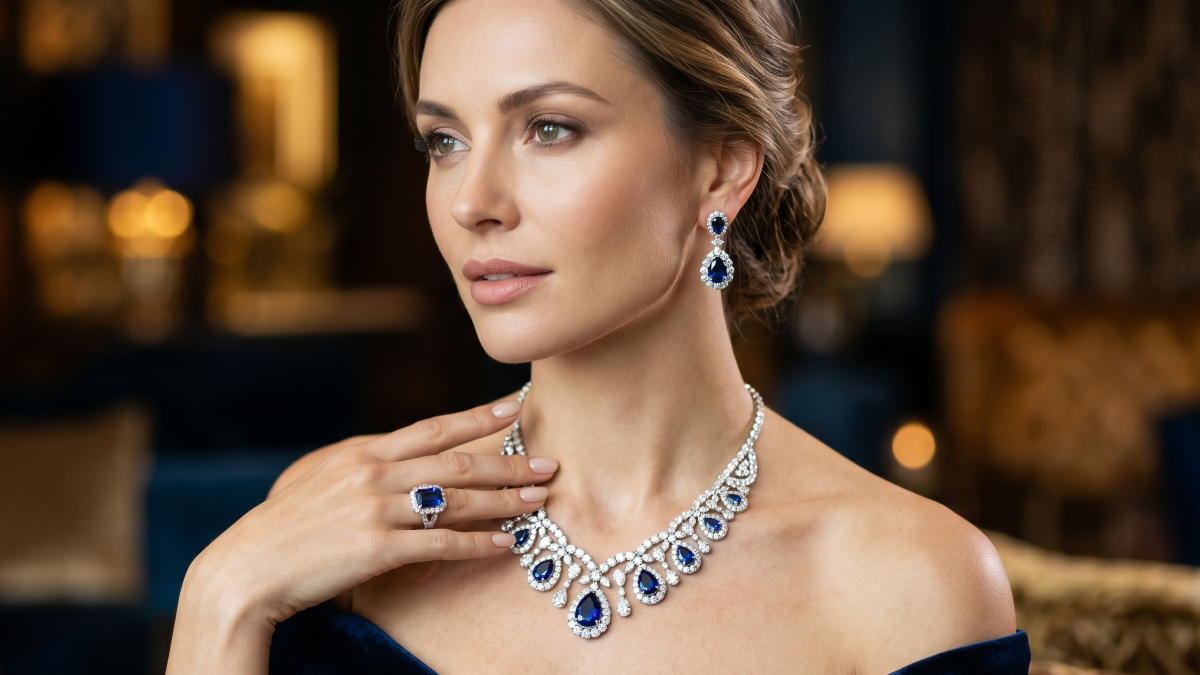
Jewelry photography often challenges sellers due to reflections and intricate visual details. Unlike clothing, even small lighting issues can distort gemstones and reduce perceived product quality. Many small brands struggle to afford professional shoots that capture fine details accurately.
As a result, most rely on flat-lay images that fail to show real styling context. However, AI model wearing jewelry visuals now offer a practical alternative for sellers. Thus, this guide explains key challenges and advanced tips for better results. You will also learn how to create realistic jewelry images without expensive production setups.
Part 1. Why Jewelry Photography Needs a Different Approach Than Apparel
Jewelry items require a unique photography strategy compared to standard fashion apparel items. Small accessories pose specific technical hurdles that larger clothing pieces do not. You must understand these distinct category requirements to produce quality professional marketing images. So, the following sections explore why jewelry demands such a specialized and precise technical focus:
1.1. The Unique Challenges of Shooting Jewelry on Real Models
Capturing an AI model wearing jewelry requires an understanding of how light, texture, and scale interact with small reflective surfaces. Many small sellers rely on flat-lays since professional model photography can be costly. To achieve realistic results, these four core technical challenges must be carefully managed in jewelry photography:
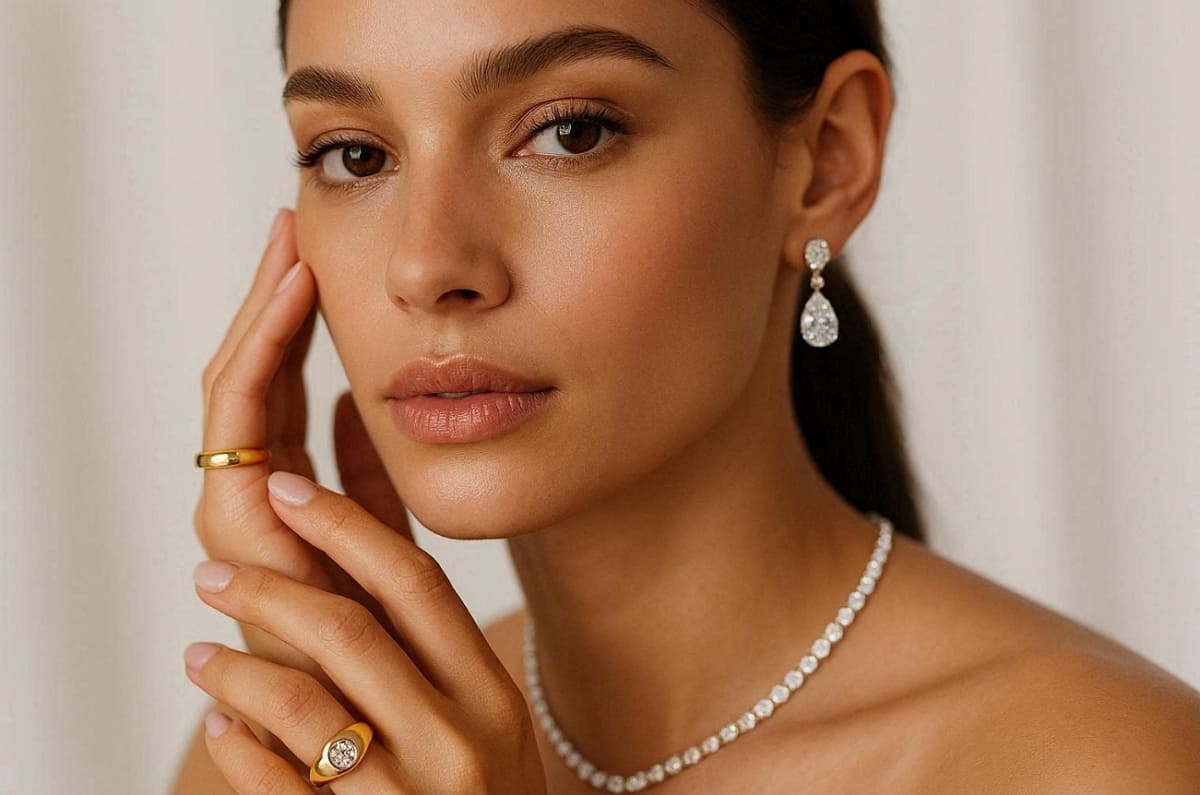
1. Reflections and Glare: Smooth surfaces create distracting reflections and glare on metal and gemstones.
2. Millimeter-Level Detail: Fine engravings and small stone facets require extreme focus and macro lenses.
3. Skin Tone Interaction: The contrast of the different metals, such as gold or silver, with different skin colors is unique.
4. Close-Up Composition: Capturing the jewelry's ornamentation within a small frame is a challenging undertaking.
1.2. Why On-Model Photos Sell More Jewelry Than Flat-Lay Shots
Traditional flat-lay images often fail to accurately convey the true size of your jewelry pieces. Basically, an AI fashion model helps buyers visualize the specific necklace length and earring drop. Furthermore, contextual pictures enable the customers to visualize the jewelry with their own outfits. So, check out the next comparison to understand why pictures are better than plain product shots:
|
Feature Comparison |
Traditional Flat-Lay Photography |
AI Fashion Model Visual Benefit |
|---|---|---|
|
Scale Perception |
Buyers struggle to judge the actual item size |
Shows exact proportions of the human body |
|
Styling Context |
Jewelry appears isolated without any clothing or hair |
Demonstrates how pieces work with specific outfits |
|
Emotional Appeal |
Focuses strictly on the product as an object |
Creates a lifestyle connection for the online shopper |
|
Buyer Imagination |
Difficult for customers to see themselves wearing it |
Helps users visualize the jewelry in real life |
A shift to model-driven content is an essential measure for any expanding jewelry brand. These quality visuals can be available to businesses with a small marketing budget by using artificial intelligence. Moreover, Orbitvu reports that the quality of photos is the most critical purchase consideration among online shoppers, 90%.
Part 2. How to Create an AI Model Wearing Jewelry Photos Step by Step
A systematic workflow makes the end result of your jewelry pictures look professional and natural. McKinsey states that visual tools driven by AI are being rapidly adopted by retailers with the aim of saving money and enhancing their performance. Additionally, using an AI model wearing jewelry requires careful attention to lighting and framing details. This part covers the essential steps for transforming simple product shots into lifestyle assets:
2.1. Preparing Your Jewelry Product Photos for AI Generation
The most important factor to consider in selecting an AI model for clothing is quality input. You should use diffused lighting to eliminate harsh glares on metals and precious gemstones. Moreover, make sure your jewelry is at least 60% of the frame to be as clear as possible.
In addition to this, a clean and neutral white background can give great results to smartphone users. The table below gives the suggested shooting angles of various pieces of jewelry:
|
Jewelry Category |
Ideal Camera Angle |
Purpose of This Specific Framing |
|---|---|---|
|
Necklaces |
Straight-on eye level |
Captures the full drape and intricate clasp details |
|
Earrings |
Side or slight angle |
Highlights the dangle length and the gemstone depth |
|
Rings |
Top-down or forty-five |
Shows the band width and the center stone setting |
2.2. Choosing the Right AI Model Appearance for Your Jewelry
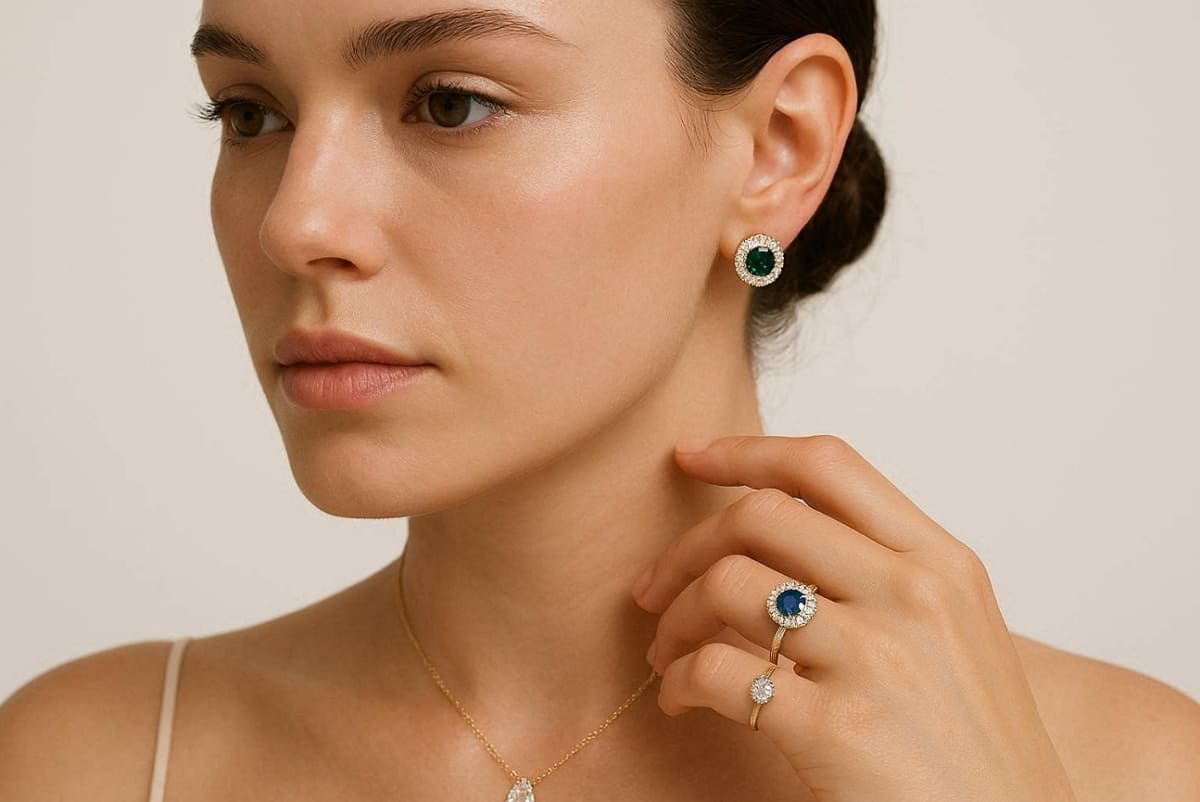
Selecting the correct model features enhances the visual appeal of an AI model wearing jewelry. You must pair metal types with specific skin tones to create the best contrast. For example, gold often looks vibrant on warmer skin tones while silver suits cooler skin tones.
Alongside that, choose solid clothing colors and clean necklines to keep the focus on your product. Yet, remember that every setting should support your jewelry as the primary focal point always. So, explore these factors when you are selecting an AI model for clothing:
1. Skin Tone Pairing: Match metals like gold or silver with complementary skin undertones.
2. Clothing Selection: Use simple tops and neutral colors to avoid distracting from the piece.
3. Hair Styling: Ensure hair is pulled back when showcasing small earrings or delicate necklaces.
2.3. Generating and Exporting AI Fashion Model Jewelry Photos
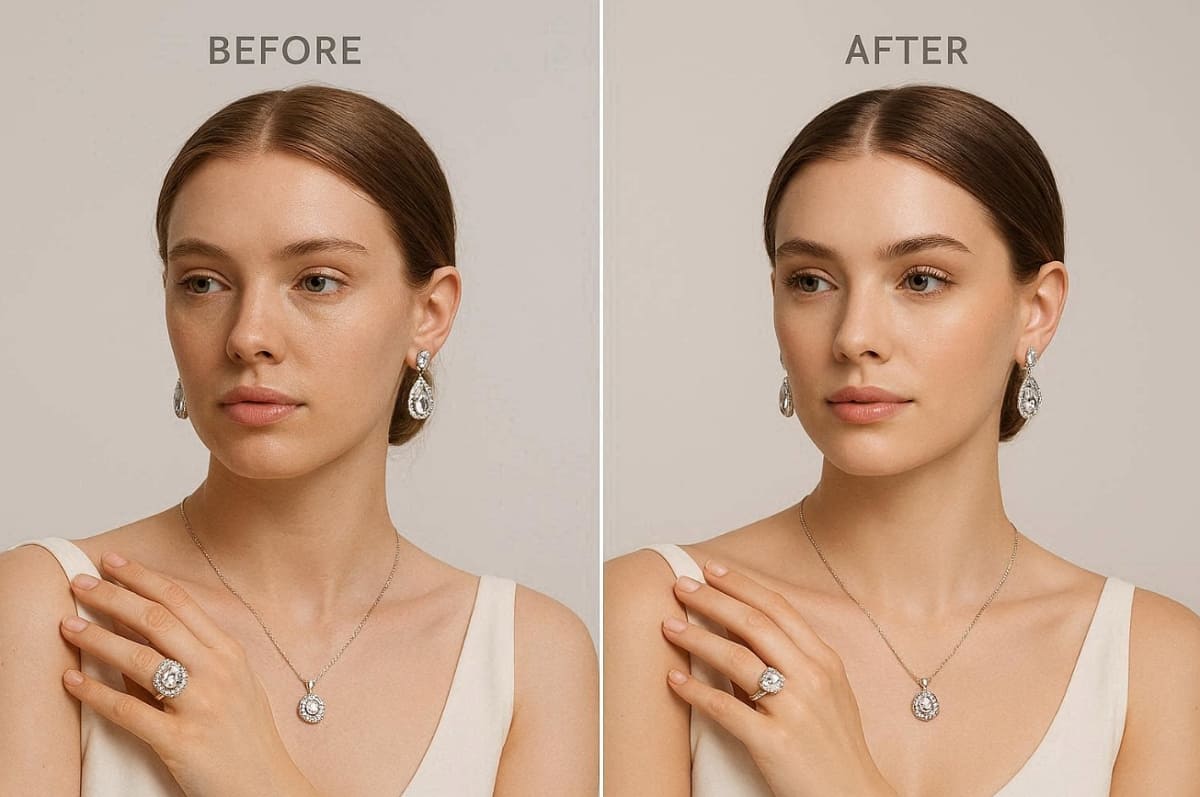
The final generation stage requires a detailed quality assurance check for all your images. As an example, you can use Designkit's AI Fashion Model Generator to upload a necklace photo and select a model skin tone. This tool allows you to export images perfectly sized for your Etsy or Amazon.
Generate AI Fashion Models Free
Here, an AI fashion model must appear natural with accurate proportions and a realistic metal sheen. Yet, verify that the jewelry placement looks organic and matches the model's body position perfectly. Along with that, use the following checklist to ensure your exported files meet professional e-commerce standards:
1. Detail Integrity: Check that fine engravings and small stones remain sharp and clear.
2. Proportion Accuracy: Ensure the jewelry's scale looks realistic on the model.
3. Color Harmony: Confirm the metal tones look natural against the skin and clothing.
4. Natural Placement: Verify that necklaces and earrings hang in a physically believable way.
Along with that, Dataintelo states that brands using virtual models report session duration increases of 65% on average.
Part 3. Advanced Tips for More Realistic AI Model Wearing Jewelry Images
Apart from the above, using an AI model wearing jewelry requires a refined approach to texture and positioning. Understanding how light interacts with small luxury objects is critical for your final output. In this part, you will explore technical methods to enhance the physical realism of your digital assets:
3.1. How to Manage Light and Reflections in AI Jewelry Photos
Input lighting quality sets the ultimate ceiling for your final AI model wearing jewelry output. You must avoid common issues like matte metal textures or dull and lifeless gemstones. In addition, ensure the light direction in your product photo matches the intended digital model scene.
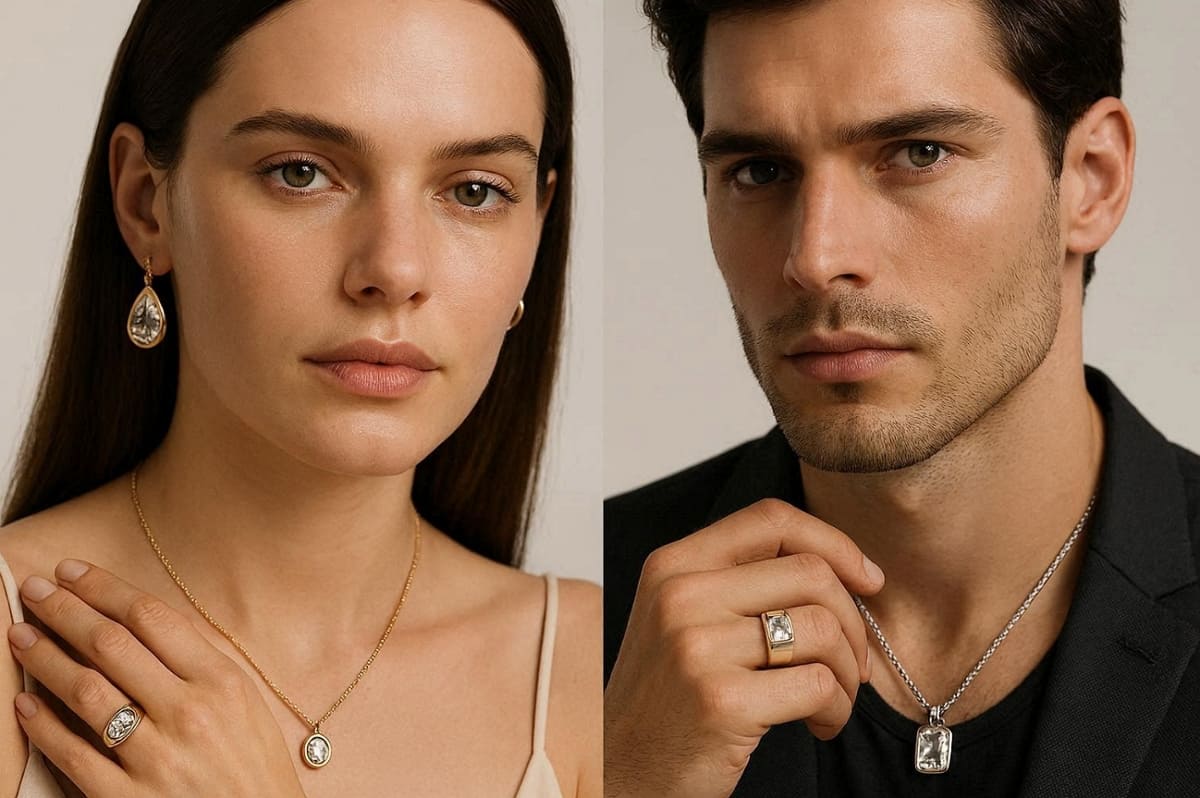
Many times, harsh light-direction mismatches often make the jewelry look like it is floating unnaturally now. So, consider the following 3 lighting fixes to improve the realism of your digital jewelry:
1. Highlight Restoration: Use diffused light, which is bright enough, to preserve the natural shine of gemstones.
2. Metal Luster Control: The polished surfaces should not have complete shadows to make the metal appear lively.
3. Shadow Alignment: Match the product shadow angles with the model lighting for seamless integration.
3.2. Getting Jewelry Size and Placement Right on AI Models
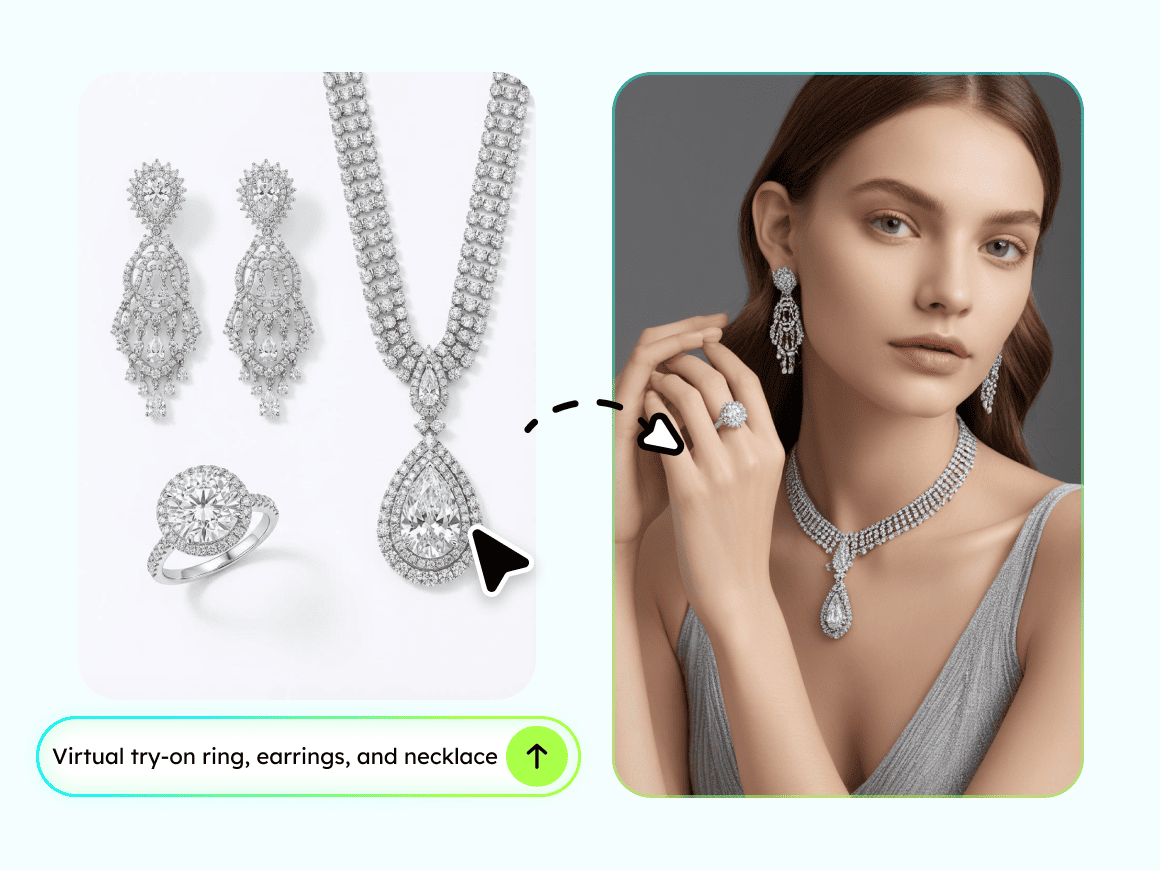
Achieving perfect scale is a major challenge when using an AI model for clothing. Mostly, incorrect ring scaling or floating earrings can quickly destroy the professional look of images. Yet, one helpful technique is using Designkit's Virtual Try-on feature to guide your placement accurately.
You should upload a rough wear photo to act as a composition reference. This simple step significantly improves the proportion accuracy of necklaces and delicate jewelry pieces. Beyond that, review these 3 specific proportion challenges to ensure your jewelry sits perfectly every time:
|
Proportion Challenge |
Visual Styling Issue |
Expert Solution for Success |
|---|---|---|
|
Necklace Length |
The chain appears too long or short for the selected neckline |
Use a real wear photo as a precise guide for drape |
|
Earring Dangle |
The earrings do not hang naturally relative to the model's ears |
Align the source photo with the model's earlobe position carefully |
|
Ring Scaling |
The band looks much wider or thinner than a real finger |
Compare the ring width against standard hand proportions for realism |
Hence, using these strategies ensures your AI fashion model looks polished and commercially ready. According to various sources, 60% of modern consumers feel positive about using AI-generated fashion model images.
Create Stunning AI Jewelry Model Photos
Conclusion
To conclude, mastering the art of an AI fashion model helps small jewelry brands grow quickly. Therefore, this guide covered essential photography challenges and modern digital workflow solutions. Each step from preparation to export ensures consistent and professional marketplace visuals.
Moreover, AI photography reduces returns by 15-25% through better visualization. Small jewelry brands can now achieve premium photography results without expensive studio setups. Overall, this workflow enhances product appeal and supports a stronger online sales performance effectively.
Frequently Asked Questions
Does AI work better for fine jewelry or fashion jewelry?
Can AI generate realistic photos for very small jewelry like stud earrings?
Small accessory items are currently considered the hardest category for many digital generation tools. The best practice is to use a macro source photo with very tight model framing. Additionally, an AI fashion model can showcase small studs when the input resolution is high.
Which jewelry categories produce the best AI model results?
Statement necklaces and chunky bracelets perform best in an
AI model for clothing
outputs. Drop earrings and cocktail rings produce moderate realism with proper input preparation techniques. Still, fine chains and small gemstones require following our specific lighting tips carefully.
How do you show the same jewelry on multiple skin tones with AI?
You should upload the same source photo into the AI model for the jewelry generation workflows. Later, generate multiple variations by adjusting model skin tones for comparison and optimization purposes. Metal-to-skin contrast significantly affects how customers perceive the value of your jewelry.
You May Also Like

How to Match Makeup by Undertone: Virtual Lipstick and Foundation Try-On

Wedding Dress Styles for Every Body Type: A Practical Guide for 2026

7 Best AI Virtual Makeup Try-On Tools for Realistic Results in 2026

AI Virtual Makeup Try-On: Boost Beauty E-Commerce Sales in 2026

Free Online Glasses Try-On Tools: See Yourself in Glasses Instantly

Top Virtual Ring Try-On Tools for Engagement and Wedding Rings in 2026

How to Try Shoes On Virtually: A Step-by-Step Guide

Best Virtual Shoe Try-On Tools for Ecommerce: 2026 Guide

How to Try On Wigs and Bangs Virtually to Find Your Perfect Style

Create Model Outfit Photos Instantly With AI Outfit Generator

Best AI Virtual Try-On Clothes Tools for Any Body Type

How to Try On Clothes Online with AI for Better Fit & Style

Virtual Nose Ring Try On Online Before Your Piercing

How to Try Makeup Online with AI and Virtual Makeup Try-On Apps (2026)

How to Use Virtual Earring Try-On for a Flattering Look in 2026

How to Try On Engagement Rings Online with AI in 2026

Scale Your Jewelry Brand with Virtual Jewelry Try-On Solutions

How to Try Hairstyles on Your Face Online (Step-by-Step Guide)

Best Virtual Hairstyle Try-On Tools Online for Realistic Previews 2026

How to Use a Free AI Hairstyle Generator to Find Your Perfect Look

Virtual Hair Color Try-On Guide for Every Skin Tone (2026)

Virtual Wedding Dress Try-On Online for Brides in 2026

How to Choose the Right Sunglasses for Your Face Shape Online

How Accurate Is Virtual Glasses Try-On? AI vs AR Compared

Best Virtual Try-On Glasses Apps in 2026 (Free & Paid Tools)

How AI Virtual Try-On Is Transforming Eyewear Ecommerce

5 Best Virtual Try-On Glasses Tools for Ecommerce and Consumers 2026

How to Try On Glasses Online with AI in 2026 (Easy Guide)

How to Create Jewelry Photos with AI Models That Drive Sales in 2026

AI-Generated Fashion Models: Technology, Brand Adoption & Trends

How to Batch Generate 100+ AI Clothing Model Photos Fast

7 Best AI Fashion Model Generators for Ecommerce in 2026

AI Clothing Model Photos for E-Commerce: Platform Rules & Best Practices

How AI Virtual Try-On Helps Fashion Brands Boost Sales & Reduce Returns

AI Fashion Models vs Real Models: Which Is Better for Brands?

Best Free AI Fashion Model Generators for Real Product Photos

Virtual Outfit Try-On Guide: Plan Outfits Before You Buy

What Is an AI Clothing Model Generator? Full Guide for Sellers

Virtual Try-On Technology in 2026: How It Works & Key Trends

10 Best Virtual Try-On Apps & Tools for Online Shopping in 2026

How to Create AI Fashion Models: Complete Step-by-Step Guide

How to Use AI Fashion Models for E-Commerce Product Photos: A Complete 2026 Guide

How to Virtually Try On Clothes Online: A Complete Guide
Make every product image ready to sell
Designkit is an all-in-one AI platform for ecommerce visuals. Create product photos, AI videos, virtual try-ons, and Amazon listing images in seconds. Generate HD backgrounds, batch edit photos, and scale your brand with studio-quality content.
