
AI Clothing Model Photos for Amazon, Shopify & Etsy: Platform Requirements & Best Practices


Creating product visuals no longer requires expensive studio shoots or complex logistics. Nowadays, sellers increasingly rely on AI models for clothes to streamline product photography workflows. This method allows for minimizing the expenses and ensuring the same quality level with large product lines. It also enables faster turnaround when launching new collections across multiple ecommerce platforms.
However, each marketplace follows strict image rules that directly impact listing approval and performance. Thus, this guide explains platform requirements and best practices for AI clothing model photos clearly. You will also learn how to optimize images for various ecommerce platforms like Amazon and TikTok Shop.
Part 1. Why AI Clothing Models Are Taking Over E-Commerce Product Photography
The old method of photography cannot keep up with the fast pace of contemporary retail. High costs for studio space and professional lighting make physical shoots difficult for small brands. Yet, using AI models for clothing allows sellers to bypass expensive logistics and slow production times.
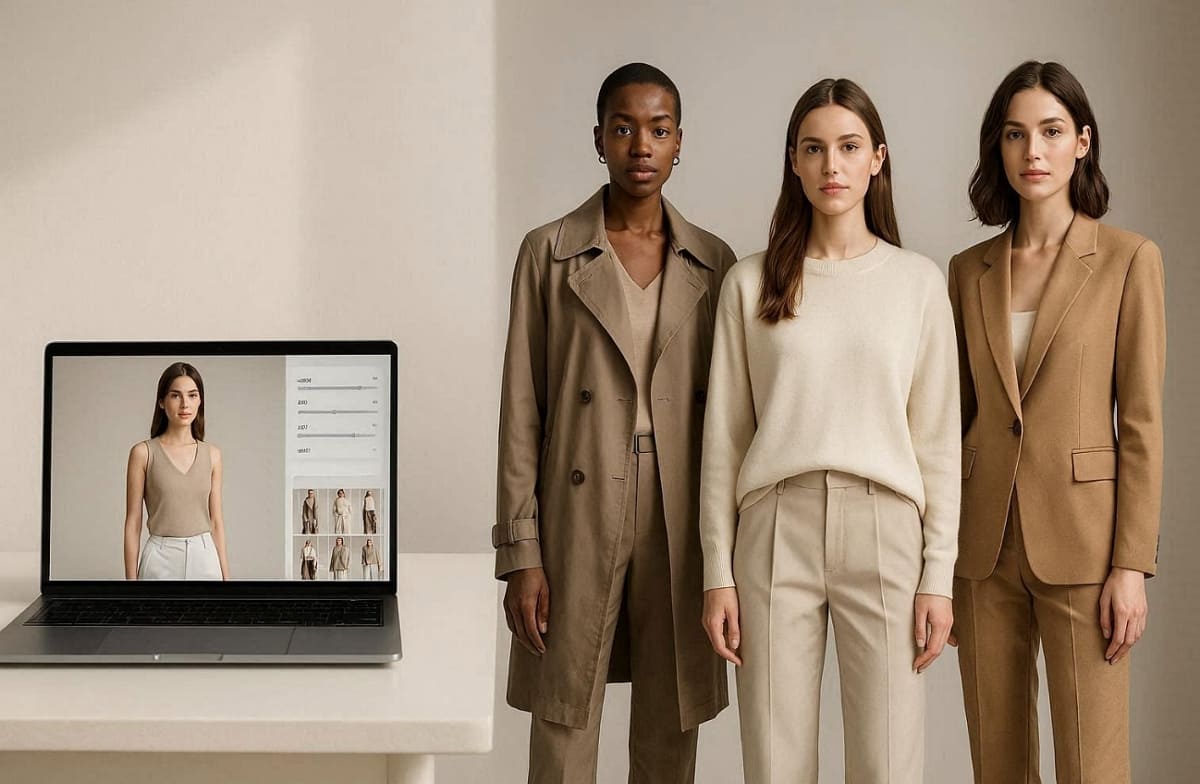
This shift enables businesses to generate quality marketing assets in just a few minutes. Along with that, consistent visual quality across thousands of unique stock units is now finally possible for everyone. Research from FashionINSTA confirms that using an AI model for clothes reduces traditional photography costs by 90%. Thus, transitioning to digital solutions helps brands launch new collections faster than their local competitors.
Addressing Traditional Photography Pain Points
Explore the following key benefits that solve the most common issues within the fashion industry:
1. Lowering Production Costs: Get rid of the expensive payment for professional human models and studio equipment rental.
2. Faster Turnaround Times: Generate dozens of unique lifestyle images for your store in a single day.
3. Total Visual Consistency: Maintain a uniform look across all product categories without any lighting variations today.
4. Global Audience Reach: Create AI clothing models that reflect the diverse demographics of your specific market.
Comparative Advantages of Digital Photography
Apart from that, the following table highlights the major differences between conventional studio methods and modern automated solutions:
|
Common Problem |
Traditional Photography Solution |
Innovative AI Model Solution |
|---|---|---|
|
High Daily Costs |
Thousands of dollars spent |
Very low monthly subscription |
|
Long Lead Times |
Weeks of careful planning |
Instant generation on demand |
|
Inflexible Poses |
Limited by shoot duration |
Infinite variations available |
Upon reviewing these metrics, sellers can see how AI models for clothing provide a superior return on investment. These efficiencies allow businesses to allocate more resources toward marketing and global product development.
According to Rewarx, McKinsey's report shows that the latest brands using an AI model for clothes reduced their photography costs by 78%. Hence, using AI clothing models ensures your brand remains agile in a fast-moving and competitive digital marketplace.
Part 2. Platform Image Requirements for AI Clothing Model Photos
Each global marketplace enforces distinct rules regarding image size and background style. Therefore, you must adapt your AI model for clothes visuals to meet every platform standard. Most e-commerce sites prioritize high-resolution files and accurate AI clothing models for buyers. So, let us examine the specific technical requirements for the most popular online selling platforms:
2.1. Amazon Product Image Guidelines for AI Clothing Models
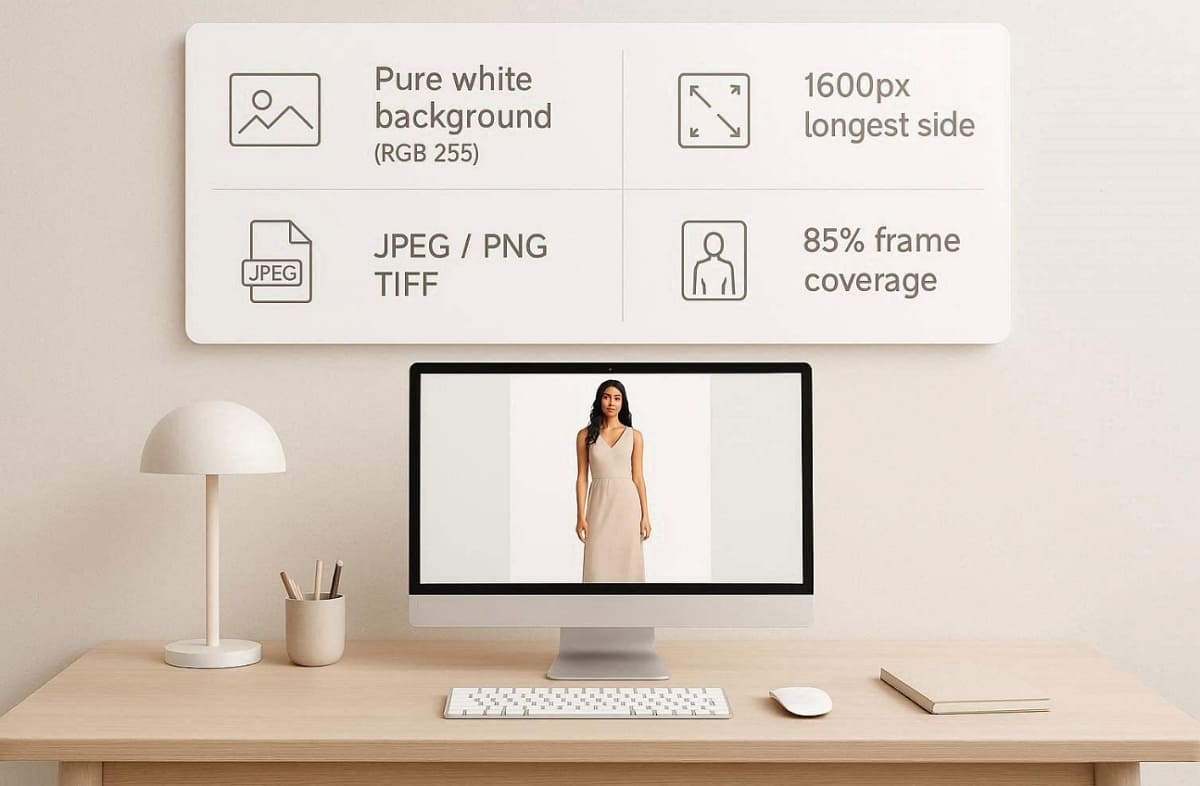
Amazon enforces the strictest image standards to maintain a consistent shopping experience for everyone. You must adapt your AI model for clothes visuals to meet these technical specifications. Therefore, you need to follow the specific requirements for your primary and secondary Amazon product images:
Main Image Requirements
These specific data points outline exactly how to format your files for the Amazon marketplace:
|
Requirement |
Amazon Specification |
Expected Standard |
|---|---|---|
|
Background Color |
Pure White (RGB 255) |
No shadows or gradients |
|
Image Resolution |
1600px Longest Side |
Enables the zoom feature |
|
File Format |
JPEG, PNG, or TIFF |
Professional file quality |
|
Frame Coverage |
85% Frame Fill |
Focuses on product details |
Tips for Amazon Compliance
1. File Export Optimization: Always export your final image files in the recommended JPEG format for web loading.
2. Proportional Realism: Maintain realistic body proportions when generating your unique AI clothes model for your storefront.
3. Standard Model Poses: Ensure your model is in a natural standing pose to follow Amazon's strict guidelines.
4. Digital Color Verification: Verify that your background is perfectly white using a digital color picker tool before uploading.
2.2. Shopify Store Image Best Practices for AI Model Photos
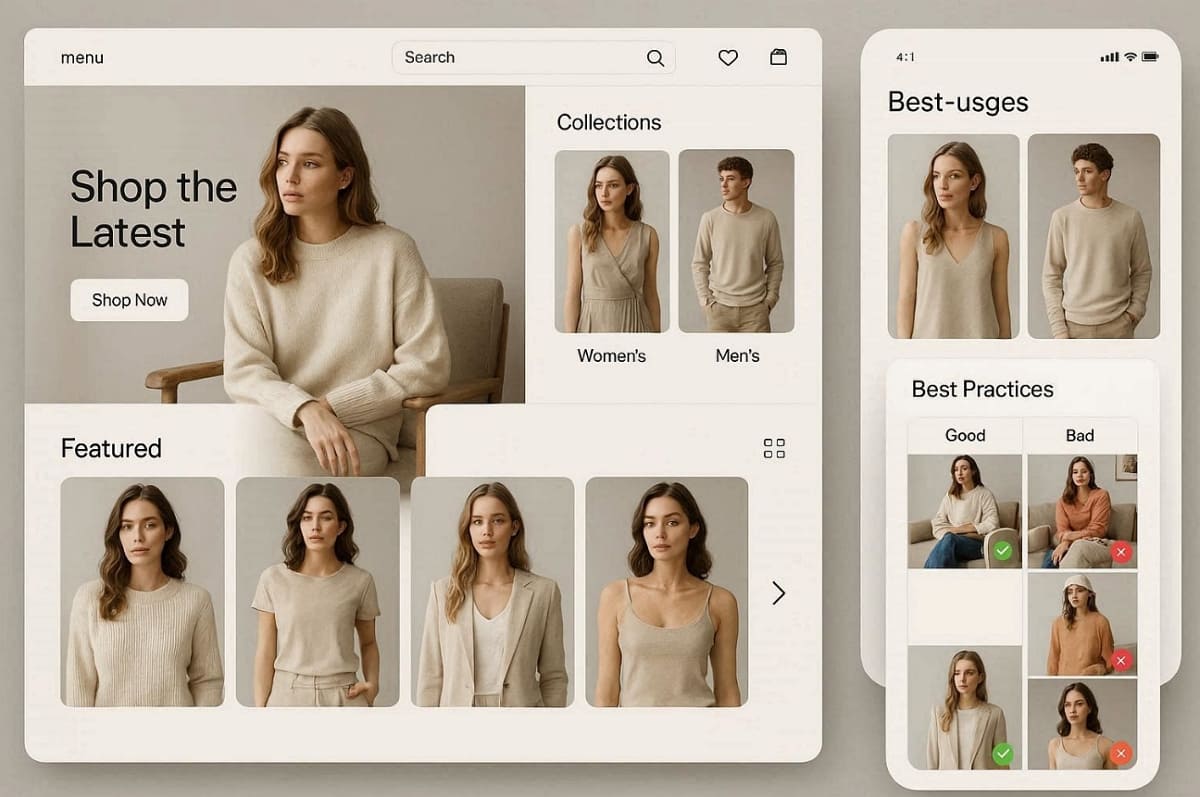
Shopify offers sellers total creative control over their unique storefront layout and design. Using AI models for clothing helps create a cohesive look across your entire website. This flexibility allows you to experiment with various lifestyle settings and dynamic model poses.
Optimized Storefront Visuals
The table below illustrates how to apply different image styles to specific website sections effectively:
|
Feature Type |
Best Practice |
Marketing Goal |
|---|---|---|
|
Hero Banners |
High-Impact Lifestyle |
Captures user attention |
|
Collection Pages |
Consistent Aspect Ratio |
Clean and organized grid |
|
Product Gallery |
Multiple Model Angles |
Shows garment movement |
|
Mobile View |
Fast-Loading Files |
Reduces site bounce rate |
Along with that, you can use tools like Designkit's AI Fashion Model Generator for creating large catalogs quickly. By using it, consistent aspect ratios help your collection pages look professional and organized for all shoppers.
Tips for Shopify Success
1. Loading Speed Optimization: Reduce your file sizes to have a high loading speed for your mobile visitors.
2. Environmental Lifestyle Posing: Apply the AI models to clothing to demonstrate outfits in different realistic environments of the lifestyle.
3. Brand Identity Alignment: Implement a consistent lighting style to build a strong and recognizable brand identity.
4. Performance Comparison Testing: Utilize the A/B testing method to see which AI model drives the most sales.
2.3. Etsy Listing Photo Rules and AI Clothing Model Compliance
Etsy shoppers value a highly authentic and handcrafted aesthetic for every unique item. Your AI clothing models must realistically represent the physical product being sold online. The platform encourages using natural poses and soft lighting for all your listings. Follow these specific technical requirements to optimize your shop for the Etsy marketplace:
Listing Image Requirements
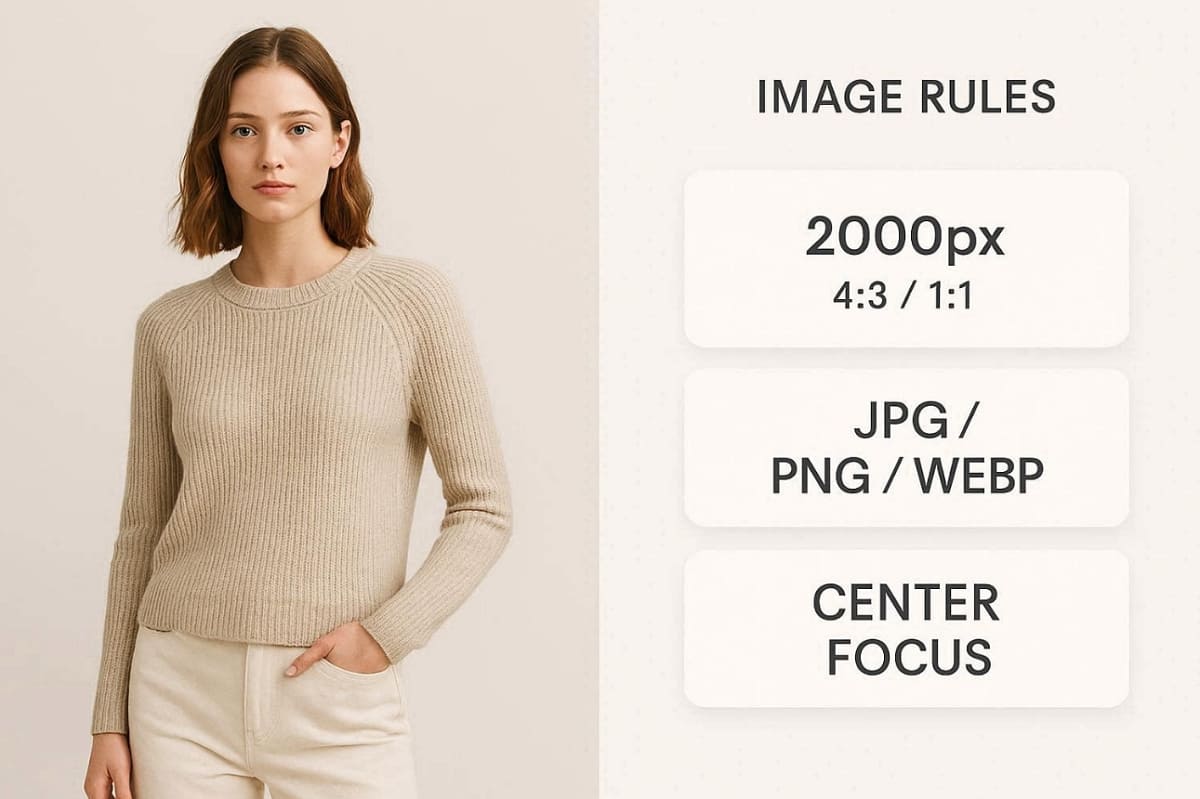
The technical table outlines the exact dimensions required for a professional listing display:
|
Item Detail |
Etsy Recommended Spec |
Visual Goal |
|---|---|---|
|
Minimum Size |
2000px Shortest Side |
Sharp zoomed details |
|
Aspect Ratio |
4:3 or 1:1 Square |
Consistent grid view |
|
Primary Focus |
Center Product View |
Immediate buyer trust |
|
File Format |
JPG, PNG, or WEBP |
Flexible upload options |
Tips for Etsy Compliance
1. Authentic Posing Style: Choose natural poses that reflect a handcrafted and human brand identity.
2. Accurate Color Representation: Ensure your AI clothing models show the exact fabric colors and textures.
3. Neutral Background Choices: Keep it plain with simple backgrounds and dull, to make your clothes the center of attention.
4. Consistent Shop Aesthetic: Apply a uniform editing style across your entire AI clothes model collection.
2.4. TikTok Shop Image Specs and AI Model Photo Guidelines
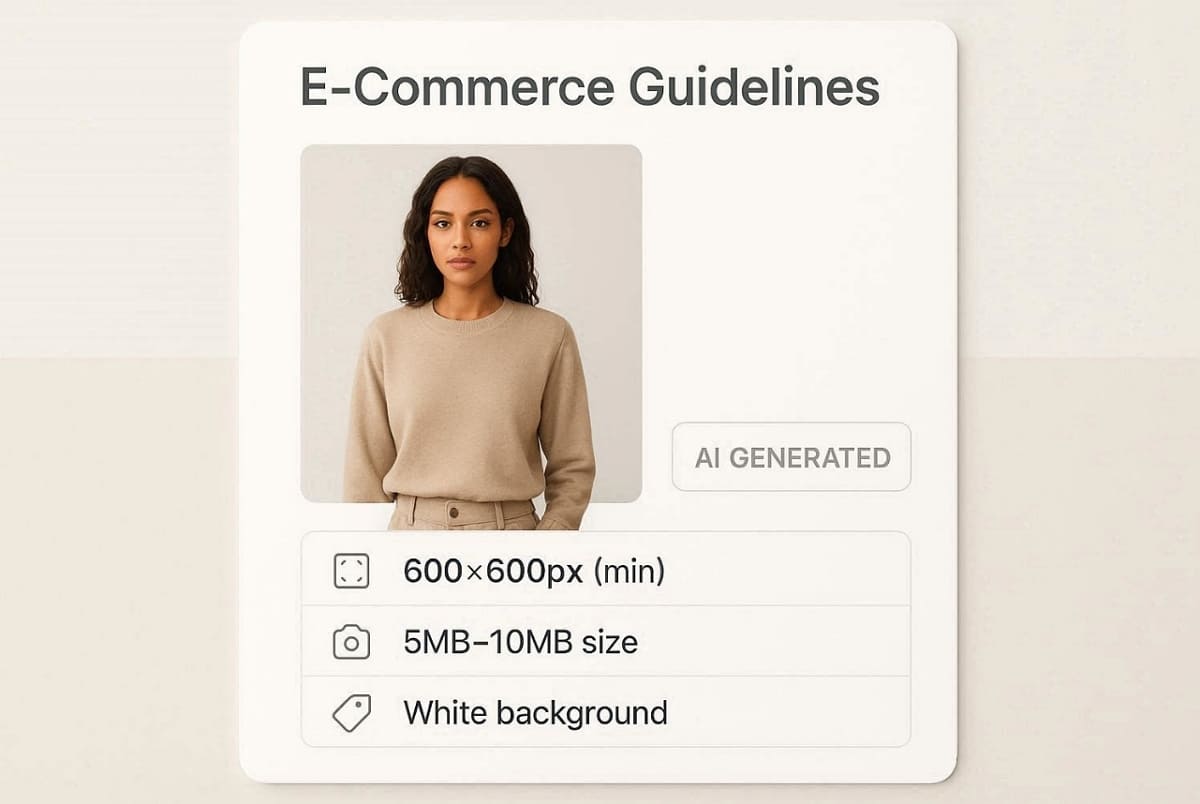
TikTok Shop is an accelerated platform that promotes lively and trend-based visuals. Therefore, your AI model for clothes should capture the attention of a younger audience. Refer to the specifications below to format your images for the TikTok marketplace:
Marketplace Visual Standards
This simplified table provides the necessary technical limits for uploading your product assets:
|
Image Spec |
TikTok Shop Requirement |
Impact on the Shop |
|---|---|---|
|
Main Background |
White or Very Light |
Clean product display |
|
Minimum Pixels |
600px by 600px |
Basic visual clarity |
|
Maximum Size |
5MB to 10MB Limit |
Fast mobile browsing |
|
AI Disclosure |
Label Realistic People |
Follows the safety policy |
At this point, you can also use Designkit's AI Outfit Generator to produce trendy and platform-aligned lifestyle photos. This powerful tool helps you generate vibrant outfit variations that resonate with social shoppers.
Tips for TikTok Shop Success
1. Dynamic Model Posing: Use energetic poses that align with current fashion trends on social media.
2. Vibrant Color Palettes: Ensure your AI model for clothes features bold and eye-catching colors.
3. Mobile First Optimization: Crop your images specifically for the vertical mobile viewing experience.
4. Frequent Content Updates: Refresh your visuals often to keep up with the fast TikTok cycle.
Part 3. How to Create Platform-Ready AI Clothing Model Photos Step by Step
Creating professional product images with an AI model for clothes follows a simple workflow. First, you must upload a high-resolution photo of your physical garment for processing. The software then uses artificial intelligence to wrap the clothing onto a digital person.
This modern process allows you to generate multiple lifestyle variations in just a few minutes. Follow these specific steps to ensure your final exports meet every platform technical standard:
3.1. Choosing the Right AI Model Look for Your Target Market
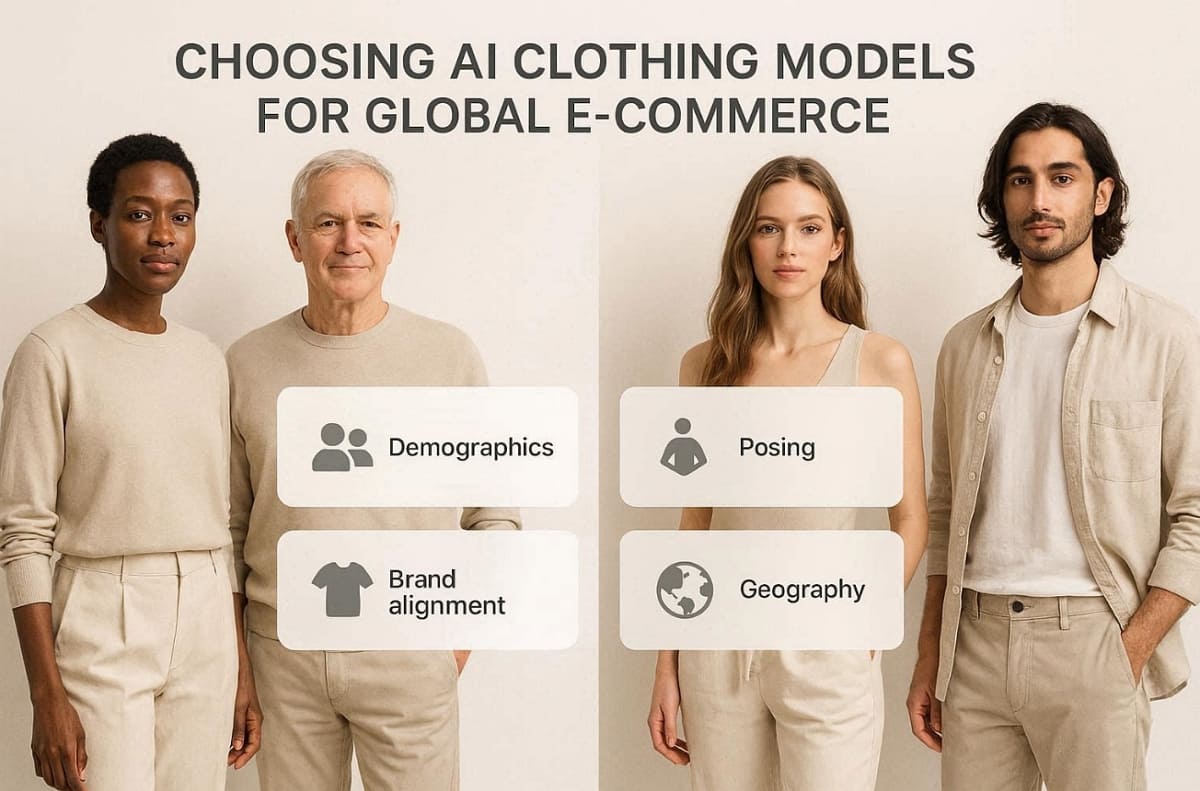
Selecting a diverse range of AI clothing models is essential for reaching global customers. Furthermore, match the model demographics to the specific audience of your chosen marketplace. At this point, consider using Designkit's AI Clothes Changer to test different looks on various diverse model types. The right pose and expression can significantly enhance the perceived value of your items.
Model Selection Criteria
Below is a guide for selecting the best model attributes for your specific market:
1. Target Audience Demographics: Match the age and ethnicity of your AI clothing models to those of your buyers.
2. Natural Posing Styles: Choose realistic and dynamic poses that showcase the true fit of clothing.
3. Brand Identity Alignment: Ensure the model's facial expressions match the overall tone of your store.
4. Geographic Market Appeal: Research local fashion trends to select the most appropriate digital model styles.
3.2. Adjusting Image Output for Amazon, Shopify, and Etsy Specs
Once you generate your AI model for clothes, you must adjust the technical settings. Every marketplace requires a different aspect ratio and background color for its product listings. You can use the Clothes Color Changer to generate various color variants for your catalog.
Additionally, the AI Color Changer helps you create multi-SKU listings with a single source photo. In addition to this, batch exporting your files ensures that you meet the resolution requirements for every platform.
Final Output Checklist
Refer to this checklist to verify your AI clothes model settings before final publication:
1. Resolution and Sharpness: Verify your files meet the minimum pixel counts for clear zooming capabilities.
2. Background Color Sync: Ensure your AI clothes model sits on a pure white background for Amazon.
3. File Format Accuracy: Save your final images as high-quality JPEG or PNG files for the web.
4. Aspect Ratio Setting: Crop your images to match the 1:1 or 5:4 ratios required by platforms.
Apart from that, WearView also reports that professional on-model imagery can increase your store conversion rates by up to 40%.
Part 4. Common Compliance Mistakes to Avoid with AI Clothing Model Photos
Many online sellers unknowingly violate platform policies when using digital photography tools. Therefore, avoiding these common errors is essential for keeping your merchant account fully active. Carelessly generated AI clothing models can lead to customer complaints and high return rates.
Along with that, implementing a realistic AI model for clothes can reduce your retail return rates by 35%, according to Genlook. Thus, you must prioritize visual accuracy to maintain a trustworthy brand image across all marketplaces.
Major Mistakes in Digital Fashion Photography
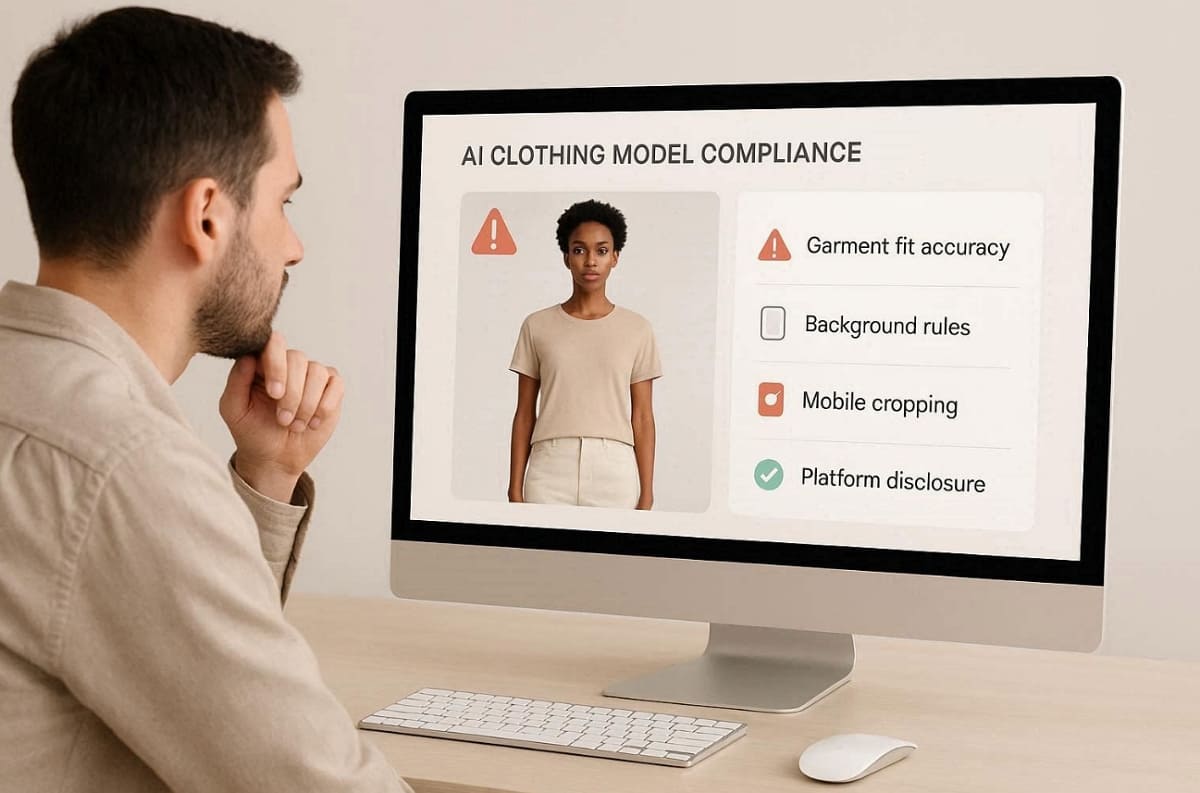
Review the following common mistakes to ensure your AI clothes model stays compliant:
1. Misrepresenting Garment Fit: Ensure your AI clothing models show the true fabric drape and texture accurately.
2. Ignoring Background Rules: Avoid using colorful backgrounds for your primary Amazon product listing images.
3. Neglecting Mobile Cropping: Failing to optimize your AI clothes model for vertical mobile screens hurts sales.
4. Skipping Platform Labels: Some social marketplaces require a clear disclosure for realistic artificial intelligence images.
Compliance Error Comparison Table
The following table highlights technical errors that can negatively impact your storefront performance:
|
Common Mistake |
Negative Business Impact |
How to Correct It |
|---|---|---|
|
Color Mismatch |
High product return rates |
Use calibrated screen tools |
|
Blurry Textures |
Poor brand trust levels |
Export high-resolution files |
|
Wrong Proportions |
Misleading fit expectations |
Use realistic model shapes |
|
Missing Labels |
Potential account warnings |
Toggle the AI disclosure |
Thus, maintaining a strict quality control process ensures your AI clothes model looks professional. Moreover, always verify your final exports against the specific requirements of each individual selling platform. Small adjustments to your AI clothing models can also significantly improve your conversion rates.
Conclusion
In summary, using AI models for clothing effectively streamlines your global e-commerce photography workflow. Adopting these digital tools significantly reduces costs while maintaining high visual quality standards. Nevertheless, there are certain marketplace regulations to keep in mind so that your product listings can be in full compliance.
Optimizing your AI clothing models for each platform will improve your overall conversion rates. Besides, utilizing professional tools like Designkit simplifies the creation of quality marketing assets. To further decrease the returns and attract customers, we suggest applying the Virtual Try-On technology to your virtual storefront.
Frequently Asked Questions
Are AI-generated model photos allowed on Amazon?
Can I use the same AI clothing model photo on every platform?
You may use the same base image, but you must adjust the specific platform requirements. It's essential to resize and re-crop your unique AI clothing models to match the unique marketplace specifications. Updating the background color is also necessary to maintain compliance with all the different sites.
Do AI clothing models look realistic enough for product listings?
Modern digital tools produce results using AI models for clothing that appear very professional. Yet, focus on accurate garment representation and natural lighting to ensure the highest visual quality. So, using a high-resolution AI clothes model will help build trust with your customers.
How do I make AI model photos match my brand aesthetic on Etsy?
To match Etsy's style, use AI clothing models with natural poses and soft lighting. In addition, choose muted backgrounds and realistic expressions that reflect handcrafted product presentation standards clearly. You should also maintain consistency across images to build a strong brand identity and trust with buyers.
You May Also Like

How to Match Makeup by Undertone: Virtual Lipstick and Foundation Try-On

Wedding Dress Styles for Every Body Type: A Practical Guide for 2026

7 Best AI Virtual Makeup Try-On Tools for Realistic Results in 2026

AI Virtual Makeup Try-On: Boost Beauty E-Commerce Sales in 2026

Free Online Glasses Try-On Tools: See Yourself in Glasses Instantly

Top Virtual Ring Try-On Tools for Engagement and Wedding Rings in 2026

How to Try Shoes On Virtually: A Step-by-Step Guide

Best Virtual Shoe Try-On Tools for Ecommerce: 2026 Guide

How to Try On Wigs and Bangs Virtually to Find Your Perfect Style

Create Model Outfit Photos Instantly With AI Outfit Generator

Best AI Virtual Try-On Clothes Tools for Any Body Type

How to Try On Clothes Online with AI for Better Fit & Style

Virtual Nose Ring Try On Online Before Your Piercing

How to Try Makeup Online with AI and Virtual Makeup Try-On Apps (2026)

How to Use Virtual Earring Try-On for a Flattering Look in 2026

How to Try On Engagement Rings Online with AI in 2026

Scale Your Jewelry Brand with Virtual Jewelry Try-On Solutions

How to Try Hairstyles on Your Face Online (Step-by-Step Guide)

Best Virtual Hairstyle Try-On Tools Online for Realistic Previews 2026

How to Use a Free AI Hairstyle Generator to Find Your Perfect Look

Virtual Hair Color Try-On Guide for Every Skin Tone (2026)

Virtual Wedding Dress Try-On Online for Brides in 2026

How to Choose the Right Sunglasses for Your Face Shape Online

How Accurate Is Virtual Glasses Try-On? AI vs AR Compared

Best Virtual Try-On Glasses Apps in 2026 (Free & Paid Tools)

How AI Virtual Try-On Is Transforming Eyewear Ecommerce

5 Best Virtual Try-On Glasses Tools for Ecommerce and Consumers 2026

How to Try On Glasses Online with AI in 2026 (Easy Guide)

How to Create Jewelry Photos with AI Models That Drive Sales in 2026

AI-Generated Fashion Models: Technology, Brand Adoption & Trends

How to Batch Generate 100+ AI Clothing Model Photos Fast

7 Best AI Fashion Model Generators for Ecommerce in 2026

AI Clothing Model Photos for E-Commerce: Platform Rules & Best Practices

How AI Virtual Try-On Helps Fashion Brands Boost Sales & Reduce Returns

AI Fashion Models vs Real Models: Which Is Better for Brands?

Best Free AI Fashion Model Generators for Real Product Photos

Virtual Outfit Try-On Guide: Plan Outfits Before You Buy

What Is an AI Clothing Model Generator? Full Guide for Sellers

Virtual Try-On Technology in 2026: How It Works & Key Trends

10 Best Virtual Try-On Apps & Tools for Online Shopping in 2026

How to Create AI Fashion Models: Complete Step-by-Step Guide

How to Use AI Fashion Models for E-Commerce Product Photos: A Complete 2026 Guide

How to Virtually Try On Clothes Online: A Complete Guide
Make every product image ready to sell
Designkit is an all-in-one AI platform for ecommerce visuals. Create product photos, AI videos, virtual try-ons, and Amazon listing images in seconds. Generate HD backgrounds, batch edit photos, and scale your brand with studio-quality content.
