

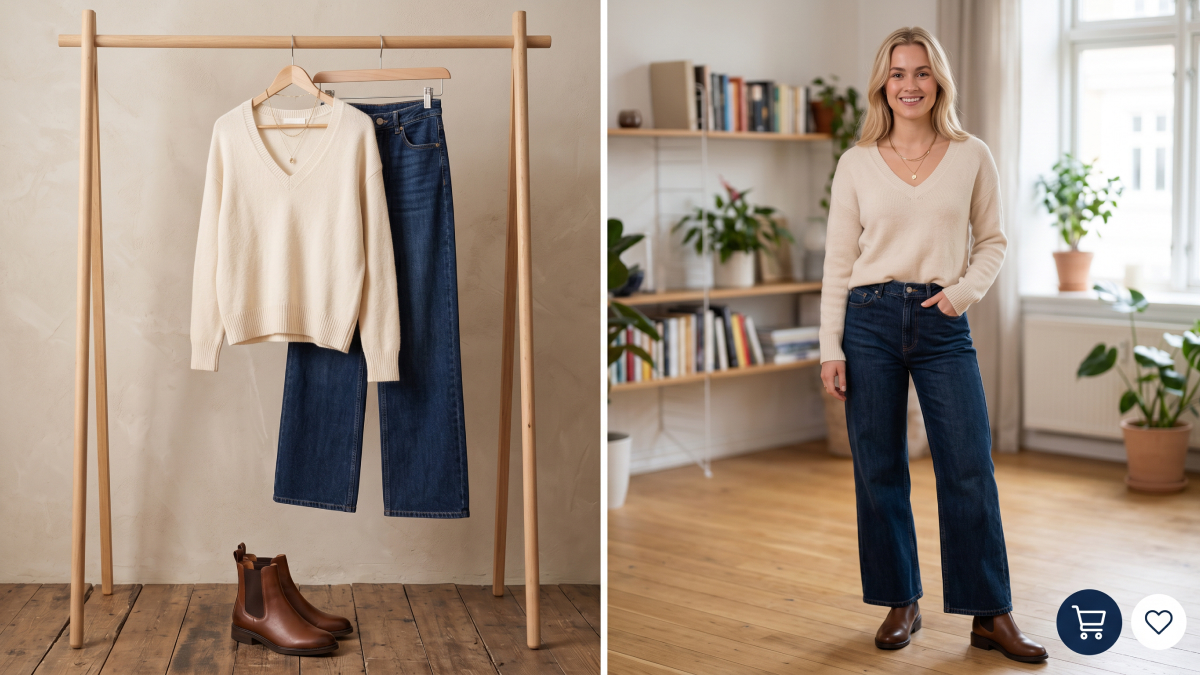
Online shopping often creates uncertainty when outfits look good individually but fail together. Many shoppers experience virtual outfit try-on needs when planning coordinated wardrobe purchases. Without seeing full combinations, buyers frequently end up with mismatched clothing and wasted money.
Modern digital browsing highlights single items, leaving outfit harmony completely unpredictable before checkout decisions. This guide explains how planning outfits visually can reduce regret and improve style confidence. You will learn how combinations, proportions, and colors work together in real wardrobe scenarios.
Part 1. Why Online Shopping Still Leads to Outfit Regret
Purchasing pretty clothes does not always lead to an integrated and fashionable wardrobe. The primary issue stems from viewing garments in isolation during the digital shopping process. However, one good quality work may be incompatible with the rest of your work. To understand this frustration, we must examine the specific traps found in online retail:
1.1. When Every Piece Looks Great Alone, but Nothing Goes Together
The core trap of online shopping involves purchasing individual items that look perfect in isolation. You might select 5 separate pieces that each appear stunning on your digital screen. However, these garments often clash in real life because they were never viewed together. According to BestColorfulSocks, a major study revealed that about 82% of owned clothes went unworn for 1 year.
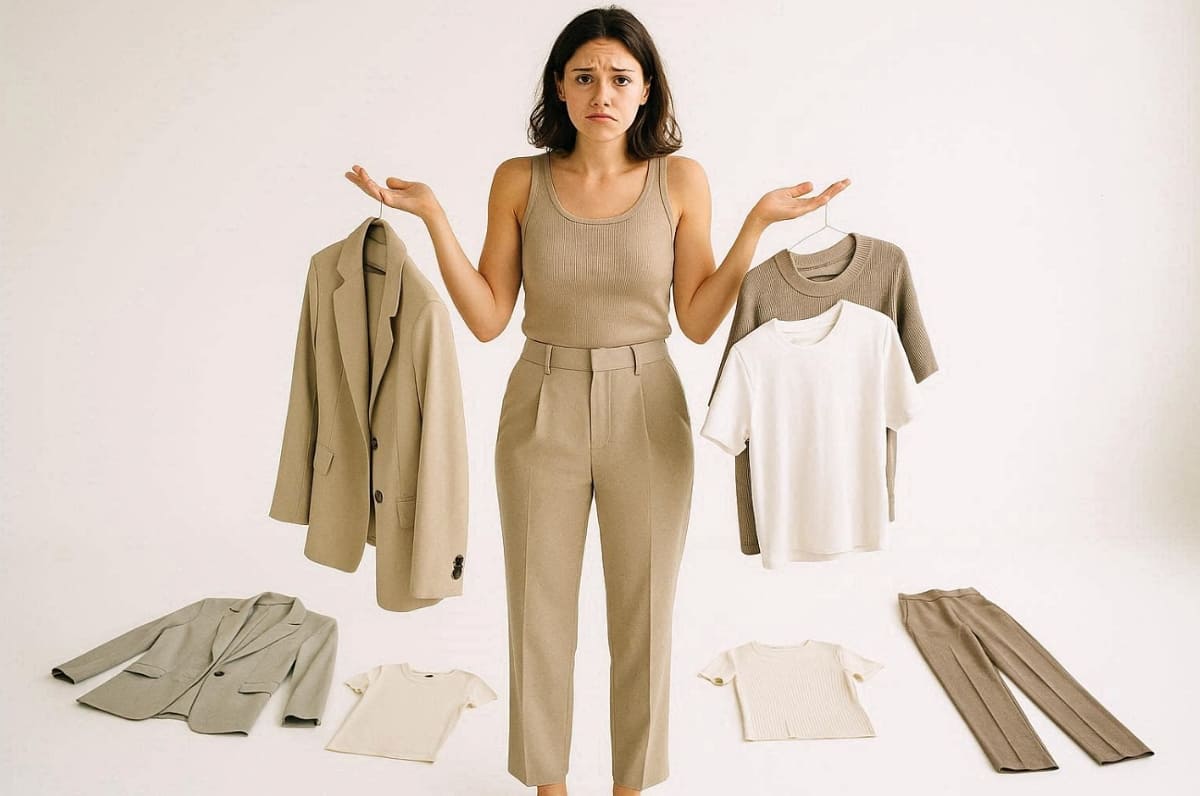
Without a virtual outfit try-on, you cannot detect these visual conflicts before spending money. This lack of context leads to a wardrobe full of beautiful but incompatible clothing items. The following points highlight why individual item presentation creates a significant style trap for users:
1. Proportion Mismatch: A loose blazer may not match any of the pants you have on hand.
2. Tonal Redundancy: You can make the mistake of purchasing 3 new tops of the same color.
3. Aesthetic Conflict: Formal pieces often fail to coordinate with the casual items in your closet.
The root cause is that online retail focuses strictly on a single-item presentation model. Shoppers have no functional way to preview complex combinations before completing their final checkout. Traditional websites do not provide the necessary tools to visualize a complete and cohesive look. Consequently, buyers must guess how new additions will interact with their existing fashion collection.
1.2. The Hidden Cost of Outfits That Never Get Worn
Mismatching your wardrobe leads to a heavy financial and emotional burden over long periods. The average consumer keeps a large percentage of clothing that they rarely ever wear. Here, returning ill-fitting items requires significant time, effort, and high shipping costs for everyone.
In addition, frequent mistakes erode your confidence and push you toward boring and safe basic choices. If you preview the full look, these hidden costs vanish from your lifestyle completely. The table below compares the results of traditional shopping versus previewing full outfits digitally:
|
Shopping Aspect |
Traditional Single-Item View |
Strategic Outfit Preview Result |
|---|---|---|
|
Wardrobe Utility |
Many pieces stay unworn |
Every item serves a purpose |
|
Return Frequency |
Higher due to a style clash |
Lowered through accurate visual planning |
|
Style Confidence |
Decreased due to frequent mistakes |
Increased by successful and cohesive looks |
Hence, using a virtual outfit try-on transforms how you perceive and build your wardrobe. According to Genlook, even 68% of shoppers feel more confident when they can visualize items virtually.
Part 2. How Virtual Outfit Try-On Differs from Single-Item Try-On
There is a huge difference between viewing a full outfit and seeing only one garment. Traditional digital tools usually focus on how a single shirt fits a human body. However, the true value of modern style technology lies in seeing pieces together. This section clarifies the functional differences between these two distinct types of digital experiences:
2.1. From Trying On One Piece to Previewing a Complete Look Virtually
The shift toward a full wardrobe preview allows for a more comprehensive shopping experience. Traditional virtual try-ons often limit your view to one specific item on a model. In contrast, a full virtual try-on clothes experience shows a complete coordinated set. Now, we must examine the specific visualization scope and its benefits:
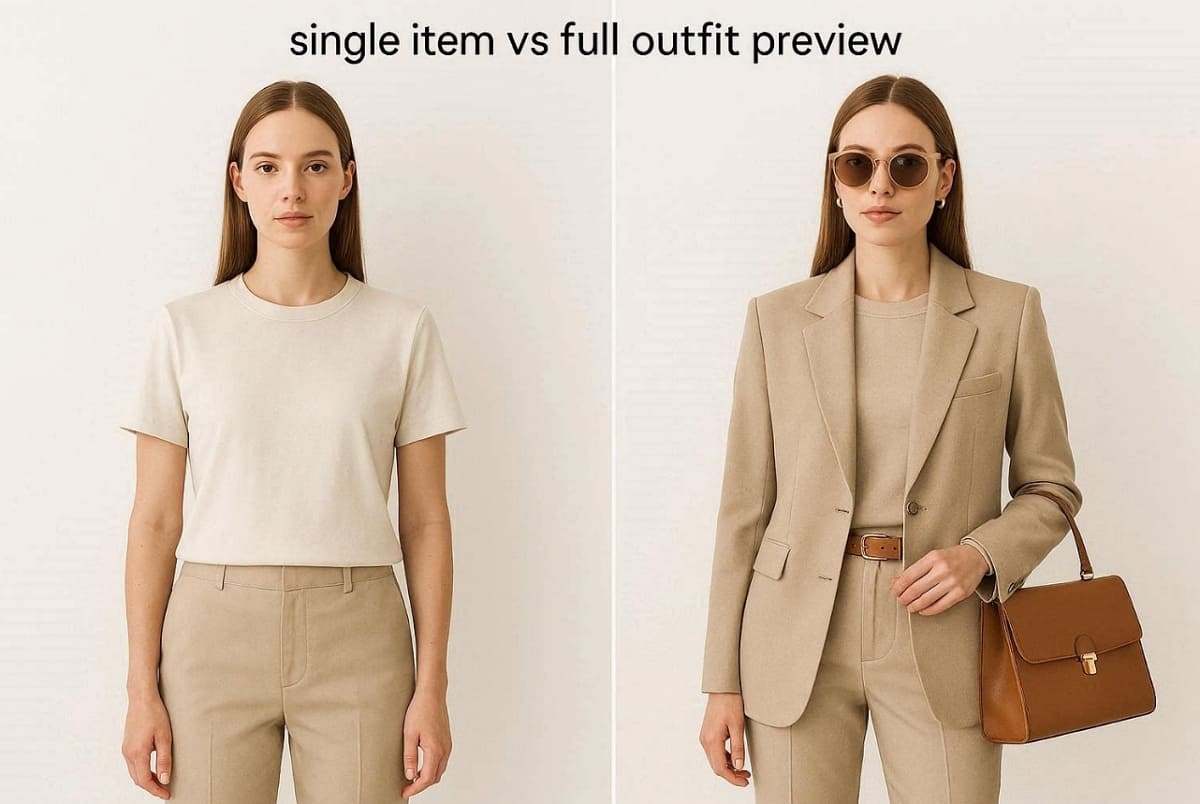
1. Body Fit Focus: Traditional virtual try-ons show only one clothing item on a model's body.
2. Coordinated Set View: Virtual outfit try-on shows full coordinated outfits, including tops and accessories.
3. Balanced Aesthetic Check: Users using tools for virtual try-on clothes can evaluate overall outfit balance visually.
4. Layering Context Gap: Single-item views miss harmony between layers and styling combinations entirely.
In addition, a full picture provides the necessary context to make a very confident style decision.
Why Full Outfit Preview Matters
The following points explain why capturing the full picture is vital for your wardrobe:
1. Harmony Validation: Outfit success depends on a balanced proportion and overall styling consistency.
2. Dynamic Interaction: Virtual outfit try-on reveals how multiple garments interact in a single visual frame.
3. Informed Purchasing: Without full previews, shoppers rely on guesswork instead of informed outfit decisions.
2.2. What You Can Actually Test with a Virtual Outfit Try-On
A professional virtual try-on clothing allows you to test several critical style dimensions. This digital environment acts as a laboratory for your personal fashion experiments and ideas. You can verify if a casual tee works with formal trousers before you buy. So, consider these 4 core testing dimensions when planning your next complete outfit combination:
1. Color Coordination: Color coordination testing ensures tops and bottoms visually complement each other properly.
2. Proportion Balance: Proportion balance checks oversized and fitted combinations for overall outfit harmony.
3. Style Consistency: Style consistency evaluates whether casual and formal pieces work together visually.
4. Accessory Integration: Accessory integration tests shoes and hats with complete outfit combinations.
These digital tools are designed to support your choices rather than replace your judgment. You should use try on virtually as a helpful visual decision surface for yourself. The following table illustrates how technology serves your personal taste during the planning phase:
|
Core Support Feature |
Functional Benefit for the User |
Strategic Style Outcome |
|---|---|---|
|
Personal Taste Support |
Tools support personal taste rather than replacing fashion judgment |
Every outfit reflects an individual and consistent style |
|
Guesswork Reduction |
Virtual try-on clothing reduces uncertainty in outfit planning before purchase. |
Reduced the likelihood of selecting mismatched items |
|
Creative Control |
Users retain full control while exploring coordinated outfit combinations |
Maintains user-led decision-making in wardrobe styling |
This comprehensive approach ensures that your purchases always reflect your unique personal taste.
To see how virtual try-on works in real ecommerce workflows, here’s a quick example of how AI generates realistic fashion visuals in minutes instead of weeks.
This Shorts shows how brands can instantly create plus-size virtual try-on images for Amazon, SHEIN, and more using AI.
See Virtual Outfit Try-On in Action
Part 3. How to Plan and Try On Outfits Virtually Before You Buy
Planning your looks is the most important step before you start spending money. You must move beyond random browsing to achieve a professional style result. Strategic preparation ensures that every new garment works with your existing fashion items. A Fortune Business Insights report also shows that brands using virtual mirrors have seen order values increase by 20% recently. Thus, the following guide offers an actionable framework for mastering digital shopping sessions:
3.1. Start with What You Already Own
The first step involves a detailed inventory of the clothing currently in your closet. You should photograph your core pieces and group them by their specific color family. Identifying gaps in your collection is better than buying random items that might clash. Most shoppers do not need more clothes but rather the right connecting fashion pieces.
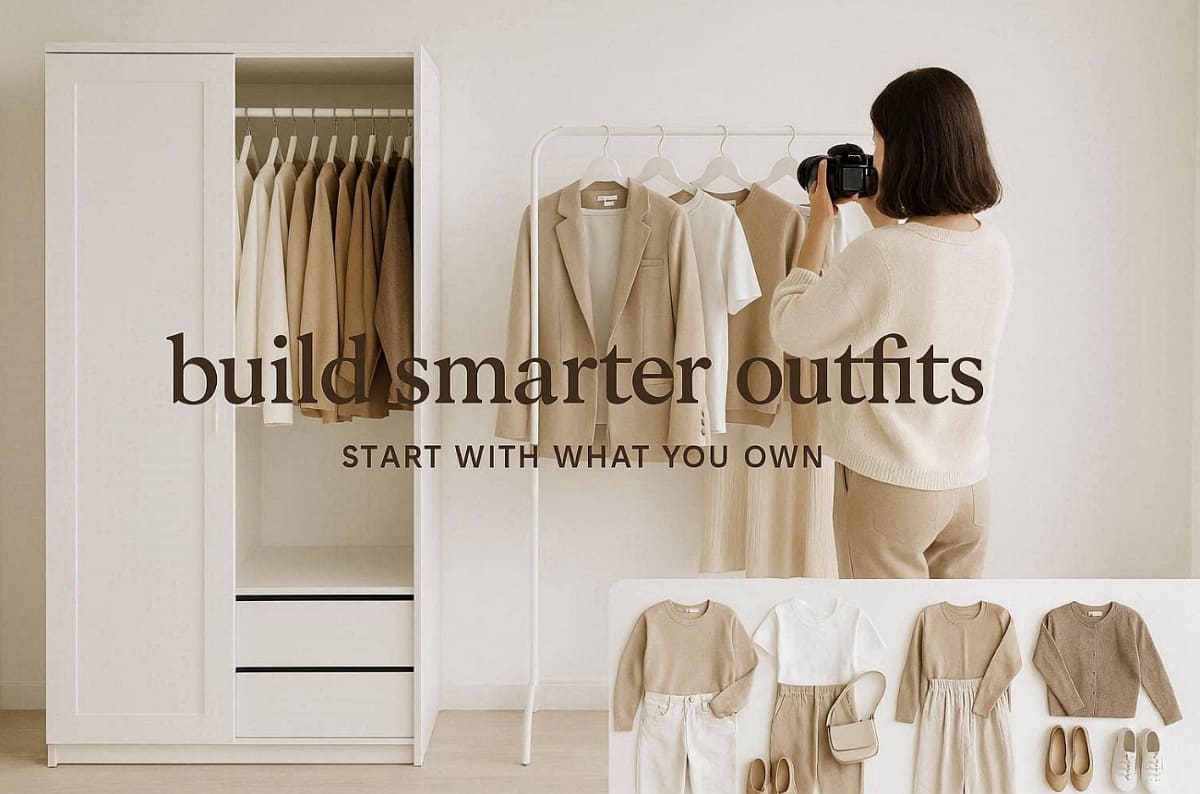
Personal Wardrobe Scenario Checklist
Explore these essential scenarios when evaluating how many complete looks you can actually assemble:
1. Professional Commute: Count how many polished outfits you can wear to your office every week.
2. Weekend Relaxed: Identify your best casual combinations for running errands or meeting friends.
3. Evening Out: Evaluate your formal options for date nights or special social events this month.
Hence, building outfit-based thinking is your top priority during this entirely tool-free planning stage.
3.2. Use AI Tools to Visualize Outfit Combinations Before Checkout
Once your plan is ready, modern technology can handle complex visual coordination work. You can try on clothes virtually online to test different color and style swaps quickly. Digital previews allow you to combine tops and outerwear in a single unified frame. For a seamless experience, you can use the Virtual Try-On tool to see how specific items look on your body shape.
Position these tools as an efficiency layer that supports your own personal style judgment. If you are struggling to find the right combination, an AI Outfit Generator can suggest professionally styled looks based on your preferences. For e-commerce sellers, AI clothing try-on technology is becoming a vital commercial asset. Consider the following options for enhancing your digital style and product presentation workflow:
|
User Type |
Recommended Digital Solution |
Primary Style Benefit |
|---|---|---|
|
Online Shoppers |
Consumer-facing try-on apps |
Quick visualization of outfit combinations before purchase |
|
Fashion Sellers |
Designkit's AI Product Photography Generator |
Creation of coordinated multi-piece scenes from individual product images |
|
Style Creators |
Advanced wardrobe management tools |
Organization of long-term wardrobe plans with strong visual accuracy |
Apart from that, the virtual try-on market will likely grow to over $22 billion by 2026 at a CAGR of 26.5%, according to Research and Markets.
3.3. Three Outfit Formulas You Can Try On Virtually Right Now
Providing ready-to-use formulas helps you understand the power of a virtual outfit try-on. You can test these specific combinations immediately to see how different textures interact. Each formula demonstrates the practical benefits of previewing your clothes before you buy them. If you want to see how a different color or fabric would change the vibe, an AI Clothes Changer allows you to swap garment details instantly.
At this point, for sellers looking to create outfit-styled product photos, Designkit's AI Product Photography Generator is useful. This professional tool can produce coordinated multi-piece scenes from individual product images for listings. Anyhow, you should start with these three versatile looks to explore your own unique fashion and style:
1. Workday Neutral: Pair straight-leg trousers with a textured button-up and a structured tote bag.
2. Weekend Relaxed: Combine wide-leg jeans with an oversized tee and your favorite white sneakers.
3. Evening Out: Match a midi dress with a tailored blazer and sleek heeled sandals.
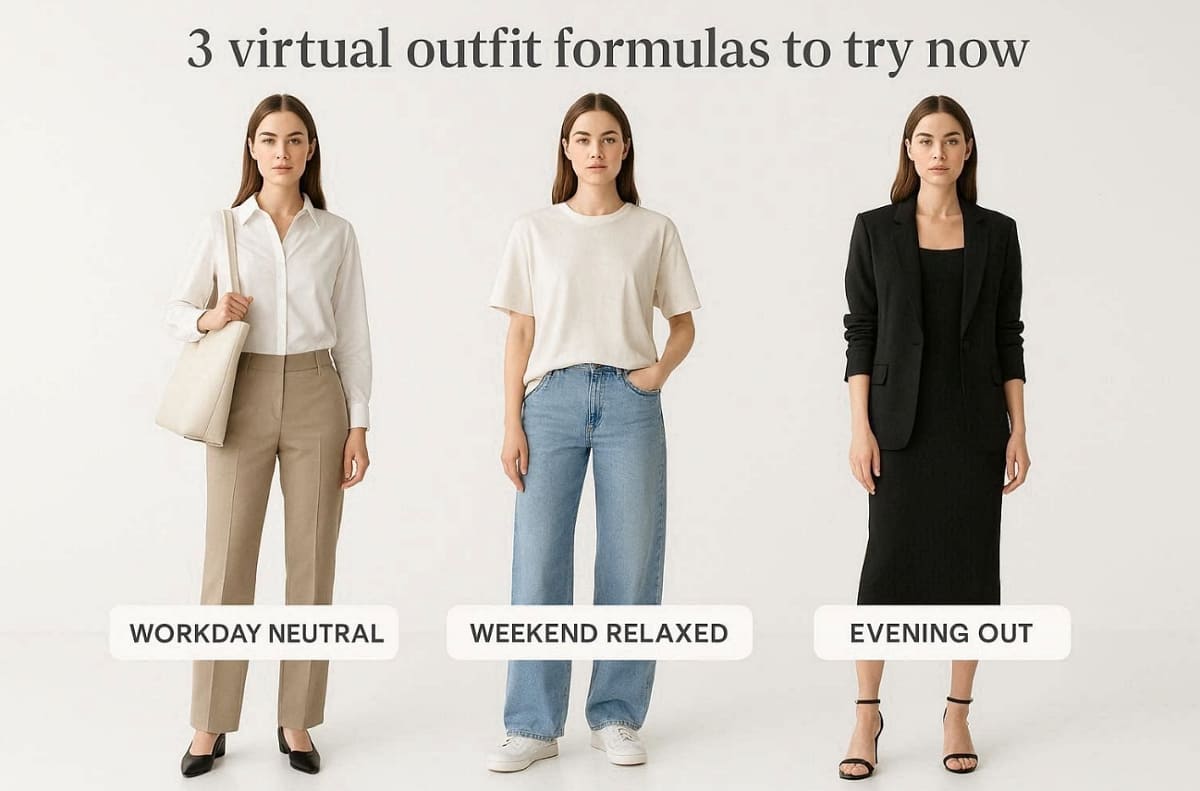
These formulas show how a virtual outfit try-on reveals small but critical details.
Part 4. Smart Shopping Habits That Work with Virtual Try-On
Adopting smarter habits ensures your digital tools provide the best long-term fashion results. Strategic shopping reduces financial waste while helping you maintain a very professional look. This section elevates your strategy beyond basic tool usage into a lasting style philosophy:
4.1. How Virtual Try-On Helps You Build a Capsule Wardrobe
A capsule wardrobe is based on the idea of having fewer items to make the most combinations of outfits. Virtual try-ons can help you make sure that all new items fit into this particular purpose. The core philosophy is to prioritize versatility and high quality over sheer quantity of garments. Furthermore, Sustainable Fashion states that most fast fashion items are worn only 7 to 10 times before being discarded.
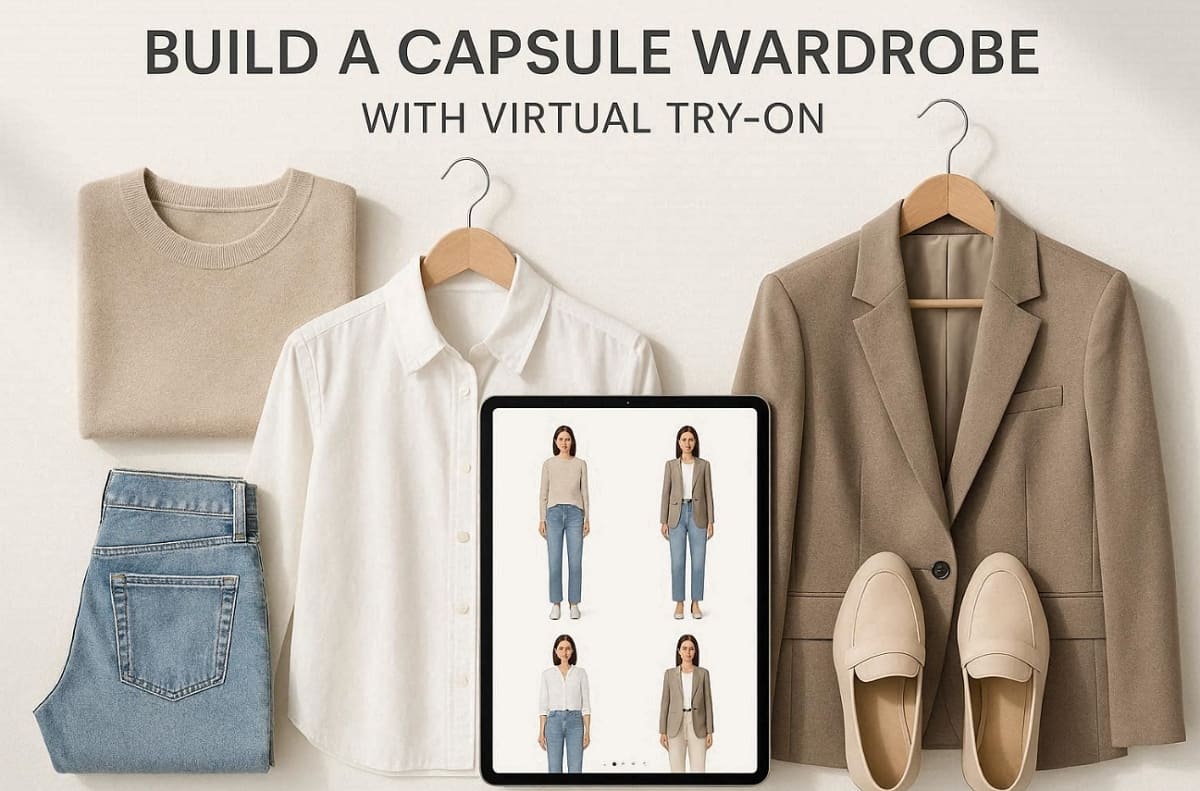
Before buying anything, you should try on virtually with the 3 items you already own. If a piece does not match three existing outfits, you should probably skip it. This simple rule builds a cohesive collection where everything works together very smoothly. Below are a few benefits of building a capsule wardrobe digitally:
1. Reduced Decision Fatigue: Choosing daily outfits becomes much faster when all your pieces coordinate.
2. Minimized Fashion Waste: Buying only what you need reduces the environmental impact of your wardrobe.
3. Consistent Personal Style: A curated collection ensures that you always look polished and well put-together.
4.2. How to Avoid Impulse Buys by Previewing Outfits First
Beyond that, impulse buying often happens when a single product photo looks great on your screen. However, receiving the item frequently reveals that it clashes with your current style collection. At this point, a virtual try-on clothes insert a vital pause before you click the button.
Previewing the item with your wardrobe helps cool down any immediate and emotional urges. So, you can see the full picture and realize if the item is truly necessary. The following table illustrates how a virtual try-on clothing stops the impulse cycle:
|
Impulse Cycle Phase |
Traditional Shopping Reaction |
Virtual Preview Strategic Action |
|---|---|---|
|
Initial Visual Attraction |
Buy immediately based on one photo |
Add the item to your virtual closet |
|
Aesthetic Validation |
Assume it will match your clothes |
Try on virtually with your existing pants |
|
Final Purchase Decision |
High risk of future wardrobe regret |
Only buy items that earn their place |
This intentional approach leads to fewer purchases but much higher satisfaction with your closet. Every garment you own will finally feel like a perfect and stylish investment.
Conclusion
In conclusion, planning outfits before purchasing transforms how shoppers build confidence. Using a virtual outfit try-on helps visualize combinations and reduces mismatched buying decisions. Shoppers gain better control over color balance and styling outcomes. This strategy creates a flexible wardrobe over time that has fewer pieces of clothing that go to waste. Finally, careful planning means that all the purchases are made to be long-term and support personal confidence.
Frequently Asked Questions
Do current tools support full-outfit previews or only single clothing items?
How accurate is the rendering of virtual clothes for your personal style choices?
Advanced rendering algorithms provide a realistic view of fabric textures and overall garment shapes. Digital previews accurately simulate how various colors and patterns coordinate in a single frame. So, you can try on clothes virtually to confirm that every new piece matches perfectly.
Can I use virtual try-on with clothes I already own?
Yes, photograph existing wardrobe pieces for virtual try-on compatibility testing. Upload owned items to preview new purchases against your current collection. This validates coordination before buying items that might clash with staples.
Are there free tools available for planning your next complete fashion outfit now?
Many smartphone applications offer basic features for free to help you visualize your looks. Yet, limitations include watermarks, fewer model options, and restricted export features. Some premium platforms might require a subscription to access the most advanced styling tools. Using an AI clothing try-on helps you build a very cohesive capsule collection.
What are the typical limitations of the free-tier versions for online shopping today?
Free versions often limit the number of items you can save in your closet. Lower tiers might also offer reduced image resolution for your daily digital style previews. So, always check if a virtual outfit try-on supports the specific brands you love.
You May Also Like
How to Match Makeup by Undertone: Virtual Lipstick and Foundation Try-On
Wedding Dress Styles for Every Body Type: A Practical Guide for 2026
7 Best AI Virtual Makeup Try-On Tools for Realistic Results in 2026
AI Virtual Makeup Try-On: Boost Beauty E-Commerce Sales in 2026
Free Online Glasses Try-On Tools: See Yourself in Glasses Instantly
Top Virtual Ring Try-On Tools for Engagement and Wedding Rings in 2026
How to Try Shoes On Virtually: A Step-by-Step Guide
Best Virtual Shoe Try-On Tools for Ecommerce: 2026 Guide
How to Try On Wigs and Bangs Virtually to Find Your Perfect Style
Create Model Outfit Photos Instantly With AI Outfit Generator
Best AI Virtual Try-On Clothes Tools for Any Body Type
How to Try On Clothes Online with AI for Better Fit & Style
Virtual Nose Ring Try On Online Before Your Piercing
How to Try Makeup Online with AI and Virtual Makeup Try-On Apps (2026)
How to Use Virtual Earring Try-On for a Flattering Look in 2026
How to Try On Engagement Rings Online with AI in 2026
Scale Your Jewelry Brand with Virtual Jewelry Try-On Solutions
How to Try Hairstyles on Your Face Online (Step-by-Step Guide)
Best Virtual Hairstyle Try-On Tools Online for Realistic Previews 2026
How to Use a Free AI Hairstyle Generator to Find Your Perfect Look

Virtual Hair Color Try-On Guide for Every Skin Tone (2026)
Virtual Wedding Dress Try-On Online for Brides in 2026
How to Choose the Right Sunglasses for Your Face Shape Online
How Accurate Is Virtual Glasses Try-On? AI vs AR Compared
Best Virtual Try-On Glasses Apps in 2026 (Free & Paid Tools)
How AI Virtual Try-On Is Transforming Eyewear Ecommerce
5 Best Virtual Try-On Glasses Tools for Ecommerce and Consumers 2026
How to Try On Glasses Online with AI in 2026 (Easy Guide)

How to Create Jewelry Photos with AI Models That Drive Sales in 2026
AI-Generated Fashion Models: Technology, Brand Adoption & Trends
How to Batch Generate 100+ AI Clothing Model Photos Fast
7 Best AI Fashion Model Generators for Ecommerce in 2026
AI Clothing Model Photos for E-Commerce: Platform Rules & Best Practices
How AI Virtual Try-On Helps Fashion Brands Boost Sales & Reduce Returns
AI Fashion Models vs Real Models: Which Is Better for Brands?
Best Free AI Fashion Model Generators for Real Product Photos
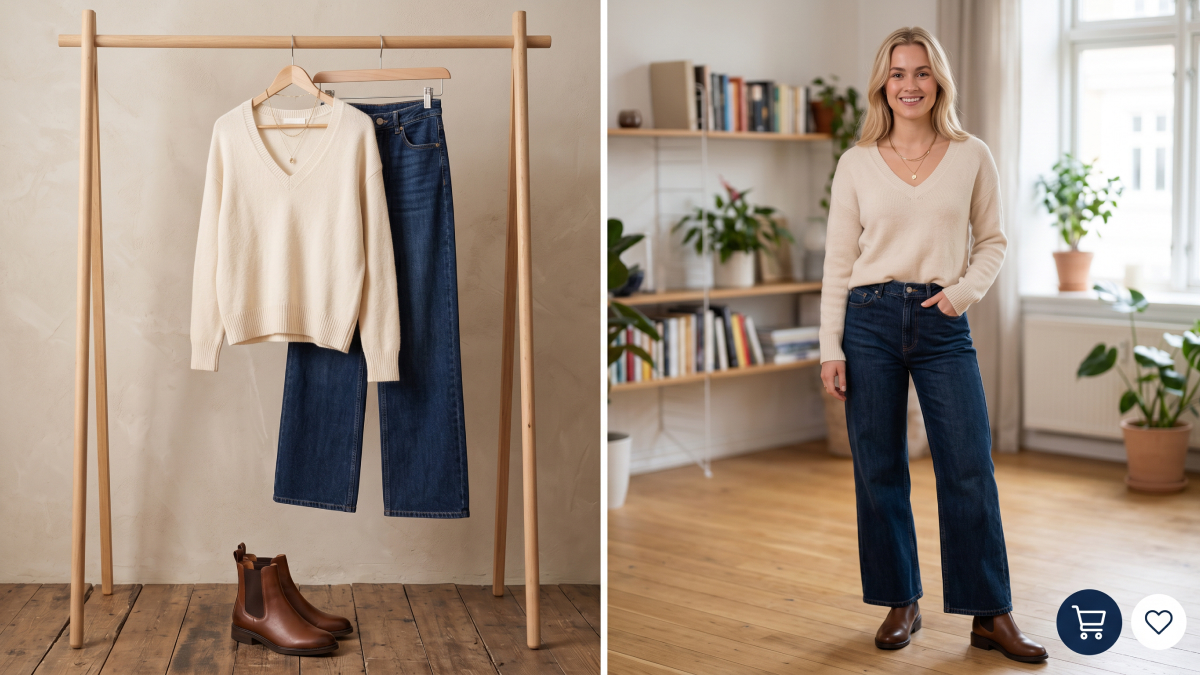
Virtual Outfit Try-On Guide: Plan Outfits Before You Buy
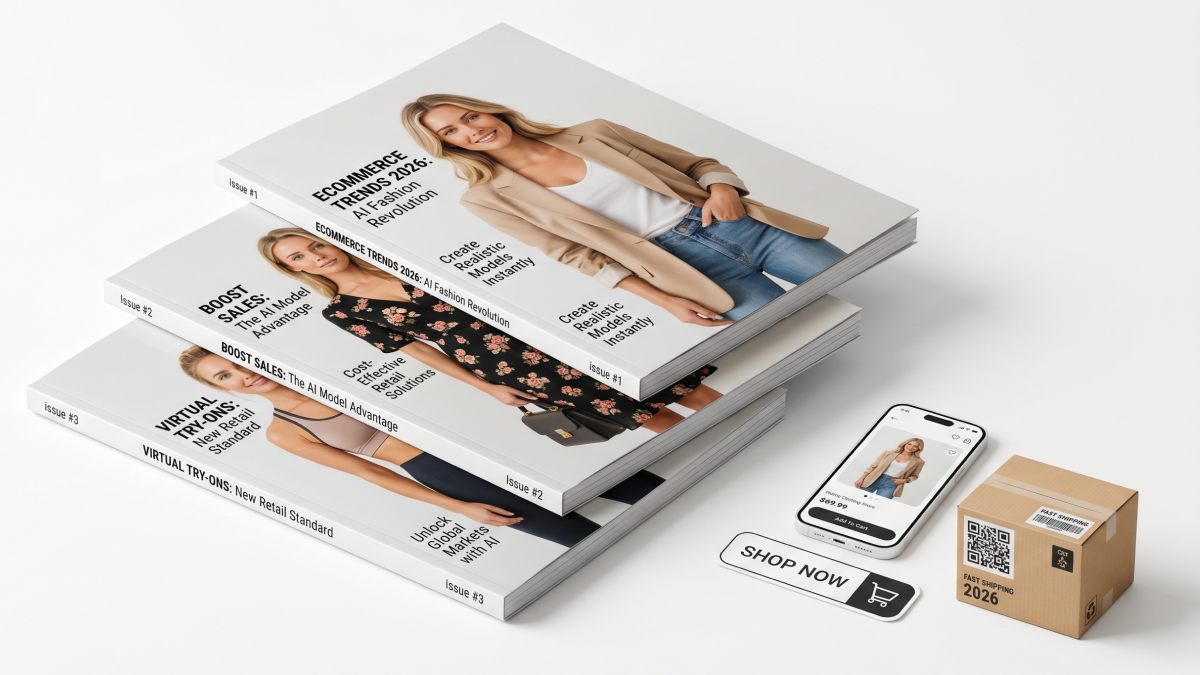
What Is an AI Clothing Model Generator? Full Guide for Sellers
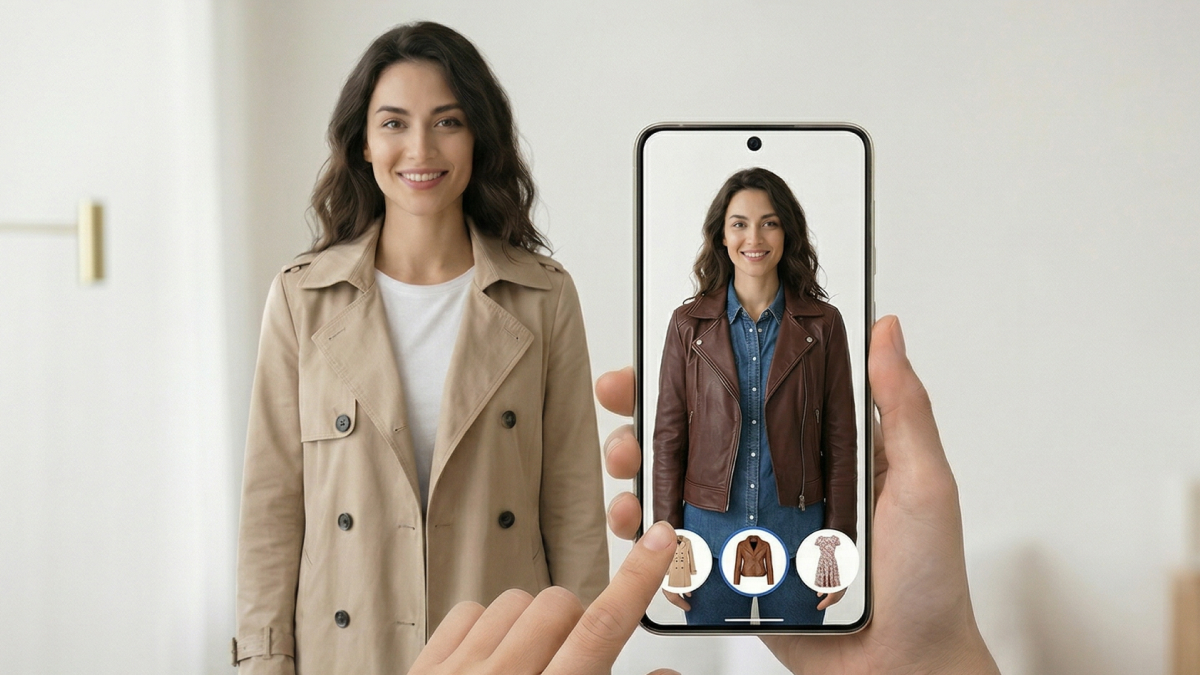
Virtual Try-On Technology in 2026: How It Works & Key Trends
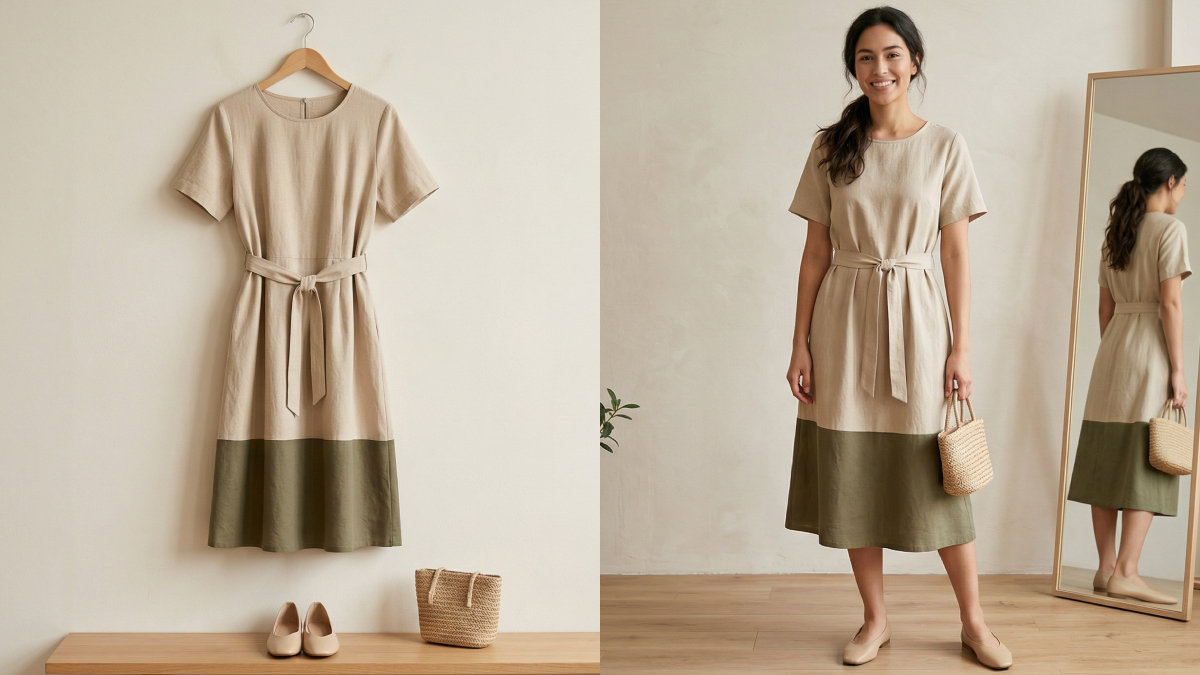
10 Best Virtual Try-On Apps & Tools for Online Shopping in 2026
How to Create AI Fashion Models: Complete Step-by-Step Guide
How to Use AI Fashion Models for E-Commerce Product Photos: A Complete 2026 Guide
How to Virtually Try On Clothes Online: A Complete Guide
Make every product image ready to sell
Designkit is an all-in-one AI platform for ecommerce visuals. Create product photos, AI videos, virtual try-ons, and Amazon listing images in seconds. Generate HD backgrounds, batch edit photos, and scale your brand with studio-quality content.
