

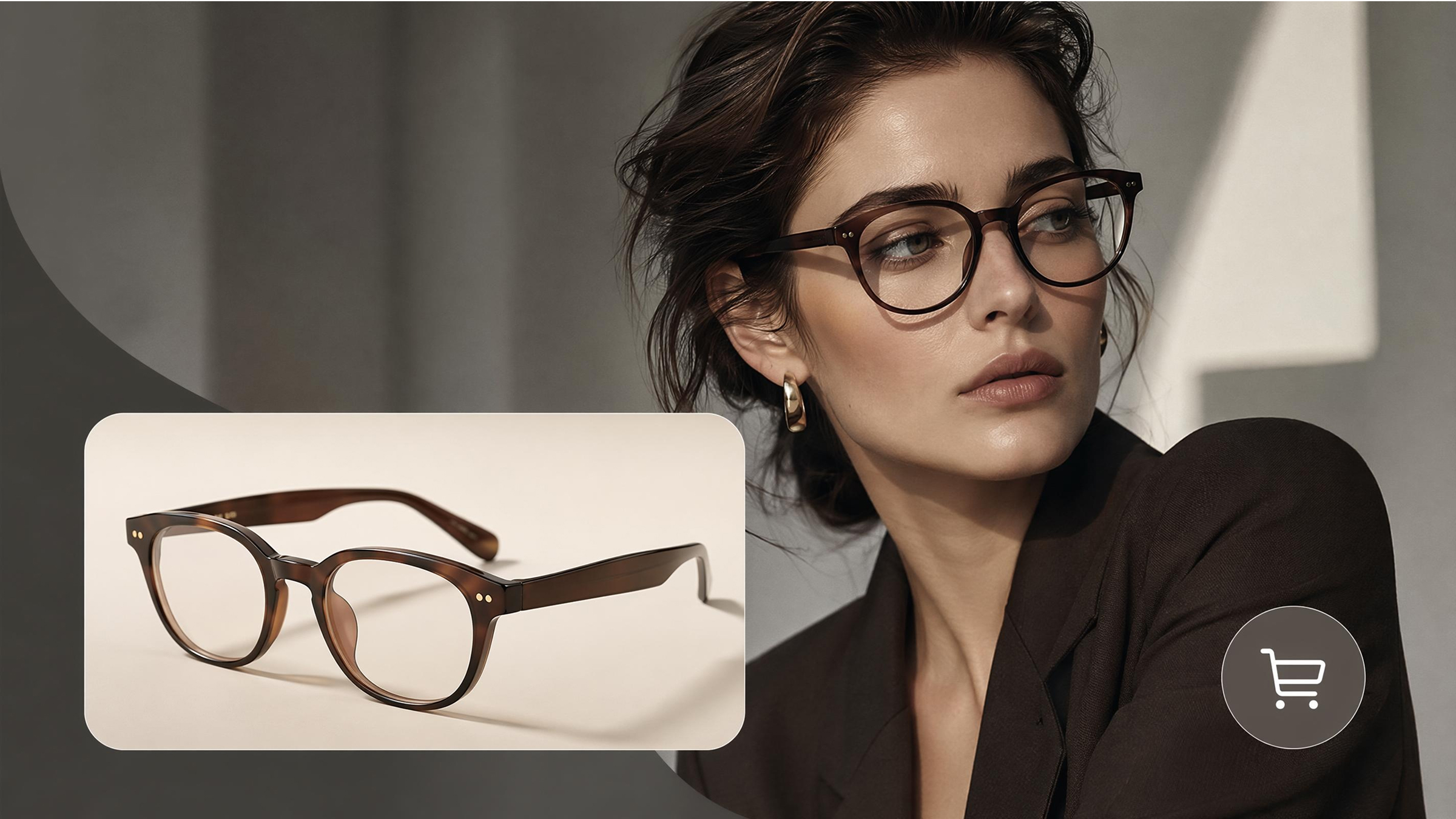
Virtual eyewear shopping has quickly transformed into an ecommerce competitive digital experience. It is now the case that brands and consumers make purchase decisions online using smarter visualization tools. Hence, a quality virtual try-on glasses application will make the online selection of frames easier. According to a report compiled by Research and Markets, the world market of virtual try-on will hit a sum of more than $15 billion by the end of 2026.
Not every solution, though, offers the same level of accuracy or integration flexibility. Therefore, this guide will discuss the most suitable virtual try-on glasses platforms in 2026. You will also discover the best virtual try-on tool for your specific eyewear needs.
Part 1. Three Types of Virtual Try-On Technology for Glasses
Selecting the right solution requires understanding the unique mechanics of modern eyewear visualization tools. Different technical approaches offer varying levels of accuracy and user interaction for digital shoppers. A quality virtual try-on glasses experience depends on the underlying software engine used. The following categories define the primary methods used to visualize frames on human faces:
1.1. AI Photo-Based, AR Camera-Based, and 3D Model Viewer
Each virtual try-on glasses system belongs to one of three core categories. These categories define how users experience frame visualization and product interaction. Choosing the right method depends on intended use and platform requirements. The given categories define the primary methods used to visualize frames on human faces:
1. AI Photo-Based Virtual Try-On
This method allows users to upload headshots for high-quality digital frame rendering. AI glasses try-on creates a professional lifestyle image within a few seconds. The points below explain the core advantages of using this specific photo-based technology:

1. Fast Processing: Users receive high-resolution results immediately after they upload their own personal headshot image.
2. Store Integration: Most ecommerce websites prefer this method because it works perfectly on every browser.
3. Low Requirements: This system does not need any live camera access or complex device permissions.
2. AR Camera-Based Virtual Try-On
AR gives you an interactive layer based on a live feed from your camera. A real-time virtual try-on glasses experience mimics the feel of a physical store. This immersive technology offers several key benefits for customers who want an interactive fit:
1. Real-time Tracking: The software follows your head movements to show the frames from various angles.
2. Engagement Levels: Shoppers will use live video to spend a lot more time engaging with your brand.
3. Immersive Experience: Users feel like they are standing in front of a real fitting room mirror.
3. 3D Model Viewer Technology
This technology focuses on the product details rather than mapping the glasses onto faces. High-resolution 3D viewers allow for a complete and technical evaluation of the frame design. The following features define why 3D viewers are essential for a complete digital catalog:
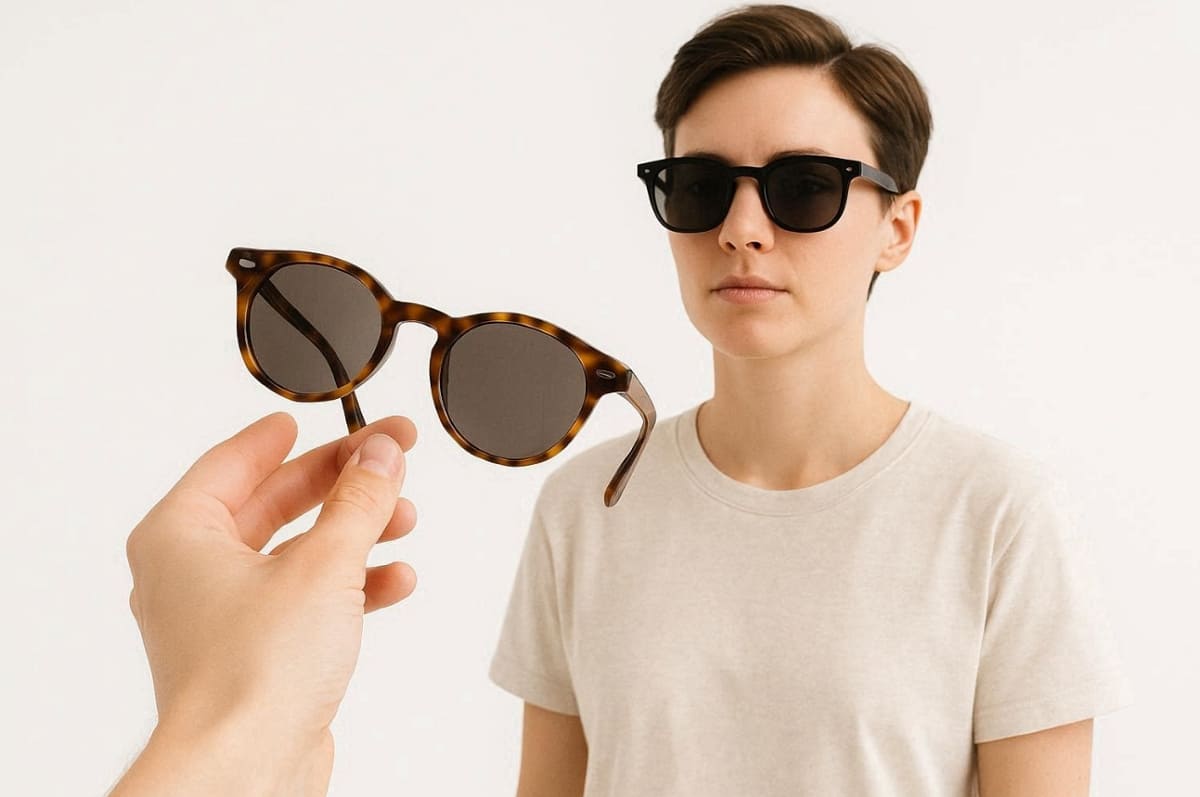
1. Detail Inspection: Customers can zoom in to see the fine textures and the hinge construction.
2. Full Rotation: Users can spin the glasses three hundred and sixty degrees for complete clarity.
3. No Permissions: You can view the product without sharing any personal data or facial photos.
Each virtual try-on glasses technology serves a different commercial purpose. AI photo-based tools prioritize scalability, while AR focuses on immersion. Meanwhile, 3D viewers support detailed product understanding before purchase decisions.
Part 2. Best Virtual Try-On Glasses Tools Reviewed
Before selecting any platform, comparing features helps identify the best virtual try-on tool. Each solution offers unique strengths based on technology and integration flexibility. Now, review the summary table to understand the differences across the top platforms quickly:
|
Tool Name |
Technology Type |
Primary Strength |
Best For |
|---|---|---|---|
|
Fittingbox |
AR Camera-Based |
Ultra-realistic 3D rendering |
Large enterprise optical retailers |
|
VirTryAI |
Photo-Based AI |
Easy mobile integration |
Small to mid-sized eyewear brands |
|
Designkit |
Photo-Based AI |
Unified marketing visual creation |
Ecommerce brands needing high-volume content |
|
Banuba |
AR Camera-Based |
Smooth face-tracking and filters |
Interactive Shopify and web stores |
|
GlassOn |
AR & 3D Viewer |
Accurate lens tint simulation |
Technical lens and frame boutiques |
Apart from the table, the following parts provide a structured comparison of leading virtual try-on glasses tools:
2.1. Fittingbox
Best For: Large store eyewear retailers in need of high-precision 3D rendering and a very large catalog of pre-digitized frames.
Technology Type: AR and AI cloud platform with real-time augmented reality and parametric 3D frame modeling.
Fittingbox specializes in virtual try-on glasses of eyewear brands all over the world. The tool can help with real-time AR and photo-based apps on the web and mobile platforms. It serves both independent Shopify stores and massive optical chains with advanced digital mirror technology.
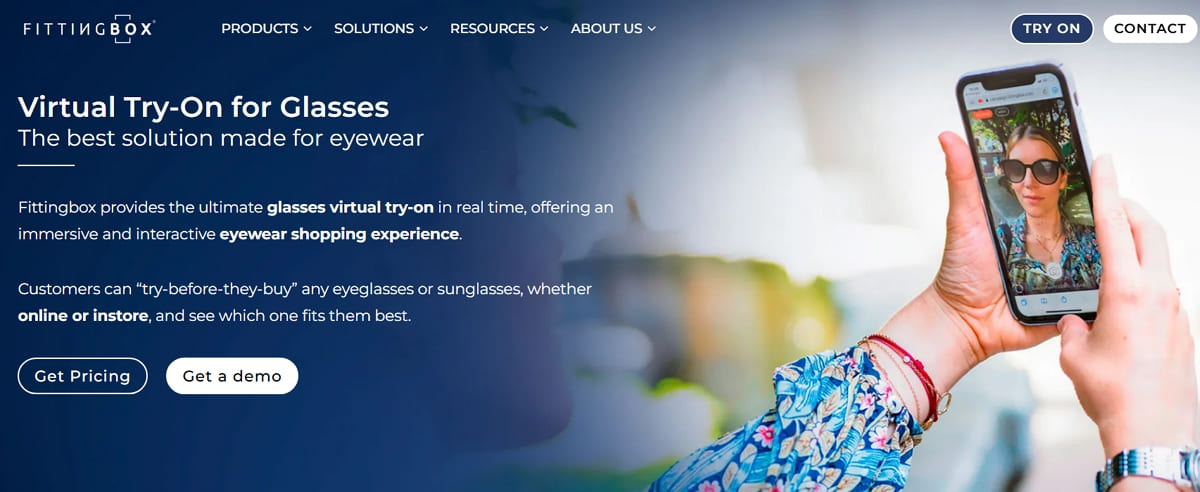
Key Features
1. Browse more than 190,000 digitized sources of 1,200 leading world brands.
2. Removes physical glasses automatically so that the digital fitting is smoother.
3. Includes an accurate pupillary distance tool to ensure perfect prescription lens alignment online.
Pros & Cons
|
Pros |
Cons |
|---|---|
|
Large 3D frame database reduces the need for manual digitization efforts. |
Enterprise pricing can become expensive for large catalogs. |
|
Strong ecommerce integrations, including Shopify and web embedding options. |
Setup complexity increases for advanced enterprise-level implementations. |
Pricing Plans
The entry-level Shopify plan starts at approximately $59 per month with a free trial. Higher SaaS tiers begin around $99 monthly, while enterprise plans require a custom price quote.
2.2. VirTry
Best For: Individual consumers wanting a free mobile app to explore various eyewear styles and colors.
Technology Type: Mobile AR application utilizing real-time face detection SDKs for iOS and Android device processing.
VirTry offers a convenient mirror experience for trying on trendy glasses and sunglasses anywhere. This platform allows users to explore classic styles without feeling any pressure from retail staff. Besides, it focuses on privacy by using generic facial landmarks rather than storing sensitive biometric user data.
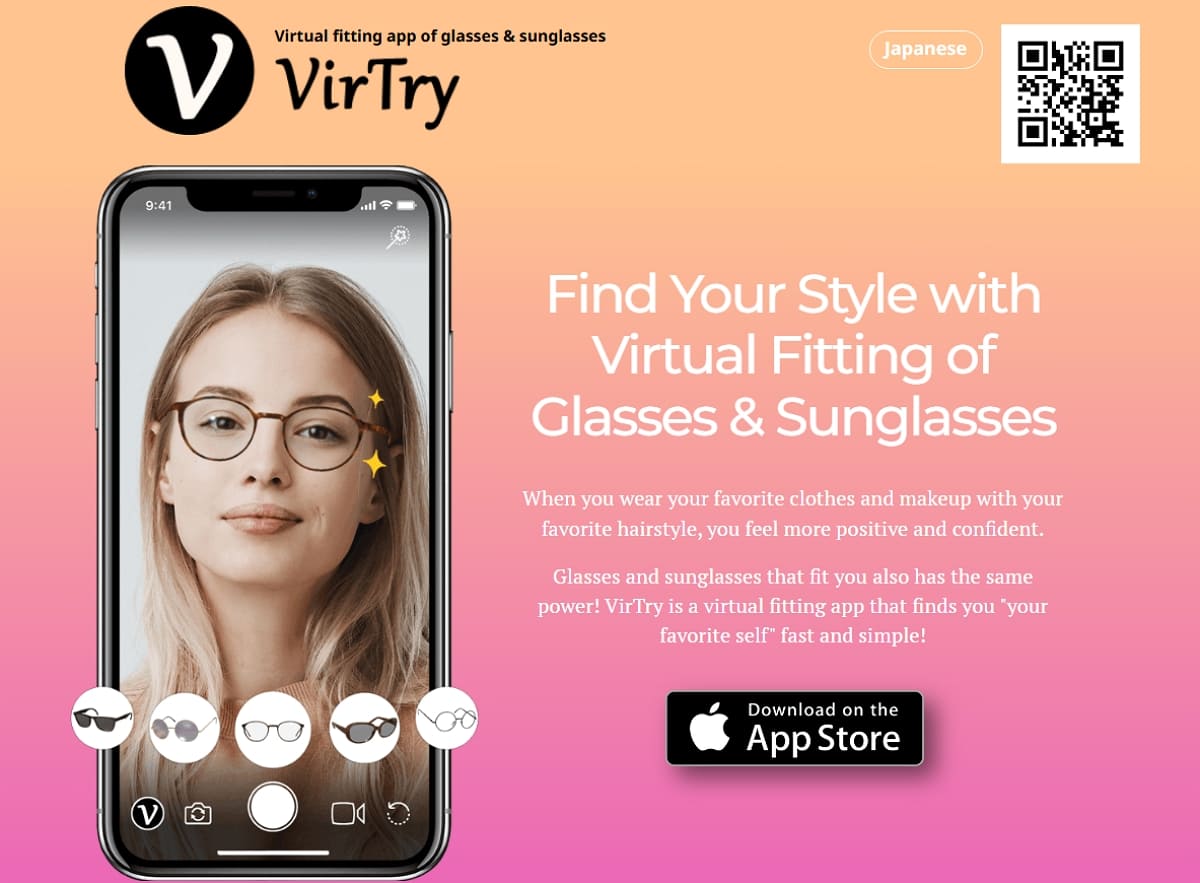
Key Features
1. Provides the best virtual try-on tool experience that follows every head movement.
2. Allows users to try different frames on saved photos with varying outfits or hairstyles.
3. Users can save favorites and compare different designs or color variants on one screen.
Pros & Cons
|
Pros |
Cons |
|---|---|
|
Real-time AR provides an engaging virtual try-on glasses experience. |
Limited frame catalog compared to enterprise platforms. |
|
Supports photo and live modes for flexible virtual try-on glasses usage. |
Lacks advanced optical tools like PD measurement. |
Pricing Plans
VirTry is currently distributed as a free mobile application for both consumers and brand fans. There are no official public SaaS subscription tiers or published B2B pricing plans at present.
2.3. Designkit Virtual Try-On
Best For: Fashion and accessories eCommerce brands that require quality AI-generated model images to use in various marketing campaigns.
Technology Type: Cloud-based generative AI platform synthesizes realistic on-model images based on input of static product photos.
Designkit serves as an intelligent creative suite for brands needing scalable and professional visual content. The platform replaces traditional photoshoots by automatically placing your products onto diverse, AI-generated human models. Moreover, it provides a practical solution for businesses that prioritize high-conversion marketing assets over live interaction.
It also streamlines content production by enabling brands to generate multiple campaign visuals without repeated manual effort. This approach helps maintain consistent branding across different platforms and audience segments. As a result, businesses can scale their visual marketing faster while reducing overall production time and costs.
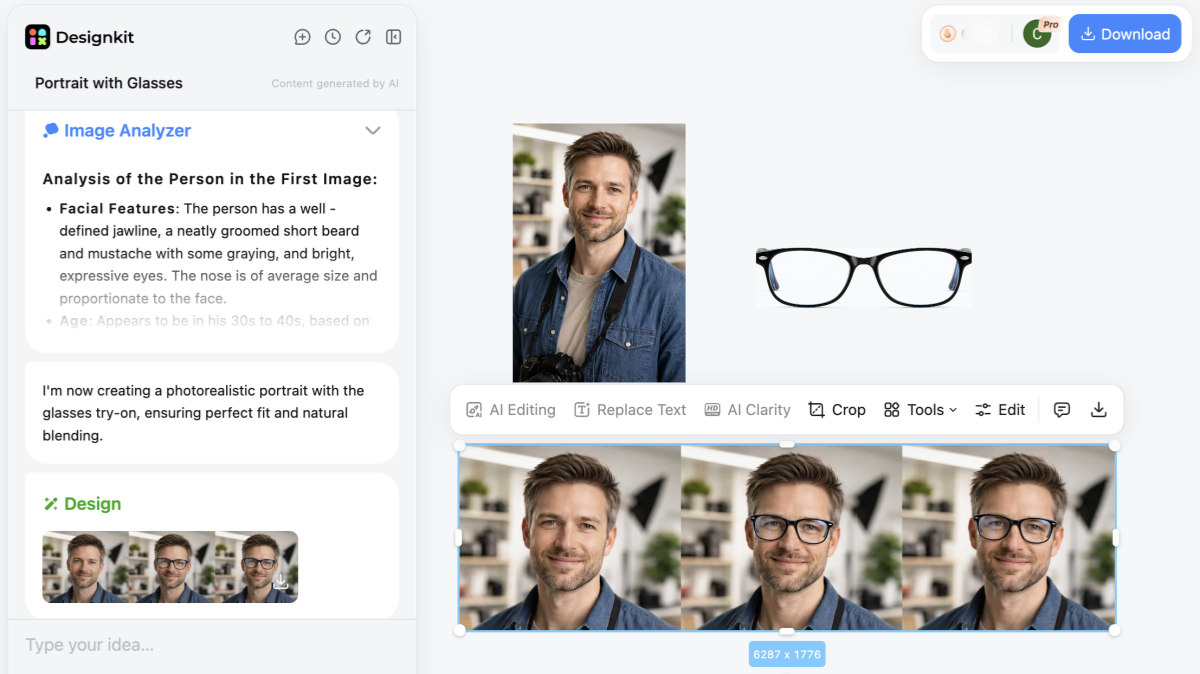
Key Features
1. Model Personalization: Select specific model attributes like ethnicity and body type to match target demographics.
2. Face Swap Tools: Allows brands to swap in specific faces of influencers or founders for localized marketing.
3. Outfit Generation: Upload multiple wearable items simultaneously to create complete and cohesive lifestyle outfit lookbooks instantly.
Pros & Cons
|
Pros |
Cons |
|---|---|
|
Reduces costs compared to traditional photoshoots for virtual try-on glasses visuals. |
Lacks a live, interactive virtual try-on glasses experience. |
|
Scales content production efficiently across large ecommerce catalogs. |
AI outputs may require manual review for occasional visual inconsistencies. |
Pricing Plans
Designkit offers a free tier providing 20 initial credits and daily login rewards for virtual try-on glasses. Paid subscriptions include a Basic plan for $15 and Pro tiers reaching up to $30 monthly.
2.4. Banuba
Best For: Ecommerce brands and retailers with high growth and looking to increase their conversion rates through a professional AR platform.
Technology Type: Real-time Face AR SDK and virtual try-on engine built on advanced computer vision and deep learning.
Banuba gives an augmented reality experience that can be seamlessly integrated with Shopify and bespoke mobile apps. The platform will enhance the main performance indicators, such as add-to-cart rates, and decrease the product returns dramatically. It offers a premium omnichannel solution for brands that want to provide highly interactive and realistic fittings.
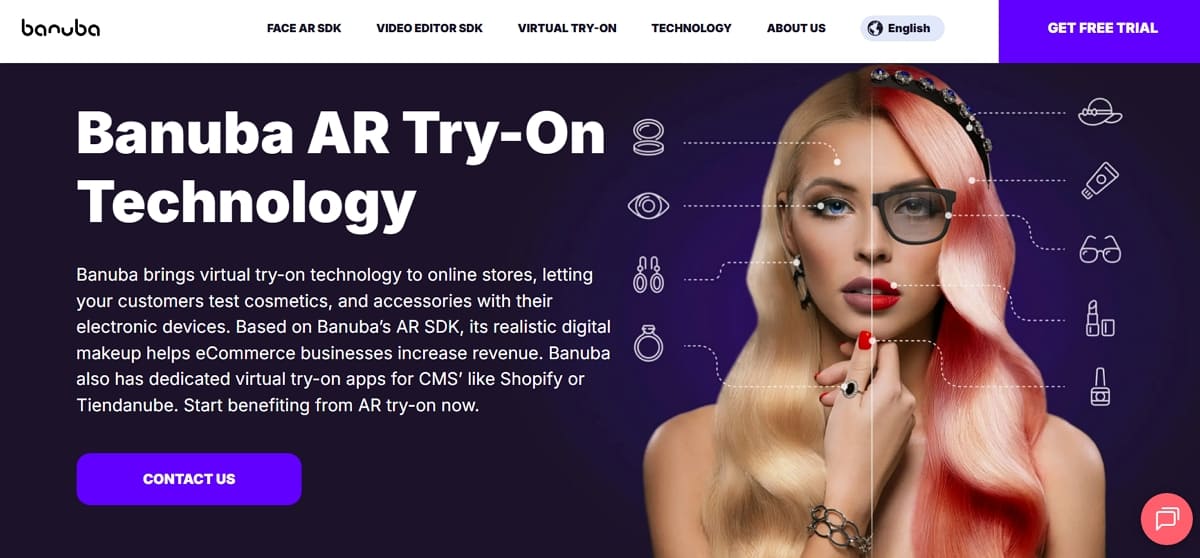
Key Features
1. Analyzes unique user facial features to suggest specific product shades or frame styles automatically.
2. Supports a diverse range of products, including jewelry and quality virtual try-on glasses.
3. Utilizes neural networks for ultra-accurate landmark detection that stays stable during natural user movements.
Pros & Cons
|
Pros |
Cons |
|---|---|
|
Highly realistic AR enhances virtual try-on glasses accuracy and user engagement levels. |
Requires technical integration effort for SDK implementation across platforms. |
|
Includes analytics and personalization for optimizing virtual try-on glasses performance |
Not ideal for brands needing simple plug-and-play, lightweight solutions. |
Pricing Plans
The Shopify "TINT" app starts at $319 per month for the Basic plan and 10,000 try-ons. Higher tiers range from $999 to $1,599 monthly, offering increased volume and priority enterprise support.
2.5. GlassOn
Best For: Small to mid-size eyewear stores that require cheap virtual try-on eyewear with easy integration and key functionality.
Technology Type: Web-based virtual try-on widget utilizing cloud-generated 3D models from simple product photos and AR overlays.
GlassOn offers a practical entry point for optical merchants looking to add interactive features without complex development. The platform allows customers to try frames directly within browsers without installing additional applications. It is specifically designed to boost customer confidence by delivering a clear and accurate understanding of frame fit, proportions, and overall design.
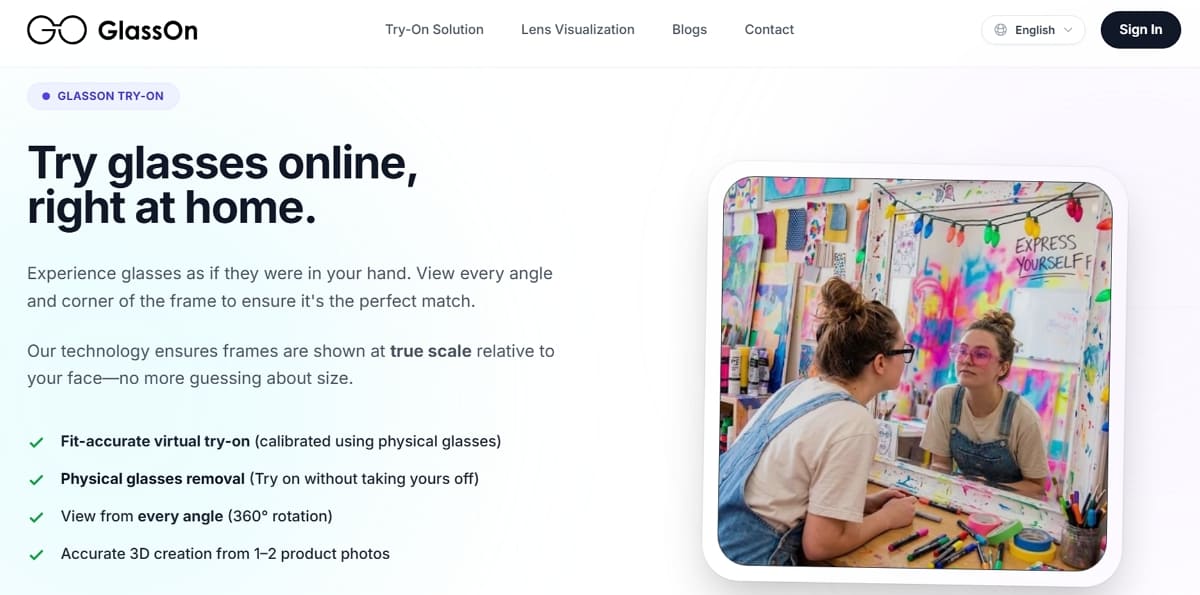
Key Features
1. Includes a native module for measuring pupillary distance and bridge width via the camera.
2. Allows users to try on new glasses digitally while still wearing their current physical frames.
3. Adjust the style and behavior of try-on buttons to match your brand's specific theme.
Pros & Cons
|
Pros |
Cons |
|---|---|
|
Easy no-code integration makes virtual try-on glasses accessible to small ecommerce stores. |
Limited advanced features compared to enterprise virtual try-on glasses platforms. |
|
Supports 3D visualization and face measurement for better product understanding. |
No built-in large frame database requiring manual product uploads. |
Pricing Plans
GlassOn offers a free starter plan suitable for testing virtual try-on glasses functionality on small catalogs. Paid plans start around $49 monthly, scaling based on features and product capacity. Enterprise plans reach approximately $199 monthly, offering advanced support and higher virtual try-on glasses limits.
Part 3. How to Choose the Right Virtual Try-On Tool for Your Needs
The choice of a platform strongly depends on your own technical objectives and budget. An ideal, best virtual try-on tool varies between individual shoppers and large retailers. By assessing some important variables, you can be sure to choose the solution that will grow with you.
However, an excellent virtual try-on glasses experience should balance visual realism and ease of use. Hence, utilize the following decision matrix to identify the most suitable software for your needs:
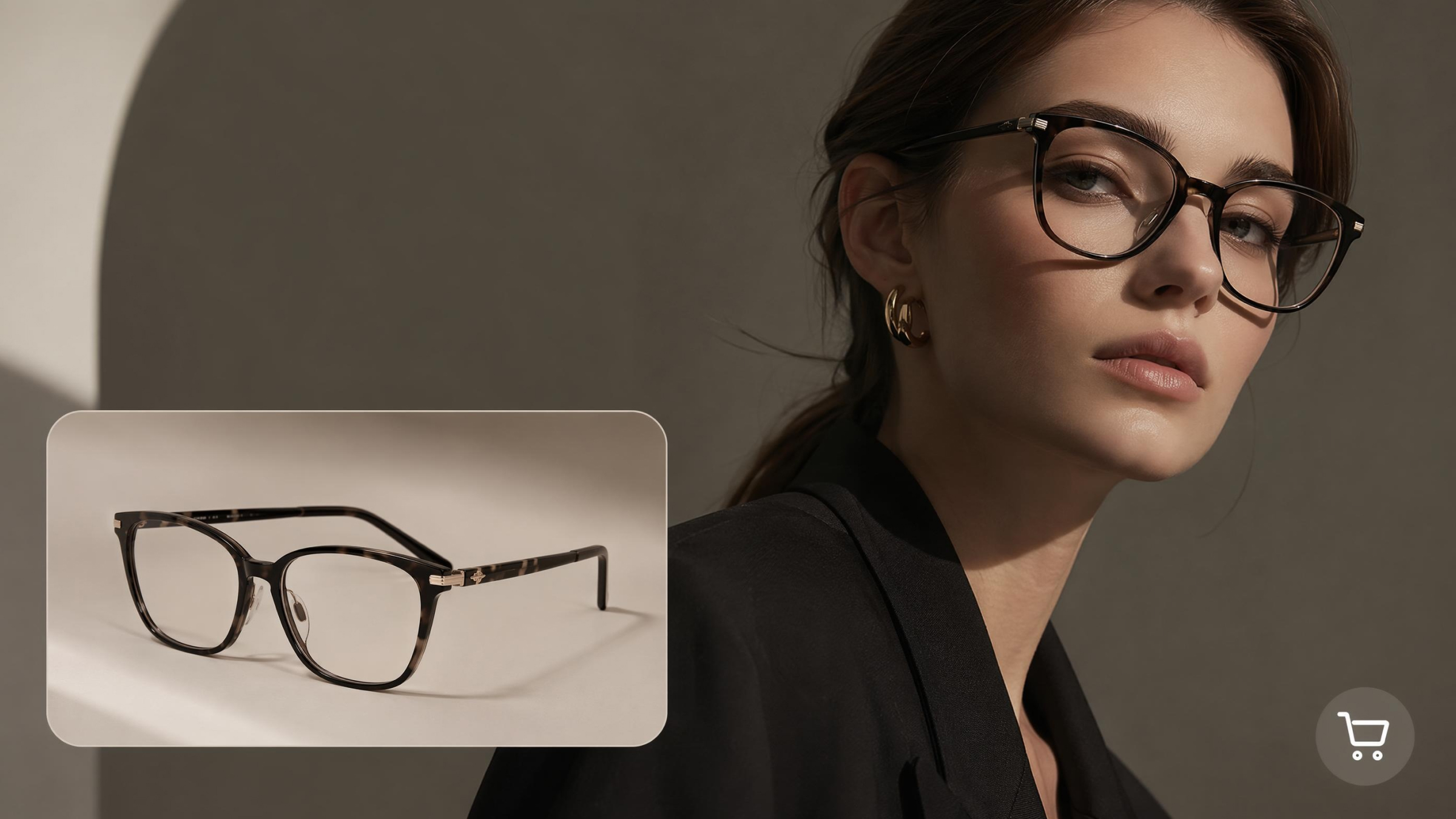
Decision Matrix by User Category
Identifying your specific user type simplifies the search for an effective digital fitting solution. Each category requires different levels of technical support and upfront financial investment for success. The points below outline the best strategic approach for each primary group of users:
1. Individual Consumers: Look for free, browser-based tools or mobile apps for a quick virtual try-on of glasses.
2. Small Eyewear Brands: Prioritize lightweight AI integrations that offer low setup costs and high visual quality.
3. Large Optical Retailers: Invest in enterprise AR and SDK solutions for high-volume and high-precision fitting sessions.
In addition, a Dataintelo research shows that around 78% of consumers cite fit uncertainty as a major online shopping barrier.
Key Factors for Evaluation
Explore these essential criteria before you finalize your choice for the best virtual try-on tool:
|
Evaluation Factor |
Importance Level |
Strategic Focus |
|---|---|---|
|
Project Budget |
High |
Balance monthly SaaS fees against the expected increase in your total conversion rate. |
|
Tech Requirements |
Medium |
Determine if you need a simple Shopify plugin or a custom enterprise SDK. |
|
Catalog Size |
High |
Check if the tool provides a pre-digitized library or requires manual product uploads. |
|
Target Platform |
Medium |
Ensure the software works perfectly across mobile devices, desktop browsers, and in-store screens. |
As part of the small-mid brand category, some, such as Designkit, provide an effective method of integrating try-on with product generation. Therefore, choosing the right virtual try-on glasses software will ultimately define your brand's digital success. Yet, always test a few different platforms to see which one fits your specific workflow.
Conclusion
In summary, choosing the best virtual try-on tool depends on your goals and integration requirements. Consumers benefit from simple apps, while brands require scalable virtual try-on glasses solutions. Enterprise retailers should prioritize AR accuracy and seamless omnichannel deployment capabilities.
Meanwhile, smaller businesses can leverage AI-based tools for faster content creation and flexibility. According to Mordor Intelligence, retailers using virtual fitting tools experience a 20% to 35% reduction in return rates. Ultimately, testing multiple platforms ensures you select a solution aligned with long-term ecommerce growth.
Frequently Asked Questions
What is the best free virtual try-on tool for glasses?
Can I integrate virtual try-on into my Shopify store?
Yes, you can easily add virtual try-on ecommerce features through many popular plugins. Platforms like Banuba and GlassOn offer dedicated apps for a very simple setup process. Business owners simply need to install the software to provide a professional digital fitting room experience.
AI Try-On vs AR Try-On — which is more accurate?
An AI glasses try-on offers superior accuracy for static high-resolution marketing lifestyle images. However, AR technology provides a much more interactive and realistic real-time movement for shoppers. Each technical method serves a specific purpose depending on your commercial or personal needs.
How much does virtual try-on cost for a business?
The total cost for virtual try-on glasses ranges from free to several hundred dollars. Entry-level tools offer free trials, while SaaS plans range from $50 to $500 monthly. Still, final pricing depends heavily on your total catalog size and required technical integration depth.
You May Also Like

How to Match Makeup by Undertone: Virtual Lipstick and Foundation Try-On

Wedding Dress Styles for Every Body Type: A Practical Guide for 2026

7 Best AI Virtual Makeup Try-On Tools for Realistic Results in 2026

AI Virtual Makeup Try-On: Boost Beauty E-Commerce Sales in 2026

Free Online Glasses Try-On Tools: See Yourself in Glasses Instantly

Top Virtual Ring Try-On Tools for Engagement and Wedding Rings in 2026

How to Try Shoes On Virtually: A Step-by-Step Guide

Best Virtual Shoe Try-On Tools for Ecommerce: 2026 Guide

How to Try On Wigs and Bangs Virtually to Find Your Perfect Style

Create Model Outfit Photos Instantly With AI Outfit Generator

Best AI Virtual Try-On Clothes Tools for Any Body Type

How to Try On Clothes Online with AI for Better Fit & Style

Virtual Nose Ring Try On Online Before Your Piercing

How to Try Makeup Online with AI and Virtual Makeup Try-On Apps (2026)

How to Use Virtual Earring Try-On for a Flattering Look in 2026

How to Try On Engagement Rings Online with AI in 2026

Scale Your Jewelry Brand with Virtual Jewelry Try-On Solutions

How to Try Hairstyles on Your Face Online (Step-by-Step Guide)

Best Virtual Hairstyle Try-On Tools Online for Realistic Previews 2026

How to Use a Free AI Hairstyle Generator to Find Your Perfect Look

Virtual Hair Color Try-On Guide for Every Skin Tone (2026)

Virtual Wedding Dress Try-On Online for Brides in 2026

How to Choose the Right Sunglasses for Your Face Shape Online

How Accurate Is Virtual Glasses Try-On? AI vs AR Compared

Best Virtual Try-On Glasses Apps in 2026 (Free & Paid Tools)

How AI Virtual Try-On Is Transforming Eyewear Ecommerce

5 Best Virtual Try-On Glasses Tools for Ecommerce and Consumers 2026

How to Try On Glasses Online with AI in 2026 (Easy Guide)

How to Create Jewelry Photos with AI Models That Drive Sales in 2026

AI-Generated Fashion Models: Technology, Brand Adoption & Trends

How to Batch Generate 100+ AI Clothing Model Photos Fast

7 Best AI Fashion Model Generators for Ecommerce in 2026

AI Clothing Model Photos for E-Commerce: Platform Rules & Best Practices

How AI Virtual Try-On Helps Fashion Brands Boost Sales & Reduce Returns

AI Fashion Models vs Real Models: Which Is Better for Brands?

Best Free AI Fashion Model Generators for Real Product Photos

Virtual Outfit Try-On Guide: Plan Outfits Before You Buy

What Is an AI Clothing Model Generator? Full Guide for Sellers

Virtual Try-On Technology in 2026: How It Works & Key Trends

10 Best Virtual Try-On Apps & Tools for Online Shopping in 2026

How to Create AI Fashion Models: Complete Step-by-Step Guide

How to Use AI Fashion Models for E-Commerce Product Photos: A Complete 2026 Guide

How to Virtually Try On Clothes Online: A Complete Guide
Try On Glasses Online Instantly With AI
Upload a face photo and generate realistic glasses try-on previews in seconds — perfect for ecommerce listings, ads, and online eyewear stores.
