
Best Free Online Glasses Try-On Tools for Virtual Eyewear Testing
See yourself in new frames in seconds—upload a photo and try on glasses online free, no app or account required.

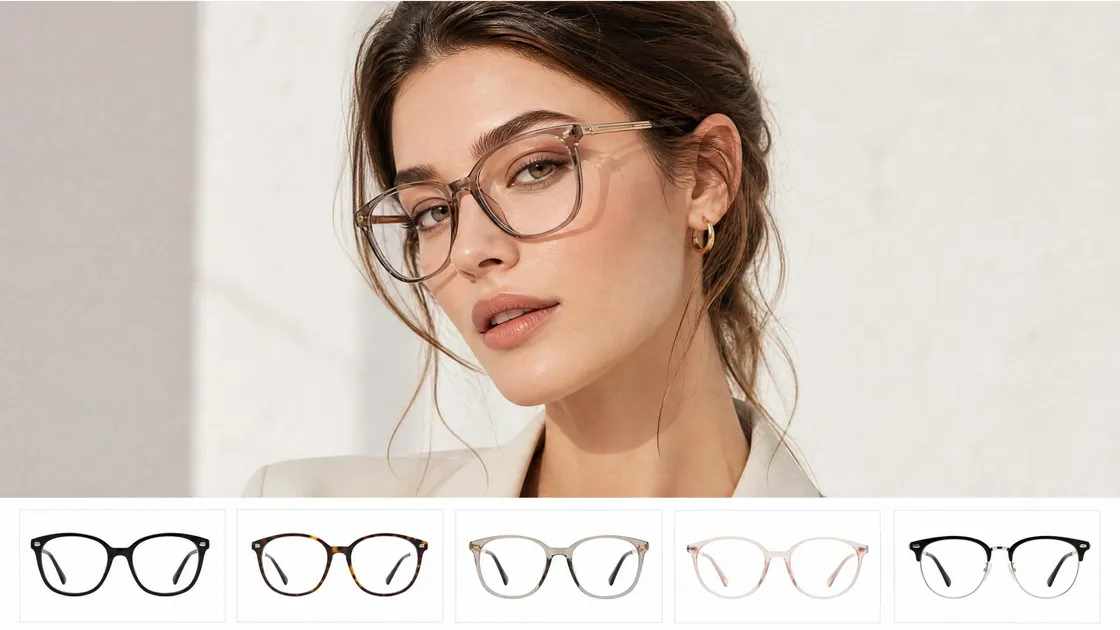
A visit to a store is no longer a necessity to check how glasses suit your face. In fact, nowadays, you can try on glasses online for free directly from your browser, without having to download anything, create an account, or go through any other kind of hassle. You just upload your photo or take one with your camera and see how the different frames look on your face.
This article explains free virtual try-on tools in detail, lists the top platforms you can rely on, and gives you some easy tips on how to make your results as accurate and realistic as possible. Whether you're buying or just exploring styles, it takes seconds to get started.
How Free Online Glasses Try-On Works
Trying on glasses online for free is easy, quick, and hassle-free. Most applications allow you to simply upload a clear selfie (or enable your camera), the system detects your face, and then you can select the frames you would like to try on, which will be displayed on you instantly. There are no downloads, no accounts, and no credit cards needed, just open the application and let your try-on begin.
These websites are basically doing face-detection and positioning, which means they're mapping your eyes, nose, and ears. This is how the glasses fit naturally with your face and therefore swap them smoothly.
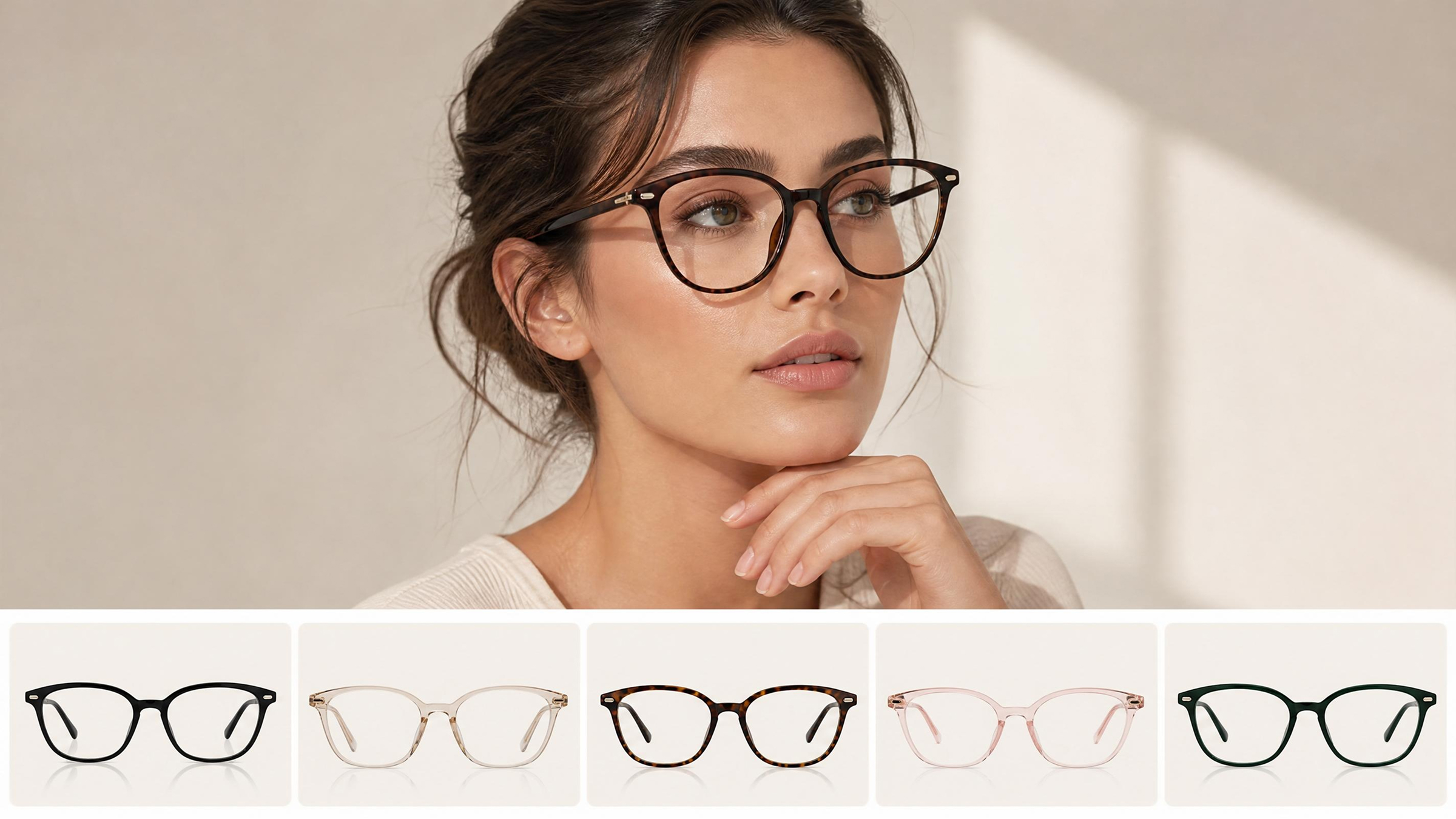
There are two major virtual try on glasses for free techniques:
- Photo-based (AI try-on): You just upload your photo, and the software "sticks" the glasses to your face. It is super-fast, works on any device, and if you don't want to use your camera, it is the right choice for you.
- Camera-based (AR try-on): Takes a snapshot from your webcam or phone camera and projects the glasses on your face in real time. The frames move together with your face, which gives a more natural response.
Both methods are very simple, and without a steep learning curve, you can start by loading the website to try your first pair of glasses in a matter of seconds.
Best Free Virtual Try-On Tools You Can Use Right Now
So now that you understand how it works, the next logical step is to put a tool into practice. There are multiple options available for you to try on glasses online free, including independent browser-based services and eyewear stores that offer try-on features directly on their sites. What's crucial is to pick one that ensures a seamless experience without the need to sign up.
Here is a handpicked selection of the most effective tools for a fast and accurate virtual try on glasses free, also highlighting what makes each one stand out and their respective drawbacks worth noting.
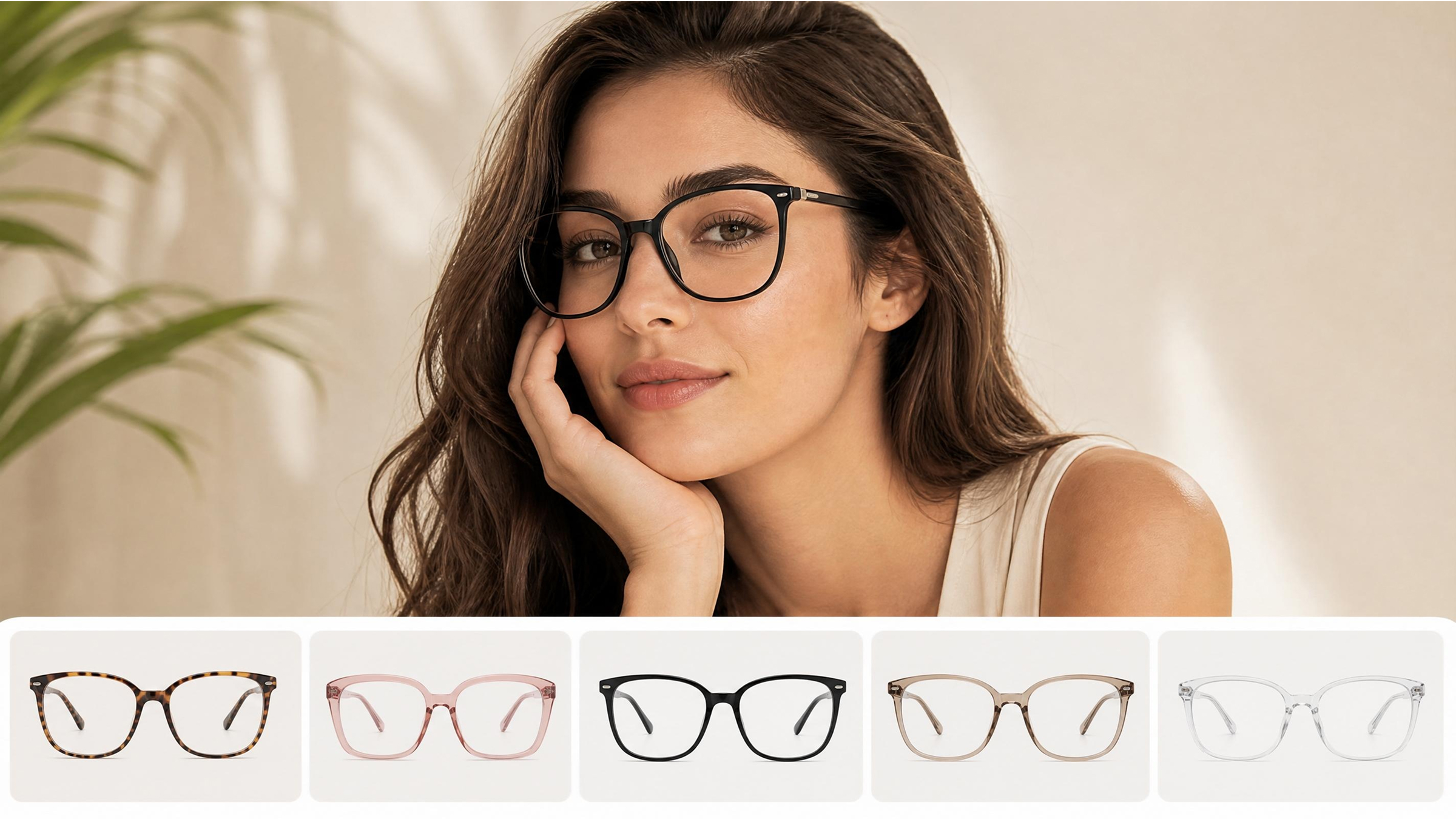
1: EyeBuyDirect
EyeBuyDirect is set up quite easily if you're interested in trying on glasses online for free while looking at real glasses. Instead of a different tool, the try-on feature is right on the product pages, just hover over a frame and click "Try On" to open it. You can choose to turn on your camera so you see yourself live, or upload a photo to see a still image of how the glasses will look. The whole thing is fast, no app download is needed, and you can see the frames on your face as you change them in an instant.
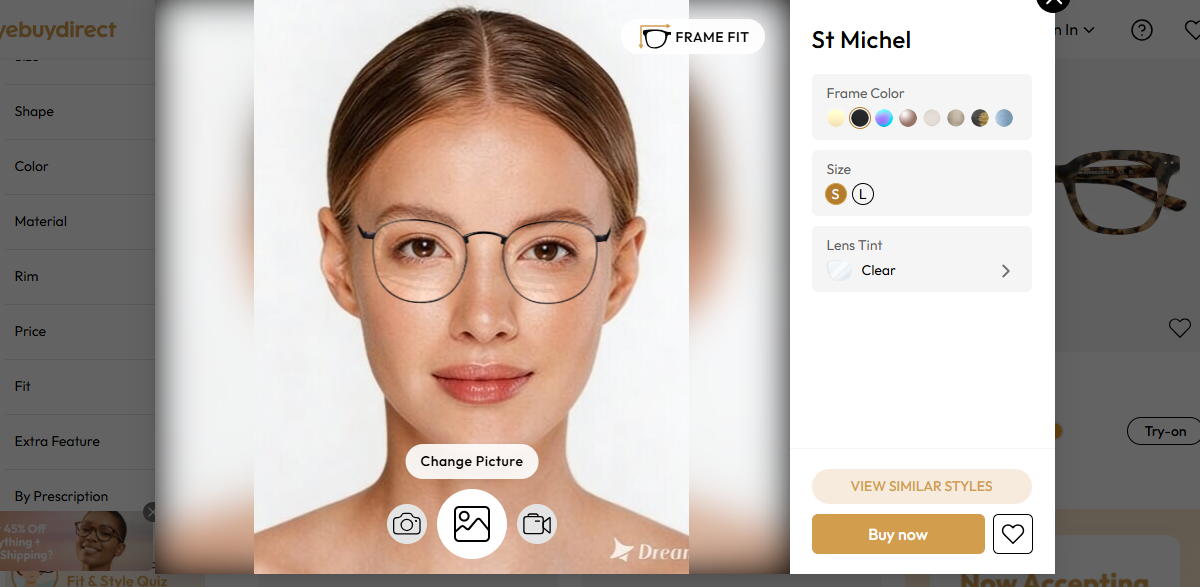
Key features:
- Instant "hover → click → try" experience directly on product pages (no separate tool needed)
- Dual modes: real-time camera try-on and photo upload for flexibility
- Smart face alignment that adjusts frames to your eyes, nose, and face shape
- One-time photo upload reused across multiple frames for fast comparisons
- Smooth frame switching to compare styles side-by-side in seconds
- Access to a wide range of frame styles, sizes, and categories while trying on
- Optional Fit & Style Quiz to refine recommendations based on your look
Limitation:
- Requires camera permission or image upload (not fully anonymous browsing)
Best for:
- Users who want a virtual try on glasses free experience while shopping for real, purchasable frames in one place
2: Specsavers
Specsavers offer a dependable solution for customers who want to try on glasses online for free while they are exploring the wide selection of frames. The virtual try-on tool is integrated with the product pages, so one needs only to press the camera symbol to run it. The software accesses your device camera and shows you how the frames will look on your face live. It even has the functionality to digitally take off the glasses you might be wearing so that you have a better glimpse. You can easily alternate between styles, take pictures, and gather your best picks for the future.
Key features:
- Real-time camera-based try-on with automatic face alignment
- Smart "glasses removal" feature for cleaner previews
- Fast switching between multiple frames for easy comparison
- Option to capture and share photos for second opinions
- Save favorite styles while browsing a large catalog of frames
Limitation:
- Camera mode is the primary experience; photo upload is available, but less prominently featured compared to real-time try-on
Best for:
- Users who want a virtual try on glasses free experience with a large frame catalog and flexible switching between styles while shopping online
3: Designkit
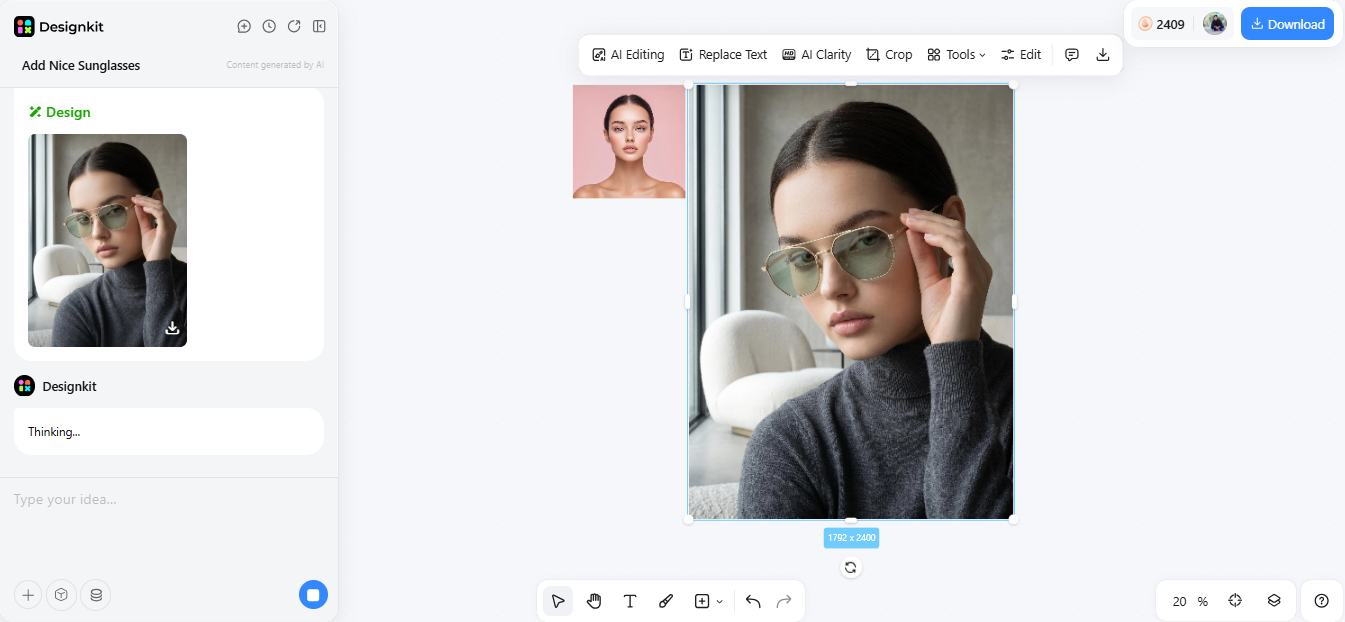
Designkit is a browser-based AI tool that offers users the ability to try on glasses online for free as a part of their larger virtual try-on system for fashion, accessories, and e-commerce products. It extends beyond the limitations of eyewear and creates AI-generated and highly photorealistic product images by mapping the items onto virtual or uploaded models. When it comes to eyeglasses, you only need to upload a face photo, and the AI will accurately show the glasses frames on the face with correct facial alignment, lighting, and proportion, as if the glasses were worn. As it focuses on visual generation, rather than live AR shopping, it is mainly suitable for styling and product mockup purposes.
Key features:
- AI-based photo upload system for virtual try-on of glasses and accessories
- Generates realistic frame placement using facial features and proportion analysis
- Supports multi-category try-on (glasses, clothing, shoes, jewelry, bags) in one platform
- Can create multiple model variations (different face types, ages, and styles)
- High-resolution output suitable for product previews and e-commerce visuals
- Allows batch generation of different looks and styles quickly
- Useful for both personal styling and professional product visualization
Limitation:
- Not a real-time AR try-on tool (photogeneration-based only, no live camera preview)
Best for:
- Users who want a virtual try on glasses free experience, plus advanced AI styling
4: EaseMate AI
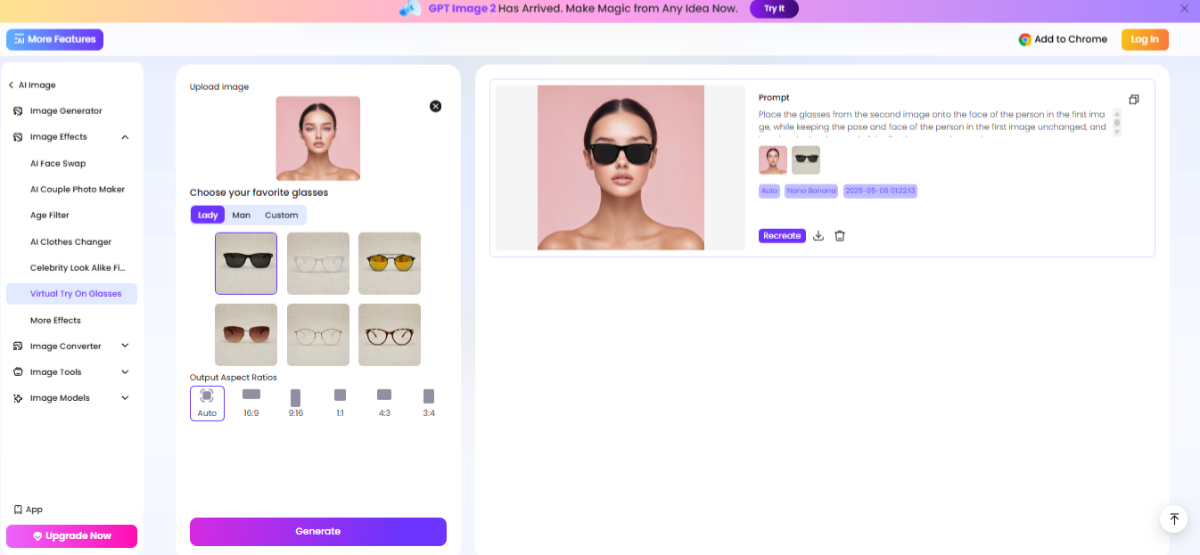
EaseMate AI is a web-based AI program that enables you to virtually wear glasses for free by simply uploading a photo and trying out different frames immediately by means of generative AI. Unlike retailer-based try-on systems, this try on glasses online free tool operates more like a clever image editor: you provide a plain face photo, select or upload glasses, and the AI digitally places frames on your face structure. It also allows for an extremely lifelike positioning as it identifies facial features such as the distance between the eyes and the shape of the face, so the final outputs are more tailored than simple overlays.
Key features:
- Analyzes facial features, including face shape, eye position (pupillary distance), and face proportions for an accurate fit of frames.
- Besides preset glasses, the software also accepts custom frame uploads, thus allowing for a wider range of styles.
- With one-click generation, you will be able to view and compare several frames on the same image very quickly.
- More natural overlays are rendered by resizing the glasses to the user's face features (rather than flat stickers).
- Offers several styles: eyeglasses, sunglasses, wireframe, rimless, and aviators.
Limitation:
- Photo-based only (no live AR camera mode for real-time try-on)
Best for:
- Users who want a virtual try on glasses free experience with highly realistic, AI-enhanced previews
5: Glasses.com
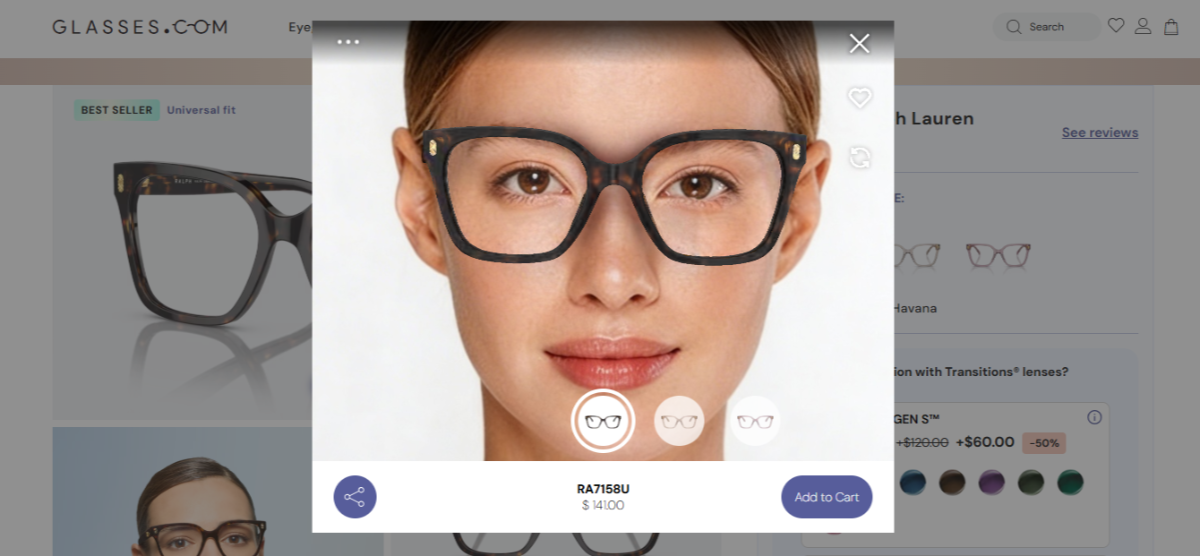
Glasses.com provides a Virtual Mirror option that allows users to try on glasses virtually for free while checking out the range of top designer eyewear. It is a function integrated into the product pages- all you need to do is tap "Try Them On," and a live camera-run demonstration will be set up for you. The technology integrates live face tracking to overlay glasses correctly on your face, thus providing you with a very lifelike, in-store-like experience. Besides, you get a chance to discover the most popular brands such as Ray-Ban, Oakley, and Armani Exchange, and have a glance at the immediate visual effects of each frame on your image.
Key features:
- Real-time camera-based Virtual Mirror for instant try-on
- Accurate face tracking for natural frame positioning
- Huge selection of designer brands (Ray-Ban, Oakley, Prada, etc.)
- Quick "Try Them On" button directly on product pages
- Save favorite styles while browsing
- Option to compare multiple frames while switching styles
- Integrated shopping + try-on experience in one place
Limitation:
- Requires camera access; limited support for photo-upload style try-on
Best for:
- Users who want a virtual try on glasses free experience focused on premium designer eyewear with a realistic live preview while shopping online
Tips for Getting the Most Accurate Free Virtual Try-On Results
If you aim to achieve most accuracy when trying on glasses online free, photo quality and the way you do use the tool affect the results. With minimum change, virtual frames can be made to seem more natural and more like the ones you would really wear.
- First, take a lighted, face forward picture with open eyes. The best light is sunlight. It is softer and you avoid shadows that make it look like you wear glasses differently. Your face should be fully visible and looked straight.
- Also, keep your head in the middle of the picture. This helps AI tools properly align glasses with your eyes and facial structure, improving accuracy when you use any virtual try on glasses free platform.
- Remove the current glass before uploading the photo. Slim frames can still be a problem with the detection system and placement of new styles.
- Don't be stuck to one type; try prescription as well as sunglasses. Sometimes frames that are ordinary in one way can be showy in another.
- And last but not least, compare at least 3 rather different styles before making a final decision. Virtual tools allow you to switch fast; however, small design differences may turn out to be an unexpected change in how well the frame fits your face.
Conclusion
Trying on new glasses has never been more convenient – you can now virtually try on eyeglasses for free in just a few seconds online, without the need to download apps or create accounts. Thanks to basic AI and AR technologies, a single selfie or a quick camera check is enough for you to start browsing different styles right away.
Your best bet would be to take one good photo and try out several frames to find the ones that match your face the most. If you get hooked on a virtual try-on application, you are likely to discover that most of them also have paid features for deeper customization and more advanced try-on sessions.
Frequently Asked Questions
Is Virtual Try-On for Glasses Really Free?
Do I Need to Create an Account to Try On Glasses Online?
No. The best tools for virtual try on glasses free experiences don't require signup, email, or login. You can simply open the website, upload a photo or use your camera, and start trying frames instantly.
Is My Photo Stored or Shared When I Use Virtual Try-On?
Most reputable platforms process images temporarily and either delete them after the session or store them securely for a short time.
Can I Try On Sunglasses for Free Online Too?
Yes. Nearly all modern virtual try-on tools support both eyeglasses and sunglasses. So you can easily try on sunglasses online free along with prescription-style frames to compare different looks in one place.
You May Also Like

Best Virtual Try-On Glasses Apps in 2026 (Free & Paid Tools)

5 Best Virtual Try-On Glasses Tools for Ecommerce and Consumers 2026

How to Choose the Right Sunglasses for Your Face Shape Online

How to Try On Glasses Online with AI in 2026 (Easy Guide)

How AI Virtual Try-On Is Transforming Eyewear Ecommerce

Virtual Outfit Try-On Guide: Plan Outfits Before You Buy
Find Your Perfect Frames in Seconds
No store trip, no app, no account. Upload your photo to Designkit and preview different glasses styles on your own face instantly—so you can explore frames with confidence and land on the look that suits you.


