
Blur the Background, a Face, or Any Part of a Photo
Designkit can soften the whole background to lift your subject, hide a face or detail before you share, or blur just one area you brush over. You control how strong the blur looks.
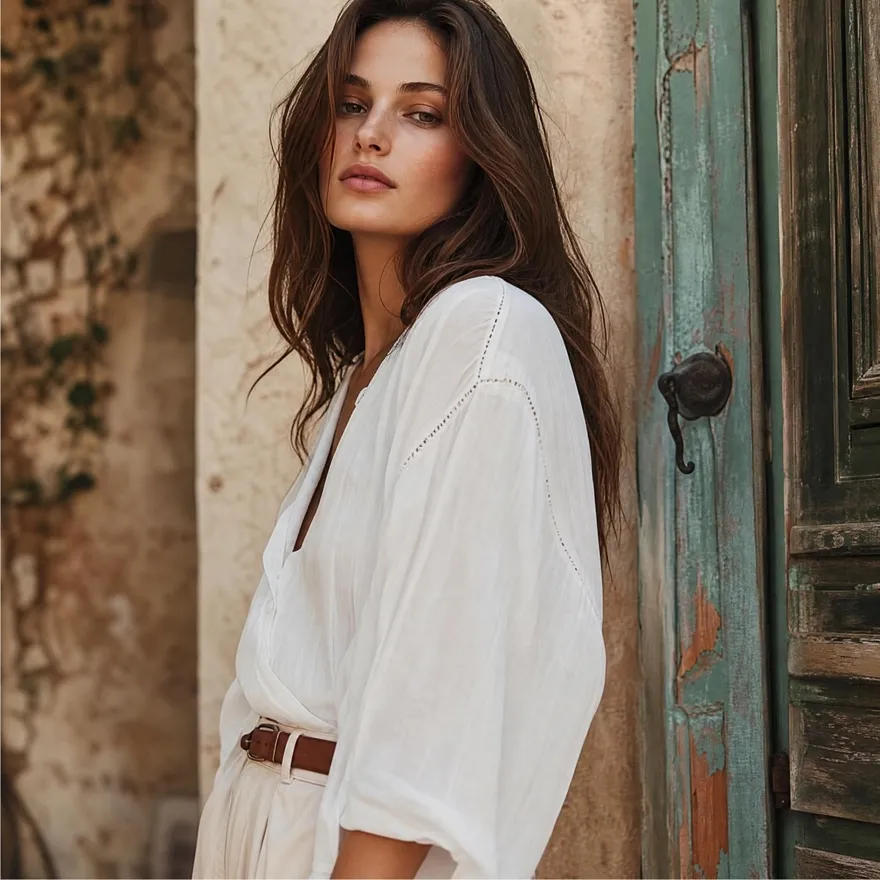
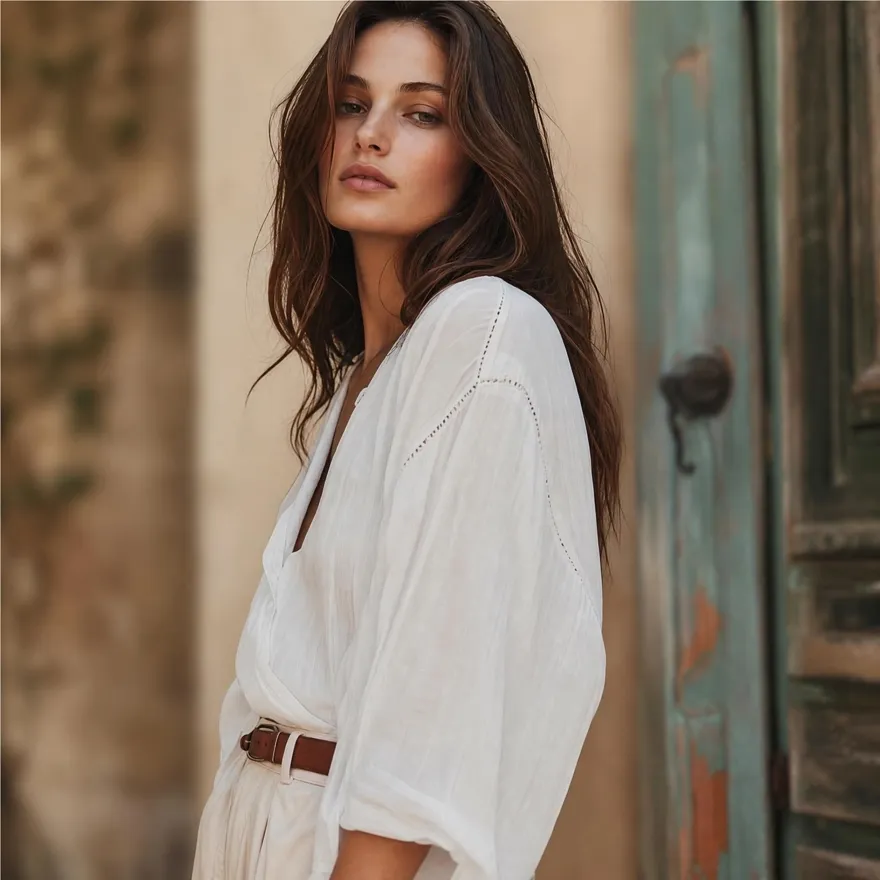
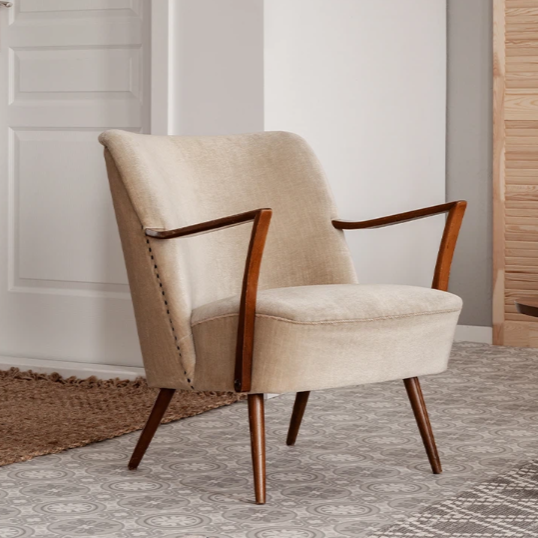
No picture on hand? Try with one of these



How to Blur Image Online in 3 Steps
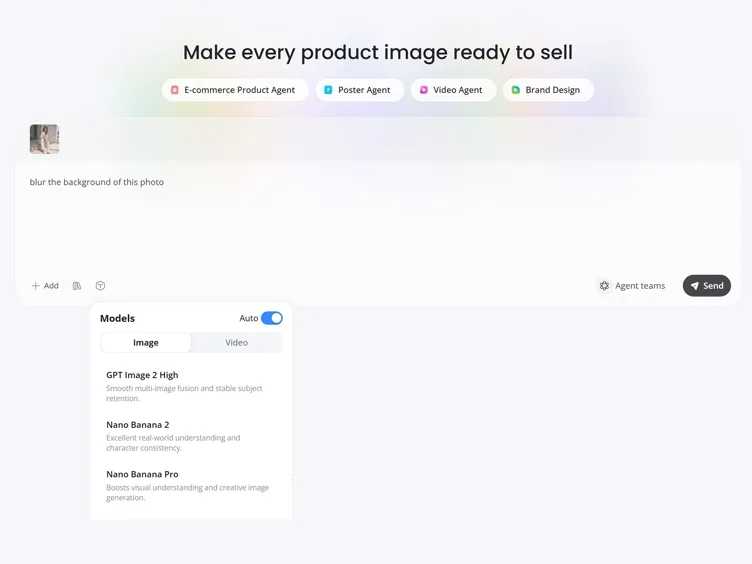
Upload Your Image
Upload a product photo, portrait, or screenshot. Nothing to install and no editing experience needed.
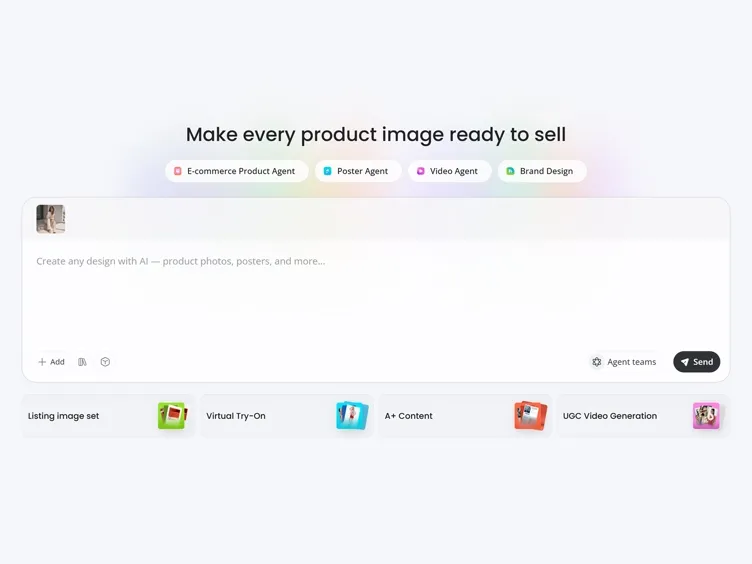
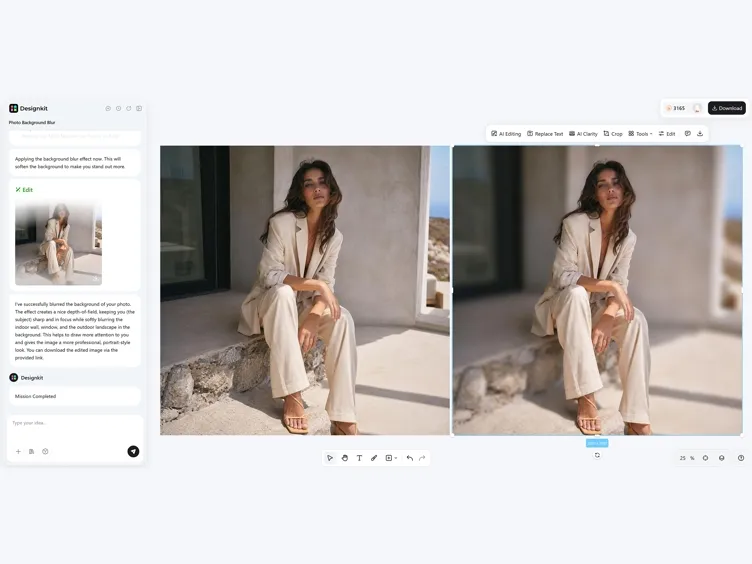
Apply Blur Effect
Apply image blur instantly and adjust intensity to control focus, privacy, or aesthetic effect.
Download Your Blurred Image
Check the result and save a high-resolution image ready for your store, posts, or slides.
Powerful Online Photo Blur Tool for Any Use Case
Add Blur to Photo Instantly for Any Image
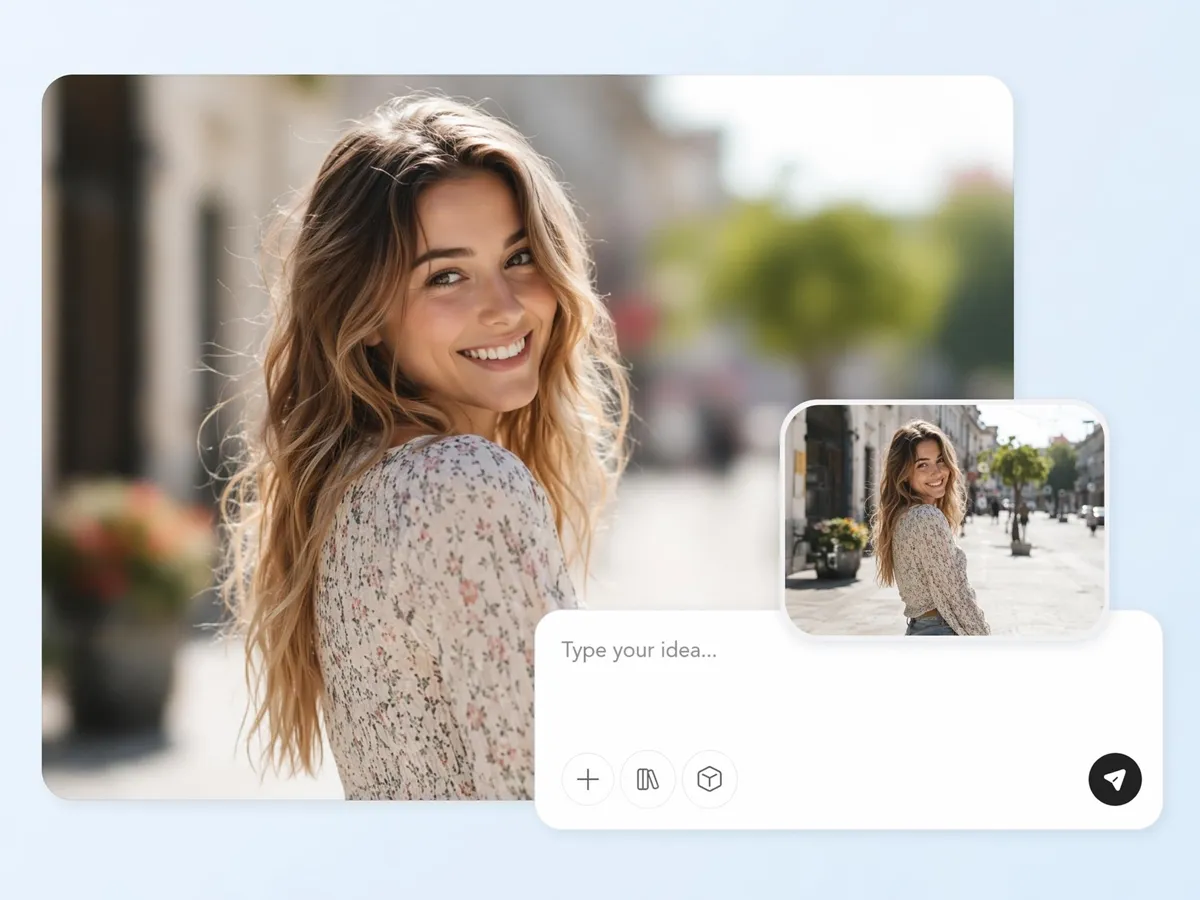
A distracting background, unwanted details, or visual clutter can reduce the impact of a great photo. Designkit helps you apply blur within seconds, making portraits, product images, marketing visuals, and social posts look cleaner, more polished, and easier to focus on without complicated editing steps.
Adjust Image Blur Effect with Full Control
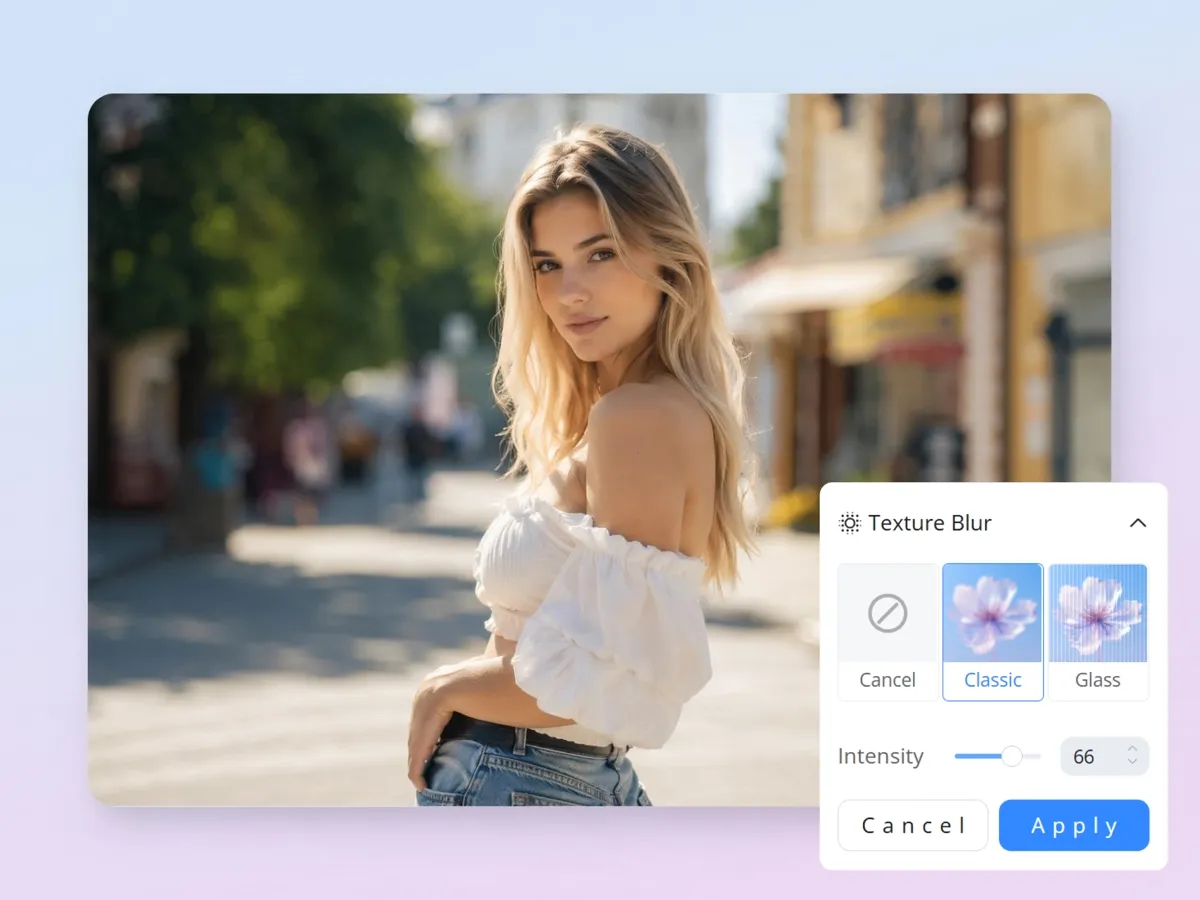
Different projects require different levels of blur. Whether you want a subtle soft-focus effect or a stronger blur for emphasis, Designkit gives you flexible controls to fine-tune the intensity and achieve the exact visual style you want while maintaining image quality.
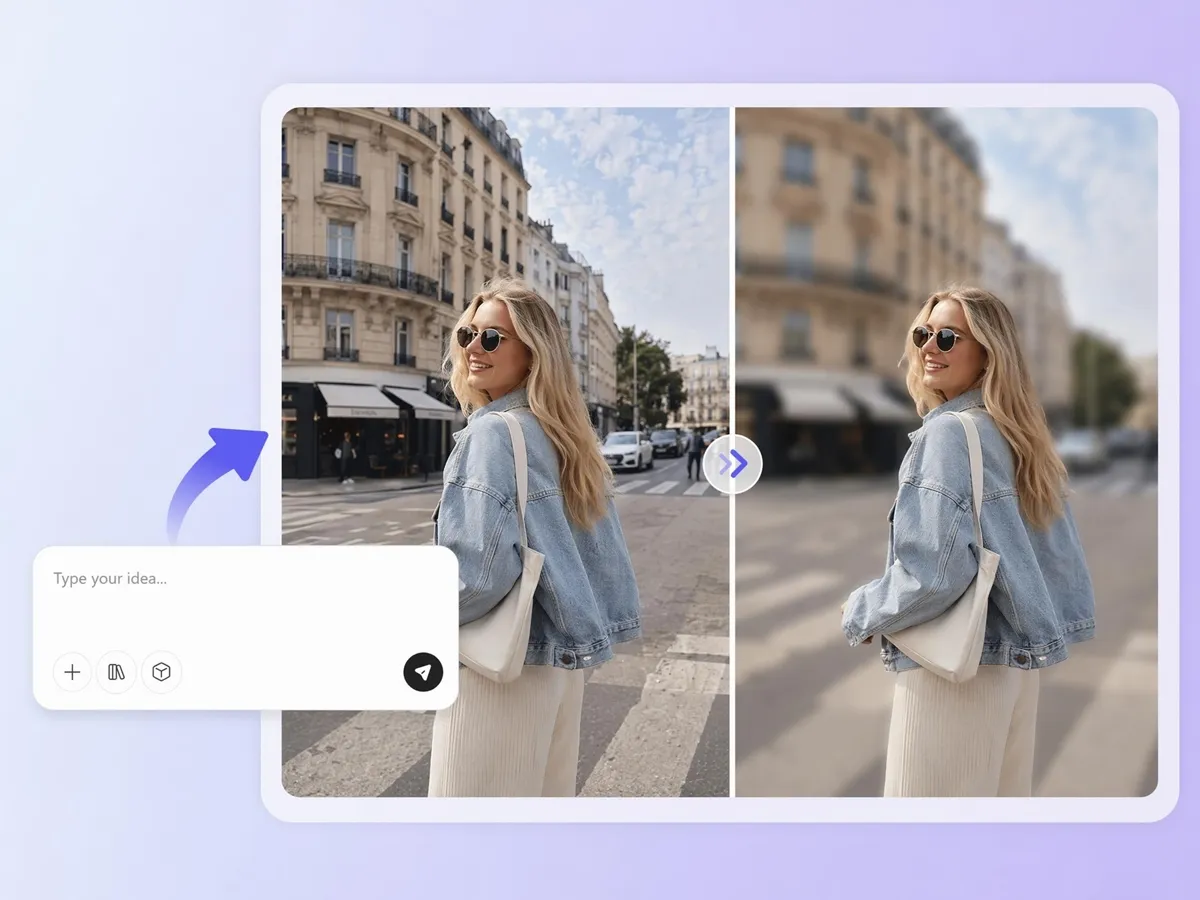
Blur the Background to Lift Your Subject
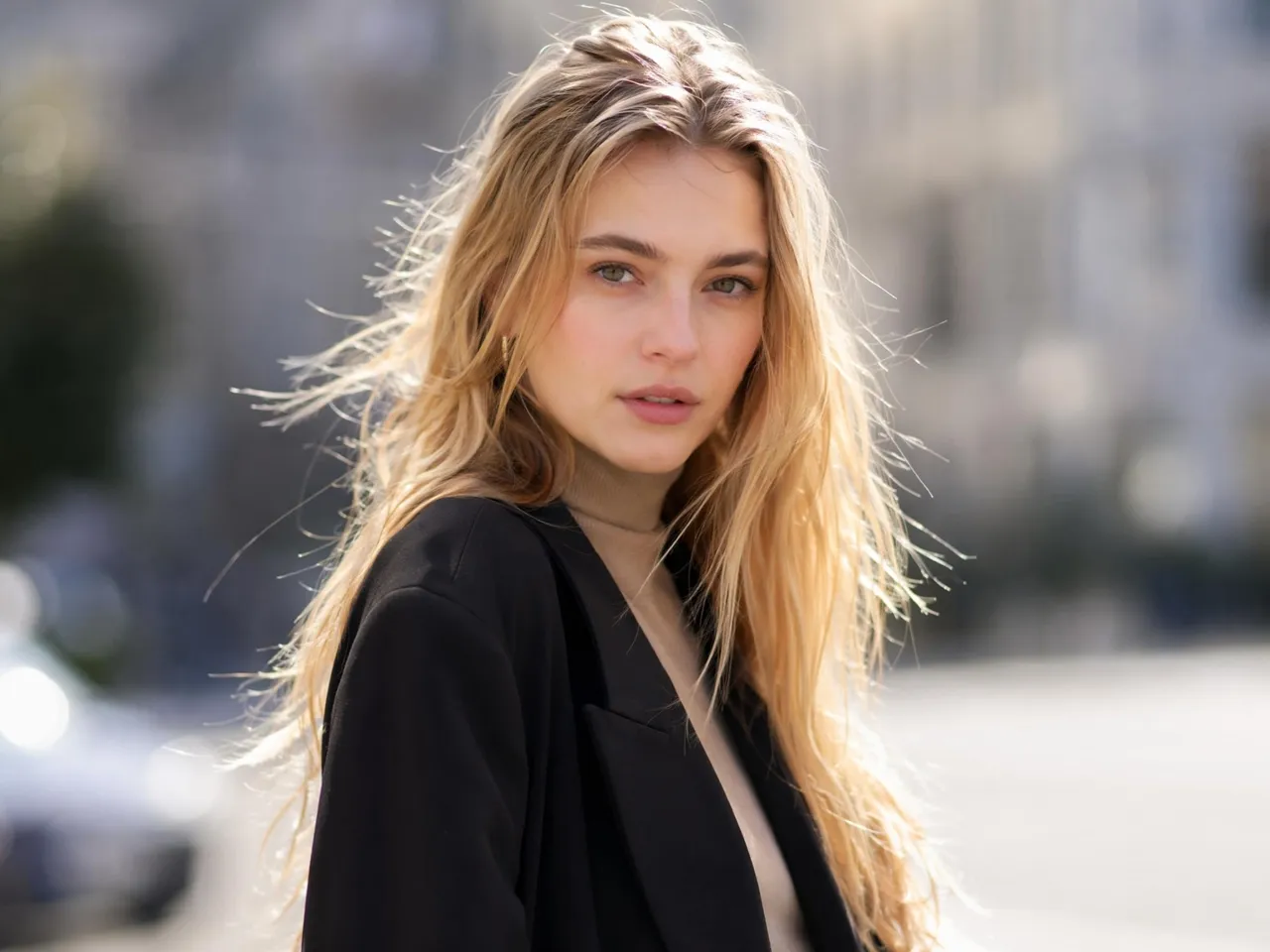
When backgrounds contain too many competing elements, the main subject can lose attention. Designkit offers photo background blur online for free, helping photographers, creators, and businesses create images where people, products, or objects naturally become the visual focal point.
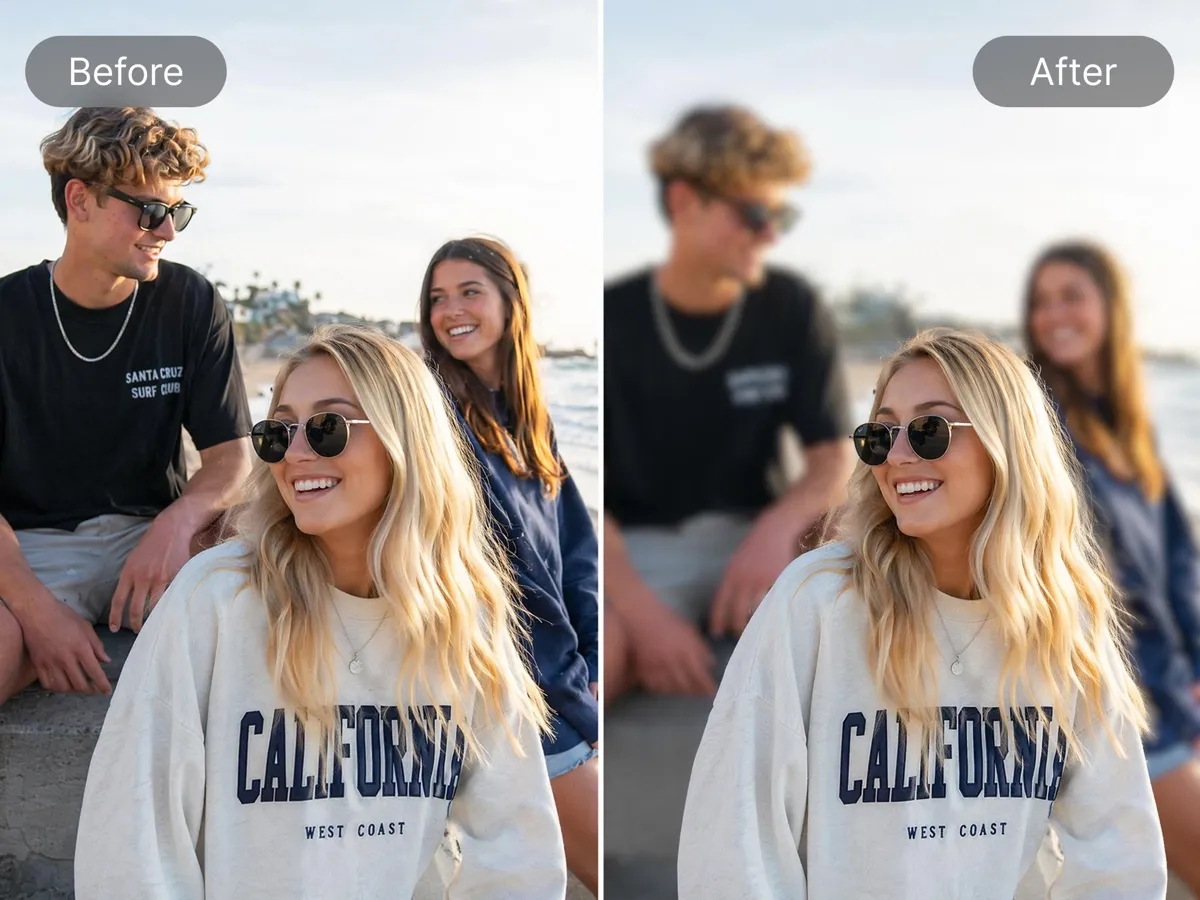
Blur Face in Photo Online for Privacy Protection
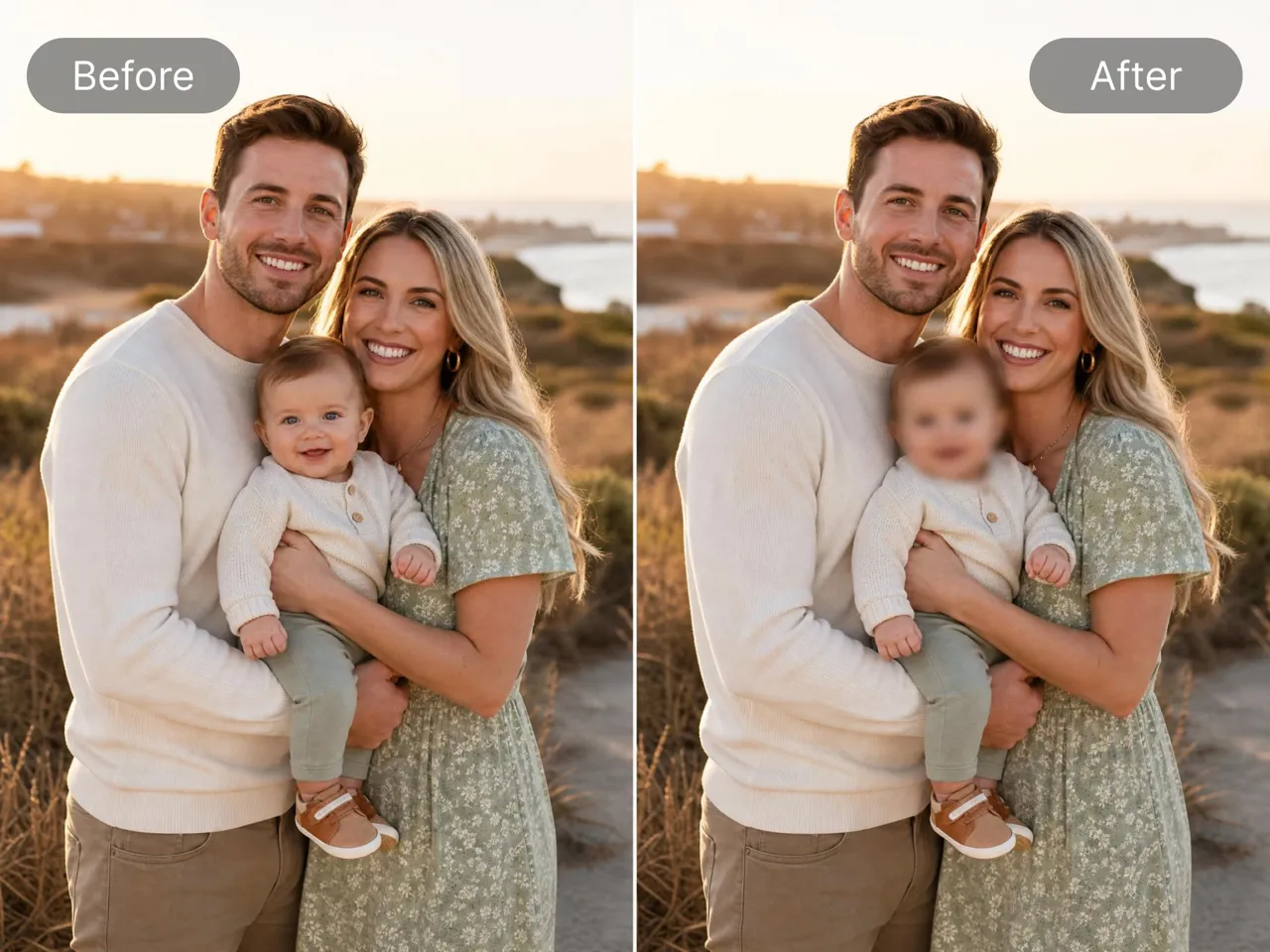
Sharing photos online sometimes requires protecting identities and sensitive information. Designkit lets you blur faces in photos online for free, making it easier to publish event photos, educational content, workplace images, and public-facing visuals while respecting privacy concerns.
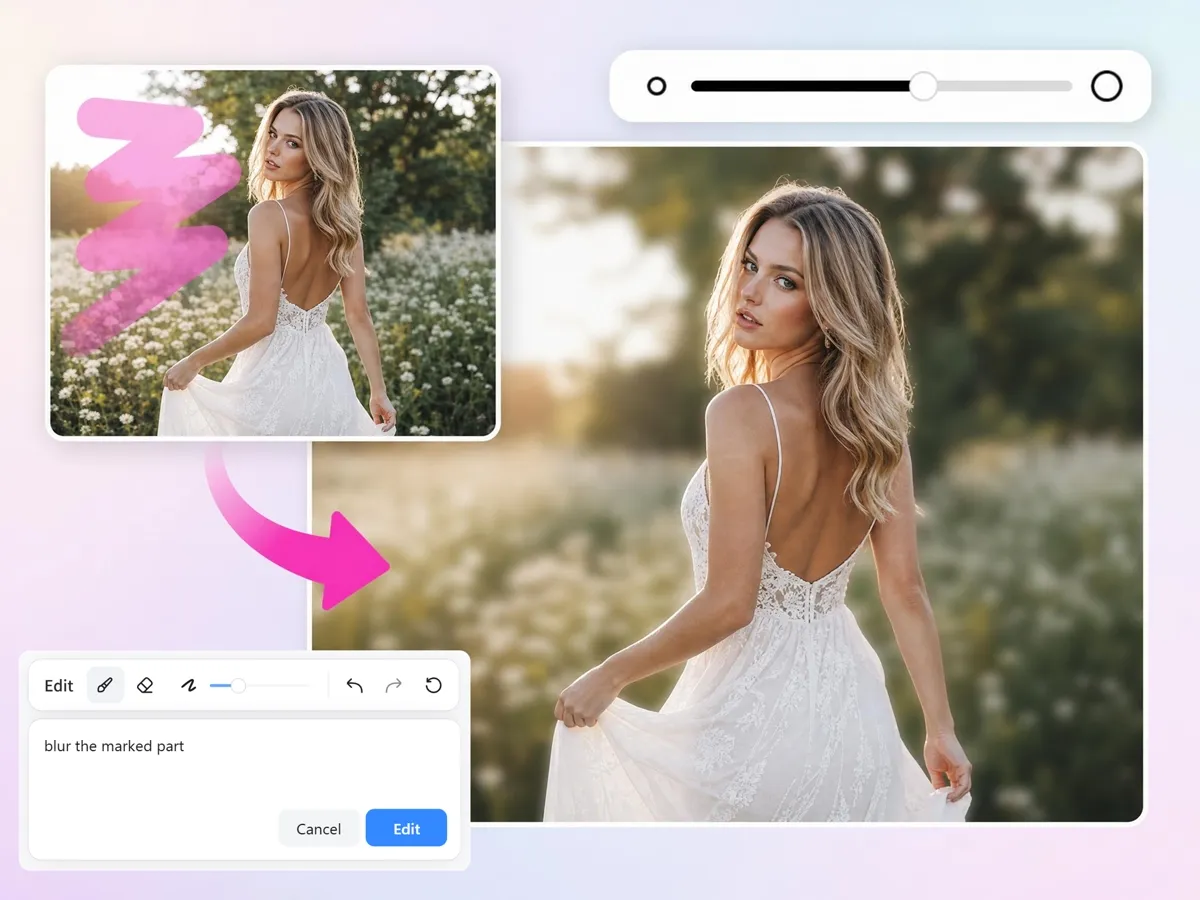
Brush Blur Over Just One Area
Not every image needs a full blur effect. Designkit allows precise editing so you can blur specific elements such as license plates, documents, logos, addresses, or distractions. With blur photo online editing, you decide exactly which areas remain visible and which areas are softened.
Built for Creators, Sellers, and Everyday Image Editing Needs
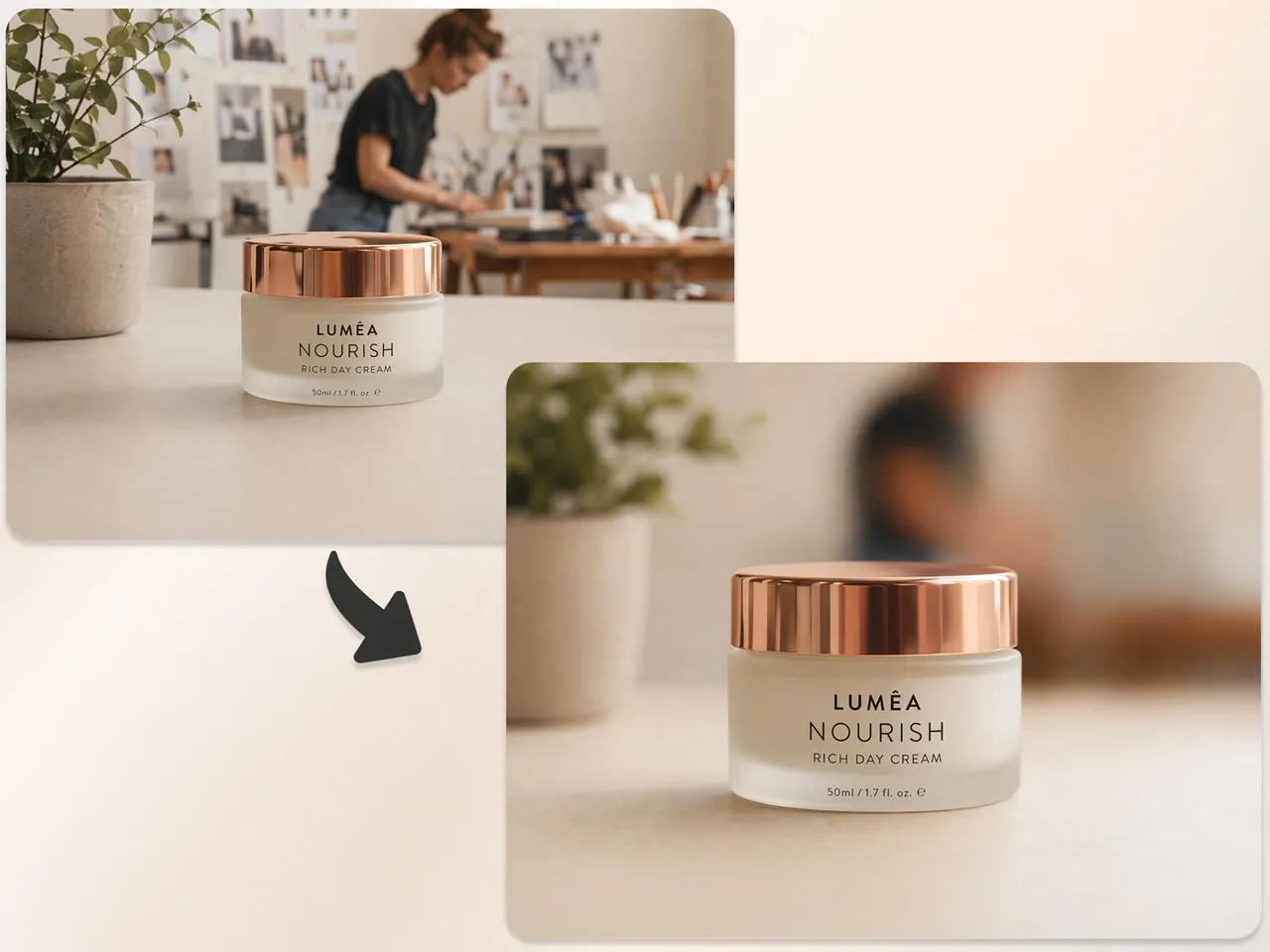
Blur a Busy Background So the Product Stands Out
Product photos often contain distracting surroundings that reduce focus on the item being sold. Designkit helps sellers create cleaner product images with a blur image tool that makes products look more professional and easier for shoppers to notice.

What Makes Designkit's Blur Tool Stand Out

Whole Image, Background, or One Area
Different editing tasks require different levels of control. Blur an entire image, soften the background, or target a specific object without affecting the rest of the photo.

One Slider Controls Strength
You don't need complicated settings to achieve the right look. A simple slider lets you increase or reduce blur intensity and instantly preview the result.

Subject Stays Sharp, Edges Stay Clean
Poor blur effects can create messy outlines and unnatural transitions. Designkit preserves subject details and clean edges for a more professional appearance.
Runs in the Browser, Nothing to Install
Start editing immediately without downloading software or managing updates. Designkit works directly in your browser on desktop and mobile devices.

High-Resolution Export, Free to Start
Blur effects should not reduce image quality. Designkit lets you export sharp, high-resolution images that are ready for websites, social media, presentations, and more.

Auto Subject Detection for Background Blur
Finding the subject manually can be time-consuming. Designkit automatically identifies the main subject and applies background blur while keeping attention to where it belongs.
Unlock More Creative Possibilities
AI Photo Editor
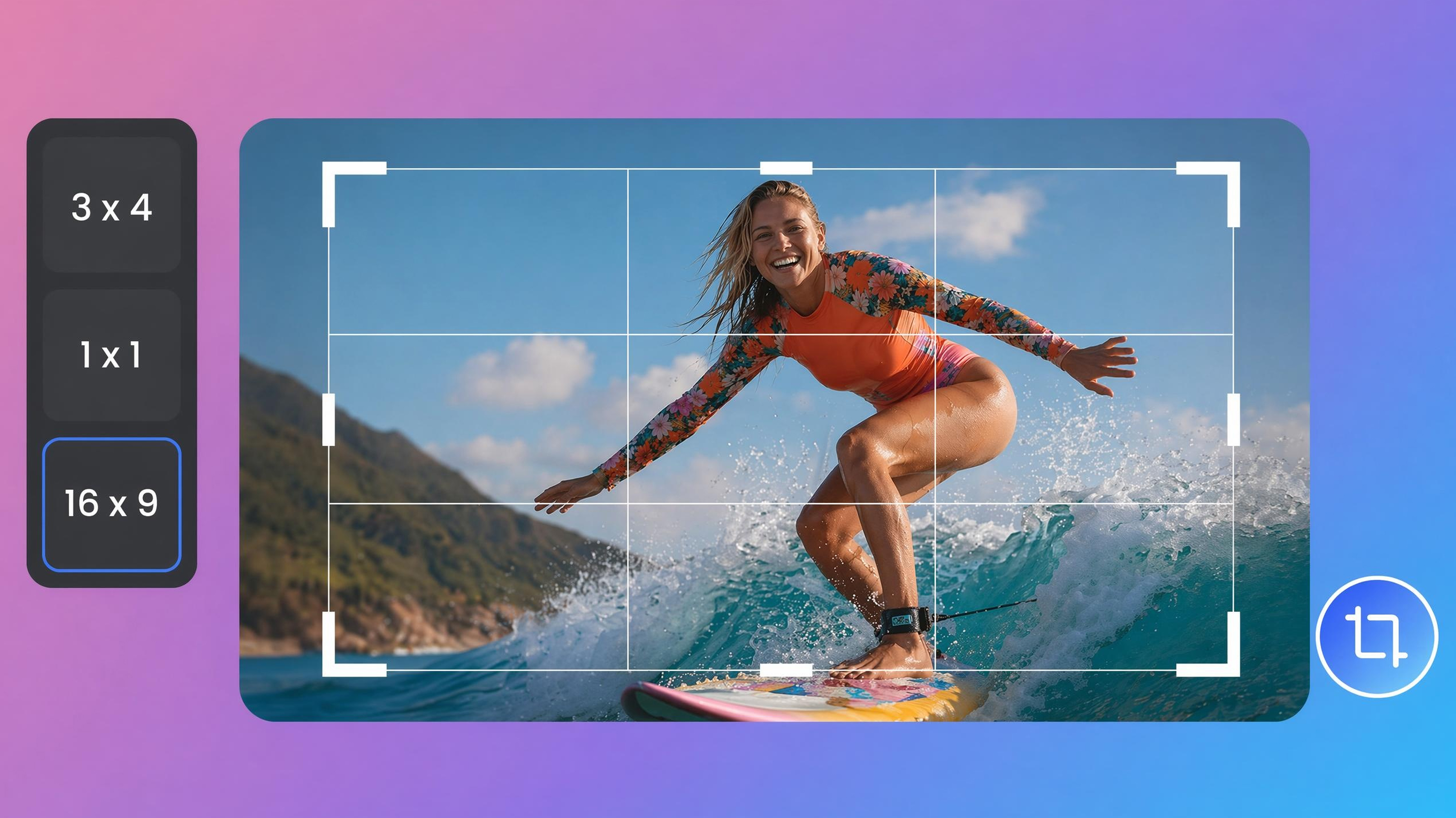
Image Cropper Online
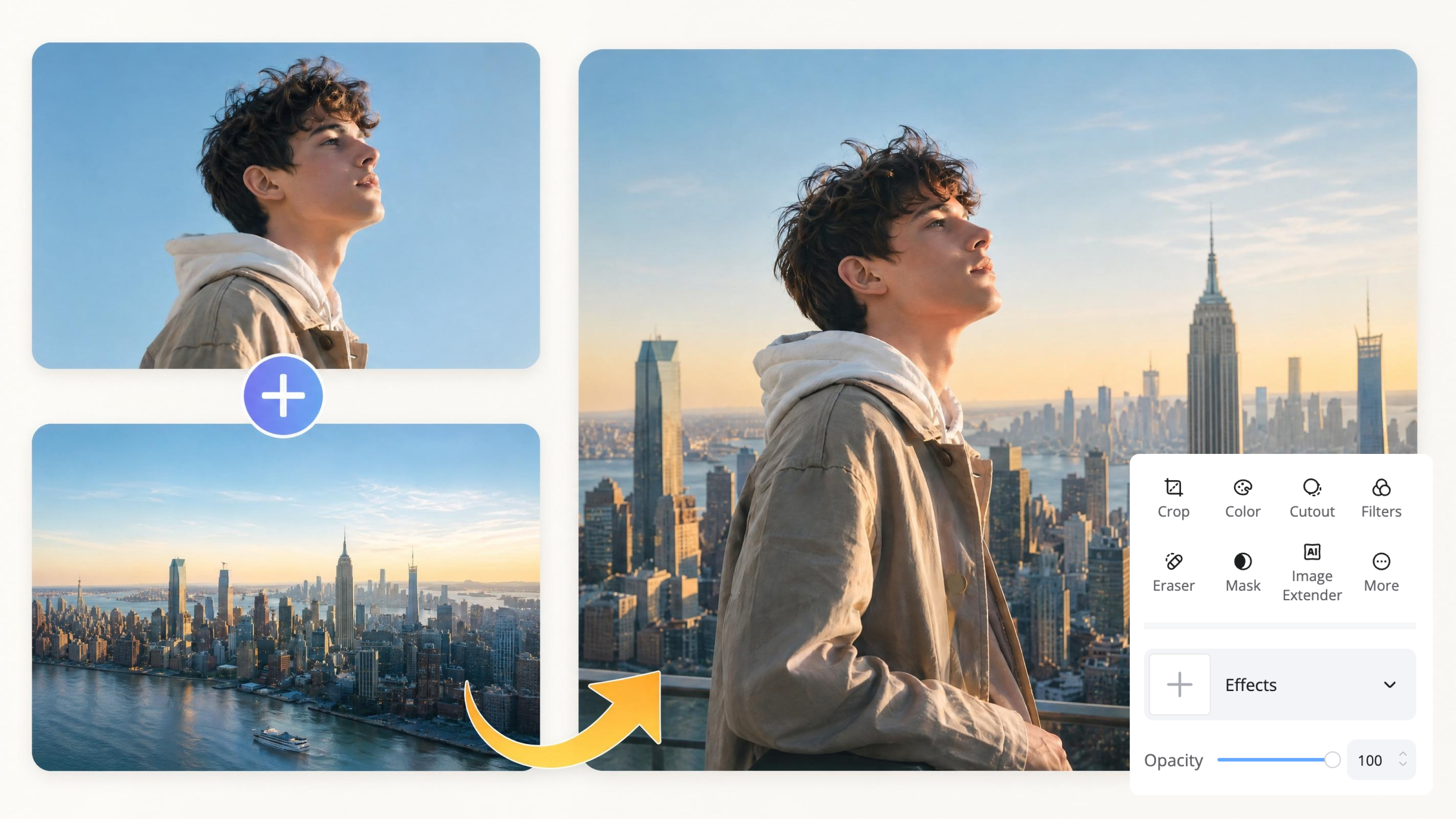
Image Overlay Tool
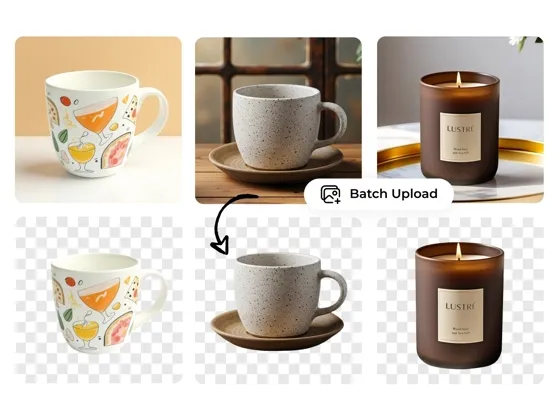
Background Remover Online
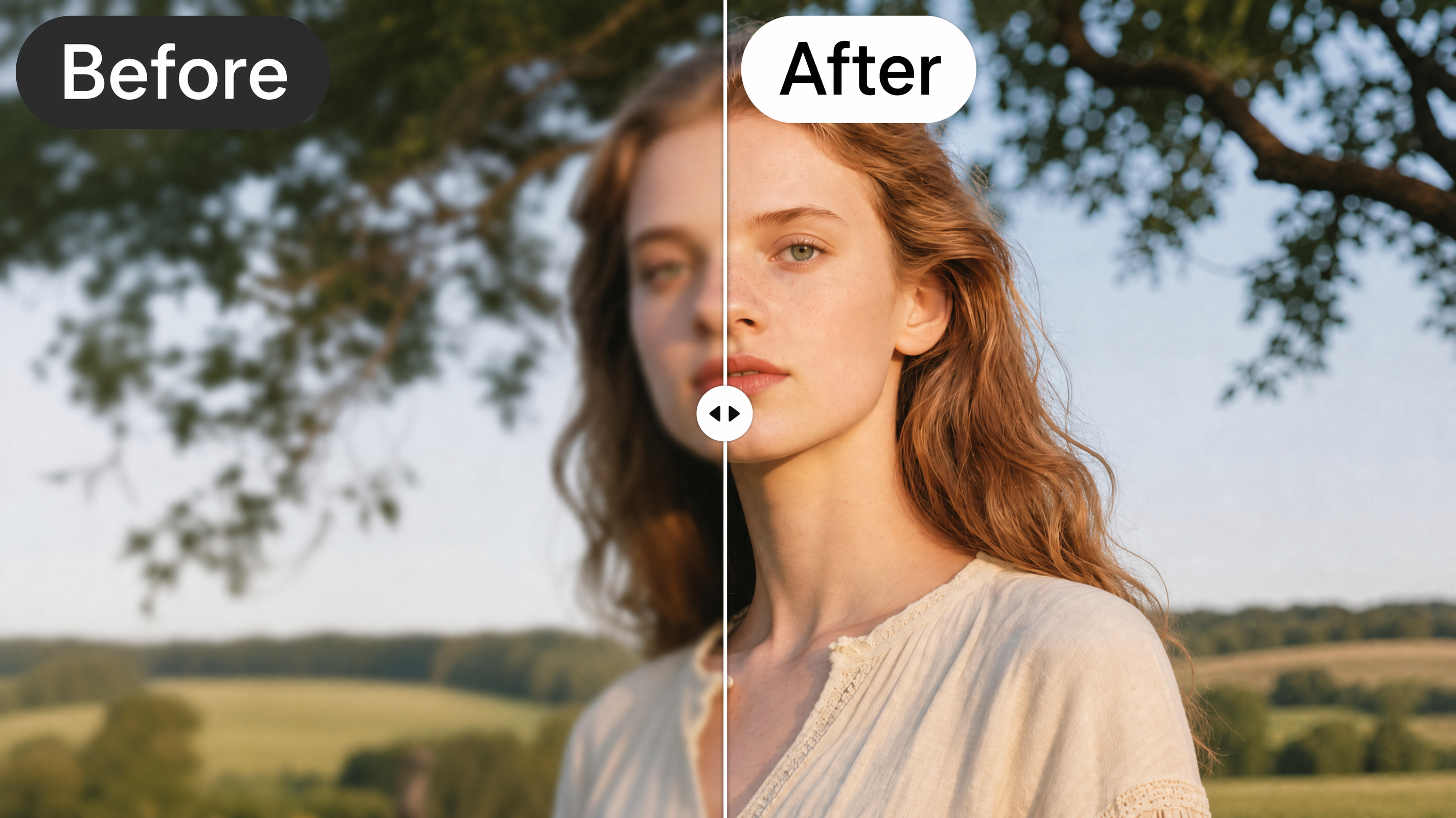
AI Image Enhancer
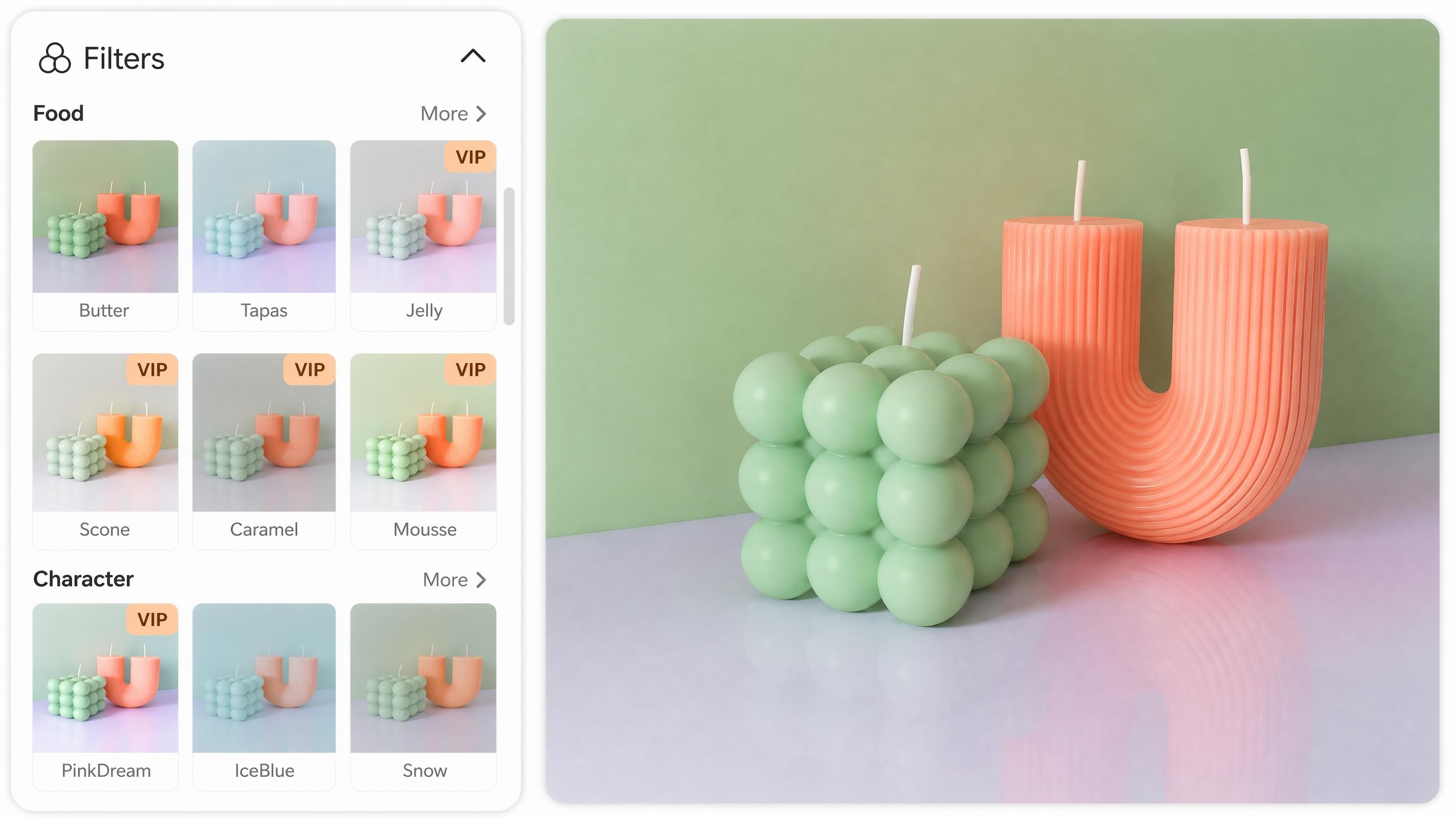
Online Photo Filter
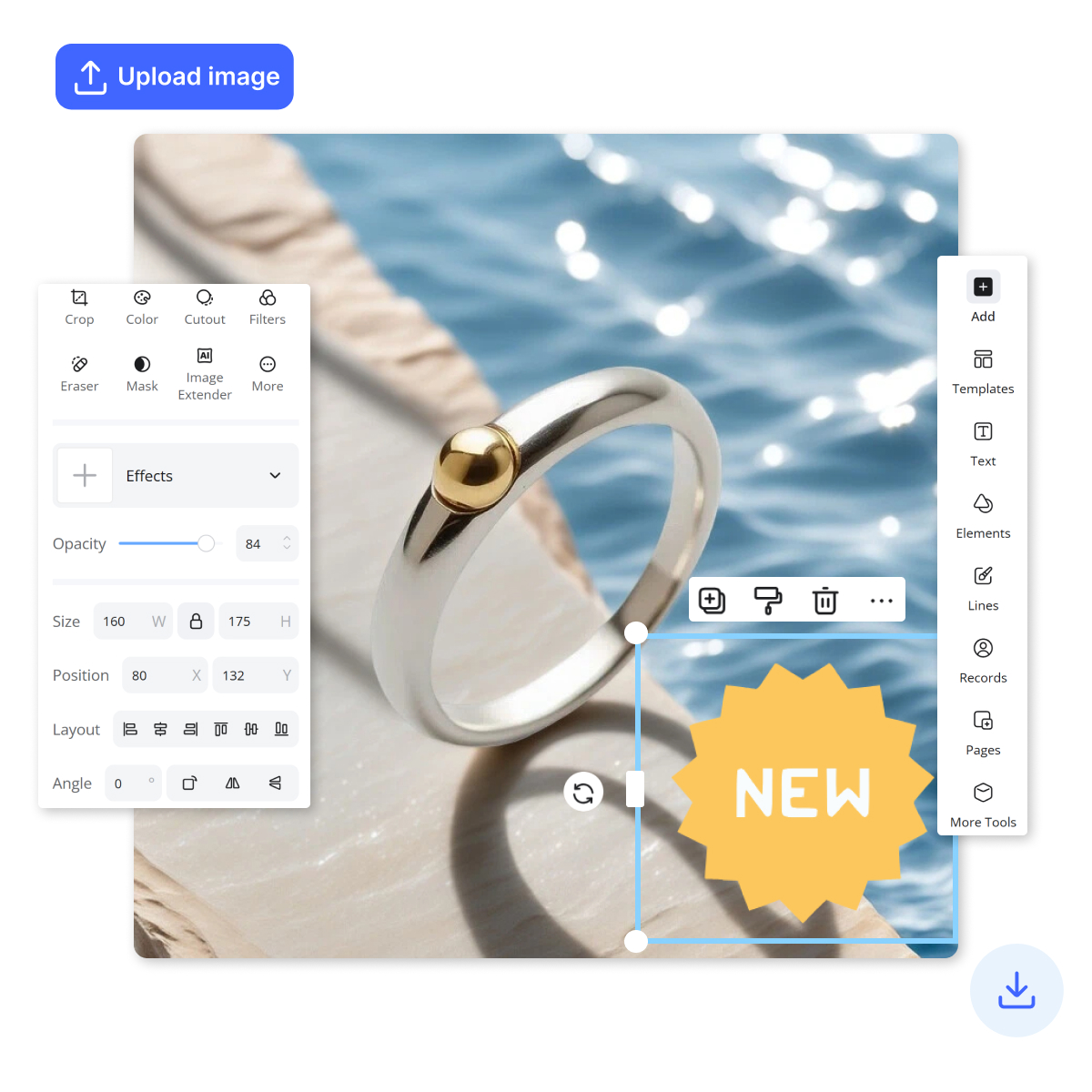
Add Stickers to Photos
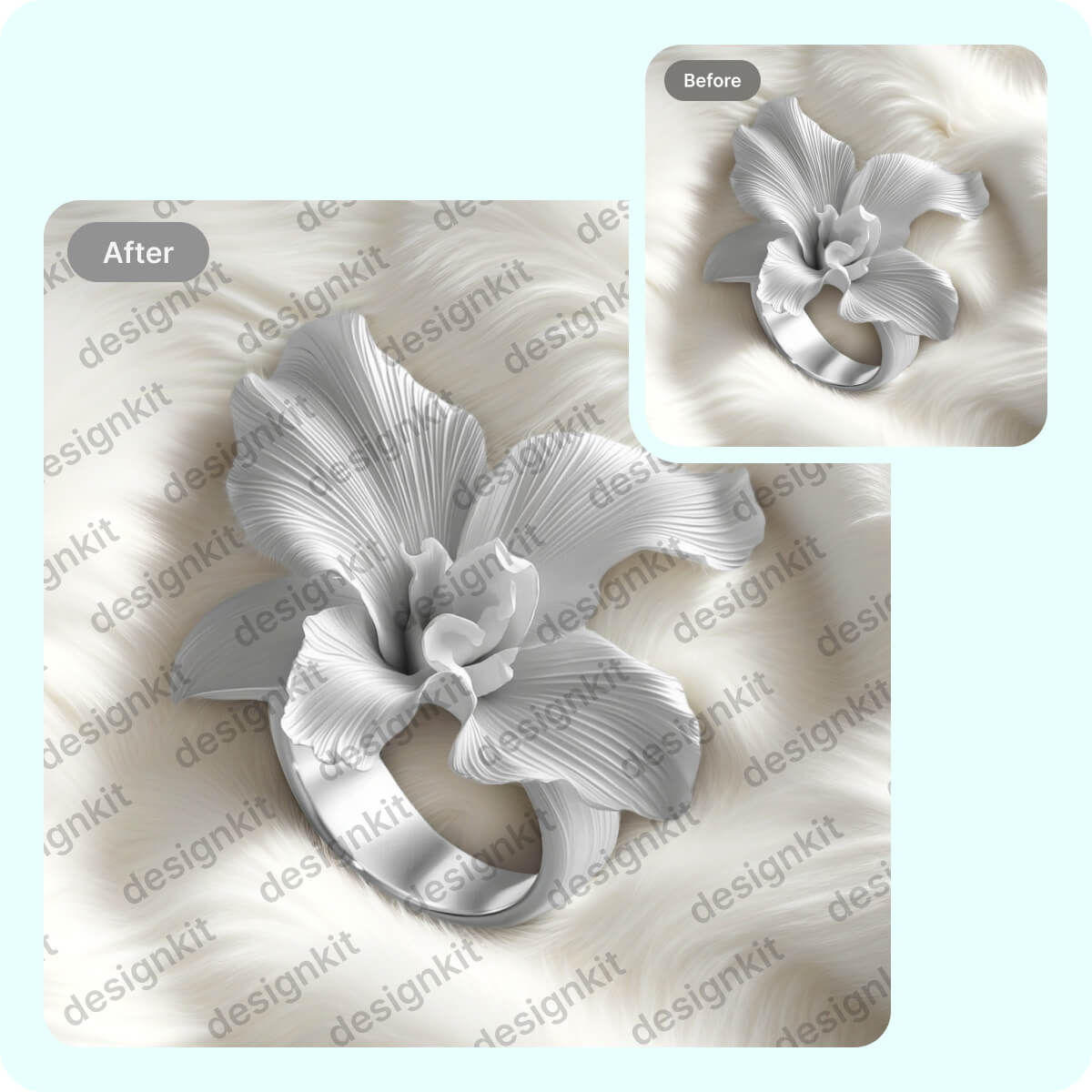
Watermark Adder Online
Frequently Asked Questions
What can I blur, the whole image, the background, or one area?
How do I blur a photo online without installing software?
Most online blur tools work directly in a web browser, allowing you to upload an image, apply the effect, and download the result without installing anything. Designkit follows the same simple workflow, helping users create blurred images quickly on desktop or mobile devices with just a few clicks.
Can I control how strong the blur is?
Yes. Blur effects are not limited to a single preset. You can usually adjust the intensity depending on whether you want a subtle soft-focus look or a stronger blur effect. Designkit includes simple controls that let you fine-tune blur strength and preview changes before exporting the final image.
How do I blur a face or personal detail for privacy?
Blurring faces, names, addresses, and other identifying details is a common way to protect privacy before sharing images publicly. Designkit makes this process easy by allowing users to target specific areas instead of editing the entire photo, helping sensitive information stay hidden while the rest of the image remains clear.
Will the blurred result look natural or obviously edited?
A well-applied blur effect should guide attention without making the image look artificial. Designkit is designed to create smooth transitions between sharp and blurred areas, helping photos maintain a natural appearance while still achieving the desired visual or privacy effect.
Does the tool detect the subject automatically?
Many modern blur tools use AI to identify the main subject and separate it from the background. Designkit automatically detects people, products, and other key subjects, making it easier to create professional-looking background blur without spending time on manual selections.
What image formats can I upload and export?
Most users work with common image formats such as JPG, JPEG, PNG, and WEBP for websites, social media, presentations, and marketing content. Designkit supports popular image formats, making it easy to upload existing files and export edited images ready for immediate use.
Blur Anything in Your Photo in Seconds
Designkit helps you quickly apply image blur effects to photos, faces, and backgrounds. Create clean, focused visuals for any use case in seconds.



What People Say About the Blur Tool
Sellers, creators, and everyday users share how they soften backgrounds and hide details in Designkit.
I Was Genuinely Surprised by How Fast It Was
I expected image editing to take most of my afternoon, as it usually does. Instead, I uploaded my images, adjusted the blur, and finished everything in minutes. I honestly felt relieved because a task I had been putting off for days suddenly became one of the easiest parts of my workflow.
It Helped Me Avoid Unnecessary Editing Costs
Hiring someone for small image adjustments never felt practical, but doing everything manually was frustrating too. Designkit gave me the results I wanted without extra expenses. It felt rewarding to create polished images myself while keeping my budget focused on more important priorities.
The Final Images Looked Better Than I Expected
I wanted to soften distracting backgrounds without making photos look artificial. The blur effect looked clean and natural, and the subject stood out beautifully. Seeing the finished images gave me a real sense of satisfaction because they looked much more professional than the originals.
Sharing Photos Feels Much Safer Now
Privacy is something I take seriously, especially when sharing photos publicly. Before, I always worried about accidentally exposing personal information or recognizable faces. Now I can blur sensitive details quickly and confidently. That peace of mind has been incredibly valuable for me.
Everything Finally Feels Consistent
One thing that always bothered me was how different our visuals looked from one project to another. Using consistent blur effects helped create a more unified visual style. Looking at our content now feels satisfying because everything appears connected and professionally presented.
I Didn't Need to Learn Anything Complicated
Most editing tools make me feel overwhelmed before I even start. With Designkit, everything felt straightforward from the first click. I didn't need tutorials, special skills, or technical knowledge. That simplicity gave me confidence and made image editing feel accessible instead of intimidating.