
Remove People From Photo for Clean, Distraction-Free Images
Remove unwanted people from photos instantly with AI. Create clean travel photos, product images, and social content without manual editing or complex tools.
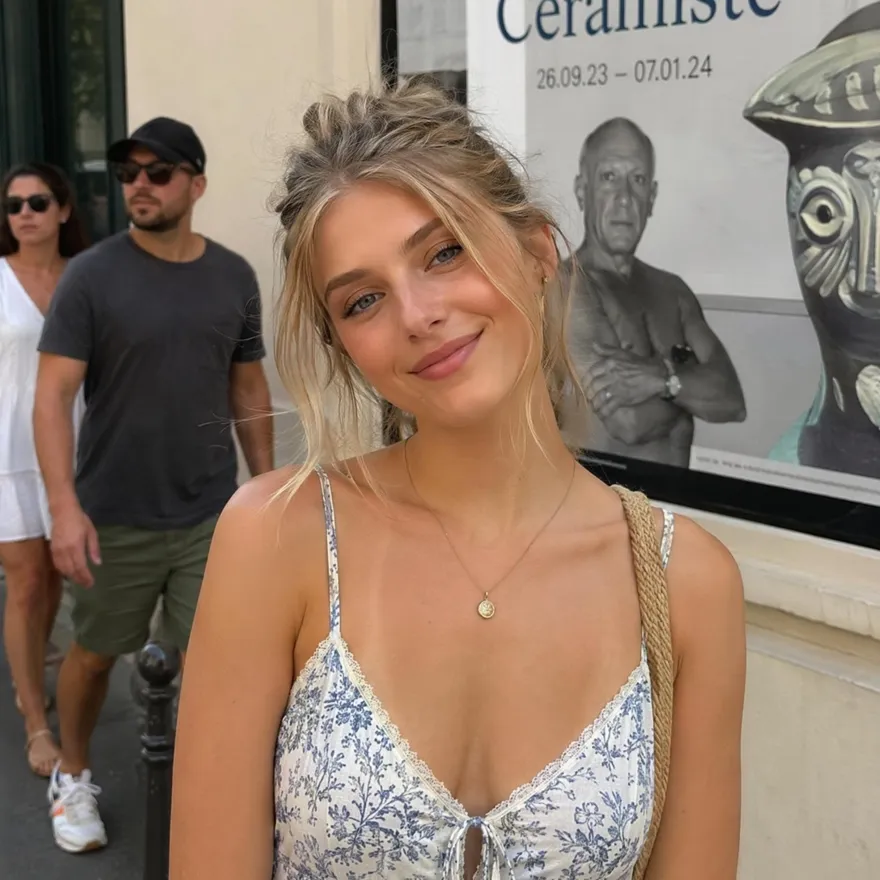
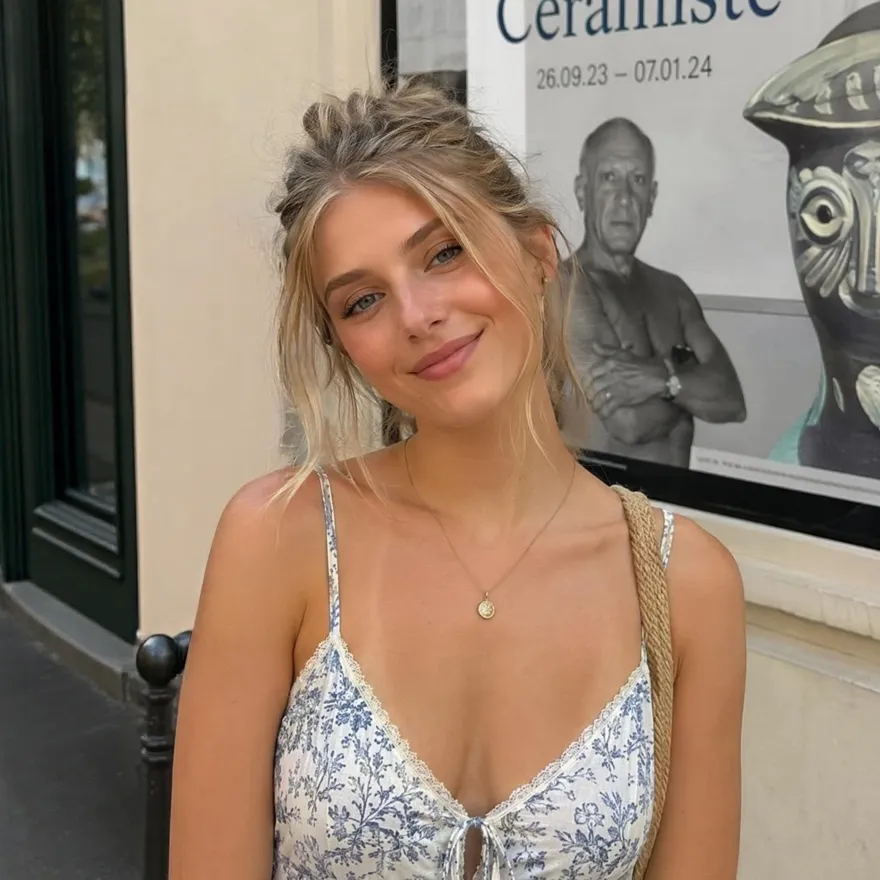
No picture on hand? Try with one of these:



How to Remove People From a Photo in 3 Steps
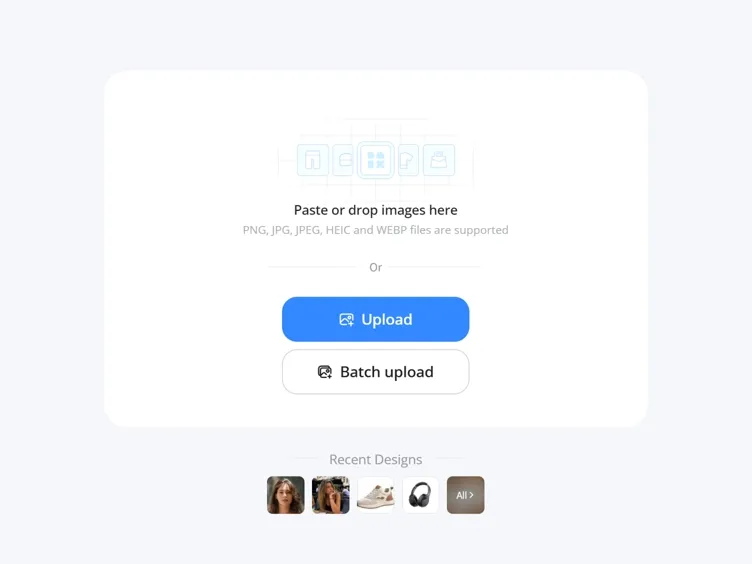
Upload Your Photo
Open Designkit and drop in the image you want to edit. JPG, PNG, and WEBP all work.
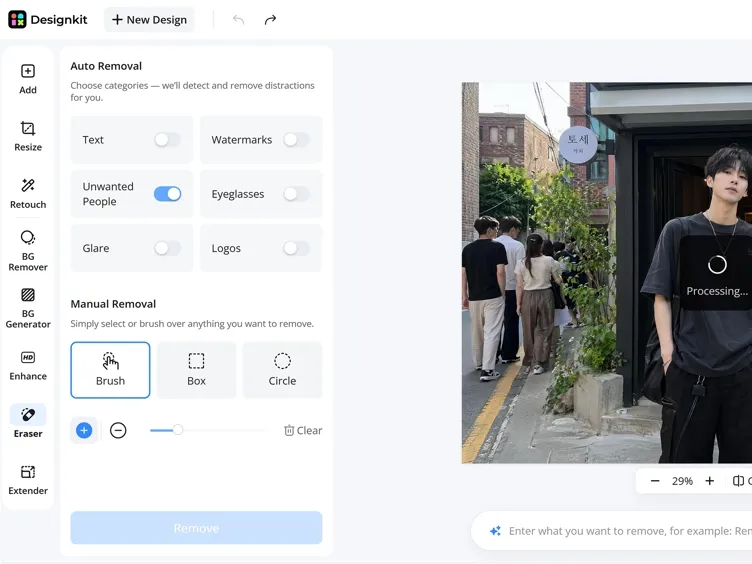
Highlight the Person to Remove
Brush over the person you want gone. Adjust the brush size to cover them fully, including any edges or shadows, for a cleaner result.
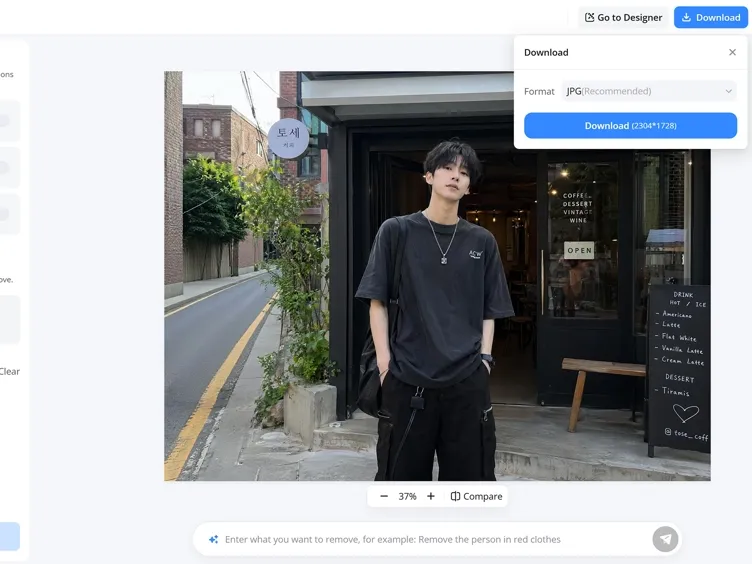
Generate and Download
Click "Remove." Designkit reads the surrounding area and rebuilds the background where the person was. Review the result and download your image.
What You Can Do with Designkit's People Remover
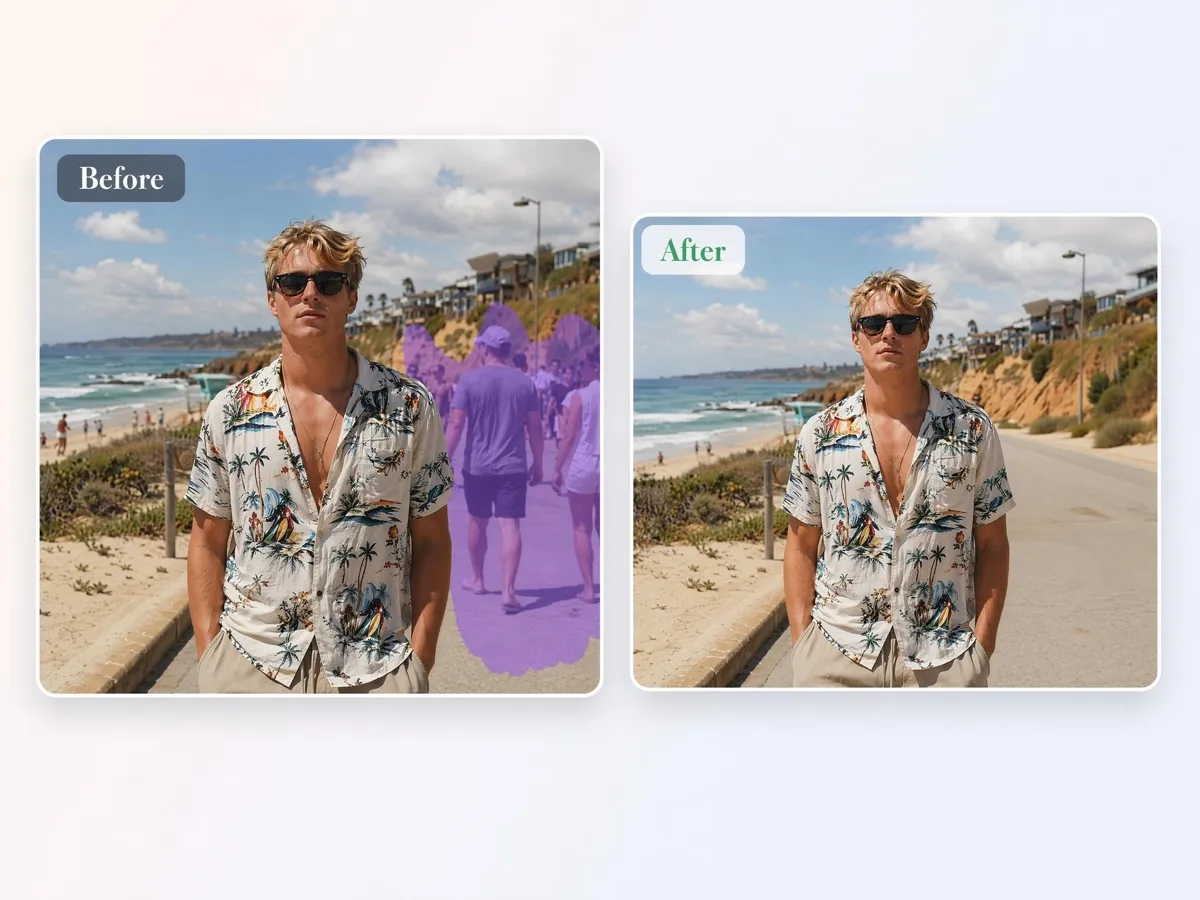
Highlight and Erase Any Person in One Pass
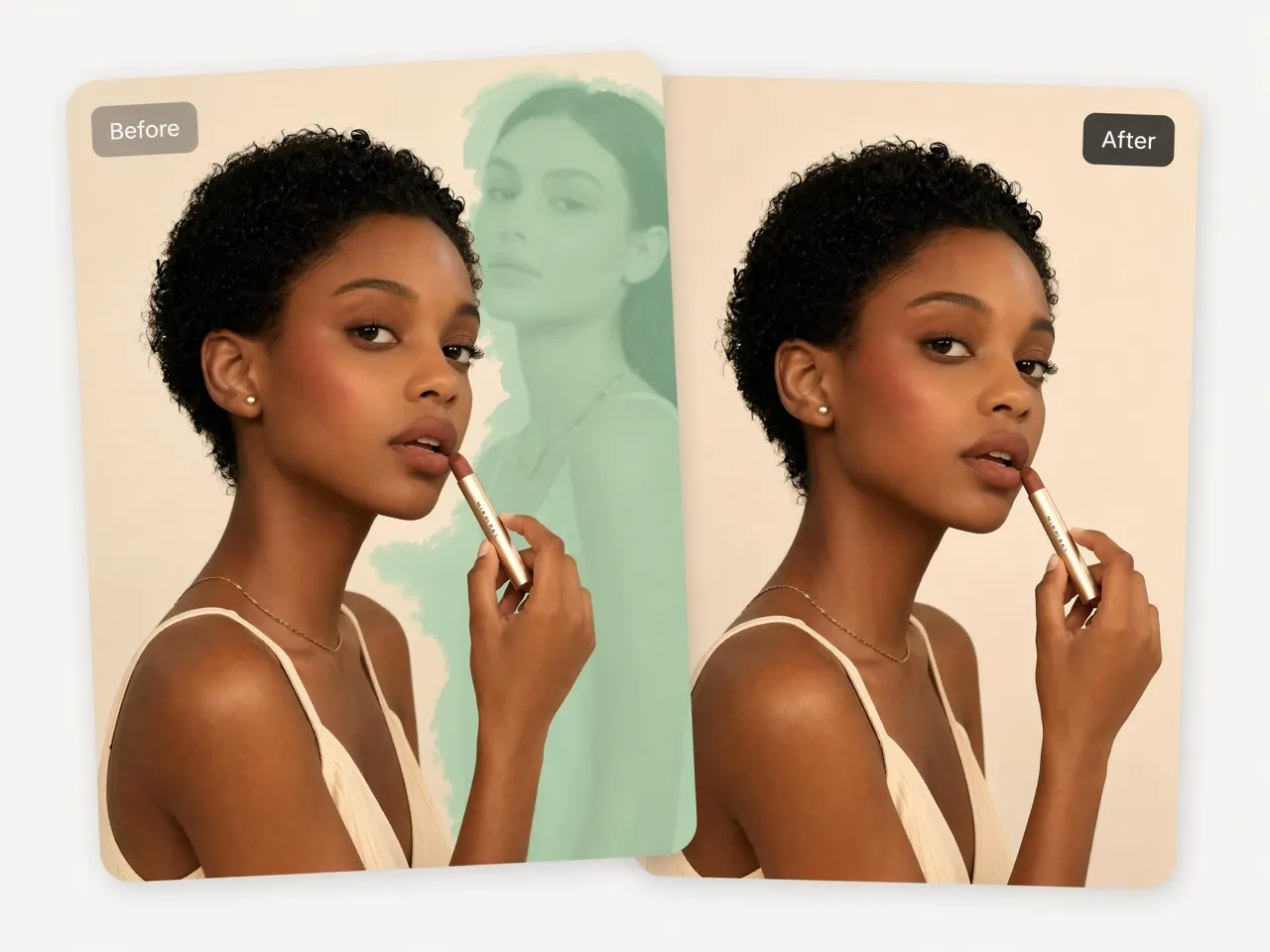
Tourists, strangers, or accidental photobombers can distract you from your subject. Select the person you want removed, and Designkit clears them from the image without requiring manual background editing or advanced retouching skills.
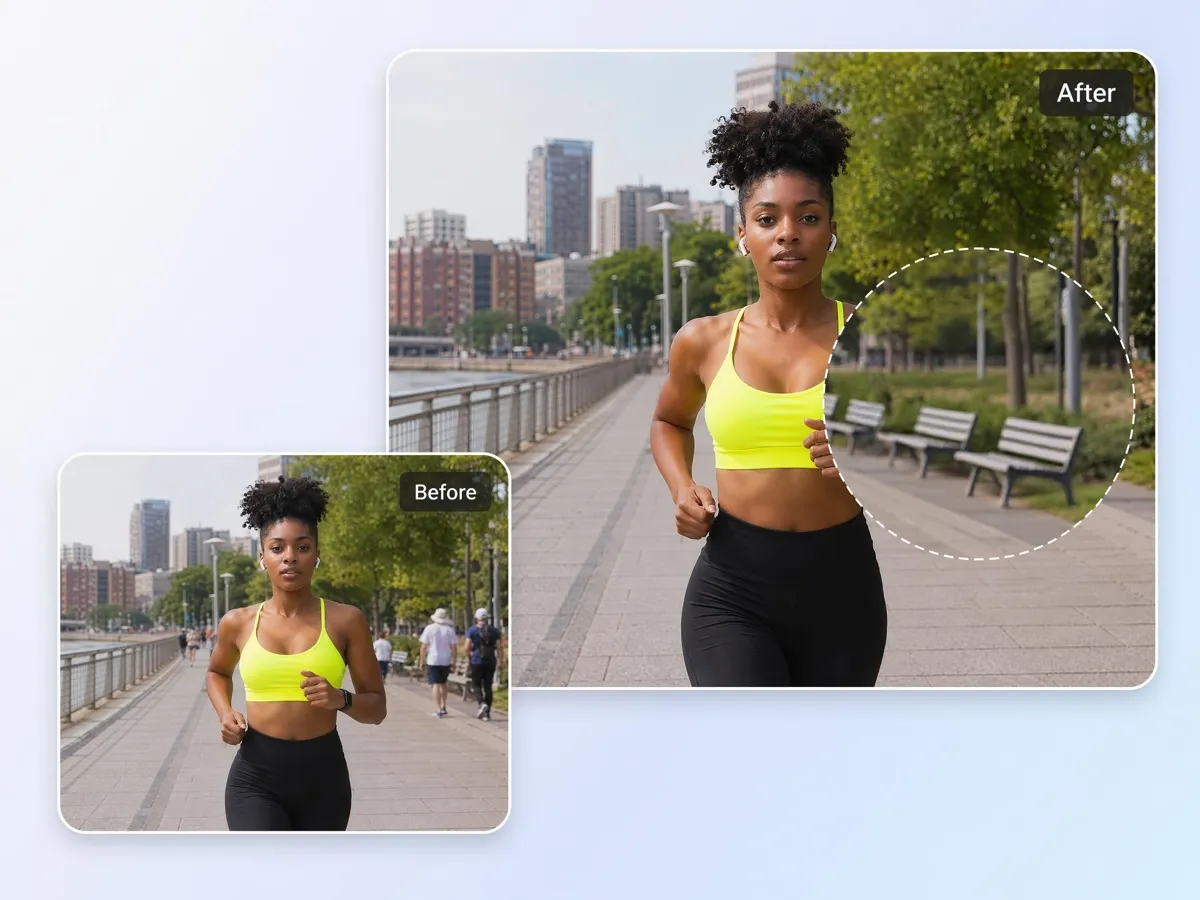
AI Rebuilds the Background After Removal
Removing people often leaves empty gaps or obvious edits behind. Designkit automatically reconstructs the hidden background, helping restore landscapes, streets, interiors, and other scenes, so the final image looks complete and natural.
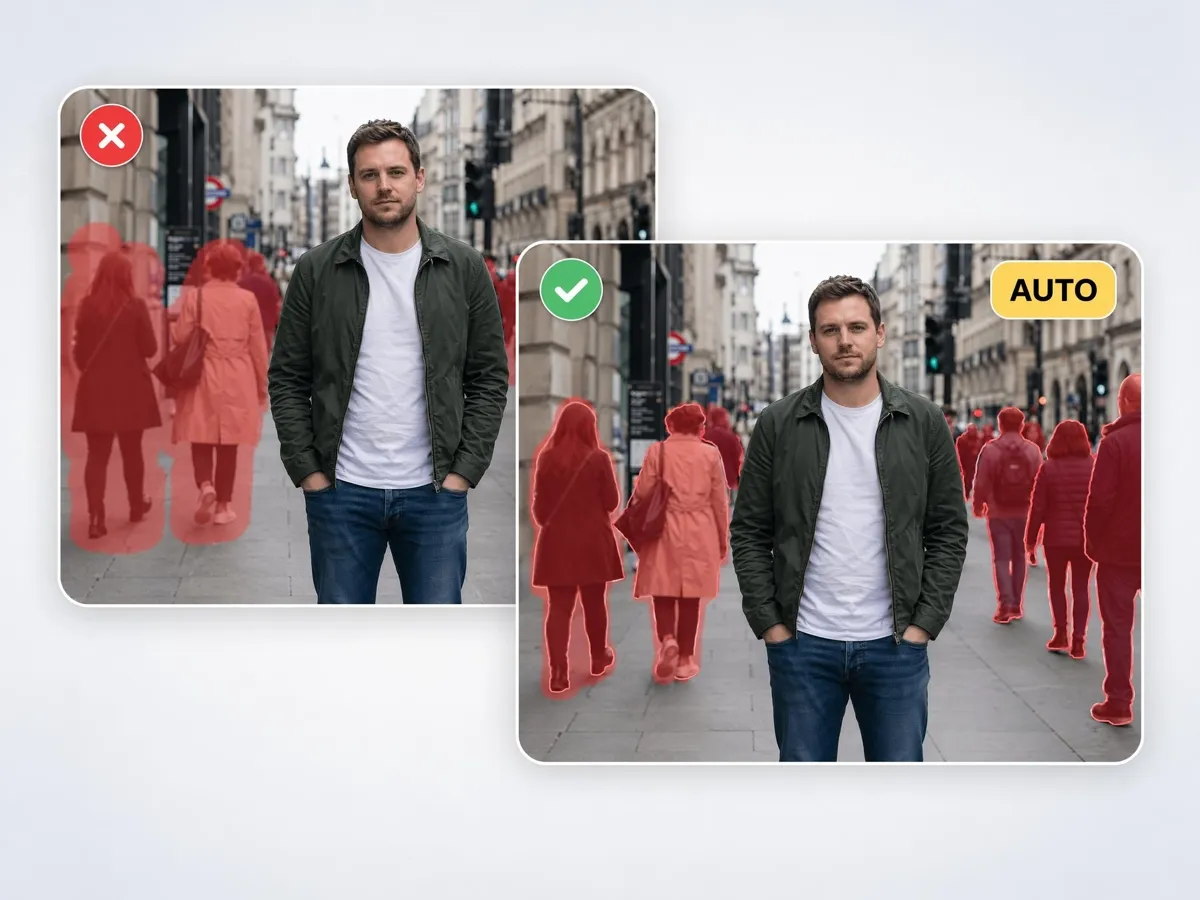
Remove Several People at Once
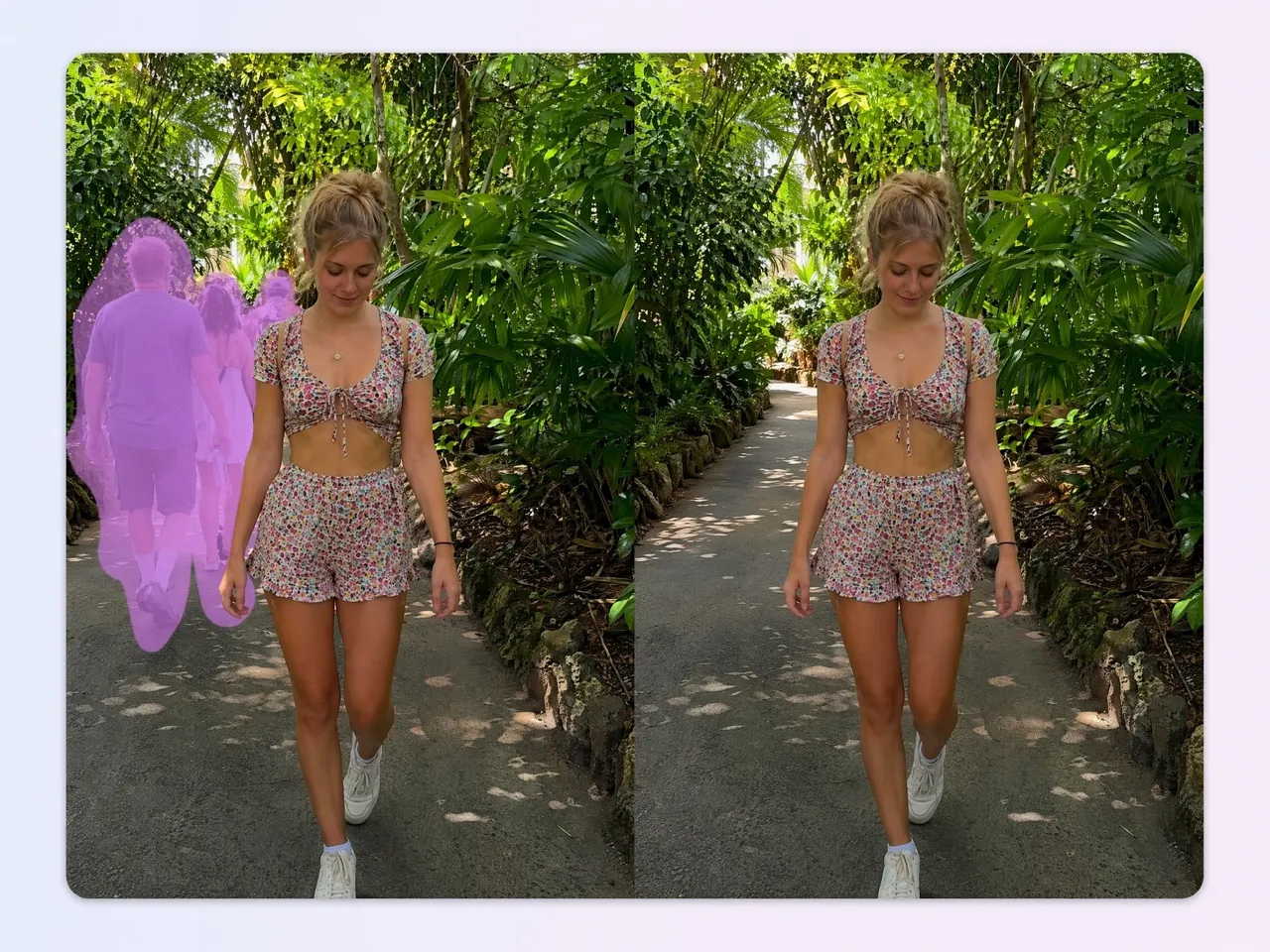
Busy locations can contain multiple unwanted people throughout the frame. Instead of editing each person separately, Designkit lets you remove several individuals in a single workflow, reducing repetitive cleanup work.
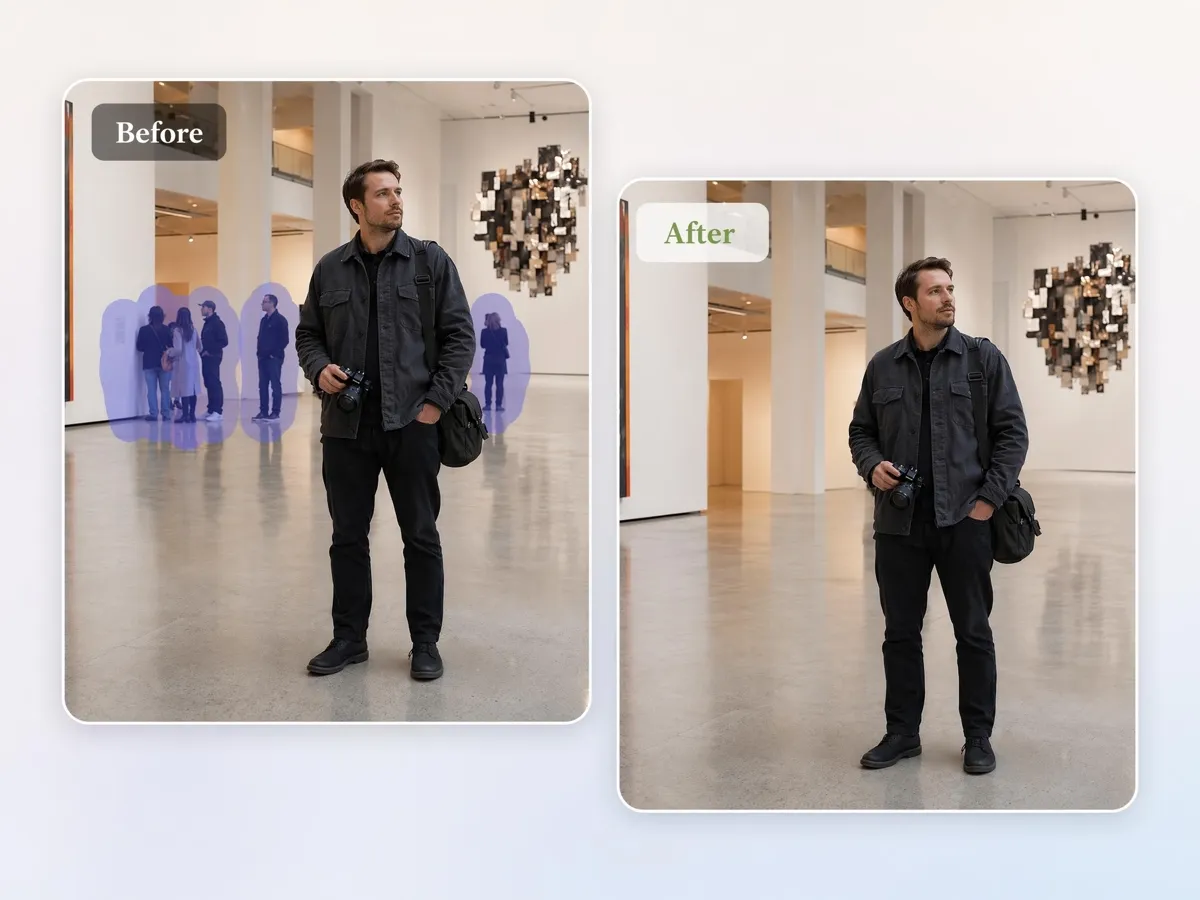
Clean Crowded Scenes for Your Travel Photos
Popular landmarks and tourist attractions are often filled with visitors. Remove crowds from travel photos to bring attention back to the destination, scenery, or architecture without waiting for the perfect empty shot.
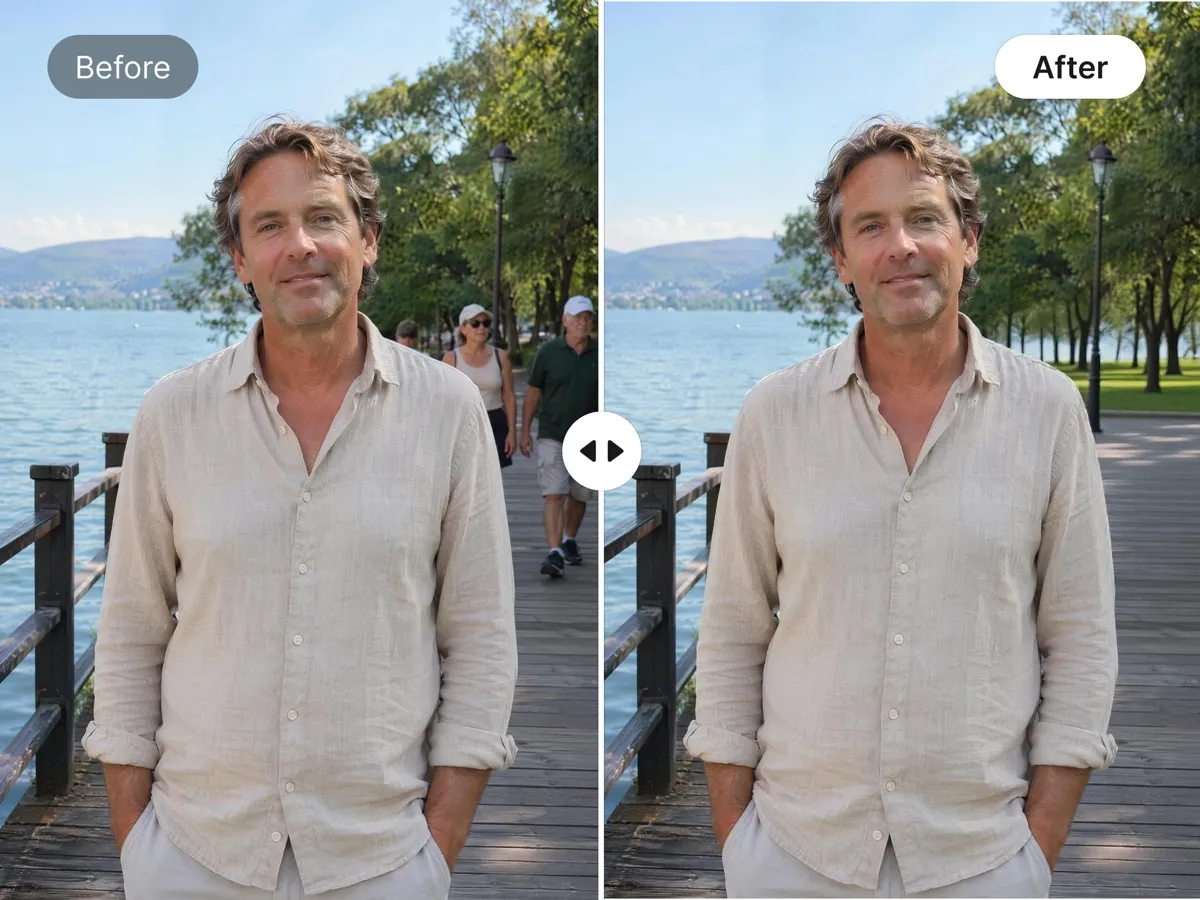
Protect Privacy by Removing Identifiable Faces
Photos captured in public spaces may unintentionally include identifiable individuals. Remove faces and bystanders before sharing images online, helping reduce privacy concerns while keeping the focus on your intended subject.
Who Uses Designkit to Remove People
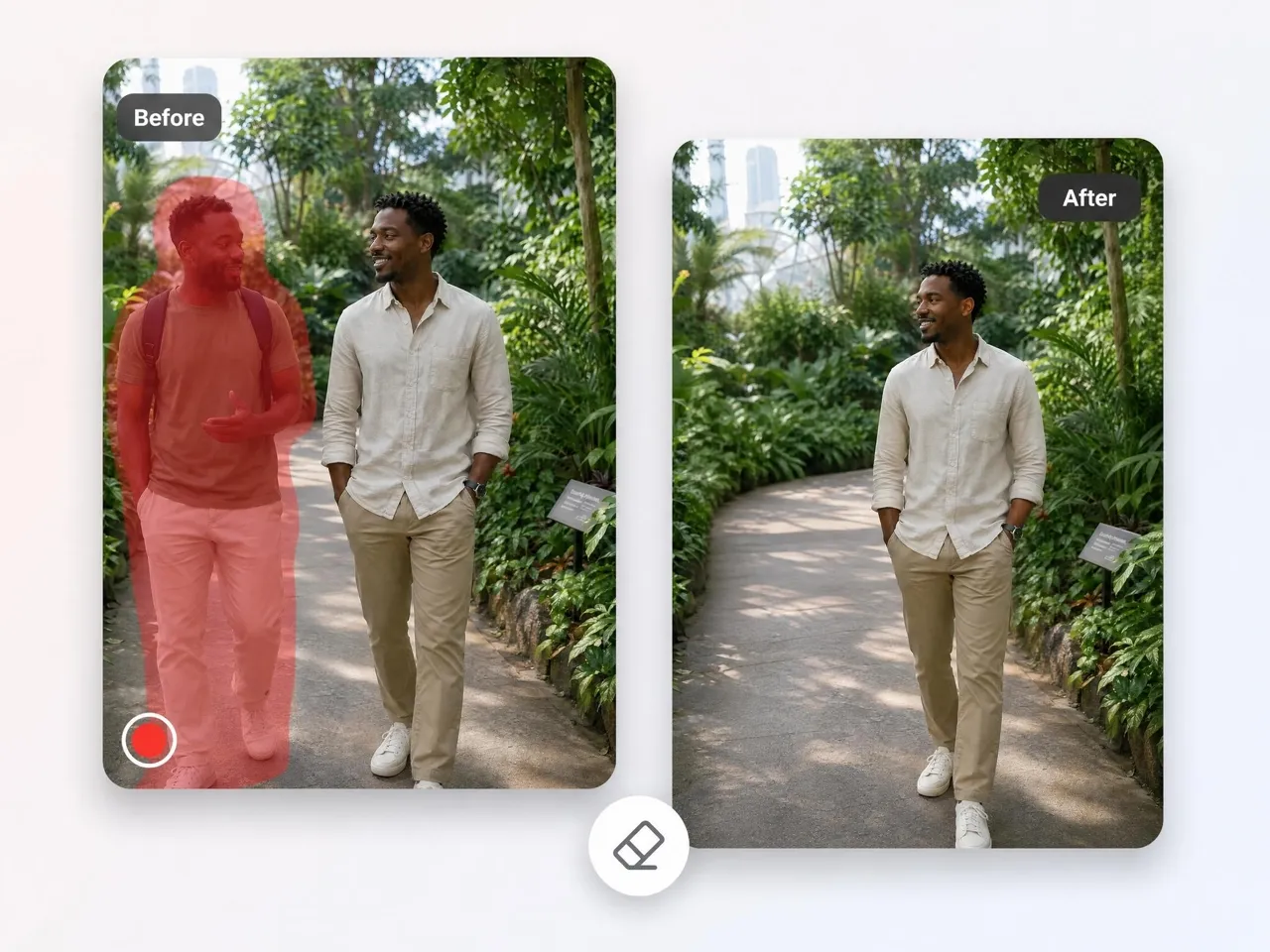
Clear Tourists From Landmark Photos
Iconic places are often filled with visitors, making it hard to capture an uninterrupted view. Travel creators remove surrounding tourists, so the scene reflects the destination itself rather than the crowd around it.
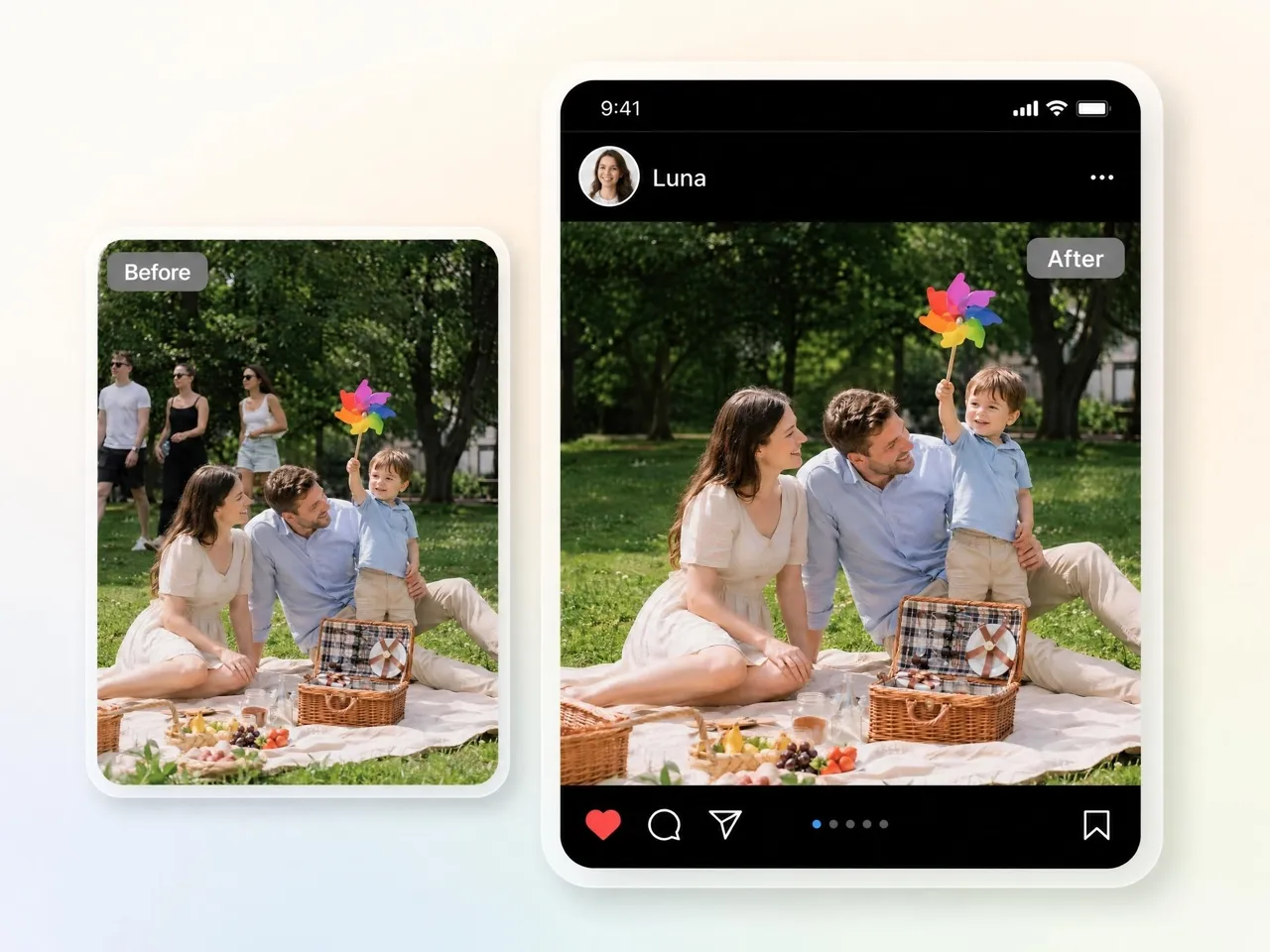
Why Use Designkit to Remove People From Photos

Detects People in the Photo Automatically
Auto-detects people in crowded images for quick selection and removal without manual marking.

Rebuilds the Background, No Blank Patch
Auto-detects people in crowded images for quick selection and removal without manual marking.

Removes Several People in One Pass
Remove multiple people at once to save time and clean crowded photos without repeating the same edit steps again quickly.
Runs in the Browser, No Install
Designkit works directly in your browser, so images can be cleaned without downloads or installation steps.

Handles Crowded Beaches and City Scenes
Clean crowded beaches and city photos while keeping background details intact with Designkit's AI removal tool online now.

Files Deleted Automatically After Editing
Designkit processes images and removes uploaded files after completion to reduce data retention risks.
Unlock More Creative Possibilities
AI Object Remover
Remove Watermarks from Images
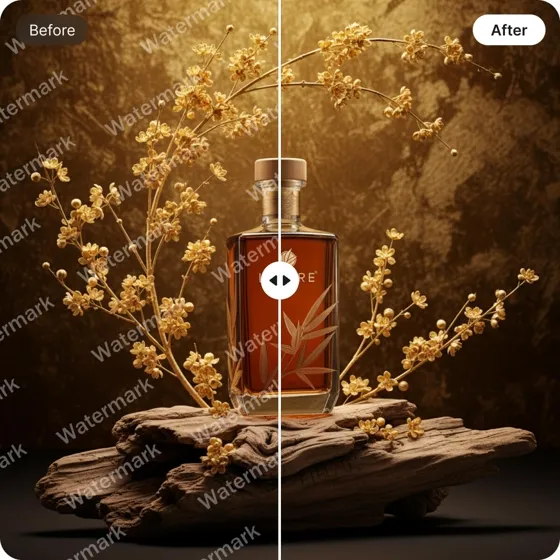
Remove Text From Images
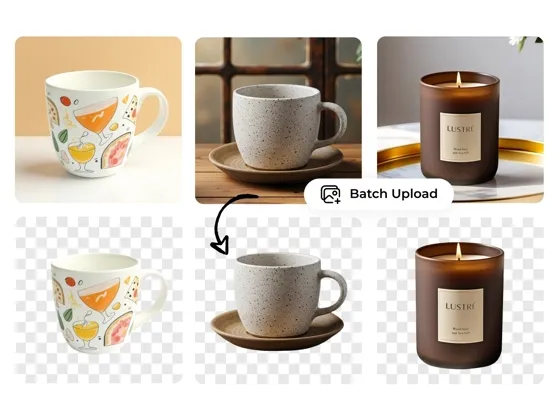
Background Remover
Frequently Asked Questions
How to remove people from pictures without blurring the background?
Is it free to remove people from photos online?
Yes, you can remove people from photos online without upfront editing software costs. With Designkit, upload your image, select the person, and process the removal directly in your browser. Some advanced export options may depend on your plan.
Can I remove multiple people from one photo?
Yes, multiple people can be removed from a single photo in one workflow. With Designkit, you can select several subjects at once, and the tool processes them together while rebuilding the background to maintain a clean result.
Does AI work on crowded backgrounds like beaches or cities?
Yes, it works on crowded scenes such as beaches, streets, and events. With Designkit, even complex backgrounds are processed while unwanted people are removed and the surrounding area is reconstructed to keep the scene visually intact.
Will removing people ruin my high-resolution camera quality?
No, removing people does not automatically reduce image quality. With Designkit, the original resolution is preserved during processing, and the final output maintains the clarity of your uploaded high-resolution photo.
Is my data safe when using AI to remove people from photos?
Yes, uploaded images are handled securely during processing. With Designkit, files are used only for editing and are automatically deleted after completion, reducing long-term storage and privacy risks.
Clear Unwanted People From Your Photos
Stop letting crowds and photobombers get in the way of a good shot. Upload your photo to Designkit, highlight who you want gone, and get a clean image back in seconds.

What People Say About Removing People With Designkit
Read how professionals and hobbyists use Designkit to save time and perfect their photos.
Cleaner Travel Photos Without Waiting for the Perfect Shot
My travel photos were often filled with tourists, making it difficult to capture the scenes I wanted. Designkit helped me remove unwanted people in seconds, creating cleaner images and improving engagement across my social media content.
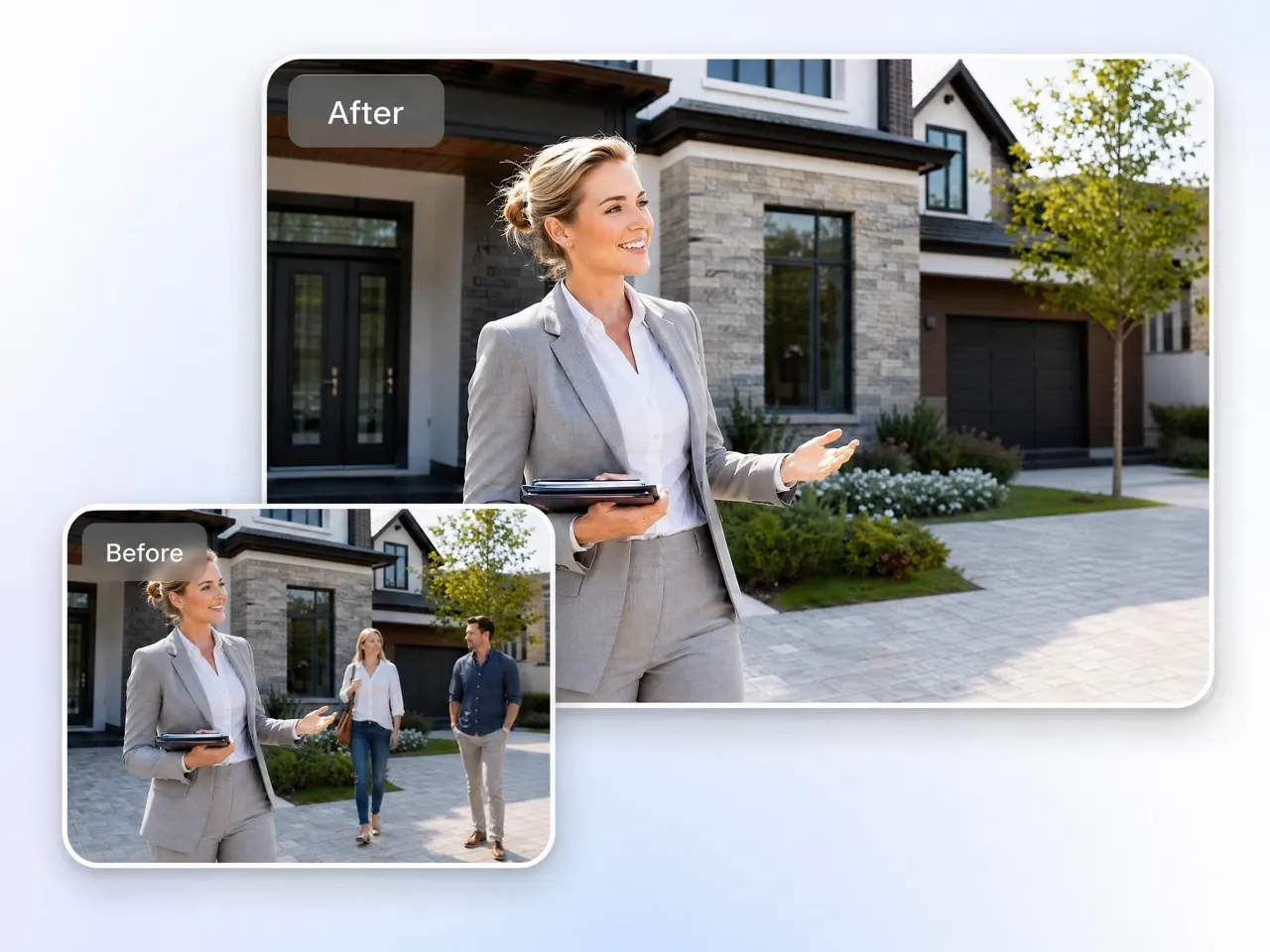
Faster Real Estate Photo Editing
Editing out pedestrians and distractions from property photos used to take hours. Designkit simplified the process with AI-powered removal, reducing editing time by more than 60% while helping deliver cleaner listing photos to clients.
Perfect Wedding Photos Without Background Distractions
We had a beautiful beach wedding, but public beachgoers were standing in the background of our favorite portraits. I used Designkit to remove someone from a photo completely, and it looks like we rented a private island. I couldn't be happier.
Better Thumbnails for Social Media Content
Figuring out how to remove people from pictures for my Youtube and TikTok thumbnails was always a massive headache. Designkit helped me clean up images quickly, making thumbnails more professional and improving overall content presentation.
Professional Product Photography for E-Commerce Brands
Outdoor product photos frequently included random bystanders that made our catalog look less polished. Designkit helped remove background distractions efficiently, creating cleaner product images and a more professional brand appearance.
Simple Photo Editing for Beginners
I am terrible at complex photo editing. I used Google "how to remove people from photos" and got overwhelmed by the complicated software tutorials. Designkit is literally just painting over the person and clicking a button. It is absolute magic.