
Sharpen Blurry Photos Without Harsh Halos
Restore soft, blurry, or low-quality images with AI-powered sharpening. Enhance portraits, product photos, documents, landscapes, and social media images without creating harsh artifacts.
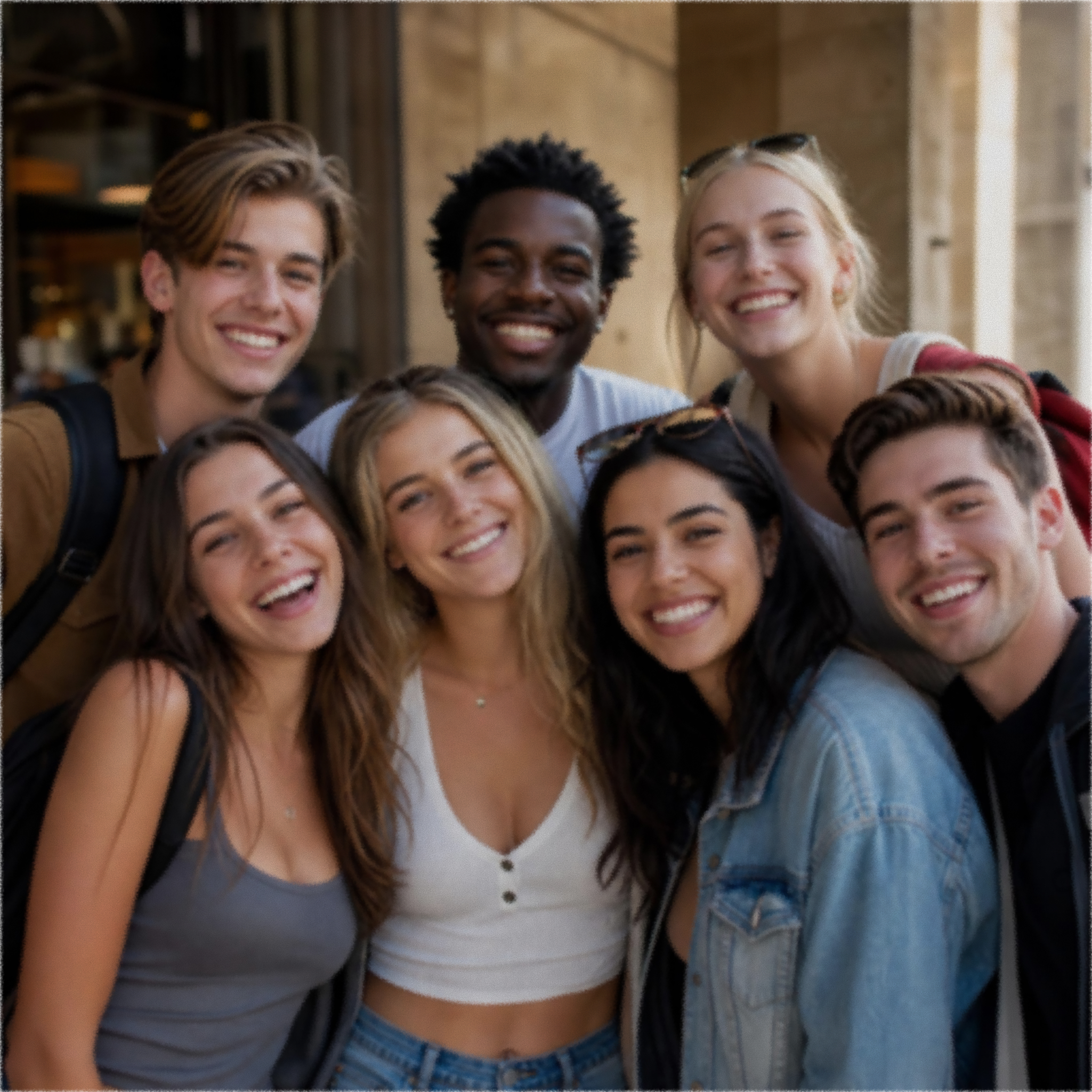
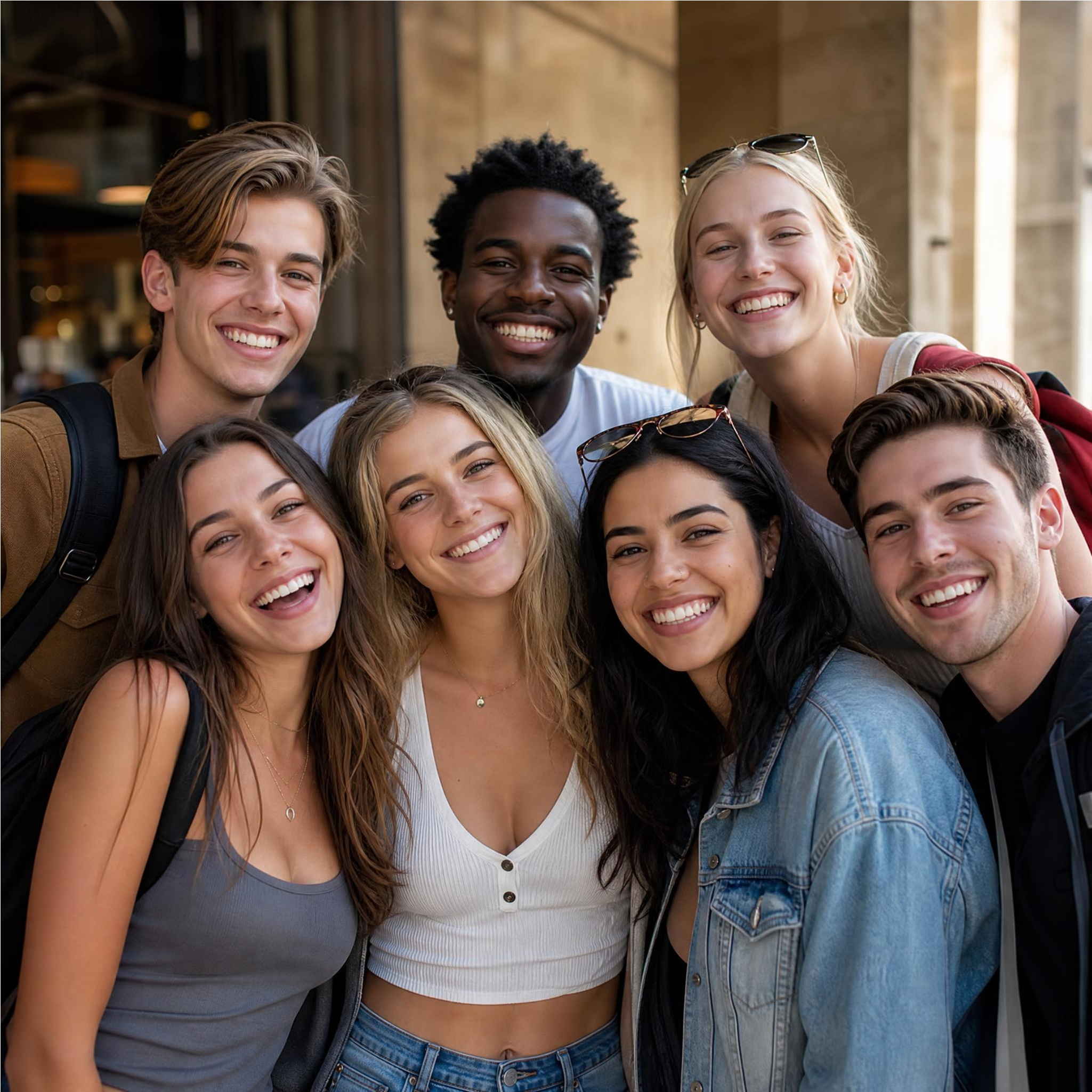
No image? Try one of these:



How to Sharpen an Image in 3 Steps
Upload Your Blurry Image
Add a portrait, product photo, document scan, or any soft image in JPG or PNG.
Let AI Sharpen Edges and Details
AI detects edges, textures, and fine detail, then applies sharpening tuned to reduce noise and halos.
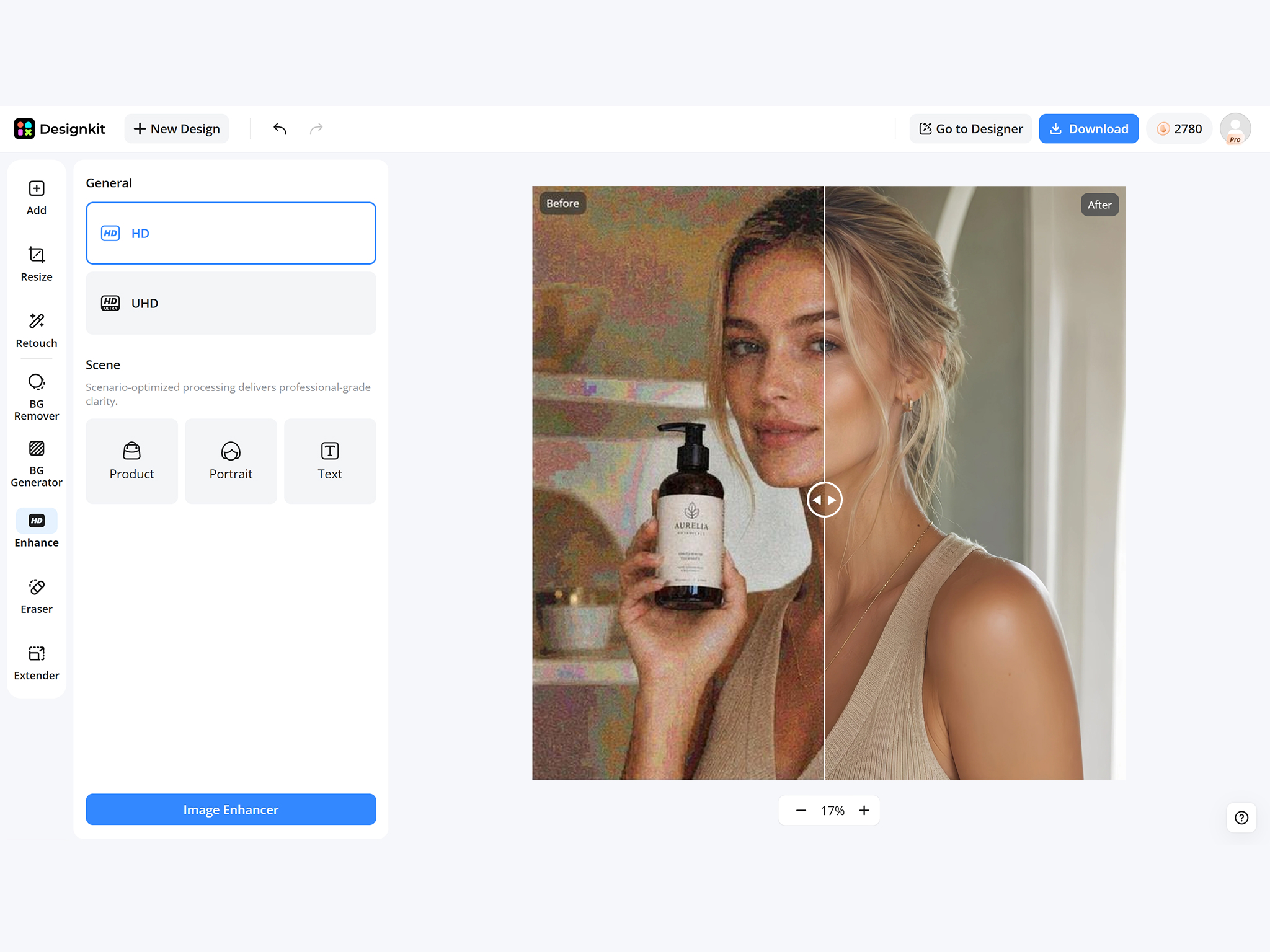
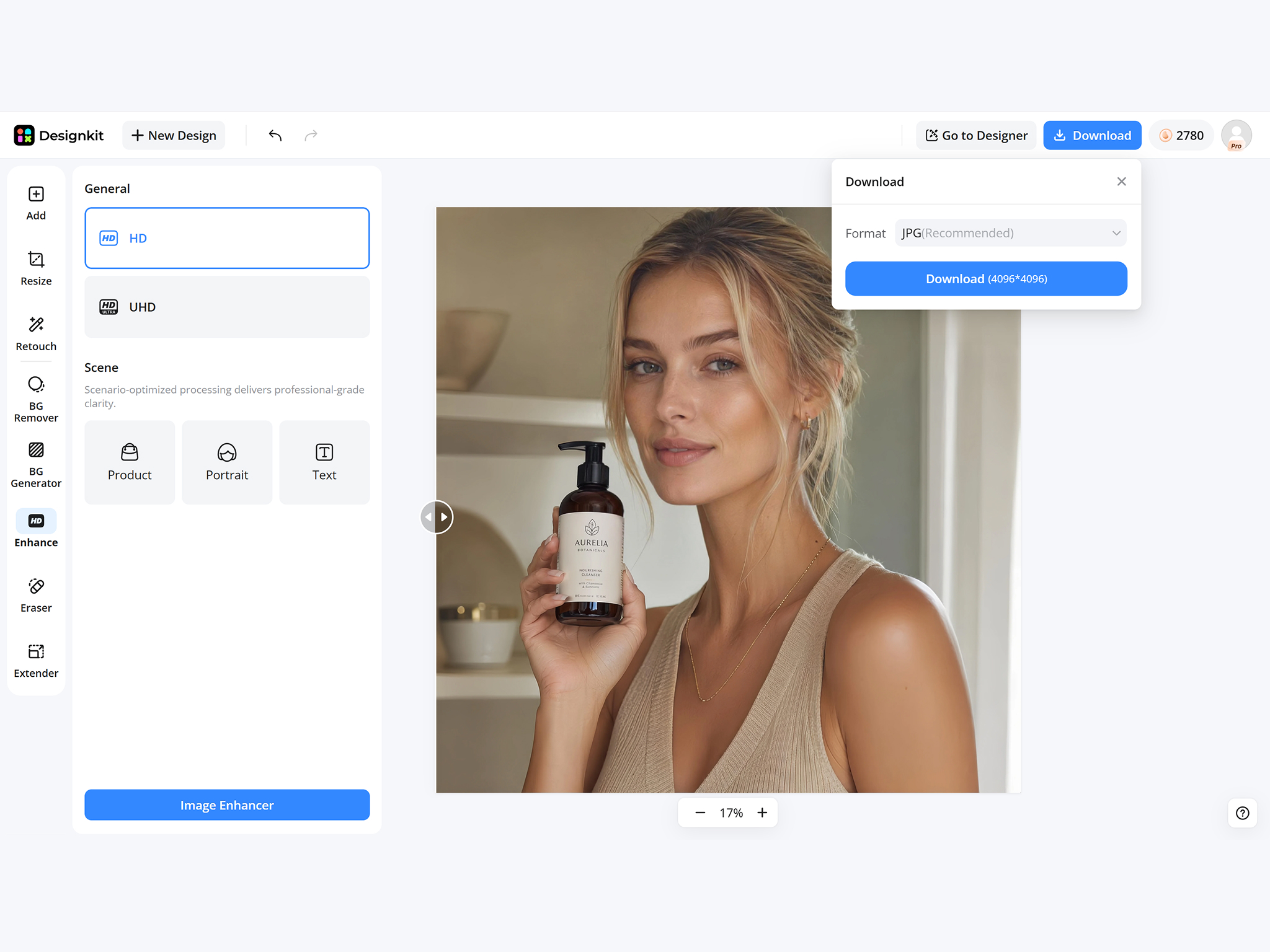
Preview and Download
Compare before and after, then export a high resolution file for web, print, or social media.
What Makes Designkit Ideal for AI Image Sharpening
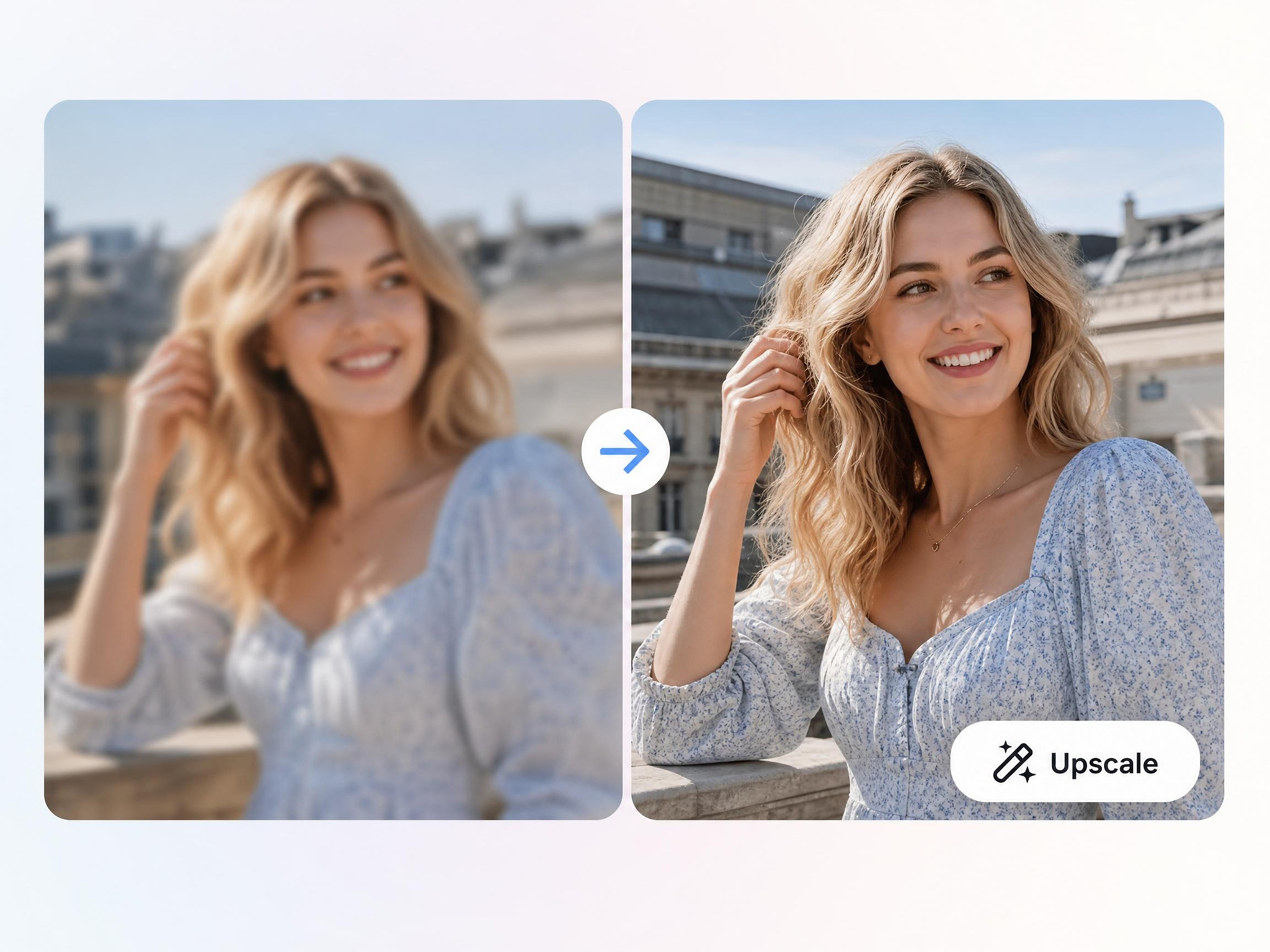
Sharpen Blurry Photos in Seconds
Turn blurry or slightly out-of-focus photos into clearer images without adjusting complicated editing controls. Designkit's AI image sharpener improves image clarity for portraits, product photos, travel pictures, and everyday snapshots in just a few steps.
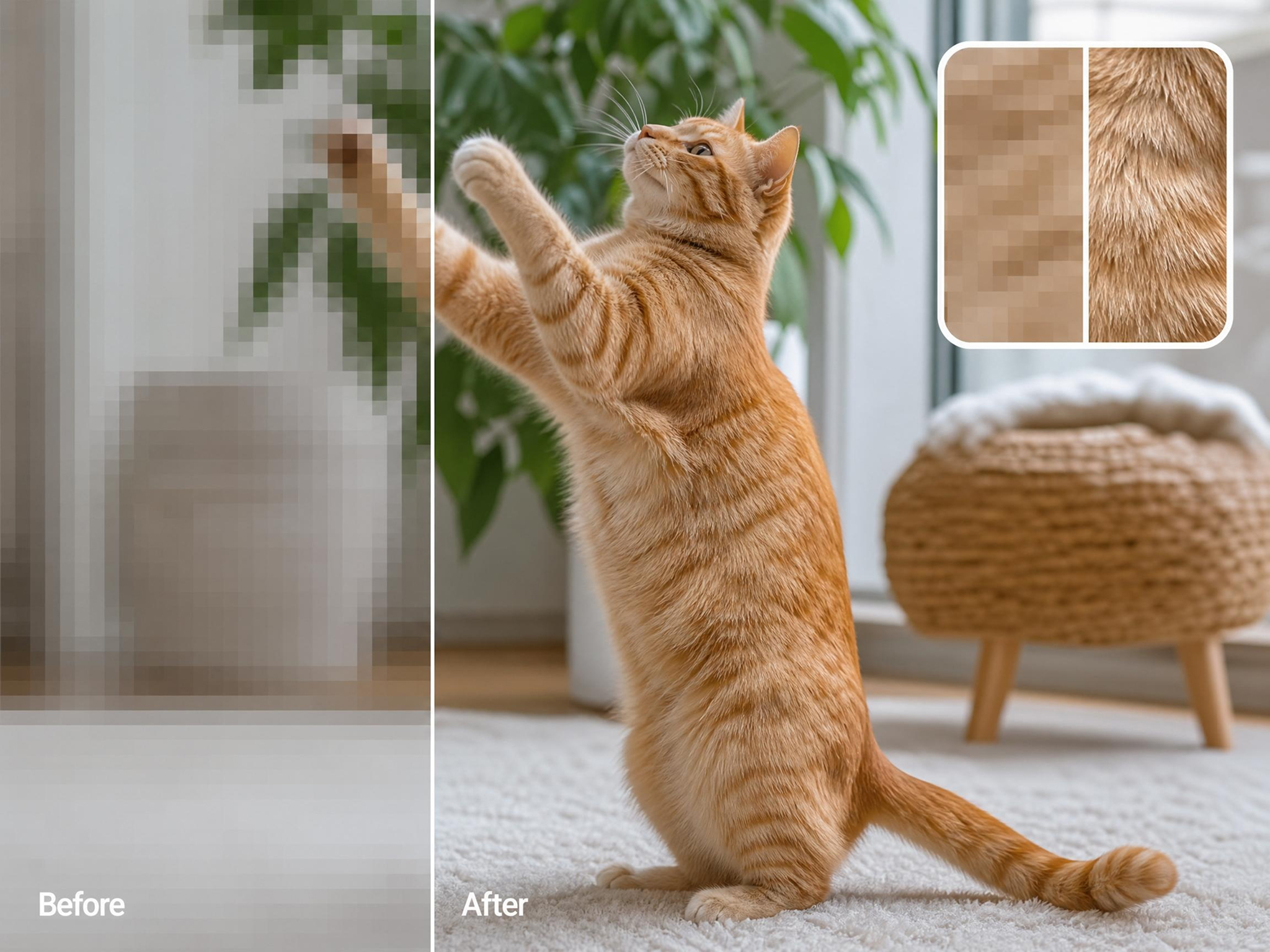
Keep Results Natural, Not Over-Processed
Basic sharpen filters often create harsh edges, halos, or unwanted grain. Designkit helps sharpen a photo while preserving natural textures and balanced details, making images look clearer without introducing distracting artifacts.
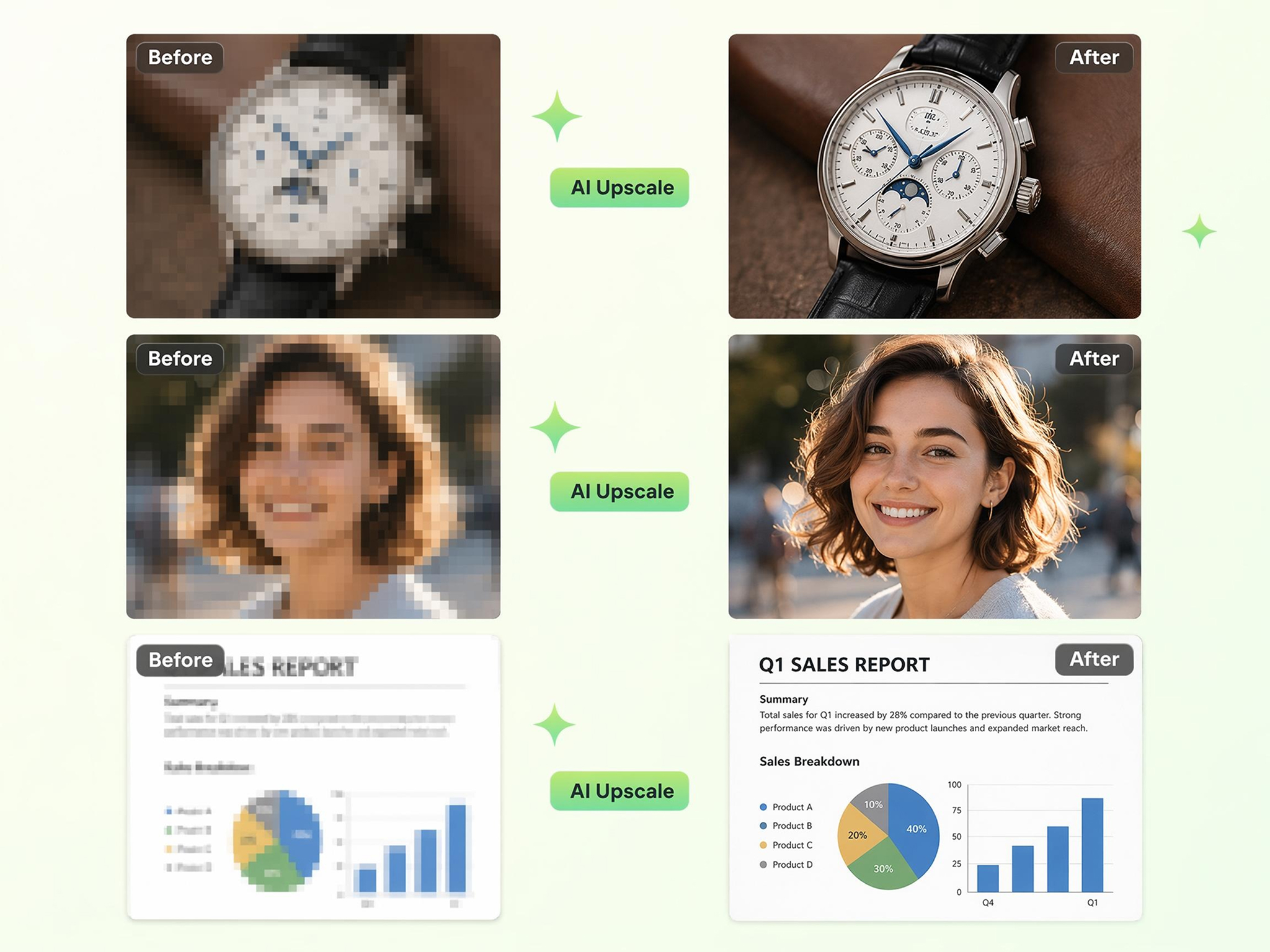
Works on Portraits, Products, and Documents
Different image types require different levels of detail. Designkit lets you sharpen image files ranging from portraits and ecommerce products to scanned documents, landscapes, receipts, and social media photos using one workflow.
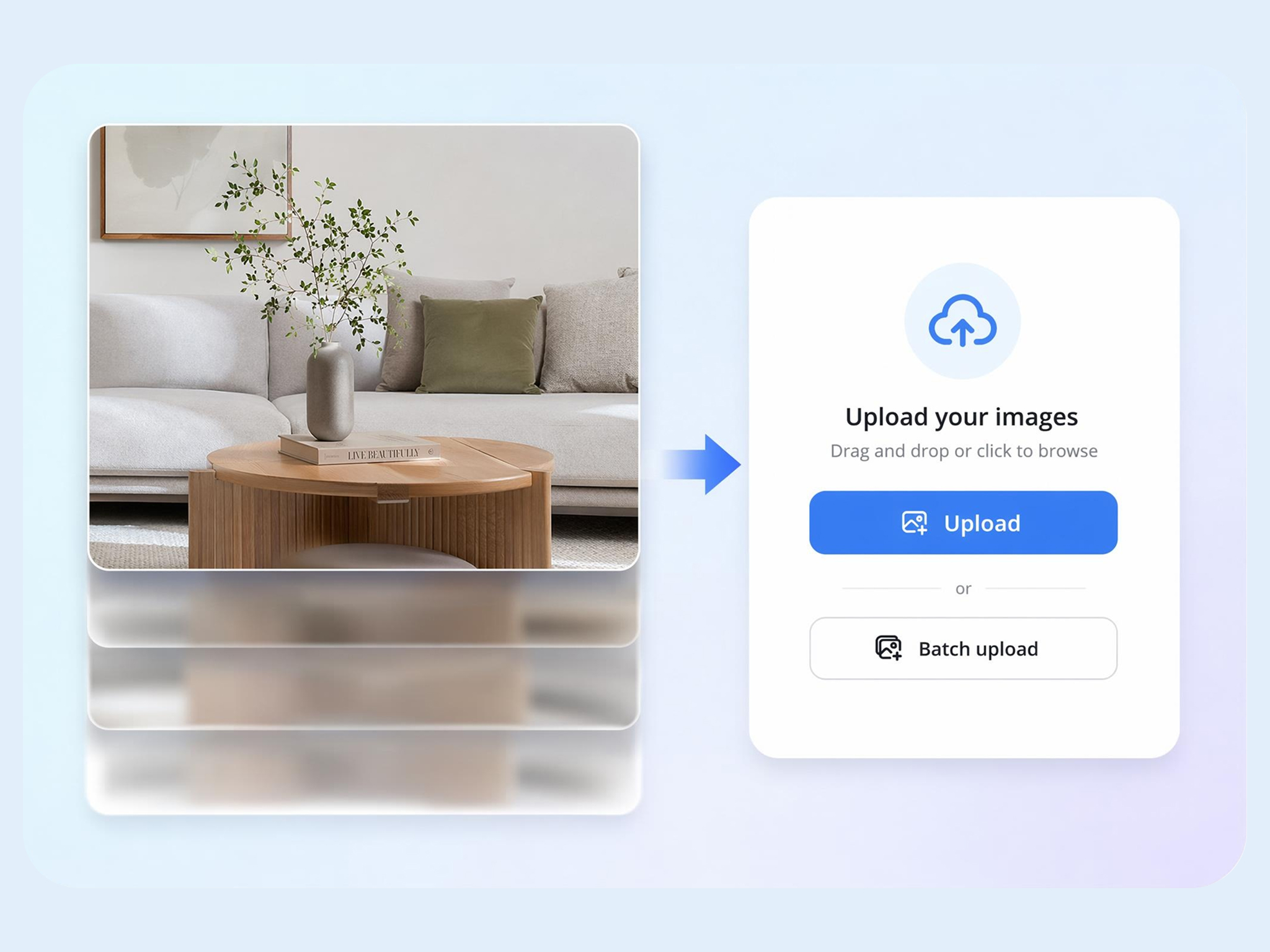
Process Multiple Photos Together
Large photo collections can be difficult to edit one by one. Designkit applies consistent sharpening across multiple images in a single workflow, helping photographers, businesses, and creators prepare entire batches more efficiently.
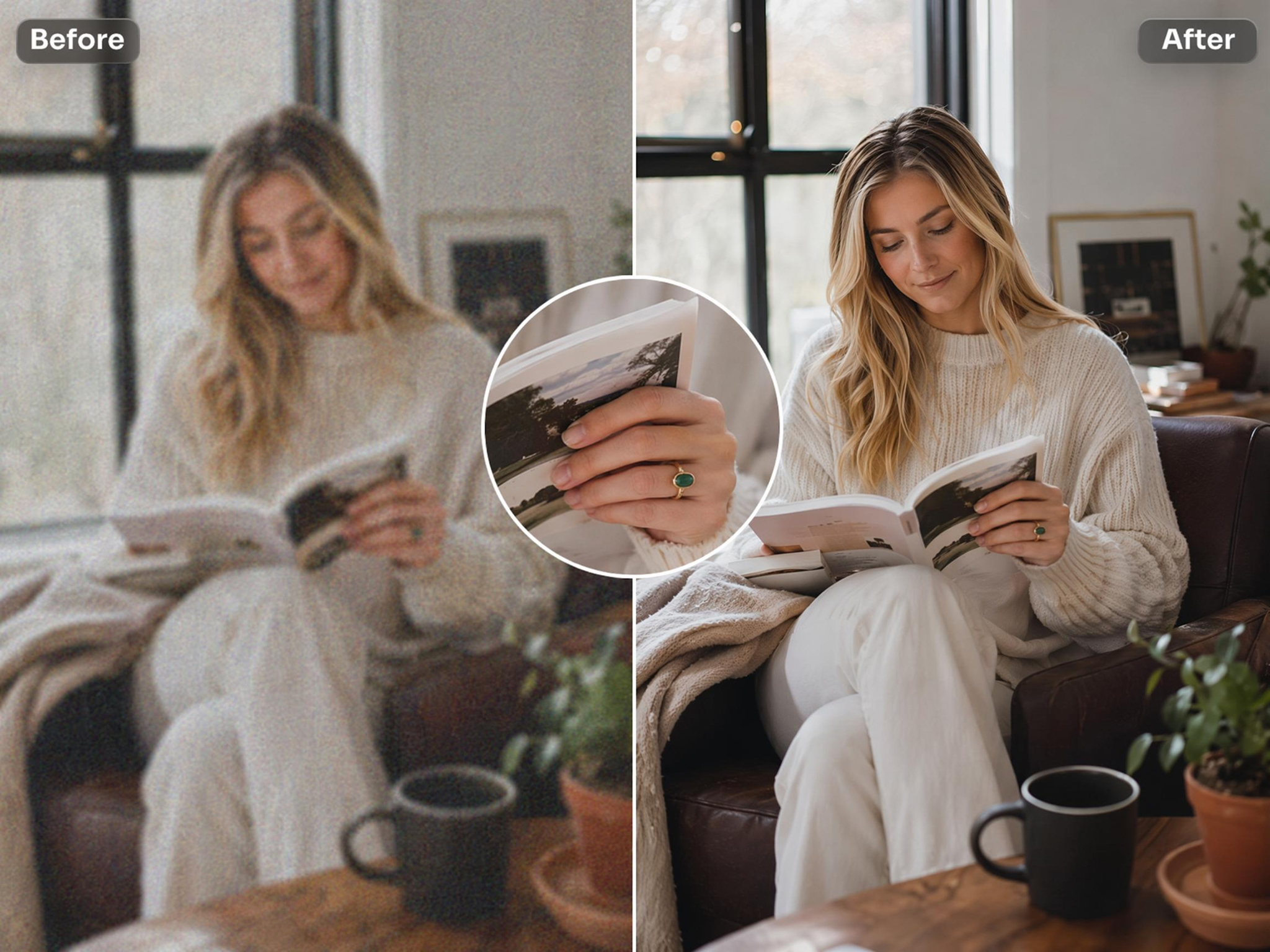
Improve Images Before Upscaling
Enlarging a soft image can also enlarge its flaws. Designkit's AI image enhancer online sharpens important details before upscaling, helping produce cleaner, higher-quality results for printing, presentations, ecommerce, and digital publishing.
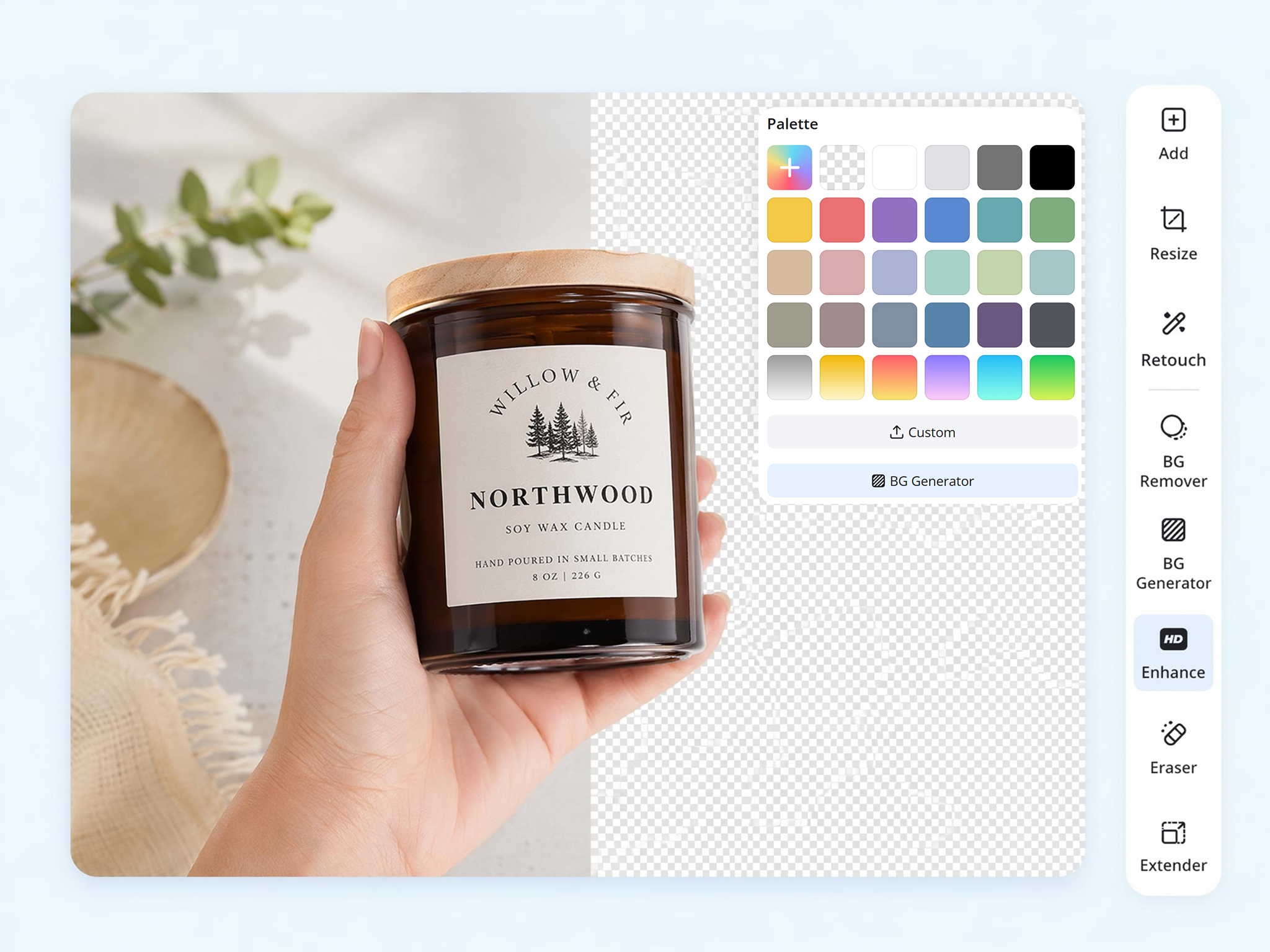
Refine Images Beyond Sharpening
Many images need more than improved sharpness. Designkit lets you continue editing by removing backgrounds, reducing noise, adjusting colors, enhancing details, and resizing images without switching between multiple editing tools.
Who Uses an AI Image Sharpener
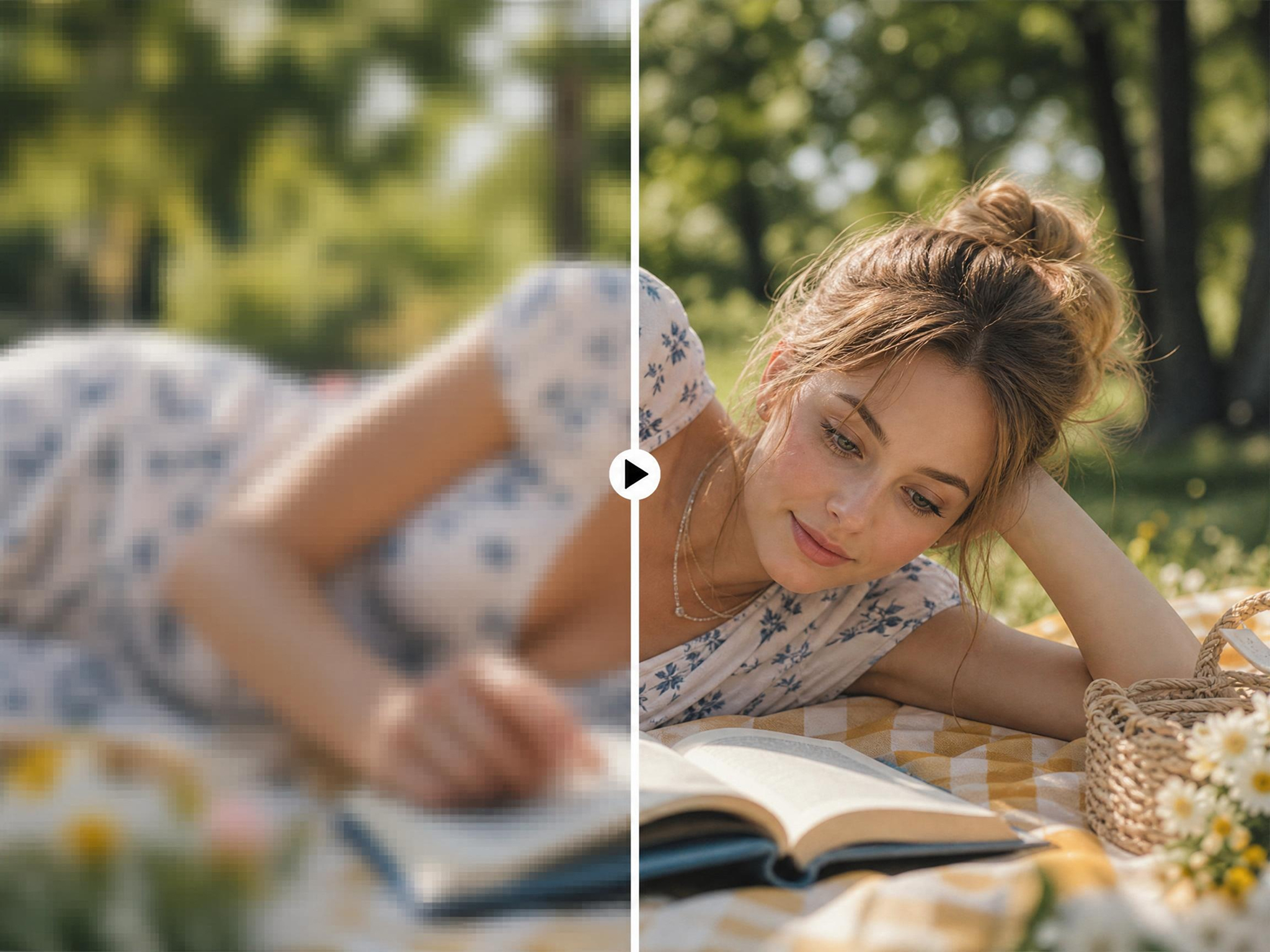
Recover Soft Portraits and Event Photos with Ease
A slightly blurred portrait or event photo can mean losing an important moment. Designkit's AI image sharpener helps restore clarity to portraits, wedding photos, and event images, making valuable shots more usable without repeating the session.
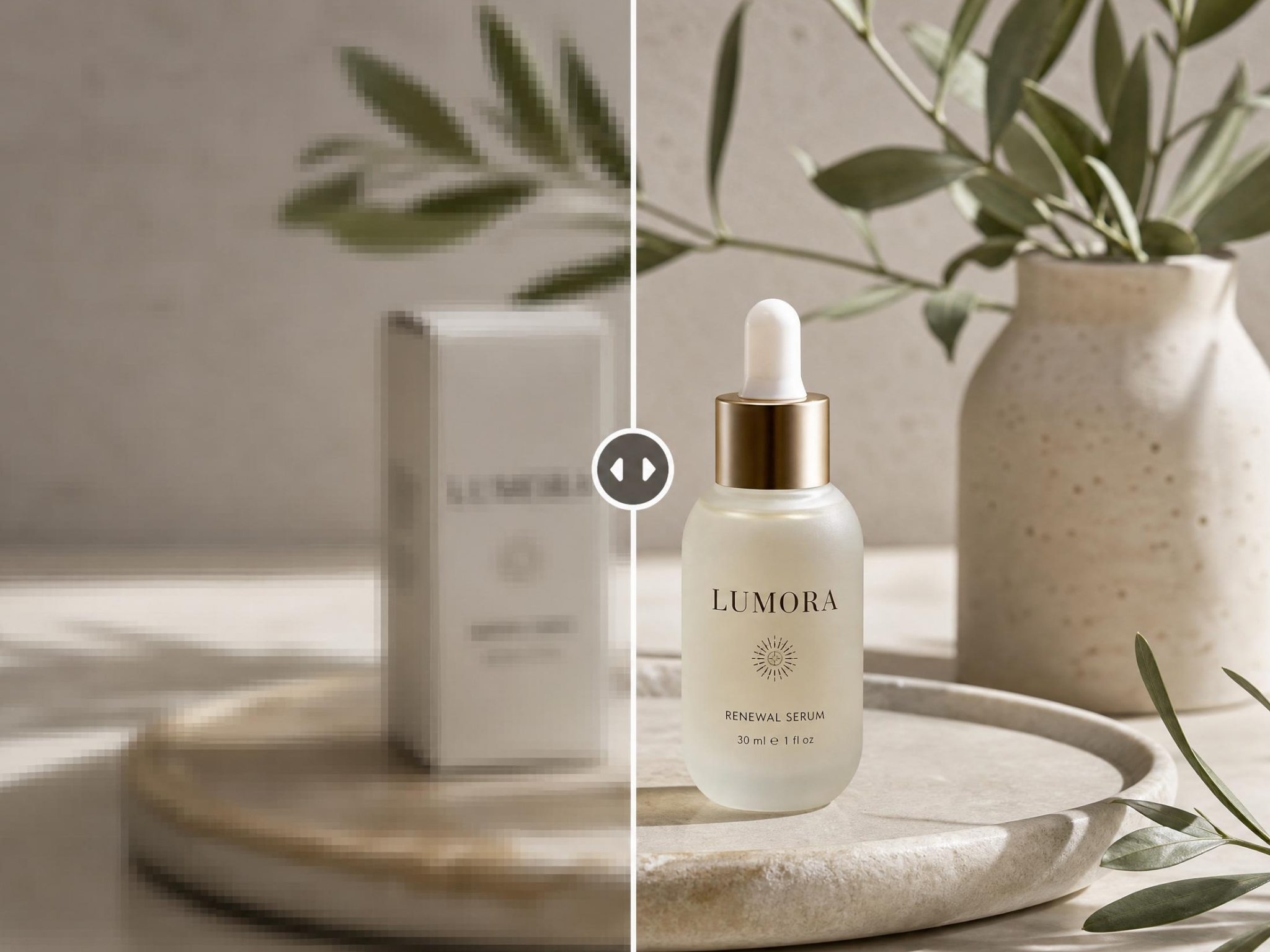
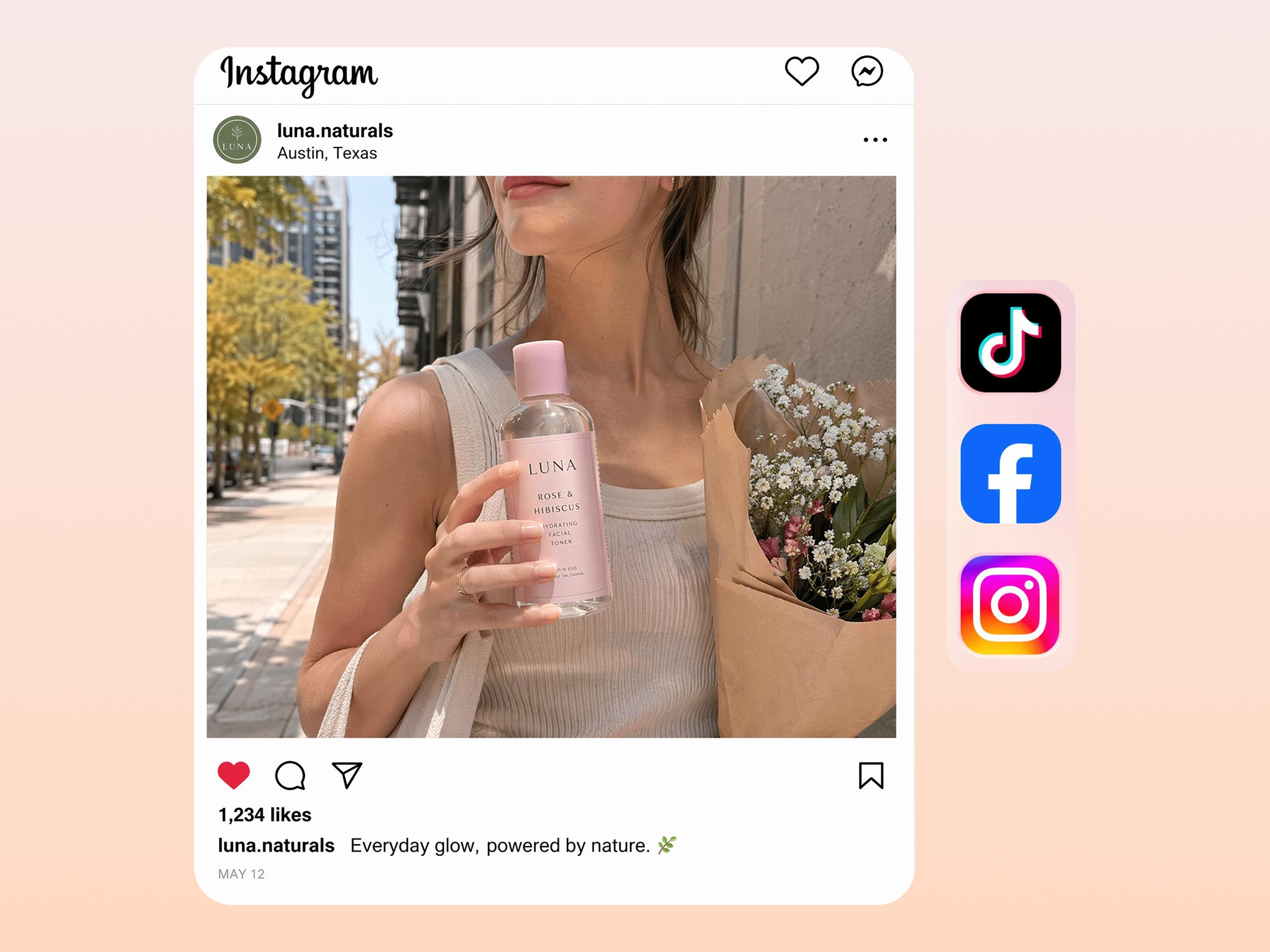

Why Choose Designkit for Image Sharpening
No Manual Editing Needed
Improve image clarity without complex filters or hand-editing every photo, so portraits and product shots look usable again today.

Sharper Edges Without Halo Artifacts
Enhance details while reducing halos and harsh outlines, keeping portraits, products, and scans clean for print and web use today.

One Tool for Photos, Products, and Scans
Use the workflow to sharpen portraits, product photos, documents, and scanned images without changing tools for every file type, at scale!

Sharpen, Enhance, and Export in One Workflow
Complete image refinement and prepare files for sharing or printing without switching between tools, extra export steps or rework.
Batch Sharpen Large Photo Sets
Apply the same sharpening process across multiple images to reduce repetitive editing on large collections in one batch, at scale.

Clear, Well Lit Photos Sharpen Best
Clear, well-lit source images sharpen better and need fewer corrections than dark or heavily compressed files before upload today.
Unlock More Creative Possibilities
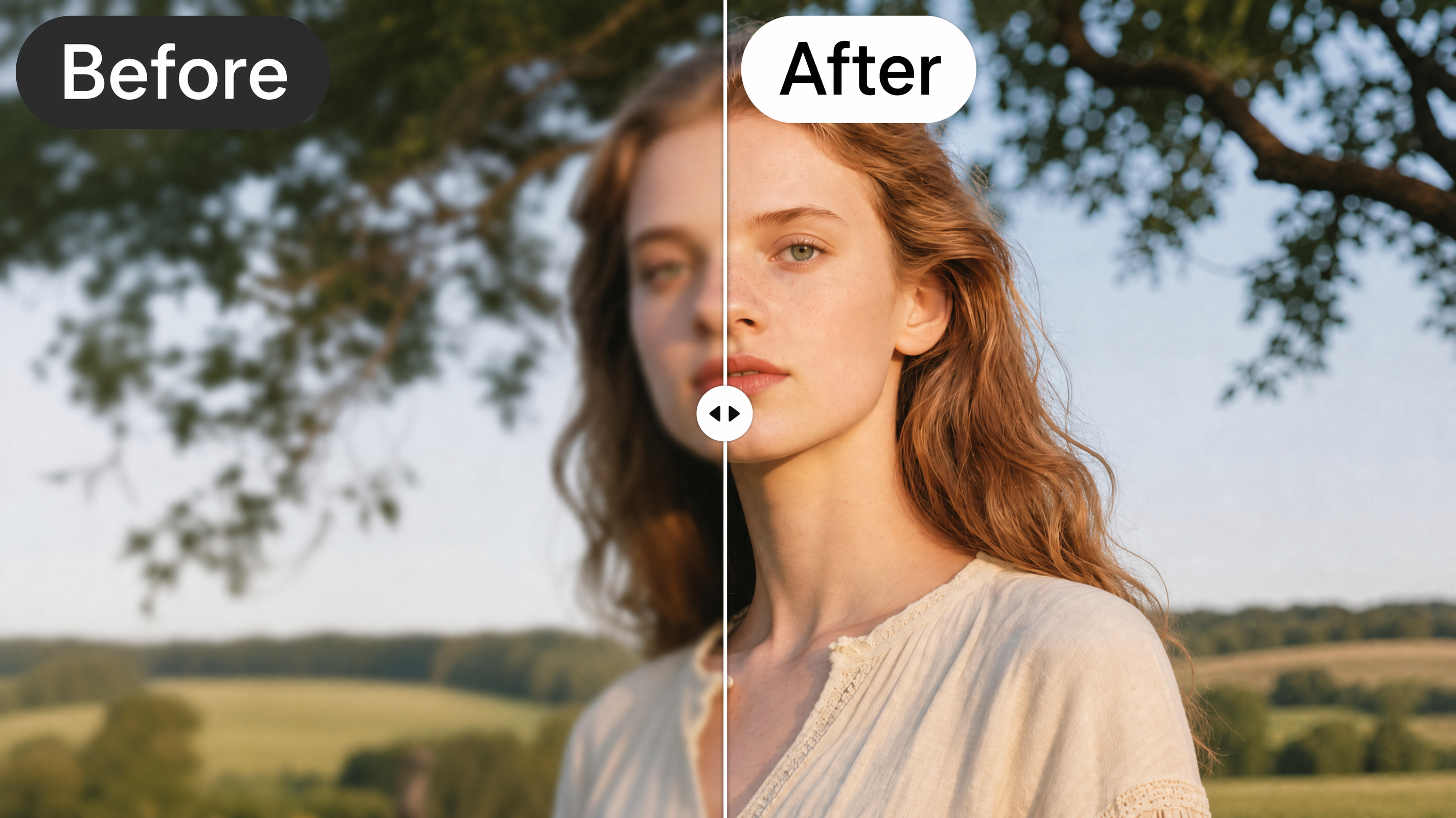
AI Image Enhancer

Bulk Image Enhancer
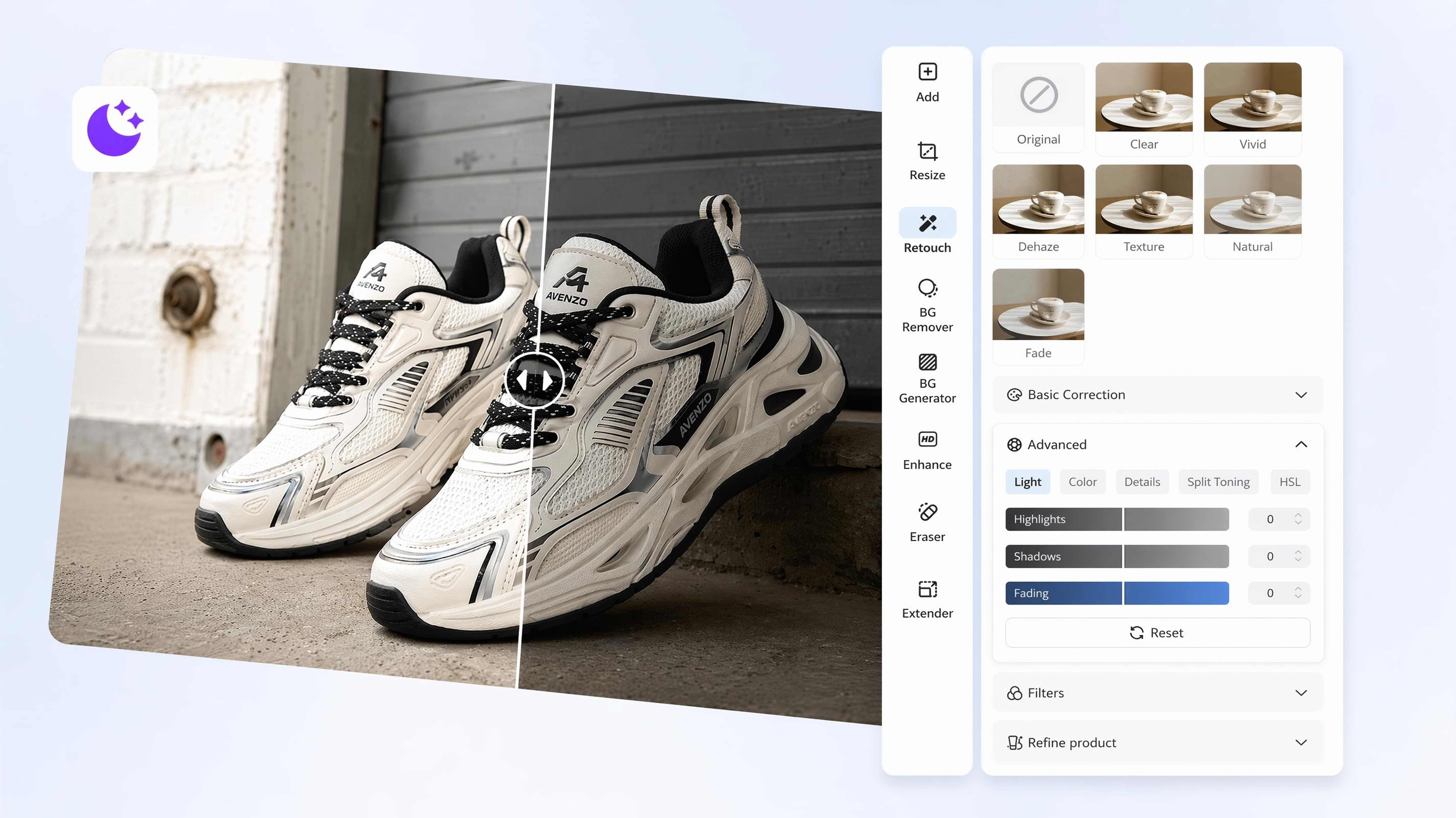
AI Image Brightener
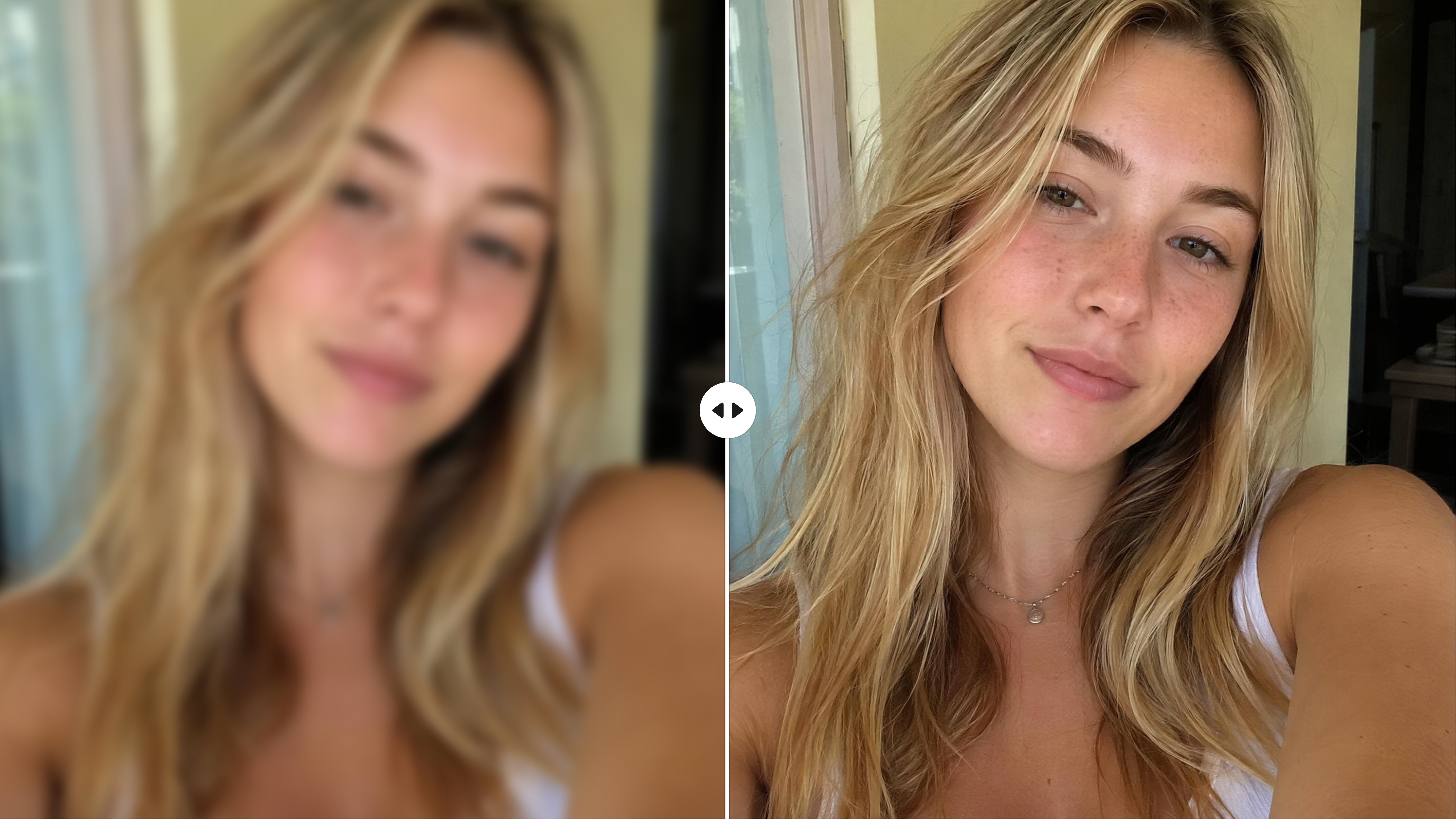
AI Face Enhancer
Frequently Asked Questions
Can AI sharpen a blurry or slightly out of focus photo?
Will sharpening make my image look unnatural?
No, when applied appropriately, image sharpening enhances detail without making photos appear overly processed. Designkit is designed to improve clarity while minimizing halos, excessive grain, and harsh edges, helping images retain a more natural appearance for both digital and print use.
Can I sharpen old scanned photographs?
Many scanned photos lose detail because of age, fading, or low scanning quality. Designkit enhances older photographs by improving edge definition and overall clarity, making family portraits, historical images, and printed memories easier to view, preserve, and share.
Can I sharpen text in scanned documents?
Yes. AI can improve the readability of many scanned documents by increasing the clarity of letters, numbers, and fine details. Designkit helps sharpen receipts, notes, reports, forms, and archived documents, making important information easier to read without manually adjusting image settings.
Should I sharpen images before enlarging them?
Sharpening before enlarging an image often produces cleaner results because important details are enhanced before additional pixels are created. Designkit improves image clarity prior to upscaling, helping reduce softness and preserving more visible detail in larger images.
Can I sharpen many photos at the same time?
Batch processing allows multiple images to be sharpened together instead of editing each file individually. Designkit applies the same sharpening workflow across photo collections, helping photographers, ecommerce businesses, and marketing teams process large groups of images more efficiently.
Can I continue editing after sharpening?
Sharpening is only one step in the editing process, and many images benefit from additional adjustments. Designkit lets you continue enhancing your photos by removing backgrounds, reducing noise, adjusting colors, resizing images, and applying other edits without restarting your project.
Which images benefit most from AI sharpening?
Images that are slightly soft, mildly out of focus, compressed, or scanned often show the greatest improvement after sharpening. Designkit works well with portraits, e-commerce product photos, documents, travel pictures, social media images, and older photographs that need extra clarity before sharing or printing.
Upload a Blurry Photo and See the Difference
Restore details, improve clarity, and enhance blurry photos with AI in Designkit. Upload your image and download a sharper, natural-looking result in minutes.



What Users Say About Designkit
Product Details Came Back
My product photos looked a bit soft after the shoot and I did not want to reshoot. Designkit brought back the fabric texture and box edges and the listings looked much cleaner.
Saved Soft Wedding Photos
Some reception shots were softer than I wanted because of the low light. Designkit sharpened the important details and the skin tones still looked natural.
Improved Document Readability
My lecture notes were blurry after I photographed them on a rushed night, and I was frustrated because I needed them for an important assignment. Designkit made the small text clear again, which felt like a huge relief. It turned a stressful moment into something manageable and gave me real confidence before submission.
Campaign Images Looked More Consistent
Campaign images came from different sources and looked inconsistent, which made the brand feel scattered and less trustworthy. Designkit gave everything a clean, sharp finish and helped the visuals feel polished, cohesive, and emotionally stronger. It made our content look more professional and much more connected.