
Turn Blurry Photos Into Clear, Usable Images
Turn blurry photos into clearer images with AI. Designkit restores important details, improves clarity, and helps rescue photos that would otherwise need to be retaken.
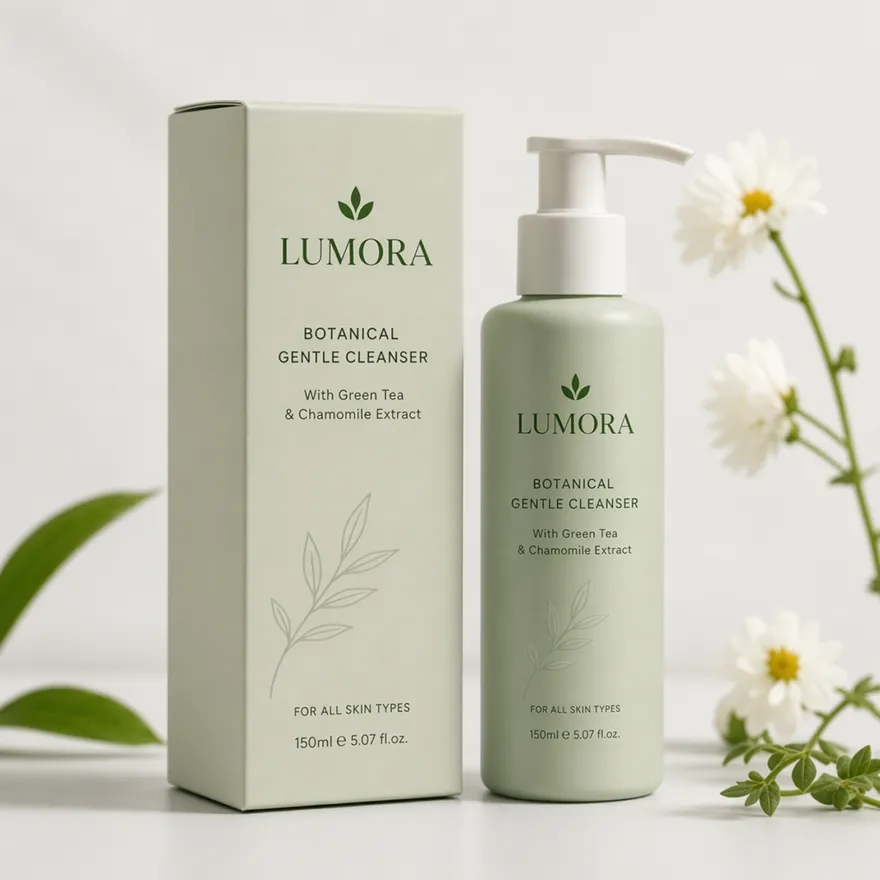
No image ready? Try one of these samples:


How to Unblur a Photo in 3 Simple Steps
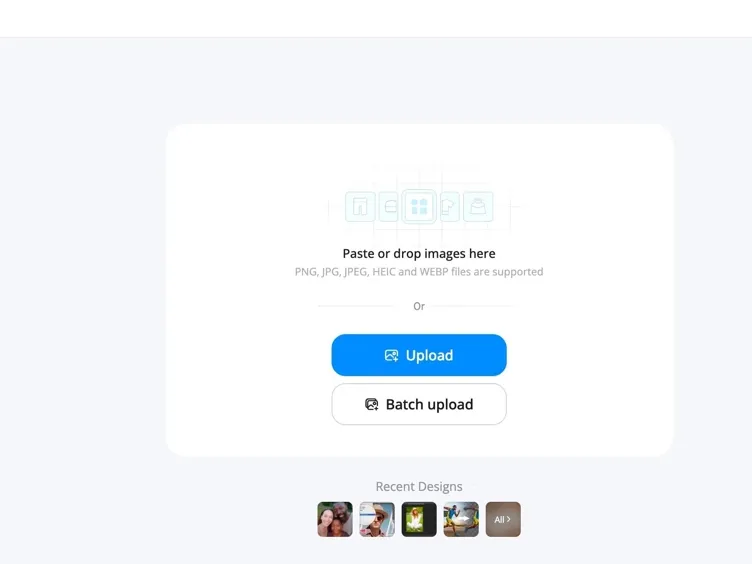
Upload Your Blurry Photo
Add any blurry image, including portraits, product photos, screenshots, or old scanned pictures. JPG and PNG files are both supported.
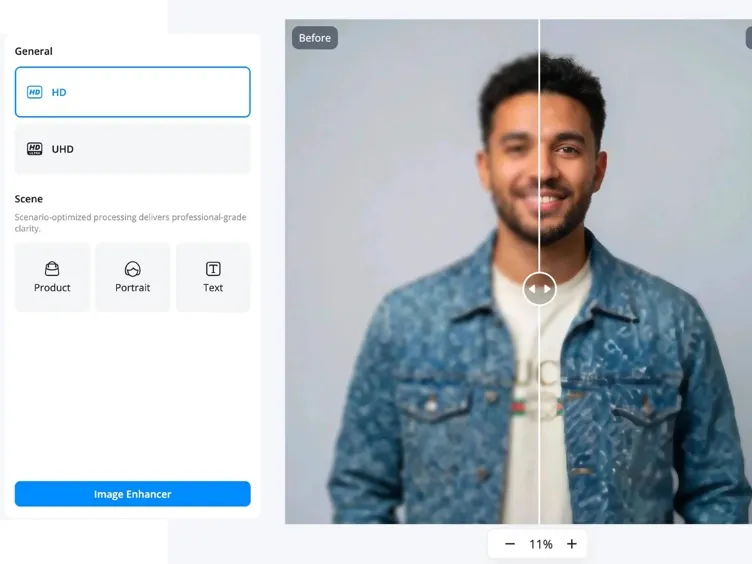
Let AI Restore Image Clarity
Designkit detects blurry areas caused by motion, focus issues, or low-quality images and improves important details automatically.
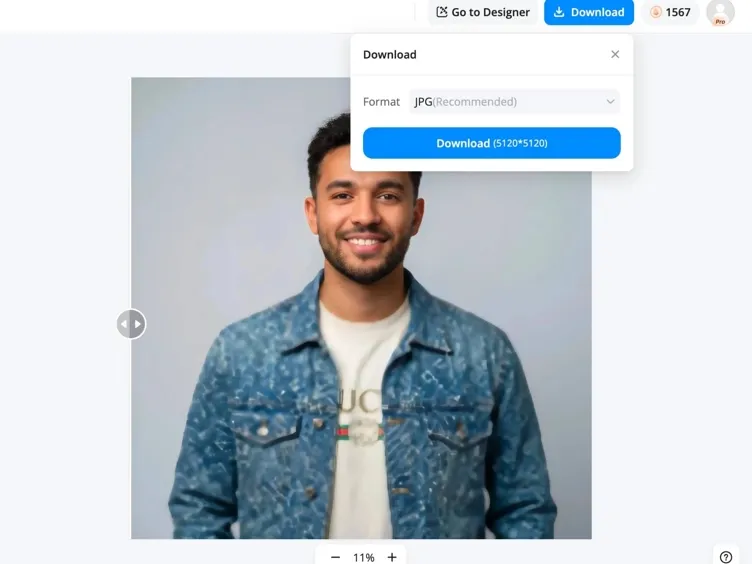
Download the Result
Export your clearer image instantly, ready for social media, ecommerce listings, printing, or personal use right away.
Restore Your Image Details with Designkit Image Unblurrer
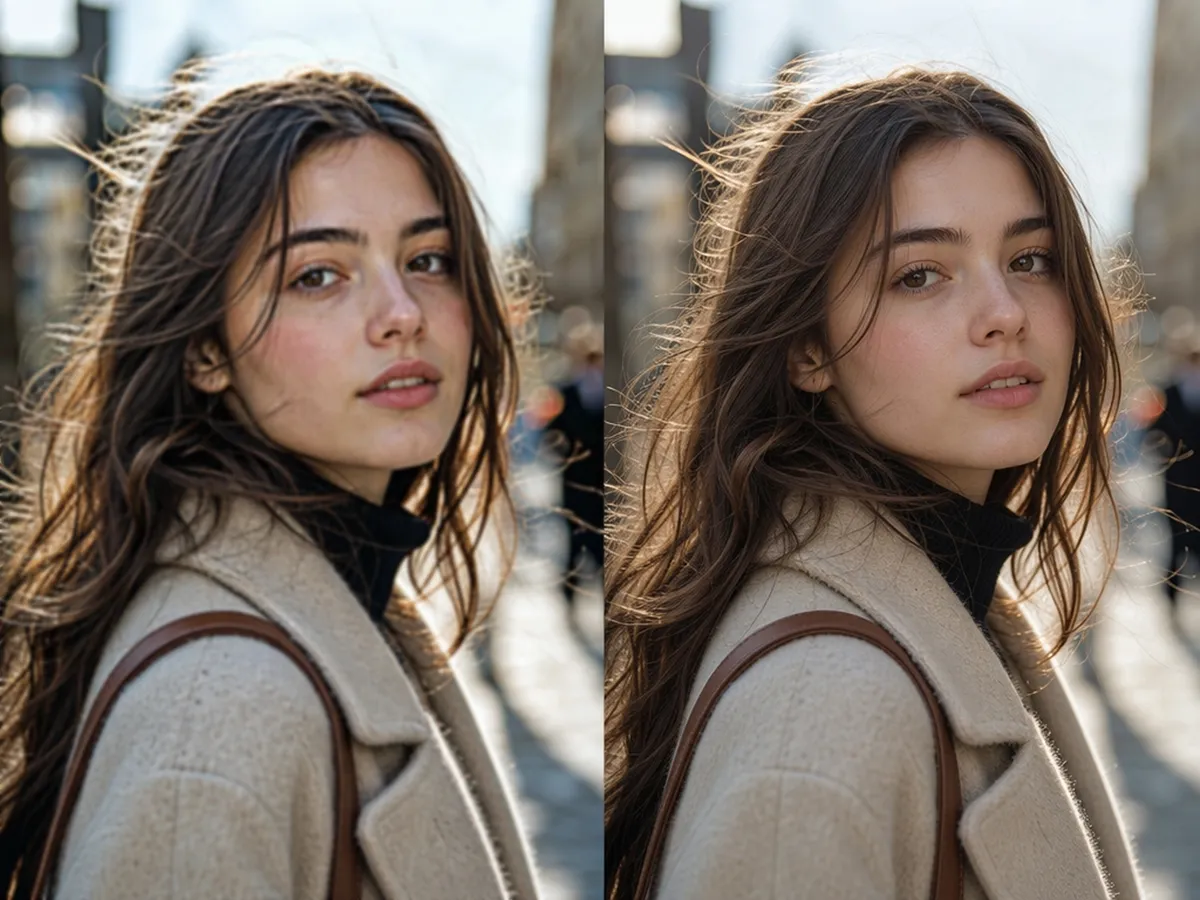
Recover Details Instead of Adding Fake Sharpness
Most tools just increase contrast at the edges, which can look harsh and unnatural up close. Designkit removes blur from image details like faces and text instead, rebuilding what was actually lost instead of faking it.
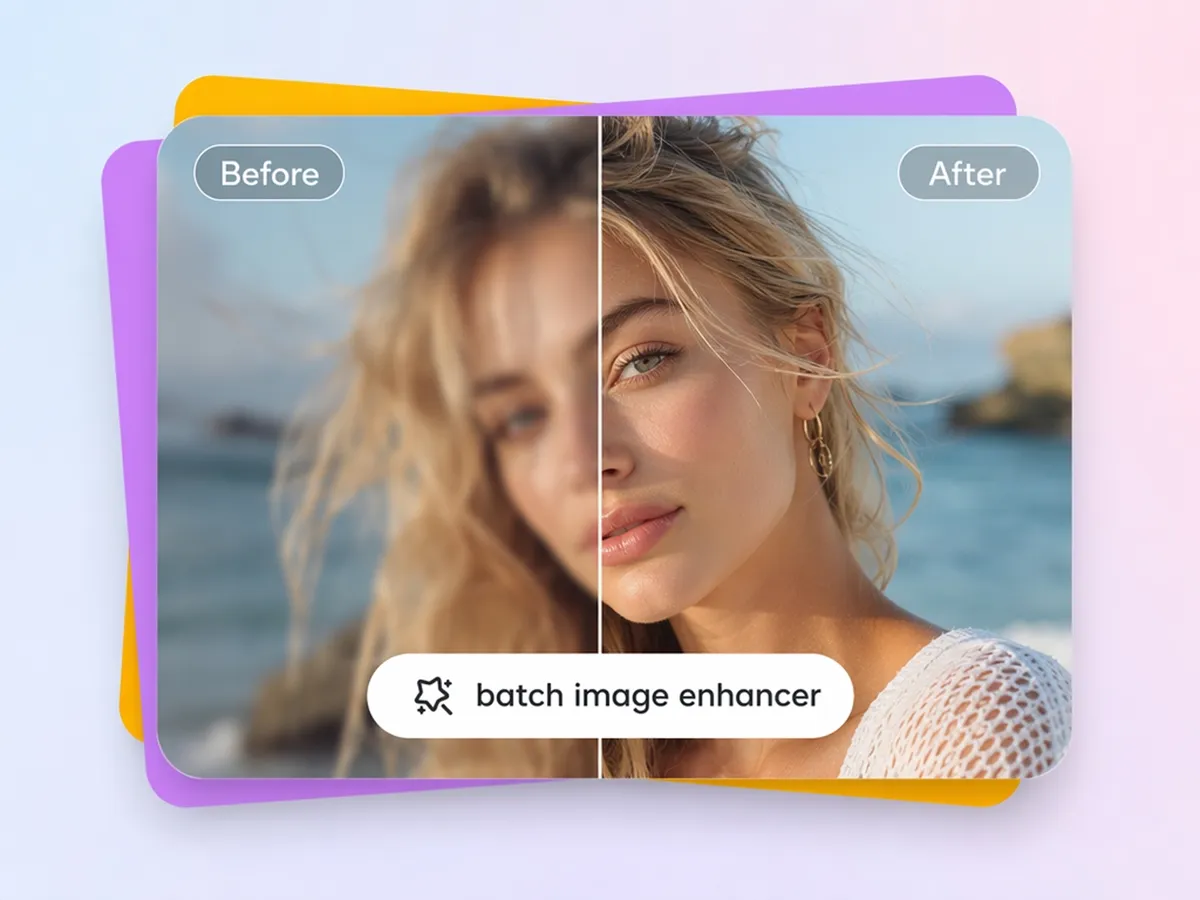
Fix Multiple Blurry Images Together
Upload up to 20 images at once with the bulk image enhancer, then unblur them in a single batch instead of processing each photo individually.
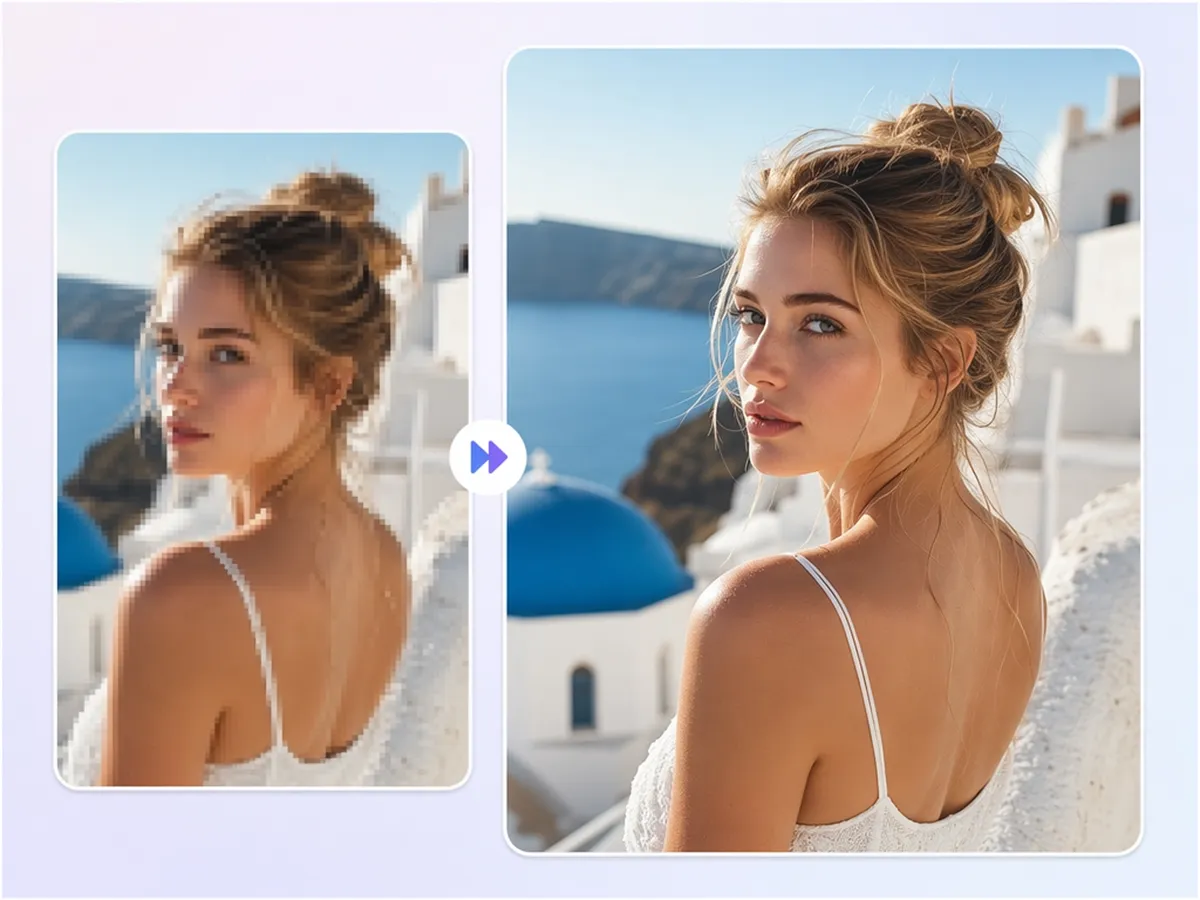
Improve Low-Quality Photos
Restore clarity to compressed or pixelated images with the image enhancer, which upscales and deblurs photos for sharper results in listings and printed materials.
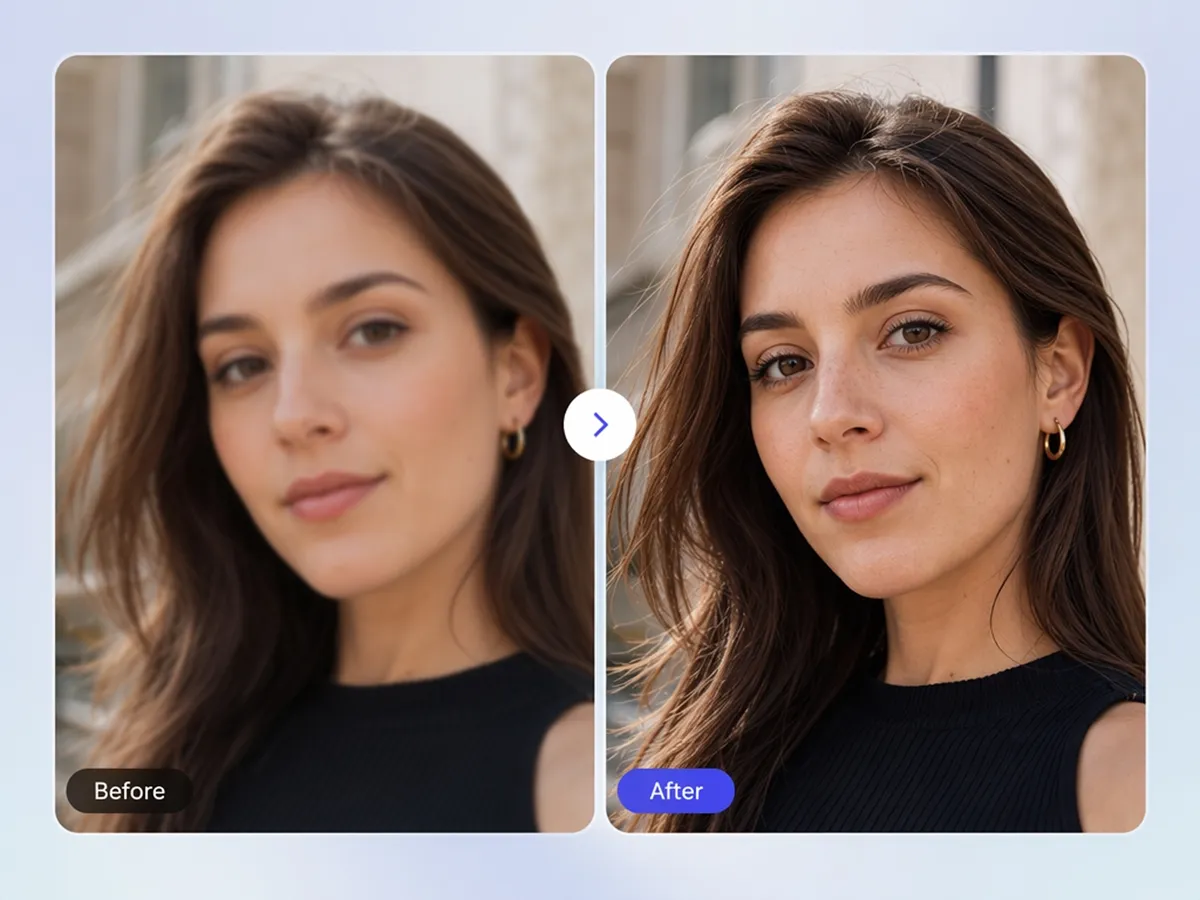
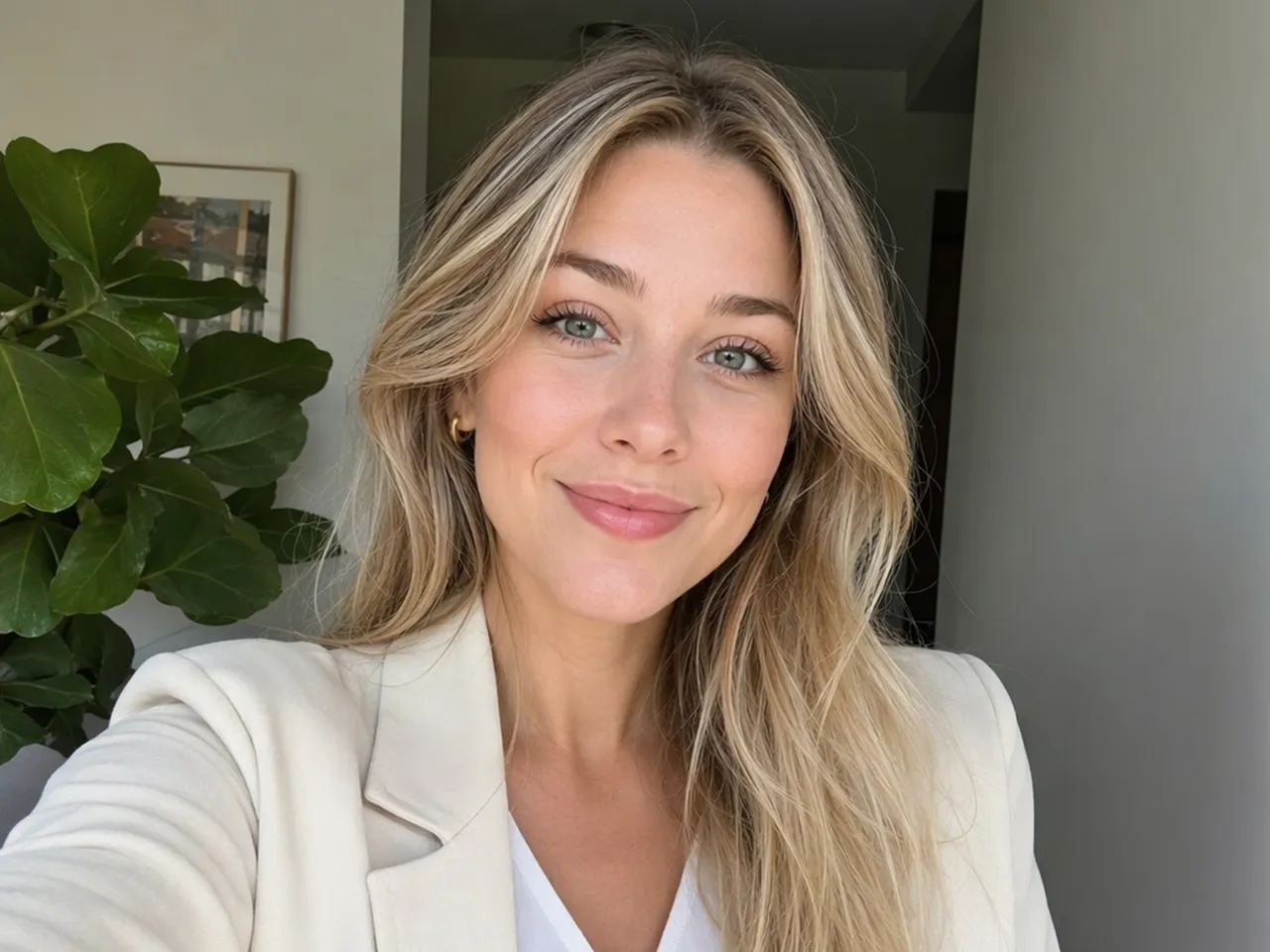
Restore Faces Naturally
Use the face image enhancer](https://www.designkit.com/image-enhancer/face) to sharpen a soft or blurry face while preserving natural skin texture and facial features.
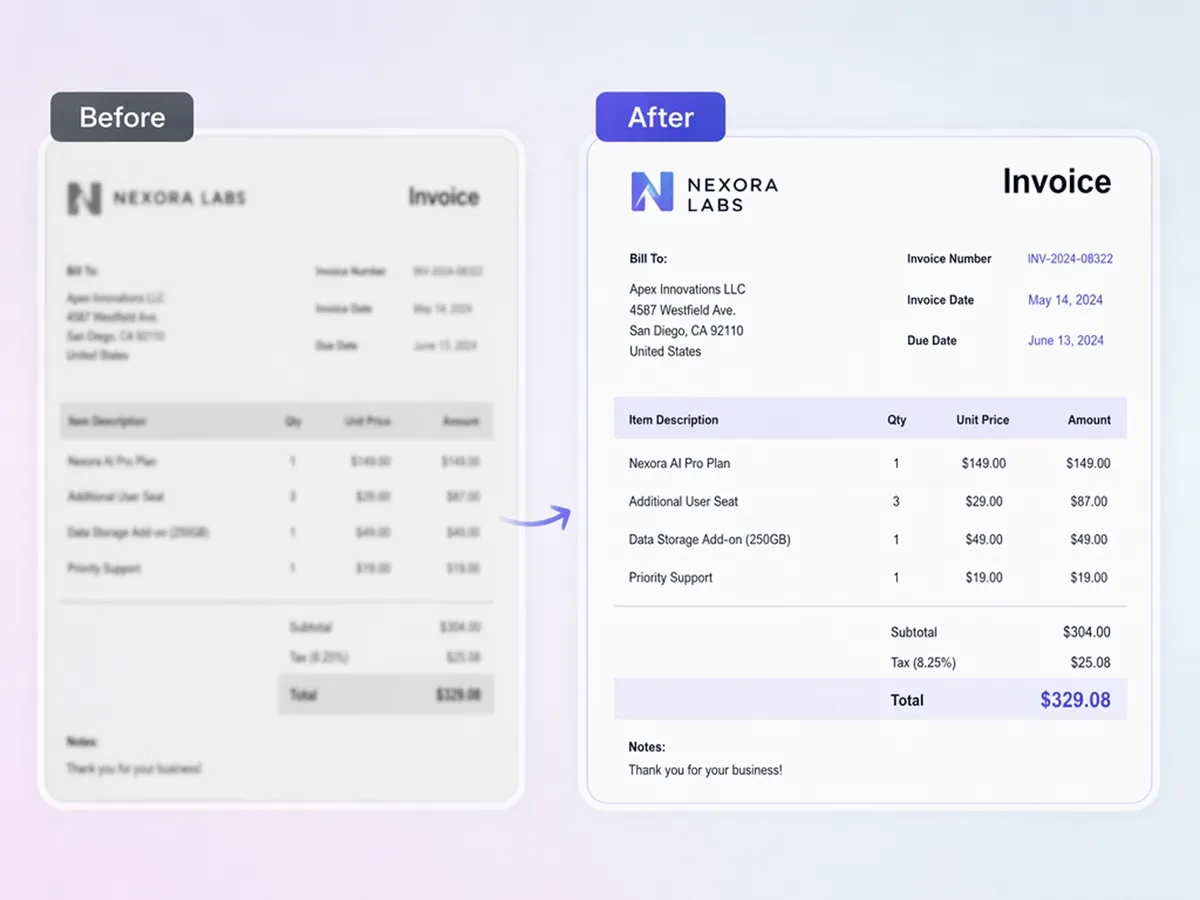
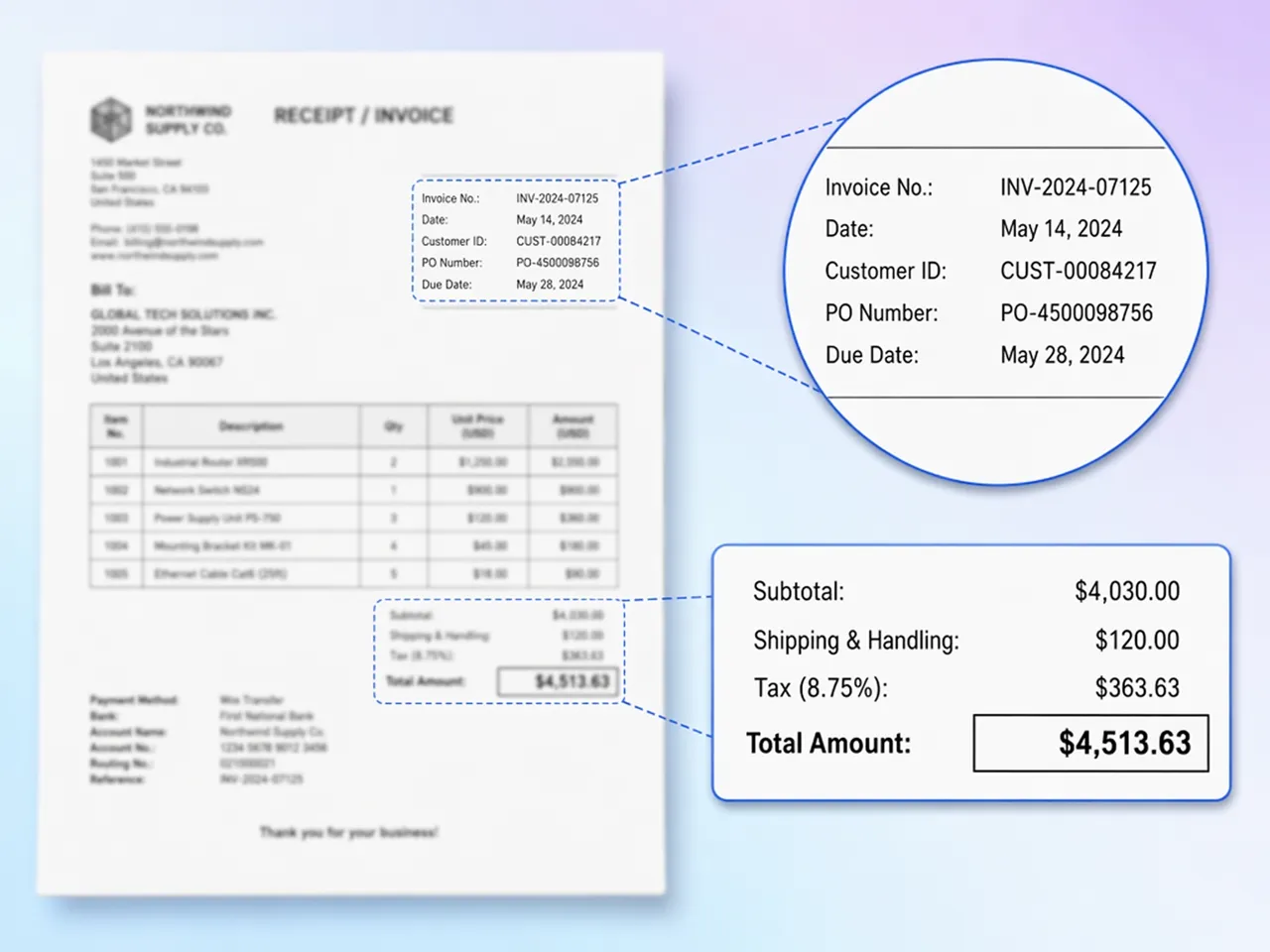
Make Text Easier to Read
Recover legibility in a blurry screenshot, receipt, or scanned form, useful anytime you need to remove blurred object from image text before archiving, submitting, or emailing it to someone else.
Who Uses Designkit's AI Unblur Tool
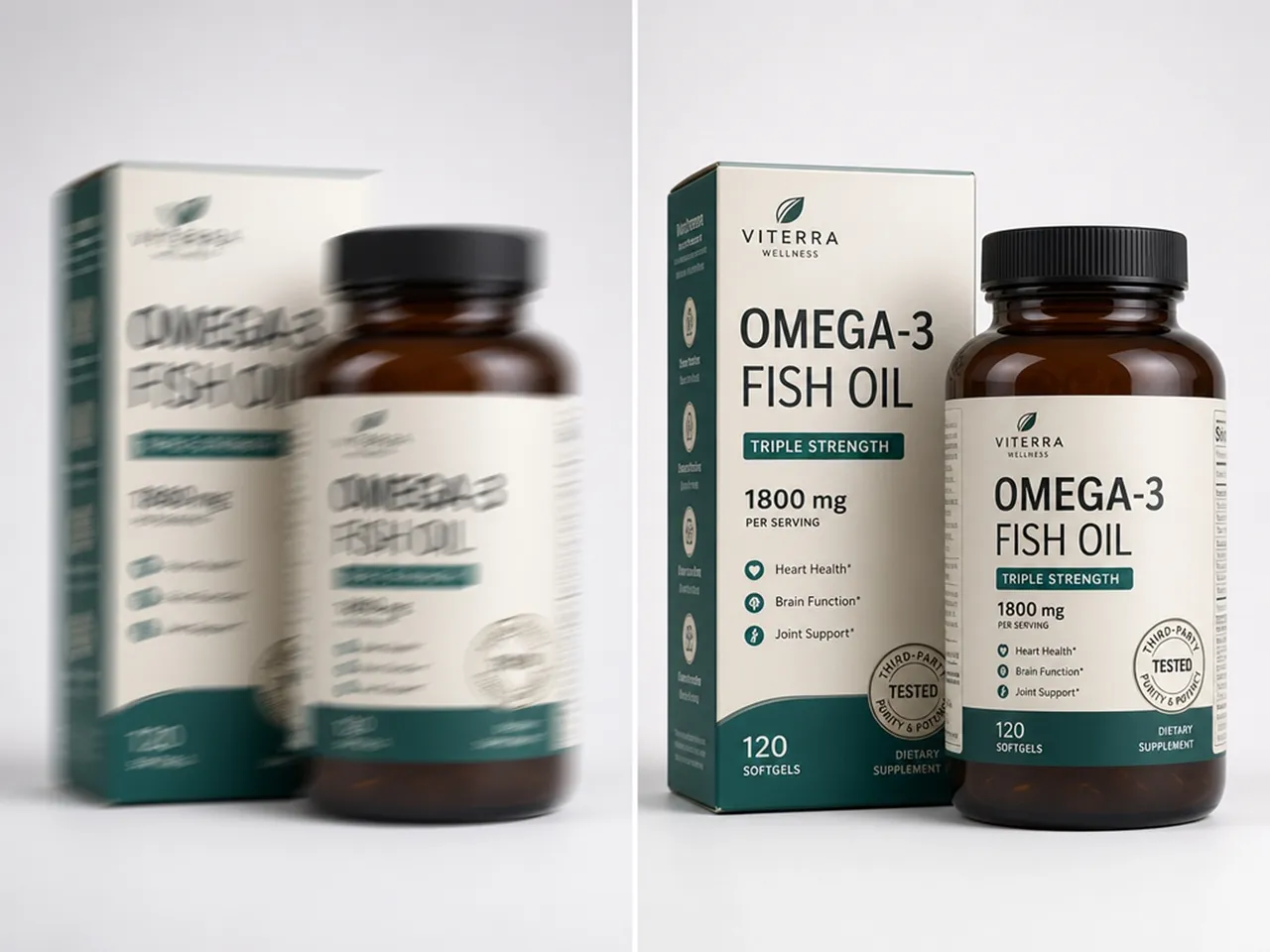
Rescue Soft Product Shots for Amazon and Shopify Listings
Fix motion blur or focus misses on packshots so listings stay sharp without scheduling a brand new product photoshoot.
Why Choose Designkit's Image Blur Remover

Fixes Real Blur, Not Just Contrast
Targets motion blur, missed focus, and low-resolution softness instead of only boosting contrast like a sharpen filter.

Start with Free Credits
Get free signup credits to test the tool on a real blurry photo before deciding whether a paid plan is worth it.

Works Across Different Image Types
Use the same workflow on portraits, product shots, scanned documents, screenshots, and old family photos.

No Editing Skills Needed
Upload a file, let AI process it, and download a clearer image without layers, masks, or manual sharpening.
Fix Photos That Are Unusable
Rescue shots you would otherwise delete, including listing photos, profile pictures, and archived scans.

Avoid Expensive Reshoots
Save studio time, reshoot costs, and deadline delays when one blurry image still needs to work for its purpose.
Unlock More Creative Possibilities

Bulk Image Enhancer
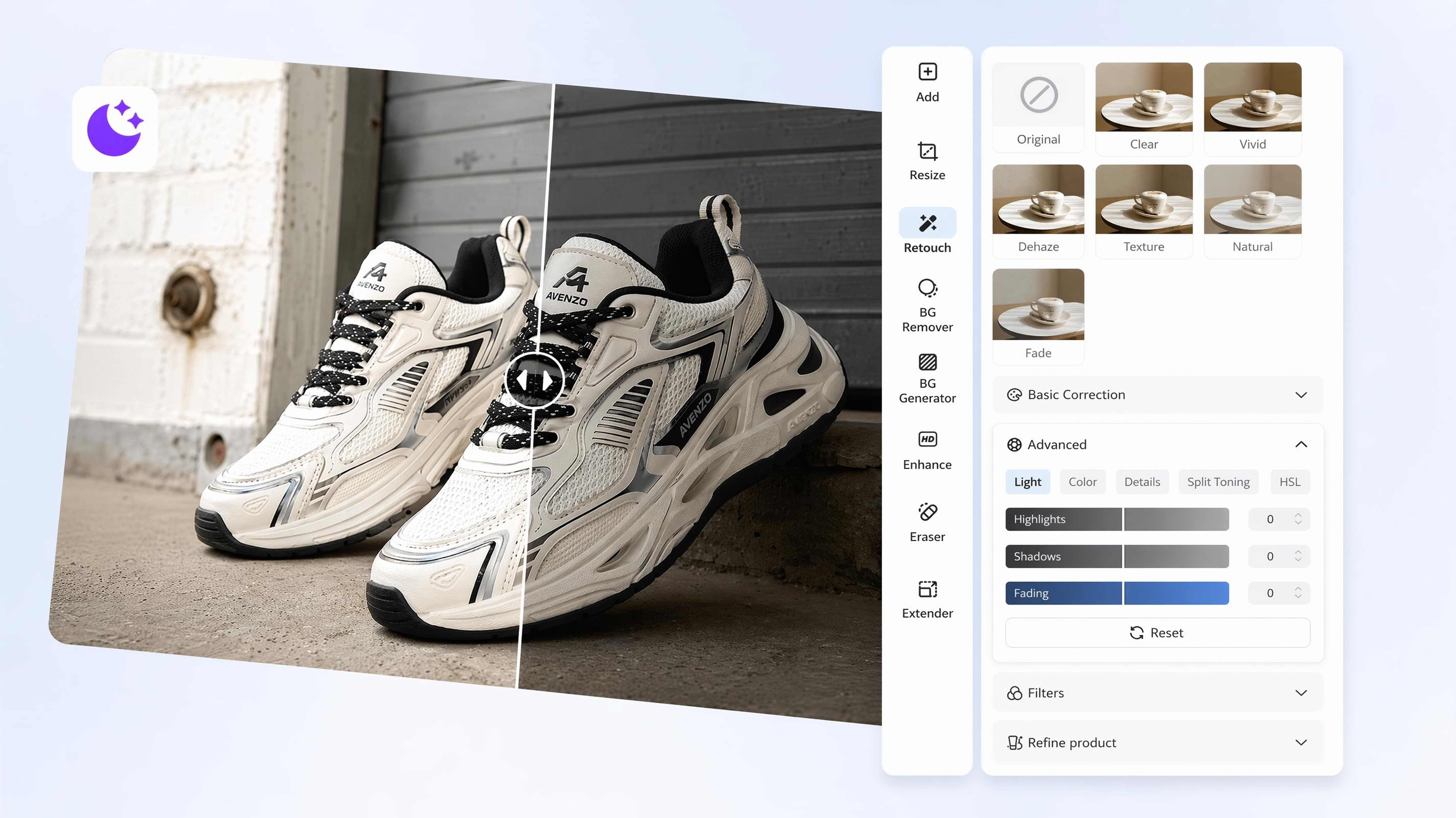
AI Image Brightener
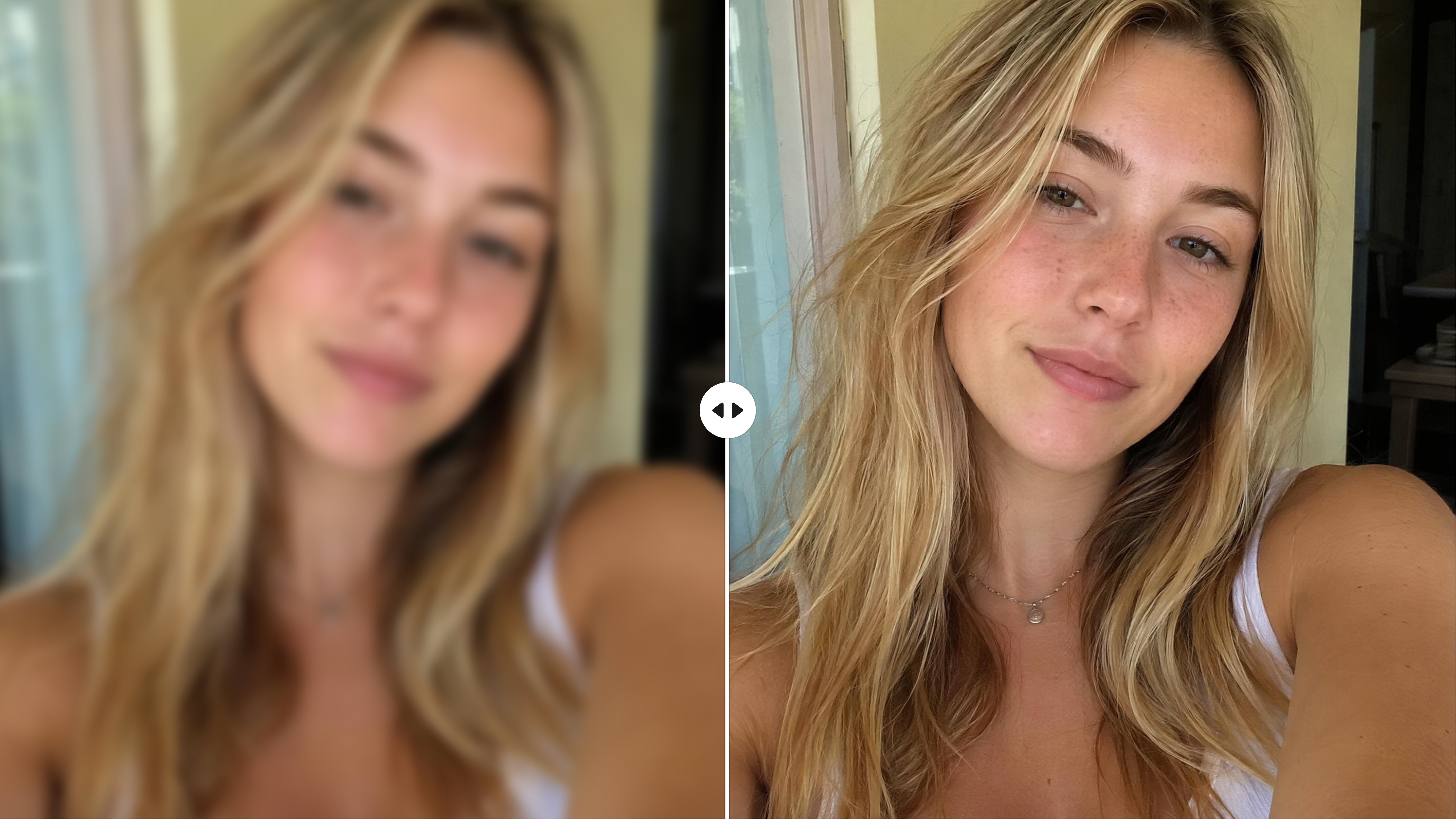
AI Face Enhancer
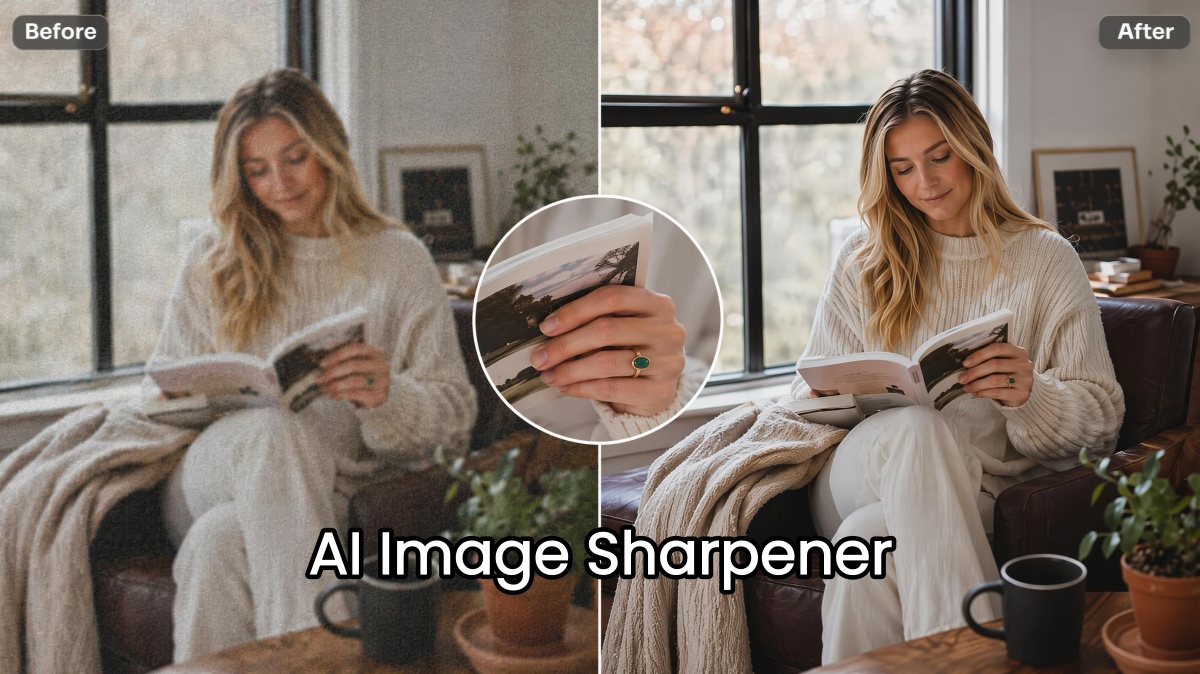
AI Image Sharpener
Frequently Asked Questions
How do I unblur pictures online free?
Can AI unblur motion blur and missed-focus photos?
Yes. Upload your photo to Designkit, and the AI analyzes motion blur, soft focus, and other types of image softness to improve clarity automatically. The amount of improvement depends on how severe the blur is.
Will an AI unblur tool make my photo look fake?
Not necessarily. Designkit enhances blurry images while aiming to preserve a natural appearance instead of oversharpening edges. You can preview the result before downloading to make sure it looks right.
What causes a photo to need unblurring?
Photos can become blurry because of camera shake, missed focus, low light, compression, or low-resolution originals. Upload the image to Designkit, and the AI automatically analyzes the blur before applying the appropriate enhancements.
Can I unblur multiple images at once?
Yes. Upload up to 20 images to Designkit in a single batch, run the AI unblur tool once, then review and download the enhanced results without processing each file individually.
What's the difference between sharpening and unblurring?
Sharpening increases edge contrast in an image that's already fairly clear, while AI unblurring restores lost detail caused by blur or low resolution. Simply upload your photo to DesignKit, and the AI applies unblurring instead of basic sharpening when needed.
What types of blur can Designkit fix?
Designkit works best with motion blur, soft focus, compression blur, and low-resolution softness. Upload your photo, and the AI automatically detects the type of blur before enhancing portraits, product photos, documents, and scanned images.
Can I use this as a blur remover for product photos?
Yes. Upload your product photos to Designkit, and the AI improves soft or blurry images before you download them for use in online stores, product catalogs, or marketplace listings. Keep in mind that results depend on the quality of the original image.
Fix a Blurry Photo Before Your Next Deadline
Upload a blurry image and restore lost details without retaking the photo or learning complicated editing tools yourself.

What Users Say About Designkit's Unblur Tool
Real feedback from people who fixed blurry photos with AI.
Avoid a Reshoot Before a Same-Day Listing
I almost had to reshoot a product photo before a listing deadline that same afternoon. I uploaded it, ran the unblur tool, and had a sharp enough image to list the same day instead of losing a week rebooking a shoot.
Finally Got a Print-Worthy Family Photo
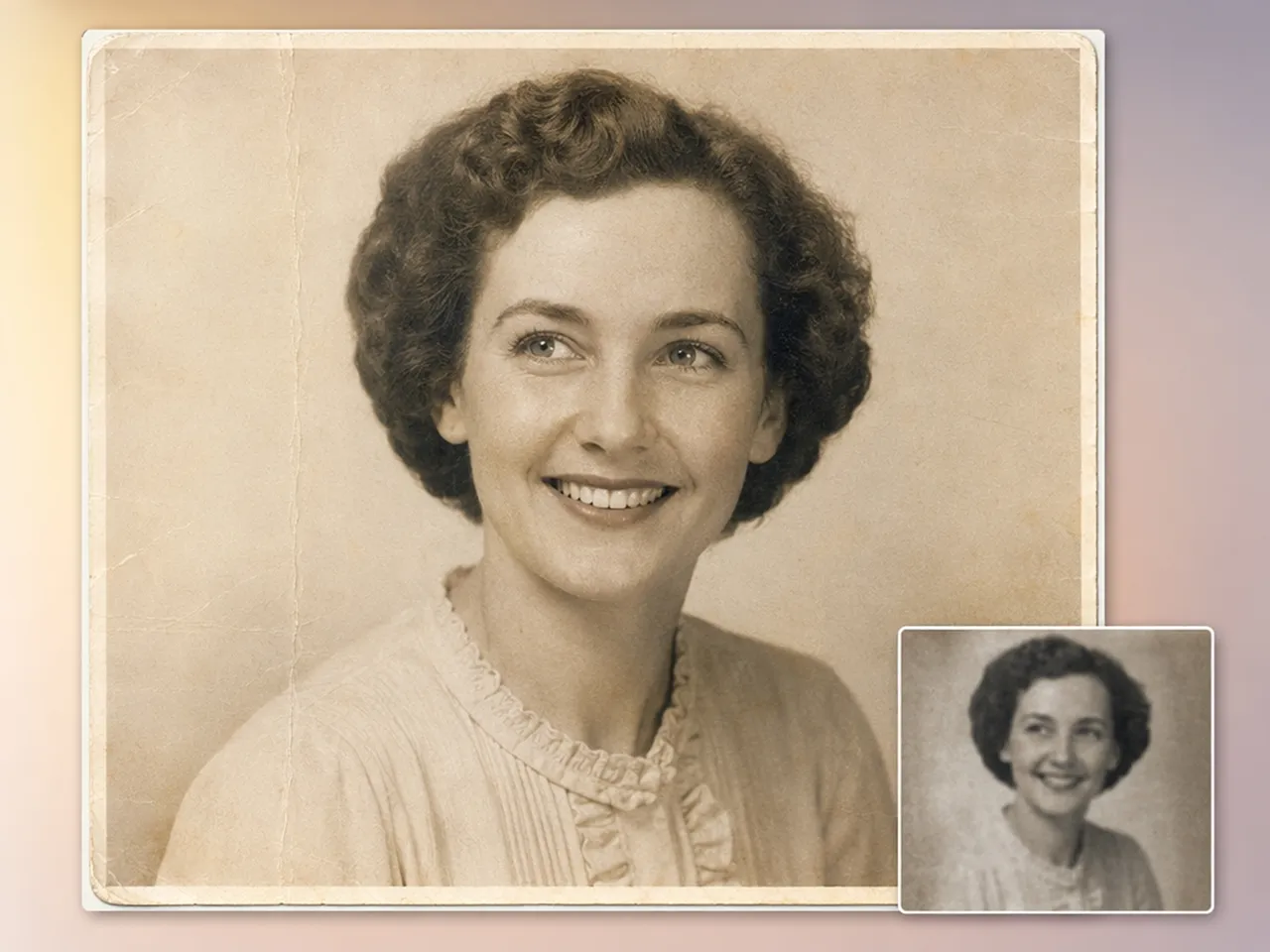
An old scanned photo of my grandparents was too blurry to enlarge for printing at any real size. After running it through Designkit, I got enough detail back to frame an 8x10 print instead of leaving it in a drawer for good.
Saved a Profile Picture My Camera Ruined
My camera focused on the background instead of my face for an important headshot I needed that week. The unblur tool fixed it well enough that I used it as my LinkedIn photo instead of rescheduling a whole shoot.
Cleared Up 40 Screenshots for a Client Report
I had 40 blurry screenshots to include in a client report with an end-of-day deadline looming. Batch processing fixed all of them in one upload instead of me retaking or re-editing each screenshot by hand.
Recovered Text I Thought Was Unreadable
A scanned receipt I needed for a tax filing was too blurry to read clearly at all. Running it through the unblur tool made the text legible again, so I didn't have to track down a replacement copy from the vendor.
Fewer Rejected Listings Since Switching
Etsy kept flagging a few of my listing photos for being unclear before they'd even go live. After unblurring them before uploading, I stopped getting quality flags on new listings altogether. FAQs