
Combine Multiple Photos into One Clean Layout
Combine multiple images into a visually balanced composition. Create collages, side-by-side comparisons, and split-screen layouts for social, listings, and thumbnails.
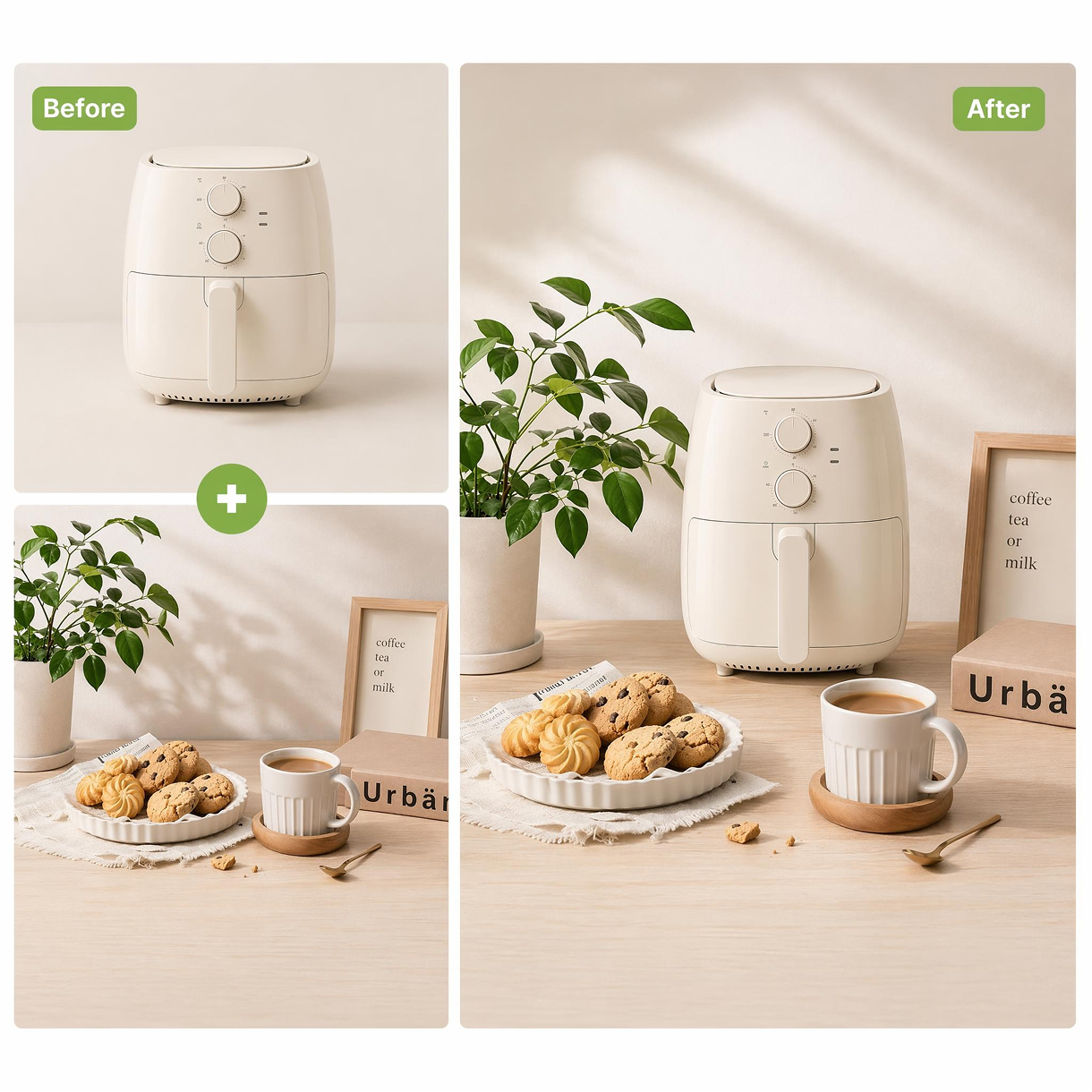
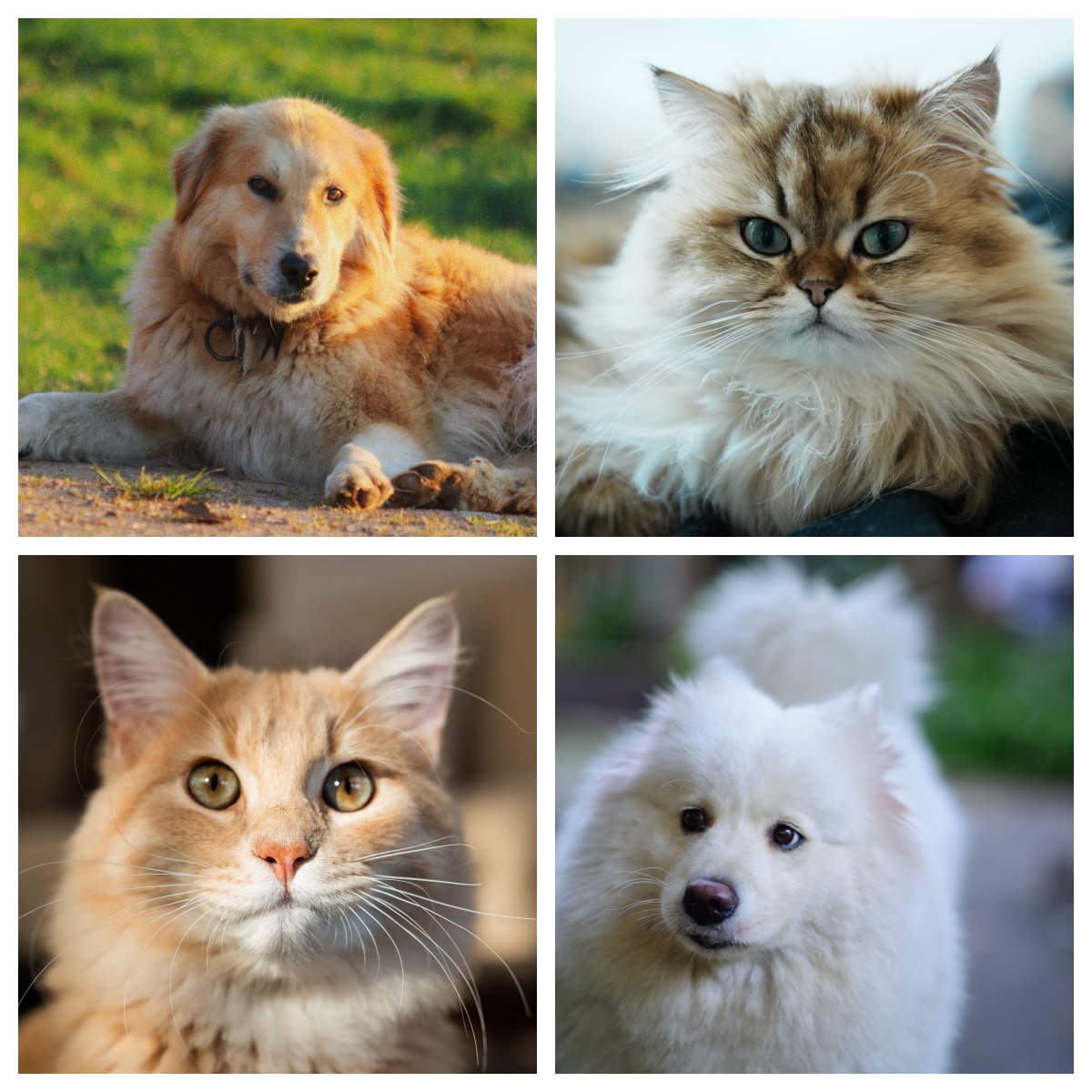
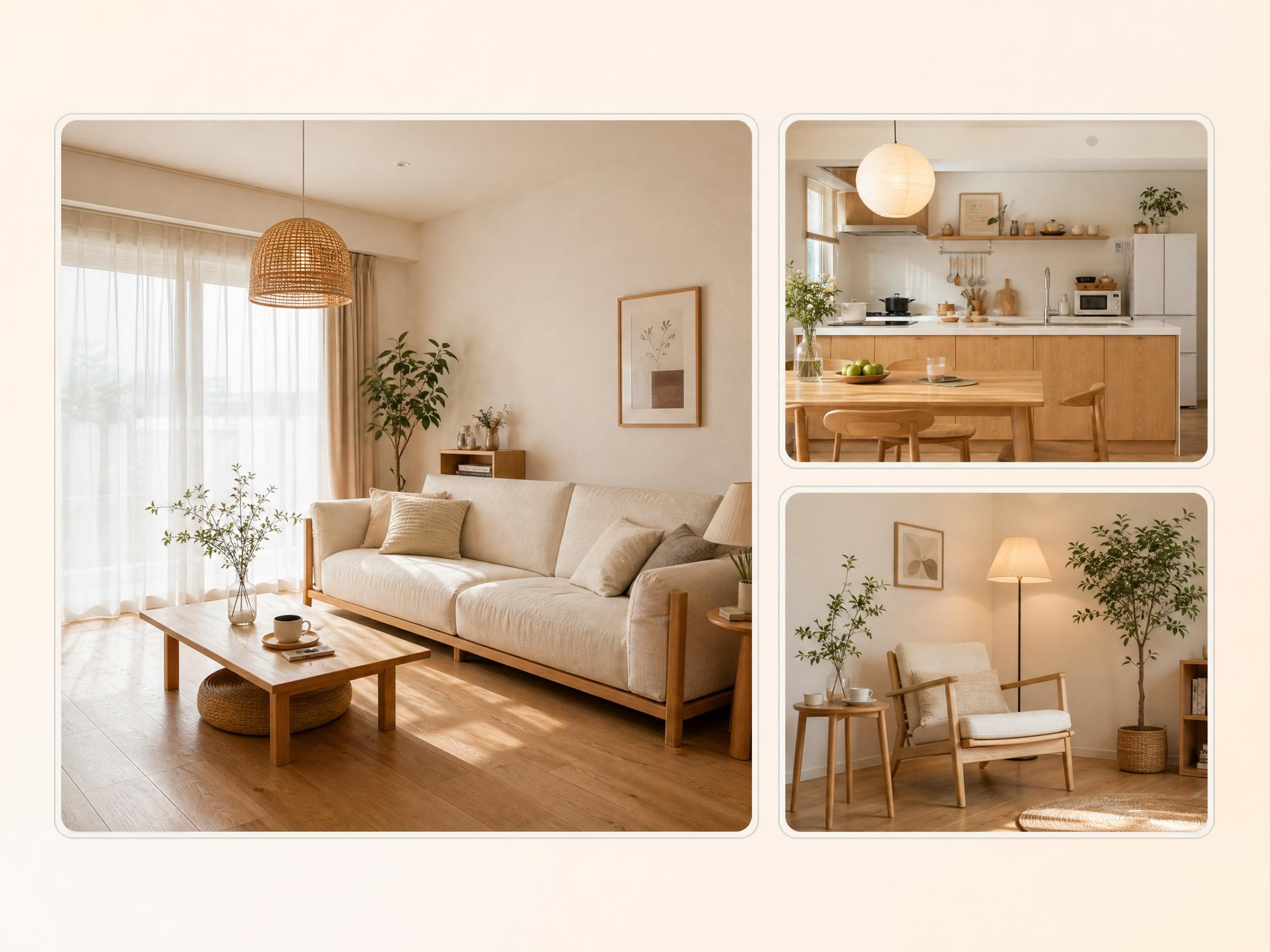
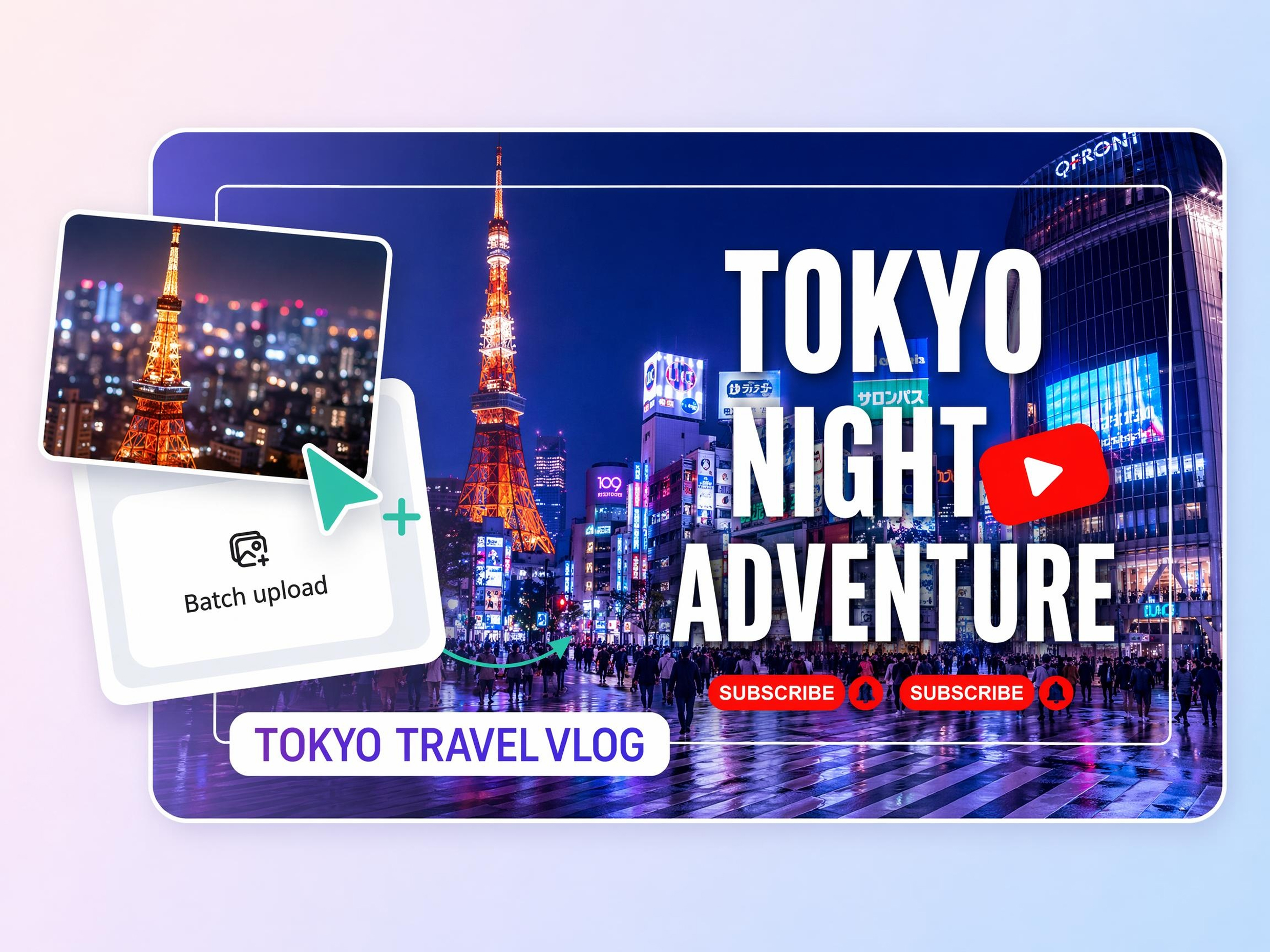
No picture on hand? Try with one of these
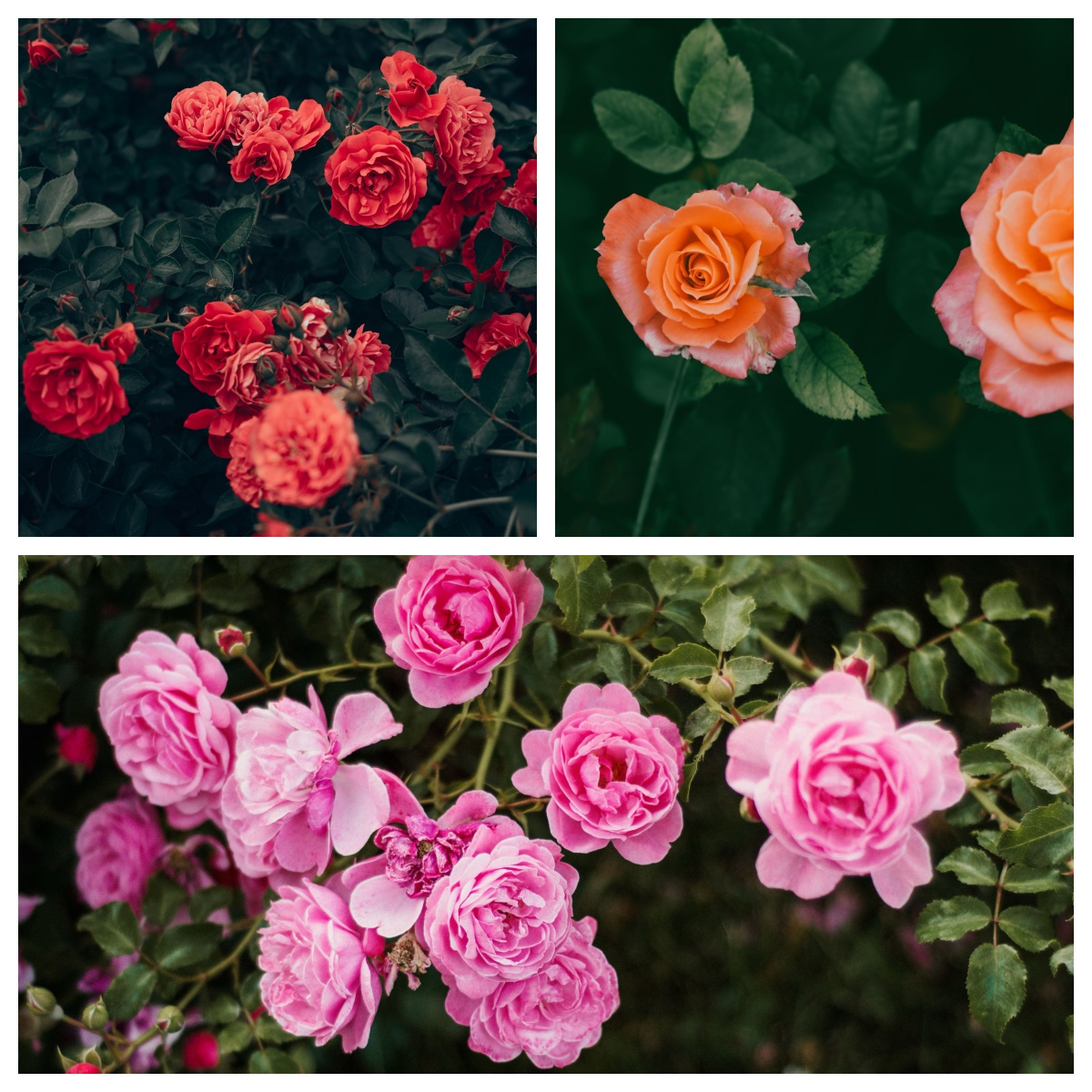
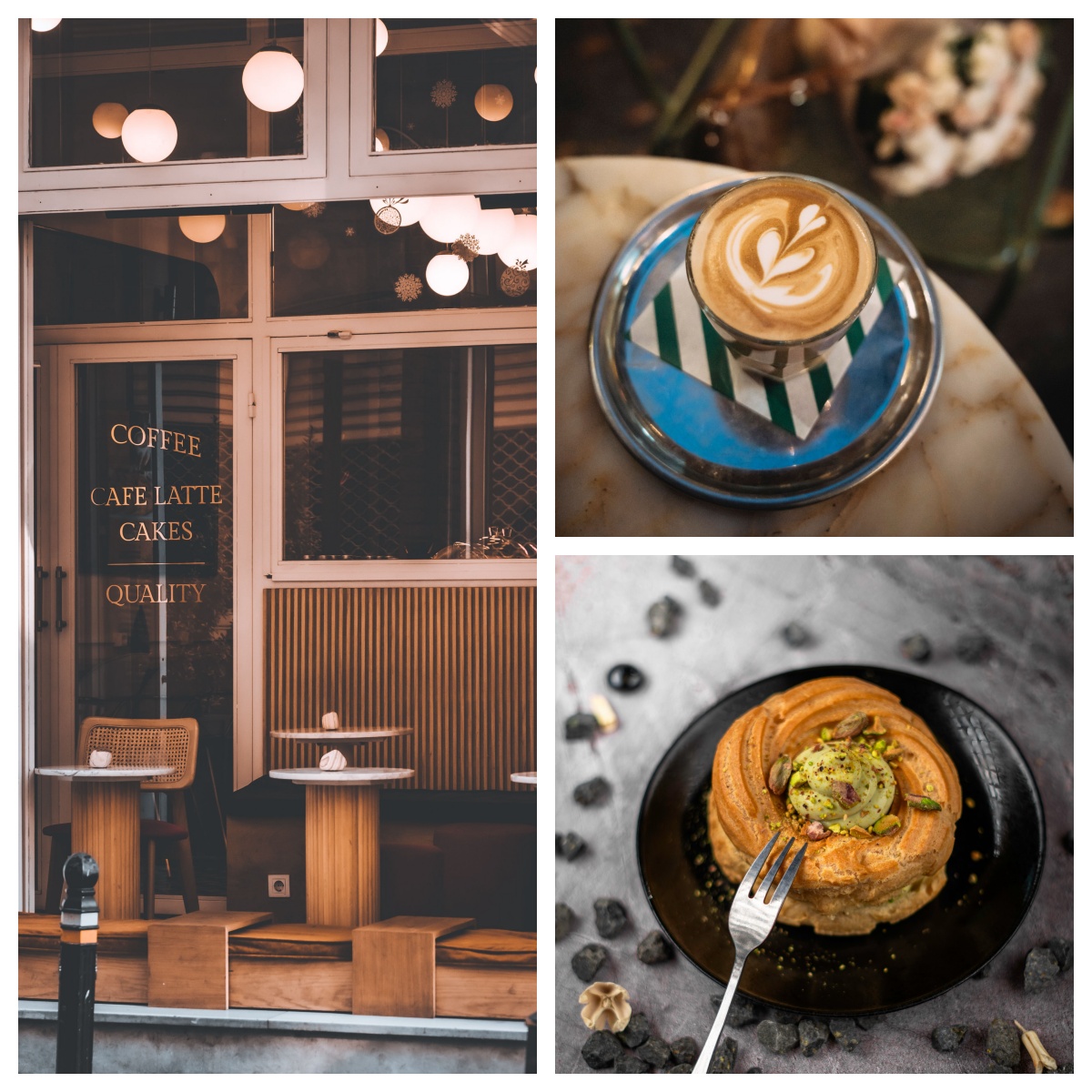
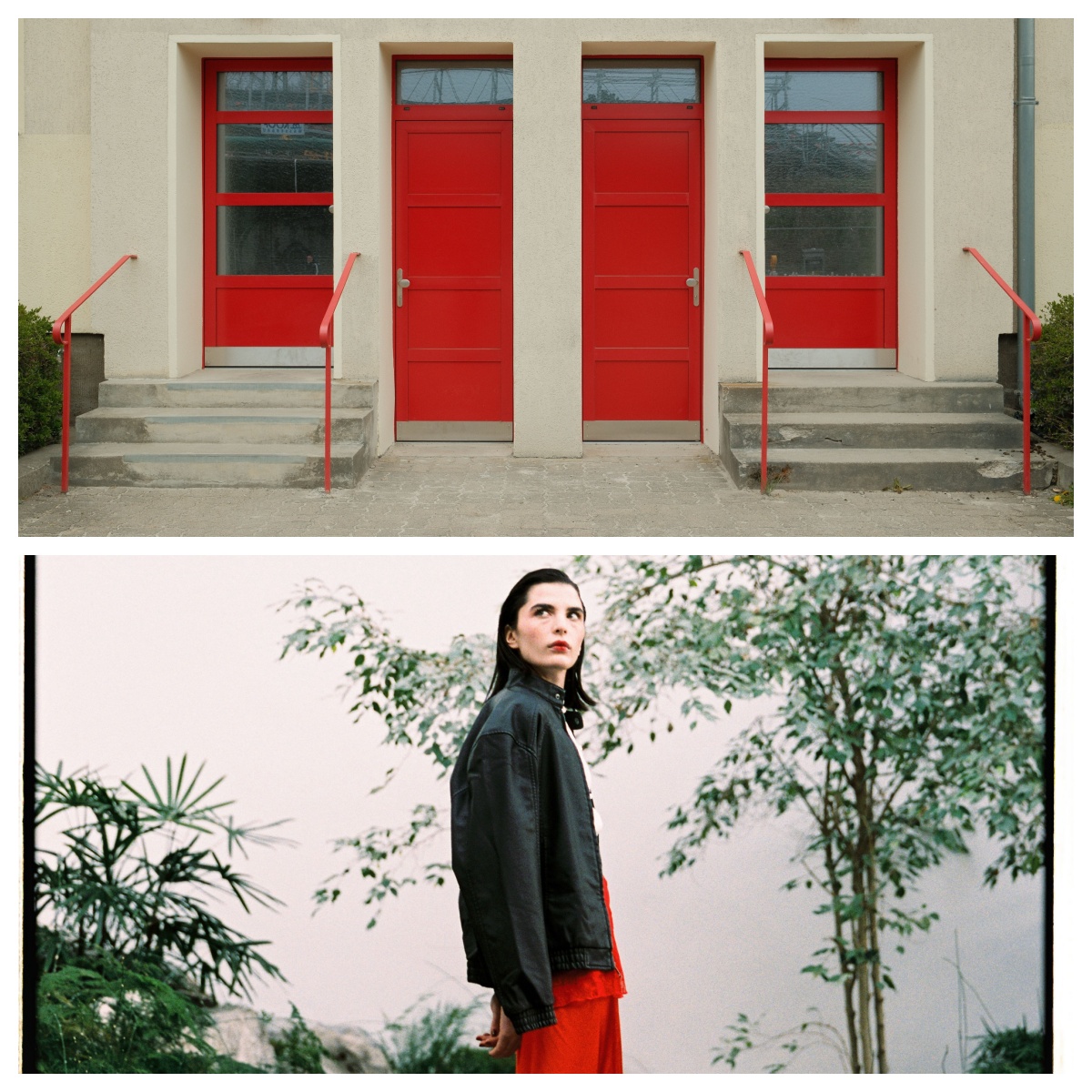
How to Combine Photos in 3 Steps
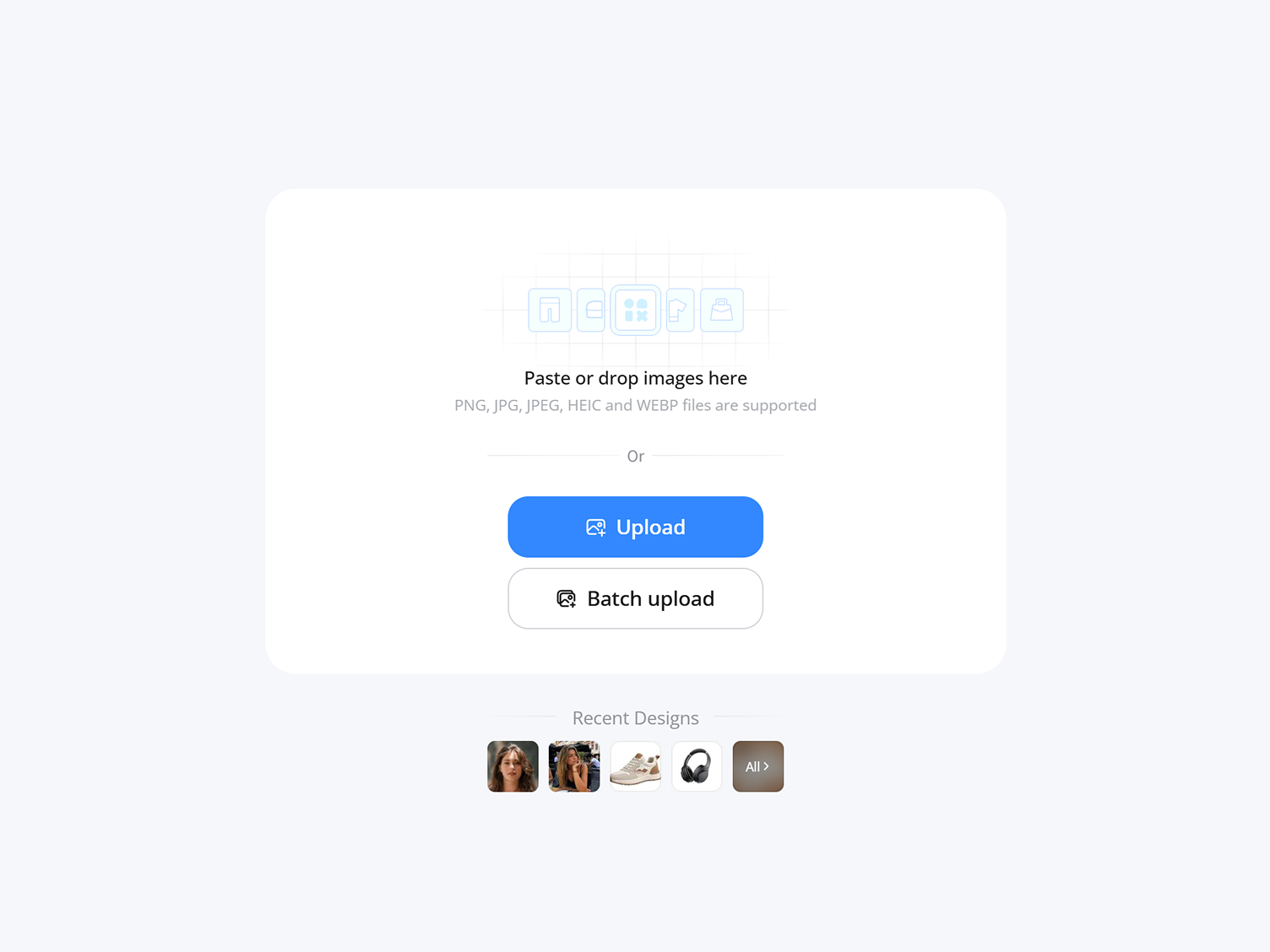
Upload Your Images
Open Designkit and add the photos you want in one image. Combine two or several at once.
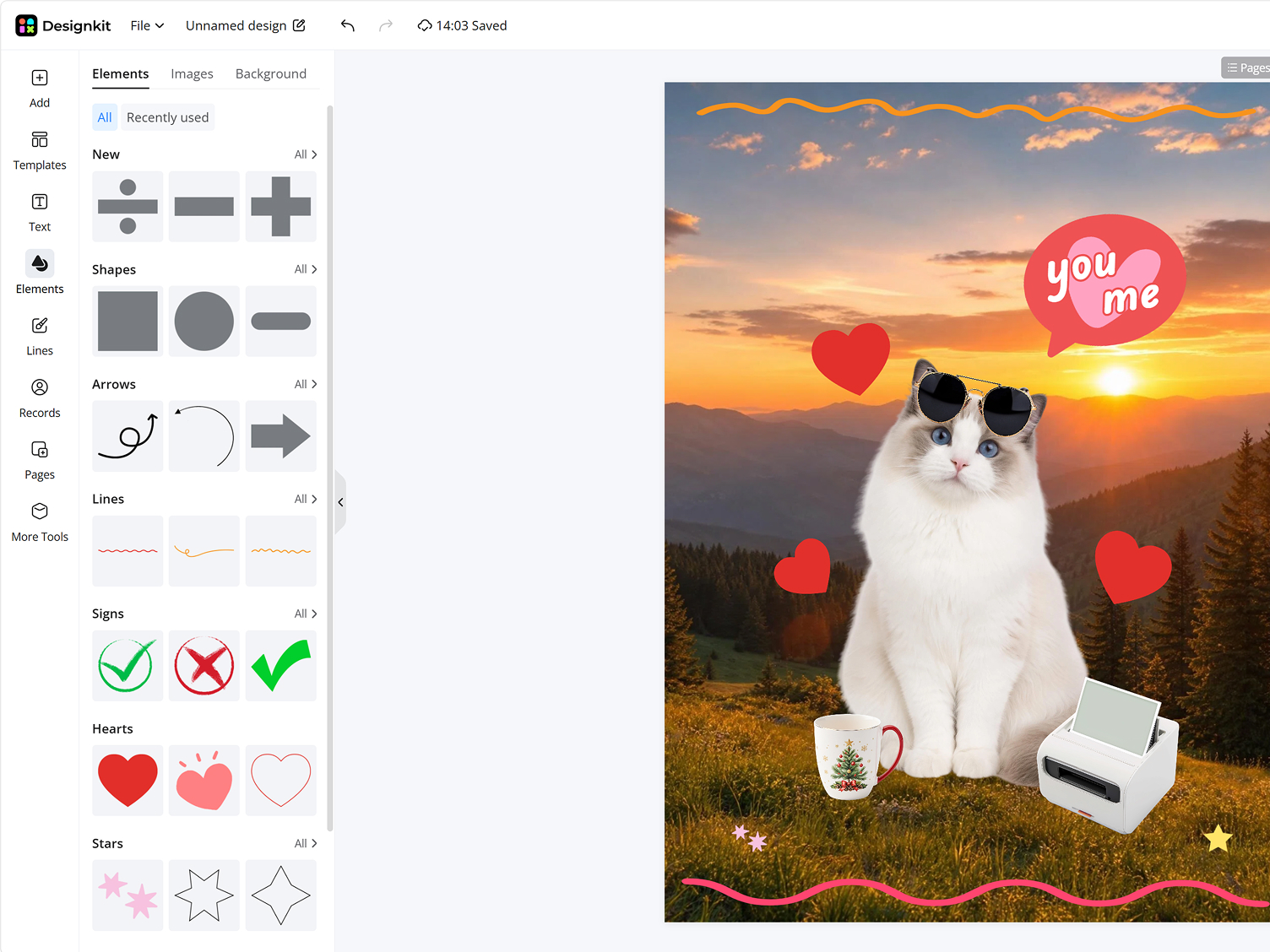
Pick a Layout and Auto-Align
Choose a grid or collage layout, and Designkit spaces and aligns the photos for you. Adjust the order, borders, and gaps until it looks right.
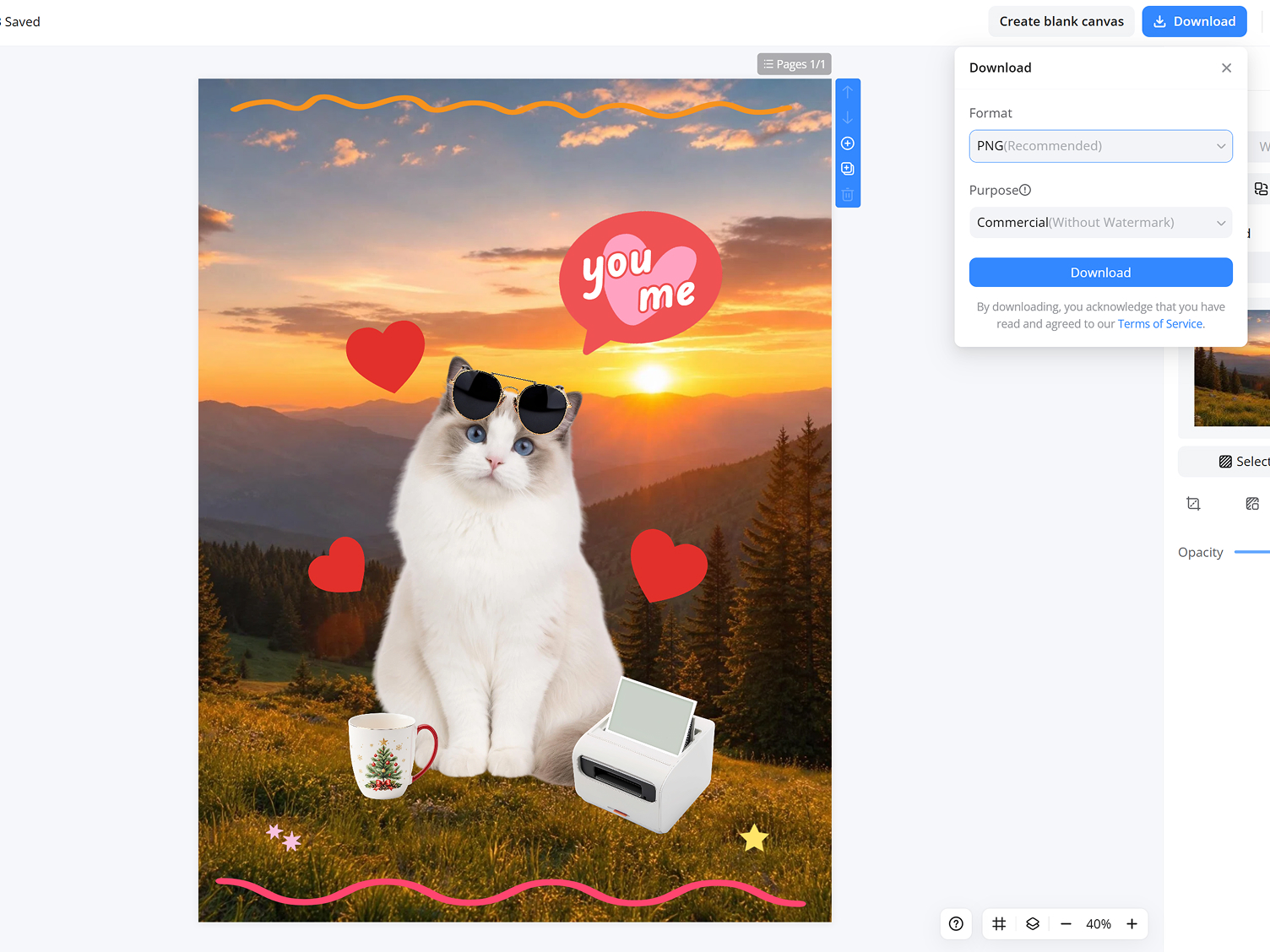
Export in Full Quality
Preview the layout, then download the combined image at full resolution, ready to post or print.
Blend Photos Easily with AI Image Combiner
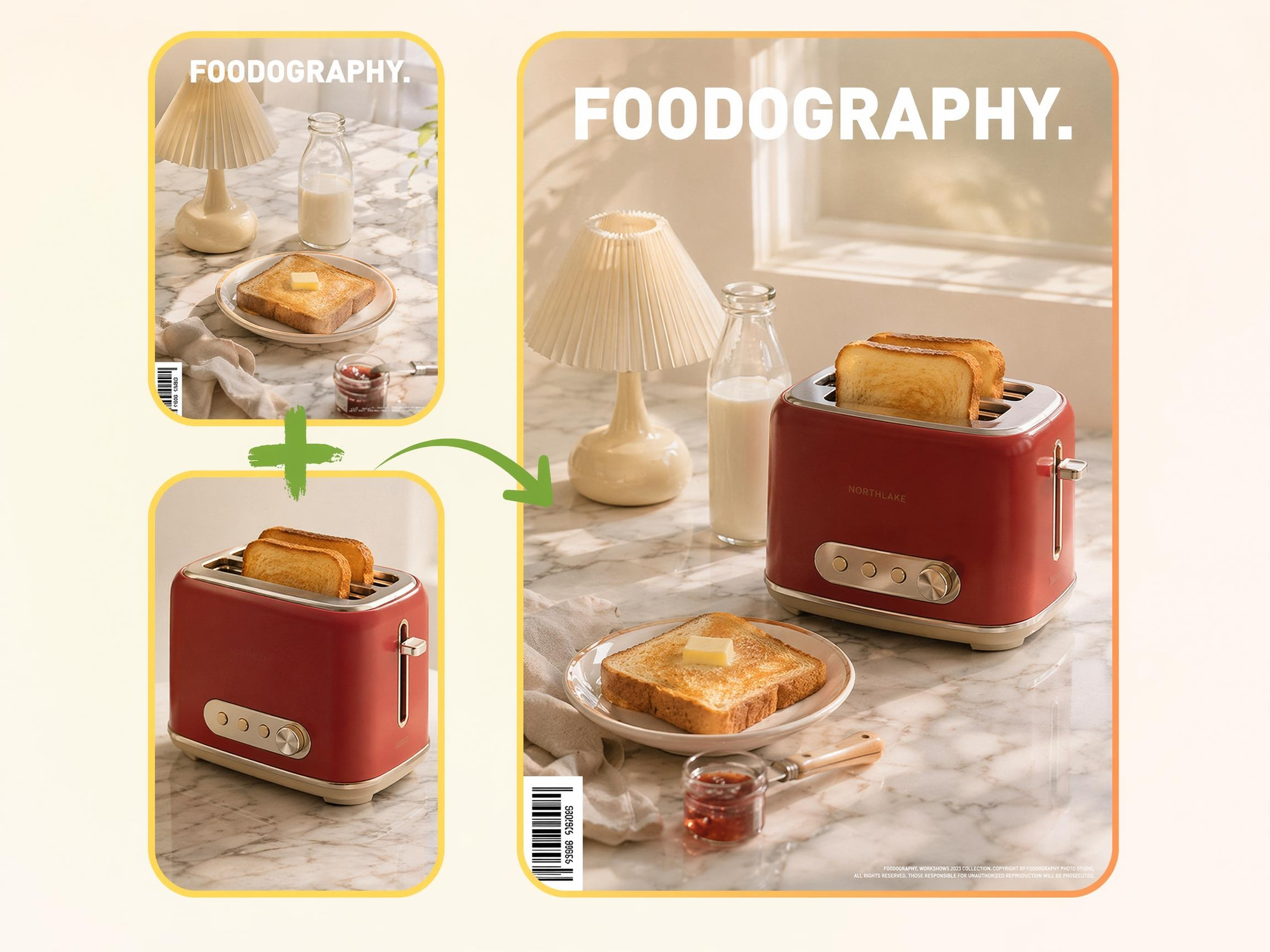
Auto-Align Photos into a Clean Layout
Uploading multiple photos often leads to uneven spacing and misaligned layouts. Designkit automatically positions and balances images within the frame, helping you create organized collages and presentations without manually moving every element.
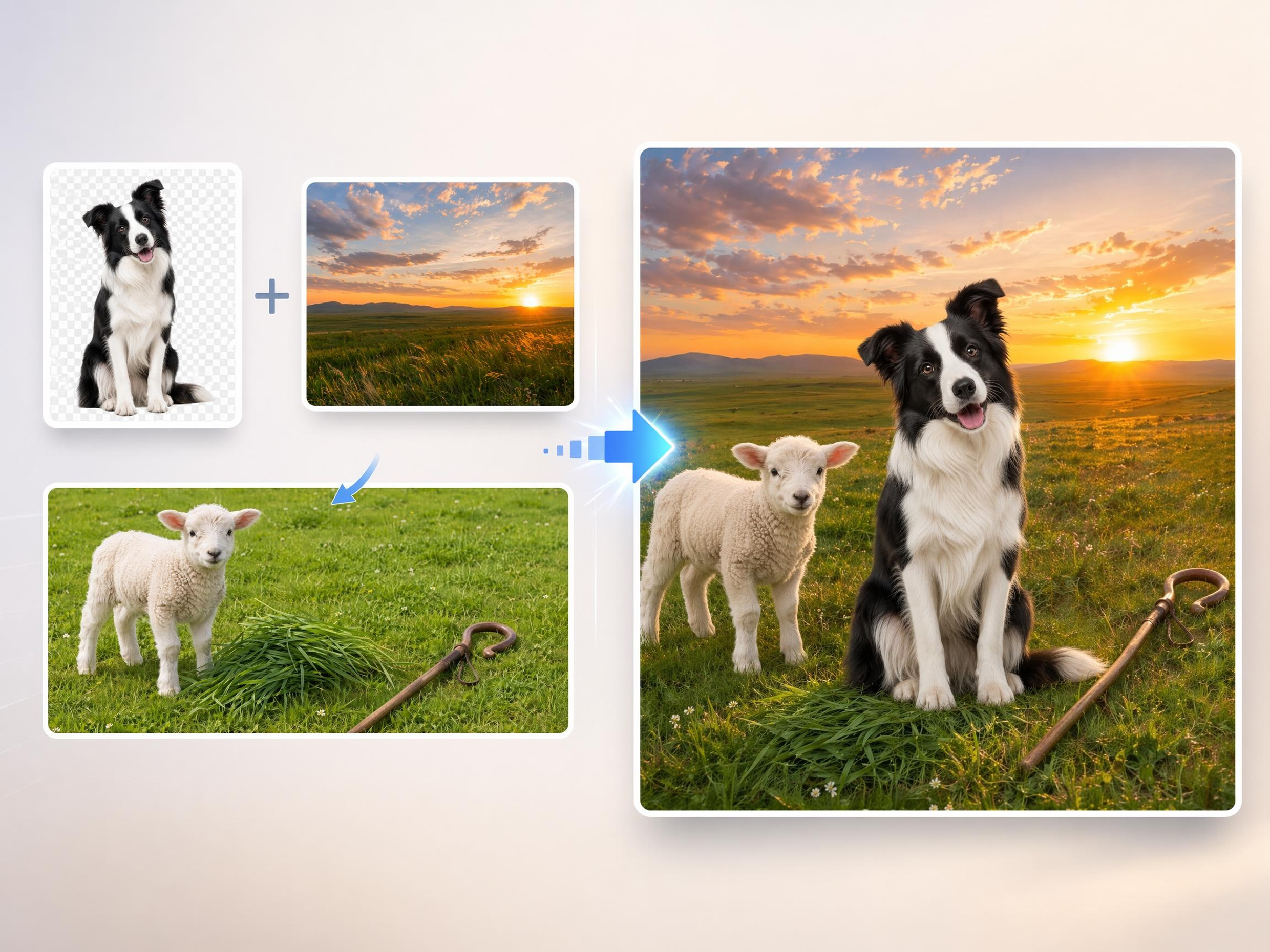
Merge Multiple Photos Into One Image
Need to share several photos in a single post, report, or design? Combine two images or an entire collection into one cohesive layout, making it easier to present events, products, portfolios, or visual stories in a single frame.
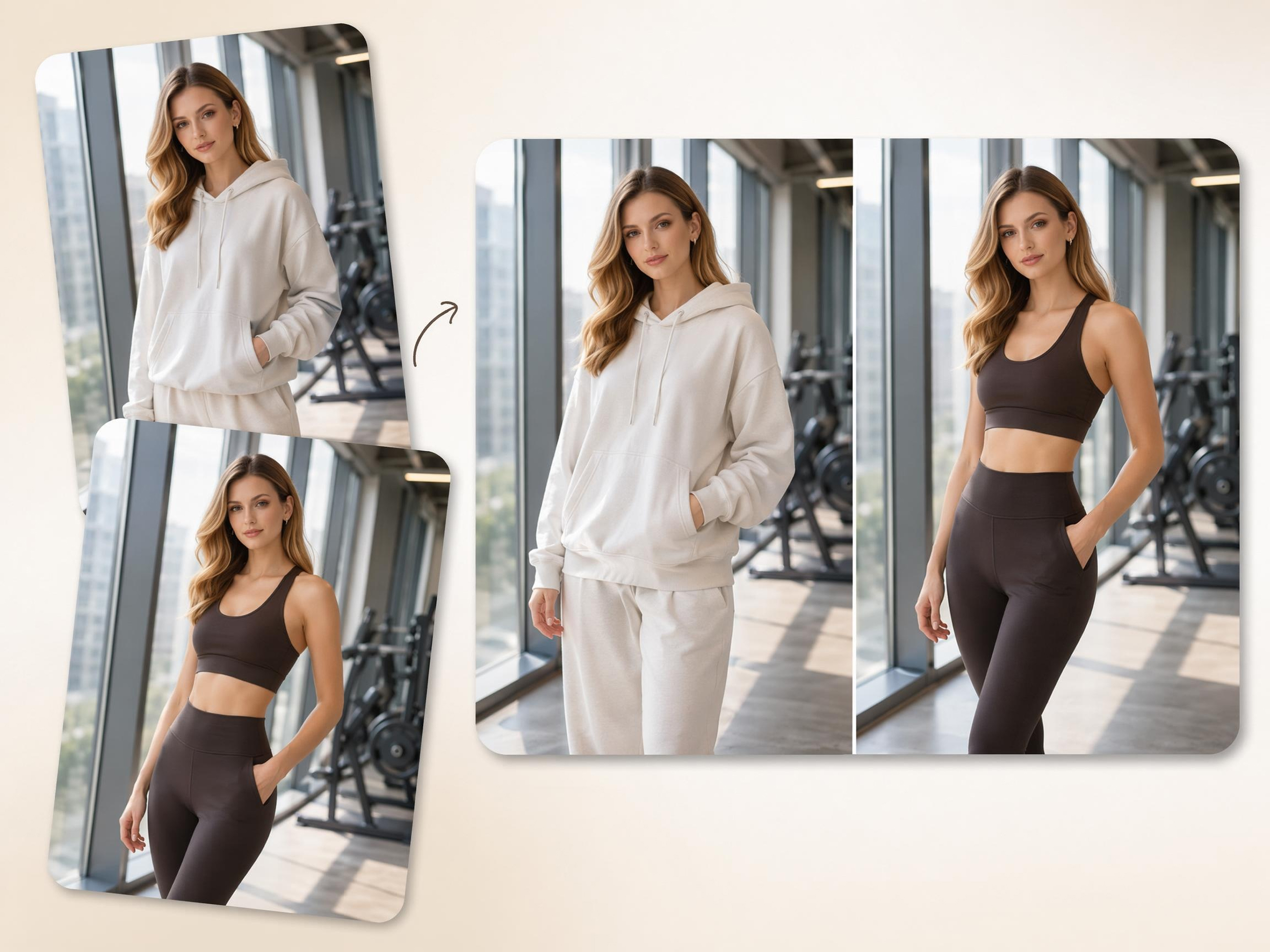
Build Side-by-Side and Before-After Comparisons
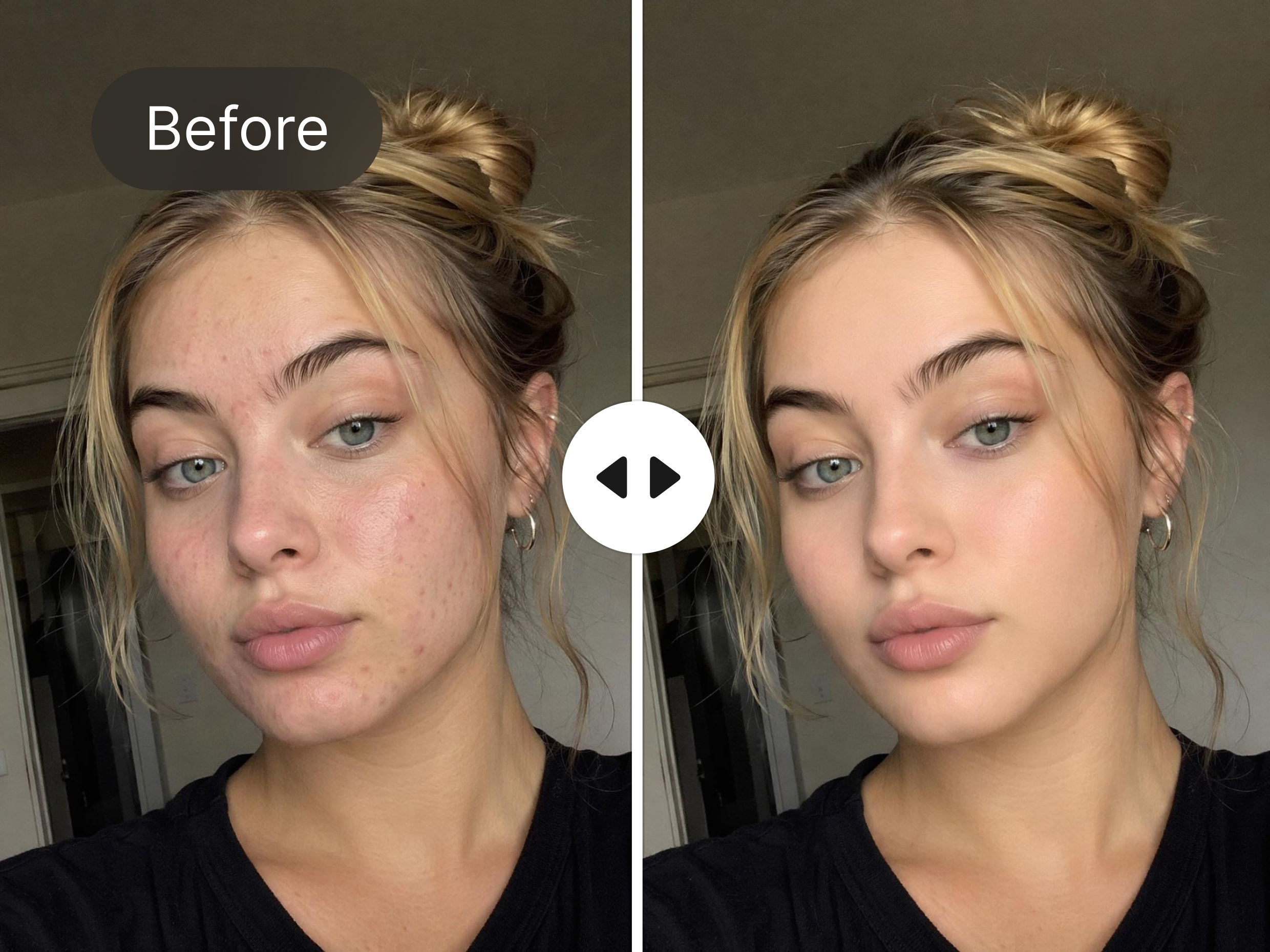
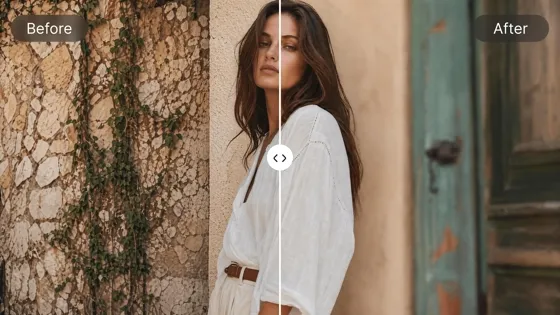
Before-and-after comparisons are difficult when viewers switch between separate images. Place photos next to each other in a clean layout that clearly highlights edits, transformations, product improvements, renovations, or progress over time.
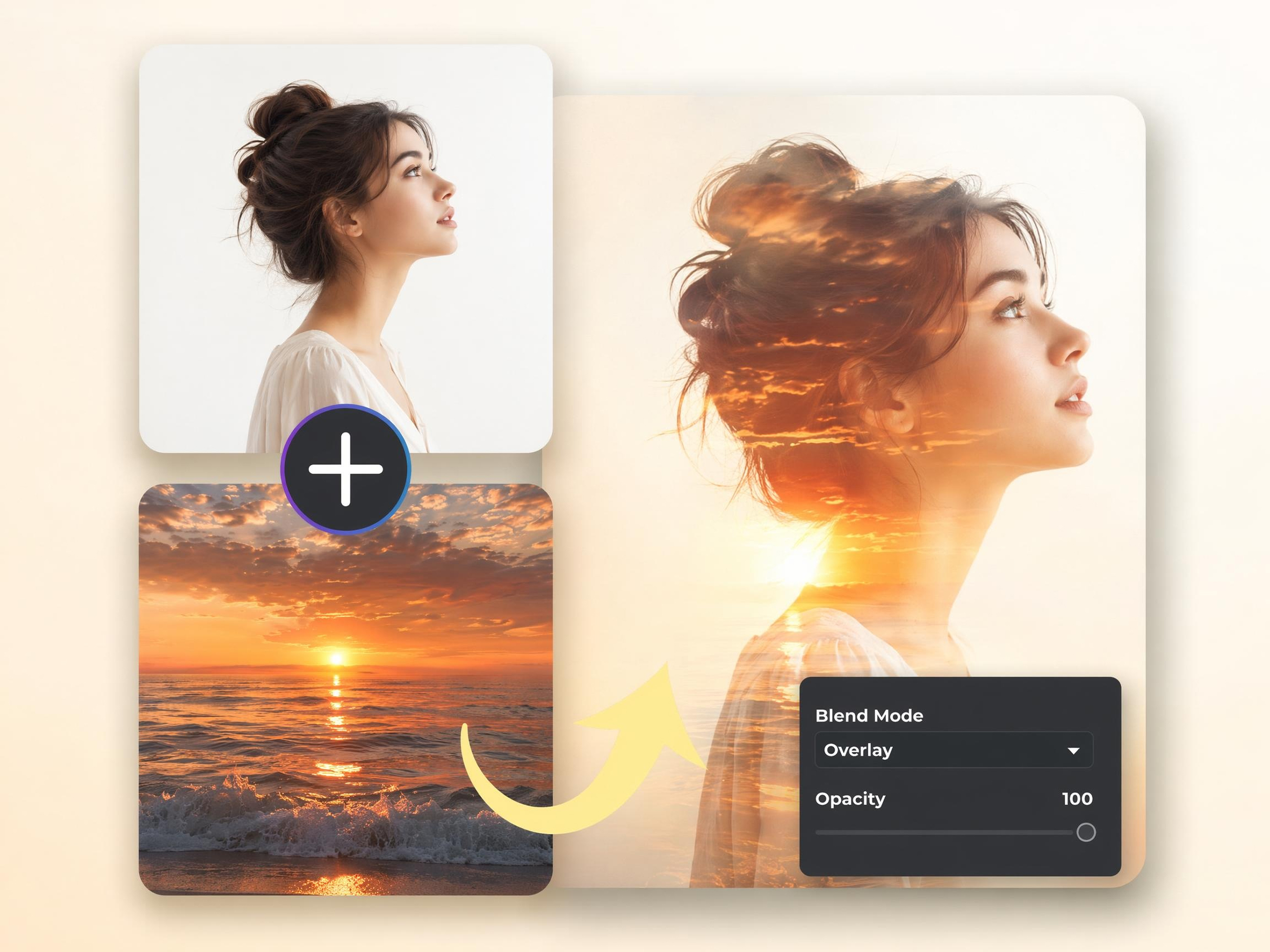
Overlay Photos for Layered Compositions
Many social posts, mood boards, and promotional graphics require overlapping visuals. Stack photos on top of each other, adjust placement, and create layered compositions without needing advanced design or photo editing skills.
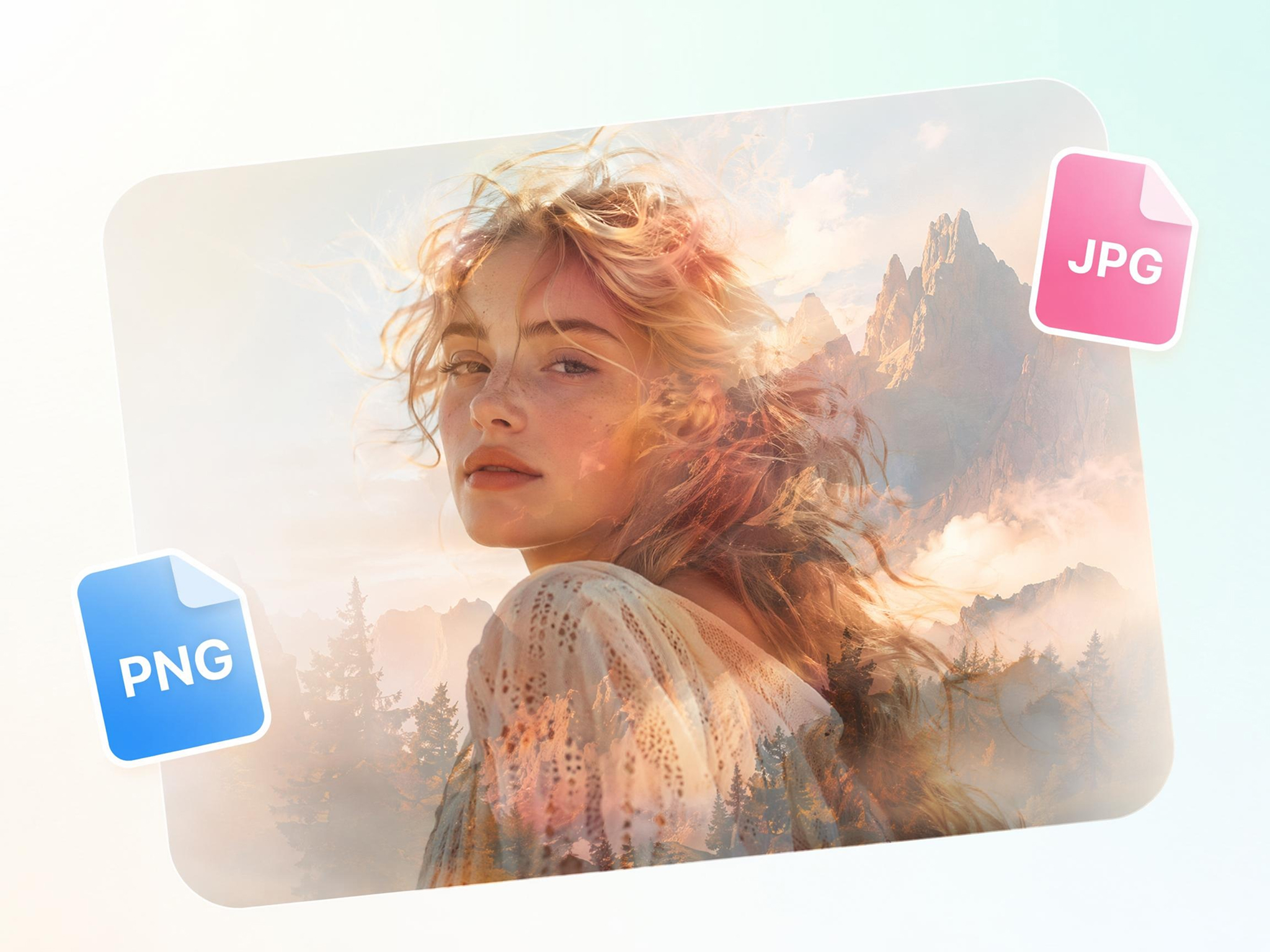
Keep Full Resolution in the Combined Image
Low-quality exports can make photos appear blurry or compressed. Keep image clarity and fine details intact when combining multiple photos, making the final result suitable for sharing, presentations, printing, and marketing materials.
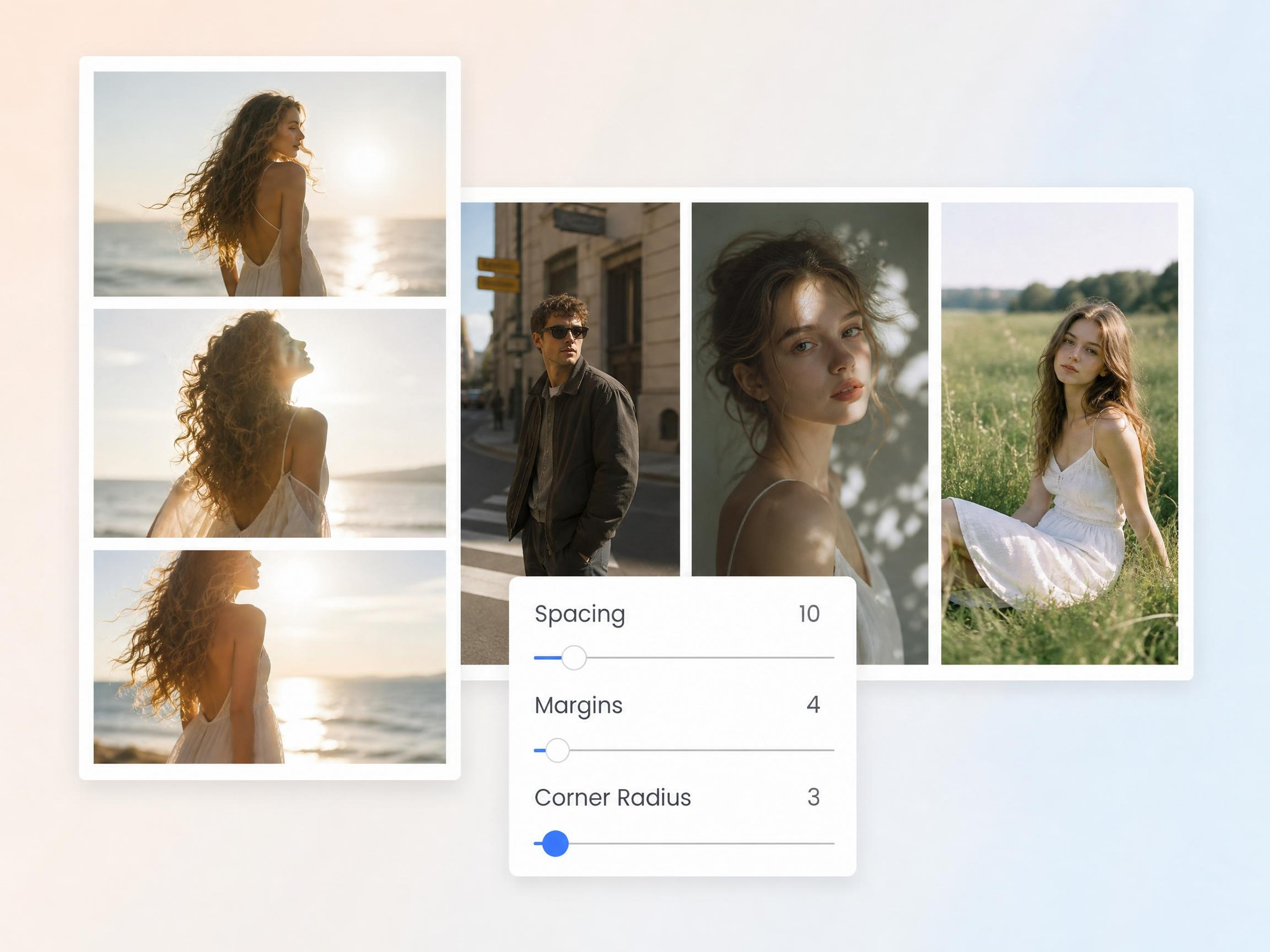
Control Borders, Spacing, and Order
Different projects require different spacing and arrangements. Modify borders, gaps, image order, and overall composition to create layouts that fit social media posts, marketing materials, educational content, or personal photo collections.
Built for Creators, Marketers, and Visual Storytellers
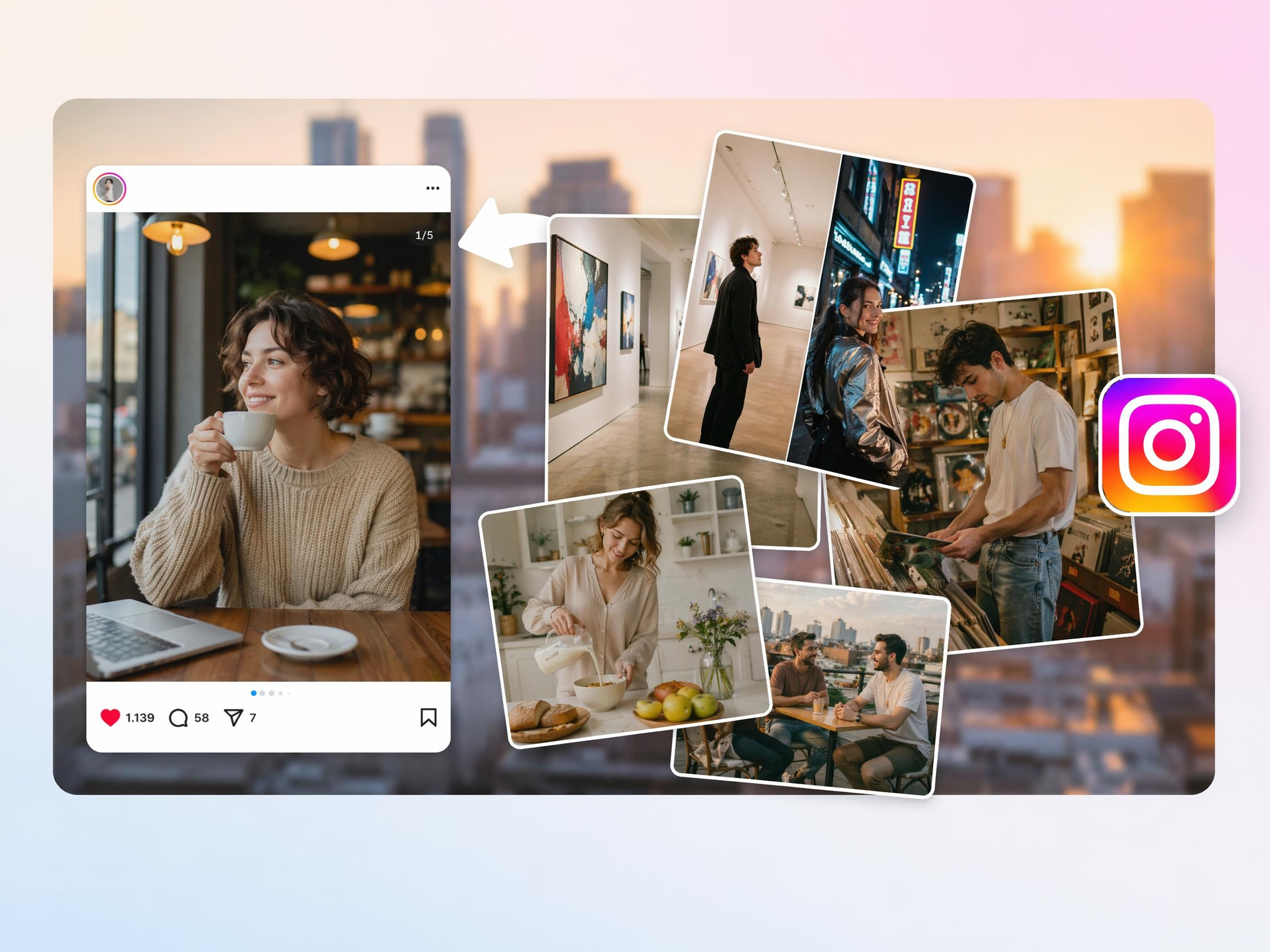
Merging Images for Engaging Instagram Carousels
Social media posts often compete for attention in crowded feeds. Combine multiple images into seamless carousel visuals that tell a story across slides, encourage more swipes, and help audiences engage with content longer.
Why Choose Designkit to Combine Images
Auto-Aligns and Spaces Photos for You
Turn scattered photos into organized layouts without manually adjusting every image position.
Combines Two or Dozens of Images at Once
Handle single comparisons or large photo collections without creating multiple separate files.

Keeps Full Resolution in the Output
Share, print, or publish combined images without losing important details and clarity.
Grid and Collage Layouts for Every Platform
Reuse the same photo set across different channels without rebuilding layouts from scratch.
Fast Browser-Based Editing Without Installation
Create and update image combinations from any device without managing editing software.

Resize to Any Social or Print Size in One Click
Generate multiple output sizes from one design instead of recreating layouts repeatedly.
Unlock More Creative Possibilities
AI Photo Editor
Blur Photo Online
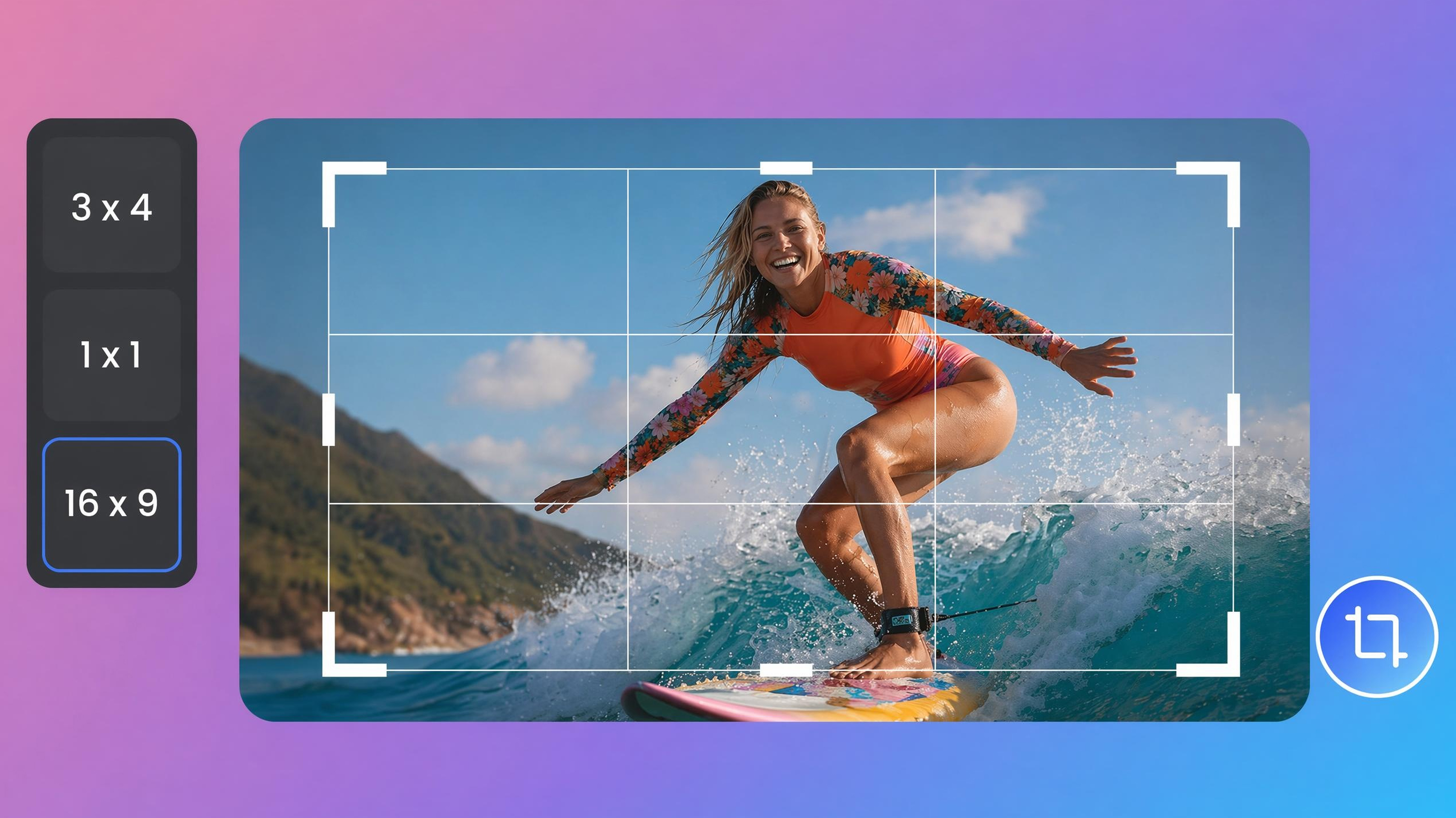
Image Cropper Online
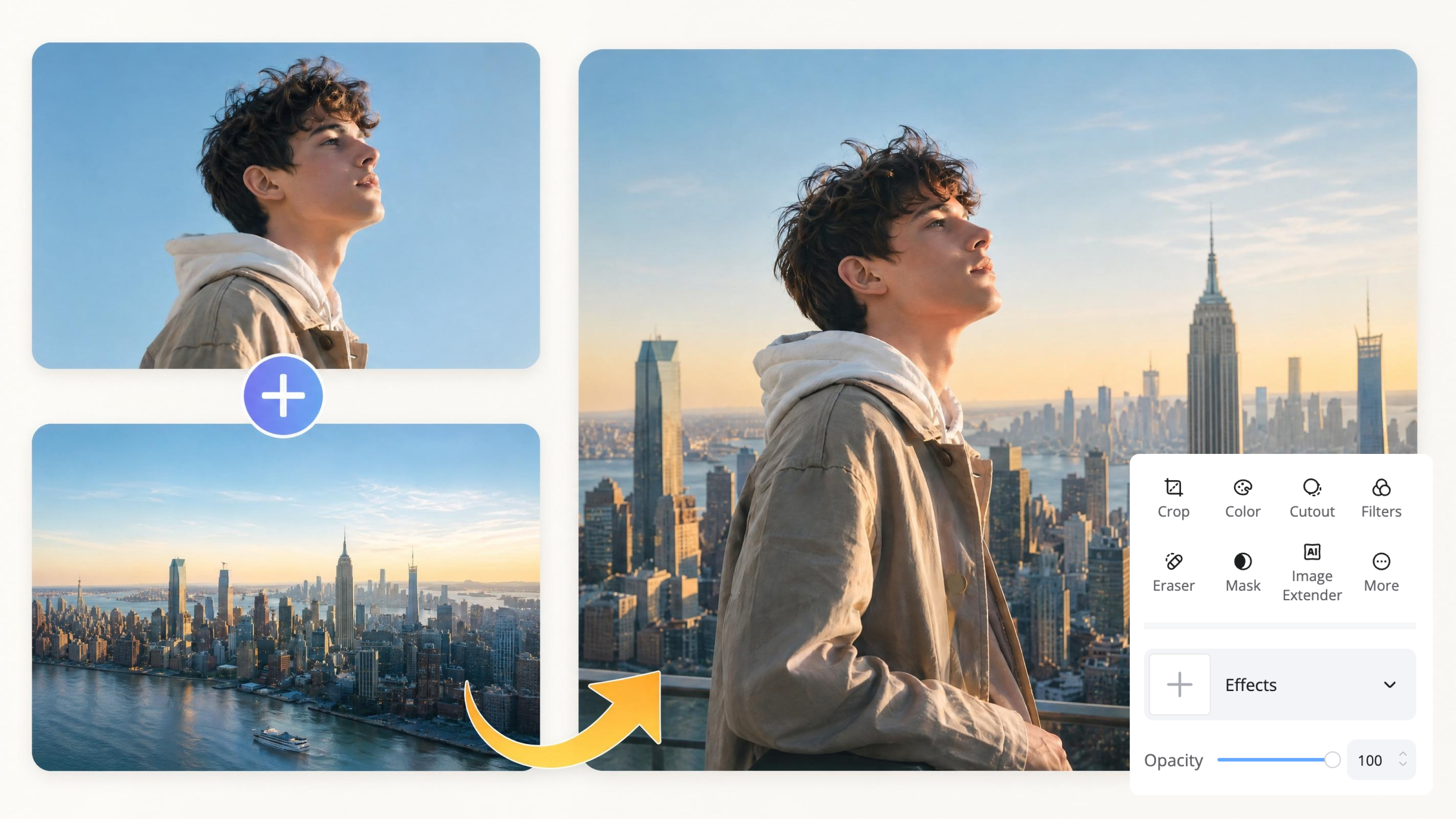
Image Overlay Tool
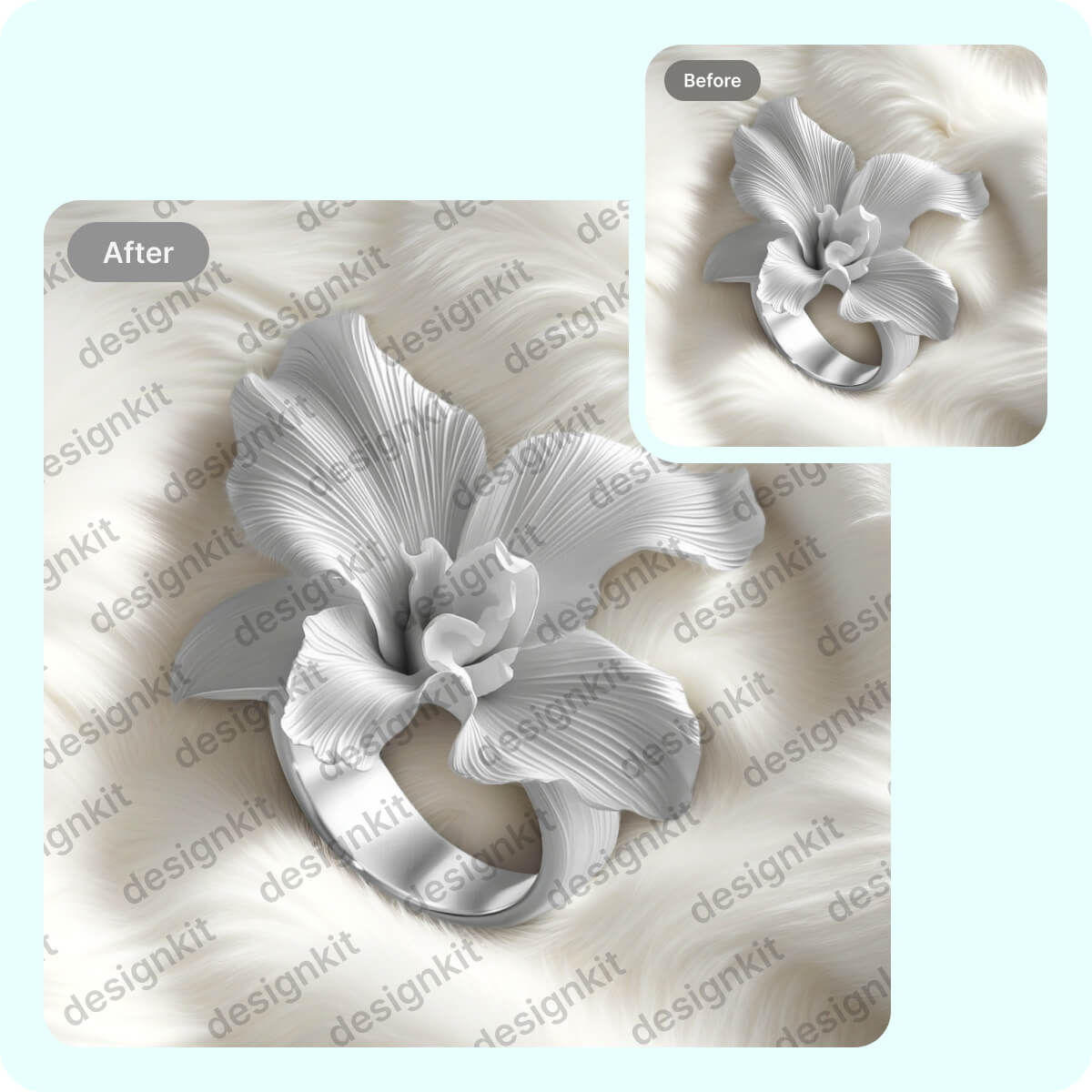
Add Watermarks Online

Image Text Editor Online
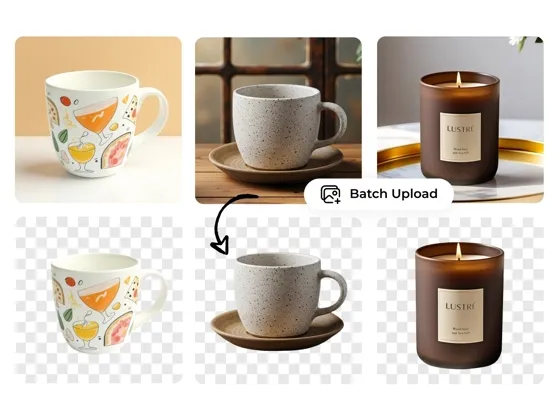
Background Remover
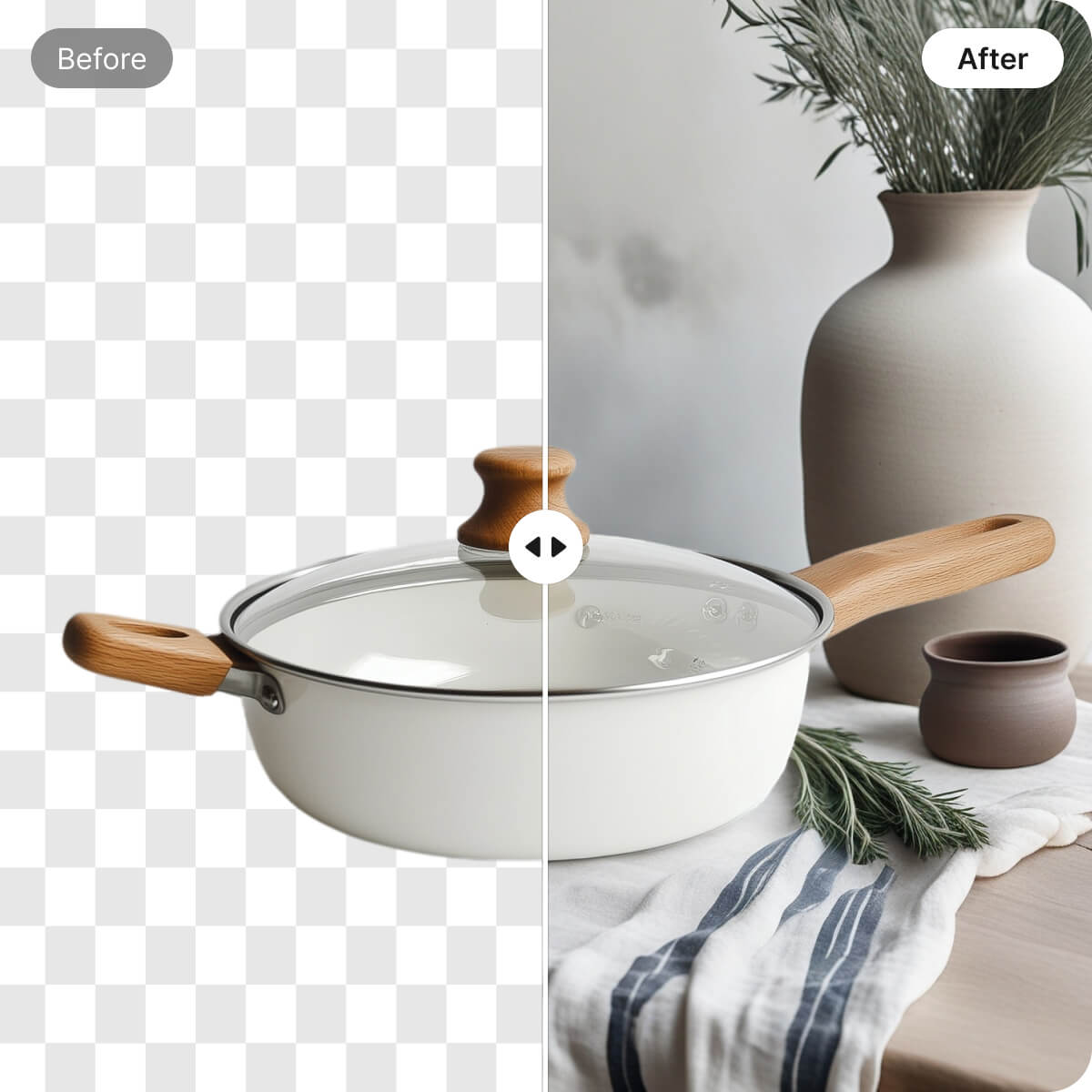
Change Image Backgrounds
Frequently Asked Questions
How do I combine two photos in one frame online?
Is the AI image combiner completely free to use?
Yes, many users can start combining images without purchasing editing software. With Designkit, upload your photos and create merged images directly from your browser in just a few steps. Some advanced features or export options may depend on your selected plan.
Can I use the multiple image combiner to merge more than two images?
Yes, a multiple image combiner can merge several photos into a single layout instead of limiting you to two images. With Designkit, upload multiple files and arrange them in grids, collages, or custom compositions automatically. This works well for portfolios, product galleries, and event recaps.
Will I lose quality when I merge two images together?
No, merging two images does not have to reduce image quality. With Designkit, your photos are combined while maintaining their original clarity, helping preserve important details in the final image. Export quality may still depend on the resolution of the uploaded files.
Does the image combiner online work well on mobile devices?
Yes, online image combiners can be used from phones and tablets as well as desktop devices. With Designkit, upload photos, arrange them into a single composition, and download the result directly from your mobile browser. No app installation is required.
Can I combine images for commercial projects without a watermark?
Yes, combined images can be used for ecommerce, marketing, advertising, and other commercial purposes. With Designkit, you can create image layouts for business projects and export them for publishing or client work. Watermark-free downloads depend on your subscription plan.
How do I combine two photos and blend their edges smoothly?
Yes, two photos can be blended together to create a softer transition between images instead of a hard dividing line. With Designkit, place images in an overlapping layout and adjust their positioning to create a smoother visual connection. This technique is commonly used for banners, creative artwork, and promotional graphics.
Combine Your Photos into One Image
Drop in your photos and watch the layout come together. Try Designkit free and download a combined image in seconds.



What People Say About Combining Photos With Designkit
See what users say about combining photos and creating professional image layouts with Designkit
Faster Before-and-After Product Comparisons
Creating before-and-after product images used to require multiple design tools and manual adjustments. Designkit helped me combine photos into clean comparison layouts in minutes, reducing design time by over 60% and improving product presentation.
Simplify Social Media Content Creation
Creating continuous swipe-through posts for Instagram was a math nightmare. Designkit streamlined the process by helping me create organized image layouts faster, improving workflow efficiency and content production speed.
Professional Property Listings With Combined Images
Showcasing multiple rooms in a single property image often requires time-consuming editing. Designkit helped me combine images into professional layouts quickly, making listings more informative and visually appealing to potential buyers.
Faster Mood Board Creation for Client Projects
I desperately needed a way to combine two photos for comparison thumbnails on YouTube. Designkit makes it so easy to merge two images side-by-side with bold borders. My click-through rates have definitely seen a massive boost.
Faster Mood Board Creation for Client Projects
Organizing design inspiration for client presentations was a repetitive task. Designkit helped me combine furniture, color palettes, and material photos into clean mood boards, reducing preparation time and improving presentation quality.
High-Quality Image Layouts for Photography Portfolios
I wanted to combine images for my print portfolio but other tools always compressed the quality. Designkit retains the stunning high-resolution details of my raw files, giving me gallery-ready collages every single time.