
Remove Black Backgrounds Without Dark Halos
Upload an image with a black or dark background and create a clean transparent cutout in seconds. Designkit removes black backgrounds while preserving edges, shadows, and fine details.
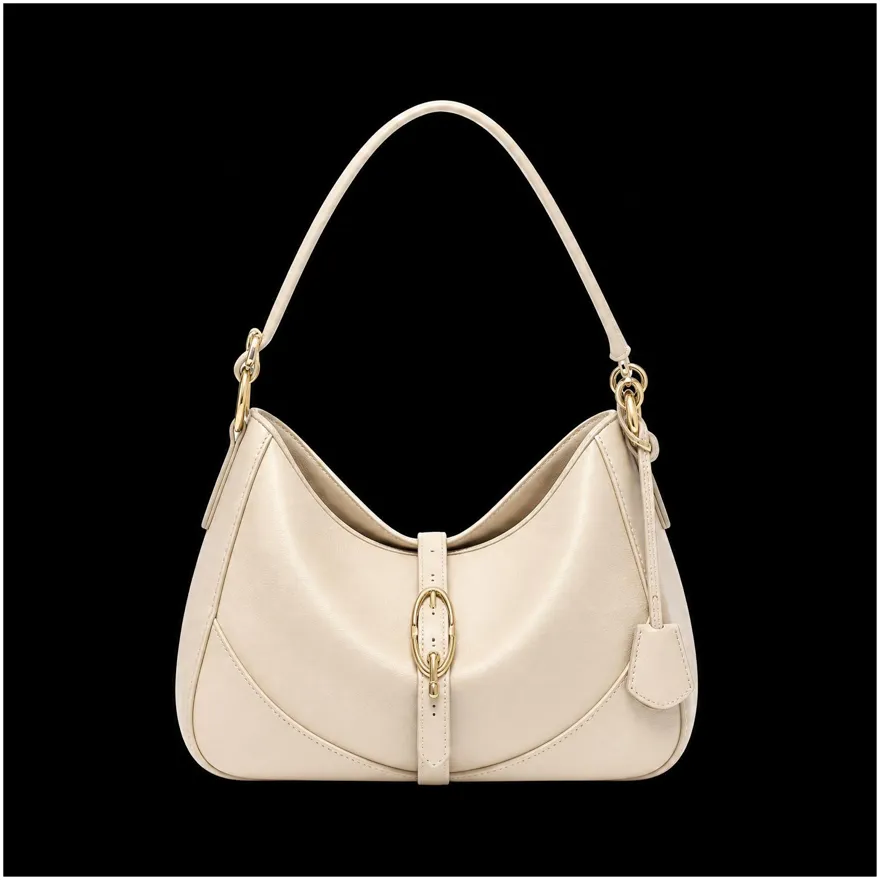
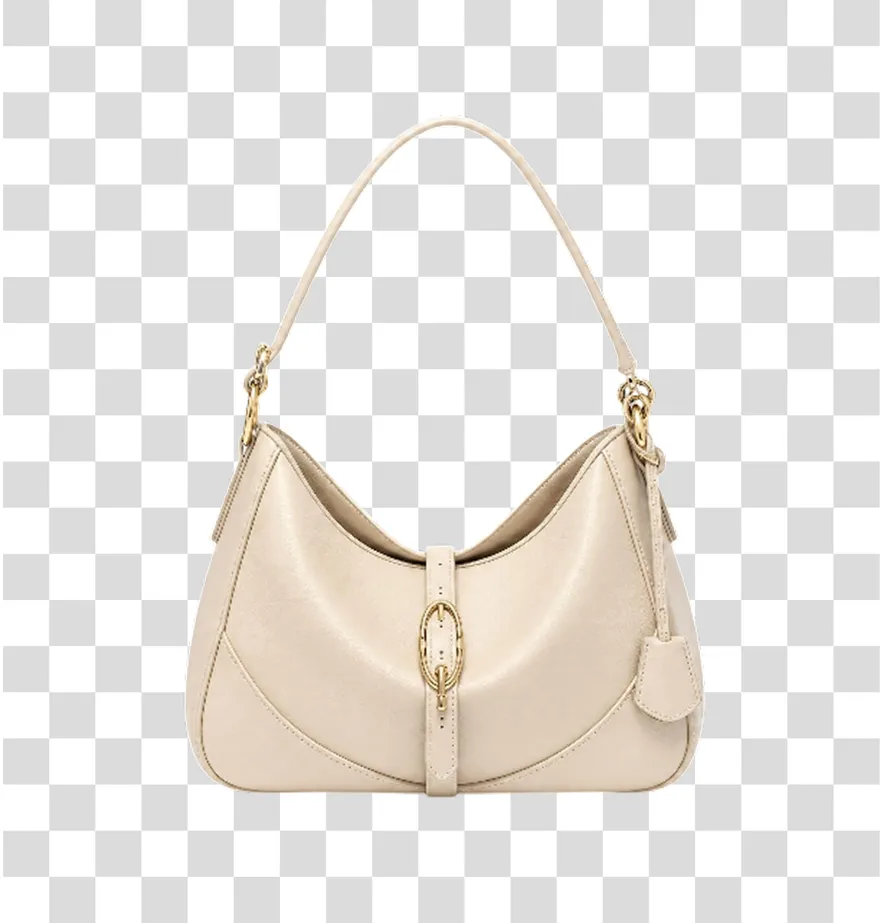
No image? Try one of these:



How to Remove a Black Background in 3 Steps
Upload Your Image
Upload a photo, product image, logo, or graphic with a black or dark background. You can process individual files or upload multiple images at once.
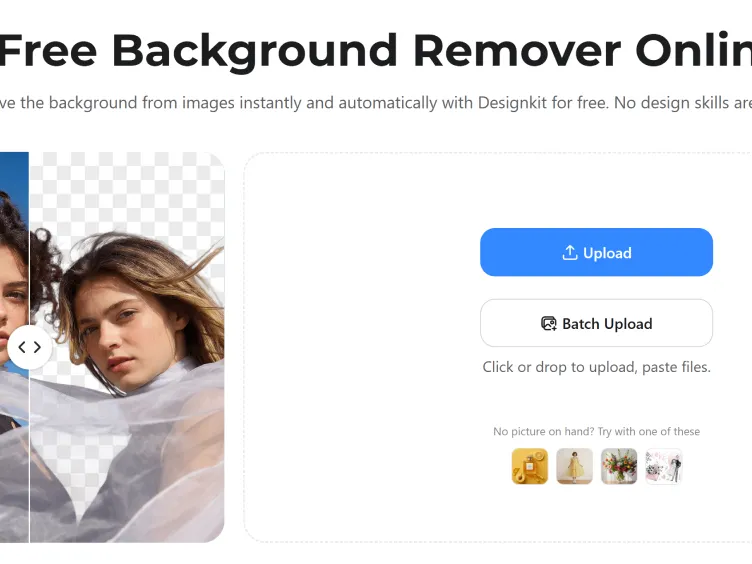
Remove the Black Background
Designkit separates the subject from the dark background and automatically removes grey halos, dark outlines, and unwanted edge artifacts.
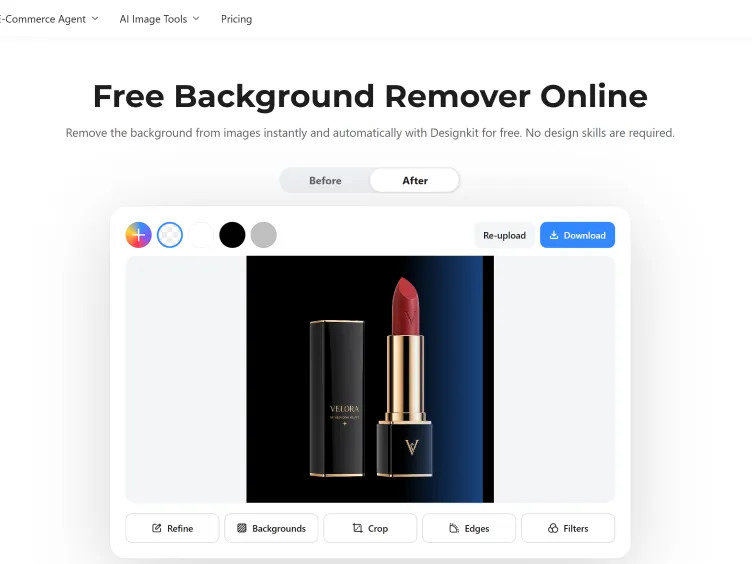
Download or Replace the Background
Download a transparent PNG at full quality, or drop in a new color or scene first. The file is ready for your store, ads, or social posts.
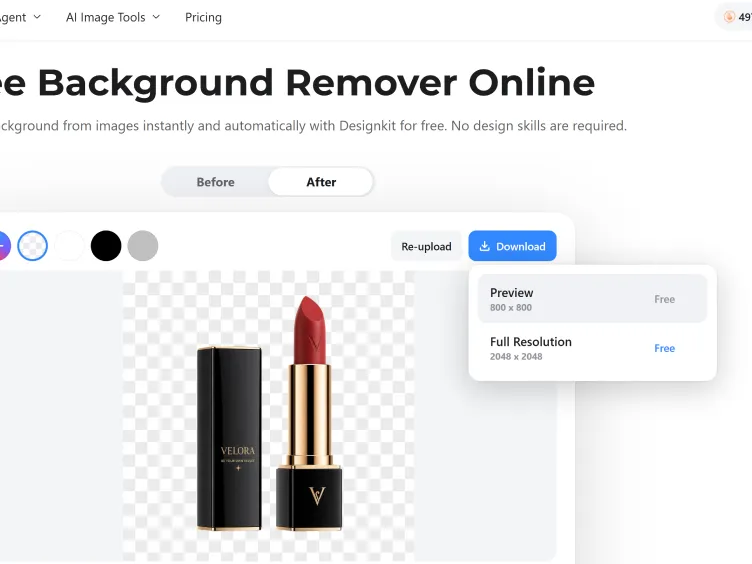
What Makes Designkit Ideal for Black Background Removal

Detect Subjects Against Dark Backdrops, Edge by Edge
Removing a subject from a black background is often more difficult than removing it from white or solid-color backgrounds. Designkit detects low-contrast edges and separates the subject cleanly from dark backdrops.
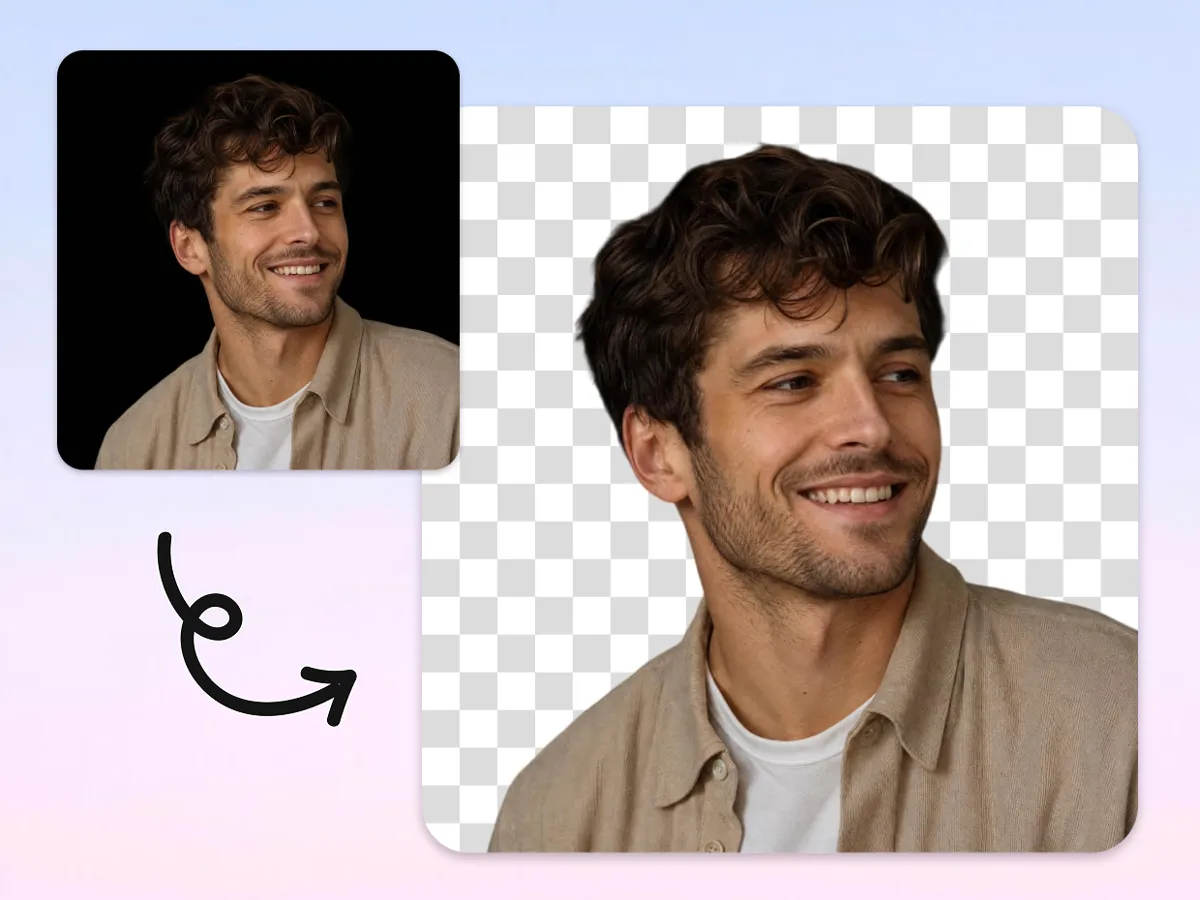
Remove Black Halos Around the Subject
Black backgrounds often leave grey or dark outlines after removal. Designkit automatically cleans edge halos so the cutout looks natural on transparent, white, or custom backgrounds.
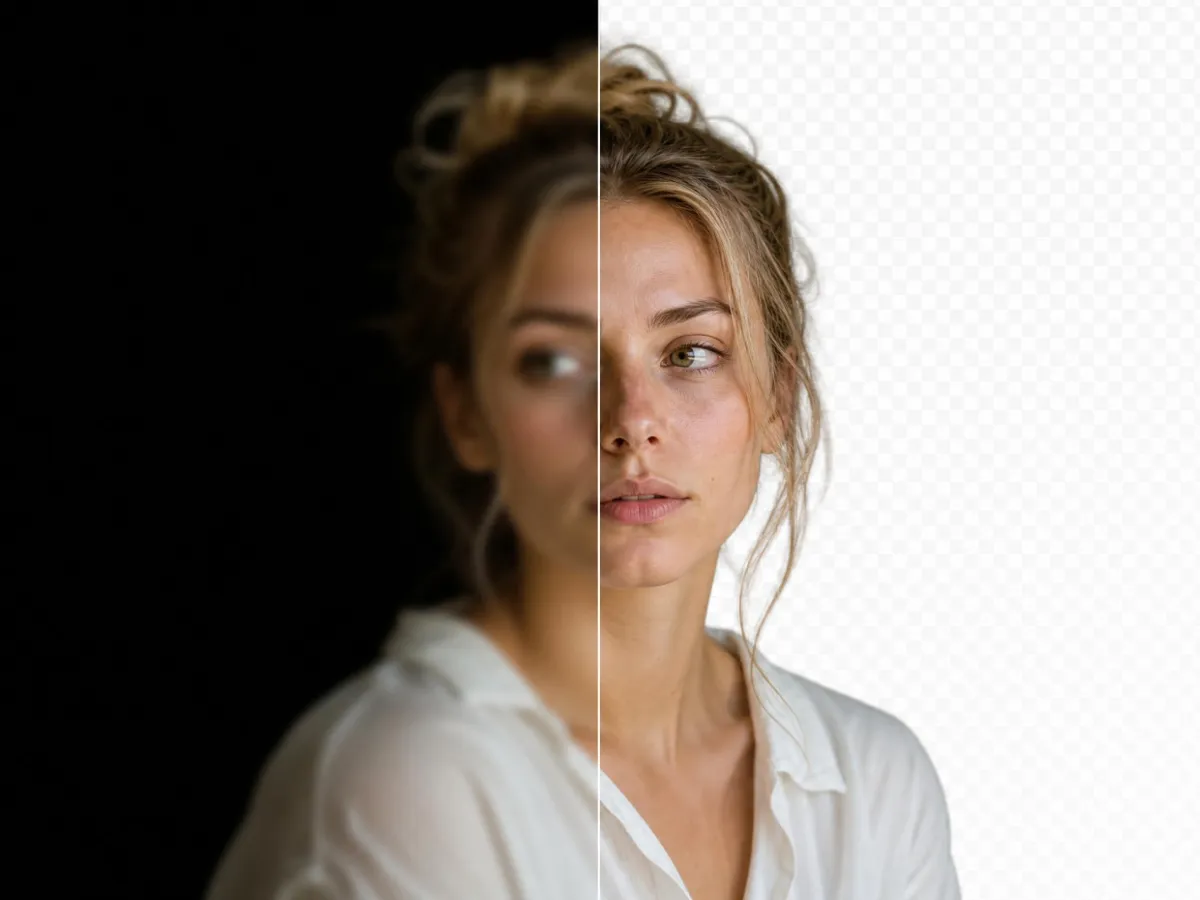
Rescue Low-Quality Shots Before You Publish
Images captured in poor lighting often look soft and unprofessional. Designkit combines black background photo editing with enhancement tools that sharpen details, improve clarity, and prepare images for publishing without additional software.
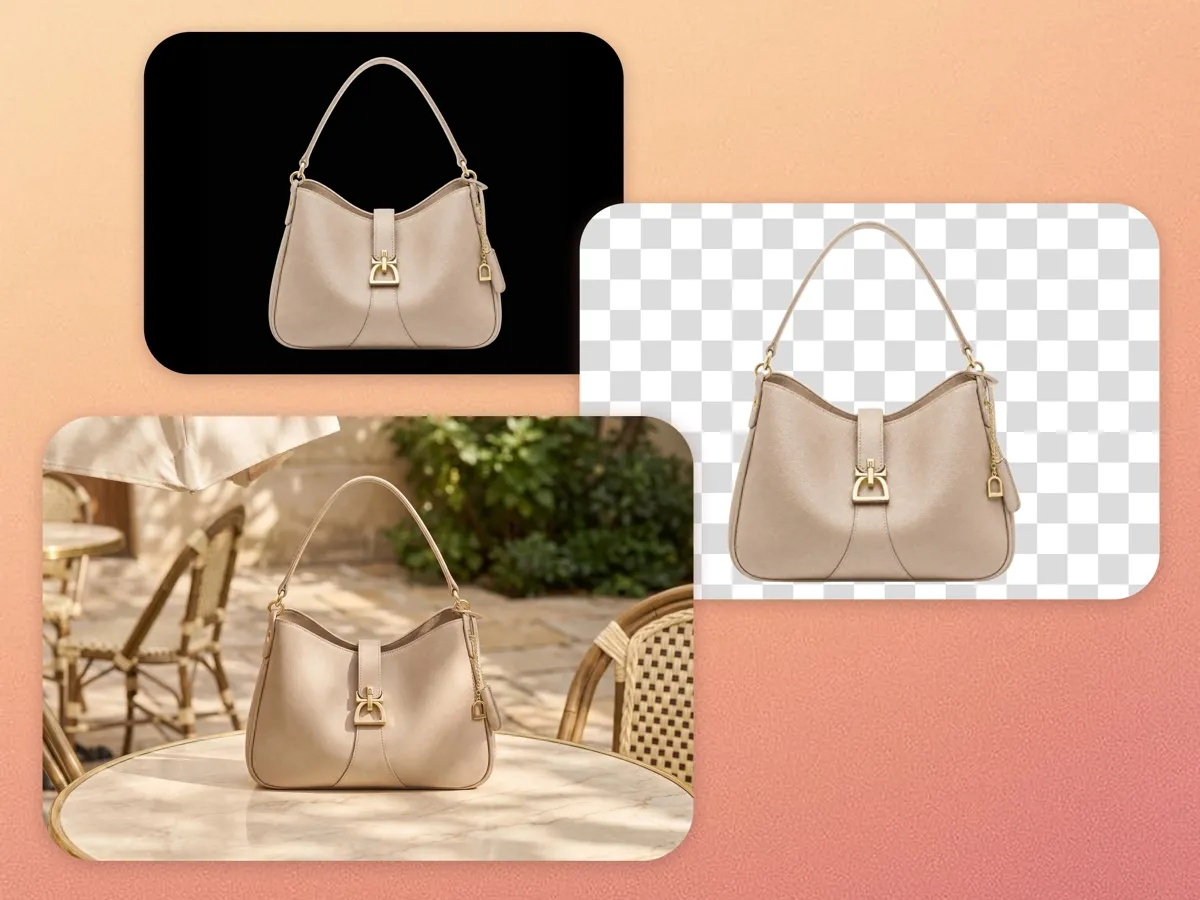
Replace the Black Background with Any Scene
After removal, keep the image transparent or replace the background with a solid color, studio backdrop, lifestyle scene, or branded environment.

Remove Black Backgrounds from Multiple Images at Once
A full shoot of black-backdrop photos takes a while one by one. Upload up to 30 images and process them together while maintaining consistent results across the entire set.
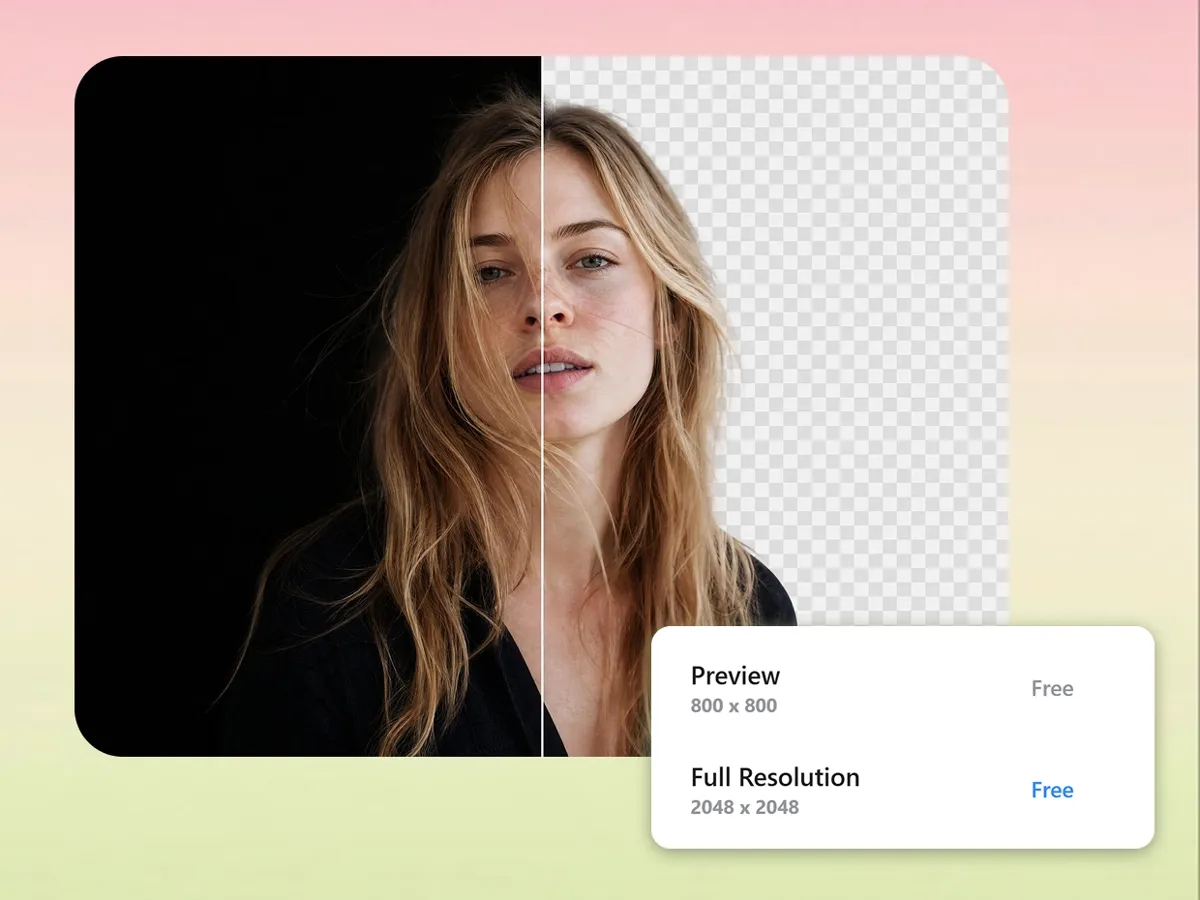
Download a Full-Quality Transparent PNG
Export a transparent PNG without visible compression artifacts or quality loss. The image remains sharp enough for ecommerce listings, marketing materials, and print projects.
Built for Teams That Need More Than Just Background Removal
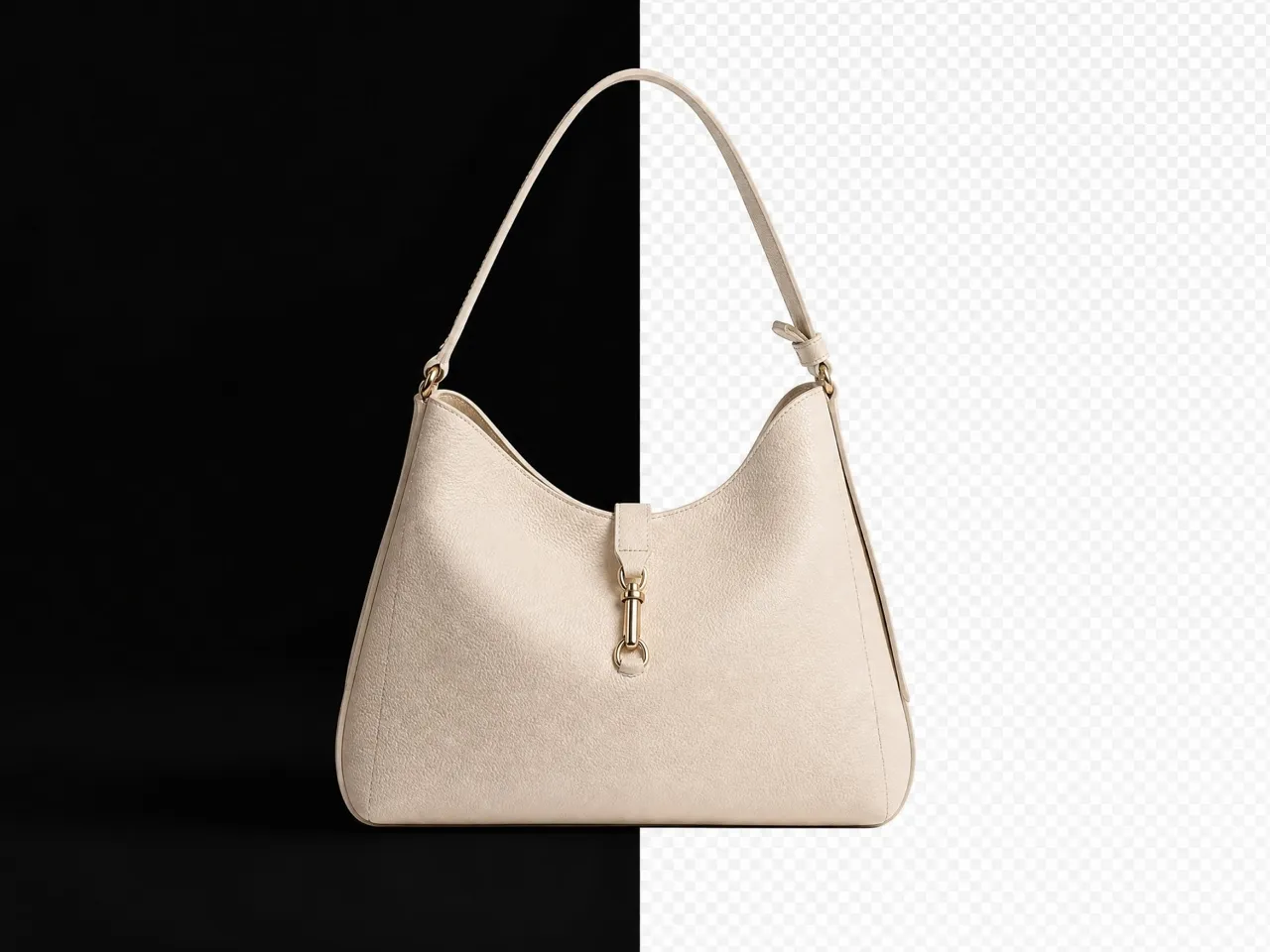
Rescue Detail Lost Against Black Backdrops
Jewelry and electronics get shot on black to look premium, but the shine and texture sink into the backdrop. Lift the product off the dark background and the facets, edges, and surface detail show up clearly for buyers.





Why Choose Designkit for Black Background Removal

Built for low-contrast, dark backgrounds
A subject on black is exactly where most removers struggle. Designkit is tuned to read edges in low contrast, so hair, outlines, and small details survive the cut.

No dark halo around the edges
Black backgrounds tend to leave a shadow or fringe behind. Designkit clears it automatically, so the cutout doesn't carry a grey outline into its new background.

Full quality, uncompressed PNG
The original isn't compressed during removal, so the transparent PNG keeps its resolution and detail. It holds up for product listings and print, not just small web images.

Designed to Fix Black Background Edge Problems
Designkit is optimized specifically for black-background cleanup and edge correction, so the subject sits naturally on white, a color, or a new scene.

Consistent across a full set
Shoot a batch on black and the cutouts come out matching, so a product line or catalog stays uniform across every channel.

One tool from cutout to export
Remove the dark background, swap in a new one, and export at the right size in one place, instead of moving the file between a remover, an editor, and a resizer.
Unlock More Creative Possibilities

Image Background Remover

Bulk Image Background Remover

JPG Background Remover
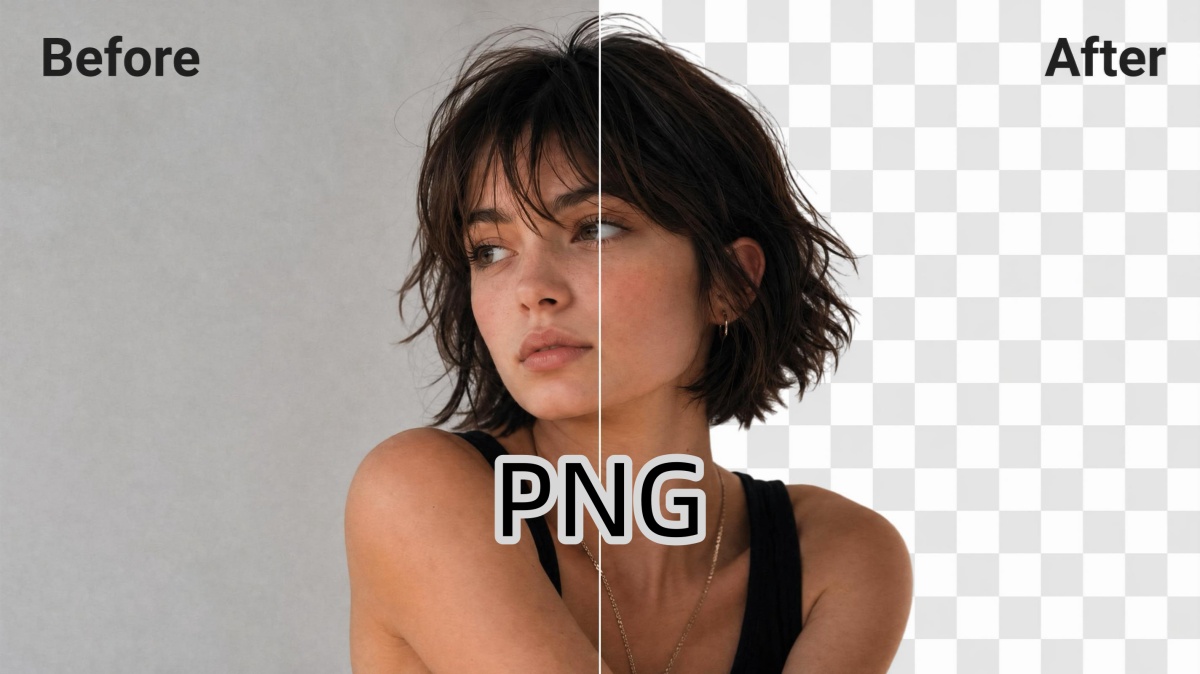
PNG Background Remover

Logo Background Remover
AI Object Remover
Remove Watermarks from Images
Remove Text From Images
Frequently Asked Questions
What is a black background remover?
How do you remove a black background from an image?
- Upload the photo with the black background.
- The subject is detected and the dark background is removed automatically.
- The edge halo is cleared so no grey fringe is left behind.
- Download a transparent PNG, or add a new background first.
Why does a black background leave a dark edge or halo after removal?
Because the dark backdrop blends into the subject's shadows, a basic cutout often leaves a grey fringe around the edge. The fix is edge cleanup: that halo is detected and cleared during removal, so the cutout sits cleanly on any new background.
Will the image lose quality after removal?
No. The original isn't compressed, so the transparent PNG keeps its full resolution and detail. The result holds up for product listings, ads, and print, not just small web use.
Can I remove a black background online without installing software?
Yes. It runs in your browser, so there's nothing to download. Upload the image, the dark background is removed in a few clicks, and you download a clean file, no design experience needed.
Can I remove a black background and make it transparent?
Yes. After removing the black background, Designkit exports the image as a transparent PNG that can be used on websites, product listings, presentations, and marketing materials.
Can I edit or replace the background after removing it?
Absolutely. Once a background is removed, you can replace it with a solid color, a transparent background, a lifestyle scene, or a custom design. This makes it easy to reuse the same image across different marketing channels. Designkit lets you remove the black background and quickly swap in a new one without starting the editing process from scratch.
Can I remove backgrounds from several images at once?
Yes. Upload a batch and they're processed together in one workflow, with consistent results across the set. That's faster than editing dozens of black-backdrop photos one at a time.
Can I remove a black background from a PDF?
Upload the page as an image (JPG or PNG) and the black background is removed the same way, then export it as a transparent PNG to place back into your document or layout.
Start Clearing Black Backgrounds for Free
Upload an image, remove the black background automatically, and export a transparent PNG with clean edges and no dark halos.



Real Results from Using Designkit Black Background Remover
Real feedback from creators, designers, and teams using Designkit to clean and reuse visuals without manual editing delays.
My Listings Finally Started Getting Clicks
My products were shot on a black backdrop, so they looked flat and lacked context. With Designkit, I removed the backgrounds and replaced them with clean, realistic settings that made the products look more authentic and professional. The updated images instantly improved the look of my store and made it feel much more trustworthy to potential customers.
Faster Workflow for Client Projects
I used to spend 2–3 hours per project manually cleaning backgrounds for client assets. With Designkit, I now finish the same work in under 10–15 minutes. This saved me nearly 12–15 hours per week, reduced stress, and helped me deliver more consistent quality across 6–8 client projects.
Better Results on Jewelry Than Other Removers
My jewelry photos were shot on black velvet backdrops. Most tools struggled with reflections and fine edges, but Designkit preserved the details and produced much cleaner cutouts.
The Dark Edge Problem Finally Disappeared
Other background removers always left a grey outline around my products after removing black backgrounds. Designkit cleaned the edges properly, and the images looked much better on white product pages.
Easier Editing for Non-Design Teams
I have no design training and used to struggle with simple background edits. I cleared a whole batch in one sitting with no learning curve, my manager noticed the visuals were more consistent, and approvals moved faster that week.
Easier to Keep Course Visuals Polished
I make learning materials every day and cleaning up dark backgrounds used to eat a chunk of each set. Now it's done in minutes, the visuals look more polished, and I can get a lot more teaching content without the extra grind.