
Translate Text Inside Images Without Changing the Design
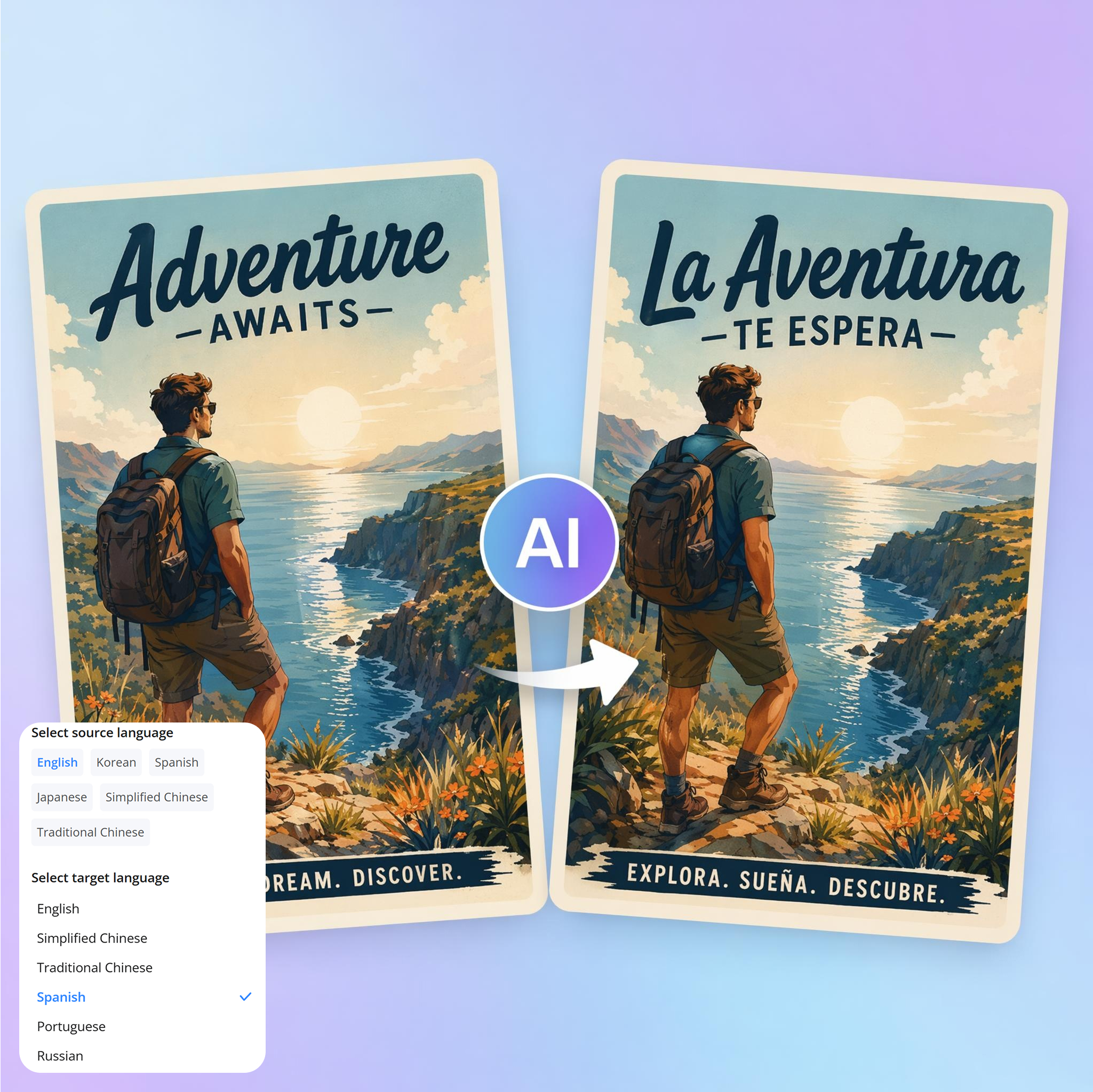
Translate text in images into multiple languages while keeping the original layout, spacing, and fonts. Works with product photos, ads, screenshots, and handwritten content. Edits can be made directly inside the image.
No picture on hand? Try with one of these:

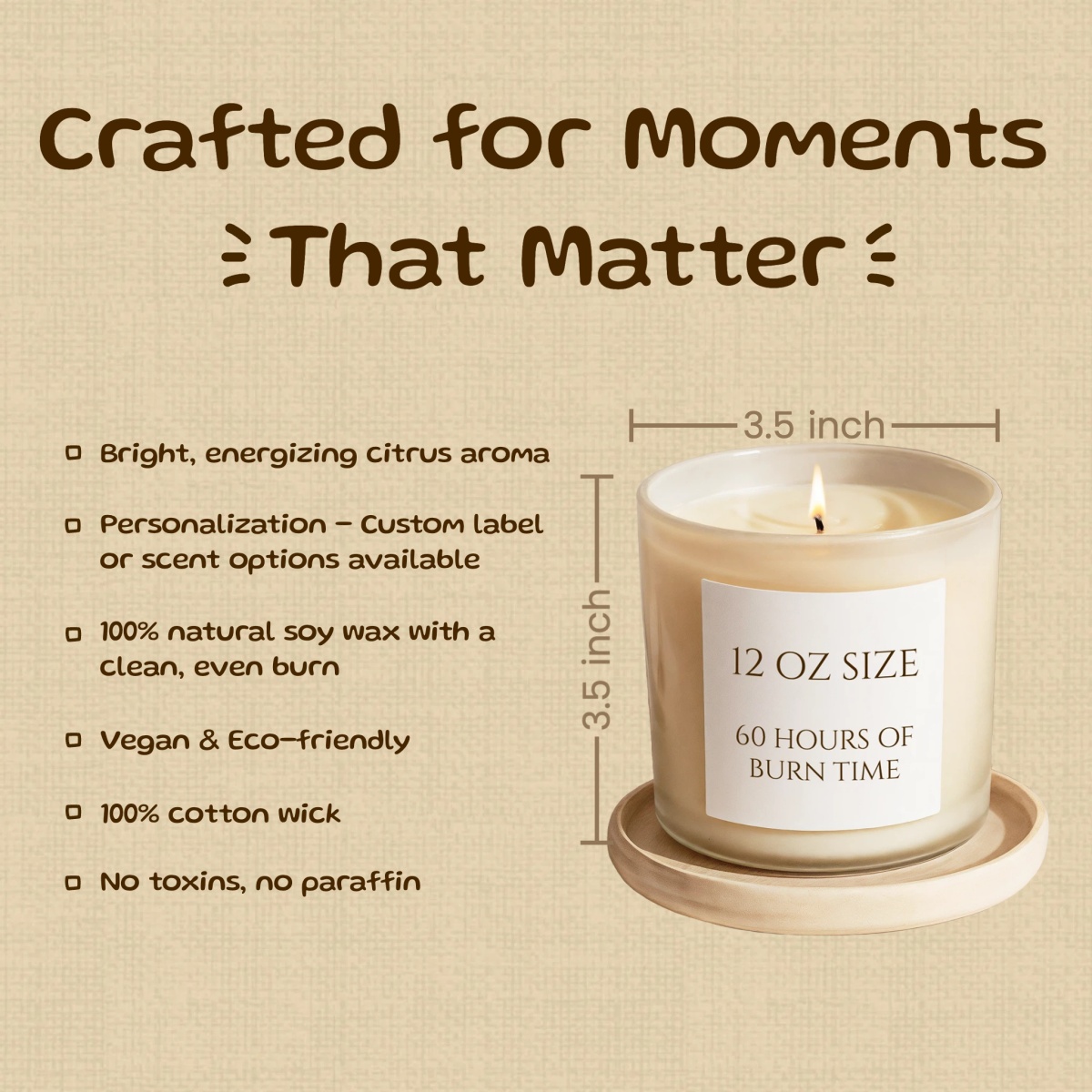
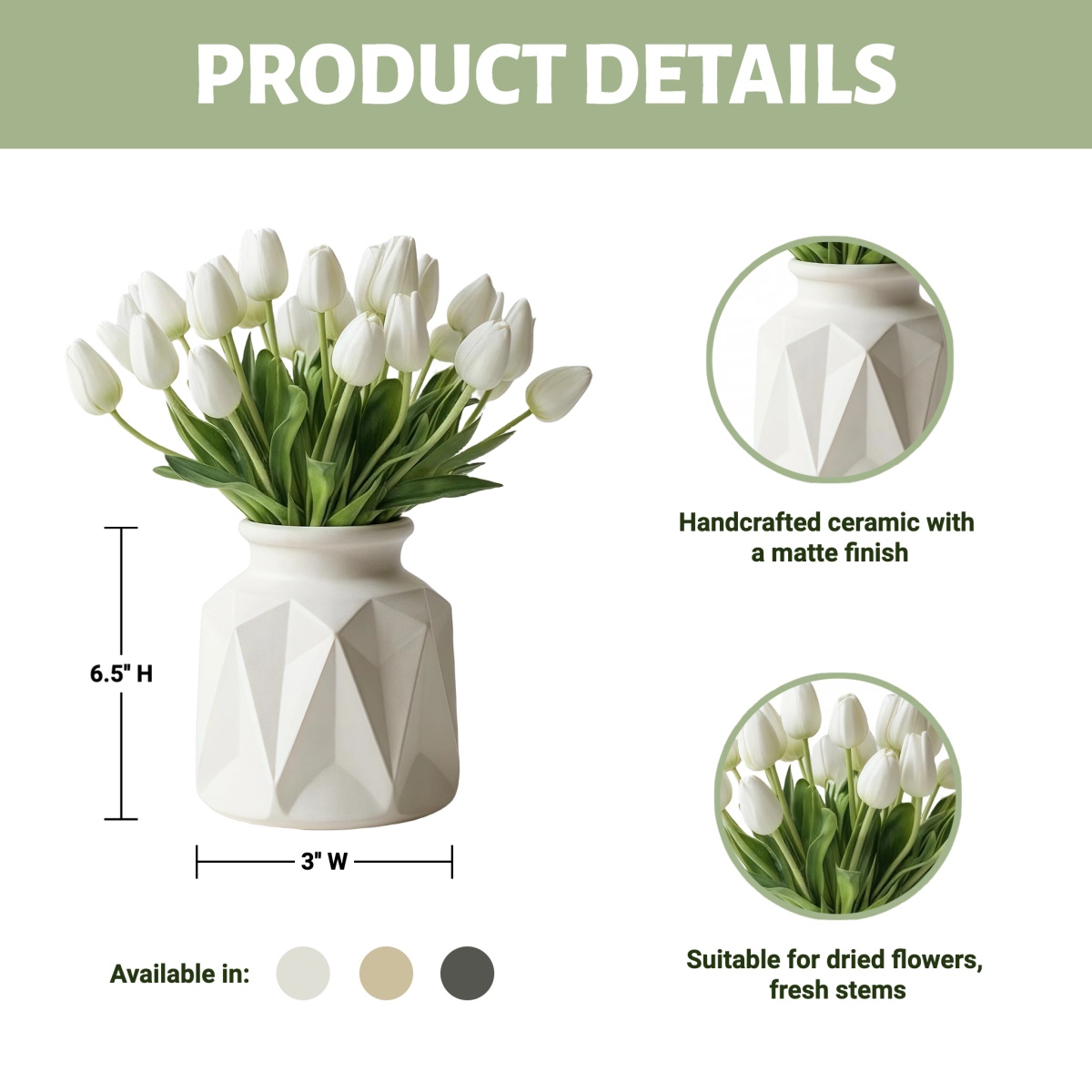
How to Translate Image Text in 3 Steps
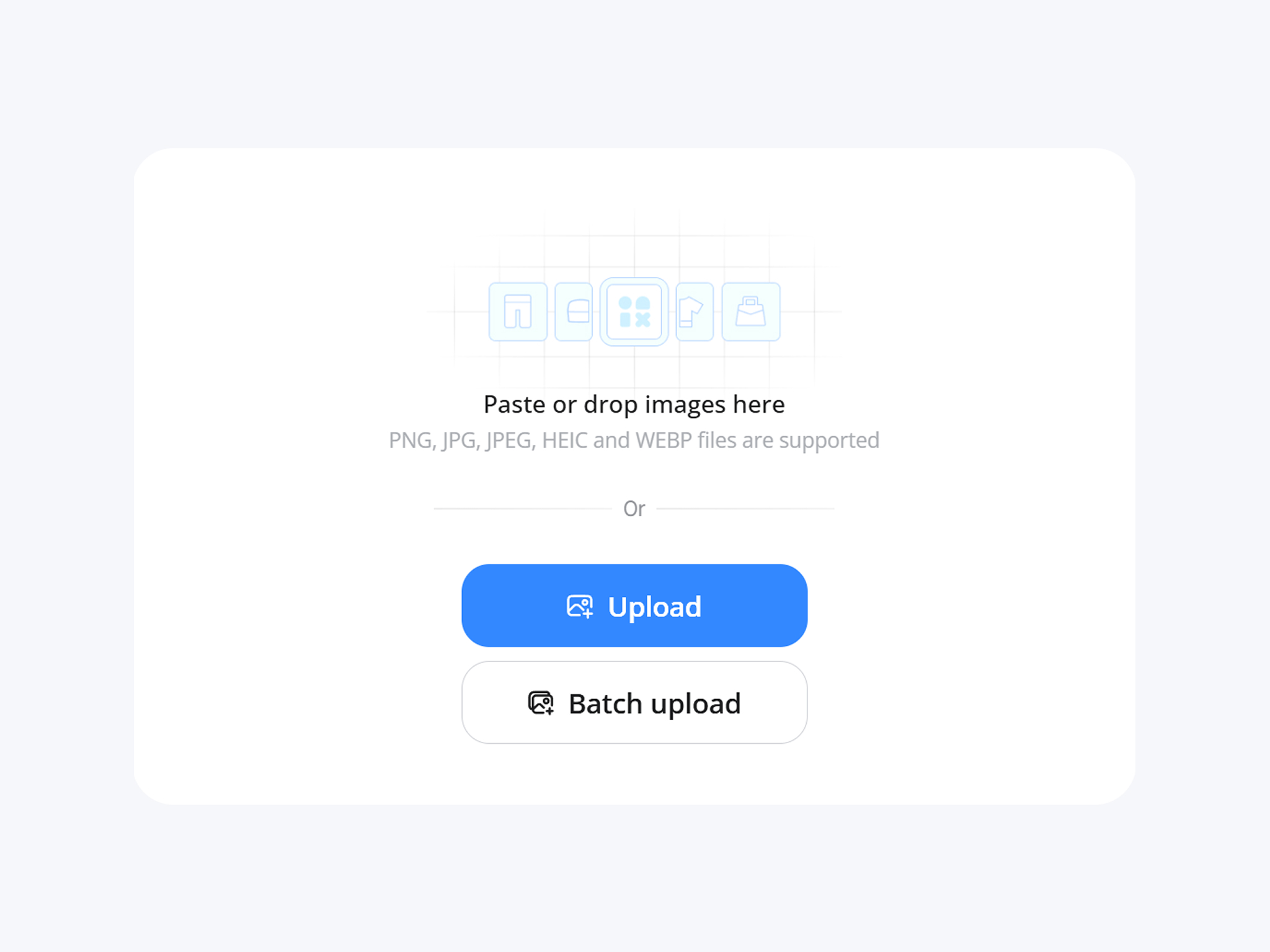
Upload Your Image
Upload a single image or multiple files. Supports product visuals, marketing graphics, screenshots, and documents.
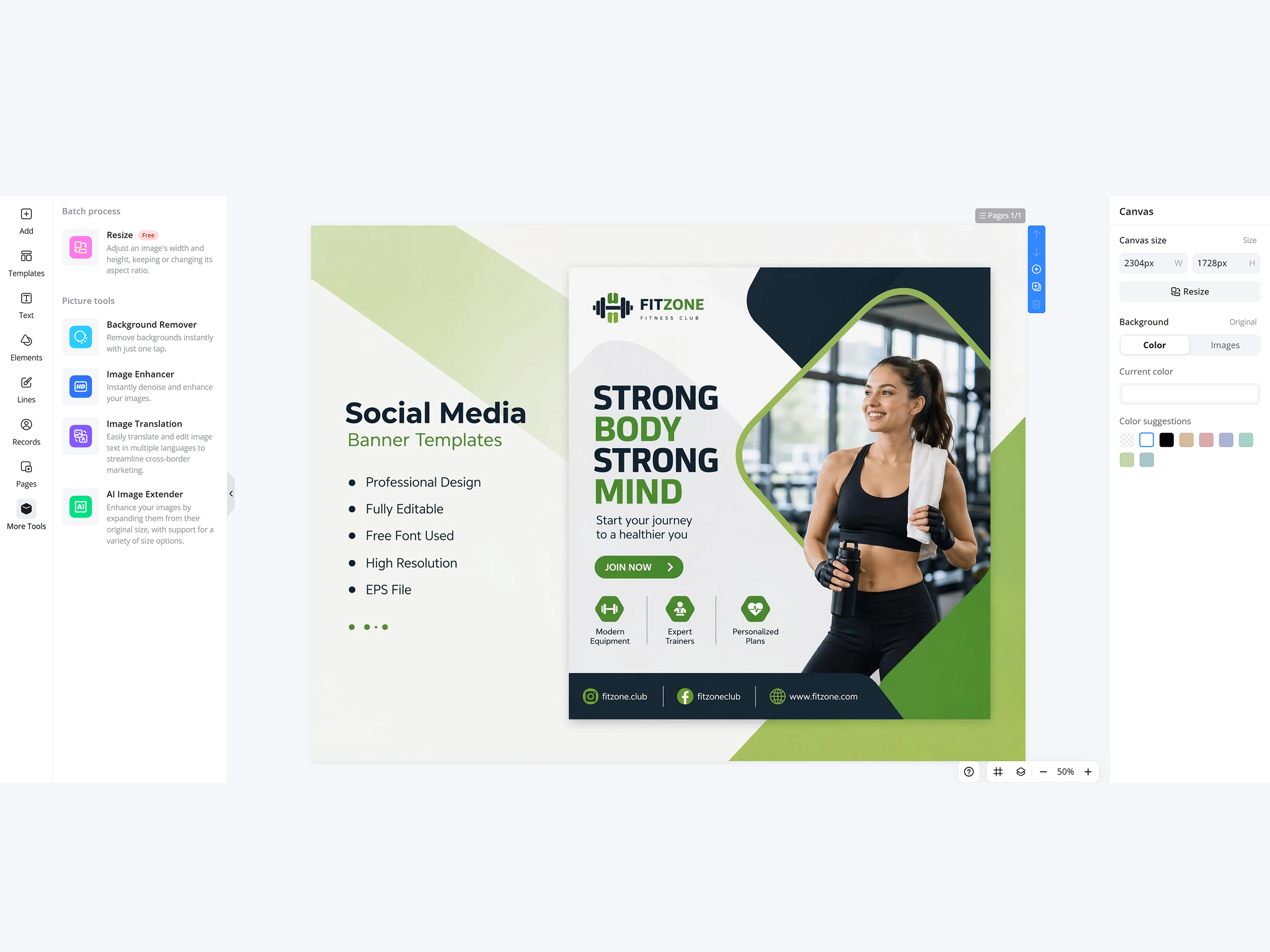
Select Source and Target Language
Select the target language. The system detects the source language and reads text automatically, including printed or handwritten content.
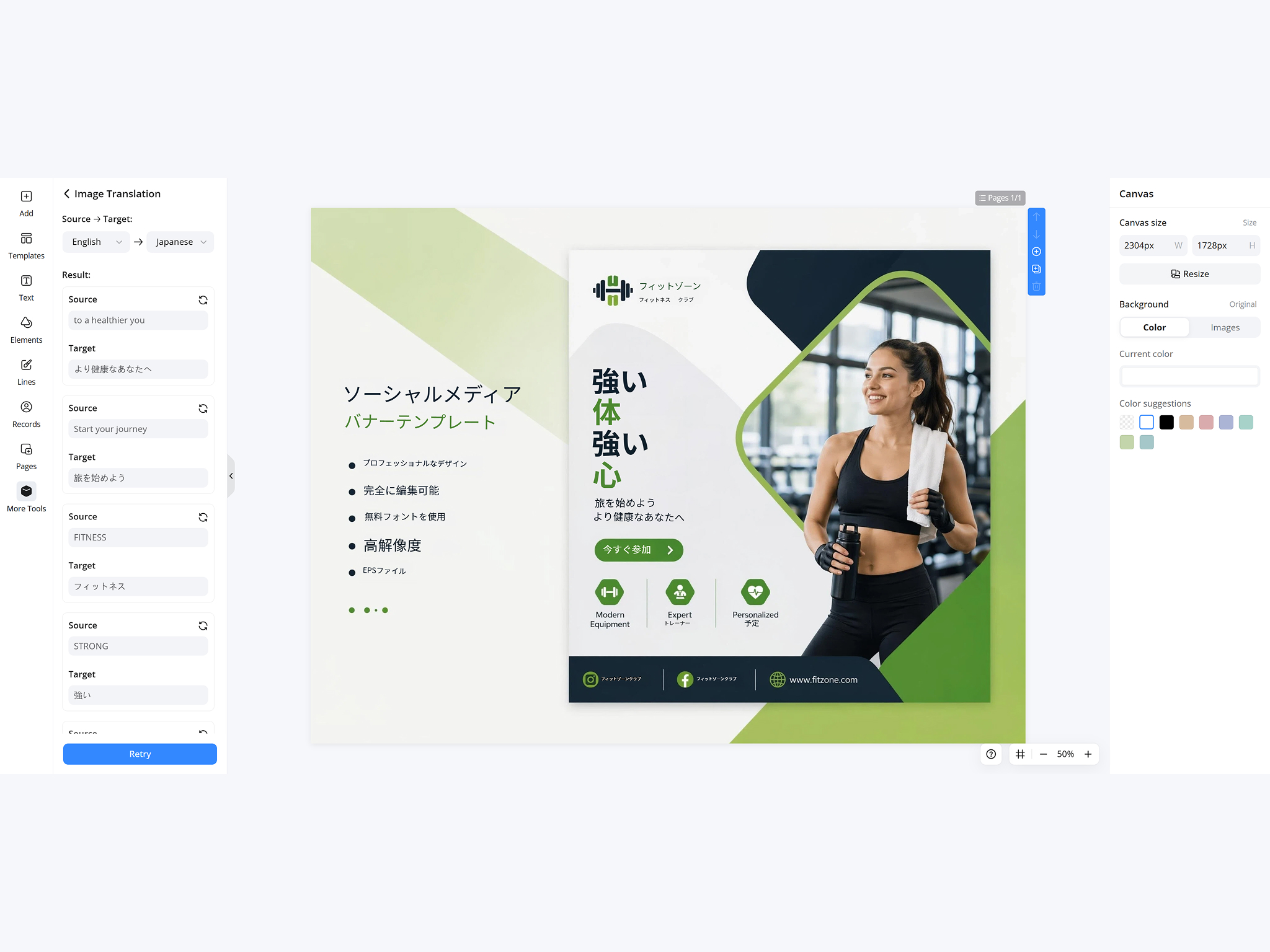
Translate and Download
Text is replaced inside the original image. Layout, alignment, and spacing stay unchanged. Download the translated version when ready.
What Designkit's Image Translator Can Do
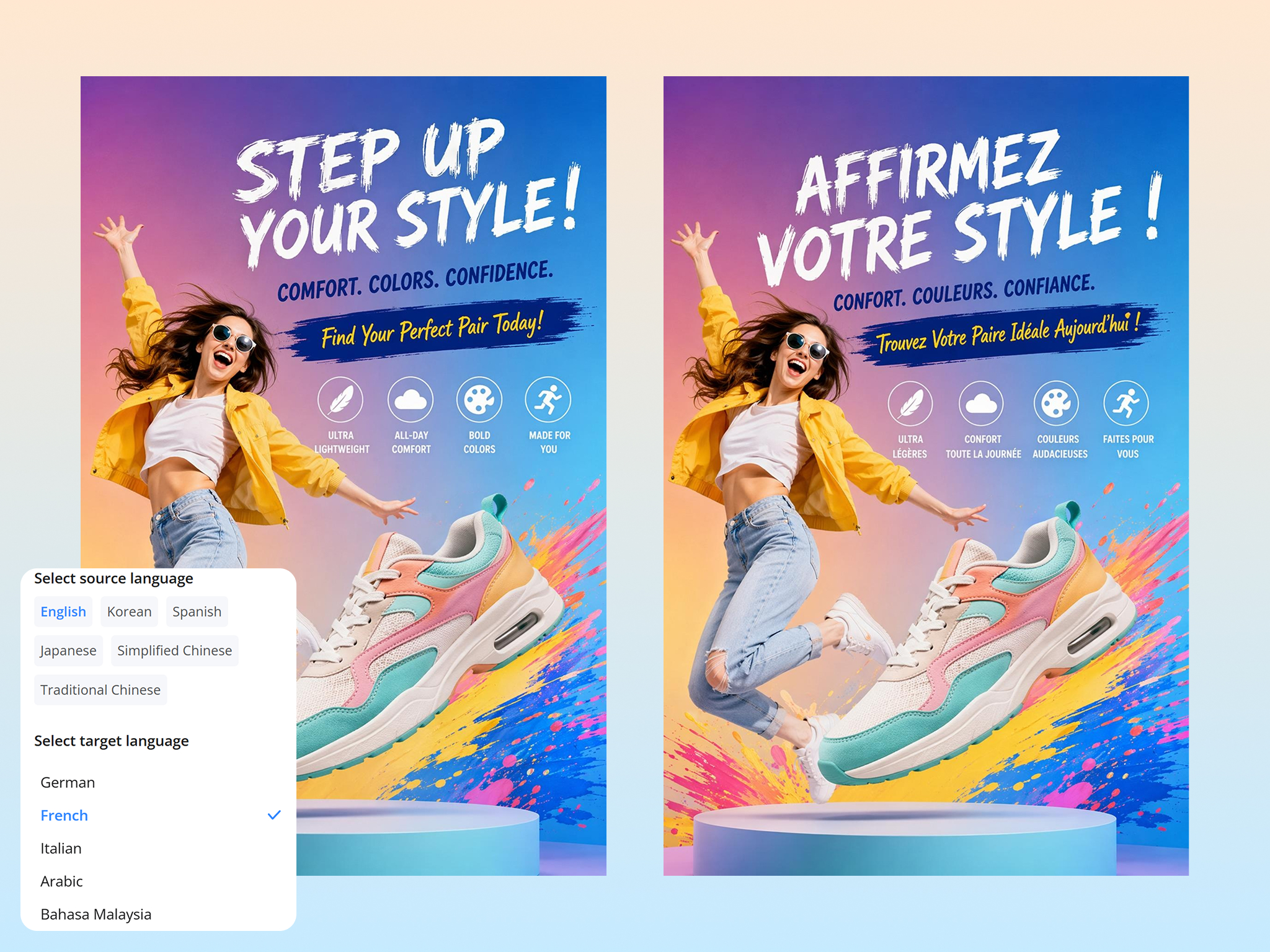
Translate Image Text Into 20+ Languages in One Click
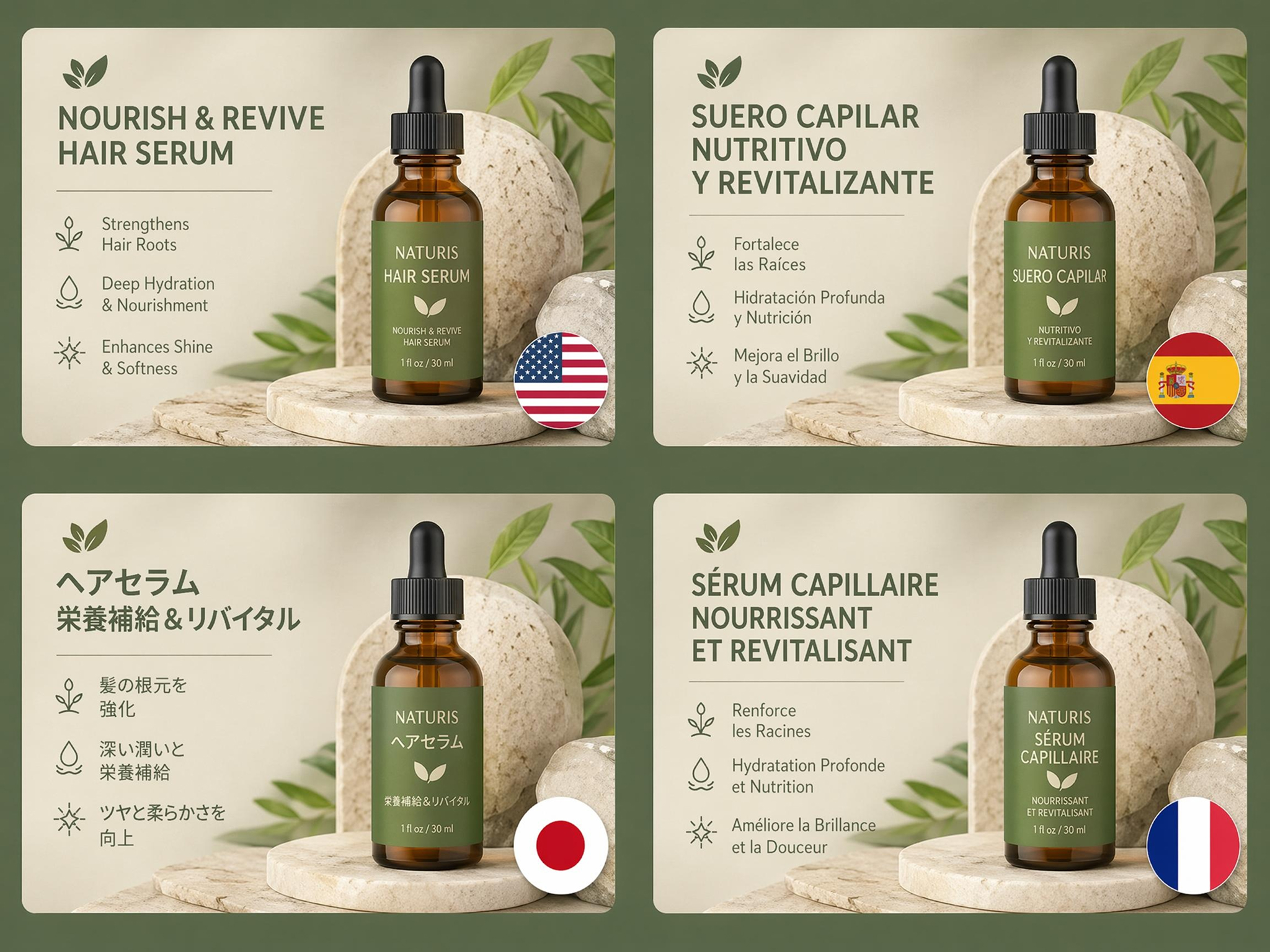
Turn text in images such as ads, product visuals, posters, and screenshots into other languages in seconds. The text is translated in place, so you don't retype a copy or rebuild the design. Text is replaced in place while keeping spacing, alignment, and composition unchanged. The translated image keeps the same visual structure as the original.
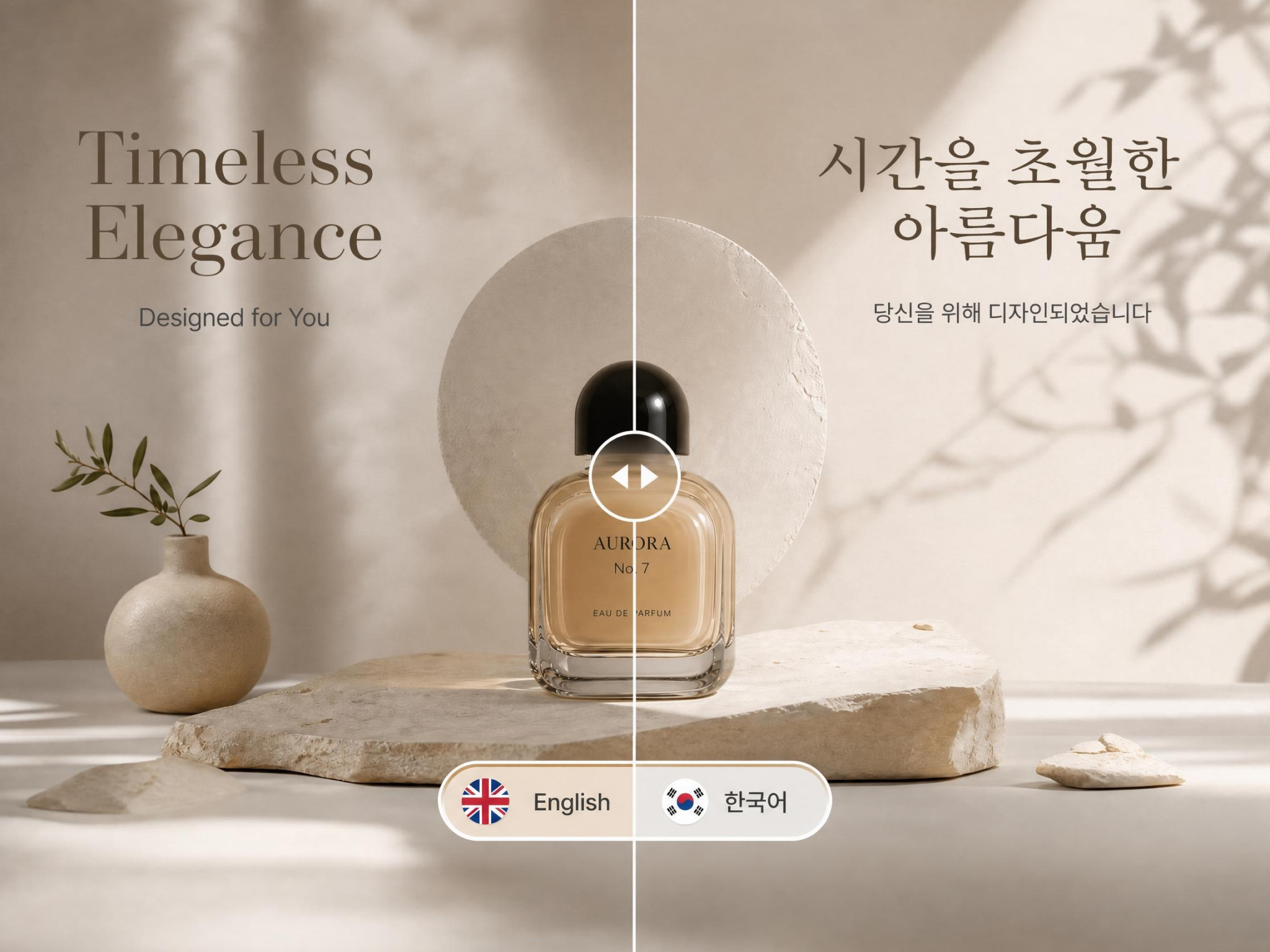
Keep Original Layout, Fonts, and Alignment as Designed
Most translated designs break spacing and formatting. Designkit replaces text in place while keeping spacing, alignment, and composition unchanged. The translated image keeps the same visual structure as the original.
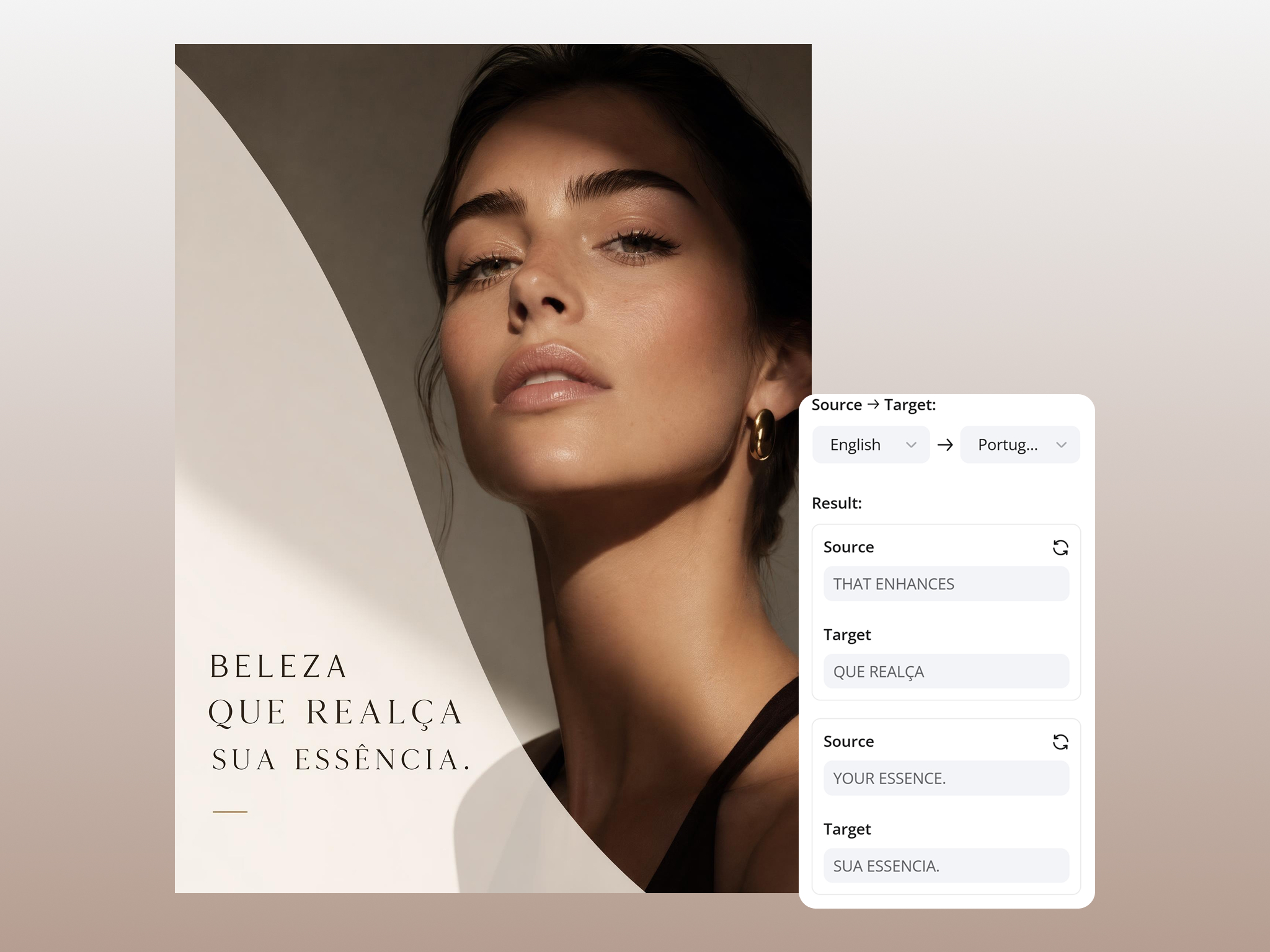
Edit the Wording and Fix Any Translation
Translations often need a tweak. Make adjustments after translation. You can fix wording, adjust tone, or refine translation inside the image without exporting.
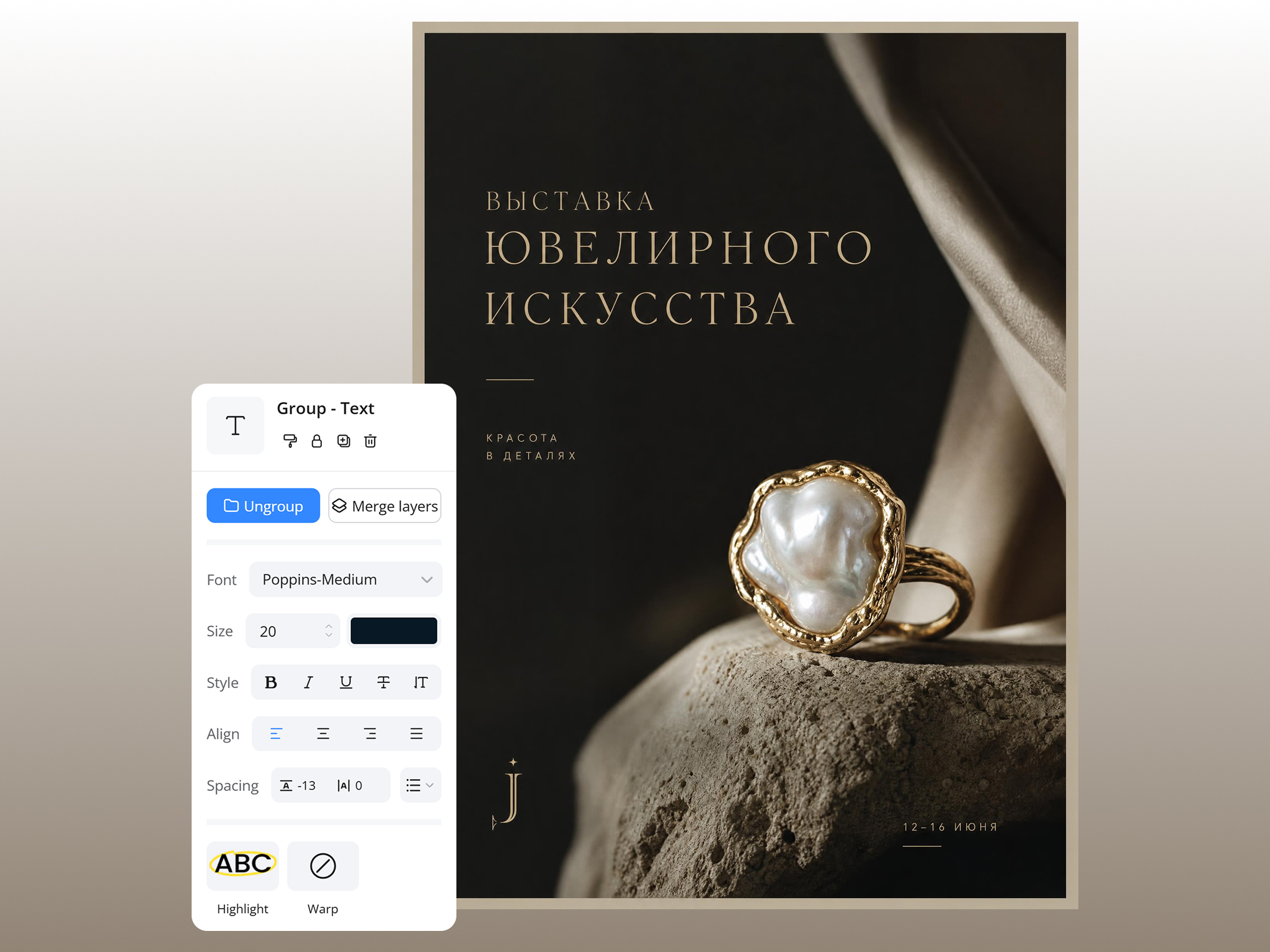
Adjust Fonts and Styling After Translation
Change font style, size, color, and spacing to match brand or regional requirements after translation. Fine-tune every text element directly inside the image without switching to separate design or editing software.
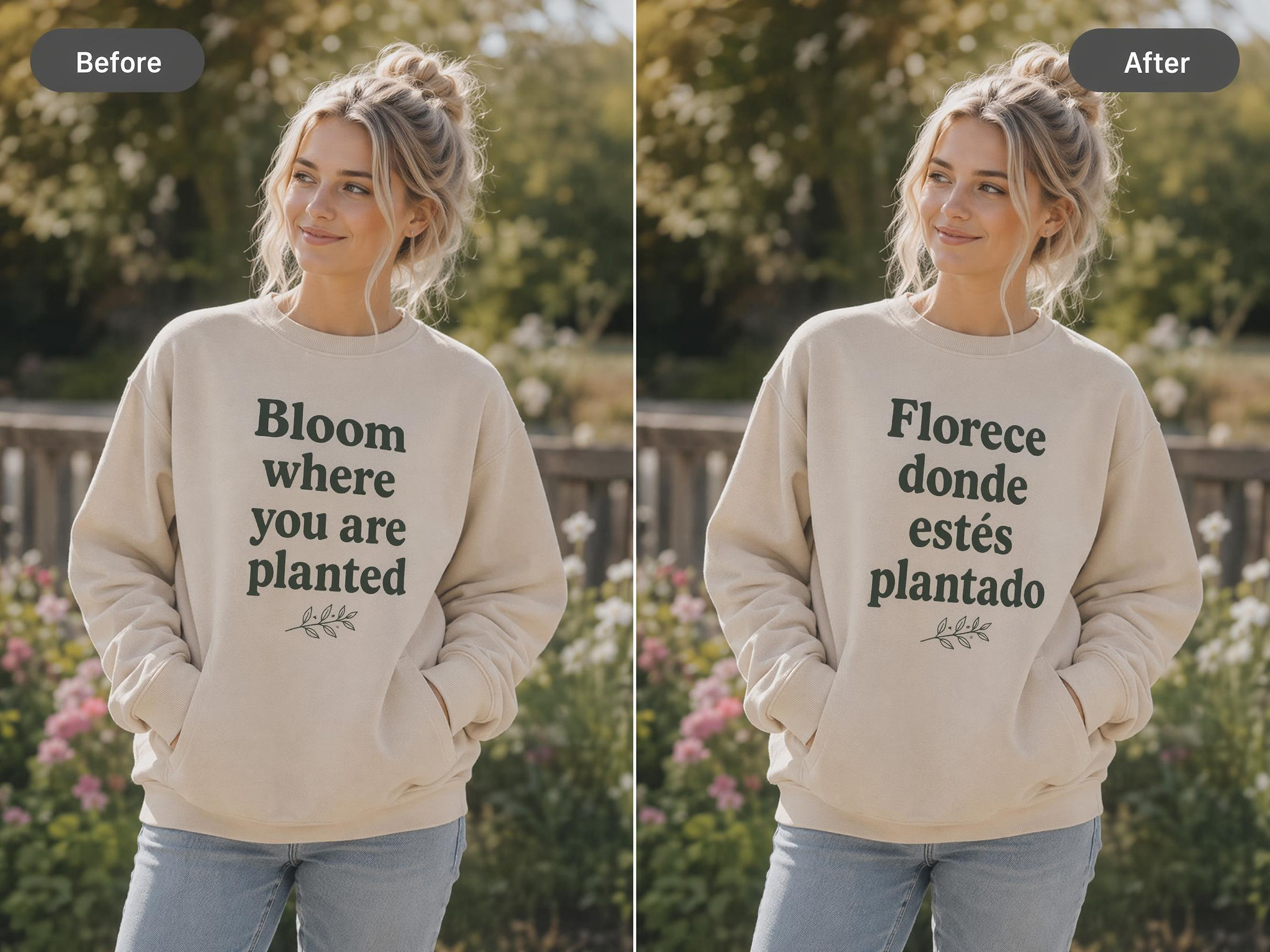
Replace or Remove Existing Text Inside an Image
Update outdated content or remove text elements inside the image. Useful for product updates, promotions, or multilingual versions.
Where Image Translation Is Commonly Used
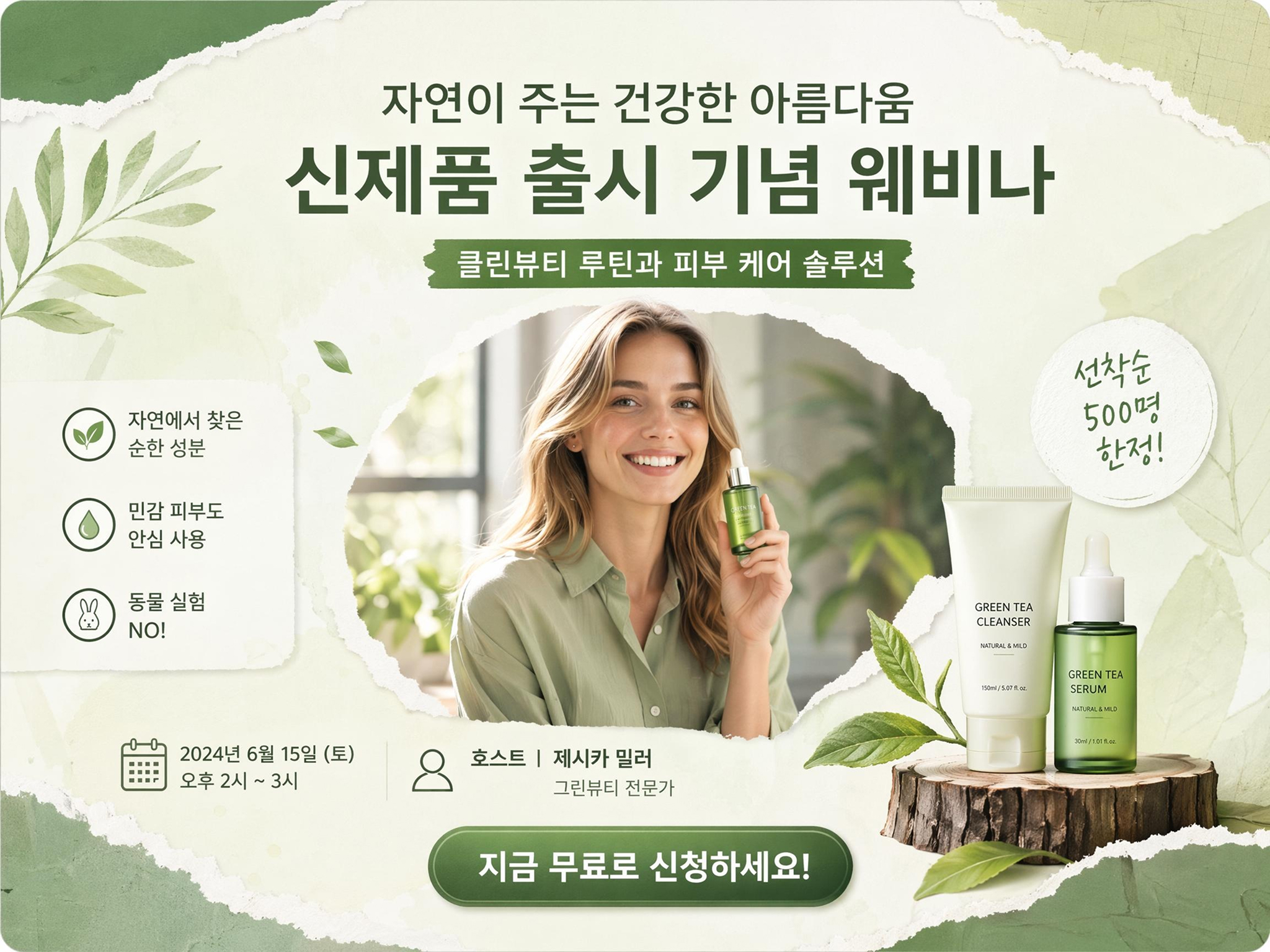
Turn Translated Images into Scroll-Stopping Content
Creating content for international audiences often means redesigning the same graphic multiple times. Designkit helps you translate an image text and adapt it to Instagram posts, TikTok covers, Pinterest pins, and other social formats while keeping visuals consistent.
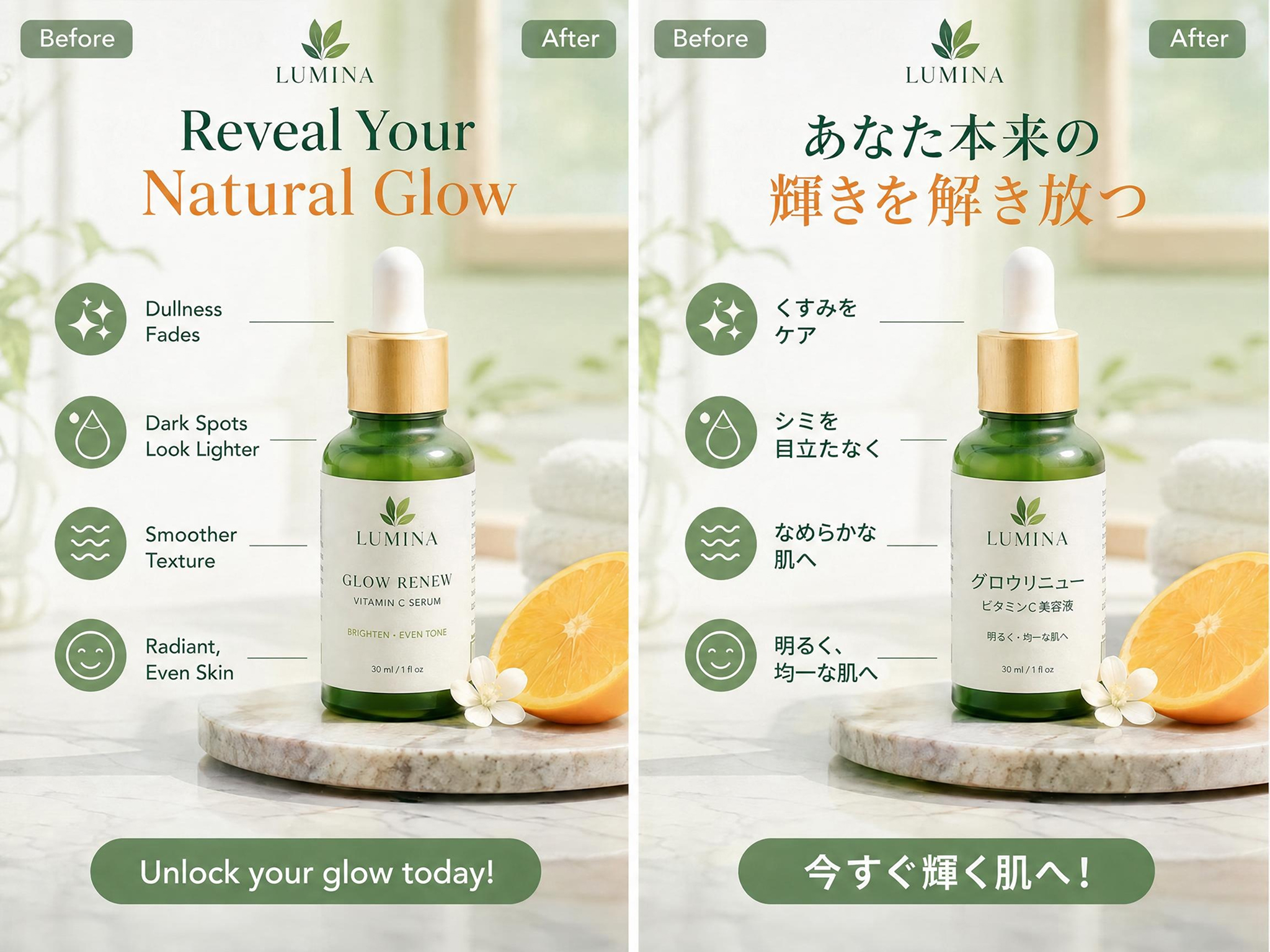
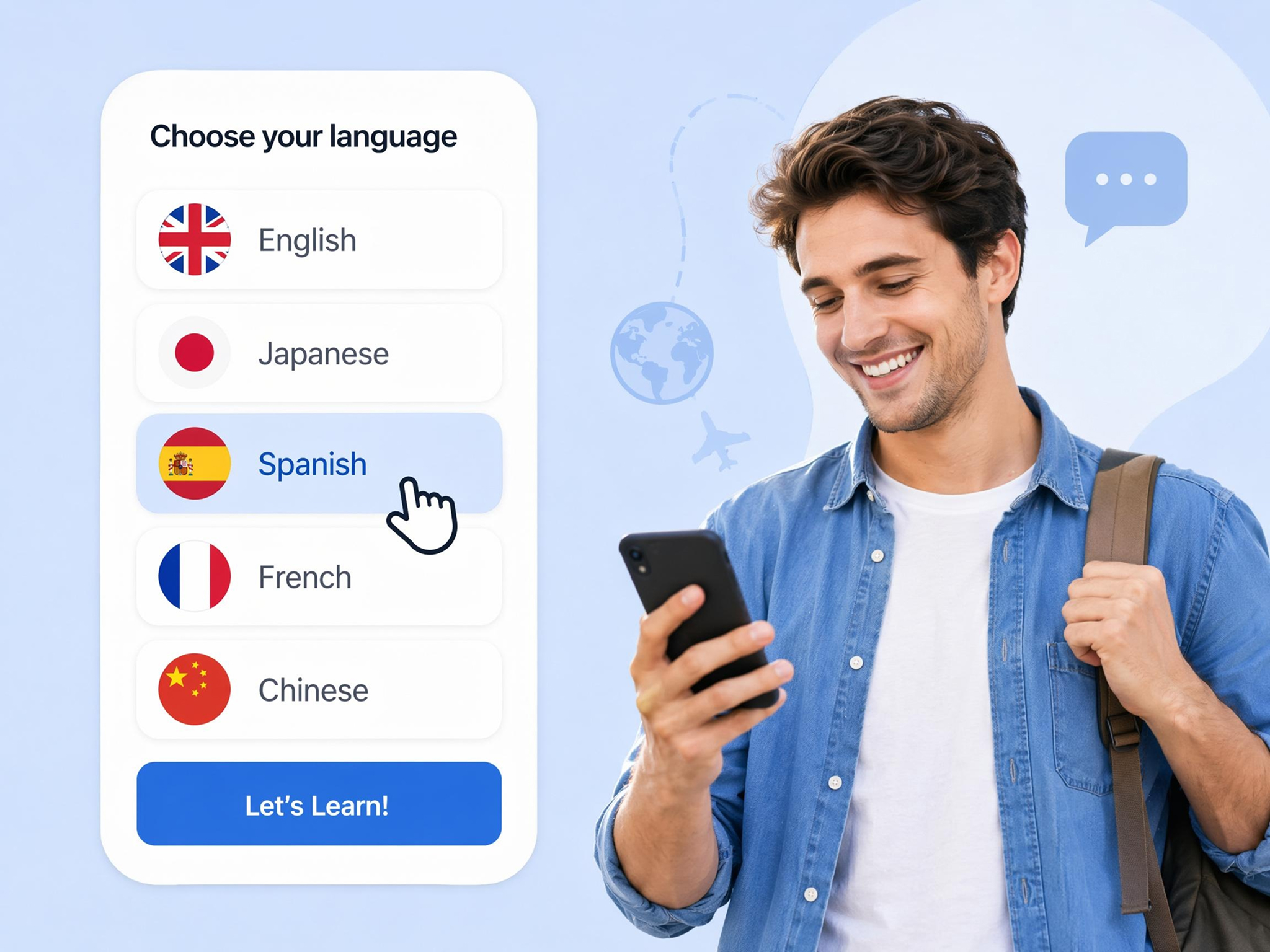
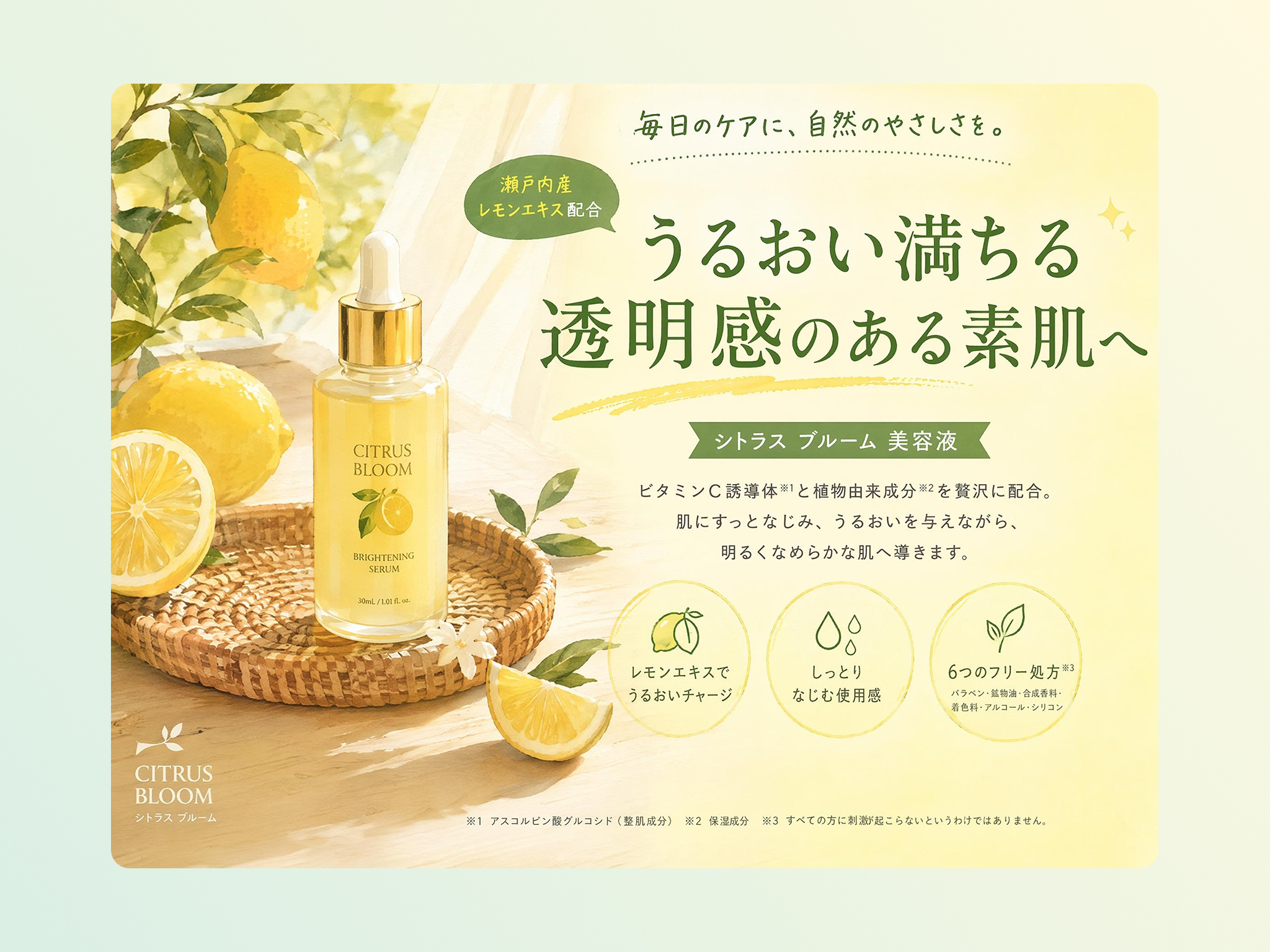
Practical Reasons Teams Use It Designkit AI Image Translator
Text Is Updated Without Redesign Work
Updating text by hand often means recreating the layout. The text is replaced and translated in place, so the design stays as it was.
Layout and Spacing Stay Consistent
A lot of translation tools wreck the original spacing. Here alignment and formatting are kept, so the translated visual still looks clean.

Source Language Is Detected Automatically
No need to specify what language the image is in. The text and its source language are recognized automatically, including in foreign screenshots.
Translated Text Can Be Edited Anytime
A translation sometimes needs a tweak for tone or accuracy. Refine wording and fix errors right inside the image, with no second tool.
Consistent Output Across Languages
Managing several language versions tends to drift visually. The same style is held across translations, so the brand looks the same everywhere.
One Workflow for Translate and Export
No moving between apps. Translation, editing, and export happen in one place, which keeps a batch of visuals moving.
Unlock More Creative Possibilities
AI Photo Editor
AI Image Enhancer
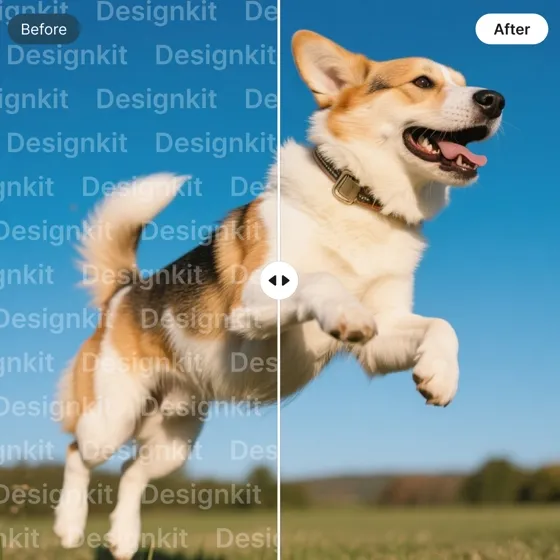
Remove Watermarks from Images
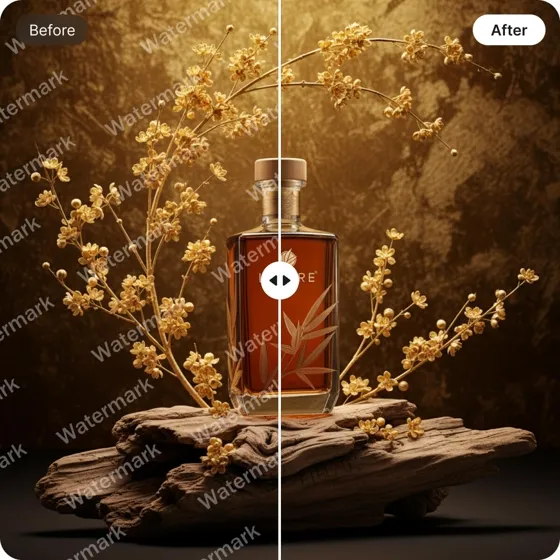
Remove Text From Images
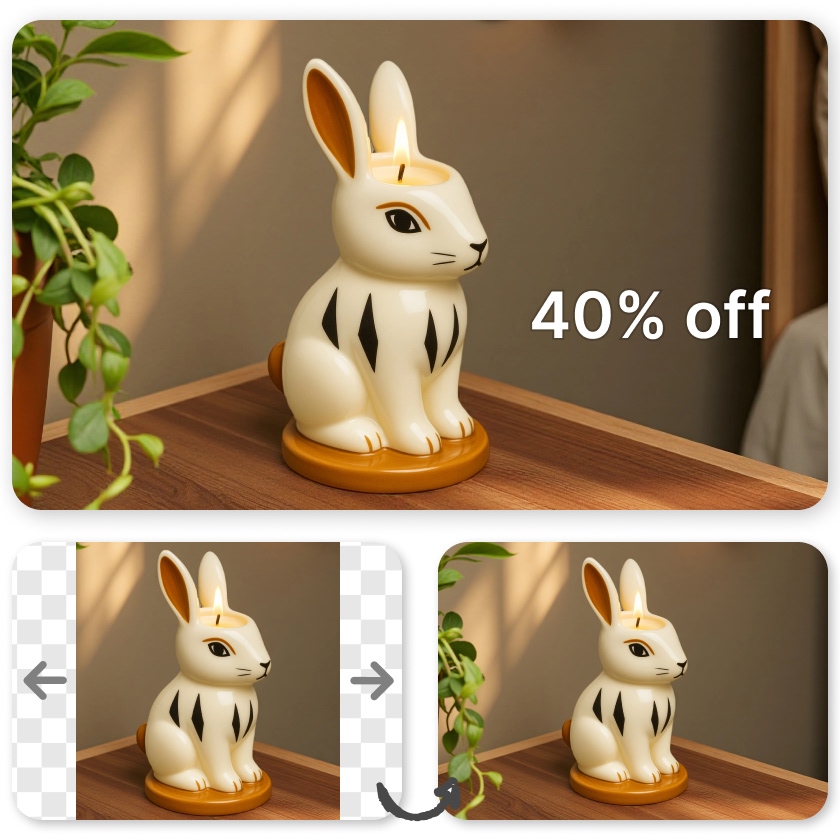
Resize Images
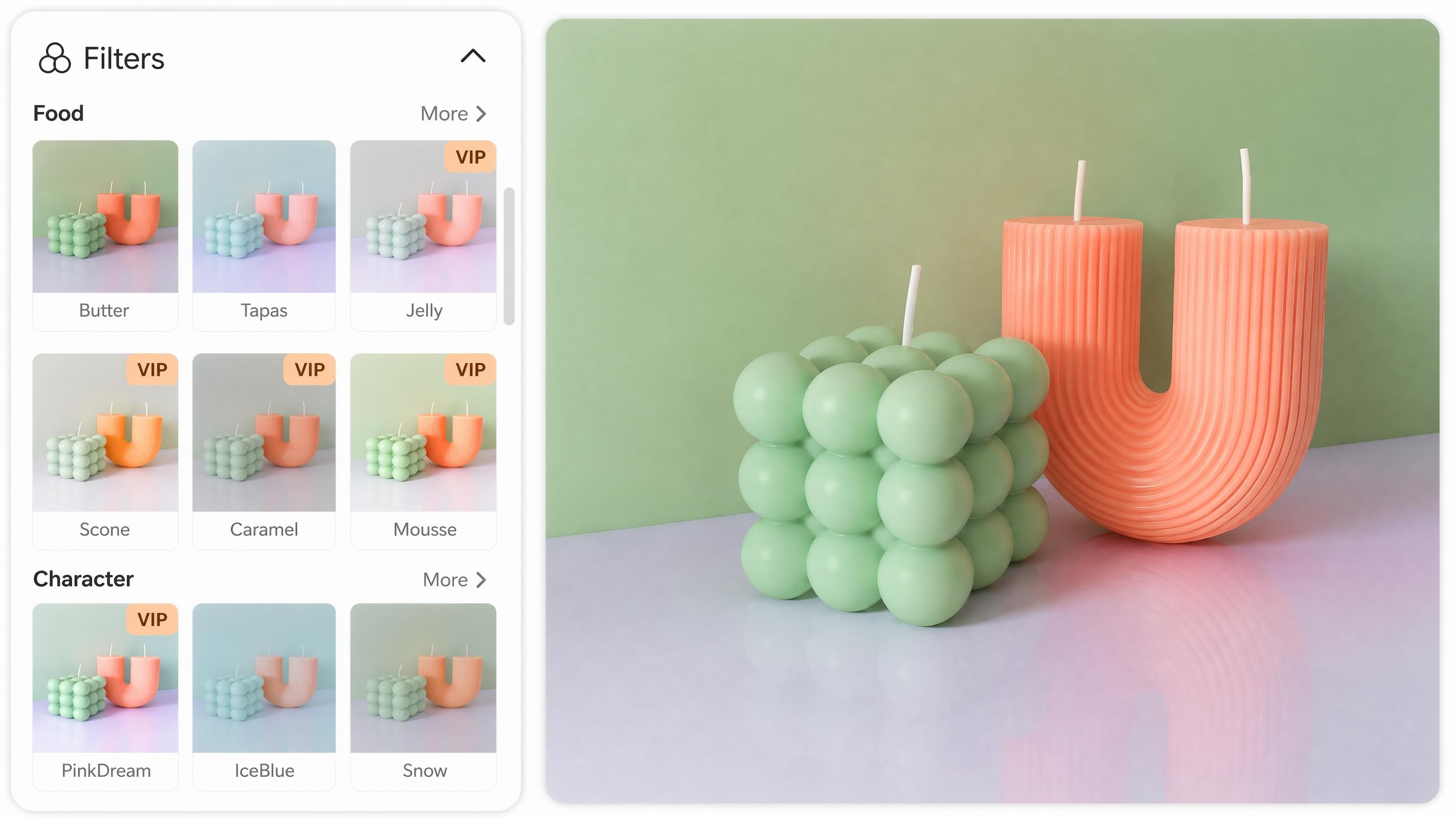
Photo Filter
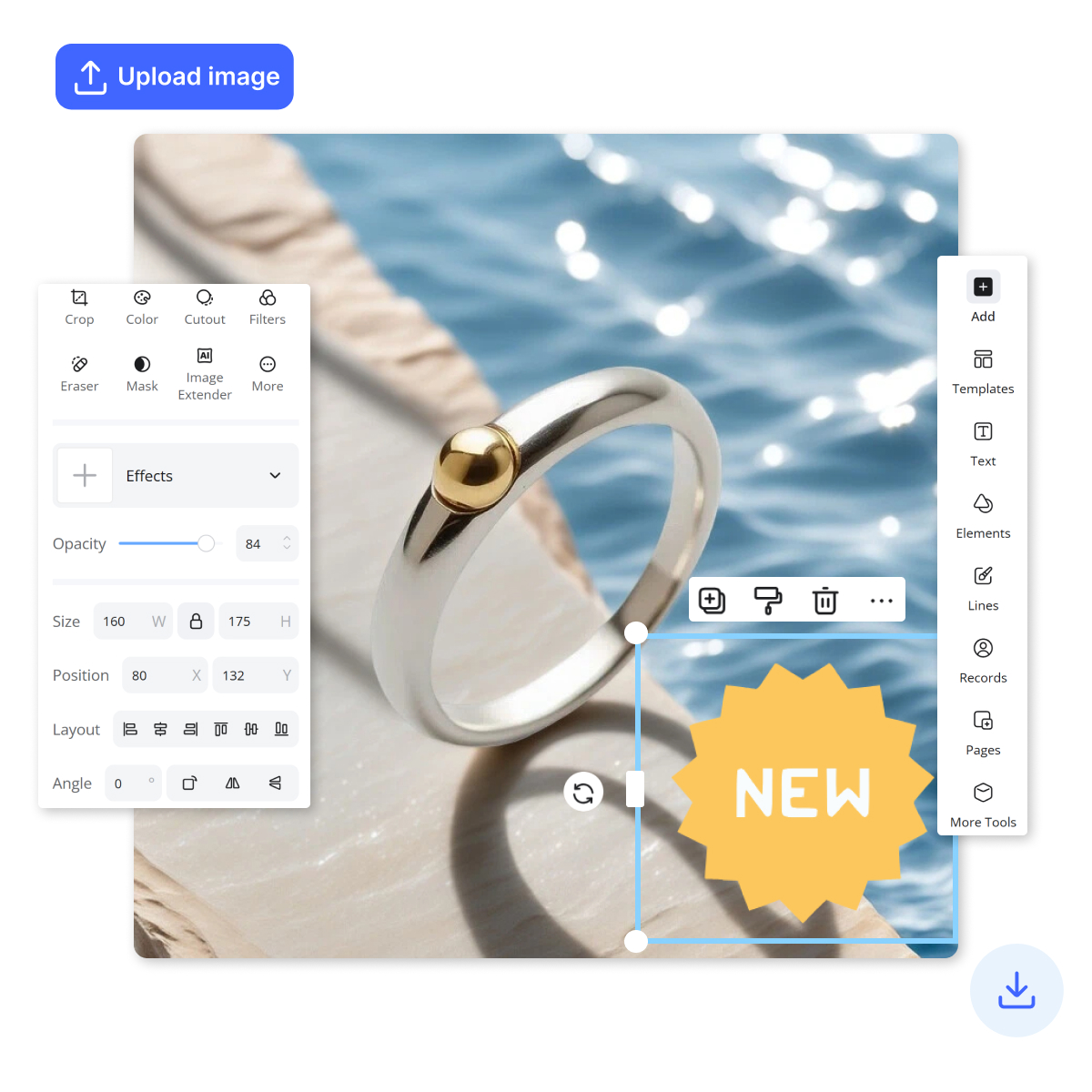
Add Stickers to Photos
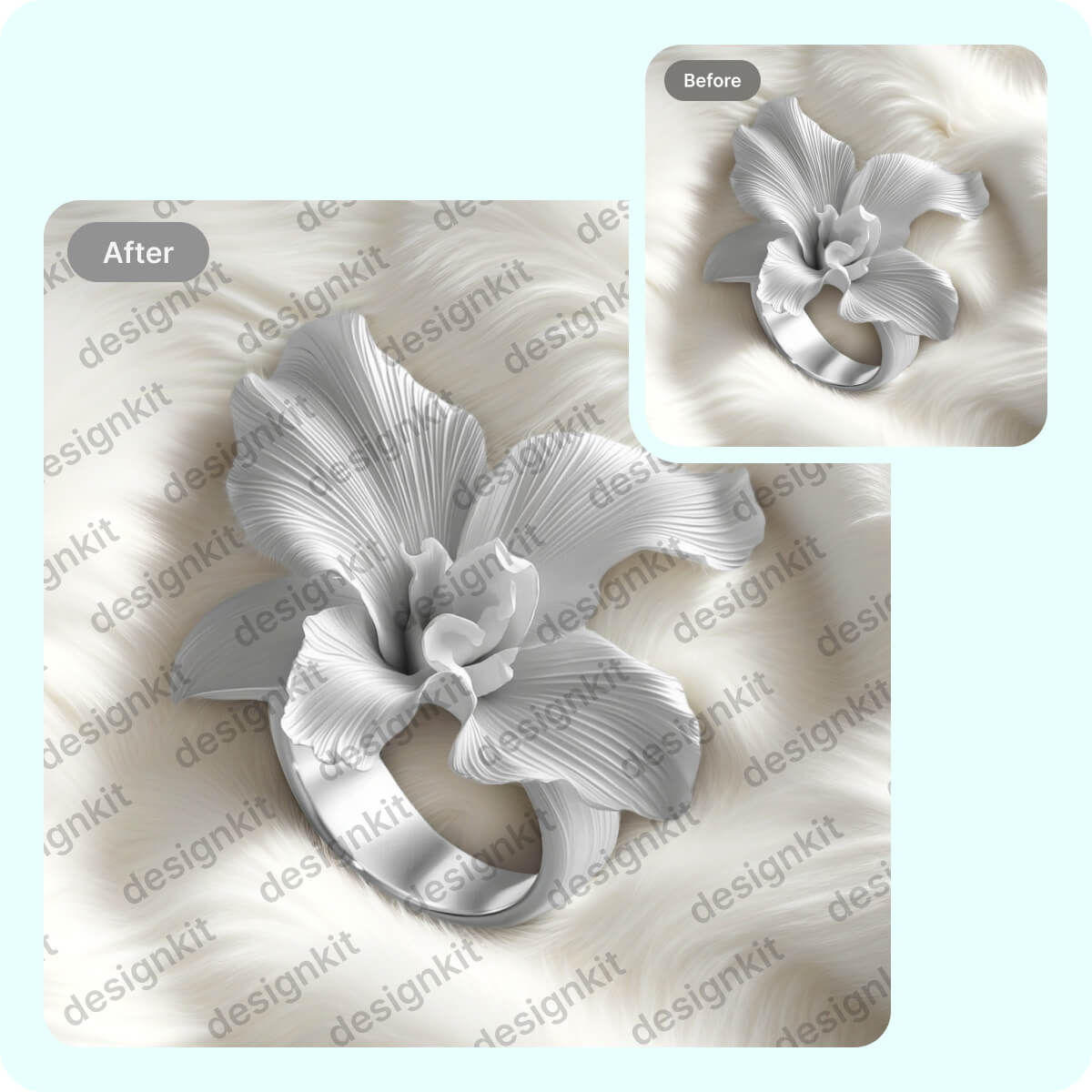
Watermark Adder
Frequently Asked Questions
Can I translate an image without losing the original design layout?
What languages can I translate images into?
You can translate image text into 22 languages. The source language is detected automatically, so you only pick the target, whether the original is printed text or a foreign-language screenshot.
Can I edit the translated text after it's generated?
Yes. A translation often needs a small adjustment for tone or wording. The translated text is editable right inside the image, so there's no exporting and re-editing somewhere else.
What happens if the translated text is too long for the layout?
Some languages naturally require more words than others, which can affect spacing. Designkit helps manage longer translations by letting you adjust text size, formatting, and wording, so the content fits naturally within the existing layout.
Can I translate ecommerce product images in bulk for multiple SKUs?
Yes, businesses often need to localize large numbers of product images for different markets. Designkit simplifies this process by helping teams translate and update multiple product visuals faster, reducing manual editing across large catalogs.
How do I fix an incorrect or unnatural translation in an image?
You can review and update translated text whenever needed. Designkit makes it easy to correct wording, improve readability, or adapt phrases for local audiences directly within the image, helping you create more natural and accurate content.
Translate Image Text Without Rebuilding Designs
Upload an image and translate text into 22 languages in seconds. Layout and formatting stay unchanged, and text can be edited directly inside the image.

Real User Experiences with Designkit's AI Image Translator
From ecommerce to education, users save time and scale multilingual visuals without extra design work.
From Hours of Editing to Minutes per Batch
I used to spend hours localizing product images for different regions, jumping between tools and fixing layouts one by one. Now I can translate and update everything in one go, and it only takes a few minutes per batch. The whole store stays consistent, and launching new markets feels way less stressful.
Handling a Big Catalog Without Stress
Managing a large catalog used to be messy because every SKU needed separate image edits for each marketplace. Now I just batch translate and update product visuals while keeping everything aligned. I can get through listings much faster, and launches don't feel chaotic anymore.
My Content Keeps Flowing Now
Translating visuals and foreign screenshots used to slow everything down for me. Now I can take one design and quickly adapt it into multiple languages, so I can keep posting regularly without getting stuck doing repetitive edits.
Scaling Campaigns Without Extra Cost
Multilingual campaigns used to mean separate design work for every language, which got expensive and time-consuming. Now we reuse the same visual and just translate it for different audiences. It's made scaling campaigns across regions much easier and faster for client delivery.
Even My Handwritten Notes Translate Cleanly
I translate slides, diagrams, and even handwritten worksheets for my students. It turns them into multilingual materials pretty quickly, students follow along better in their own language, and it saves me prep time each week.
No Design Team Needed Anymore
I used to depend on freelancers for almost every marketing visual, which slowed things down and cost a lot. Now I can handle translations and build campaign assets myself without waiting. It's cheaper, faster, and I can keep everything on-brand.