
Edit Your Visuals With Free Online Photo Filter
Apply professional-looking filters to your photos right in the browser. Pick a style, refine the look by telling Designkit what you want, and download a polished image in seconds.
No image? Try one of these:
How to Add Filters to Images Online
Upload Your Source Image
Drag and drop your PNG, JPG, or WebP file into the tool. Uploads are handled automatically, so there's no setup before you start.
Choose a Filter and Refine the Look
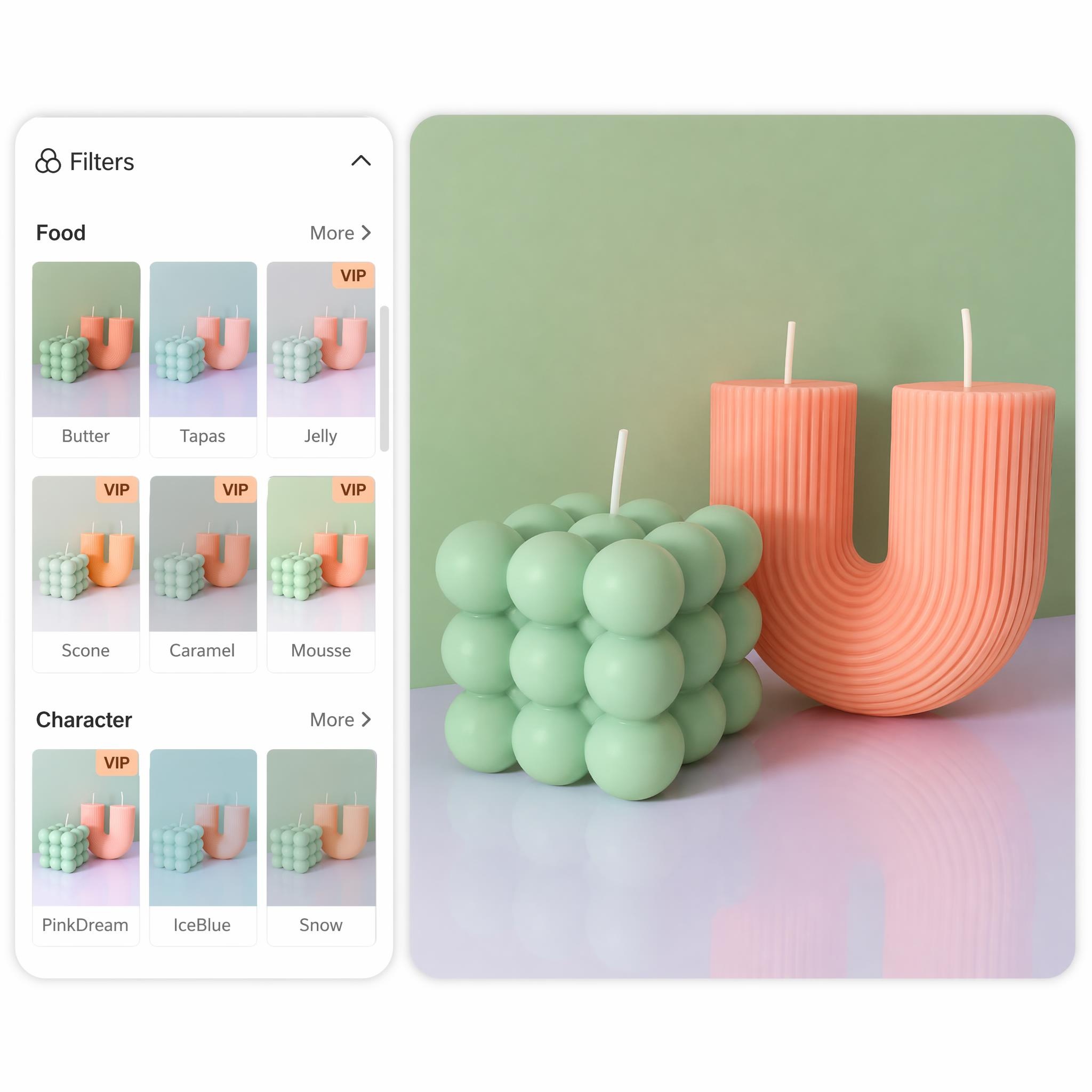
Open the Retouch tab and select Filters to browse presets by category. After you pick a style, tell Designkit how you want it adjusted, like warmer tones or a softer mood, and it reworks the look from your instruction.
Download Your Styled Result
When the look is right, click download. Your filtered image saves to your device in full resolution, ready to post or add to a product listing.
Online Photo Filters Built for Speed and Consistency
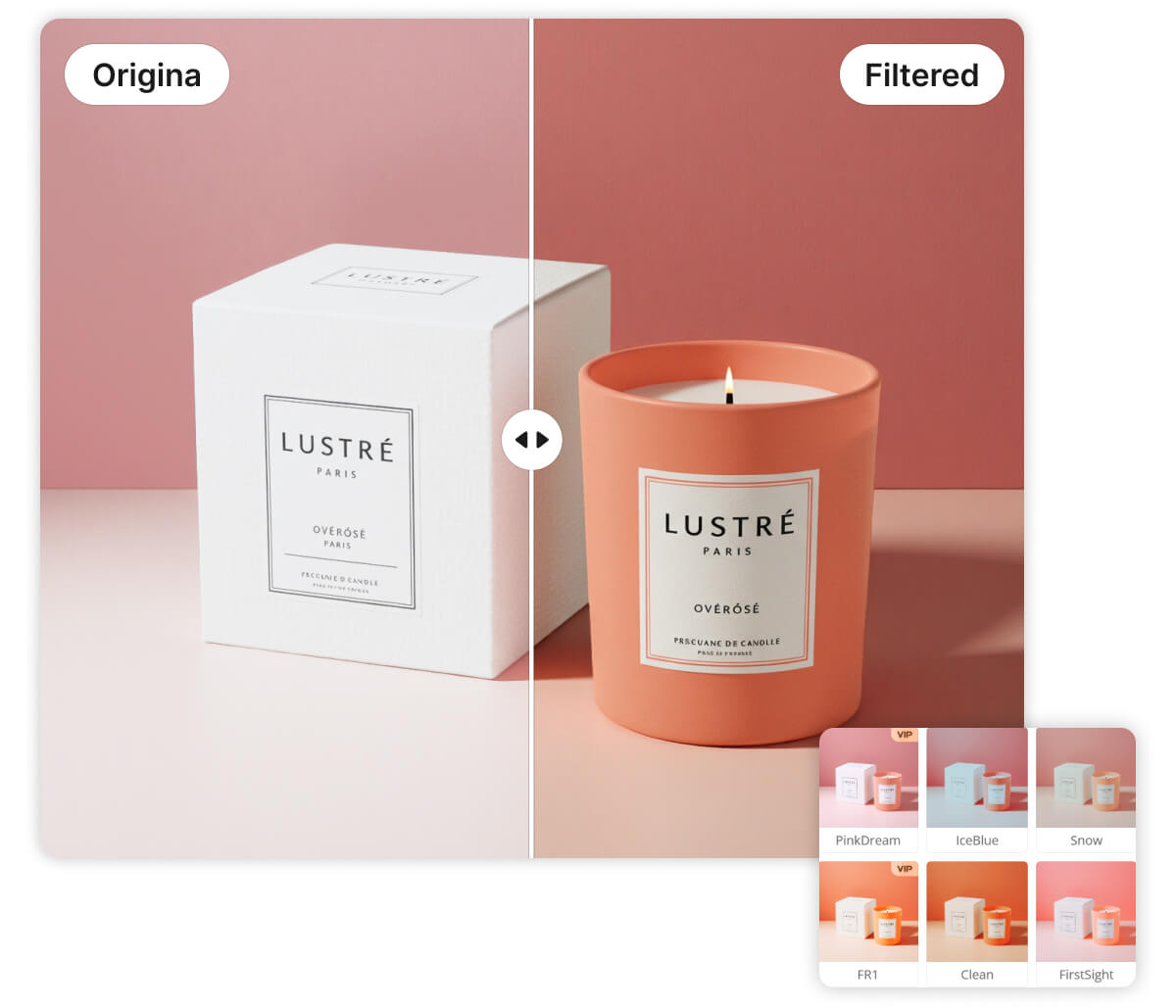
Apply Photo Filters Across Many Style Categories
Designkit offers a curated library of presets, from Cinematic and Trendy Colors to Food and Spring looks. Instead of scrolling through generic effects, you pick a category that fits your subject and apply it in one pass.
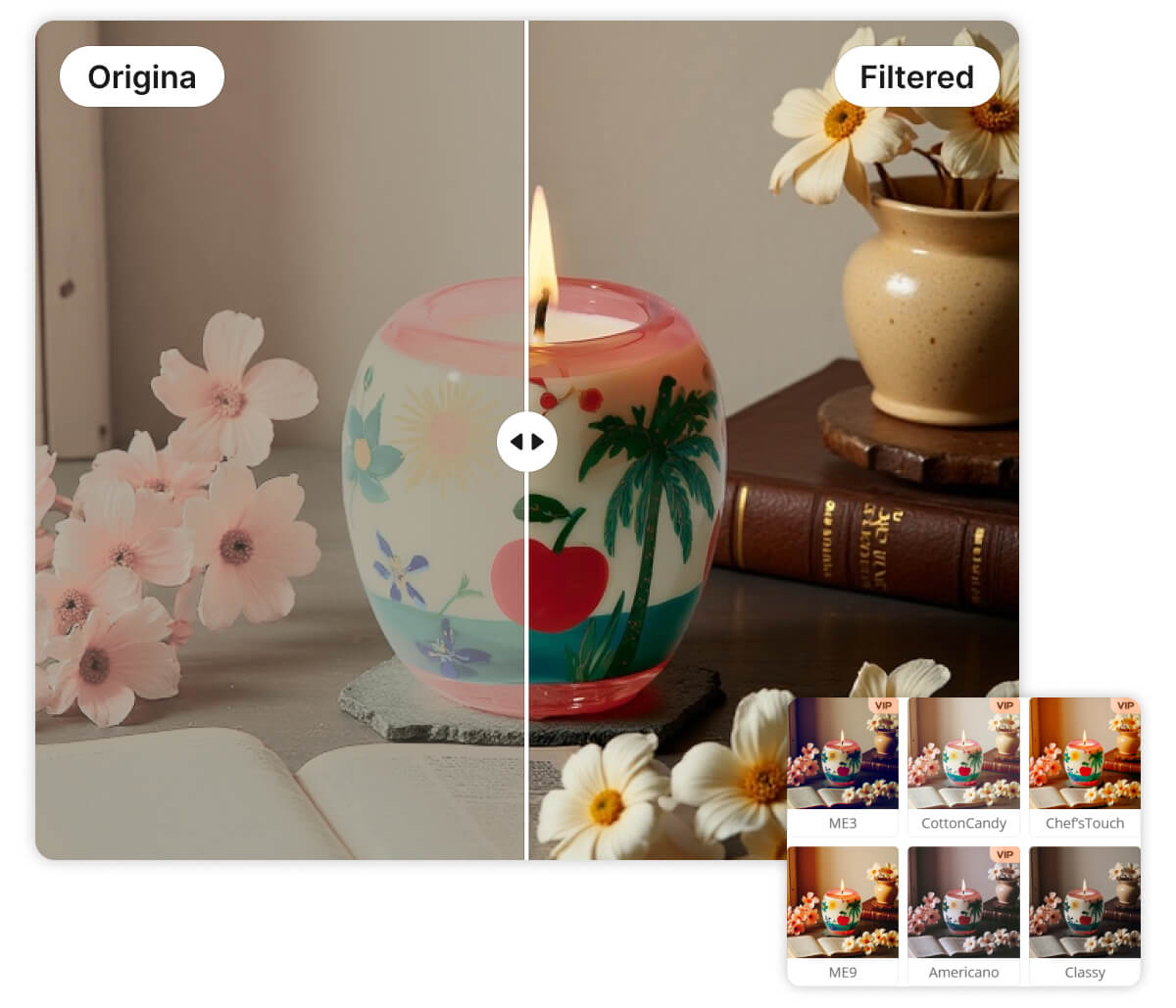
Filter Photos Online With No Software to Install
Everything runs in the browser and saves straight to your device. You preview the filtered result before exporting, so you can decide on the look first. There's nothing to download or update, and it works on any computer.
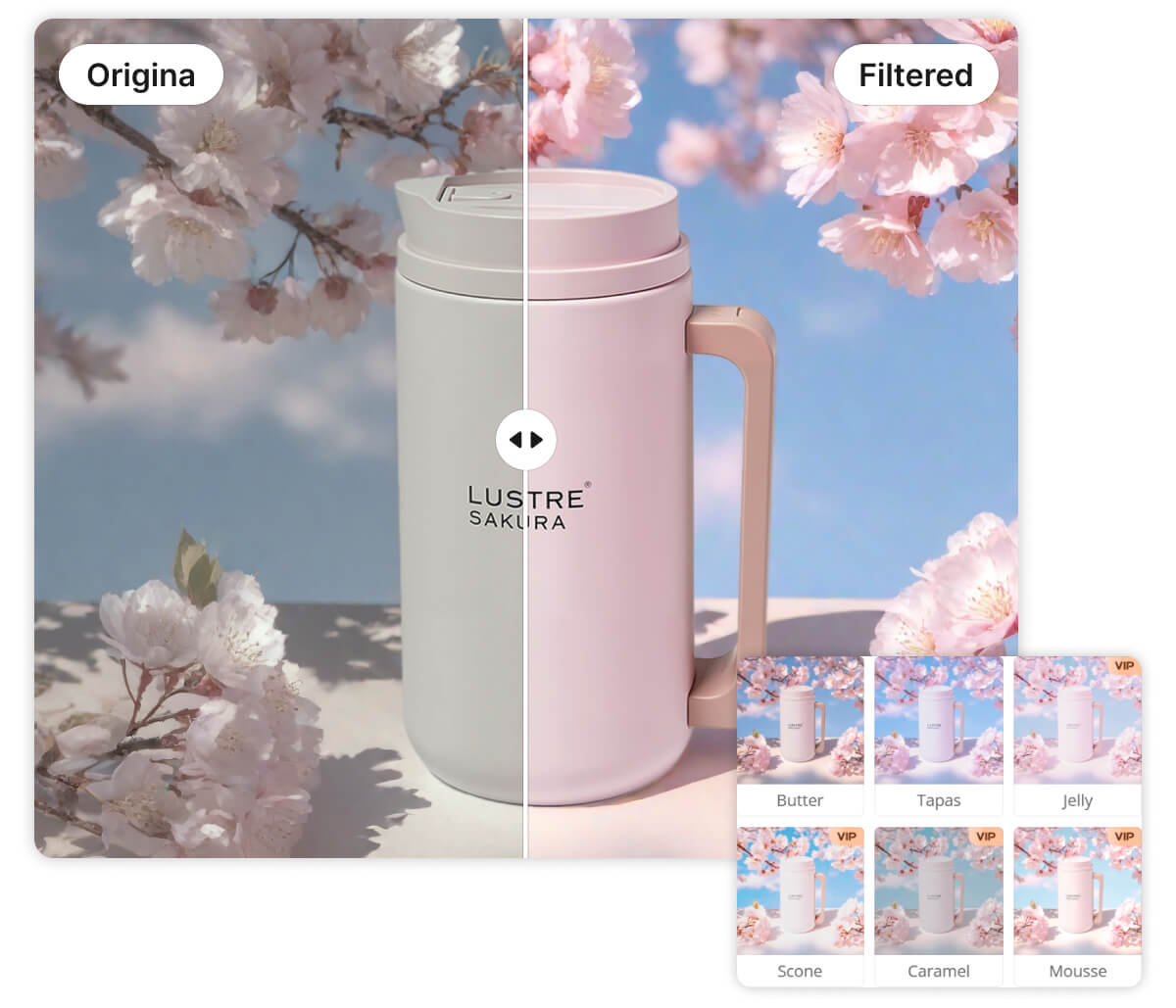
Adjust the Filter Look by Telling Designkit What You Want
Picked a filter but the color feels too warm or the mood too flat? Type what you want changed in plain words, and Designkit reworks the look from your instruction. You shape the result by describing it, not by hunting through manual controls.
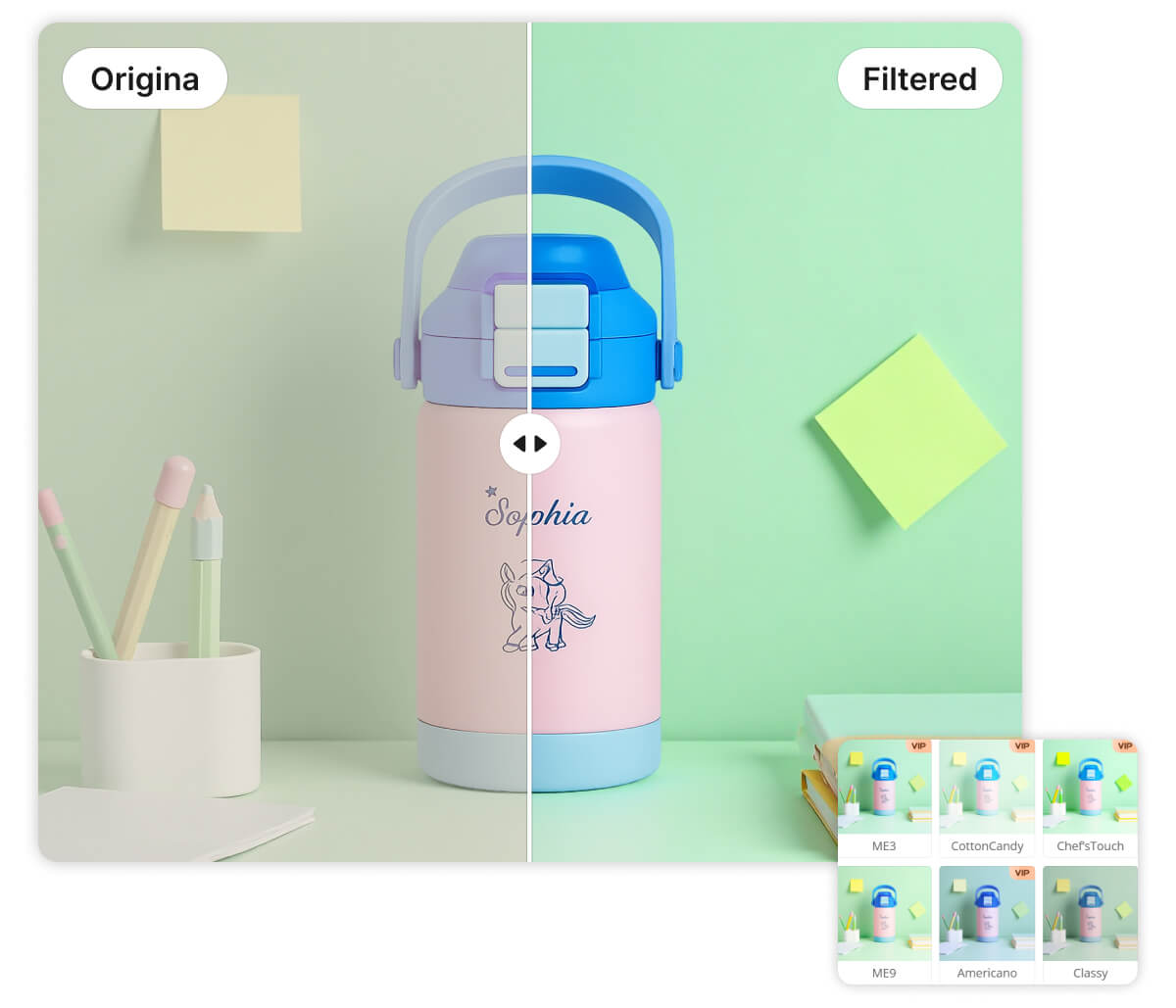
Keep One Consistent Look Across a Whole Set
Each preset applies coordinated changes to brightness, contrast, and color in a single step. Reuse the same filter across a batch and your images stay visually unified, which keeps product catalogs and feeds looking like they belong together.
Online Photo Filter for Every Scenario
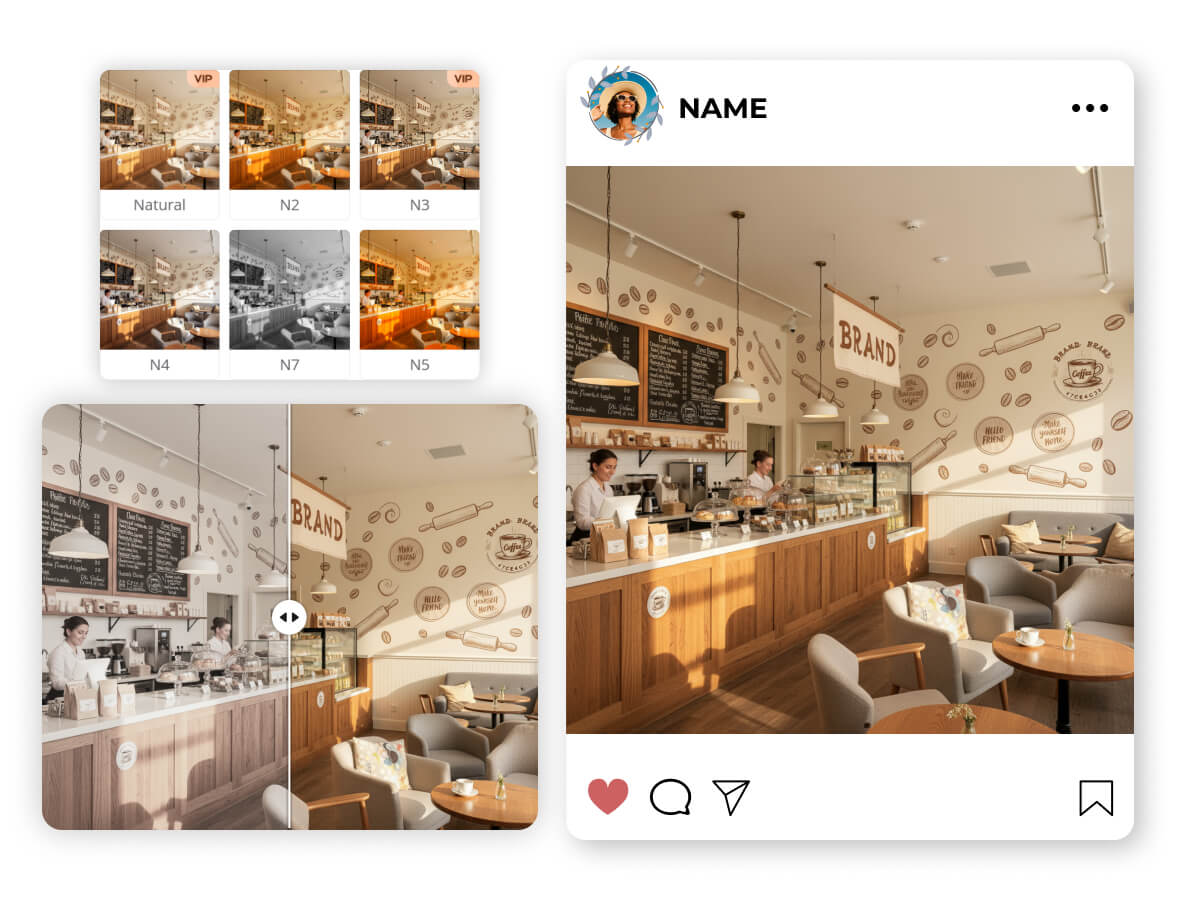
Online photo filter for Social Media Speed-posting
Social media managers often need to post high-quality content while events are still happening. You can't afford to wait until you're back at a desktop to run complex edits. Simply upload your mobile shots, apply a "Trendy" filter to match your grid's aesthetic, and export. You get polished, scroll-stopping posts in seconds.
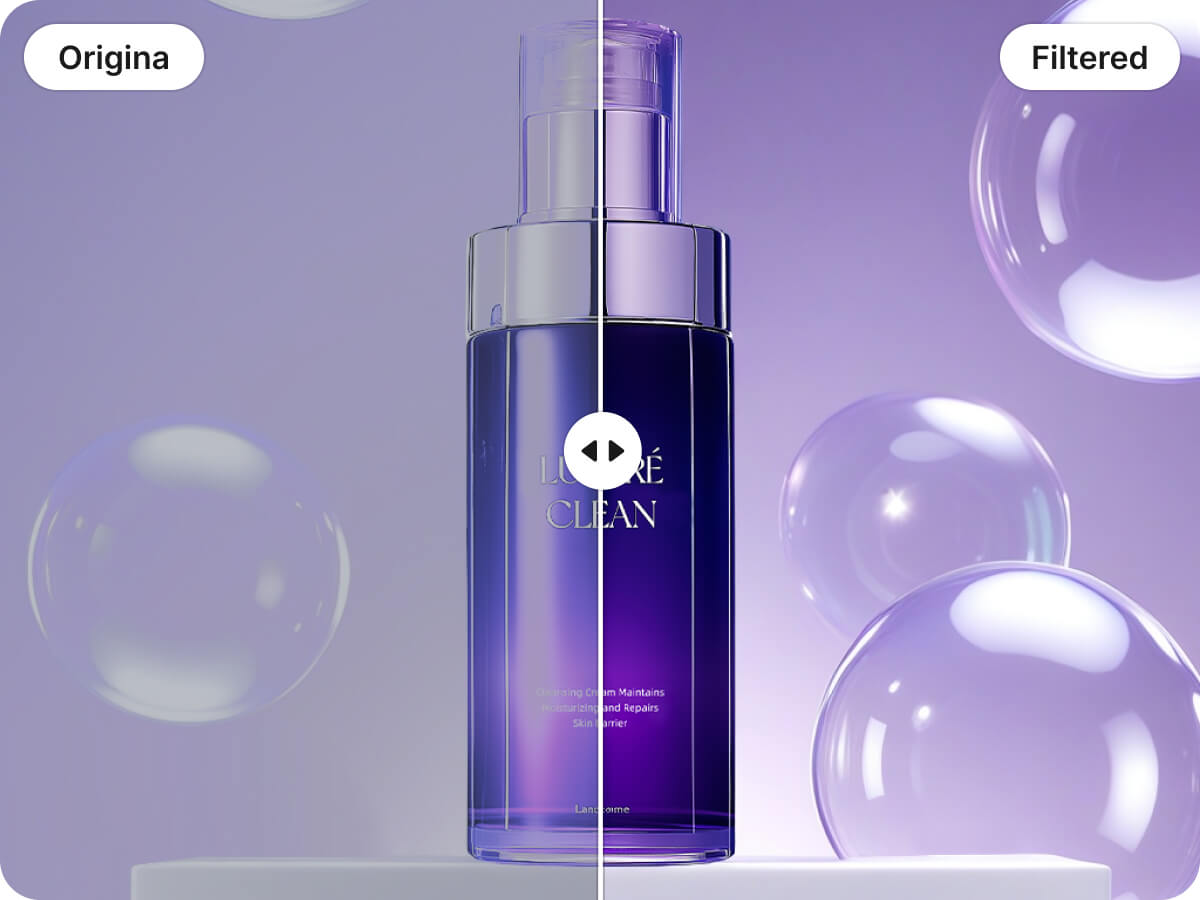
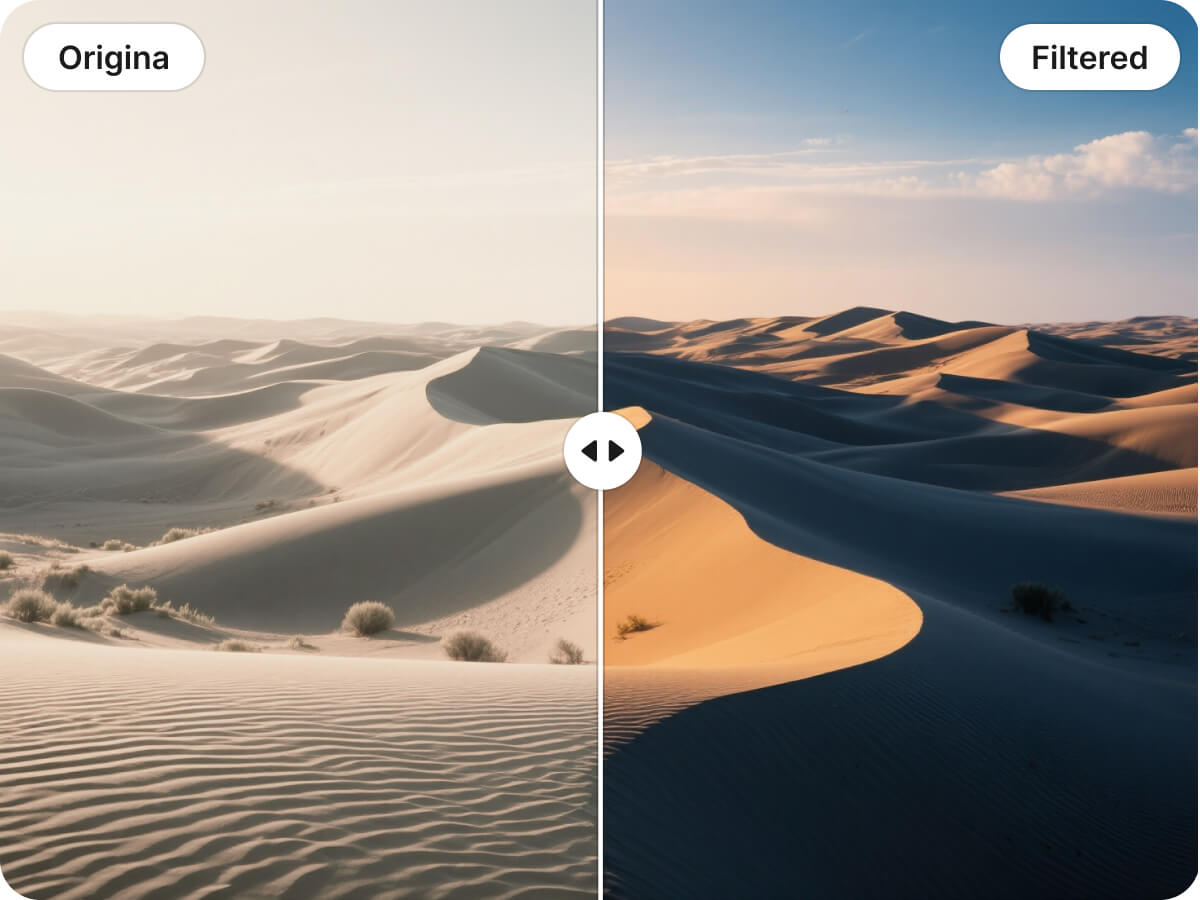
Why Choose Designkit's Online Photo Filter

Faster edits, fewer steps
You apply a photo filter and preview changes instantly in the browser, then export in 1 download. Compared with multi-layer manual edits that can take 10+ minutes per image, you finish the same task in a fraction of the time.
Edit on any computer, nothing to install
Filter your photos in any modern browser without downloading apps or managing updates. Whether you switch between work machines or edit on the go, there's nothing to set up, so you go from upload to download without blockers.
Predictable results at batch scale
You can keep a consistent look by reusing the same filter and intensity across a set, then downloading outputs quickly. For product catalogs with 20–100 images, that consistency reduces rework and helps listings look unified across marketplaces.
Discover More Powerful Features in Designkit
FAQ About online photo filter
Can I add a filter to an image online and adjust how strong it looks?
Can I use this for professional e-commerce product photography?
Yes. Filters apply coordinated color and tone changes that stay consistent across a set, so product shots look unified across a listing or catalog. It's well suited to sellers who process batches of images and need them to match.
Which image formats does Designkit support for filtering?
PNG, JPG, and WebP files all work. Drag and drop the file into the tool and the filter applies to your uploaded image directly in the browser.
Is it free to add filters to my images?
Yes, filtering images online is free to use. You upload a photo, apply a filter, refine the look, and download the result.
Refine Your Visuals with the Designkit Online Photo Filter
Your next set of photos is one filter away. Try it free, refine the look in a few words, and download in a single click.

What Creators and Sellers Say About Designkit's Photo Filter
Posts ready before I leave the event
I'm shooting from my phone during events most days, and I used to wait until I got home to edit anything. Now I upload the shot, drop a trendy filter on it, and it's ready in a couple of minutes. My feed finally looks like it goes together, which it never really did before.
My whole catalog finally matches
I had a ton of product photos that all looked a little different because they were shot on different days. I ran the same filter across the whole batch and the listing suddenly looks like one clean set. Way less fiddling than what I was doing in my old editor.
I just tell it what to change
What sold me is being able to say what I want instead of dragging sliders around. I told it to warm up the colors a bit and it sorted it out. Saves me second-guessing every little adjustment, and the looks come out natural rather than overdone.
Fast enough to keep up with my posting
I post almost daily and editing was always the part that slowed me down. With this I pick a filter, check the preview, and export, all in the browser. No app to open, no waiting. I get through a week's worth of photos in one sitting now.