
Turn Dark, Low-Light Photos Into Clear, Detailed Images
Designkit lifts underexposed areas and recovers shadow detail while keeping the rest of the photo balanced. It works on portraits, products, and scanned images without manual exposure settings.
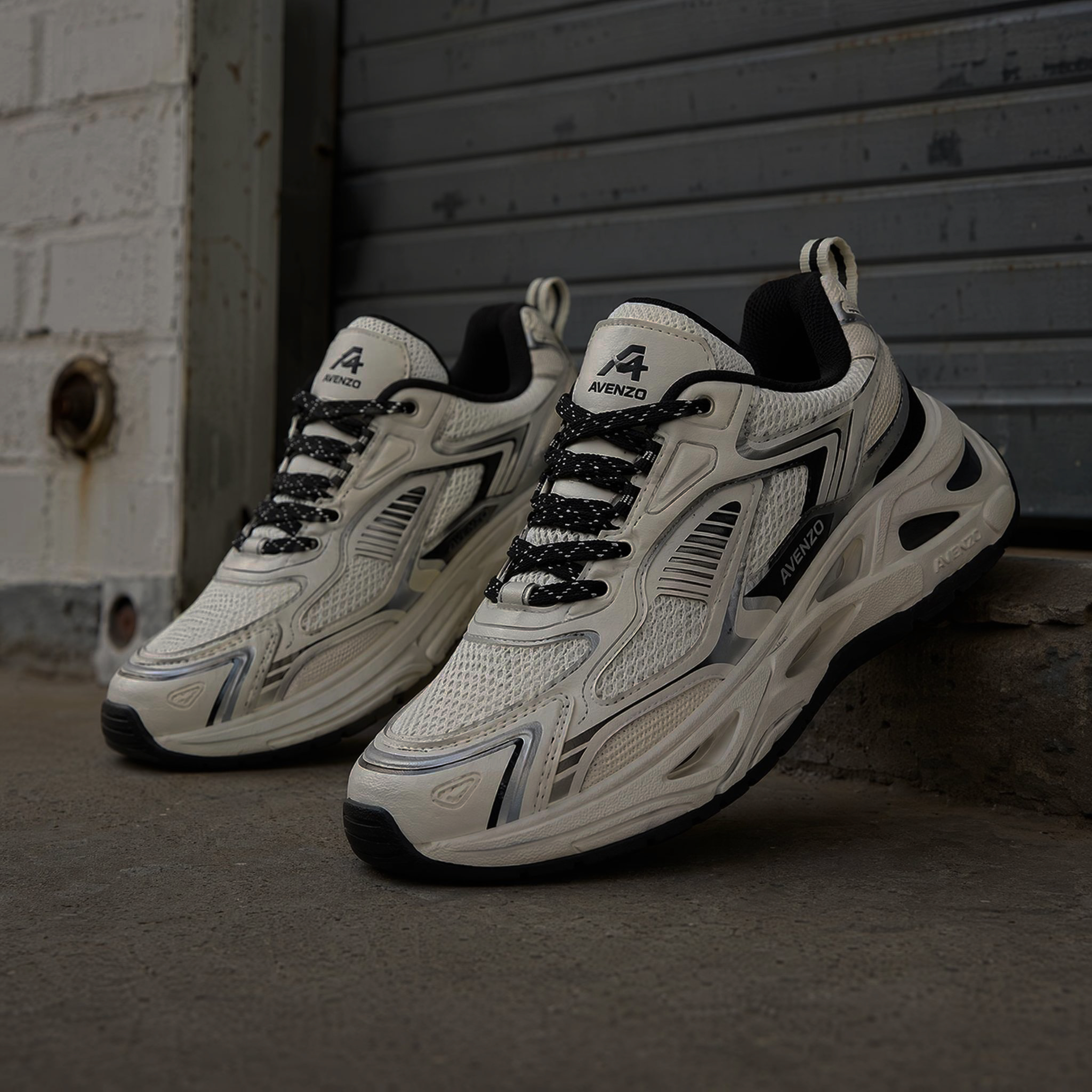
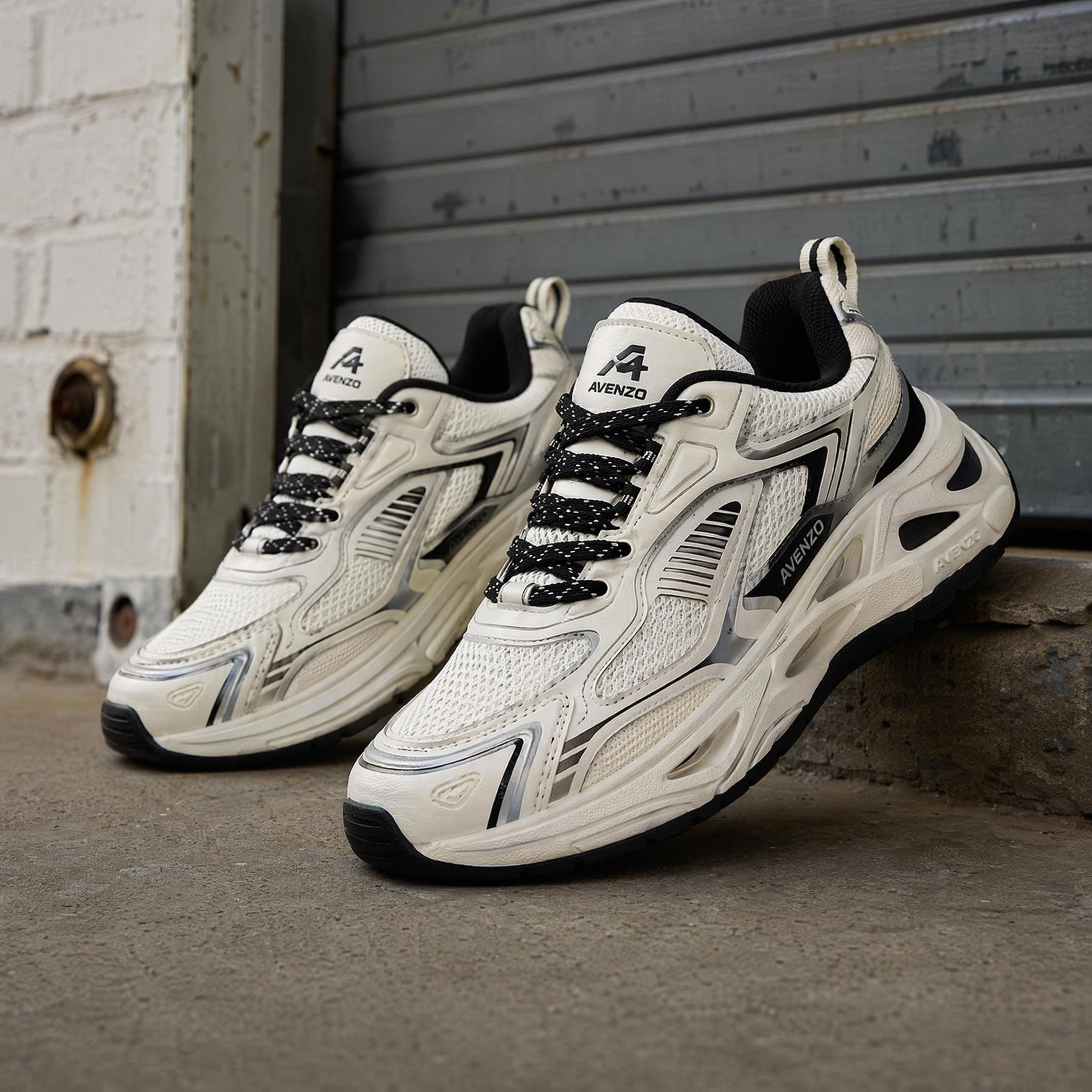
No picture on hand? Try with one of these
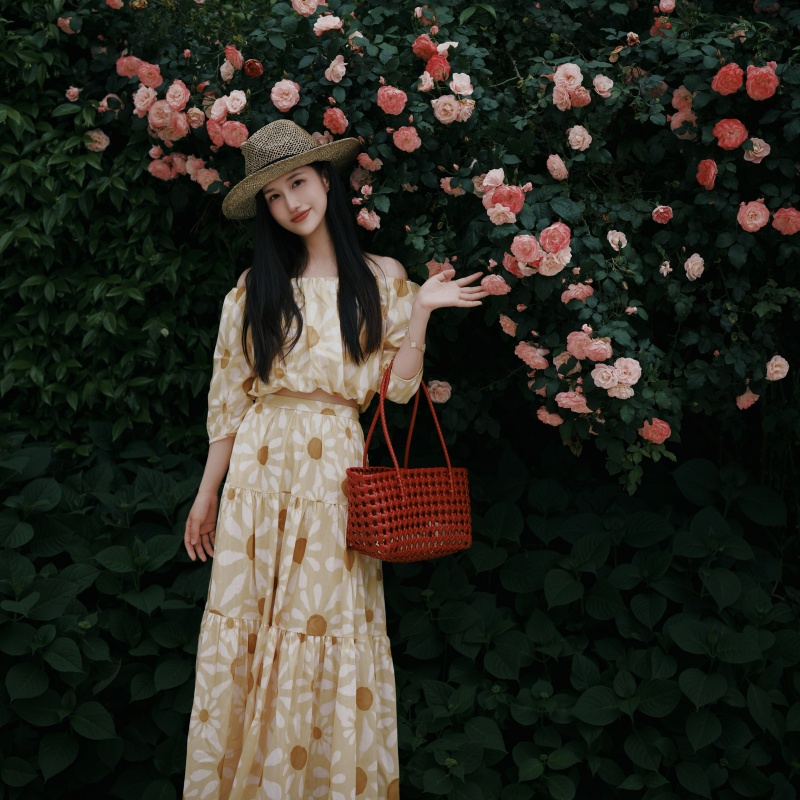
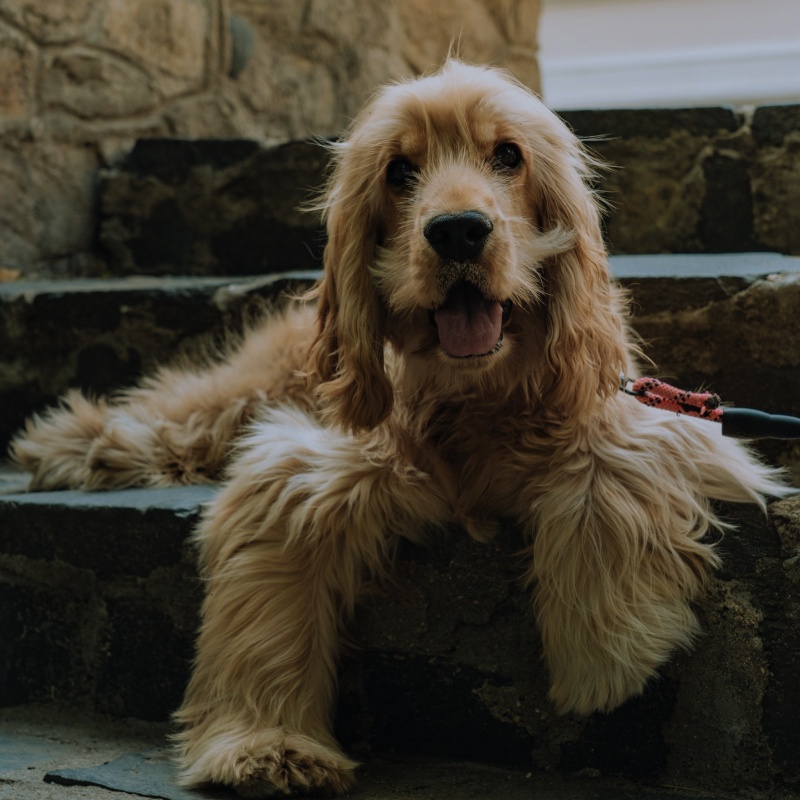


How to Brighten a Photo in 3 Steps
Upload Your Photo
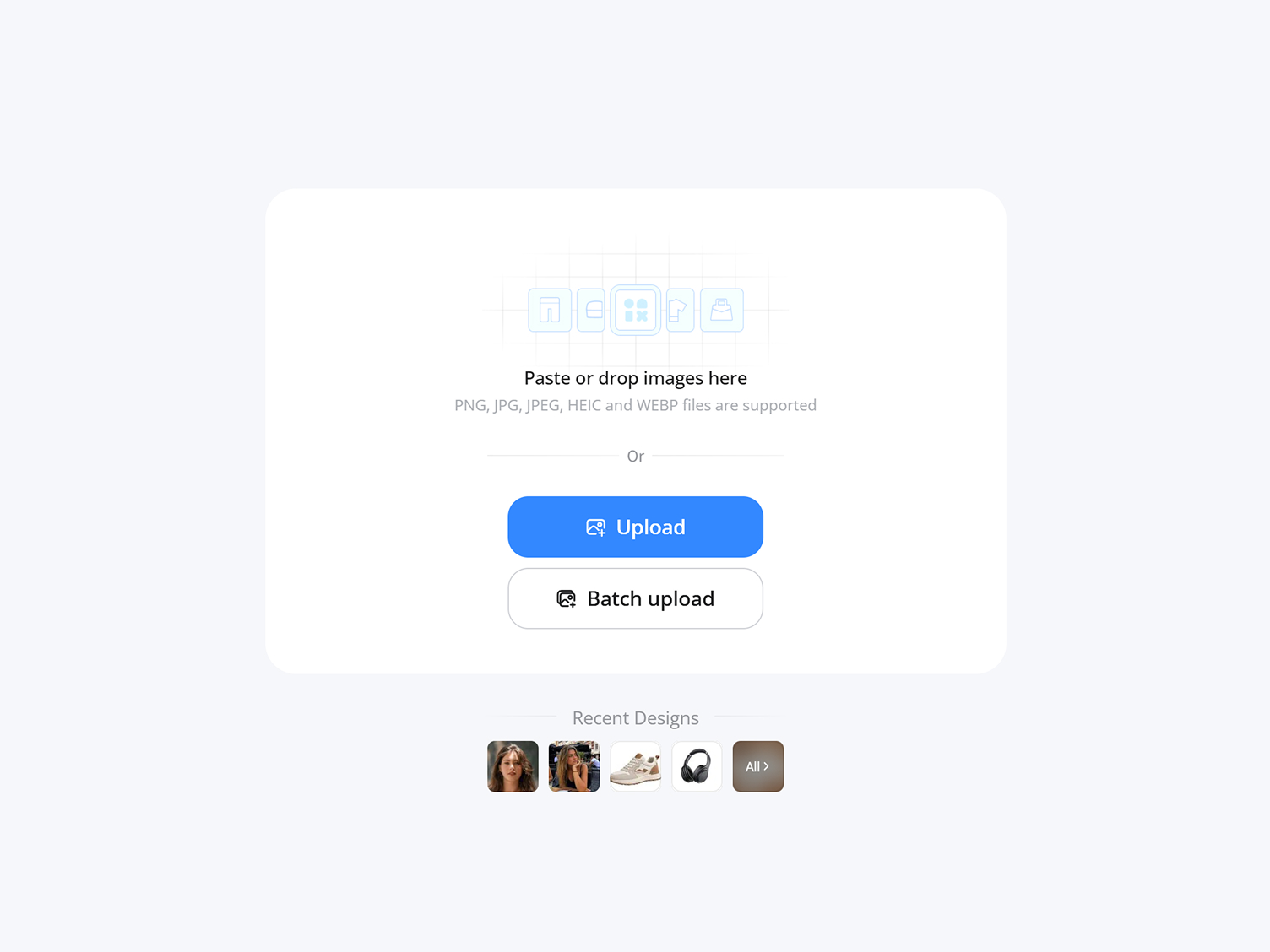
Upload any dark, dim, or underexposed image. Designkit reads the lighting in the photo before adjusting it.
Brighten Your Photo
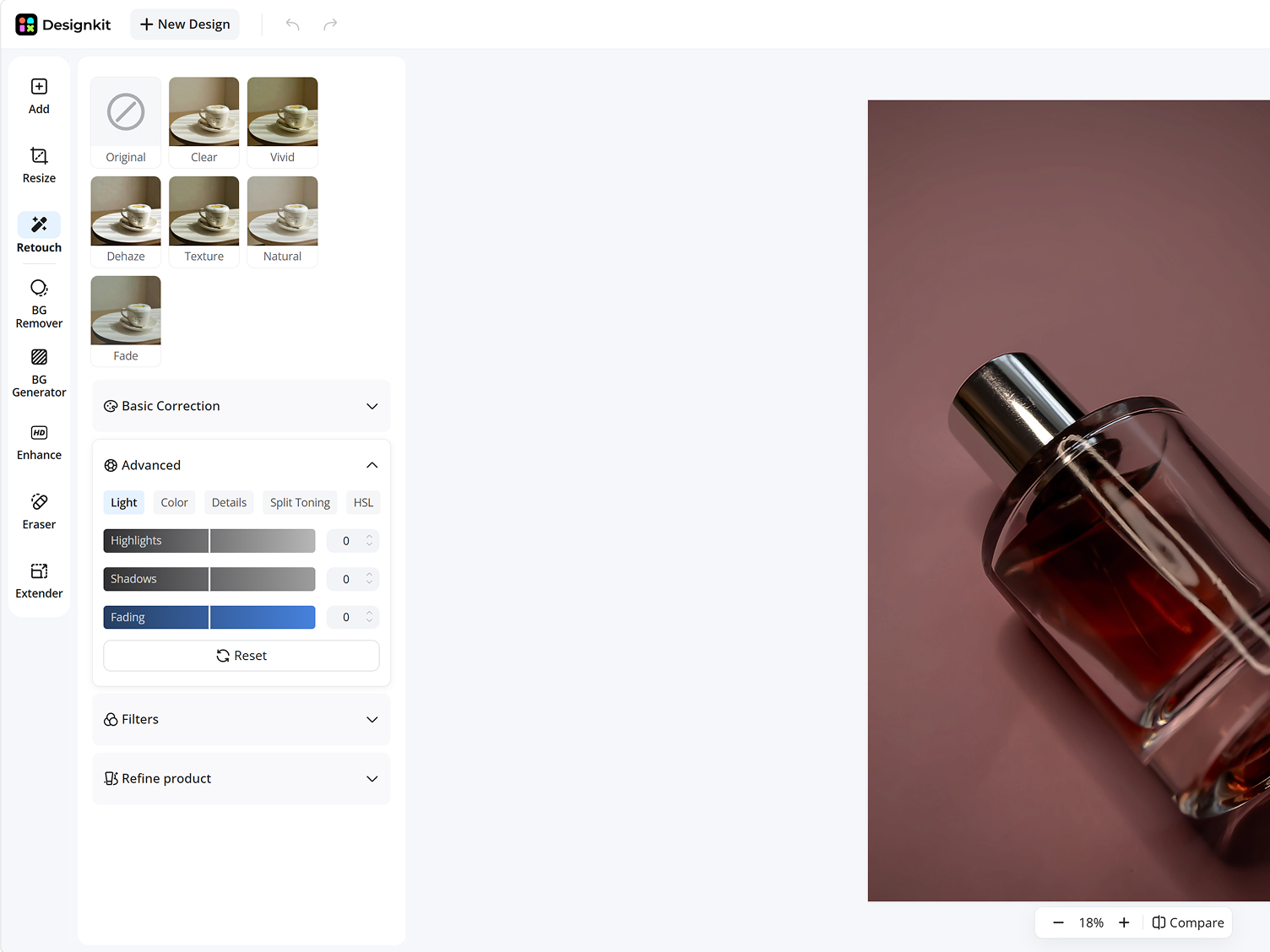
Designkit lifts shadows and corrects brightness while keeping skin tones, textures, and highlights natural, so the photo doesn't look washed out.
Preview and Download
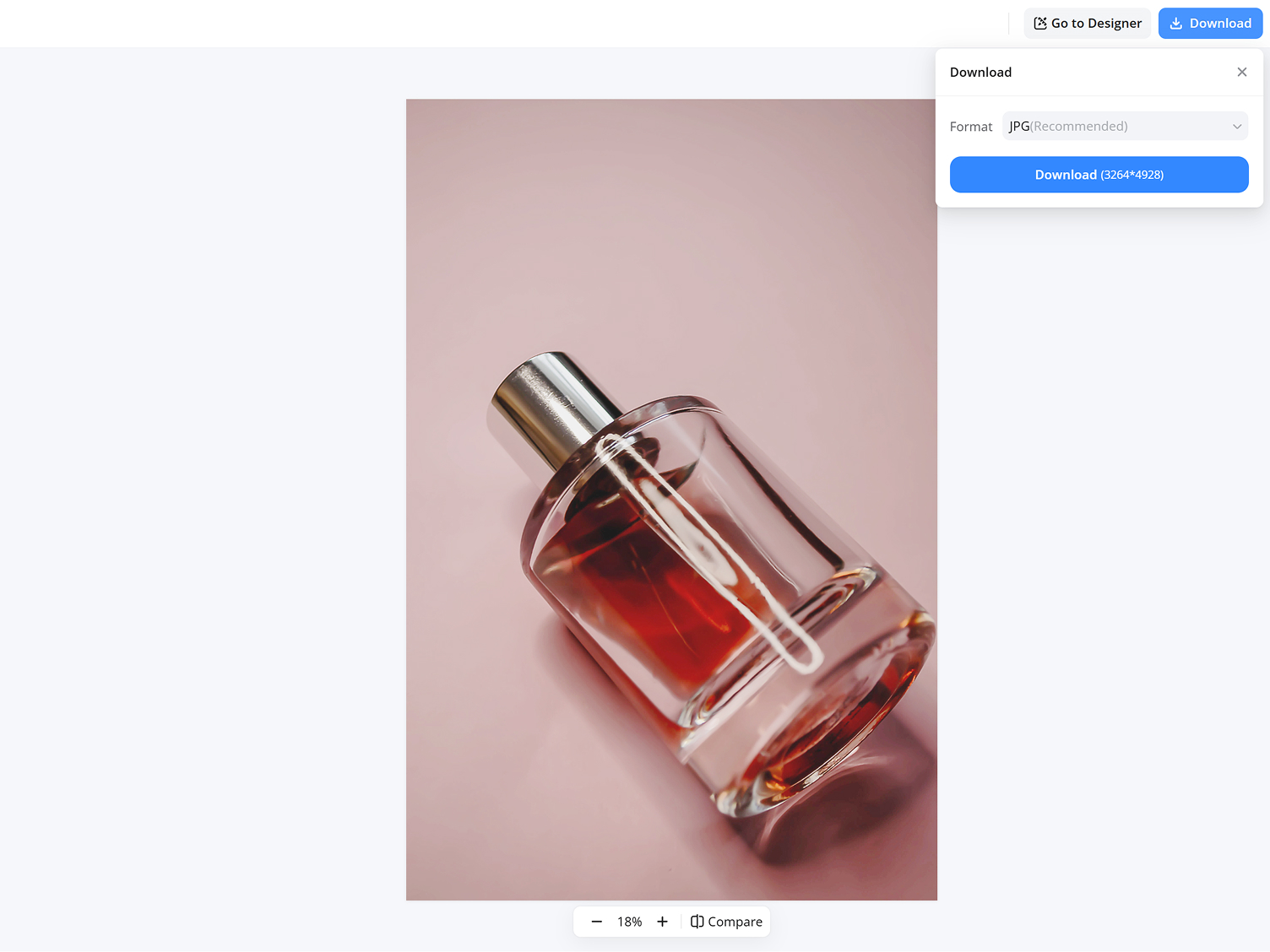
Check the before and after side by side, then download the brightened image in full quality for social media, listings, or personal use.
What You Can Do with Designkit's Image Brightener
Recover Details Hidden in Shadows
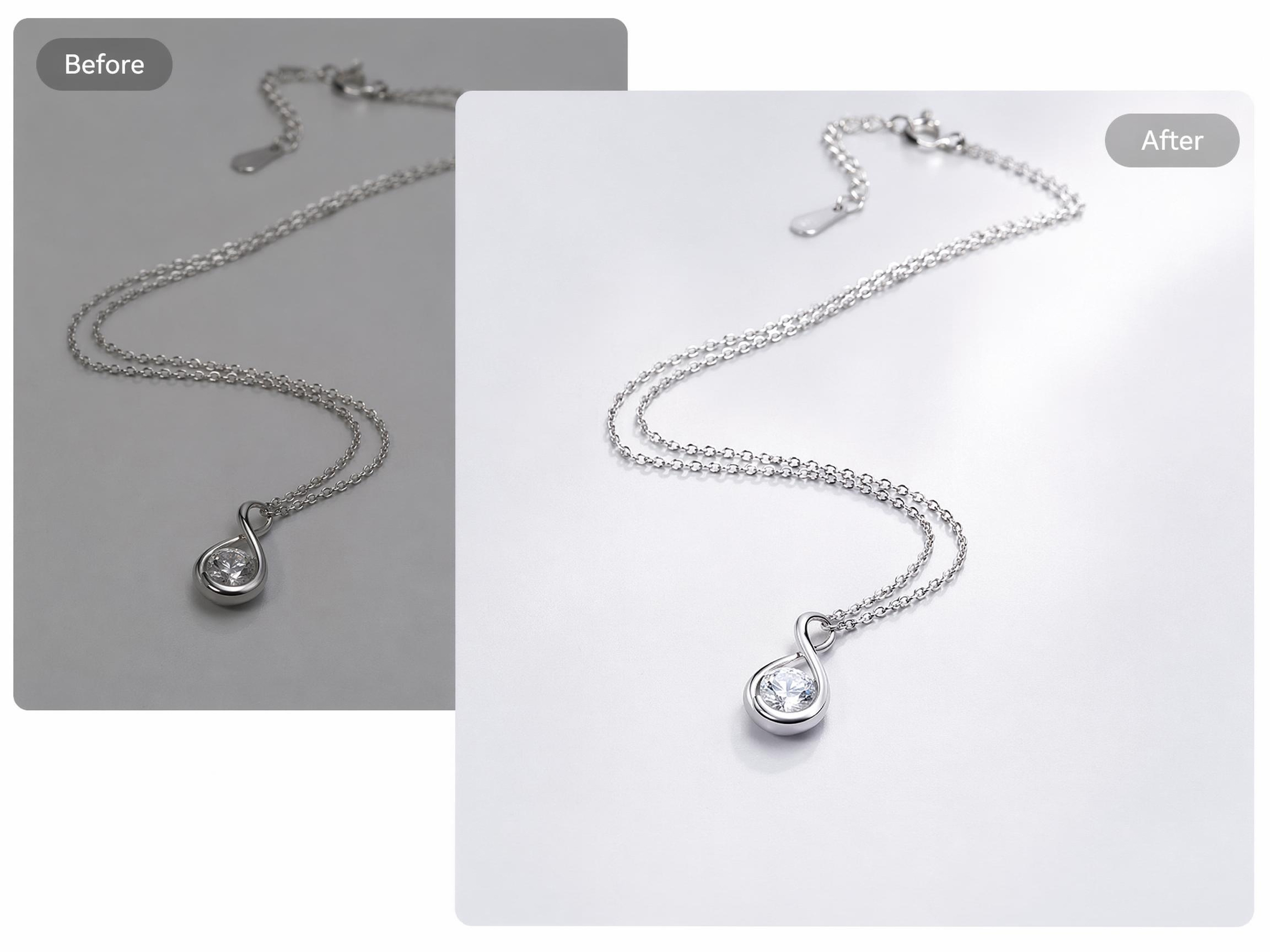
Dark photos often hide important parts of the scene, making faces, products, or backgrounds difficult to see. Designkit brightens shadowed areas, so details become more visible without requiring a new photo or complex editing steps.
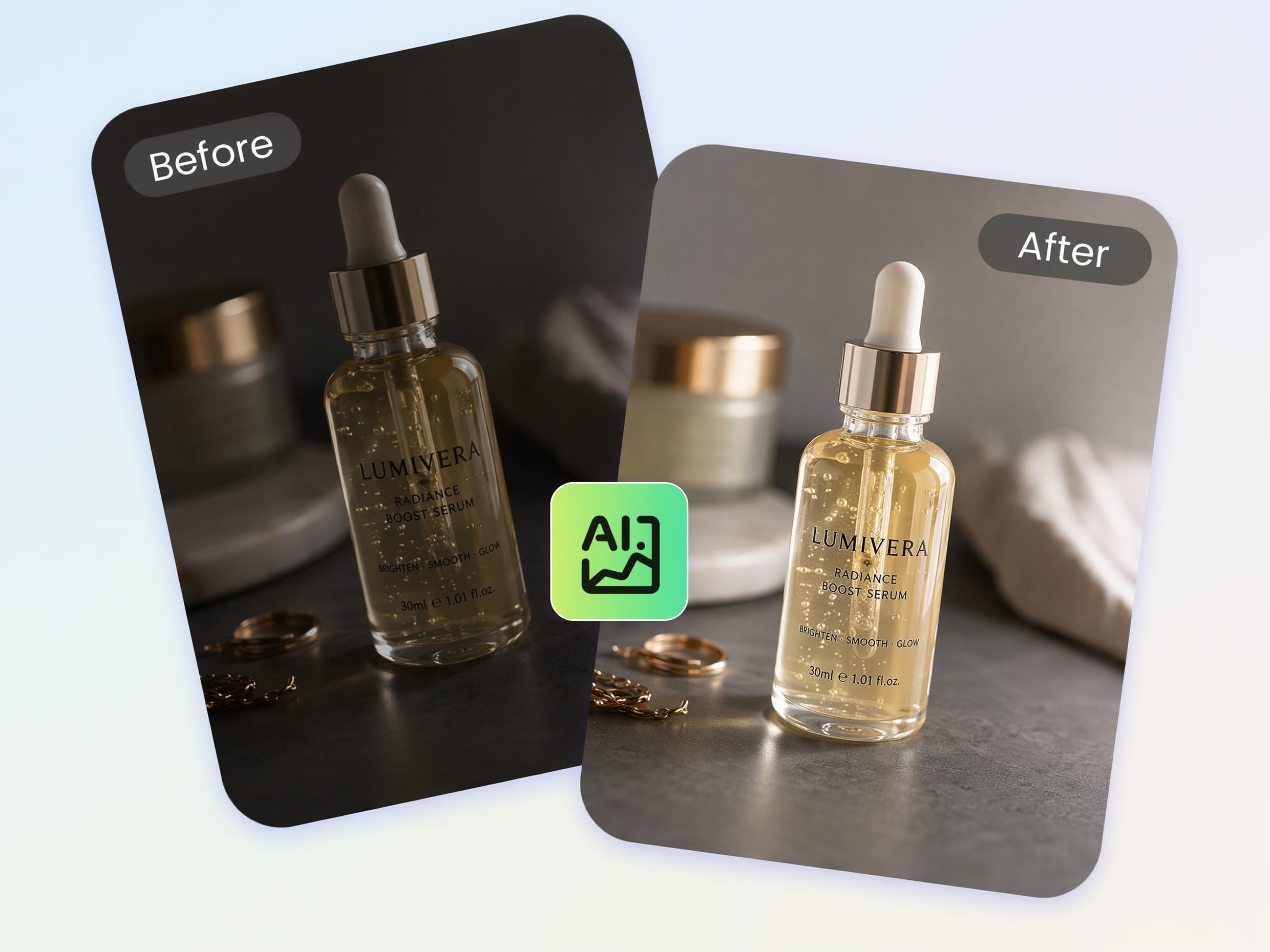
Brighten Photos Without Washing Them Out
Many brightness tools make images look faded by brightening everything equally. Designkit's AI photo editor adjusts darker areas while helping preserve contrast and color balance, so photos remain natural and visually clear.
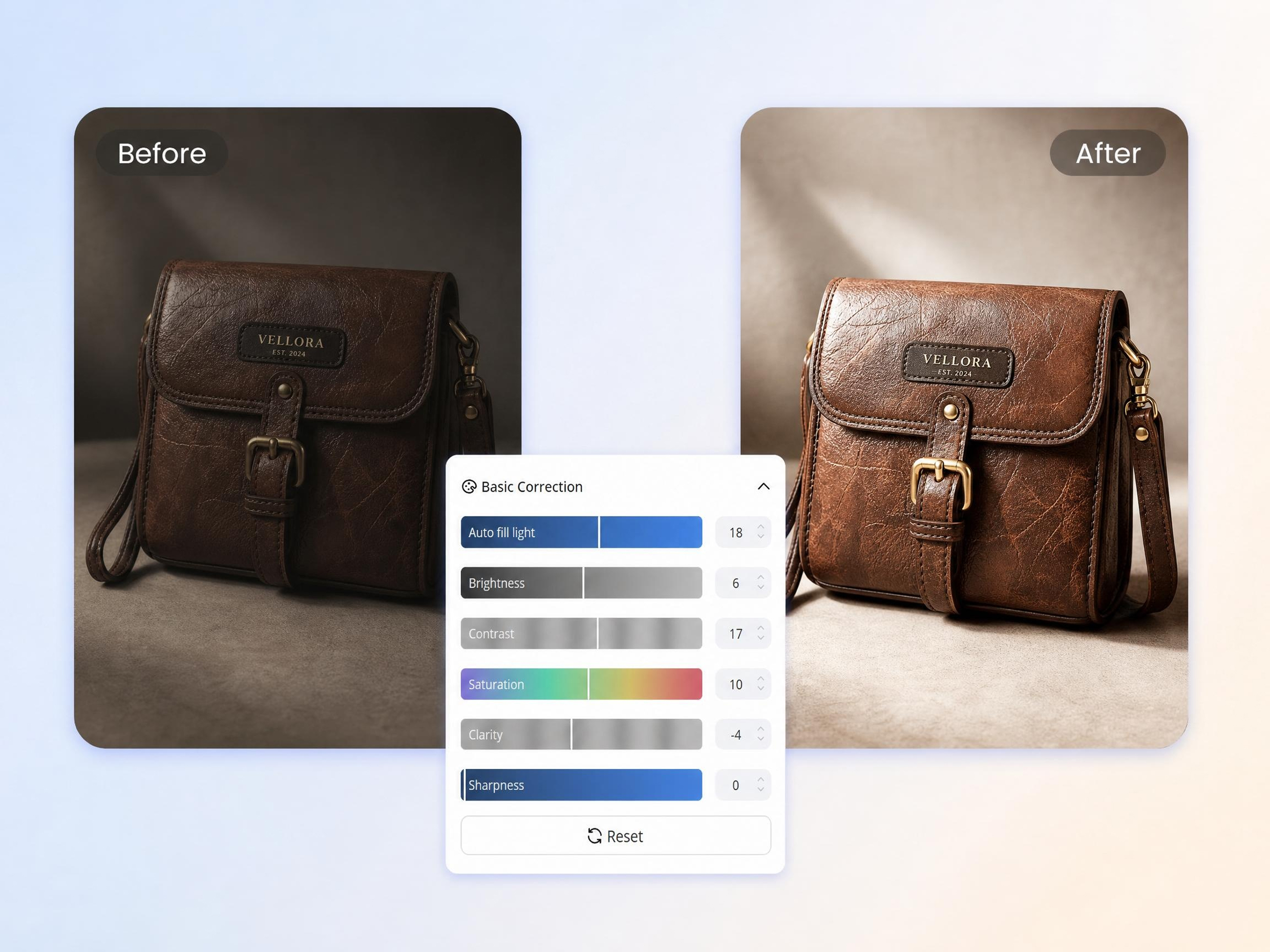
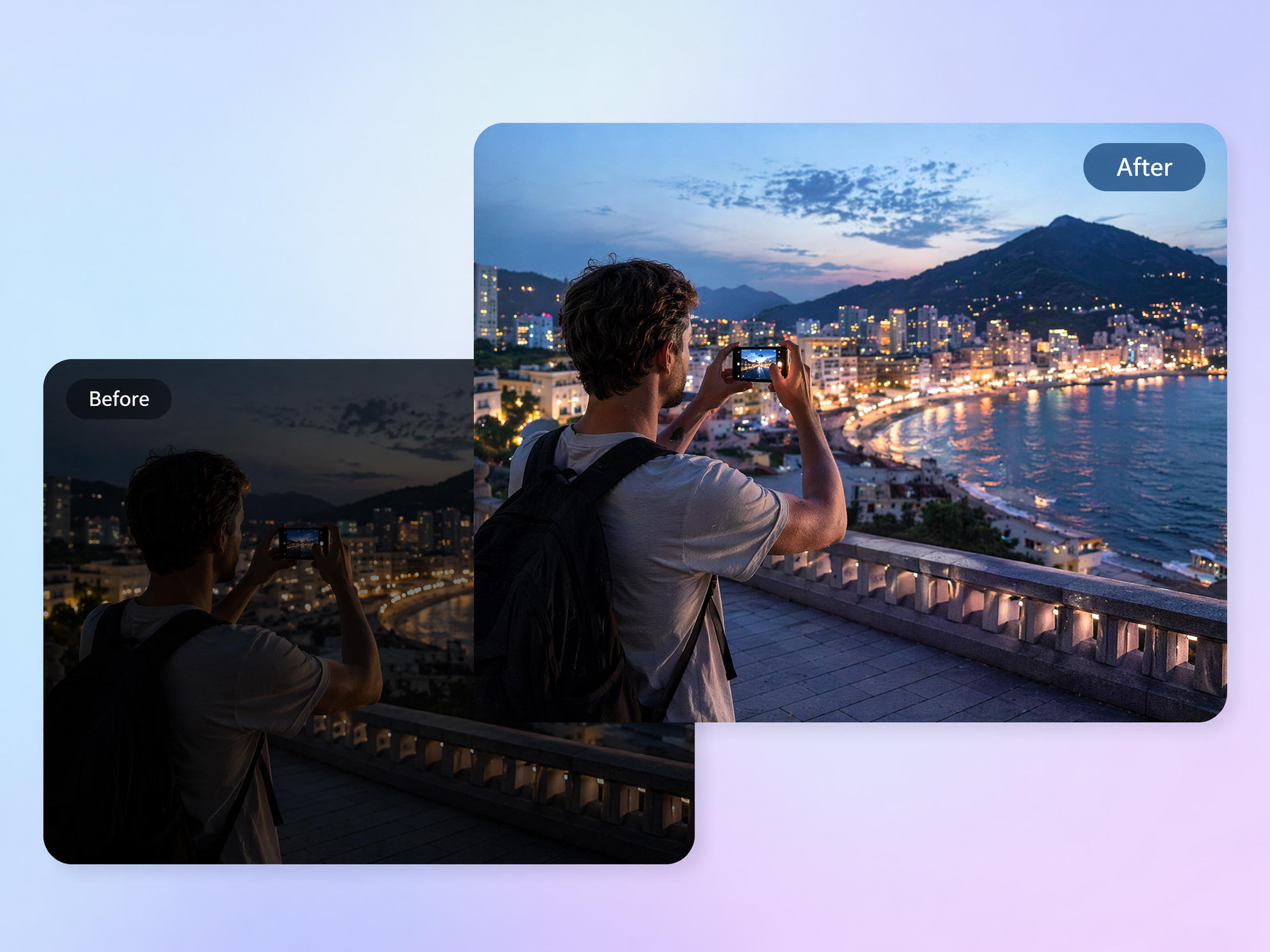
Fix Indoor, Night, and Backlit Shots
Indoor lighting, night scenes, and strong backlighting can leave subjects too dark to see clearly. Designkit improves visibility in these challenging conditions, helping make important subjects easier to recognize.
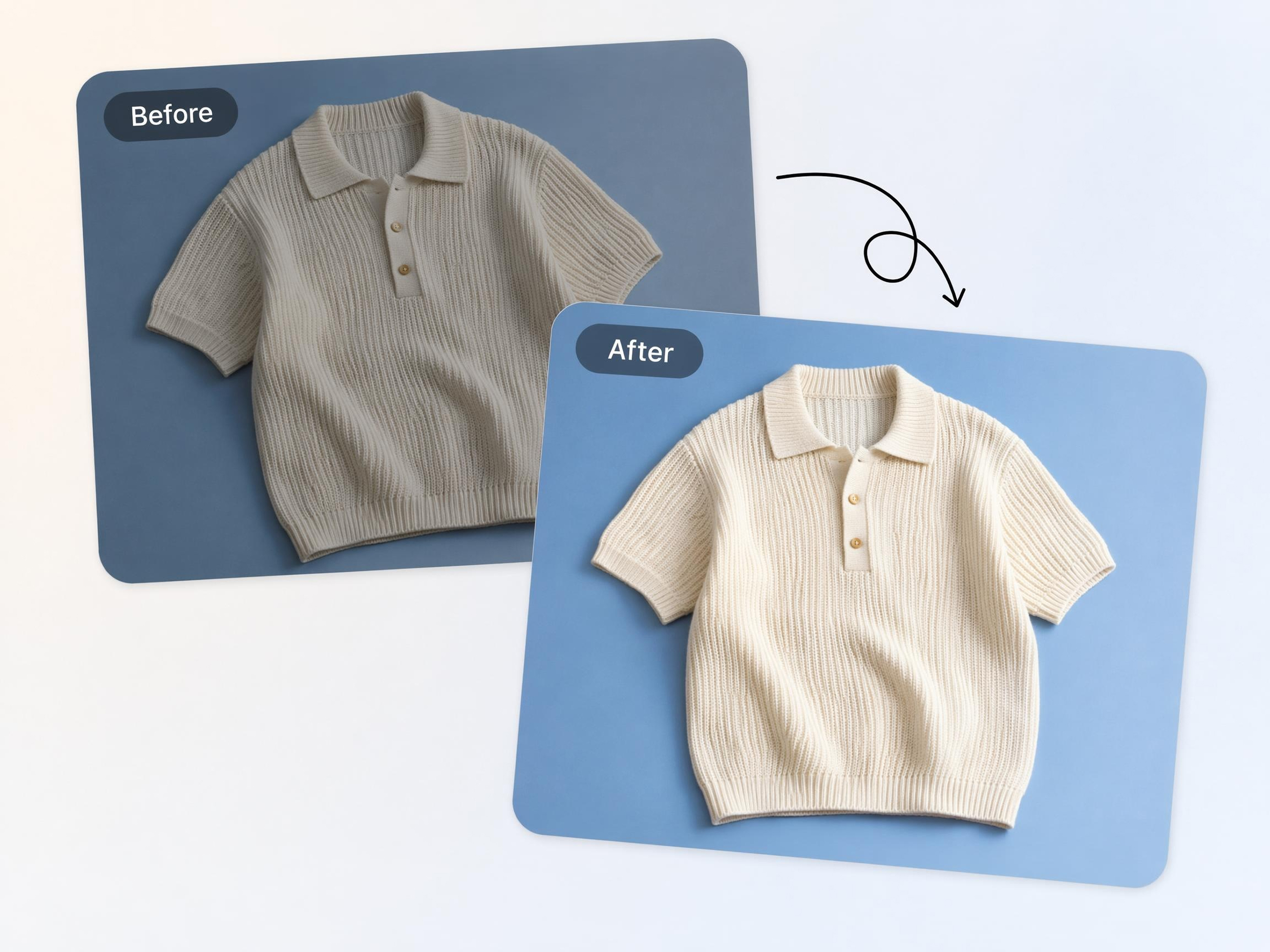
Make Product Details Easier to See
Shoppers may miss important features when product photos appear too dark. Designkit brightens product images so textures, colors, and key details are easier to view across online stores, marketplaces, and catalogs.
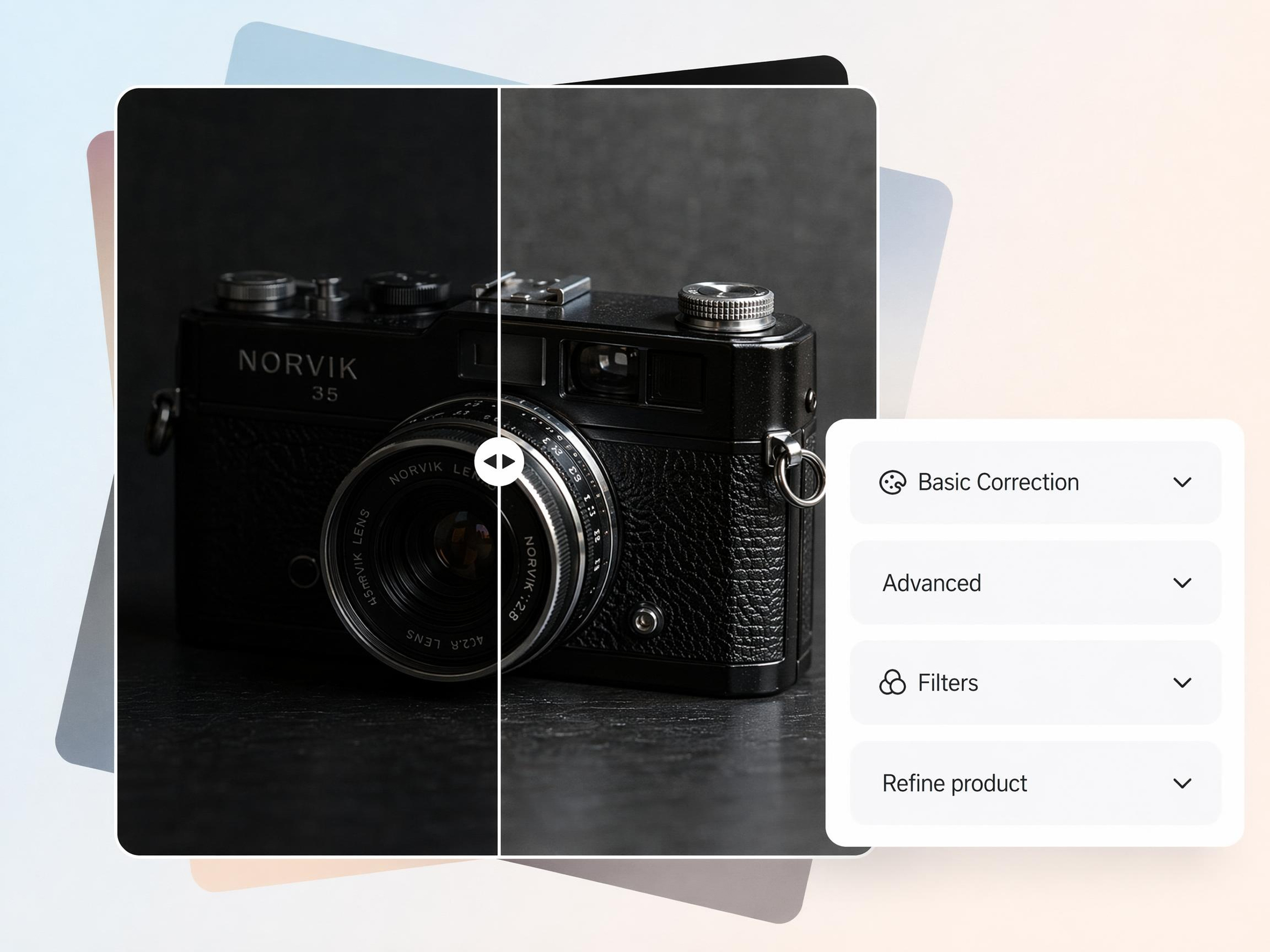
Brighten Photos in Bulk Without Manual Editing
Adjusting brightness manually across multiple images can take time and repeated effort. The bulk image editing automates the process, helping users improve photo visibility in bulk without learning advanced editing techniques.
Who Uses Designkit's AI Image Brightener
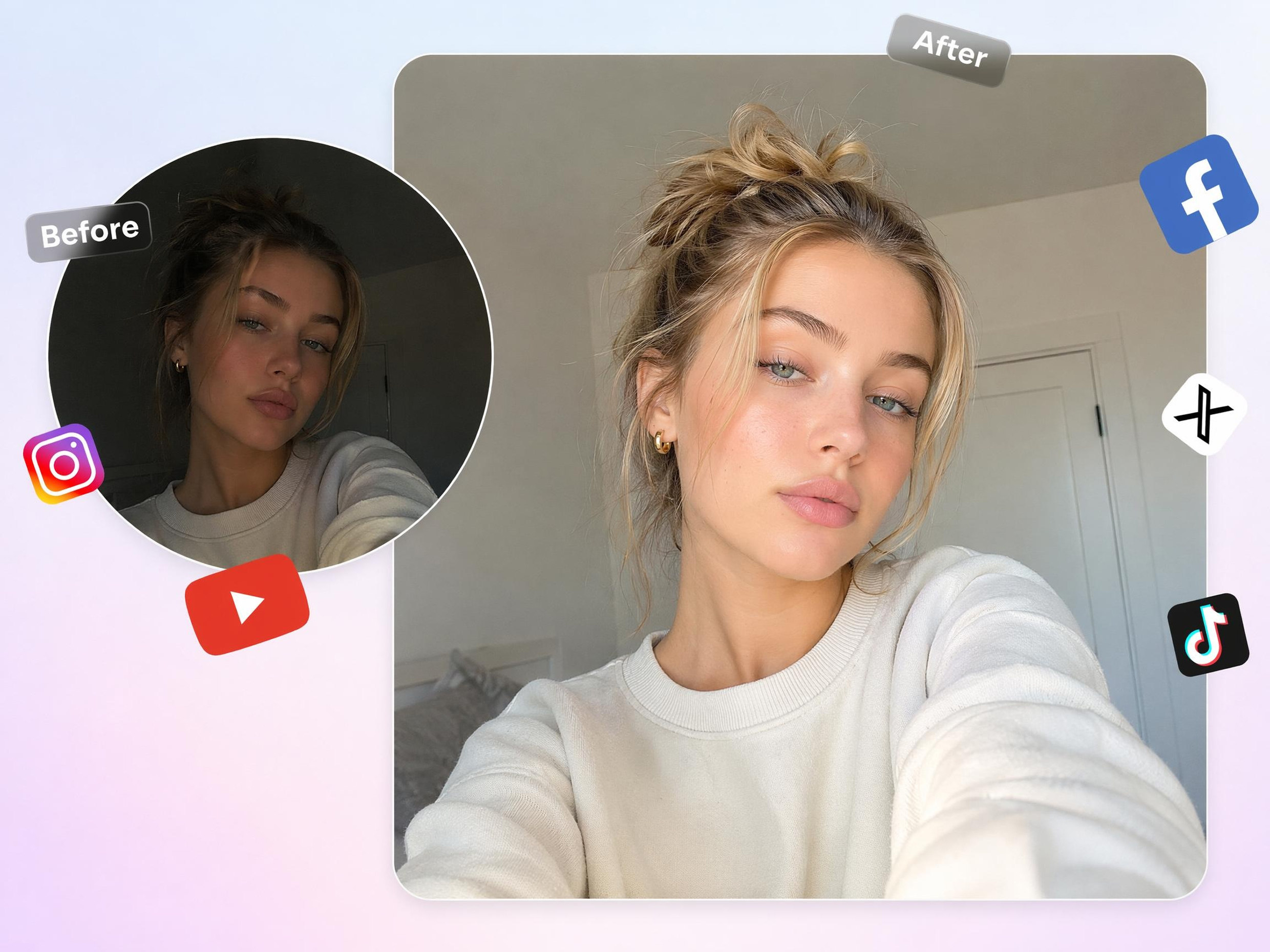
Fix Dark Photos Before Posting
Photos taken at restaurants, events, or indoors often appear too dark to share confidently. Designkit helps users brighten photos before posting, so faces, backgrounds, and important moments are easier for followers to see.
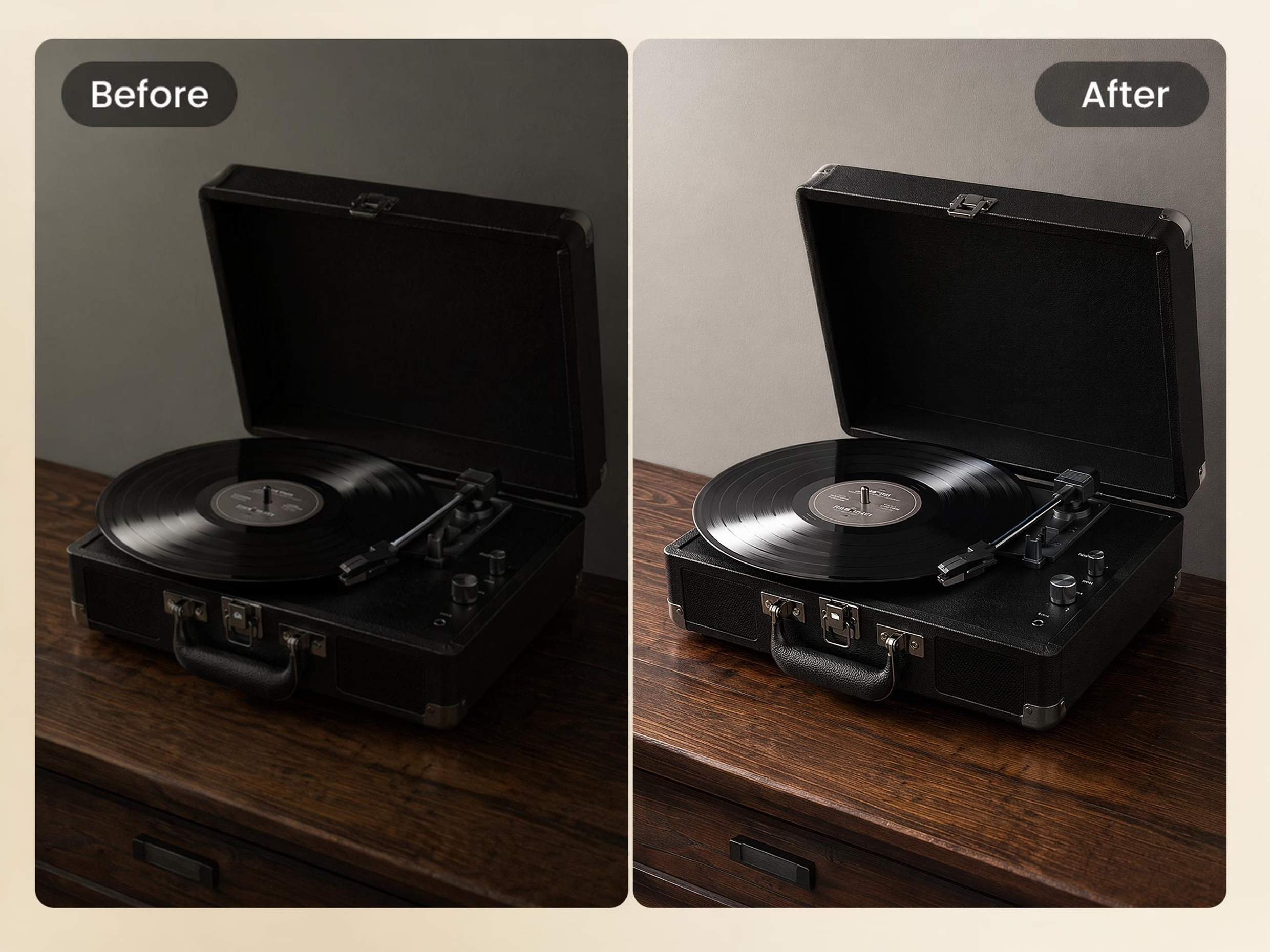
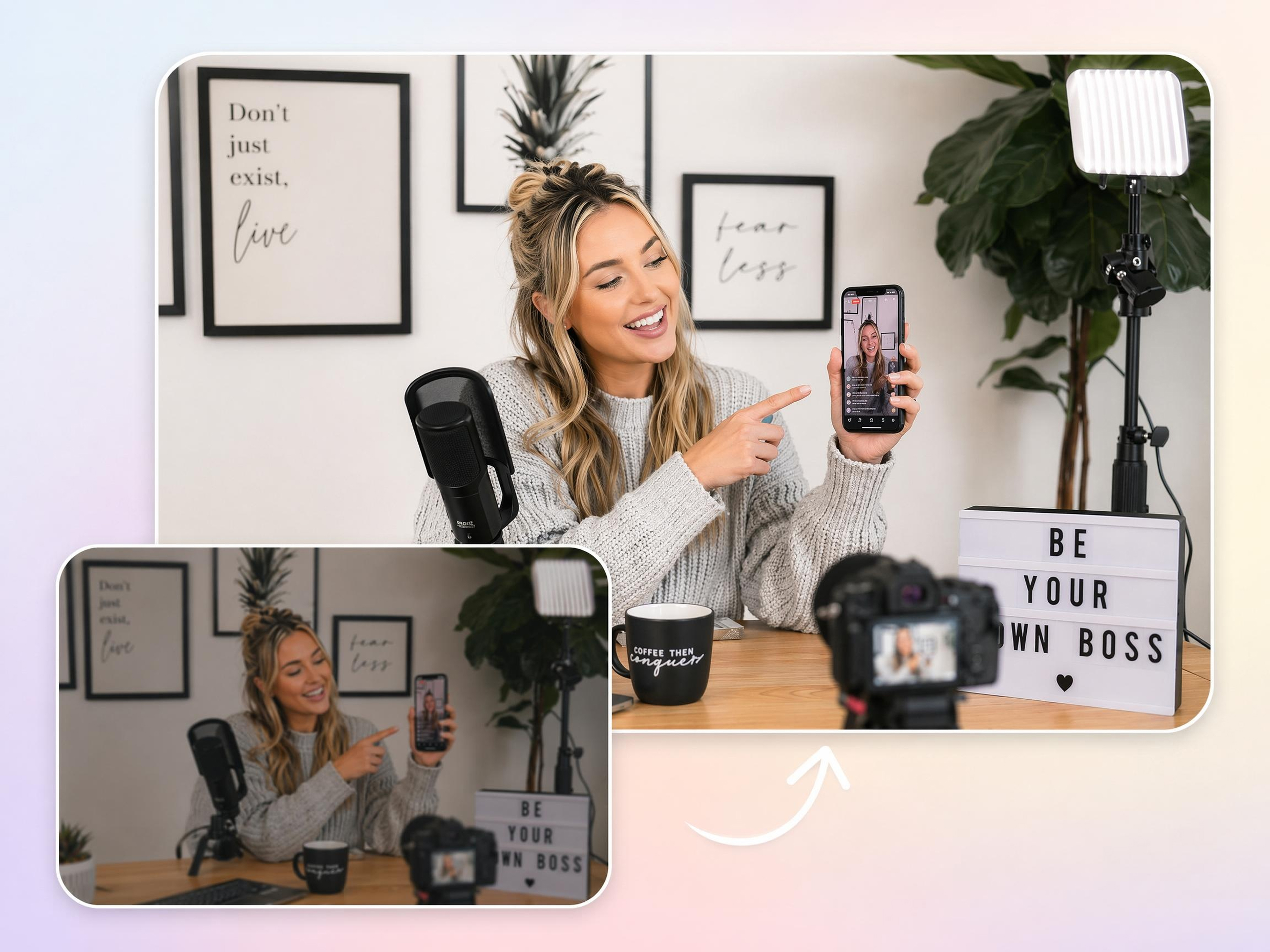
Why People Choose Designkit's AI Image Brightener

Lifts Dark Photos in One Upload
Turn underexposed photos into usable images without repeating manual brightness adjustments across each file.

AI Exposure Tuning, No Photoshop Needed
Achieve balanced visibility without learning complex editing workflows or spending time on manual corrections.

Keeps Skin Tones and Textures Natural
Improve photo visibility while preserving realistic facial appearance, textures, and important visual details.
No Editing Skills or Paid Software Required
Reduce reliance on editing expertise and create shareable images directly from a browser-based workflow.

Works on Portraits, Products, And Scans
Apply the same brightness workflow across different image types instead of switching between specialized tools.

Preview the Result Before You Download
Review changes before export to confirm the image meets your needs and avoid unnecessary reprocessing.
Unlock More Creative Possibilities
AI Image Enhancer
AI Face Enhancer

Bulk Image Enhancer

AI Beauty Photo Editor
Frequently Asked Questions
How is an AI image brightener different from just turning up brightness?
Do I need to install software or know photo editing to use it?
No, you do not need editing experience or special software. With Designkit, you can use the image brightener online directly in your browser by uploading a photo and applying brightness adjustments automatically. This makes it accessible to beginners as well as users who need quick image corrections.
How do I brighten a picture without making it look unnatural?
The key is adjusting darker areas without overexposing already bright parts of the image. With Designkit's image brightener AI, brightness is balanced across the photo to help maintain realistic colors and contrast. This reduces the risk of washed-out highlights or an artificial appearance.
What photo types and formats does it work with?
Designkit works with many common image types, including portraits, product photos, travel images, social media content, and scanned pictures. If you're wondering how to brighten an image, simply upload a supported format such as JPG, JPEG, PNG, or WEBP and begin editing.
Can ecommerce sellers use it for product photos?
Yes, ecommerce sellers often brighten product photos to make items easier to see in online listings. With Designkit, dark product images can be adjusted, so key features become more visible while maintaining accurate colors and presentation for shoppers.
Will brightening a photo remove or damage detail?
No, brightening a photo does not automatically remove detail. With Designkit, adjustments are designed to improve visibility while preserving important image information. The goal is to improve photo brightness without unnecessarily flattening textures, edges, or subject details.
Can I brighten more than one photo?
Yes, multiple photos can be brightened in a single workflow. With Designkit, users can process groups of images together rather than editing each one individually. This is useful for product catalogs, event photos, real estate images, and other large collections.
Can I compare the original and brightened versions before downloading?
Yes, comparing results before export helps you decide whether further adjustments are needed. With Designkit, you can review the original image alongside the edited version to see exactly how the brightness changes affect the photo before downloading the final file.
Turn Dark Photos Into Bright, Clear Images
Upload a photo, let AI lift the exposure, and bring back detail lost to poor lighting.



What Users Say About Brightening Photos with Designkit
Users restore dark photos, recover details, and improve image quality without manual editing.
Saved Photos I Thought Were Ruined
Some sunset shots came out way darker than the view actually was. I figured they were a lost cause, but Designkit pulled back detail I couldn't even see in the originals. They look close to what I remember now.
My Product Photos Finally Look Clear
A few of my listing photos came out too dark and customers couldn't really see the product. Designkit brightened them without that fake over-edited look, and the listings just read more professional now.
My Family Photos Look Alive Again
A lot of our indoor photos were dim and kind of flat. Designkit brought the light back without changing how everyone looked. Seeing those moments clearly again actually got to me a little.
Quicker Than Editing It Myself
I used to spend time adjusting brightness and exposure settings for every image. Designkit handled the process automatically and produced results that looked better than my manual edits. It has become part of my regular workflow.
Helped My Website Look More Professional
Several photos on my website looked darker than they should have. Designkit improved them quickly, making the entire site feel cleaner and more polished. It made a bigger difference than I expected.
Got Back Detail I'd Given Up On
One photo had important details hidden in the shadows. I assumed they were gone forever. Designkit brightened the image carefully and revealed those areas without overexposing everything else. That was impressive to see.