
Bring Blurry, Low-Light Portraits Back to Sharp, Clear Detail
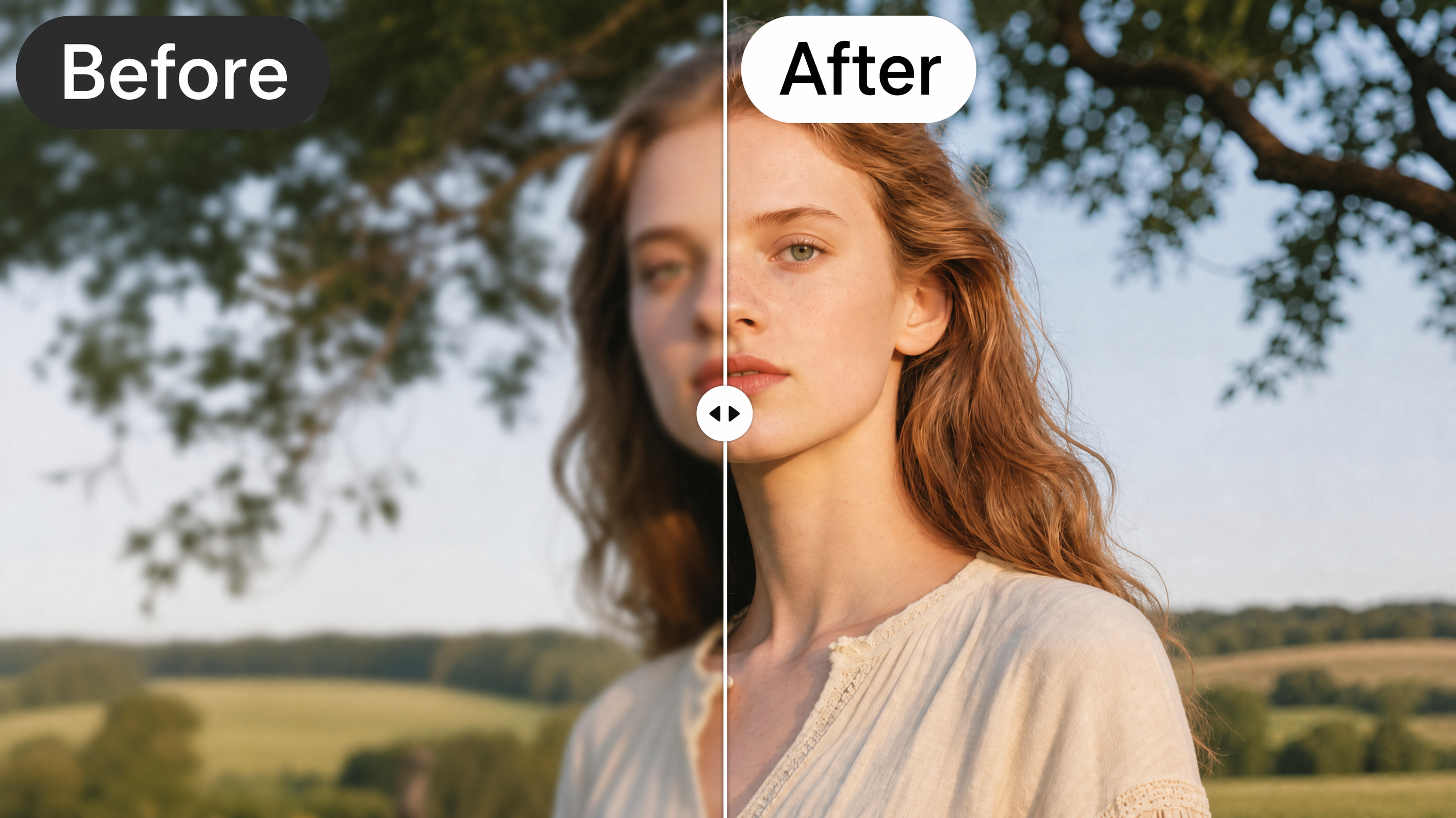
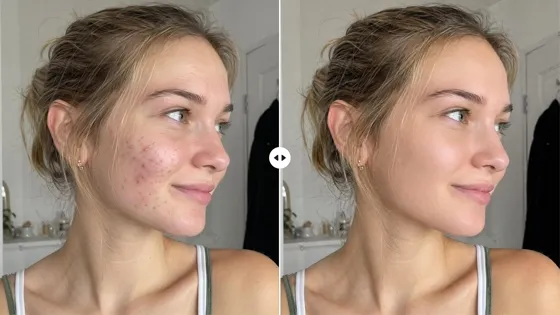
Upload a soft or low-resolution portrait, and AI rebuilds the facial detail, sharpens features, and balances lighting, while keeping skin texture natural. Designkit restores detail rather than just sharpening edges.

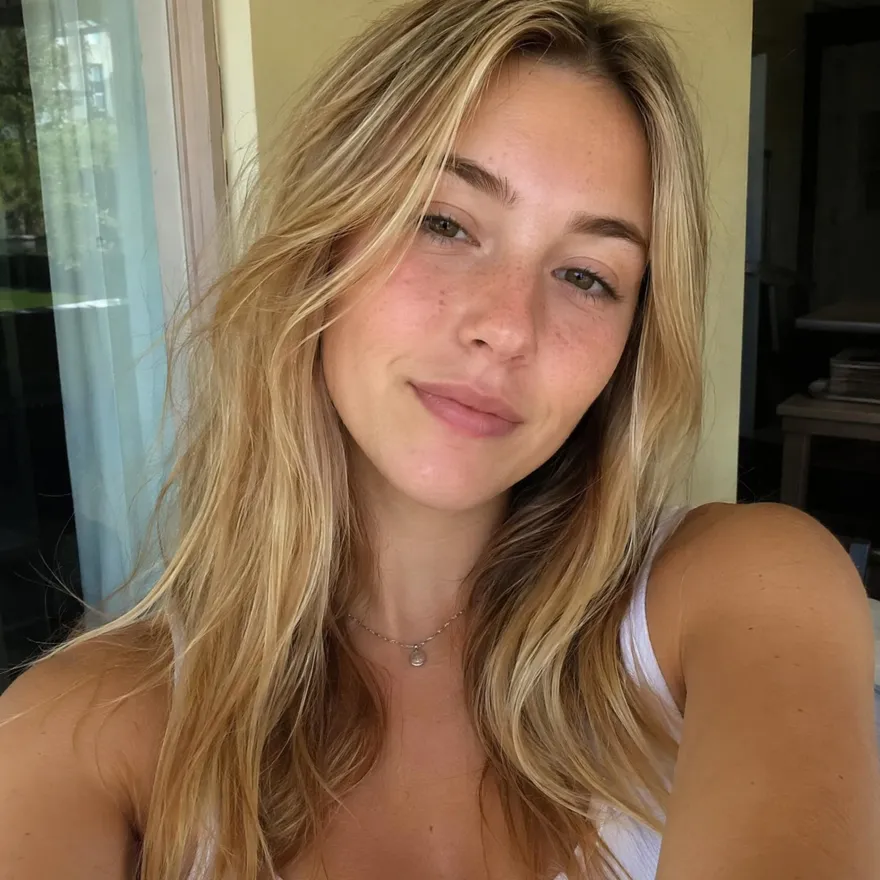
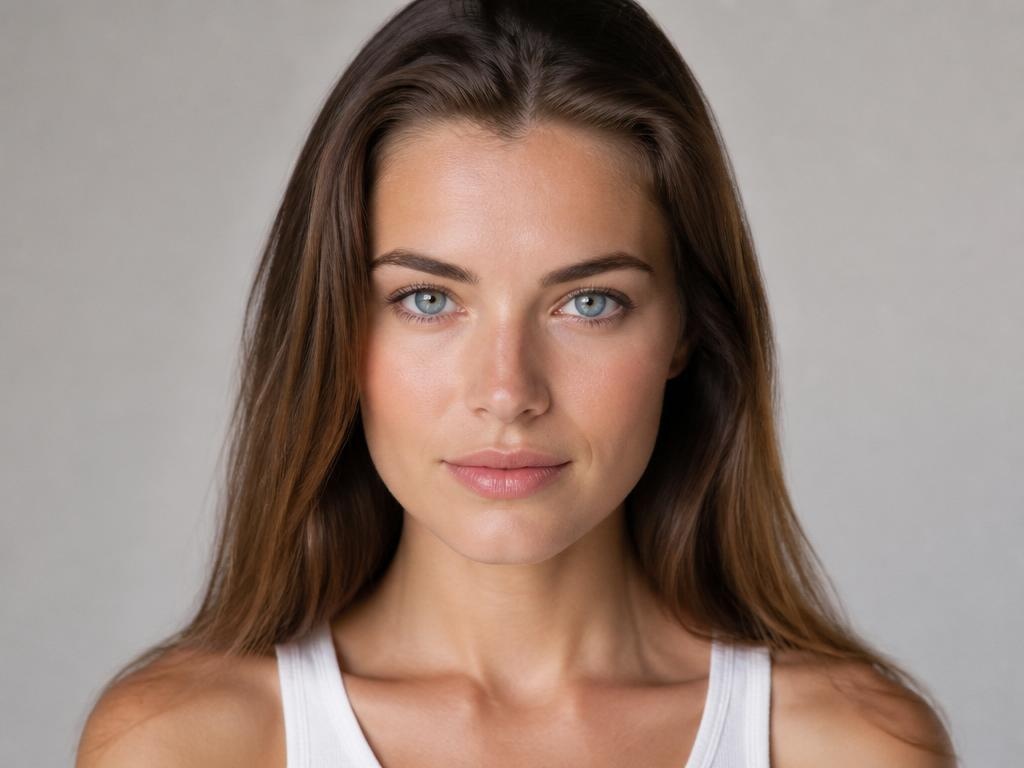
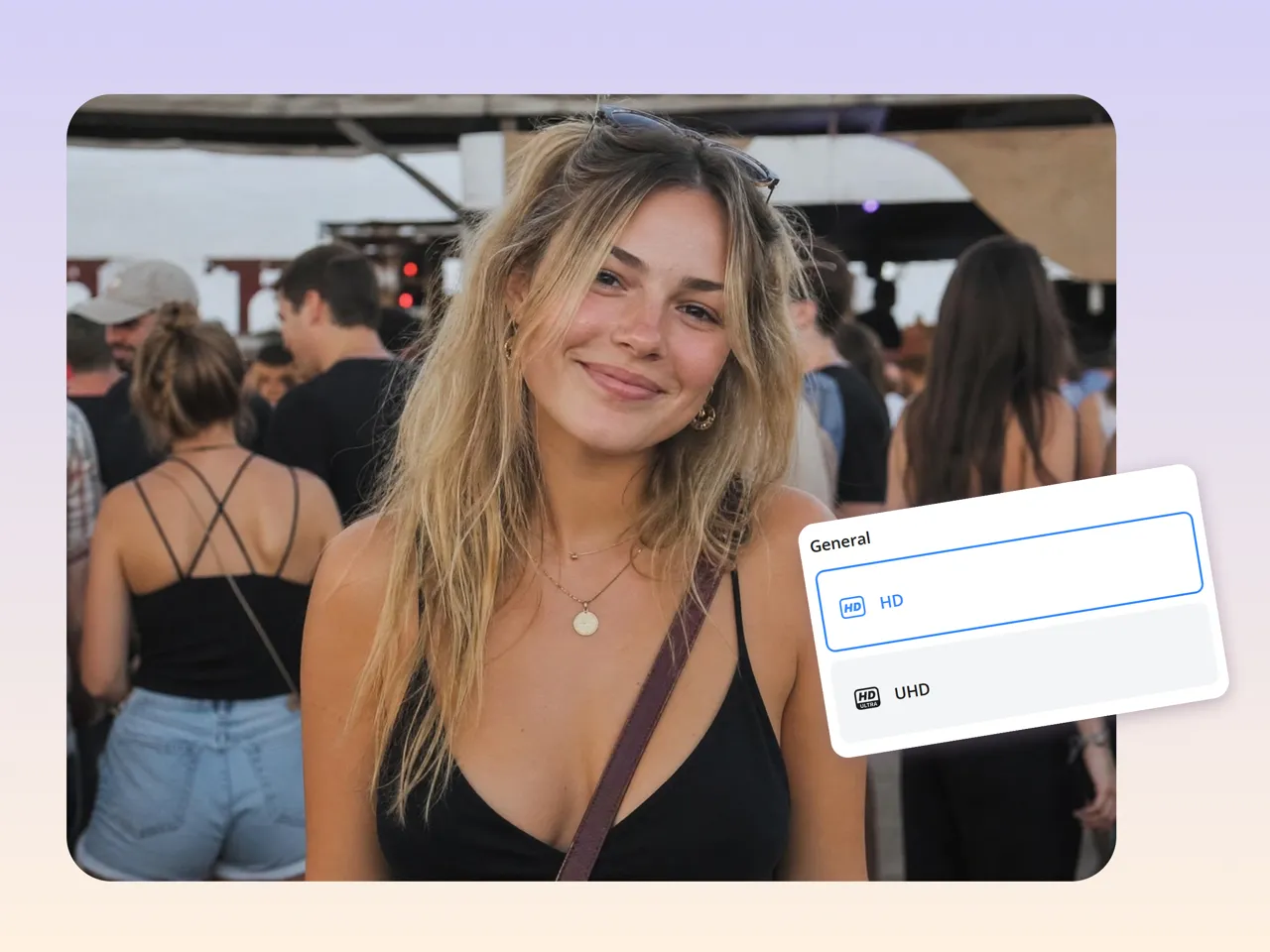
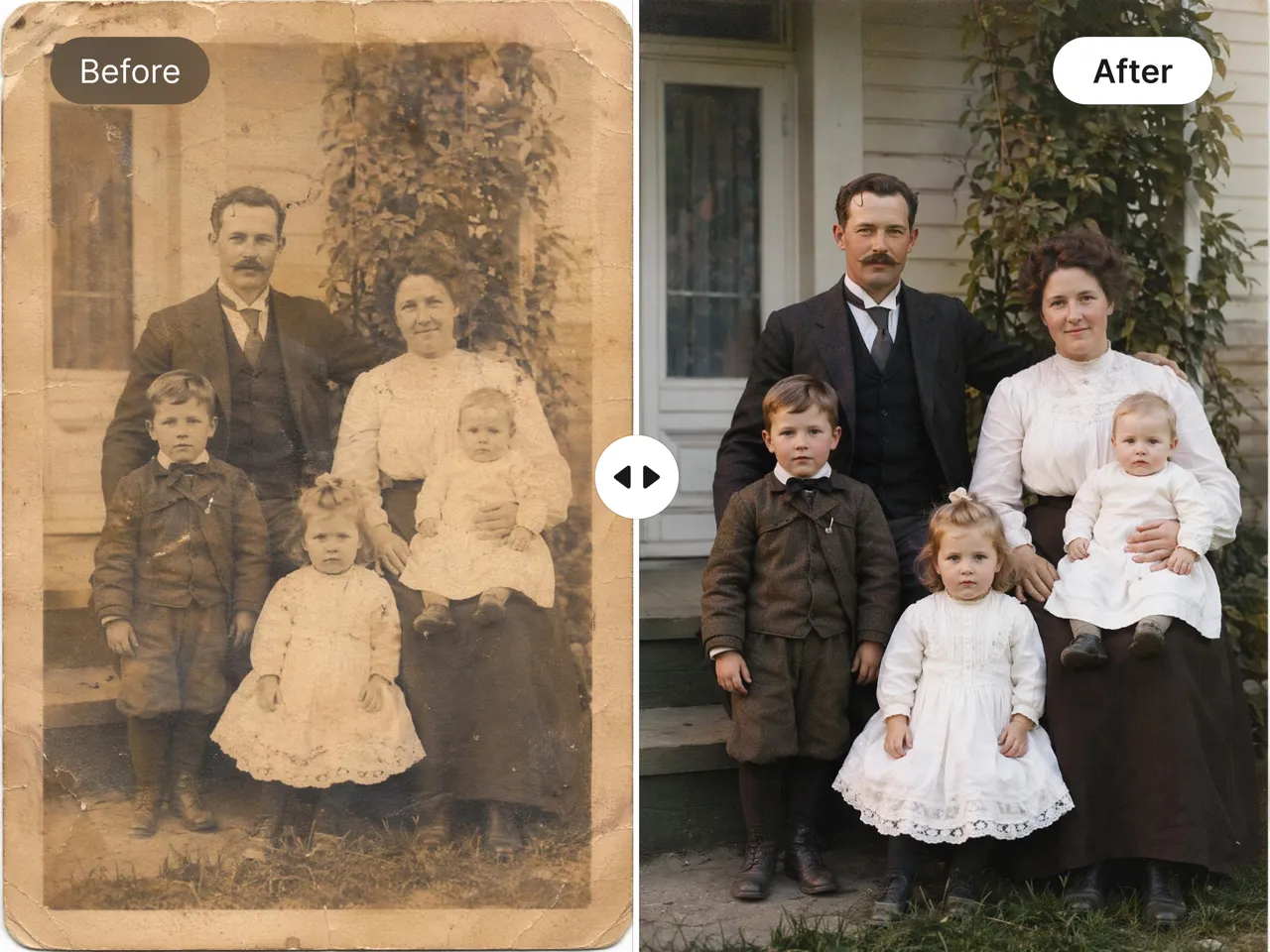
No picture on hand? Try with one of these:
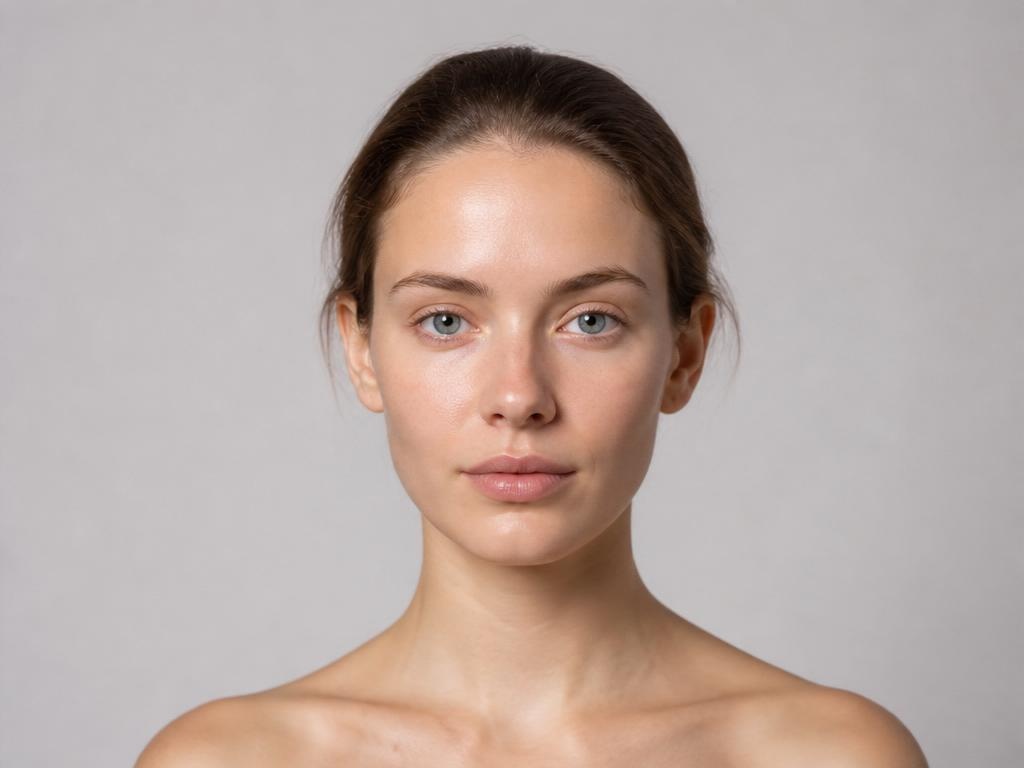
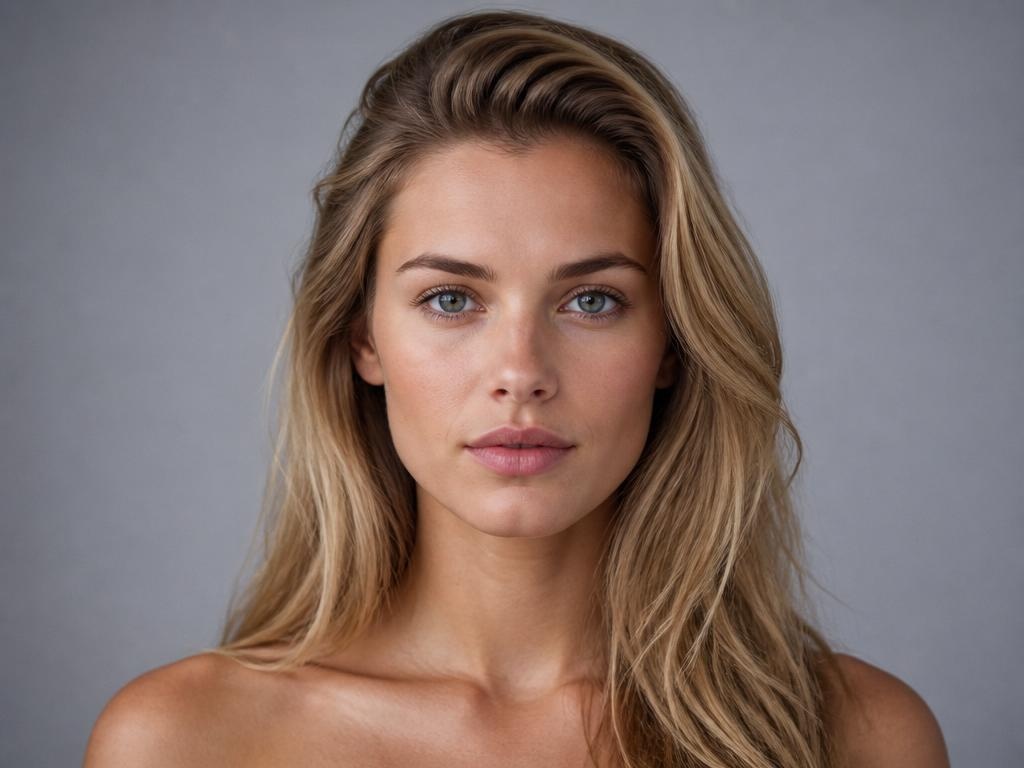
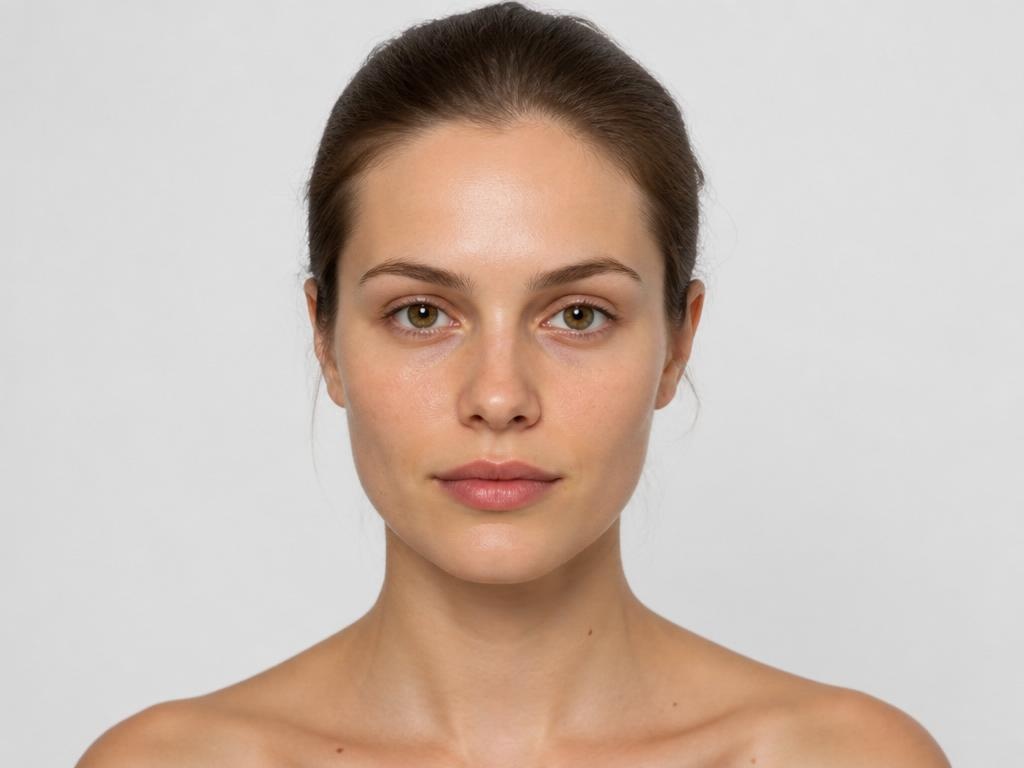
How to Enhance a Portrait in 3 Steps with Designkit
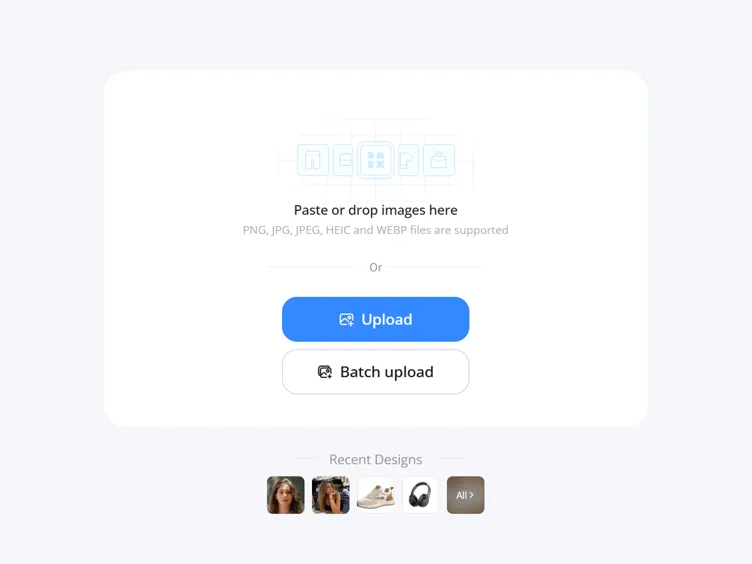
Upload Your Portrait
Open Designkit and drop in the photo you want to improve. It works on blurry, low-light, low-resolution, and scanned old photos.
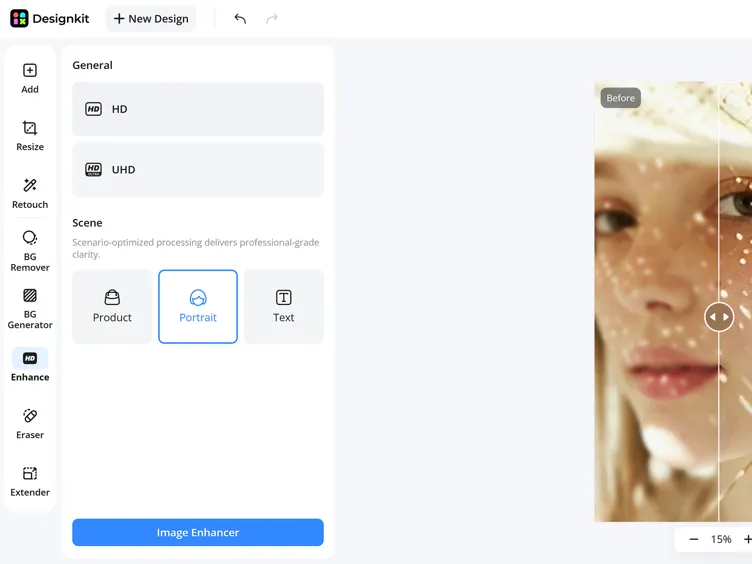
Apply AI Face Enhancement
Select the face enhancement feature and let Designkit automatically improve facial details. The AI sharpens features, improves clarity, and refines portrait quality while maintaining a natural appearance.
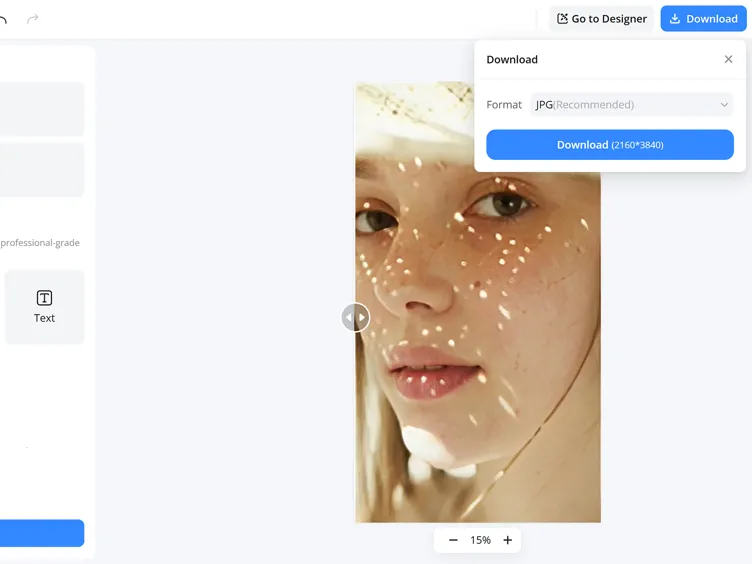
Compare and Export
Check the before and after side by side, then download the enhanced portrait for LinkedIn, social posts, or print.
Perfect Your Portrait with Designkit's AI Face Enhancer
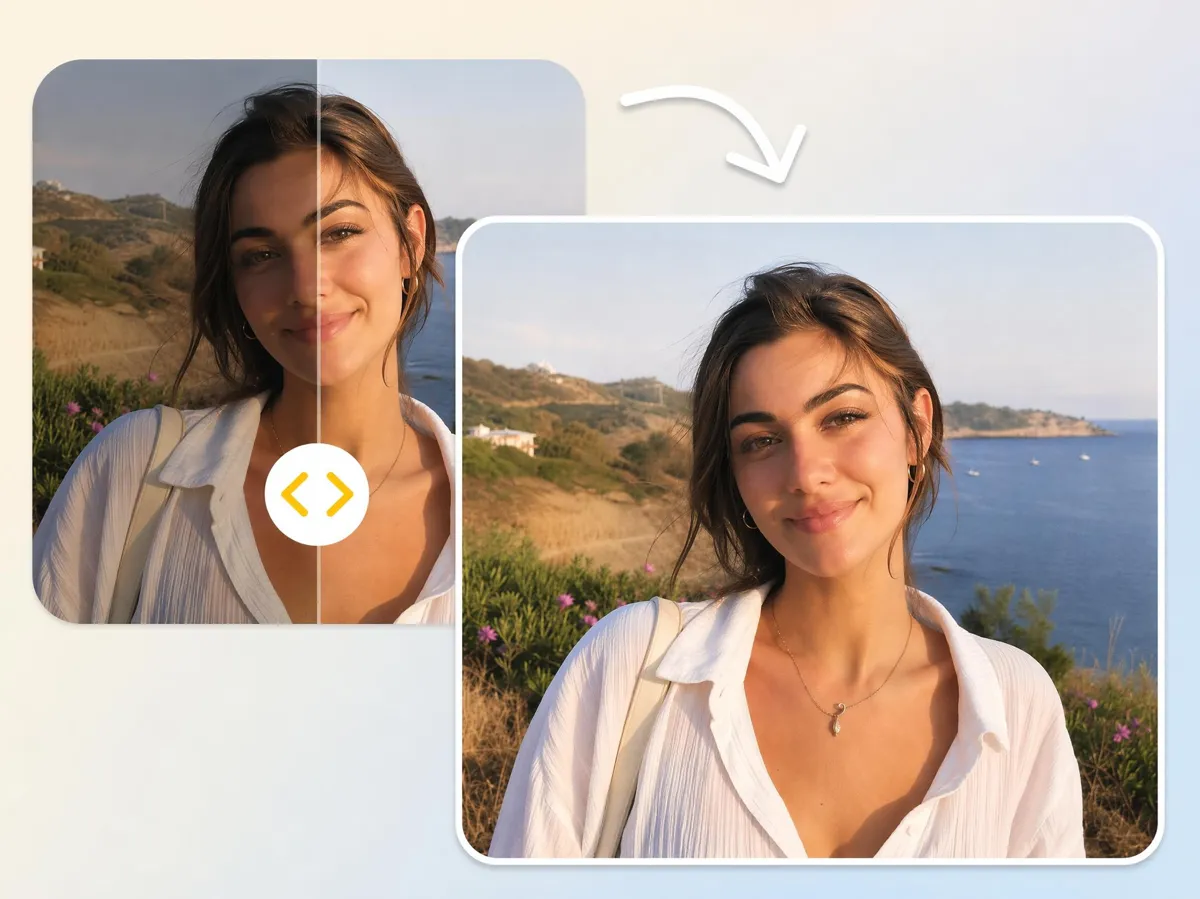
Restore Blurry Faces with AI Detail Reconstruction
Fix blurred portraits by rebuilding lost facial structure and details. Designkit's image enhancer upscales clarity in soft images, restoring visible expressions and improving face definition without needing a reshoot or manual retouching.
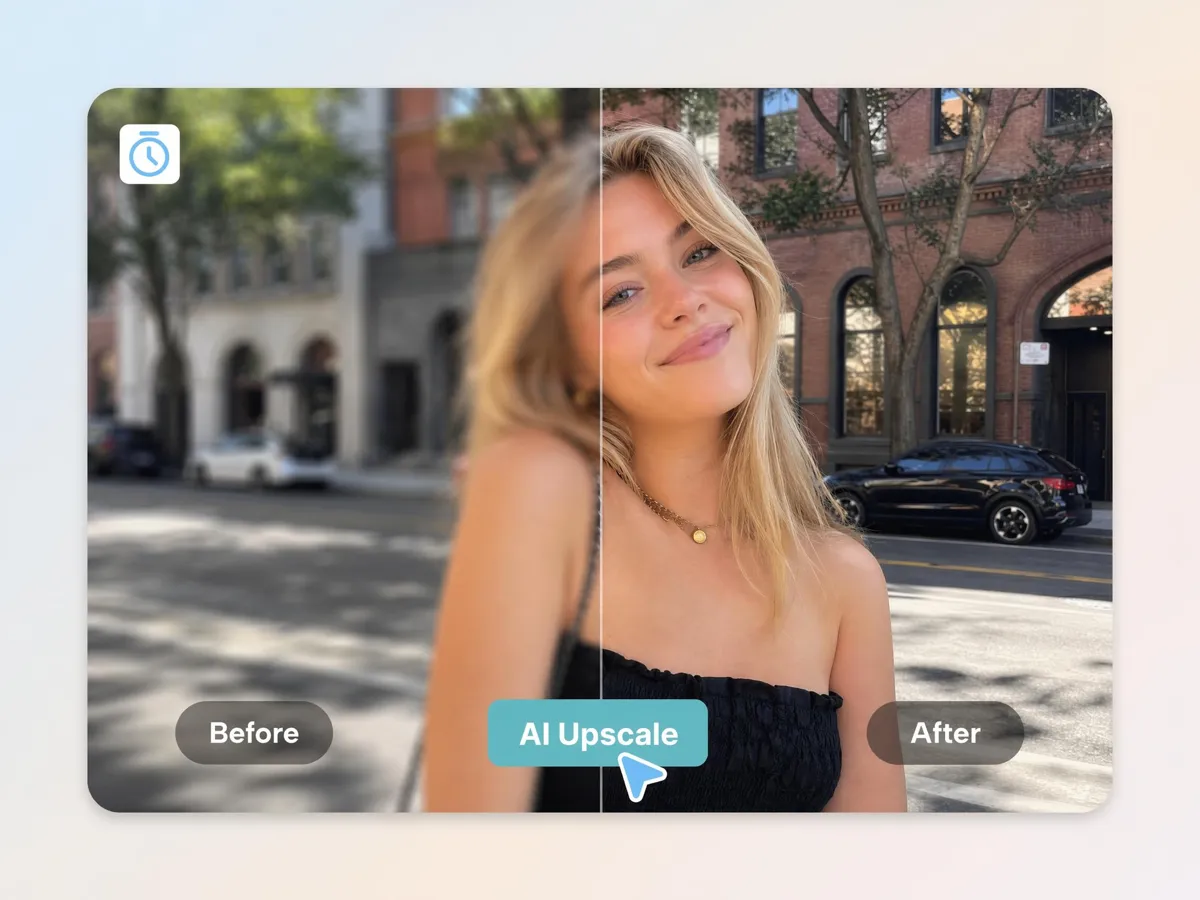
Sharpen Soft or Out-of-Focus Portraits
Improve slightly out-of-focus portraits by restoring edge sharpness and facial definition. Designkit enhances details like eyes and contours to bring back clarity in soft or missed-focus shots.
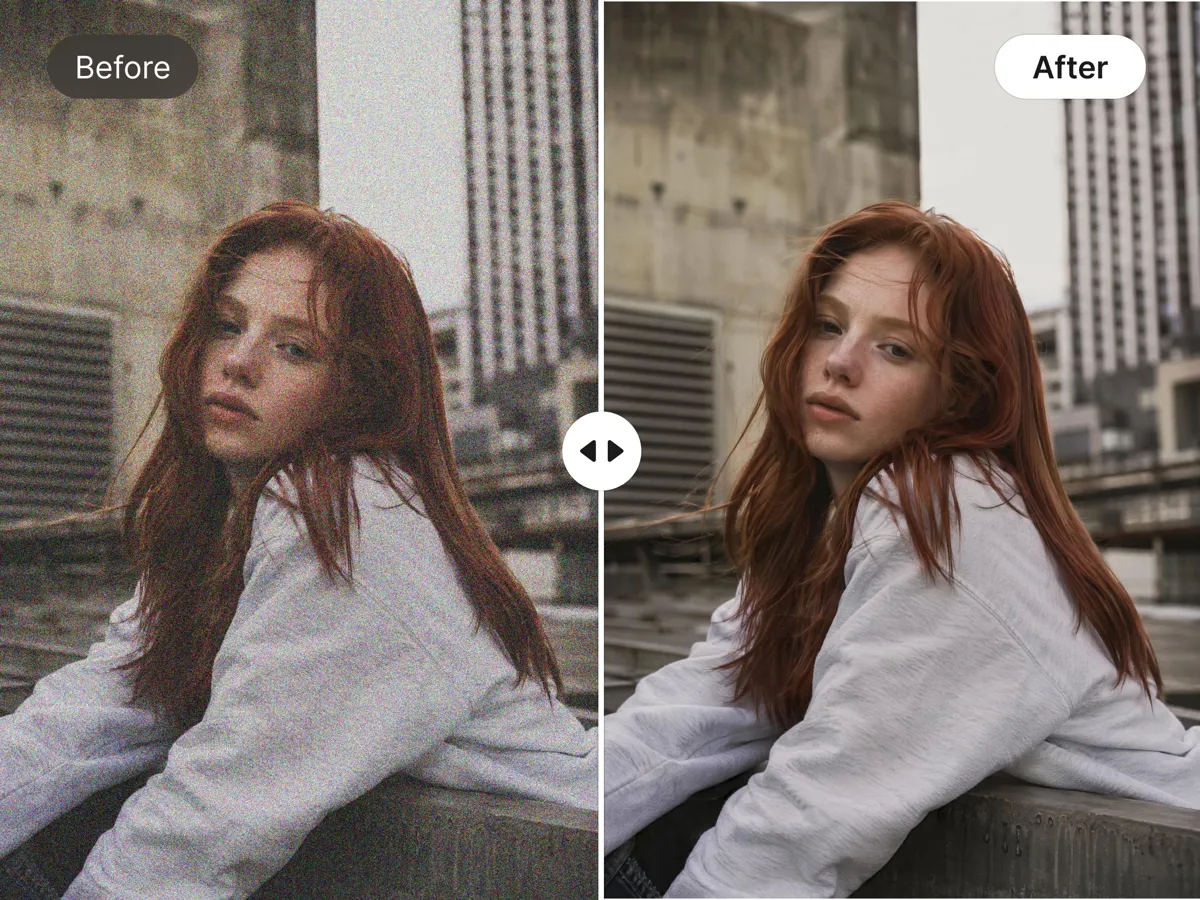
Reduce Noise and Grain on Low-Light Shots
Clean grainy nights or indoor portraits by reducing digital noise while preserving natural skin texture. Designkit balances clarity and realism, so faces look clearer without plastic smoothing effects.
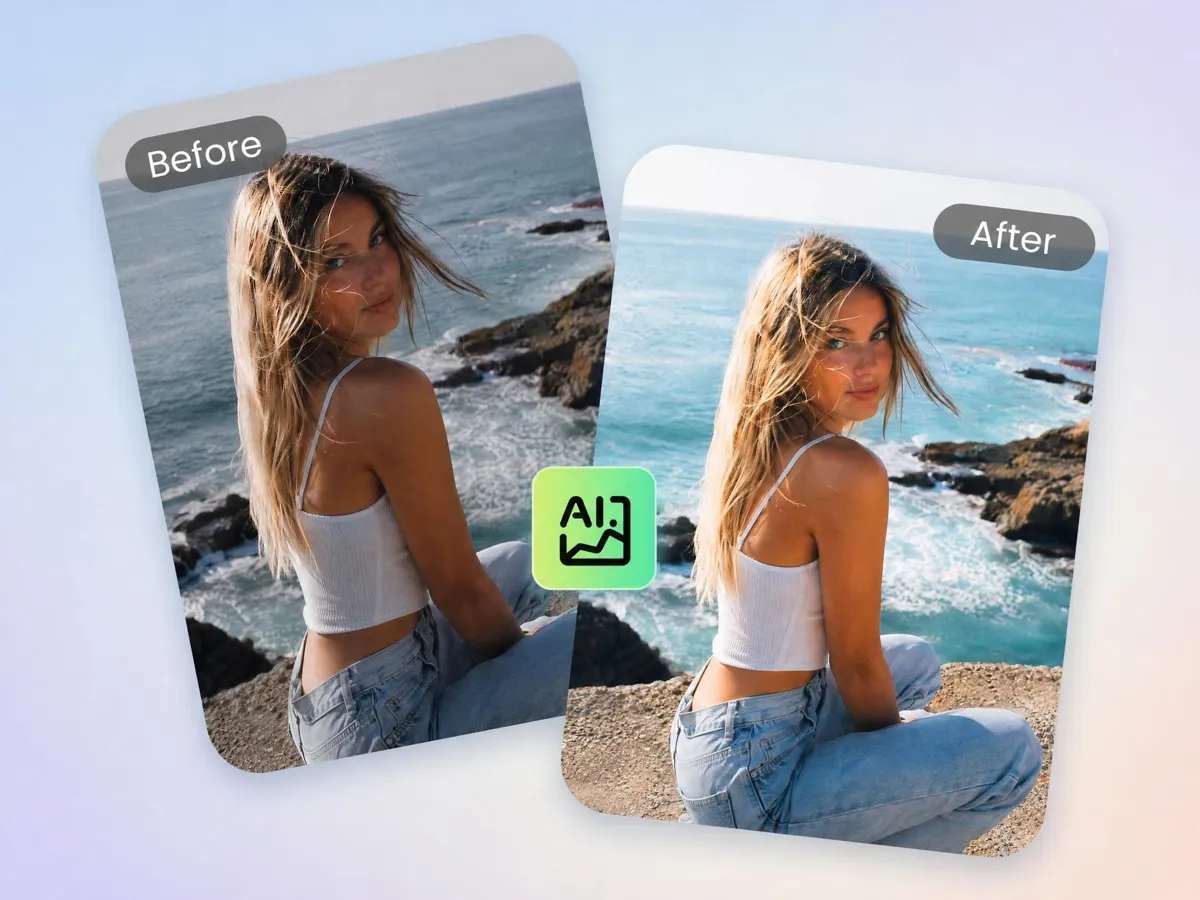
Balance Uneven or Low-Light Faces
Fix uneven lighting and harsh shadows on faces by balancing exposure. Designkit improves visibility in dark or overexposed areas, so facial features are evenly readable in any lighting condition.
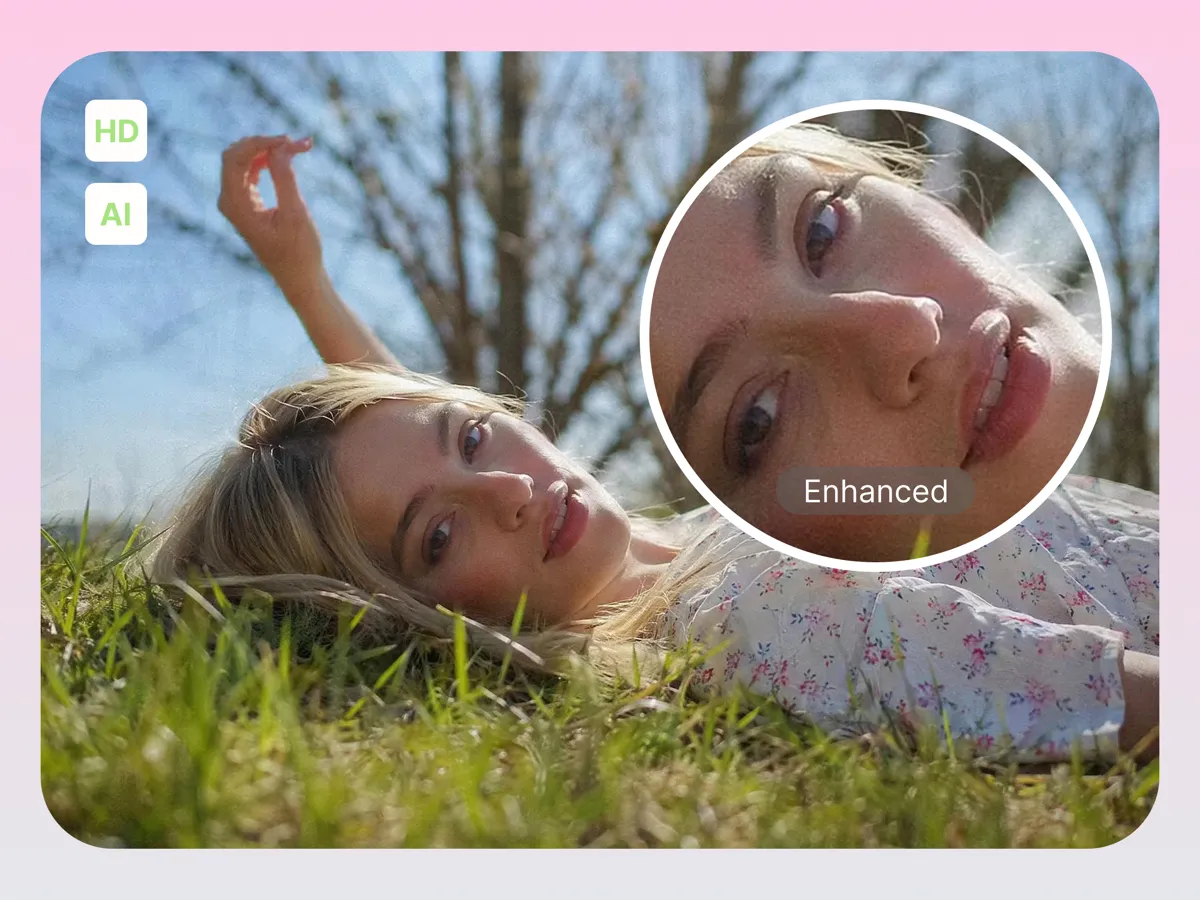
Upscale Faces to High-Resolution Quality
Upscale low-resolution portraits by enhancing facial detail and clarity. Designkit increases image resolution, so faces remain sharp and usable for social media, printing, or professional display purposes.
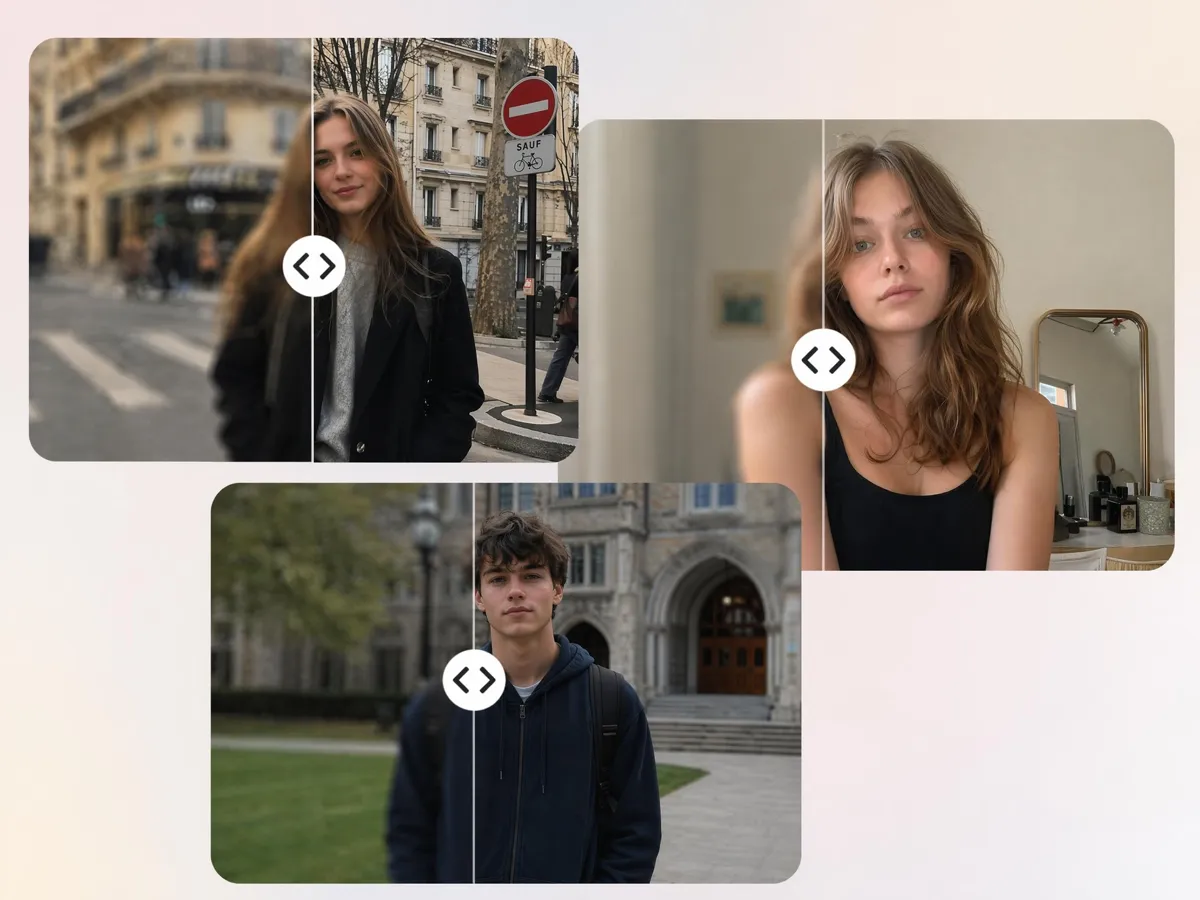
Enhance Multiple Portraits in One Batch
Enhance multiple portraits at once instead of editing each image separately. Designkit applies consistent face improvements across batches, helping creators and photographers save time on large photo sets.
Built for Anyone Who Needs Better Portrait Quality
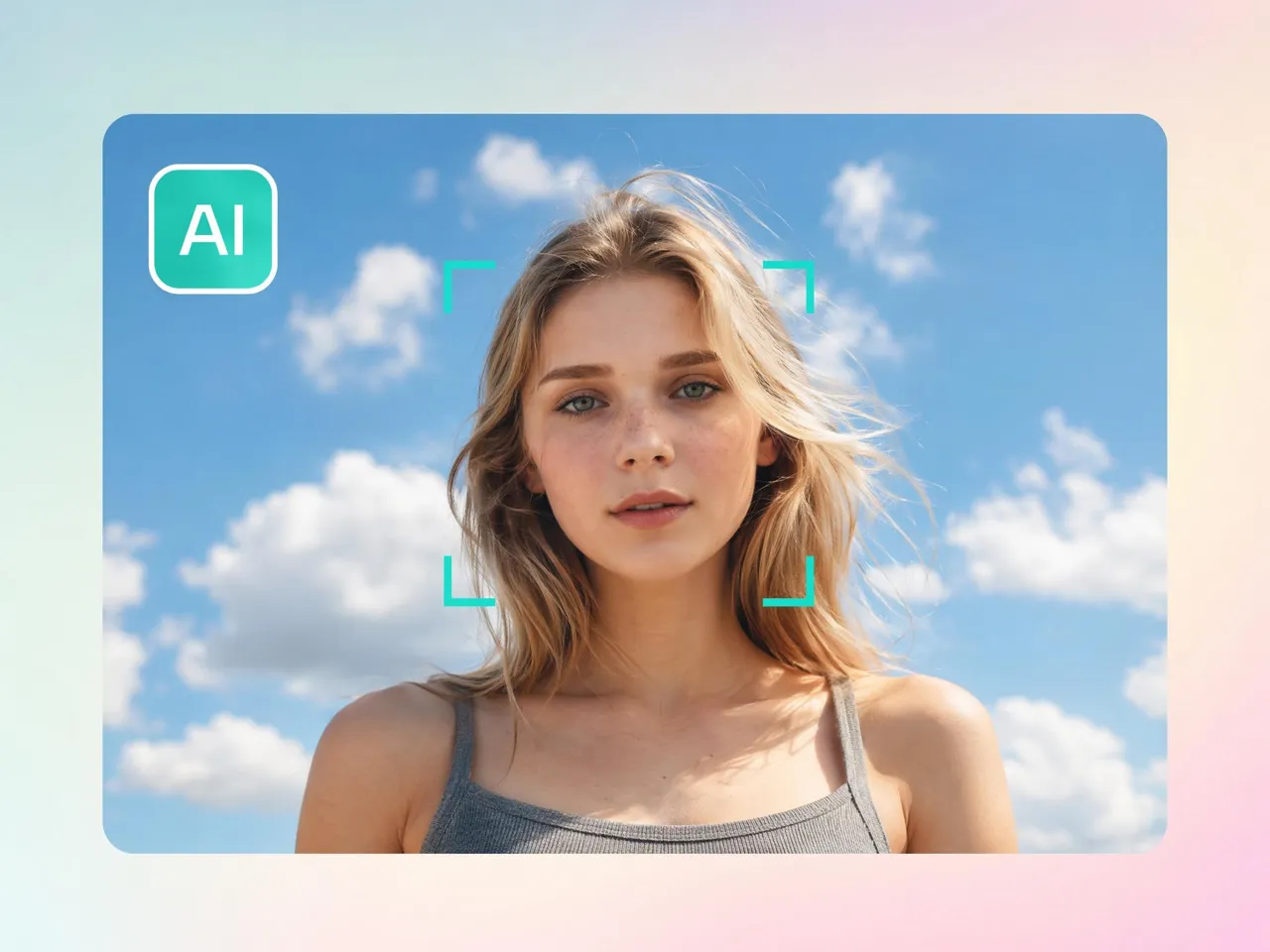
Sharper LinkedIn Headshots from Phone Photos
Phone-shot headshots can look soft, dim, or uneven, which may weaken a profile at first glance. Designkit enhances facial clarity, improves visibility, and helps turn casual phone photos into images that feel ready for LinkedIn, resumes, and portfolio pages.
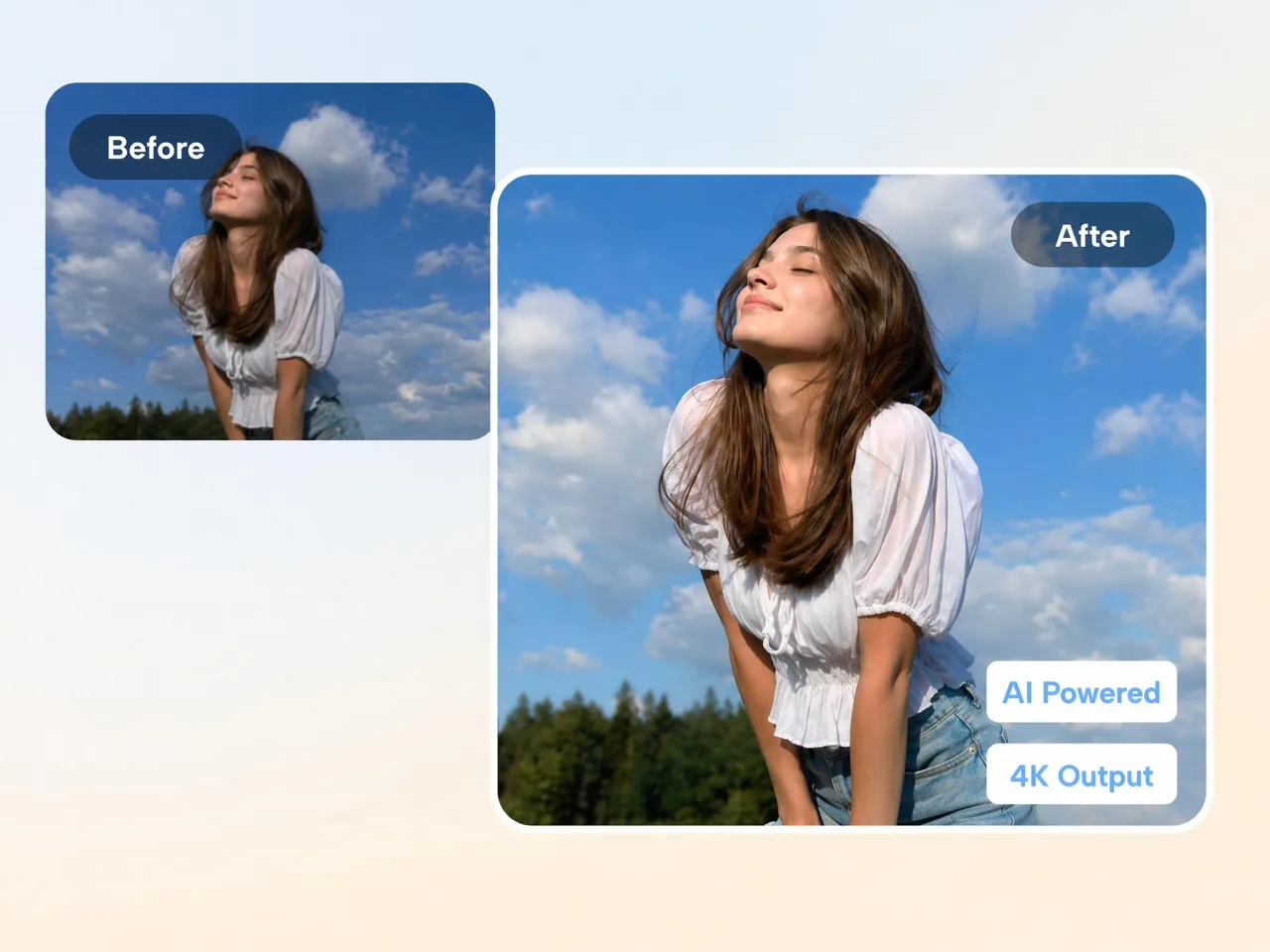
Why Use Designkit to Enhance Portraits

Rebuilds Detail Instead of Just Sharpening
Rebuilds facial structure and missing detail instead of only sharpening edges for clearer natural-looking portraits.

Keeps Skin Texture Looking Natural
Improves facial clarity while preserving real skin texture, avoiding over-smoothing effects that make portraits look artificial or plastic.

Upscales to HD Without Quality Loss
Upscales portraits to higher resolution while preserving facial clarity for print, social media, and display use.

Runs in the Browser, No Install
Enhances portraits directly online without software setup, allowing users to process images instantly from any device or browser.

Handles Single Photos or Full Batches
Processes one portrait or multiple images together, helping users enhance full photo sets without repeating manual edits.

100% Data Privacy to Ensure Security
Uploaded portraits are processed securely and removed after completion, reducing risk of storage or unauthorized access.
Unlock More Creative Possibilities
AI Image Enhancer

Bulk Image Enhancer
AI Beauty Photo Editor
AI Retouch Photo Online
Frequently Asked Questions
How does the AI face enhancer reconstruct blurry faces?
Is the photo face enhancer free to use?
Will the enhanced face AI make my skin look unnatural?
Can I use the face enhancer online on my smartphone?
Does the AI work on group photos or just single portraits?
How long does it take to enhance face details?
Are my uploaded portraits kept private and secure?
Get Clearer Portraits in Seconds
Upload a blurry or low-light photo and see the difference for yourself. Try Designkit free and download a sharper portrait in seconds. CTA: Start Face Enhancement Instantly



What People Say About Enhancing Portraits With Designkit
See what users say about enhancing portrait quality with Designkit
Faster Professional Portrait Improvements for Clients
Clients always send me poorly lit selfies for their resumes and it takes me 30 minutes to fix it. I use the Designkit face enhancer online to sharpen their features and fix the lighting in 1 minute. It completely transforms their professional image in just one click.
Restore Blurry Event Photos Without Manual Retouching
My second shooter had a focus issue during the reception, resulting in slightly blurry faces and it left me disappointed. Designkit restored facial clarity in minutes, helping recover important event photos while reducing post-production workload significantly.
Natural-Looking Portrait Retouching for Social Media
Many editing apps make skin look artificial and overprocessed. Designkit enhanced facial details while preserving natural textures, helping create polished social media content without sacrificing authenticity.
Bring Old Family Photos Back to Life
I scanned dozens of old polaroids, but the faces were so soft and faded even after using Photoshop. Using this tool to enhance face details brought my grandparents' features back to life with unbelievable clarity. I was literally brought to tears.
Bring Old Family Photos Back to Life
Processing hundreds of event photos manually was slow and repetitive. Designkit streamlined portrait enhancement across large image batches, reducing editing time by more than 60% while maintaining consistent quality.
Professional Portrait Quality Without Advanced Software
Sometimes I need a quick touch-up for a model's comp card when I'm away from my main desktop. The AI face enhancer delivers studio-quality skin smoothing right in my browser. It's incredibly reliable and fast and saves me 100 hours a week.